Customer Ratings & Reviews


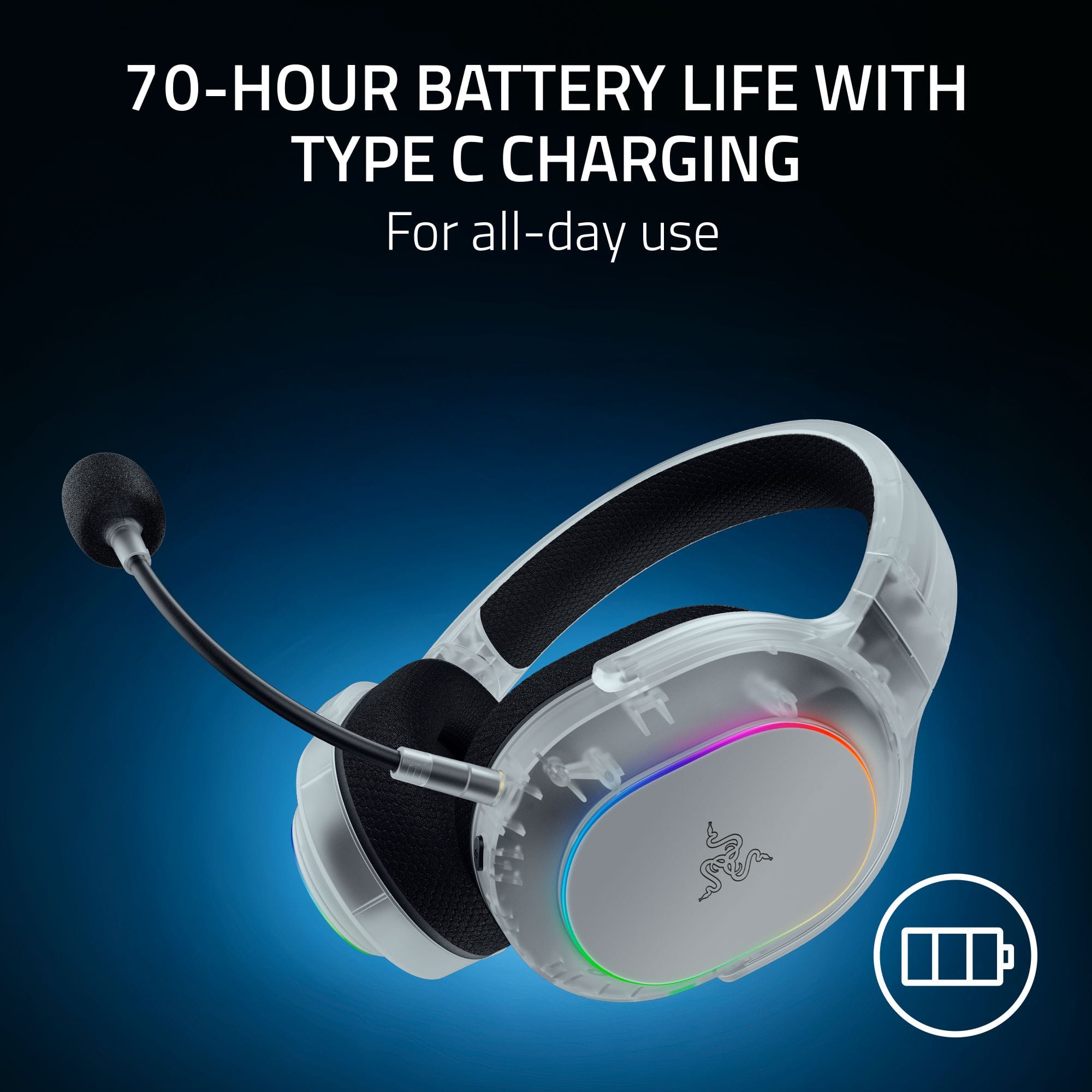
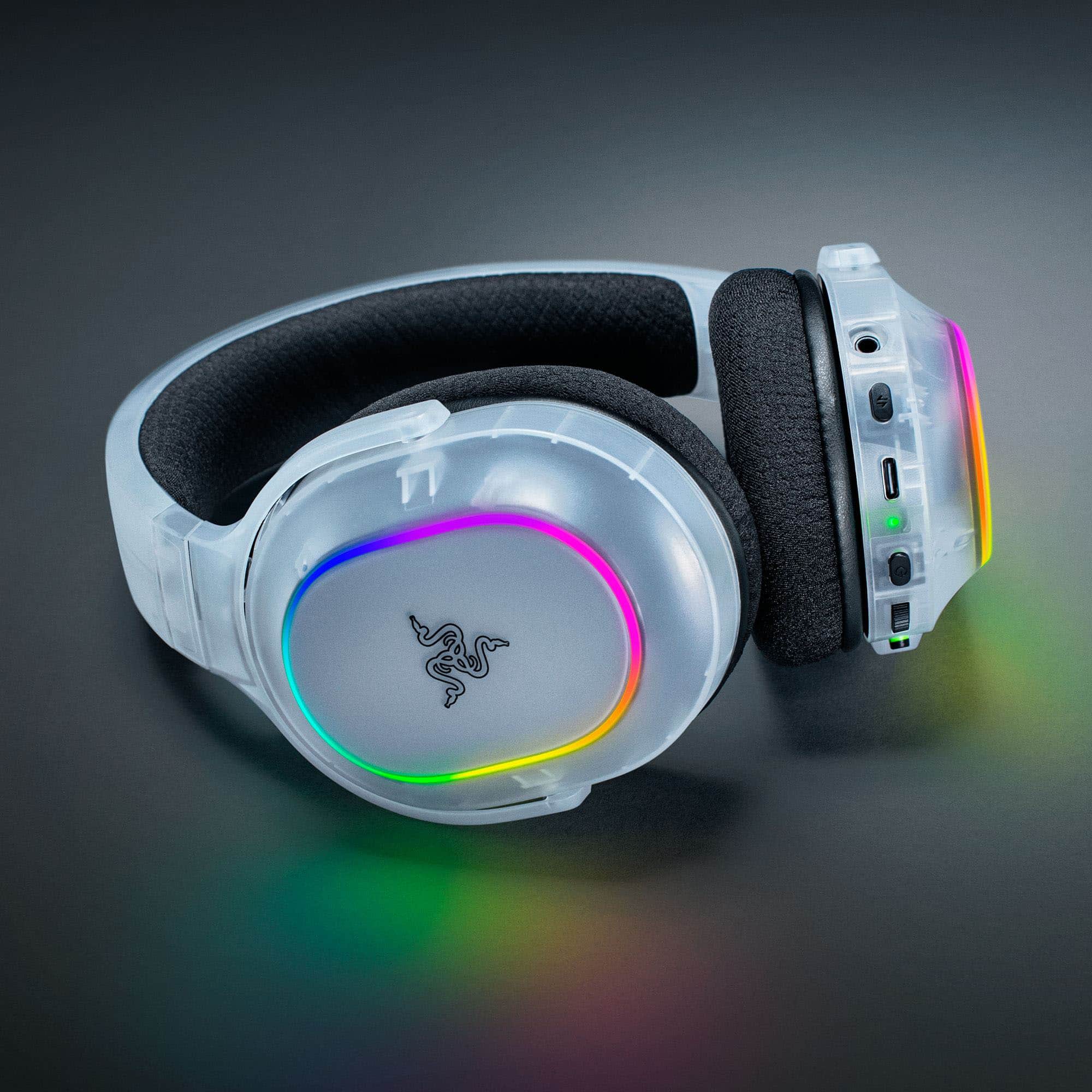
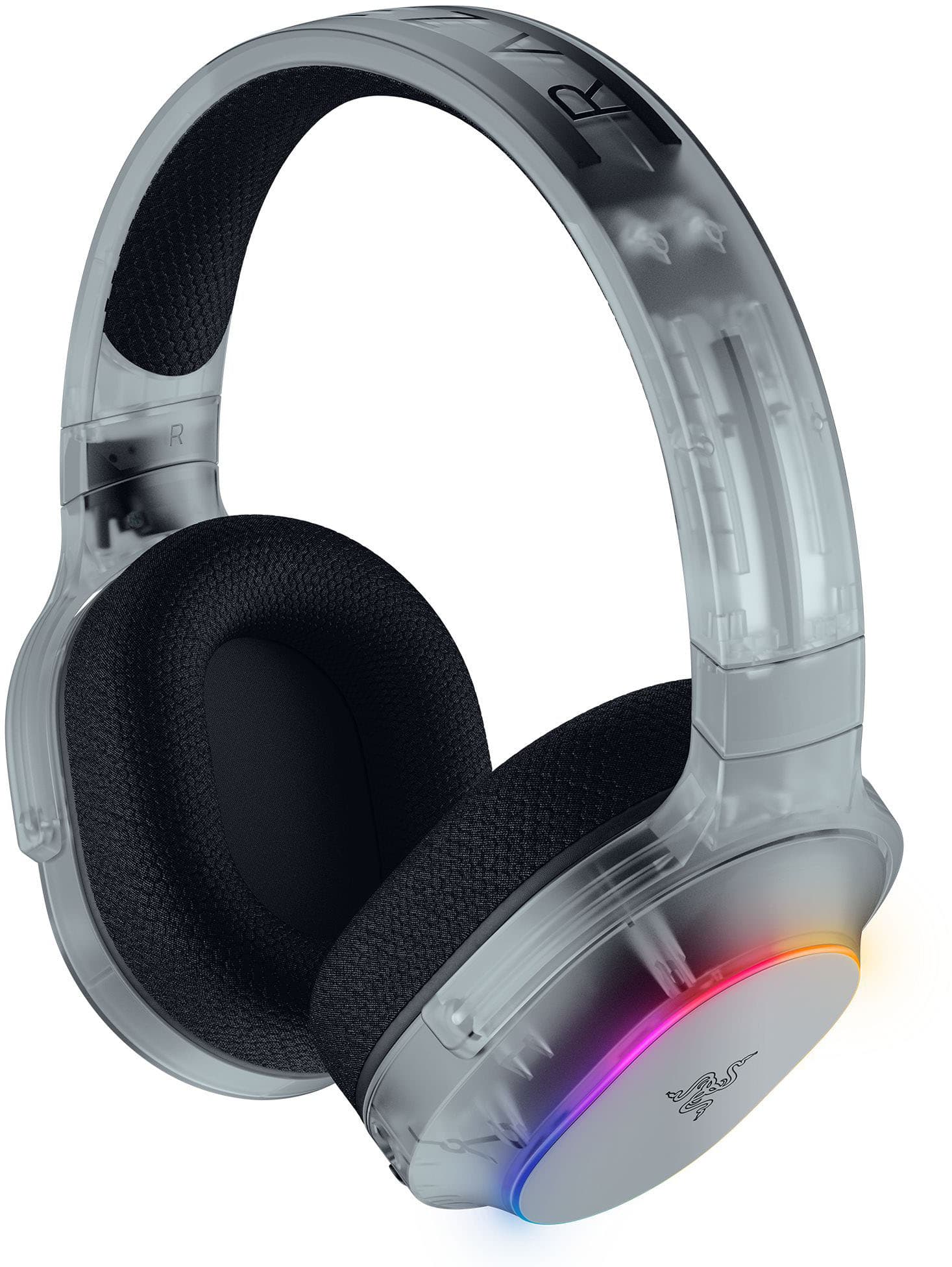
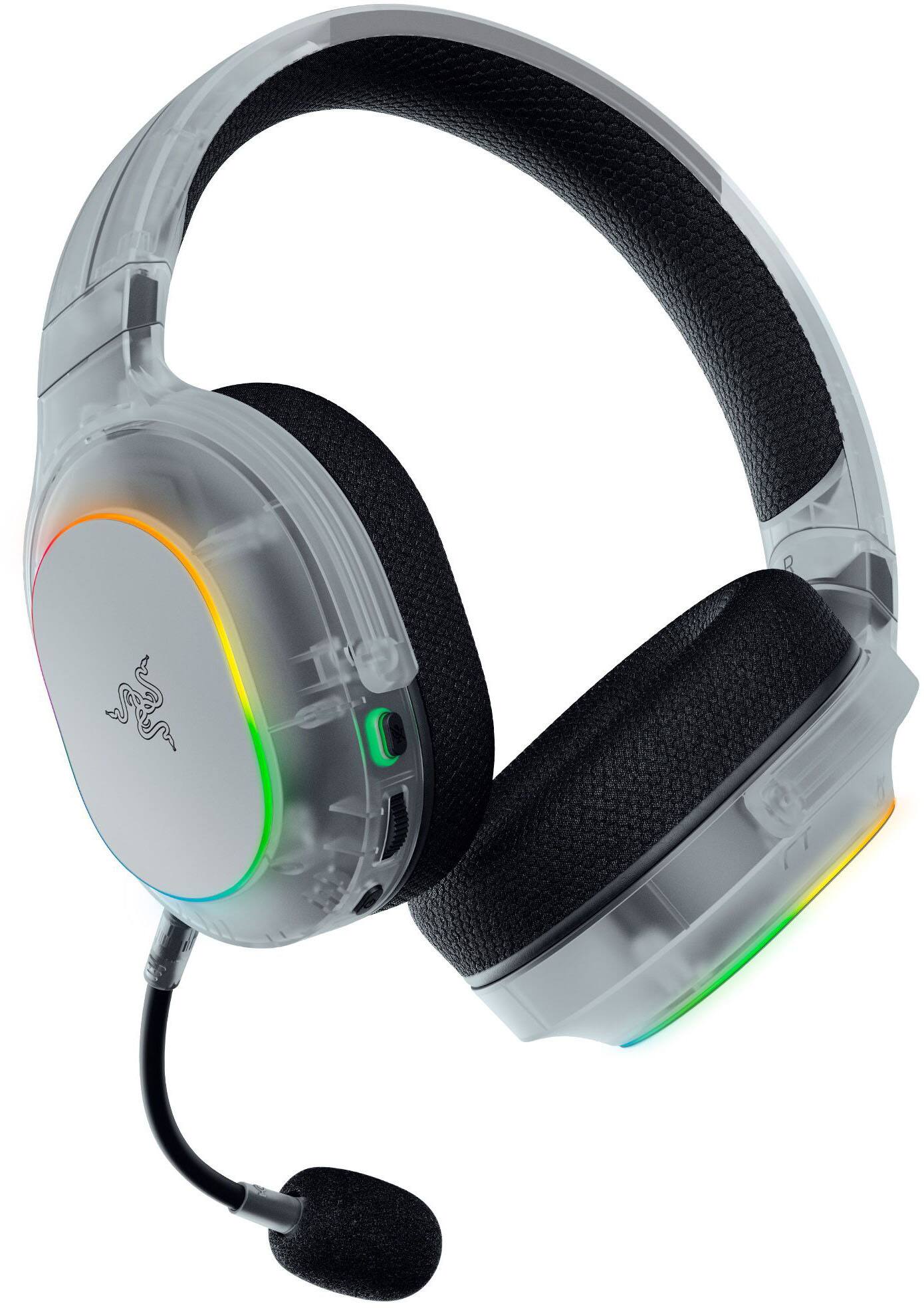
- Model:
- RZ04-05220400-R3U1
- SKU:
- 6642372
Rating by feature
- Value
Rating 4.5 out of 5 stars
- Quality
Rating 4.6 out of 5 stars
- Ease of Use
Rating 4.6 out of 5 stars
- Pros mentioned:Comfort, Sound quality
Overall 9/10
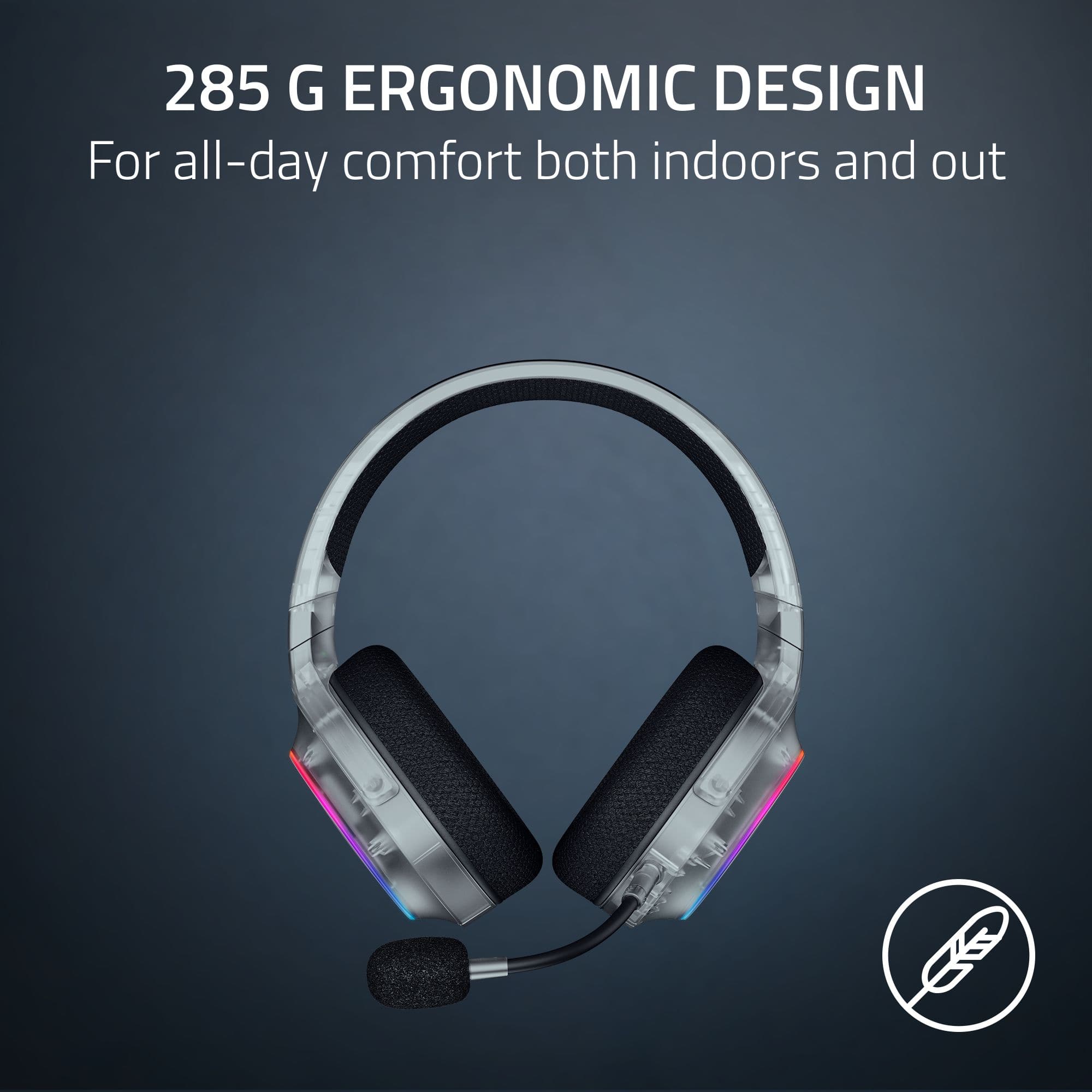
Posted .This reviewer received promo considerations or sweepstakes entry for writing a review.Excellent sound quality. Fits comfortably for every day use
I would recommend this to a friend - Pros mentioned:Sound quality

Lots of bugs to work out
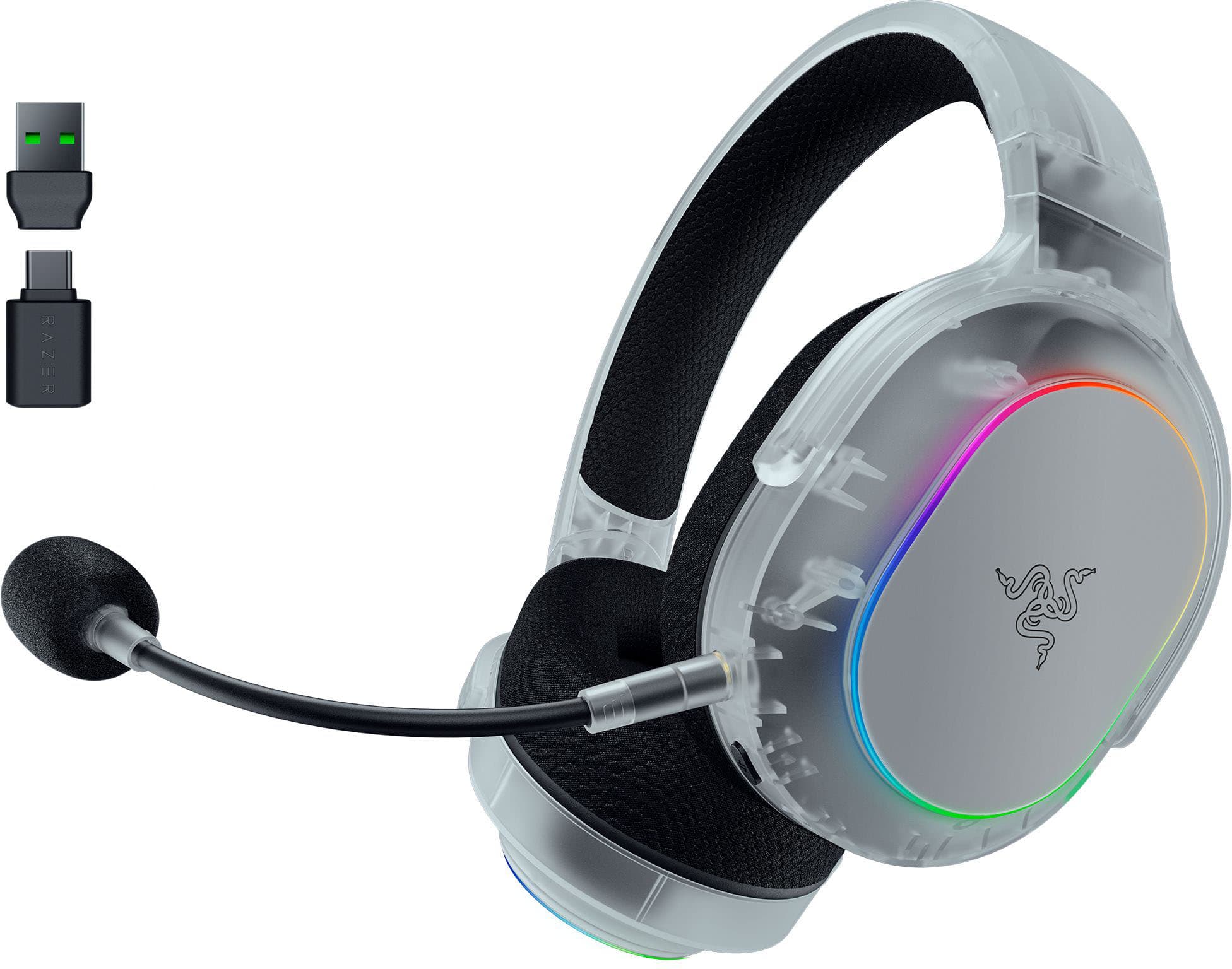
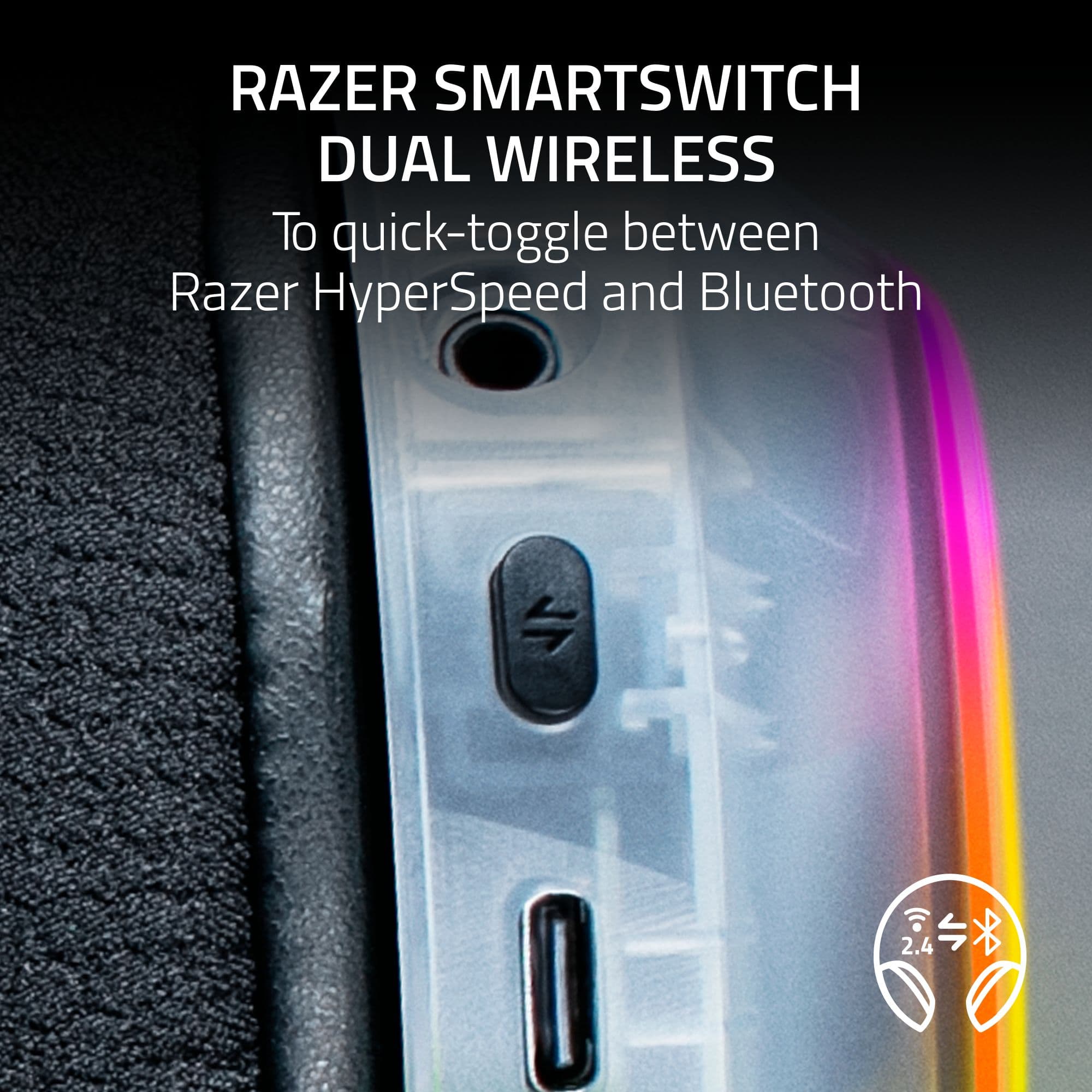
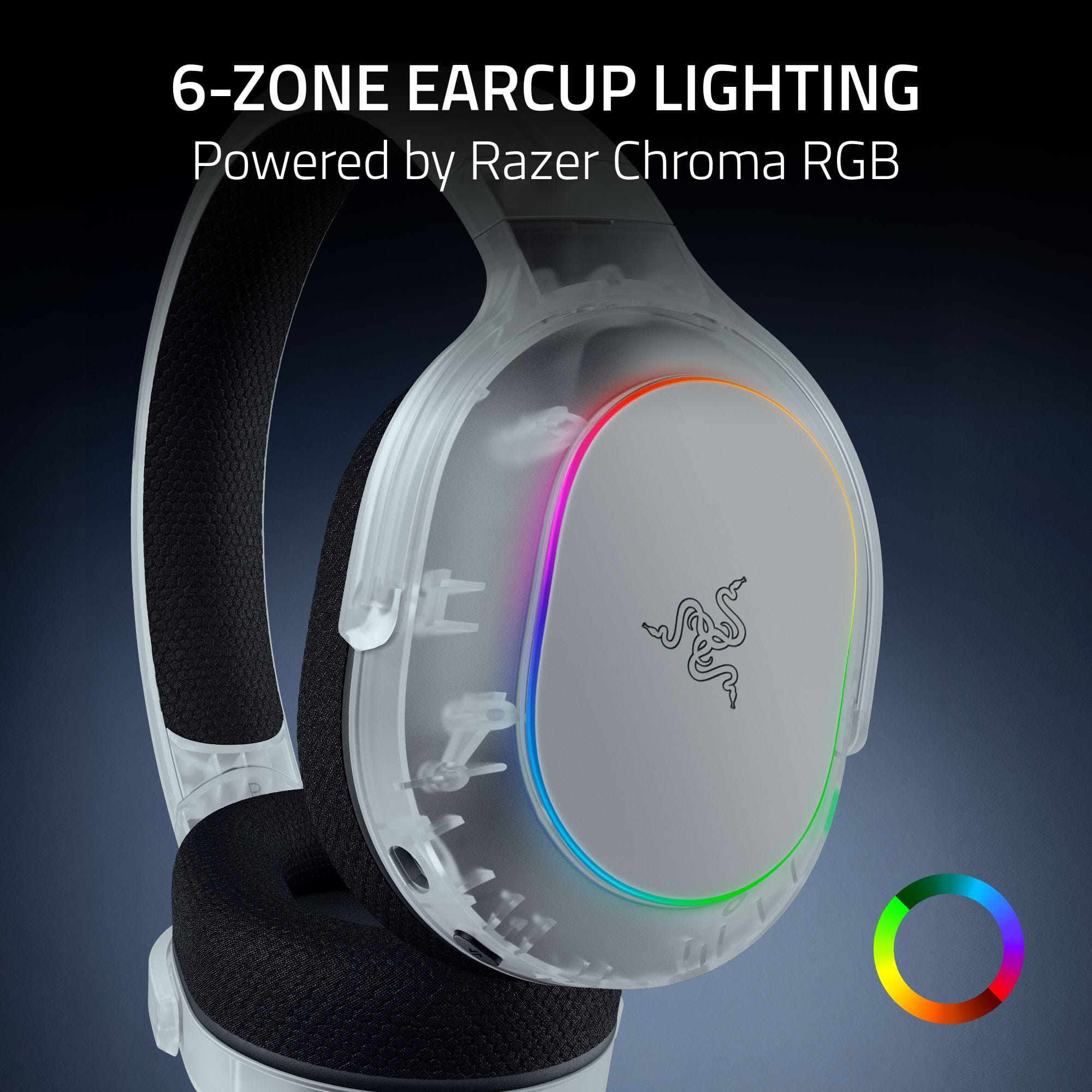
|Posted .This reviewer received promo considerations or sweepstakes entry for writing a review.I was really excited to get these headphones because my last pair (different brand) are falling apart. I will say that I was impressed with the build quality of these right out of the box. They're lightweight but feel premium, with soft breathable ear cushions and the same material along the top where it rests on your head. Easy to adjust and the chroma lights are awesome. The head band has tons of flex, to the point where you can twist it and it won't break. That's a big plus for durability if you carry these around in a bag. Unfortunately, that's where my good experience with these ends. I did the initial setup with my PS5, and it connected to the dongle. I was able to hear everything (the audio is crisp) but the microphone wasn't working. I double checked that it was plugged in completely and correctly, and it was. I went into the PS5 settings and it said the mic was muted, but it wouldn't give me the option to un-mute it. Toggling the mute button on the headset also did nothing. So I downloaded the Razer Audio app on Android and paired the headset via bluetooth. That's when things got worse. Initially, I was able to change settings, play with the lights, etc. But the headset stays in BT pairing mode with a flashing blue light, even though it's paired. Pushing the Switch button did nothing to return it to the 2.4ghz dongle in my PS5. Stuck, I held down the power button and after about 10 seconds the headset powered off. Powering it back on, it connected to the PS5, but the audio was 100% volume and couldn't be adjusted by using the wheel on the left ear. The microphone still wouldn't work. I decided to try it with my PC instead and see if it was a PS5 issue. It connected, but I faced the same problem where the switch button wouldn't switch to BT. Holding it down for 3-4 seconds puts it in pairing mode, and it connected to my phone, but it wouldn't switch back to 2.4ghz until I held down power for almost 10 seconds and it powered off, then powered back on. Maybe it's just my unit that has a bug. I downloaded Razer Synapse on my PC to see if there was anything I was missing, but nothing changed. It's really frustrating to have a headset that won't connect properly and a microphone that won't work. Based on my experience, I can't recommend this. Hopefully there will be firmware updates or something to correct this. Other reviews seem to love it so maybe I just got a bad unit.
No, I would not recommend this to a friendBrand response from Razer Customer Support
Posted .Hi there, thank you for your detailed feedback and for sharing your experience with the Barracuda X Chroma. We are happy to hear that you were impressed with the build quality, comfort, and design of the headset.
However, we are sorry to hear about the connectivity and microphone issues you encountered. This definitely is not the experience we aim to provide. We would appreciate it if you could reach out to our customer support channel at https://mysupport.razer.com/ for further assistance. Our team is here to help resolve these issues and ensure you have a seamless experience moving forward.
- Pros mentioned:Comfort
Gaming headset
Posted .This reviewer received promo considerations or sweepstakes entry for writing a review.My son picked these out and he seems to be very happy with them. They look aesthetically pleasing and have a comfortable fit. He hasn’t had one complaint about them.
I would recommend this to a friend - Cons mentioned:Compatibility
review
Posted .This reviewer received promo considerations or sweepstakes entry for writing a review.Love it but dosent work on xbox Need to program to a computer to use
I would recommend this to a friend Gaming headphones
Posted .This reviewer received promo considerations or sweepstakes entry for writing a review.Bought as a gift for my grandson. He absolutely loves them.
I would recommend this to a friendTerrible for PC
Posted .This reviewer received promo considerations or sweepstakes entry for writing a review.muffled mic in discord and sound in games don't bother with it i tried multiple different applications to fix it like synapse and all razer products doesn't work just buy a jack mic or a different Bluetooth headset.
No, I would not recommend this to a friend