Customer Ratings & Reviews
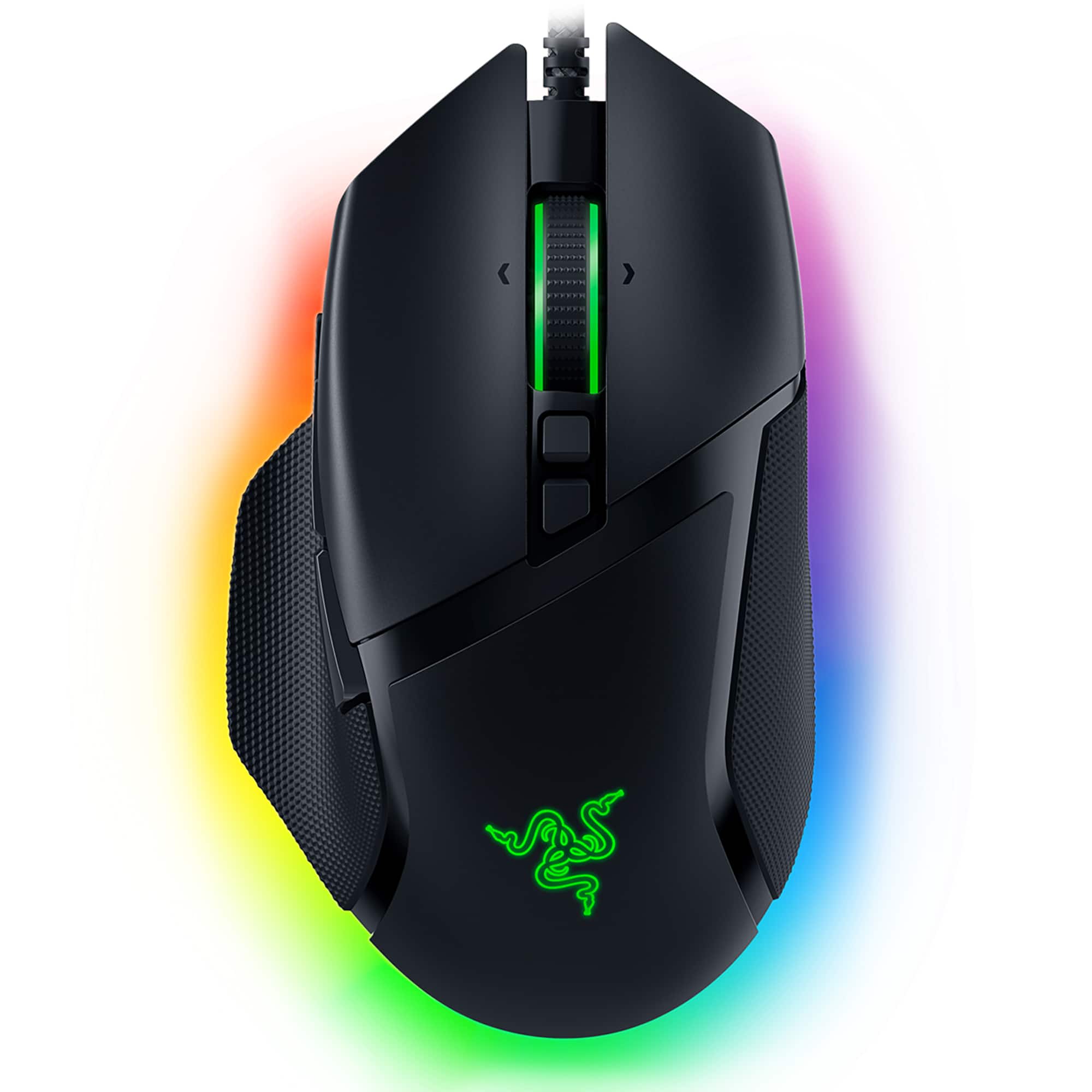



- Model:
- RZ01-04000100-R3U1
- SKU:
- 10102246
Rating by feature
- Value
Rating 4.7 out of 5 stars
- Quality
Rating 4.8 out of 5 stars
- Ease of Use
Rating 4.8 out of 5 stars
to a friend
Good mouse!
||Posted . Owned for 2 weeks when reviewed.This reviewer received promo considerations or sweepstakes entry for writing a review.The unlock mouse wheel button is too sensitive, but overall the mouse is good.
No, I would not recommend this to a friendUseless Piece of Garbage
||Posted . Owned for 1 month when reviewed.This reviewer received promo considerations or sweepstakes entry for writing a review.This mouse is literally a useless piece of trash. Dropped it once and it stopped working. Will never buy another razer product again.
No, I would not recommend this to a friendReview
||Posted .This reviewer received promo considerations or sweepstakes entry for writing a review.Too big for my hand so i had to return it to the store
No, I would not recommend this to a friendscott
||Posted . Owned for 9 months when reviewed.This reviewer received promo considerations or sweepstakes entry for writing a review.when gaming it some times wont click dont know if its the mouse or the the acer lap top
No, I would not recommend this to a friend
The best Razer-branded gaming mouse I've used!
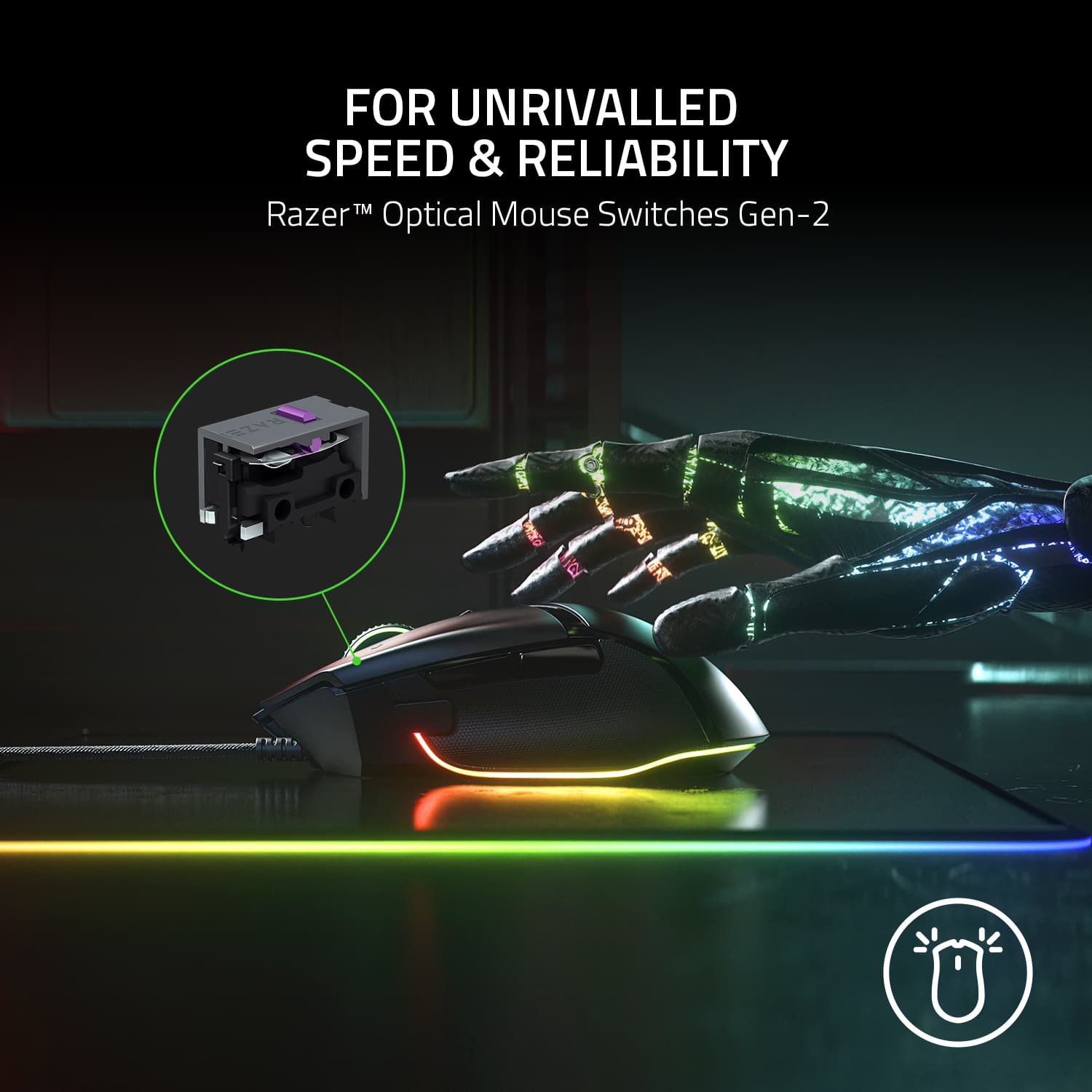
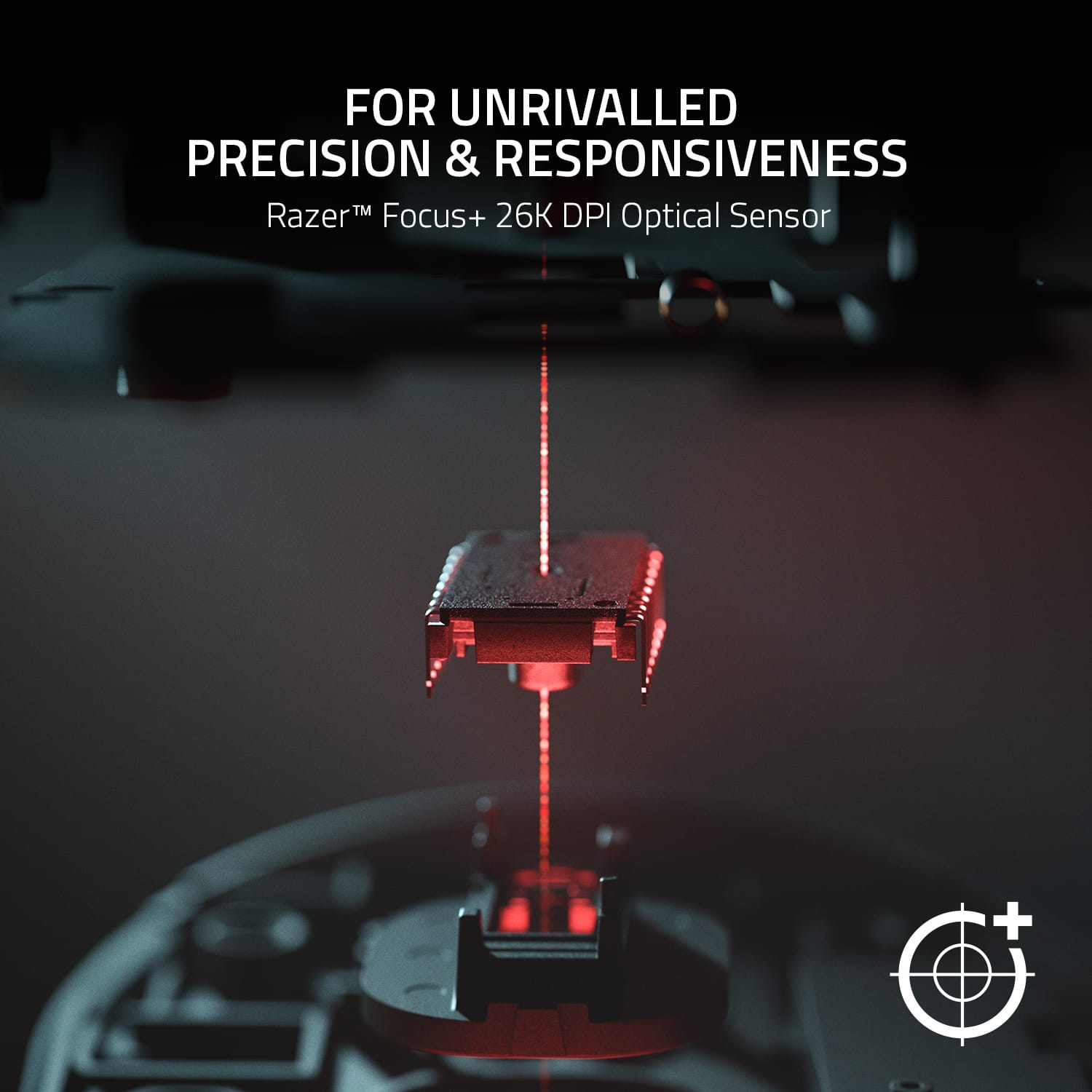
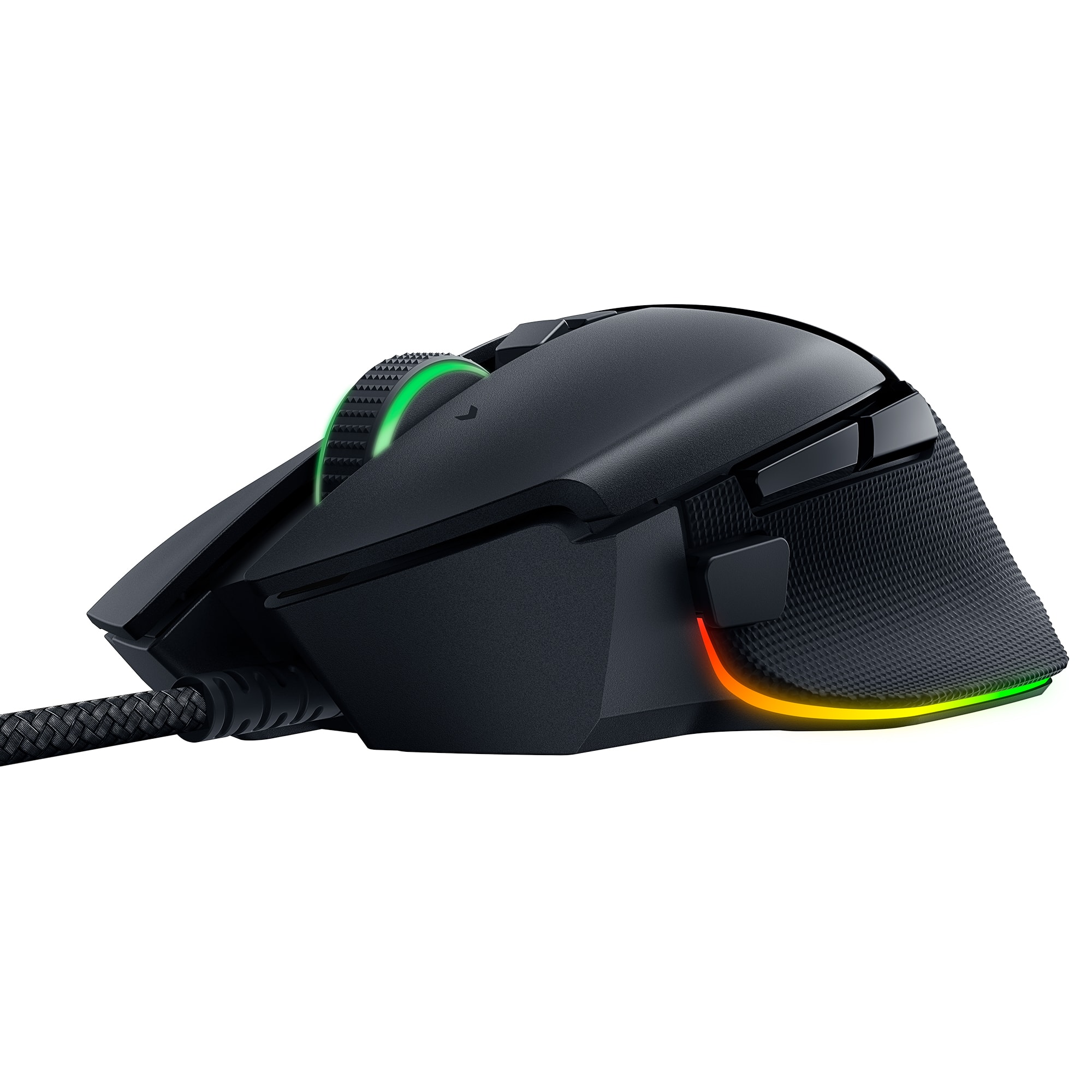
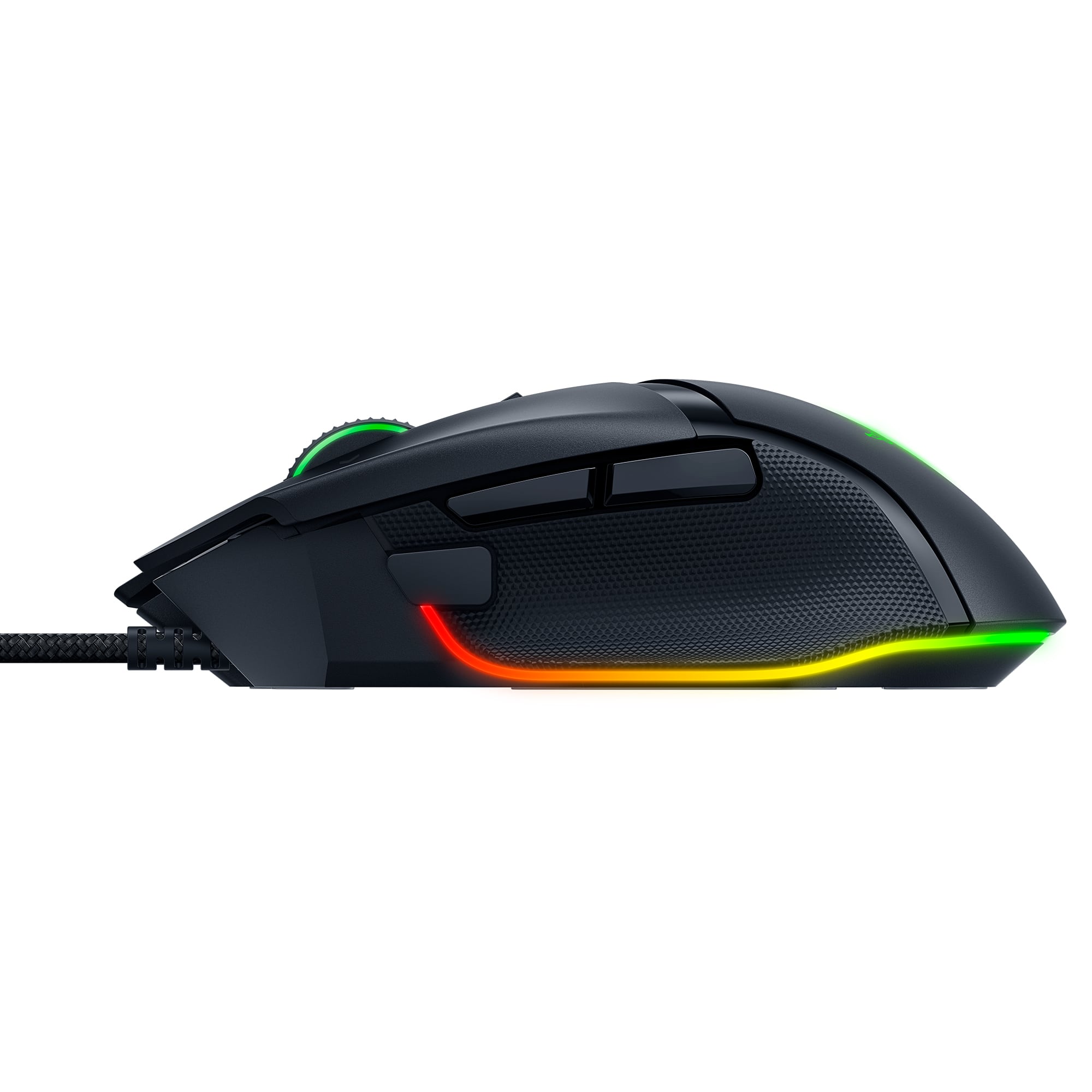
|Posted .This reviewer received promo considerations or sweepstakes entry for writing a review.I wanted to preface this by saying that I was unable to supply pictures for this review because I'm currently in-between phones right now and do not have my camera available. I was waiting to do this review to see if that would be resolved by now, but it hasn't. So, I'm going to go ahead an review this. I'm a huge Razer fan - always have been. I've currently got everything connected to my computer as Razer equipment. From my Raptor monitor, to my current V1 Huntsman Keyboard, Trinity mouse, headset stand and even mousepad. I haven't upgraded things in a a few years and I definitely don't play MMO games as much as I used to (nor MOBA's), making my Trinity mouse feel a little more useless than usual. I seen the opportunity to get the new Basilisk V3 mouse and thought it'd be nice for a change. I haven't used any other Razer mice besides the Naga and Trinity ones and I've heard that the Basilisk mouse is one of their top ones. I was excited to try it and I will say - I'm definitely not let down! The packaging is pretty basic. It's in a more "flimsy" than normal black and green box, which isn't very big at all. The advertised features include gen-2 optical mouse switches, 11 RGB lighting zones, Focus+ 26k DPI sensor, Hyperscroll Tilt Wheel and 10 +1 programmable buttons. I tend to downplay features on most electronic devices because let's be honest, they're mostly marketing "fluff". However, in use, the one feature that really surprised me the most with this mouse is the Hyperscroll Tilt Wheel. Now THIS is where it's at. I've been using my Logitech G502 wireless mouse a lot on my laptop gaming PC and have really come to love it, especially the scroll wheel. There is a button that you can click to change it from a "smooth" super-glide scroll wheel over to the "clicky" scroll wheel. I LOVE this feature and am SO glad to now have a Razer mouse that uses it! And also to one-up my other mouse, you can even change this in the Synapse software, if you wanted. The optical switch is nice and clicky, without being annoyingly clicky. The Chroma RGB is typical Razer, except on this mouse, there's a strip at the bottom that creates this neat "flare-out" effect on your mousepad. Almost like an underglow. The programmable buttons are pretty typical and while the Focus+ 26k DPI sensor is nice to know you have....in reality....why? I don't know anyone who would use their DPI that high. Even myself, I usually keep my DPI between 800, 1200 and 1600, with 3 stages. I don't know anyone that would realistically use anything this high. But hey, it's there if you want it. The form factor is great and the mouse is light enough for not only gaming, but every day use, if you wanted to. My only real issue I had is just more of the "drag" feel across my mousepad. Underneath, there are two rubber feet up at the top of the mouse, one on the bottom and one on the left side (where the thumb buttons are). This mouse could have for sure benefitted from having another foot on the right side. Dragging it to the left feels fantastic, but dragging it to the right just feels....I don't know how to explain it. Just a tad different. I tested this mouse in New World over the weekend, as well as CoD: Cold War and both games felt absolutely fantastic with it. Given the price of this mouse with all of the features, I highly recommend it and would give it a straight up 5/5 stars. I'll be keepig this as my main desktop mouse and setting aside my Trinity mouse in case I ever decide to pick up an MMO down the road.
I would recommend this to a friendlightning fast with self-adjusting scroll wheel
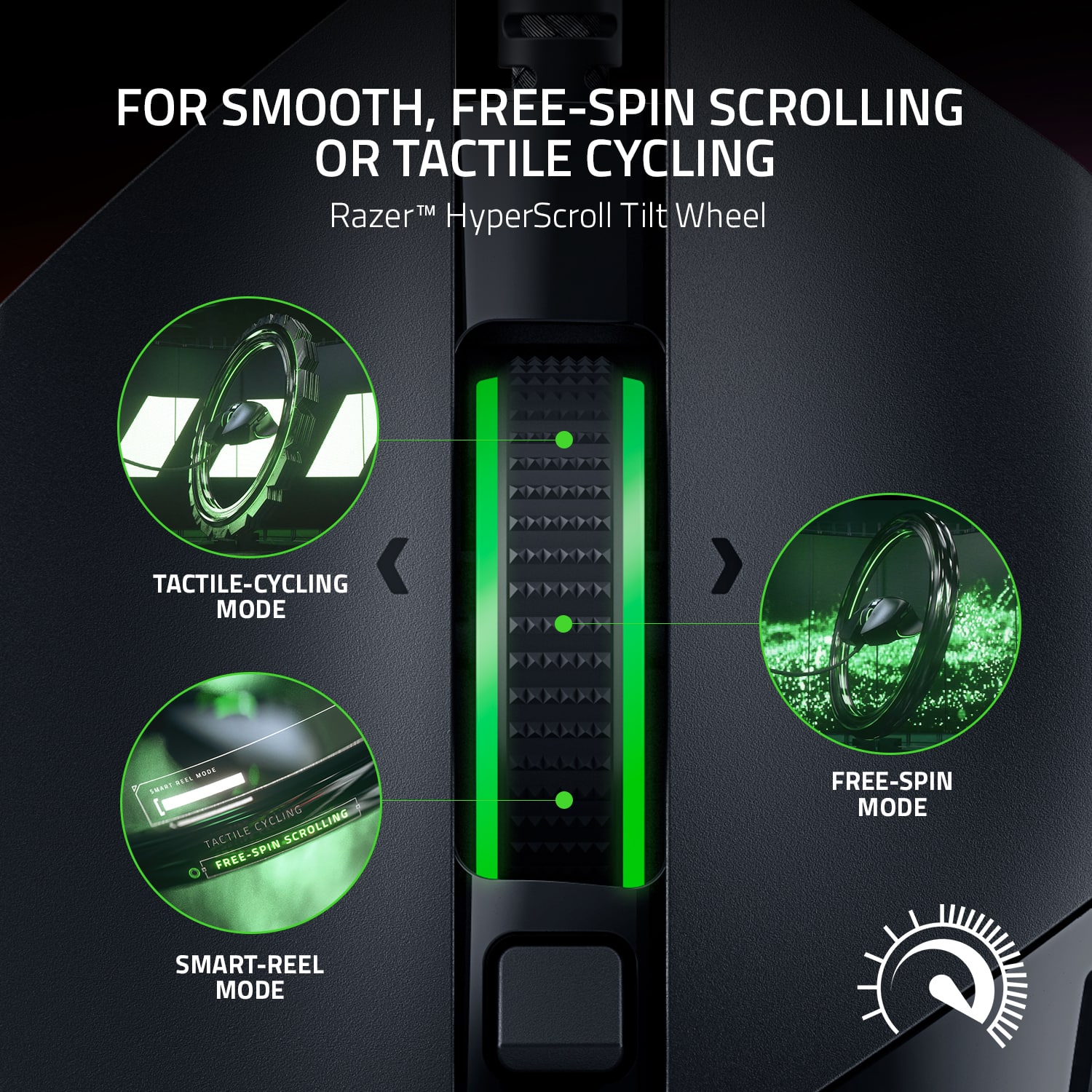
|Posted .This reviewer received promo considerations or sweepstakes entry for writing a review.At this point, Razer has been in the game long enough where there are few basic assumptions I make, and Razer always fulfills: 1. the ergonomics are near perfect 2. performs really crisply in games 3. lights. lots of lights. with programmability using the Razer Synapse software So, with that out of the way, what sets the Basilisk ver.3 apart from my other Razers (Adder, Death Adder, Mamba, Naga, etc)? Well, for one, there's no wireless option on the V3. That's probably the only negative I could come up with for the Basilisk V3. I never used the previous versions of the Basilisk, but this current iteration has a small square button below the 2 thumb buttons that slows the mouse sensitivity down - i.e. sniping mode. Worked really well in Overwatch. The button isn't removable, which means less chance of me bumping it off and losing it forever in my bag. The sets-this-apart feature is definitely the scroll wheel. As I alluded to, I've got a lot of Razer peripherals, mice included. They all perform beautifully. Other than the Naga which is set up for MMO games, the rest all feel and fit pretty much the same in my hand. Basilisk is no different. So what's unique? The scroll wheel. It has a nice tactile scroll at slow speeds, but if you spin the wheel faster, the mouse automatically shifts to continuous mode, which allows for smooth scrolling through long webpages, excel rows, etc. Slow down, and the mouse switches back to the tactile mode. You can adjust the bar at which the mode switches, but for me, the default switch worked just fine. Which was great, because I could get in some game time, then go back to pivot tables in Excel for work without having to mess with a bunch of settings. This mouse did a great job covering both tasks.
I would recommend this to a friendLightweight and smooth
|Posted .This reviewer received promo considerations or sweepstakes entry for writing a review.I’ve been using my old mouse for the past 5 years, give or take. Its been a good mouse, but I knew it was time for an upgrade. Razer has been well-known for their gaming brand and the prices are reasonable. Needless to say, I’ve been excited to try out a newly released product by them. My first impression was how light this mouse was compared to my other one. Honestly, I’m a big fan of a heavy mouse. Not only does it represent quality in my mind, but I feel like the weight adds precision and balance. In my older mice, that would have optional weights, I would add them all to enjoy the heavier feel. Especially with wired mice with no batteries, they felt too light. I was slightly disappointed at first with the weight, but it started to grow on me. After using it a few days, its nimble and easy to move, and really haven’t noticed the weight difference. The first thing I did was install the Synapse software by Razer. So many options and customizations! Gamers can truly tune their mouse for precision results and add different profiles for different games. The lighting on the mouse is also an attractive feature. Out of the box, the mouse portrays ambient colors that change ever so slowly. The lights are also wrapped around the bottom (more bottom-facing) that surround the mouse and looks good against my mouse pad. Do people still use mouse pads?? There is an option to switch from a clicking scroll to a free spin roll on the mouse, and can be controlled from the mouse itself with a button and the Synapse software too which is pretty fancy. You can feel the adjustment on the mouse when it switches. And of course you can customize your buttons which is a must for RPG games. I also need to throw in that I love being able to open programs with a click of a mouse button now. Overall the mouse feels smooth and has been growing on me more and more, lighting is amazing, gaming has been enjoyable. I think Razer did a great job with this mouse. Its very responsive, extreme sensor tracking, aesthetics are sexy, and very customizable and programable.
I would recommend this to a friendGreat
Posted .This reviewer received promo considerations or sweepstakes entry for writing a review.This mouse is comfortable and responsive, with precise tracking that works well for gaming and daily tasks. The buttons feel solid and clicky, while the ergonomic shape reduces hand fatigue. Adjustable DPI settings add flexibility, making it reliable for different play styles.
I would recommend this to a friendLovin’ this Razer Basilisk
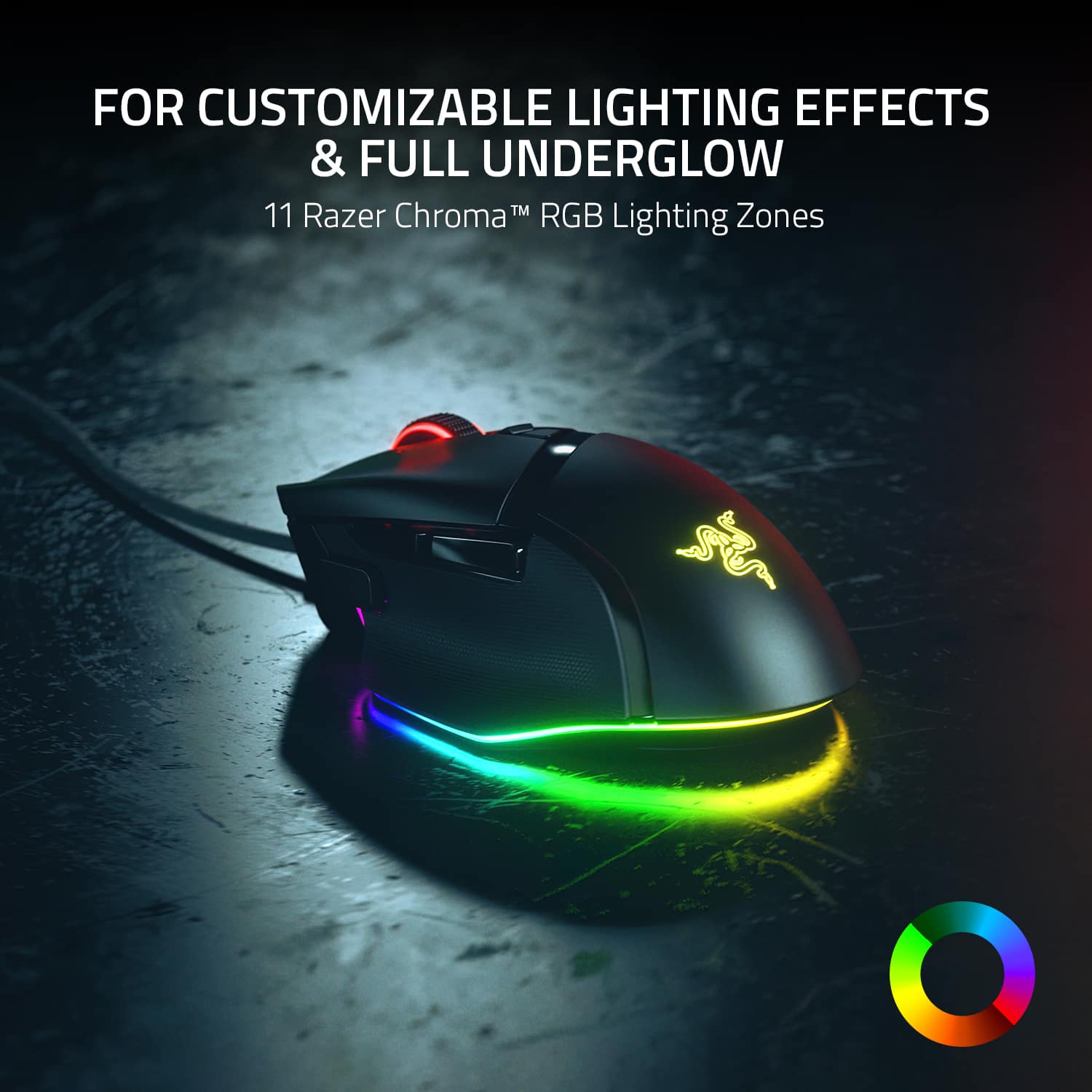
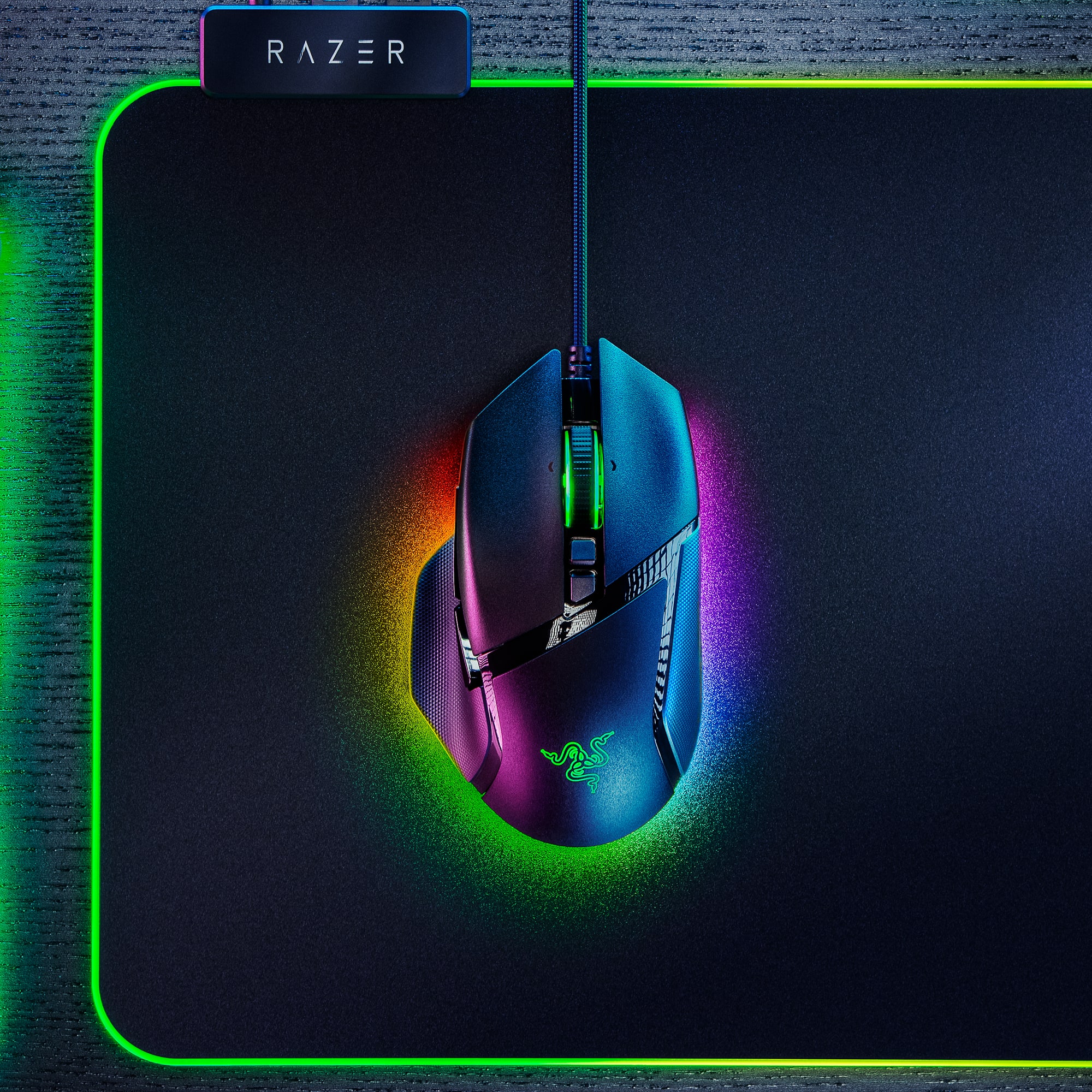
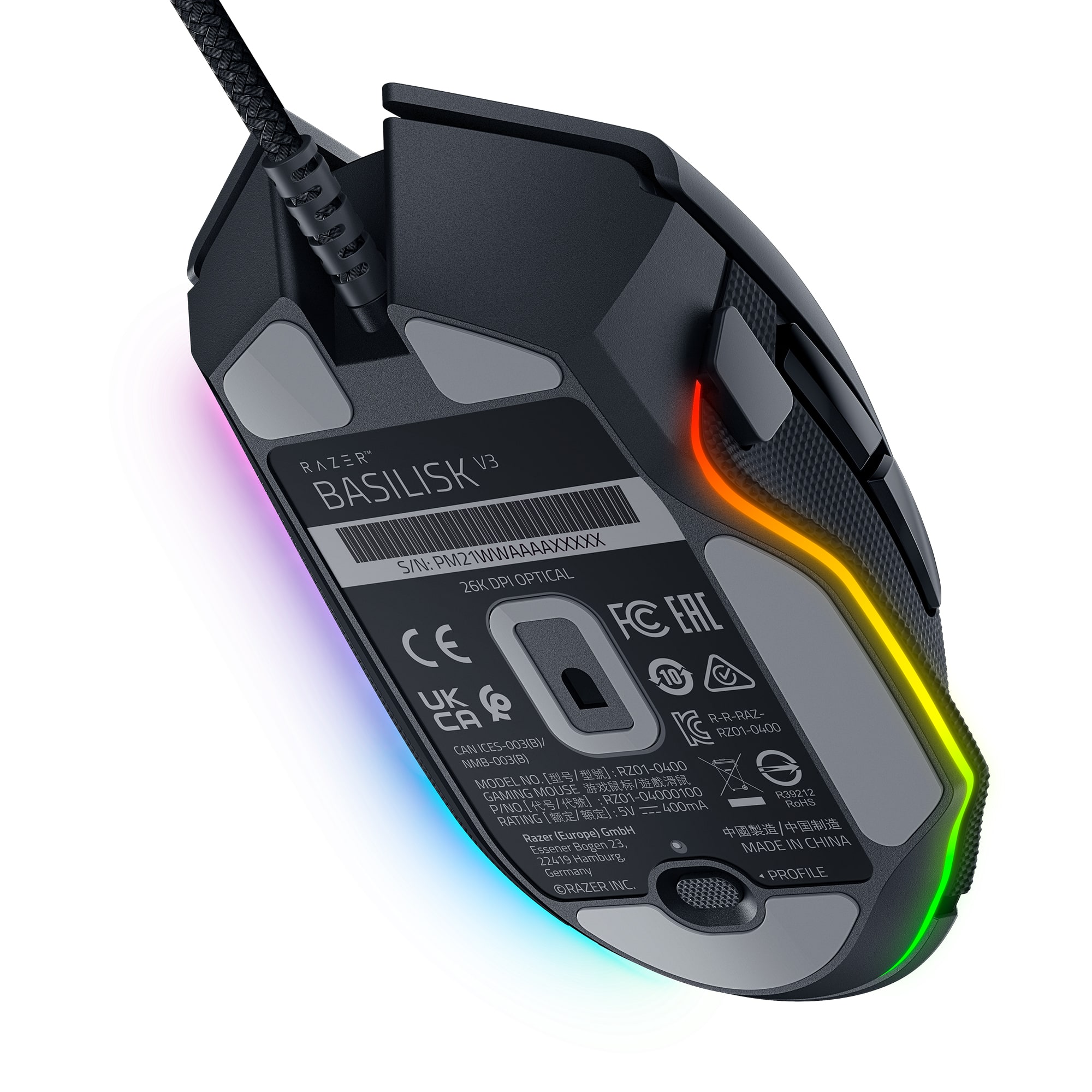
|Posted .This reviewer received promo considerations or sweepstakes entry for writing a review.I can’t say enough about how awesome this Razer Basilisk V3 Gaming Mouse is! Where to start … ? Well, it’s beautiful. Even before the lights come on. The delicately understated texturized surface on both sides of the mouse is simply perfect (IMHO), which compliments the matte black shell of the mouse itself. I’m really lovin’ the asymmetrical shape of the Basilisk, too. This Basilisk glides across my Razer mouse pad on its ultra slick mouse feet as though it were the legendary creature it’s named after, stealthily swimming through water hunting its prey. And the weight of the mouse is ‘just right.’ The fabric braided Speedflex cable is oh so soft, and flexible, yet strong. More than long enough, with a handy rubbery adjustable cord minder attached. And the hyper scroll tilt wheel … so smooth and precise. A notable ‘new’ feature on this particular Razer mouse, is the multi-function trigger on the thumb rest side. Placement of this trigger is right there where you need it, but by no means “in the way.” And … oh yes! The lighting! I love, love, love computer accessories that have pretty lights which adds to the fun factor. This Basilisk, of course, boasts Razer Chroma RGB so you’re able to customize visual and lighting effects for this gaming mouse’s 11 lighting zones using Razer Synapse and Chroma Studio. Fun, fun! So how does this Razer Basilisk perform? Wonderfully! I’m not the type of gamer that needs lots of buttons. But this mouse is customizable, with 10+1 programmable buttons, so for gamers who are wanting more specialized personalization, that option is there. Again, by making use of the Razer Synapse, along with the Razer Cortex software. Now as a ‘girl gamer’ my hand is more on the smaller side, yet the Razer Basilisk fits me so very comfortably. The ergonomic design is awesome. I’m really, really enjoying playing with this mouse. So far I’m not experiencing any wrist fatigue. This Razer Basilisk is a beautiful beast! Capture one.
I would recommend this to a friendNeed better customer service.
||Posted . Owned for 3 weeks when reviewed.This reviewer received promo considerations or sweepstakes entry for writing a review.Was told that it would work with my son's computer. It does not.
No, I would not recommend this to a friendNice upgrades to already good mouse
|Posted .This reviewer received promo considerations or sweepstakes entry for writing a review.This Razer Basilisk V3 is a really nice option for those who are gamers, but also want a mouse that works great for work and household computer use. No surprise that the ergonomic design makes for extended, comfortable use. I like the built-in thumb paddle, feel of the mouse surfaces and smooth glide of the PTFE feet. No issues with the braided cord and I’d have no qualms with sticking with a corded mouse. A stand out feature of the V3 is the Razer Chroma lighting. Surely one can find the ideal lighting via the Razer Chroma studio. Create your own or go with established modes to keep things visually interesting. Kind of nice how something like the underglow feature can add just enough to make a mouse even better. Synced with Razer keyboard makes the effects even better. Personal configuration is awesome with Razer Synapse and seemingly limitless with ten buttons and various saved profiles. An underside switch allows one to cycle through the profiles. The HyperScroll Tilt Wheel is pretty interesting that it allows Tactile or Free Spin modes. Depending on use one might want the more clicky, precise scrolls versus the unrestricted free spin until stopped. By spinning the wheel quicker Smart Reel will put the wheel into Free Spin automatically. For work, this is a nice feature to have available. The V3 has some nice improvements to functionality, great overall feel and build quality and one will be amazed at how enjoyable the Razer Chroma lighting is. Strongly recommend the Razer keyboard too.
I would recommend this to a friendNot usable
||Posted . Owned for 1 week when reviewed.This reviewer received promo considerations or sweepstakes entry for writing a review.The item was damage to the point it was not usable.
No, I would not recommend this to a friendNo mouse pads
||Posted .This reviewer received promo considerations or sweepstakes entry for writing a review.It’s a good mouse if you don’t use a cloth mouse pad since it can’t track on mouse pads
No, I would not recommend this to a friendMy first Razer mouse, and I love it
|Posted .This reviewer received promo considerations or sweepstakes entry for writing a review.I have had gaming mice from most major brands, but have somehow never had any Razer peripherals before. This Basilisk V3 mouse has been very impressive so far, especially at this price point. I am very impressed with the Razer software to adjust settings and lighting. It is well laid out and easy to use, unlike some of the competition. Feels great in the hand, and the rgb lighting is well designed. I love how it makes my mousepad glow a bit. The star of the show has got to be the scroll wheel though. It is tactile and solid-feeling, while also allowing free-scroll. After using an office mouse that had tactile bumps or free scroll on the wheel, it's nice to have. I like having one mouse I can use for gaming, and then switch over to a more web-browsing/general use mouse without having to have multiple devices. This mouse is not as light as some I have used in the past, but it honestly hasn't been difficult to transition to a more "normal" weighted mouse. It's not heavy by any means, but it is heavier than some of the super light 60g gaming mice on the market today. I would classify it more as a mid-weight model. Definitely would recommend this mouse for general PC use as well as gaming.
I would recommend this to a friendPoor quality item
||Posted . Owned for 1 month when reviewed.This reviewer received promo considerations or sweepstakes entry for writing a review.This mouse does not work, how do I exchange it for another?
No, I would not recommend this to a friendAmazing Value for the Features
Posted .This reviewer received promo considerations or sweepstakes entry for writing a review.I got this mouse as a gift after building my gaming PC and transitioned from a regular Logitech wireless mouse. The size of this mouse is SOOO much more comfortable and the variable DPI is useful when I switch between gaming and working. The programmable side buttons are great, and I'm used to them from my old mouse so I'm happy they're included. I didn't know about the smart scrolling until I was playing with the RGB settings and I fell in love with this feature! For the price and features, this mouse feels amazing and hopefully it will last me a while. It even helps me game longer by helping with my wrist/hand fatigue that I'd get with different mice.
I would recommend this to a friendcomfortable, lightweight mouse
|Posted .This reviewer received promo considerations or sweepstakes entry for writing a review.wasn't quite sure about switching from a wireless back to a wired mouse. but this one has been pretty good. install was a breeze and the synapse software autoloaded upon plugin which made things easy. the mouse cord is very nice a lightweight, you barely notice it's tethered. the lighting it well placed and pretty cool how it glows from underneath the mouse. the performance has been quite good. i jumped in a played a few fps games right away and had no troubles adjusting to the new device. and the accuracy and speed at which it functions is top tier. so far i'm very satisfied with this device. i would recommend to others.
I would recommend this to a friendSolid first Razer experience
|Posted .This reviewer received promo considerations or sweepstakes entry for writing a review.I recently picked up the Razer Basilisk v3 to try in place of my current logitech G403. I like the shape of the G403 but just like with keyboards I'm still always interested in trying something different to see how it compares. I also have a OG logitech MX510, OG SteelSeries Sensei, wired logitech G pro, and the logitech G403 to compare it to. So far I am enjoying the Basilisk shape and switches. The shape fits my hand well and I find it to be very ergonomic for longer gaming sessions. It also provides good control over the mouse with my finger tip style grip. Good for FPS and RTS, im sure its lacking buttons for hardcore WOW players and the like. Switches feel good as well with a good amount of effort, not too stiff and not too light where you are constantly ghost clicking. I really like the scroll wheel on the basilisk v3 and it has some neat features like the ability to change from a tactile scroll to a completely free scroll feel. The scroll wheel can also scroll left and right which is nice, not the first mouse ive owned with this feature but my last few logitechs didnt have this. Can customize button functionality in the synapse software for different games or applications. Synapse isn't quite as terrible as I would have expected but I also feel a 500mb application is a bit much just to change button bindings and RGB patterns. Being a razer mouse the basilisk is full on with its RGB. Plenty of patterns to choose from and its nice and bright. The mouse has sort of a underglow to it which is actually kind of cool. Im not a huge RGB guy so this wasn't a selling point to me but if you are all about the color schemes you can certainly achieve whatever your theme is with this mouse and the synapse software. DPI is easy to adjust in the synapse program and comes with 5 different presets out of the box, up to 26k DPI if you can somehow even tolerate a sensitivity that high. Overall a great mouse option for most types of gaming as long as it fits your hand and your grip well.
I would recommend this to a friendGreat for gamers
|Posted .This reviewer received promo considerations or sweepstakes entry for writing a review.Coming from a standard wireless mouse, the V3 definitely felt like an upgrade. Except in one area. Unboxing and setting up are relatively straight forward. I appreciate the longish cord as well as the cloth-like covering on it. It makes the V3 feel more like a wireless mouse, and less "constrained" if that makes sense. Buttons Buttons everywhere! Ok. My other mouse had 4 buttons, including the wheel. Coming to the V3 made me immediately see the endless options for so many buttons. In "standard" use, I use the two left bottom buttons as a back - forward combo for browsing. It also works perfectly in foobar2000 to switch tracks. Cool beans! There is a 3rd button below the top left button which can be assigned to whatever you want. Of course you can read all this in the product description, so I'll try to be brief. I love the texture of the mouse, and (what I consider) the thumb-rest on the left side. It (for me) is perfect, and I have gigantic hands. It actually feels like it is tailor-made for me. Now, the one reason this didn't get 5 stars is a pet peeve of mine that freaked me out until I got it fixed with the Razer software - somewhat. That is, this mouse would not track on my glass slide out tray on my desk. I would move it around a foot in each direction, and the V3 acted like it was off. I later found settings in the wonderful Razer Synapse app that let me modify to DPI, and frequency settings. And the V3 began tracking on CLEAR glass. In the settings, make it as sensitive as you can tolerate if you are using it on a glass-top. You will thank me later. Also using the app you can program the RGB lighting on the V3 as you wish. There are several pre-defined modes (Fire, Breathing, Static, etc) - or you can create your own. OR (and this is what I love) you can mix it up by using a different setting for each RGB light. Going too far? Maybe, but I think it's fun. This is my first mouse with RGB lighting, so I'm like a kid with a new toy to play with. If you also have a Razer Keyboard (which I highly suggest) you can sync the RGB of both together. And the results are....Stunning! This is the perfect mouse not only for gaming, but for daily use as well. In looking at competitors, none offered the quality or the range of features that the V3 provides. I am a Razer customer for life now. Quality products at a reasonable price range. I would recommend this to anyone.
I would recommend this to a friendGreat features and customization
|Posted .This reviewer received promo considerations or sweepstakes entry for writing a review.I’m pretty sure I have never had a gaming mouse with this many buttons and levels of customization and I’ve had quite a few gaming nice in my time. First and foremost, the lighting on this Razer is awesome and perfectly compliments their gaming keyboards. Pair the two together and you’ll have a light show regardless of whether you’re gaming or working. Mine gets regularly noticed on work calls! From a programmability standpoint, the Razer Synapse software allows you the ability to configure all your Choma enabled devices to the same lighting, and goes a step further by connecting apps and games with this integration as well. Think of this as the kind of immersive experience you’d get from the connected light strips you’d put behind your living room TV and it will start to make sense when you’re playing games in a dark room. Synapse also allows you to configure all of the buttons down to the application level as well as complex macros. The software is pretty user friendly and makes the entire process very seamless. Razer is a true leader in the gaming device space and sue say the Basilisk is a must buy if you’re in need of the latest and greatest.
I would recommend this to a friend