Customer Ratings & Reviews


- Model:
- RZ01-04000100-R3U1
- SKU:
- 12139874
Rating by feature
- Value
Rating 4.7 out of 5 stars
- Quality
Rating 4.8 out of 5 stars
- Ease of Use
Rating 4.8 out of 5 stars
Recommend it
||Posted . Owned for 1 week when reviewed.This reviewer received promo considerations or sweepstakes entry for writing a review.Excellent gaming mouse, will work for any other purpose too beside gaming
I would recommend this to a friendNice for the price
||Posted . Owned for 3 weeks when reviewed.This reviewer received promo considerations or sweepstakes entry for writing a review.Nice but a lil on the expensive side. Fast action though
I would recommend this to a friendGreat!!
||Posted . Owned for 3 weeks when reviewed.This reviewer received promo considerations or sweepstakes entry for writing a review.I love the way this mouse fits in my hand. It’s easy to maneuver and I can change the speed of the cursor with the click of a button
I would recommend this to a friendGreat Product
||Posted . Owned for 1 month when reviewed.This reviewer received promo considerations or sweepstakes entry for writing a review.Excellent product works extremely well easy to use just like the rest of razers lineup of keyboards and gaming mouses
I would recommend this to a friendLove it
||Posted . Owned for 1 month when reviewed.This reviewer received promo considerations or sweepstakes entry for writing a review.Like this so much! Perfect to play videogames, very fast response
I would recommend this to a friendGaming mouse
||Posted . Owned for 1 month when reviewed.This reviewer received promo considerations or sweepstakes entry for writing a review.Great mouse. Works great and I love the thumb resting place
I would recommend this to a friendRazer Mouse
||Posted . Owned for 1 month when reviewed.This reviewer received promo considerations or sweepstakes entry for writing a review.great mouse tons of features an looks great comes with its own software too.
I would recommend this to a friendLove it!
||Posted . Owned for 1 month when reviewed.This reviewer received promo considerations or sweepstakes entry for writing a review.i loveeeee this mouse! It’s great! I game with it!
I would recommend this to a friendSmooth Gaming mouse
||Posted . Owned for 1 week when reviewed.This reviewer received promo considerations or sweepstakes entry for writing a review.This gaming mouse is super smooth and runs nicely.
I would recommend this to a friendGrooves
||Posted . Owned for 2 months when reviewed.This reviewer received promo considerations or sweepstakes entry for writing a review.Works great and smooth on to move on pad. Price was also good.
I would recommend this to a friendTry it!
||Posted . Owned for 1 month when reviewed.This reviewer received promo considerations or sweepstakes entry for writing a review.Super fast and not to heavy. 10/10 Highly recommend.
I would recommend this to a friendBad Mouse Wheel
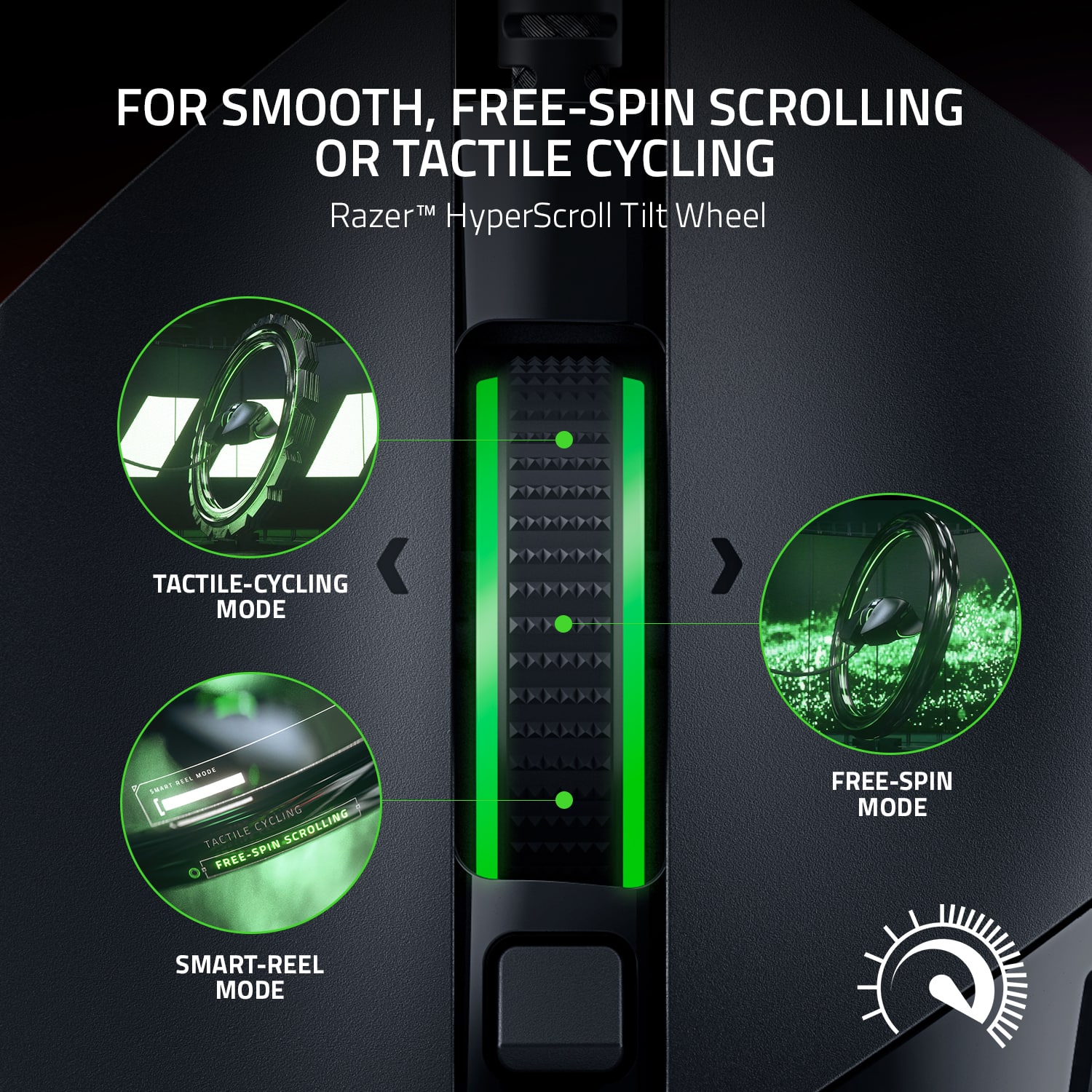
||Posted . Owned for 4 months when reviewed.This reviewer received promo considerations or sweepstakes entry for writing a review.The mouse feels great but after 5 months of everyday use, working and gaming, the wheel started having an issue where it doesn’t properly spin correctly every few revolutions. It angles itself diagonally, slows down, and feels like it’s caught in something until you spin it a little more and then it goes back to normal for a few more spins. The free scrolling settings where you can set it to use tactile scrolling or loose scrolling are pretty cool though I never use it. Setting up was very easy. Changing the buttons was a little more confusing on the Razer Synapse program.
No, I would not recommend this to a friendReview on mouse
||Posted . Owned for 1 month when reviewed.This reviewer received promo considerations or sweepstakes entry for writing a review.Good fit for my hand and not overly complicated with extra buttons; only noticable issue Ive had is the scroll triggers occasionally when Im not touching it.
I would recommend this to a friend- Pros mentioned:Rgb lighting, Scroll wheel, Weight

So fluid.
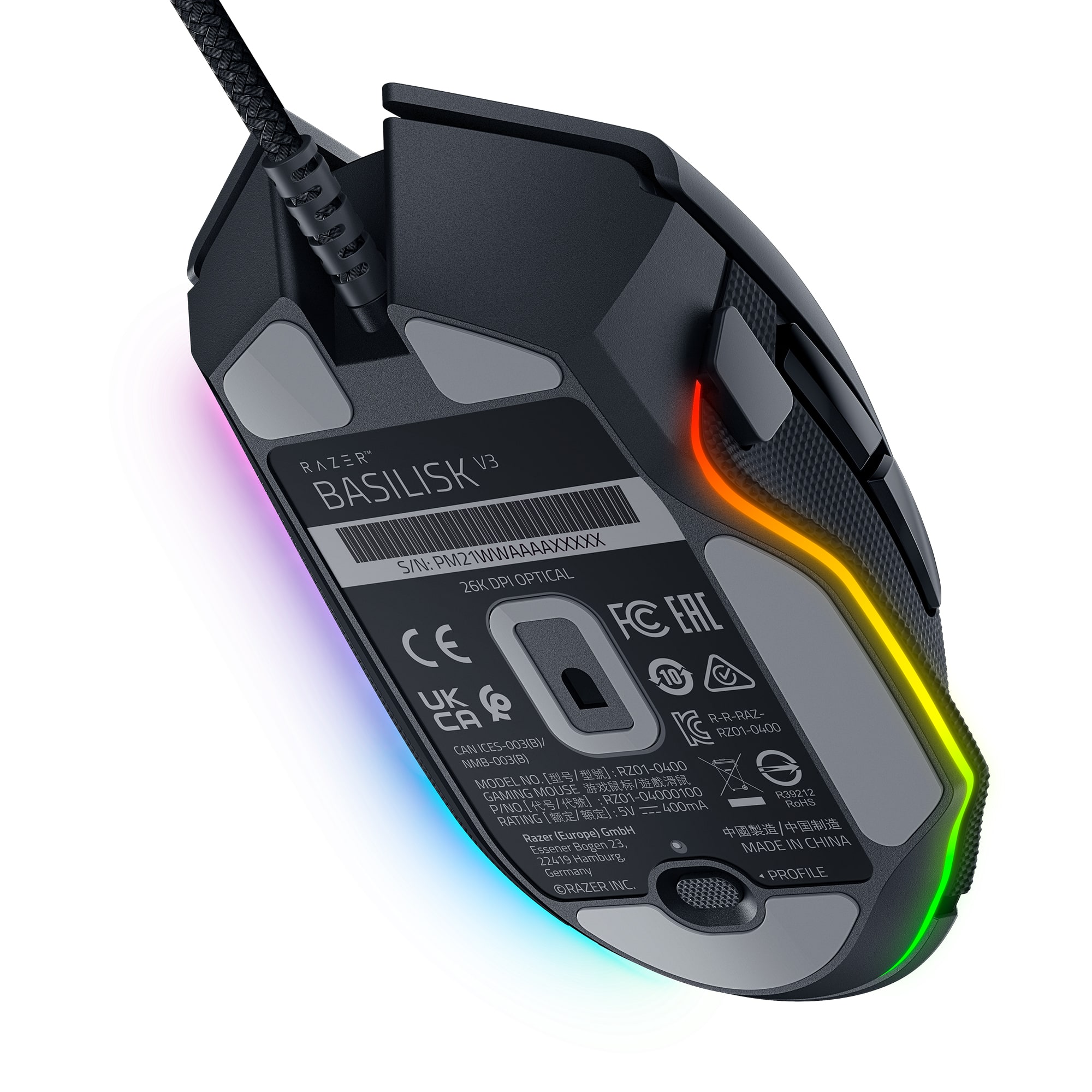
|Posted .This reviewer received promo considerations or sweepstakes entry for writing a review.You have to appreciate the plug and play ability of this mouse and all things supported by Razer’s Synapse desktop client. RGB has come a long way and the ease to set this up is highly appreciated. The software will automatically be offered for you to download when this is plugged into your computer if it is set to do so. It feels really light to the touch in operation. Not only does it look like it’s floating with the ring of LEDs active at the base, it feels like it as well. I also didn’t find that I was having an issue with accidental clicks because of how effortless it is to move. The cord is made of one of the lightest and softest cables I have ever tested on a mouse. It’s a lot like a shoelace and has no discernable drag on a desk surface. It may sound like an odd description, but it is an incredible design. One of my favorite settings that I found so far are on the scroll wheel. Changing the tactile spin in a program rather than a physical toggle on the mouse itself is an excellent weight saving design. The Smart-Reel option is perfect for getting to the end of a long web page or document. Every button is customizable. Run programs, enter text, change sensitivity, change profiles, run shortcuts, disable buttons, change lighting, etc. Even the profile button at the base of the mouse can be customized to do something you would otherwise not ever want to do with an accidental click. I’m sure most consumers of RGB products buy them for the looks. And this mouse absolutely delivers there. The absurdly easy integration with Wallpaper Engine is...legit. However, I encourage you to dive into Synapse and really look into how you can make your daily computing and gaming experience more efficient using the wide range of custom options it offers.
I would recommend this to a friend - Pros mentioned:Comfort, Rgb lighting, Scroll wheel
A serious mouse for serious gamers
|Posted .This reviewer received promo considerations or sweepstakes entry for writing a review.The Razer Basilisk V3 wired optical mouse is a terrific mouse for gamers. With 11 programmable buttons, you can not only make it work for you, but customize it for every game you play. My first recommendation is to use the Razer software called Synapse. It allows you to make adjusts to the buttons and the RGB lighting, and you can create an account or login to your existing one, to save your settings. The Synapse software is used for a lot of Razer products, so if you also have a Razer keyboard, you can use the same program to adjust both devices. The software is also a good place to figure out what all those buttons do. In my case, my previous mice was simpler so I needed a little help. You can also use the Chroma Studio to sync the RGB colors with other lighting devices, including Philips Hue lightbulbs. Nanoleafs have been discontinued, but are still supported to some degree, at least for now, although it says July 2021. Out of the box, the mouse was a litte too fast for me, but one of the default buttons changes the DPI, so I could quickly switch to the perfect setting. The mouse feels very responsive and accurate, and it was a pleasure playing games with it. It does a great job at non-gaming tasks too, like browsing. I would argue that this is the most complete mouse on the market, in terms of functionality, at least for gamers. The scroll button in particular, is so much more useful than a typical one, especially since you can go sideways, but also because of alternative smart scrolling settings. I found the Basilisk V3 to be comfortable after hours of use, which is important for extended gaming sessions. It’s wired, but as long as the cable is placed correctly, that shouldn’t be a concern, and it’s made out of a nice, soft material that doesn’t get stuck as easily as typical rubber cables. I’m glad it’s wired actually because it keeps the latency and connection in check. Judging by the feel of the material and continued use of buttons and wheel, this thing feels like it’s built to last a long time. This was my first Razer mouse, but it doesn’t look like it will be my last. The price seems pretty fair to me, considering the quality of the product. I have no harsh criticisms for this mouse, at least not after a few days of use, so I’m giving it two thumbs up.
I would recommend this to a friend Completely dead
||Posted .This reviewer received promo considerations or sweepstakes entry for writing a review.Less than a year of having it and it’s completely dead. Don’t waste your money.
No, I would not recommend this to a friend- Pros mentioned:Rgb lighting, Scroll wheel
Wonderful wired RGB ergonomic gaming mouse.
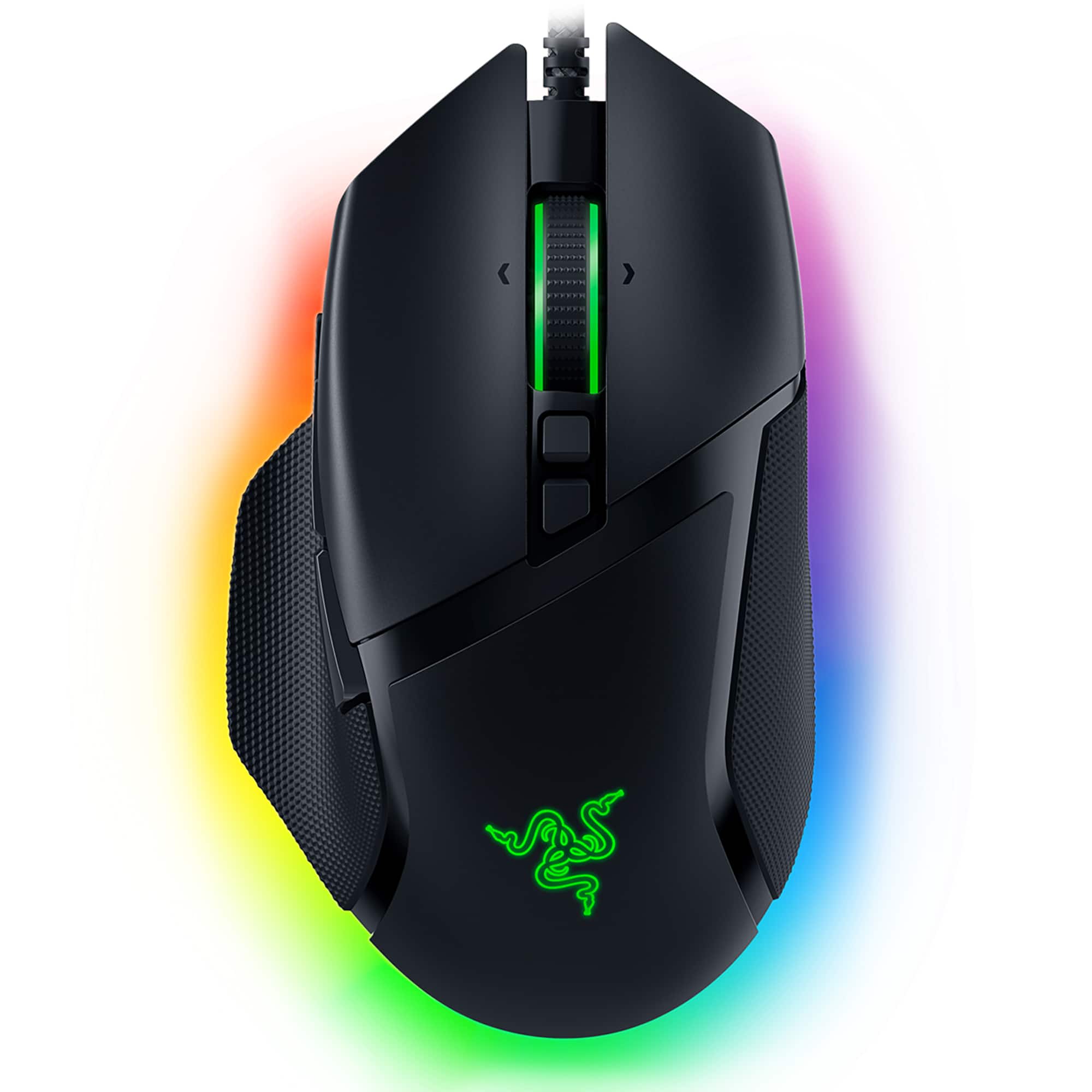
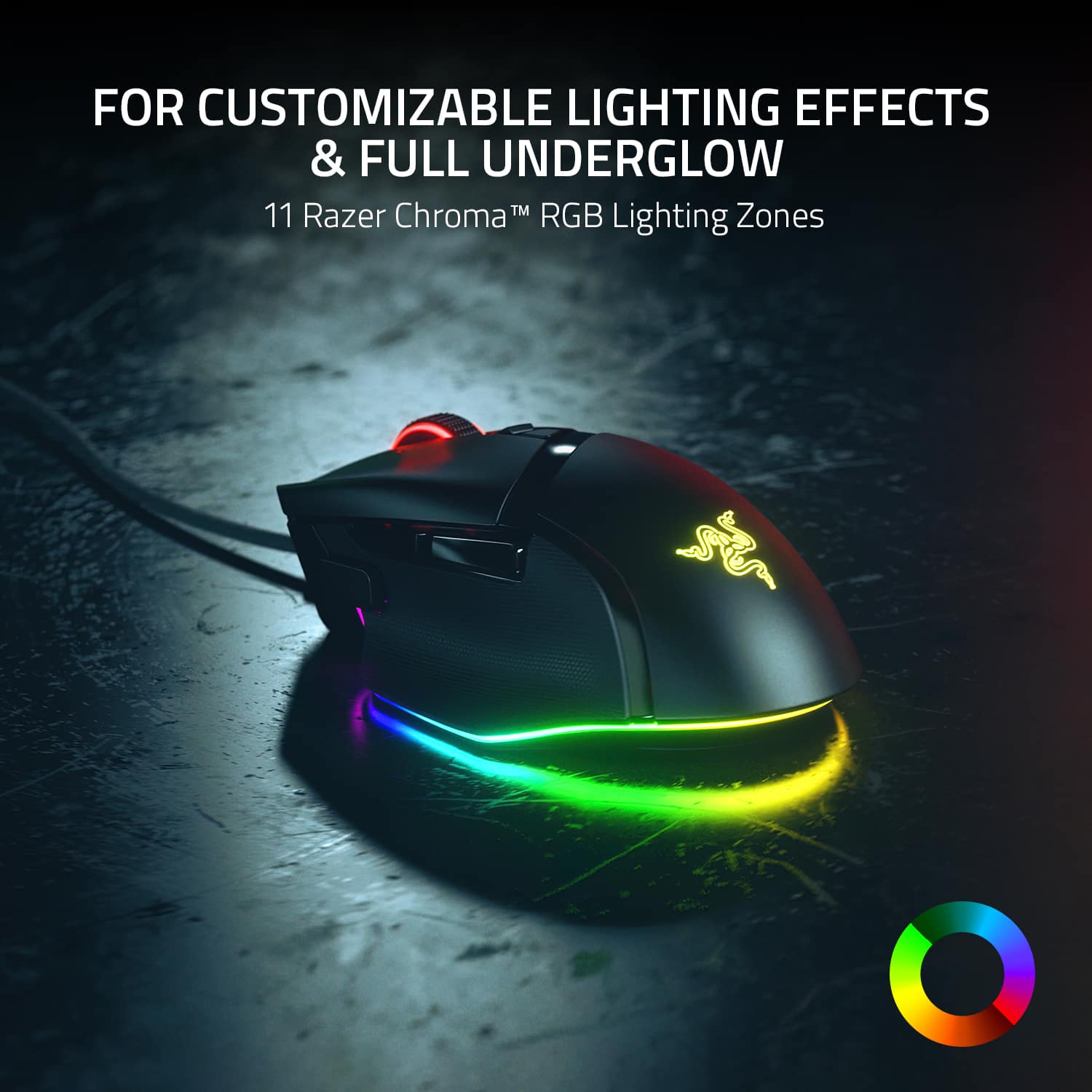
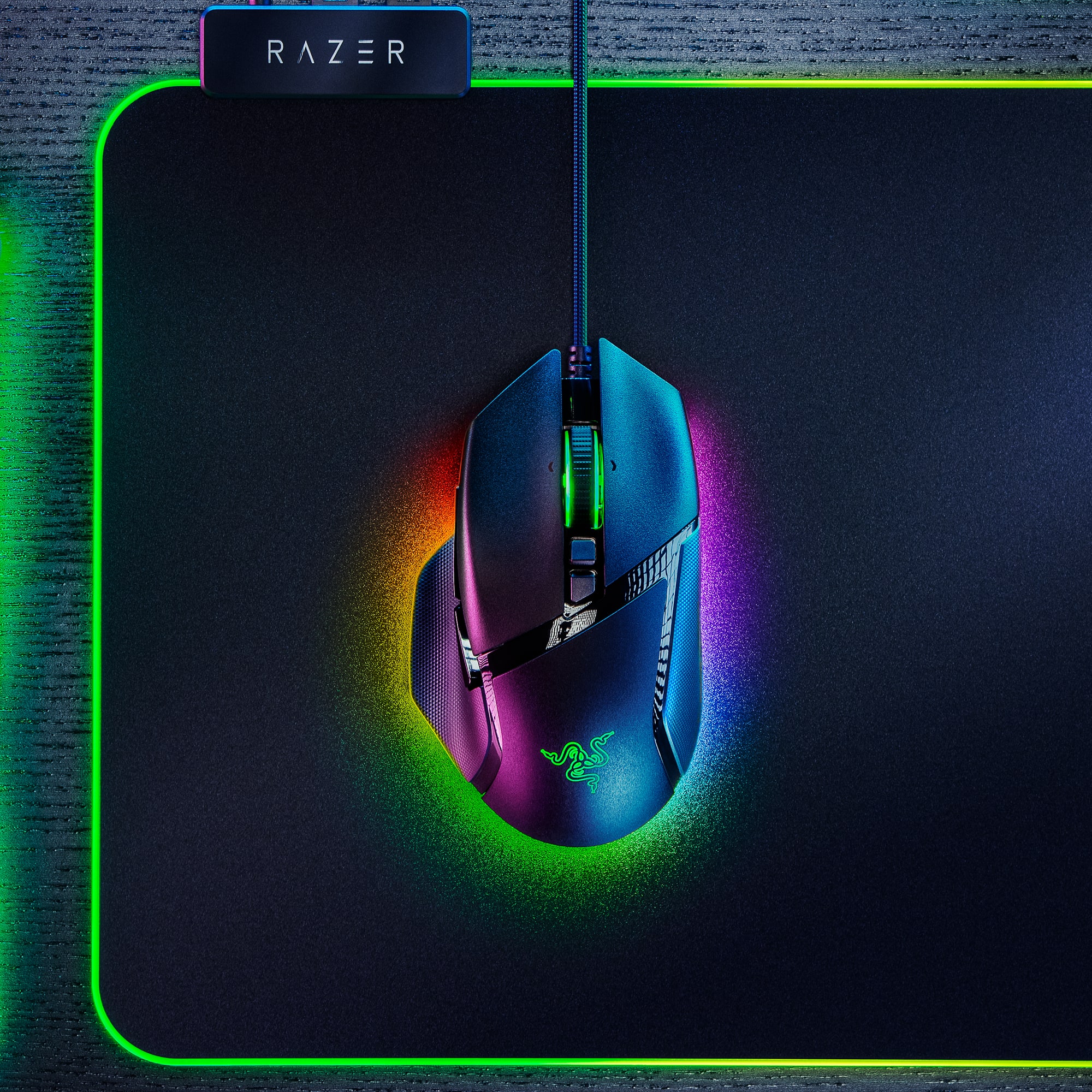
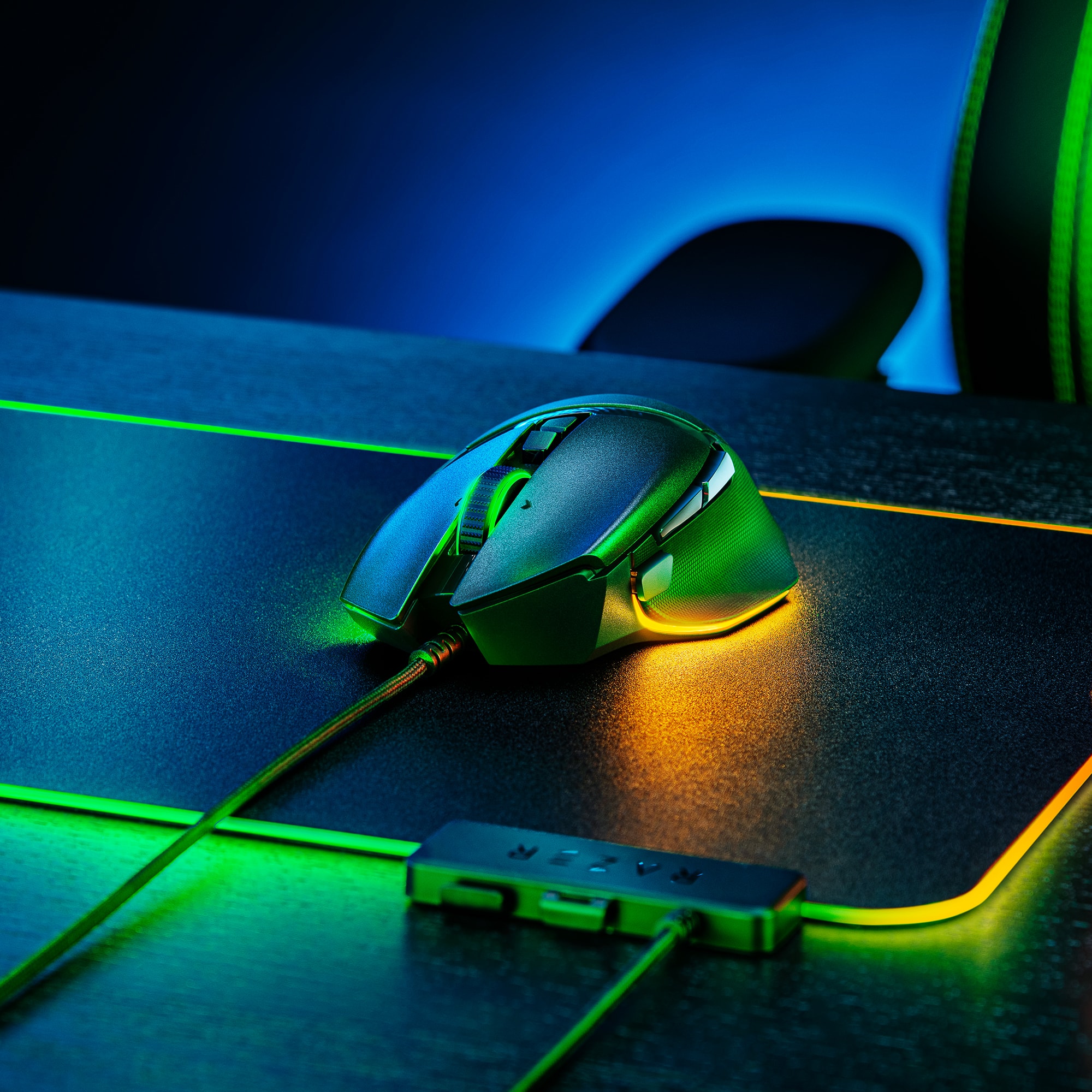
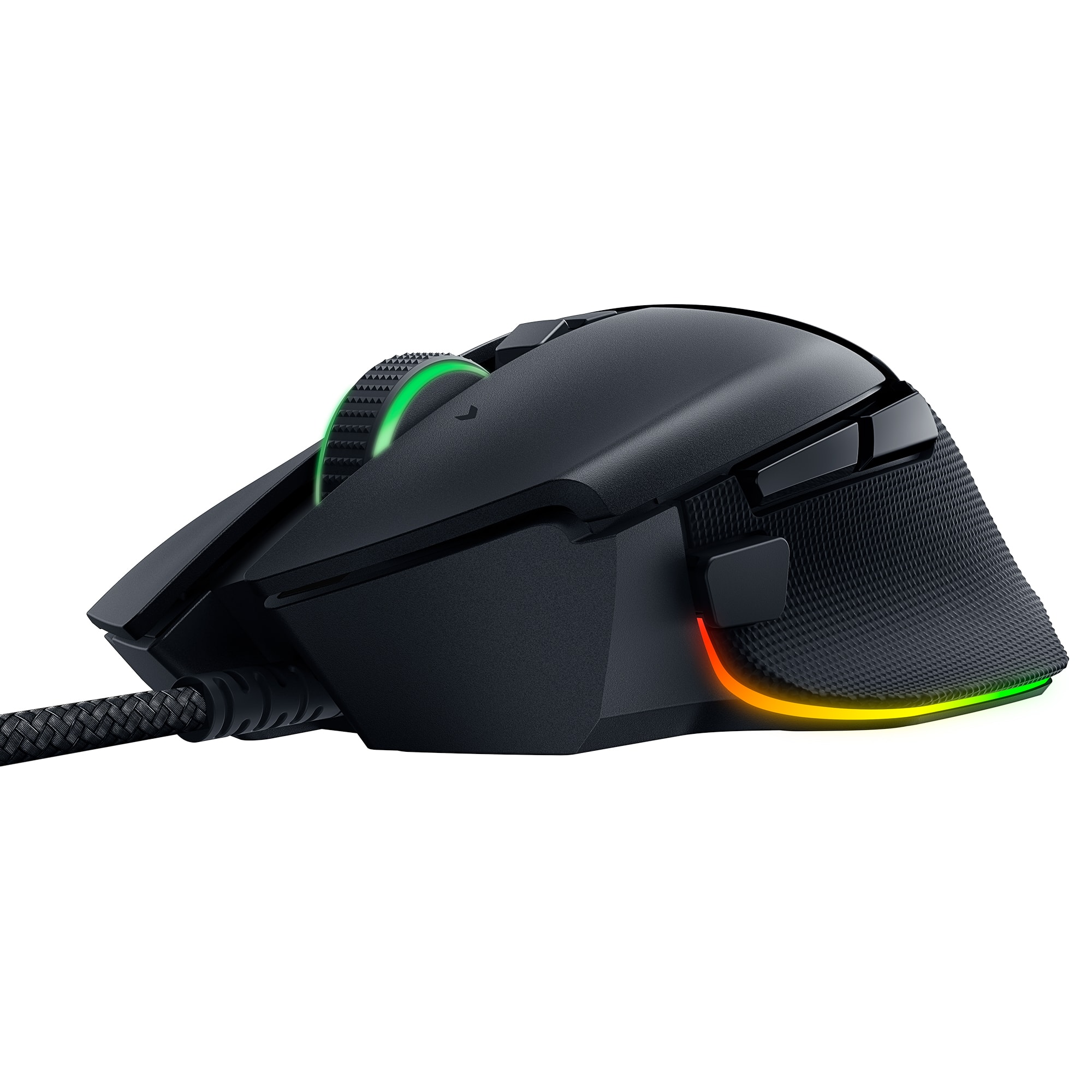
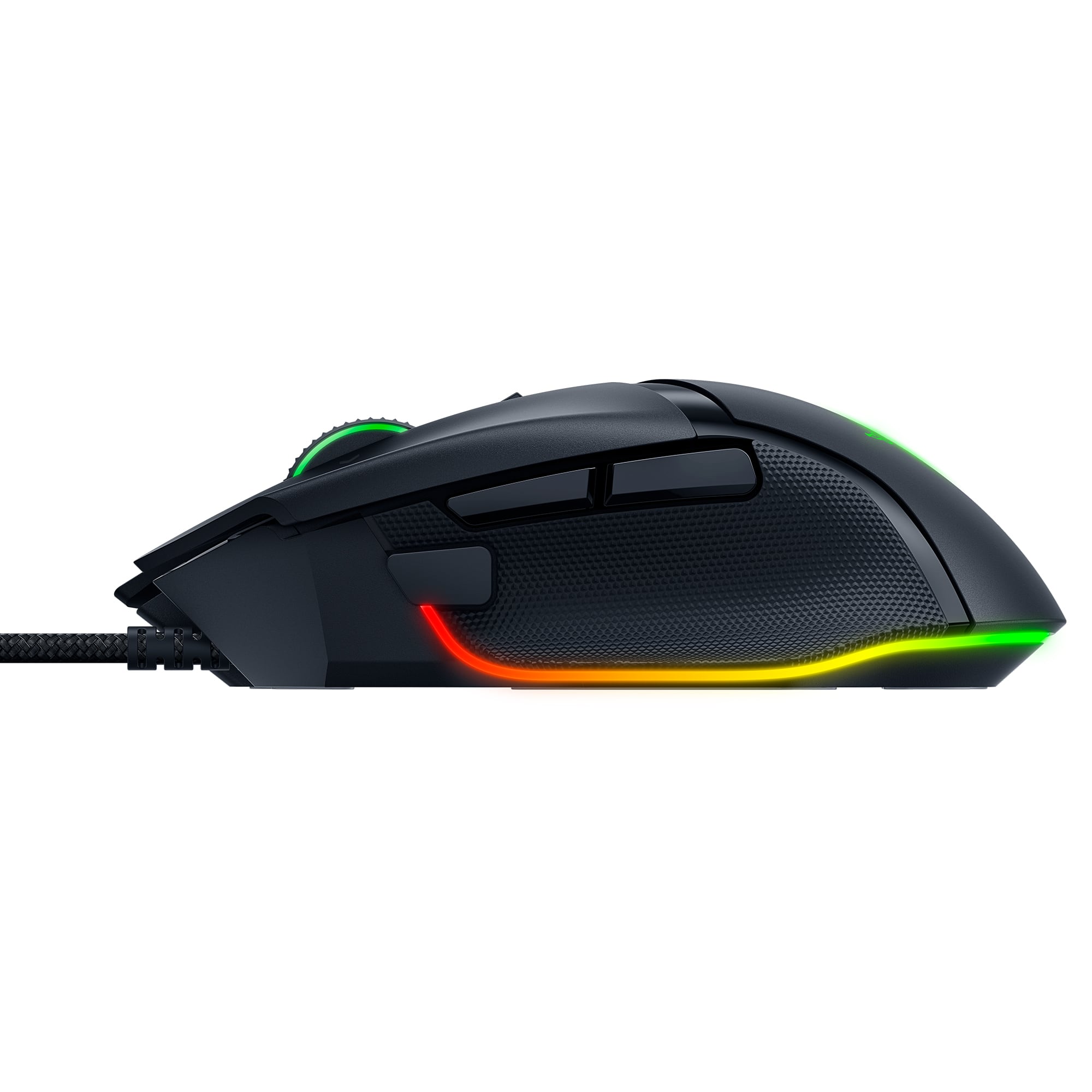
Posted .This reviewer received promo considerations or sweepstakes entry for writing a review.Bought a new gaming rig recently, which has some RGB features, and wanted a complementary set of RGB keyboard & mouse. Got the HyperX Alloy Core RGB keyboard and the Razer Basilisk v3 RGB wired ergonomic mouse. I love them both, and they go nicely together. The Basilisk v3 mouse is a right-handed ergonomic mouse. Not sure if they make a left-handed version. It comes with several Razer logo and brand stickers that looks pretty nice affixed to my desktop. It has several function buttons / programmable buttons. It has an RGB scroll-wheel, as well as RGB along the underside, and under the Razer logo. One of the buttons on top of the mouse, below the scroll-wheel switches between wheel modes: "tactile feedback" [which 'clicks'] and "free-scrolling" [where the wheel is free to spin, without clicks]. You can switch back and forth, or just leave it whichever way you prefer. Personally, I like the feel of the tactile feedback. But the free-scrolling is also very smooth feeling and fast/responsive. To set the RGB on the mouse, you need the Razer Synapse software. It hs a number of different easy or advanced RGB modes. "Breathing" is a nice smooth pulsing mode. Though, it goes all the way down to 'off' rather than just stopping at a low lighting level. For some reason, I fought that slightly off-putting, as I like to be able to see the RGB at all times. I ended up just setting it to a static color, and the keyboard as well. I found the pulsing LEDs a little distracting. Anyway, overall, I like the feeling of the mouse in my hand. The ergonomic feel is pretty nice. I haven't done a tone of gaming on it yet, so not sure yet on how the button placement is. But there are two buttons placed right above where the thumb rests on the left side of the mouse, so I assume they'd be pretty convenient for pre-set key-binds, etc. There's one additional button just in front of the thumb that's easily reachable. It feels like it might be *too* easy to reach, and maybe could be accidentally clicked on repeatedly, if not careful. But, presumably one would get used to the mouse and maybe position one's thumb slightly further back by default to compensate? Anyway, overall, I love this mouse. :) Had I know the scroll wheel on the Razer Cobra is RGB, I might have bought that one instead and saved myself a few $$, as this one is a little more expensive. But, the advertising imges didn't show the RGB on the Cobra, so I ended up continuing to look for something that suited my aesthetic / functional tastes and settled on the Basilisk v3, and I'm quite happy with it. ^_^ You will be too, presumably. It's a good mouse! Slightly expensive, but probably worth it. One slight thing to note, since the Razer Synapse software is required to run the RGB, it has the quirky behavior of "losing" your RGB setting while the computer is "asleep" or "locked," so it'll revert to its default rainbow color-changing mode while the machine is locked, and then go back to your chosen RGB color profile when you unlock / log-in, assuming the Razer Synapse software is running. Also, if you close the Razer Synapse tray icon it will also revert to the default rainbow color-cycling mode. When you reopen Synapse, it will resume your color profile(s).
I would recommend this to a friend - Pros mentioned:Comfort, Rgb lighting
Comfortable!
Posted .This reviewer received promo considerations or sweepstakes entry for writing a review.This is by far thee most comfortable, contouring to your hand, mouse I have ever placed my hand on. Let alone, having the chance to use it everyday! I absolutely love the RGB flowing of colors, that I am able to sync up to all my other Razer products. Also, all the buttons that you can control or do different things with. I also don't even notice that it is wired at all. Absolutely amazing product!
I would recommend this to a friend - Pros mentioned:Weight
Accurate and Excellently Weighted
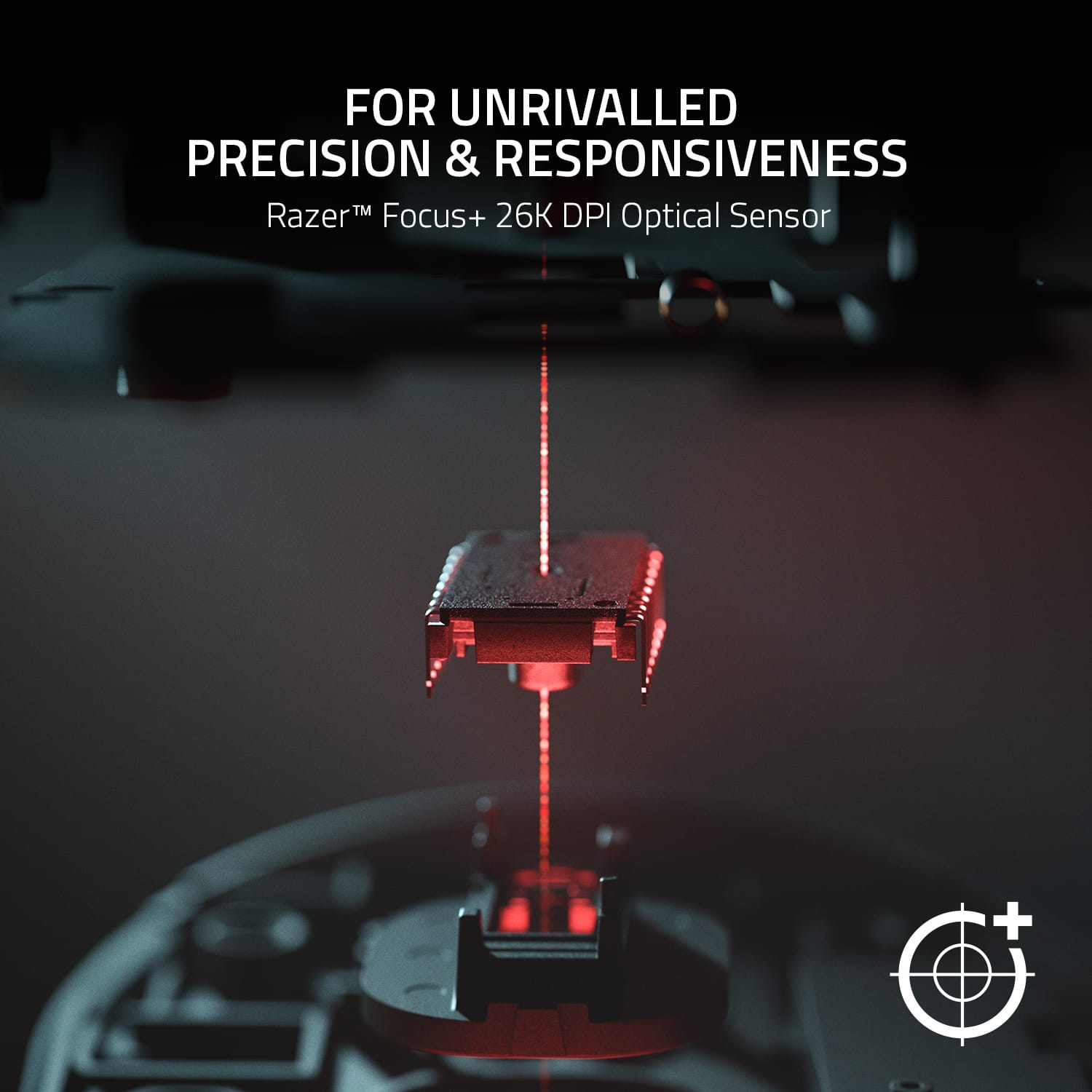
|Posted .This reviewer received promo considerations or sweepstakes entry for writing a review.KEY FEATURES Fully Customizable 26000 dpi Resolution Up to 1000Hz Polling INITIAL SET-UP AND CONFIGURATION My opinions of the Razer Synapse software stated in my review of the Huntsman keyboard carryover to the Basilisk mouse. I won't rehash all the details, but I do not like the Synapse software. Like the keyboard, the freshly downloaded Synapse software would not recognize the Basilisk mouse without first downloading a 100+MB software update. Additionally, Windows 10 did not recognize the device after plugging it in either. So initial set-up is definitely WAY MORE cumbersome than most any other mouse on the market. USE AND PERFORMANCE The mouse is great! It is weighted perfectly and glides smoothly and precisely. The mouse has a premium texture and feel about it. The left and right buttons have the same odd texture that the new Huntsman keyboard has. Like the keyboard, it feels odd at first, but after a couple of minutes, you wonder why other mice don't have the same texture. The Synapse software allows for full customization of the mouse. Buttons, Macros, sensitivity, scrolling, precision, it is all there and fully adjustable to your liking. Similar to Razer's other products, the lighting is bright and vibrant. The colors are rich and true, unlike some other manufacturers' products that tend to look dull and washed out. One unique feature that is a gimmick, but I find thoroughly enjoyable is the LED strip a the bottom of the mouse. It is recessed just enough that it makes the mouse appear like it is levitating on the mousepad. Cool! FINAL THOUGHTS It's hard to write a huge amount about a mouse. But final thoughts are that I seriously doubt anyone would be disappointed. It is a precise and well-made piece of hardware that manages to satisfy what gamers' want as well as what business and casual users need. If you are already invested in the Razer infrastructure and in need of a new mouse, this should be a no-brainer. If you are not already invested, but need a mouse and have been curious about Razer's qualities, you won't be disappointed and may very well win you over to their universe. Like my review of other Razer products, this is a 5 star mouse hampered by 3 star software. I don't see how this mouse wouldn't serve any buyer well.
I would recommend this to a friend - Pros mentioned:Overall performance, Rgb lighting
Fantastic mouse for a fantastic price
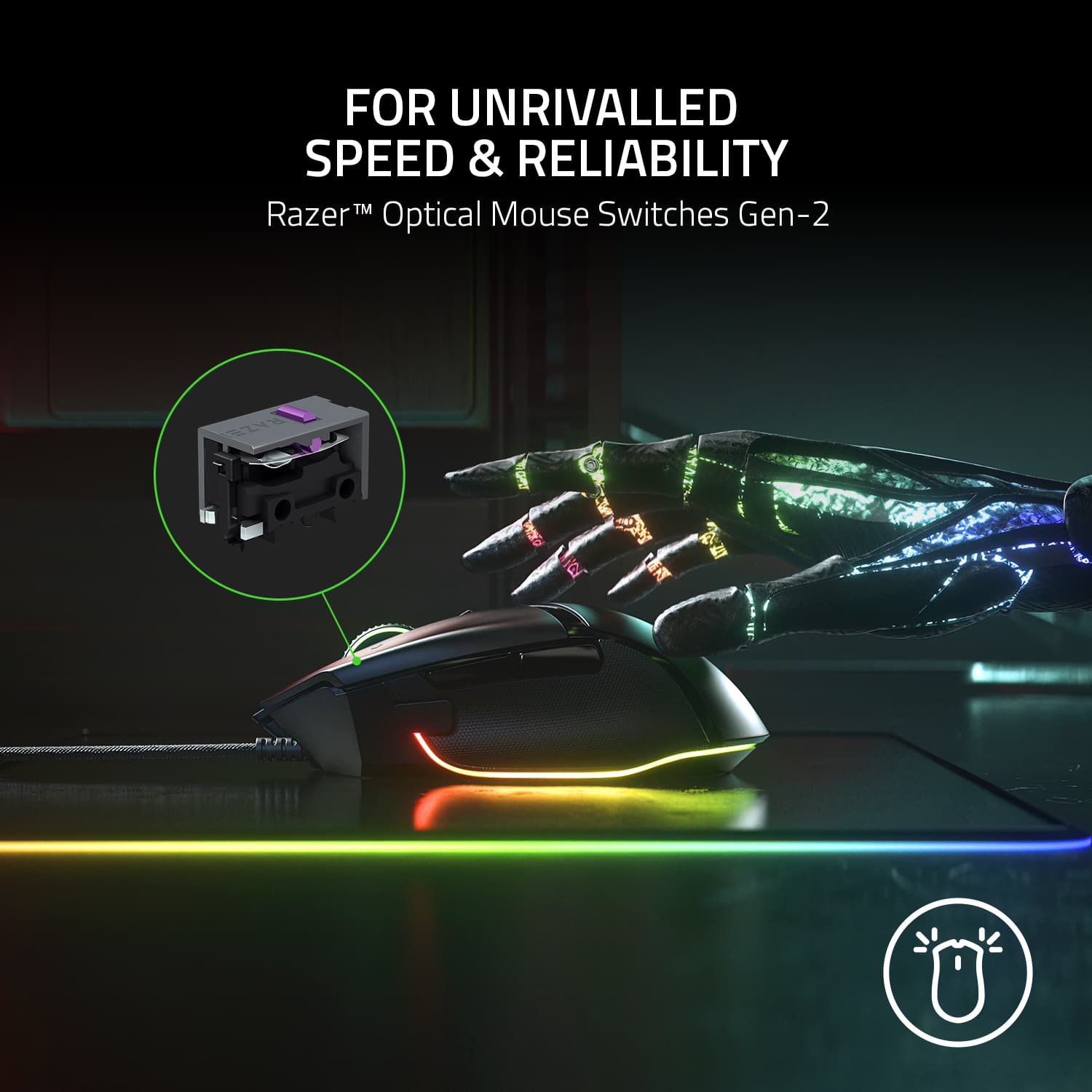
Posted .This reviewer received promo considerations or sweepstakes entry for writing a review.Great mouse! It is well priced and well designed. I love the RGB lighting. Synapse can customize the RGB lighting, DPI, surface calibration, and button mapping. The new scroll wheel is god tier. It's awesome and extremely satisfying. Razer totally nailed it! Pros: - lots of beautiful RGB lighting - well placed thumb buttons - free-spin scroll wheel works great - super comfortable in the hand - very flexible wire - the optical switches feel great and have a nice click noise Cons: - the "sniper" DPI button is a bit too mushy, I would have liked it to be more firm and clicky, a bit too much force to press it in my opinion - the scroll wheel is a little bit louder than my previous mouse, but it's not too bad after getting used to it - a little over 100g is a bit heavy, but it feels very familiar coming from my previous mouse - the two buttons below the scroll wheel (scroll wheel lock/unlock and DPI adjustment) can be a bit awkward to press sometimes - not fingertip grip friendly, palm grip is best. claw grip will be fine. small hands will feel awkward, medium and large hands will feel comfortable Overall, a very solid mouse and I'm loving it so far. I highly recommend trying it out!
I would recommend this to a friend