Customer Ratings & Reviews

- Model:
- RZ01-04620100-R3U1
- SKU:
- 6514426
Rating by feature
- Value
Rating 4.4 out of 5 stars
- Quality
Rating 4.7 out of 5 stars
- Ease of Use
Rating 4.7 out of 5 stars
Customers are saying
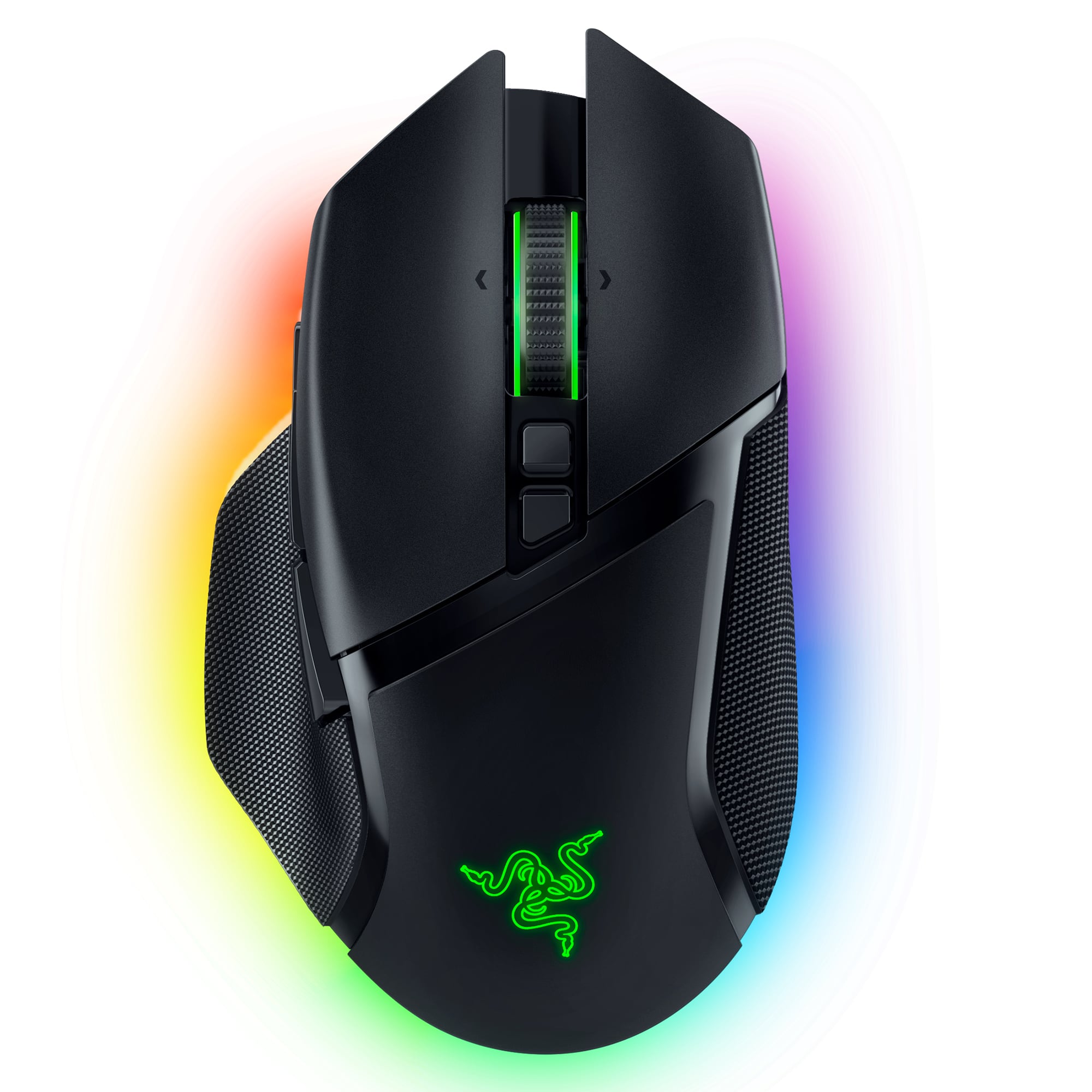
Customers have good things to say about the Basilisk V3 Pro Optical Gaming Mouse with HyperScroll Tilt Wheel, particularly its long battery life and comfortable ergonomics. Many appreciate the infinite scroll wheel, customizable RGB lighting, lightweight feel, and wireless connectivity. The build quality and responsiveness are also praised, while some find the price to be a drawback.
This summary was generated by AI based on customer reviews.
- Pros mentioned:WeightCons mentioned:Lag, Size

Another Great Gaming Mouse from Razer
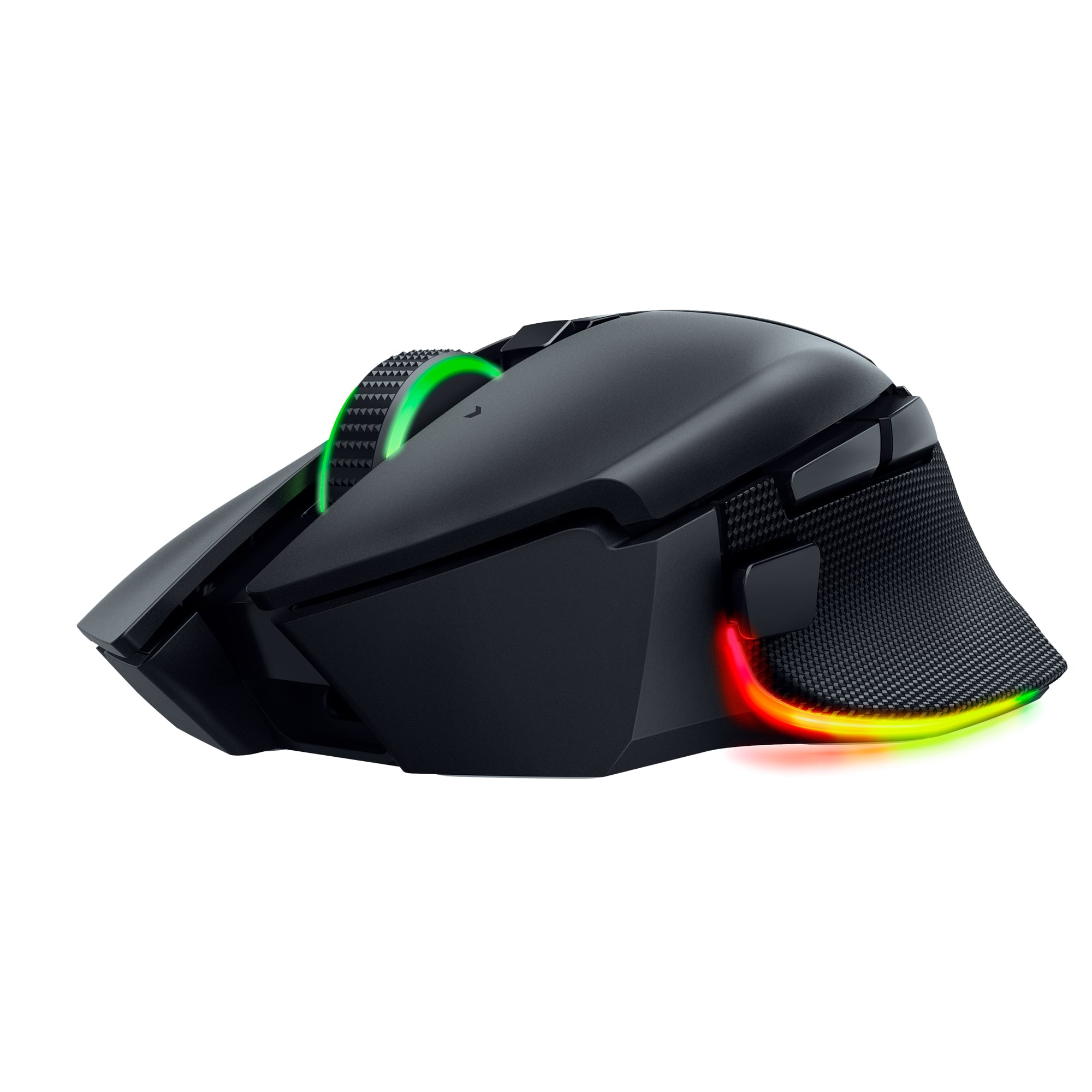
|Posted .This reviewer received promo considerations or sweepstakes entry for writing a review.Razer hits another one out of the park! The Razer Basilisk V3 is a stout, fast and customizable gaming mouse. This mouse is not small, it's not huge though either. It's a little on the heavy side but I'm okay with it for two reasons. One, it feels well built. Many wireless ones (mice? mouses 😆?) feel cheap and lightweight. The other reason I like the weight is so I can from feel it more as I move, not to the point where I feel resistance, but a comfortable weight. For gaming and normal usage I've never felt like there is any lag. It is really fast and I have no issues. Tracking is great too. I have not noticed any studdering or jumps with the cursor. All has been smooth. I think they use Teflon coating on the feet which definitely helps. I like the customization as well. As gamers know, different games call for different button mapping and this mouse has ample buttons for that. I love the infinite scroll option in the wheel. You can make the scroll wheel spin freely which is awesome for a really long webpage or spreadsheet. I don't think many gamers will be disappointed with the feel and performance of this mouse. Just another in a long, successful line for Razer
I would recommend this to a friend Scroll wheel stuck in free spin mode
||Posted . Owned for 1 month when reviewed.This reviewer received promo considerations or sweepstakes entry for writing a review.Been using it for a month and works great until the scroll wheel is now stuck in free spin mode. No problems with the wireless dongle or the new wireless charging mouse dock with 4k polling for 4 weeks. Overall, I liked it except for this wheel spin issue. Some Reddit users experiencing same issues. Returning for an exchange. Hope it’s a bad batch and not a poorly designed software controlled tactile wheel feature.
No, I would not recommend this to a friendGood at first but not reliable
||Posted . Owned for 9 months when reviewed.This reviewer received promo considerations or sweepstakes entry for writing a review.Broke down the doble and Bluetooth doesn’t work unfortunately
No, I would not recommend this to a friend- Pros mentioned:Ergonomics
Great mouse
||Posted .This reviewer received promo considerations or sweepstakes entry for writing a review.Use it for work and gaming. I have small hands and it's comfortable.
I would recommend this to a friend Heavy mouse
||Posted . Owned for 3 weeks when reviewed.This reviewer received promo considerations or sweepstakes entry for writing a review.It’s a good mouse but with all the RGB and buttons it was a bit too heavy for me.
I would recommend this to a friendBe careful
||Posted . Owned for 1 month when reviewed.This reviewer received promo considerations or sweepstakes entry for writing a review.Looks and feels great but the scroll wheel didnt work right out the box. I returned it and bought a logitech mouse.
No, I would not recommend this to a friend- Pros mentioned:Battery life, Ergonomics, Rgb lighting
Looks great
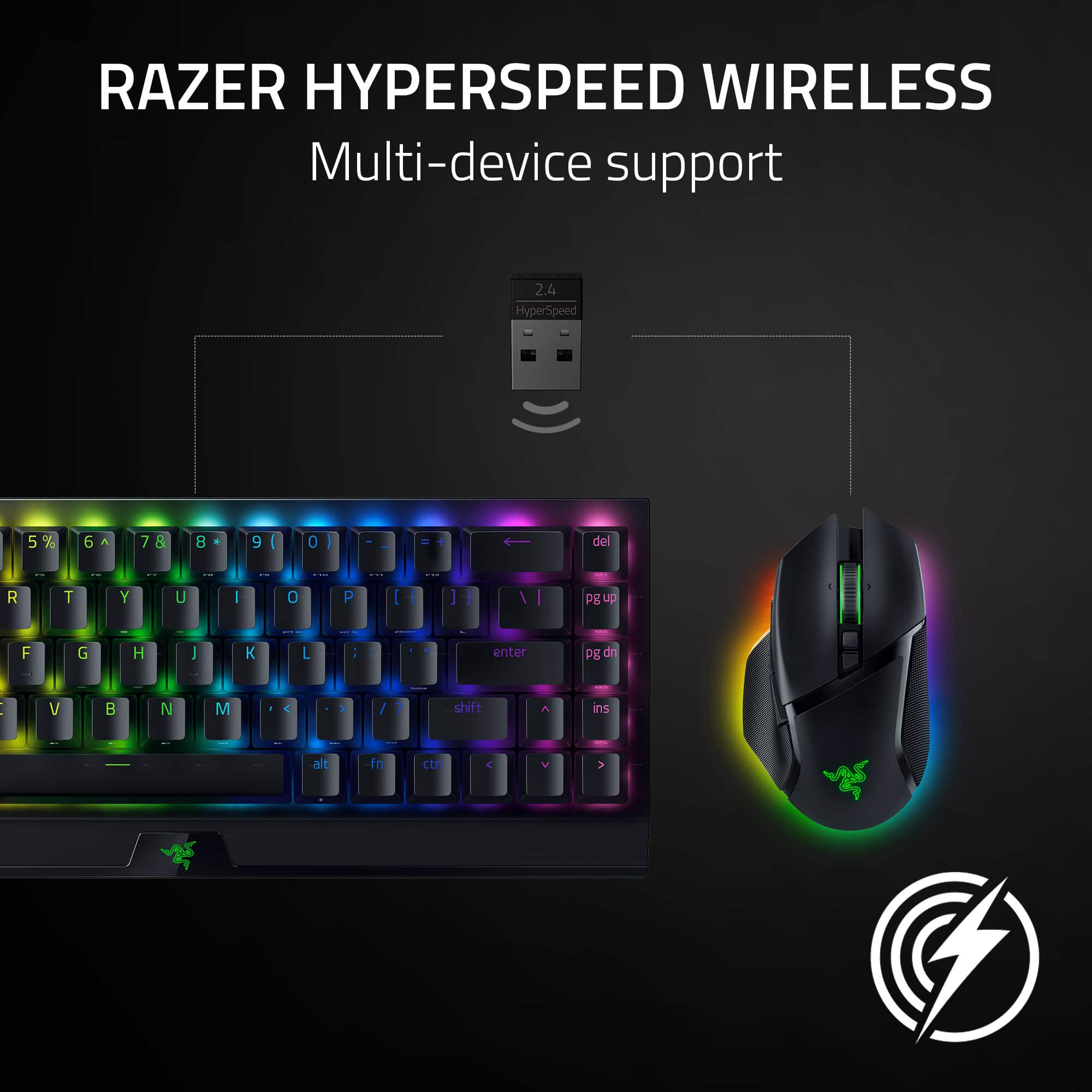
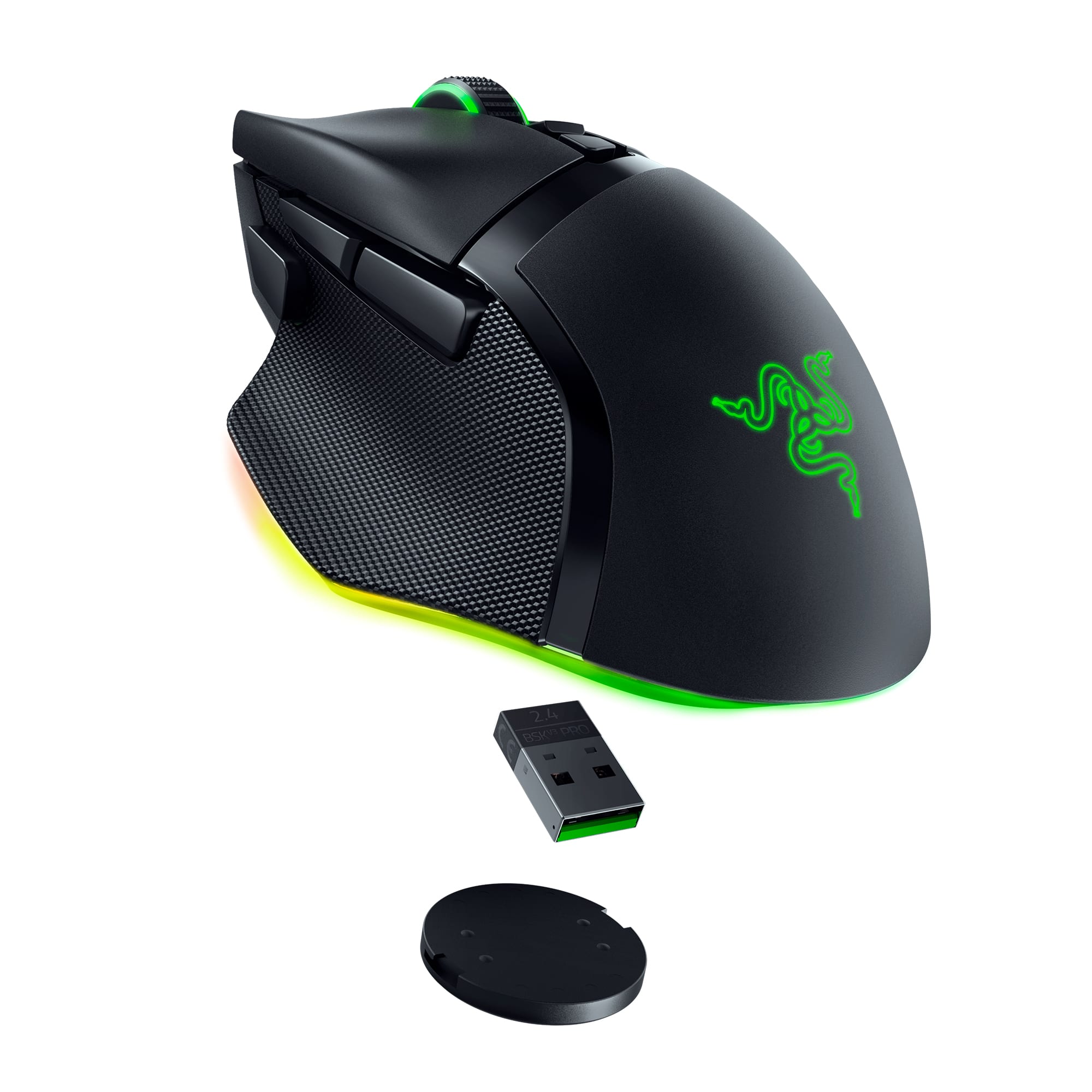
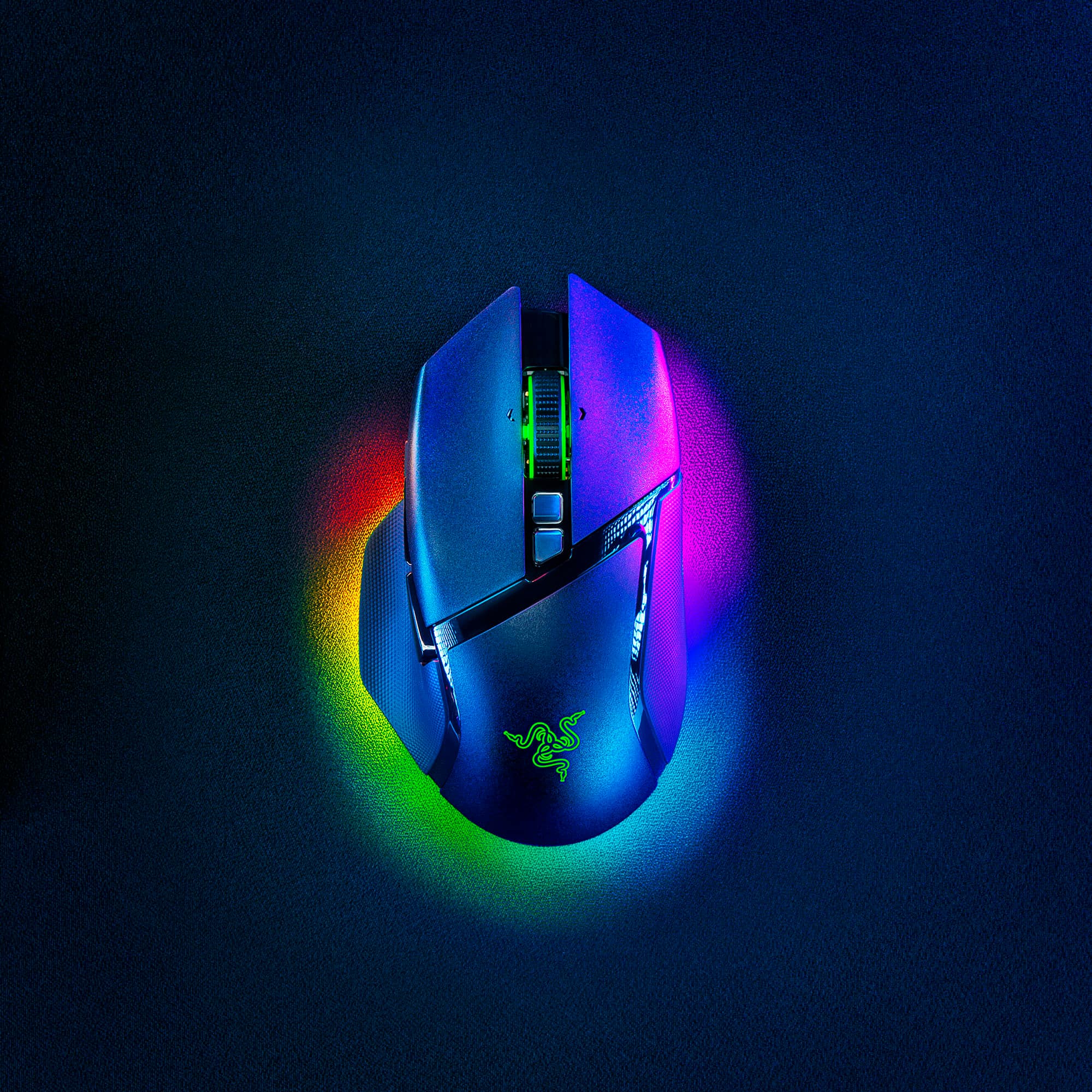
|Posted .This reviewer received promo considerations or sweepstakes entry for writing a review.The Razer Basilisk V3 Pro wireless optical gaming mouse is a perfect addition to any gaming set up. Super cool lights that you are able to customize and adjust to your liking. At first it may be a little diffcult to find the right setting but once it is set up it is just perfect. It offers the Bluetooth capability, as well as the 2.4Hz wireless capability with the included adapter. Battery life is more than perfect and if it does happen to run low on battery it does come with a usb extension to connect and use while it charges. I do have to add that charging does take a while compared to our current fast charging standards, but thats not a total game killer. The weight is perfect no need to add additional weights to it. Overall very satisfied with this mouse as it is very simple to set up, charge and feels good in your hands while using it. It is very comfortable, and your hands naturally wrap around it. The center roller wheel has its own led light and can be customized also. If you are on the edge this will be a perfect buy for an experienced or beginner gamer.
Wireless Adapter Dead on Arrival
||Posted . Owned for less than 1 week when reviewed.This reviewer received promo considerations or sweepstakes entry for writing a review.Like the other reviews, the 2.4 wireless adapter does not work. I tried three different computers/laptops and none of them saw the adapter or mouse despite it being on. The mouse works wired and via Bluetooth but that's not the way I want to use it. I'll be returning the mouse.
No, I would not recommend this to a friendWireless receiver not working
||Posted .This reviewer received promo considerations or sweepstakes entry for writing a review.I purchased two of these from BB and both have an issue where they do not work wirelessly. They work for a few seconds and then the receiver stops "seeing" the mouse. I've tried the linking software from Razer but it won't even recognize the receiver. I'm thinking it's a bad batch.
No, I would not recommend this to a friendBig issue for the price
||Posted . Owned for 1.5 years when reviewed.This reviewer received promo considerations or sweepstakes entry for writing a review.I've owned this mouse for a year and the scroll wheel wont register clicks anymore
No, I would not recommend this to a friendThey're not wrong...
||Posted .This reviewer received promo considerations or sweepstakes entry for writing a review.The wireless USB dongle is indeed defective from factory. Failed USB device in device manager. Tried to force a driver/firmware update by hard wiring the mouse and running updates but no luck. Razer support confirmed and stated that the dongle needs to be replaced. Nothing like a brand new item, fresh out of the box, that needs a part RMA'd...
No, I would not recommend this to a friendWheel Issues
||Posted . Owned for 1 month when reviewed.This reviewer received promo considerations or sweepstakes entry for writing a review.The wheel on this mouse is complete junk. It often gets stuck or pops out. When it does work, it is really sensitive. Do not use this mouse for any competitive gaming.
No, I would not recommend this to a friend- Pros mentioned:Battery life, Rgb lighting
Great mouse
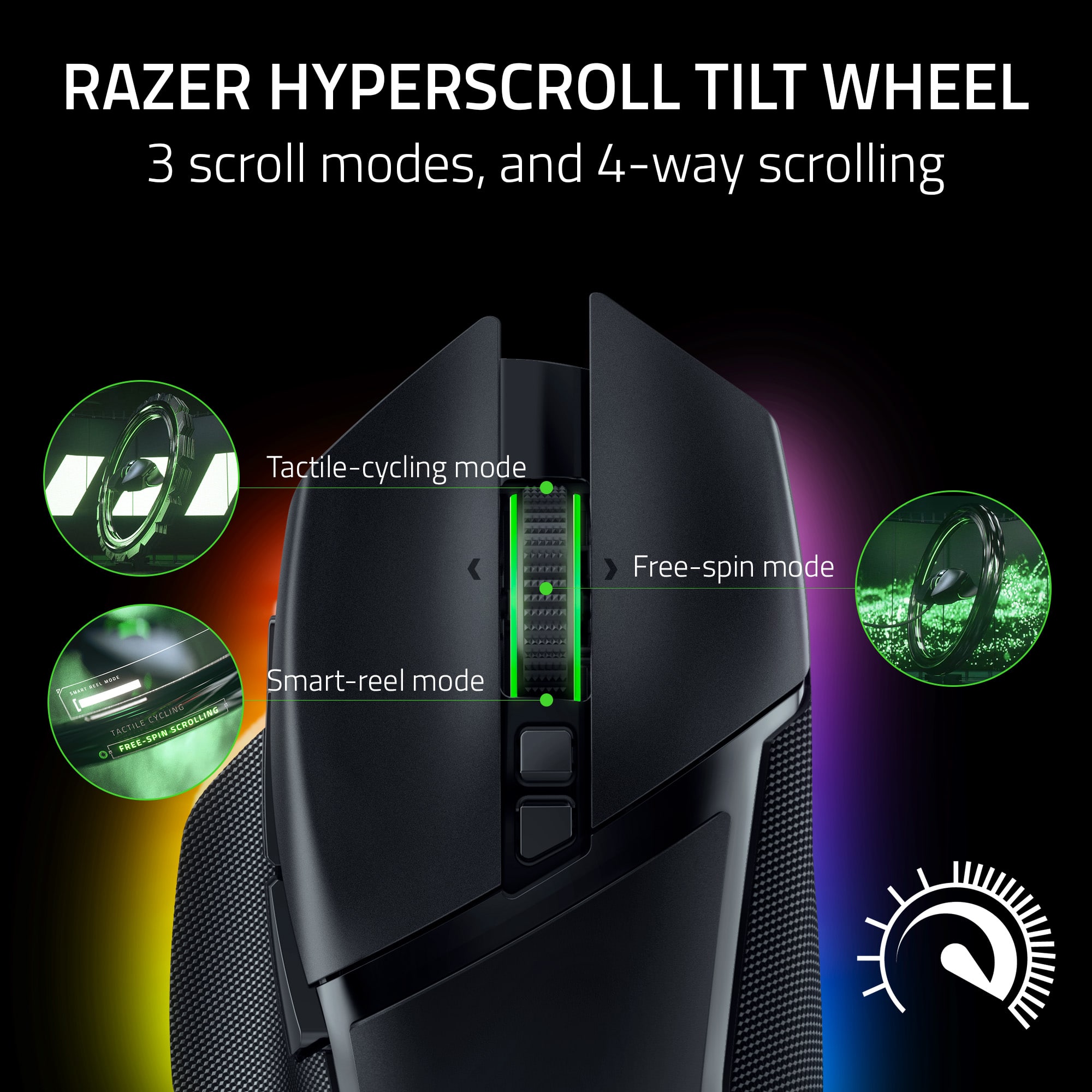
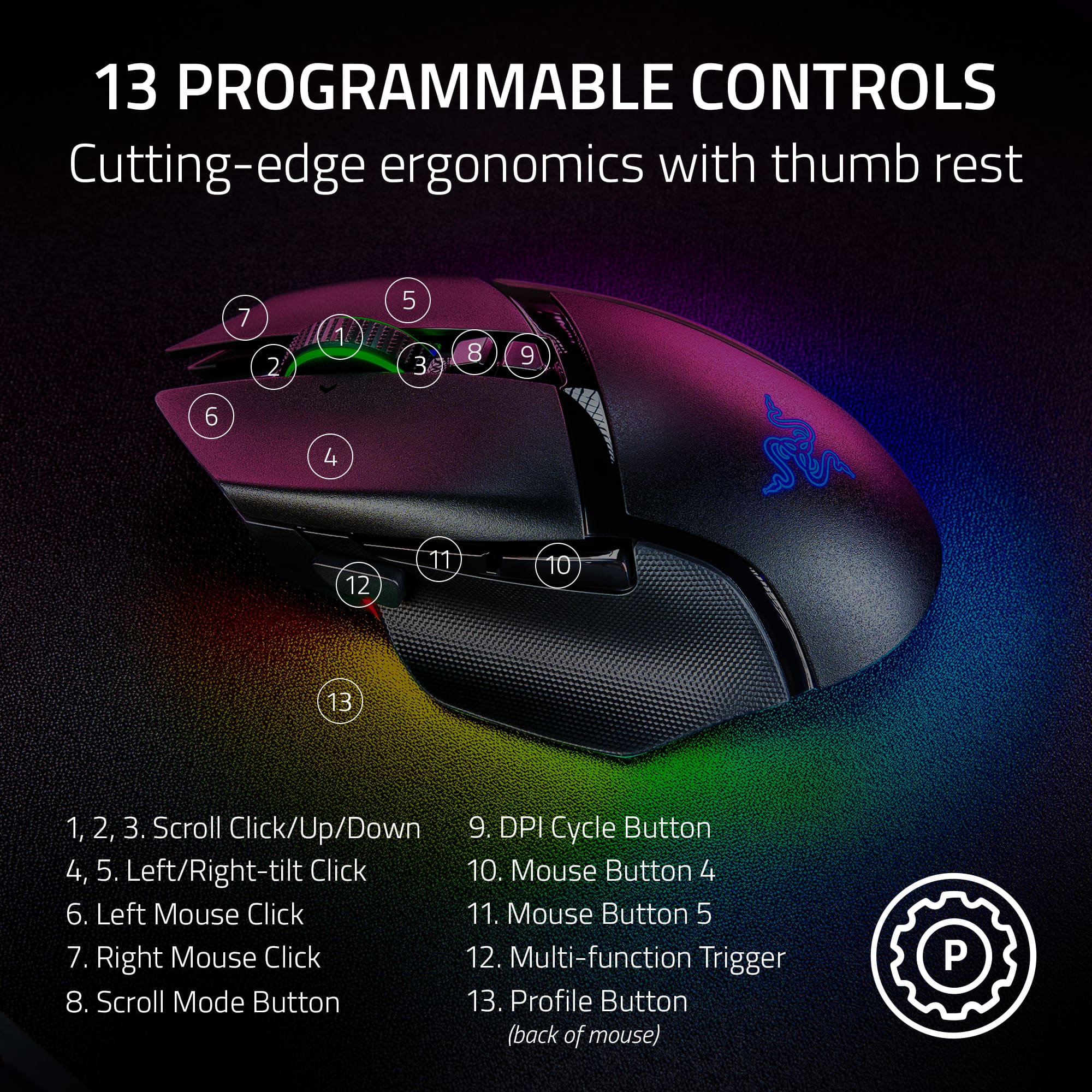
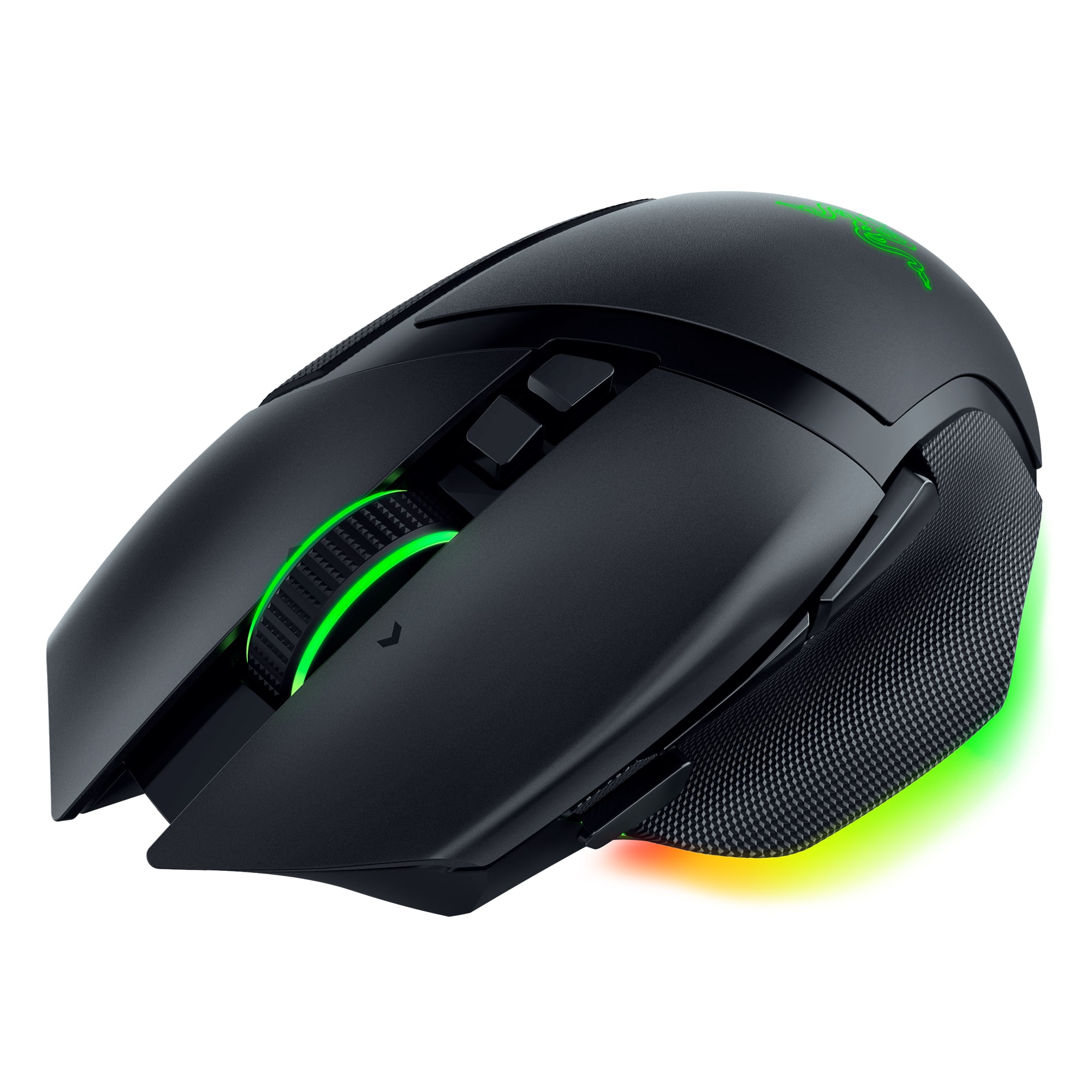
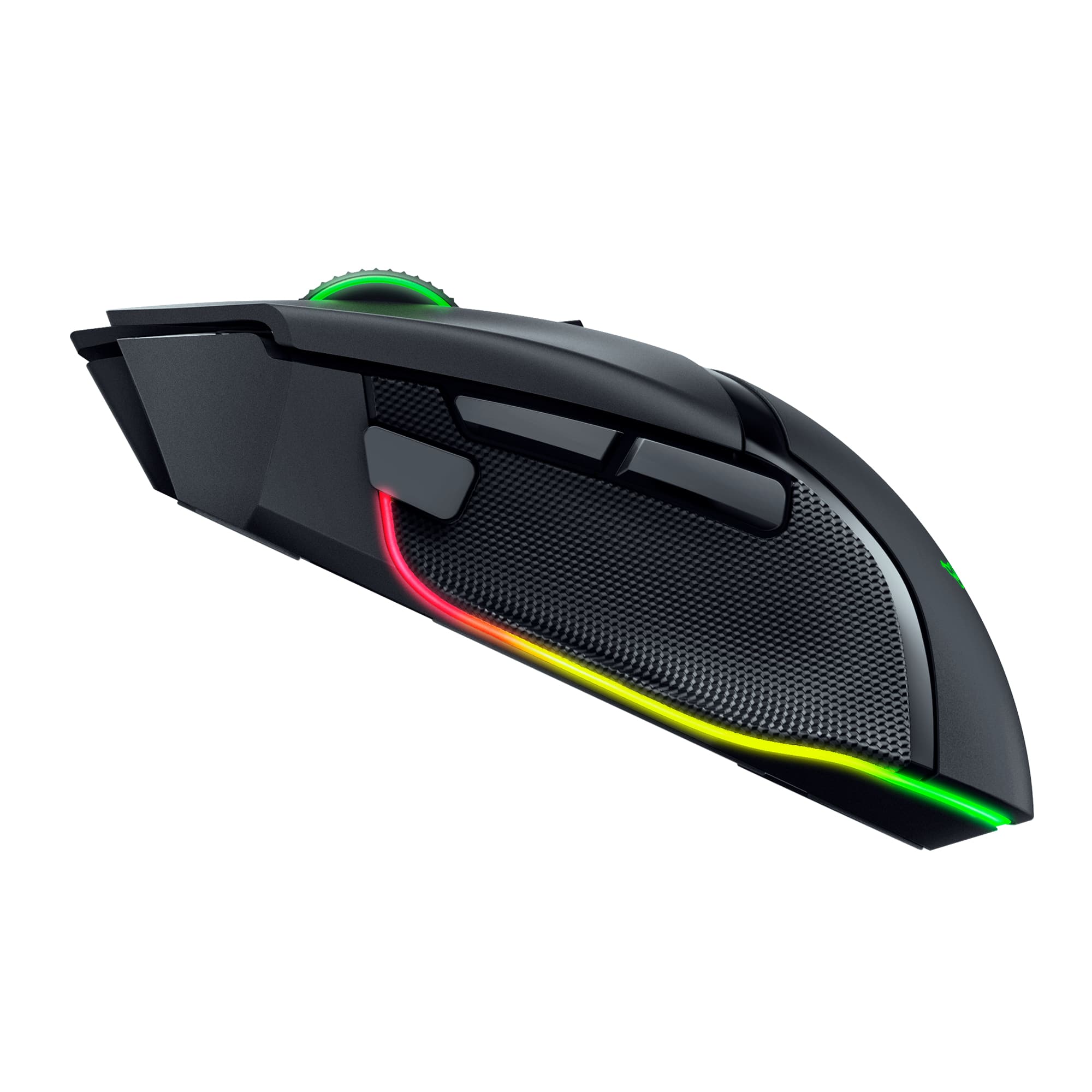
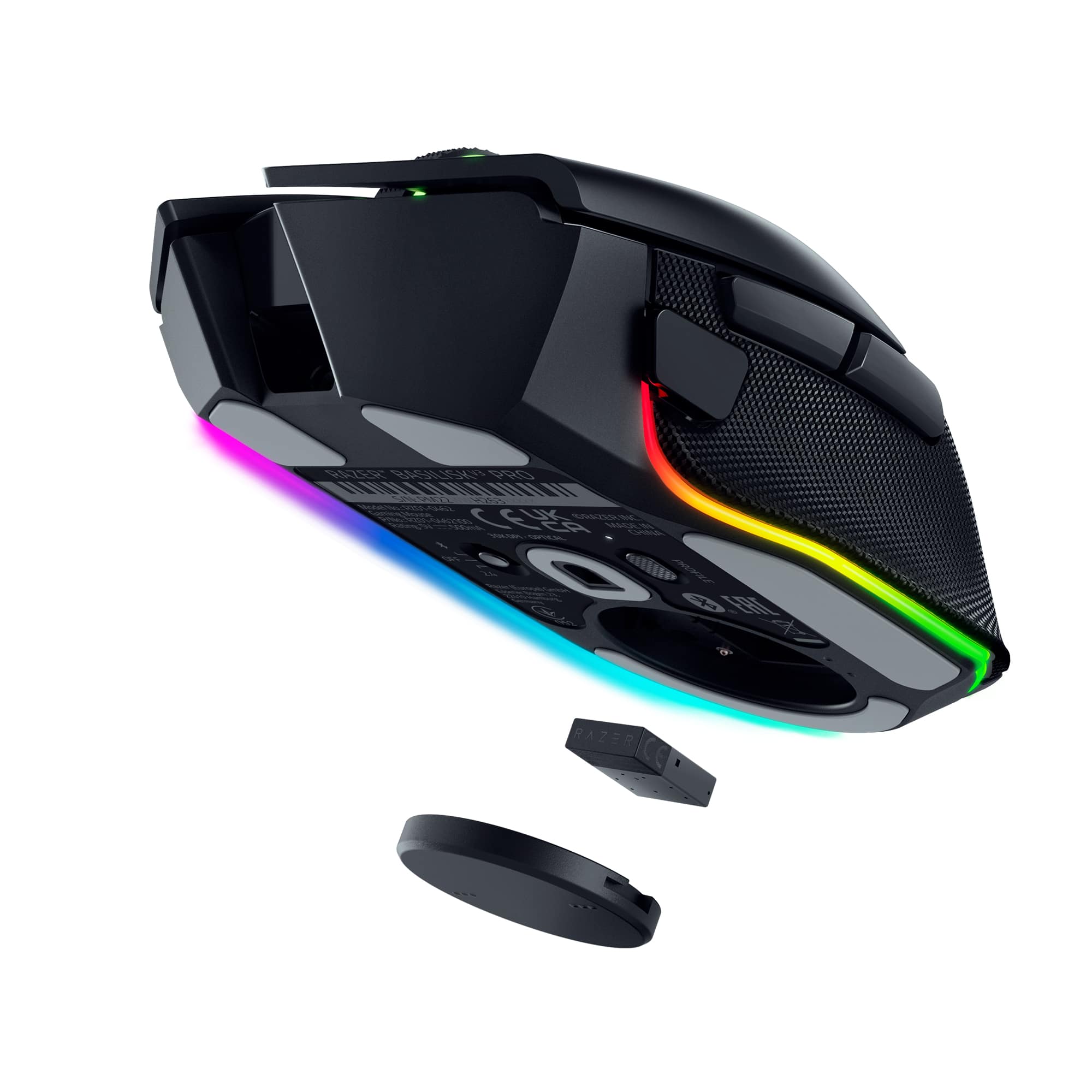
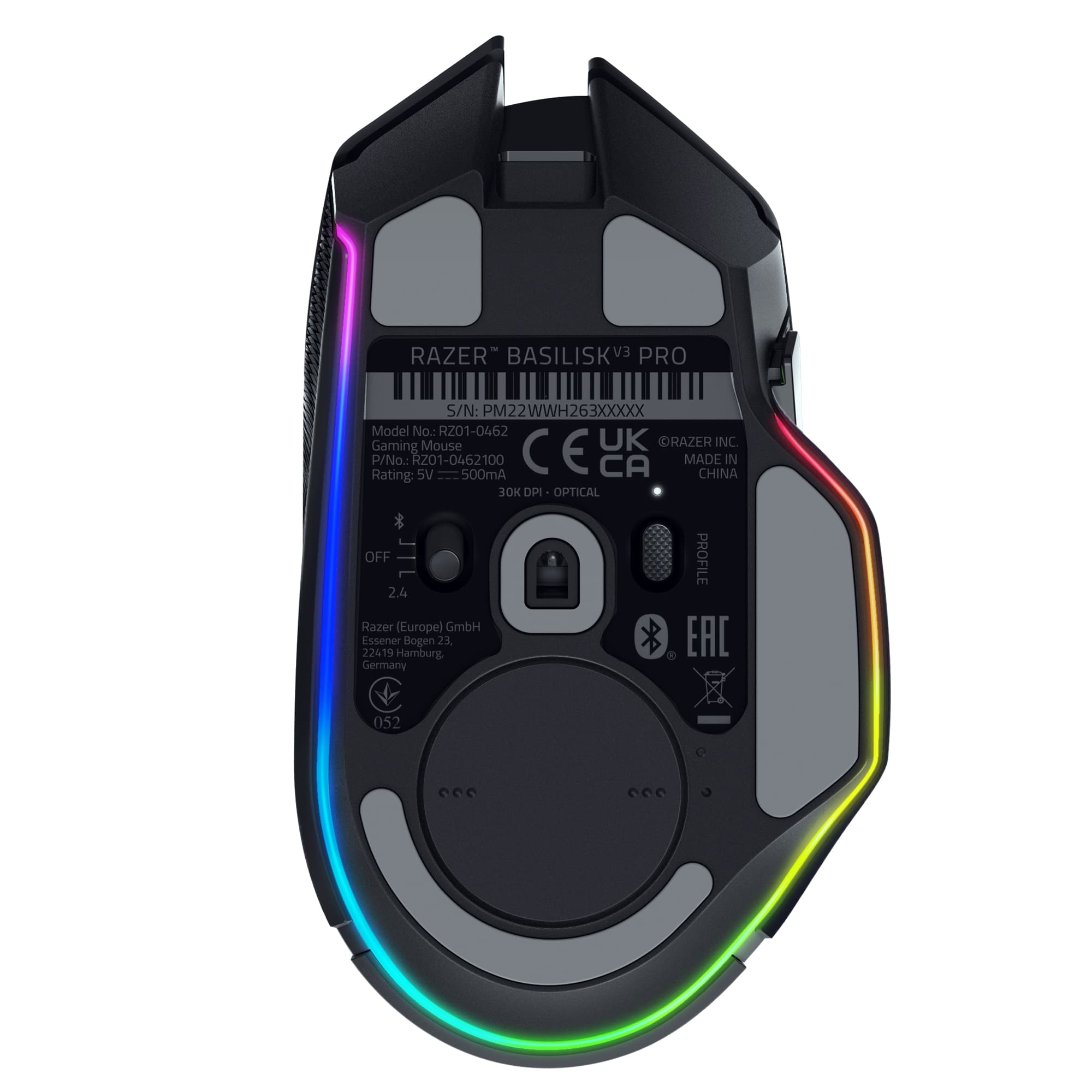
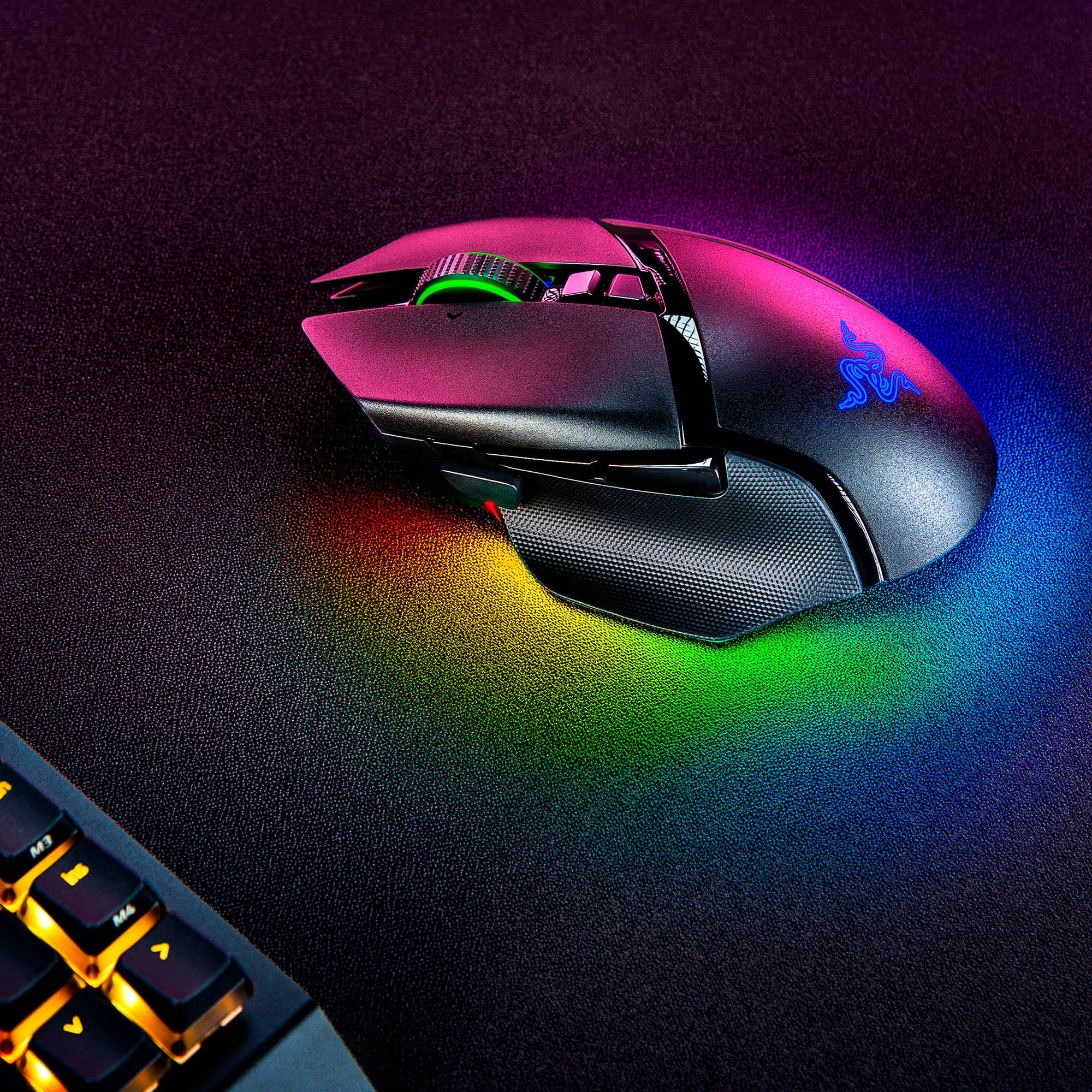
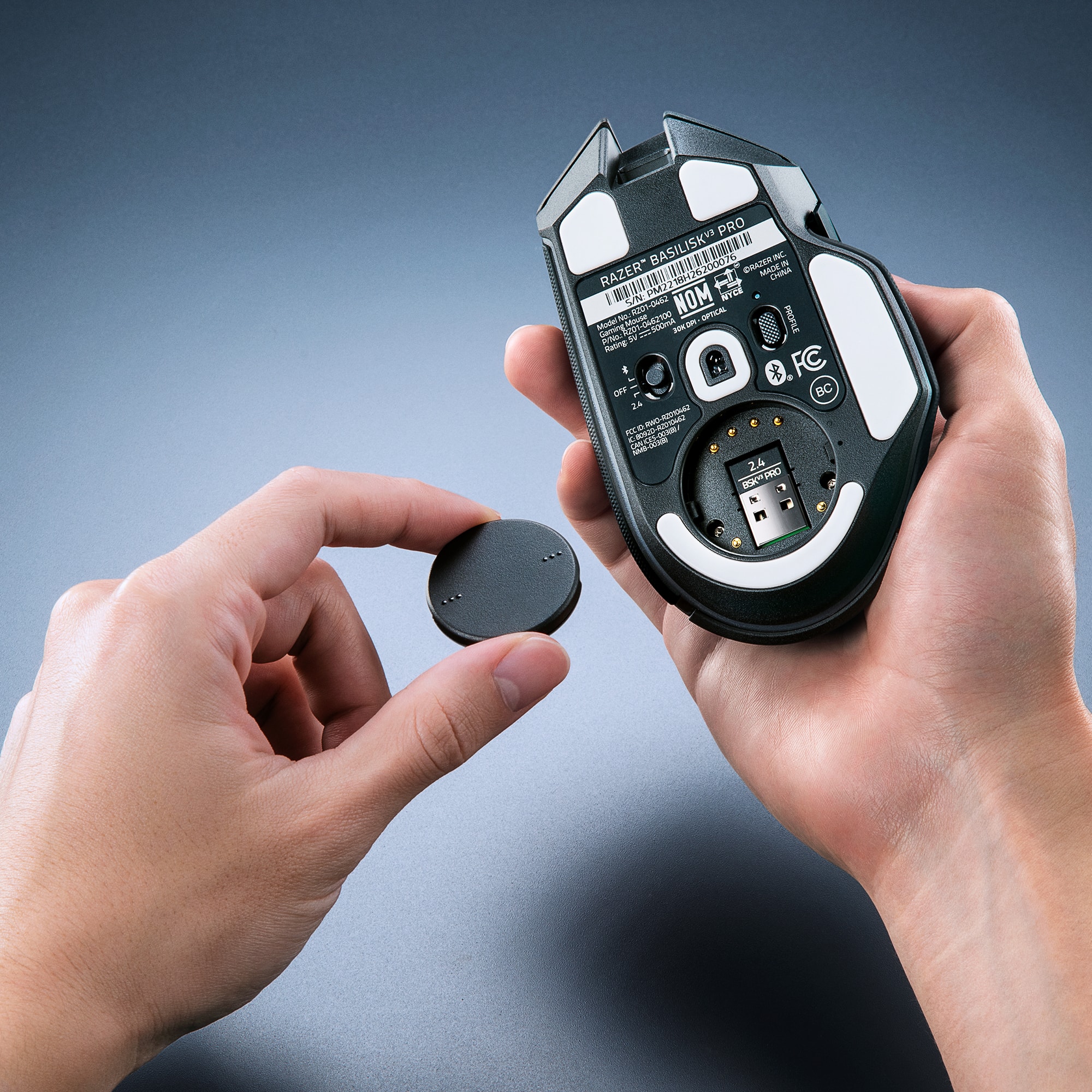
|Posted .This reviewer received promo considerations or sweepstakes entry for writing a review.So far, my favorite mouse to use. It feels great in my hand. There are a couple cons for me that I will first mention. First was the software. For some reason I had to reinstall the software from Razer website for the software to recognize the mouse. Not too big a deal for me, but not sure why having it updated did not work but downloading from site worked. But it worked after and seems to work great so far. The other con I would have liked to see is a third button under the mouse wheel. The button directly under default allows the mouse wheel to free spin or click spin. The button under that goes thru your DPI settings up and then once maxed out on DPI it will loop thru and go to the lowest DPI setting and cycle thru that way. I would rather have another button so that one just goes up for DPI and the other would go down for DPI. That said, there is an option that I did but then it takes away the option to have a free spin or click mouse. And that was to make the top button for DPI up and then the bottom button for DPI down. This is a nice option with this mouse that I like. I don't use the free spin mouse anyways. But like I said, having a third button would have been nice. Outside of those couple things, I have really enjoyed the mouse a lot. I mainly use it wired as I have a mouse bungee. But have used it all week to test with the adaptor and no issues for me on disconnects, or even battery running out. I game a couple hours at least a day, and more on weekends. You have 3 options with this mouse as for connecting. Bluetooth, the 2.4ghz adapter or just keep the mouse in off and plug it in directly. The mouse has a nice spot in the bottom that you open and can keep the adapter in. It fits nicely in my hand. Were the thumb sits, has a nice spot that the thumb rest on. Like I mentioned above with the button under the mouse wheel, you can customize the mouse buttons and the mouse with RGB lights. I like making the side button for my mouse DPI to go to a higher DPI. So, in shooter/BR games when I press and hold that button my mouse speed is faster, so I look around fast. But you can assign it different functions. It has been smooth on my mouse pad and tracking. I love that you have a few RGB areas to change if want. Or you can just turn off the RGB if that is not your thing. A great wireless and wired mouse. When I am on my desktop like I said, I use it wired. When I go to my laptop, I like that I can easily just unplug it, plug in the adaptor and use it wireless. Overall enjoy this mouse and I recommend if you are looking for a good wireless mouse.
I would recommend this to a friend - Pros mentioned:Weight
Great Gaming mouse!
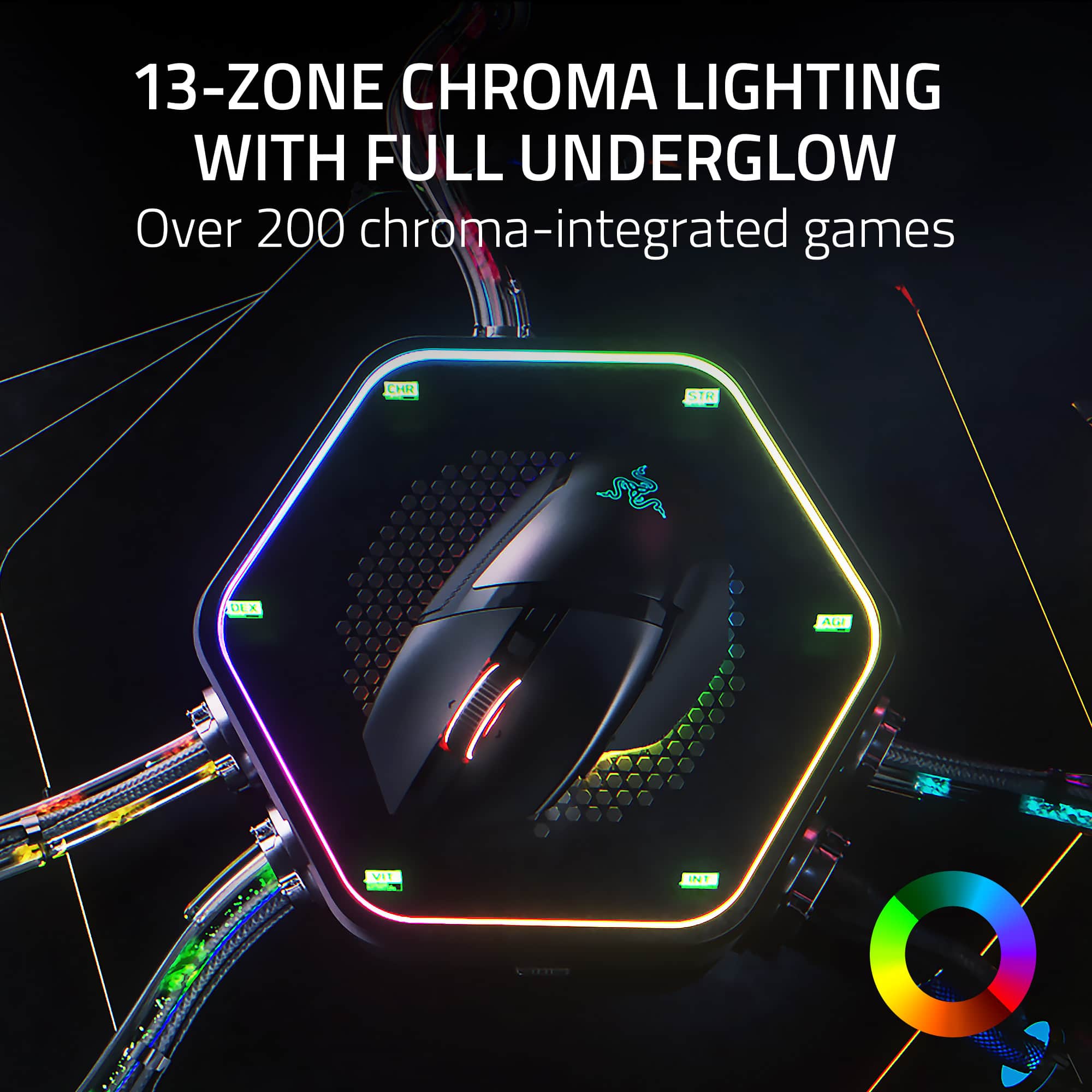
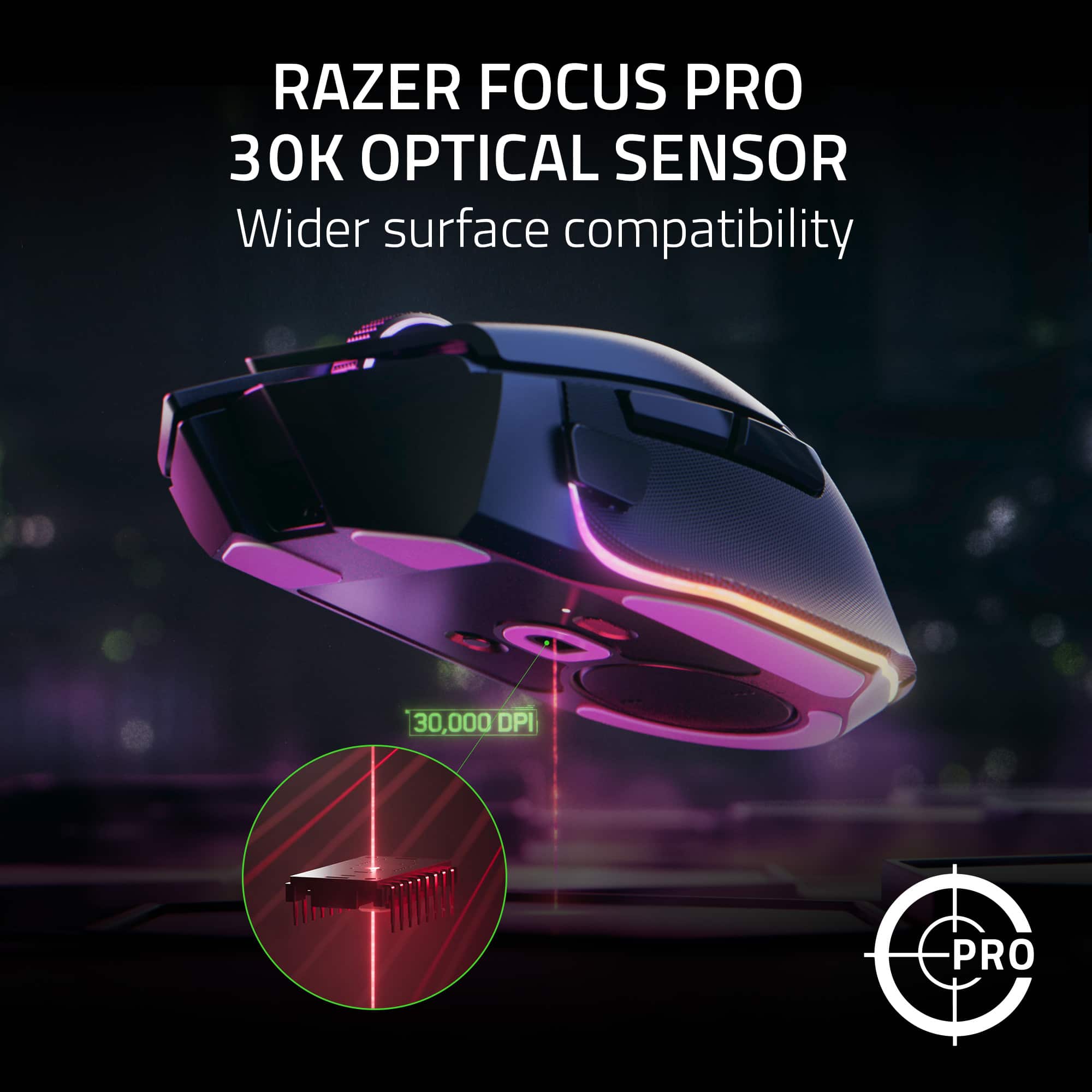
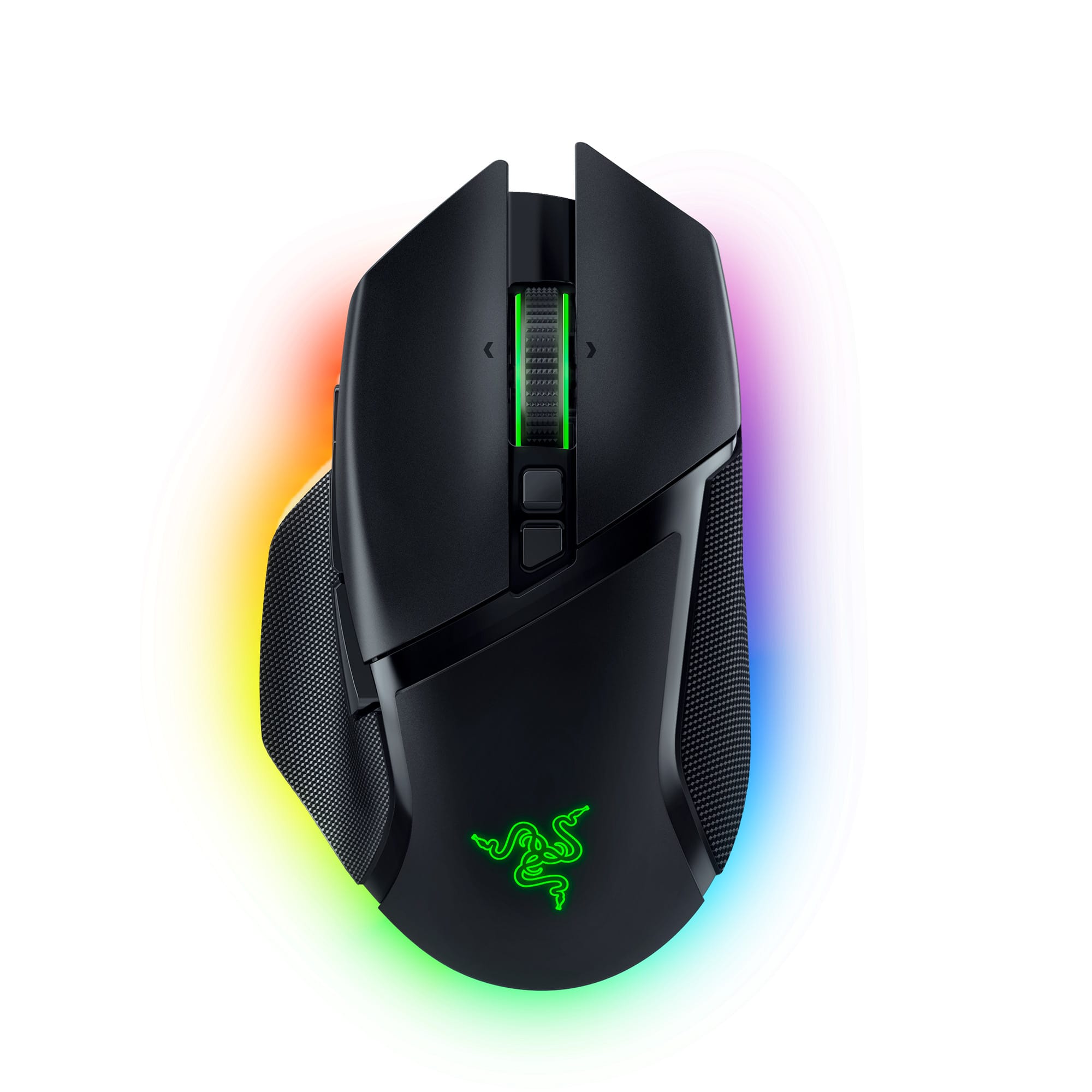
|Posted .This reviewer received promo considerations or sweepstakes entry for writing a review.The Razer Basilisk V3 Pro mouse is a fantastic mouse with many ways to customize it. When I picked up the mouse for the first time, I was amazed by how comfortable it is and how it feels like its molded to my hand. The design of this mouse was astonishing, not only does it feal comfortable to hold, but its surprisingly light. The optical sensor has a DPI of up to 30k, it’s incredibly accurate and it does work on glass. The mouse has 10 + 1 customizable buttons. The mouse wheel has 2 different scrolling methods; fast and tactical and these can both be toggled by the click of a button. I love having these options, because it gives you that precise scrolling for when you need more accuracy, it also gives you smooth and fast scrolling for when you need it. The scroll wheel also does side scrolling as well. A nice thing about this mouse is when you connect it to your computer for the first time, it automatically installs the drivers plus an assortment of useful software (all are optional to install). There are 3 ways to connect the mouse to your computer; Bluetooth, Wired, and USB dongle. Chroma Studio is useful and easy to use, this is the software that lets you customize the LED colors on your mouse. What’s cool about the LEDS on this mouse, the strip on the bottom that wraps around the whole mouse looks like it’s one solid color, but it’s actually divided in 11 different sections. This is cool because you can customize each section a different color. You can also customize the Razer logo and the mouse wheel. There are many different lighting affects you can add, or you can create your own effects. I decided to create my own, this is where I found out you can’t save your effect to your on-board memory. You can save your effect to your account though, the difference being you can load your custom effect only when you have the software installed to your computer and you’re signed into your Razer account. It would be nice if there was a way to save your custom effect to the on-board memory without having to use the software. Overall, this is a fantastic mouse. The 11 customizable LED lights, make the mouse look amazing and unique. The 30k DPI sensor works incredibly fast and accurate. The scroll wheel is on another level with the ability to switch from tactical to smooth on the fly. The 10 + 1 customizable buttons make for a great gaming experience. The included software is a great way to customize both the buttons and the LED lights to your choosing. I highly recommend this mouse to anyone looking for a new gaming mouse.
I would recommend this to a friend Wireless Dongle Doesn't Work
||Posted .This reviewer received promo considerations or sweepstakes entry for writing a review.Same exact issue as other reviewers. Wireless dongle worked for a few seconds and has never worked again. I contacted Razer support, but have not heard back. I will update here if I ever do.
No, I would not recommend this to a friendConstant disconnects/driver crashing
||Posted . Owned for 4 months when reviewed.This reviewer received promo considerations or sweepstakes entry for writing a review.I have used every gaming mouse on the market and I have to say this one is rather unfortunate because it is CONSTANTLY disconnecting or the drivers are crashing in the background causing the mouse pointer to randomly reset to the center of my screen. You cannot competitively game on this mouse because it is simply not reliable. I even hard wired the mouse and still had disconnects this is simply not acceptable at this price point.
No, I would not recommend this to a friendDon't waste your money
||Posted . Owned for 3 months when reviewed.This reviewer received promo considerations or sweepstakes entry for writing a review.Sucks. Constantly spritz out and wont allow me to play. Best buy not letting me exchange it as razer has gone down hill. Do not buy. Absolutely worthless. The 4th razer mouse ive had that has done this and its been literally 3 months.
No, I would not recommend this to a friendBad Wireless Dongle
||Posted .This reviewer received promo considerations or sweepstakes entry for writing a review.Another review with a bad receiver dongle. Bought mine instore. Used it for a little while wired and love the mouse. Its a shame Razer is having horrible quality control with these receivers, I would love to be able to use this mouse.
No, I would not recommend this to a friendBattery wont charge
||Posted . Owned for 1 year when reviewed.This reviewer received promo considerations or sweepstakes entry for writing a review.It lasted a week. Then the battery wouldn’t charge. Went onto Razer support found it its common issues, some seem to fix it I was not able to.
No, I would not recommend this to a friend- Pros mentioned:ErgonomicsCons mentioned:Lag
The Ultimate Gaming Mouse
|Posted .This reviewer received promo considerations or sweepstakes entry for writing a review.The Razer Basilisk V3 Pro wireless optical gaming mouse with Chroma RGB lighting is the ultimate gaming mouse. It's one of the most accurate gaming mice I have used. There is absolutely no noticeable difference between using it wirelessly vs using the cord while charging, zero lag. The charge cord is extremely flexible. So much so that it feels like you're still using the mouse wirelessly. I really like this about this mouse. This cord also connects to an included adapter that can hold the wireless receiver, so you can easily switch between the two modes if you need to charge the mouse. This is a very smart design in my opinion. This mouse has a very ergonomic design. I do not get any hand fatigue while using it. All the buttons are easily accessible and have a very satisfying click so you know you've pressed the button, giving you excellent positive feedback while gaming. You can also tilt scroll wheel left or right for added button presses you can customize which seems to be rare in todays gaming mice. The Synapse software is easy to navigate and use to customize the mouse buttons the RGB. It Also has Bluetooth connectivity, so traveling without your wireless receiver won't be an issue with most of todays laptops including Bluetooth. Likes: 1.) Zero lag 2.) The best(flexible) charge cord 3.) Excellent supporting software Dislikes: 1.) None
I would recommend this to a friend