Customer Ratings & Reviews
- Model:
- RZ01-04660100-R3U1
- |
- SKU:
- 6548182
Customer reviews
Rating 4.6 out of 5 stars with 238 reviews
(238 customer reviews)Rating by feature
- Value4.3
Rating 4.3 out of 5 stars
- Quality4.6
Rating 4.6 out of 5 stars
- Ease of Use4.7
Rating 4.7 out of 5 stars
Customers are saying
Customers are pleased with the Cobra Pro Optical Gaming Mouse's RGB lighting, comfortable size and grip, and long battery life. Many appreciate the customizable features, including adjustable DPI and the option to connect via Bluetooth. While some find the price high, most users report a positive experience with responsiveness and minimal lag. The software, however, received mixed reviews.
This summary was generated by AI based on customer reviews.
Rated 5 out of 5 stars
Love it
||Posted . Owned for 1 month when reviewed.This reviewer received promo considerations or sweepstakes entry for writing a review.It is for my son. It is not heavy and easy to use.
I would recommend this to a friendRated 5 out of 5 stars
Cobra pro
||Posted . Owned for 3 weeks when reviewed.This reviewer received promo considerations or sweepstakes entry for writing a review.Wonderful mouse extremely responsive and accurate.
I would recommend this to a friendRated 3 out of 5 stars
Not bad, too small
||Posted . Owned for less than 1 week when reviewed.This reviewer received promo considerations or sweepstakes entry for writing a review.Nice quality mouse but was too thin on the side profile for my liking, it would give me hand cramps while using it BUT it is a good mouse if you're looking for something smaller.
I would recommend this to a friendRated 3 out of 5 stars
Big hands beware.
||Posted . Owned for 1 week when reviewed.This reviewer received promo considerations or sweepstakes entry for writing a review.Mouse was very high quality. Worked well. However if you have bigger hands you will get arthritis trying to play with this tiny thing.
I would recommend this to a friendRated 3 out of 5 stars
Okay mouse price wise no
||Posted . Owned for 3 weeks when reviewed.This reviewer received promo considerations or sweepstakes entry for writing a review.Sometimes it just lights up all the time with even being off
No, I would not recommend this to a friend- Pros mentioned:WeightCons mentioned:Lag, Software
Rated 4 out of 5 stars
Fast and Customizable
|Posted .This reviewer received promo considerations or sweepstakes entry for writing a review.The Razer Cobra Pro Wireless Gaming Mouse with Chroma RGB Lighting and 10 Customizable Controls is a very good and well designed gaming mouse with plenty of customization and lighting effects available. It is relatively small and light with a textured grip. The Cobra Pro can be connected using a 2.4ghz receiver and over bluetooth. i tested both ways and the mouse showed no additional latency using bluetooth and was fast and responsive. Lighting worked over both connections. Battery life was OK with a battery lasting somewhere around 20 hours. The Razer Synapse software which seems overly bloated and cumbersome. While it has improved over the years, it is still nowhere near as refined or feature rich as the competition. To fully customize the Cobra, you have to use the Synapse software which offers a lot of customization. Nearly everything is customizable, report rate, sensitivity, button assignments, lighting, lighting effects, etc. In summary, I recommend the Cobra Pro for anyone looking for a gaming mouse that looks and feels good, performs well in games, and offers great customization.
I would recommend this to a friend Rated 1 out of 5 stars
Razer Viper Mini died for this
|Posted . Owned for less than 1 week when reviewed.This reviewer received promo considerations or sweepstakes entry for writing a review.77 grams for $130 mouse, no. We just wanted a lightweight Razer Viper Mini Wireless, not this…
No, I would not recommend this to a friend- Pros mentioned:Rgb lighting
Rated 5 out of 5 stars
Comfortable Gaming Mouse
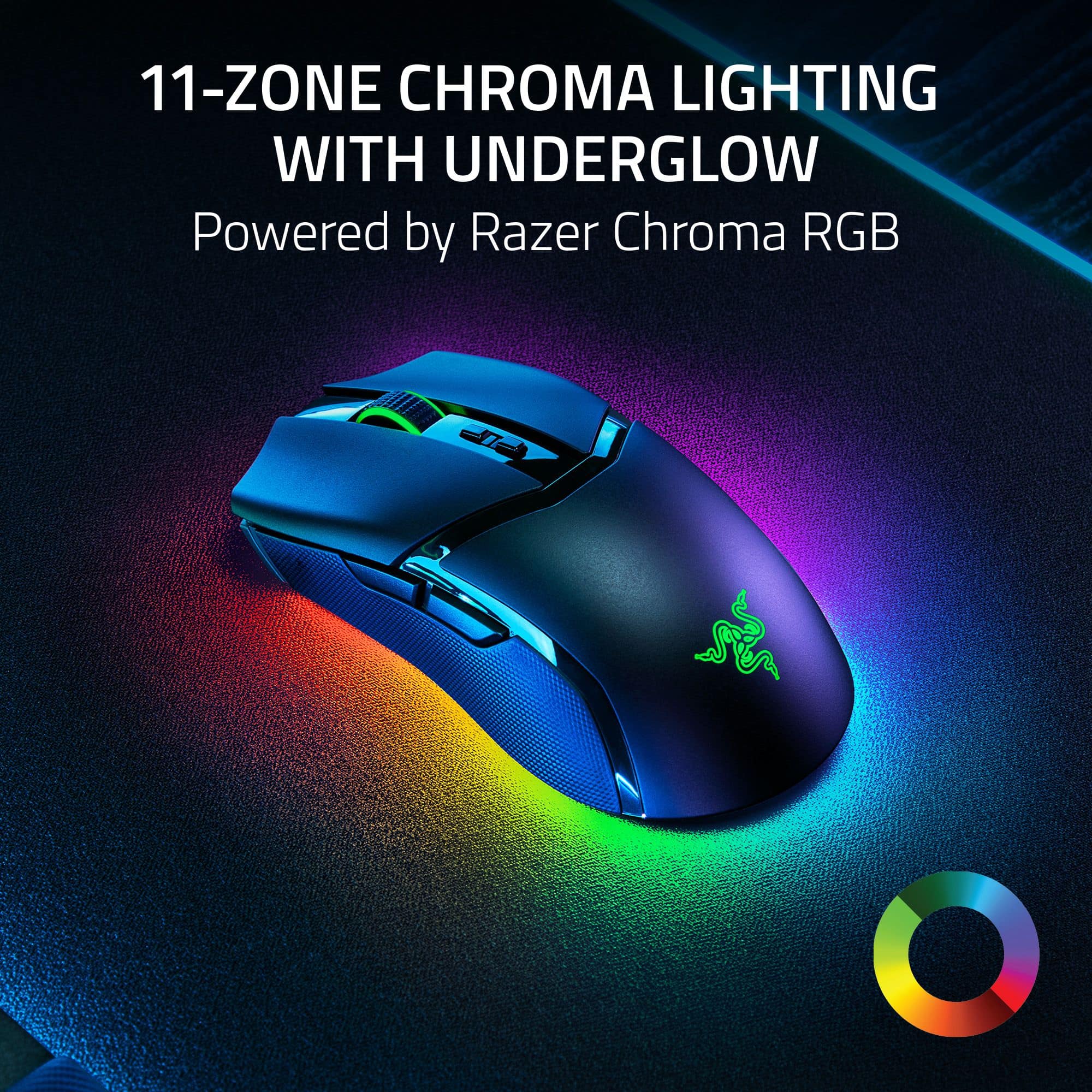
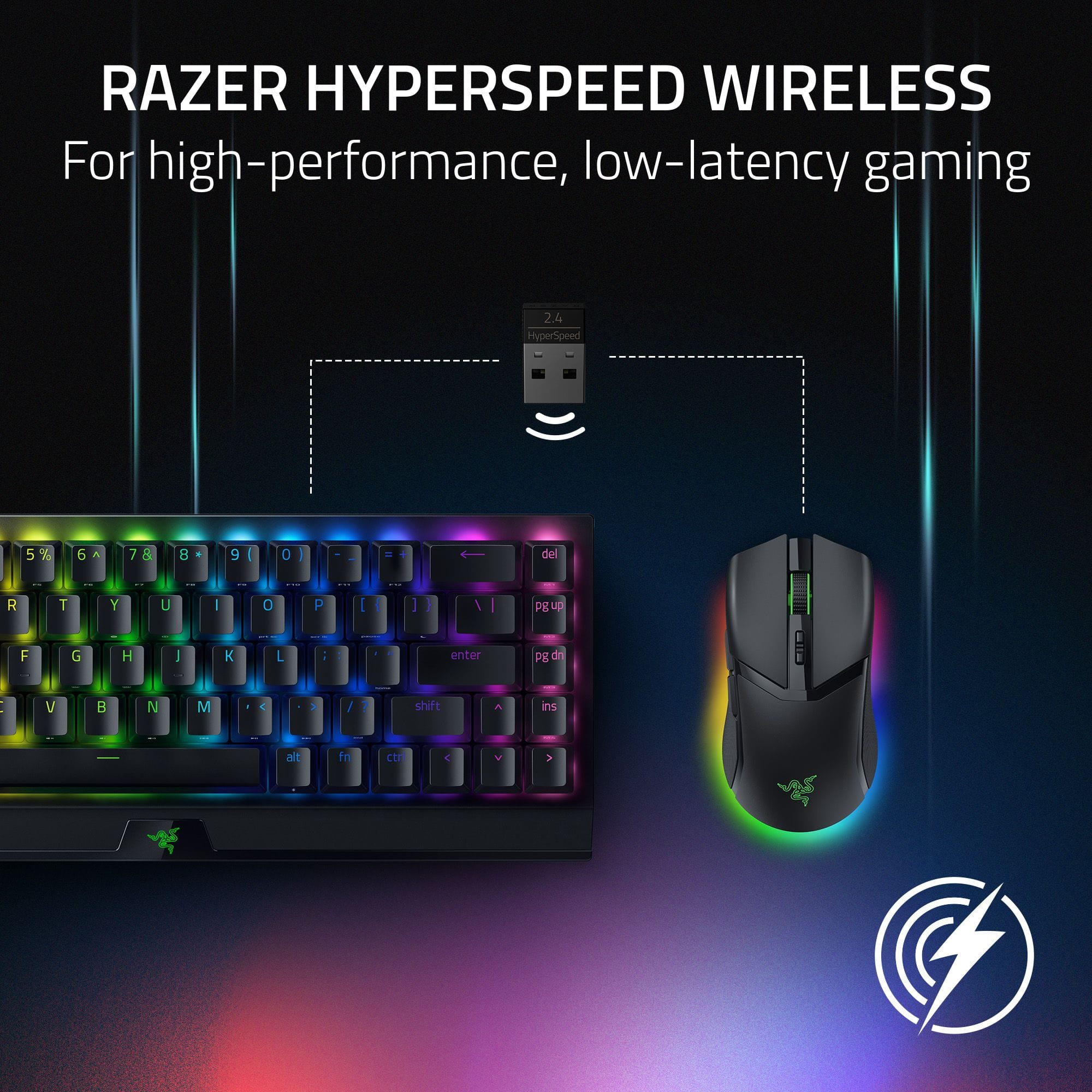
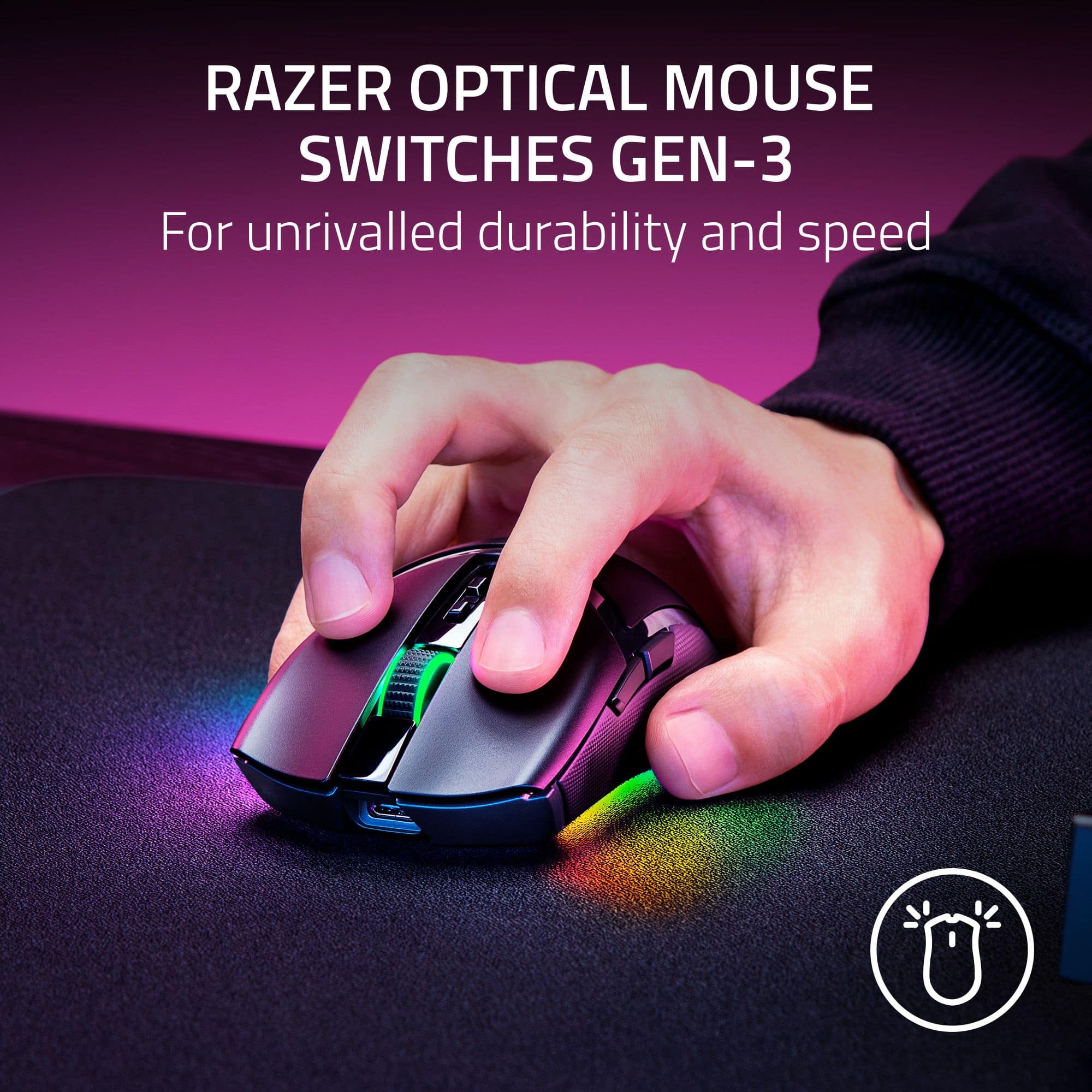
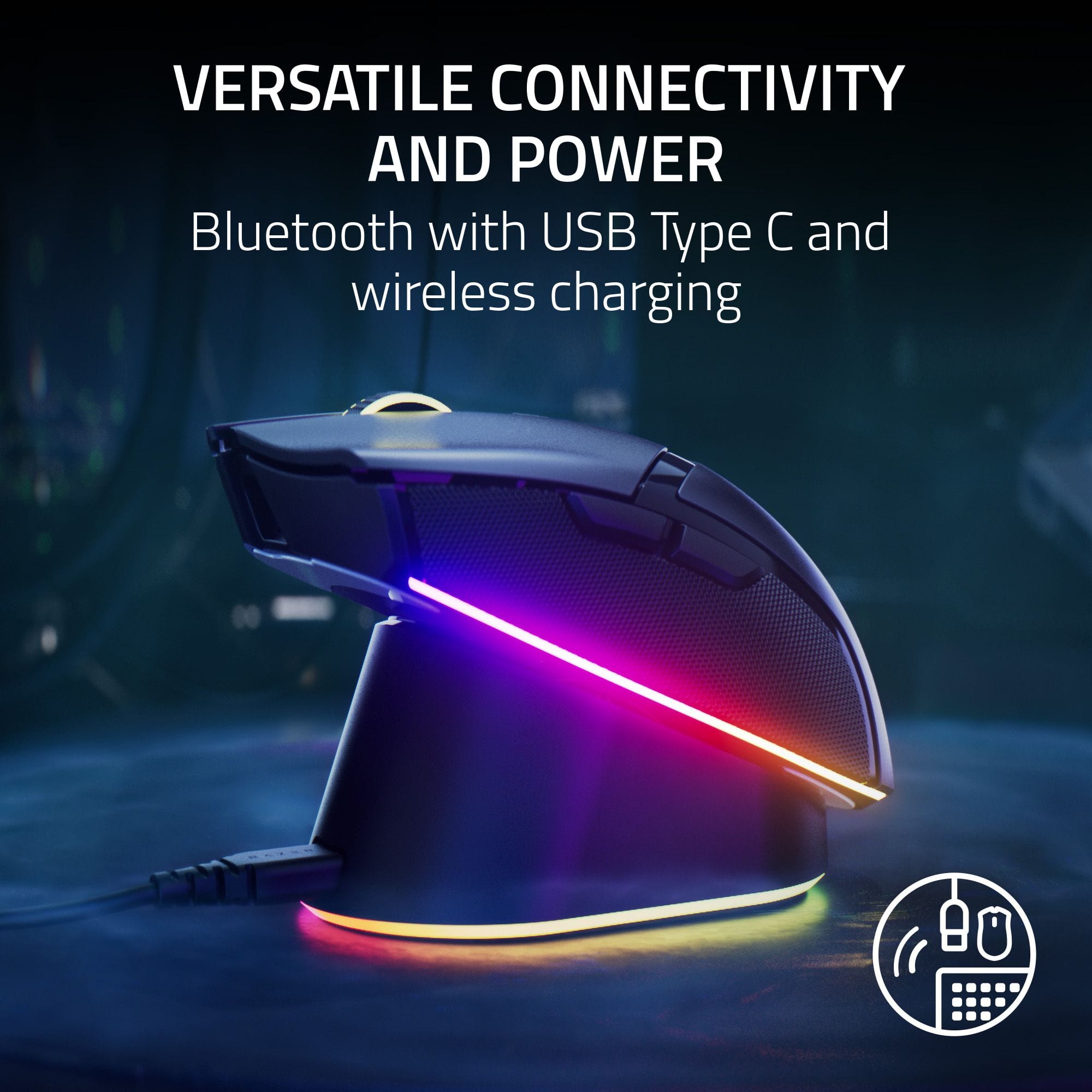
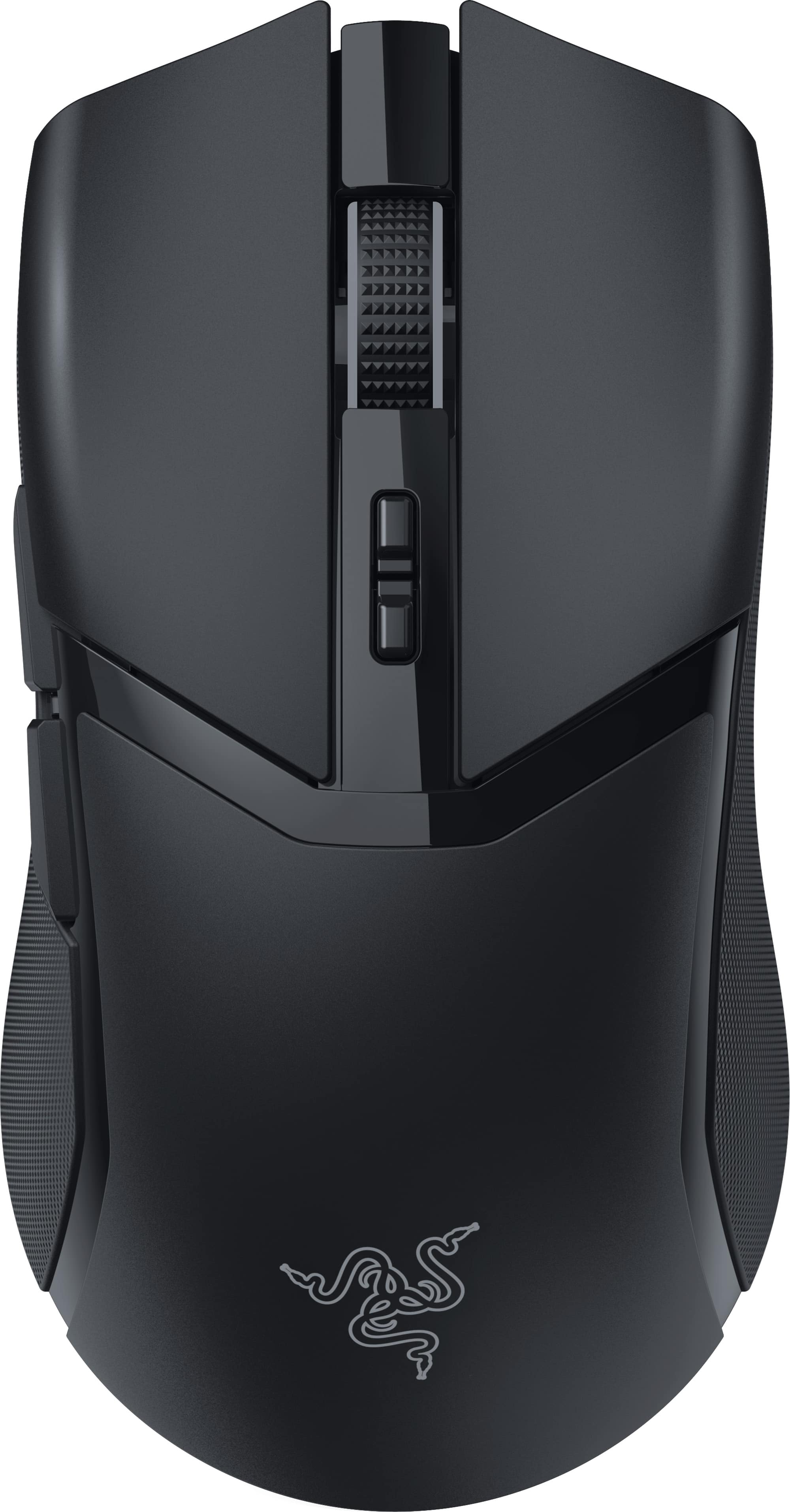
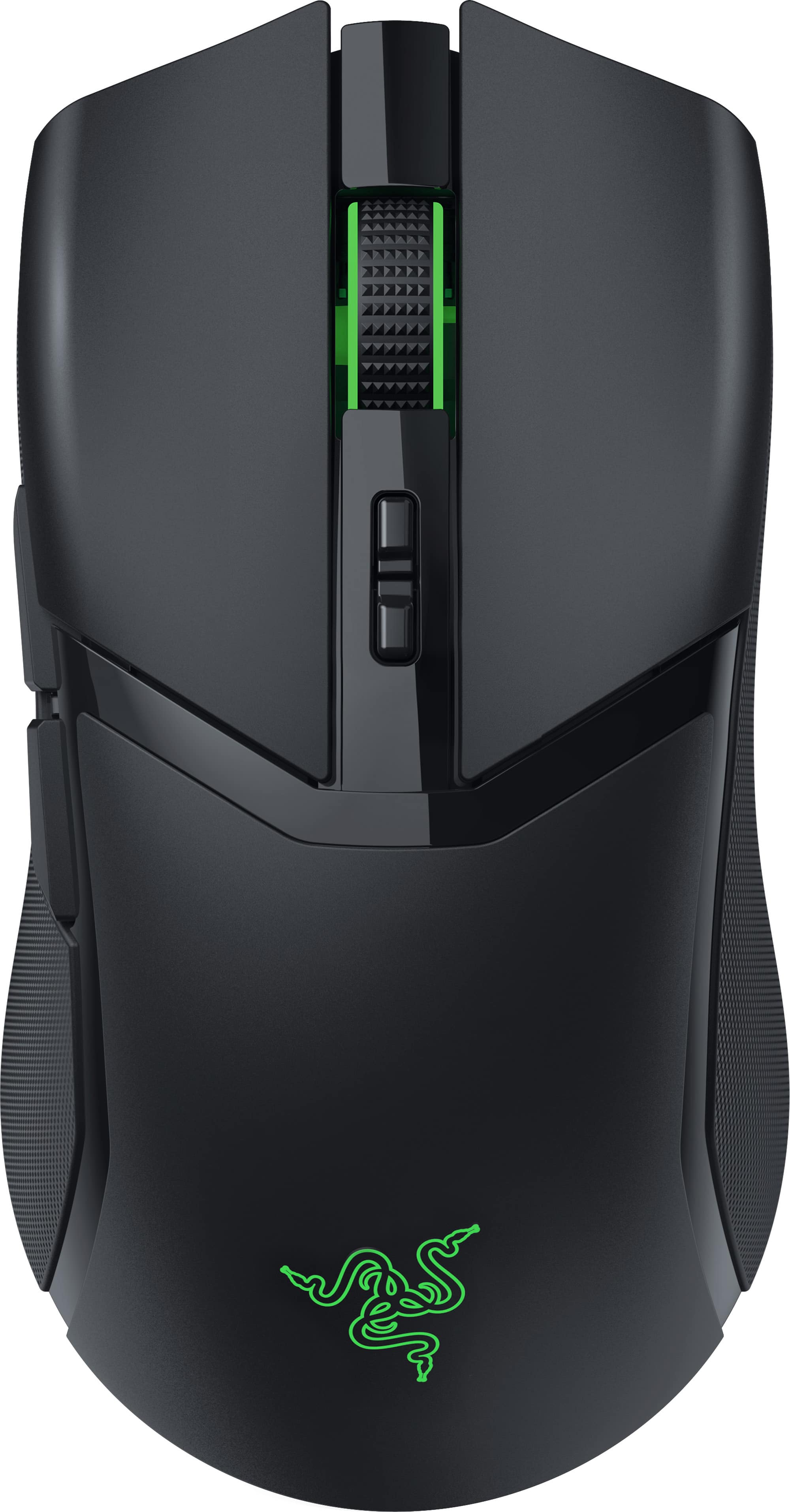
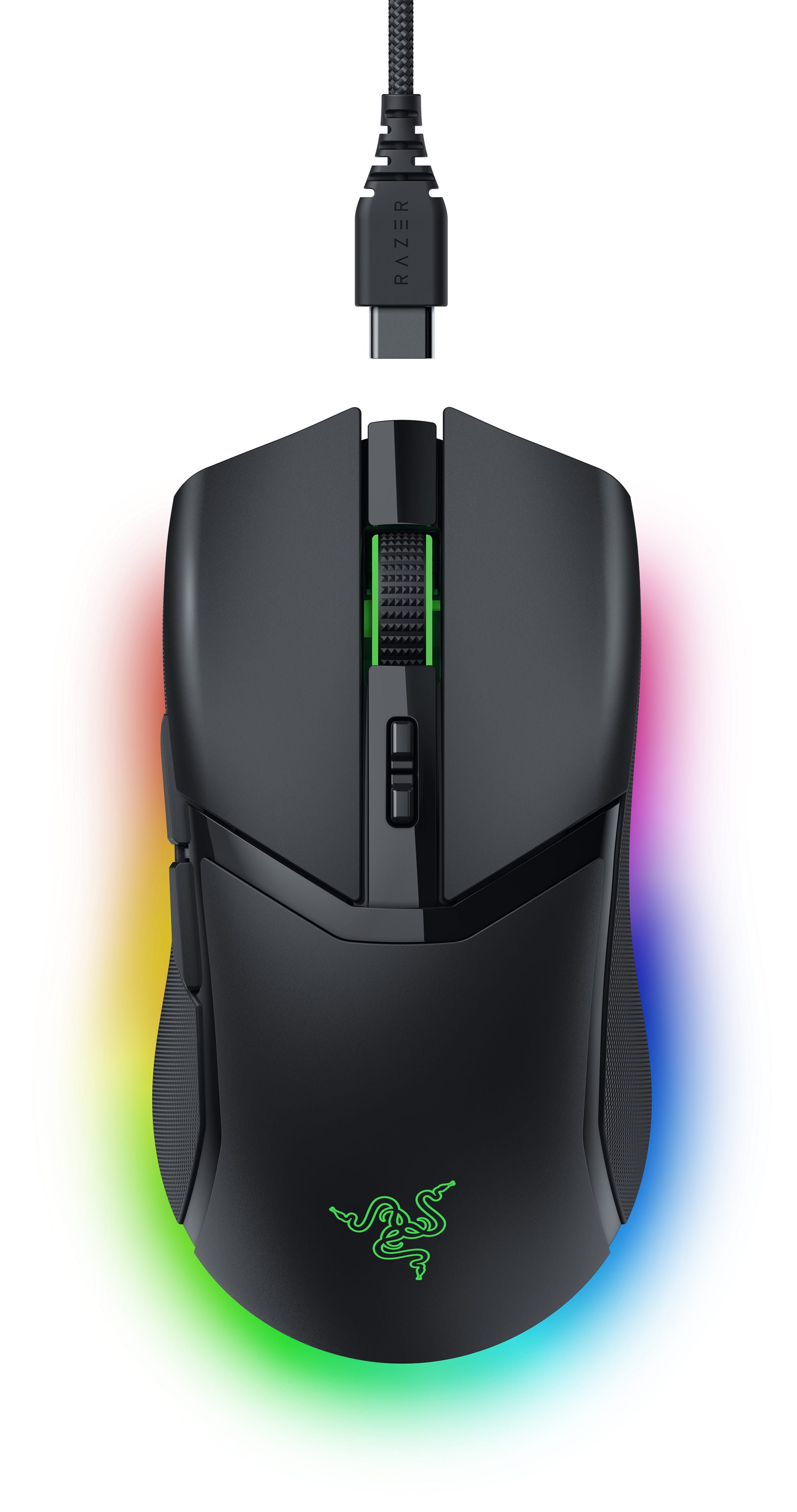
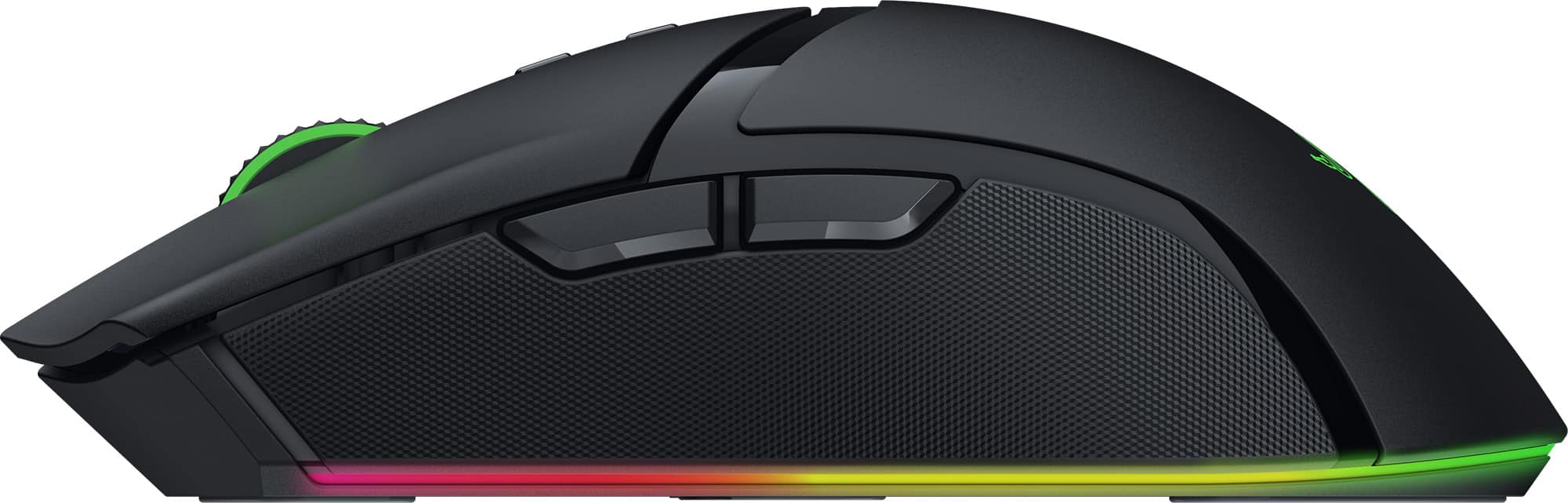
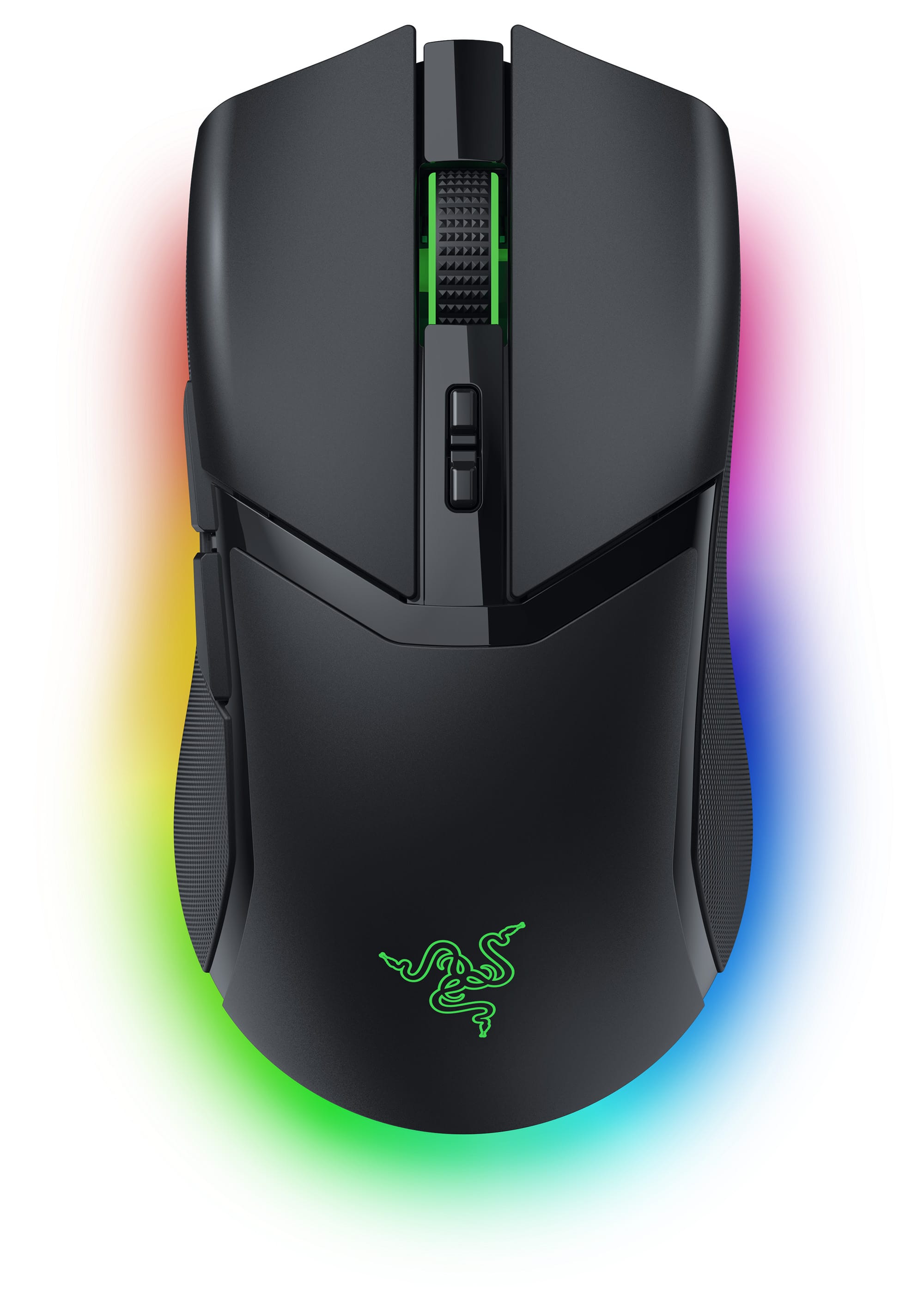
|Posted .This reviewer received promo considerations or sweepstakes entry for writing a review.This mouse comes with a dongle, USB dongle adapter, a USB-A to USB-C Speedflex braided cable which is also used as the mouse charger, user manual and some cool stickers. It has a sleek black design with 11 zones of cool RGB lighting. This mouse is a bit compact but works great for my medium sized hands. People with larger hands may find this a bit small. There are two ways to wirelessly connect this mouse. First way is with the dongle. This can either be plugged straight into the computer or you can use the USB dongle adapter and cable for better distance while using the mouse. The second way to connect this mouse is with Bluetooth. You can also use this wired by using the cord it comes with and charging it at the same time. I basically use the cord when I am on my gaming PC, but on-the-go with my laptop I use it wireless. Nice to have that option. The buttons on this mouse are low-latency Gen-3 optical switches and are easy to use and have quick response. This mouse has dedicated DPI up/down buttons, which make changing very easy. DPI is exceptionally smooth with Razer Focus Pro 30K DPI optical sensor. There is software you will need to customize your mouse called Razer Synapse 3. The program is easy to navigate and allows you to change and customize a number of options like, programming the buttons, RGB lighting, power settings, among other things. I found this mouse works great for my gaming needs and I recommend it.
I would recommend this to a friend - Pros mentioned:Battery life, Weight
Rated 5 out of 5 stars
A good gaming mouse!
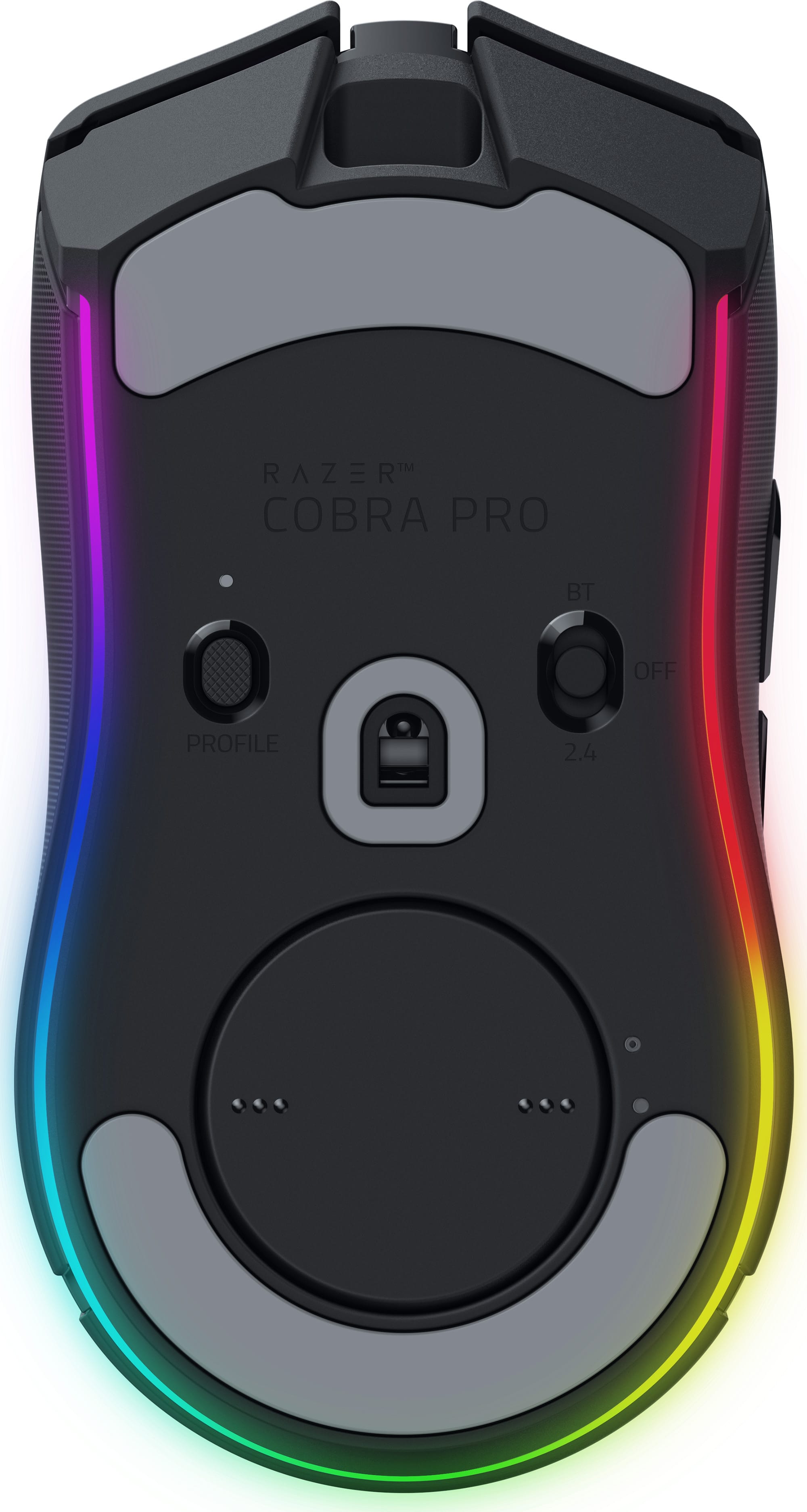
|Posted .This reviewer received promo considerations or sweepstakes entry for writing a review.Bottom Line: The Razer Cobra Pro Wireless Gaming Mouse offers a good set features that should satisfy most gamers’ needs. Pros: lightweight; textured sides for good grip; fast connection; programmable buttons with different profiles; good battery life; RGB lighting Cons: a bit on the small size Review: The Razor Cobra Pro replaces my old, AA battery powered gaming mouse, and my first reaction was how much lighter it is. This reduction leads to faster, more responsive gameplay. I also liked how the sides of the mouse are made from a texturized rubber, which noticeably increased my grip and control of the mouse. I use the HyperSpeed dongle for connectivity, which provides a super fast connection. The mouse has seven programmable buttons, which can be customized with the Razer software. One of the nice features about the software is that you can create different profiles that allows you use different configurations depending on the profile/game. They are easy to toggle using a button on the bottom of the mouse. The RGB lighting adds a nice effect to gameplay, and I’ve been impressed by the long battery life. My only small issue is that the mouse is smaller than what I am used to; it doesn’t fit well in your hand if you use a mousepad with a wristguard.
I would recommend this to a friend - Pros mentioned:Rgb lighting, Weight
Rated 4 out of 5 stars
Well built but not quite the perfect mouse for me.
|Posted .This reviewer received promo considerations or sweepstakes entry for writing a review.The wireless Razer Cobra Pro has excellent build quality with no creaking while extremely lightweight and solid buttons. The RGB lighting effects are quite pleasing. Although I never liked my RGB stuff flashing around on my desk as my eyes always glances down at things blinking or flashing. Lighting is always set at static. The level for the scroll wheel can be set at a lower intensity the surround light can be brighter and the logo can be shut off. This is my preferred setup. Because of the onboard memory, multiple connectivity options can have me move from my home desktop to laptop easily. RGB lighting doesn't get stored on the on board memory, but the Synapse program that is installed. I can't see why they weren't able to do that. While the mouse performs well and is very responsive however there are a few downsides to the mouse that make it difficult to use as my everyday mouse. First the size of the mouse is not ideal for me as my medium/large hand has to use a claw grip, and after an extended session on the computer my hand starts to cramp, but due to the super light weight it doesn't overly strain my hand. The left and right mouse buttons are solid positive clicks that feel nice, but are rather loud. I definitely could not use it for work for longer periods. Finally, the rubber grips on the sides of the mouse do feel nice but I can almost guarantee that they will wear out or become gummy after a few years which will long term make this a disposable mouse for me.
I would recommend this to a friend Rated 2 out of 5 stars
Small mouse
||Posted . Owned for 3 weeks when reviewed.This reviewer received promo considerations or sweepstakes entry for writing a review.Too small but good quality if you want a small mouse
No, I would not recommend this to a friend- Pros mentioned:Size, Weight
Rated 5 out of 5 stars
GREAT Mouse
Posted .This reviewer received promo considerations or sweepstakes entry for writing a review.Absolutely amazing mouse. So, people are hating on it for the wrong reasons, but anyways, not the point of the review. It's the same size as a viper mini and yes, it weighs 76 grams, but it's back heavy and feels perfect in my XL hands. It's perfect for finger tip grip for me. I have used very light mice, such as the DeathAdder V3 Pro. The 15 gram difference is not that noticeable, because let's face it, 76 grams itself is already very light, especially compared to the majority of the market. Click latency is ridiculously low, it supports 8k hyperpolling for you competitive FPS fanatics and the wireless charging is a selling point for someone as first world as myself. Sensor accuracy and latency is also precise and fast. Great mouse and the rubber grips on the sides are perfect. Imagine a Razer Viper Ultimate but the size of a Viper Mini and there you go and with better buttons.
I would recommend this to a friend - Pros mentioned:Battery life, Rgb lighting, Weight
Rated 5 out of 5 stars
Versatile, high-quality gaming mouse
|Posted .This reviewer received promo considerations or sweepstakes entry for writing a review.The Razer Cobra Pro Wireless Gaming Mouse with Chroma RGB Lighting and 10 Customizable Controls is a great wireless gaming mouse with the benefit of having some really cool RGB lighting. The mouse is comfortable to use for long gaming sessions, is very accurate no matter which connection method I use, and in my opinion, is the perfect weight. It feels solid and well-built which is a plus for me compared to lighter and cheaper feeling gaming mice. Back to the connection methods, it can be connected via Bluetooth, Razer’s HyperSpeed wireless connection method, or even wired with a USB-C cable. I really like having the ability to use the mouse wired or wirelessly since you can continue to use the mouse while it is charging via the wired method when running low on battery but the battery lasts a long time so charging won’t need to be done all that often. Overall, I really like the look and feel of this Razer Cobra Pro Wireless Gaming Mouse with Chroma RGB Lighting and 10 Customizable Controls and I highly recommend it!
I would recommend this to a friend - Pros mentioned:Weight
Rated 5 out of 5 stars
Nice feeling gaming mouse!
|Posted .This reviewer received promo considerations or sweepstakes entry for writing a review.In our house, our couple of teenagers, along with myself, do quite a bit of gaming (Ok, maybe more for them than me) and one thing we deal with a lot is the mouse. Reliability and longevity are important, and unfortunately, we've all gone through quite a few with some having various failures. Sometimes, you get what you pay for does seem to fit in. After the left button started to wear out on one mouse, it came time to replace it. After looking at sever different brands and the choices with them, we decided to get the Razer Cobra Pro Wireless Gaming Mouse a try. After unboxing, then plugging in the braided USB cable, USB Dongle Adapter along with the USB Dongle (which can be plugged directly into the computer, but I always like to have those as close to the mouse or keyboard as possible), it immediately prompted to install Razer Synapse app and optionally other Razer apps, which them required restarting the computer after installation. For connectivity, there are three options. First is their HyperSpeed 2.4GHz wireless. Then Bluetooth (which I haven't tried yet but looks to be easy to pair) as well as wired (using the included cable). The wired mode allows it to charge and be used at the same time (if the battery has died while playing). Once the restart was complete, I turned the mouse on (to 2.4) and opened the Synapse app to look at the configuration choices. Like most mice and keyboards, you can create different profiles that can be stored directly in the mouse (for when changing to a different computer and keeping the same settings). The different buttons can have different actions mapped as desired. In Performance, 2 to 5 Sensitivity Stages (using 100 to 30,000 DPI) can be set along with the Polling rate (125/500/1000 Hz). In the Lighting menu, there are some preset effects (which each have a few settings, such as color(s), duration, etc.) or select Advanced Effects, then Chroma Studio to have much more control, along with being able to set each individual light section to a specific color (using Static). However, the lighting setup will not be saved to the profile on the mouse. Around the bottom edge, there is a thin "halo" lighting which is a little neat looking. Personally, I don't care about the RGB effects, I just want a working mouse (or keyboard, or computer, or anything they seem to throw RGB onto nowadays), so I will keep it off (my sons have a more positive feeling for it than myself). Then there are settings for Mouse Mat Surface calibration and Power (Power saving and Low Power Mode). The feel of the design pleasantly surprised me. While I am used to my right-handed contoured mouse that is decently wide with a higher profile (which fits my hand perfectly) I use for work, this isn't as bad to hold and move around as I was expecting. The right side has just enough of a curve/angle to let my last two finger rest comfortably. The textured, rubber coated sides make it easy to grip. The "sunken" contour of the buttons allow the fingers to sit in nicely, making it somewhat easier to click without the possibility of slipping off (if anyone has such an issue). Compared to a couple of models from a different brand we have used recently, this definitely has a much better feel. It doesn't have a lot of configurable buttons, just the two on the left for the thumb, clickable scroll- wheel, and two buttons just below the scroll that by default are for quickly setting the active Sensitivity stage. Using it, it is just great. Some look for a specific weight, thinking the lighter, the better (easier to move around). This one is 77g, which is extremely light to me compared to my work mouse that I have been using for many years. The glide pads are extremely smooth with a curved bevel at the edges, so it has minimal friction). That, and the large pad I have, it moves with extreme ease. The main buttons are using their GEN-3 Optical switches with 0.2ms actuation for accurate clicks. I had no problem with it, and they are expected to have up to a 90-million click lifespan. Overall, this seems to be a well-designed, easy to use mouse. Unfortunately, I already lost count of the clicks, so I won't be exactly sure it made it to the 90 million, but we're hoping to get a lot of use out of it.
I would recommend this to a friend - Pros mentioned:Rgb lighting, Weight
Rated 5 out of 5 stars
Of course Razer puts out another solid mouse.
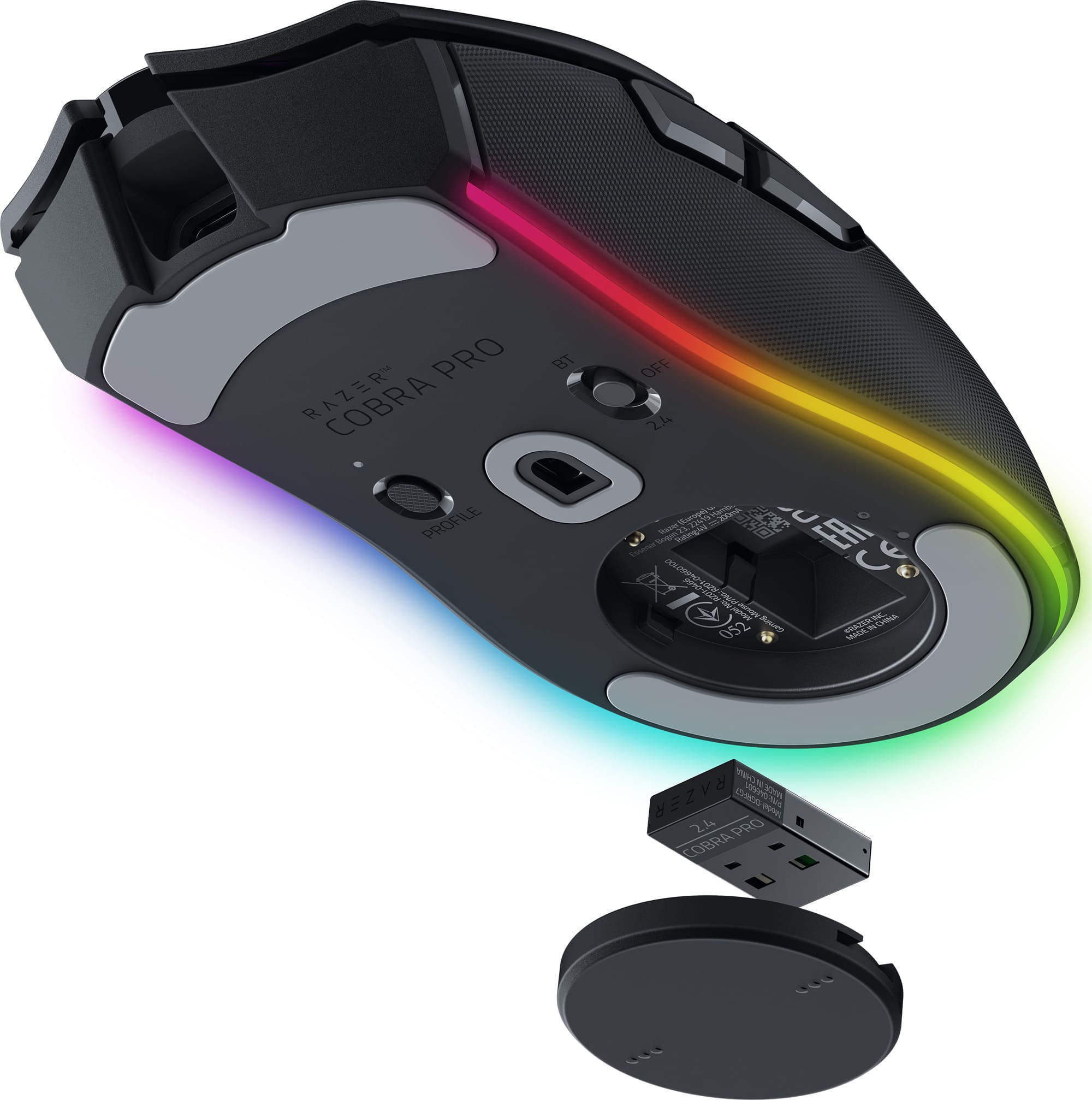
|Posted .This reviewer received promo considerations or sweepstakes entry for writing a review.The short version - This mouse is both nicely weighted and with not too distracting lighting. Razer Synapse isn't overly intrusive and complicated compared to other RGB management tools, and it pairs well with third party smart lighting systems like Govee, Twinkly, and Hue. Bluetooth and the proprietary HyperSpeed Wireless connection are both every bit as fast as a wired connection, and the tracking is superbly accurate. While the included charge cable (USB-C), receiver, and receiver to cable adapter were all nice pack-ins, it would have been nice to include the Qi wireless charging puck that's available optionally. The long version - This is packaged nicely and efficiently. You'll find the mouse, the charge cable, a receiver, and an adapter that allows you to use the charge cable with the receiver on your desktop, minimizing the chance for interference. Install the Razer Chroma software and you're off. You can set the mouse to however you want it to look like - I chose green for the logo and rainbow for everything else. I also paired it to Twinkly, which matched what some light strips I have did to the computer itself. It was extremely smooth to use. The mouse has the kind of weight I look for, and it did very well with tracking motion during a few fragfests in Doom Eternal. It also did well as a productivity mouse, with its accuracy carrying over to Photoshop. The Bluetooth mode was easy to pair to a laptop and remained accurate and fast, though I noticed that after a longer period of inactivity, the mouse took a quick moment to wake up. Only negative? There's a puck under the mouse that can be removed and used for either a charging dock or a Qi wireless charging puck. For what the mouse cost, the Qi option could have been included. All in all, if you want a solid gaming mouse with almost no shortcomings, the Razer Cobra Pro is it.
I would recommend this to a friend - Pros mentioned:Battery life, Size
Rated 5 out of 5 stars
Accurate, comfortable, smooth gliding.
|Posted .This reviewer received promo considerations or sweepstakes entry for writing a review.I truly love the Razer Cobra Pro Wireless Gaming mouse!! The shape of it is perfect and gives me a comfortable grasp on it when using it. I love how it has a slight curve inwards in the middle. It also has a smooth glide when moving it around on my mouse pad. It has an accuracte tracking when i need to click on something. My favorite feature is the fact that it has different lighting controls so that i can change the color of it to fit my mood for the day! I love that its bright and colorful and has lighting under it as well. This mouse is rechargeable with a c charger, and gives me tons of play time on just one charge. I never timed it to see if its actually 100 hours but i know i still havent had to charge it yet. It comes with a Wireless USB dongle + USB dongle adapter with a USB Type A to USB Type C Speedflex cable which is very convenient. Overall, I have enjoyed using this gaming mouse because its accurate when rolling, i never have to continue clicking, and i love the changeavle colors on it. Its comfortable to use and accurate everytime with a very long charge life to it.
I would recommend this to a friend - Pros mentioned:Weight
Rated 5 out of 5 stars
Razer Cobra pro is excellent
Posted .This reviewer received promo considerations or sweepstakes entry for writing a review.Great sensor, very responsive. Love the side textured grips. People might prefer a lighter mouse but I found the weight to be just right. Extremely accurate.
I would recommend this to a friend - Cons mentioned:Price
Rated 4 out of 5 stars
Great quality, RGB madness ruins it.
|Posted .This reviewer received promo considerations or sweepstakes entry for writing a review.I’ve owned many Razor products; some are hits and some are misses. The Razer Cobra Pro is a bit of both. The Razor quality is there but it just falls short in a few key areas. In review: Design and build quality – Build quality is top notch as expected for a mouse in this high price range. The symmetrical shape is my preferred shape for mice; I’ve always hated the large overly complex mice with a myriad of buttons. The Razor Cobra Pro has 5 main buttons. Each button is responsive and requires just the right amount pressure. Textured rubber sides have a great feel and add to high end feel. It is heavier than some of the other Razer mice I own – a lot heavier. For me, I prefer a mouse with some heft and this weight of the Razor Cobra Pro is perfect. For others , they may not like the a back heavy mouse. RGB - I hate it , enough of RGB . 11 independently customizable RGB zones, all designed to ruin battery life. I am so sick of companies catering to 12-year-olds. Razer – WE DO NOT CARE ABOUT RGB LIGHTS ON A MOUSE. It does nothing but suck battery life. Case in point, the Razer Cobra Pro is supposed to get 100 hours of use via the Hypespeed. With the RGB light on, I was less than 30 hours. There are a lot of things that can affect the battery life but the drastic difference must be because of the light. However, I did not have time to test the 100 hour claim with the RGB lights off. Performance – In a word, flawless. The Razer Cobra Pro gliders easily over a mouse pad. Reactivity is spot on with no lag. Very smooth and never missed a beat. This is not really just this Razer mouse; I have found all Razer mice to be absolute perfection in basic operation. In conclusion, there are no glaring flaws in design and performance for the Razer Cobra Pro. I do think the heavy weight might be an issue for some but not for me. The RGB is severely overdone and it is way overpriced. It is nice that is is dock capable but not included. Buying the dock will add almost 60% to the total buy price. If the dock is something you really want, look to the bundle of the Cobra Pro with the dock. I am not quite sure who the target customer is for the Razer Cobra Pro, there is no reason to upgrade if you already own a Razer mouse and the Razor Deathadder is only a bit more money. I would still recommend it, it is a great mouse . Hopefully, you will find it on sale and then it will be a slam dunk. .
I would recommend this to a friend - Pros mentioned:Rgb lighting
Rated 5 out of 5 stars
Good all around gaming mouse!!!
|Posted .This reviewer received promo considerations or sweepstakes entry for writing a review.It's been a while since I've tried a new gaming mouse and this one does not disappoint. First, for the look and feel, this mouse is great, it feels high quality and has the right weight for my taste. Movement seems super responsive and accurate and this mouse offers lots of customization in terms of lighting and buttons/macros. I do like how Razer designed the wireless charging on this mouse but am disappointed they didn't just include it with the mouse and instead offer it as a different bundle which may appeal to other preferences but from a customer experience perspective it would be simpler and overall better if it just came ready to go wireless straight out of the box! In terms of Software, I do like Razer Synapse and the number of games that it supports, but do wish there were more integration with other 3rd party hardware for RGB lighting. For the most part the only way to get your setup all integrated is to go with all Razer devices and still miss out on some like motherboard lighting and ram lighting or go with a 3rd party software solution to integrate all the RGB in your setup. As for the mouse itself, I'm very impressed with the connectivity options afforded to you. I love having the option to use the high speed dongle or Bluetooth if I want to grab it to go with my laptop. As with nearly all Razer products, the RGB lighting is really good, with saturated color and easy customization with the software. Overall, I'd recommend this mouse, but would recommend getting the wireless charger for it to keep life simple and never have a chance of it going dead in the middle of a game or work.
I would recommend this to a friend Rated 5 out of 5 stars
Razor Cobra Pro
|Posted .This reviewer received promo considerations or sweepstakes entry for writing a review.I have been having a problem with all my other mouse’s. I would move the mouse and it would not register that I moved it. Once I installed the Razer Cobra Pro wireless gaming mouse, I no longer had that problem even the slightest mouse movement showed on the screen. The Razer Cobra Pro comes equipped with a rechargeable battery. The mouse has a USB-C port in the front and comes with a long USB-A to USB-C cord. The mouse needed to be charged overnight initially. The Wireless USB dongle plugs into and available USB-A port. The Razer Cobra Pro also connects via Bluetooth. There is also a wired connection available utilizing the supplied USB-A to USB-C power cable, this mode also charges the mouse while you are using it. If you are using a wireless connection, there is a 2.4GHz Hyper speed connection available on the bottom of the mouse. The mouse has a nice ergonomic feel. The Razer Cobra Pro also has an application to assist with set-up. If you want to utilize all the advanced features and 10 customizable controls. Located on the bottom of the mouse is a storage space for the dongle. With a slight twist the cap comes off and on. If you are serious about your game play, I would recommend you try out this mouse.
I would recommend this to a friend