Customer Ratings & Reviews





- Model:
- RZ01-05330100-R3U1
- SKU:
- 6621764
Rating by feature
- Value
Rating 4.2 out of 5 stars
- Quality
Rating 4.8 out of 5 stars
- Ease of Use
Rating 4.8 out of 5 stars
Customers are saying
Customers admire the product's super light weight, long battery life, and great ergonomics. They also appreciate its comfortable shape, improved polling rate, and the quality of its buttons and scroll wheel, which contribute to overall good performance. However, some customers note the absence of Bluetooth connectivity.
This summary was generated by AI based on customer reviews.
- Pros mentioned:Battery life

Gaming for the future
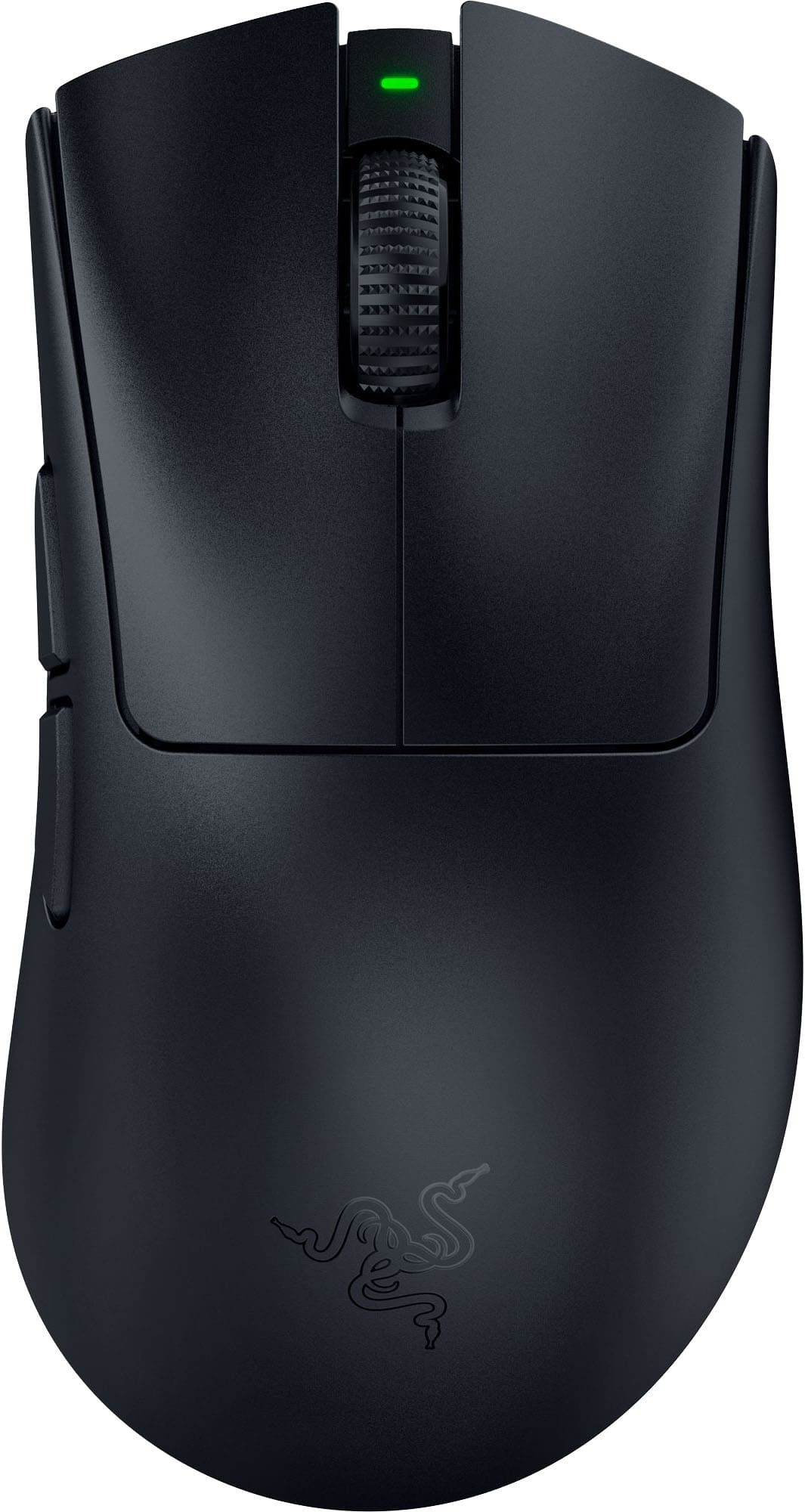
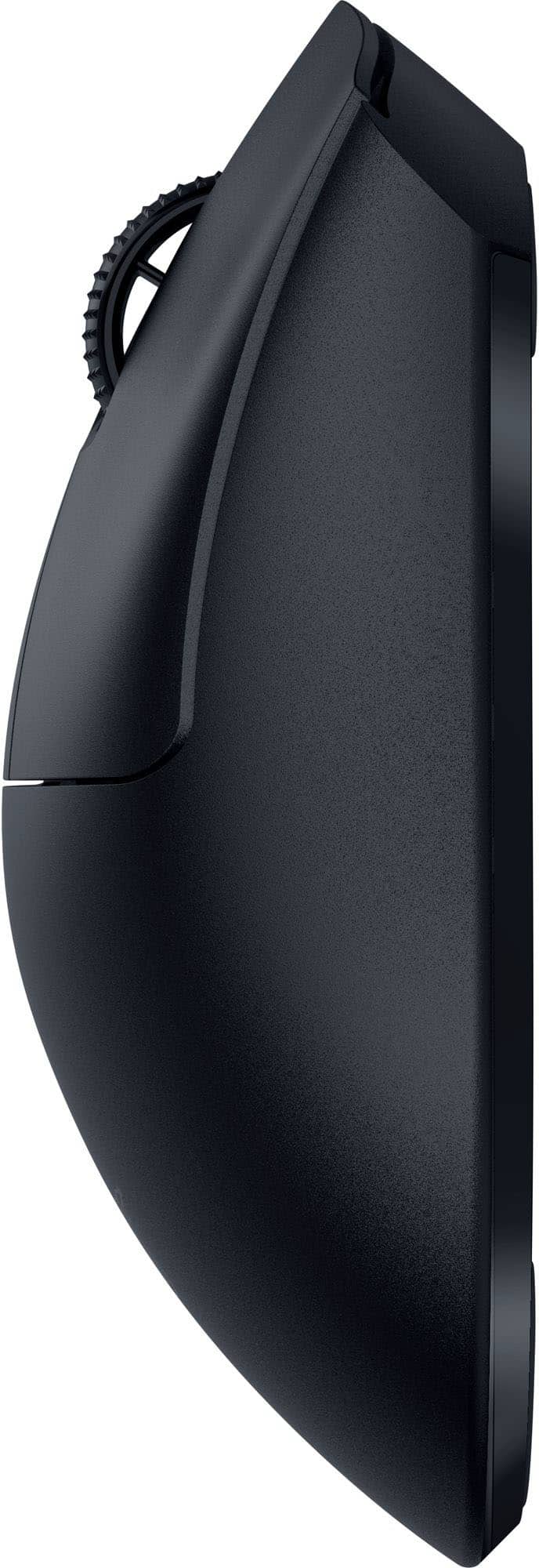
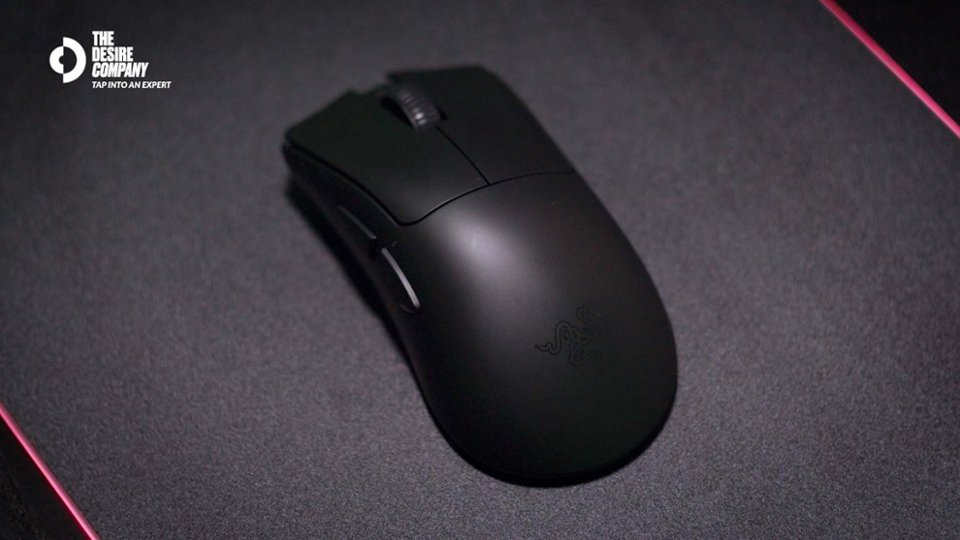
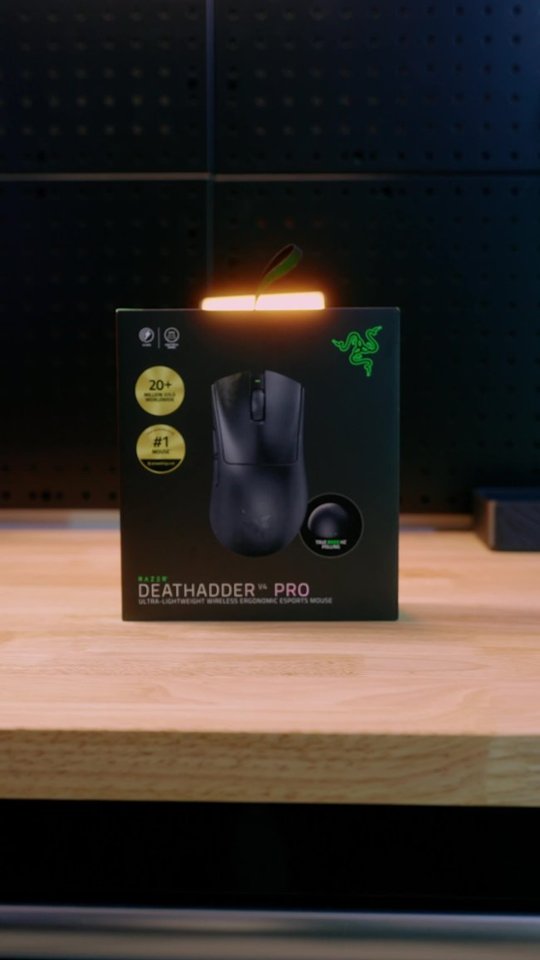
|Posted .This reviewer received promo considerations or sweepstakes entry for writing a review.The Razer Deathadder is a very fitting name as this mouse definitely brings your gaming to the next level. With multiple settings and customizations to chose from all via the Synapse app, you are almost guaranteed a cut above the rest. So out of the box you get your mouse, USB cable and domed wireless dongle. The first thing i noticed was the weight of the mouse. This mouse is very light weight which i am not a personal fan of. Light weight mice for me always tend to cause tracking issues as my heavy hands sometimes cause the mouse to lift up. Luckily the connection between the mouse and wireless dongle is insanely precise and accurate. Full charge on the mouse took about 30 mins and so far has yielded me about 40 hours, give or take, of run time. The mouse does work in wireless or wired mode as well. Some things to note, no this has no rgb lighting and yes the buttons can be mapped. One thing i have to gripe about with this mouse is the positioning of the dpi button. It is placed underneath the mouse next to its optical sensor. I prefer having it up top near the scroll wheel as i am constantly switching between settings on the fly while gaming. Now the wireless dongle has really cool noteworthy things that need to be mentioned. First and foremost its wireless signal is a absolute power house. I say this simply because i like to test wireless components by placing their base next to my monster of a wifi router that has 8 big antennas coming out of it. The weaker components always drop out while the mediocre ones will have random hiccups here and there. The dongle has three lights that can be customized for different settings but the factory settings it comes with are as follows. The first light represents your connection status, the second light battery life and the third light your current polling rate. Never once did i experience any lag or drop outs and my status light never changed off the green color. While on the subject this unit comes with a 8000hz polling rate which is insanely good at picking up current position and tracking. This makes FPS games or games like Fortnite help give you a more competitive edge. One thing to take note of is the load the polling rate can potentially have on your PC. I run a 12th gen intel I-9 and changing the polling rate from the standard 1000hz to 8000hz took my load from 3% up to 12%. Not a note worthy thing for me to be concerned about but just something to note in case your PC is not up to par. Over all this is an insanely good mouse to have if you are big in to games such as COD or Counterstrike. If your looking to get every ounce of an advantage regardless of the increase amount then this is a must have. If your more of a casual gamer and play more MMO or Sandbox games then i'd advise you to go a different route. There is really nothing bad to complain about except the DPI button position. But that's more of a personal preference than anything
I would recommend this to a friend - Pros mentioned:Battery life, Weight
A contender for the gaming mouse crown
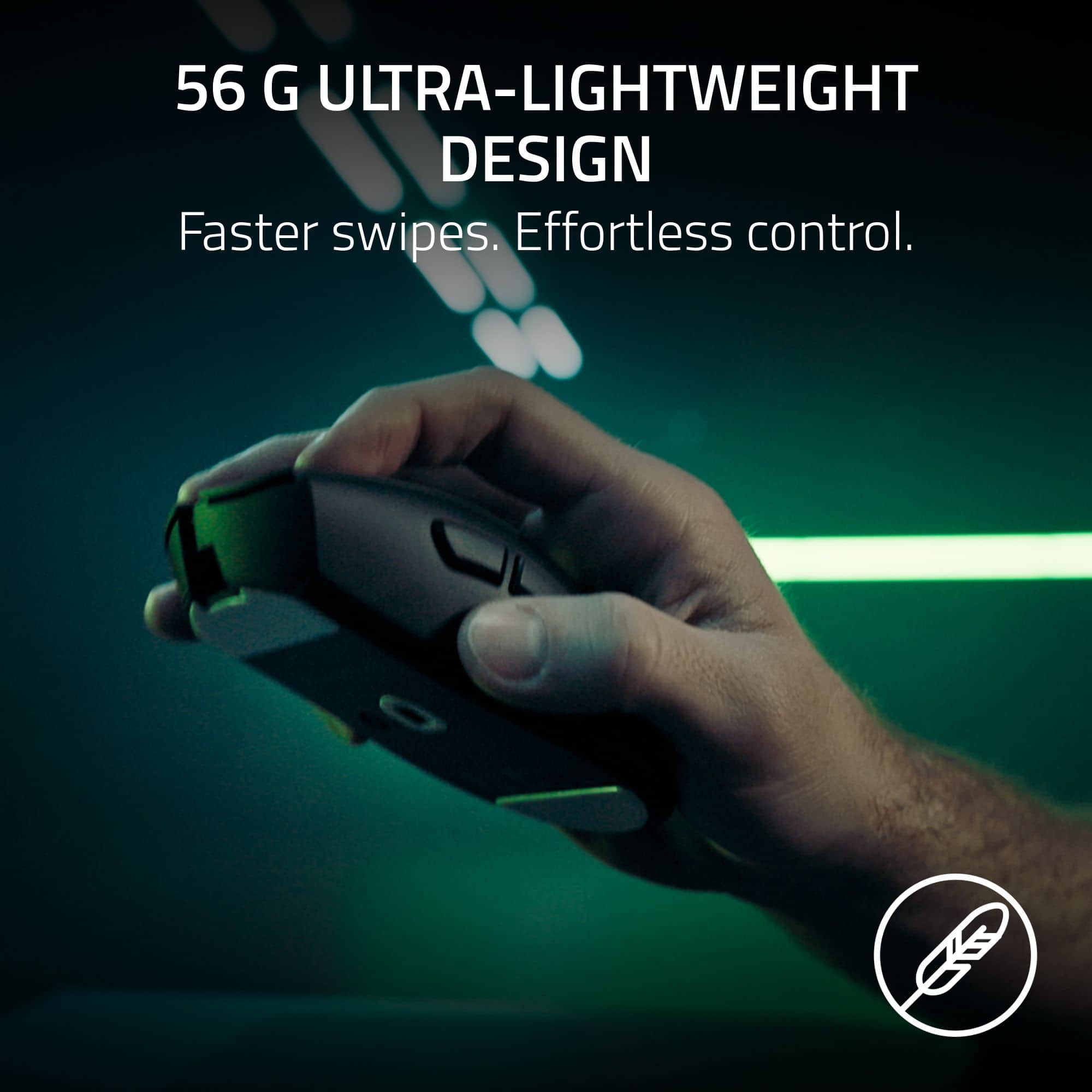
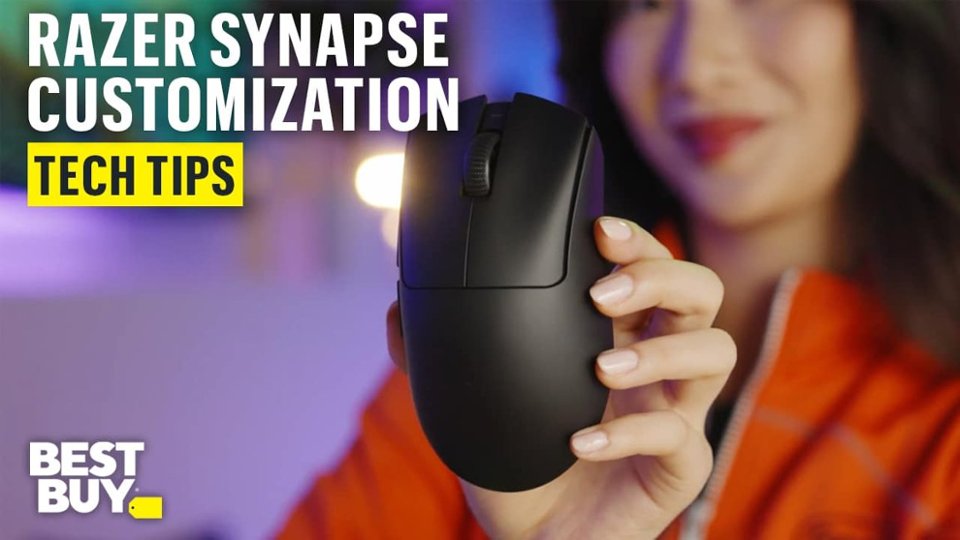
|Posted .This reviewer received promo considerations or sweepstakes entry for writing a review.In the popular world of PC gaming, mice are plentiful, with several competitors vying to win the crown. Among gaming mice, the Razer DeathAdder V4 Pro Lightweight mouse is a strong candidate for the crown. The first thing you notice when you take it in your hand is the incredible lightweight; it’s the lightest of all my gaming mice, and yet that light chassis is solidly built. For me, the simple look devoid of RGB lighting is a welcoming change. On top of the absence of weight , it’s quite comfortable and the buttons well placed to make the finger movements natural. Once connected and updated through the Razer Synapse app, I was ready to go and try my new toy. It’s immediately responsive and the clear cut clicks of the buttons make its presence felt. I chose the wireless ‘Razer HyperSpeed’ option with the dongle that has three indicator LEDs that can also be customized to show different functions. The Synapse app lets you customize the buttons and so much more. For performance, I used the ‘sensitivity matcher’ in the Synapse app to match the Razer mouse to my previous favorite gaming mouse sensitivity. It’s an easy process with the app and it took no time at all. Once the optimal polling rate was established, I customized it through the ‘dynamic sensitivity’ that automatically adjusts it depending on the speed of the mouse movements. My favorite is the ‘jump’ setting when playing my favorite FPS games. You can customize it to your exact preference but, in my case, it’s a work in progress. My favorite customization in the Synapse app is the ‘mat surface calibration’ with ‘asymmetric cutoff’ enabled. Basically, this function allows the sensor to adjust tracking when lifted and when it lands back on the mat. In some games, a millisecond is the difference between winning or losing, and this calibration when properly set-up can give a gamer an advantage. Another favorite is the mouse rotation set-up that allows me to keep my natural angled grip style and still achieve straight vertical and horizontal movements; it improved my performance with games requiring precision. After a full day of long plays, the Razer DeathAdder V4 has become my favorite gaming mouse. The battery life is on par with the best gaming mice out there. After too many hours of gaming, its charge is still over 70%. After the latest firmware update, Razer claims over 150 hours of gaming with a 1000 polling rate. I believe it’s a realistic goal. The Razer DeathAdder V4 gaming mouse is a strong contender for serious gamers looking for performance and a competitive edge. It’s very comfortable, super light and responsive, and the customization provided by the Synapse app is endless. In my opinion, it is among the best gaming mice in the market today. If you get one, you made an excellent choice.
I would recommend this to a friend - Pros mentioned:Scroll wheel quality, Weight
Awesome Desktop wireless mouse
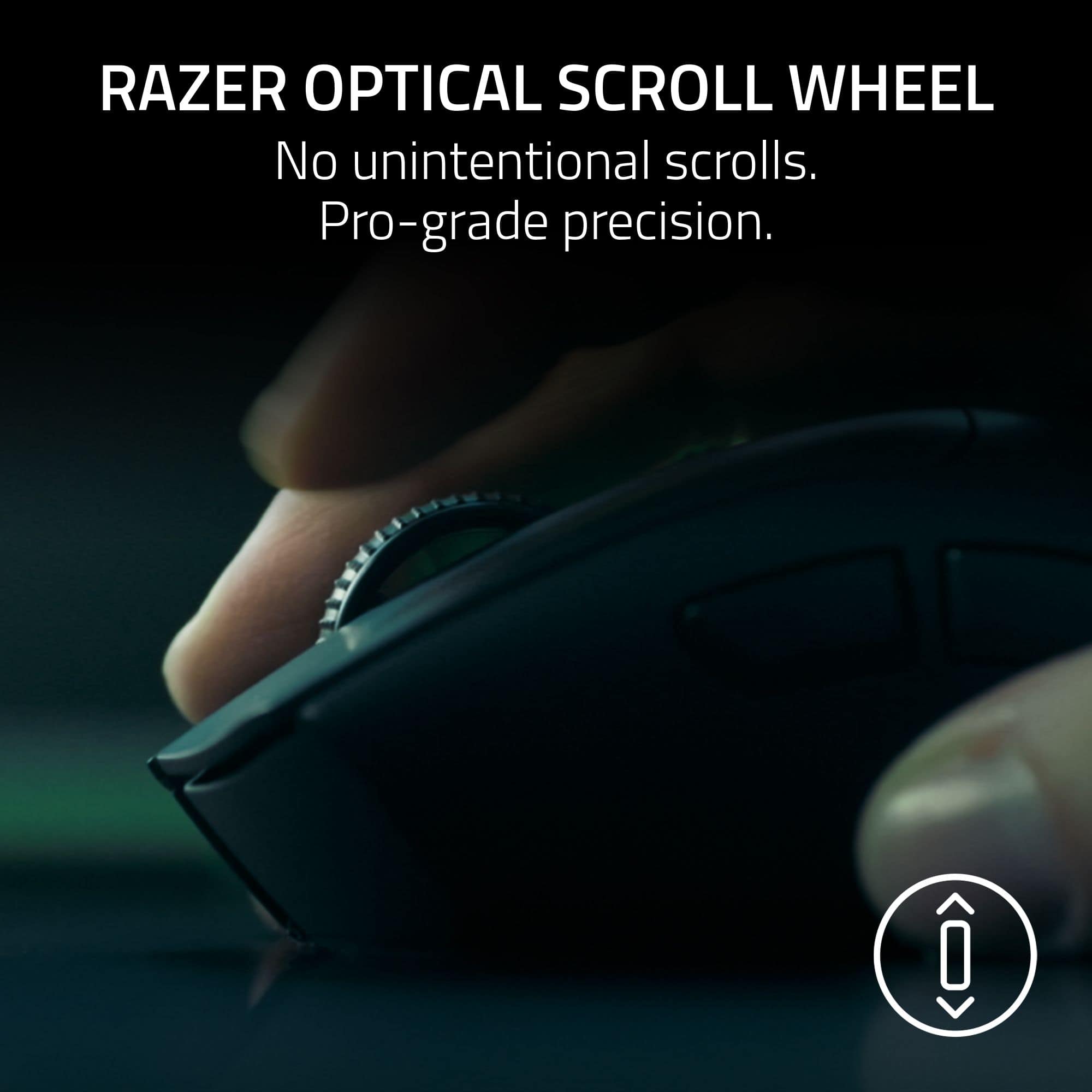
|Posted .This reviewer received promo considerations or sweepstakes entry for writing a review.I have a deathadder v3 pro and have loved it. In some ways this is an even better mouse and in some ways it’s not as good. I think it really depends on what you need. As far as gaming, it has some really good features like the variable DPI in games that change depending on how you move your mouse. For me, this probably isn’t a feature that is amazing as I’m not a top gamer and my hand isn’t the steadiest so a few times it threw me off. The ability to adjust the DPI with the button on the bottom with adjustable presets of the app is far more useful to me as I can have different DPI settings depending on the monitor I happen to be using or not using. I like that you can also switch the polling rate depending on if you are in a game or not. In fact, the app has customization options that are far superior than my gaming ability can truly use. But the difference between the few settings I have played around with to customize for myself have increased my performance. I don’t love the size of the dongle; it really seems to be designed for a desktop instead of a laptop. This and the inability to multipair the dongle with a compatible Razer keyboard takes this from something that is an on-the-go mouse to one that is pretty much exclusive to the desktop, but you don’t want a cord. There is nothing wrong with this and now I’ll have the v4 on the desktop and the v3 in my bag. Lastly I don’t love that there isn’t a separate power switch, If my finger twitches when I am trying to turn it off to put it in my bag I’ll have to cycle through the DPI settings next time I turn it on. But since this is more of a desktop wireless mouse the need to turn it off is much less a thing (the battery lasts quite a long time) and as a back up you can always just plug in the mouse to the keyboard and use it as a wired device. Overall, I love how light the mouse is, it’s weird that I thought the old v3 was light and now it feels heavy when I directly compare them. The scroll wheel is noticeably better on the new v4 as well which I really appreciate. I love the customizability and the clean simple look of the mouse. Pros: -Excellent gaming mouse -Adjustable DPI (and customizable in app) -customizable polling rate in app -Scroll wheel is one of the best I’ve used -Dongle is designed for desktop Cons: -Dongle is desktop -Doesn’t support multi device pairing -Power button is same as DPI button
I would recommend this to a friend - Pros mentioned:Battery life, Weight
High-performance in a pro-level designed product
|Posted .This reviewer received promo considerations or sweepstakes entry for writing a review.I’ve been using the Razer DeathAdder V4 Pro for about a week, and I must say it’s been one of the best mouse experiences I’ve ever had. I’m moving to the mouse from the Razer Basilisk V3 Pro, which is heavier and chunkier. Even though the Basilisk is better suited for hybrid gaming situations due to its thumb rest, I’ve found the DeathAdder to be a wonderful work companion as well as a gaming mouse. The first thing I noticed was how lightweight it is. It’s only half of what the Basilisk is, and it’s classified as ‘ultralight’ by Razer. It’s a little different than what I’m used to in terms of connection. The mouse comes with a Razer Hyperspeed Wireless dongle, which is the bridge between the mouse and the host computer. Once you plug that into your computer and power on the mouse, the DeathAdder is connected. There is no hassle with Bluetooth or a 2.4GHz USB dongle. It just works. I haven’t had any connection issues and have found the responsiveness of the mouse remarkable. The mouse is the perfect size and travels well. Since either a wired connection or the dongle are the only two ways to connect it, you might be stuck with hauling a cable around for remote work. I think the only thing I’m not a huge fan of is that the DPI button is on the bottom of the mouse. While that keeps you from accidentally pressing it, it’s much harder to change mouse settings on the way. As far as battery life goes, it seems to hold up to its specs. Since I’ve only had the mouse for a short time, I don’t know that I’ve met the 90-hour threshold yet, but I haven’t had to charge it yet. I really love the simplicity and smoothness of this mouse. The design is ideal for someone who wants high performance in a pro-level device. With its lightweight design, high performance, and long battery life, this gaming mouse is a great choice for both casual and serious gamers. If you're looking for a reliable, comfortable, and efficient option, this one is definitely worth considering.
I would recommend this to a friend - Pros mentioned:Ergonomics, Weight
Extremely Fast and Reactive but Can Be Noisy
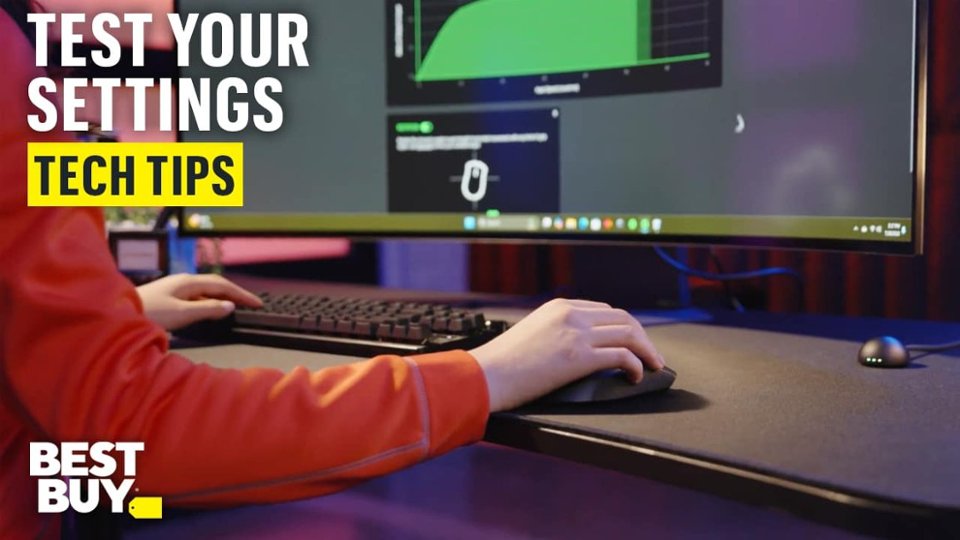
|Posted .This reviewer received promo considerations or sweepstakes entry for writing a review.I like Razer gaming mice but this new DeathAdder V4 has noisy top switches. Much more clicky than either the Death Adder V3 or the Basilisk mouse that I use a lot. The switches work fine but they feel less solid especially at the break point where it clicks. If you can get past the clicky switches this mouse has a lot to offer. The Synapse 4 software allows you to customize the mouse responsiveness to your hand which improves your game. Pros: - Ultralight and super fast wireless connectivity - Fully customizable buttons and macros - Synapse 4 gives you total control with lots of options - Intelligent desk dongle that indicates power, polling rate and connectivity Cons: - Loud top switches that feel less solid than the DeathAdder V3 - No RGB lighting but that give you long battery life Grip and Feel: This mouse is pretty much identical to the previous DeathAdder in form but its even lighter. Its so light that I can cover more area and respond just that much faster especially in FPS games. Razer includes rubberized grips which are nice for us who like a grippier surface. Overall I think this mouse is designed for medium to large hands due to its curvature and length. Software Features: Razer’s Synapse 4 software gives you total control over all aspects of the mouse. You can do all the usual stuff like set your DPI sensitivity and polling rate as well as create game macros and profiles. A couple of the more interesting things is that it lets you set your sensitivity to a previously calibrated mouse. Under the advanced features you can set the dynamic sensitivity using presets or you can set up a customizable one. I started off using the Classic setting but now I am leaning at tad more towards the Natural preset for most games. There is a Jump preset that I am just checking out in my Sniper Elite game – all these settings allow you to customize the reactivity of the mouse to your hand and your game. The presets really affects the mouse acceleration and the app shows you the results on a graph. You can also set the rotation which is the angle of the mouse to get a horizontal line. This lets you hold the mouse at a slight angle and still get straight axis movement. Its definitely something I have never seen in the past. The software also links the profiles you create in the app with your games so you can open the game and go without having to change the configuration every time.
I would recommend this to a friend - Pros mentioned:Scroll wheel quality, Weight
An Almost Perfect, Fragtastic Mouse!
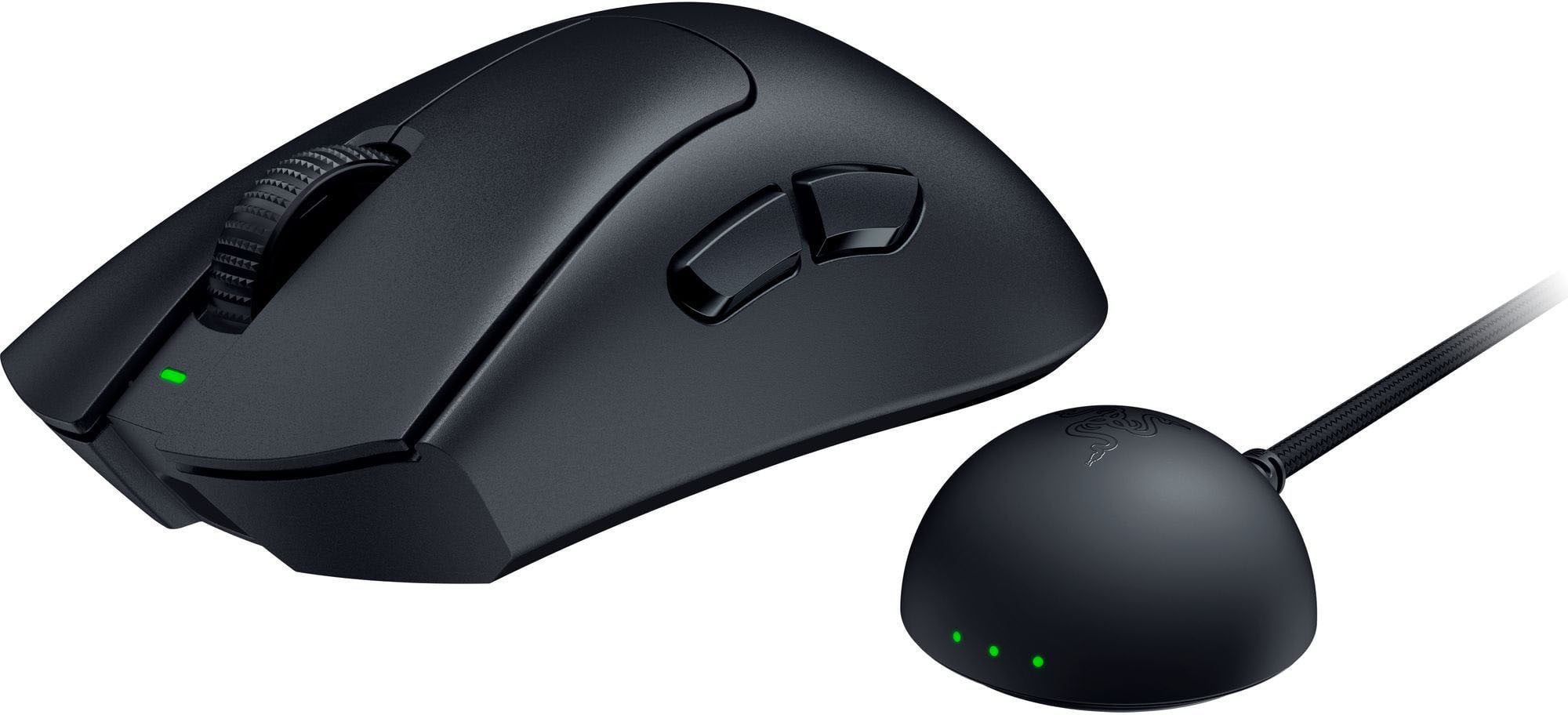
|Posted .This reviewer received promo considerations or sweepstakes entry for writing a review.I’ve been a PC gamer for a long time. I still remember buying the original Razer Boomslang when it first launched. When I had the chance to try the new DeathAdder V4 Pro, I jumped at it, and I don’t regret it one bit. This mouse is incredibly lightweight. It was almost jarring to pick up because it felt like I was holding nothing at all. That’s exactly what I want to help prevent fatigue. Let’s face it, I don’t just game. I’m on a PC all day, and I’m also getting older, with what I’m pretty sure is carpal tunnel starting to creep into my wrists. The design is fantastic for just about anyone. I’m a hybrid claw grip gamer, and I found it surprisingly comfortable to hold that way too. The two side buttons are pretty basic, but they feel good to click, just like the left and right buttons. They’re loud and tactile, as is the scroll wheel. This isn’t a quiet mouse, but that’s not what we want, right? We’re here to frag, not whisper. The USB dongle setup is a bit different. It’s a cable attached to a small pod you place on your desk or keyboard tray. I had no trouble positioning it. The pod includes three lights to indicate battery level, connection quality, and DPI settings. You might wonder why the pod has all the lights. It’s because the DeathAdder itself has nothing extra to weigh it down. There are no LEDs, no special buttons, and no added features. It’s a clean, minimal design that focuses on performance. You can use Razer’s software to tweak settings like lift-off distance, DPI, and more. I left everything at default, and it worked great with my mouse pad and play style. I’m a pretty casual gamer these days, but I tested it with Doom: The Dark Ages and Counter-Strike. I wasn’t particularly good at either, but that’s on me, not the DeathAdder. Overall, this might be the best mouse I’ve ever used. I’ve used a lot of them over the years. The wireless connection is snappy. The Razer software is finally stable, reliable, and light on resources. The mouse just feels fantastic in hand. My only complaint is the dongle pod. It’s fine at a desk, but awkward to use with a laptop on a lap desk or while traveling. A standard USB dongle would have been a smart inclusion for flexibility. For a mouse of this caliber, that’s a surprising oversight. Even so, this is one of the best mice I’ve used in over 30 years. I have to knock off a star for the lack of portability, but everything else is excellent
I would recommend this to a friend - Pros mentioned:Battery life, Weight
Simply the best mouse out now!
||Posted .This reviewer received promo considerations or sweepstakes entry for writing a review.A few years ago i went through buying and returning mice hunting for the perfect mouse for my large hands. Prior years in gaming id be using a Razer Basilisk as i liked the shape.. close to a popular Logitech and had the tilt wheel extra buttons. Wanted something new so i tried Logitechs high end mouse Pro X? Cant remember the name.. too small. Then i tried a Razer Viper 3 Pro.. loved the white texture and weight and thst it did 8k polling rate. Shape wasn't perfect for me though. As its a flat staight mouse. Exchanged for a Deathadder V3 Pro. That shape was better but i did not like the small mouse feet and the software options werent the same.. festures missing from the Viper i liked. Then i find out the regular non Pro version of the Deathadder had the large feet like the Viper Pro and also the same softeare fedtures i missed. So here that was the best i could get for my large hand. Light weight as well.. though i had to buy a seperate wireless dongle for 8K polling rate from Razer only. In the end i was hoping for specs like the Viper V3 Pro but with the shape of the comfy Deathadder. Well now a year later they gone and done it! The DeathAdder V4 Pro blows the Viper V3 Pro's specs out of the water and even made the new Deathadder V4 Pro a little bigger to boot! Super lght weight! Atleast a quarter inch longer then the former model which i love! Its faster now! And the new included wifi 8K polling rate dongle is the iching on the cake! Love the bew 3 Led lights on it telling you the battery level,speed setting and Polling rate! Once you go with a eports light weight mouse, theirs no going back! Play on it for hours and hours! Everything has been redesigned and way better from the last model! 100 million button life! Forgetabout a bad button ever! 56G weight for the Black model 57G for the white one which i love more becsuse of the better non sweaty hand texture. 150 hour battery! Ive only had to charge it once since ive owned it.And i play at 6k rate. A few hours most nights. Nuts as i think ive owned it for a month now? Yes its expensive. But i feel its worth it! And ill keep supporting them for their efforts! I also use their RGB mouse pad and its a perfect match! Also their high end gaming chair which is also perfect! COD BO6 for like a year now pain free setup! :)
I would recommend this to a friend - Pros mentioned:Ergonomics, WeightCons mentioned:Connectivity
Lightweight, Comfortable, and Highly Customizable
||Posted . Owned for 3 months when reviewed.This reviewer received promo considerations or sweepstakes entry for writing a review.The Razer DeathAdder V4 Pro is a fantastic mouse, especially for gaming. I really like that it is not symmetrical. The ergonomic shape feels natural in hand, and it is extremely comfortable even during long sessions. For me, the comfort is unbeatable. It is also very lightweight, which makes it easy to move quickly in game and easy to carry when traveling. I have the white version, and it looks very clean and premium on the desk. Another big plus is the customization through Razer Synapse. There are a lot of features you can adjust, and you can save different profiles per game or app. Setup was straightforward, and I actually found it easier to use compared to the Logitech app. My only gripe is that it does not have Bluetooth capability. When I travel, I have to bring the receiver with me or use it wired, which is not as convenient. It is not a dealbreaker, but Bluetooth would have made it perfect. Overall, it is an excellent gaming mouse with top tier ergonomics, strong customization options, and only a small limitation when it comes to travel convenience.
I would recommend this to a friend - Pros mentioned:Battery life, Scroll wheel quality, Weight
My favorite mouse, and I’m not even a gamer!
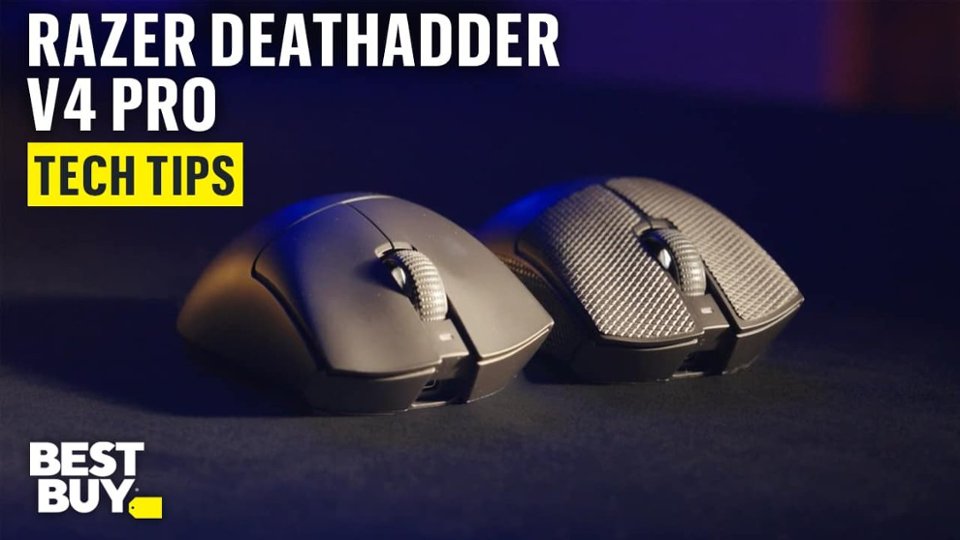
||Posted .This reviewer received promo considerations or sweepstakes entry for writing a review.I have about 10 mice, but this DAV4 mouse has become my favorite because of the extremely crisp, tactile clicks of the Left and Right mouse buttons. The hemispherical Wireless (2.4GHz) dongle requires a USB connection to the computer, but the mouse itself is wireless. The responsivity is superb. The mouse is faster offers the most solid, responsivity I’ve ever experienced. I am a writer, a “productivity” user and so don’t use the mouse for gaming, so I probably use only fraction of its best features. But the light weight, good battery life and superb precision of the buttons’ clicks is why I like this mouse. Two things to note. This mouse if best for users with larger hands. The surface also feels slippery to the touch. But the package includes form-fitting grip-tape, which makes it feel smaller and easier to hold.
I would recommend this to a friend - Pros mentioned:Weight
Super lightweight and performant gaming mouse.
|Posted .This reviewer received promo considerations or sweepstakes entry for writing a review.Razer - DeathAdder V4 Pro Lightweight Optical Gaming Mouse with 150 Hour Battery - Wireless Summary: Super lightweight and performant gaming mouse. Use: I play a number of games ranging from StarCraft, WoW, ESO, GW2, to Overwatch, Destiny 2, Fortnight. The need for low latency and high-performance mouse movements vary with each genre. In relaxed private game play, less so. In intense PvP content - very much a must have. This product offers the flexibility of wireless use (or wired) and lightweight design and low latency performance at a reasonable price point. While I haven't been able to test the maximum battery use time, I will say that I used it non-stop for a week without issue or having to charge it. I also tried using the unit wired (which also charges the unit). The body is super lightweight - it basically feels like an empty plastic shell. If it weren't for the optional grips they provide, I'd forget it was in my hand. The wireless sensor makes use of the same USB-C cable you use to charge the mouse. Like other gaming mouses, the tracking sensitivity can be controlled by pressing a button. There is not much to say other than while playing any of the games in my collection, the mouse was responsive and did its part to keep me alive. :) Pros: * Lightweight. Almost to a fault. An empty can of soda might weigh heavier than this mouse! This makes movement effortless and, with barely any drag, precision greater. * Simple setup. Three pieces to the set up: the transmitter, the mouse, and the USB-C cable. The USB-C cable is used to power the transmitter when not used for a wired setup (or to charge the mouse). * Brand. Razer is a well-known brand, and this products performance is a testament to its legacy. Cons: * Given the Razer branding, I did hope for some level of Chroma support (at least while wired). But it's understandable given the focus of the product on high performance gaming.
I would recommend this to a friend - Pros mentioned:Ergonomics, Weight
Perfect Mouse
||Posted . Owned for 7 months when reviewed.This reviewer received promo considerations or sweepstakes entry for writing a review.I debated between many mouses when I first bought my gaming PC...I read many things online that this mouse was too big..blah blah blah. Well, I can tell you this mouse is lightweight and feels great in the hands. About 8 years ago, I had the cheap wired version of this mouse, so I was hoping I'd like it. I ended up buying 4 different mouses to try and ultimately chose this one and returned the other 3. I will say it was the larger of the 4 options I chose, but it feels great in the hand!
I would recommend this to a friend - Pros mentioned:Weight
Now That's a Mouse
|Posted .This reviewer received promo considerations or sweepstakes entry for writing a review.The Razer DeathAdder V4 Pro is one of the most feature rich and customizable mice I’ve ever had the pleasure of gaming with. The shear amount of tweaking you can do with this thing is out of this world. The polling rate is extremely responsive. The clicks are extremely satisfying. Movement feels fantastic during faster paced games. Adjusting sensitivity on the fly is easy with dynamic sensitivity, and the sensitivity matcher ensures my settings remain consistent across different games and surfaces. These are settings I never even knew I wanted, let alone have ever had the luxury of leveraging. I love the ability to tune the DPI in single step increments and dial in the perfect sensitivity for whatever game I am playing. Mouse rotation is another feature I did not know I needed. It helps keep my aim steady, even when my grip changes. The Asymmetric Cut off settings are new technology for me. Being able to calibrate both lift off and landing distances with so many levels of precision is limitless when it comes to getting the perfect feel. It's not like I love a heavy mouse, but the V4 is ridiculously light. It might be one of the lightest I’ve used. It was almost shocking at first. It took a few hours to get used to, but it became very comfortable and reactive to the touch. Overall, the V4 Pro is for gamers all day. If you want customization and top notch hardware in a mouse, look no further.
I would recommend this to a friend - Pros mentioned:Overall performance, Weight

A definite step up from the V3 Pro.
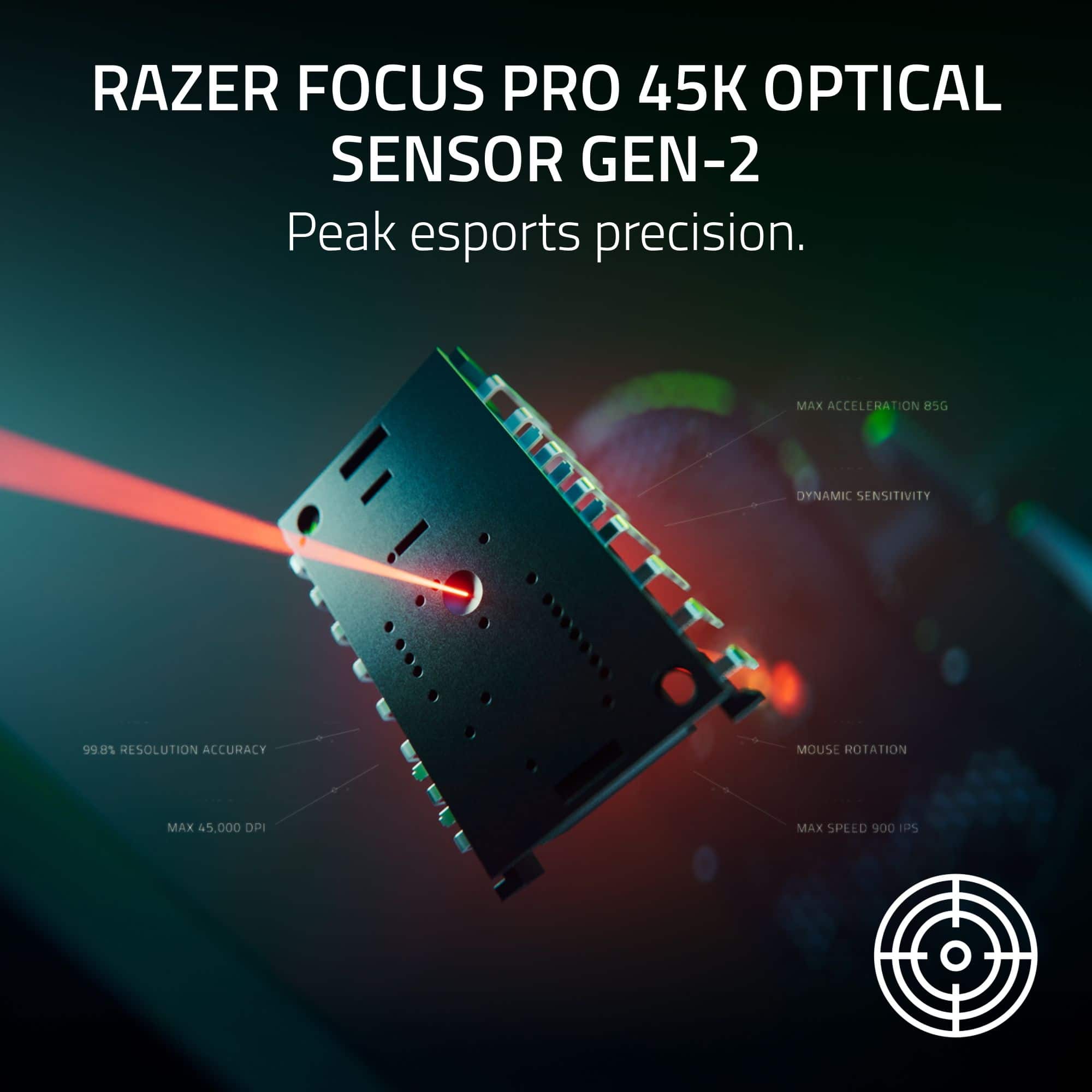
|Posted . Owned for 3 weeks when reviewed.This reviewer received promo considerations or sweepstakes entry for writing a review.[Employee of bestbuy] My main mouse of choice has consistently been the Razer DeathAdder V2 Pro. The shape that mouse has is still unmatched for me in terms of long-term comfort. When the DeathAdder V3 Pro drastically changed this shape, with minimal spec upgrades out of the box, I was disheartened. However, the V4 Pro is a great step up from the V3 pro with out of box features that it's predecsssors lacked. Specifically, Razer finally includes their high speed dongle in the box for an 8000hz polling rate. The 45,000 DPI is almost hilarously overkill but the pushing of boundaries in specs is always welcome. The DeathAdder Pro line has always been a bit heavier to use but Razer has finally achieved a lightweight mouse with uncompromising performance. I barely notice I am moving a mouse at all. The sole negative to this product is how... cheap it feels compared to it's predecessors and other Pro mice (see Naga V2 pro). Razer is one to arguably focus on aesthetic compared to raw performance, so this seems like a drastic shift in strategy from Razer. I definitely still use the V2 Pro as my primary mouse for non-gaming tasks and non competitive games. The V4 has carved a niche out in my mice resevoir for competitive gaming.
I would recommend this to a friend - Pros mentioned:Battery life, Weight
Tried a change from the norm
||Posted . Owned for 2 weeks when reviewed.This reviewer received promo considerations or sweepstakes entry for writing a review.Very solid mouse. I have always stuck with mice that were wired with more weight. I'm so glad I decided to get out of my comfort zone and purchase this one. It was strange at first having such a light mouse, but it was a quick adaptation. The battery life is incredible and I will consider similar mice in the future. It does seem a little pricey for what the product is overall. Their other wireless mice have much better magnetic charging. This one is you have to plug in the cable yourself, which was not expected with the cost. This mouse is specifically top tier for CS2.
I would recommend this to a friend - Pros mentioned:Overall performance
superior gaming mouse
Posted .This reviewer received promo considerations or sweepstakes entry for writing a review.Ive had the corsair m75 and the rog harp pro aim lab mice and either lagged or was just sketchy/jumpy no matter the settings. Picked this one up the other day from bestbuy and it is great.super smooth and fast.. i am a die hard call of duty fan and this mouse is a game changer.. as long as you really dont care about the cool rgb lights. It is simple,comfortable(and I have large hands). and super responsive,fast...
I would recommend this to a friend Evolutionary fine tuning at its best
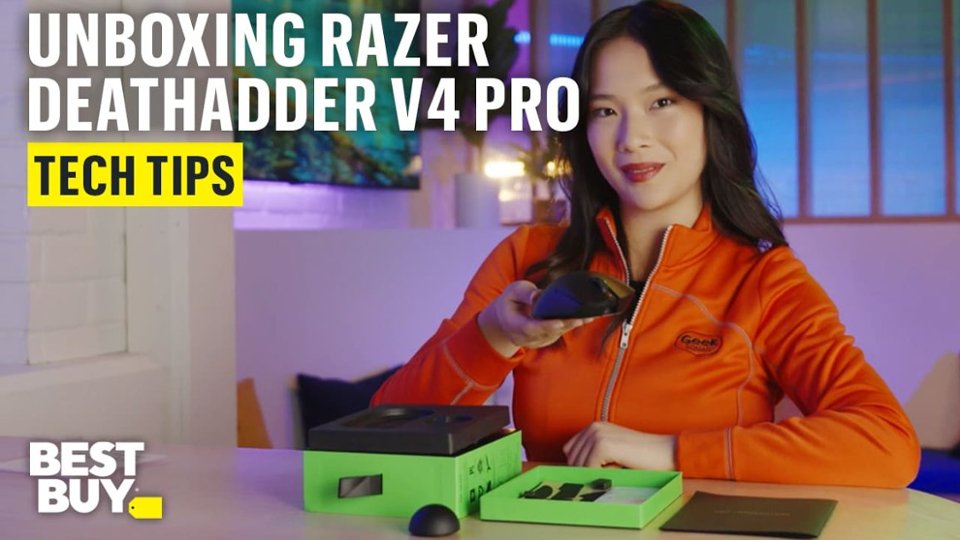
|Posted .This reviewer received promo considerations or sweepstakes entry for writing a review.I've been a gamer for decades now and for the longest time I used Logitech G300 series mice as my go to devices till I started to try other numerous brands but I always came back to Logitech till I tried a Razer DeathAdder V3 wired and was immediately hooked. Since that time I've switched to the Razer Viper V3 Pro wireless because I wanted to go wireless but I did miss the DeathAdder V3. I wanted some of the refinements of the Viper V3 Pro merged with the DeathAdder V3 all in a wireless package. Enter the Razer DeathAdder V4 Pro. Inside the box you get your mouse, cable, dongle, manual, classic Razer stickers and tactile stickers for your mouse in case you find it too slick as is especially when lifting to reposition. Everything that made the DeathAdder V3 so special to me has now been refined and in a wireless version. Everything that made the Viper V3 Pro Wireless my wireless go to gaming has also been refined in the Death Adder V4 Pro. It feels good to return to the Microsoft PS/2 style shape mouse which is a little larger and higher. I love that Razer does not over complicate their mice and keeps it "Esports Streamline" with just two extra function buttons. The grip and feel is solid as always and the skates are classic Razer to the point of gliding with a push over your mouse mat if it is slick enough but also working fantastic on more tactile surfaces. Razer uses a USB-C connectable dongle that you connect to a cable and then to your computer. They also used this system for their Viper. This makes it slightly more cumbersome for travel as you don't have a direct dongle to insert into your computer but the trade offs are worth it as you can position the new 3 LED dongle anywhere and use any cable you like albeit the included cable is plenty long. For travel you can just pick up a six inch USB-A to USB-C cable which is more compact. Speaking of the new dongle, unlike the Viper's one LED dongle, the new DeathAdder V4 Pro dongle comes with three indicator lights that give you different statuses of your mouse. A quality of life addition I love. For example, I used to keep my Viper dongle to the left of my display so I swapped in my DeathAdder dongle in the same position using the same cable. While playing a game, I noticed the connection light would sometimes switch to lighter green/darker yellow then back. I realized my connection wasn't as solid as I thought it was and moved it over to the other side closer to my mouse and now the light is a rock solid green all the time. I like how you also get not only battery charge level status but current polling rate when in use so you always know (default is 1000mhz and can be adjusted all the way up to 8000mhz). The switch to the "dome" shape is also nicer and easier to place than the bar/brick shape of the Viper. Using the new Razer Synapse 4 software, if you have numerous Razer items in your collection, it makes it a snap to configure all your devices. For example, I have a USB Dock 4, Viper V3 wireless, DeathAdder V3 wired, 2x keyboards, Seiren V3 and Nommo V2 setup (at this rate all I need is a Razer 18 laptop to really complete the Razer buildout). The Razer Synapse 4 software immediately picks up on everything and makes it a snap to update as needed with their external updates and keeping your configurations in proper order. I'm still exploring and adjusting as I play, but the ability to change sensitivity, rotation and actually dial in DPI versus general settings is fine tuning on a next level to tailor it to your exact preferences. Fun fact, the DeathAdder V4 Pro was the first Razer peripheral that worked near perfect for me right out of the box. I didn't even get around to dialing in my configuration exactly yet as it just worked from the start playing World of Warcraft, Fallout 76, Starfield and more. The lack of RGB is always appreciated. The grip is near perfect. The glide and clicks are top notch. The DeathAdder V4 Pro has better what I would almost call "mechanical" clicks. They are much more pronounced both in feel and sound. Going back and forth between my Viper V3 Wireless and DeathAdder V4 Pro, the differences are subtle and nuanced but switching back and forth every 5-10 minutes, the superiority of the DeathAdder V4 Pro starts to shine through. It feels just that bit more precise and the clicks feel better. I'm finding quick flicks and needing to stop immediately are better than my Viper. Response time feels better too. I'm really at a loss to find fault with the Razer DeathAdder V4 Pro Wireless. I would say it is too slick and might be slippery, but Razer even thought of that too with tactile stickers if needed. Maybe the price is a bit steep? But for something that can be crucial or at the very least elevate and enhance your GUI and gaming experience, it is a small price to pay for what is now without a doubt my most favorite gaming mouse wired or wireless.
I would recommend this to a friend- Pros mentioned:Battery life, Overall performance, Scroll wheel quality
My Razer DeathAdder V4 Review !
||Posted . Owned for 6 months when reviewed.This reviewer received promo considerations or sweepstakes entry for writing a review.I absolutely love it! Would recommend to my friends! Have had absolutely no issues with it. The battery life is also great. Love the buttons and think it looks very clean
I would recommend this to a friend - Pros mentioned:Battery life, Weight
Perfect Mouse
||Posted .This reviewer received promo considerations or sweepstakes entry for writing a review.Probably the perfect mouse. Expensive yes, but everything here just feels so complete and well put together. Absolutely amazing coating and shape. Lightweight, top of the line sensor, and extremely long battery life. Super well made transmitter that feels very premium. This mouse is an investment but it’s well worth it.
I would recommend this to a friend - Pros mentioned:Battery life, Overall performance, Weight
Perfect mouse for those looking.
||Posted . Owned for 1 month when reviewed.This reviewer received promo considerations or sweepstakes entry for writing a review.Works amazing, super light, good battery when at 2000 polling. Comes with good grip toae. Looks great. I used to use a scyrox v8 but was far too small, made my hand cramp. Tried maya x but didn't like the shape. Used to use a viper but wanted something different and this is more updated than the v3.
I would recommend this to a friend - Pros mentioned:Battery life, Ergonomics
Best FPS mouse
||Posted . Owned for 1 month when reviewed.This reviewer received promo considerations or sweepstakes entry for writing a review.As someone who plays mostly FPS competitive shooters this mouse is MADE for that. I have really big hands and It’s incredibly smooth, has wonderful clicks, easy to get a feel for, and it lasts forever without having to charge it. Would highly recommend this mouse to anyone trying to get the best of the best.
I would recommend this to a friend