Customer Ratings & Reviews

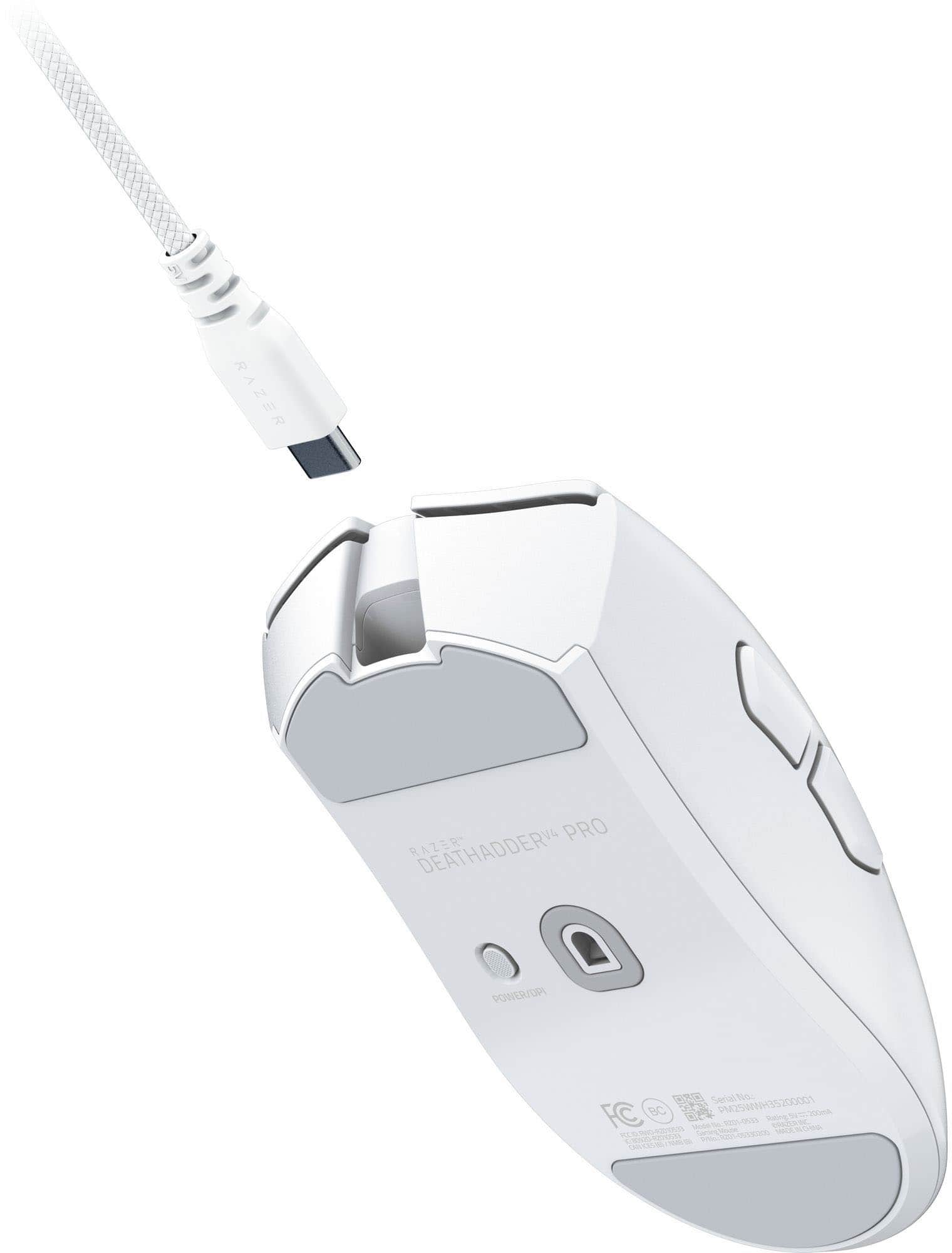
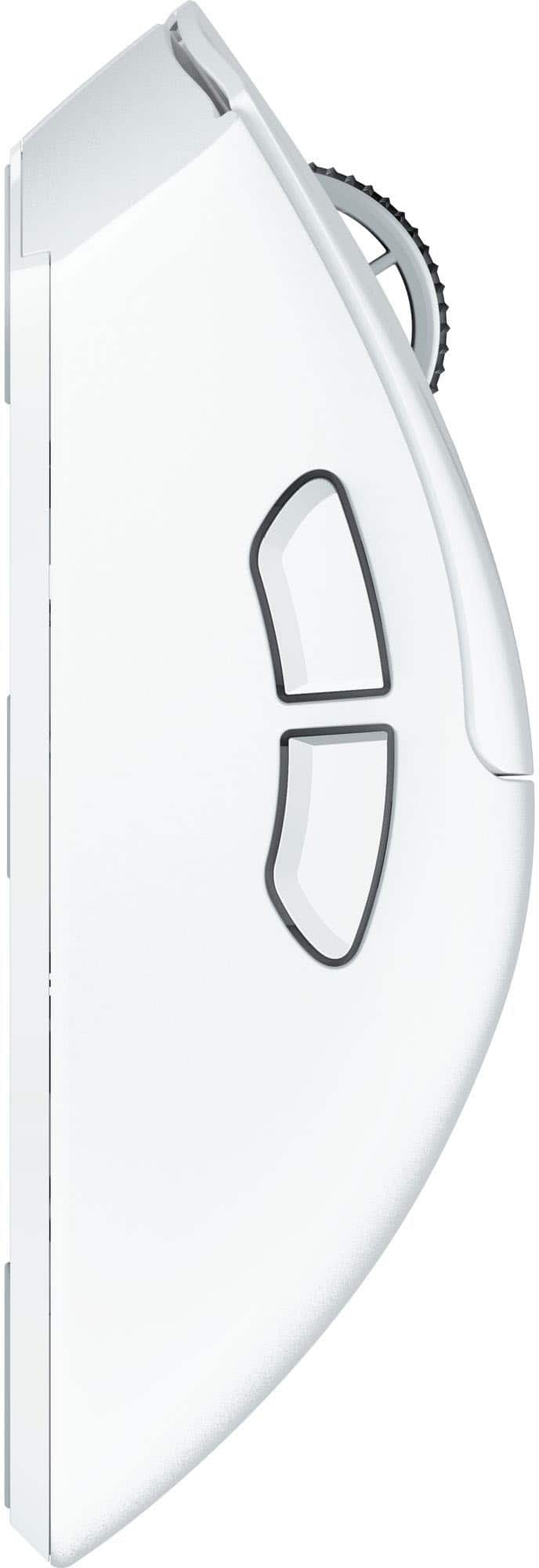
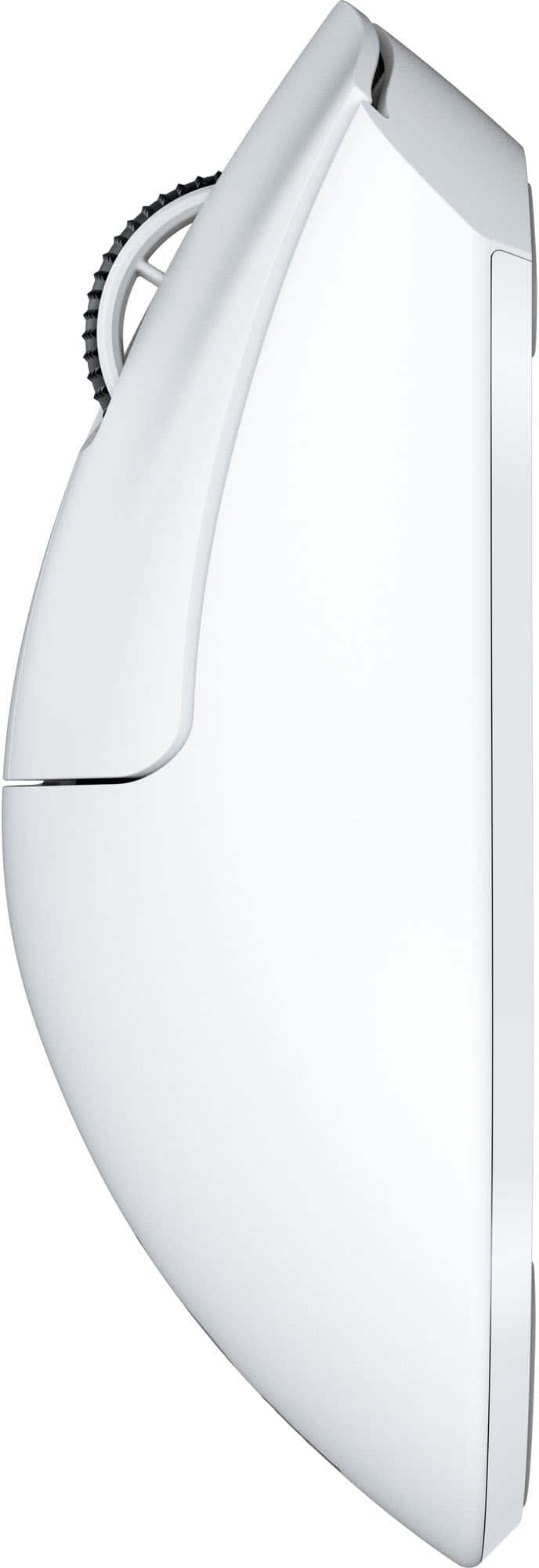


- Model:
- RZ01-05330200-R3U1
- SKU:
- 6621767
Rating by feature
- Value
Rating 4.2 out of 5 stars
- Quality
Rating 4.8 out of 5 stars
- Ease of Use
Rating 4.8 out of 5 stars
to a friend
Customers are saying
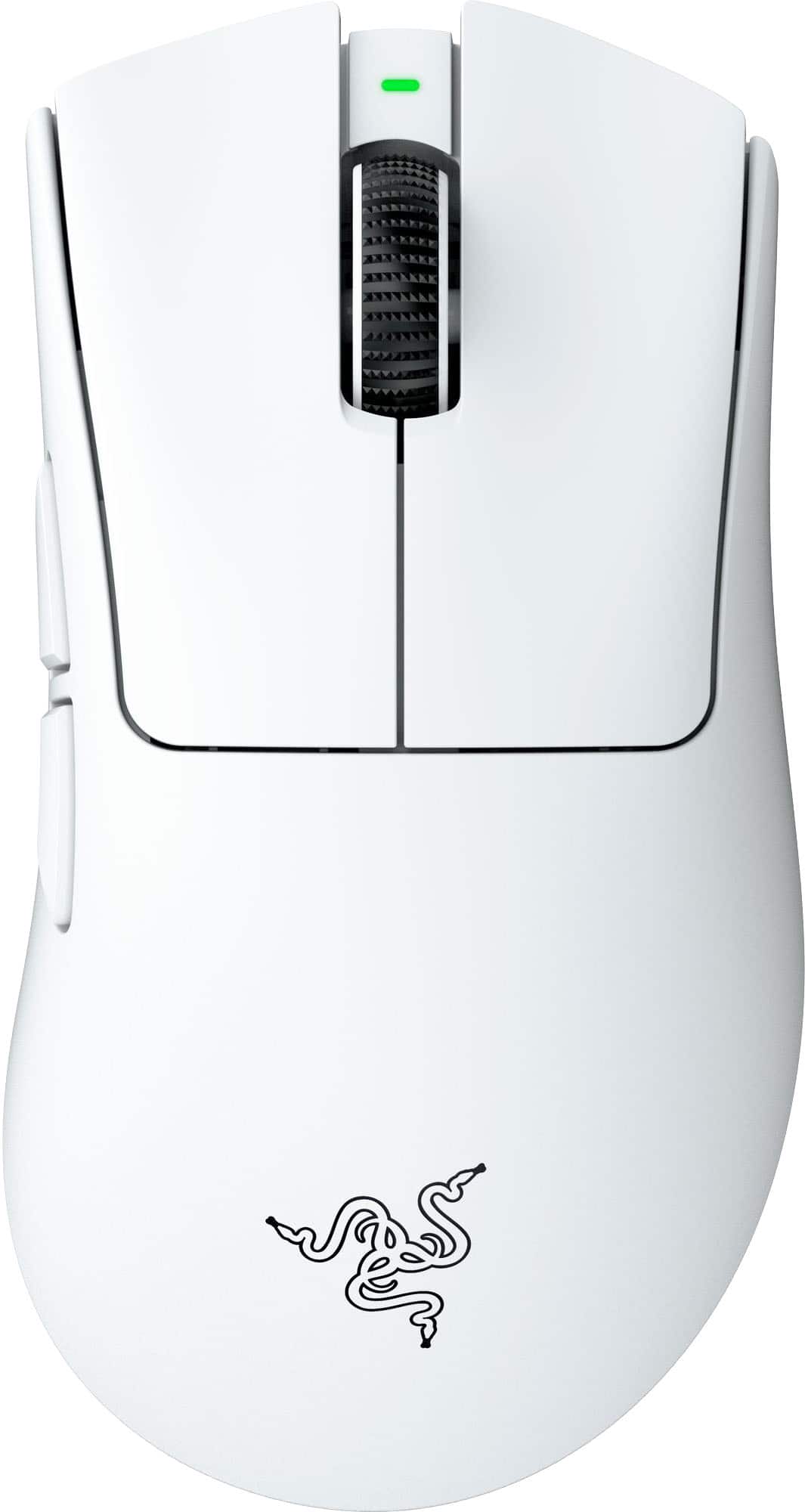
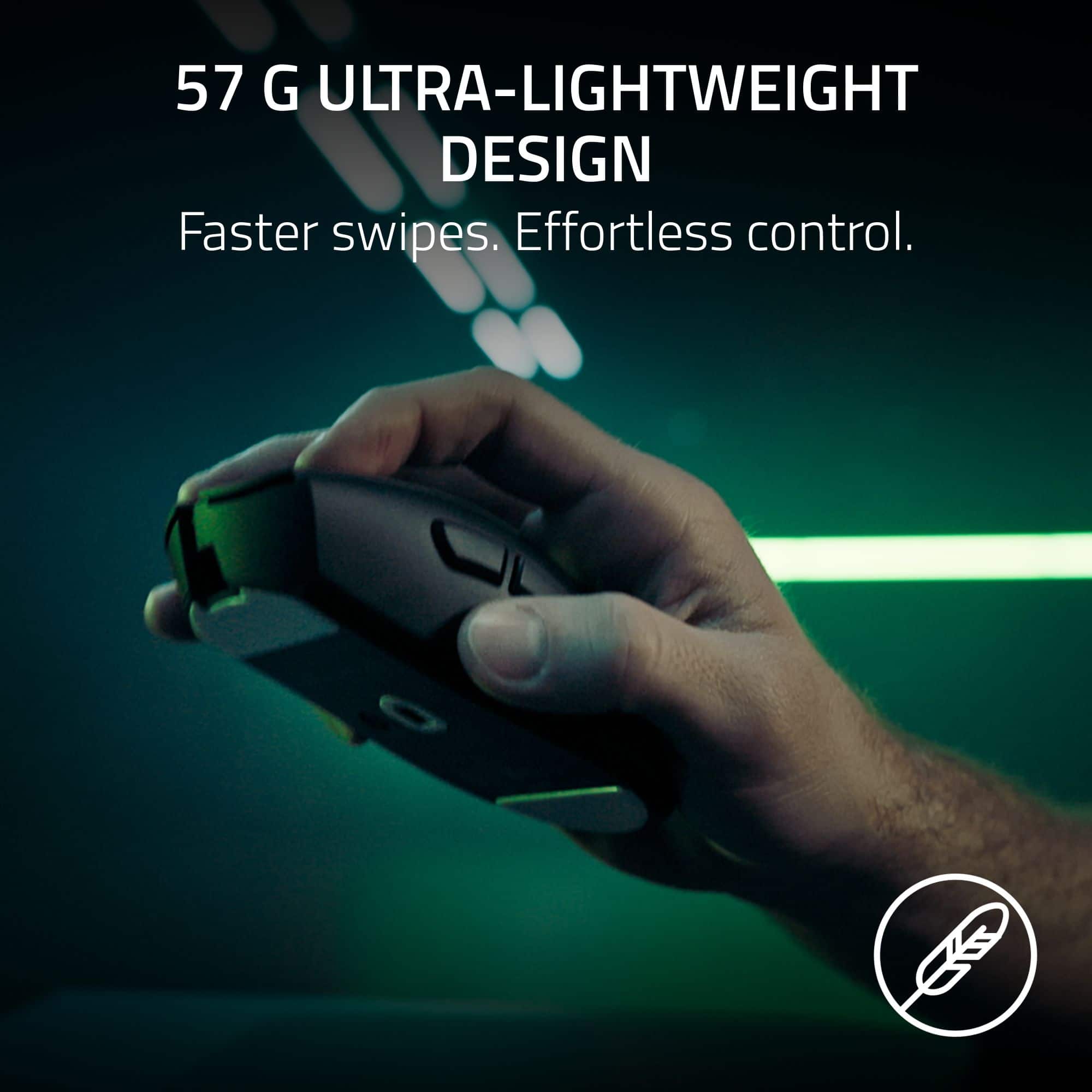
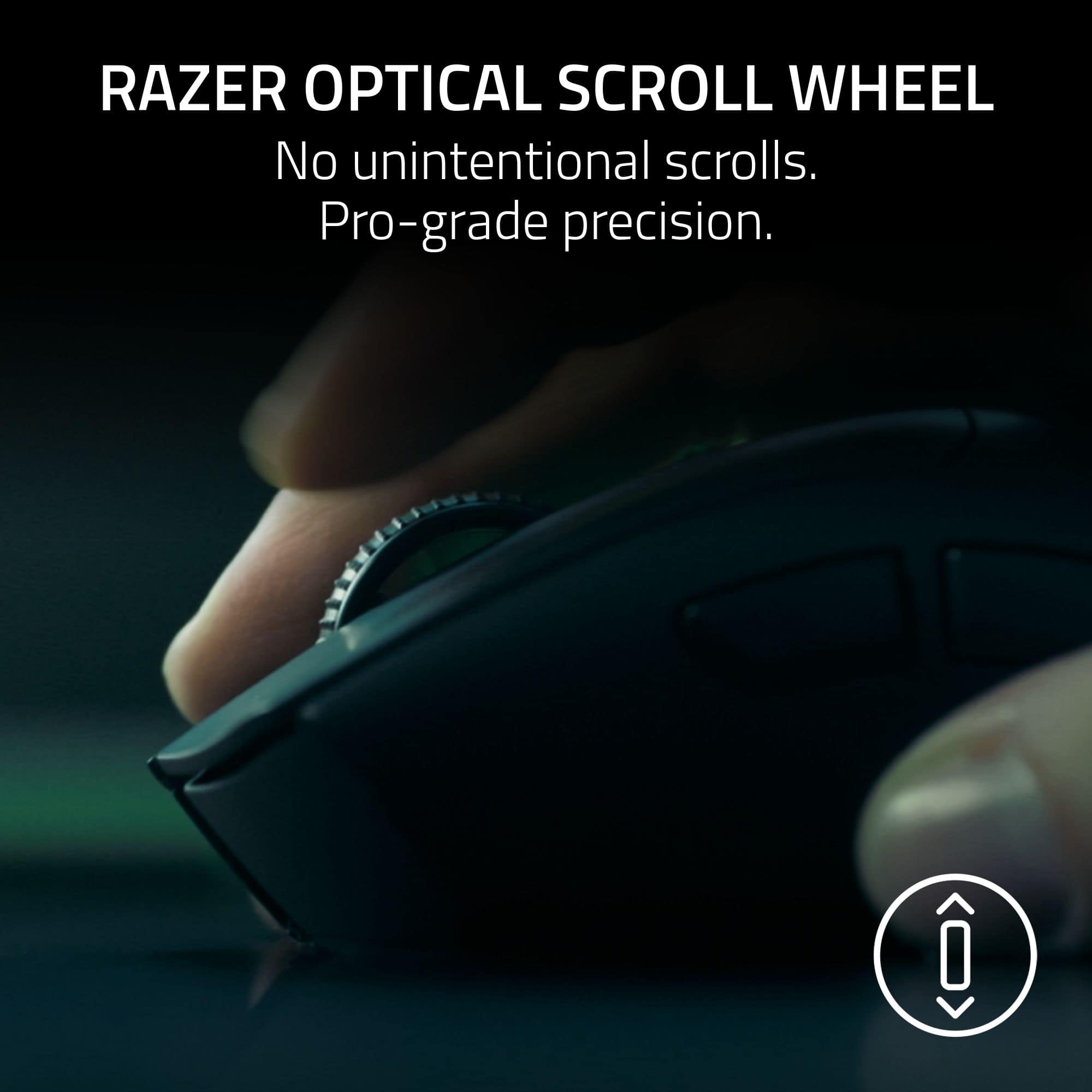
Customers often highlight the DeathAdder V4 Pro's lightweight design, long battery life, and overall performance as significant advantages. The mouse's ergonomics and improved scroll wheel quality are also appreciated by users. However, some find the size and lack of Bluetooth connectivity to be drawbacks.
This summary was generated by AI based on customer reviews.

From V3 to V4 Pro - Simply Amazing!!!!
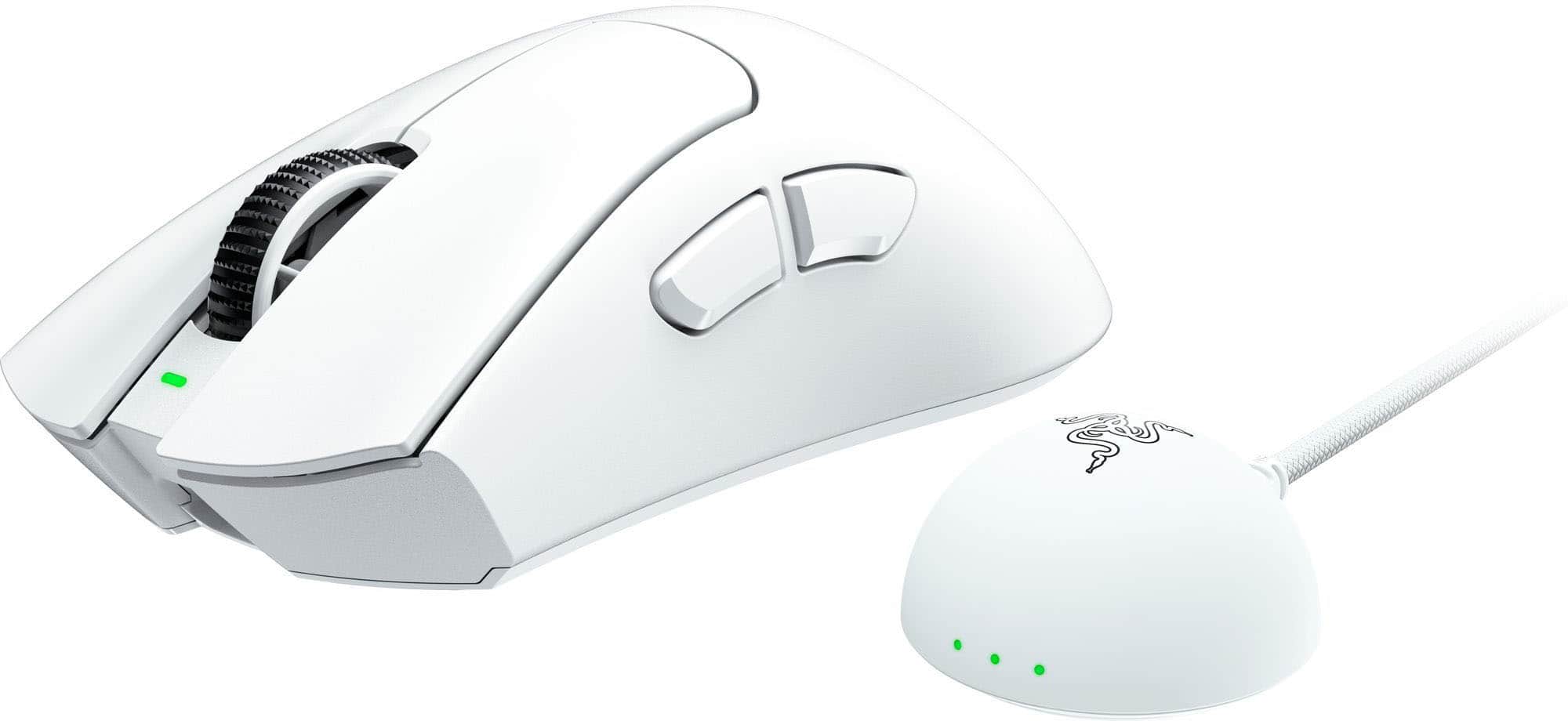
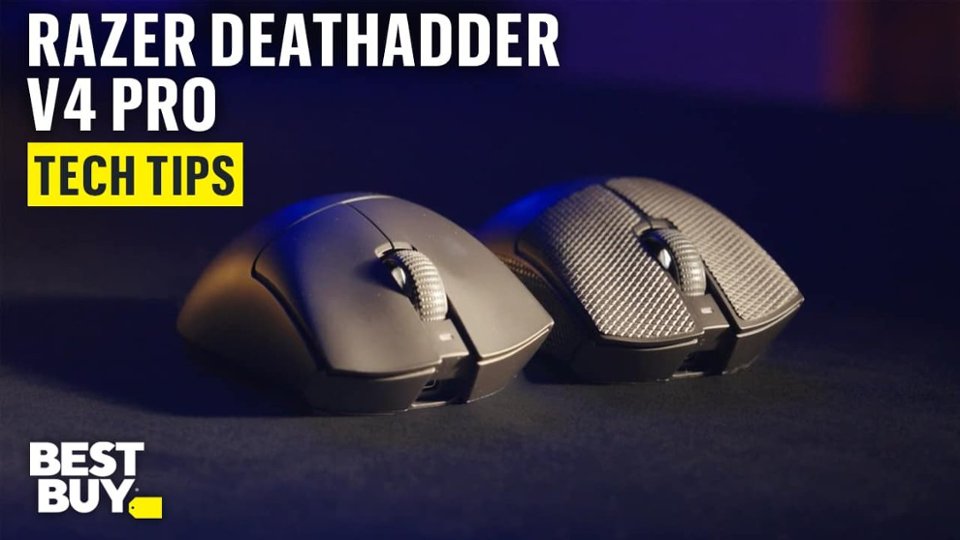
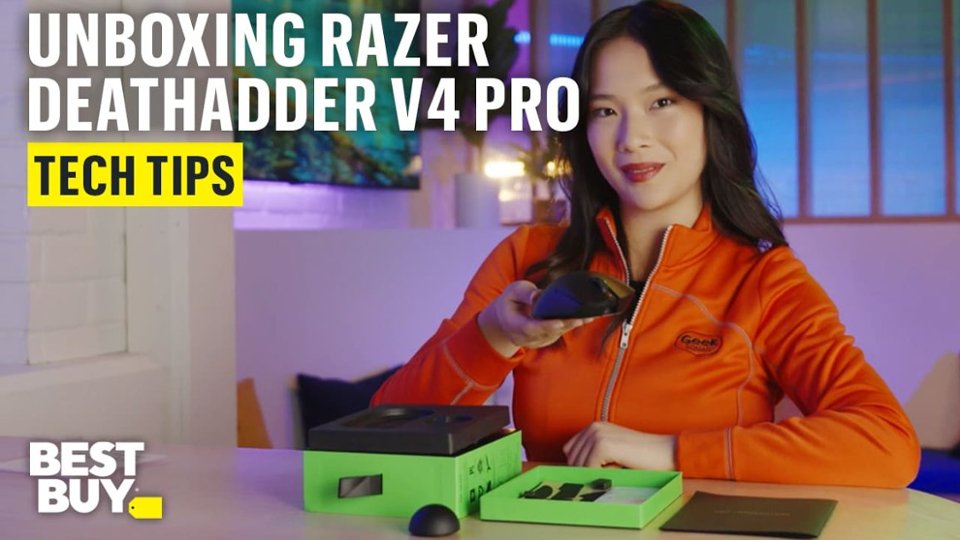
|Posted .This reviewer received promo considerations or sweepstakes entry for writing a review.So I received my Razer Deathadder V4 PRO wireless gaming mouse about a week ago and have been putting it through its paces. Now last year I was using the Razer Deathadder V3 and thoroughly enjoyed using it while playing games, now comes along the Razer Deathadder V4 PRO, just when I though it couldn’t get any better, then boom, mind-blown. Razer is one of the top mainstream gaming companies in the industry today, gamers have come to love through the use of their full gambit of amazing products they've produced over the years. I already have a couple of other Razer products that I use daily so I knew that this Deathadder V4 PRO wireless gaming mouse would be just another amazing product. So when you open up the box you're greeted with: * Razer DeathAdder V4 PRO * Razer HyperSpeed Wireless Gen-2 Dongle * USB-A to USB-C Cable * Quick Start Guide * Razer Stickers & Grip Tape Now this mouse can be setup one of two ways, either wired (via the include USB-A to USB-C cable) which also charges the mouse, or wireless (via the Raze HyperSpeed Wireless Gen-2 Dongle). Setting the mouse via the wired method is pretty straightforward, simply attached the USB-A end of the cable to your desktop/laptop and the other end to the USB-C port on the frontend of the mouse. Setting up wireless was easy as well, though the Quick Start Guide (for me at least) was a little hard to see due to the color options Razer chose to print the guide in (black paper with silver print, just ain’t cutting it for me, not to mention the small teeny tiny print), however, nonetheless its not a dealbreaker for me. Just a minor nuisance. But once connected it'll prompt you to download and install the Razer Synapse software. The mouse looks very similar to any other standard mouse on the market today. However, it has a ton of features that you can tweak, calibrate and customize to your liking using the Razer Synapse software. And something that I found quite nice is the ability to even customize the settings down to specific games. To change the DPI settings simply press the Power/DPI button which is located underneath the mouse or you can opt to change these settings within the Razer Synapse software. The Razer Synapse software can be a little daunting and overwhelming at first but if you take your take your will find the right settings/tweaks. Now when it came to gameplay, 5-stars across the board for me. The Razer Deathadder V4 PRO has been a freaking blast to use with its amazing accuracy and flawlessly pinpoint movement in a couple of test games that I played to see how well it faired (which was even better than the V3 that I was using last year) and how to save the custom settings for different games. It was able to handle anything I threw at it flawlessly. As far as battery life, I have not had to charge it up yet since fully charing it over a week ago. But I love how the dongle has the lights on the front of it to you let you know your current battery life status. Though it was nice to use, and extremely lightweight, I do wish it was a bigger due to me having larger hands, still not a dealbreaker. I will no doubt continue to use this wireless gaming mouse with my Razer Nommo V2 speaker system.
I would recommend this to a friendRazer Deathadder v4 pro
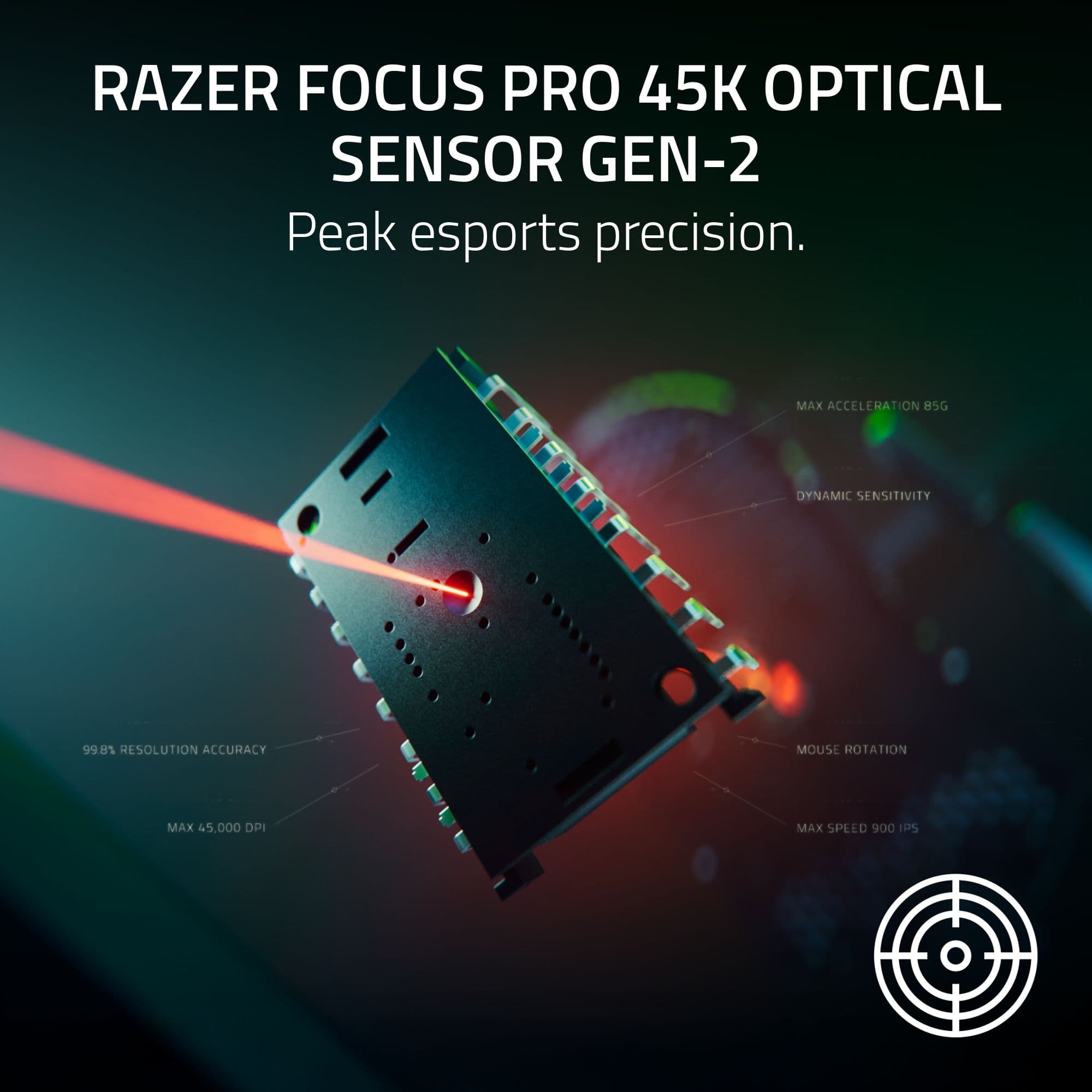
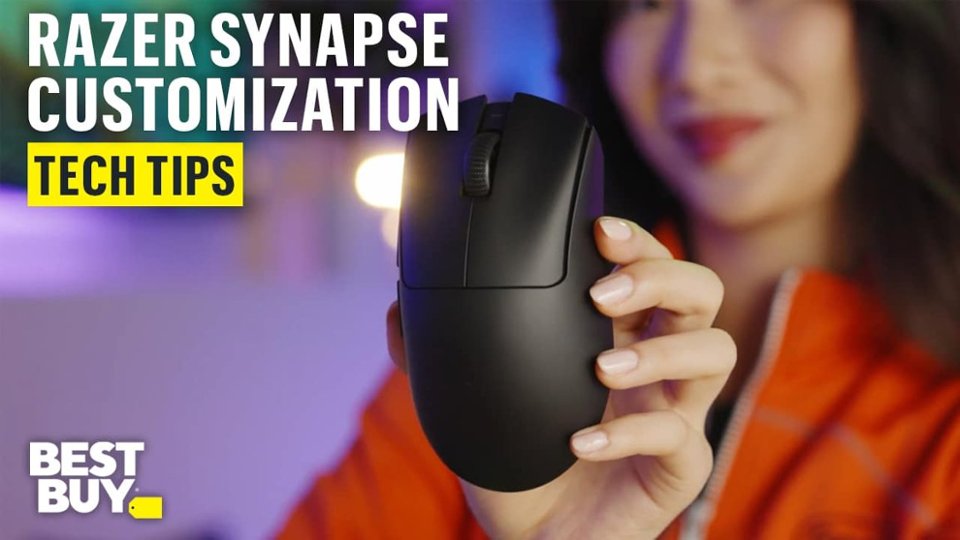
|Posted .This reviewer received promo considerations or sweepstakes entry for writing a review.In my testing with the Razer Deathadder v4 pro I’ve come to really like and appreciate the versatility and ergonomics of the mouse. The box opening was clean and simple, which I really appreciate and offered some basic instructions on how to setup the device. After installing the razor synapse program on my computer I was able to get full detailed customization over my mouse such as performance, power, calibration and some advanced settings for the dynamic sensitivity. After spending some time in synapse I was able to configure the mouse to the DPI settings I was comfortable with and started testing out some games with it. One of the best features I’ve found so far is being able to setup different configuration profiles for different games. I was able to use the smart polling rate switcher and it worked like a dream. I noticed virtually no issues with the games I was playing when it came mouse latency. Overall the mouse works like a dream, with all the different sensitivity and calibration settings the synapse application offers, you should have no problem finding the sweet spot for all the games you are currently playing. Pros Very Lightweight: This mouse is extremely lightweight and glides across the mousepad with ease which is something I really liked about this mouse. Wireless capabilities: While you can use the USB cable for a non-wireless option. The wireless dongle performs very well. I experienced zero latency while gaming. Battery life: After the initial charge I did when I got it out of the box I was able to complete many hours of gaming without any battery issues. After about 60 hours of gaming the mouse was still sitting above 50% battery. Smart Features: Includes Dynamic Sensitivity, Mouse Rotation, and Smart Tracking. Once configured for your different gaming preferences and games you really notice a difference in the overall quality of the mouse and how it plays. Cons Bottom-Mounted DPI Button: I personally like having the ability to switch DPI settings quickly if I need to depending on what I’m doing and having the DPI switch on the bottom of the mouse made it inconvenient at times. No Bluetooth Support: The wireless dongle is nice and works as intended but I would’ve liked to have an option to use Bluetooth for the times I’m out on the go and want to connect to my laptop for work without the dongle. Synapse Software: While the Synapse software is very nice and offers a lot of cool features for customization. It can also feel very daunting, especially to some people who have never used a software like this before. It can definitely take a lot of time to get used to and may not be for someone who just wants to plug and play.
I would recommend this to a friendSuper Light
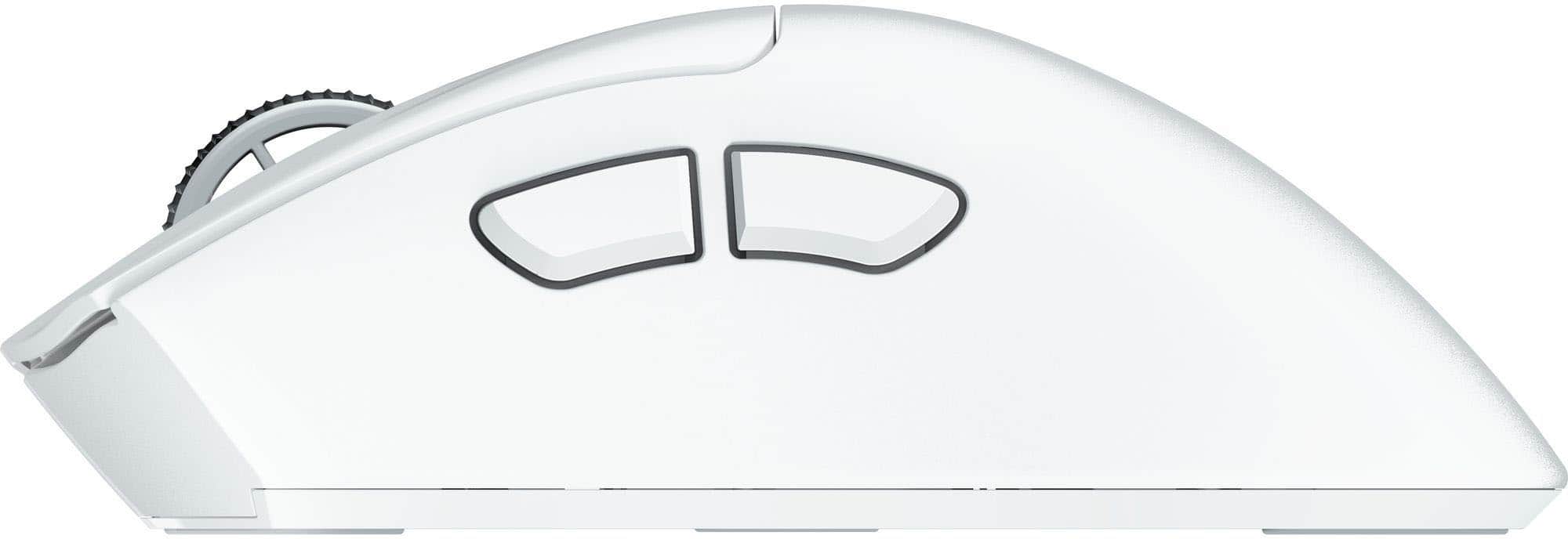
|Posted .This reviewer received promo considerations or sweepstakes entry for writing a review.In the box is the mouse, wireless dongle, USB-A to USB-C adapter, starter guide, grip tape and stickers. First impression - Right out of the box, the DeathAdder V4 Pro Gaming Mouse, is the lightest mouse I’ve ever held. It made me wonder where the rest of the weight of the box was, and that was in the wireless dongle. While small in size, its weight is quite noticeable but I feel as if its weight is necessary to keep it steady wherever you decide to place it. Without the grip tape the mouse is already pretty easy to maneuver; however with the grip tape the mouse practically sticks to your hand. Combined with its light weight, it makes it feel like it’s almost not there. Inside the starter guide is a suggestion to download and use the Razer Synapse software. This is something you have to go download yourself, but it is fairly easy to find. The software itself is very easy to use and offers an amazing array of customization, such as, optimization of the mouse-dynamic sensitivity, mouse rotation, sensitivity matched, Razer Synapse, sensory calibration and 1-DPI step adjustments. Like many game accessories software, you can find all of your Razer gear here, ready to customize or update if need be. You can have separate profiles for each game, so no matter what you’re playing you can always optimize every button you’re using. On the topic of buttons, the power and DPI share a button on the bottom of the mouse. It isn’t a hassle, just something that stuck out. For me the mouse rotation was confusing, but it is cool. You can set the orientation of the mouse so it doesn’t have to be facing to go north, for users that hold the mouse at an angle sometimes. Razer is a company I have many accessories for, but no gaming mice, so I wasn’t sure what to expect but had very high hopes. And I am so pleased to say was I not disappointed. Despite being a longer shape than I’d normally prefer for a mouse, its design is comfortable and the grip tape makes it feel less fatiguing just like a smaller mouse. It’s also incredibly smooth, both in its hardware and software. Physically it just glides despite what it’s on top of, and digitally it’s one of if not the smoothest wireless mouse I think I’ve seen so far. Overall this is a mouse I’d definitely recommend to anyone I know that plays games on PC. I would recommend this product to friends and family and I would also buy this product as gifts!
I would recommend this to a friendLightweight, Precise, and No Frills
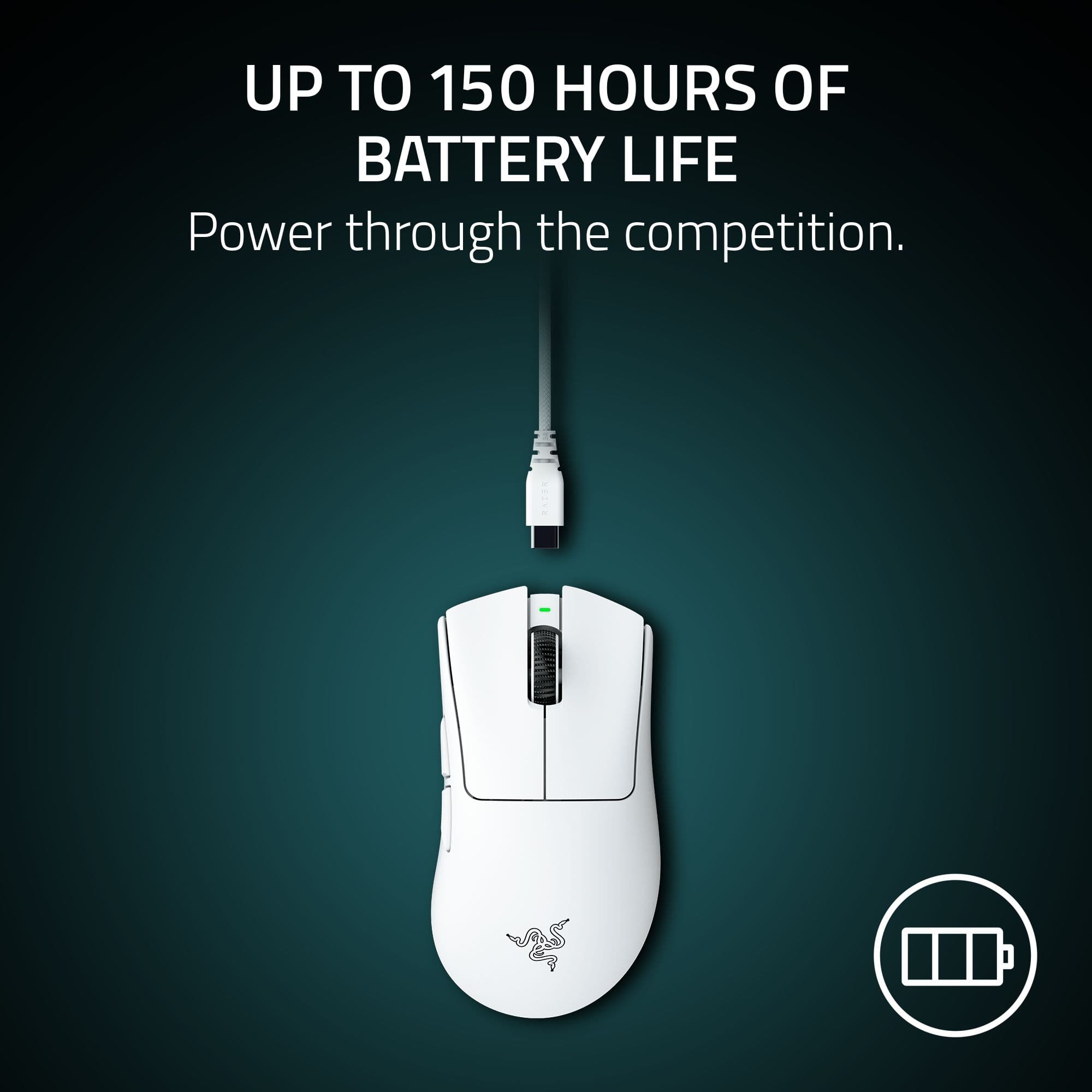
|Posted .This reviewer received promo considerations or sweepstakes entry for writing a review.I grabbed the DeathAdder V4 Pro because I wanted something simple and light for gaming sessions. Right out of the box, it really lives up to its name. This is one of the lightest mice I’ve ever used. It is really a no frills design. No flashy lights or gimmicks, just a clean and comfortable mouse that feels good in the hand. It responds really well to fast movements and clicks feel snappy. The Synapse app gives you a ton of options to tweak settings exactly how you want. I tried out the Dynamic Sensitivity, Mouse Rotation, Sensitivity Matcher, and fine-tuned the DPI in 1-step increments. I like that I can set different polling rates for different games and Synapse handles it automatically. The lift-off and landing distance calibration is next level for precision too. The battery is solid. I have not pushed it to the 150 hour limit yet but so far it holds up great for daily use. I've only used up about 9% of a charge in the week that I've been using it. Overall, I like this mouse a lot for its lightweight feel and precision. If you want a simple, reliable gaming mouse without a bunch of flashy extras, the DeathAdder V4 Pro is a great choice.
I would recommend this to a friendSo Close To Be The King You Can Feel It
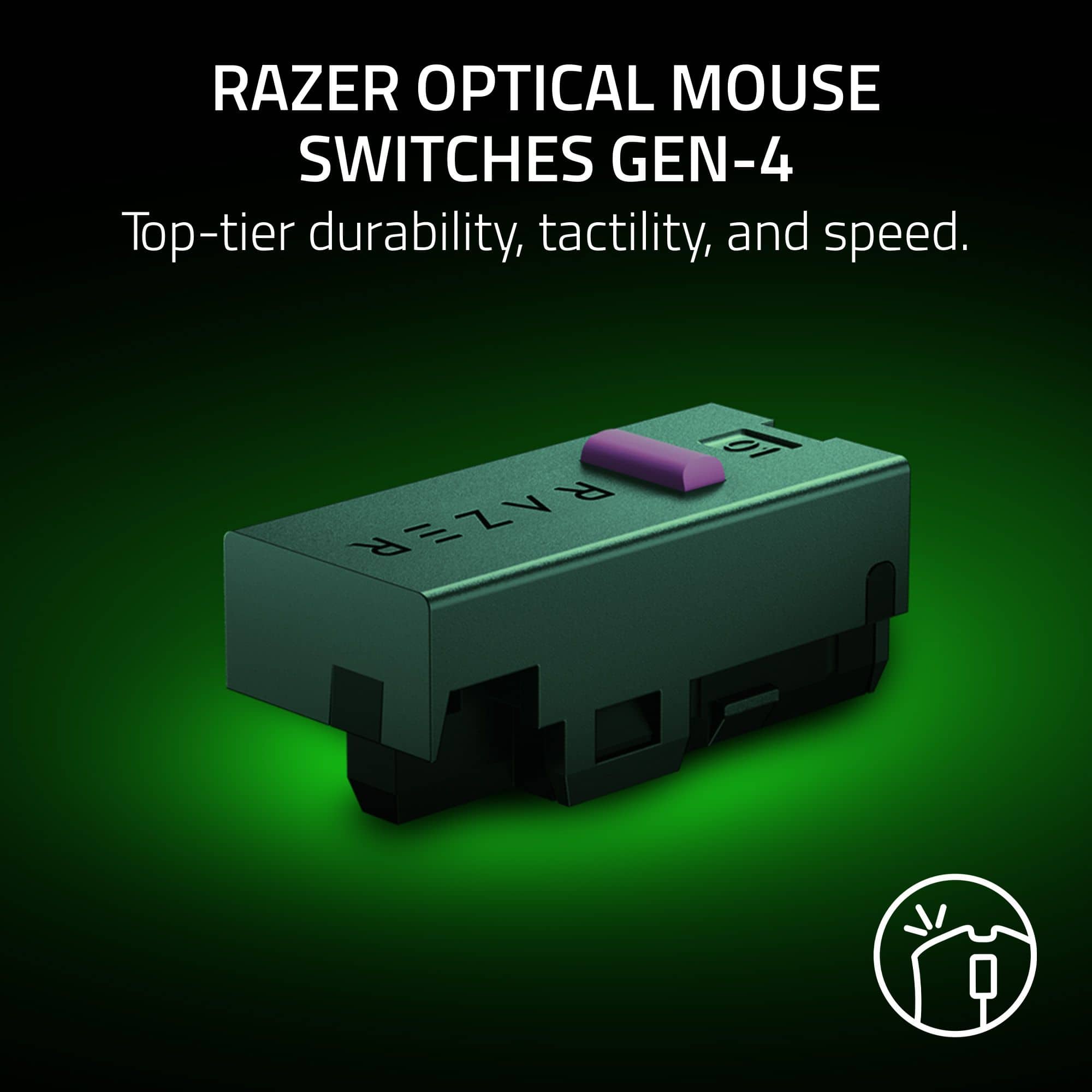
|Posted .This reviewer received promo considerations or sweepstakes entry for writing a review.The newest Razer Deathadder Pro is pretty spectacular for a wireless, gaming mouse. This is the best yet in a long line of great wireless, gaming mice from Razer. I compared the new Deathadder Pro against my Logitech Superlight, Glorious Model O, and my son's Final Mouse ULX. The new Razer is fast! I mean, feels like wired fast. The latency is unnoticeable by not just me, but my son who plays competitively. I would say it feels as fast the Final Mouse and definitely faster than the Logitech or Glorious. On a 360Hz monitor the 8000hz polling rate is felt and makes the mouse buttery smooth and precise. Buttons feel solid and have a nice smooth depress. My only complaint is that I wish it were just a tad lighter. It is on par with the Superlight and lighter than the Glorious for sure, but the Final Mouse feels almost like nothing in your hand. Overall, the new Deathadder v4 Pro has replaced my others and is as close to the Final Mouse ULX as you are going to get. This is my new favorite and an easy recommend. If you are a serious gamer and even play competitively this should be at the top of your list.
I would recommend this to a friendThe Best Gaming Mouse On The Planet
|Posted .This reviewer received promo considerations or sweepstakes entry for writing a review.I am writing this review for the Razer Deathadder V4 Pro Gaming Mouse. If you have never owned a gaming mouse before, the question in the back of your mind is likely, “Why? A mouse is just a mouse, right?” I used to think the same way until a couple of years ago when I bought my first gaming mouse. In all honesty, there were some noticeable advantages, but nothing to really brag about…that is until I used a Razer gaming mouse several months ago at a gaming store. Then it was like my own personal other-brand gaming mouse became akin to using a rock. The V4 has shifted my entire perspective. If you didn’t know, Razer is a company dedicated to gamers. The overwhelming advantage Razer has over all other gaming-tech companies is that it is a company of dedicated gamers whose sole mission focuses on gamers. Everything they do is centered on giving gamers who use Razer tech distinct advantages over others. The V4 is simply a continuation of that ideology. The first time you hold the V4, you will notice how it seems to seamlessly mold to your hand, almost like it has become a part of it. The unbelievable way it adapts to even the angle at which you hold it is insane. There is no clunkiness or the need for constant shifting. It not only fits so effortlessly into your hand, the buttons are all placed flawlessly into perfect position so that you don’t have to ever worry about hitting the wrong button. I cannot emphasize enough the depth of research and design that went into the design of the Deathadder V4 Pro. You can play for hours and the very last of your worries will be hand fatigue. So now, in addition to the superiority of its design, the V4 also offers crazy levels of precision. With so many other mice, it is almost like the best you can do is aim in the general direction of a target and hope for the best. The V4 offers precise aiming with virtually zero latency, making laser-accurate targeting possible and immediate. Speed is often paramount, but we all know speed without accuracy is pointless. Razer annihilates that issue. The V4 level of accuracy and speed truly gives you the advantage you need over other players, especially during critical game play. Optical sensors, 8000Hz polling rate, true raw input.. you get the idea. Listen, for the most part, if you are researching Razer gaming mice, you probably already know that the company offers the best gaming technology in the world. That’s not hyperbole, but fact. They’ve been around for decades, not just a couple of years or months. They know what they are doing, and they do it with pure intention. So you’re obviously serious about trying to decide which gaming mouse you want to acquire. The Razer Deathadder V4 Pro Gaming Mouse is where your search ends. You have already read all the specs, but most importantly you are tired of losing because you just can’t get the speed and accuracy you want with your current gaming mouse. This is the one you want. The moment you hook it up, your gaming life will be completely changed.
I would recommend this to a friendExcellent, responsive mouse, even better software
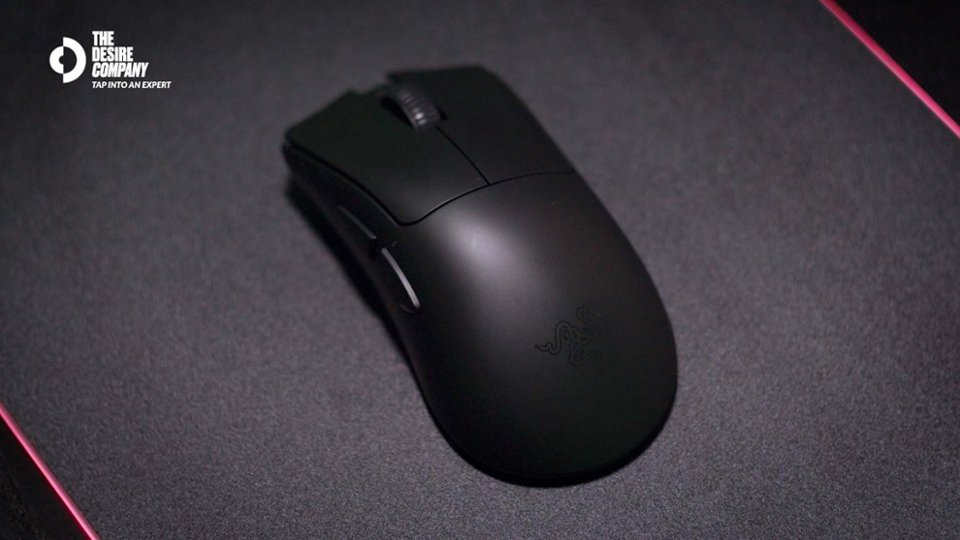
|Posted .This reviewer received promo considerations or sweepstakes entry for writing a review.The new Razer Deathadder V4 Pro is an excellent mouse for those wanting complete control of their experience. Razer's Synapse software lets you tweak just about every setting and sensor on the mouse, allowing you precision fine tuning and a literal customized experience. Everything, and I mean EVERYTHING is on the table... rotation, dynamic sensitivity, lift-off distance, polling rate, etc. It even can match other mice of rival brands with a simple sensitivity matcher. No RGB lighting! Yup... just a solid black surface devoid of LEDs attempting to bring disco back. Battery life is through the roof! I've used this for about a week now of multi-hour gaming sessions, and it's still at 96%!!!! They say over 150hrs of playtime on a single charge, and I totally believe them! It's insane! The dongle has 3 lights that can show you a variety of statuses, such as connection quality, battery level, polling rate, etc. As usual, Razer takes gaming seriously so you can focus on the fun. Now, for my two complaints about this mouse. 1) It is LIGHT. Seriously. Feels like a toy. An option to add weight would be fantastic. 2) It comes with 3M traction stickers. They are super sticky, and do exactly what they are supposed to do. My complaint is that there isn't a tiny indent in the mouse to help mitigate accidentally catching the end of the stickers or them catching dust and peeling over time. Not saying they will, but I've had mice in the past with traction stickers and they've always peeled over time. Anyway, It's definitely a solid effort from Razer and a great addition to their pantheon of gaming mice. It's got a lot of features and the minutia of tweaking available in the Synapse app will make this a great addition to any gamer's arsenal.
I would recommend this to a friendGaming mouse
Posted .This reviewer received promo considerations or sweepstakes entry for writing a review.Honestly, one of the best gaming mouse I’ve ever bought worth $180 it feels super lightweight just like said this is my first ever actual expensive gaming mouse I’ve bought I’ve only been gaming on PC for about a year and eight months and this is one of the best upgrades I’ve gotten 10 out of 10 will recommend to others.
I would recommend this to a friendExcellent mouse, but they forgot the RGB
|Posted .This reviewer received promo considerations or sweepstakes entry for writing a review.To be clear, I'm only knocking Razer for the lack of RGB on this mouse because that's like, their whole brand. So much of Razer's stuff has RGB that it feels weird on the occasions when I come across something that doesn't really have any to speak of. It's not necessarily a problem - it's just a little odd, and not what I expect from the company. With that out of the way, I rather like this mouse. I tend to use heavier mice, so it did take a little getting used to, but it glides well and feels nice to use. I don't really have much to say on the buttons or body, as they're just kind of what I'd expect from a gaming mouse. One area that I absolutely will praise Razer for is the dongle - it may be bigger and clunkier, but it's also a lot harder to lose (I've lost a few before). I do also like how the USB connection is a normal USB C cable rather than something with a funky keyed end to it, just in case I have to replace the cable. It also kind of grew on me how they put the DPI adjustment button on the bottom - it's a little harder to get to, but it prevents stupid accidents where I'm trying to click something else and then turn up the DPI to something ridiculous while I'm just trying to scroll through my web browser. Additionally, it makes a lot of sense when you consider that Razer's software for this mouse is set up so that you can have the DPI change per-app with their Dynamic Sensitivity feature. This, honestly, is really nice - I tend to prefer a way lower DPI in the OS than I do in games, and having the settings just be remembered rather than having to set it every time just streamlines things. There are also a few other software features that are pretty neat. For instance, I tend to move my mouse on a slightly tilted plane, so I did calibration with the Mouse Rotation feature and ended up rotating the plane with which my mouse interacts with the screen by three degrees. Admittedly this is mainly noticeable in FPS games, but it's still nice to have. For other games, such as Factorio or Civilization, there's also a feature to adjust the lift-off and landing distances, so the thing stops registering input while you're physically picking up the mouse and moving it back to the center of the pad. (This can also be pretty handy for dual-monitor setups.) Overall, this is a pretty good gaming mouse with nice quality-of-life features. I will say, I would have liked it if they included RGB, even if in the interest of battery life it only worked while the mouse was in wired mode. But, overall, it's pretty solid across the board and I'd absolutely recommend it if you're a M&K gamer that plays a variety of different genres of games.
I would recommend this to a friendToo big for me but still great
Posted .This reviewer received promo considerations or sweepstakes entry for writing a review.Too big for my liking but great quality and overall a good pick. Also really expensive
I would recommend this to a friendgameing mouse
Posted .This reviewer received promo considerations or sweepstakes entry for writing a review.Best buy always has latest in new tech and they also match prices great shopping
I would recommend this to a friend