Customer Ratings & Reviews
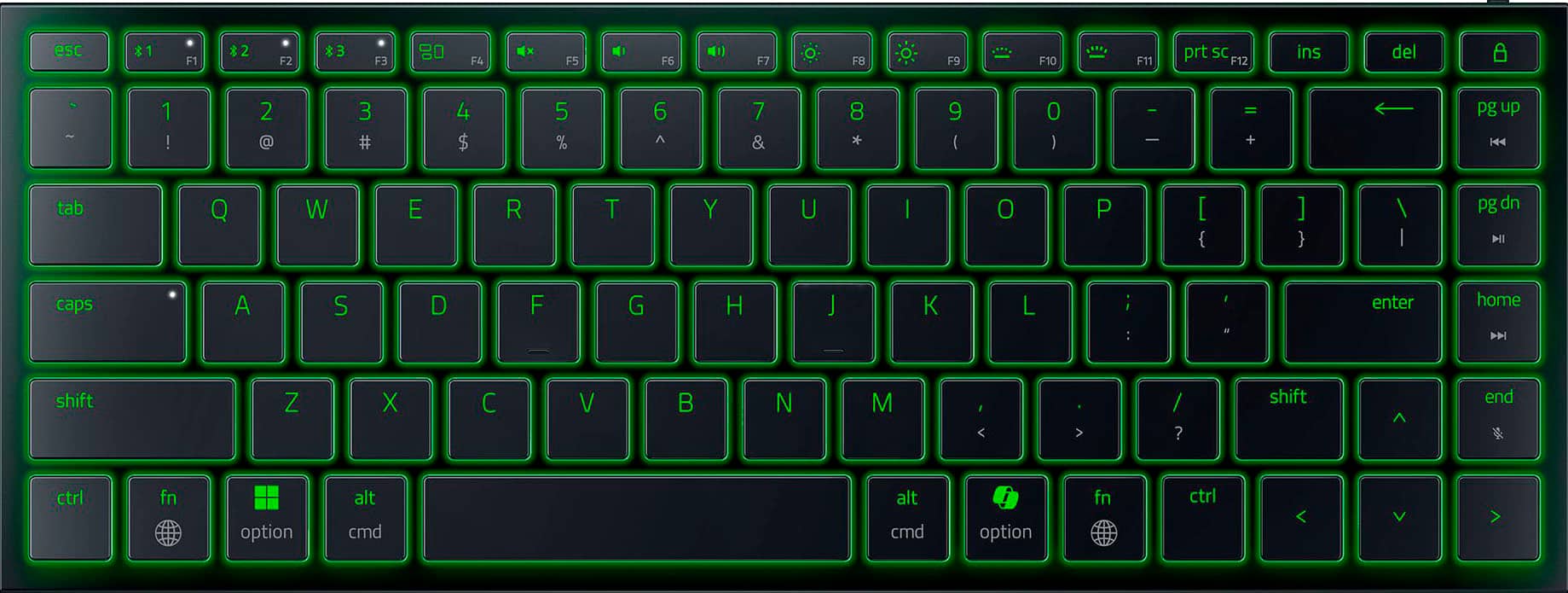


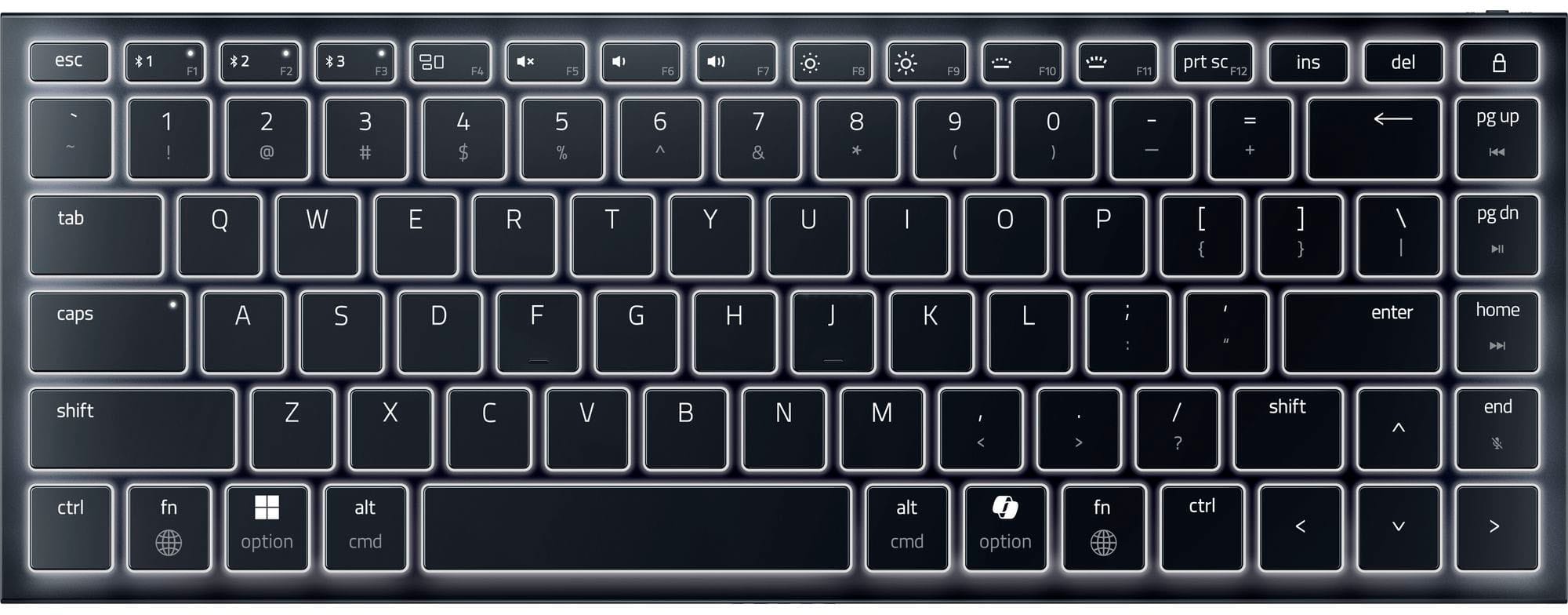
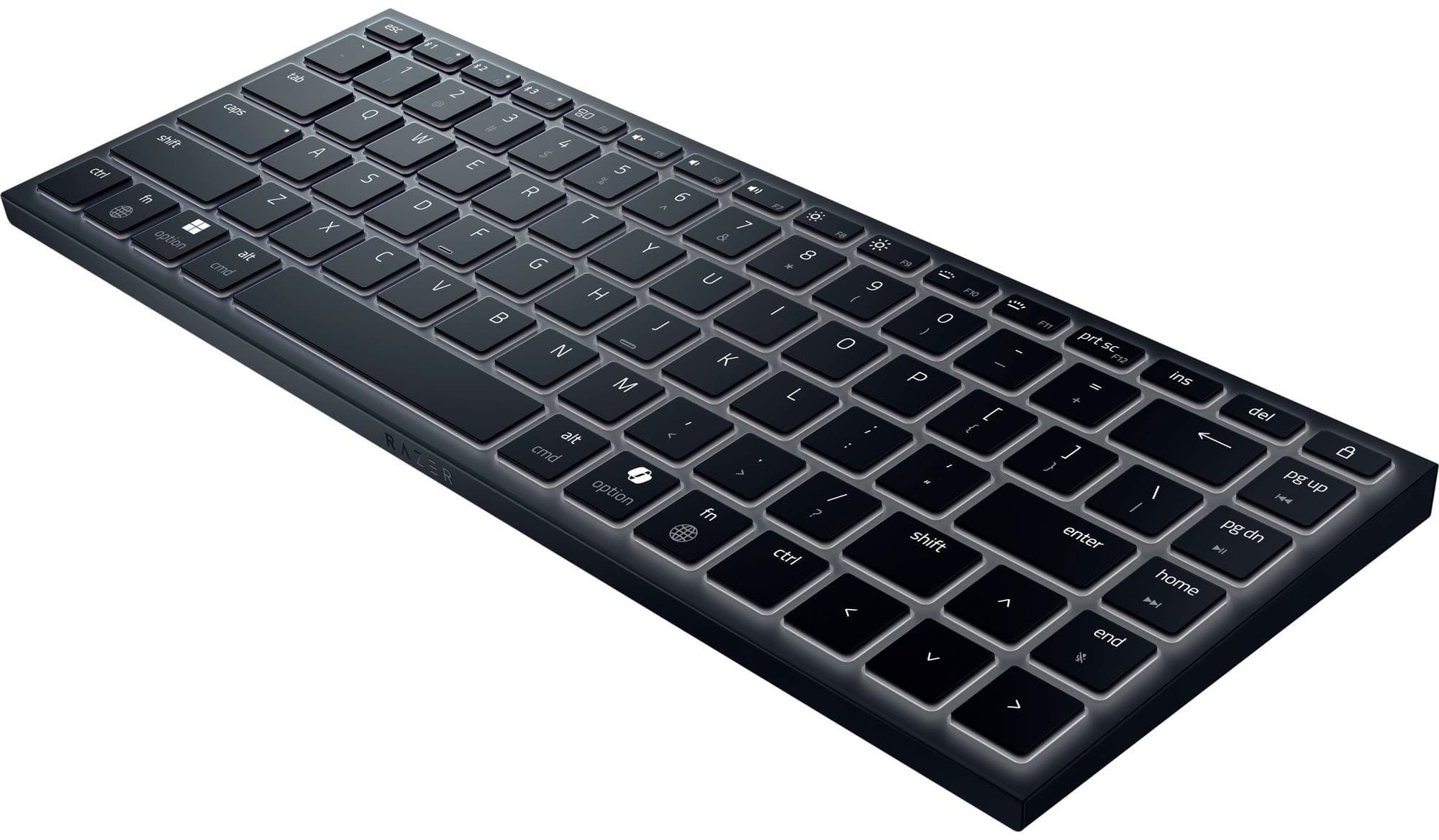
![LAYOUT DESIGNED FOR WINDOWS AND MAC. ONE KEYBOARD. INFINITE POSSIBILITIES.
ESC, 1, 2, 3, 4, 5, 6, 7, 8, 9, 0, -, =, [, ], \ , |, /, pg up, pg down, caps lock, shift, Z, X, V, B, N, M, and cmd, alt, and option keys.](https://pisces.bbystatic.com/image2/BestBuy_US/images/products/8a903919-672e-4a39-a7af-38e2bfe212ef.jpg)
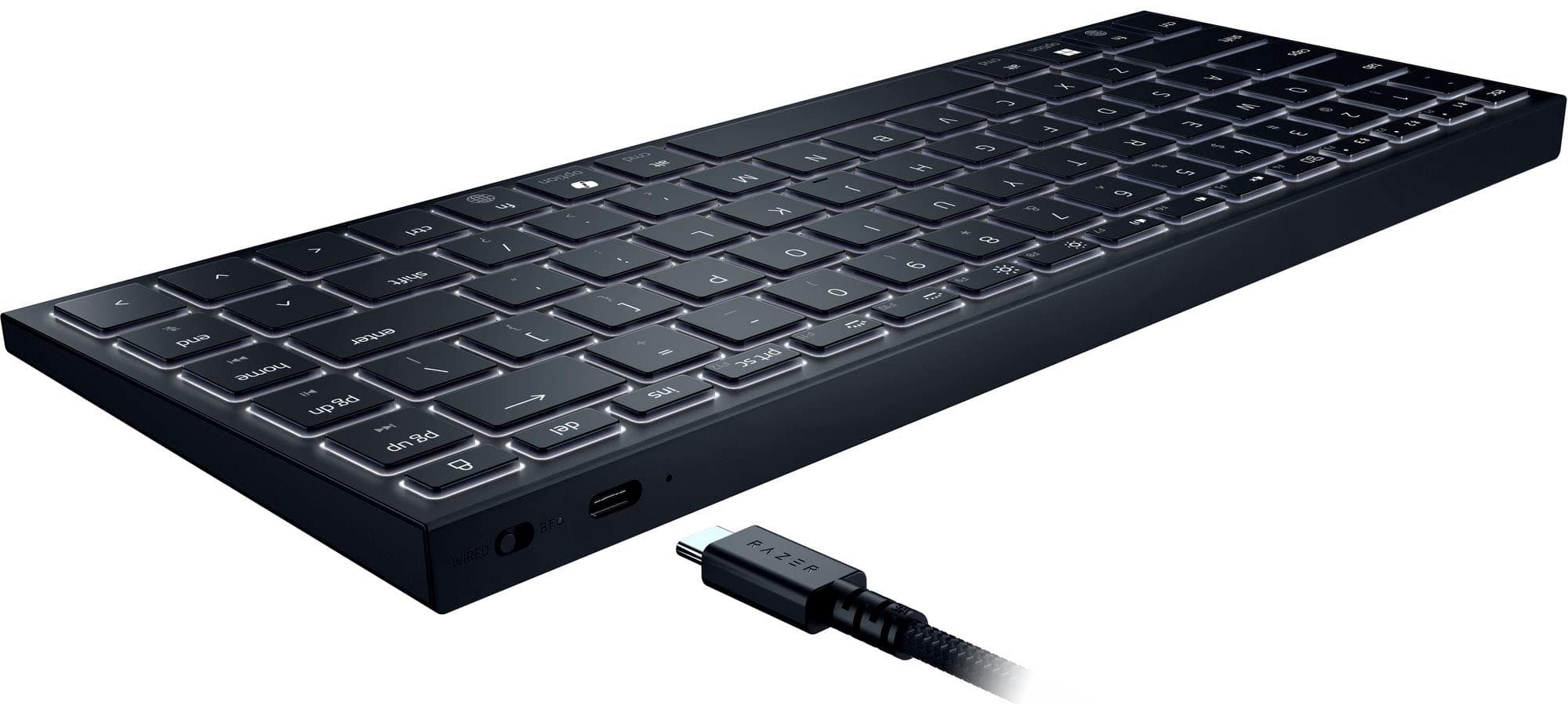
![The text on the image is a list of keyboard shortcuts for a Razer keyboard. Here is the corrected and grouped list:
1. cmd #: 1S E 5 R M H D A F T 1 18 & - Y 8 G + H U 9 / B / / N - O K M 7 alt < ;
2. cmd 3 option / fn ? ctrl < F9 lj F1 0 / I P I { shift ^ F1 prt SC F12 = ins + del ] 1 a } pg up I L4 / enter P8 dn home end >](https://pisces.bbystatic.com/image2/BestBuy_US/images/products/d01d4304-b04f-401c-92fc-a0a45d93fead.jpg)

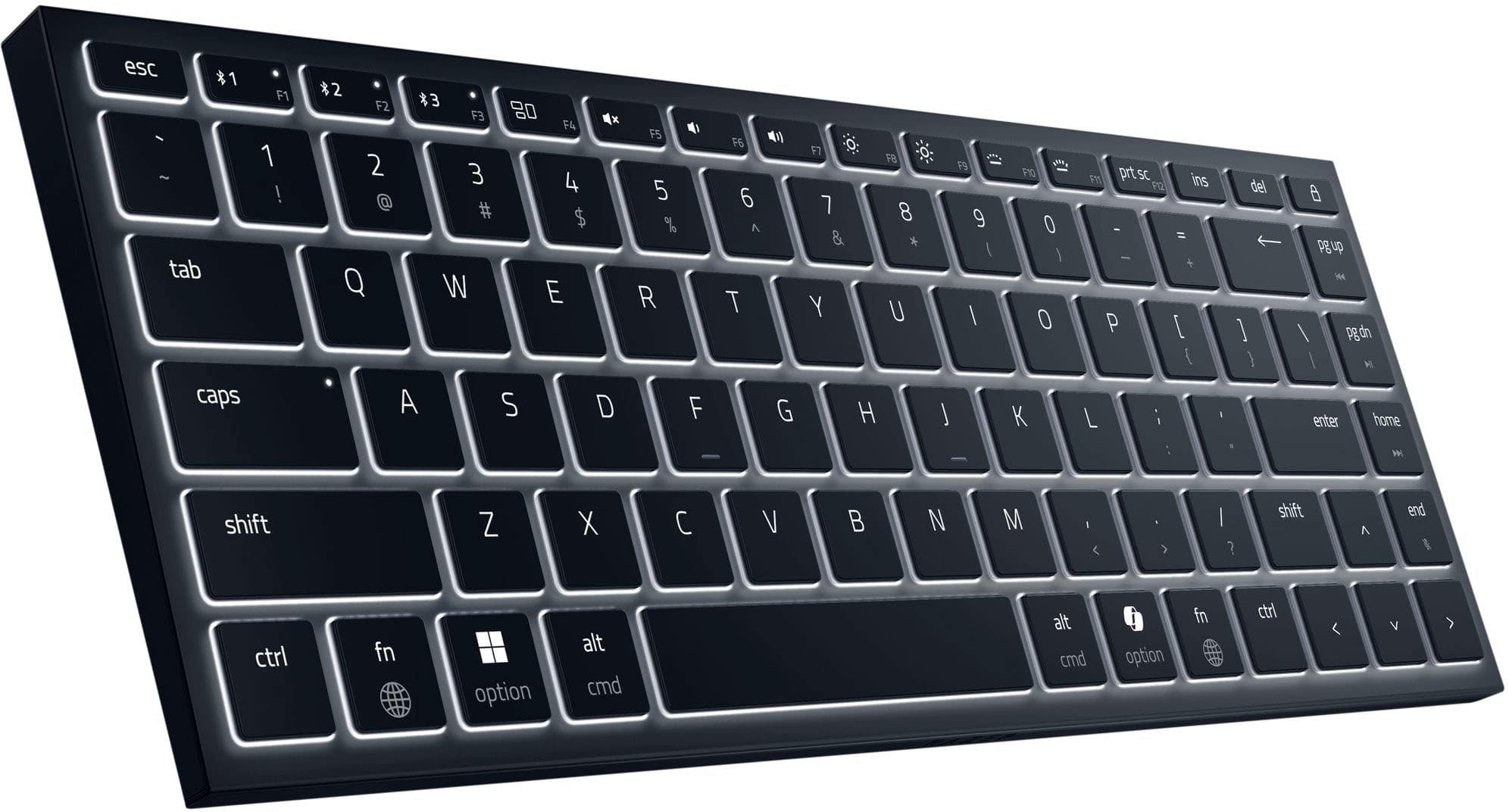
![The text on the image reads: "RAZER I esc #1 11 +2 12 1. 3 80 FA S PS 1 F7 10 F F10 9 prt SC P12 ins del - 1 : 2 D 3 # 4 $ 5 % 6 A 7 & 8 * 9 - . I - + Pg up 14 ob Q W E R T Y U I O P [ { ] / I pg dn i caps A S D F G H J L enter home shift Z X C V N M D < > / ? shift end ctrl fn option alt cmd alt cmnd / option fn ctrl <".](https://pisces.bbystatic.com/image2/BestBuy_US/images/products/b010ca68-cc58-47eb-a19f-3b8016ede390.jpg)
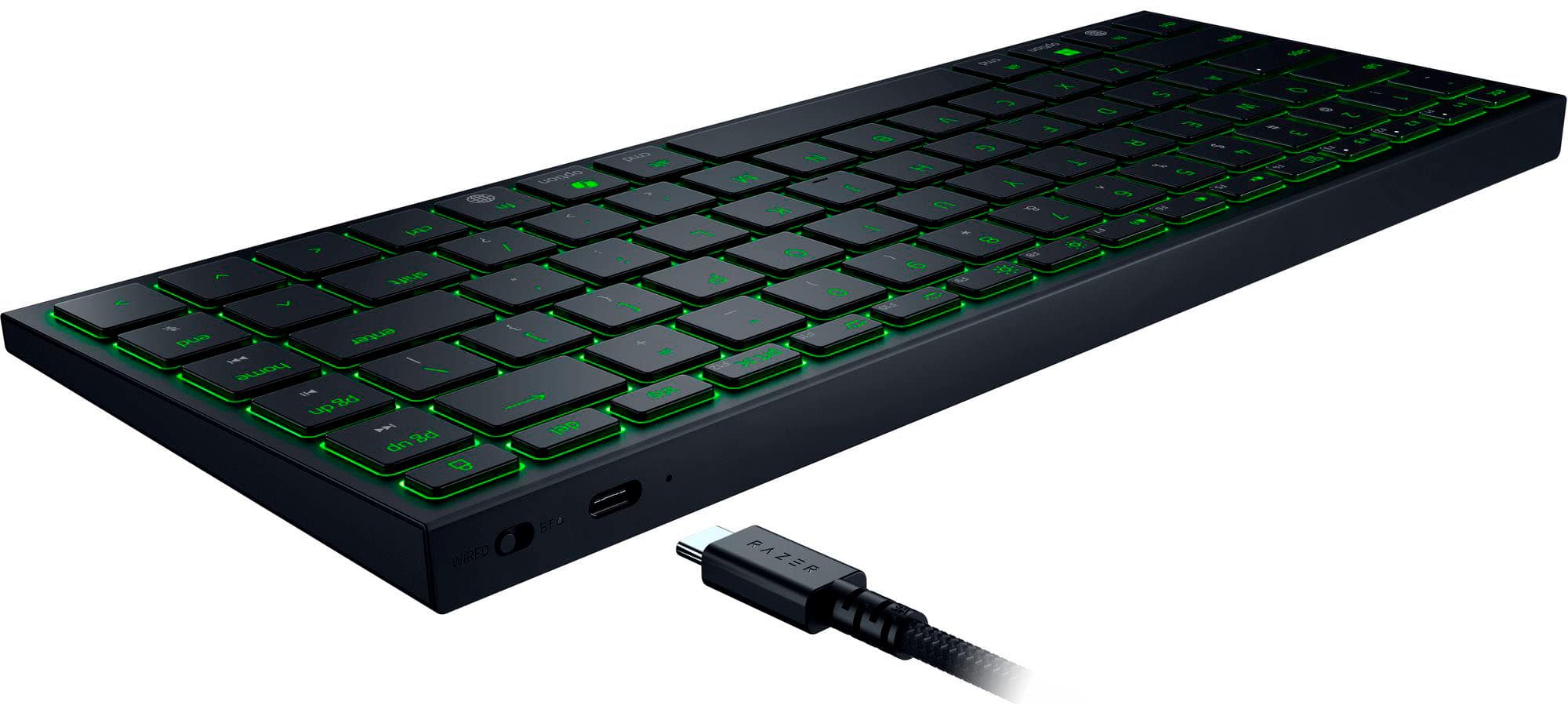
![The text on the image reads:
"P RAZER esc T F 42 F2 Es F - F5 - F6 10 F FO P F10 ANI 9 prt SC F12 ins del - 1 1 2 TH 3 # 4 $ 5 % 6 A 7 & 8 - 9 : o 1 1 I + Pg up 1 tab Q W E R T Y U I O P [ { ] } / I pg dn W caps S D F G H J L : - a - enter home shift Z X V N M < A / ? shift end ctrl fn option alt cmd alt cmnd option fn ctrl RAZER."
The text is a combination of various keyboard shortcuts and functions, such as the Windows key, function keys, and other special keys. It is likely meant to provide a quick reference for users of the keyboard.](https://pisces.bbystatic.com/image2/BestBuy_US/images/products/c219915e-94e6-4731-b6fd-d455295d2c32.jpg)

- Model:
- RZ03-02360200-R3U1
- SKU:
- 6621500
Rating by feature
- Value
Rating 4.3 out of 5 stars
- Quality
Rating 4.8 out of 5 stars
- Ease of Use
Rating 4.8 out of 5 stars
Customers are saying
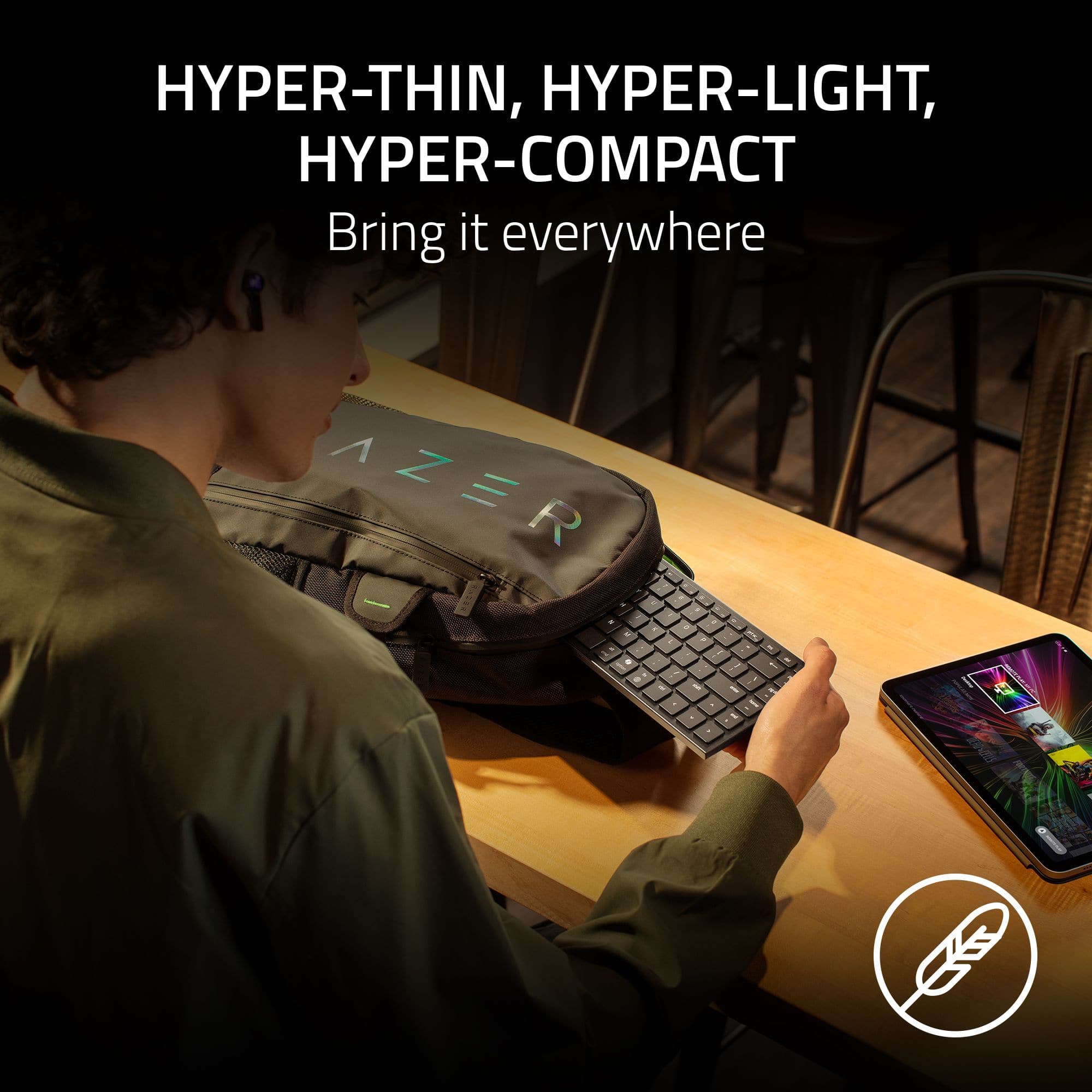
Customers admire the Joro Portable 75% Wireless Scissor Gaming Keyboard for its portability, solid build quality, and amazing battery life. The keyboard offers both wired and Bluetooth connectivity options, contributing to a great typing experience. However, some customers have expressed concerns about the flat keyboard angle and the feel of the keys.
This summary was generated by AI based on customer reviews.
- Pros mentioned:Portability
Stout Little Guy
||Posted . Owned for 2 weeks when reviewed.This reviewer received promo considerations or sweepstakes entry for writing a review.Packs easy and held up to being tossed around in a soft sided bag by airline ground crews.
I would recommend this to a friend - Pros mentioned:Portability
The best to carry on trips.
||Posted .This reviewer received promo considerations or sweepstakes entry for writing a review.The keys feel soft to the touch, it is very light and small perfect to take anywhere.
I would recommend this to a friend - Cons mentioned:Key feel
Great keyboard
||Posted .This reviewer received promo considerations or sweepstakes entry for writing a review.Love the keyboard the shift keys are to close together but other than that great.
I would recommend this to a friend decent
||Posted .This reviewer received promo considerations or sweepstakes entry for writing a review.pretty good keyboard, only complaint is the battery life when wireless and the price a bit high
I would recommend this to a friendWork keyboard
||Posted . Owned for 2 months when reviewed.This reviewer received promo considerations or sweepstakes entry for writing a review.Great work keyboard/ gaming keyboard. Fits both needs.
I would recommend this to a friendMy new favorite!
||Posted .This reviewer received promo considerations or sweepstakes entry for writing a review.I LOVE the rebound on these keys! It feels like you're typing on the highest end laptop keyboard ever. Its so great for typing with arthritis. The rebound actually helps lessen fatigue in my joints when typing a lot.
I would recommend this to a friend- Pros mentioned:Connectivity
Good wireless keyboard
||Posted . Owned for 2 months when reviewed.This reviewer received promo considerations or sweepstakes entry for writing a review.Its a really good basic wireless keyboard. Use it for my race sim
I would recommend this to a friend - Pros mentioned:Portability
Razer keyboard for easy traveling
||Posted . Owned for 3 weeks when reviewed.This reviewer received promo considerations or sweepstakes entry for writing a review.Very portable and nice lighting perfect for travel
I would recommend this to a friend Best keyboard ever!
||Posted . Owned for 1 month when reviewed.This reviewer received promo considerations or sweepstakes entry for writing a review.Omg! This it the best keyboard I’ve ever had. It feels smooth and makes my gaming so comfortable and amazing! I greatly recommend it
I would recommend this to a friendNice keyboard
||Posted . Owned for 5 months when reviewed.This reviewer received promo considerations or sweepstakes entry for writing a review.Nice slim keyboard. Bluetooth isn’t working, but otherwise is great.
I would recommend this to a friendRazer Joro - Perfect travel keyboard for me.
||Posted .This reviewer received promo considerations or sweepstakes entry for writing a review.Love the portability of this product. Fits in my laptop case easily. Connects easily with usb c cable or by Bluetooth. Also long battery life.
I would recommend this to a friend- Pros mentioned:Battery life, Build quality, Connectivity

Lightweight and responsive in wireless or wired!
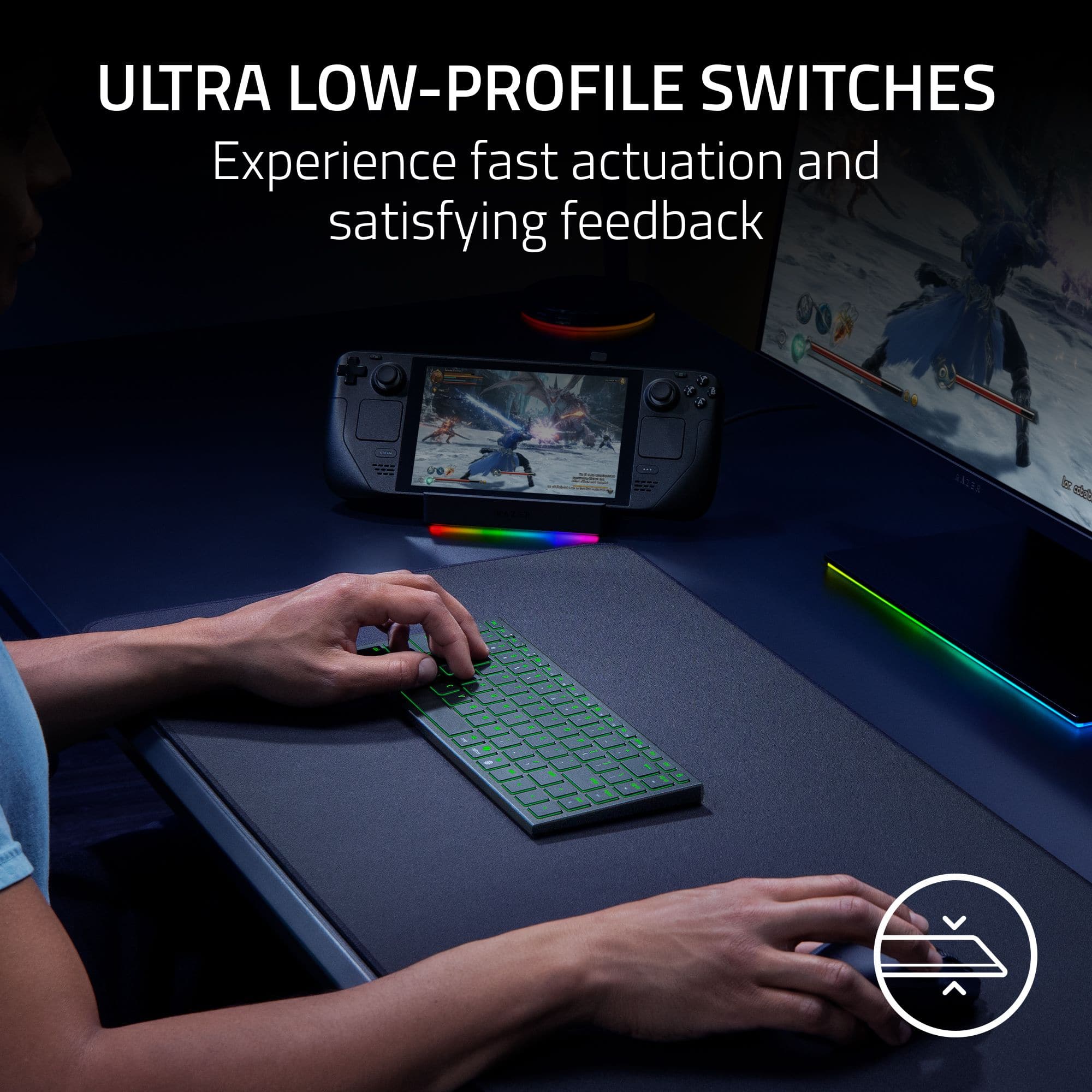
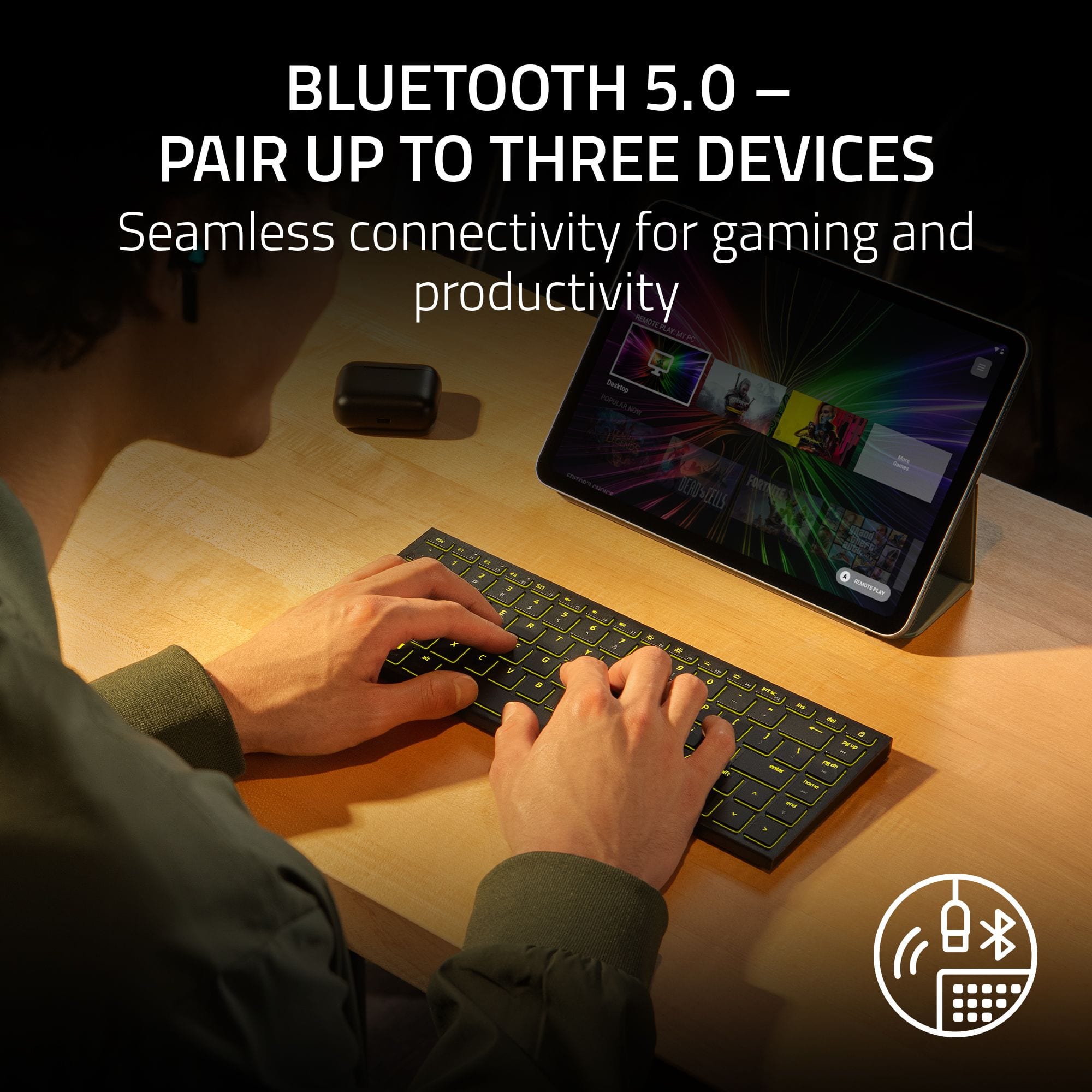
|Posted .This reviewer received promo considerations or sweepstakes entry for writing a review.I use a larger Razer desktop keyboard in my home office 40+ hours a week - but when I travel, I've been stuck with what I consider to be mostly sub-par travel keyboards or integrated laptop typing experiences. So when I saw that Razer came out with this Joro board in a portable size, I jumped on the opportunity. And I'm glad that I did! It's not perfect, but it's pretty close and definitely will be my new travel go to. First off, the typing experience on this keyboard is great - it's FAST and responsive (I'm mostly using it for office work, but it works great for gaming as well) and, perhaps most importantly to me, it's quiet unlike some other keyboards. So I can get my work done quickly and not disturb others in the process. The typing is comfortable as well with good, short actions on the keys and a size that compares nearly identically (for the core letter keys at least) to my full-sized desktop keyboard. The lighting is single zone which is fine for me - I don't use it to make a statement, only to type in low light conditions - and works very well. I LOVE that it can connect via Bluetooth or via a USB-C cable (up to three devices over bluetooth) so I can connect to different computers (via wired connection) without removing the pairings with my primary devices. I haven't yet tried it with a Mac but it's nice to know that's an option if I do want to try it sometime. Quality-wise, the keyboard is top notch - a metal plate gives the keyboard a rigid feel and solidness that plastic can't touch without making it too heavy and the whole thing feels like it will last a long time. The battery life has been great so far as well. So if you're in the market for a new travel keyboard that's easy to take with you wherever you go and easy to live with / work with as well, this could be just what you're searching for. Give it a try today!
I would recommend this to a friend Worth it
||Posted . Owned for 1 week when reviewed.This reviewer received promo considerations or sweepstakes entry for writing a review.Absolutely gorgeous and worth every penny. If you are thinking about just do it!
I would recommend this to a friend- Pros mentioned:Battery life, Build quality, Connectivity
My go to travel keyboard
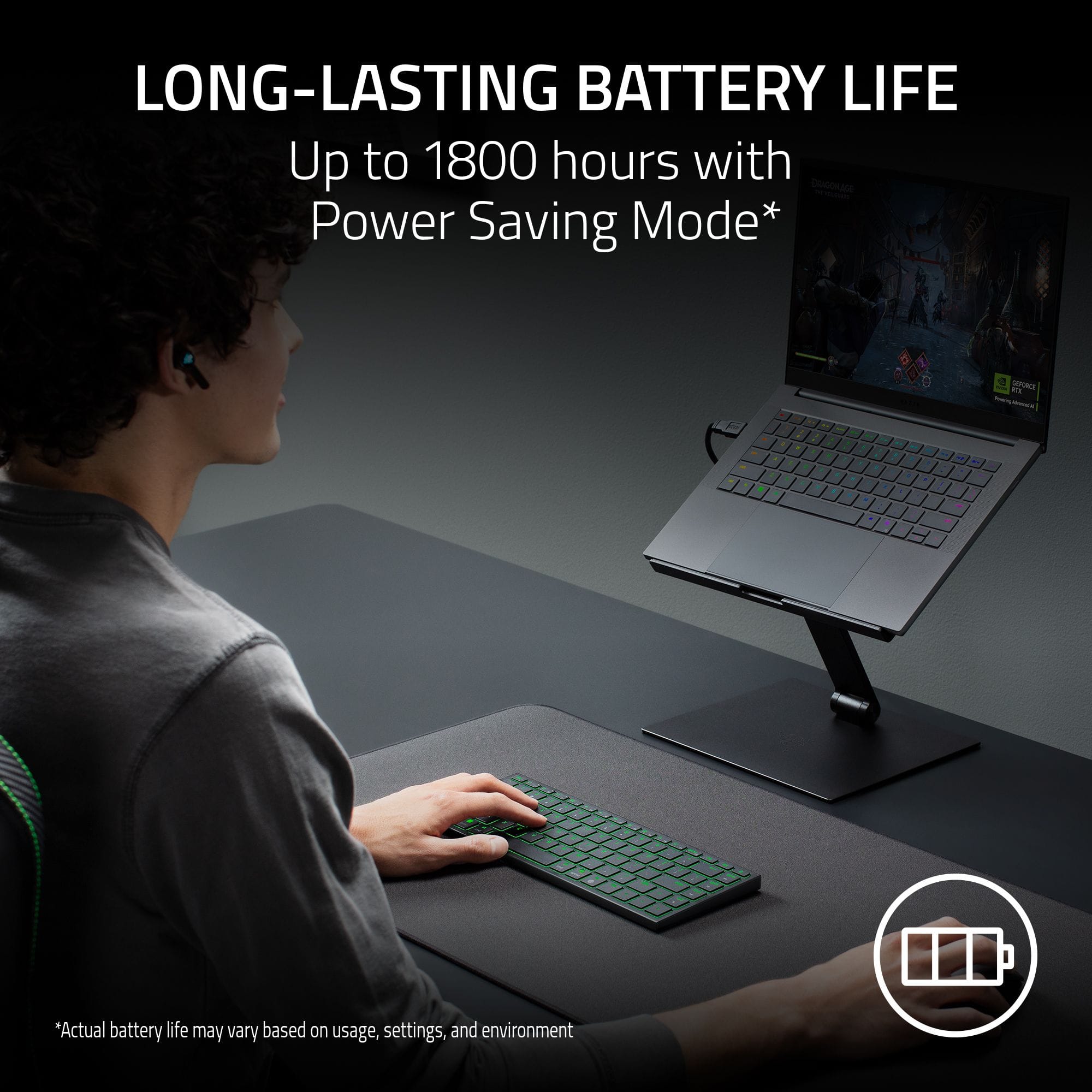
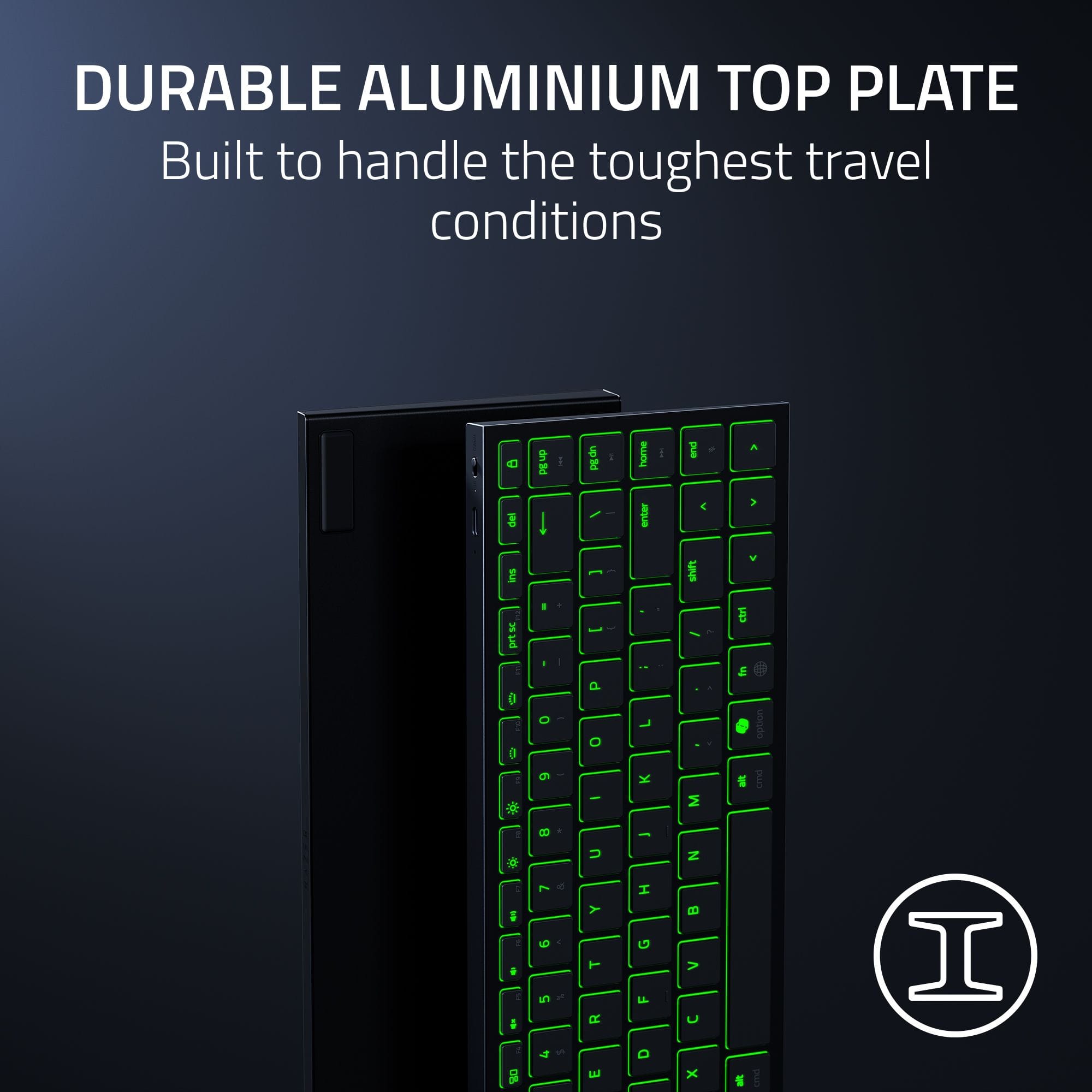
|Posted .This reviewer received promo considerations or sweepstakes entry for writing a review.I have bought several portable keyboards over time trying to find the perfect fit for travel work and gaming. I think that this new Razer Joro has checked most if not all of the boxes that I have been looking for. The keyboard is built with a sturdy aluminum frame making it very rigid and premium feeling. This is the first thing that I was looking forward to as I carry my laptop and all my tech gear in a backpack. So having a durable keyboard is always a must. The size is the next thing to check off. The Joro is the perfect size. Full size keycaps making typing an ease, super thin and light weight making it fit easy in my bag while not adding any burden to my already packed bag. The typing experience is satisfying and quiet with the full-size keycaps that offer just the right amount of travel for sensory feedback and great responsiveness. The key backlighting is also a nice touch for such a compact keyboard. It is a single zone RGB lighting which adds just enough of that gaming aura without being obnoxiously bright and attention grabbing for working in the office. I love the ability to connect via Bluetooth to three separate devices making it easy to switch with just the press of one of the preset buttons at the top of the keyboard. There is also the option to connect via usb-c cable and Razer included a 60W charging cable in the package. The battery life is said to last up to 1800 hours with the included power saving mode which puts the keyboard into sleep mode when not in use. This keyboard is nearly perfect as a portable option for gaming, content creation, or office work on the go. If I had to say anything that I wish was a little better is that I would like folding or extending feet stands of the rear to set keyboard up a slight angle for more comfort. Overall, an easy 9 out of 10 recommendation for anyone looking for a durable, responsive, and full size feel keyboard for on the go usage.
I would recommend this to a friend - Pros mentioned:Connectivity, PortabilityCons mentioned:Keyboard angle
Great for gaming, but no day to day
|Posted .This reviewer received promo considerations or sweepstakes entry for writing a review.This little gem is a great addition to my mobile gaming setup. Here are the highlights and lowlights on this keyboard. Good: small keyboard is lit, making it easy to see in low to dark areas lightweight slim. it does not take up normal amount of space in my bag like full sized keyboards do quick response when hitting the keys during gaming small form factor, since you don't really need a keypad, this is perfect for smaller areas can be used as bluetooth device or plugged directly into the computer and used as cabled keyboard (it will also charge when you do this as well) Bad only one color at a time. it will do color shift, pulse, etc, but when you make it static, it will only do 1 color no way to angle the keyboard. it is set at one angle and that is it. so if you like your keyboard higher or lower, well you are out of luck no dedicated on/off button/switch. so the only way to save some battery is to turn it on cable connection when not plugged in you can not use the bluetooth connection if you plug it into the power port on the laptop. instructions are really hard to read (tiny print) and it is somewhat generic. So, be aware you will have to assume or decipher if you have questions I have used this on my work laptop, home laptop, and my gaming rig. All worked great and it is easy to pack away when not in use. The gaming portion is seamless and really helps since I can angle it more to the side for better finger positioning. Overall it is a fantastic product and glad I got it.
The champs of gaming gwar
||Posted .This reviewer received promo considerations or sweepstakes entry for writing a review.Another slam dunk from razer. Easily the best on the go gaming keyboard you can get.
I would recommend this to a friendExcellent keyboard
||Posted . Owned for 1 month when reviewed.This reviewer received promo considerations or sweepstakes entry for writing a review.Great keyboard enjoy paired with my Apple TV does great no complaints
I would recommend this to a friendSuper portable
||Posted . Owned for 3 weeks when reviewed.This reviewer received promo considerations or sweepstakes entry for writing a review.Nice design, comfortable keys, i love razer products.
I would recommend this to a friend- Pros mentioned:Battery life, Build quality, Connectivity
Pretty much blown away by this thing
|Posted .This reviewer received promo considerations or sweepstakes entry for writing a review.Right out of the box the first impression was that this keyboard is solid. The aluminum top deck really stiffens the board. There is impressively nearly zero flex. Only if I forcefully twisted the ends did I see (not feel) the board give a bit. It also feels well dampened internally. No ringing or pinging sounds inside the board. Key presses are well supported, very quiet, and key travel is crisp, not mushy. It’s comparable to or better than the best laptop or standalone low-profile keyboards I’ve tried. Bluetooth pairing was easy, as expected, in both Windows (with a Rog Ally gaming handheld) and a Google TV Streamer. The Razer Synapse software install prompt conveniently appeared automatically upon pairing in Windows. Establishing a connection is nearly instant upon turning on Bluetooth. I couldn’t detect any latency, but I don’t play competitively enough for it to matter. Hardcore gamers will probably want to use a HyperSpeed dongle (allowed after a firmware update). Battery life is more than sufficient. I basically was unable to run it down enough to care about charging it during testing given my usage patterns. I don’t use the RGB except to provide just enough backlighting to keep the keys visible, and I make regular use of the handy power saving mode shortcut, which turns off the RGB and drops the polling rate. The keyboard is definitely small and light enough to pack in a bag with a gaming handheld or tablet, although I think it needs a cover or case of some kind. For the price, I think at least a snap-on cover should have been included, but as I explain below, I think there's still a ton of value here even with that omission. Speaking of price (and of this keyboard’s value and place in the market in general), allow me to opine a bit. I initially thought the suggested retail to be on the high side, but then I remembered it sits squarely in the same category as other premium low-profile portable keyboards that cost as much or more, and it’s equal parts productivity and gaming where others are embarrassingly basic and underfeatured. When I stepped back and thought about what’s included (RGB, Snap Tap, N-key rollover, macros, key remapping, power saver mode, and much, much more), plus the highly impressive build quality, there really isn’t a keyboard in the category that comes close. At least two other hugely popular brands costs more and don't even have backlighting. Razer dropped a keyboard that pretty much obliterates the category. Basically, if you’re in the market for a low-profile keyboard in the $140-ish range and it doesn’t have even a backlight, it’s a no-brainer: Just get the Joro.
I would recommend this to a friend - Pros mentioned:Battery life, Build quality, PortabilityCons mentioned:Keyboard angle
Solid Portable Keyboard
|Posted .This reviewer received promo considerations or sweepstakes entry for writing a review.This keyboard is perfect for use with a laptop, tablet, phone, PC, etc that is hooked up to a TV screen or projector. You can type from across the room with a great deal of accuracy and speed. The backlight is especially welcome in a dark room, say a screening or movie room. Another option is a second keyboard for a multi computer setup that has a KVM but one PC needs to have a keyboard available to it 100% of the time. The keyboard will fit in any backpack that has a laptop in it. It is very thin and has great battery life. Key travel is just right for this type of keyboard. The one drawback, there are no legs to change the angle of the keyboard. Flat is your option. The normal apps for controlling colors with Razer are used. It works like any other Razer device, so no shocking changes. You can use one color at a time, you can not program lighting by keycap. Overall, this is a really nice keyboard that is surprisingly comfortable to use. It is great for on the go or about a thousand other possibilities. Anything with BT can be a partner. You can also run wired. The only reason for dropping a star is there are no legs to adjust angle.
I would recommend this to a friend