Customer Ratings & Reviews




- Model:
- RC21-02300100-R3UC
- SKU:
- 12514253
Rating by feature
- Value
Rating 4.4 out of 5 stars
- Quality
Rating 4.7 out of 5 stars
- Ease of Use
Rating 4.6 out of 5 stars
Awfully experience at Best Buy in Palm Beach Garde
||Posted . Owned for 3 weeks when reviewed.This reviewer received promo considerations or sweepstakes entry for writing a review.Awful customer service! Will never ever going back to purchase again at Best Buy!
No, I would not recommend this to a friend- Pros mentioned:Cooling performanceCons mentioned:Noise level

dropped temps by more than 10C
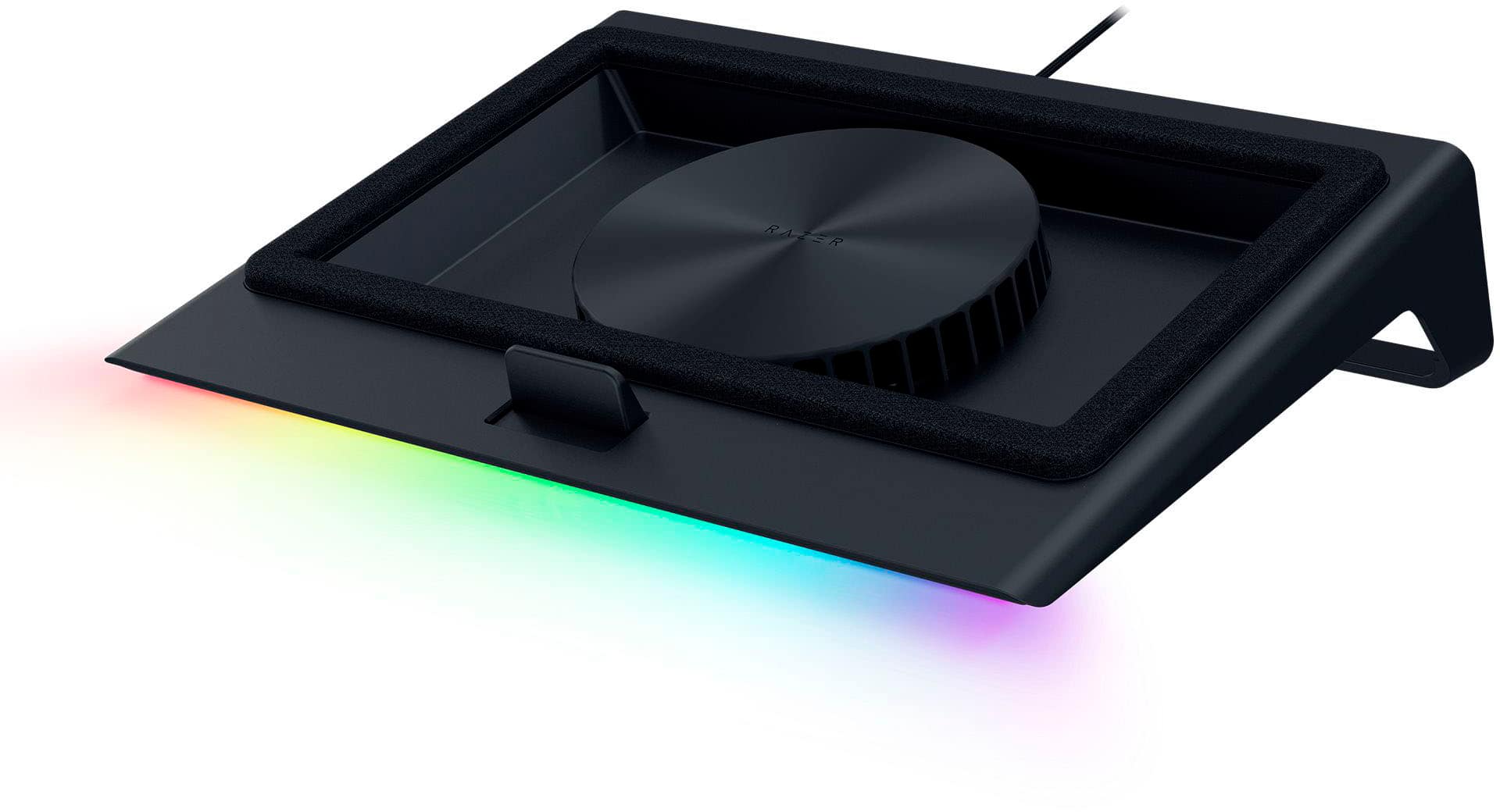
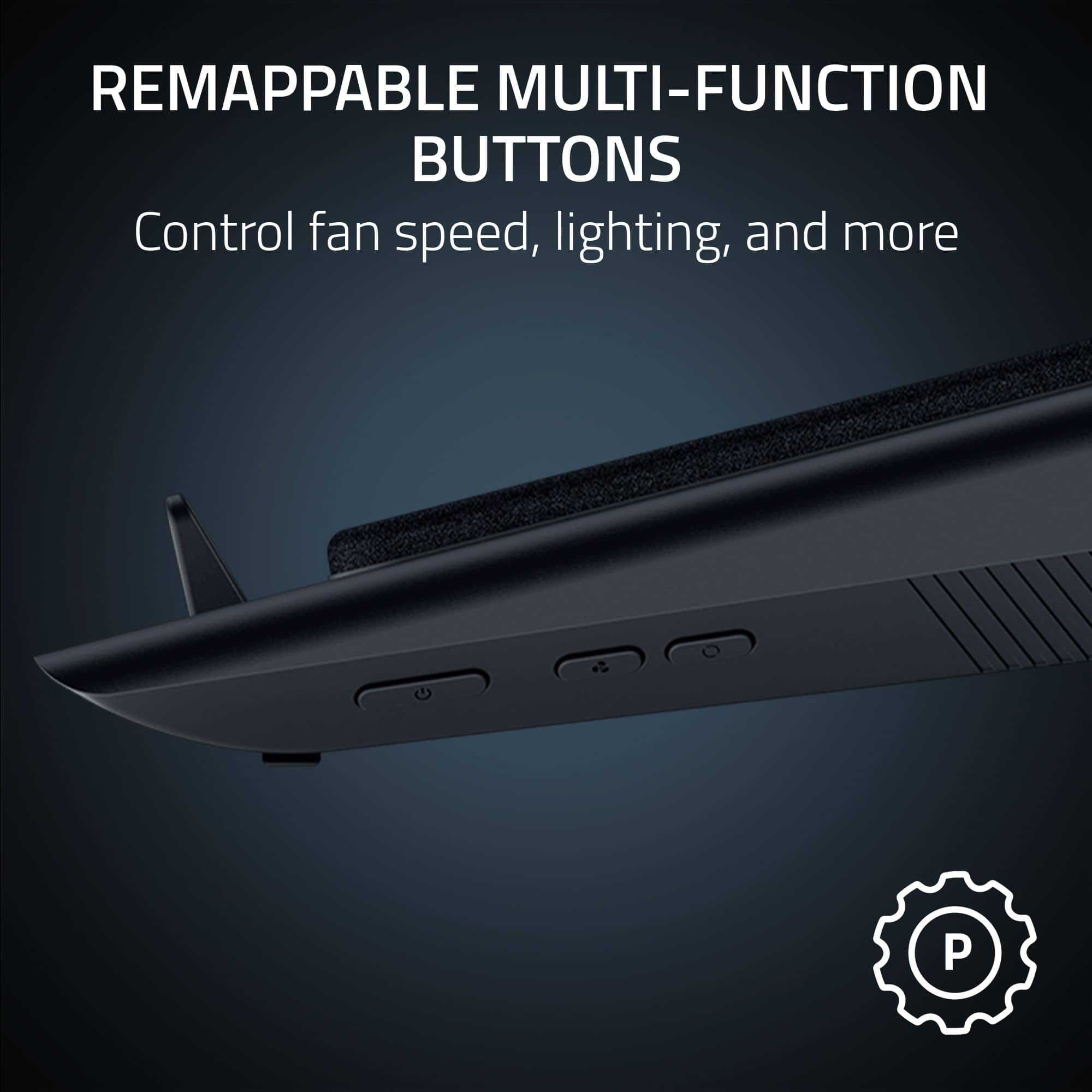
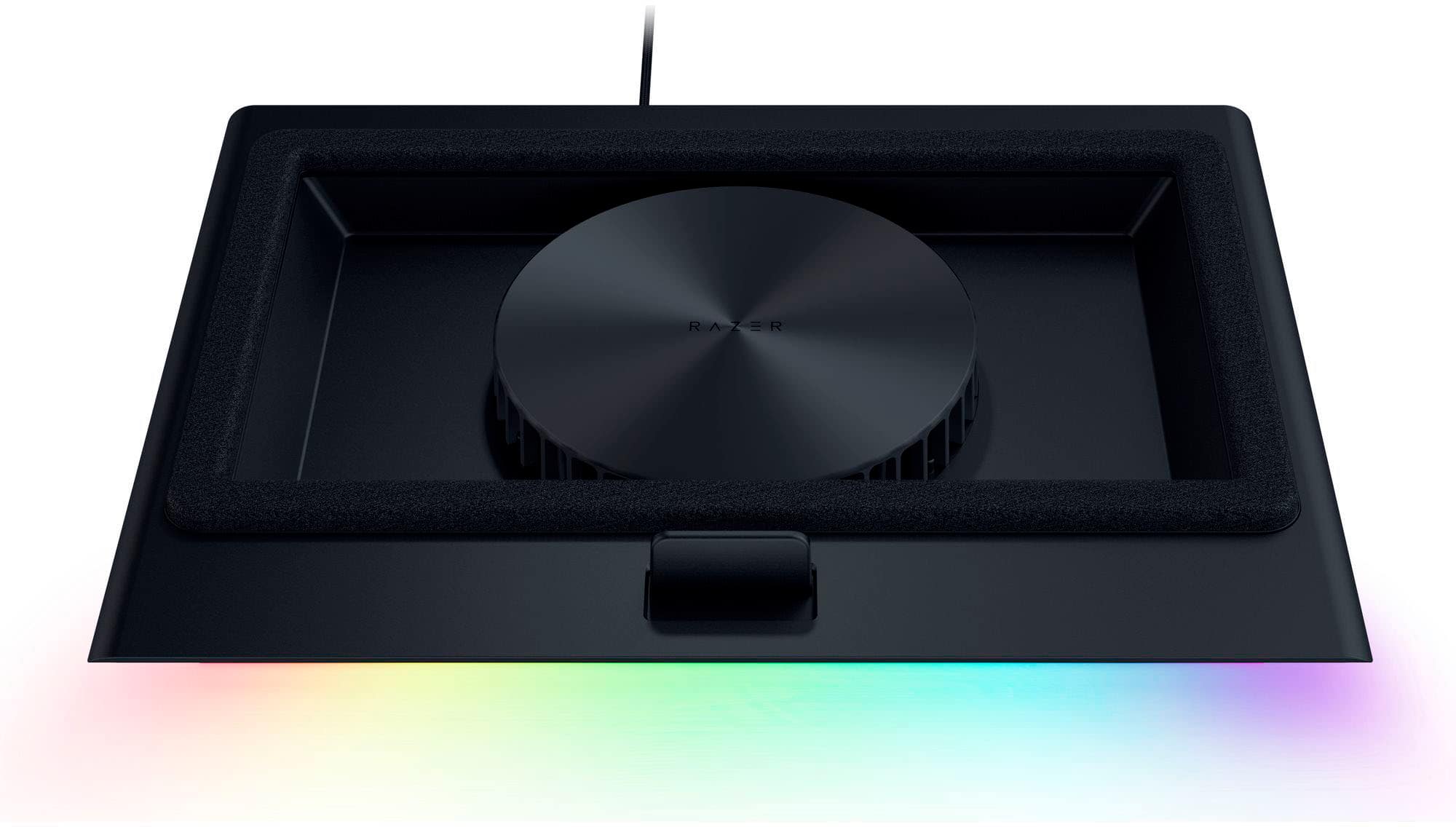
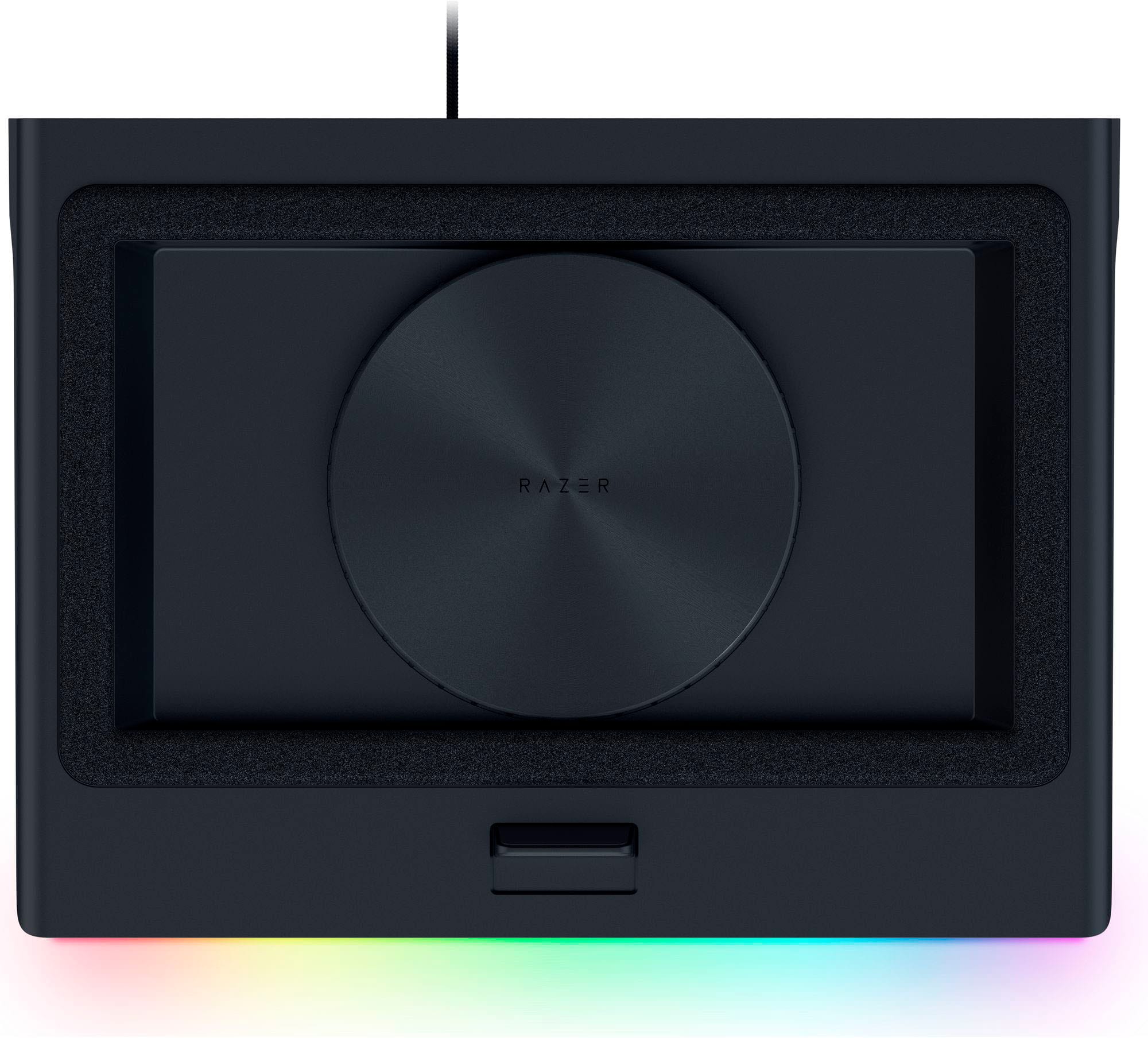
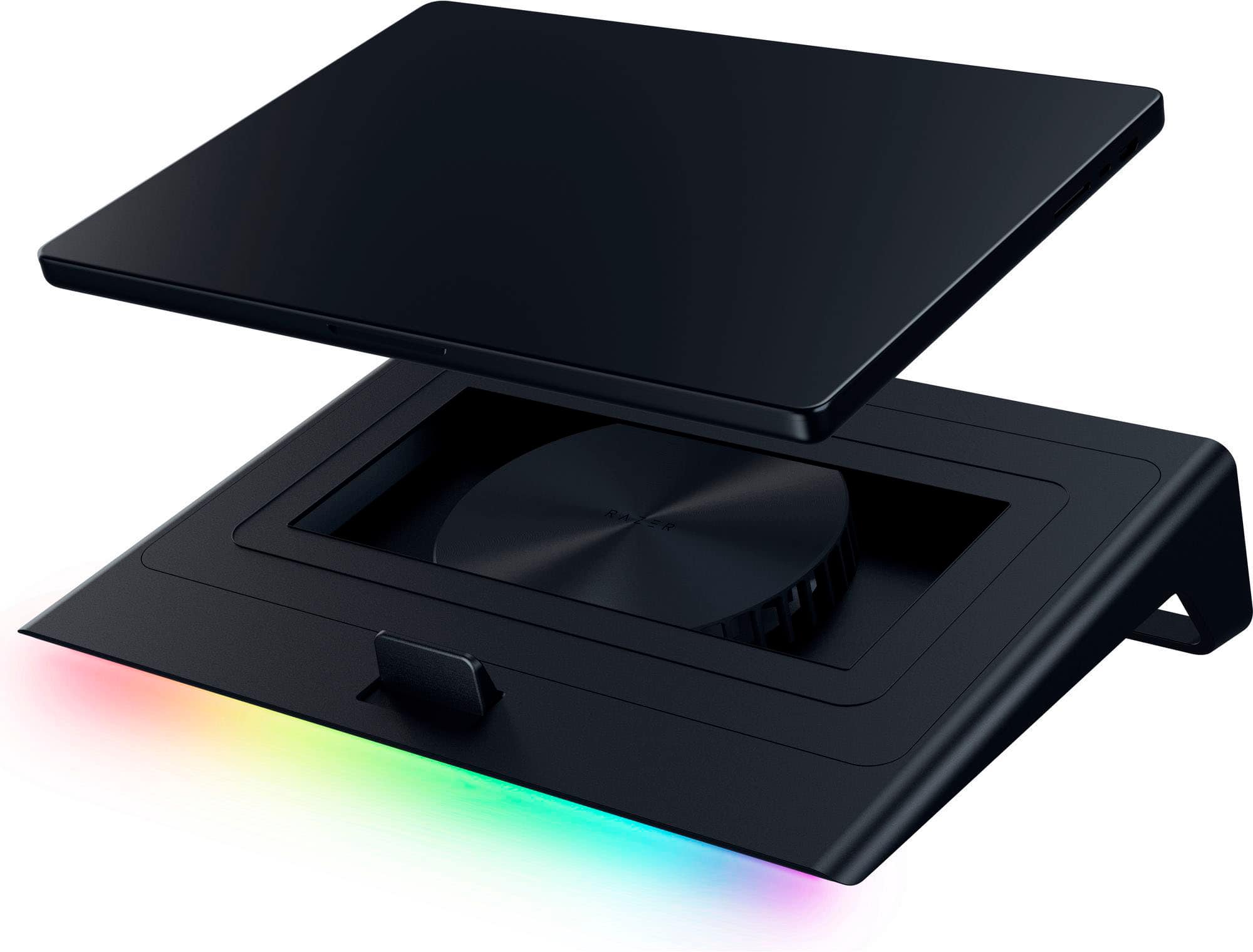
|Posted .This reviewer received promo considerations or sweepstakes entry for writing a review.Heat will eventually kill a laptop, it always does in the end, and delaying that for as long as possible is of interest, hence me rolling the dice on this cooling pad. Did it work? Shockingly well it turns out, dropping temps on my 5900hs by 10 -15 degrees in common tasks. Pretty great actually In the box you get: the cooler, different magnetic frames, ac adapter, documentation/stickers. This thing is super easy to set up. Plug it into your laptop, plug it into power and you're basically good to go. On first boot it'll ask to install razer synapse, and as much as I hate that slow bloated software, I'd recommend it. Once installed synapse will want to update the firmware of the cooler, then you should be good. From here you can feel free to delete that software forever (unless you need to update the cooler again), but it does have its benefits. There are three buttons on the right side of the cooler: power, fan speed, lighting. This is really all you need to keep your laptop cool, but you'll want to use synapse if you have specific temp and noise targets. About setup - adjust your laptop cooler and laptop fans individually - locking the rpm of the one you're not adjusting. Out of the box the fan was constantly revving up and then down as were the fans on the laptop itself. They were basically passing the heavy lifting back and forth until I locked the cooler pad at 50%, and readjusted my laptop fan curve. Once the laptop fans were happy I went back into synapse set it back to auto to see how it behaved. I adjusted the fan curve to be a bit less aggressive there and everything was working perfectly. 10+ degree cooler temps and significantly less noise. This process took about 10-15 minutes for me to dial in, but it's 100% worth it. I get the performance I want, no throttling, and my setup is very quiet now. This thing will get loud though when the system is under heavy load, there's no getting around that (laptops be like that sometimes). I'm struggling to think of something more critical to say, but I really can't. This thing works really well. I guess synapse still sucks and it hasn't really ever gotten better, but it gets the job done. I don't know I'm just really impressed with this, great design and execution.
I would recommend this to a friend - Pros mentioned:Cooling performanceCons mentioned:Noise level
Big cooling pad that keeps cool, but loud….
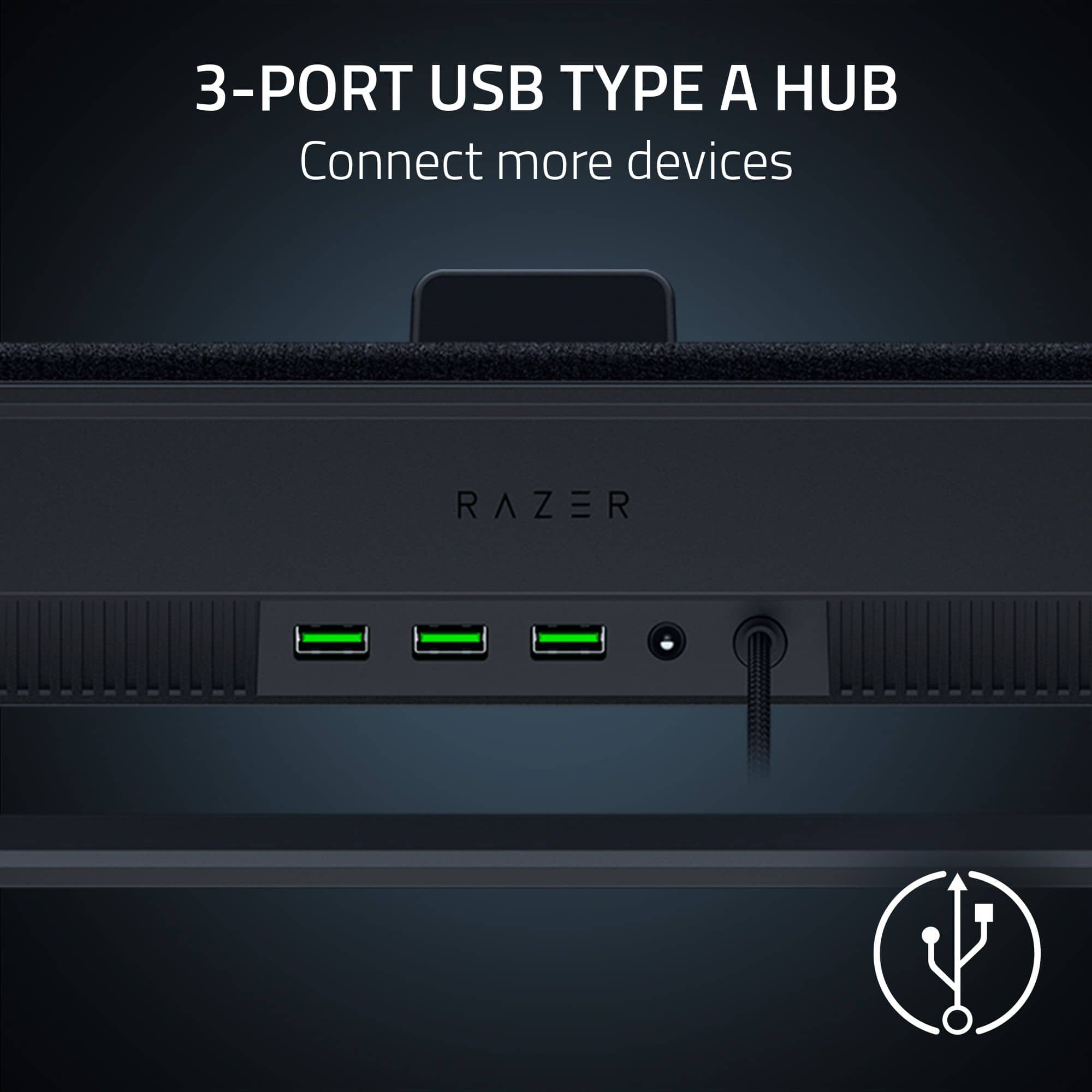
|Posted .This reviewer received promo considerations or sweepstakes entry for writing a review.If you’re going to use a high end gaming laptop, a cooling pad is almost essential. Keeping the machine cool keeps it from throttling, but it also keeps it in good shape in the long term. Razer being a brand synonymous with gaming performance, it’s a no-brainer to turn to them for a cooling pad, and doing so, you would get about what you expect. In terms of design, this thing is big. It has to be as it is intended to be used for laptops 14” to 18”, so for those using 14” laptops with the intention to saving space, know that this is going to take up space. As for the RGB, it’s a nice addition, and I’m surprised I’m going to say this…it could have used more. I’m normally not the RGB guy, but I’m surprised with the real estate Razer went as subtle as they did. The backend adds 3 USB A ports…I definitely would have liked some USB C ports. As for the cooling…it definitely works, but at a cost. When the temps get high, so does the volume. For those familiar with the laptop gaming space, this isn’t a new thing. I’m sure your laptop fan kicks up as well. If you’re like me, you’re probably using headphones anyway, in which case, the volume will be less of a problem…but if you aren’t using headphones…it definitely adds volume. All in all, if you’re purchasing this, you’re doing so for a reason. The Razer Laptop Cooling Pad will satisfy your needs, my problem is. It does so while adding a bunch of USB A ports as opposed to C ports while taking up extra space for most. Still, I’d recommend this.
I would recommend this to a friend - Pros mentioned:Cooling performanceCons mentioned:Noise level
RAZER KEEPING IT COOL
|Posted .This reviewer received promo considerations or sweepstakes entry for writing a review.Owning a few high tier gaming laptops that sometimes feel like your holding pure fire, I knew I needed to give this Razer Laptop cooling pad a try. Right out of the box to having the unit cooling my laptop, took all in all about 15 minutes. Pull out of box, find the right insert for the laptop you want to use it with, plug it into the wall and then a usb-A cable into the laptop. Download razer software and boom thats it, it was ready to go like a windy day in Chicago ... Pros Compatible with 14" up to 18" laptops (utilizing different sized/shaped inserts) Also supports fanless or ventless laptops Extends your UsbA ports with 3 usba ports on the back (usb a hub) RGB lighting, controlled by side button or app Nice air flow fit Filter to help keep the dust on the fan down Kept my power hungry laptop at a nice temp the whole time Cons the unit is a little bulky when paired with a larger 18" laptop the rgb lights can feel a little washed out when using my very bright rgb laptop on the top, they almost become non distinguishable the fan can become quite loud, but in its defense it does its job and keeps the unit cool Overall this is a great cooling pad, the air flow is phenomenal and it did actually keep my laptop at or under 40c the entire time. adding the ability to maintain and monitor the temperature thru the app thus turning up and down the fan is a great feature and i really would recommend this to those of you with hot running gaming laptops, it will defintely help keep your laptop alive.
I would recommend this to a friend - Pros mentioned:Cooling performance
Keeping it cool!
|Posted .This reviewer received promo considerations or sweepstakes entry for writing a review.When purchasing an expensive laptop, whether that be a dedicated workstation or a powerful setup that can also accommodate gaming, you'll want to consider this product among others in its peer group for a good value purchase. I needed a platform that would allow for airflow between my laptop and my desk, I needed a cooling mechanism that would help with heat dispersion, and I needed something that looked somewhat professional during the day with a little flare of LED lights. For me, this product meets that criteria, and it turned out to be a perfect fit for a 14" laptop. My laptop is thin and does not have great ventilation if sitting on a flat surface, and when using it for intensive gaming, it seems to get very hot, especially since the chassis is made of metal, it gets hot to the touch sometimes. This helps reduce the load on the internal fans, reduces the heat building up inside, keeping the chassis cooler and allowing me to continue gaming with the system slowing down from excessive heat. I'm glad I found this product as it is very convenient and easy to use. The technology for stock cooling systems on gaming/workstation laptops has dramatically evolved over the years, but it doesn't hurt to get good airflow to the motherboard, processor, and GPU (especially if ambient temperatures are already high). For me, I view this as a peace of mind purchase that comes with a couple of extra USB ports for charging electronics. This cooling pad has 3 usb ports on the rear, 2 buttons to activate the fans and lights. It is powered via a usb cable built in and by plugging it in to the laptop USB port (or another source such as a portable battery pack with usb-a connection.) The fans, even when all are active, are reasonably quiet and the platform feels very cool to the touch, but I feel like it might not be enough for laptops under a heavy workload putting in long hours of gaming. Competitive gamers will know that temperature can impact component performance (and lifespan), and I personally would not spare power for those reasons. The noise level is not nearly as high as the 6-fan suite inside my gaming desktop case, but the engineering of this pad does seem to be more than what meets the eyes and ears. Overall, it is a great product and look forward to long term use. Will report back if any issues, but I don't foresee any negatives at this time other than the use of a USB port on the laptop that might be needed, but as mentioned, there are 3 additional USB-A ports on the back of the pad so you can still use those for any add-ons like a wireless mouse/keyboard or controller if needed. Besides that, it is everything I needed.
I would recommend this to a friend - Pros mentioned:Cooling performance
Good cooling, bad software design/behavior
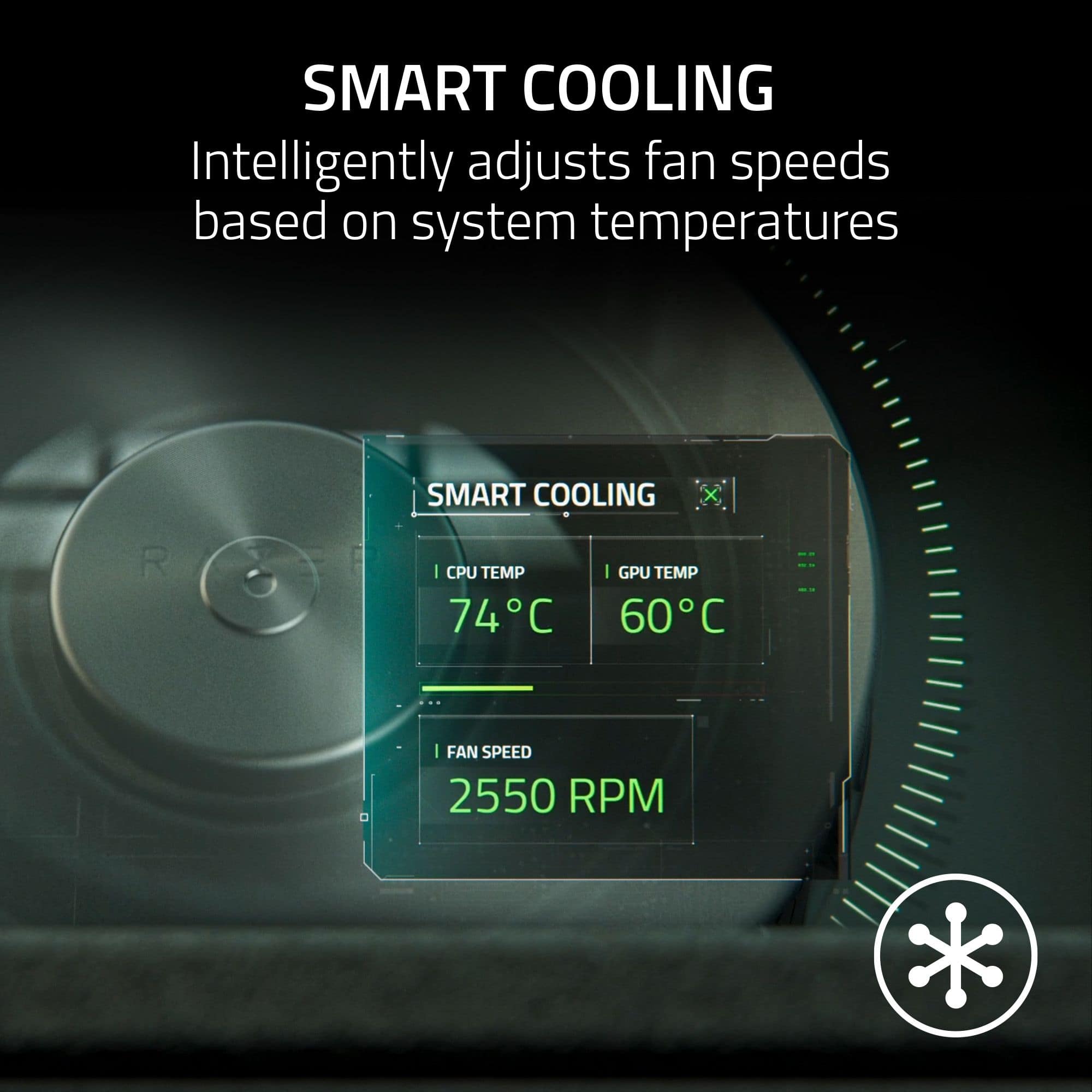
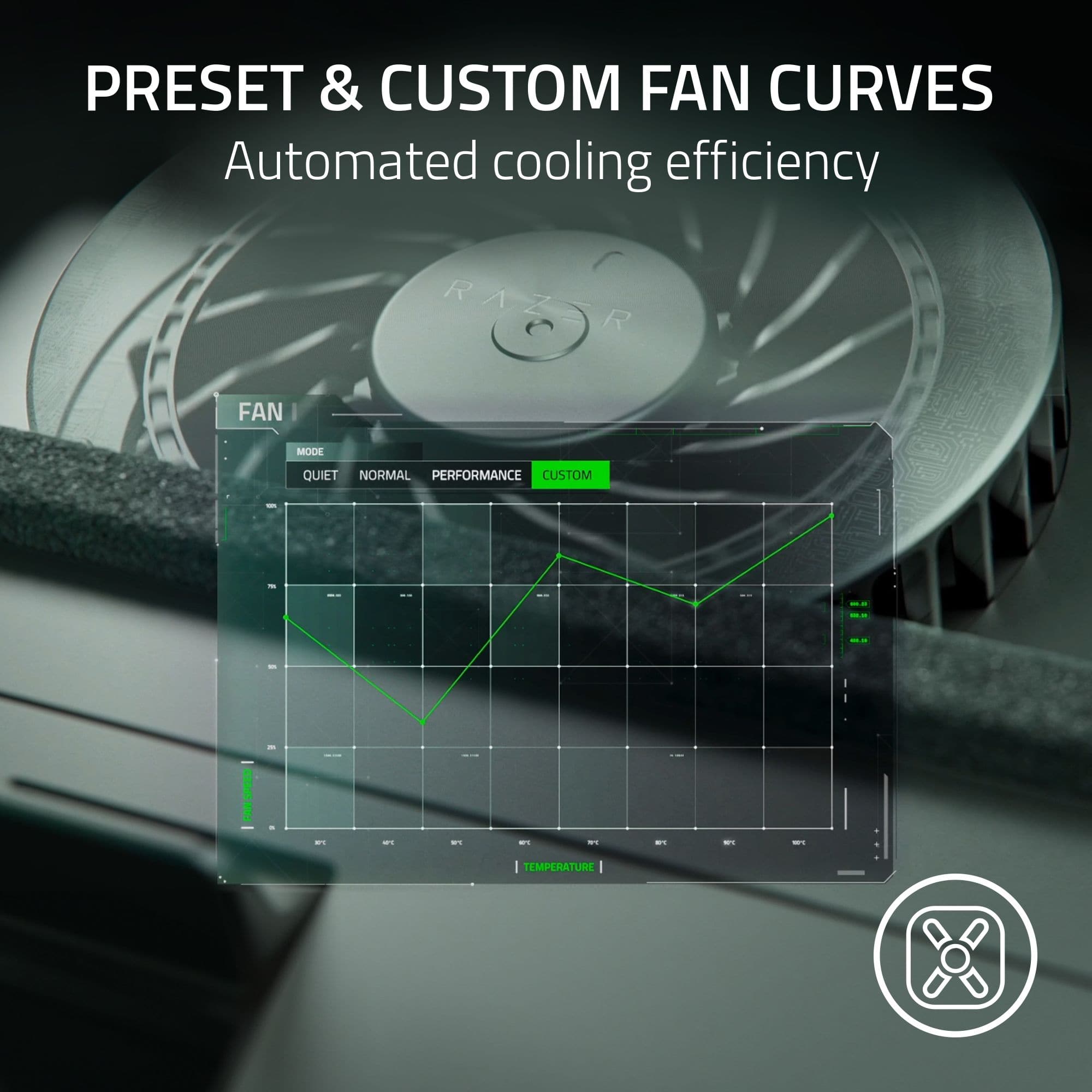
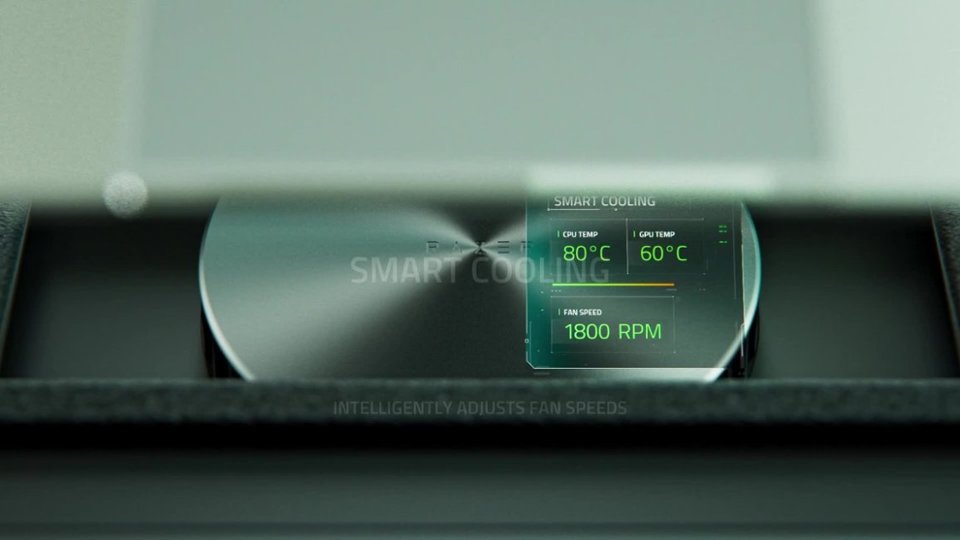
|Posted .This reviewer received promo considerations or sweepstakes entry for writing a review.The Razer Laptop Cooling Pad with [un]Intelligent Fan Control is capable of decent cooling but has some significant design flaws. [ The Good ] This cooling pad uses a single large fan that moves air upwards toward the bottom of the laptop. Laptops that can most benefit from this have bottom ventilation and inadequate thermal design that can regularly result in thermal throttling. The best results I measured were from a gaming laptop with bad thermal design that normally results in CPU throttling within a couple of seconds of only 50% CPU usage. When on this cooling pad, that laptop regularly received a 15 C reduction in CPU temperatures pre-throttling (compared to just sitting on risers) with the default ‘Balanced’ ‘Smart Fan Curve’ profile. This is quite significant. Results were less dramatic on other gaming laptops with proper thermal design. When connected to the laptop via USB and using Razer’s Synapse software, the [un]intelligent fan control can change the fan speed relative to CPU/GPU temperatures. It can also turn the pad off/on automatically when the laptop turns off/on. [ The Bad ] The ‘Smart Fan Curves’ implemented in the Synapse software are horribly designed. The primary issue is that the software does not interpolate values between nodes on the fan curve graph. If the current temperature falls anywhere between two nodes on the graph, then the speed of the node to the right of the current temperature on the graph is selected for the fan. This issue is compounded by default fan curve profiles that do not properly take the lack of interpolation into consideration. Take for example the default graph of the ‘Balanced’ profile, which contains three nodes on the graph: [31.3% speed @ 40C], [68.8% speed @ 90C], [68.8% at 100C]. The second node is entirely redundant; it can be removed with zero effect. With only two meaningful nodes, one on the very left and one on the very right of the graph, this profile effectively has a fixed fan speed of 68.8% (2,200 RPM, as currently the max RPM is set to 3200 in the software, for a CPU temperature anywhere between 40 and 100 C). This is absolutely ridiculous for a ‘smart’ fan curve. The ‘Performance’ profile is only slightly better with a single fan speed occupying 75% of the graph and a second speed occupying the other quarter (and also featuring a completely redundant node that has zero effect). Now you can–and definitely should–create custom fan curves to help alleviate this nonsense, but the lack of interpolation can still result in unintuitive behavior. For example, the default fan curve of the ‘Balanced’ profile visually lies entirely below the default fan curve of the ‘Performance’ profile–except for a shared starting node on the left–but because of how the nodes are placed, any temperature between 40 and 55 C, which spans a quarter of the graphs, will have the fan spinning faster in the Balanced profile than in the Performance profile. That may sound like a logical impossibility, but I assure you in this case it is not. Adding insult to injury, I’ve confirmed with a Razer representative that this is all intended design/behavior and *not* the result of a bug or malfunction. The fan gets obnoxiously loud well before reaching its top speed. The control buttons on the side of the cooling pad are sharply angled downward making them difficult or impossible to see in most practical conditions. Tilting the pad to see the buttons isn’t much help, as the ‘labels’ of the buttons are completely uncolored but merely etched/recessed, making them difficult or impossible to read in a wide range of lighting conditions. Does not have adjustable angle/height. Uses an inconsiderately designed, space-hogging ‘wall-wart’ AC adapter. [ Conclusion ] The Razer Laptop Cooling Pad is capable of providing significant air cooling to a laptop. Unfortunately, the lack of interpolation by the Synapse software results in unintuitive behavior that I think the vast majority of users would not expect, even among power users inclined to define their own fan curves. The default profiles do not adequately take this design into account, resulting in poor adaptation of fan speed relative to CPU/GPU temperatures. Because this inexcusably bad fan control behavior is so central to the operation of this product, I cannot recommend it to others.
No, I would not recommend this to a friend - Pros mentioned:Cooling performance
Nice air flow
Posted .This reviewer received promo considerations or sweepstakes entry for writing a review.Very nice stand for my laptop, It provides with very strong power of fans and keeps everything nice and cool. Also the noise isn't that loud either once the laptop is on the stand recommend for sure
I would recommend this to a friend