Customer Ratings & Reviews
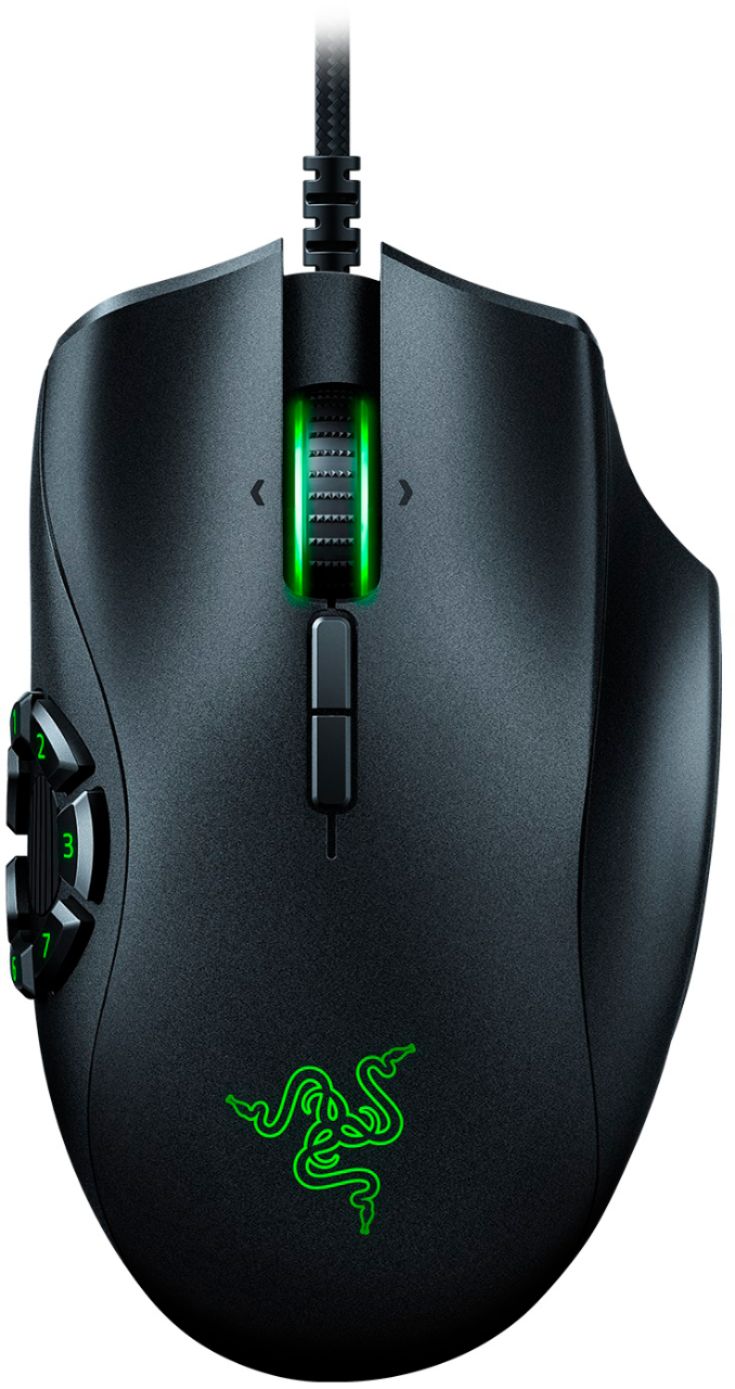
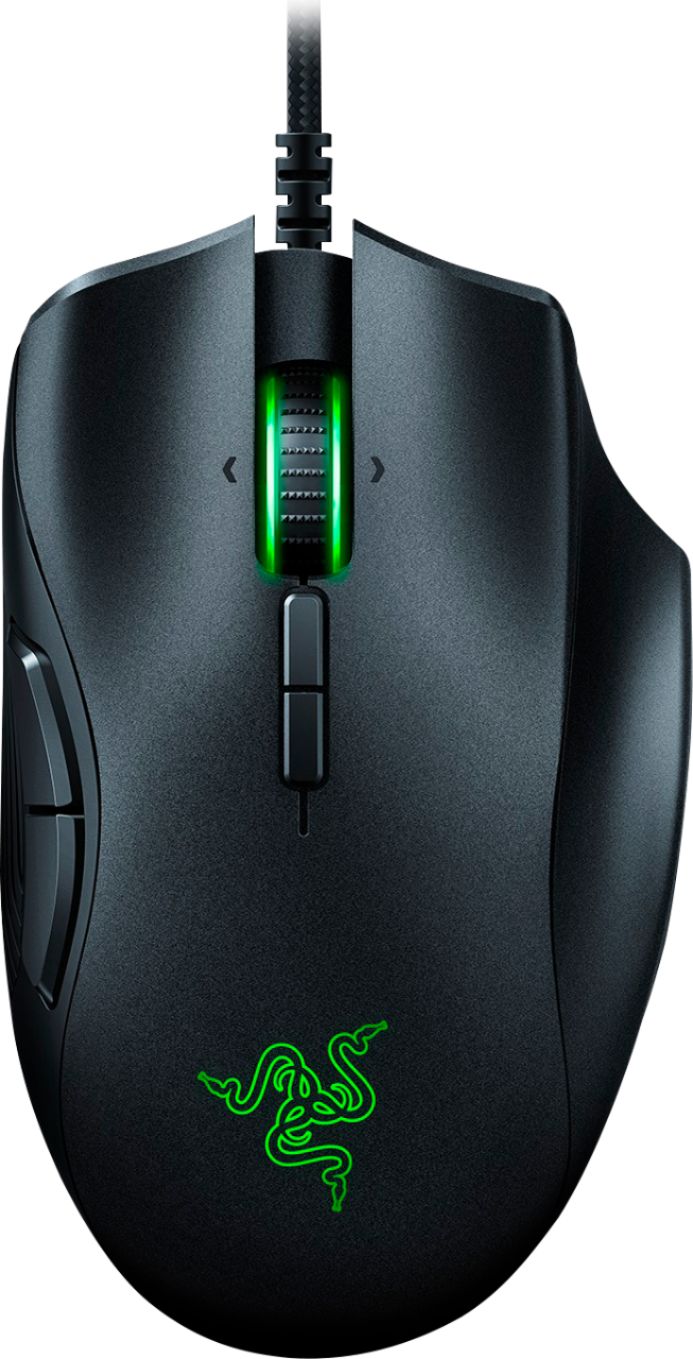
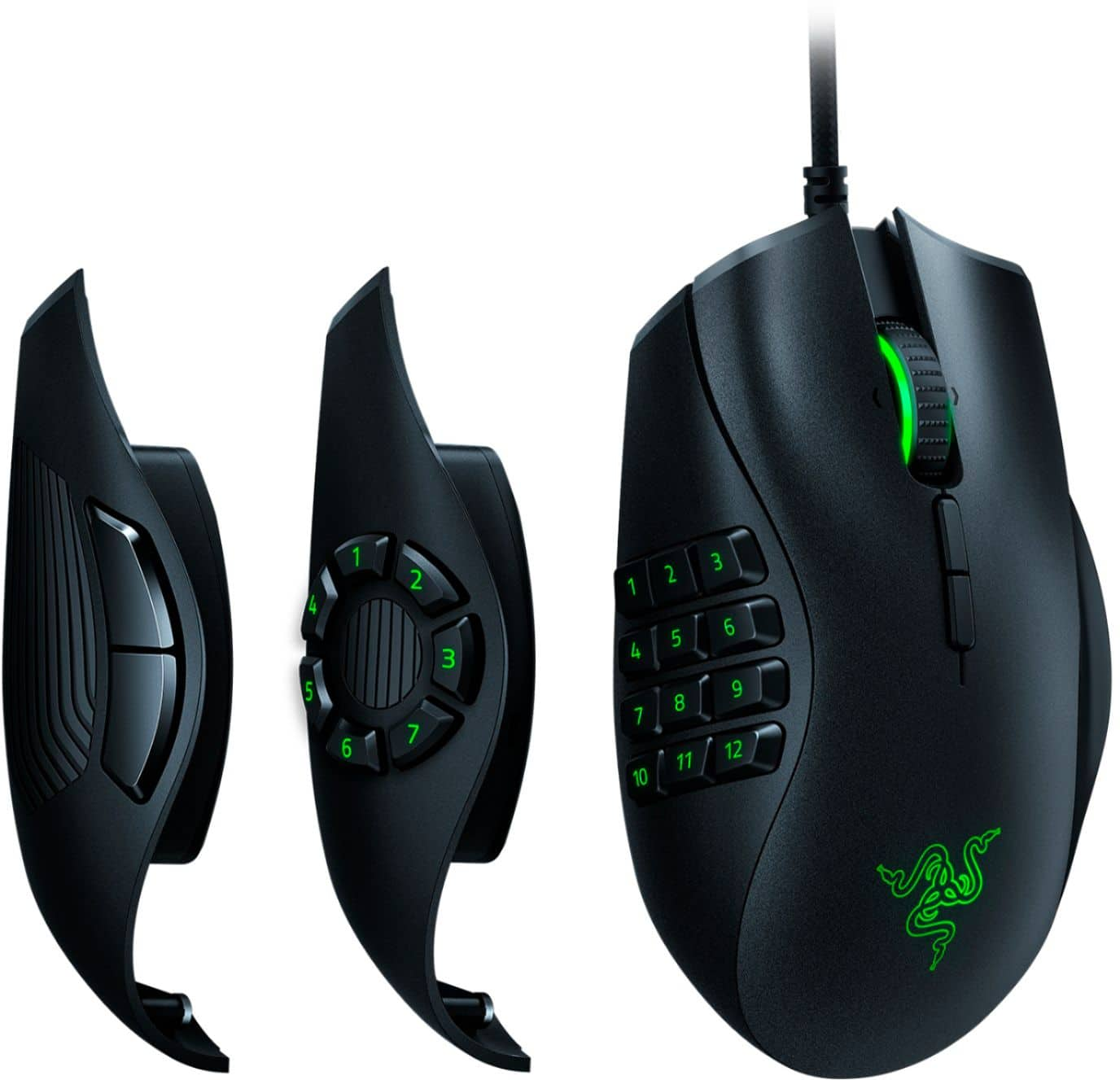
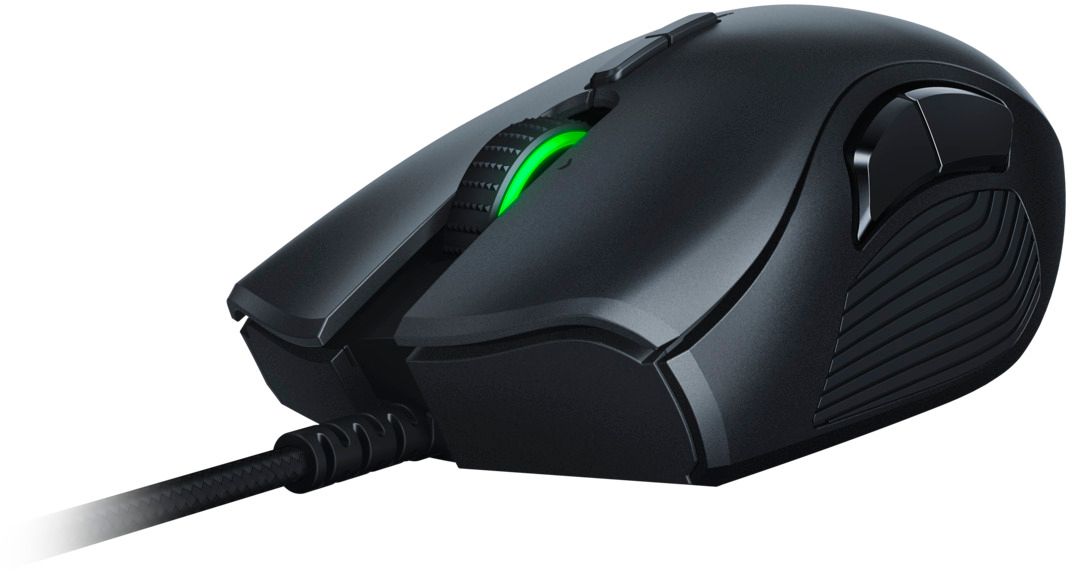

- Model:
- RZ01-02410100-R3U1
- |
- SKU:
- 6172049
Customer reviews
Rating 4.6 out of 5 stars with 1835 reviews
(1,835 customer reviews)Rating by feature
- Value4.4
Rating 4.4 out of 5 stars
- Quality4.6
Rating 4.6 out of 5 stars
- Ease of Use4.6
Rating 4.6 out of 5 stars
Customers are saying
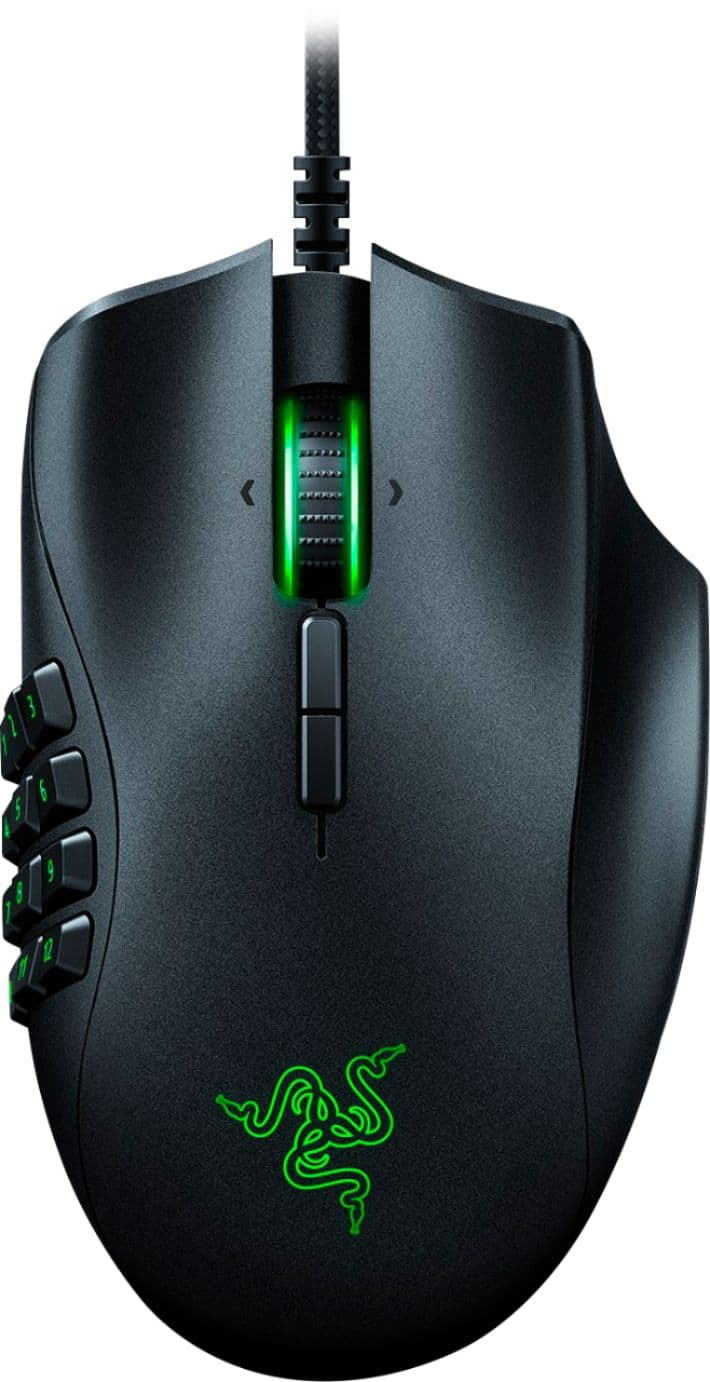
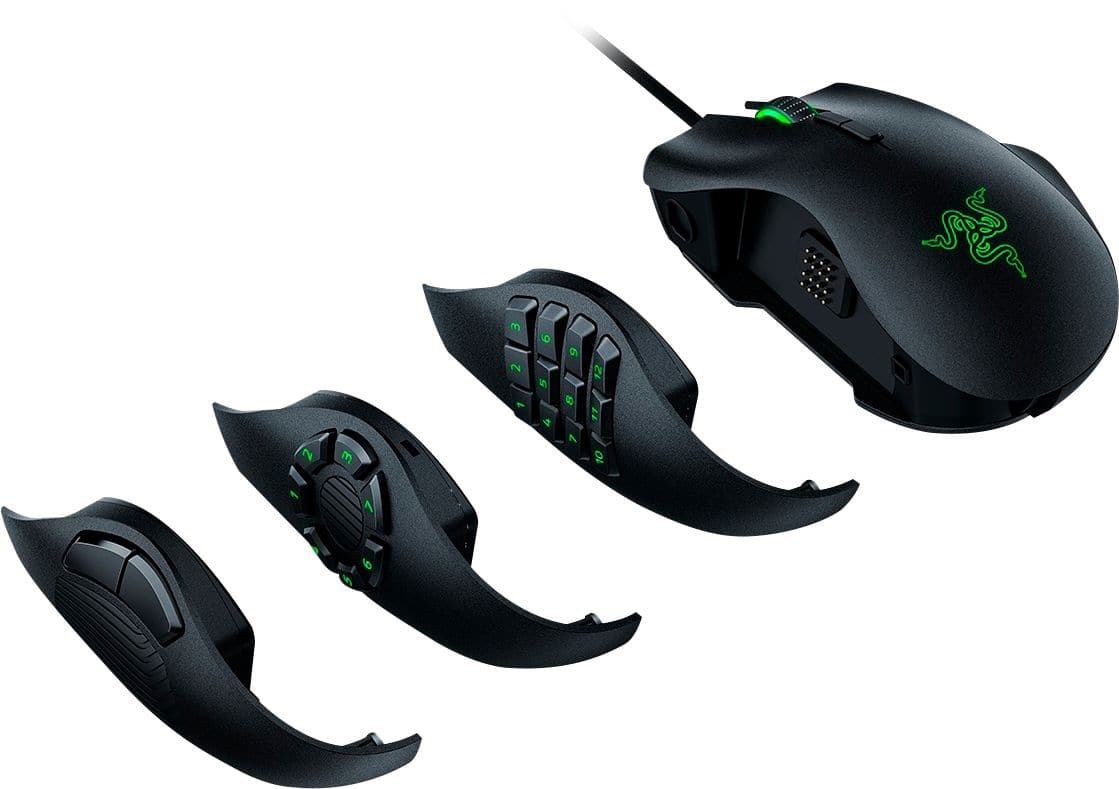
Customers admire the Naga Trinity's versatile button configurations and ease of use, praising its quality, design, and interchangeable side plates. Many appreciate the high DPI settings for precise control. However, some find the mouse's size and weight to be a drawback, and others have experienced issues with the accompanying software.
This summary was generated by AI based on customer reviews.
- Pros mentioned:Button configurationCons mentioned:Size
Rated 5 out of 5 stars
Like them so far
||Posted . Owned for 1 week when reviewed.This reviewer received promo considerations or sweepstakes entry for writing a review.I haven't been using it that long, but so far I like it. We bought two for new computers. They are larger than a previous wireless model, but I am liking the feel of the rest for the ring finger. I really like that I can change out the side buttons based on what game I am playing.
I would recommend this to a friend - Pros mentioned:Design
Rated 5 out of 5 stars
My favorite mouse to date
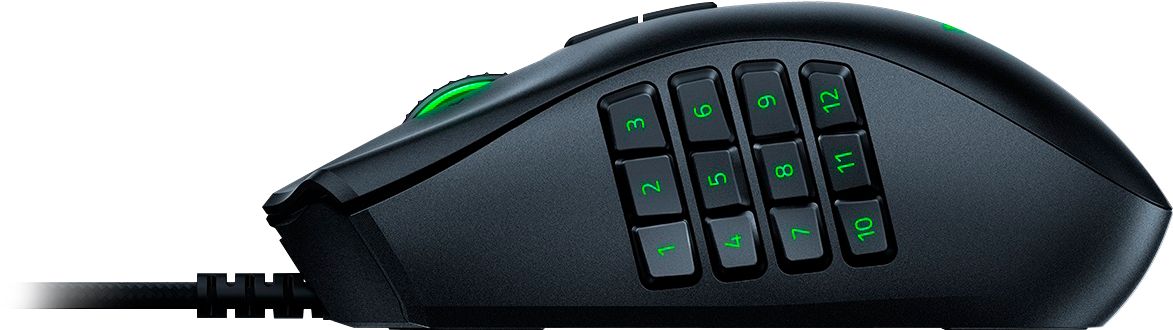
||Posted . Owned for 11 months when reviewed.This reviewer received promo considerations or sweepstakes entry for writing a review.The Trinity's magnetic swappable thumb plate is a great feature added to a mouse with the most comfortable hand ergonomics I've ever held. (Your ergonomics experience will vary, based on your hand and wrist.) There honestly isn't too much to say besides that it's been a very reliable, feature-rich gaming mouse in my experience. The only negative in my book is that I preferred the quieter mouse wheel from the otherwise-comparable Naga Epic Chroma and Naga Hex v2. The only differences between these models from the same lineup seems to be that it lacks the wireless support of the Epic Chroma, trades away the quiet tactile wheel for a clicky tactile wheel, and has swappable thumb plates for the traditional 12-button, Hex v2's 7-button, and a 2-button layout. The accompanying Razer Synapse 3 software it's meant to be used with will auto-detect which thumb plate you're using, for an added convenience bonus. Easily my favorite mouse to date.
I would recommend this to a friend - Pros mentioned:Button configuration
Rated 5 out of 5 stars
Trading up while shifting down
||Posted . Owned for 1 month when reviewed.This reviewer received promo considerations or sweepstakes entry for writing a review.Having used a Razer Naga from 2012 until recently it quit tracking “Press F to pay respect” this has been a solid replacement so far. This does require razer software to be installed to adjust settings like the 2012 edition as do all Razer products I believe! This mouse supports RGB mode it requires another Razer program to configure otherwise you can use the default software to make slight changes to the lighting. It has the option to swap the physical buttons matching other editions of the other styles of Naga, however unlike the 2012 it does not let you swap the side grip otherwise solid trade up with a shift down.
I would recommend this to a friend Rated 5 out of 5 stars
Amazing
||Posted . Owned for more than 2 years when reviewed.This reviewer received promo considerations or sweepstakes entry for writing a review.Amazing Product i will buy more now in best buy, i recomend!
I would recommend this to a friend- Pros mentioned:Ease of useCons mentioned:Size
Rated 5 out of 5 stars
Pretty good
||Posted . Owned for 1 week when reviewed.This reviewer received promo considerations or sweepstakes entry for writing a review.Had a wireless one before that was having lag problems. Bigger than im used to but is great and easy interchangeable parts
I would recommend this to a friend - Pros mentioned:Button configuration, Side plates
Rated 5 out of 5 stars
I love razer
||Posted . Owned for 10 months when reviewed.This reviewer received promo considerations or sweepstakes entry for writing a review.I love this mouse so much and it has three different plates that can be used. I love that it connects with my other Razer products and looks amazing. I use it for MMO games with lots of buttons for each action and it works like a charm.
I would recommend this to a friend - Pros mentioned:Button configuration, Design
Rated 5 out of 5 stars
Best Mouse on the Market
||Posted . Owned for 4 months when reviewed.This reviewer received promo considerations or sweepstakes entry for writing a review.The best mouse I have ever used. The 3 sides that allow you to change it on the fly make gaming or every day use amazing. It fits perfectly in your hand. NO HAND CRAMPS
I would recommend this to a friend - Pros mentioned:Button configuration
Rated 5 out of 5 stars
Excellent mouse with a ton of versatility!
||Posted . Owned for 3 weeks when reviewed.This reviewer received promo considerations or sweepstakes entry for writing a review.If you want to play a moba, mmo or shooter and not have to pay for 3 different mice, this is the mouse to get! Razer has been a personal favorite of mine for years and this mouse really shows how they’ve progressed for multi genre gamers.
I would recommend this to a friend - Cons mentioned:Software
Rated 5 out of 5 stars
Graduated to a real gaming mouse
||Posted .This reviewer received promo considerations or sweepstakes entry for writing a review.I have been very hesitant to move to this kind of mouse but when I saw that this can be changed from a standard mouse to 2 different types of key styles I was open to trying it out. I don't use the 12 key but I find that the 7 key is perfect my use. It works great. I will say that the Razer software has been very buggy on OSX with this. I often times have to make sure the mouse is seen by the software before starting my games which isn't too bad. The problem lies in I some times have to reboot my computer for the mouse to be seen. And sometimes in games the mouse keybindings get screwed up and my other keys now act as if I'm holding down multi-keys. It doesn't happen too often and I've out how to fix on the fly but it is still a pain as it usually happens when you need the mouse keybindings the most. But that is a software feature more than the mouse. However as you need the software to use the mouse in games.....be warned.
I would recommend this to a friend Rated 5 out of 5 stars
Love this mouse
||Posted . Owned for 2 months when reviewed.This reviewer received promo considerations or sweepstakes entry for writing a review.Use it to play World of Warcraft (WoW). 12 buttons on the sides makes it super easy to castle spells. I use it for dps or healing. For dps it allows me to keep my left hand on the keyboard for high movement fights in mythic. I use Shift/ctrl to expand buttons from just 12 to 36 spells. For healing, Healbot for mouseover spells while side buttons are more cooldowns. I've been using this mouse for 7+ years. (older versions included). Latest version has nice buttons. Good DPI settings. I like that the middle button has left and right lean clicks. Comfortable to use for long sessions. Great accuracy.
I would recommend this to a friendRated 5 out of 5 stars
Naga products best in class for PC gaming
||Posted . Owned for 1 year when reviewed.This reviewer received promo considerations or sweepstakes entry for writing a review.In my opinion for PC gaming there’s only two brands that stand out for performance Naga and Corsair. However if you’re new to gaming get the bags. It’s beginner level friendly and smoother.
I would recommend this to a friend- Pros mentioned:Button configuration
Rated 4 out of 5 stars
Versatile mouse that is easy to use.
||Posted .This reviewer received promo considerations or sweepstakes entry for writing a review.It is easy to just swap the plates, the only reason why it isn't a perfect 5 is because sometimes it glitches out and doesn't get the correct mouse buttons when I swap it but a quick remove and replace fixes it and it doesn't get annoying. I've had it for about a month now and it has made my life so much easier when I'm gonna be playing an MMO (I play a lot of FFXIV) and it's super easy to swap to between that and the normal back/forward side buttons. Razer Synapse makes it super easy to customize the chroma colors and what each button does. A surprise to me was that it has buttons for move the scroll wheel to the sides so I just use those for forward and back when I have the 12 buttons plate on. Build seems to be good so far but we'll have to see how long it lasts, my last mouse lasted me like 3 years and a half so if this lasts that long I'll be content.
I would recommend this to a friend Rated 5 out of 5 stars
Best mouse on the planet!
||Posted . Owned for 11 months when reviewed.This reviewer received promo considerations or sweepstakes entry for writing a review.Best mouse in my opinion for MMOs, but i use it for everything and with 12 hot keys on the side of the mouse alone, makes this mouse a force to be reckoned with in any competitive game you play!
I would recommend this to a friendRated 4 out of 5 stars
Wow player with small hands haha
||Posted . Owned for 1.5 years when reviewed.This reviewer received promo considerations or sweepstakes entry for writing a review.Love this mouse. Been using this version for 10 years. Female wow player with small hands and this mouse is a must for me! Took one star off for price.
I would recommend this to a friend- Pros mentioned:Ease of use
Rated 3 out of 5 stars
Absolutely fantastic mouse...for about six months
||Posted . Owned for 8 months when reviewed.This reviewer received promo considerations or sweepstakes entry for writing a review.For the hard-core gamer, this is going to be a great mouse for about six months. However, the left and right switches are going to start becoming problematic until the mouse is unusable. This is such a comfortable mouse to use, and it fits my hand perfectly. The weight, glide pads and ease of use are are superb. Swapping out the side keys is effortless, and the software is easy to use and you can program all the buttons quickly. The real problem is the mechanical switches for the left and right clicks. This is the second Razer Naga I've had and both have the exact same problems at about the exact same time. Clicks not registering, double clicks registering ... it will become pretty much unusable if you are competitive. Do an online search and you will find similar complaints as well as videos on how to replace springs and switches as this is a common problem. If you are a casual user or light gamer I think you will love this mouse. If you are a hardcore gamer, you are going to love it for about six months and then grow to hate it! I've had a lot of great use from this, but it's just too unreliable for my use. I will be upgrading to the Razer Naga Pro with the optical switches.
No, I would not recommend this to a friend - Pros mentioned:Button configuration
Rated 5 out of 5 stars
Great feel and Utility!
||Posted .This reviewer received promo considerations or sweepstakes entry for writing a review.Being able to swap the plates creates wonderful flexibility for any game or program. Switching the DPI on the fly with the built-in buttons has also proved really useful for switching between reasonable cursor speeds and fast camera response for gaming.
I would recommend this to a friend Rated 4 out of 5 stars
Good product
||Posted . Owned for 7 months when reviewed.This reviewer received promo considerations or sweepstakes entry for writing a review.Good product, works well, has nice grip. Only issue is the side buttons I thought they were gonna be separate controls, but they just go with the numbers on the top of the keyboard.
I would recommend this to a friendRated 5 out of 5 stars
My go to mouse
||Posted . Owned for 10 months when reviewed.This reviewer received promo considerations or sweepstakes entry for writing a review.The perfect mouse. My go to. I use this daily and have had no issues for many years now. The mouse buttons on the side are extremely helpful for just about anything.
I would recommend this to a friend- Cons mentioned:Software
Rated 4 out of 5 stars
Great mouse, but comes with baggage
||Posted .This reviewer received promo considerations or sweepstakes entry for writing a review.This was the last item I needed to complete my Razor set(mouse, mousepad, and keyboard). The mouse works great now that I’ve gotten use to using the available num-pads. It’s my first “gaming” mouse. The only issue I have with it is its software. I already had the mousepad and keyboard and the software required to be able to adjust/program them. However, that software wouldn’t recognize the mouse. After downloading (which wasn’t easy to find) the right software, which can be used for all of them, I was able to adjust/program the mouse. But, I did notice that there’s now 7 processes running for 3 different services. And, the one service required for the “chroma” to work is dependent upon both of the others. It just seems wrong to force me to run services that I don’t need or want just to take advantage of one of the selling features of a product. I could have just as easily spent a quarter of the cost of this mouse if I didn’t want the “chroma” effects.
I would recommend this to a friend - Cons mentioned:Software
Rated 2 out of 5 stars
Disappointed in quality assurance
||Posted . Owned for more than 2 years when reviewed.This reviewer received promo considerations or sweepstakes entry for writing a review.It's unfortunate because I like this type of mouse. However, razor has been absolutely garbage with their software as well as their quality assurance is with their mice over the last several years. It triple clicks whenever I use the middle mouse button. Sometimes it doesn't register when I left click to shoot in video games and the software is super unoptimized and doesn't do a great job at saving your profile or transferring it from older versions of mice to newer versions of mice.
No, I would not recommend this to a friend