Customer Ratings & Reviews

- Model:
- RC21-01690100-R3U1
- SKU:
- 6479075
Rating by feature
- Value
Rating 3.0 out of 5 stars
- Quality
Rating 3.9 out of 5 stars
- Ease of Use
Rating 4.1 out of 5 stars
Customers are saying
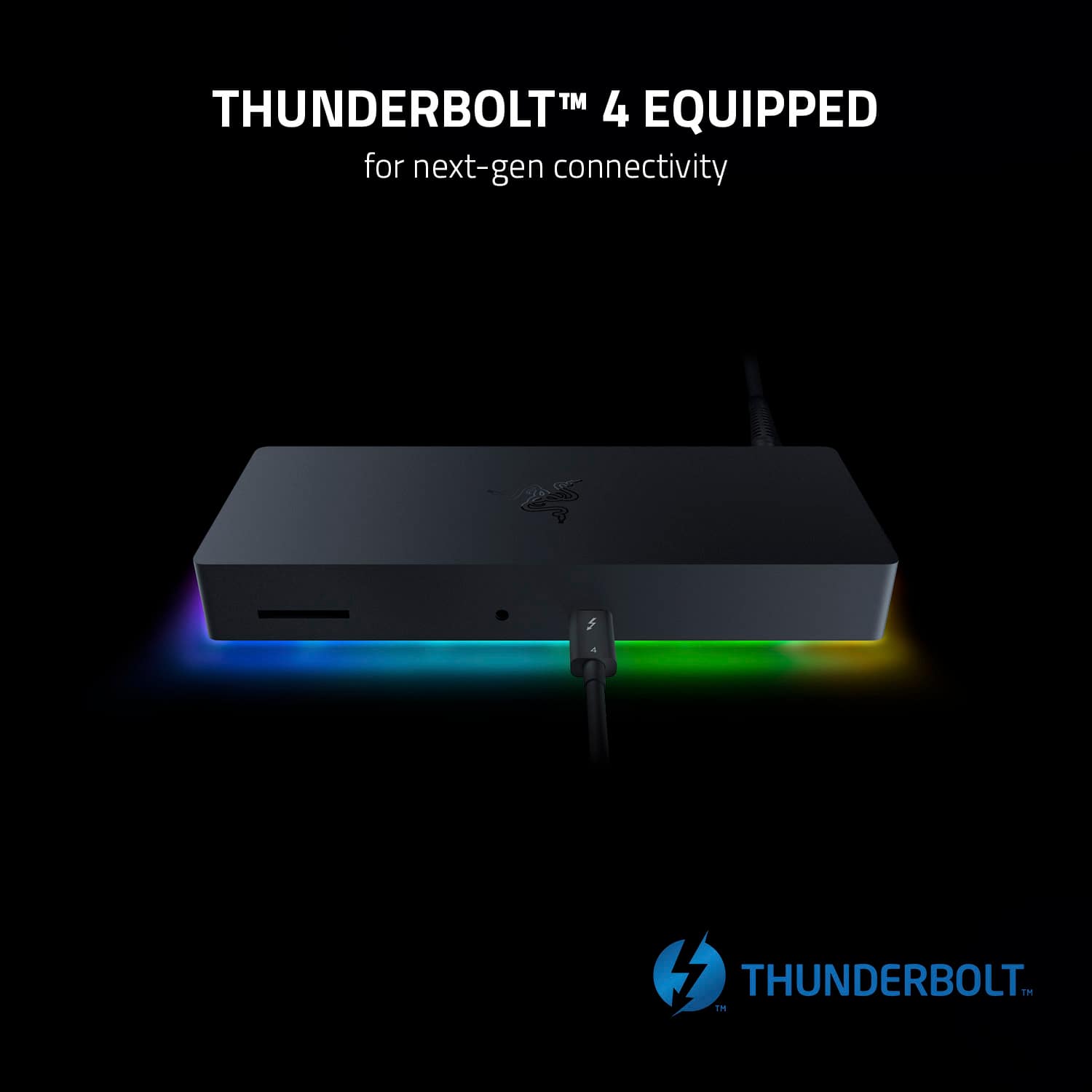
Customers are pleased with the Thunderbolt 4 Certified Dock's RGB lighting, SD card slot, build quality, and Thunderbolt 4 capabilities. The dock's power delivery and charging capabilities, along with its compatibility, are also well-received. However, some customers have expressed concerns about the HDMI port being limited to 4K/60 and the overall price. Additionally, a few customers feel that the dock is short on ports.
This summary was generated by AI based on customer reviews.

Great dock with a bug
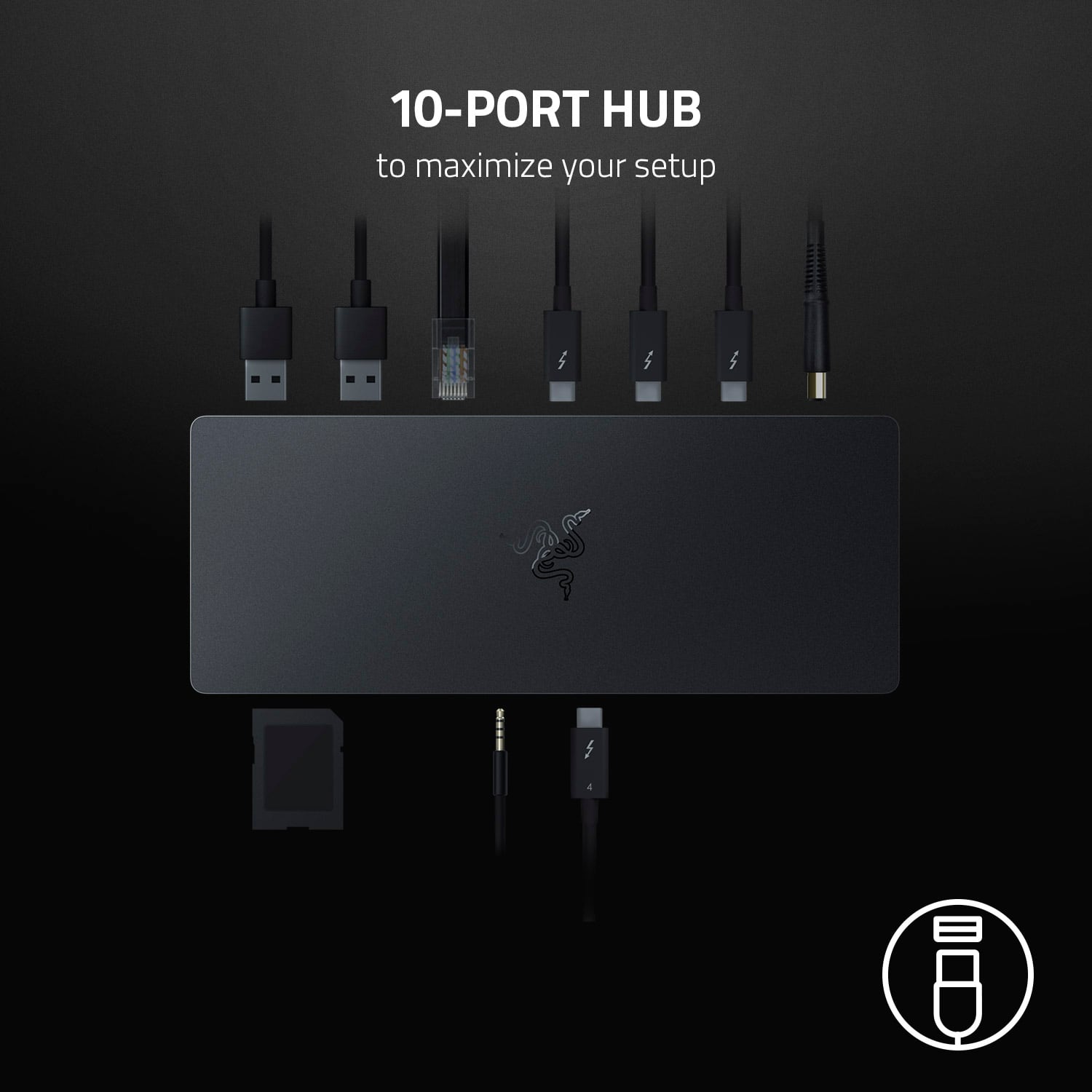
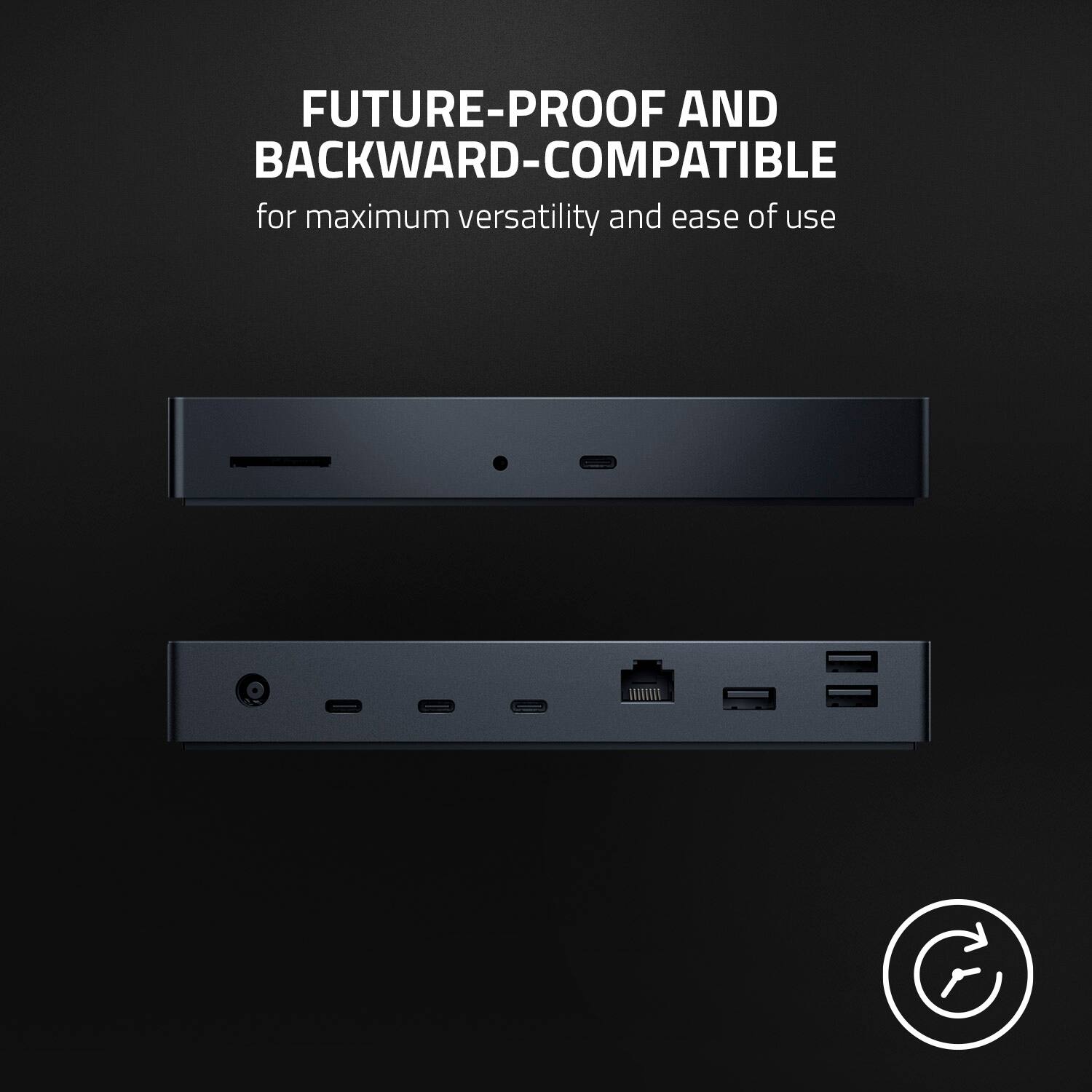
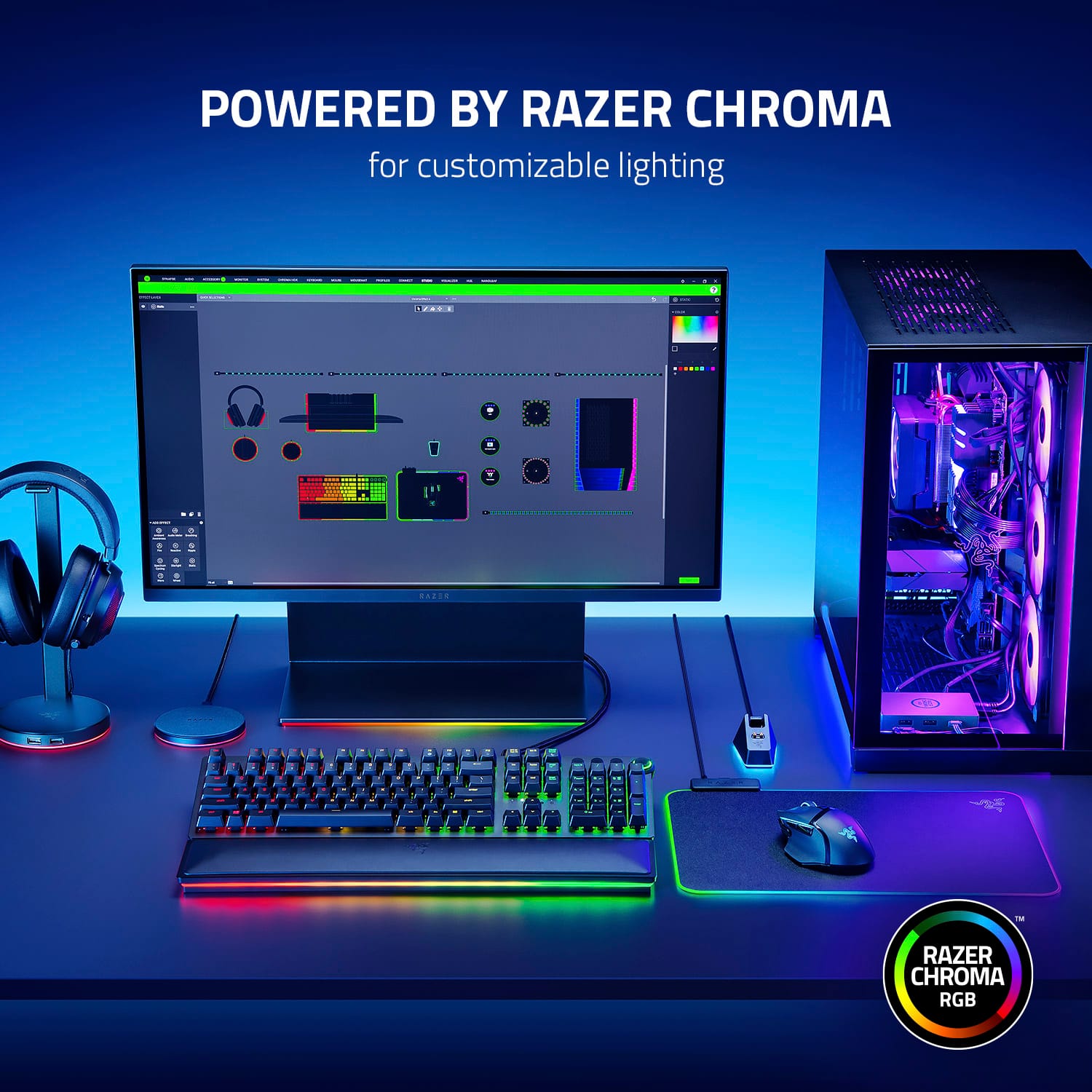
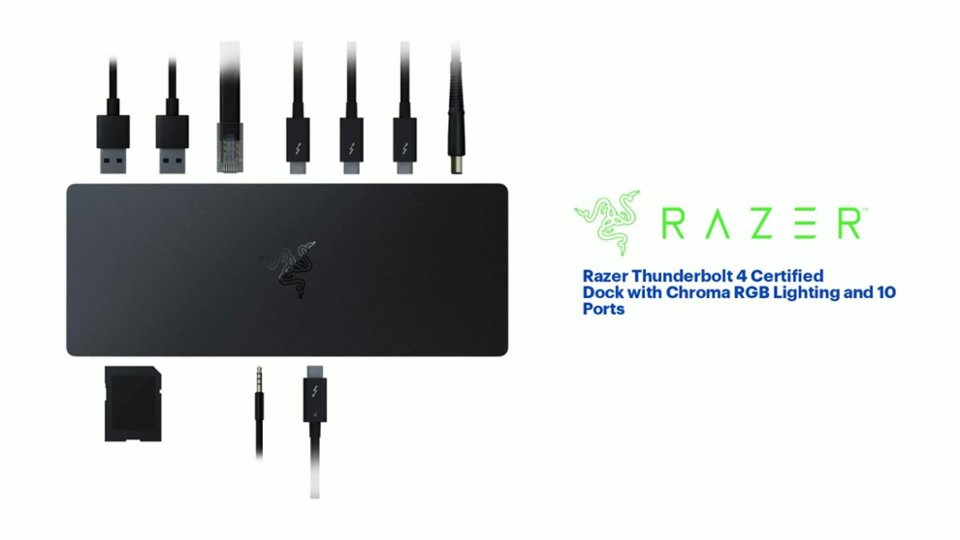
|Posted .This reviewer received promo considerations or sweepstakes entry for writing a review.I'm the type of person that only has laptops, so having limited port availability has always been an issue. The concept of a dock is something that's so simple yet so brilliant. What's included in the box is the dock itself, a USB-C to USB-C cable, and a power brick, and the plug to power brick adaptor. Razer's Dock Chroma is I guess what you would call a "gamer's dock." The RGB light is the clear indicator. The Razer Synapse is the only real thing that differentiates itself from any other dock in terms of software. This is your one stop hub for any other Razer accessories you may have, and for creating custom lights for any and all of your Razer accessories. You'll have to create an account. The dock itself is outfitted with a source USB-C in the front, an audio port for those of you that prefer the wired method, and a SD card slot. On the back you have the power plug port, 3 USB-C receiver ports, a gigabit ethernet port, and 3 USB-A ports. Considering that my mechanical keyboard takes 2 USB-A ports to work, that's already saving me from the get go. My wireless mouse goes into the other USB-A port, and my 2 monitors are plugged in via USB-C to display port. For me, this feels geared more towards creators, than gamers. Mainly it's the SD slot in the front. I guess it can be for both. I've only encountered one hiccup so far. When I'm using the dock, one of my monitors will go to black, then turns right back on. I tried unplugging it from the dock and plugging it in directly to the laptop, and no issues. This happens about 3-4 times an hour. It's pretty annoying. I don't know how to remedy this, so I guess I'll live with it for now. Or maybe somebody at Razer can help me figure out how to solve this issue.
I would recommend this to a friend- Pros mentioned:Charging, Rgb lighting
Stylish Performance, Plenty of Ports
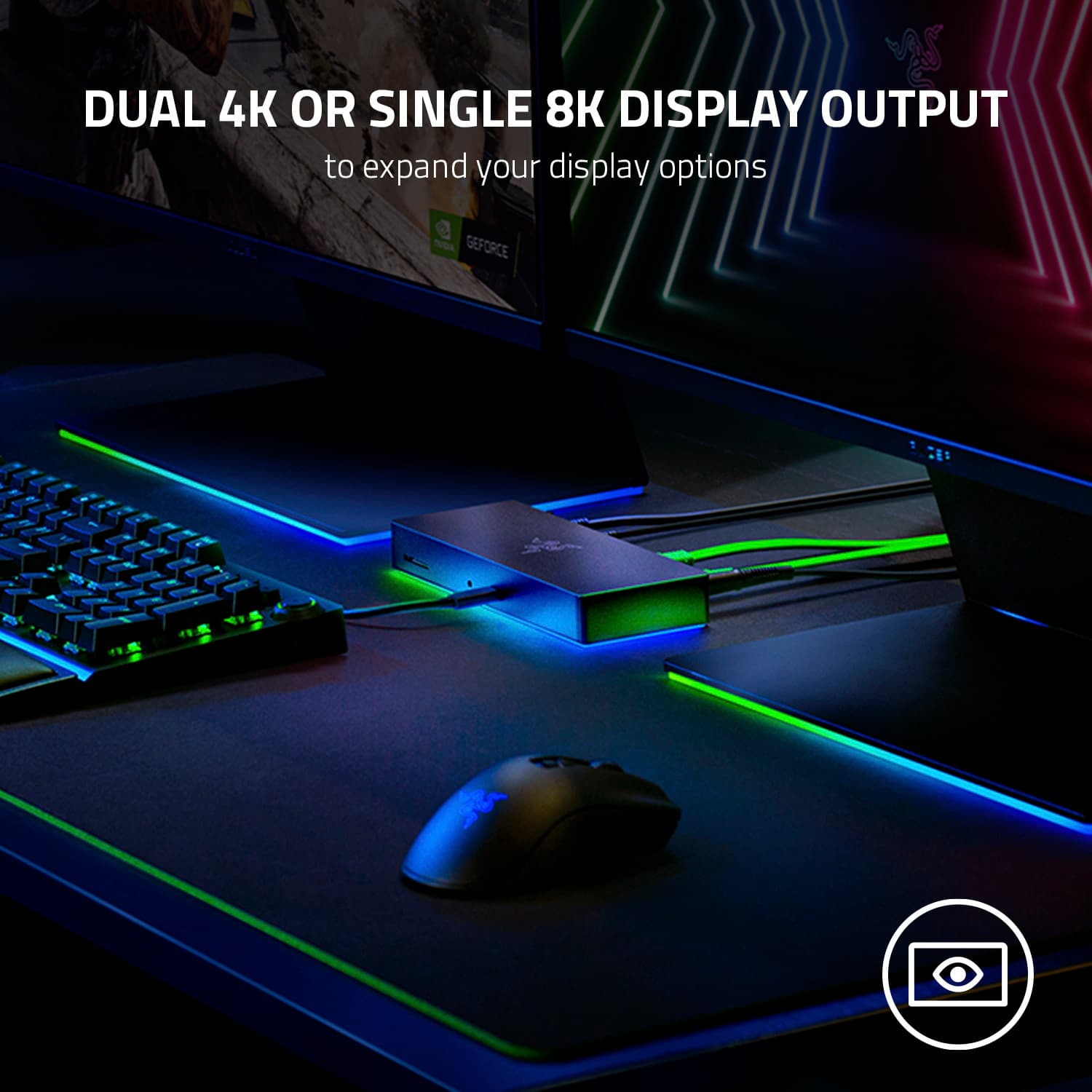
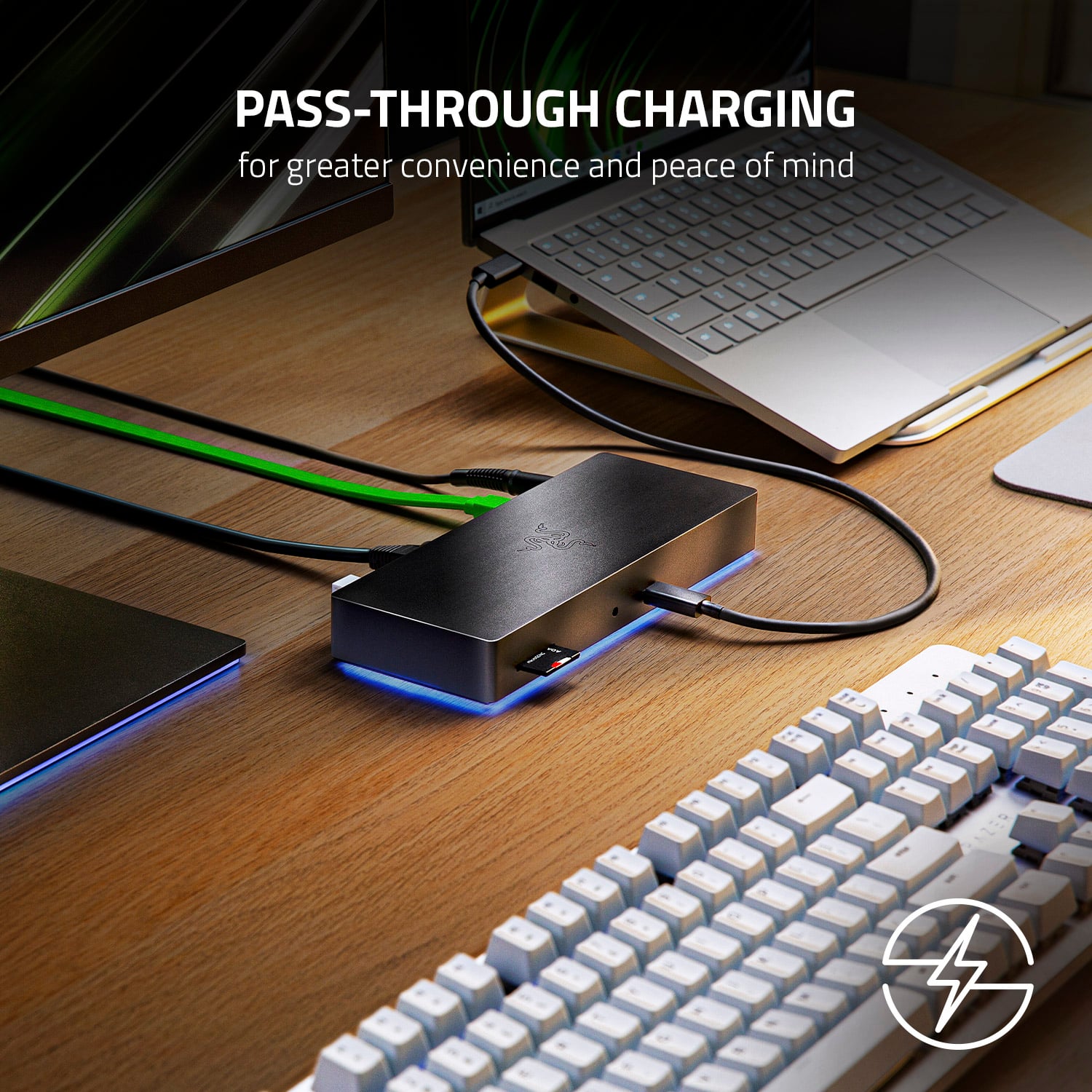
|Posted .This reviewer received promo considerations or sweepstakes entry for writing a review.This Razer Thunderbolt 4 Dock is stylish and substantial. It feels solid with sturdy metal construction, and has a sleek, black finish. The fact that it’s made by Razer and supports their Chroma RGB lighting system definitely shows its gaming roots, but the Razer logo is muted, and the lights can be turned off or set to something low-key, meaning this dock would complement a work desk just as well just as it would a gaming setup. As far as function goes, this dock connected easily and quickly via the Thunderbolt port on my laptop, and supports pass through charging which means I no longer need the laptop’s original power adapter at my desk, so it lives in my bag now – very convenient. Performance is great – the dock handled both external 4K displays I connected without any trouble. There are plenty of ports, both Thunderbolt 4 and USB-A, as well as gigabit Ethernet, but I would have preferred a dock with HDMI and/or DisplayPort support. Overall, this dock does what the box says it will do, does it well, and does it in style.
I would recommend this to a friend - Pros mentioned:Power
All the ports I need for my laptops
|Posted .This reviewer received promo considerations or sweepstakes entry for writing a review.The Razer Thunderbolt Dock with Chroma has all the ports I need when I'm on the go and can be used as a charger. All the Thunderbolt ports have power delivery and can charge your laptop and other perirferials up to 100w - running lights and draw from other devices can limit how fast it charges your laptop. I'm sure the thunderbolt 4 ports can deliver video, I just don't have a HDMI/Thunderbolt cable to test. I did wish it could be used as a passive dock, but it can only be used if the power cable is installed. It would have been a nice bonus for those time you might need it and not have external power. Being that it's a Chroma device you should know it brings the bright lighting that all the cool kids like. I'm a grumpy old man now so off with the lights, lol. You can customize the color and brightness via Razer Synapse and even turn it off - which is my pref. The Razer Thunderbolt Dock is now my OTG Dock since it works both as a port multiplier and a charging dock.
I would recommend this to a friend - Pros mentioned:ChargingCons mentioned:Hdmi
Works Like a Charm
|Posted .This reviewer received promo considerations or sweepstakes entry for writing a review.I am using the Razer Thunderbolt 4 dock with my MacBook Pro M1 Max. I am using it to charge the MacBook Pro and provide USB-C connections to an external UHD BD drive, 10GBe adapter, and my 4K/144hz HDR monitor via USB-C to DP cable. Works flawlessly and have had no issues with charging or dropped connections. I do wish it had more USB-C inputs, but the inclusion of the three USB-A 3.1 ports help to make up for it. The HDMI port is limited to 4K/60, but I got around that using a USB-C to DP cable. It would have also been nice if the ethernet port was 10GBe to make it a bit more future proof, but that is pretty rare in any dock. The Razer Thunderbolt 4 dock is an easy recommend if you are using a laptop (especially an M1 based MacBook) as your primary machine with external devices.
I would recommend this to a friend - Pros mentioned:Power, Rgb lighting
Beautiful Masterpiece
|Posted .This reviewer received promo considerations or sweepstakes entry for writing a review.Simply put, this is something that I didn't know I needed. Having access to all these extra ports with a sleek form factor is pretty awesome. It doesn't come in cheap but it's really really nice. The RGB effect is an extra bonus that adds to the cool factor. No one will mention about how reliable it is because it's a given--Razer always has reliable products, and so you have no question about it, I will tell you that every port I tested works perfectly. Most hubs I've had in the past, I question their reliability due to lack of power and if I wanted to use all the ports at once. I don't have that fear with this hub. It's pretty amazing and reliable. 10/10 product for me.
I would recommend this to a friend - Pros mentioned:Rgb lighting
Outstanding port extender with cool lighting
|Posted .This reviewer received promo considerations or sweepstakes entry for writing a review.Review of Thunderbolt 4 Dock Chroma I've been a Razer fan for years, having enjoyed one of their lighted keyboards immensely. I think that ambient lighting adds a lot to the computing experience, not just for gaming, but for any purpose. I was therefore very interested in Razer's new Thunderbolt 4 Dock Chroma. I do not have machines with Thunderbolt 4 ports, but I do use two nearly-identical HP Spectre laptops with Thunderbolt 3 ports, and the Razer Dock is supposed to be backward compatible so I tested it with them. Oddly, only the newer Spectre, which is running Windows 11, detected the Dock immediately, and the Dock started to glow and suggested downloading the Razer software that is necessary for controlling the lighting on the Dock. The older Spectre, which is running Windows 10, said the Dock was connected, but it did not light up or suggest a download. I downloaded the software manually, but it did not detect the Dock. Eventually I discovered with the Windows Thunderbolt Control Center app that, while the Dock was registered as connected, I had to explicitly give permission to use the connection. After I did, the Dock worked perfectly, just as it did on the newer Spectre. So, if your Dock does not light up when you plug it into your machine, check your permissions on the Thunderbolt Control Center app. I tested all of the possible connections on the dock, and they worked fine: the USB A and C connections, the Ethernet port, and the card reader. However, you should note that the Dock will power only the laptop connect to the main USB source port. The remaining USB C ports will provide power to devices like a phone, but not to a second laptop. Use caution with sensitive audio equipment such as a USB microphone. My JLAB USB mike+headphones worked through the Dock, but static was present. On the other hand, my Omen Mindframe gaming headset worked fine through the dock, as did my Razer Blackwidow Elite keyboard. Out of curiosity, I also tested the Thunderbolt 4 Dock on my HP desktop computer, which has a USB C port that is not Thunderbolt. Interestingly, all devices I tried connecting through the Dock worked perfectly, including the JLAB USB mike+headphone. Obviously, you will not get Thunderbolt 4 speeds when connecting to a non-Thunderbolt USB C port, but the Dock will work as a port extender.
I would recommend this to a friend - Pros mentioned:Thunderbolt 4
Use your gaming laptop as a desktop
|Posted .This reviewer received promo considerations or sweepstakes entry for writing a review.I have a couple of high-end laptops, so I retired my desktop systems some time ago. I use these laptops for gaming and general computer use, so I can take them with me, use them while sitting on the couch watching TV, or docked at my desk. My desk setup includes an awesome RGB keyboard, mouse, and headset, plus a gorgeous FHD monitor. One of my laptops is a high-end 2 in 1 with an i7 processor and optane storage, so it's a power house with thunderbolt 4, but no gaming video. This dock squeezes the best video performance out of it. It's awesome to be able to just shut the lid and plug it in using one USB-C cord, and it seamlessly transitions the video and controls. My laptop immediately detected the dock as thunderbolt 4, so I didn't have to do anything to install drivers or anything. Razer drivers did pop up and gave me the option to install, so I can use it to control the RGB effects, but this laptop isn't for gaming, and this dock doesn't change that. My gaming laptop on the other hand is a powerhouse with a Ryzen 9 processor and RTX 3060 video but it does not have Thunderbolt, so I'm sure I'm missing some functionality or performance there. It still works great as a USB-C dock, but I'm not sure whether display link through USB or plugging directly into my monitor from the laptop's HDMI port works better, but the USB-C cord does keep the laptop charged. Important note -- I've found that my laptop does not charge through USB when the battery is too low, so don't expect USB-C to bring back a totally dead battery. That might be different with the Thunderbolt laptop, since it only charges through USB-C. Another important note -- this dock does not have video jacks, so unless your monitor has a USB-C input (which isn't very common when I wrote this), you'll need to get an adapter cable. I understand that the USB-C standard includes Display Port and HDMI outputs, so I just use adapter cables and I'm all good.
I would recommend this to a friend - Pros mentioned:Rgb lighting
Very capable dock with gamer aesthetics
|Posted .This reviewer received promo considerations or sweepstakes entry for writing a review.The Razer Thunderbolt 4 Dock is the first dock I got personally to use at home, typically I would just use the built in display output on my laptop when needed. Since early 2020 I started working remotely, and got accustom to having a dock for my work laptop at home, with a shift to working on site more frequently I took my docking station back to the office. Since I work at home from time to time I got into looking at docks and have had really good experience with Razer, knowing of the quality and build of their products I knew the tech was going to be solid! The first thing I did was get a couple of USB-C to Display port cables so I can display out to my current monitors, since those are the only outputs for display, once I got those everything was plug and play. You have 3 USB-C ports for output, 3 USB for peripherals, a network port, a card reader and 3.5mm headphone jack. The dock has worked as expected, I don't have anything negative to say about it. On my personal laptop, being a Razer, I adjusted the RGB on the dock to match my theme, on my work laptop I haven't bothered since I wouldn't want to install any additional software and that hasn't cause me any issues. The dock can also be used for Samsung Dex, I plugged my S21 Ultra in and Dex showed up on my display. Overall I am happy with the dock, it works for everything I need and the RGB is more of an accent, not too off putting. If you have multiple devices that can dock through USB-C or just want something a little futureproof with a thunderbolt 4 connector, this would be a great choice since it has been fairly universal in my experience so far
I would recommend this to a friend - Pros mentioned:Build quality
The Future is USB-C Only
|Posted .This reviewer received promo considerations or sweepstakes entry for writing a review.I'm using the Razer Thunderbolt 4 Dock Chroma with my new 2021 14 in MacBook Pro. -Build Quality: Fully metal and seems durable. Rubber bottom so it doesn't slide on a desk. -Port Selection: There are 3 Thunderbolt 4 ports in the back, as well as 3 USB-A ports, 1 ethernet, and the power connector. Front has SD card slot, 3.5mm headphone jack, and the Source Thunderbolt port. No HDMI or DisplayPort if that's what you need. -Ease of Use: If you have fully converted to USB-C, then this is a Plug and Play Thunderbolt dock. Once everything is connected in the back, one cable goes to your computer and you're ready to work. So even though this dock is great, there are some problems with it, especially for Mac users. The main thing is that you cannot control the RGB. Razer is no longer supporting their software on macOS, even though their website says that the Chroma Dock works great with M1 Macs. So if you like to leave your Mac in clamshell mode plugged in overnight, prepare for a spectacle of RGB illuminating the room. At least some type of toggle to disable RGB would've been nice. Also, even though the future may be USB-C, not all monitors are adopting it yet. An HDMI or DisplayPort would've been a great addition. Prepare to purchase new display cables or adapters. Also, I think placing the Source port in the back would make the dock look a lot sleeker. For people who are fully into USB-C and would like a great, responsive Thunderbolt 4 dock, this Razer Chroma Dock will work perfectly. Mac users should look at the "Mercury" edition this dock, as there is no RGB on that model. Overall, works great and I'm very happy with how it's performing.
I would recommend this to a friend - Pros mentioned:Build quality
Great Thunderbolt Dock
|Posted .This reviewer received promo considerations or sweepstakes entry for writing a review.Build quality: Hardware is very good, and the overall dock is built to last. Firmware/software: Straight out of the box, you will need to update this dock. If you don't, you're very likely to run into a variety of small "bugs" during use. Synapse.....Is hard to tolerate at times. It's functional, but it needs work. Dual 4k: I can confirm it's possible to run 4k displays at 60Hz, and do so with NO lag. None. However, if you do plan to run dual 4k displays regularly, you need to be aware that this dock will run hot, especially the longer you do it. I don't regularly run dual 4k so it's not a huge deal for me; but if you do, the dock runs hot enough that I'd recommend you seek another option. Overall: This is a quality dock. It's build quality and price are on par with other premium options. So, I'm comfortable recommending it, as long as you're not going to fun dual 4k constantly. If you are, again, it runs hot when doing that.
I would recommend this to a friend - Pros mentioned:Rgb lighting
high end thunderbolt 4 dock
Posted .This reviewer received promo considerations or sweepstakes entry for writing a review.This is amazing, no issue so far got it off razer.com about 2 months ago and picked up another one recently for my mac set up.
I would recommend this to a friend Not Durable
Posted .This reviewer received promo considerations or sweepstakes entry for writing a review.This thing is great! The only problem is its durability: I dropped my phone on it from less than a foot and the USB-C output broke! This rendered the entire thing non-functional. I was surprised I couldn't even still use it as a power dock (i.e. have it plugged in and provide power to the other accessories). Despite being under limited warranty, this was not covered by Razer... so buy with caution (or put it somewhere nothing will fall on it)!
No, I would not recommend this to a friend