Customer Ratings & Reviews


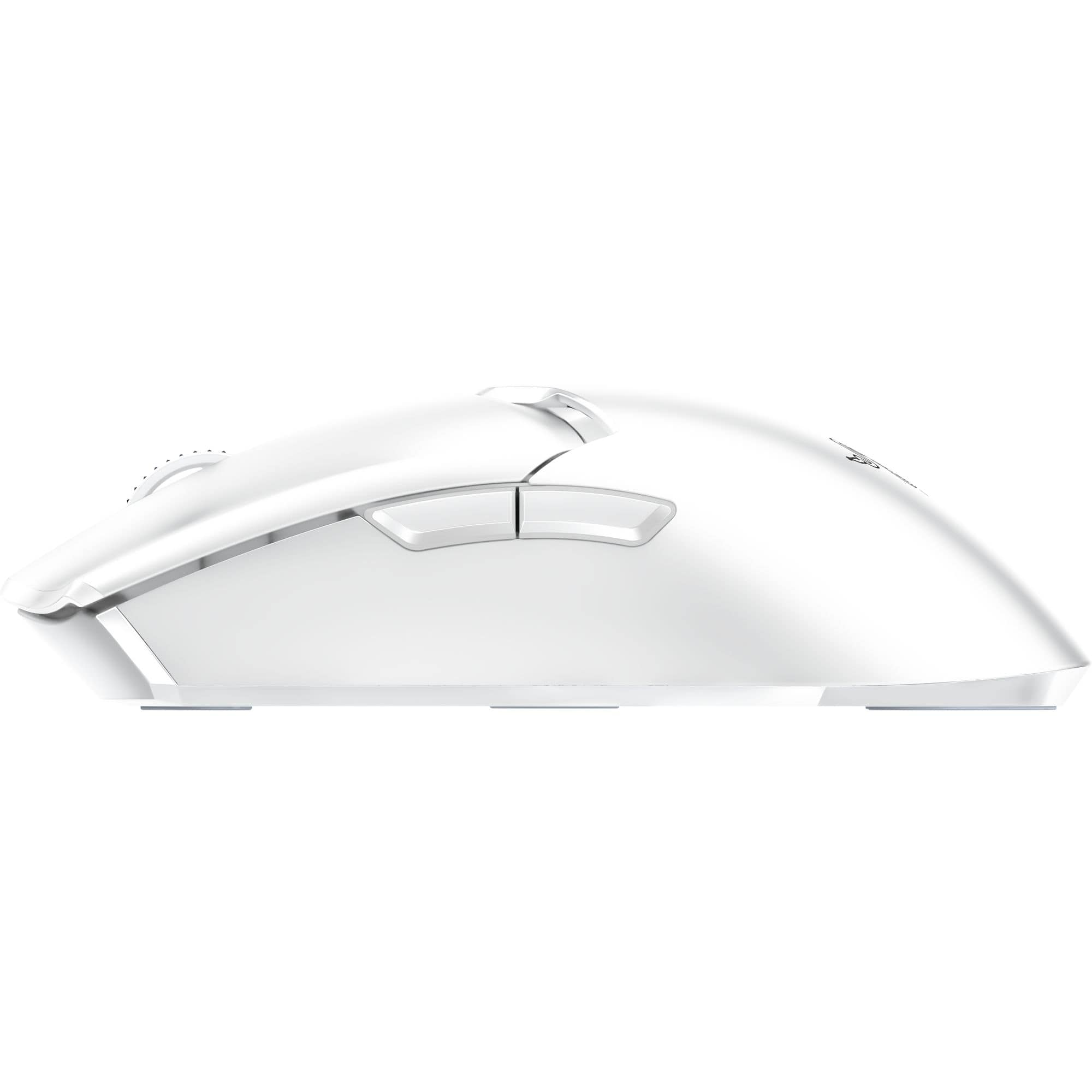
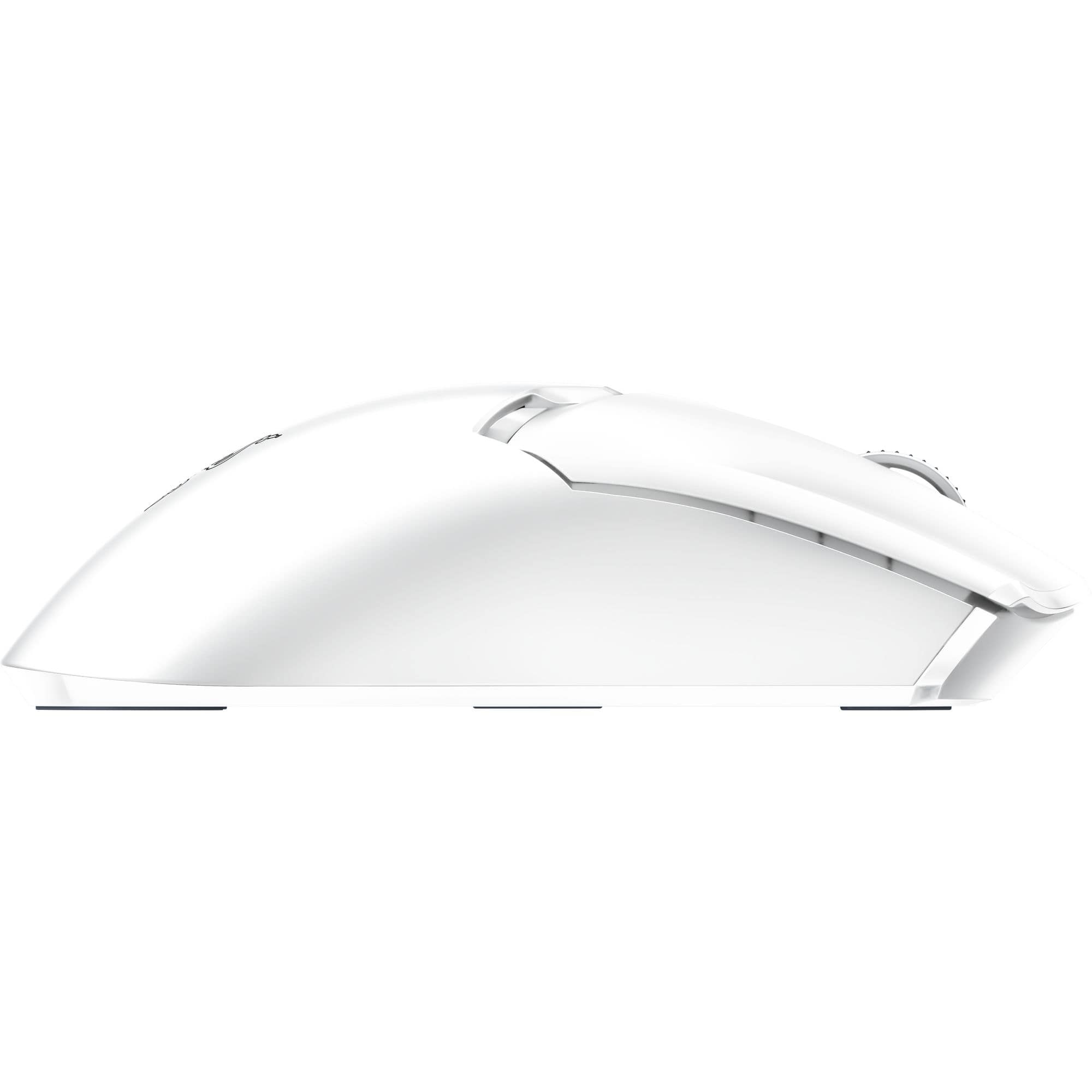
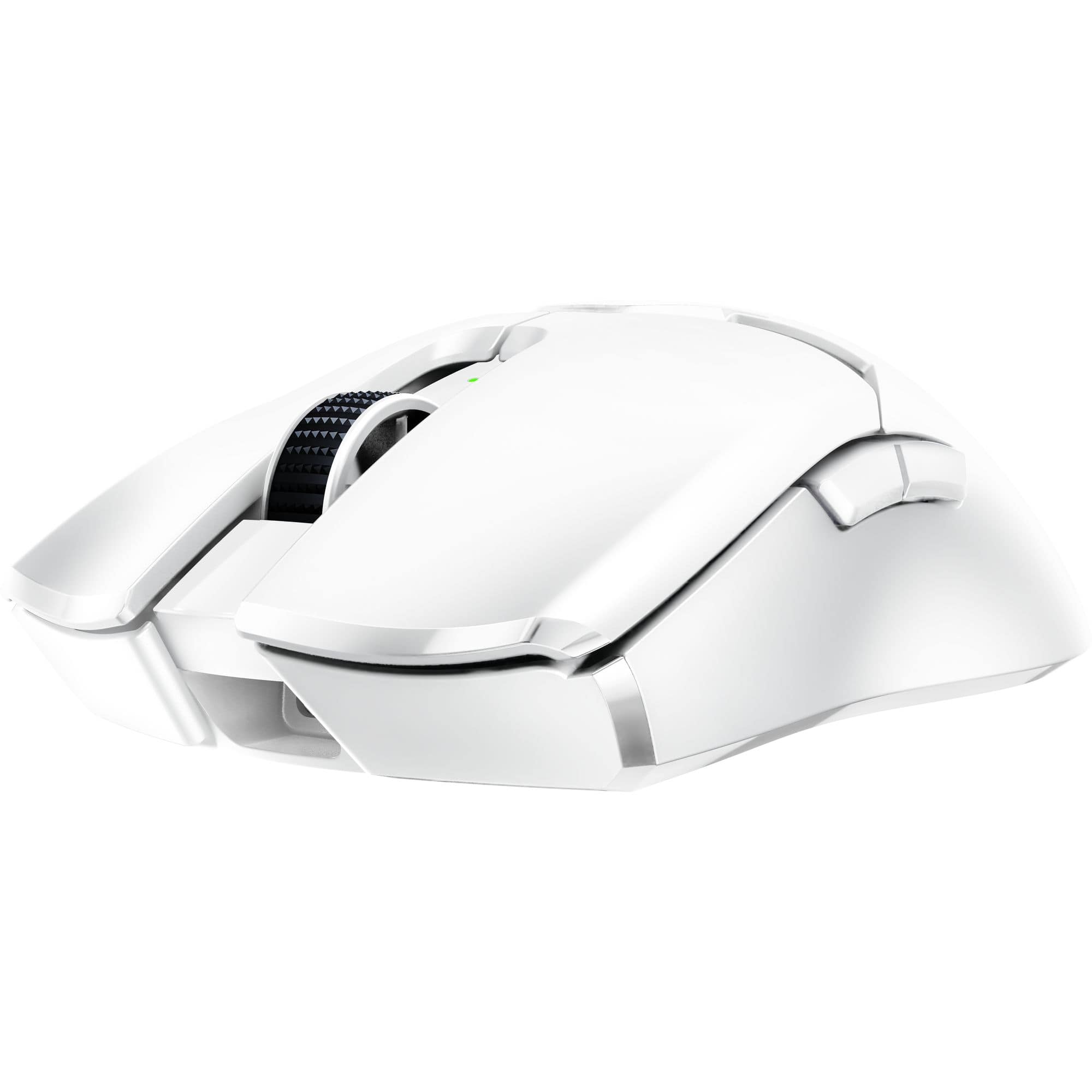
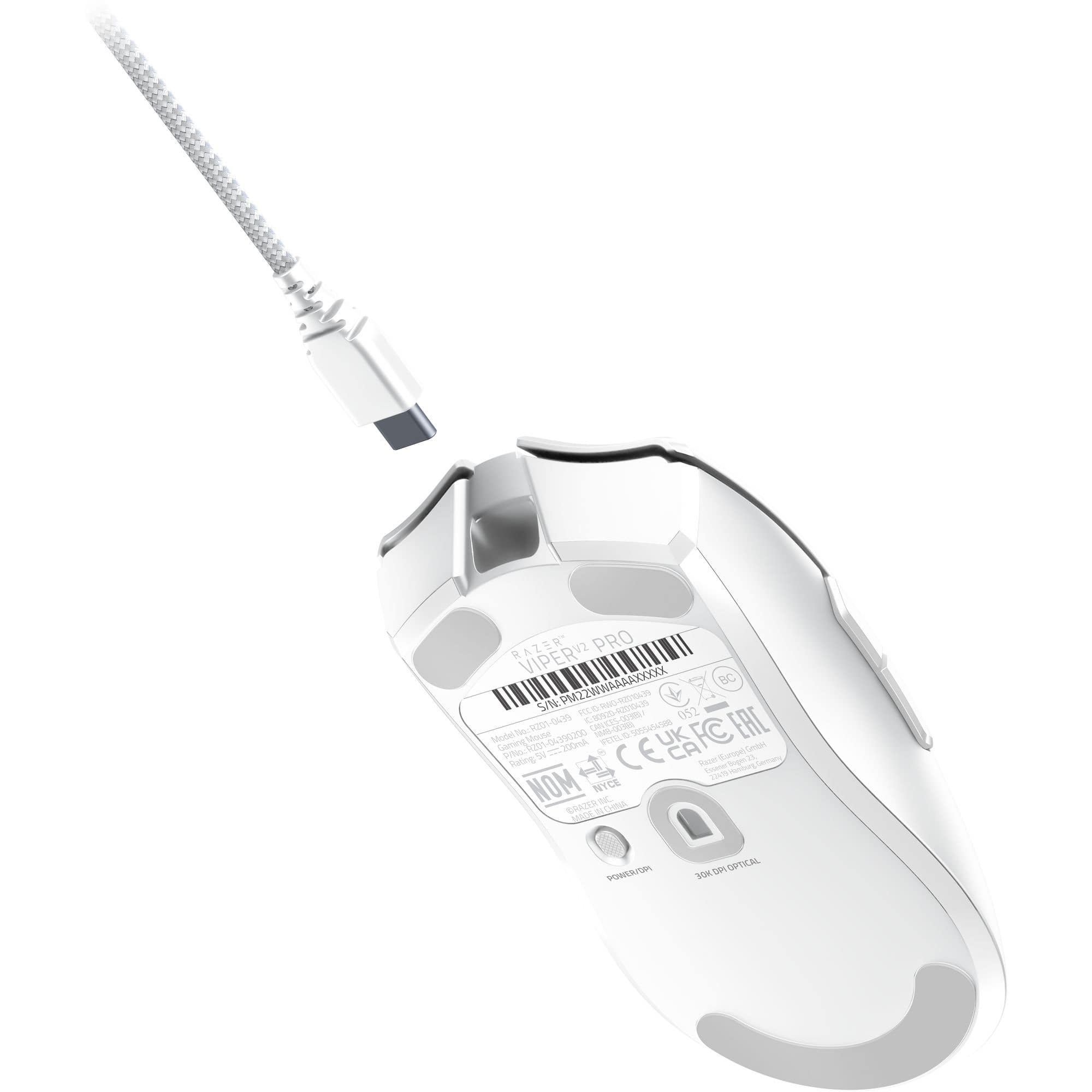
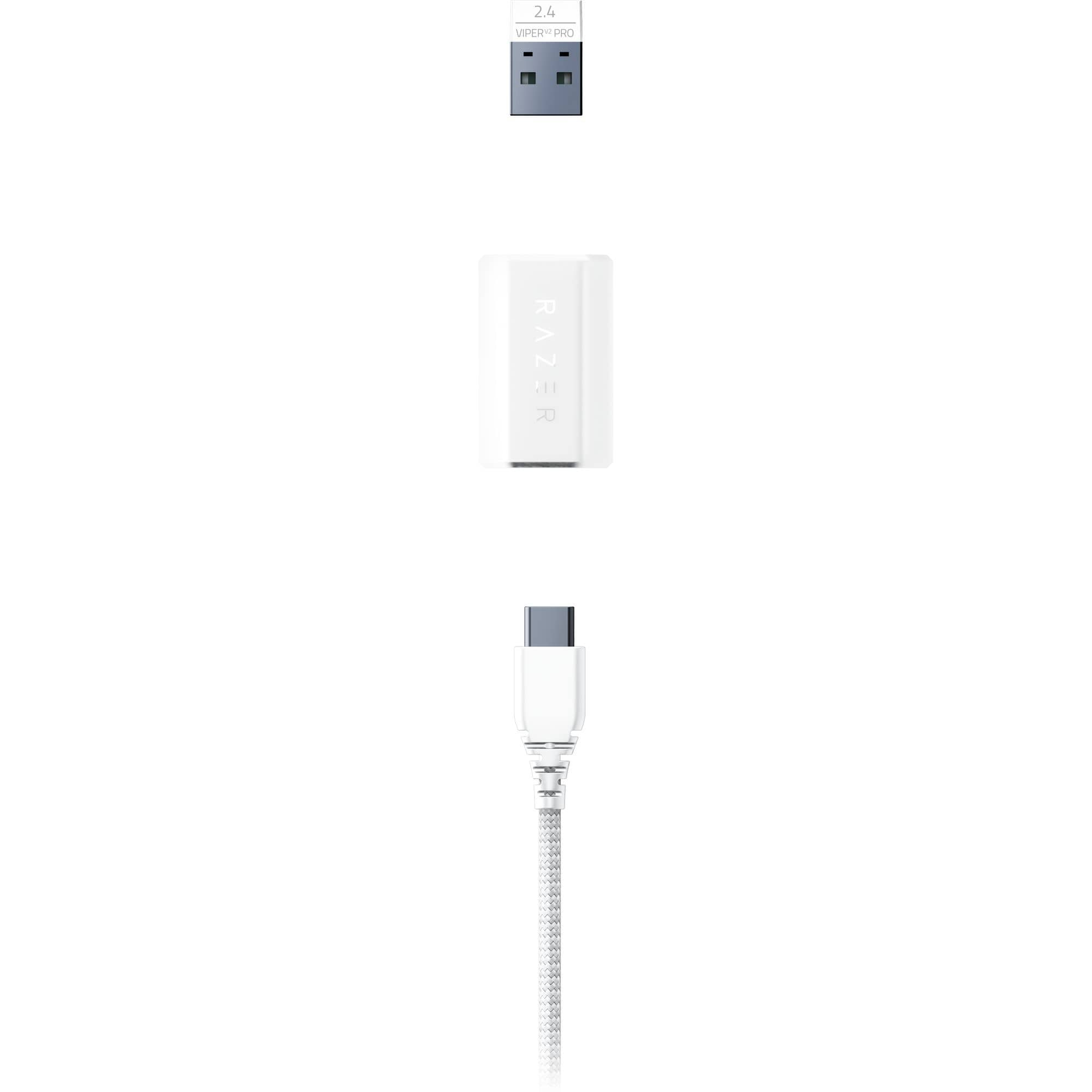
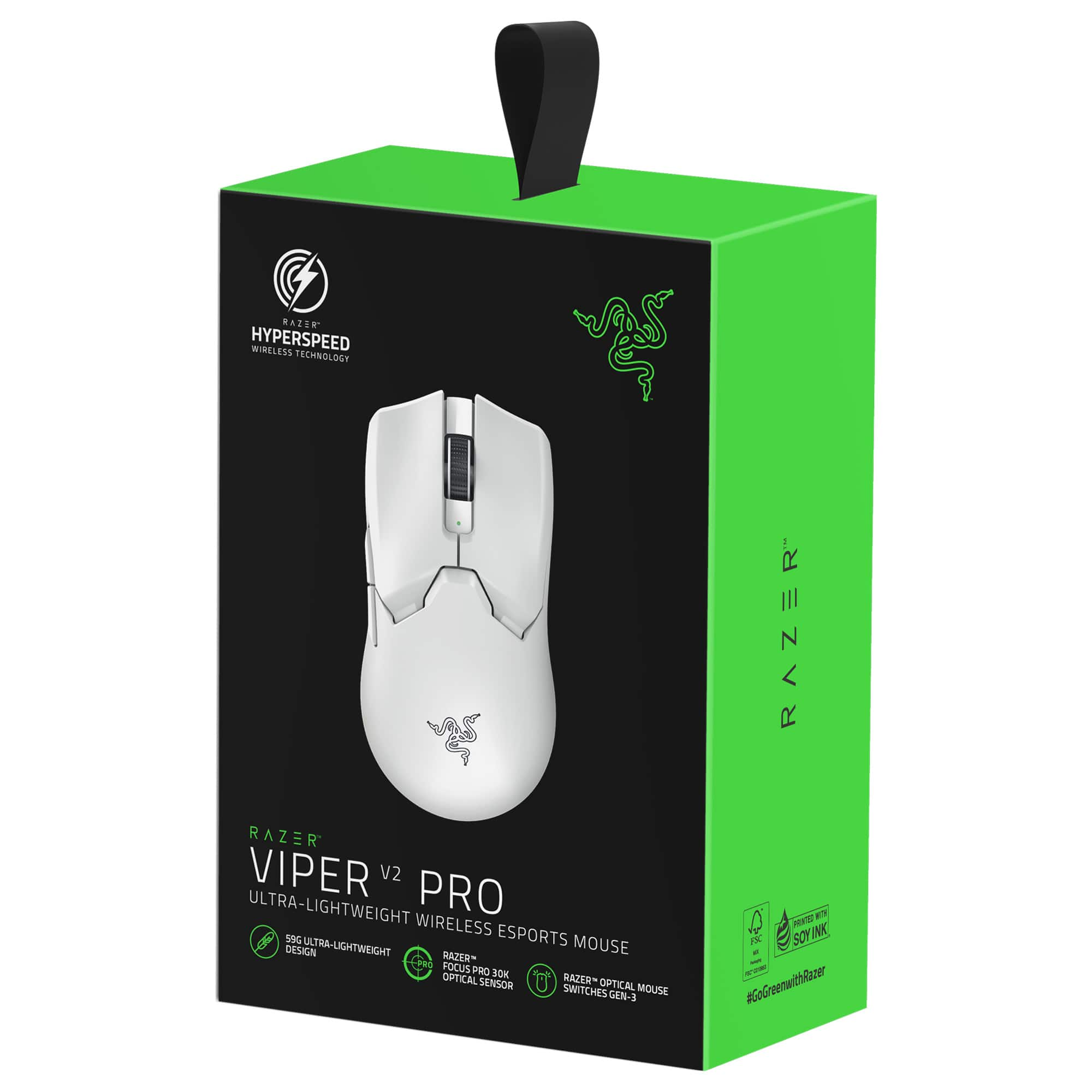
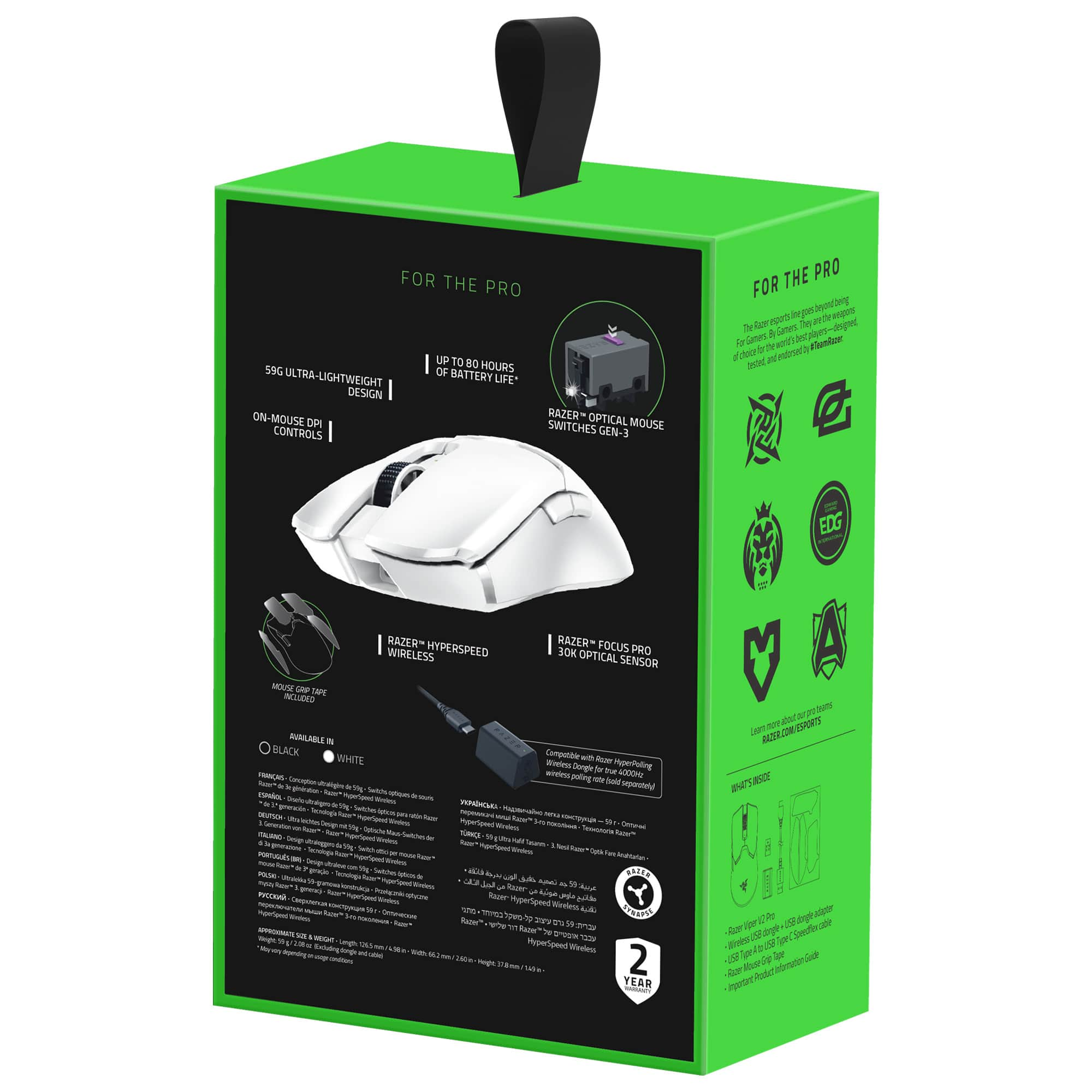


- Model:
- RZ01-04390200-R3U1
- SKU:
- 6502755
Rating by feature
- Value
Rating 4.3 out of 5 stars
- Quality
Rating 4.6 out of 5 stars
- Ease of Use
Rating 4.7 out of 5 stars
Customers are saying
Customers love the Viper V2 Pro Lightweight Optical Gaming Mouse for its lightweight design, overall performance, and sufficient battery life. Many users find the mouse to be a perfect fit with great ergonomics and shape. There were a few complaints about connectivity issues with the wireless USB dongle.
This summary was generated by AI based on customer reviews.
- Pros mentioned:Overall performance
Mouse not charging, but good mouse.
||Posted . Owned for 2 months when reviewed.This reviewer received promo considerations or sweepstakes entry for writing a review.The mouse is outstanding, however during my 5th week with it the mouse randomly started not to charge or work without being plugged in at all times.
I would recommend this to a friend - Pros mentioned:Weight
Perfect mouse
||Posted . Owned for 2 weeks when reviewed.This reviewer received promo considerations or sweepstakes entry for writing a review.Fantastic mouse, very light and I love the texture
I would recommend this to a friend - Pros mentioned:Weight
Honest review
||Posted . Owned for 1 week when reviewed.This reviewer received promo considerations or sweepstakes entry for writing a review.Love it its light an glides smooth an quick definitely would recommend
I would recommend this to a friend Viper Pro 3 upgrade
||Posted . Owned for 1.5 years when reviewed.This reviewer received promo considerations or sweepstakes entry for writing a review.Great Product the Viper2 pro is a great product. I love Razer products the dongle for the mouse stopped working. I had the insurance for it. I paid the difference and upgraded to viper pro 3
I would recommend this to a friendBest Functional Mouse
||Posted . Owned for 1 month when reviewed.This reviewer received promo considerations or sweepstakes entry for writing a review.This is a great mouse if you want a functional gaming mouse that doesn't look like a gaming mouse. I like how the plastic feels, it's more of a grit that won't wear out or collect finger prints. I like how their is no RGB, because I view it as a waste.
I would recommend this to a friendGreat Design, But Frustrating Wireless Issues
||Posted . Owned for 2 months when reviewed.This reviewer received promo considerations or sweepstakes entry for writing a review.The Razer Viper V2 Pro is undoubtedly a lightweight, high-performance mouse, especially well-suited for gaming. Its ergonomic design and fast response time make it a great choice for gamers like myself. However, despite its potential, my experience with it has been mixed. While playing Dota, I encountered an issue where the mouse would randomly stop working during gameplay. At first, I thought it was due to a software update, but the problem persisted over multiple sessions. Unfortunately, this wasn't limited to gaming. The mouse also stopped responding during normal tasks, making it frustrating to use wirelessly. Oddly enough, this issue was not there when it is wired. For that reason, I now always keep it wired when gaming. This negates the main advantage of its wireless design, and it feels like a downgrade from the Logitech Pro Superlight, which I used before. I expected the Viper V2 Pro to be an upgrade, but it doesn't quite live up to those expectations. Overall, while the Razer Viper V2 Pro has great potential in terms of design and performance, the intermittent wireless issues make it less reliable for me. If you’re considering it primarily for wireless use, be cautious. It might not deliver the seamless experience you’d expect.
No, I would not recommend this to a friendGREAT!
||Posted . Owned for 3 weeks when reviewed.This reviewer received promo considerations or sweepstakes entry for writing a review.Mouse Feel Good, Precised LEFT and RIGHT clicks while the back of your palm rest ipon this big of fat slide. Is nice but for the price it could be better.
I would recommend this to a friendWorth it
||Posted . Owned for 2 weeks when reviewed.This reviewer received promo considerations or sweepstakes entry for writing a review.I really needed a mouse and I saw this was on sale and I needed to snag it :)
I would recommend this to a friendOne of the best gaming mice!
||Posted . Owned for 6 months when reviewed.This reviewer received promo considerations or sweepstakes entry for writing a review.One of the best mice I’ve ever used. The fit is perfect for bigger hands though
I would recommend this to a friendBest mouse in the market
||Posted . Owned for less than 1 week when reviewed.This reviewer received promo considerations or sweepstakes entry for writing a review.Best mouse ever created, feels So good. Tracking is insane
I would recommend this to a friend- Pros mentioned:Overall performance
A Great Wireless Mouse
||Posted . Owned for 3 weeks when reviewed.This reviewer received promo considerations or sweepstakes entry for writing a review.Very nice mouse. As a wireless mouse, it works very nicely and smoothly, and is comfortable to my hand when playing. I would recommend as a wireless mouse.
I would recommend this to a friend - Pros mentioned:Battery life, Weight

Mighty Mouse
|Posted .This reviewer received promo considerations or sweepstakes entry for writing a review.I have a bit of a problem when it comes to mice, and I obviously mean the PC kind not the furry, scurrying around kind. All in all, I probably own around 8 mice that I have purchased in the last couple of years. Some I really like for when I am working, and others are tossed into my backpack to shuttle with my laptop back forth between home and work. I have a couple other gaming mice, but those inevitably get scooped up by one of my 3 sons. I wanted a good lightweight gaming mouse for my home setup, and this one was a home run. There are a couple of components that most look at when choosing a good gaming mouse, and some might have different preferences depending on the type of games you play. I know once upon a time when I was heavily invested in WoW I preferred a mouse with a slue of buttons to make my rotations smoother. Now a days I lean more towards FPS, strategy, and puzzle games. So, what I am looking for now is a mouse with great response, something that is accurate, and that feels comfortable using for extended gaming sessions. Unfortunately, I don’t get to game as much as I used to when I was younger, so when I do get to carve out some time for gaming, I am very particular about my setup. I hate mice that feel sluggish, or that jitter too much. This mouse manages to check all the boxes for me, and I couldn’t be happier. The mouse is extremely responsive. You are also able to go into the app and toggle the DPI to really get it set the way you prefer. There is also a button on the bottom of the mouse that lets you toggle the DPI in case you are quickly jumping into a different game, and you need to adjust the precision a bit. I usually like to keep mine at 1600, but it is super convenient to be able to quickly toggle that when I need it. At first, I was a bit bummed that the DPI button wasn’t something on the top of the mouse, but after using for a few gaming sessions I can see why they opted to place it on the bottom. You will not accidentally toggle it during the middle of a match when it’s on the bottom. The second thing that has me really enjoying using this mouse is the feel of the mouse in the hand. It is super lightweight; it glides across my desk mat. A simple flick of the risk allows me to adjust in games. I have used it for a few hours at a time and never felt fatigued or the need to readjust. The mouse included some textured/rubberized stickers to place on the sides, and on the two primary buttons on the top of the mouse. The mouse already felt great without the added stickers, but when I placed them on it really completed the package for me. The added texture comes in handy, and I would imagine that if your hands get a bit sweaty gaming that the stickers would keep your fingers in place. I really have been enjoying using this mouse. It has the precision that I am looking for, super light weight and glides around, the buttons are great, the battery lasts a long time on a single charge and charges up relatively quick. One thing I should mention, I know for some this might be a deal breaker, there is no RGB lighting on this mouse. This works for me since my sons are a bit partial to RGB on everything so that reduces the chance of them taking my mouse, but I know some, like my sons, the RGB is a must have. If you don’t need RGB, and you want something very responsive, lightweight, wireless with a solid fast connection, and comfortable than this is the mouse for you. I can easily recommend this mouse to anyone.
I would recommend this to a friend - Pros mentioned:Battery life, Weight
FANTASTIC LIGHTWEIGHT GAMING MOUSE – USE THE GRIP
|Posted .This reviewer received promo considerations or sweepstakes entry for writing a review.RAZER - VIPER V2 PRO WIRELESS OPTICAL GAMING MOUSE - BLACK MODEL:RZ01-04390100-R3U1 Best Buy Tech Insider Network FANTASTIC LIGHTWEIGHT GAMING MOUSE – USE THE GRIPS OVERALL The RAZER - VIPER V2 PRO WIRELESS OPTICAL GAMING MOUSE is a joy to use especially for FPS games. The included grip stickers made all the difference in the world for my experience. After I applied the stickers the RAZER - VIPER V2 PRO WIRELESS OPTICAL GAMING MOUSE felt just like a part of my hand, and owing to its super light weight it felt like it was not even there. Prior to applying the grips, it just did not feel right to me. I’ve never had a mouse with grips before and I now I love them. My Advice: USE THE GRIP STICKERS When I don’t need a full MMO/MOBA mouse with a dozen buttons, the RAZER - VIPER V2 PRO WIRELESS OPTICAL GAMING MOUSE will probably end up being my everyday gaming / FPS mouse. SETUP: Setting up the RAZER - VIPER V2 PRO WIRELESS OPTICAL GAMING MOUSE was as easy as it could be. First I attached the included USB-A to USB-C cable to the mouse to make sure it was fully charged. Next (Win 10 pro) I was automatically prompted to install the Razer Central / Razer Synapse software. Then I was off to the races. After hunting around in the Razer Synapse software, It took me a while to realize there were no LED’s in the mouse to setup. (Everything has LED’s right?). I always thought LED’s in mice were not much use, since my hands cover the entire mouse anyway. Still I would have liked it if the logo was more pronounced or illuminated. The buttons are also fully programmable to give you some extra options while gaming. GAMEPLAY: The RAZER - VIPER V2 PRO WIRELESS OPTICAL GAMING MOUSE made gameplay effortless. You can read all the specs, and how it does what it does, but in short it worked equally well on a mouse pad, desk pad, and smooth glossy surfaces. I did find in “wired” mode that the weight of the mouse cord (charging cable) was more than enough to push the mouse around. So, I really don’t recommend wired mode, unless you have no choice. PRO’s - Highly accurate - USB-C Charging - Good Battery Life (for the weight) - Super lightweight, but not flimsy - Wired or Wireless mode. - Weighted USB extension cable for the wireless dongle CON’s - For me, I don’t like the DPI switch on the bottom, I get why it is there (so you don’t press it by mistake), but sometimes you want to change speed on the fly. - I found the wheel a little stiff to rotate, but maybe it will loosen up over time. It is really only noticeable because of how slight all the other buttons are to press. SUMMARY I think the RAZER - VIPER V2 PRO WIRELESS OPTICAL GAMING MOUSE should be one of your top choices for consideration when looking at high end gaming mice. Like anything else you need to test drive and see what works for you. I am certain it will get a lot of use on my main gaming setup.
I would recommend this to a friend - Pros mentioned:Weight
Incredibly crafted high performance gaming mouse
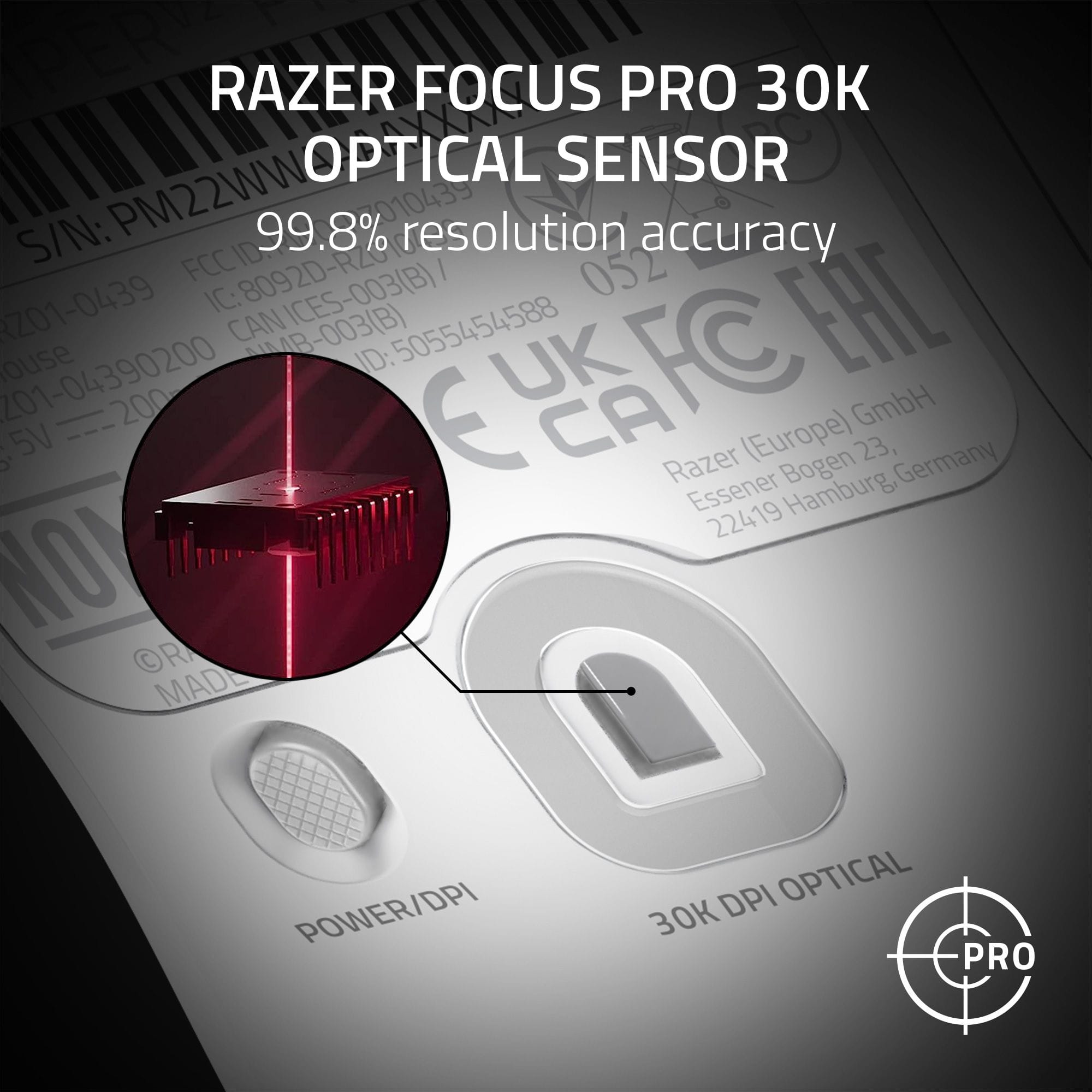
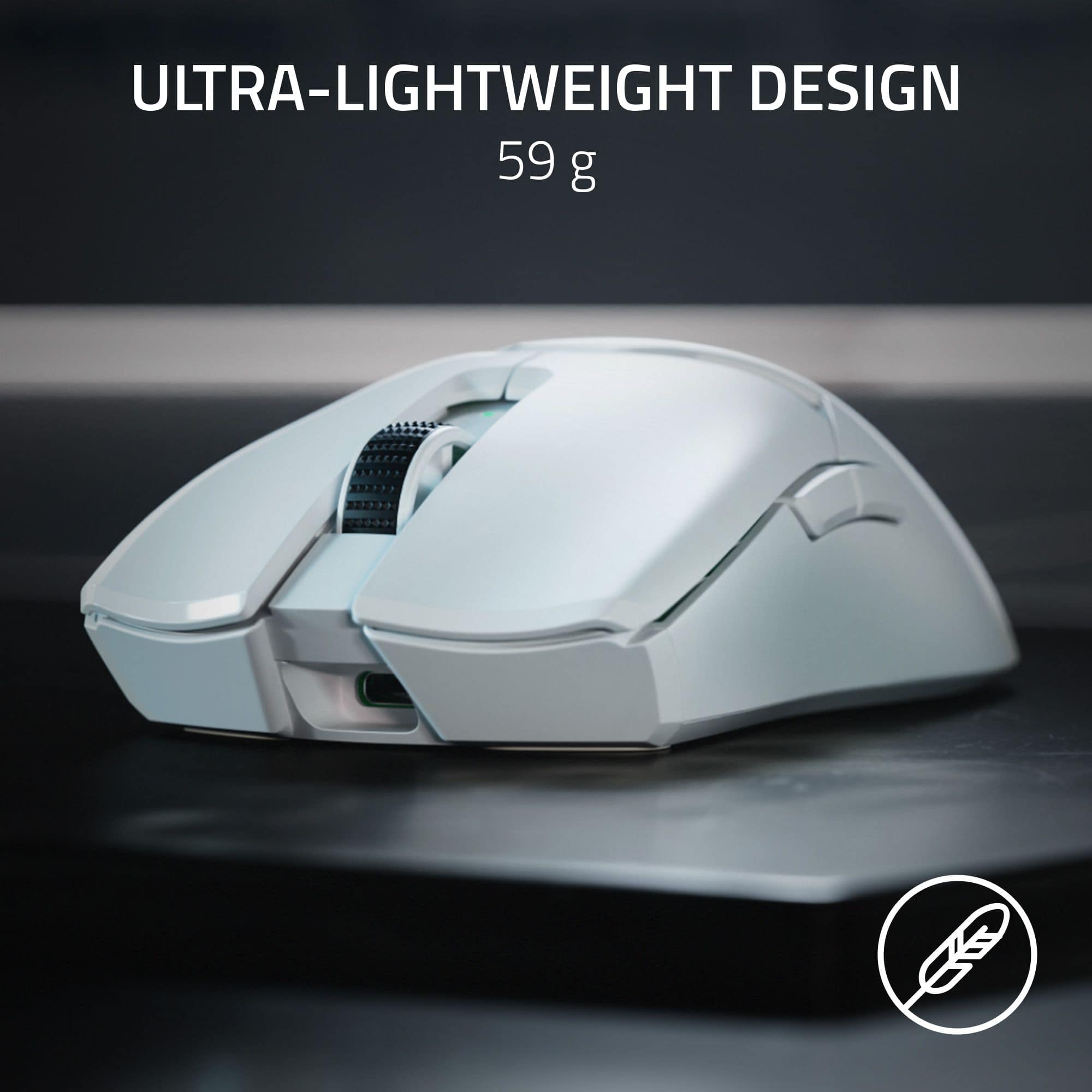
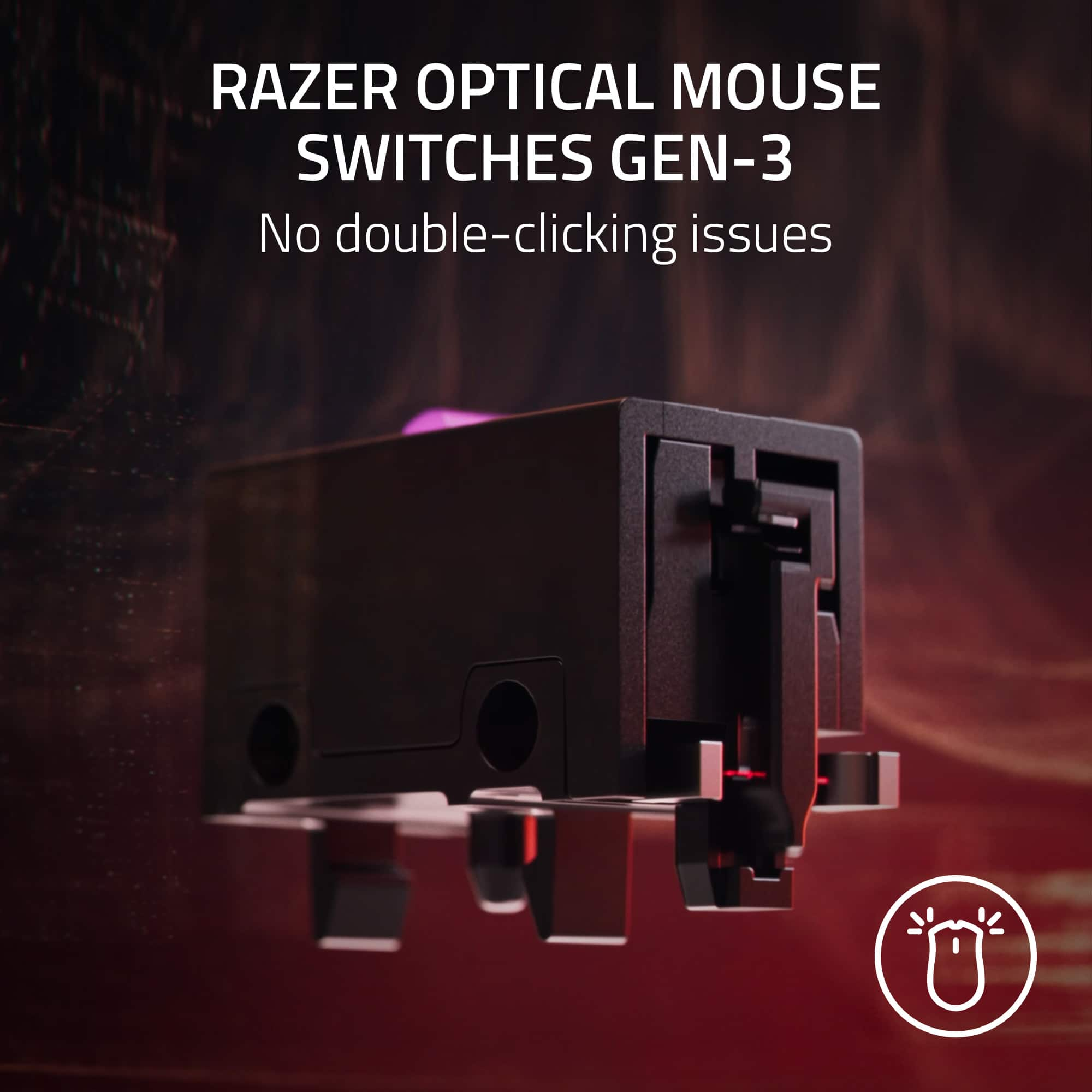
|Posted .This reviewer received promo considerations or sweepstakes entry for writing a review.I have had a vested interest in Razer products for the better part of a decade as my go-to gaming peripheral manufacturer because of their dedication to being a major competitor in the esports and gaming industry. The new ultra-lightweight Razer Viper V2 wireless mouse sets the bar once again with their hyperspeed technology, gen 3 optical switches and Focus Pro 30K optical sensor; in other words, Razer threw in just about every bell and whistle a gamer could ask for into the new Viper V2 esports professional mouse. As you would expect from Razer, the mouse was very easy to set up and install on your rig with simple plug-and-play. Included in the package are optional self-applicable mouse grips for the left and right click buttons and sides, a USB-A to USB-C Speedflex cable, a wireless USB dongle and, of course, some Razer stickers. After downloading the Razer Synapse and Cortex applications on my gaming laptop, I was able to register the mouse and customize the buttons through the app. The mouse is extremely lightweight, only weighing 58 grams, and its design is ergonomically sound as well comfortably resting in the mold of my palm and fingers. The five buttons on the Viper V2 are very responsive due to the optical switches and glides smoothly across my mousepad using the ultraslick mouse feet on the bottom and high-speed 30K optical sensor. As another added convenient feature, the power button on the bottom of the mouse also acts as a quick switch button to quickly change the DPI to match your gameplay style. The color on the top of the mouse corresponds to the DPI selected (ie. Red = 400 DPI, Yellow = 6400 DPI, etc.). Overall, the Razer Viper V2 Pro mouse is one of the best peripherals I’ve used and would recommend it to anyone in the market for an upgrade.
I would recommend this to a friend - Pros mentioned:Overall performance, Shape, Weight
Outstanding mouse, if you are OK with the price
||Posted . Owned for less than 1 week when reviewed.This reviewer received promo considerations or sweepstakes entry for writing a review.Quick early review after a couple hours with the mouse. If you're looking for a light-weight, high performance gaming mouse, don't mind spending a bunch of money, and you like the shape of the Viper series from Razer, this is the one. Pros: - The weight difference is fairly noticeable from the Viper Ultimate, and feels great. - The Viper shape feels great for me (19/10 hands, generally use fingertip grip). - Clicks/movement feel amazing and responsive. - Solid body despite the low weight. - I really enjoy the asymmetric cutoff feature. After tuning, there is less additional mouse movement on liftoff and landing. - Stock feet feel better than they did on the RVU (for now, the feet on my Viper Ultimate started feeling really scratchy after a few months). - Side buttons feel great. They're more pronounced than the RVU. - Removal of the side buttons for lefties makes the mouse feel WAY better for right handed people. - No need to leave Razer's Synapse software running after configuring the mouse. Settings get saved to the mouse's on board memory. - Mouse feels fine without grips, but good grips are included, which I'll probably install soon. - Lots of features removed from the RVU that were either unnecessary or fluff. The charging dock was decent but not needed (weight savings are preferred), RGB was pointless and is removed, etc. What's left is exactly what you need from a high performance mouse. Cons: - Mouse wheel is still kind of eh. It's fine... but for $150 I'd expect better. The mouse wheel click is decent, but scrolling is a bit mushy with ill-defined click points. It's also slightly off-center on my copy. Would expect better quality control. - The price is a bit absurd, but there are only a couple mice out there that are at this quality, and they're around this price. That's kind of why I picked this up... I know I like the shape, and I wanted the weight/click improvements/etc. Conclusion: This mouse is expensive. If you're prepared to swallow that expense, the performance of this mouse is outstanding.
I would recommend this to a friend - Pros mentioned:Battery life, Shape, Weight
GPX dethroned if you can get past the shape
||Posted .This reviewer received promo considerations or sweepstakes entry for writing a review.This mouse is a drastic improvement on the Viper Ultimate. They took away the right side buttons which were really annoying. They were there for left handed people, which I get but for 90% of right handed people you'd accidentally click the side buttons on the right sometimes and it made holding it weird. You could disable them in the settings but they were still quite distracting. No more rubberized sides, which to some might be worse, but I think to most it's an improvement. If you really need help gripping, you can always buy 3rd party grip tape kits which tend to be better anyway. Huge reduction in weight, now slightly lighter than the GPX. The sensor is also extremely overkill but I'm not complaining. My only complaint is the shape of the viper, it's very flat. Holding it is awkward for people with big hands who like to claw grip. Fingertip can be decent. If you're able to get used to the shape I'd say it's better than the pro x superlight, but the shape is really what's holding it back. There's also no charging dock which kind of sucks for desktop aesthetics, but it's not a big deal because the battery should last over a week.
I would recommend this to a friend mid
||Posted . Owned for 2 weeks when reviewed.This reviewer received promo considerations or sweepstakes entry for writing a review.Not worth the price, great material though feels like the orochi mouse. I have used this with the 4k Hz dongle and it's very minimal difference. I would only buy this mouse for around $80-100
No, I would not recommend this to a friend- Pros mentioned:Battery life, Ergonomics, Weight
One of the best gaming mice around
||Posted .This reviewer received promo considerations or sweepstakes entry for writing a review.Extremely snappy response times, lightweight, long battery life, durable shell, and a sleek design. Everything you need in a gaming mouse and then some. I have been daily driving this mouse for over a year and never once ran into any issue with it. It has survived a few falls from being pushed off the desk onto the hardwood floor without even so much as a scratch.
I would recommend this to a friend - Pros mentioned:Shape, Weight
Best Mouse Ever!
||Posted . Owned for 1 week when reviewed.This reviewer received promo considerations or sweepstakes entry for writing a review.So this is my opinion before I even start the review so don't get mad at me or anything. I know a lot of peoples favorite mouse is the g pro wireless both the superlight and original. I tried that mouse to see what the hype was about and I didn't like it. I don't know what it was but I couldn't play well with it. So I ended up trying the original viper back in 2020 and my god I instantly fell in love with the shape, size and feel of the mouse. The only thing that I thought was holding it back was the weight. I know I might be complaining or cherry picking but once you have tried a light mouse you can never go back. So I always hoped one day razer would release a lighter version of this mouse. When I saw that Logitech released a lighter version of the g pro I had hope that razer would do the same. And what do you know a couple years later and the mouse is finally here. I know there's a lot of controversy surrounding the price of this mouse and I agree that it is expensive. But at the same time I don't see the whole thing because the g pro came out the same price as the original and no one lost their heads for it. People immediately purchased the mouse until they took out all the available stock to the point where it was sold out for a while. Then there's finalmouse every single mouse gets more and more expensive yet I constantly hear praise for that company, and mice they produce. And with finalmouse they always come with problems i know of a lot of people who have a faulty scroll wheel and/or crappy mouse clicks for the Poseidon. A mouse that costs 189 should not come with problems like that and people still continue to purchase the mice. I think this is my endgame mice because like I said before I like the shape, size and new improved weight. I use claw grip and its the perfect hold for this mouse. I don't think ill be switching to any mouse at all i am perfectly happy with what i have!
I would recommend this to a friend - Pros mentioned:Ergonomics, Weight
Very responsive, extremely light & stealthy!
|Posted .This reviewer received promo considerations or sweepstakes entry for writing a review.This mouse is light! Also, it does not have RGB or any designs on it that may be distracting to the user. I really like that about this gaming mouse and am also a little surprised by Razer's decision not to include even subtle RGB lighting, even under their logo. I completely get it, though, it makes for a no nonsense, high performance, ultra-lightweight, purpose-built gaming mouse. It's purpose is to be lightweight and responsive with excellent wireless connectivity and it completely excels at that! I have even snuck this into my office to use during the work day while moving from meeting to meeting and I have only had one other person notice that it is a gaming mouse! Its performance for boring work is not what you will want this mouse for, though it may help you justify buying it, the gaming performance is what truly sets this apart! The form factor is very comfortable for long gaming sessions in FPS titles and the included 3M stick grip pads really help with setting up your preferred amount of grip and positioning with the mouse. The grip pads work great at keeping your hand and fingers where you want them to be while adding a negligible amount of weight to the unit and Razer gives you the choice of which to apply, if any at all! I would definitely recommend this gaming mouse to someone who prefers a very lightweight and responsive wireless mouse!
I would recommend this to a friend