Customer Ratings & Reviews









- Model:
- RZ01-05120100-R3U1
- SKU:
- 12089216
Rating by feature
- Value
Rating 4.5 out of 5 stars
- Quality
Rating 4.9 out of 5 stars
- Ease of Use
Rating 4.9 out of 5 stars
to a friend

Good Desktop Mouse
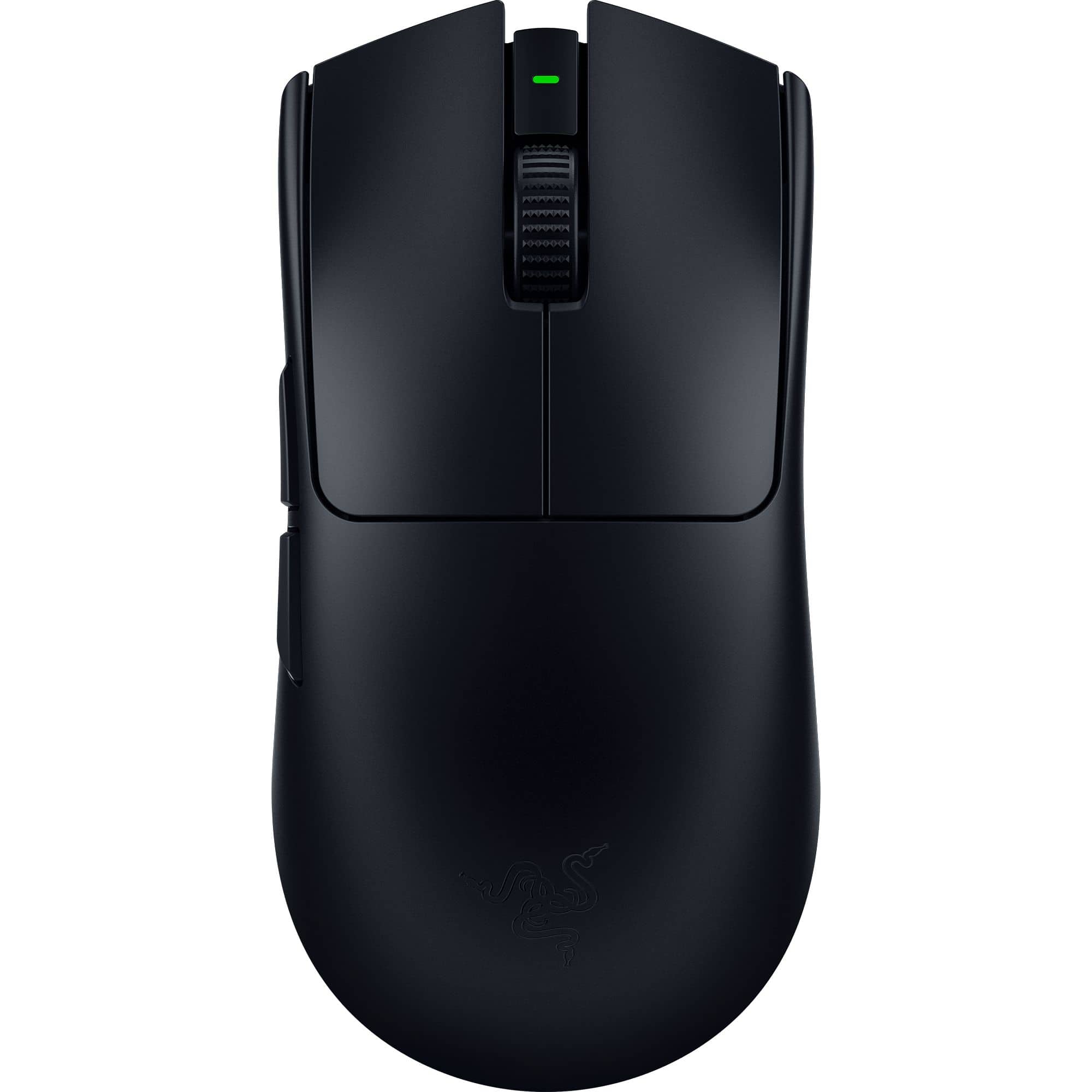
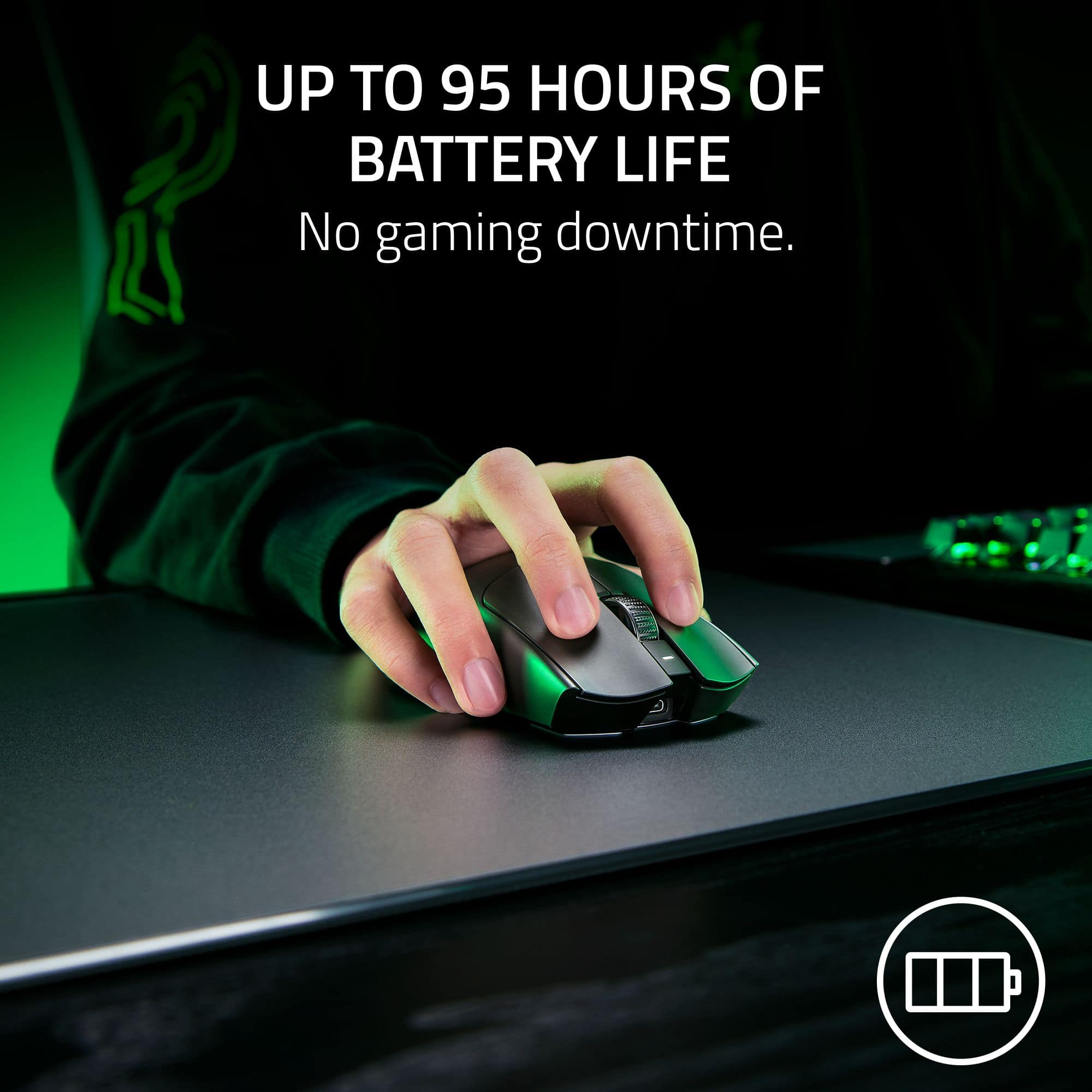
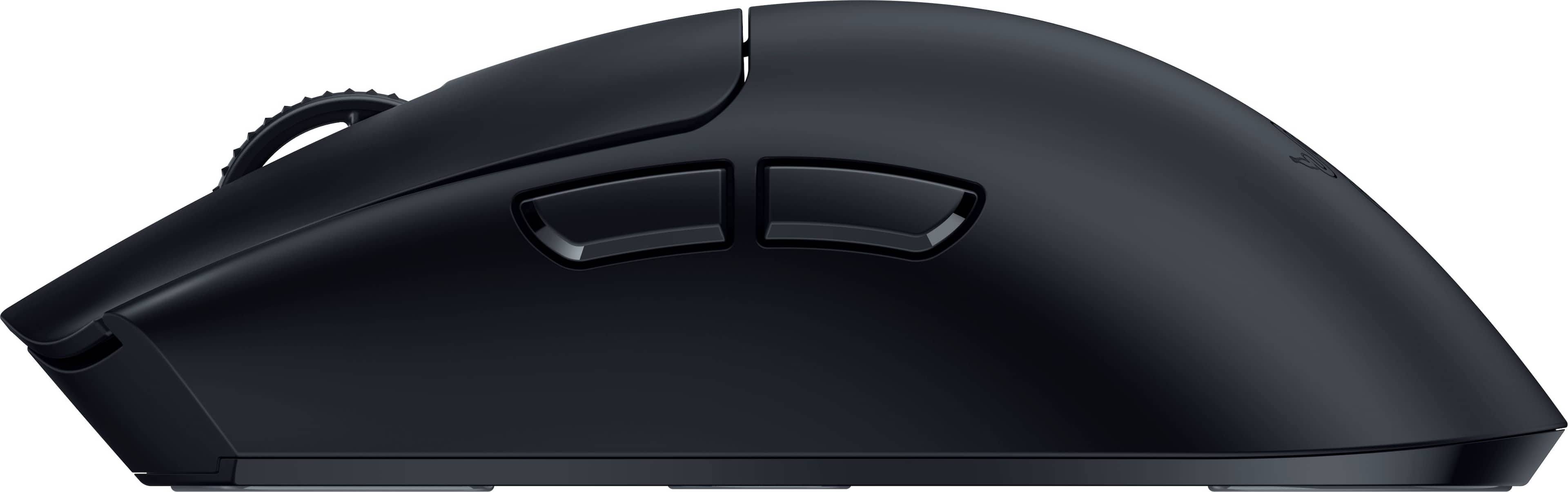
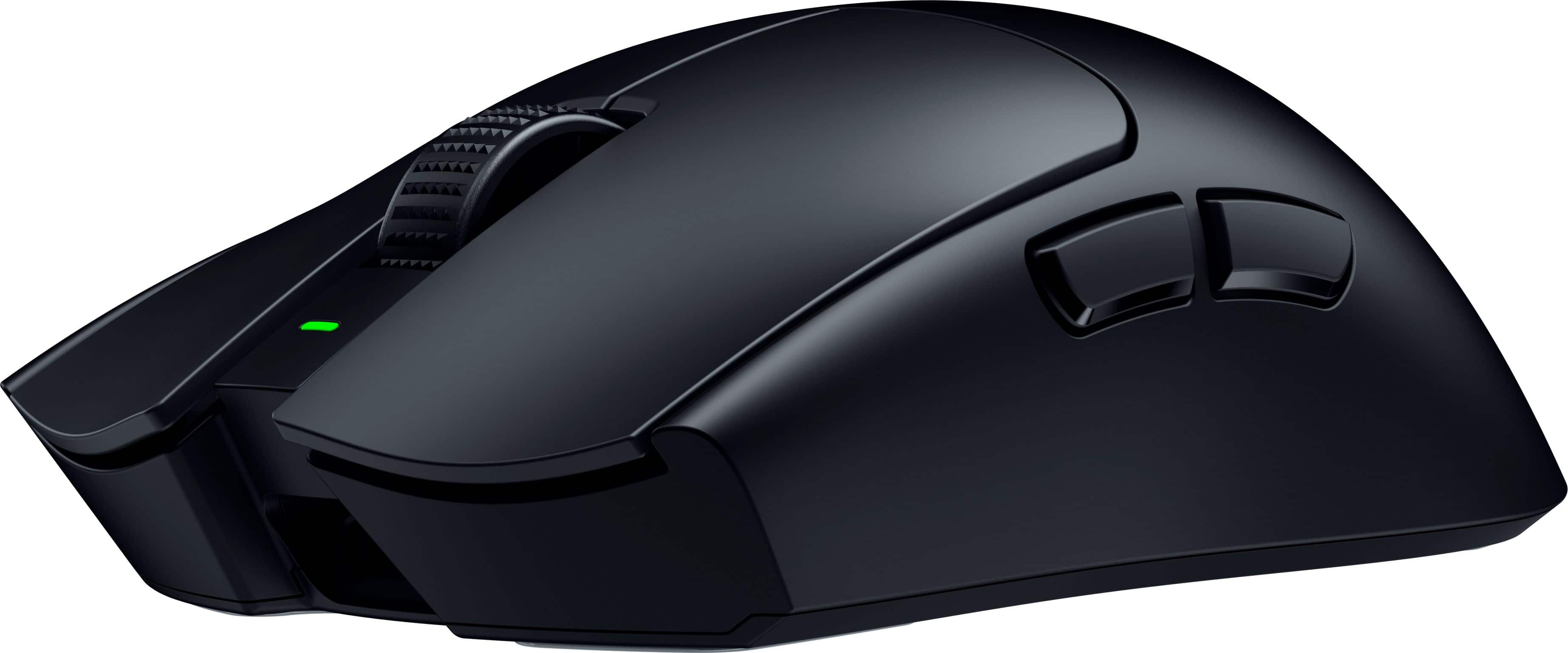
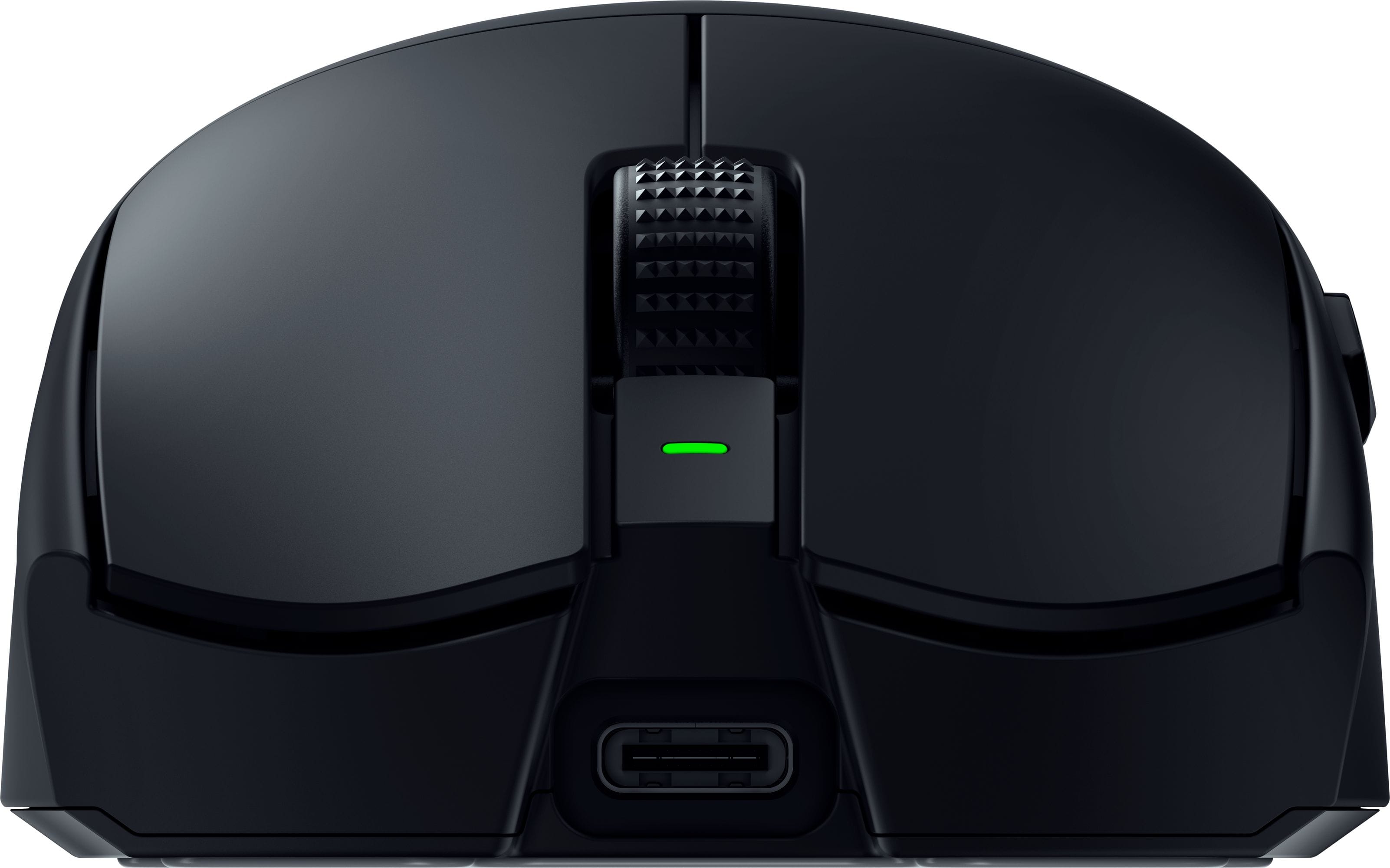
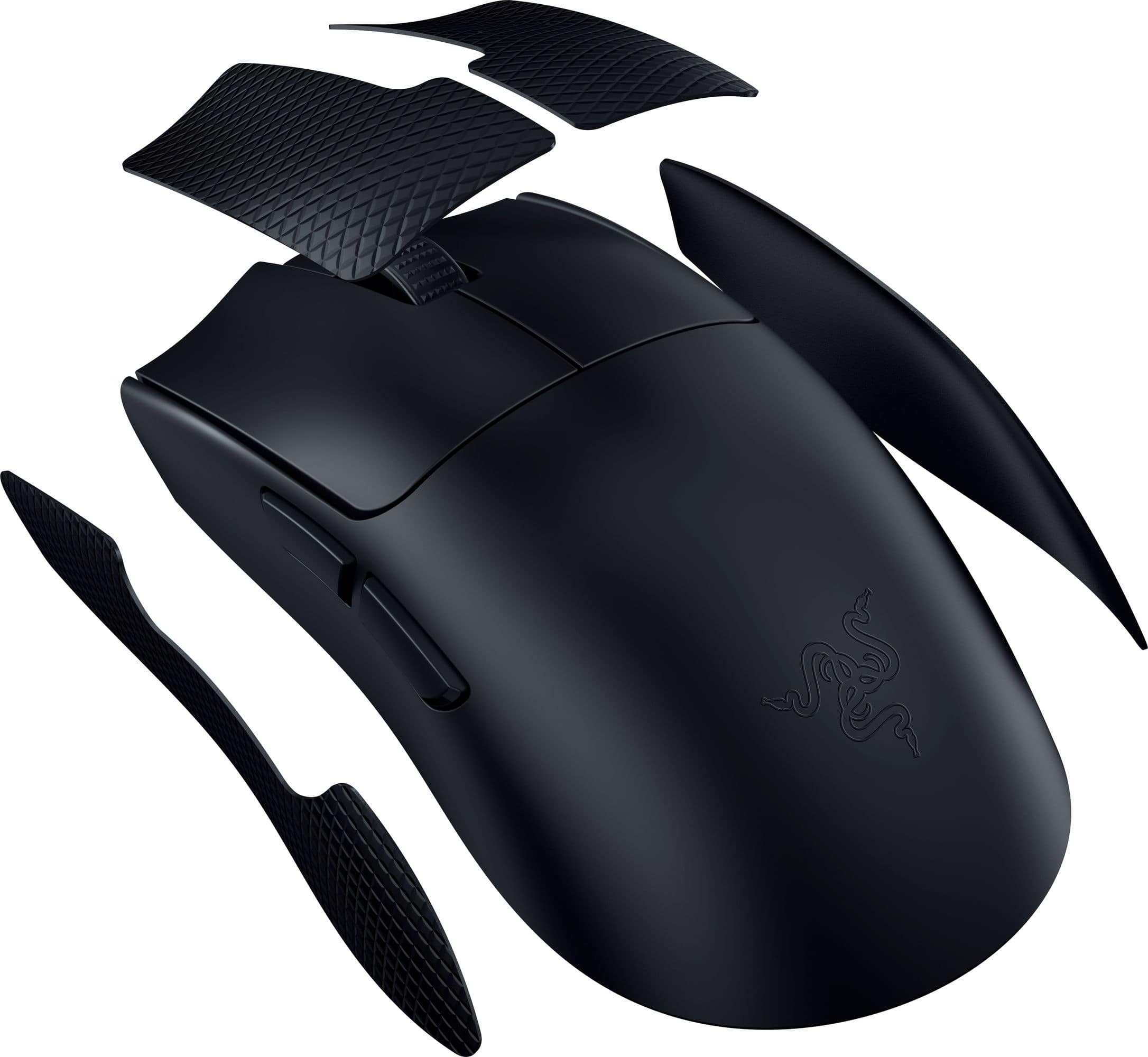
|Posted .This reviewer received promo considerations or sweepstakes entry for writing a review.The Good • Comfortable for my large hands • Professional looking • Adjustable DPI • Customizable buttons The Not So Good • So lightweight that it feels cheap • Cheap looking stickers (optional branding in box) • Cheap looking grip stickers • Too large for my wife’s hands • No RGB lighting (if you are interested in that) • Have to download Synapse software • Not ideal for laptop – wired connection to bulky dongle • Battery life could be longer Setting It Up Setting the Viper V3 up was fairly standard for a gaming mouse. Charge the mouse first. Connect the mouse with the wired connection (USB-A to USB-C). Download the Razor Synapse software for detailed customization. If you switch to the wireless configuration, simply unplug from the mouse and use the dongle. I did have a firmware update for the mouse immediately. There are optional decal stickers that can be applied as well as grip stickers. To me these felt cheap, so I left them in the box. The customization seemed very standard for a gaming mouse. You can adjust the DPI settings and customize the buttons. No RGB lighting controls for this mouse. Everything is just very standard. Build Quality The mouse is extremely lightweight. For some folks this may be a desired feature. For me it made the build feel cheap. It’s so lightweight, it felt like there were no internal components in the mouse. I am used to a weighted mouse. The stickers and grips as I mentioned above were not an improvement to me, so I did not apply them. The USB cord appeared to be well-made, a decent usable length, and just the right amount of flexibility. Using the Mouse Size – For me the mouse is a good size. I have large hands and the buttons were where I needed them to be. My wife tried to use it, and the first thing she said was that the mouse was too big for her hand. Buttons and Scroll – The buttons had nice click feel in my opinion. The scroll button was nice. Accurate – After adjusting the DPI to my preference, I felt that the mouse seemed very accurate and controlled. RGB – This mouse has no RGB lighting to speak of. Usually gaming mice have this as a controllable feature. If I have to download a bulky software, I’d like it to do more than set the button actions. Felt that this was just a missing feature. Battery Life – It’s expected to have 95 hours, which is decent. There are other mice that have longer battery life. Desktop Use – If you plan to use this as a desktop mouse, I think that you’ll enjoy it more. The bulky dongle needs a separate surface to rest upon. The long supplied wire connects it, and will give some flexibility for placement. Laptop Use – This is what I wanted to use the wireless mouse for, and it’s just not right for the job. With no option but to use the wired bulk dongle, it just doesn’t work well. I need for the dongle to stay at the USB plug. Conclusion I’m giving the Viper V3 3 stars. It works well as far as tracking, speed, and accuracy. The battery life and features are average. My biggest issue is that it’s not well-suited for laptop use which was what I was looking for. It may be fine in a desktop application. If Razer could change the dongle type, I think that this would be a more universal design.
No, I would not recommend this to a friendHighest Quality Mouse
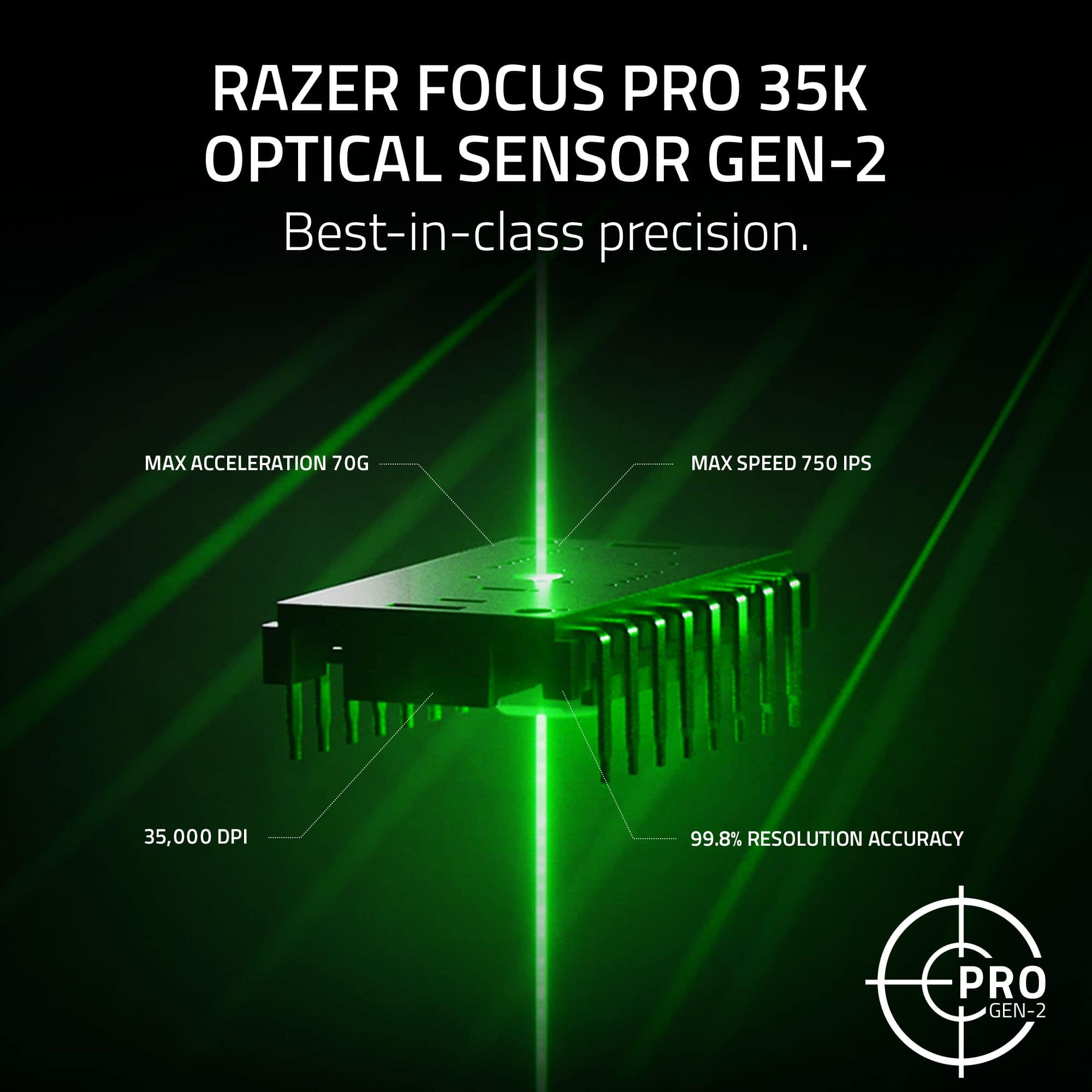
Posted .This reviewer received promo considerations or sweepstakes entry for writing a review.Sensor is top of the line although Razer Synpase is a bit of a bloatware. The internal design of the mouse is very well built, and there's little to no side-to-side wobble on the clicks. Optical clicks so average consumer doesn't have to worry about double clicks. The smooth-touch coating is much improved over the Viper V2 Pro and Deathadder V3 Pro's coating on previous Razer mice.
I would recommend this to a friendNot as basic as it looks.
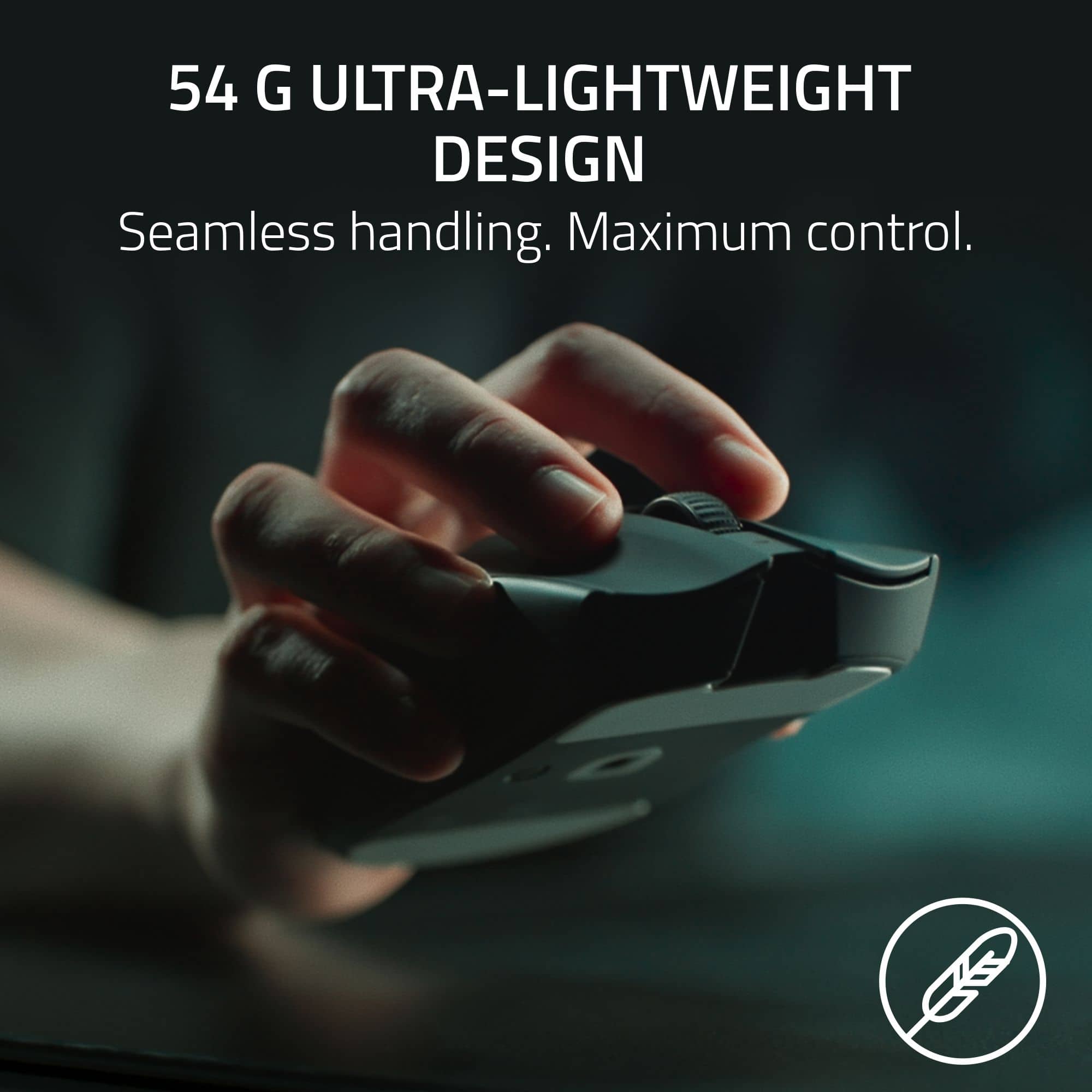
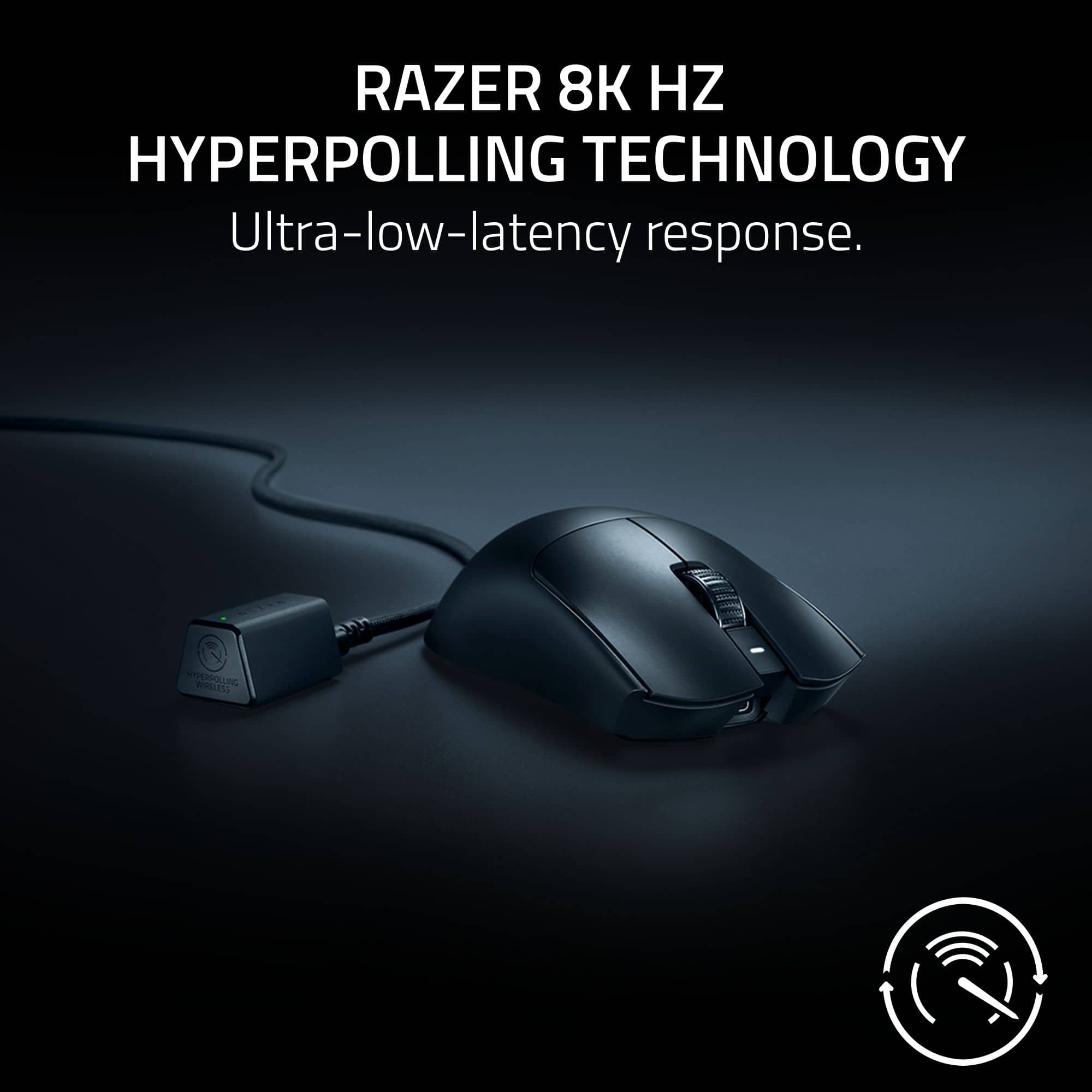
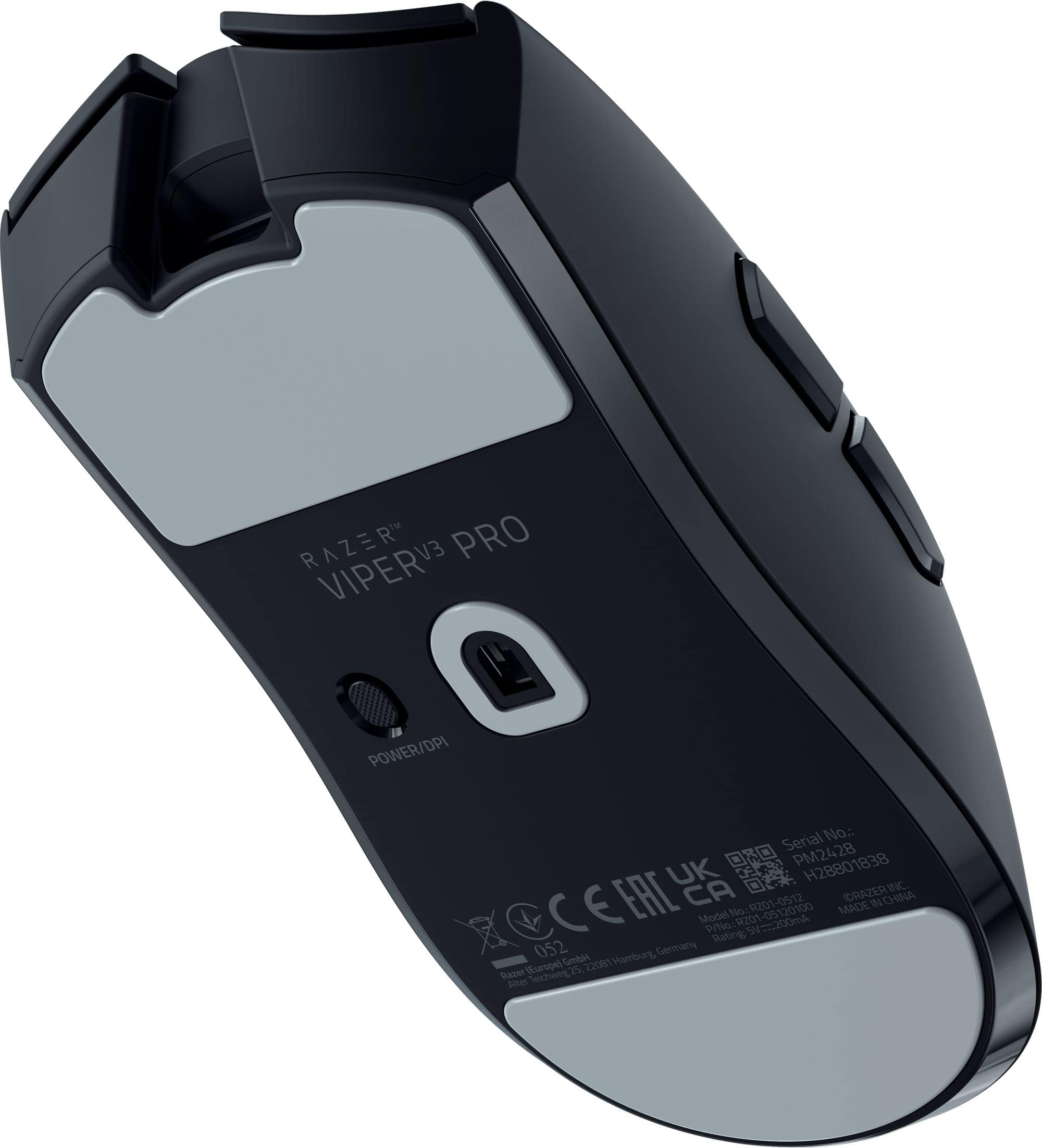
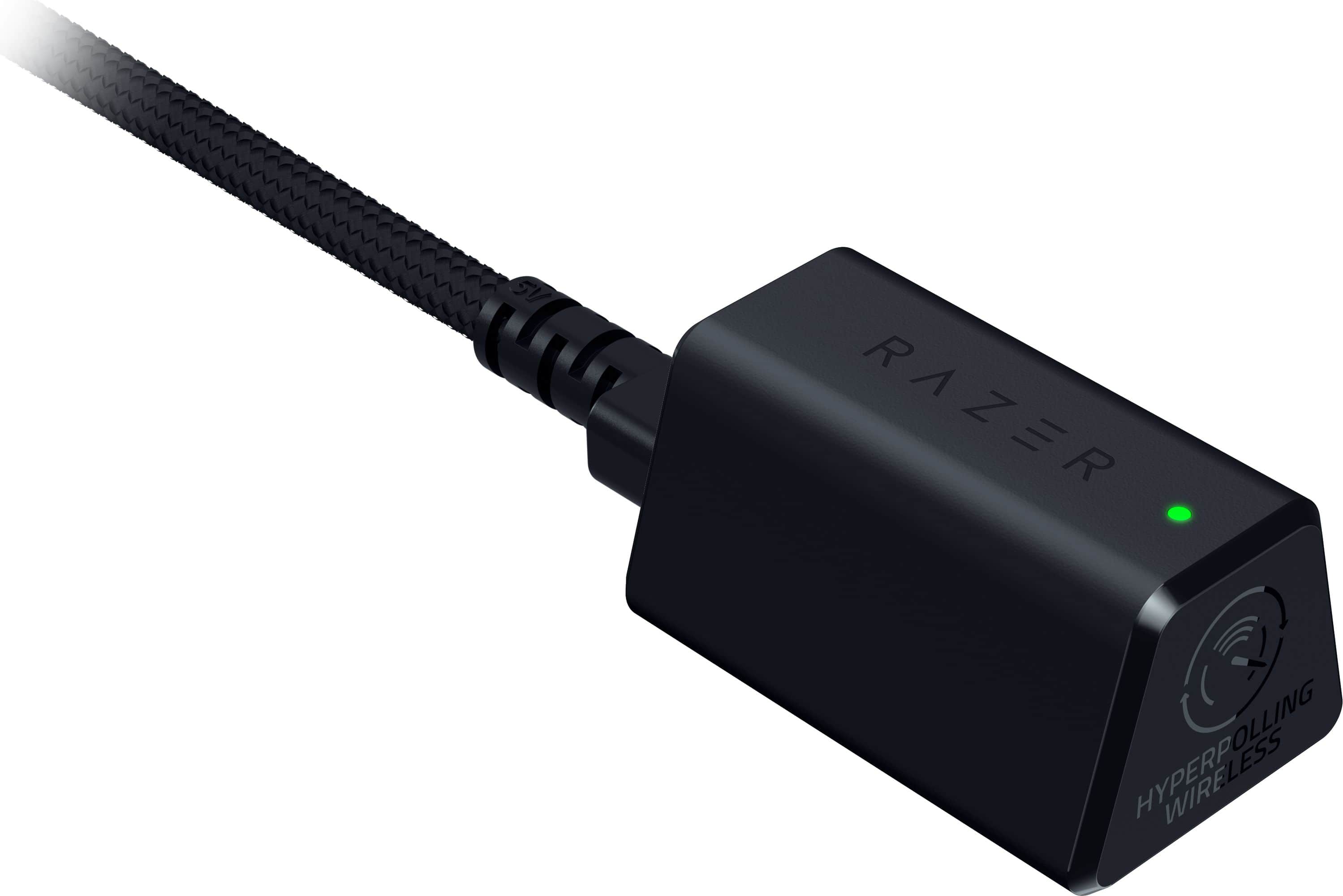
|Posted .This reviewer received promo considerations or sweepstakes entry for writing a review.The Razer Viper V3 Pro looks like a basic mouse, but it does have some great features that can be easily overlooked. The mouse comes with a USB-C to USB-A cable, a wireless dongle, and grip tape. The grip tape is a great feature, as it makes the mouse extremely comfortable to hold, it also prevents it from sliding out of my hand. I was a little disappointed to find out that the only way you can connect the mouse wirelessly, is with the included dongle. This is called the HyperPolling Wireless dongle and must be connected via a USB cable. The mouse is compatible with the Razer Synapsis software, which allows you to update the firmware, and make some changes to color of the small light on the dongle. The first thing I noticed when I pulled it out of the box, is how incredibly light the mouse weighs. It’s by far the lightest mouse I have yet to use, it feels like you’re holding just a plastic frame with nothing inside it. The mouse is extremely comfortable, and it fits perfectly in my hand. And with the grip tape installed, the mouse never slips. When it comes to sensitivity, this is where the V3 Pro really shines. It worked on virtually any surface I tried it on, even glass! The V3 Pro has a max DPI setting of 35000 which is insanely fast, this can be toggled from a button on the bottom of the mouse. Razer brings the new HyperPolling Wireless dongle, which is their new trademark wireless technology that gives you accurate lag free gaming. It is extremely accurate, and I didn’t experience any lag at all…But honestly, I wasn’t able to tell the difference between this or any other wireless gaming mouse that I used. As for my overall impressions…From the surface the Viper V3 Pro looks like a basic mouse, but the more I started using it the more I noticed many subtle yet crucial features that make it better than the average gaming mouse. The fact that it works on any surface (including glass), makes it extremely reliable. The rubber grip tape, and the shape of the mouse fits perfectly snug in my hand. The mouse being so comfortable, and light gives me better movement, precision and accuracy. While I do give Razer credit for innovating in new technology, I’m not a fan of the bigger HyperPolling dongle and how you can’t just plug it into a USB slot. This just adds to the never-ending clutter of cables laying around my PC. Despite that little grievance the Viper V3 Pro is a good gaming mouse, and I would recommend it to any gamer.
I would recommend this to a friendGood gift for boyfriend
Posted .This reviewer received promo considerations or sweepstakes entry for writing a review.This product is great, my boyfriend really loved it and said it’s the best!
I would recommend this to a friendAmazing mouse for the money
Posted .This reviewer received promo considerations or sweepstakes entry for writing a review.Amazing mouse high quality great sensor and feel and clicks software is easy to uss
I would recommend this to a friendNice mouse bad software
Posted .This reviewer received promo considerations or sweepstakes entry for writing a review.great mouse with great shape and buttons, only problem is the software which can cause driver problems such as lost connection or snapping to taskbar or other windows related bugs
No, I would not recommend this to a friendRazer greatness!
Posted .This reviewer received promo considerations or sweepstakes entry for writing a review.Excellent mouse with great sensor, amazing censor placement which is a fix from the hyperspeed version. great stock feet and amazing build quality making it feel lighter then it is. Can be a bit large for smaller handed folks. Overall 10/10 for medium to large sized hands for nay grip imo.
I would recommend this to a friendExcellent
Posted .This reviewer received promo considerations or sweepstakes entry for writing a review.Perfect mouse, I was thinking the problem is with my mouse but I have to admit that I’m the noob
I would recommend this to a friendV3 pro
Posted .This reviewer received promo considerations or sweepstakes entry for writing a review.Very high quality mouse I love the feeling of it and the mouse clicks and it feels very smooth in game
I would recommend this to a friendBest Mouse of 2024
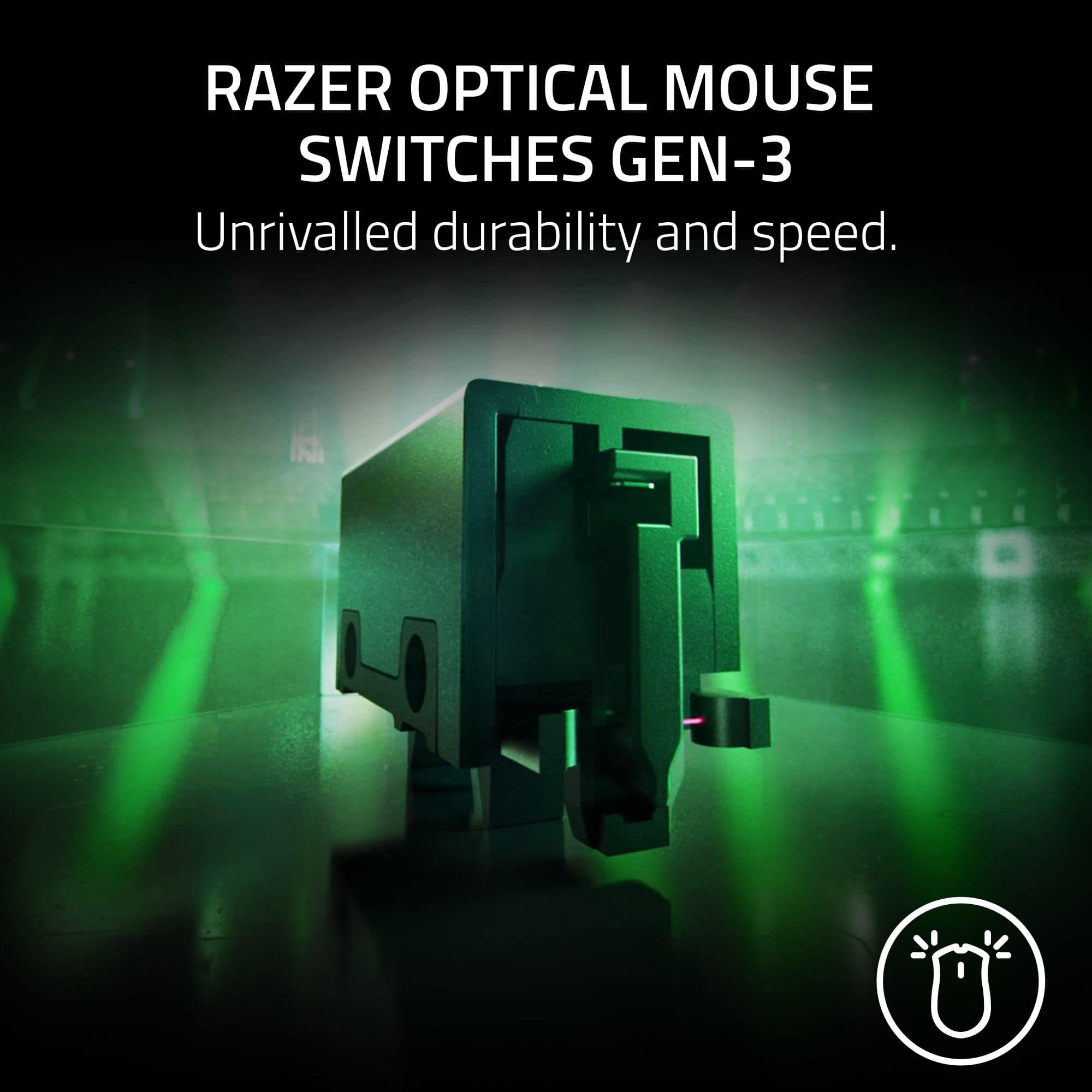
Posted .This reviewer received promo considerations or sweepstakes entry for writing a review.Usually I hate on Razer for feeling cheap, cutting corners and putting out the same device year after year without any real changes. However this mouse feels like a change. Side buttons feel firm unlike previous models that felt mushy. The finish feels great. The optical switches are really nice. Only thing is to see if there's any issues in the near future. I rate this mouse above the GPW SL2.
I would recommend this to a friendBest on the Market
Posted .This reviewer received promo considerations or sweepstakes entry for writing a review.Best on the market. I prefer the shape to the G Pro Superlight, and has a 1-year warranty.
I would recommend this to a friendMouse Review
Posted .This reviewer received promo considerations or sweepstakes entry for writing a review.I love this mouse so much ever since I’ve gotten it I haven’t regretted it a single day
I would recommend this to a friendUnfortunate design choices hamper usability
|Posted .This reviewer received promo considerations or sweepstakes entry for writing a review.I’m honestly not sure who this mouse is intended for. I was in the market for a wireless mouse for my new gaming laptop, and I jumped at the opportunity to try this one from Razer. Razer is a well-established brand in the gaming space, and I figured that I’d be getting a quality device. Unfortunately, rather than connecting via Bluetooth or even a small USB type-A dongle, this mouse connects via a separate antenna piece that connects via a long USB type-A to type-C cable. This severely hampers the portability of this mouse. I’m guessing that they went with this longer antenna as a way of minimizing latency (versus the smaller dongles or Bluetooth). I could see having this awkward antenna setup with a desktop computer, except I’d probably just opt for a wired mouse at that point to eliminate input lag completely. It should be noted that you can forgo the antenna and simply use this as a wired mouse using the type-A to type-C cable. Given the bizarre wireless setup, I’m genuinely not sure who this mouse is being marketed toward. I guess if you really REALLy want a wireless mouse for your desktop setup, and you want to minimize latency versus Bluetooth or a traditional 2.4ghz dongle, then this might be the setup for you? Or perhaps if you have this plugged into a home theater PC and want to use the mouse wirelessly from a few feet away? As it stands, I don’t think this is going to work for a laptop setup. I also had an issue with the mouse weight. This is advertised as an ultra-light mouse. Going into this, I’d never really considered mouse weight a significant factor in my mouse purchases. I figure so long as I’m not dragging a brick across my desk, then any weight should be fine. I was wrong. This mouse is far too light for my taste. It feels cheap, and I find myself struggling to aim as I keep swinging the mouse too far. Adjusting the DPI helps, but a little more weight would have been appreciated. The mouse comes with adhesive stickers that allow you to add some “grip” to it. I really wish these would have been installed by default as I managed to skew the sticker on my right-click button just enough to bother my OCD tendencies. Plugging the mouse into a Windows machine prompts you to install Razer’s various pieces of software to control button functionality, firmware updates, lighting, and a game launcher / manager. It should be noted that lighting settings don’t appear to carry over if you turn around and plug this mouse into a Steam Deck dock. My mouse is sitting dark with no RGB lights on it whatsoever when plugged into my Deck. I suspect that this probably wouldn’t be an issue with a WIndows based handheld though. Despite the lack of RGB, the mouse is seemingly functioning without issue otherwise. I’m sorry to say that I can’t really recommend this mouse. This might be the ideal mouse for a handful of people with very niche use cases. But for most people, this mouse is just one giant string of compromises
No, I would not recommend this to a friendgood mouse
Posted .This reviewer received promo considerations or sweepstakes entry for writing a review.great mouse, way better than my other mouse which had a double click issue.
I would recommend this to a friendawesome
Posted .This reviewer received promo considerations or sweepstakes entry for writing a review.pretty nice if it fits your mouse grip style, solid mouse all around
No, I would not recommend this to a friendHorribly Overrated.
Posted .This reviewer received promo considerations or sweepstakes entry for writing a review.This mouse was hyped ever since it was seen at a major, and vct match. razer is known for having exclusive deals with pixart for their sensors, and usually having the best tech, and mouse upon release for a while. This mouse is an improvement from the viper v2 pro, but is still horrible. Mouse buttons are barely spammable, and mushy. Side buttons are hard and mushy, the comfort grooves force your fingers into a position which is severly uncomfortable for me personally. i was excited to get this mouse, and was dissapointed immediately after using it. I would completely avoid razer and their mice until they decide to make a mouse that has a good shape for once, and improve their opticals to be light and spammable. this is overpriced garbage.
No, I would not recommend this to a friend