Customer Ratings & Reviews




- Model:
- RZ01-05120200-R3U1
- SKU:
- 6576244
Rating by feature
- Value
Rating 4.5 out of 5 stars
- Quality
Rating 4.9 out of 5 stars
- Ease of Use
Rating 4.9 out of 5 stars
Customers are saying
Customers commend the Viper V3 Pro for its lightweight design, excellent battery life, and impressive responsiveness, making it suitable for FPS gaming. Users appreciate its comfortable shape, high-quality sensor, solid build, and smooth glide. The primary drawbacks mentioned are its high price and the software being perceived as excessive. Some users also noted concerns about the side buttons, scroll wheel, and skates.
This summary was generated by AI based on customer reviews.
Poor battery life
||Posted . Owned for 2 months when reviewed.This reviewer received promo considerations or sweepstakes entry for writing a review.I ended up returning this because of battery life claims are wildly inaccurate. I was needing to charge daily after 3-4 hours of use. Picked up a Logitech Gpro super light instead of this which has been much better.
No, I would not recommend this to a friendOk item.
||Posted . Owned for less than 1 week when reviewed.This reviewer received promo considerations or sweepstakes entry for writing a review.No much improvement from the last generation. The charging system is beefed though.
I would recommend this to a friendSuper disappointed.
||Posted . Owned for 2 months when reviewed.This reviewer received promo considerations or sweepstakes entry for writing a review.High quality mouse, but a pretty substantial down grade from previous devices. The new dongle is less reliable and bulkier than previous razer usb devices. The mouse itself only works with the new dongle so there is no transferable tech if you're a loyal customer, or on the go and could use a bt or standard solution. For the price of this device i expected much more, particularly having been a long time razer mouse consumer.
No, I would not recommend this to a friend- Cons mentioned:Software
Freezes stutters
||Posted . Owned for less than 1 week when reviewed.This reviewer received promo considerations or sweepstakes entry for writing a review.Mouse worked flawlessly, but that only lasted for about an hour. You are required to install Razer synapse to use its features. The mouse continued to work flawlessly until the computer was rebooted, the mouse cursor pauses for one to two seconds every 10 seconds making a completely unusable for gaming. I’ve researched the issue which others seem to have, but there is no solution. This mouse will be returned.
No, I would not recommend this to a friend Solid mouse
||Posted . Owned for 1 week when reviewed.This reviewer received promo considerations or sweepstakes entry for writing a review.Some creaking and lines from manufacturing other than that it’s great
I would recommend this to a friendGaming mouse
||Posted . Owned for 1 month when reviewed.This reviewer received promo considerations or sweepstakes entry for writing a review.This mouse brake very easily maybe I had a cheap one or poorly made
No, I would not recommend this to a friendBattery life isn’t great, but works well
||Posted . Owned for 1 week when reviewed.This reviewer received promo considerations or sweepstakes entry for writing a review.Decent mouse. Battery life isn’t great compared to my Logitech wireless pro mouse. If I had to choose, I’d go with another Logitech for the price and performance.
No, I would not recommend this to a friendNot good for competitive gaming
||Posted .This reviewer received promo considerations or sweepstakes entry for writing a review.I'm 50/50 with this mouse. Input delay and side mouse buttons is way better than the super light 2 but the shape isn't. Has more of a curved shape that's more relaxed on the hand so I wouldn't recommend for competitive gaming.
I would recommend this to a friendBroken Mouse
||Posted . Owned for 1 month when reviewed.This reviewer received promo considerations or sweepstakes entry for writing a review.After minn usage the wheel of this mouse broke and stop working i had to get a new one i don't recommend Razer mouses after this experience but Best Buy made it right got a new one with no charge
No, I would not recommend this to a friend- Pros mentioned:Battery life, WeightCons mentioned:Scroll wheel
1 of if not the best mouse ever
Posted .This reviewer received promo considerations or sweepstakes entry for writing a review.if you have money buy this mouse. i upgraded from the basilisk v3 because the scroll wheel broke and i am so glad i bought this mouse. The polling rate is great along with the dps. So if you want a light wireless mouse with great battery life, this is the mouse for you!
I would recommend this to a friend - Pros mentioned:Battery life, Weight

Great wireless gaming mouse!
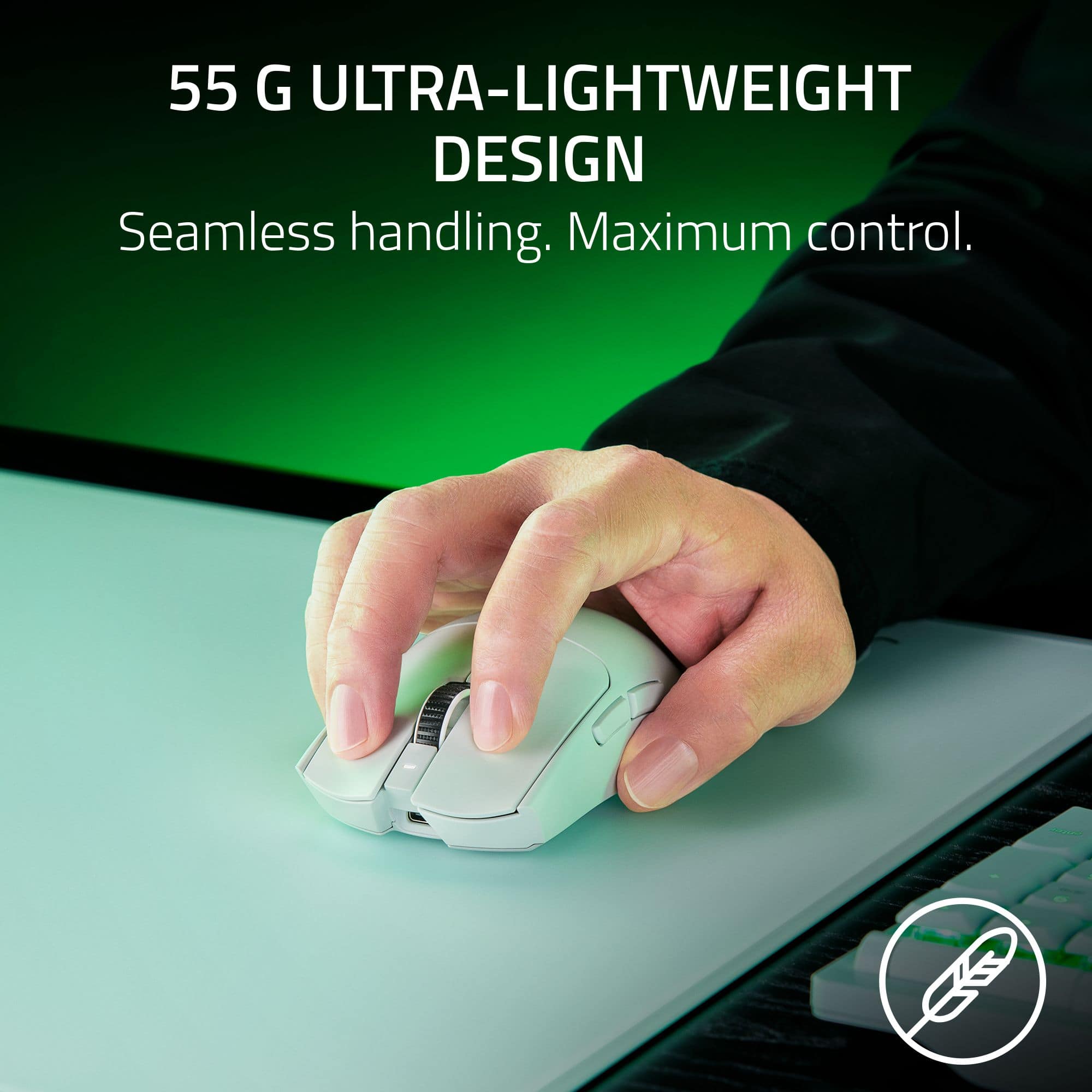
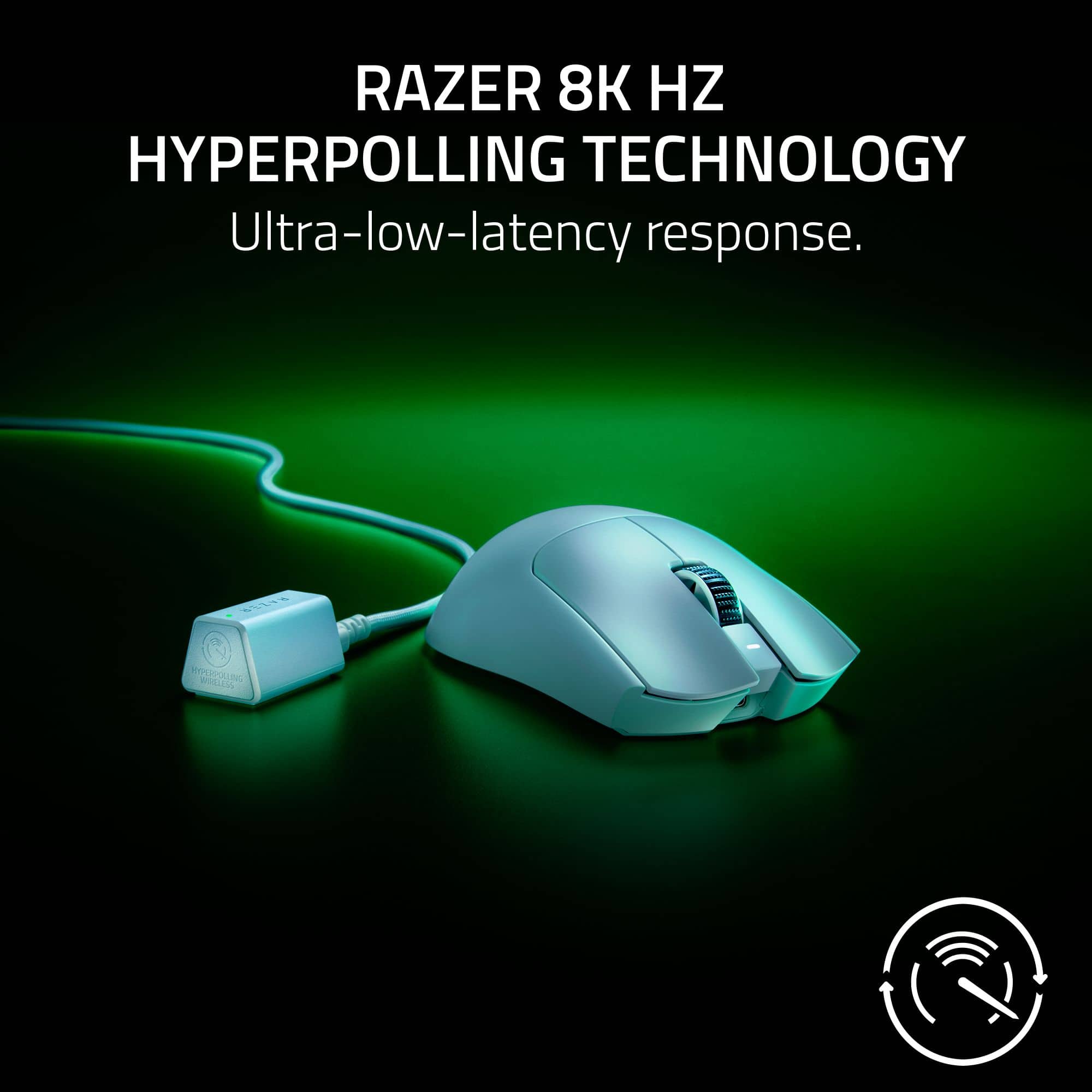
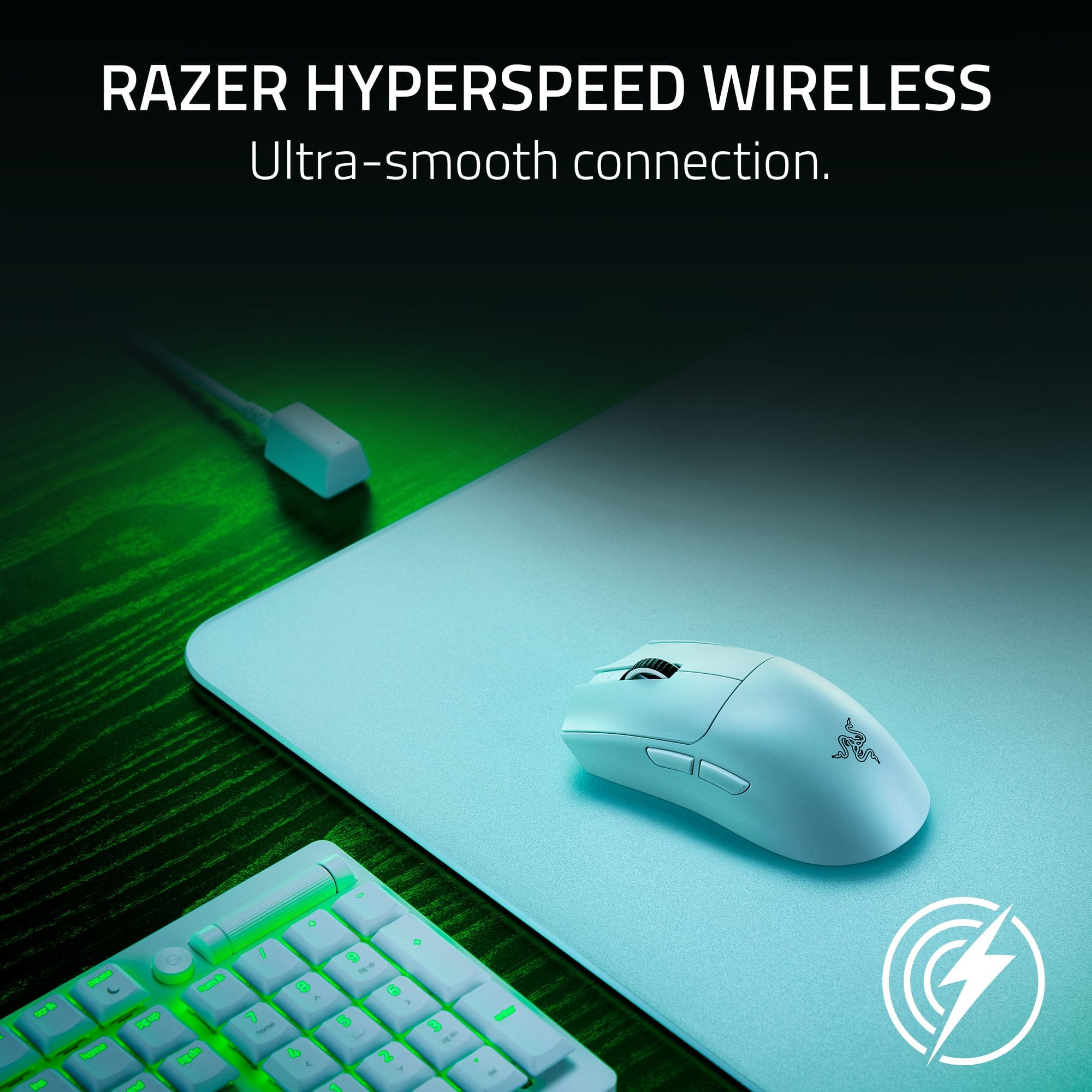
|Posted .This reviewer received promo considerations or sweepstakes entry for writing a review.Razer Viper V3 Pro Ultra-Lightweight Wireless Optical Gaming Mouse I’ve used my Razer Viper for 9 days now, and the battery is at 24%. I have another wireless gaming mouse of a different brand, but it taps out after about 3-4 days. Of course, any mouse I use is for gaming and general office work. I game quite a bit, but I do other things and office work with it as well, so I’m not sure how the battery charge would hold up if you were gaming all day every day. Regardless, plug it in overnight and you’re good for another week or two depending on your use. I used the Wi-Fi dongle that came with it (don’t know if it works with BT or not although I don’t think it does, but for me I have a love/hate/hate relationship with Blue Tooth so, personally, I prefer not to use BT if I have a choice), and it’s worked flawlessly. If you prefer, you can use it wired as well. If you look at the specs you’ll find this: Razer Viper V3 Pro Wireless Esports Gaming Mouse: Symmetrical - 54g Lightweight - 8K Polling - 35K DPI Optical Sensor - Gen3 Optical Switches - 8 Programmable Controls- 95 Hr Battery. Overall, this means that this mouse has very good hardware and should perform at professional esport levels for a long time. As far as 8K polling goes, that just means the mouse reports its movements/clicks etc. 8000 times per second to your computer, if you want it set that way. Standard polling is 1000 times per second. The higher the polling the lower latency your mouse will have; however, latency decreases a little less with each bump up in polling. Also, high polling rates degrade battery charge more quickly. High polling rates, while some gaming situations may call for the slightest edge it may give to the player, are hard to notice in ordinary gaming or regular use of the mouse. In my personal use I’ve found that the Razer Viper is lightweight yet not to the point where a breeze will move it where you don’t want it to go – if you’ve used a “gaming” mouse before, you know there’s a line where if it is too light it will bring problems with it. I find the Viper to be just the right weight, yet it moves smoothly and easily on whatever surface you prefer. By the way, I’m an adult male with an average size hand but with longer fingers and this mouse is long enough to fit my hand and reach properly. It doesn’t set high at the top where your palm rests but more in the mid-range so that if you slide a keyboard tray back under your desktop and your mouse is on the tray, it clears the underside of the desktop just fine. My other gaming mouse (mentioned above) for some reason (no matter how I adjusted the response time when clicking the mouse) would often interpret a fast double-click as a single click – really annoying for anything – gaming or general office work. The Viper has operated flawlessly in this and all other regards. I have it set at the default setting for click sensitivity. I use the extra buttons on the left side of the mouse in place of some of the sometimes awkward required keyboard combination keys to execute certain moves in a game. I have a problem with my left pinky finger reaching the left control key so the number 4 button on the left side of the mouse handles this with ease. Same way for the 5th button. While the Viper allows you to use all other buttons in secondary ways (through its Razer Synapse 3 software for your computer) so that you can have controls as if you had a 10-button mouse, I don’t use this feature, but you might depending upon your gaming experience. Overall, this is an excellent gaming mouse with many rave reviews elsewhere. I really like it for the use I put it to and I think you will too!
I would recommend this to a friend - Pros mentioned:Weight
Very Lightweight Mouse for Desktop
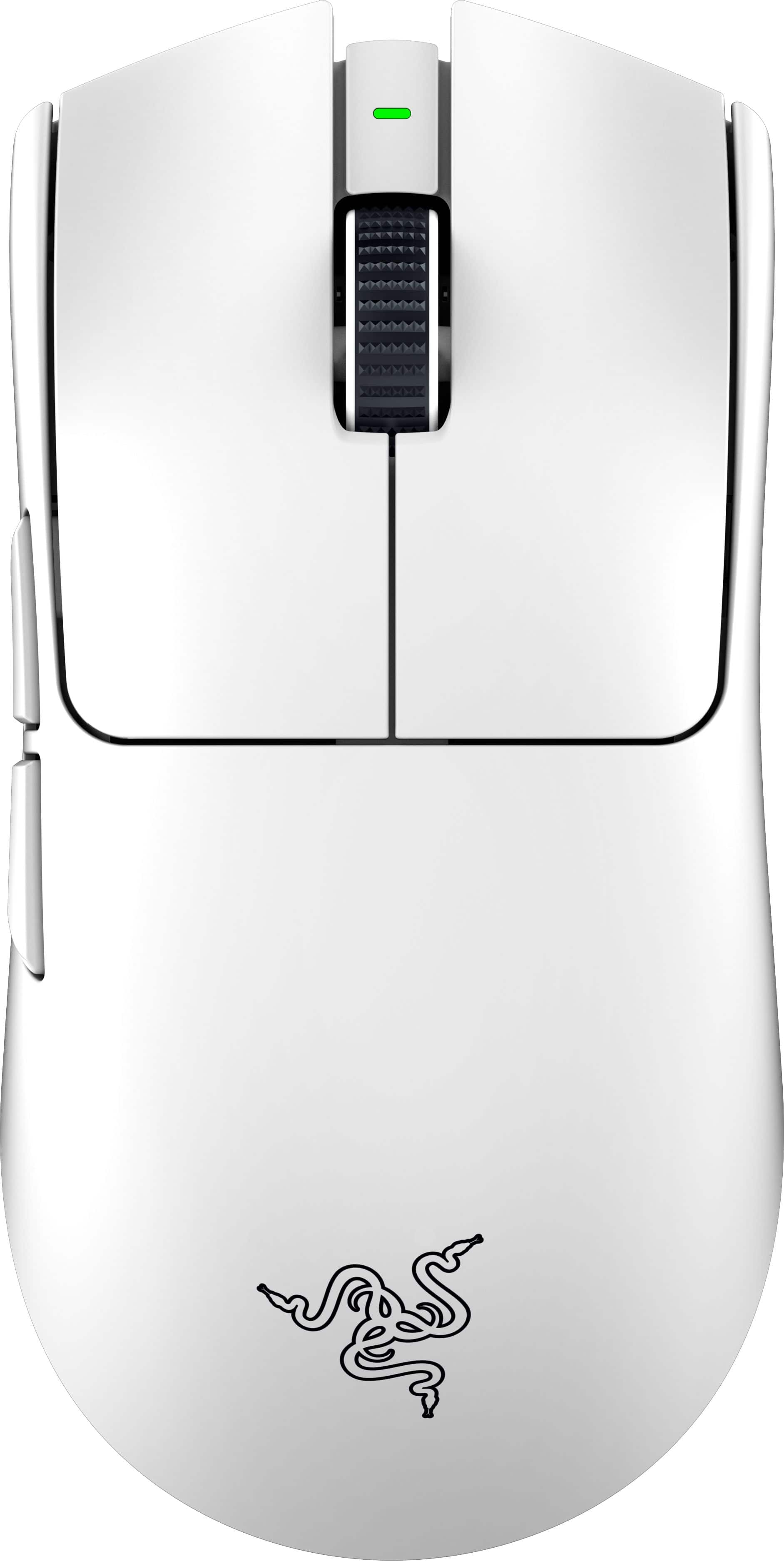
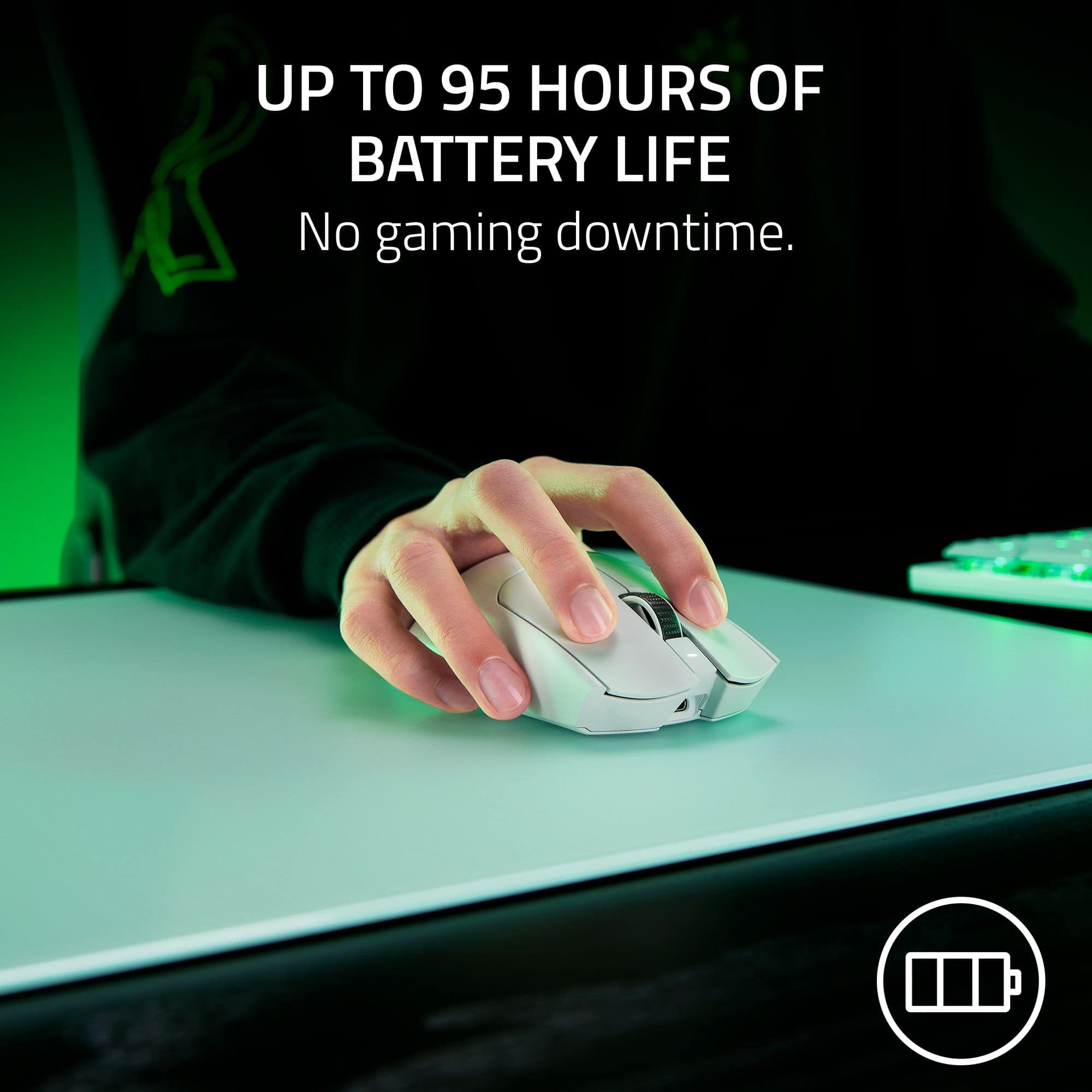
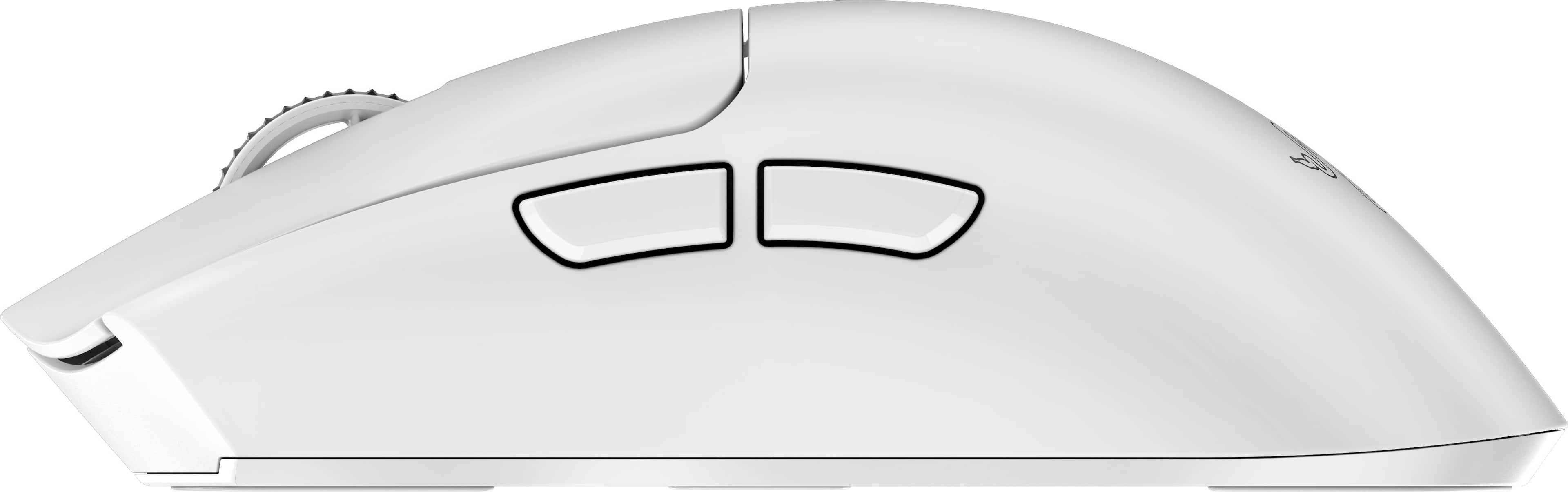
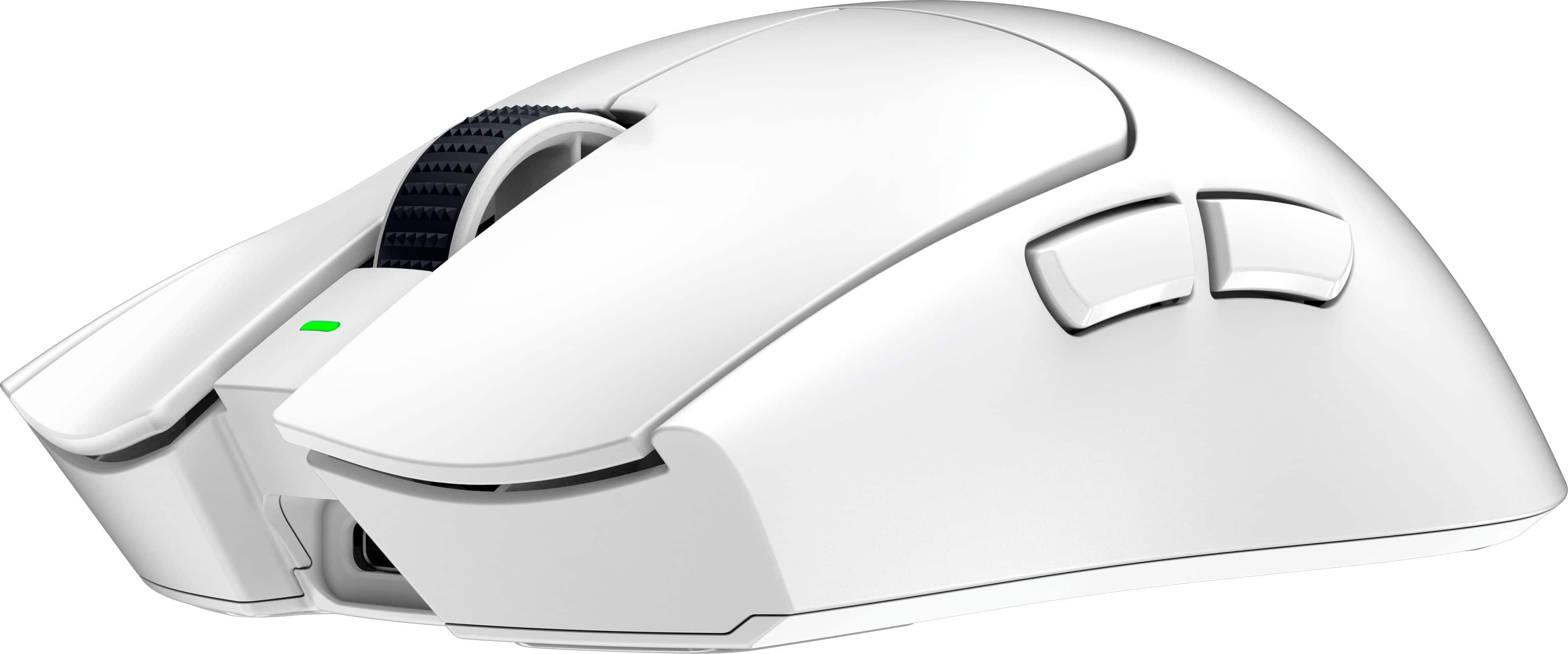
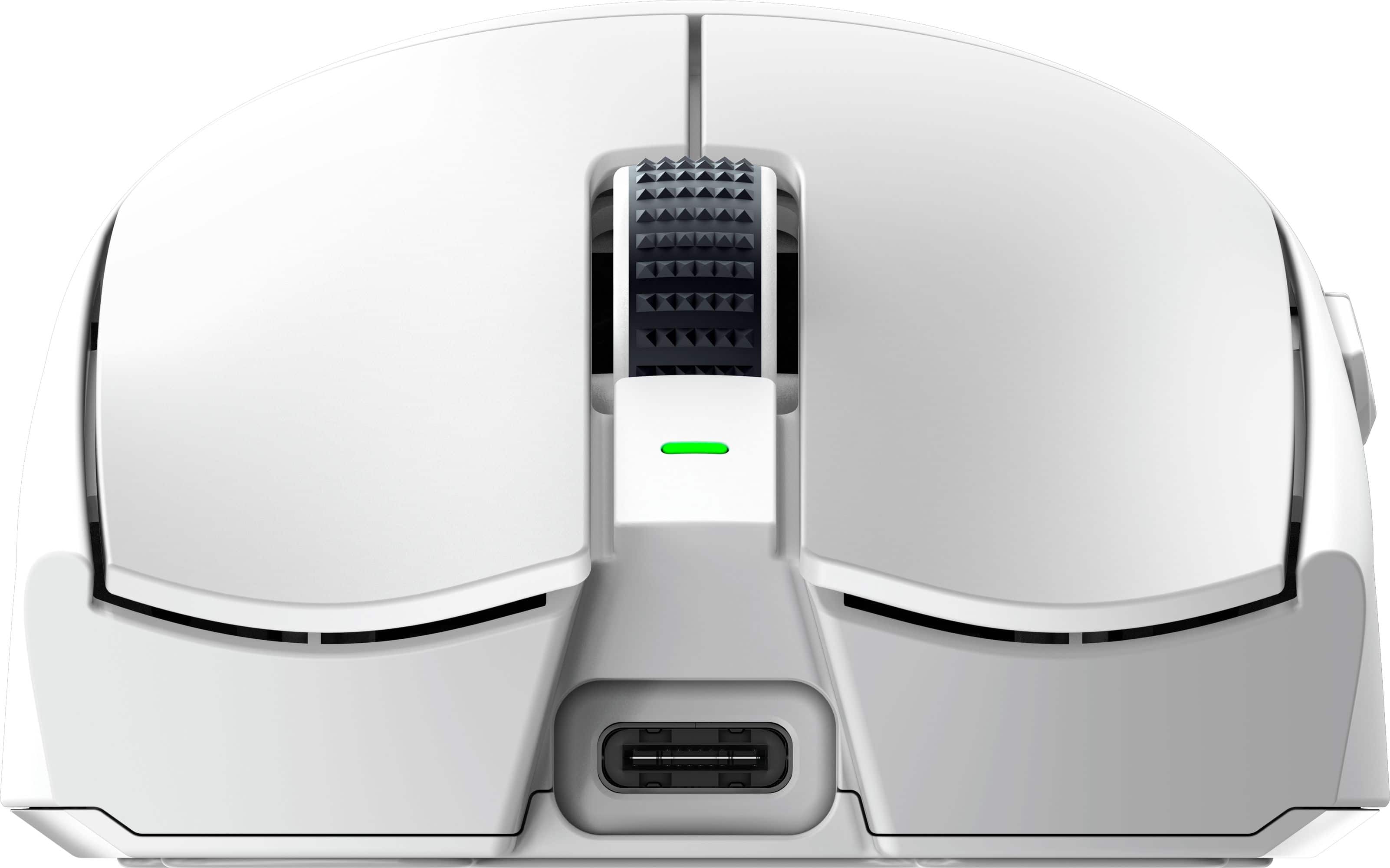
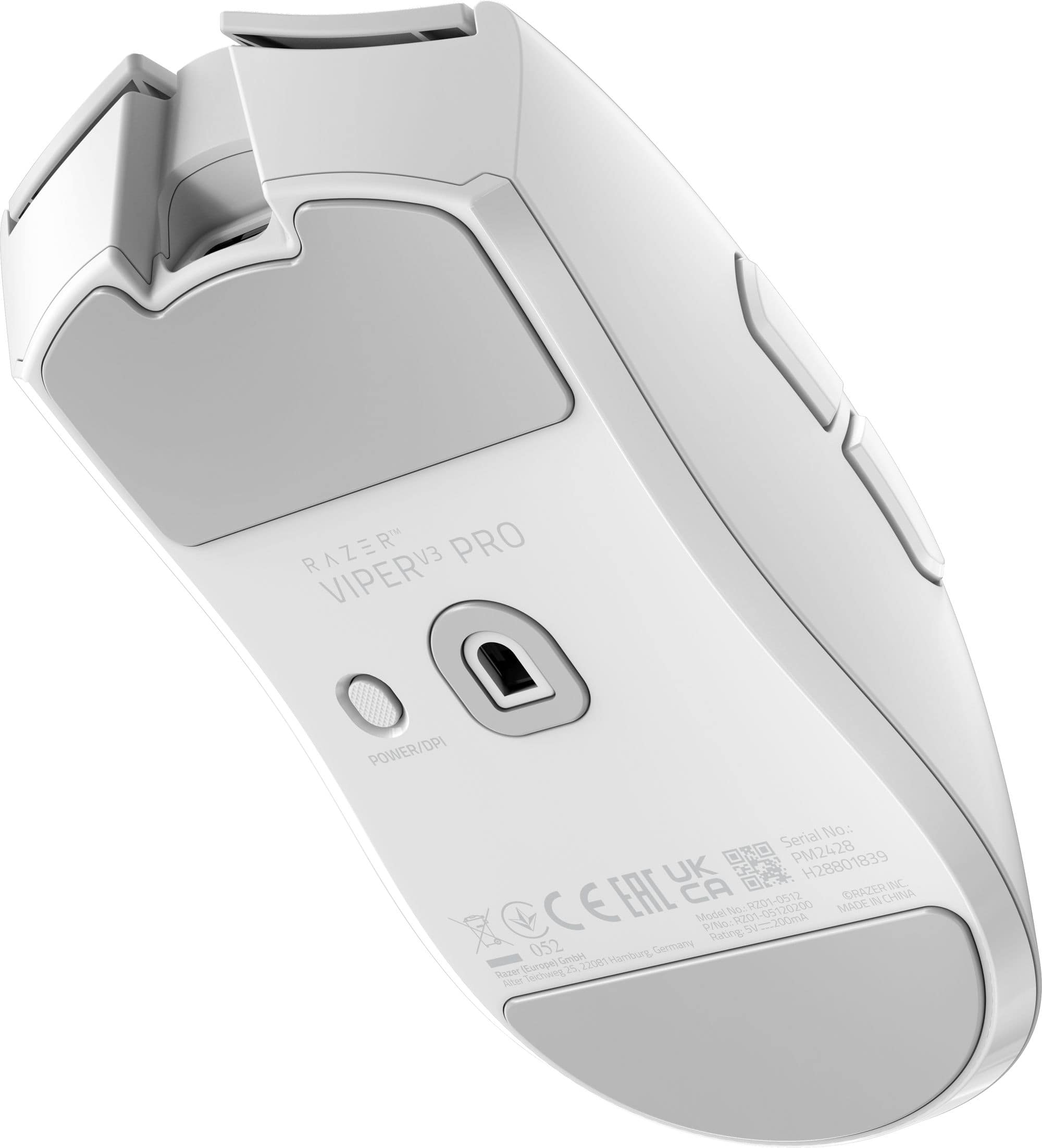
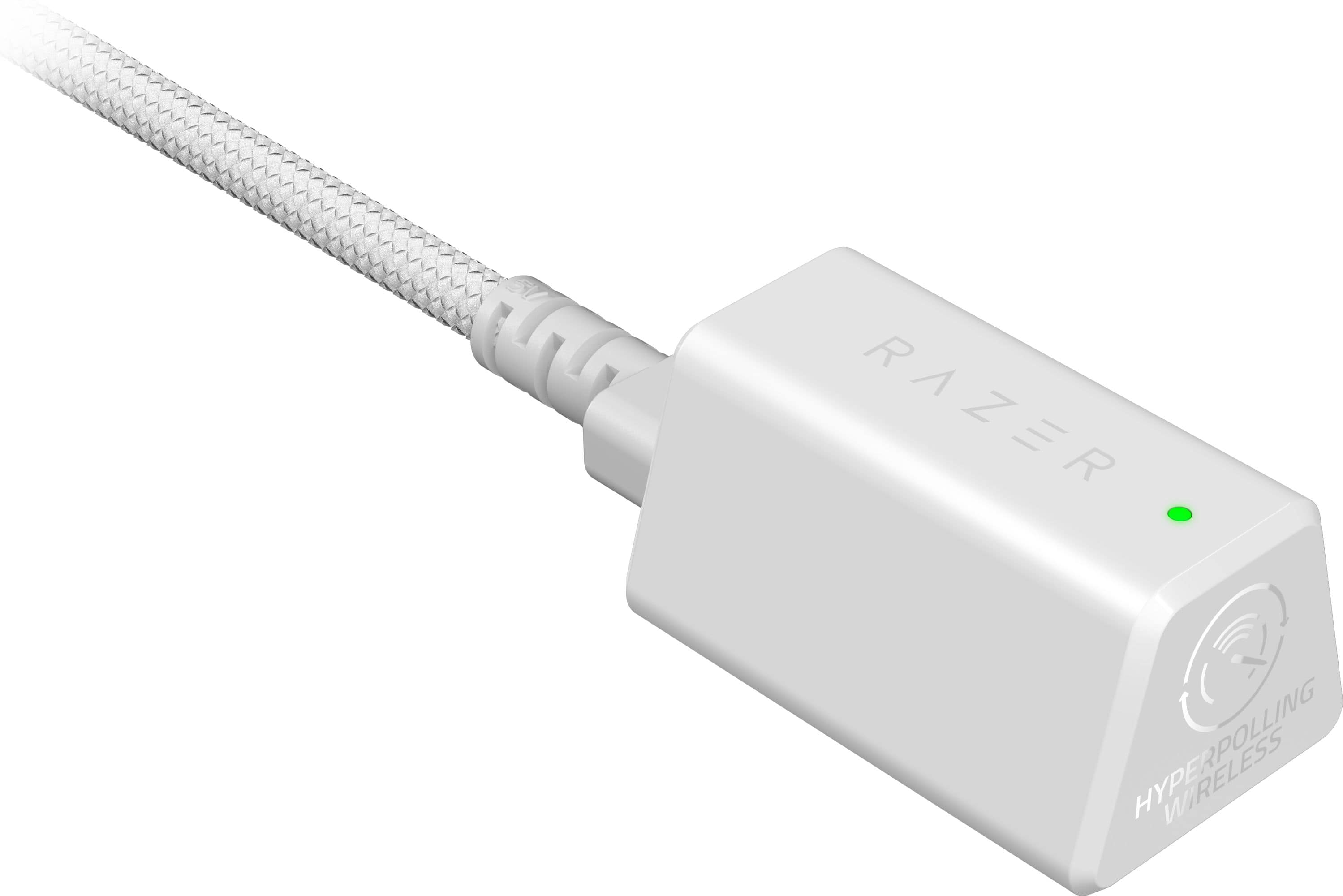
|Posted .This reviewer received promo considerations or sweepstakes entry for writing a review.-\o-=Design=-o/- I would say this mouse is on the larger size. I don’t have very large hands but I feel like a larger mouse is more of a one size fits all than a smaller mouse so no complaints. The mouse is VERY lightweight. It’s a matter of preference as there are weighted mice out there if you prefer a heavier mouse. If you do like a mouse that’s light in the hand, which I do, you’ll like the Viper V3 Pro. I prefer the lighter mouse as it feels like I have less fatigue after a few hours of game play as well as lowering the DPI sensitivity and making wider movements if I need to move quickly while having the precision of a lower DPI. It’s all preference but I recommend a lighter mouse vs a heavier one. The mouse has a “stealth” look to it on top, with a matt black finish and the only gloss being the razer logo. The PTFE mouse feet on the bottom allow for a very smooth movement across my cloth. With a single DPI button and the sensor on bottom. The buttons feel great, they’re clicky without being too sensitive to attenuation. I have a habit of resting my hand on my old mouse and accidently clicking. I’m not sure if it’s just the higher arch shape of the mouse or just added stiffness to the left/right click buttons, but that issue seems to not be present with this mouse. I will also say the mouse, although lightweight, doesn’t feel cheap or of poor quality. You can squeeze and press on the mouse and it doesn’t feel like it’s going to crumble beneath you hand, very little flex in the housing. I would, however, be hesitant to drop it on a hard surface. While it feels very well made, I imagine the plastic is thin but very well reinforced, which gives it it’s sturdiness without adding too much to the heftiness. I also like the included USB A to C cable. Personally, I would love to see the world just transition to USB C, but I get it, lots of existing cables out there still sport the USB A standard. I’m very glad to see this mouse use USB C. -\o-= Software =-o/- There’s no good peripheral without good software to manage it. I’ve not used Synapse heavily but Razer seems focused on making sure their software is functional, customizable, and helpful. Under the main Synapse menu, clicking the Viper V3 Pro takes you to the customization screen where you can change how the buttons function (including a hypershift mode for extra functionality), DPI performance, polling rate, sensitivity matcher if you had settings saved from a previous mouse, power settings, and finally, calibration. The menus are easy enough to navigate. The calibration screen will let you adjust the distance from the mouse pad it detects movement. I’ve not seen this as an adjustable setting in other mice software so I found that pretty neat. You can switch between the DPI settings using the button on the bottom of the mouse, I would have liked to see this on the top of the mouse for easier access, but if you prefer one setting for one game and another setting for normal windows navigation, they got you covered on that too. Just create different profiles and you can link them to the games listed. -\o-= Performance =-o/- Performance is hard to measure. I do not notice any difference between it being wired or wireless. The dongle is designed to sit on the desktop and have line of sight, but it seems to work well enough plugged into a short cable on the backside of my computer. I’m not a good enough gamer to tell you whether or not I get a gaming advantage. What I will say is that having the lighter mouse, for me, gives me a bit faster reaction time and accuracy. I’m not fighting with any friction from the mouse on the pad as it glides across the pad and latency and polling rate are very responsive. The design and weight allows for easy lift and return if you’re flicking it to the side to get turned around or shoot an angle. You can increase the lift sensitivity so if you go off pad you don’t loose the travel which is kind of cool. -\o-= Battery Life =-o/- Razer advertises up to 95 hours of battery. I’ve not needed to charge it since the initial charge after opening. You can adjust power settings such as sleep timers and power save mode to get the most out of battery life. If you have a mostly wireless desktop, you’ll enjoy not having to constantly plug in your mouse to keep it charged and can enjoy a clean wireless setup for longer. -\o-= Connectivity =-o/- The mouse is easy enough to connect. You can use the included cable and plug the USB-C end into the dongle, plug the side, a USB type A, into your PC and you’re connected. This is where I have huge problems with this product. First, when you connect the dongle you get a pop-up to install the software. Personally, I do not enjoy “auto-run” type pop-ups when I connect devices. This may not be an issue for some, but it was for me. The bigger problem is the design of the dongle. If you want to plug this into a laptop and have it just hanging out of the side or back, forget it. You have to instead deal with a 4’ cable hanging out the back or side of your laptop attached to a dongle, that you may or may not have a place to put on a surface around you. The housing to plug in the USB-C type cable is only accommodating to slim USB-C cables. This annoyance could have been avoided if they had included additional connectivity such as Bluetooth or just designed the dongle in a way it could plug into a PC without the need of an additional cable. On top of that, it’s just a large dongle. I’m not sure if it needed to be as big as it is, but if you’re main gaming apparatus is a laptop, this is something you have to consider and contend with unless you have a shorter cable hanging around that you can fit into the housing. -\o-= Summary =-o/- I love the lightweight and sturdy design with the all black color scheme, software that just works and gives you the ability to customize DPI, buttons, sensor and more, and the feel of the mouse is great too. I think I actually hate the dongle. I can only recommend this to someone who plans to use this with a desktop, and it feels like that is who this is made for. I’m not sure if this is Razer trying to be different with their design or if it’s an engineering choice for the dongle, but I don’t like it and I don’t have to like it. Buy this mouse for your desktop, it’s actually great. Avoid this for your laptop if you’re expecting the dongle to neatly plug into the side of your laptop.
I would recommend this to a friend my experience
||Posted .This reviewer received promo considerations or sweepstakes entry for writing a review.only reviewing because they won’t stop bothering me with emails about reviewing it. i bought this mouse ,and when i opened it the adapter dongle was missing. i had to drive all the way back to best buy to return it and wait 3 days for my refund. this purchase was actually what made me start ordering from amazon instead.
No, I would not recommend this to a friend- Pros mentioned:Battery life, ErgonomicsCons mentioned:Price
Light as a Feather
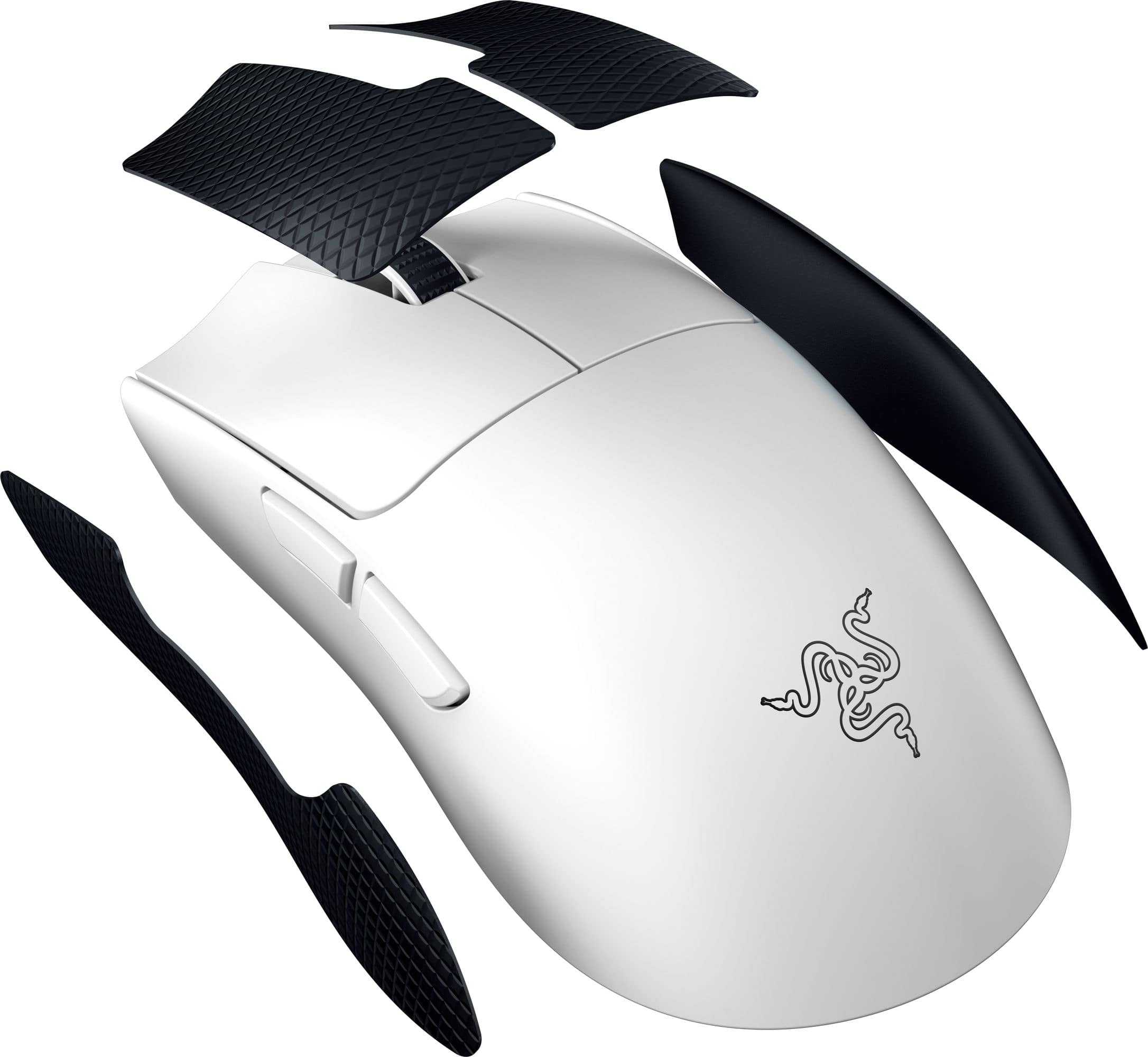
|Posted .This reviewer received promo considerations or sweepstakes entry for writing a review.The Razer Viper V3 Pro is a high-performance wireless gaming mouse that offers an impressive combination of speed, precision, and comfort. The Viper V3 Pro maintains Razer's sleek, ambidextrous design, making it suitable for both left and right-handed users. The mouse feels solidly built with a lightweight yet durable construction, allowing for quick and precise movements during intense gaming sessions. The textured side grips enhance control and comfort. I only wish the grips had been applied to the design and not as a set of stickers to adhere to the mouse. Razer's Synapse software provides extensive customization options, allowing users to remap buttons, adjust DPI settings, and create custom lighting effects. You will really need to download and use this software to get the most of the Viper V3. I had lag free gaming with this device, its excellent and the software really allows you to fine tune this mouse. Pros: Sleek, ambidextrous design with textured side grips for added comfort and control. Razer HyperSpeed Wireless technology ensures a stable and lag-free connection. Focus+ Optical Sensor delivers exceptional tracking accuracy and sensitivity. Extensive customization options via Razer Synapse software. Long-lasting battery life for extended gaming sessions. Cons: Higher price point compared to some other wireless gaming mice on the market. Some users may prefer a heavier mouse for added stability. Overall, the Razer Viper V3 Pro offers a premium gaming experience with its blend of performance, comfort, and customization options, making it a worthy investment for serious gamers looking for a competitive edge.
I would recommend this to a friend - Pros mentioned:Battery life, WeightCons mentioned:Scroll wheel
I don't think I quite get it.
|Posted .This reviewer received promo considerations or sweepstakes entry for writing a review.I'm not going to lie, when the delivery guy handed me the package, I thought it was empty. Opening it and seeing the box inside and picking it up, it still felt empty. That is how obnoxiously light this mouse is. Getting it out, and ready to use, and even now after using it in a variety of games, and general browsing, I can't quite get used to how little this thing weighs. But I am coming off of using Razer's Naga Pro for the last 4 years, this makes that feel like a brick. Now, all that out of the way, I'm not sure the exact market for these Ultralight Mice. I am guessing for better snap reaction speed in twitch reaction style FPS games. Less weight, so less carried momentum when moving the mouse quickly, so less compensation needed to correct potential over movements or something, I'm having the opposite problem, the mouse is so light I am moving too much now lol. Though while I this mouse and the whole Ultralight category might not be meant for me, I do appreciate that people have a preference for this kind of thing. So I have to give credit. The Viper V3 Pro is responsive, the wireless performance is great, and the battery life is way higher than necessary, but since there's no charging cradle compatibility here, I can see why they went out of their way to make the battery life as long as they could within the confines of the weight. The included USB A to C cable is braded and flexible as to not interfere when using it and charging at the same time. Overall, I don't have any complaints with its build as intended. But while using it I miss a lot of the creature comforts my other mice provide. The scroll wheel lacks a left and right tilt, something I am used to and make heavy use of, and the DPI switch being on the bottom of the mouse makes it so you can't change DPI on the fly. The large skates on the bottom of the mouse do not glide on my mouse mat as well as I would like, and I value that above a lighter mouse a whole lot. I think this mouse ticks all the boxes for a good ultralight mouse, and if that's what you are after, I'm sure you will get a lot of mileage out of this one. For me however, it misses the mark by sacrificing functionality I have grown accustomed to over the years with other mice.
I would recommend this to a friend Just buy the Superlight 2
||Posted . Owned for 1 week when reviewed.This reviewer received promo considerations or sweepstakes entry for writing a review.Jittering from 2khz to 8khz polling rate. LIFT OFF accuracy is trash and will throw off your aim. After returning this I upgraded to the superlight 2
No, I would not recommend this to a friendRazer viper v3
||Posted . Owned for 3 weeks when reviewed.This reviewer received promo considerations or sweepstakes entry for writing a review.Can't say much the left mose button started to double click within the first hour
No, I would not recommend this to a friendNot worth the money
||Posted .This reviewer received promo considerations or sweepstakes entry for writing a review.Sensor tracking issue and connectivity issue. Not worth the money
No, I would not recommend this to a friend- Pros mentioned:Weight
From swift movements to precise maneuvers
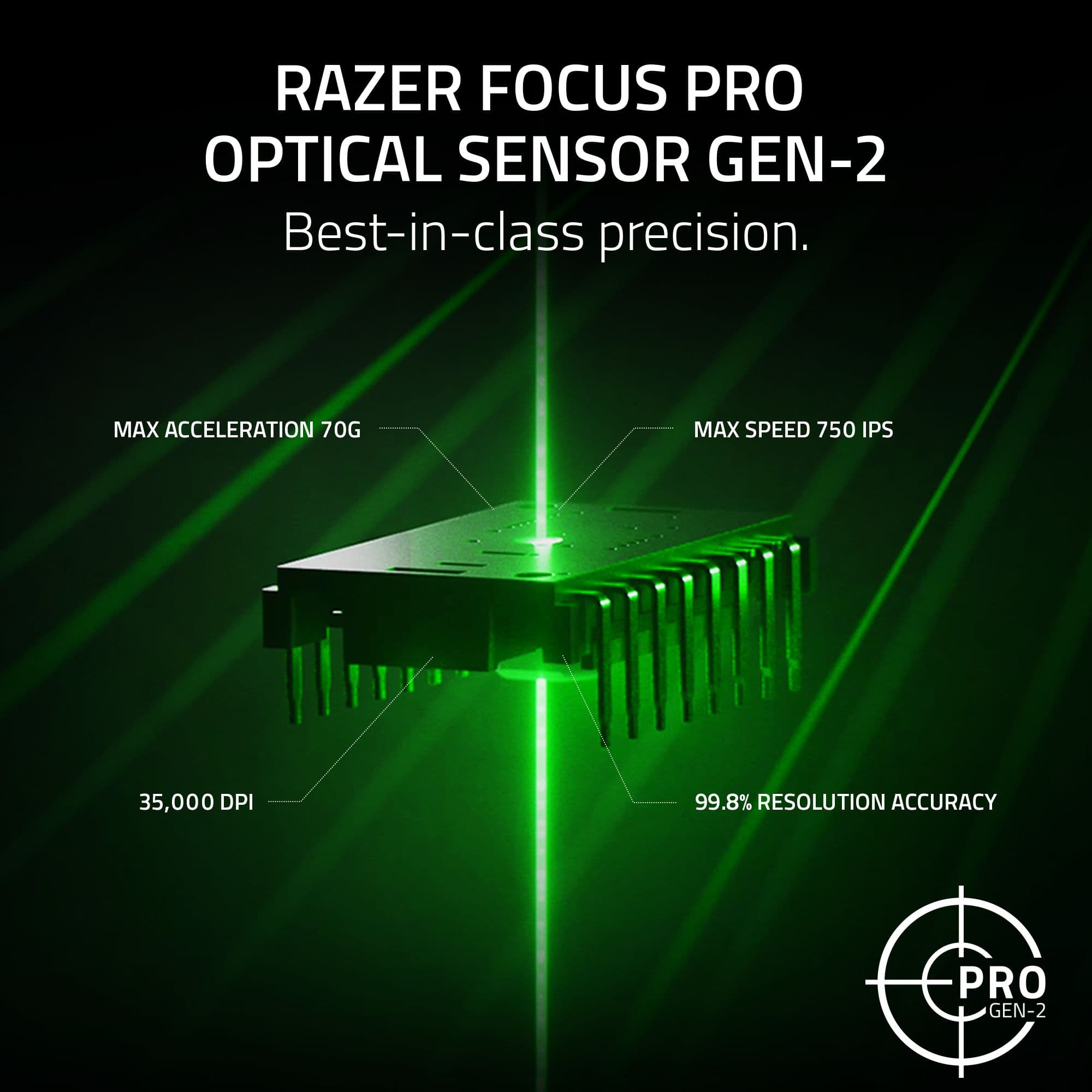
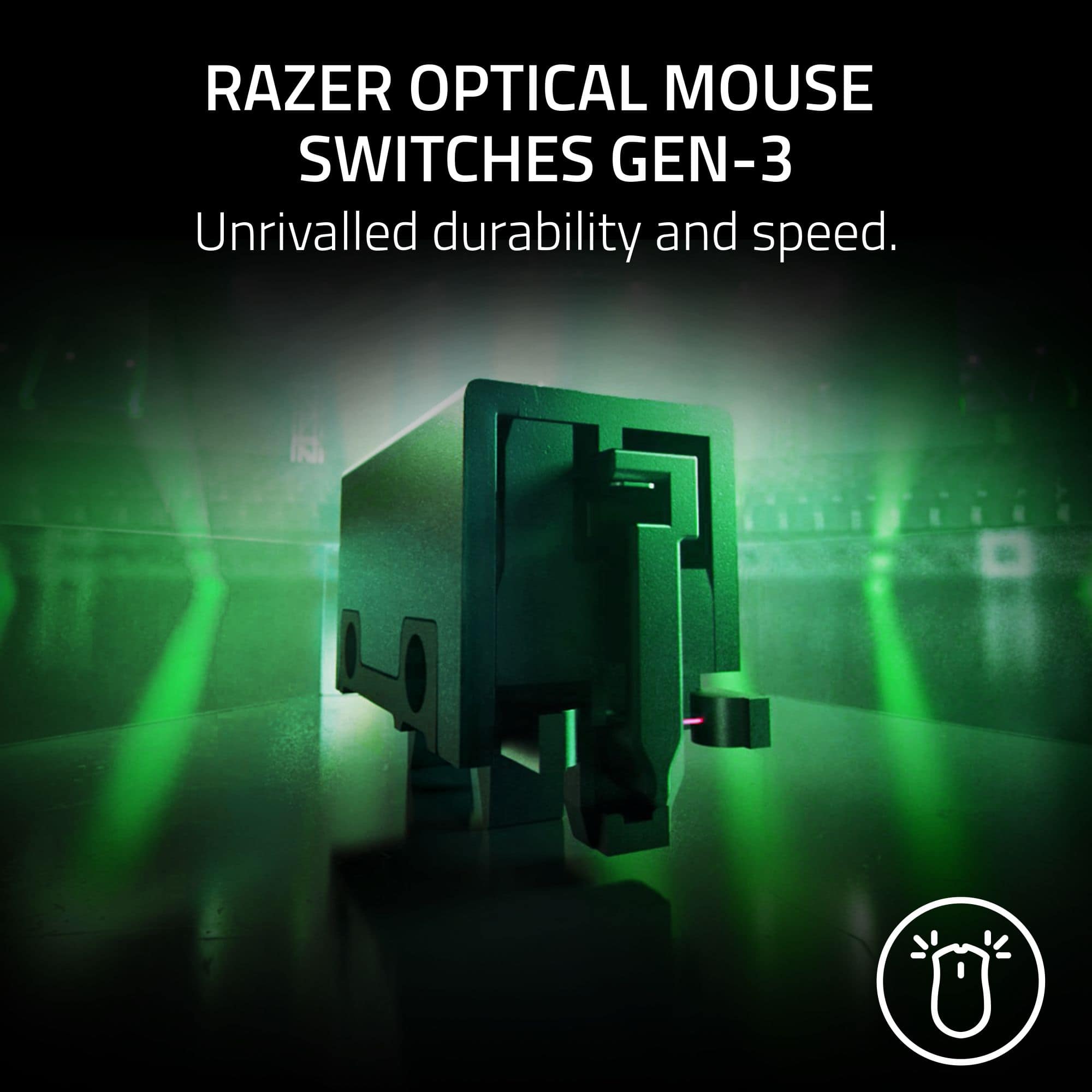
|Posted .This reviewer received promo considerations or sweepstakes entry for writing a review.As an avid gamer, I recently had the pleasure of using the Razer Viper V3 Pro Ultra-Lightweight Wireless Optical Gaming Mouse, and it's been a game-changer for me. First off, the 54g ultra-lightweight design is not just a marketing gimmick – it truly makes a noticeable difference in handling and control. From swift movements to precise maneuvers, this mouse feels like an extension of my hand, providing seamless control during intense gaming sessions. One of the standout features for me is the Razer Focus Pro Optical Sensor Gen-2. Its best-in-class precision ensures that every flick of the mouse is accurately reflected on-screen, giving me a competitive edge in fast-paced games. Paired with the Razer 8000 Hz HyperPolling Technology, the response time is lightning-fast, eliminating any input lag and delivering an incredibly responsive gaming experience. The Razer HyperSpeed Wireless technology deserves special mention as well. Despite being wireless, the connection feels just as stable and responsive as a wired mouse, allowing me to game without any worries about signal drops or latency issues. Moreover, the durability and speed of the Razer Optical Mouse Switches Gen-3 have been impressive. I've put this mouse through countless intense gaming sessions, and it has held up exceptionally well, maintaining its responsiveness and precision over time. Overall, my experience with the Razer Viper V3 Pro has been nothing short of exceptional. It has exceeded my expectations in terms of performance, comfort, and durability, making it an essential addition to my gaming setup. If you're looking for a top-tier gaming mouse that delivers on all fronts, I highly recommend giving the Razer Viper V3 Pro a try.
I would recommend this to a friend Mouse frame drop
||Posted . Owned for 1 month when reviewed.This reviewer received promo considerations or sweepstakes entry for writing a review.This mouse has only been used for two months and it has started to drop frames. The performance is very unstable
No, I would not recommend this to a friend