Customer Ratings & Reviews


- Model:
- B0DXM9Y8J1
- SKU:
- 6642320
Rating by feature
- Value
Rating 4.6 out of 5 stars
- Quality
Rating 4.7 out of 5 stars
- Ease of Use
Rating 4.9 out of 5 stars
Customers are saying
Customers often highlight the surprisingly decent video quality of the Indoor Cam Plus. Many appreciate how easy it is to set up. The privacy feature that allows users to disable audio is also well-received.
This summary was generated by AI based on customer reviews.
- Pros mentioned:Motion detection

A small step-up from last generation
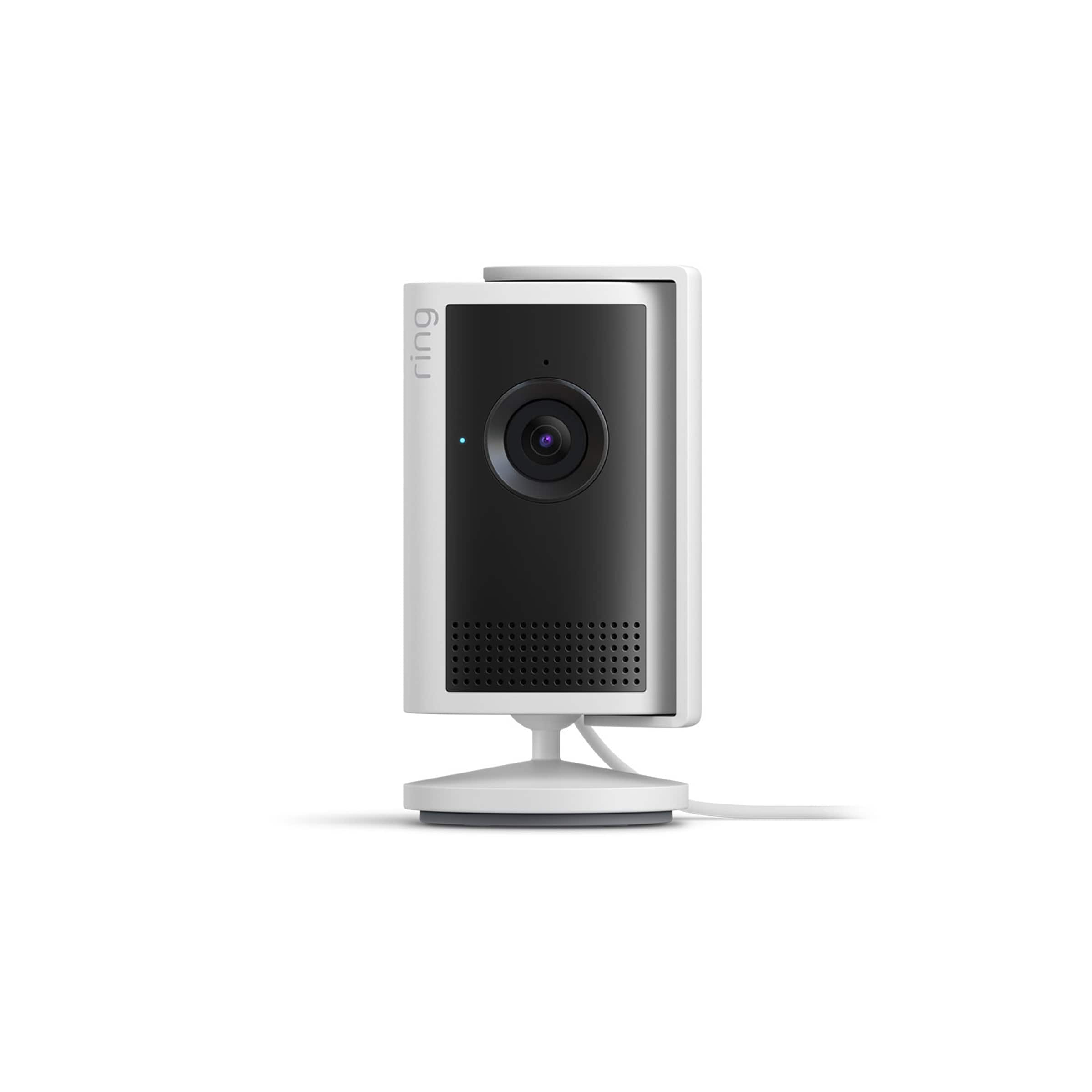
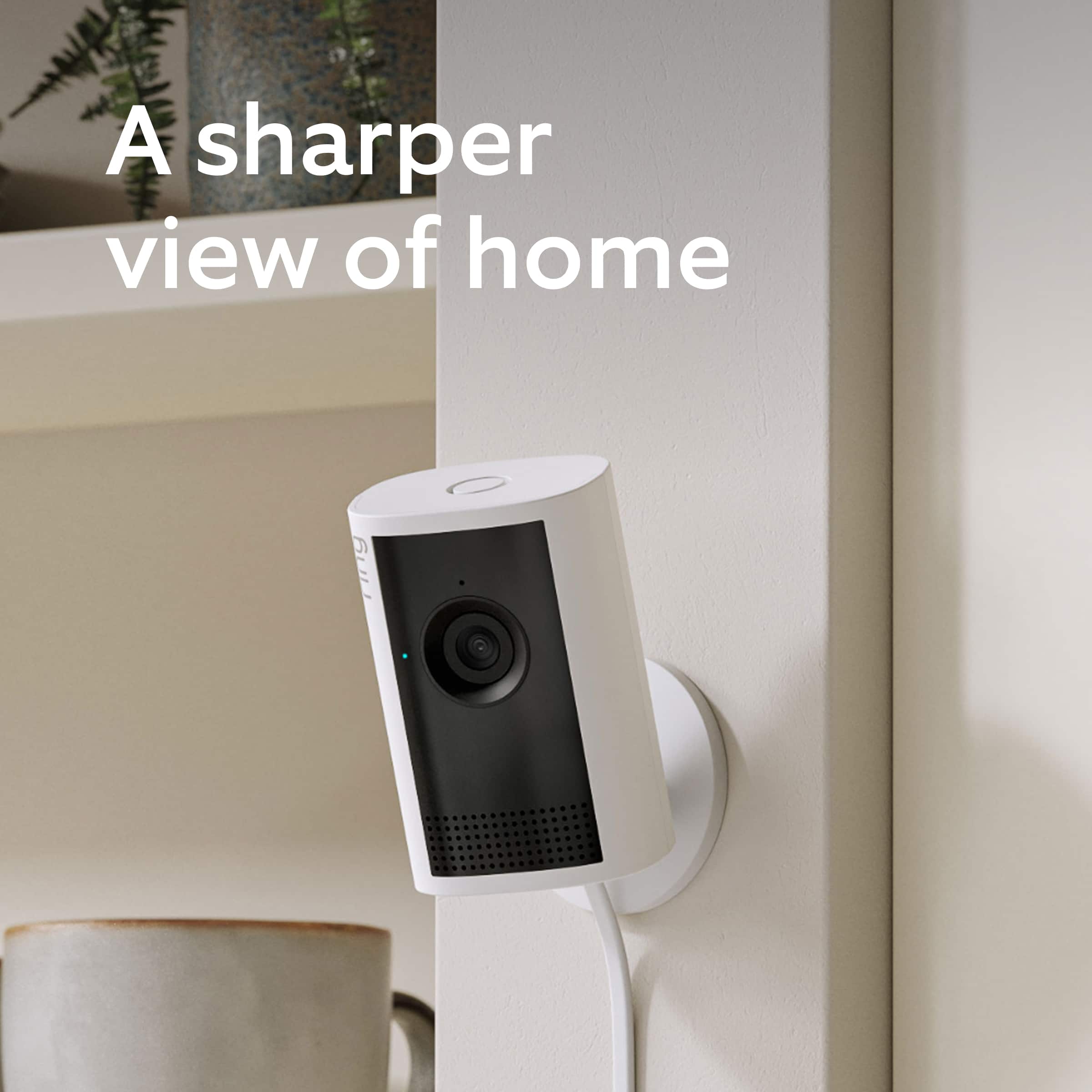
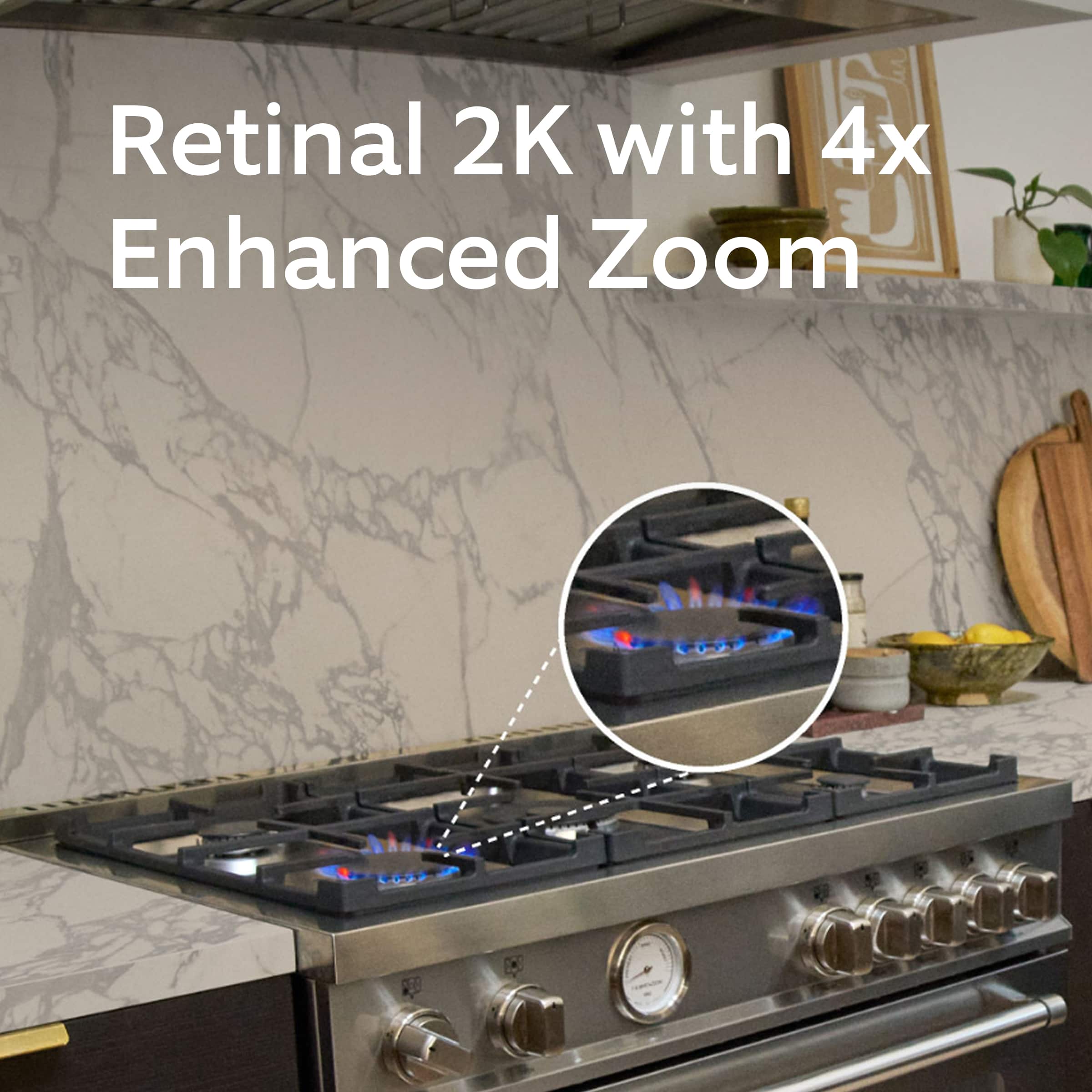
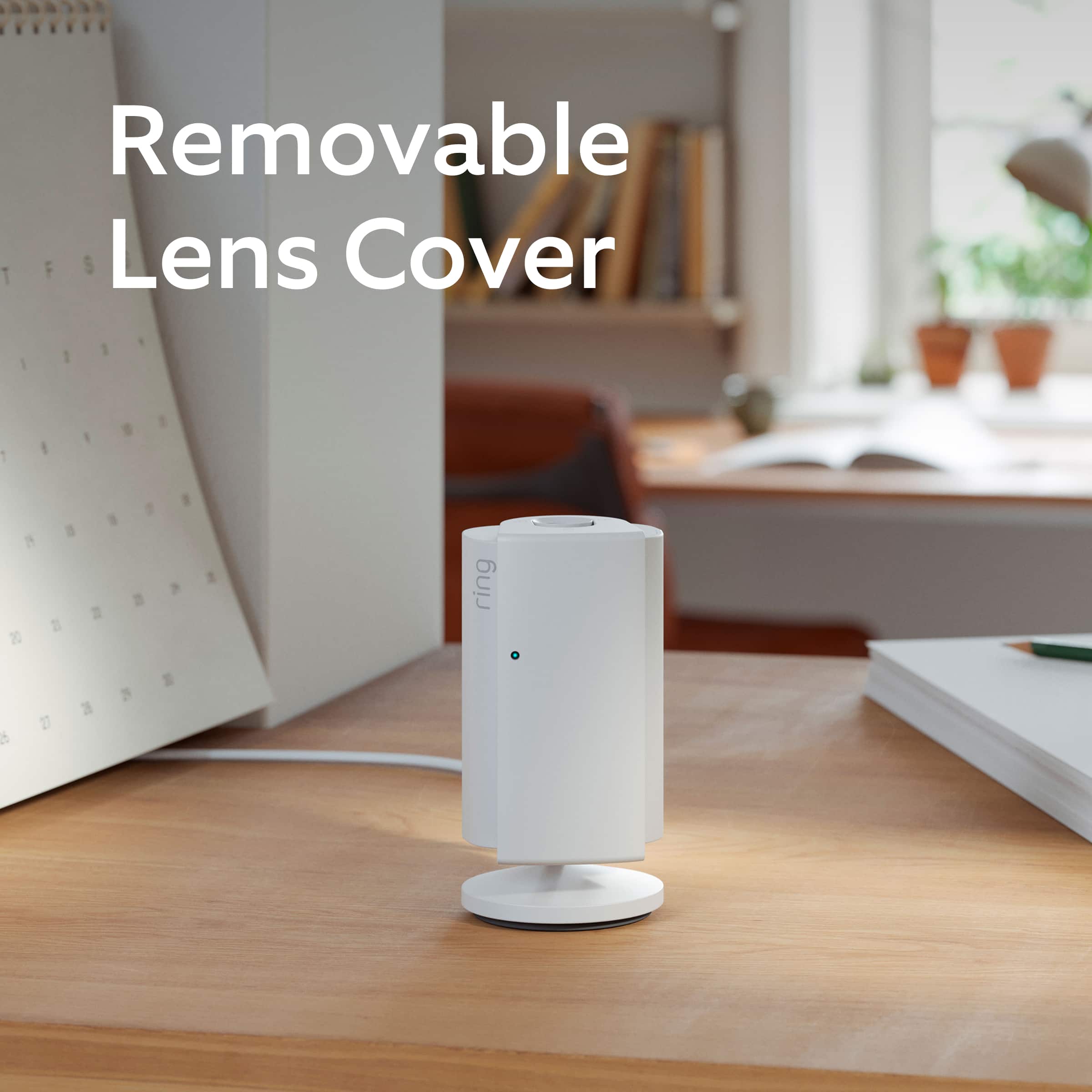
|Posted .This reviewer received promo considerations or sweepstakes entry for writing a review.Not a lot needs to be said about this new version Ring camera. Compared to the older model, the Plus has a higher resolution camera ( 2560x1440 instead of 1920x1080 ) and slightly improved motion detection configuration. The privacy cover is still there and it still has the same two-way connectivity allowing you to use it as an audio intercom. It also comes with a dedicated cable and power adapter, so it's nice that you don't have to use a separate one. The downside is it seems a bit pricey for a basic wired indoor-only camera ( $60 as of this review ). Competing brands and models in a similar price range offer indoor cameras with 4K resolution or motorized pan/tilt capabilities ( even Ring's own pan-tilt indoor camera for the same price ). Paying $60 for a fixed position 1440p camera isn't overly expensive, but it's also not a great deal. As with most Ring products, setup is pretty easy if you already have a Ring account and other items. You open the mobile application on your tablet or phone and discover the new device. Link it to your Wi-Fi and go through a step-by-step setup wizard. I did run into one problem immediately after setup where viewing the live camera feed made my phone think it was stuck in a phone call, even after I'd closed the app. Rebooting my phone took care of it and I haven't been able to replicate it since, so probably nothing to worry about. If this is your first Ring product, setup is much more involved as creating your Ring account takes some doing. It's not hard, it just takes some time as Ring takes account security seriously and requires you to use some form of 2FA and authentication codes. Overall, if you already have Ring devices and want to add an indoor camera, the Cam Plus isn't a bad option. But unless you really need the higher camera resolution, getting their older-gen cameras may be the better option for the money.
I would recommend this to a friend - Pros mentioned:Video quality
Rocky start
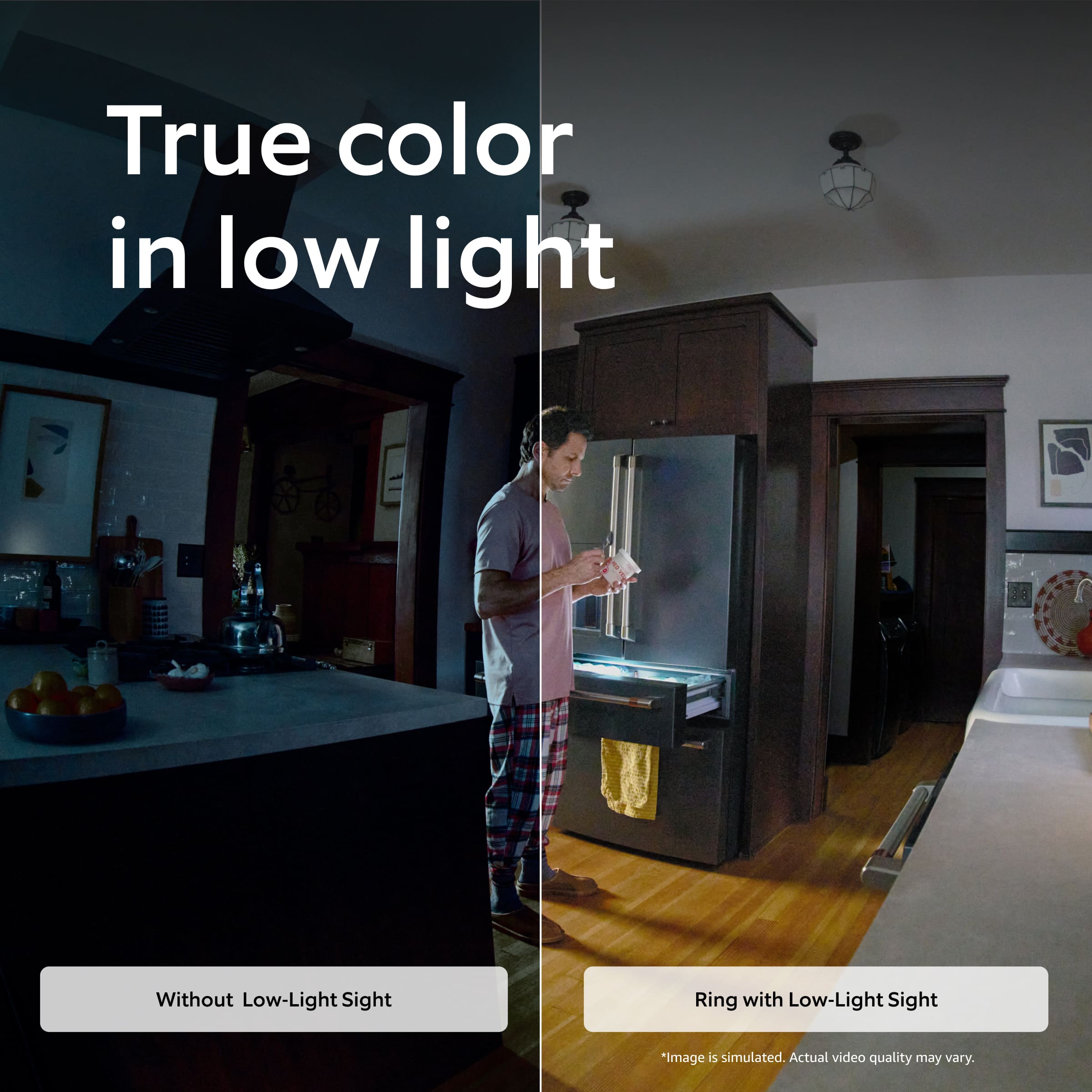
|Posted .This reviewer received promo considerations or sweepstakes entry for writing a review.I have a Ring alarm system so I thought it would be good to expand the system with a couple Ring cameras. This camera has given the most frustrating experience getting it going. At first the set up was fine and easy but I found it was causing a problem with my 2.4 Ghz wifi. When it was connected it would cause my phone to be kicked off the wifi and on to cellular data. I really had no idea what was going on. When I unplugged the camera, wifi was fine. It took a couple of days and several updates to the camera and now it seems to be working. Picture quality is OK. It's a wider angle, so everything seems a bit far away. It needs to be in a brighter we'll lit room to have the best resolution. There is no light on it (all cameras need a light) so the night mode is pretty grainy with no way to brighten the room remotely. If you have Alexa with a display, it can display the video feed when you ask. It works on the firestick also with the voice remote so you can view better on the larger screen of your TV. Aside from the frustrating setup experience it seems like a decent option if you want to stay in the ring ecosystem.
I would recommend this to a friendBrand response from Ring
Posted .Hi Bluevue.
Thank you for taking the time to share your Ring experience with us and other consumers. We believe in keeping people close to what’s important. That is why we are driven to create products that help you protect what matters most at home and empower you to connect with your visitors from wherever you are. Together, we’ll make neighborhoods safer!
We’re sorry to hear that the setup process didn’t go smoothly and we’re pleased to know the device is functioning well now.
For more information on your Ring Indoor Cam Plus, we invite you to reach out to our community. Ring Community is our first peer-to-peer community forum, giving our customers the ability to help one another and share their personal feedback and experiences with Ring. We look forward to hearing from you if we can be of any further assistance!
Thank you,
Miyuki from Ring.