Customer Ratings & Reviews


- Model:
- ROC-11-430
- SKU:
- 6508305
Rating by feature
- Value
Rating 4.6 out of 5 stars
- Quality
Rating 4.6 out of 5 stars
- Ease of Use
Rating 4.7 out of 5 stars
Customers are saying
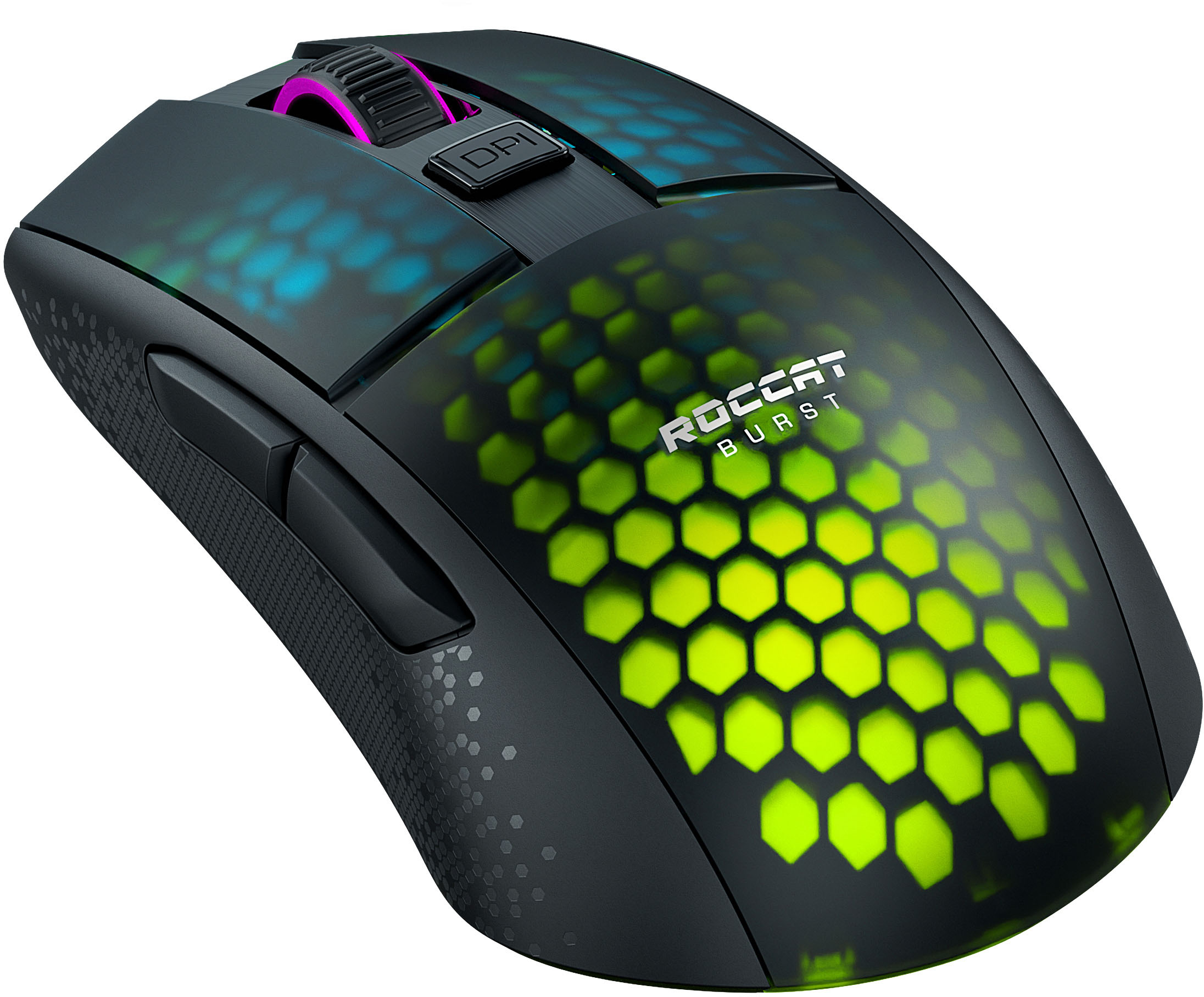
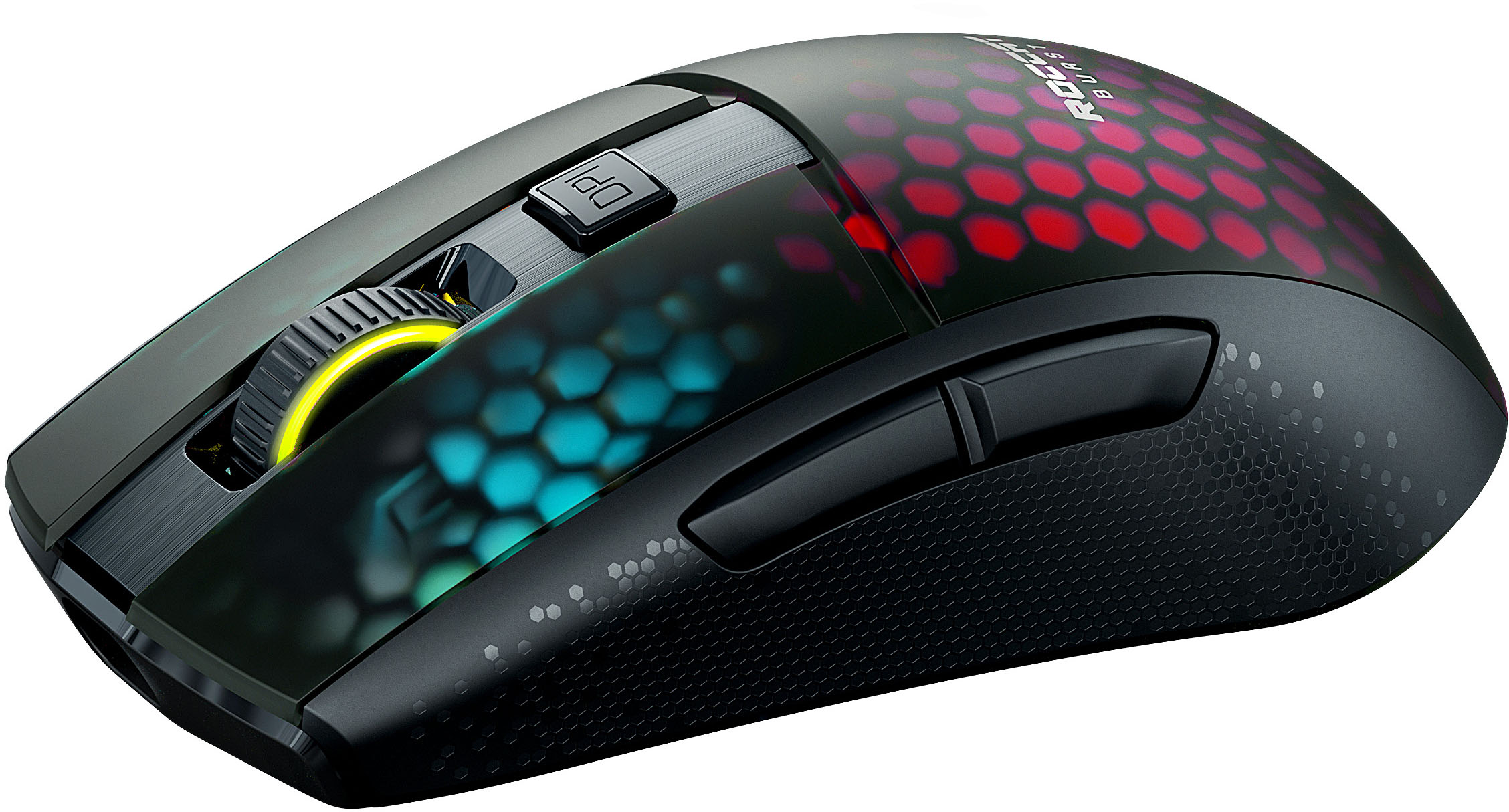
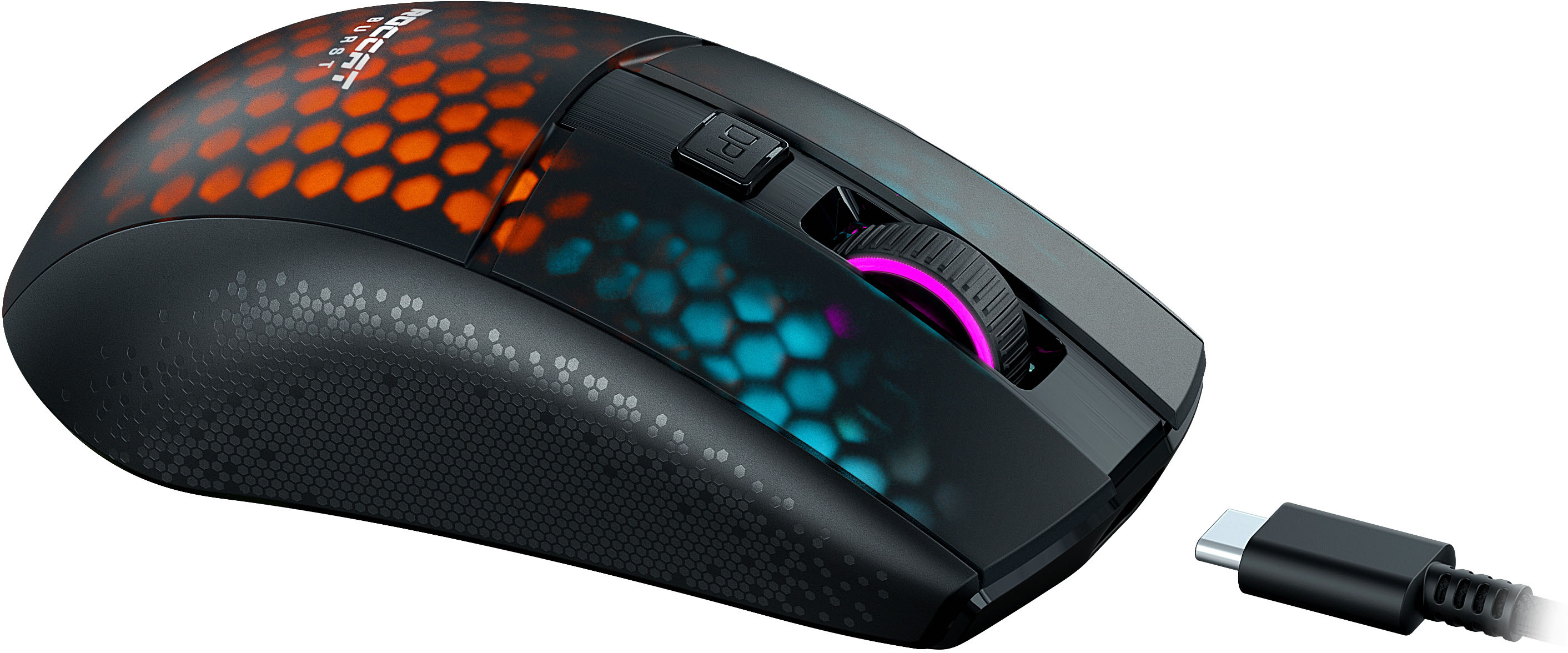
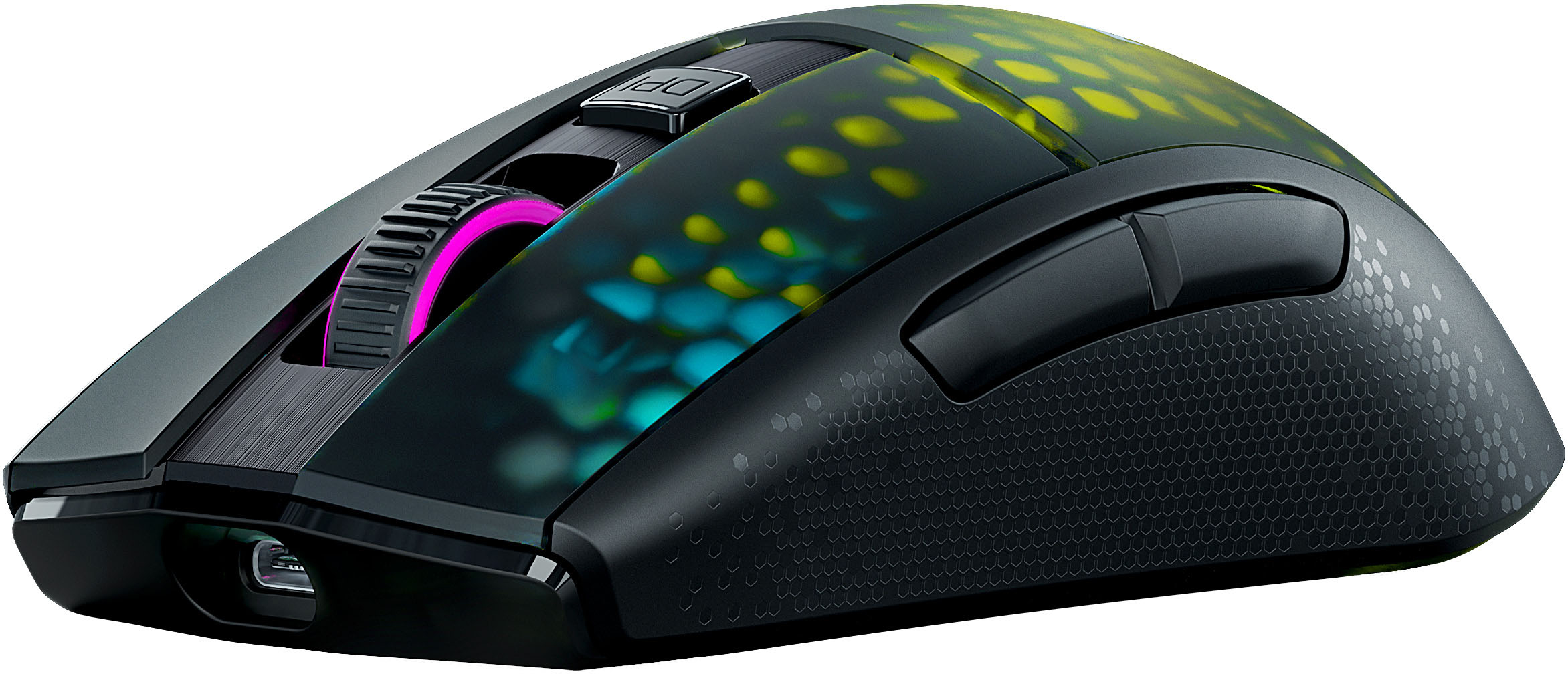
Customers praise the Burst Pro Air mouse's lightweight design and exceptional battery life. Many appreciate the Bluetooth connectivity and customizable RGB lighting options, finding it easy to use and responsive. While some users experienced minor software issues, the overall consensus points to a positive user experience.
This summary was generated by AI based on customer reviews.
- Pros mentioned:Ease of use
a good mouse
Posted .This reviewer received promo considerations or sweepstakes entry for writing a review.it is a good mouse to use when playing video games
I would recommend this to a friend Roccat - Burst Pro Air Wireless
Posted .This reviewer received promo considerations or sweepstakes entry for writing a review.i've been using this mouse for a little bit and its just such a great mouse it fits my hand great and its good for all grip styles very comfy idk what to say tbh i just love this mouse if you ever get a chance i would give this mouse a try
I would recommend this to a friend- Pros mentioned:Weight
Huge Waste of Money
Posted .This reviewer received promo considerations or sweepstakes entry for writing a review.Honestly the worst mouse I've ever owned. Bluetooth barely works - which is fine, because you can't use any of the mouse settings if you use Bluetooth, so it's essentially worthless even when it works. The wireless charge lasts a few days at most, and it will regularly decide to randomly disconnect, which forces me to plug it back in to a wired connection for it to recognize the dongle again. I have never used a bigger waste of money. My 20 dollar Logitech mouse works better than this one. The only thing positive I can say about it is that the shape and weight is nice. The Logitech mouse gives me hand cramps or I would just go back to using it. I bought this at a significant markdown and even that wasn't worth it. Paying retail price for this thing? No. Look for a different brand, you'll just frustrate yourself buying this one.
No, I would not recommend this to a friendBrand response from Turtle Beach Support
Posted .Hi and thanks for choosing our brand. We are sorry you are having issues with the Burst Pro Air. Please note that the mouse continues to drain its battery when not turned off, even if the energy saving feature has been turned on. Unfortunately, in Bluetooth mode only basic settings work and advanced configurations through Swarm are not available. However, we recommend connecting the mouse via transmitter when that is an option as both the latency and the customization options will be better than in Bluetooth mode. With that being said, if there is an issue with an unstable connection, this may need to be looked into further. Therefore, please use the contact form on our official website to reach out to our support team. We will then be able to assist you in getting everything to work properly.

Brand response from ROCCAT Support
Posted .Hi and thanks for choosing our brand. We are sorry you are having issues with the Burst Pro Air. Please note that the mouse continues to drain its battery when not turned off, even if the energy saving feature has been turned on. Unfortunately, in Bluetooth mode only basic settings work and advanced configurations through Swarm are not available. However, we recommend connecting the mouse via transmitter when that is an option as both the latency and the customization options will be better than in Bluetooth mode.
That being said, if there is an issue with an unstable connection, this may need to be looked into further. Therefore, please use the contact form on our official website to reach out to our support team. We will then be able to assist you in getting everything to work properly.
Good Value
Posted .This reviewer received promo considerations or sweepstakes entry for writing a review.Nice gaming mouse with cool lighting. Not as quiet as I would like it to be when clicking but its still better than the logitech mouse that I was using.
I would recommend this to a friendRoccat wireless mouse
Posted .This reviewer received promo considerations or sweepstakes entry for writing a review.I love this mouse. It works perfectly. Charged fast and has great movement.
I would recommend this to a friendBeautiful mouse!
Posted .This reviewer received promo considerations or sweepstakes entry for writing a review.Received my beautiful mouse! You should take this chance and buy it.
I would recommend this to a friendWaste of money!
Posted .This reviewer received promo considerations or sweepstakes entry for writing a review.Dont buy it! It wont connect to bluetooth cant use the dongle its stright up garbage! Just got it today and been trying connect this trash for an hour now!
No, I would not recommend this to a friendBrand response from Turtle Beach Support
Posted .Hi Fran and thanks for choosing one of our products. We are sorry the mouse isn't connecting properly. Please make sure to connect the transmitter directly to the PC and turn the mouse on by putting the switch on its bottom onto the WIFI symbol. If you are not able to connect the mouse this way, please try updating its firmware using Swarm. If you need assistance with this, you can either find more information and guidance on our official website, or you can reach out to our support team using the contact form. We are happy to assist you in getting everything to work properly!
Brand response from ROCCAT Support
Posted .Hi Fran and thanks for choosing one of our products. We are sorry the mouse isn't connecting properly. Please make sure to connect the transmitter directly to the PC and turn the mouse on by putting the switch on its bottom onto the wifi symbol. If you are not able to connect the mouse this way, please try updating its firmware using Swarm. If you need assistance with this, you can either find more information and guidance on our official website, or you can reach out to our support team using the contact form. We are happy to assist you in getting everything to work properly!