Customer Ratings & Reviews
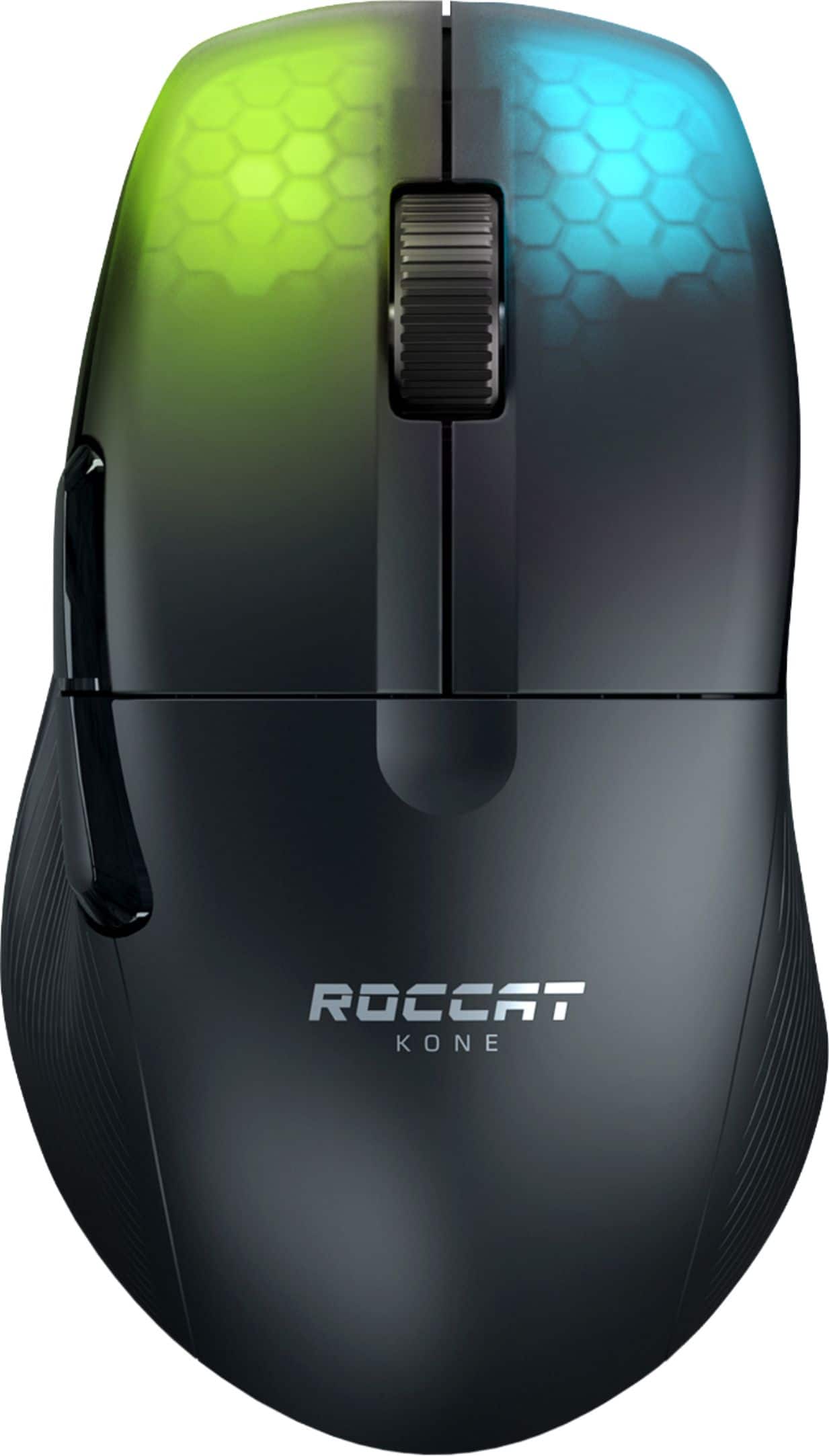
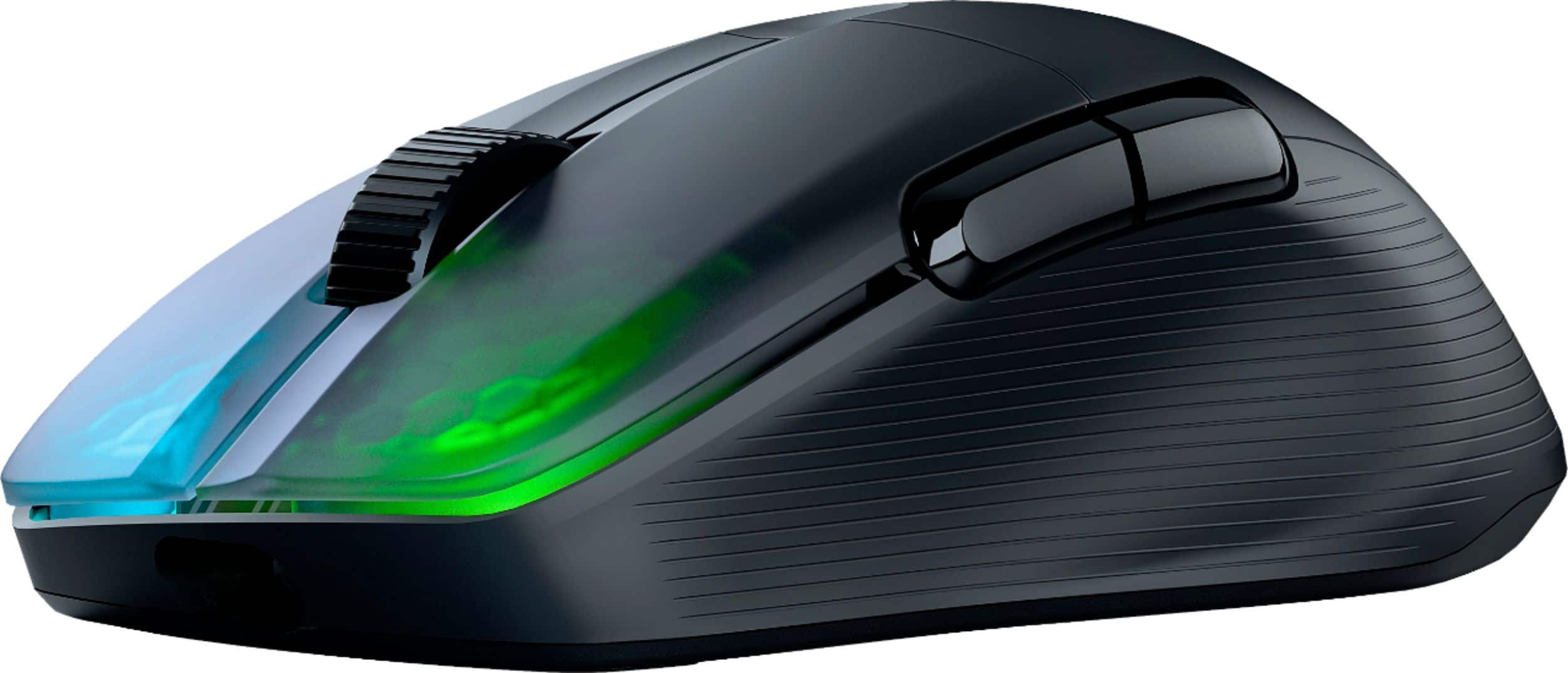
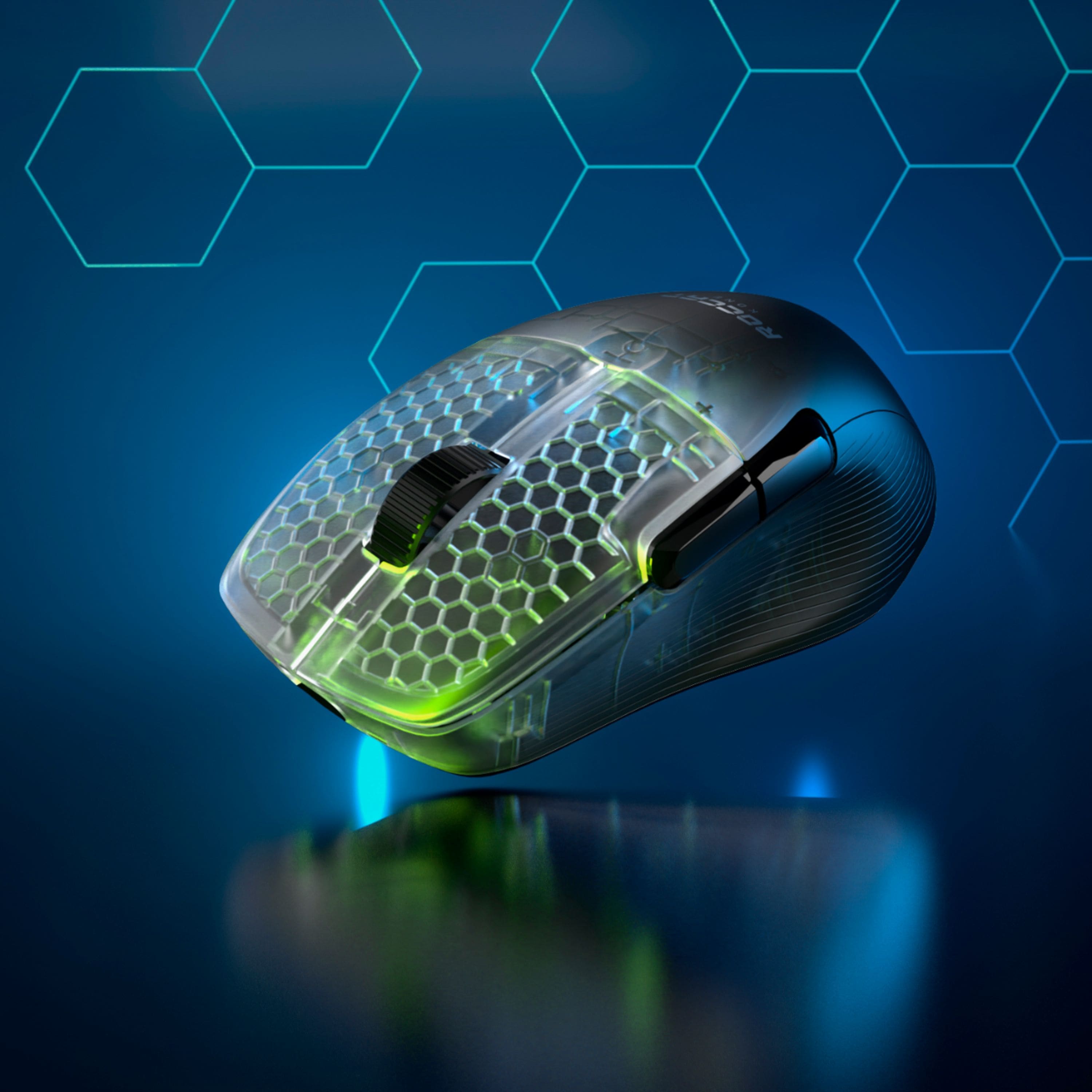
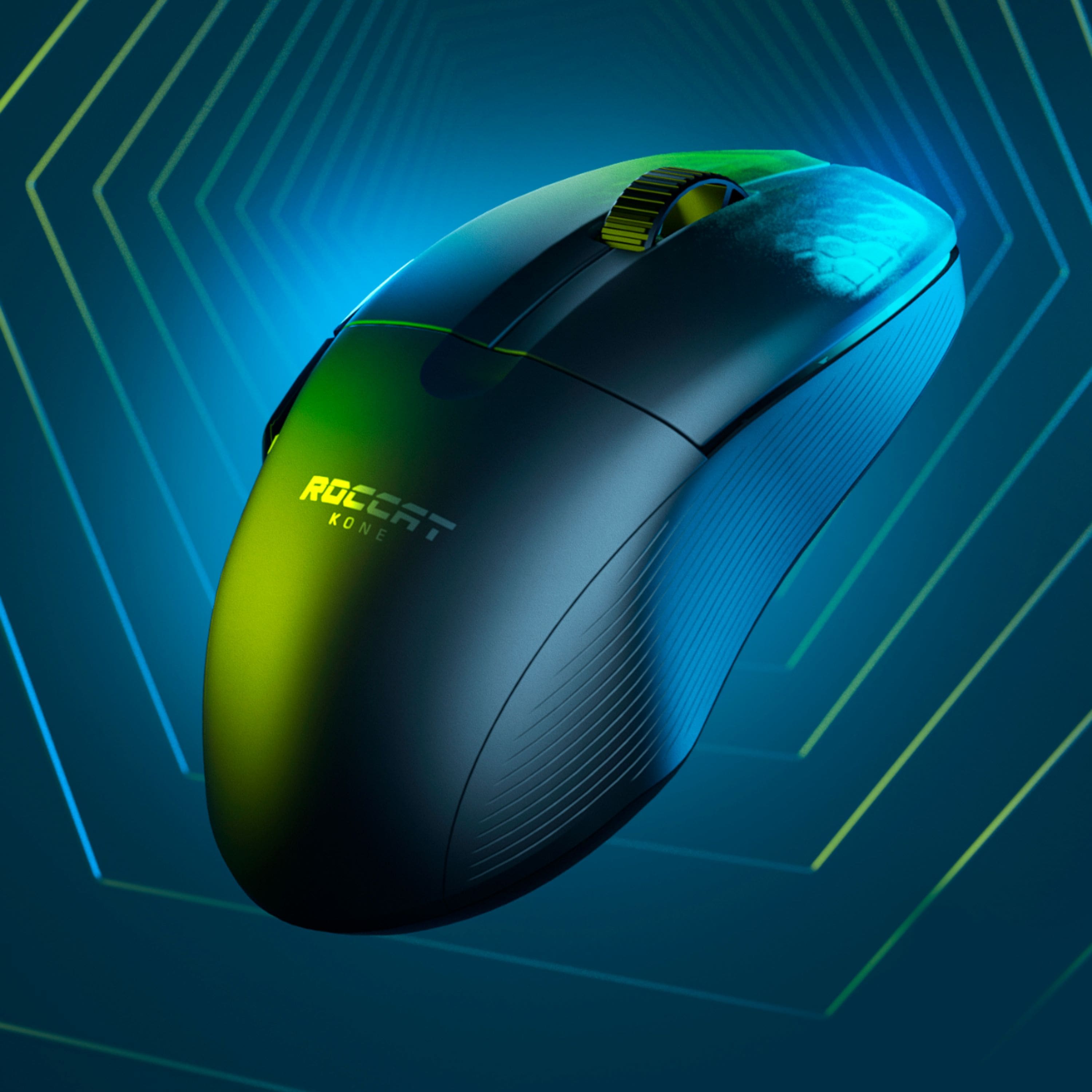



- Model:
- ROC-11-410-01
- SKU:
- 6459028
Rating by feature
- Value
Rating 4.4 out of 5 stars
- Quality
Rating 4.5 out of 5 stars
- Ease of Use
Rating 4.6 out of 5 stars
Customers are saying
Customers are satisfied with the Kone Pro Air's lightweight design, long battery life, and responsive performance. Many appreciate the accurate scroll wheel, customizable RGB lighting, and comfortable ergonomics. While some users found the software less intuitive, the overall positive feedback highlights the mouse's excellent sensor and precise tracking. The price point is also frequently cited as a significant advantage.
This summary was generated by AI based on customer reviews.
Scroll wheel goes bad after a while.
Posted .This reviewer received promo considerations or sweepstakes entry for writing a review.Had this mouse for just over the warranty and now the mouse wheel will constantly scroll in reverse when scrolling in a direction. I can't even take it apart to fix it since one of the screws holding it together requires a driver I don't have (A star I think). Save yourself the headache and try another mouse.
No, I would not recommend this to a friendBrand response from Turtle Beach Support
Posted .Hi and thanks for choosing one of our products. We are sorry the mouse isn't working properly anymore. Please reach out to our support team by using the contact form on our official website to get assistance.

Brand response from ROCCAT Support
Posted .Hi and thanks for choosing one of our products. We are sorry the mouse isn't working properly anymore. Please reach out to our support team by using the contact form on our official website to get assistance.

Trash.
Posted .This reviewer received promo considerations or sweepstakes entry for writing a review.AWFUL! This is my second one due to the fact I love the feel in hand. Both of them malfunctioned at the scroll wheel. Wishing the first week after purchasing as well. Don’t waste your money.
No, I would not recommend this to a friendBrand response from Turtle Beach Support
Posted .Hi and thanks for choosing ROCCAT. We are sorry that you have been having issues with our mice. In such cases, a full reset of the mouse as well as updating its firmware can help. Please navigate to our support website, download Swarm and connect both the mouse's transmitter and the mouse itself via cable to your PC. Then reset the mouse under the advanced settings tab and open the update center within Swarm's general settings to access the mouse's recovery tool. Click on "Recover" and follow the on screen instructions. Are you still having issues afterwards? If so, please reach out to our customer support team using the contact form on our official support website. Within 2 years of purchase we offer a limited manufacturer's warranty and such issues may be covered by it, so an exchange of the mice may be possible.
Brand response from ROCCAT Support
Posted .Hi and thanks for choosing ROCCAT. We are sorry that you have been having issues with our mice. In such cases, a full reset of the mouse as well as updating its firmware can help. Please navigate to our support website, download Swarm and connect both the mouse's transmitter and the mouse itself via cable to your PC. Then reset the mouse under the advanced settings tab and open the update center within Swarm's general settings to access the mouse's recovery tool. Click on "Recover" and follow the on screen instructions. Are you still having issues afterwards? If so, please reach out to our customer support team using the contact form on our official support website. Within 2 years of purchase we offer a limited manufacturer's warranty and such issues may be covered by it, so an exchange of the mice may be possible.
THE MIGHTY MOUSE
Posted .This reviewer received promo considerations or sweepstakes entry for writing a review.100% satisfaction guaranteed 100% satisfaction guaranteed
I would recommend this to a friend