Customer Ratings & Reviews
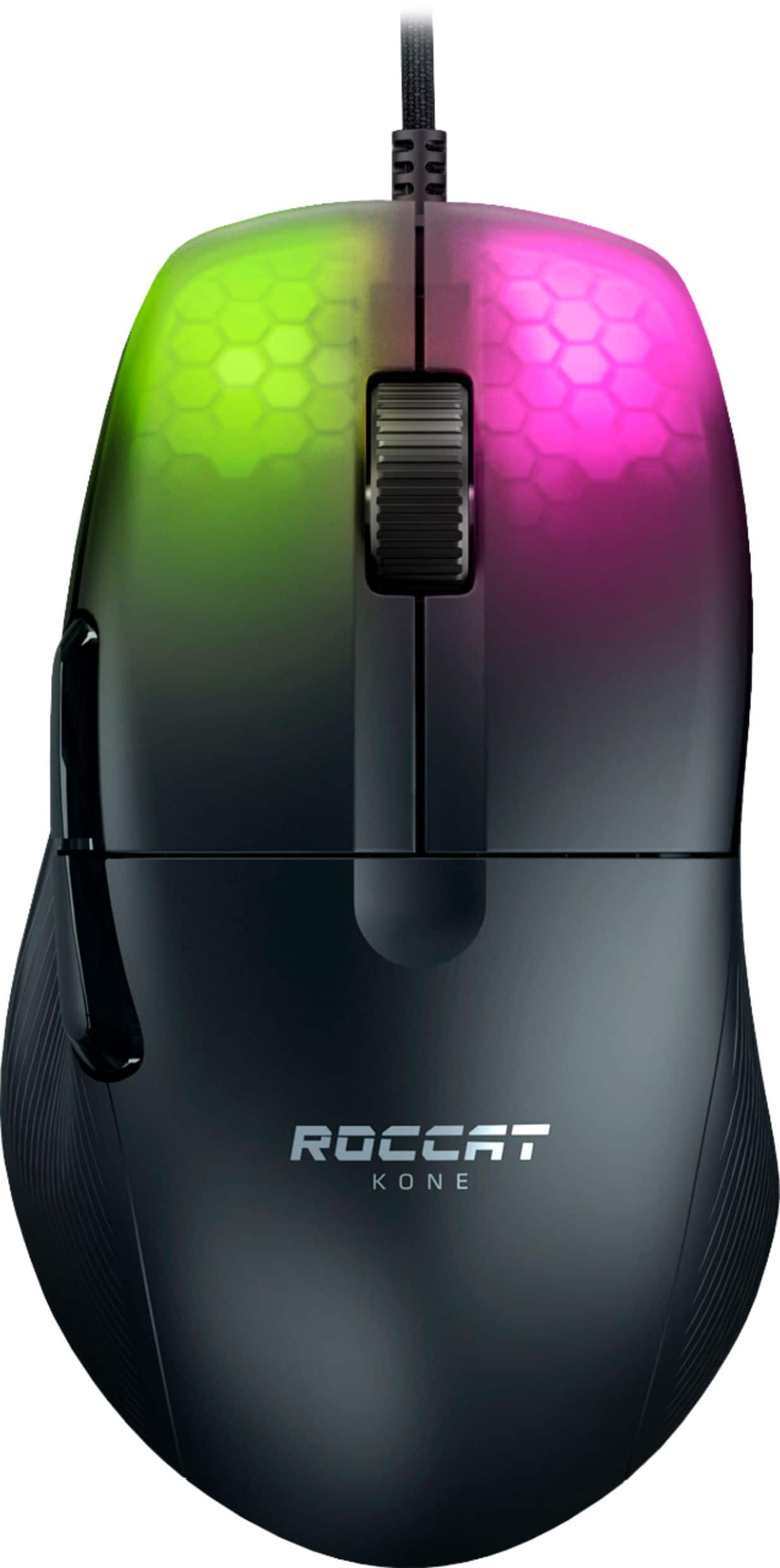
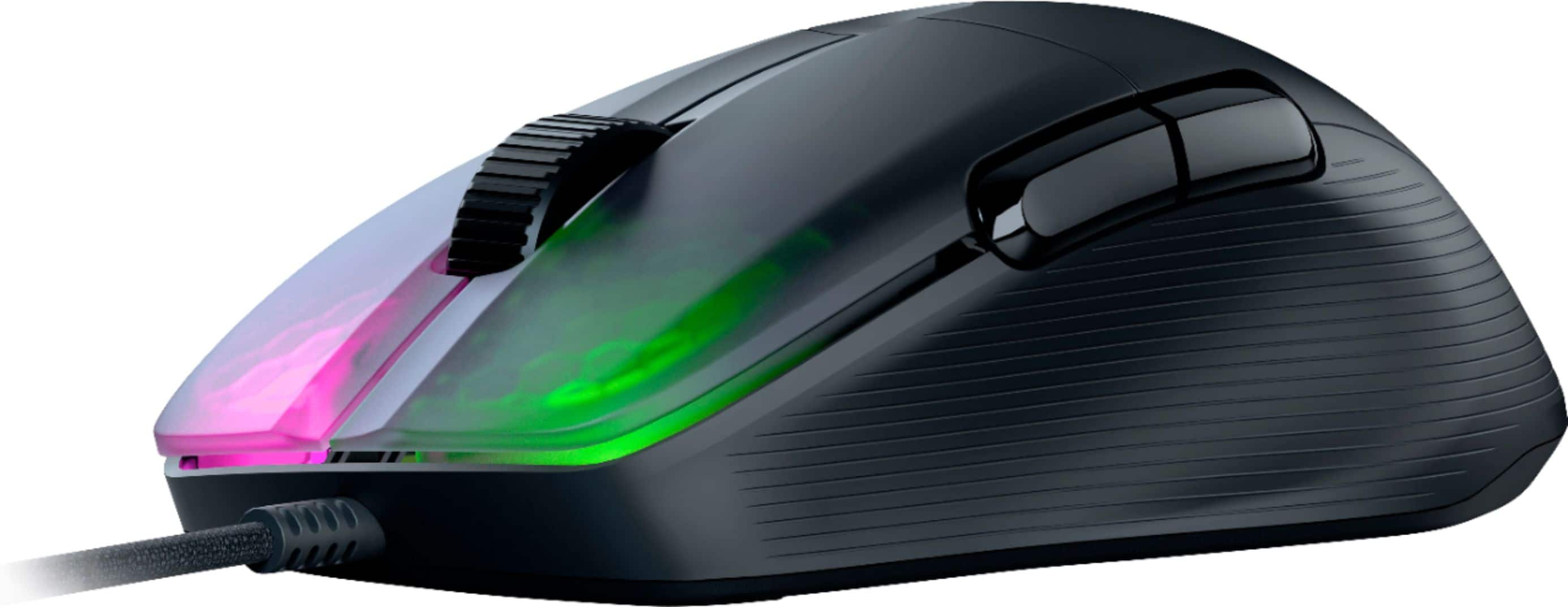
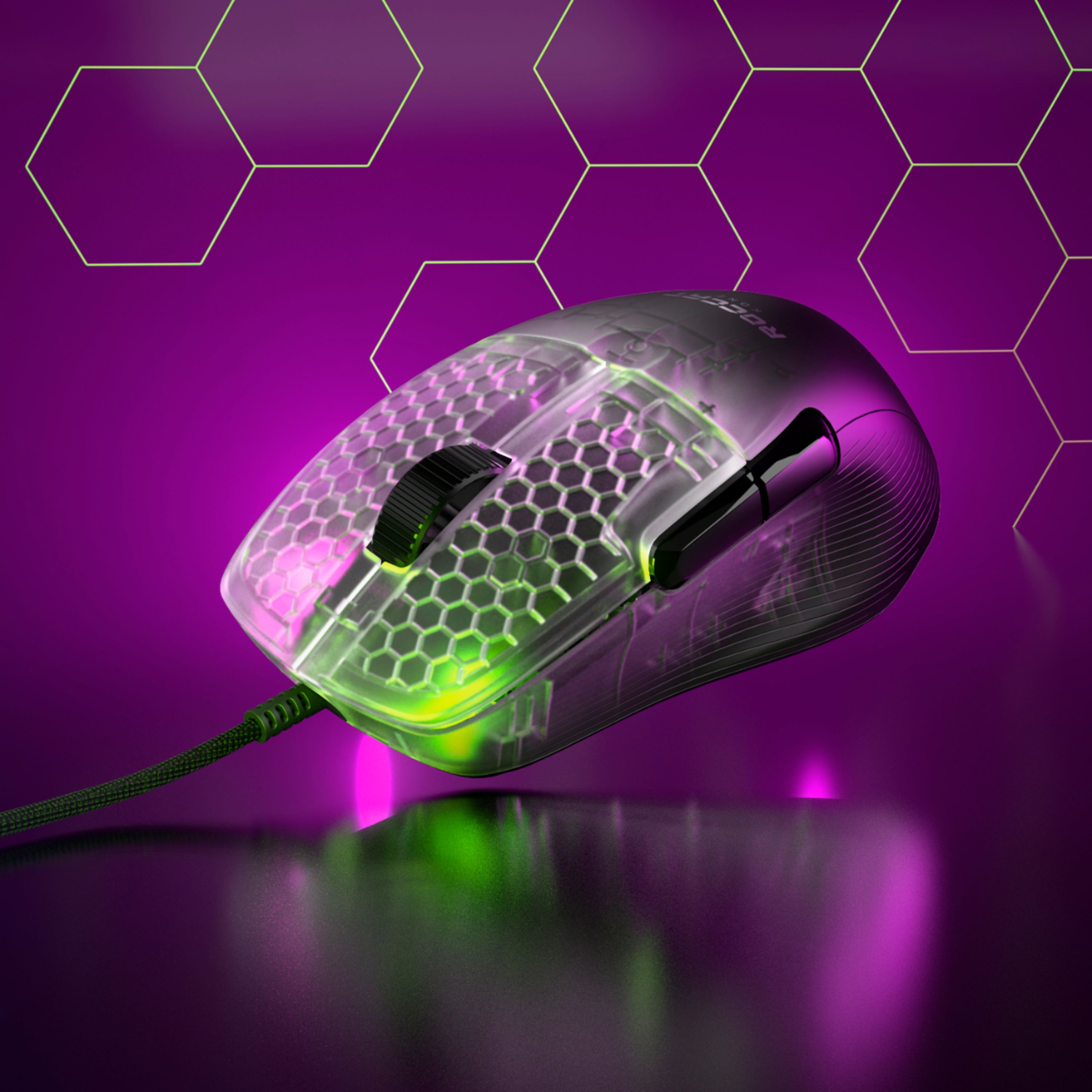
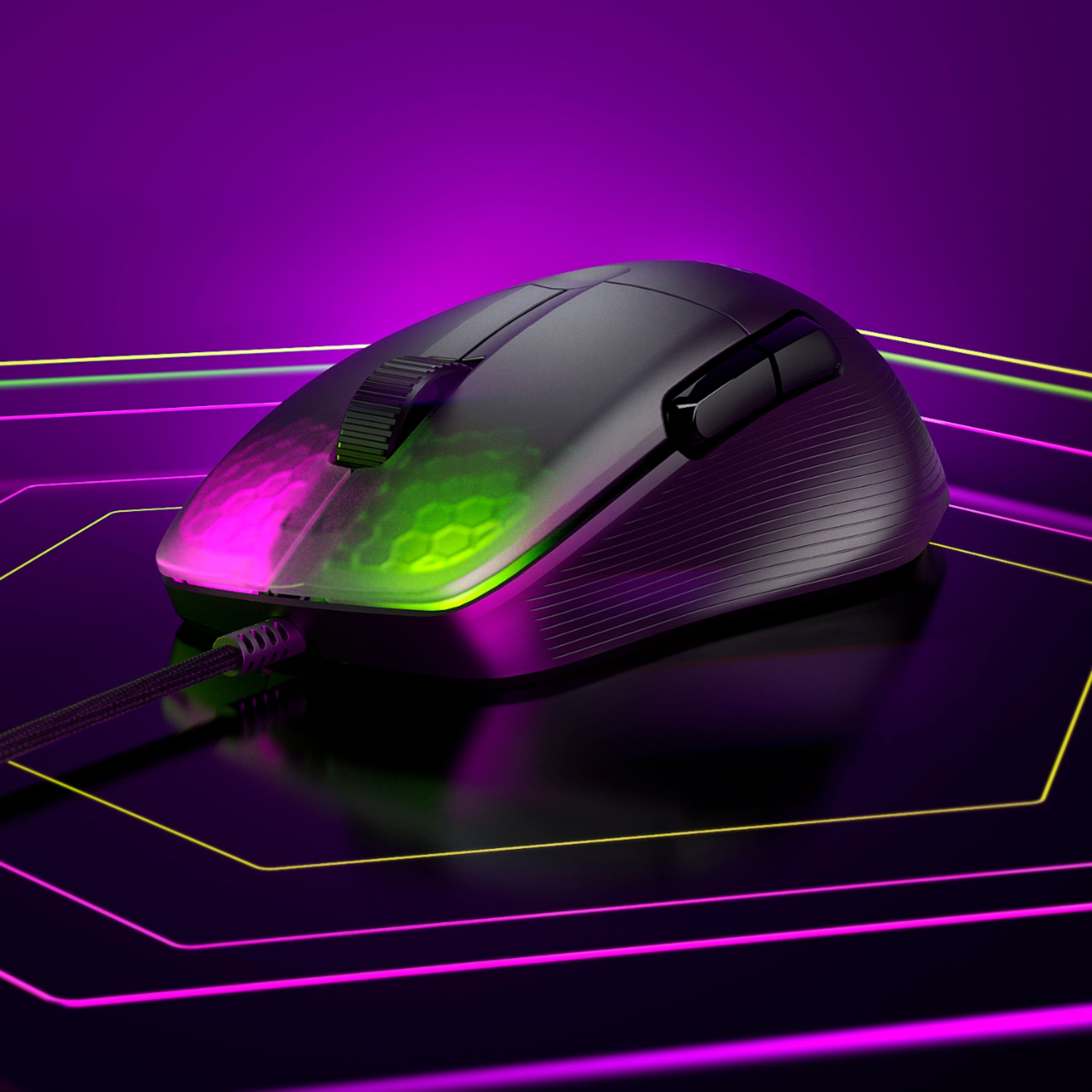


- Model:
- ROC-11-400-01
- SKU:
- 6459014
Rating by feature
- Value
Rating 4.4 out of 5 stars
- Quality
Rating 4.6 out of 5 stars
- Ease of Use
Rating 4.7 out of 5 stars
Customers are saying
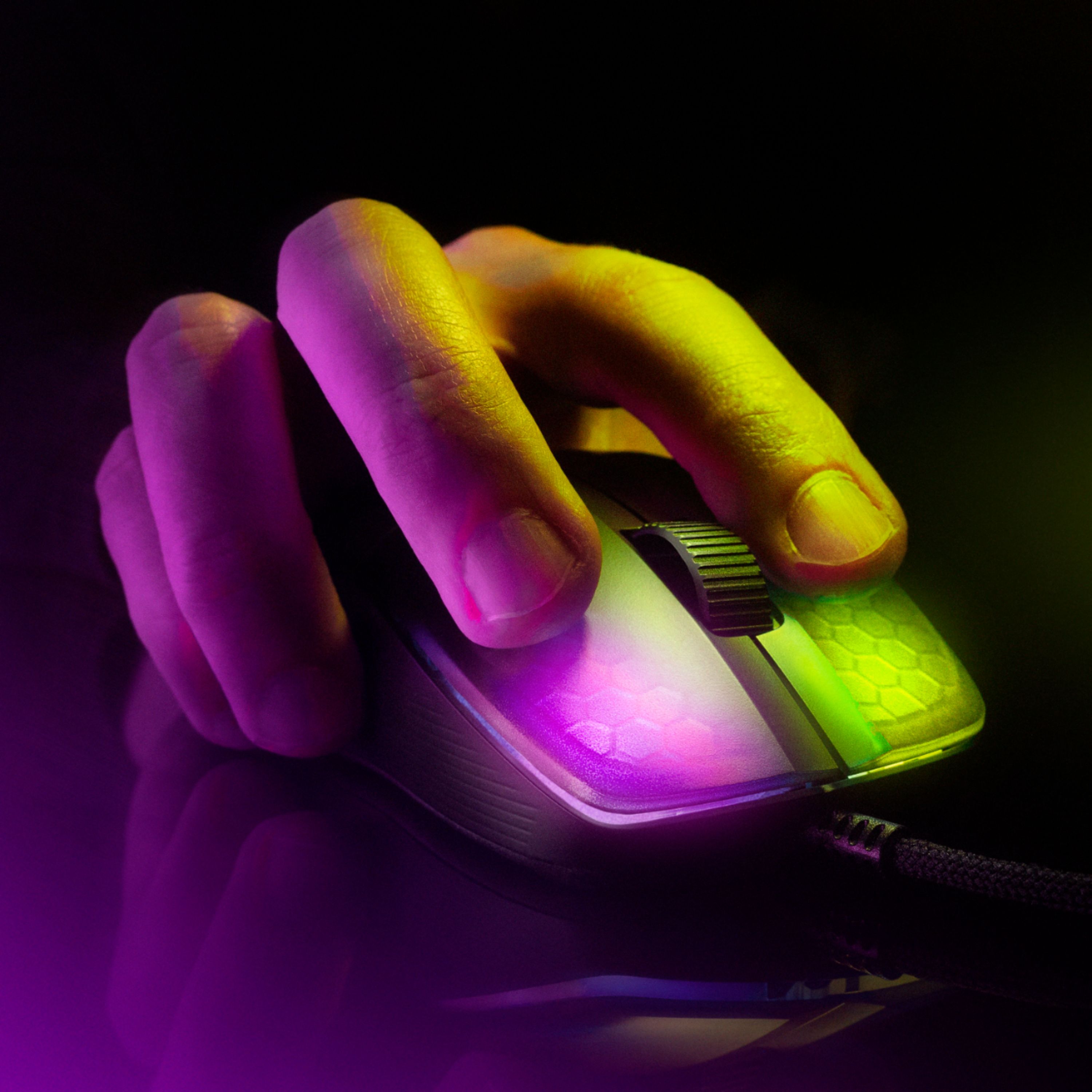
Customers are positive about the Kone Pro Lightweight Wired Optical Gaming Mouse's lightweight design, flexible cable, and responsive performance. Many appreciate the comfortable ergonomics and customizable features, such as the DPI settings and RGB lighting. However, some customers expressed concerns about the price and the placement of the side buttons. The scroll wheel and mouse feet also received positive feedback.
This summary was generated by AI based on customer reviews.
- Pros mentioned:Cable, WeightCons mentioned:Side buttons
Comparison of the Kone Pro Air and Kone Pro
||Posted .This reviewer received promo considerations or sweepstakes entry for writing a review.I initially picked up the Pro Air while it was on sale, and then the next week the Kone Pro went on sale and Best Buy sent me a $15 gift. Outside of the nearly $60 price difference, there is one key difference about the regular Kone Pro I do prefer and that's the weight. The Pro Air is by no means heavy, but the regular pro is about 8-9 grams lighter on my scale, which ends up being pretty noticeable to me. Another difference is the black coating is glossier picking up every smudge, and this probably a personal issues but made my hands sweat. I love wireless and had zero issues with it, but Roccat put a nice cable on the Pro and with a bungie you can't notice it. I'm going to stick it out with the Pro for those reasons, but I love this mouse and could have gone either way. Haven't had an ergo shape before, but I love the shape and larger size, while still being light weight. This mouse has become my new main. I don't have any serious complaints about it, but I do think the clicks are kind of muted and not my favorite sounding. The switches are also not what I would consider a fast, and I would consider more tactile. I also wish the side grooves by the side buttons actually had some grip, and I ended up ordering my own grips to help with it. It's kind of good and bad, but the Swarm software isn't the most user friendly, but offers a lot customization. I would recommend either of these mice, especially if you can get them on sale. Also, I would recommend the white edition for the coating.
I would recommend this to a friend - Pros mentioned:Cable, DpiCons mentioned:Side buttons

FEATURE PACKED WIRED OPTICAL GAMING MOUSE
|Posted .This reviewer received promo considerations or sweepstakes entry for writing a review.FEATURE PACKED WIRED OPTICAL GAMING MOUSE ROCCAT - Kone Pro Wired Ultralight 19k DPI Optical Gaming Mouse with RGB Lighting - Ash Black Model:ROC-11-400-01 Best Buy Tech Insider Network REVIEW: I did not expect much at first due to the light weight of the Kone Pro Ultralight Gaming Mouse. I get that Ultralight is in the name. But the more I used it and the SWARM software to adjust settings, the more I realized there was a lot under the covers here. With only 2 lights under left/right buttons, the Kone Pro is not as flashy as some other gaming mice, but it has “it” where it counts. Super high DPI and nearly infinite controls to determine exactly how you want the mouse to respond in any given situations. Others have already posted pictures of the settings screens, which is really the star of the show (the flexibility). It has more of a “traditional” mouse shape with not as many ergonomic curves as some others. There is nothing wrong with this, just an observation in case it matters to you. One assumes if you are gaming with a mouse and keyboard the ergonomics is not necessarily at the top of your list. For every day business use, it might be and issue. It is highly accurate and functional for gaming use, and even has built in macros and features to help you more accurately hit your targets. I really like that you can control both horizontal as well as vertical speed. It makes sense to me (using an ultrawide monitor) that I don’t need to go as fast up/down as I do left/right to cover the same amount of screen real-estate. As I said, everything is infinitely programmable. A nice surprise was extra mouse pads (they call it feet) in case you wear out your existing pads. Another nice touch is the super soft and flexible wire. I never really thought about it before, but a heavy stiff mouse cord is probably slightly negatively impacting my gaming. You really can’t even tell this cord is attached. It is more like a thin soft rope than a cord. The Mode Selector is on the bottom. Again, this is personal preference. It just means that you can’t change the mode mid game without turning the mouse upside down. On the plus side, you also don’t bump it by accident as you would if it was on the top. Overall, I’m impressed with the ROCCAT - Kone Pro Wired Ultralight 19k DPI Optical Gaming Mouse. If I had some minor complaints, I would appreciate slightly more ergonomics to help center the hand and fingers. The side buttons feel a little cheap, and maybe they could use some tactile differentiation. One might want more flashier lighting, though this is nothing I care about. It is just either go all out, or not at all. You are not going to satisfy someone who likes a lot of bling. Though, as a I said, it very responsive and accurate in gaming situations. PRO’s - Very Lightweight - Great Software - Invisible Feeling Cord - Extra Pads SUMMARY / RECOMMENDATIONS The ROCCAT - Kone Pro Wired Ultralight 19k DPI Optical Gaming Mouse with RGB Lighting is worth a close look and consideration. If you want a mouse built like a tank that weighs like a tank, then you might consider something else, but if you really want a highly capable / flexible and lightweight mouse more than you want bling, this thing rocks.
I would recommend this to a friend - Cons mentioned:Side buttons
Right Handed Mouse
|Posted .This reviewer received promo considerations or sweepstakes entry for writing a review.What is in the box. 1 wired mouse. 1 Quick Start Guide 1 Extra set of Mouse Feet The set-up Downloaded the 164 MB zip file. Installed swarm.exe and launched. I was immediately informed of an update to the file. I was wondering why I was not allowed to install an up-to-date version. Installed the software for the ROCCAT KONE mouse. The mouse slides easily on my mouse pad. There is a distinct click for both the left and right keys. Through out the app I could not locate a setting to set-up the mouse for left-handed people. The shape of the Kone mouse fits nicely in my hand. The buttons on the side of the mouse stick out and I kept hitting them with my fingers. This would interfere with the gameplay. For right-handed people this would not be a problem, as your fingers are on the other side. The Kone mouse is responsive and fast. I liked the feel and quickness while playing. According to the app this mouse works in conjunction with the ROCCAT Magma gaming keyboard. I gave this mouse 4 stars because of the problems I had, being as I am lefthanded.
I would recommend this to a friend - Pros mentioned:WeightCons mentioned:Side buttons
really loving the experience
||Posted . Owned for 1 month when reviewed.This reviewer received promo considerations or sweepstakes entry for writing a review.I have tried a couple brands of mice looking for the perfect one for me. Main thing i wanted was no side buttons and weight. I really liked the old alienware and older msi weighted mice. I thought I really enjoyed a heavy mouse but I was lying to myself. This light mouse is a dream, it feels great in my hand(med to large). This mouse just glides from side to side. I am glad that the two side buttons do not get in my way. If you are the on fence about it, go for it; if not bestbuys return is super cool about returns.
I would recommend this to a friend - Pros mentioned:Dpi, Rgb lighting, WeightCons mentioned:Side buttons
Great Gaming Mouse!
|Posted .This reviewer received promo considerations or sweepstakes entry for writing a review.I've previously had the opportunity to try some ROCCAT products, so far I haven't had any inconvenient, I think their products have a good finish and work correctly on a day-to-day basis. On this occasion I was able to test this gaming mouse and I have been satisfied since one of the things that really interests me is the weight of the mouse, it could seem something not so important however and depending on what kind of games in which it is use, over time and using different mice, I have come to the conclusion that a mouse can perform better if the weight is minimal, the ease of use and the speed obtained by using light mice does make a remarkable difference as the days go by. It is made of a good material and has an awesome wire, as incredible as it may seem in most of the time is almost imperceptible, does not tangle and is very flexible, in white color it looks great in addition to having rgb lights that can be changed via software or with a button at the bottom, quite simple. Regarding the performance I have no complaints, each click is very precise and can reach up to 1600dpi which is already too much but it depends on the tastes and needs of each person, the only thing I could say that I do not like it at all is the positioning of the buttons side since, at least for me, they are a little up but with constant use one gets used to it, I have used it in Fortnite and COD WarZone, all perfect but you have to find the right configuration, as I mentioned it depends on each person .. I can highly recommend this ROCCAT gaming mouse that weighs almost nothing and is very accurate, for that price I think the benefit is fair.
I would recommend this to a friend