Customer Ratings & Reviews
- Model:
- ROC-11-442-01
- SKU:
- 6515271
Rating by feature
- Value
Rating 4.1 out of 5 stars
- Quality
Rating 4.4 out of 5 stars
- Ease of Use
Rating 4.3 out of 5 stars
to a friend
Customers are saying
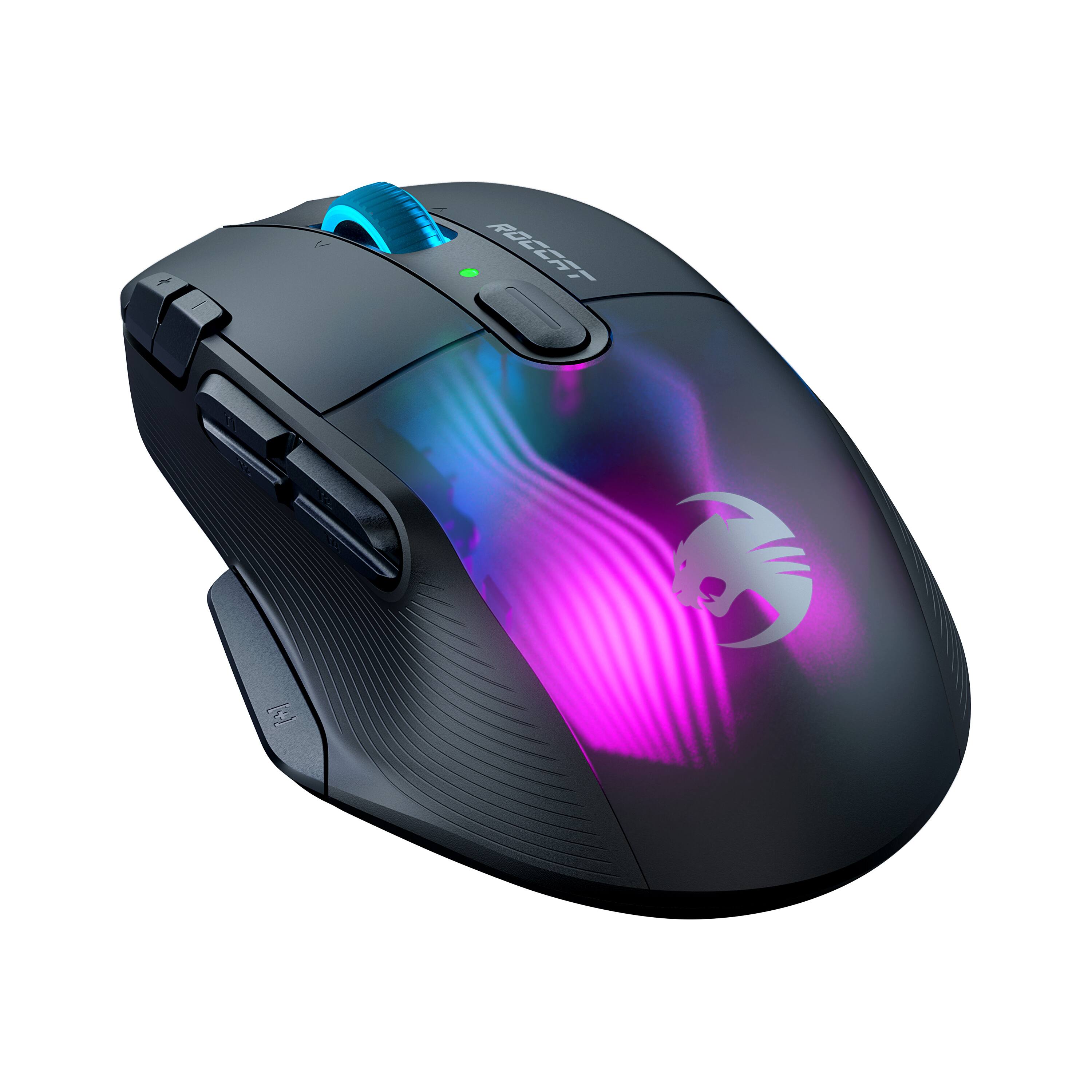
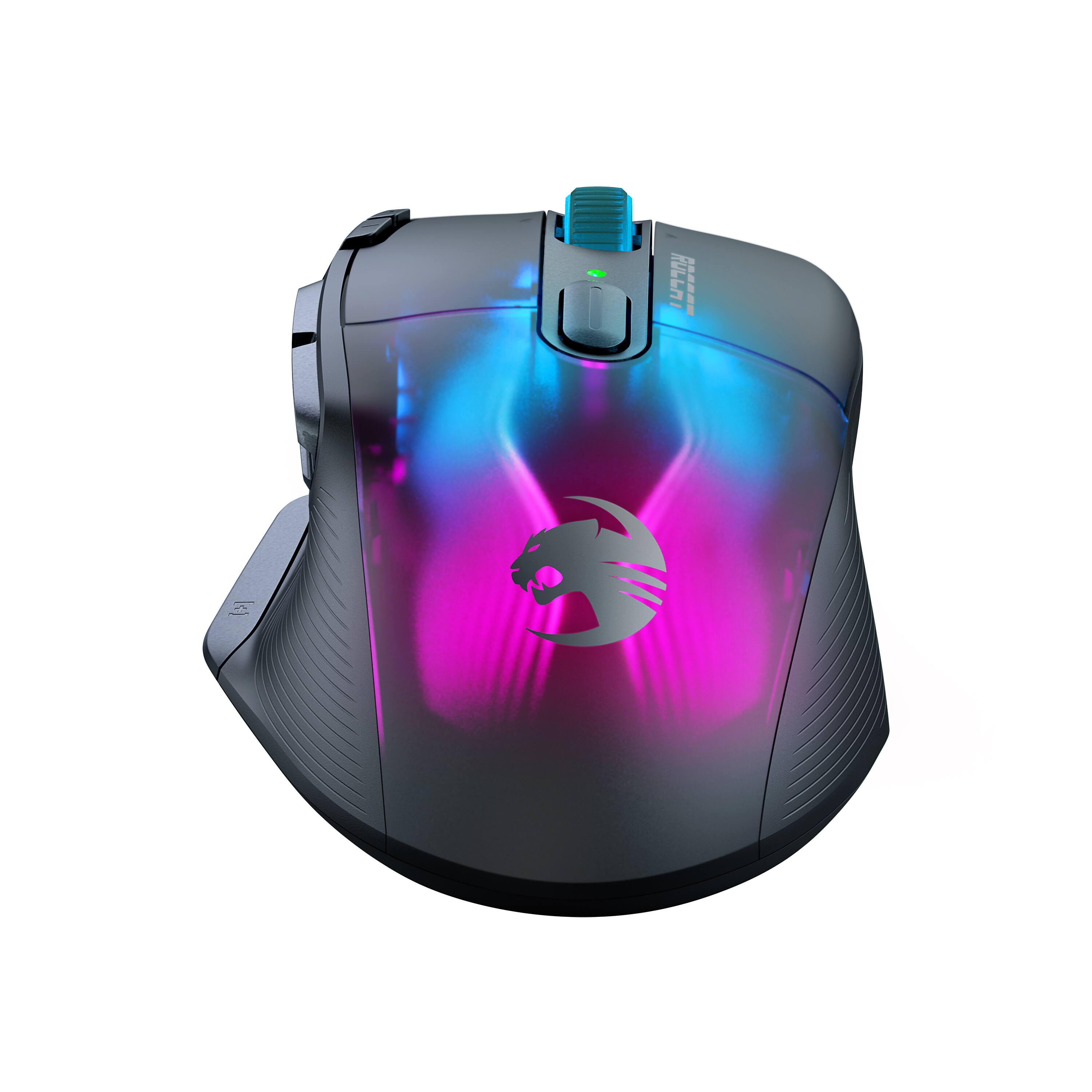
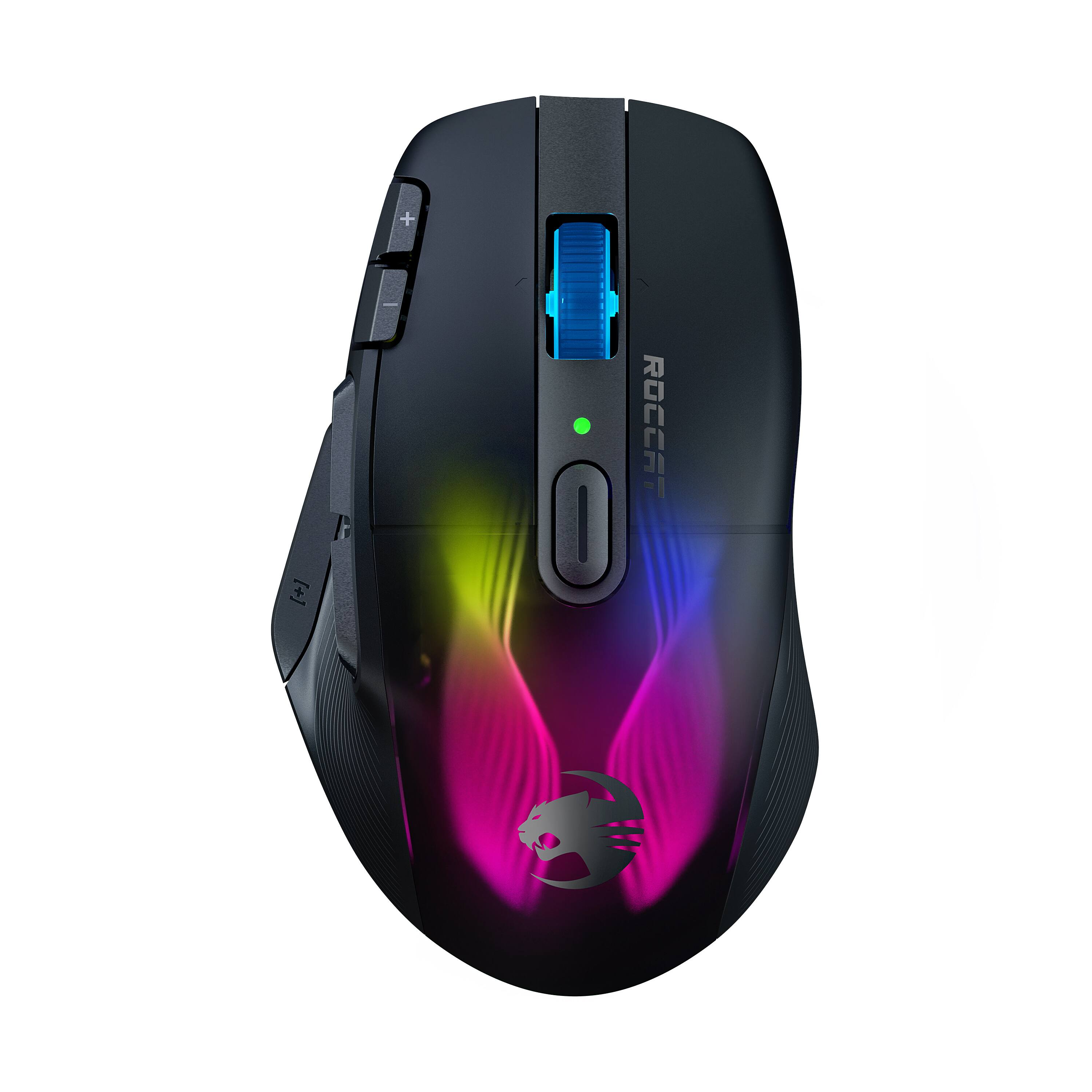
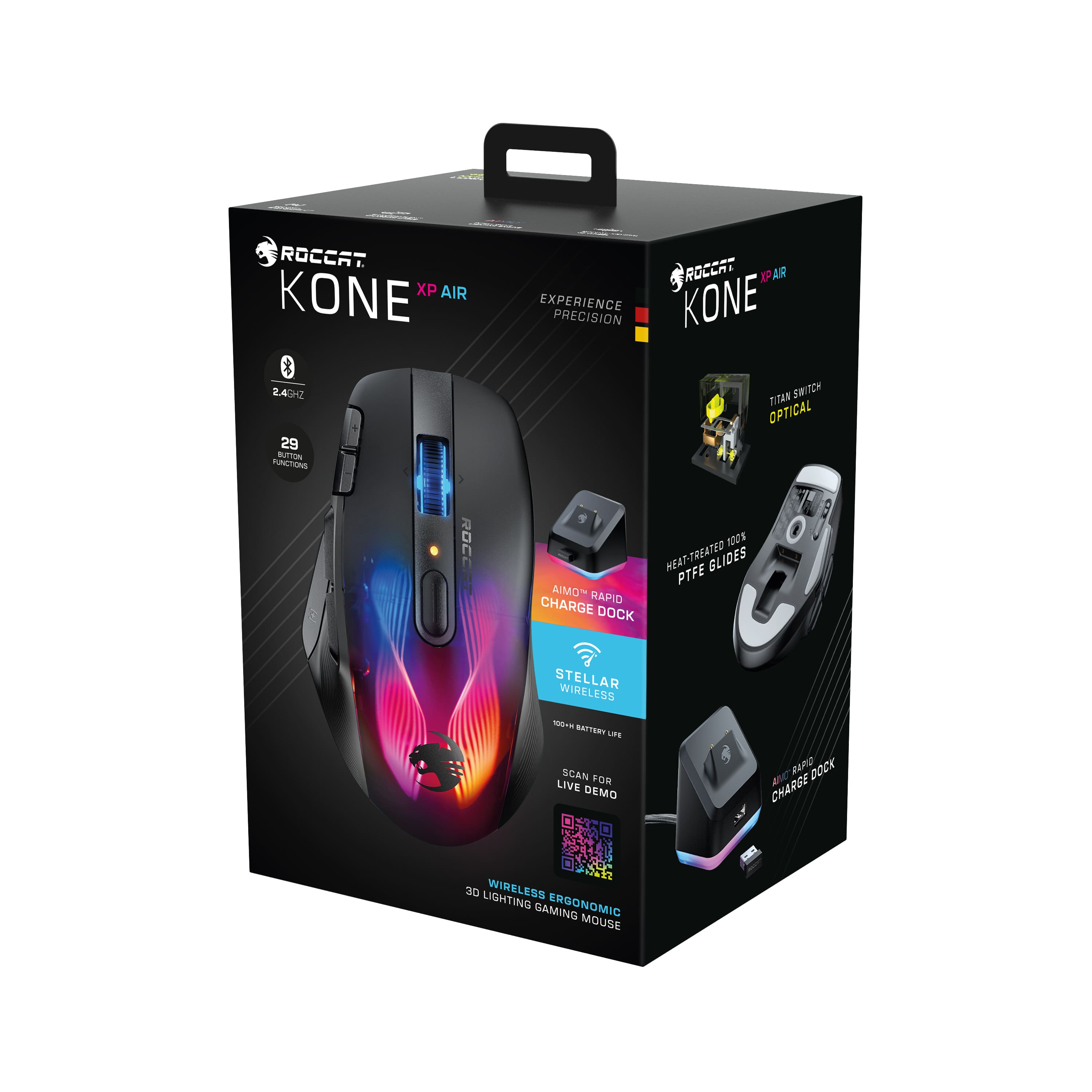
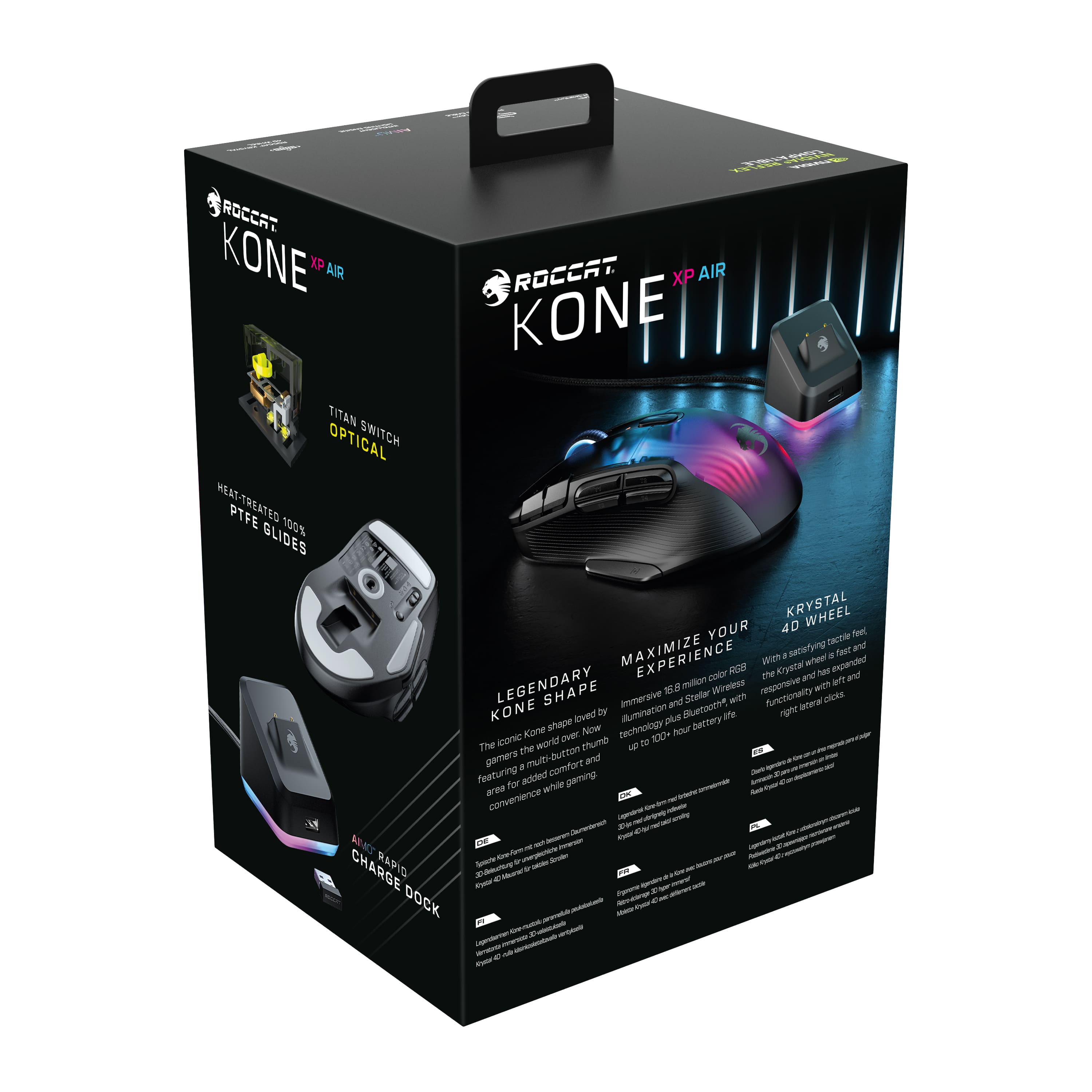
Customers love the Kone XP Air Wireless Optical Gaming Mouse's long battery life and convenient charging dock. Many appreciate its comfortable ergonomics, customizable RGB lighting, and responsive buttons, while some found the software needed improvement. The wireless functionality and lightweight design were also frequently praised.
This summary was generated by AI based on customer reviews.

This is the way a wireless mouse should be!
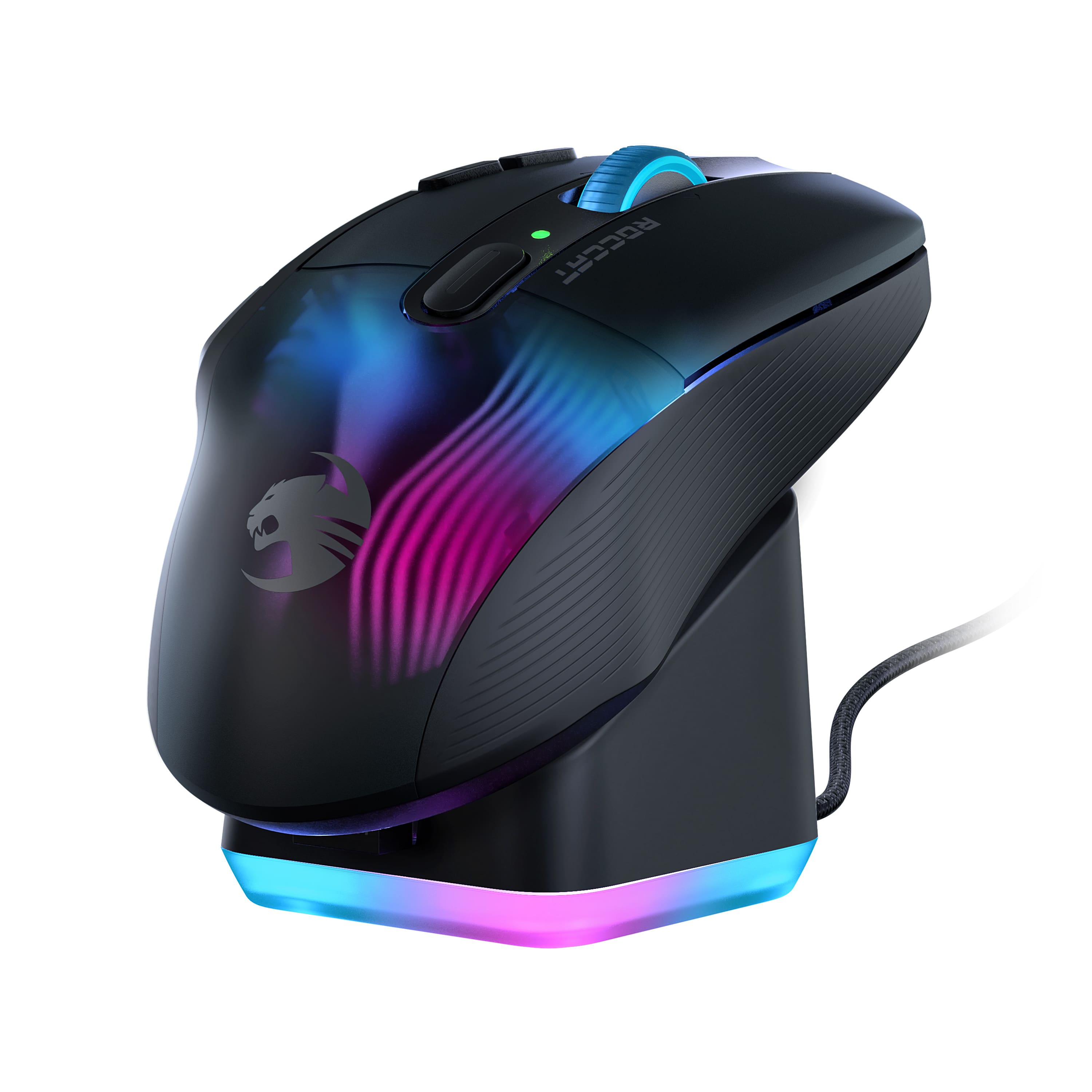
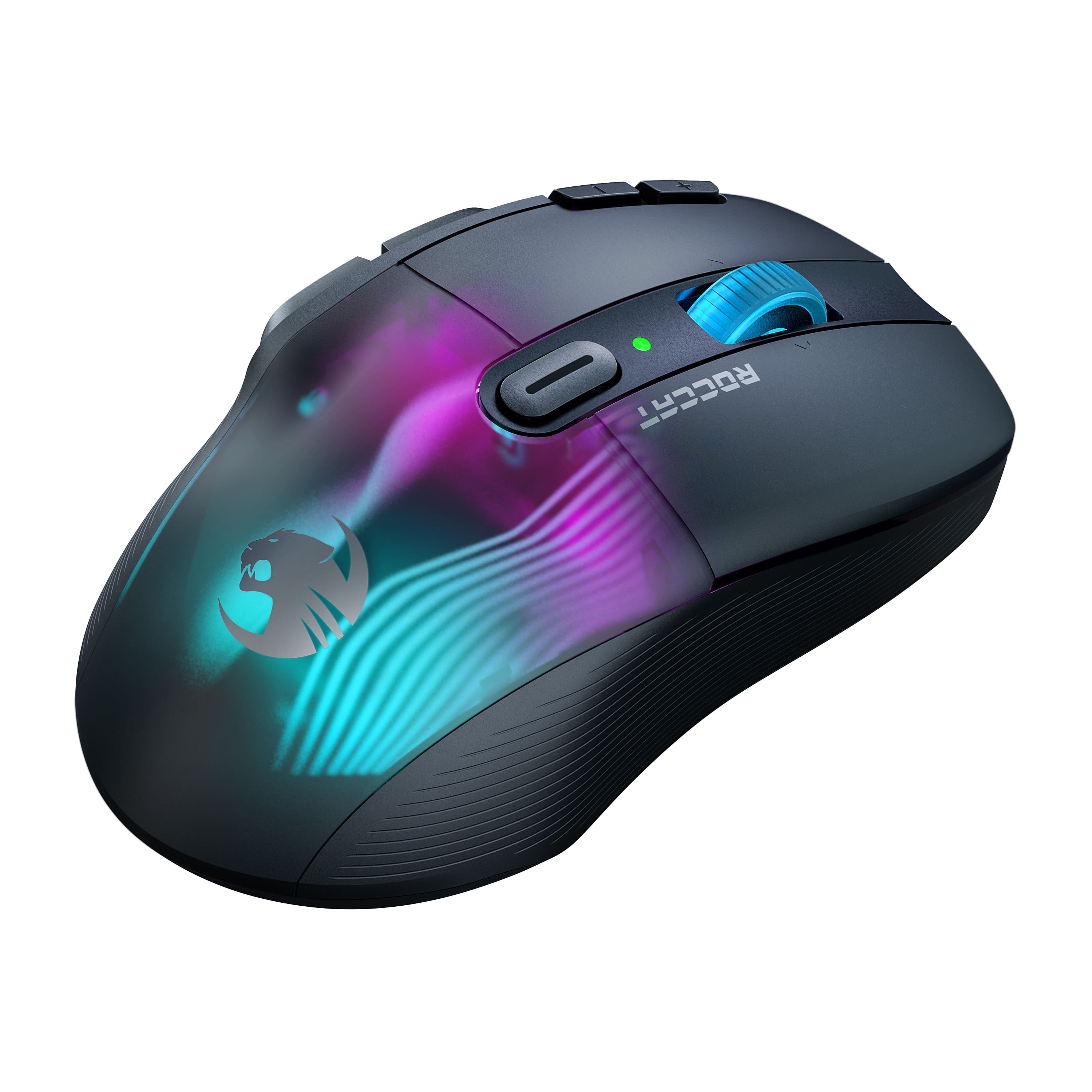
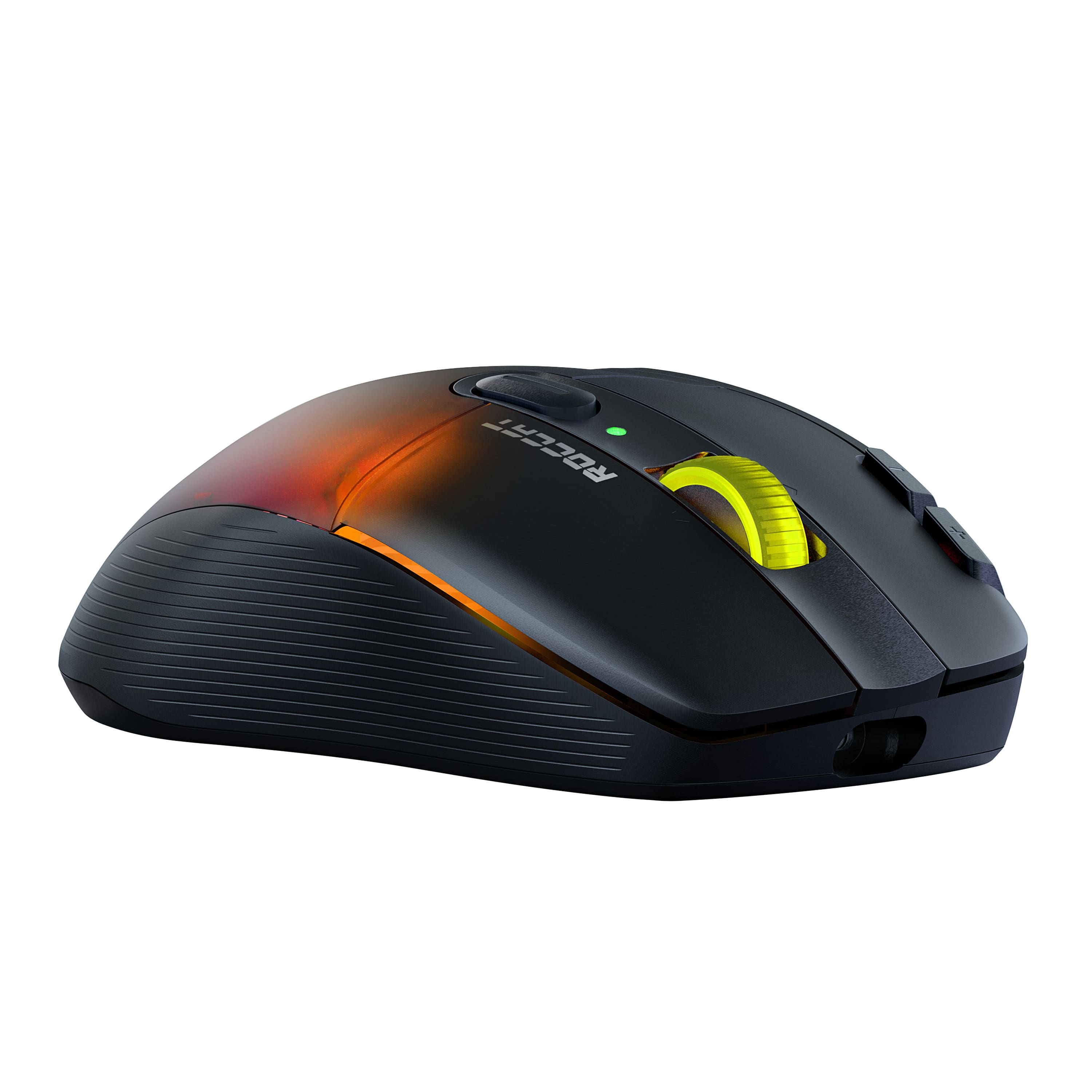
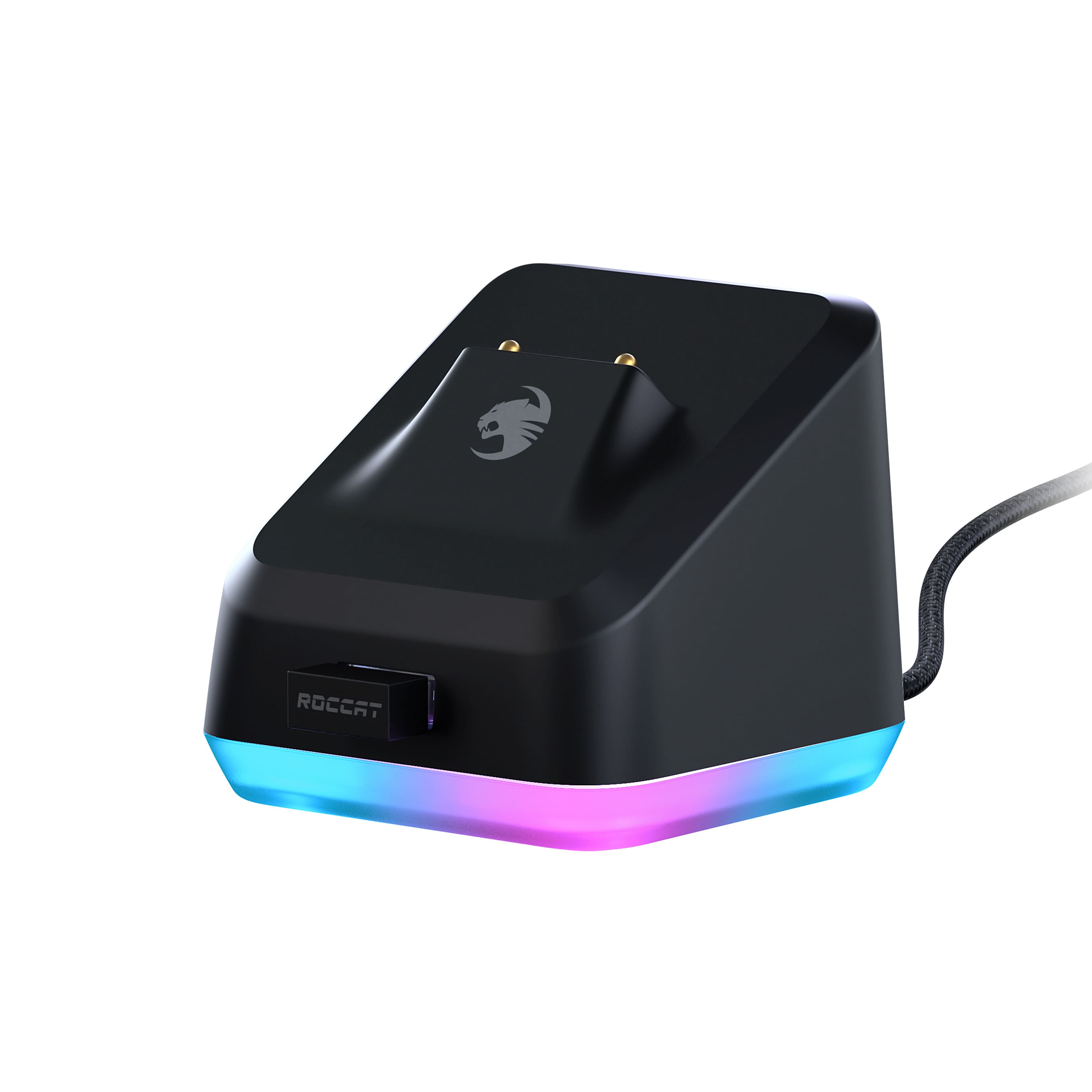
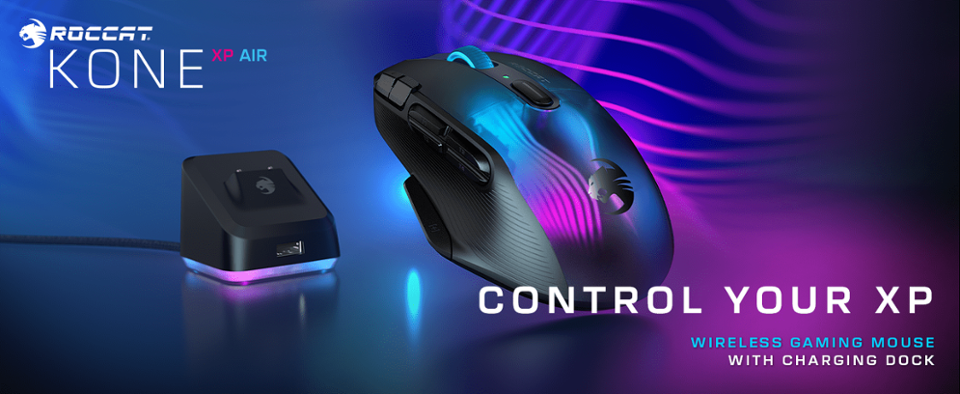
|Posted .This reviewer received promo considerations or sweepstakes entry for writing a review.The ROCCAT Kone XP Air Wireless Optical Gaming Mouse with Charging Dock finally fixes the need for a chord by providing a docking station for your wireless mouse for any time you need a quick recharge or at the end of a busy day in the office or gaming. Just drop your mouse on the charging dock and your set for the next use. ROCCAT Kone XP blends a perfect mix of design flourishes with functionality and comfort. Well formed for all-day use, it is ergonomic without being oddly shaped. It has all the function buttons needed to master your gaming or blazing through spreadsheets. The LED lighting is well done, adding a unique style without being overboard on the bling. The docking station mirrors the LED colors and sequence to bring a perfect styling addition to your descktop. I found this mouse to be excellent. It felt good for extended use and looks great. I get a lot of comments on the unique internal LED lighting and the dock! PROS - ROCCAT brand, design, and styling - Perfectly functional buttons and features - Charging dock - LED lighting CONS - None at this time
I would recommend this to a friendA Cluttered Experience
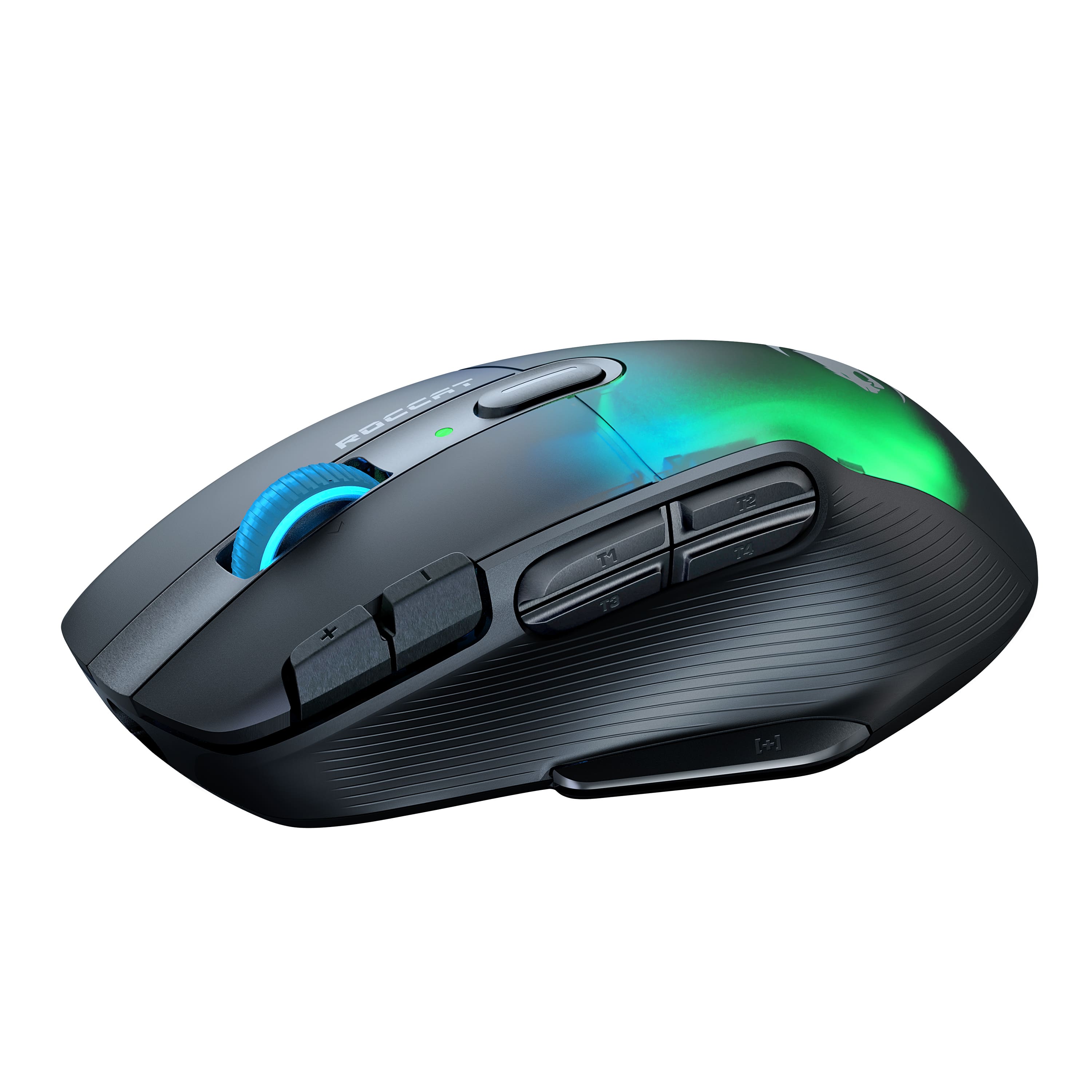
|Posted .This reviewer received promo considerations or sweepstakes entry for writing a review.I used the Kone XP Air for a little over two weeks. I have used multiple Roccat products in the past and have never truly been satisfied with their performance. Unfortunately, the mouse is over encumbered with too many programmable buttons. This may be a positive for RTS or MMO type games, but the buttons themselves are also much too close together. This caused a few kinetic input errors that resulted in a few faulty responses in game. The Roccat software also leaves a lot to be desired. It presents too many options all at once that is not very user friendly, especially to first time users. I did prefer the ergonomics over several other options I tested. It fit in my hand comfortably, and it did not slip out during a session. The scroll wheel was responsive and it had many sensitivity options to fit your liking. The charger is a nice option; however, the mouse will fall off with the slightest bump to the table or tap of the mouse. Overall, i did not prefer this mouse over other options such as the G-Pro Wireless Super Light.
No, I would not recommend this to a friendwireless and smooth
Posted .This reviewer received promo considerations or sweepstakes entry for writing a review.great shape, and excellent settings. love the dock, a good upgrade with plenty of buttons and ergonomic shape.
I would recommend this to a friendMy new favorite gaming mouse
|Posted .This reviewer received promo considerations or sweepstakes entry for writing a review.I play a lot of competitive PC games. Not that I'm competitive with them or good at them or anything, but I just enjoy them. Call of Duty, Halo Infinite, League of Legends, and these types of games where split seconds of reaction time can win or lose a fight or a game. I've used a pretty broad variety of gaming mice over the last few years and in general, every mouse has had at least one or two perks that I liked more than the others. The ROCCAT Kone XP is a bit different. It's the first mouse I've had with a built in "shift" key right on the thumb to allow for even more customization and hotkey selections. This is extremely useful in so many ways. The default setup even has quick shift functions for CTRL+C and CTRL+V and since I use my setup for both gaming and work, that has been incredibly useful. Battery life is pretty solid, I've put in some big hours so far and not had to recharge. However, I have built the habit of placing the mouse on the dock whenever I am finished, so this likely has helped. The LED styling is very cool with a translucent top though you rarely see it when you're actually using the mouse. Of course, as is common with most gaming mice nowadays, you can load multiple profiles for various games, change your DPI around depending on need, change the hotkeys for each profile, and even line up color themed LED patterns to match the vibe. Also, very lightweight. Would give it 6 stars if I could.
I would recommend this to a friendVery lightweight but very cool
|Posted .This reviewer received promo considerations or sweepstakes entry for writing a review.I love a lot about this mouse but not everything. I absolutely love the charging station and the built in USB slot. I put the dongle right there and that frees up the 2 USB slots on the front of my PC where I had always had to give up on of them for my past mice. Due to the location of my PC, the rear ones never worked well with my mice. That was a great problem to solve as I was always having to swap 2 things in my remaining slot. Huge problem solved for me just by having the charging station for this. Never mind how nice it is just to be able to drop the mouse on it to charge rather than try to fish a cable in to it. Now on to the actual mouse. It's a lot lighter than my prior mice and I'm still getting used to it. I almost think I need to put it on a mouse pad now instead of just using my desk. I just don't have one at the moment to try it out on. It's so light, the lack of resistance is a little odd so far. Not sure how to explain it. It is super sensitive and there are so may programmable buttons that are great but I probably would never use half of them without retraining my brain. The RGB setting in the app were a little wonky and not saving what I was choosing when I first set it up. I eventually got it how I wanted it but it took a lot more time than I think it should have. I'll just leave it on my blue and purple and be done with it. Overall, I'm really going to like this and highly recommend it
I would recommend this to a friendBad software hurts good mouse.
Posted .This reviewer received promo considerations or sweepstakes entry for writing a review.This mouse is terrible, or rather the software is. Every now and then it completely loses the ability to left click. This is my second one doing this. To restore it you have to reset the firmware and remake your profiles. Roccat swarm software is amateur at best; i do not recommend this product and it will be the last time i buy a roccat mouse. Stick with logitec, their devices work. It's a shame, otherwise the mouse is quite nice. Button layout is comfortable for big hands and the side buttons are responsive and well spaced from each other.
No, I would not recommend this to a friendBrand response from Turtle Beach Support
Posted .Hi and thanks for choosing ROCCAT. We are sorry you are facing a reoccurring issues such as the one you described. However, this is not a common issue, so we are confident there must be a working solution. Generally what could help is a full (and clean) reinstallation of the software, which includes getting rid of all files and settings previously made. To get assistance on this, please reach out to our support team using the contact form on our official support website. Our team would be glad to help!

Brand response from ROCCAT Support
Posted .Hi and thanks for choosing ROCCAT. We are sorry you are facing a reoccuring issues such as the one you described. However, this is not a common issue, so we are confident there must be a working solution. Generally what could help is a full (and clean) reinstallation of the software, which includes getting rid of all files and settings previously made. To get assistance on this, please reach out to our support team using the contact form on our official support website. Our team would be glad to help!
