Customer Ratings & Reviews



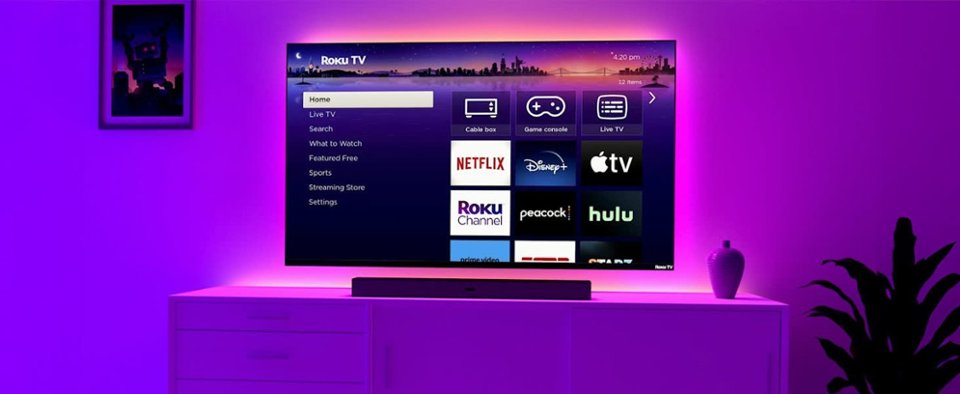
- Model:
- 43R4A5R/43R4AX
- |
- SKU:
- 6536712
Customer reviews
Rating 4.7 out of 5 stars with 1829 reviews
(1,829 customer reviews)Rating by feature
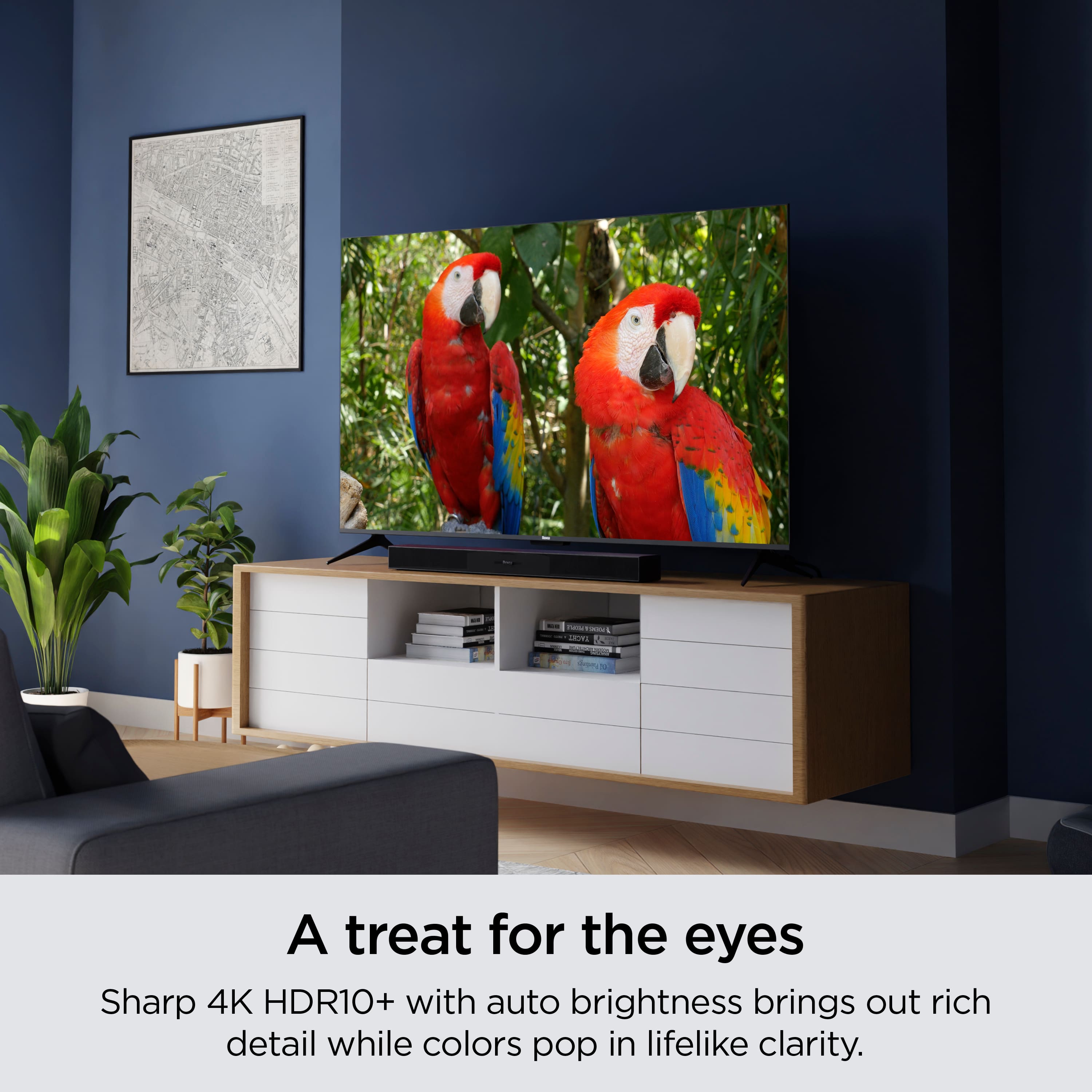
- Picture Quality4.8
Rating 4.8 out of 5 stars
- Sound Quality4.5
Rating 4.5 out of 5 stars
- Brightness4.8
Rating 4.8 out of 5 stars
Customers are saying
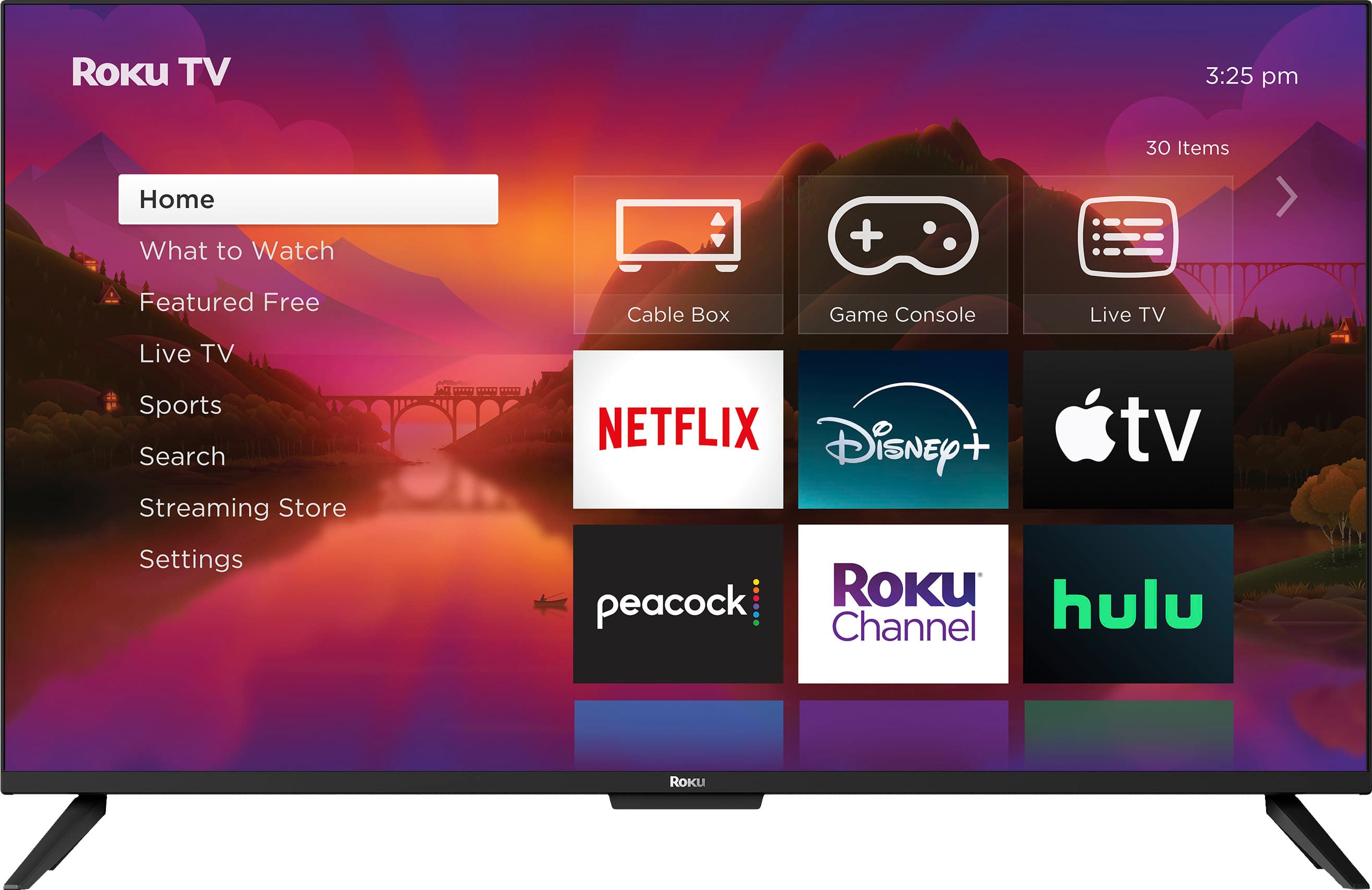
Customers love the 43" Class Select Series 4K Smart RokuTV for its excellent picture quality and ease of use. Many customers appreciate its perfect size and simple setup. The TV's connectivity is also a plus for users, while a few customers mentioned the screen's reflectivity as a minor drawback.
This summary was generated by AI based on customer reviews.
Rated 5 out of 5 stars
Tv
||Posted . Owned for 1 month when reviewed.This reviewer received promo considerations or sweepstakes entry for writing a review.Best product ever… clarity… very satisfied… would highly recommend!!
I would recommend this to a friendRated 5 out of 5 stars
Absolutely love ROKU
||Posted . Owned for 1 month when reviewed.This reviewer received promo considerations or sweepstakes entry for writing a review.This is not my first Roku tv. I am really happy with the brand and the apps that are already installed. Love this tv
I would recommend this to a friendRated 5 out of 5 stars
Great picture
||Posted . Owned for 1 month when reviewed.This reviewer received promo considerations or sweepstakes entry for writing a review.We totally love this tv and would like to recommend it for anyone looking for a television
I would recommend this to a friendRated 5 out of 5 stars
Worth the money
||Posted . Owned for 3 weeks when reviewed.This reviewer received promo considerations or sweepstakes entry for writing a review.Great value great service to pick up. Worth the money
I would recommend this to a friendRated 5 out of 5 stars
nice roku tv
||Posted . Owned for 3 months when reviewed.This reviewer received promo considerations or sweepstakes entry for writing a review.We’ve been using the tv for a couple of months, it’s fantastic. Bright picture, great contrast, and the roku features built in make it a great buy.
I would recommend this to a friendRated 5 out of 5 stars
Great tv
||Posted . Owned for 1 month when reviewed.This reviewer received promo considerations or sweepstakes entry for writing a review.This might be the best value tv on the market. I bought it for my dad and now I’m thinking about getting one.
I would recommend this to a friendRated 5 out of 5 stars
Nice TV
||Posted . Owned for 1 month when reviewed.This reviewer received promo considerations or sweepstakes entry for writing a review.All Good, turns on bye itself after shutting down for the night occasionally, but otherwise Good! Thanks ;-)
I would recommend this to a friendRated 5 out of 5 stars
bro just cop
||Posted . Owned for 1 week when reviewed.This reviewer received promo considerations or sweepstakes entry for writing a review.Great tv has all the channels and apps u just need to get ur neighbors wifi password and u good
I would recommend this to a friendRated 4 out of 5 stars
Not a big screen
||Posted .This reviewer received promo considerations or sweepstakes entry for writing a review.It's a good buy if you are not look for a big screen tv
I would recommend this to a friendRated 5 out of 5 stars
Terrific Purchase
||Posted . Owned for 1 month when reviewed.This reviewer received promo considerations or sweepstakes entry for writing a review.Very easy to purchase on line and pickup. Product is terrific. A gift for my son and he is very happy.
I would recommend this to a friendRated 5 out of 5 stars
New T.V
||Posted . Owned for 3 weeks when reviewed.This reviewer received promo considerations or sweepstakes entry for writing a review.Very happy with our purchase. Excellent service, excellent product. We will be making other purchases from Best Buy
I would recommend this to a friendRated 4 out of 5 stars
Would buy again
||Posted .This reviewer received promo considerations or sweepstakes entry for writing a review.Decent tv for the kids. Priced right. No issues so far
I would recommend this to a friendRated 5 out of 5 stars
Roku Works Great
||Posted . Owned for 3 months when reviewed.This reviewer received promo considerations or sweepstakes entry for writing a review.The Roku tv works great for my bedroom. Has a lot of shows you can see on the Roku Channel. Need to see how long it lasts.
I would recommend this to a friendRated 5 out of 5 stars
Roku TV
||Posted . Owned for 1 month when reviewed.This reviewer received promo considerations or sweepstakes entry for writing a review.Best present I bought my husband. He loves it! I eventually want to get another one for another room!
I would recommend this to a friendRated 5 out of 5 stars
Best Television
||Posted . Owned for 1 week when reviewed.This reviewer received promo considerations or sweepstakes entry for writing a review.We could not be more pleased with our choice of this television!
I would recommend this to a friendRated 4 out of 5 stars
Great TV!
||Posted . Owned for 1 week when reviewed.This reviewer received promo considerations or sweepstakes entry for writing a review.A great TV for the bedroom! This would be a 5-star review, but we're having issues connecting this to our bluetooth speakers. Otherwise, another excellent Roku device!
I would recommend this to a friendRated 5 out of 5 stars
Great TV
||Posted . Owned for 1 month when reviewed.This reviewer received promo considerations or sweepstakes entry for writing a review.This TV was perfect for my Mom's new house and was a huge upgrade from her old Roku TV. I definitely recommend it.
I would recommend this to a friendRated 5 out of 5 stars
Roku TV
||Posted . Owned for 1 month when reviewed.This reviewer received promo considerations or sweepstakes entry for writing a review.This TV was purchased as a replacement in a guest room. As it turns out, it was a really good buy and perfect for my needs.
I would recommend this to a friendRated 4 out of 5 stars
Nice upgrade!!
||Posted . Owned for 1 month when reviewed.This reviewer received promo considerations or sweepstakes entry for writing a review.We are really enjoying the Roku TV, The only downfall is the speakers. They were weak and tinny sounding. We had to order a sound bar for it. Otherwise very happy with it.
I would recommend this to a friendRated 5 out of 5 stars
Roku tv
||Posted . Owned for 3 months when reviewed.This reviewer received promo considerations or sweepstakes entry for writing a review.The tv works grate haven’t had any problems with it
I would recommend this to a friend