Customer Ratings & Reviews




- Model:
- 65CC
- SKU:
- 6643921
Rating by feature
- Picture Quality
Rating 4.8 out of 5 stars
- Sound Quality
Rating 4.5 out of 5 stars
- Brightness
Rating 4.8 out of 5 stars
Customers are saying
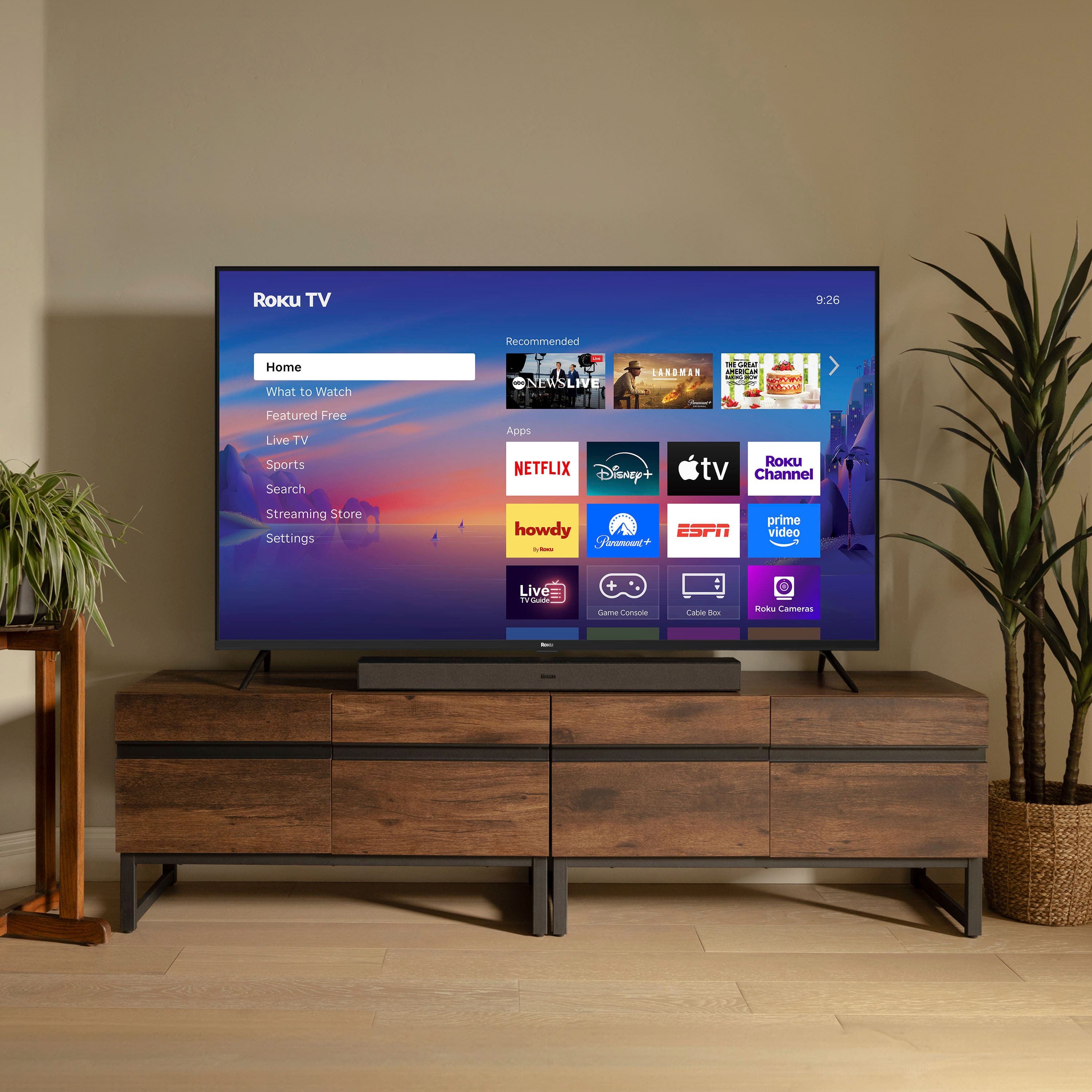
Customers love the 65" Class 4K HDR LED Smart RokuTV (2025) for its good picture quality and resolution. The TV is also praised for being easy to set up and use. Overall, customers seem to be very satisfied with the TV's picture and user-friendliness.
This summary was generated by AI based on customer reviews.
Amazing TV
Posted .This reviewer received promo considerations or sweepstakes entry for writing a review.Great! Super happy with this purchase! Very good television
I would recommend this to a friendFABULOUS
Posted .This reviewer received promo considerations or sweepstakes entry for writing a review.Lovely tv, gives a whole new experience to watching
I would recommend this to a friendLike it
Posted .This reviewer received promo considerations or sweepstakes entry for writing a review.I bought it for my parents. They really like it very much.
I would recommend this to a friendBuyer beware of online issues
Posted .This reviewer received promo considerations or sweepstakes entry for writing a review.The remote did not work; it was defective. drove to the Best Buy they said I bought online. went on line they said I had to go to the manufacturer after troubleshooting. I did all the troubleshooting; it said it was defective. I ask, "Can't I just bring the remote to the local Best Buy?" They might give you one with the purchase order. Walked in, showed receipt online, and they said you need to get from online. Best Buy. I went on Amazon, where I ordered the charger myself. $20 wasted but tv now works.
No, I would not recommend this to a friendBrand response from Roku Support
Posted .Hi Debbie, we’re glad to hear you’ve already started streaming, and we’re sorry to learn about your experience. We understand how you feel. If you’d like to share more about what happened, you can reach out to Best Buy’s team directly here: https://www.bestbuy.com/services/presales/contactus/education?contact. They’ll appreciate your feedback. Thanks for choosing Roku, and Happy Streaming! Elmer, Roku Customer Advocate

Missing Leg Screws and No Support From Best Buy
Posted .This reviewer received promo considerations or sweepstakes entry for writing a review.Came missing the screws for the legs, and after reaching out to Best Buy they said they would be unable to help.
No, I would not recommend this to a friendBrand response from Roku Support
Posted .Hi Steve, thank you for sharing your feedback with us. Please reach out to our support team so we can replace your TV screws and ensure they fit properly at support.roku.com/contactus. We are always here and eager to assist! Elmer, Roku Customer Advocate
Not happy with product
Posted .This reviewer received promo considerations or sweepstakes entry for writing a review.Every single time i turn the tv on its disconnected from wifi and have to restrat.
No, I would not recommend this to a friendBrand response from Roku Support
Posted .Hi there! Thank you for letting us know. We’re happy to help fix this issue. To start, try unplugging your Wi-Fi router for at least 60 seconds. Then, restart your Roku device by going to Home > Settings > System > System Restart. It is also essential to ascertain the stability of your Wi-Fi connection to enable uninterrupted streaming. For further guidance, please refer to the following link:https://support.roku.com/article/213122277#section-0. Additionally, consider connecting to a different network, such as a mobile hotspot, to determine if the issue lies with your Wi-Fi router or Roku device. If the problem persists, please feel free to reach out to us at support.roku.com/contactus.
Thanks!
Elmer, Roku Customer Advocate