Customer Ratings & Reviews
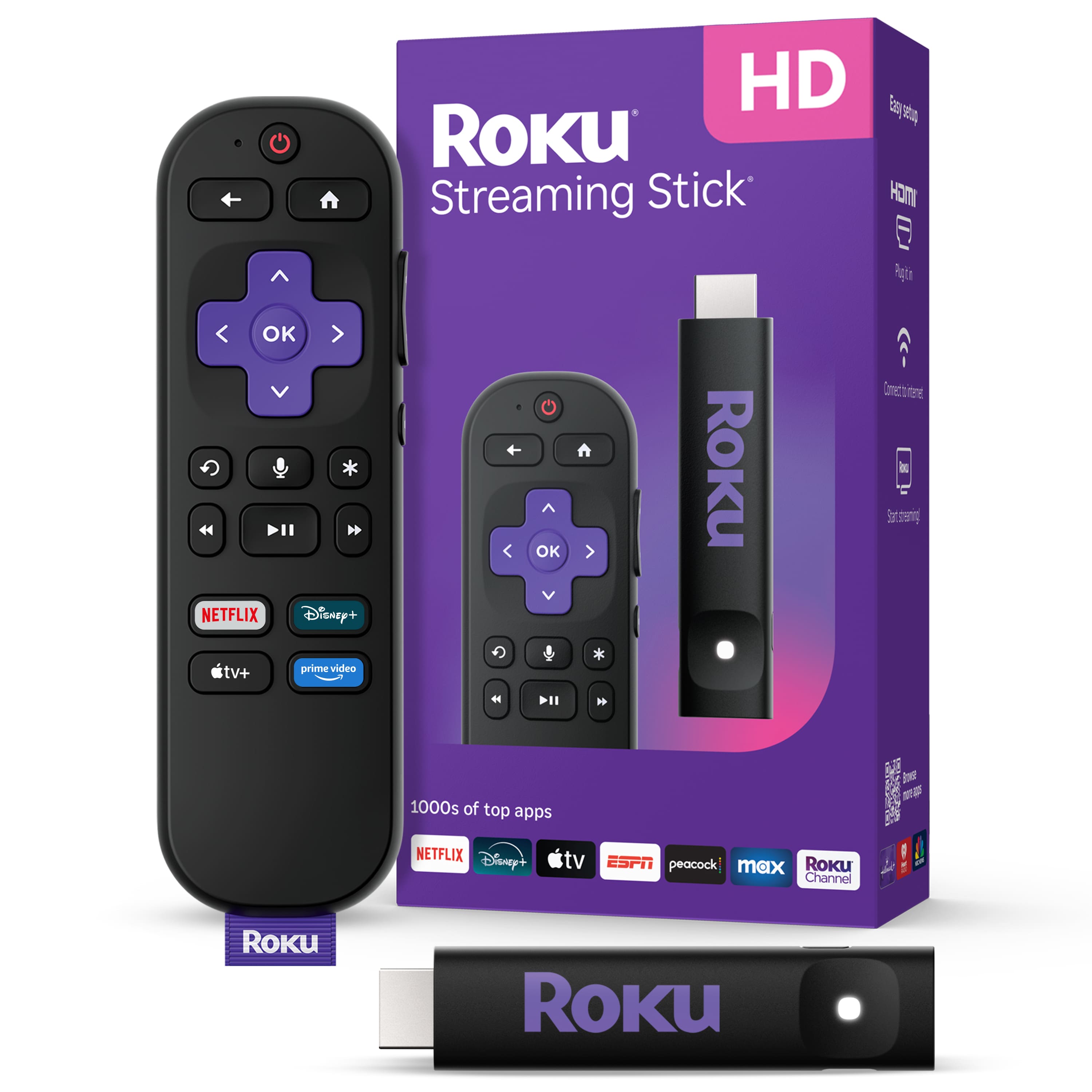






- Model:
- 3840R
- SKU:
- 6619093
Rating by feature
- Value
Rating 4.9 out of 5 stars
- Quality
Rating 4.8 out of 5 stars
- Ease of Use
Rating 4.8 out of 5 stars
Customers are saying
Customers recognize the Streaming Stick 2025 as a device that adds the perfect final touch to their streaming setup due to its overall performance and ease of use. Users appreciate the simple screen and remote, as well as the wide availability of apps. While setup is generally smooth, a few customers have reported connectivity issues with universal remotes.
This summary was generated by AI based on customer reviews.
Rukoo Fast!!
Posted .This reviewer received promo considerations or sweepstakes entry for writing a review.Curbside was wonderful and it didn't take long at all
I would recommend this to a friendHot usage
Posted .This reviewer received promo considerations or sweepstakes entry for writing a review.Gets extremely hot when plugged in afraid to use may cause damage to my TV or fire
No, I would not recommend this to a friendBrand response from Roku Team
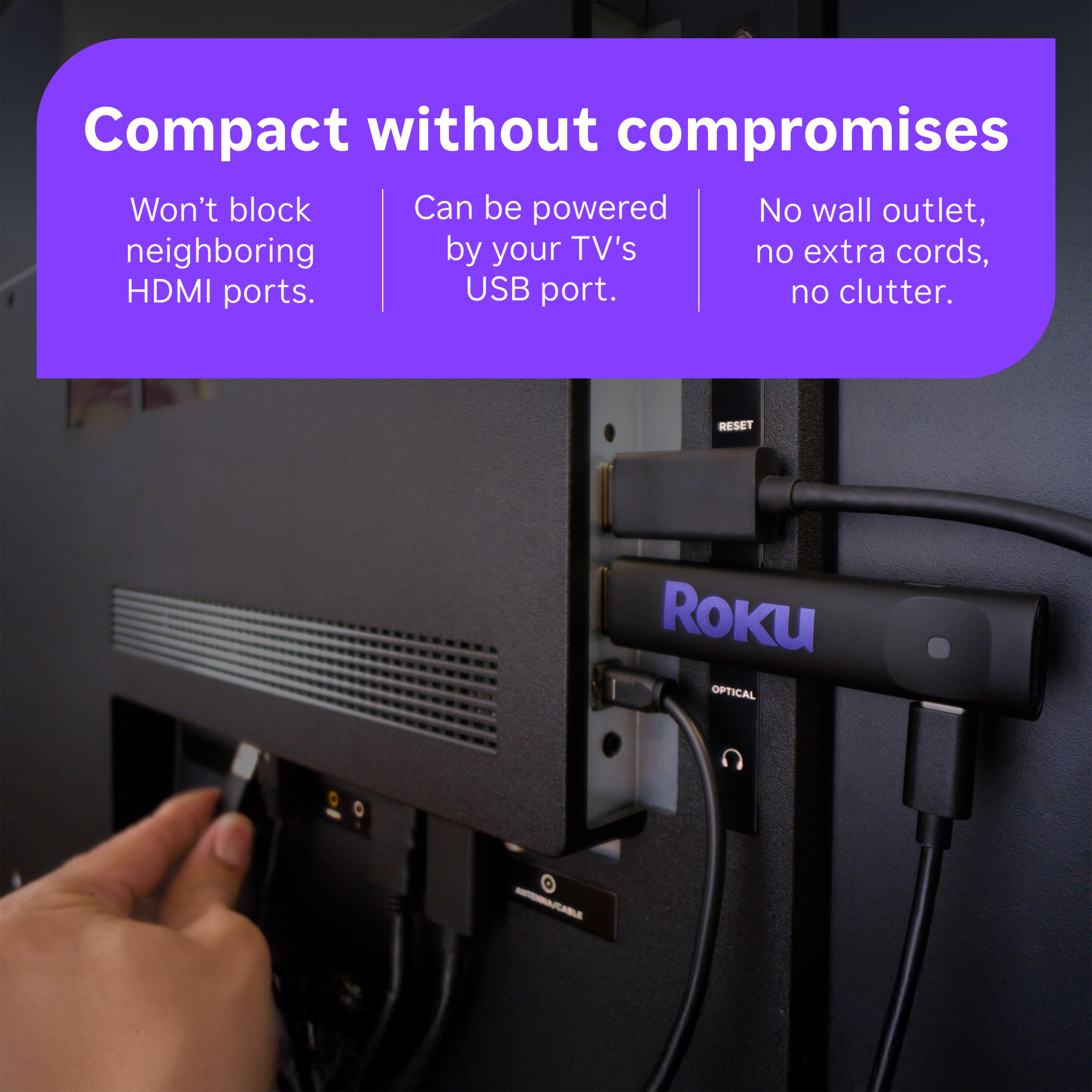
Posted .Hello! Thank you for sharing your thoughts with us. We are keen to provide assistance and gain further insight into this matter. In the meantime, please try this simple step, carefully unplug the power cable from your Roku player and allow it to cool down. Avoid placing your Roku in a cabinet or other closed space, or on top of other electronic devices. You can also try installing a free HDMI extender to move your Roku away from the back of your TV. Lastly, Once your Roku has cooled down, plug the power cable back in and wait for it to power on. If the issue persists, feel free to contact us at http://support.roku.com/contactus. Your feedback is really important to us and helps us improve our products and services.
We’re always here to help!
Elmer, Roku Customer Advocate