Customer Ratings & Reviews

- Model:
- 3811R
- SKU:
- 6367481
Rating by feature
- Value
Rating 4.7 out of 5 stars
- Quality
Rating 4.7 out of 5 stars
- Ease of Use
Rating 4.8 out of 5 stars
Customers are saying
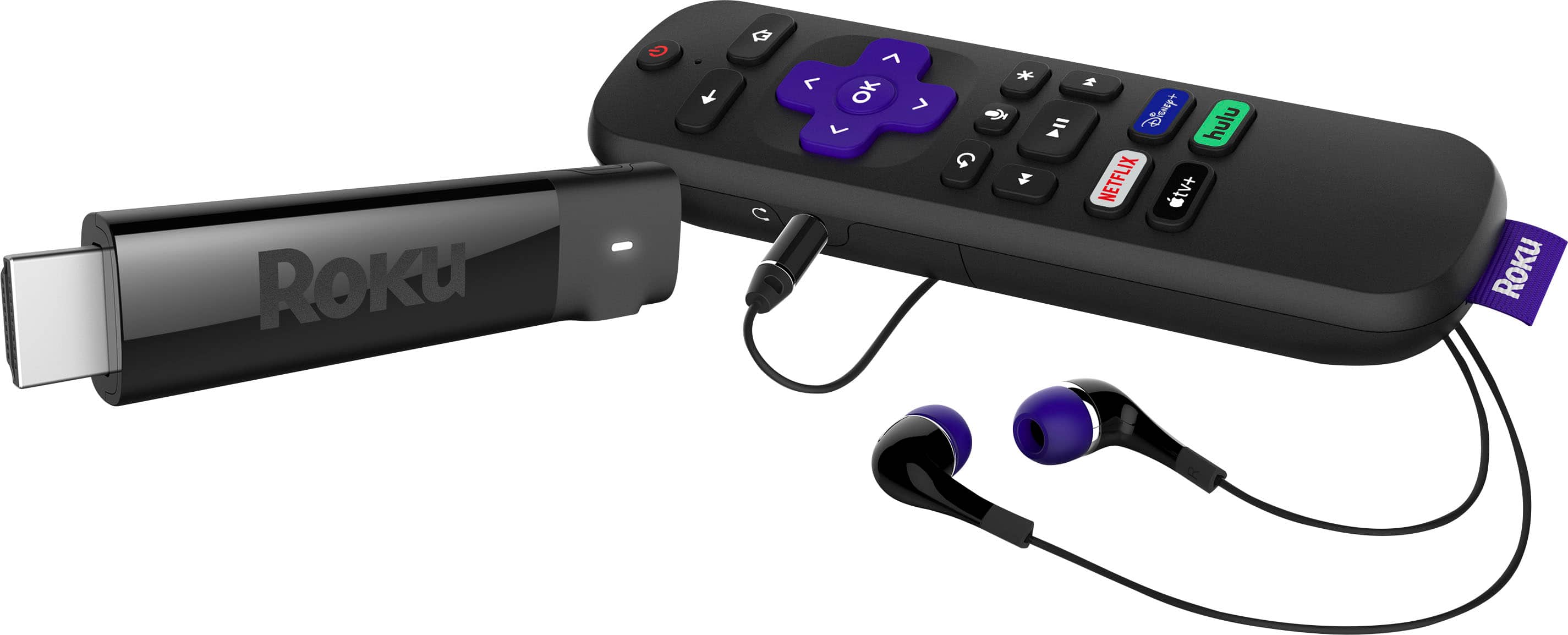
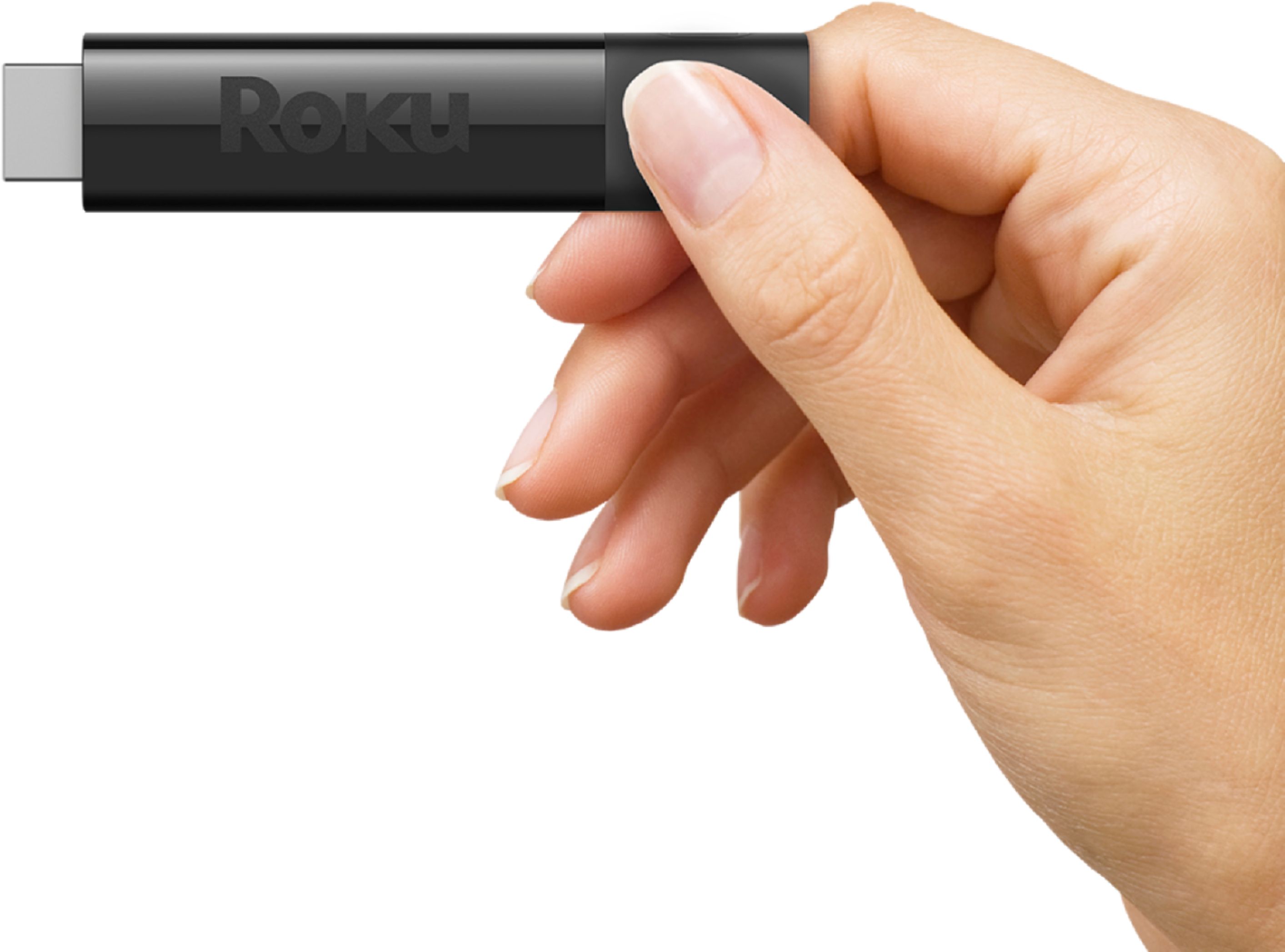
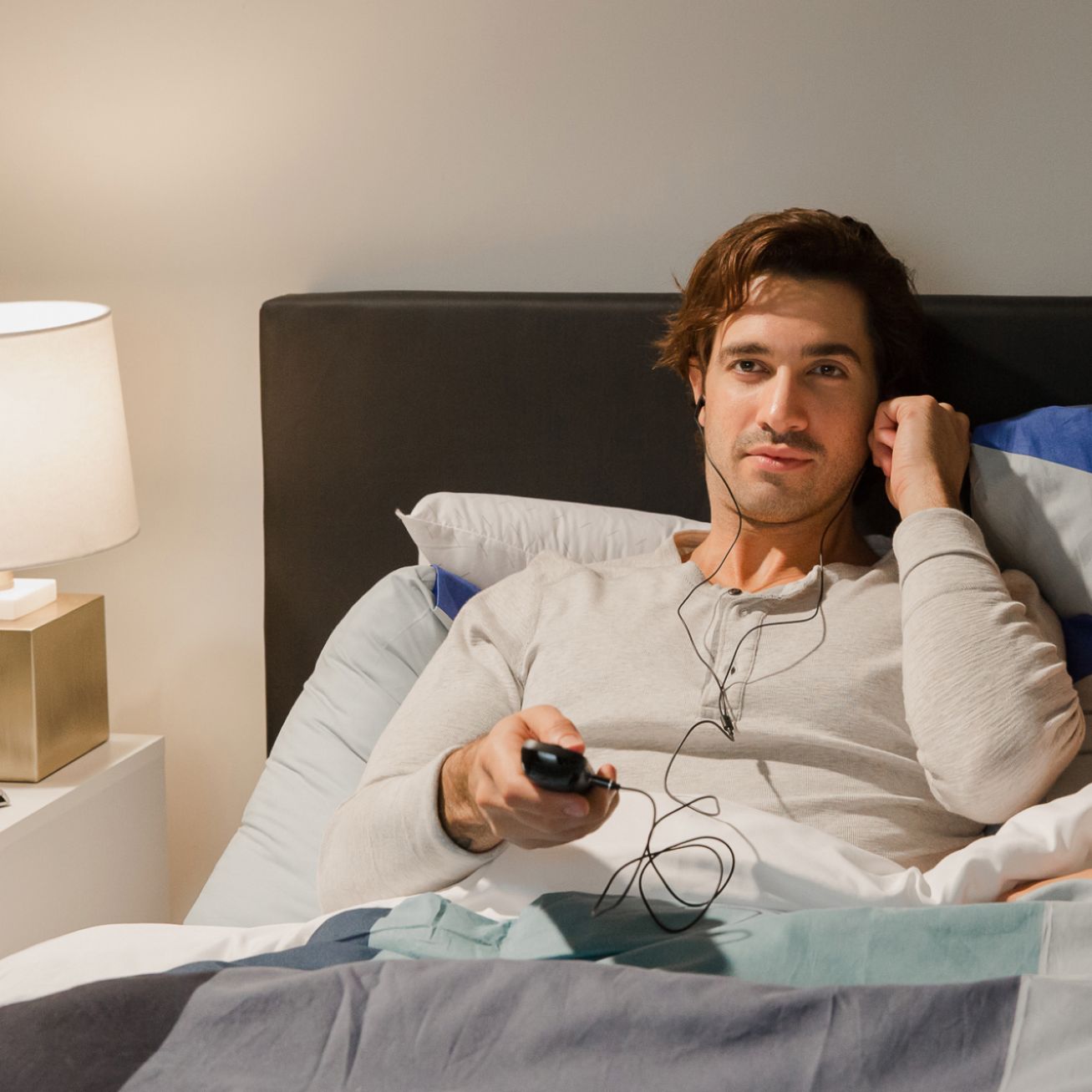
Customers find value in the Streaming Stick+'s ease of use, particularly its user-friendly remote and headphone jack, which allows for private listening. Many appreciate the device's performance, picture quality, and 4K capabilities, along with its straightforward setup. However, some users report issues with the remote's battery life and occasional overheating. The positive feedback on ease of use and picture quality outweighs these concerns for most customers.
This summary was generated by AI based on customer reviews.
Product died on me within 16 days.
||Posted . Owned for 1 month when reviewed.This reviewer received promo considerations or sweepstakes entry for writing a review.My Roku Streaming Stick died within 16 days of purchase. I bought it to give myself a way to watch Disney+ on my Samsung TV, which does not allow me to install new streaming widgets on its own. I purchased the Roku stick online through Best Buy during shutdown and acquired it through curbside pickup at my local BB store. It was easy to set up and worked great for a short time. However, one day (16 days after purchase) I turned on the TV using the Roku remote and got a "no signal" message. The light on the stick was not lit, so I checked the power cords and all the connecting lines multiple times. After much frustration, I googled "Roku streaming stick no signal" and found numerous threads by other customers complaining about the same problem: apparently, there is an issue with the Roku Streaming Stick where its components (power adapter, connecting UBS cord) fail to power up the stick, or the stick simply malfunctions. If this wasn't bad enough, because I discovered my product had died 16 days after purchase, I was no longer able to exchange the product or return for money back since Best Buy has a 14-day exchange/return policy. So this was $40+ dollars down the drain. If you're looking for a streaming stick, I would look somewhere else other than Roku.
No, I would not recommend this to a friendRoku
||Posted . Owned for 1 month when reviewed.This reviewer received promo considerations or sweepstakes entry for writing a review.Has issues receiving signal and remote doesn’t always work . You have to get up and go to the tv and point it to the back of the tv to get the remote to work .. So FRUSTRATING!!
No, I would not recommend this to a friendSimpler version better
||Posted . Owned for 3 weeks when reviewed.This reviewer received promo considerations or sweepstakes entry for writing a review.Simpler ROKU worked on our main living roomTV. Replaced it with this to have headphone use and it kept failing. Has to put it on a secondary TV and put simpler version back in living room.
No, I would not recommend this to a friend- Cons mentioned:Battery life
Overheating
||Posted .This reviewer received promo considerations or sweepstakes entry for writing a review.It's good to use for 2hrs & then it shuts off because it over heats. It needs to worked on especially the USB port
No, I would not recommend this to a friendBrand response from Roku Team
Posted .Hello, thanks for your feedback. If you are receiving an on-screen error message indicating that your player is too warm, we invite you to visit: go.roku.com/tempcheck.
As a reminder, you may want to try finding a cooler location for your Roku player. For example, avoid placing the unit in direct sunlight, or inside a cabinet (or other enclosed space). Similarly, avoid placing the unit on top of other electronic devices such as cable boxes, routers, or audio/video receivers, as these also tend to emit heat.
You could also try moving your player further away from your TV by installing an extension cable—we offer them for free for Streaming Stick+ customers here https://my.roku.com/hdmi.
If your issue persists, please send us an email at support.roku.com/contactus so we can help.
Roku Customer Advocate
Buy the most expensive one and save the hassle
||Posted . Owned for 3 weeks when reviewed.This reviewer received promo considerations or sweepstakes entry for writing a review.Freezes up on a regular basis. I have two of these(both freeze up) and a third (the most expensive Ultimate edition) that I purchased for $100 and it doesn’t freeze.
I would recommend this to a friendBrand response from Roku Team
Posted .Hi Joseph, thanks for your feedback! Have you had a chance to contact our customer support team? We'd be happy to learn more and help troubleshoot this with you! Visit us online at support.roku.com/contactus to get started and connect with an agent. Your feedback is very important to us and we’re eager to assist.
Thank you!
Roku Customer Advocate
Adequate
||Posted . Owned for 3 weeks when reviewed.This reviewer received promo considerations or sweepstakes entry for writing a review.Not as seamless as AppleTV. I have no issues with the three AppleTV devices I use in my home but Roku always minor problems wit connectivity.
No, I would not recommend this to a friendCan't use with Spectrum
||Posted . Owned for 3 weeks when reviewed.This reviewer received promo considerations or sweepstakes entry for writing a review.Ended up not being able to use it because Roku and Spectrum are in a dispute and I can't use it for this purpose which was the only reason I bought it.
I would recommend this to a friendBrand response from Roku Team
Posted .Hi there, we have some great news to share with you! The Spectrum Channel is now available to download for all Roku players as of August 17, 2021. If you're having trouble locating the channel, make sure that your device is on the newest software update.
To stay in the loop with all upcoming announcements, we recommend subscribing to our blog: https://blog.roku.com. Many thanks for your continued support.
Happy Streaming!
Roku Customer Advocate
piece of junk, total waste of money
||Posted . Owned for 2 months when reviewed.This reviewer received promo considerations or sweepstakes entry for writing a review.There is a well-known audio streaming issue with certain Roku devices that I did not myself know about until after I bought this piece of junk. Lucky me! I wasted a good chunk of change to upgrade a slow, older model smart Philips tv. Within a few weeks of using this, the sound began cutting out -- just the sound; the video kept streaming perfectly fine, remaining in excellent resolution, just without any audio. Sometimes it cuts out for a few seconds; other times, for much longer; and always growing increasingly worse the longer you stream. I bought this thing in early-January 2022. Two months later and I can't get through a simple 30 minute tv show without the audio begin to cut out again and again and again. BestBuy: you are complicit in selling me such a poor quality item with a very well-known problem---the audio cutting out has been all over Roku's community support forums for years now! Shame on you, BestBuy corporate.
No, I would not recommend this to a friendBrand response from Roku Team
Posted .Hello, thanks for reaching out! This does not sound like typical behavior and we'd like to help.
Is this only happening on one channel? Sometimes, performing a system restart, or system update on the player can resolve this. Other times, you might need to uninstall and reinstall the affected channels, check the status of your wireless connection, or contact the channel's service provider.
You could try using a different HDMI port or a different TV in an effort to isolate the issue. You may also want to utilize a wall outlet for power instead of the TV's USB so see if that helps.
Lastly, we'd recommend trying to adjust the display settings. From the Roku home screen go to Home > Settings > Display Type. If it is not set to “Automatic”, change this setting to “Automatic” and see if this resolves the problem. If there is no change, try another resolution, such as 720p or 1080p.
We hope that this troubleshooting can assist in getting you up and streaming!
Roku Customer Advocate
Great for the money
||Posted . Owned for 3 months when reviewed.This reviewer received promo considerations or sweepstakes entry for writing a review.I have Roku’s surround in my entire house. I had to return this item because the signal is not that strong so I replaced it with the ultra. Very happy with Roku products.
I would recommend this to a friend- Cons mentioned:Overheating
Good but needs a cold room
||Posted . Owned for 3 weeks when reviewed.This reviewer received promo considerations or sweepstakes entry for writing a review.Gets way to hot if plugged direct to tv and shows warnings to unplug
No, I would not recommend this to a friendBrand response from Roku Team
Posted .Hello, thanks for your feedback. If you are receiving an on-screen error message indicating that your player is too warm, we invite you to visit: go.roku.com/tempcheck.
As a reminder, you may want to try finding a cooler location for your Roku player. For example, avoid placing the unit in direct sunlight, or inside a cabinet (or other enclosed space). Similarly, avoid placing the unit on top of other electronic devices such as cable boxes, routers, or audio/video receivers, as these also tend to emit heat.
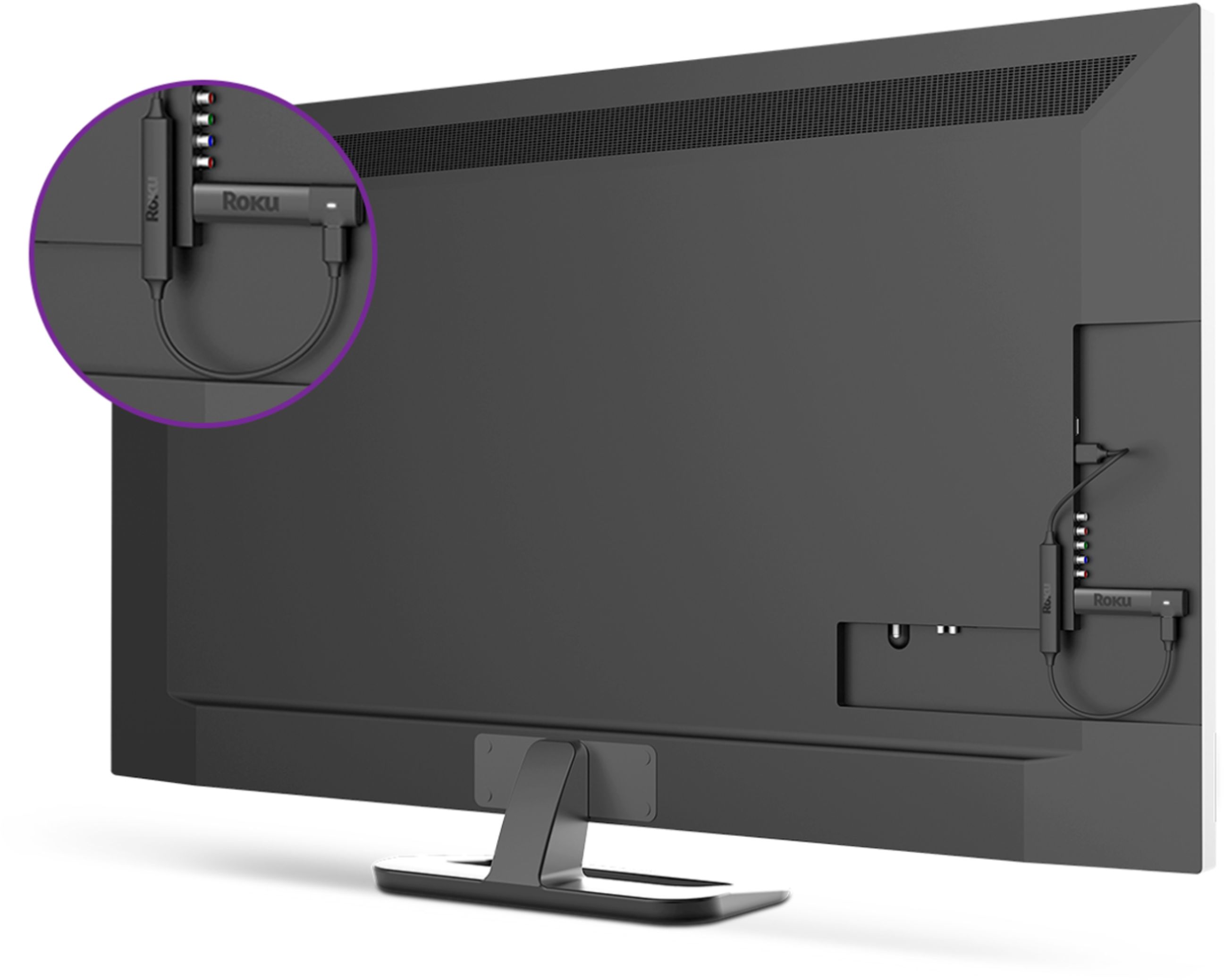
You could also try moving your player further away from your TV by installing an extension cable—we offer them for free for Streaming Stick customers here https://my.roku.com/hdmi.
If your issue persists, please send us an email at support.roku.com/contactus so we can help.
Roku Customer Advocate
Roku no longer supports Fox News.
||Posted . Owned for 1 month when reviewed.This reviewer received promo considerations or sweepstakes entry for writing a review.Purchased it with the expectations to receive Fox News. Roku just dropped Fox News. We are currently searching for options. Installation was perfect.
No, I would not recommend this to a friend- Cons mentioned:Overheating
ROKU HEADPHONE EDITION
||Posted .This reviewer received promo considerations or sweepstakes entry for writing a review.ALREADY HAVING 2 DIFFERENT ROKU'S IN THE HOME I WAS VERY DISAPPOINTED WITH THIS EDITION. IT KEPT OVERHEATING MY TV AND THE TV WOULD SHUT OFF OR NOT TURN ON. I TRIED BOTH OF MY OTHER ROKU'S AND DID NOT EXPERIENCE ANY DIFFICULTIES. UNFORTUNATELY, I DECIDED TO RETURN IT.
No, I would not recommend this to a friend - Pros mentioned:Picture quality
It’s ok
||Posted . Owned for 1 week when reviewed.This reviewer received promo considerations or sweepstakes entry for writing a review.It’s hard to control the remote works then doesn’t there a good picture quality though beside everything else is ok
No, I would not recommend this to a friend Old black Roku box no more.
||Posted . Owned for 1 month when reviewed.This reviewer received promo considerations or sweepstakes entry for writing a review.No longer have to see that little black box with my older version of a Roku. Quality of sharpness, just about the same. All in all... not bad.
I would recommend this to a friendBrand response from Roku Team
Posted .Hello, thank you for your review. Your feedback is incredibly important to us! Our team is always on the lookout for new ways to improve our products and if there is anything that we could have done to earn a 5-star rating, we hope that you'll let us know. Enjoy your new player!
Roku Customer Advocate
Rough texture of remote is dealbreaker
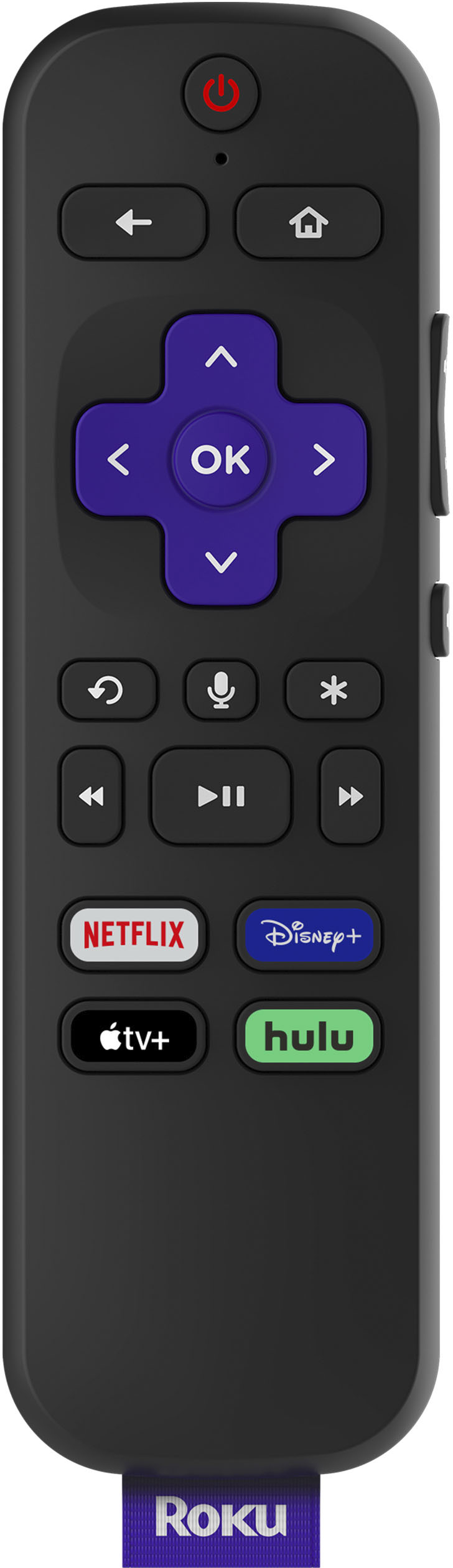
||Posted .This reviewer received promo considerations or sweepstakes entry for writing a review.Was looking forward to this for my second TV as my primary TV is a TCL R-617 that came installed with Roku, and was mostly happy with it. This seems very similar to that with one big difference: the texture of the remote. It’s rough. Can’t remember what other products use this kind of texture but it’s not anything you use on a regular basis or for comfort. This might seem trivial or nitpicking but considering how often you’ll be touching it, not really. I’ll give it a day or 2 to see if I can somehow tolerate it or get used to it, but don’t think I will and will have to return it. What’s perplexing is that my TCL remote is obviously designed by Roku as it’s almost identical, save for being a bit thinner. And for having the smooth or regular surface that EVERY remote I’ve ever used has had. A shame, as even with the lag that that both Rokus have (this one right out of the box), I much prefer it to the Fire stick, with its simple interface and much less intrusive ads and bloatware. Plus, I can control my TV volume from this remote. But this seemingly basic feature that they perplexingly changed is a dealbreaker for me.
No, I would not recommend this to a friendBrand response from Roku Team
Posted .Mike, thanks for taking a moment to share. Our customers' feedback is incredibly important to us. We appreciate the comments and will be sure to pass this along to the product team.
Happy Streaming!
Roku Customer Advocate
Not the best not the worst
||Posted . Owned for 10 months when reviewed.This reviewer received promo considerations or sweepstakes entry for writing a review.Pretty good piece of gear but I wish it had more channels that interest me. It's OK when the cable goes out.
I would recommend this to a friendBrand response from Roku Team
Posted .Hello, thanks for taking a moment to share your feedback with us!
If you haven't already, be sure to check out The Roku Channel. It features over 10,000 hit movies, TV, and 24/7 news at no cost to you!
You can also visit Featured Free on the home screen of your Roku device. Click here to find ways to locate more free content: https://support.roku.com/article/208756428. Some channels and Premium Subscriptions even offer a free trial (e.g., a 7-day free trial). We hope this helps.
Happy Streaming!
Roku Customer Advocate
NO CUSTOMER SUPPORT
||Posted . Owned for 11 months when reviewed.This reviewer received promo considerations or sweepstakes entry for writing a review.Like this product but calling or emailing them you never get a response and that is sad. At least they updated HBOMAX.
I would recommend this to a friendPoor Roku warranty.
||Posted . Owned for 3 months when reviewed.This reviewer received promo considerations or sweepstakes entry for writing a review.Only 3 months old, and the unit factory resets itself after every power disconnect. Clearly a defective unit. Roku says they will replace, but I have to pay to ship it back. Very disappointing that it will cost 25% of the cost of the product to ship it back for a warranty. NOT HAPPY WITH ROKU's SUPPORT.
No, I would not recommend this to a friendBrand response from Roku Team
Posted .Hi Ryan, thank you for your review. Our team is always on the lookout for new ways to improve and we’ll be sure to pass your feedback along. If you'd like to move forward with the warranty replacement, please don't hesitate to contact us.
Roku Customer Advocate
Headphone conector defective after 1 month.
||Posted .This reviewer received promo considerations or sweepstakes entry for writing a review.The Roku works fine. We bought it because of the possibilty of having the headphones in the control. Then, after less than a month the headphones are not working. Something in the connector jack because headphones work ok in other jacks. I will return it ASAP. Without that feature the extra $ paid was a waste. And 2 stars because the roku and the control are very good.
No, I would not recommend this to a friendBrand response from Roku Team
Posted .Hi Juan, this is certainly not the kind of experience we'd hope for our customers to have. If you haven't already, be sure to reach out to our customer support team. Visit us online at https://support.roku.com/contactus. Select the option that reads, "Questions about returning my Roku device or managing my order" so that we can see if your device is eligible for a replacement.
If you'd like to learn more about warranty returns and replacements, please visit our helpful FAQ here: https://support.roku.com/article/208757058.
Thanks for your support!
Roku Customer Advocate
Roku stick with headphone
||Posted . Owned for 9 months when reviewed.This reviewer received promo considerations or sweepstakes entry for writing a review.I really liked the rook stick with the headphone, however the headphone sucked. It had too many statics.
No, I would not recommend this to a friendBrand response from Roku Team
Posted .Hi there, thanks so much for being a dedicated customer of ours. As a tip, you might want to try using a different pair of headphones to see if that helps with the static. Additionally, you can always utilize private listening from your phone or tablet by using Roku mobile app. Using the app's digital remote, you can plug your headphones into your phone or tablet to listen to the content playing on your TV. Simply select the headphones icon to listen and you're all set!
We hope this helps and appreciate your feedback.
Happy Streaming!
Roku Customer Advocate