Customer Ratings & Reviews
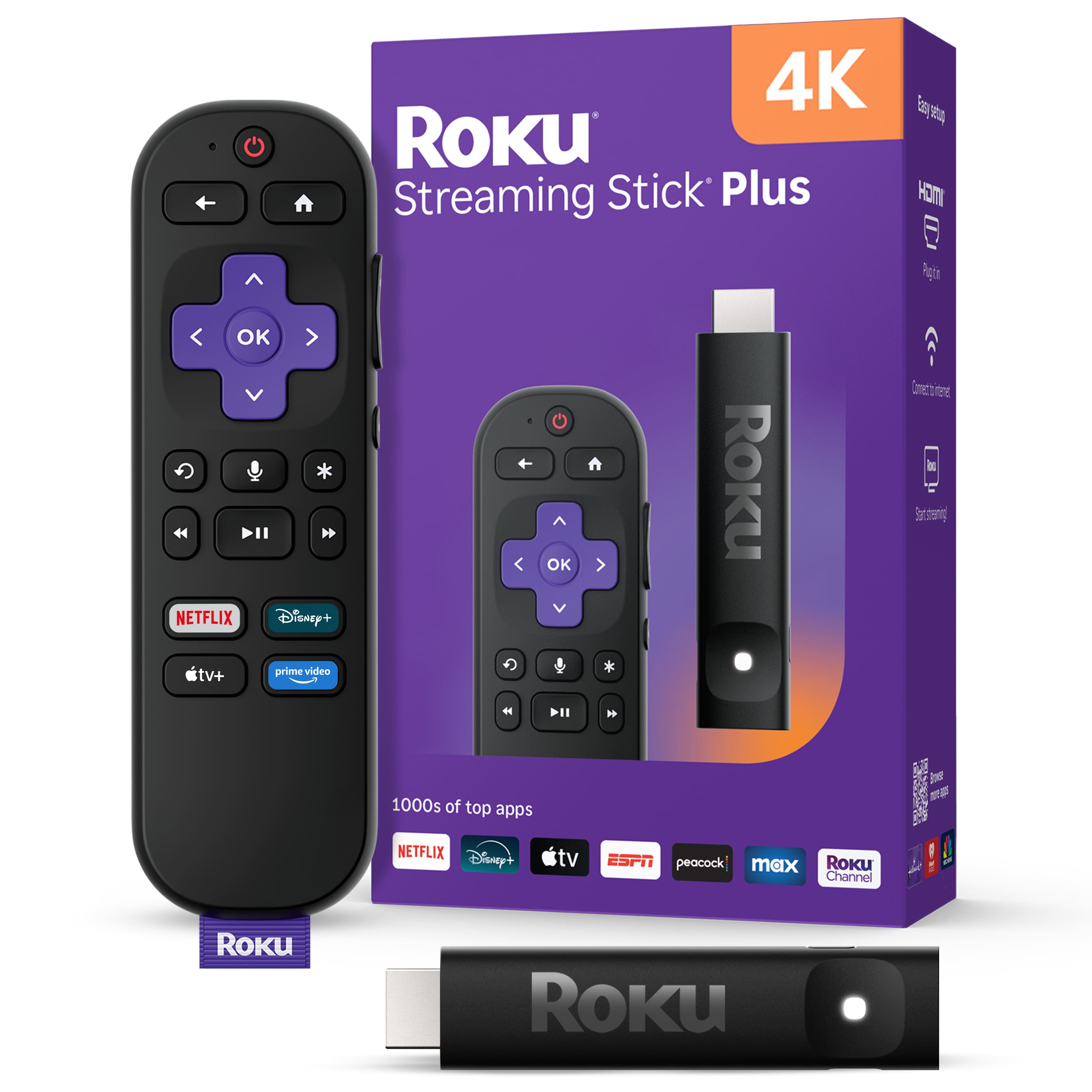

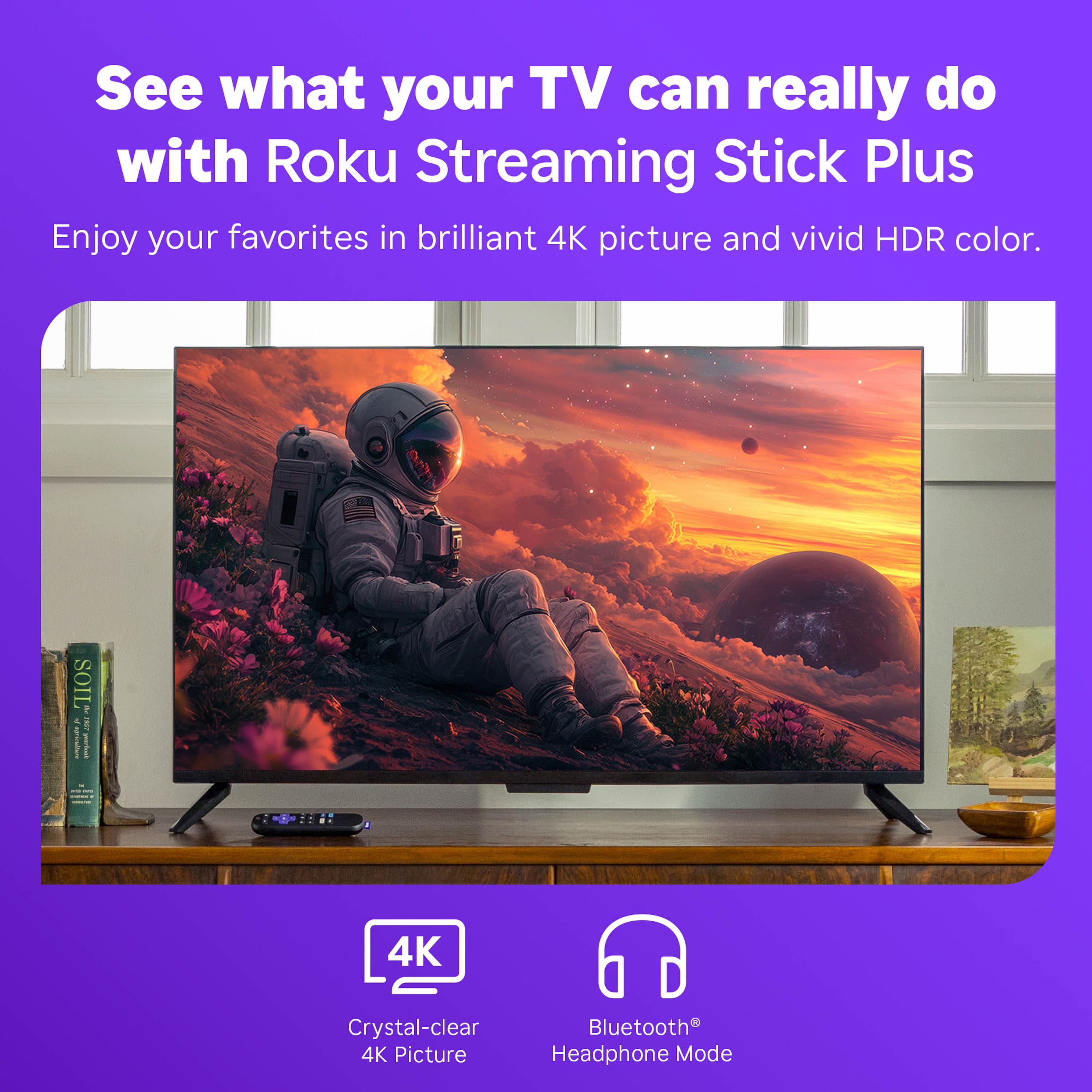

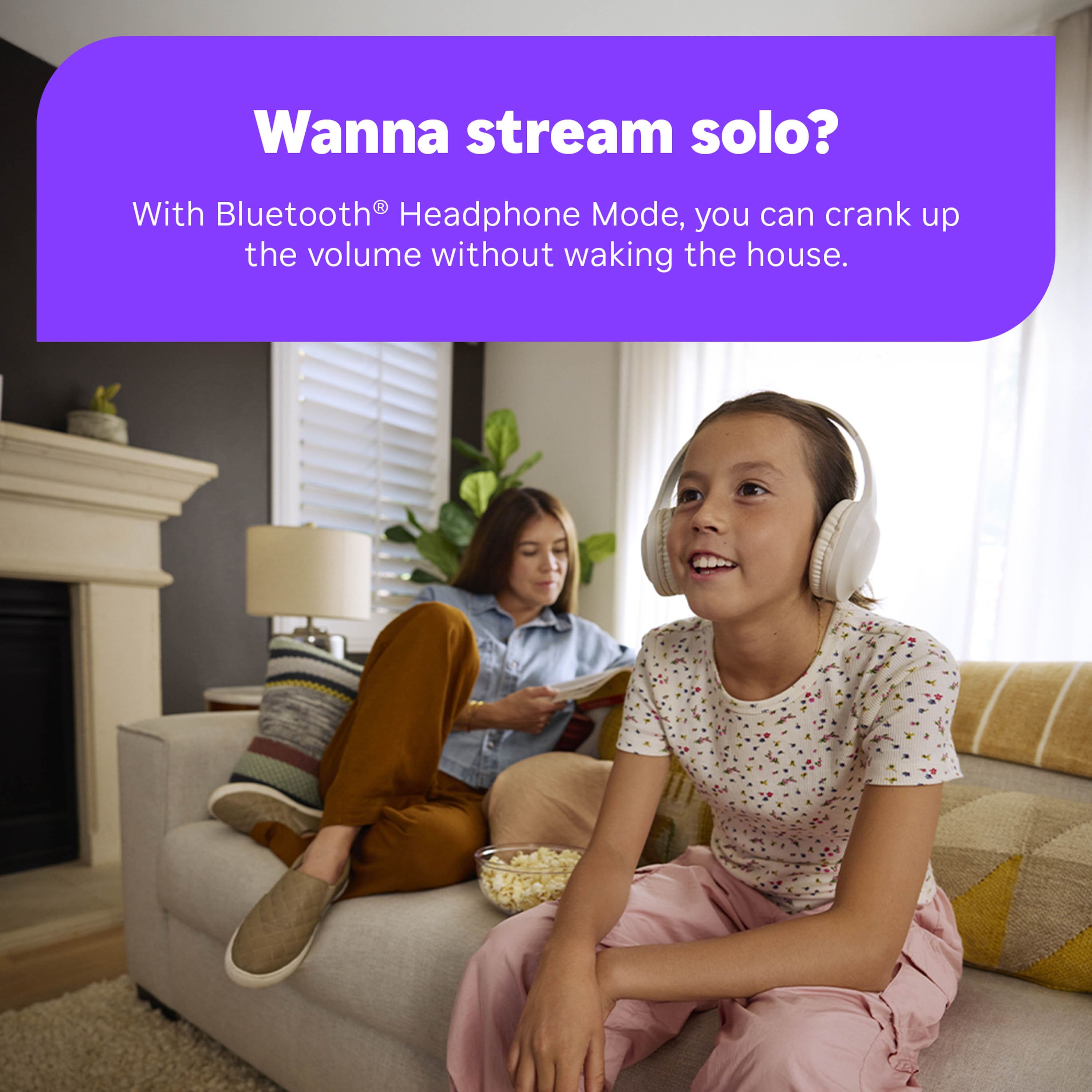





- Model:
- 3830R
- |
- SKU:
- 6619105
Customer reviews
Rating 4.8 out of 5 stars with 604 reviews
(604 customer reviews)Rating by feature
- Value4.8
Rating 4.8 out of 5 stars
- Quality4.7
Rating 4.7 out of 5 stars
- Ease of Use4.8
Rating 4.8 out of 5 stars
Customers are saying
Customers are impressed with the Streaming Stick Plus 2025, highlighting its overall performance and ease of use. Many appreciate the simple setup process and the voice-enabled remote control. While the device generally receives positive feedback, some users have reported connectivity issues, and others have noted concerns with the button layout.
This summary was generated by AI based on customer reviews.
Rated 5 out of 5 stars
Great addition to new TV
||Posted . Owned for 3 weeks when reviewed.This reviewer received promo considerations or sweepstakes entry for writing a review.Easy to install. Love the voice menu option Love the ability to see all my apps at once and not have to create new login details.
I would recommend this to a friend- Pros mentioned:Overall performance
Rated 5 out of 5 stars
Works great
||Posted . Owned for 1 month when reviewed.This reviewer received promo considerations or sweepstakes entry for writing a review.Easy set up and works great! You do have to plug the stick in to a power source, just like the old Roku box.
I would recommend this to a friend - Pros mentioned:Overall performance
Rated 5 out of 5 stars
Roku Streaming Stick Plus
||Posted .This reviewer received promo considerations or sweepstakes entry for writing a review.Love my Roku! Extra easy setup and great streaming!
I would recommend this to a friend - Pros mentioned:Setup
Rated 5 out of 5 stars
Easy and great value
||Posted .This reviewer received promo considerations or sweepstakes entry for writing a review.Super easy to set up and controls TV functions too. Saved me buyimg a new TV when my TV wouldn't hold a wireless connection.
I would recommend this to a friend - Pros mentioned:Overall performance
Rated 5 out of 5 stars
Plug and Play
||Posted . Owned for 1 month when reviewed.This reviewer received promo considerations or sweepstakes entry for writing a review.Plugged in out of the box and worked to update our previous one which we relocated to another room.
I would recommend this to a friend - Pros mentioned:Ease of use
Rated 5 out of 5 stars
Amazing!
||Posted .This reviewer received promo considerations or sweepstakes entry for writing a review.Great product!! Very easy setup! I will always use Roku's!,
I would recommend this to a friend - Pros mentioned:Overall performance
Rated 5 out of 5 stars
Ideal for streaming your favorite programs!
||Posted . Owned for 3 months when reviewed.This reviewer received promo considerations or sweepstakes entry for writing a review.This is one of the first ROKU streaming devices I purchased and it has not disappointed!
I would recommend this to a friend - Pros mentioned:Overall performance
Rated 5 out of 5 stars
Great Value
||Posted . Owned for 3 weeks when reviewed.This reviewer received promo considerations or sweepstakes entry for writing a review.Plugged it in and worked instantly. We were watching Netflix in minutes
I would recommend this to a friend - Pros mentioned:Ease of use
Rated 5 out of 5 stars
Roku TV
||Posted . Owned for 1 week when reviewed.This reviewer received promo considerations or sweepstakes entry for writing a review.Great product easy to install and use value for.money great one time.payment So many options apps to watch TV
I would recommend this to a friend - Pros mentioned:Overall performance
Rated 5 out of 5 stars
Roku streaming stick plus
||Posted . Owned for 1 month when reviewed.This reviewer received promo considerations or sweepstakes entry for writing a review.Works really well with my tv and I like the voice remote. Excellent price.
I would recommend this to a friend - Pros mentioned:Setup
Rated 5 out of 5 stars
Easy to use
||Posted . Owned for 1 month when reviewed.This reviewer received promo considerations or sweepstakes entry for writing a review.Product was very easy to setup and use, just plugged it in and connected to wifi and it was all set up.
I would recommend this to a friend - Pros mentioned:Ease of use
Rated 5 out of 5 stars
Easy to install
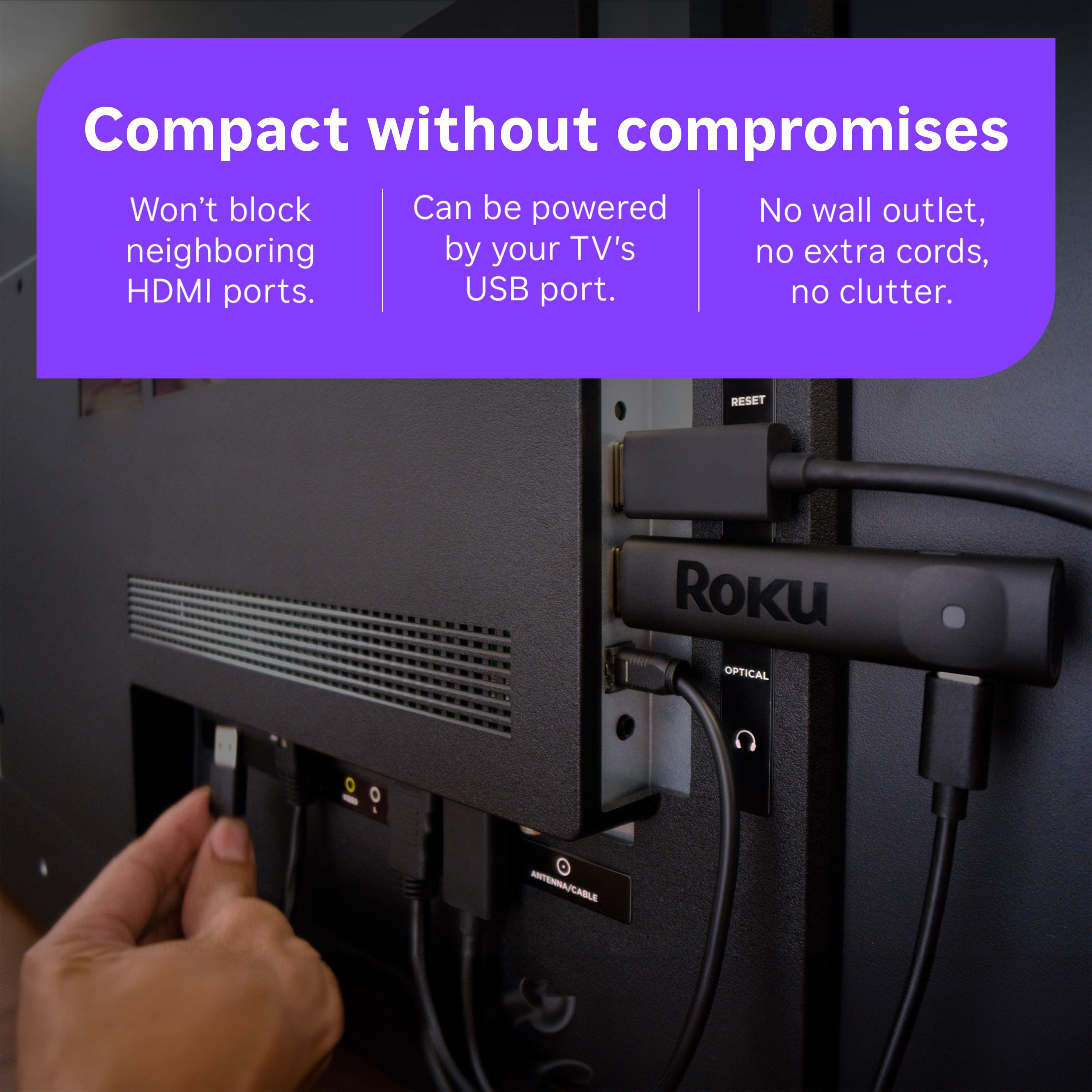
||Posted . Owned for 1 week when reviewed.This reviewer received promo considerations or sweepstakes entry for writing a review.Roku device was very easy to install, powered by USB connection. Hand piece is easy to use, and has vocal capability. Works fine.
I would recommend this to a friend - Pros mentioned:Overall performance
Rated 4 out of 5 stars
Roku stick
||Posted . Owned for 3 weeks when reviewed.This reviewer received promo considerations or sweepstakes entry for writing a review.It works as it should. It plays the shows that i want to watch
I would recommend this to a friend - Pros mentioned:Overall performance
Rated 5 out of 5 stars
Smart TV choice !!
||Posted . Owned for 2 weeks when reviewed.This reviewer received promo considerations or sweepstakes entry for writing a review.Excellent choice, affordable and work wonderfully. It is the best choice for improve Your standard tv to a smart tv.
I would recommend this to a friend - Pros mentioned:Ease of use
Rated 5 out of 5 stars
Simple and good
||Posted .This reviewer received promo considerations or sweepstakes entry for writing a review.Predictably good Roku product. Another simple to install and use device
I would recommend this to a friend - Pros mentioned:Overall performance
Rated 5 out of 5 stars
Terrific
||Posted . Owned for 2 weeks when reviewed.This reviewer received promo considerations or sweepstakes entry for writing a review.Terrific product. Excellent sales assistance. Was able to install with no problems.
I would recommend this to a friend - Pros mentioned:Ease of use
Rated 5 out of 5 stars
Boom! That Simple
||Posted .This reviewer received promo considerations or sweepstakes entry for writing a review.Quick, easy and intuitive. Worth the price especially if you don’t have a smart TV
I would recommend this to a friend Rated 5 out of 5 stars
Works as expected
||Posted . Owned for 3 weeks when reviewed.This reviewer received promo considerations or sweepstakes entry for writing a review.Works as expected. I was given great advice at the store about the advantages to purchasing the streaming stick + remote instead of buying just a replacement remote for an older model Roku device.
I would recommend this to a friendRated 5 out of 5 stars
Two things for cheaper than Roku remote alone!
||Posted . Owned for 1 month when reviewed.This reviewer received promo considerations or sweepstakes entry for writing a review.All we needed was a new Roku remote, to replace an older one that had failed. But this product, the remote we needed PLUS the Roku - streaming stick, gave me TWO things for cheaper than the price of the remote alone! We were thrilled!
I would recommend this to a friend- Pros mentioned:Ease of use
Rated 5 out of 5 stars
Roku Streaming Stick
||Posted .This reviewer received promo considerations or sweepstakes entry for writing a review.Love the Roku Stick so easy to set up and use and No moreCable bills.
I would recommend this to a friend