Customer Ratings & Reviews
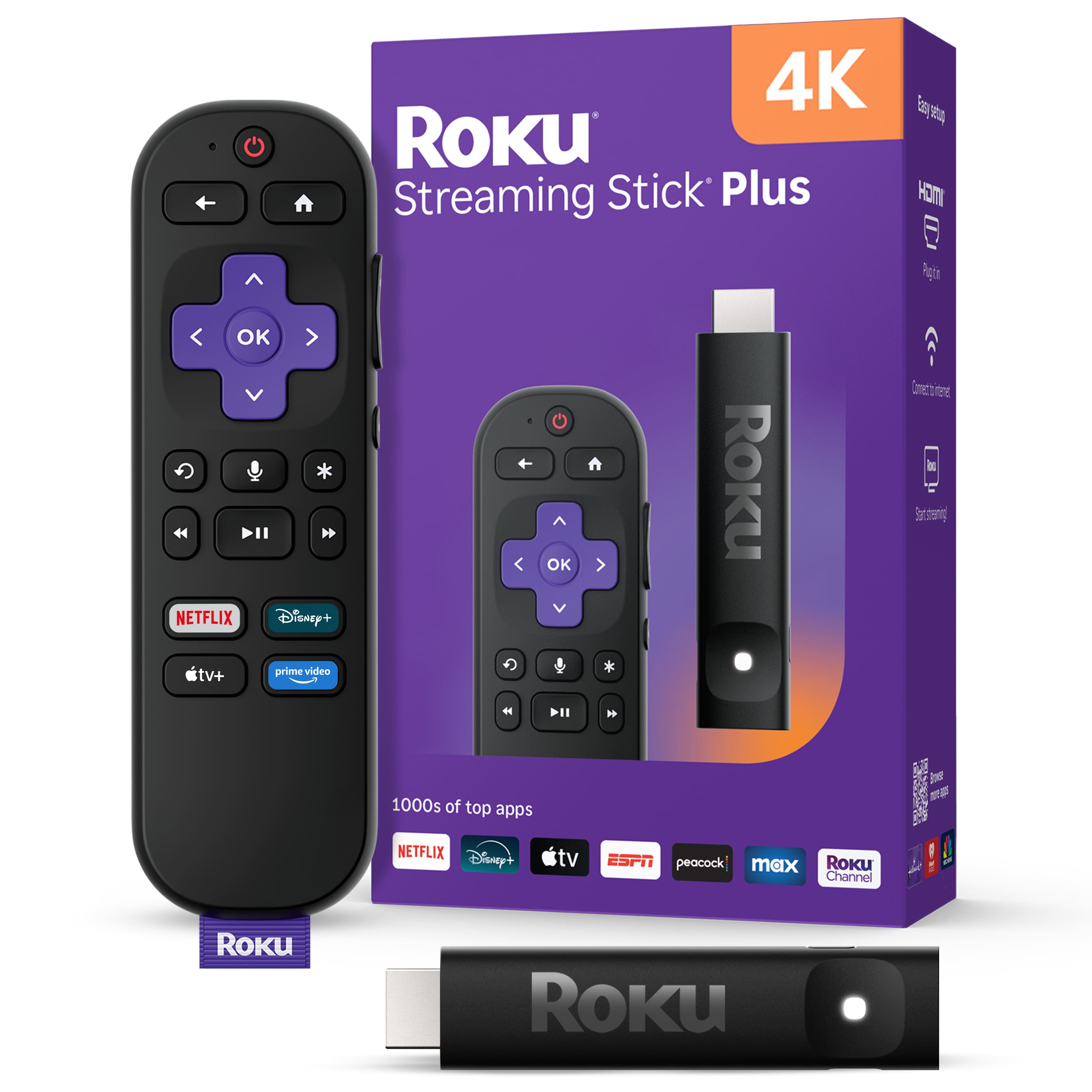

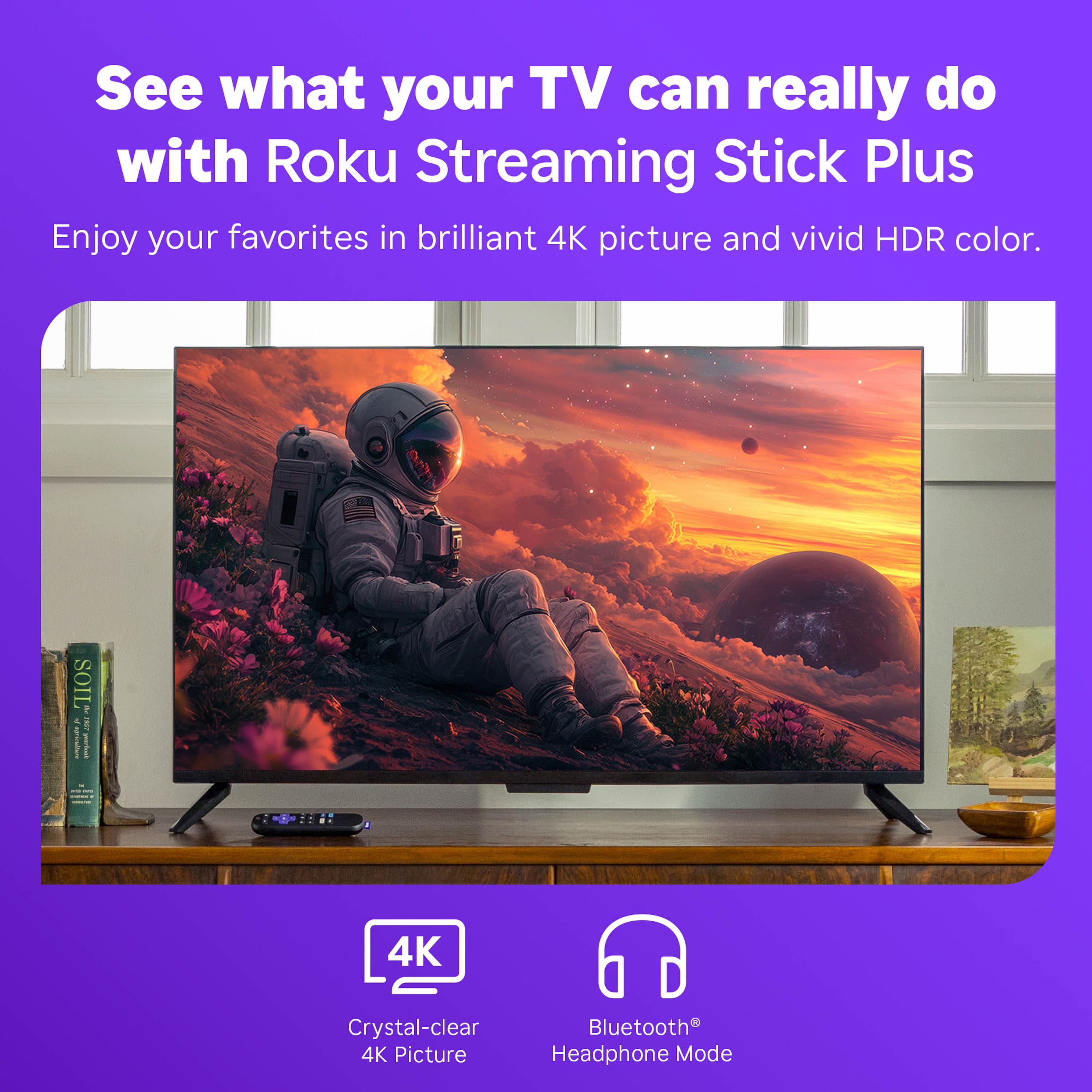
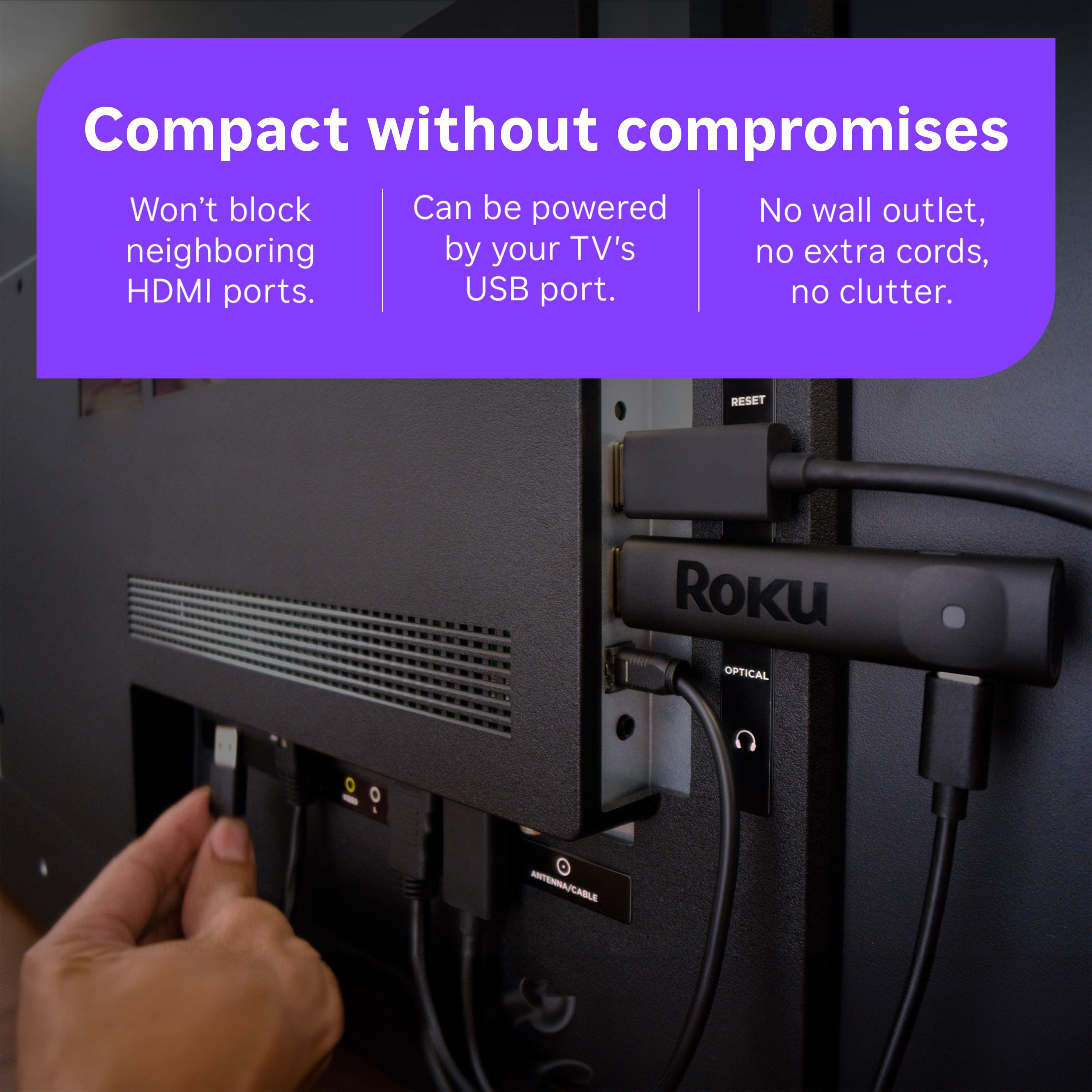







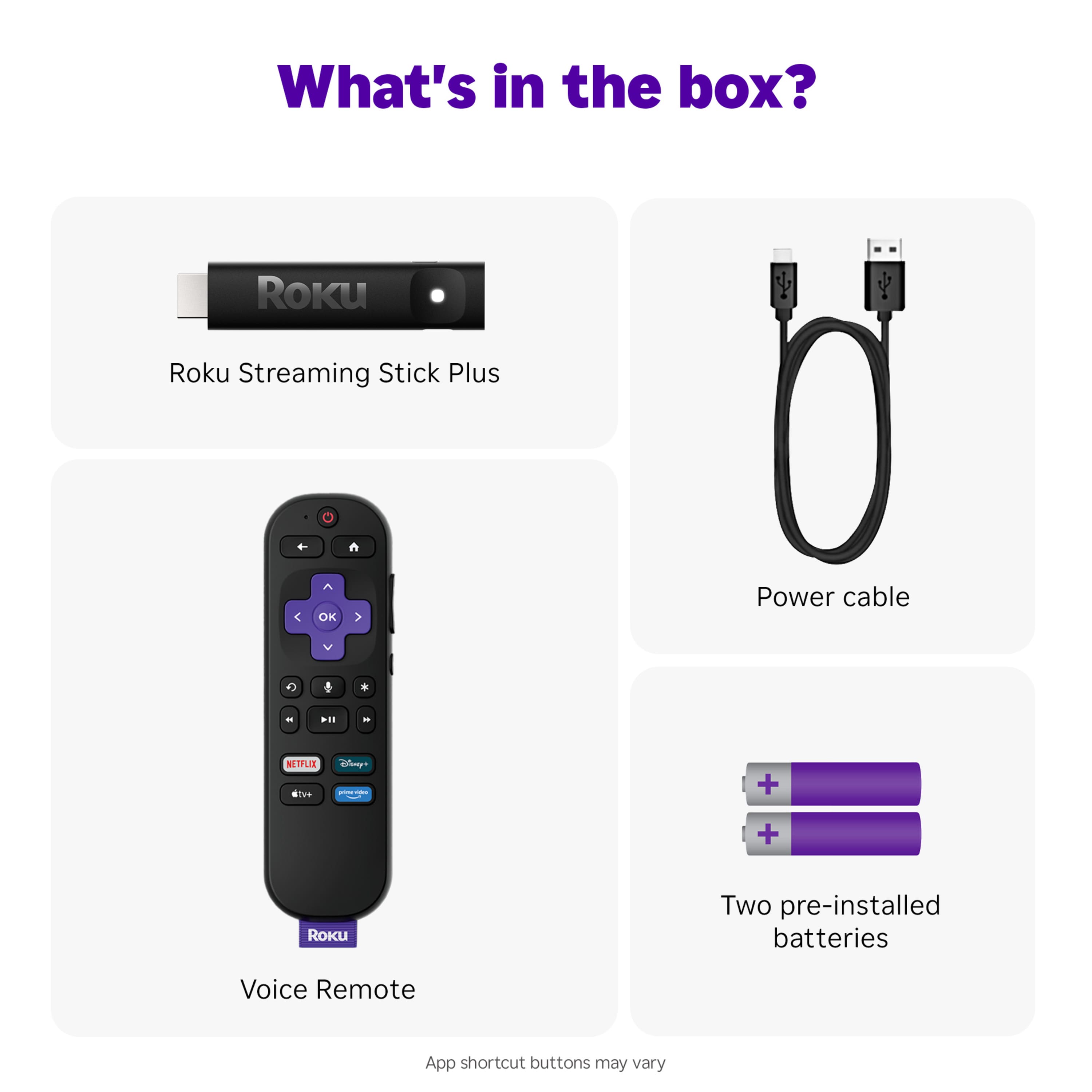
- Model:
- 3830R
- |
- SKU:
- 6619105
Customer reviews
Rating 4.8 out of 5 stars with 608 reviews
(608 customer reviews)Rating by feature
- Value4.8
Rating 4.8 out of 5 stars
- Quality4.7
Rating 4.7 out of 5 stars
- Ease of Use4.8
Rating 4.8 out of 5 stars
Customers are saying
Customers are impressed with the Streaming Stick Plus 2025, highlighting its overall performance and ease of use. Many appreciate the simple setup process and the voice-enabled remote control. While the device generally receives positive feedback, some users have reported connectivity issues, and others have noted concerns with the button layout.
This summary was generated by AI based on customer reviews.
- Pros mentioned:Ease of use
Rated 5 out of 5 stars
Works as advertised
||Posted . Owned for 3 weeks when reviewed.This reviewer received promo considerations or sweepstakes entry for writing a review.It was easy to set up and it works great. I am now using three of these in my home.
I would recommend this to a friend Rated 5 out of 5 stars
Roku stick
||Posted . Owned for 2 weeks when reviewed.This reviewer received promo considerations or sweepstakes entry for writing a review.Great purchase, but have to rejoin my various purchased networks.
I would recommend this to a friend- Pros mentioned:Overall performance
Rated 5 out of 5 stars
4K Streaming on Roku.
||Posted . Owned for 1 month when reviewed.This reviewer received promo considerations or sweepstakes entry for writing a review.The Streaming Player has a nice, crisp 4K picture. It is great for streaming my favorite TV shows and more.
I would recommend this to a friend - Pros mentioned:Overall performance
Rated 5 out of 5 stars
Easy to navigate
||Posted . Owned for 1 month when reviewed.This reviewer received promo considerations or sweepstakes entry for writing a review.Love everything about roku!Soe easy to navigate and no issues
I would recommend this to a friend - Pros mentioned:Setup
Rated 5 out of 5 stars
Easy and effective
||Posted . Owned for 1 week when reviewed.This reviewer received promo considerations or sweepstakes entry for writing a review.Super easy setup and use. This was our third unit for the home.
I would recommend this to a friend - Pros mentioned:Overall performance
Rated 5 out of 5 stars
TV Upgrade
||Posted .This reviewer received promo considerations or sweepstakes entry for writing a review.Older tv needed upgrade...ROKU made a faster smarter upgrade at a low price
I would recommend this to a friend - Pros mentioned:Overall performance
Rated 5 out of 5 stars
Very happy!
||Posted . Owned for 1 week when reviewed.This reviewer received promo considerations or sweepstakes entry for writing a review.I am very happy with the Roku I purchased it works great!
I would recommend this to a friend - Pros mentioned:Overall performance
Rated 5 out of 5 stars
ROKU STREAMING STICK
||Posted . Owned for 1 week when reviewed.This reviewer received promo considerations or sweepstakes entry for writing a review.Quality product which came highly recommended by BEST BUY
I would recommend this to a friend Rated 5 out of 5 stars
Good streaming tool
||Posted . Owned for 1 month when reviewed.This reviewer received promo considerations or sweepstakes entry for writing a review.Works great and easy to use. Software on my big screen was outdated and using roku allows me to stream easily
I would recommend this to a friend- Pros mentioned:Setup
Rated 5 out of 5 stars
Roku stick
||Posted . Owned for 1 week when reviewed.This reviewer received promo considerations or sweepstakes entry for writing a review.Very easy to set up! Great addition to our tv’s in our bedrooms.
I would recommend this to a friend - Pros mentioned:Setup
Rated 5 out of 5 stars
Good choice.
||Posted . Owned for 1 week when reviewed.This reviewer received promo considerations or sweepstakes entry for writing a review.found it extremely easy to set up and use. Great variety of apps.
I would recommend this to a friend - Pros mentioned:Ease of use
Rated 5 out of 5 stars
Anyone can Handle This!
||Posted . Owned for 3 weeks when reviewed.This reviewer received promo considerations or sweepstakes entry for writing a review.Easy to set up & replace my former Roku device, even with sub-par tech skills!
I would recommend this to a friend - Pros mentioned:Overall performance
Rated 5 out of 5 stars
Rocku
||Posted . Owned for 3 weeks when reviewed.This reviewer received promo considerations or sweepstakes entry for writing a review.Rocku is an great product, it works as expected, ok
I would recommend this to a friend - Pros mentioned:Setup
Rated 5 out of 5 stars
Great alternative to the apple tv
||Posted . Owned for 2 weeks when reviewed.This reviewer received promo considerations or sweepstakes entry for writing a review.Great streaming device set up was a brezze and contoller works amazing with no delay
I would recommend this to a friend - Pros mentioned:Overall performance
Rated 5 out of 5 stars
works as intended
||Posted .This reviewer received promo considerations or sweepstakes entry for writing a review.Ready when promised. Works as intended. Thank you.
I would recommend this to a friend - Pros mentioned:Setup
Rated 5 out of 5 stars
roku hook up
||Posted . Owned for 3 weeks when reviewed.This reviewer received promo considerations or sweepstakes entry for writing a review.easy to hook up was able to eurn cable box saves me $15 a month
I would recommend this to a friend Rated 4 out of 5 stars
Works find
||Posted . Owned for 1 month when reviewed.This reviewer received promo considerations or sweepstakes entry for writing a review.Works well with all the streaming apps, and I can download my cable provider's app.
I would recommend this to a friend- Pros mentioned:Overall performance
Rated 5 out of 5 stars
roku great
||Posted .This reviewer received promo considerations or sweepstakes entry for writing a review.replaced a unit i had and it works fine. Had some trouble a t first works it out
I would recommend this to a friend - Pros mentioned:Overall performance
Rated 5 out of 5 stars
Great purchase
||Posted . Owned for 1 week when reviewed.This reviewer received promo considerations or sweepstakes entry for writing a review.This was a great buy, a friend recommended it and he was right
I would recommend this to a friend - Pros mentioned:Overall performance
Rated 5 out of 5 stars
Pleased
||Posted .This reviewer received promo considerations or sweepstakes entry for writing a review.Works great and very easy to install, even on a non smart TV. Bought a 2nd one for other room.
I would recommend this to a friend