Customer Ratings & Reviews
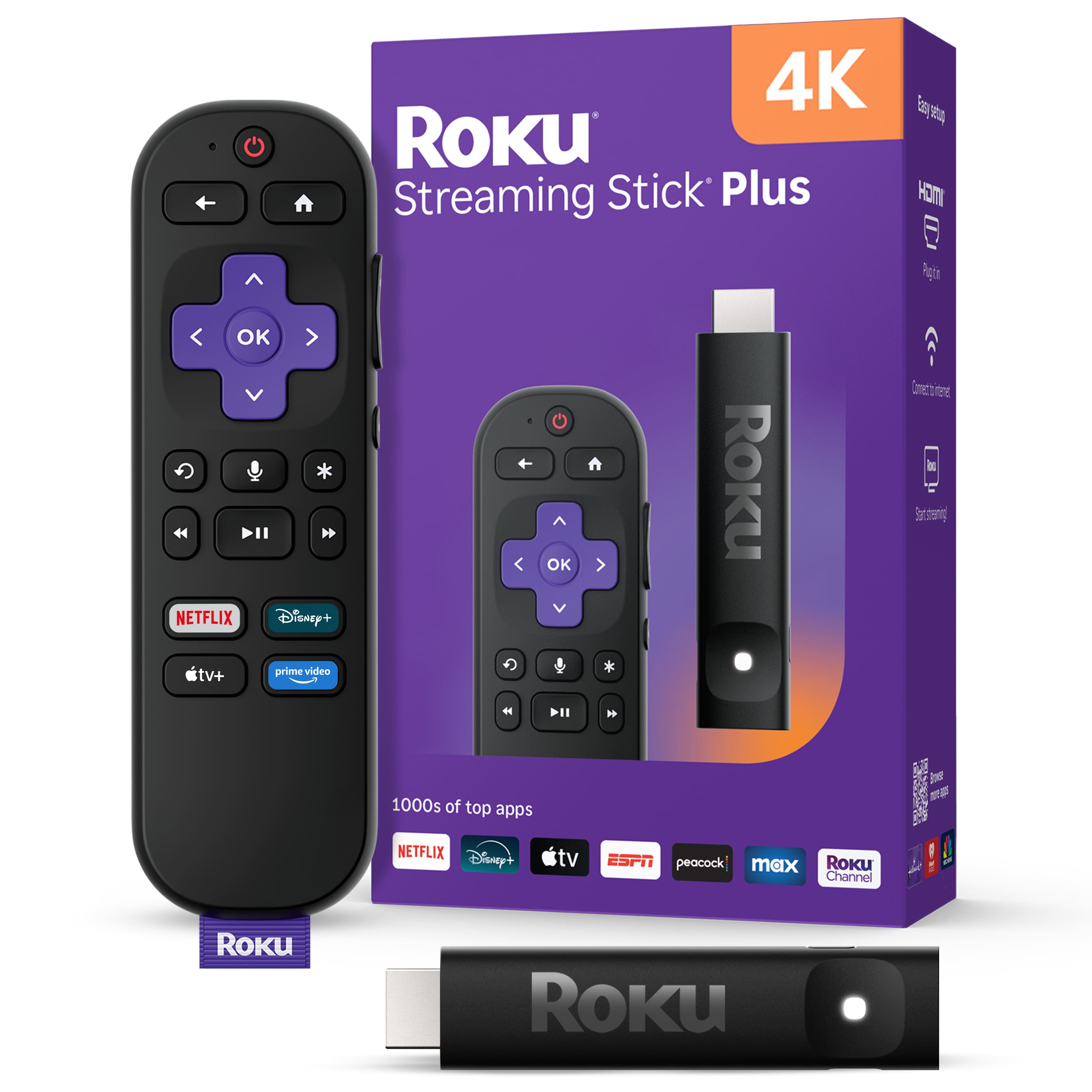
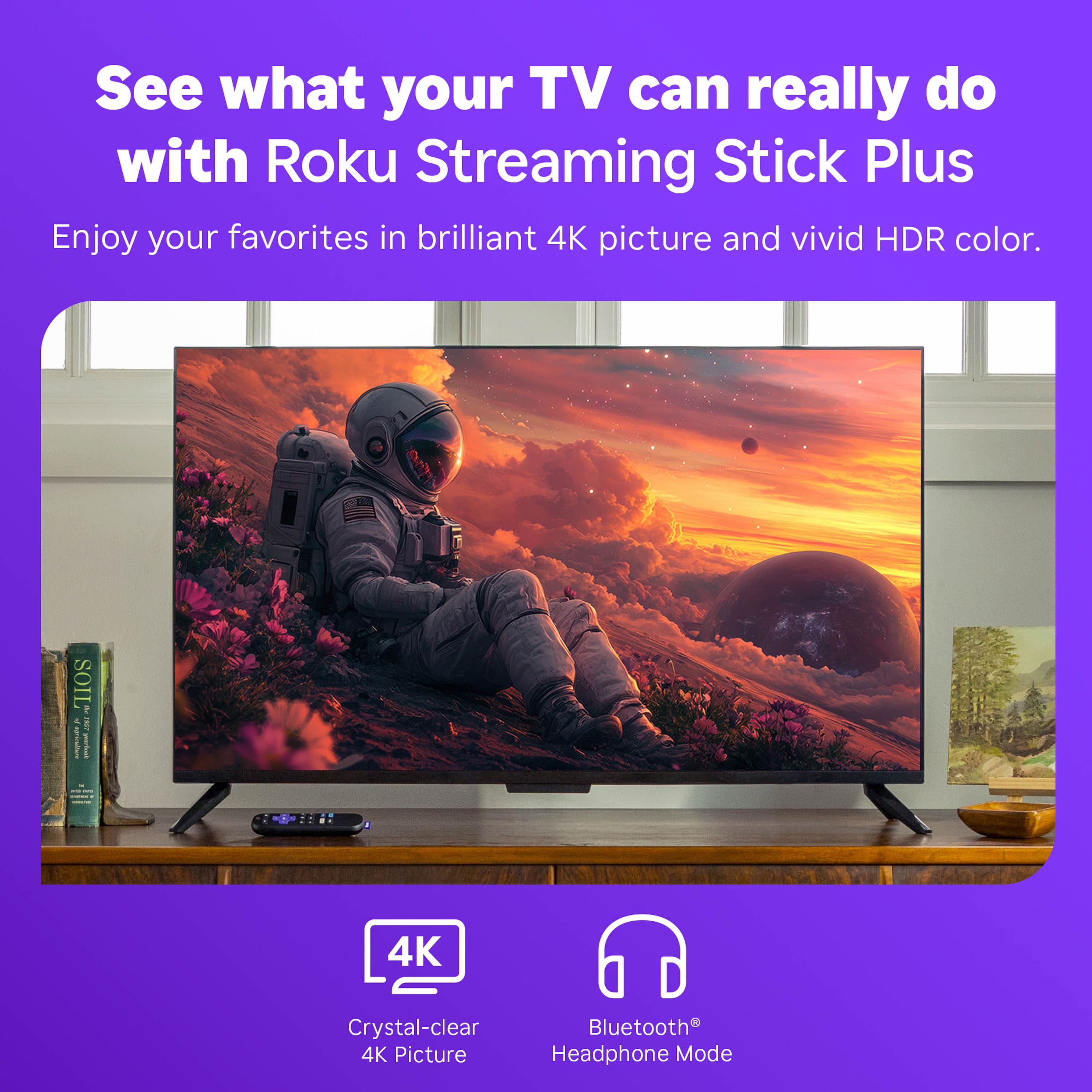
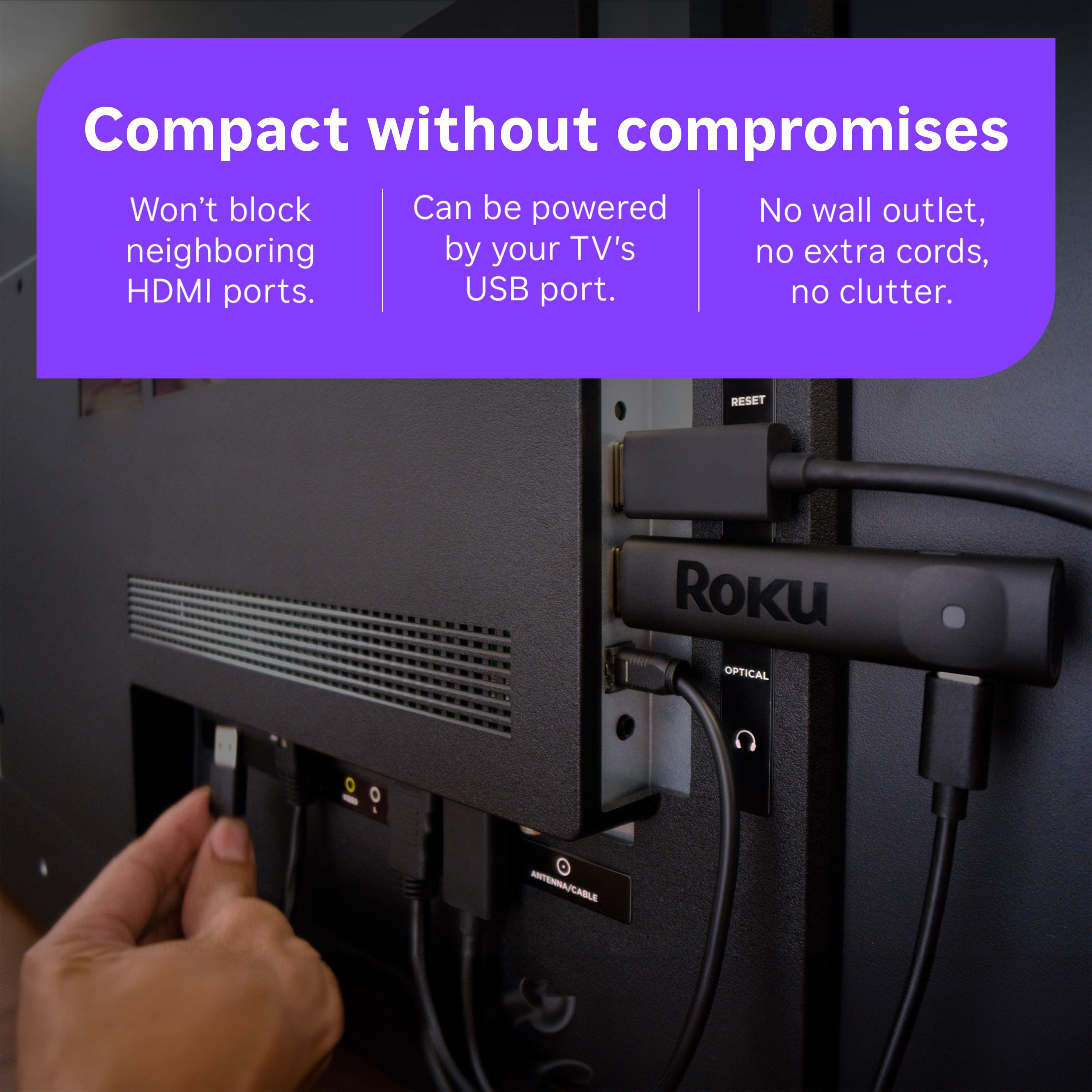






- Model:
- 3830R
- SKU:
- 6619105
Rating by feature
- Value
Rating 4.8 out of 5 stars
- Quality
Rating 4.8 out of 5 stars
- Ease of Use
Rating 4.8 out of 5 stars
Customers are saying
Customers are impressed with the Streaming Stick Plus 2025, highlighting its overall performance and ease of use. Many appreciate the simple setup process and the voice-enabled remote control. While the device generally receives positive feedback, some users have reported connectivity issues, and others have noted concerns with the button layout.
This summary was generated by AI based on customer reviews.
Christmas streaming stick value
||Posted . Owned for 2 weeks when reviewed.This reviewer received promo considerations or sweepstakes entry for writing a review.Always a great value to buy one during Christmas time.
I would recommend this to a friendGood value for the price
||Posted . Owned for 1 month when reviewed.This reviewer received promo considerations or sweepstakes entry for writing a review.I wouldn’t say it’s the best streaming device out there, but for the price, it’s totally worth it.
I would recommend this to a friendBest format and easiest to use.
||Posted .This reviewer received promo considerations or sweepstakes entry for writing a review.I use a Roku on all my TV’s even though they are smart TV’s. Love the Roku format and ease of use.
I would recommend this to a friendRoku Made Simple
||Posted .This reviewer received promo considerations or sweepstakes entry for writing a review.Nice Roku stick. Able to effortlessly connect and stream on various apps.
I would recommend this to a friendMy roku
||Posted . Owned for 3 weeks when reviewed.This reviewer received promo considerations or sweepstakes entry for writing a review.Glad to have this device. Bestbuy is my go to place for these things.
I would recommend this to a friendGreat Streaming Stick
||Posted . Owned for less than 1 week when reviewed.This reviewer received promo considerations or sweepstakes entry for writing a review.Roku is a great addition to my DirecTV. I'm very glad I was able to have Best Buy install it!
I would recommend this to a friendMr. Ferreira
||Posted . Owned for 1 month when reviewed.This reviewer received promo considerations or sweepstakes entry for writing a review.Great customer service. Different choices to select.
I would recommend this to a friendRoku Works Well but Use Info Is Lacking.
||Posted . Owned for 1 week when reviewed.This reviewer received promo considerations or sweepstakes entry for writing a review.The Roku works as advertised. What is needed is a roku progrm that explains how to find applications that enhance viewing of local sport teams which has become
I would recommend this to a friendBrand response from Roku Team
Posted .Hi Herb, we appreciate your choice of our Roku product. To find an app on your Roku, go to the Home screen and scroll to the Streaming Channels section, or use the Search function from the Home screen to locate a specific app or any channels you are interested in. You can refer to this link for instructions on how to add an app to your Roku device: https://support.roku.com/article/208756388. Additionally, you can use the Roku mobile app to view and manage your apps or add new ones. For more information, please refer to this link: https://support.roku.com/article/115003211087. If you need assistance in the future, feel free to reach out to us at https://support.roku.com/contactus. Happy Streaming! Elmer, Roku Customer Advocate

Roku remote w/voice command
||Posted . Owned for 1 week when reviewed.This reviewer received promo considerations or sweepstakes entry for writing a review.LOVE IT! The voice command is so easy to use. Also, Roku does a great Job with tutorials.
I would recommend this to a friendEasy set up
||Posted .This reviewer received promo considerations or sweepstakes entry for writing a review.Bought this replacement remote that cost $47.00. Used 3 $10 certificates given to me for joining member club. Total cost with tax....$10.00
I would recommend this to a friendunable to upgrade software for roku stick
||Posted . Owned for 2 weeks when reviewed.This reviewer received promo considerations or sweepstakes entry for writing a review.i purchased this for the remote . unable to get the roku to upgrade with the roku stick- very frustrating - required that i get a hdmi adapter whivh roku provides free of charge- sort of a nuisance but no bigbdeal. still havent been anle to upgrade software for the new device so i have given up. would not recommend
No, I would not recommend this to a friendGreat product
||Posted .This reviewer received promo considerations or sweepstakes entry for writing a review.Love this product! 3 of our 4 TVs use it!! Love all Roku products!
I would recommend this to a friendBest Roku stick Ever
||Posted .This reviewer received promo considerations or sweepstakes entry for writing a review.Truly amazing! In my opinion it out does other Roku devices many times over
I would recommend this to a friendBestBuy Roku 4k stick
||Posted . Owned for 1 week when reviewed.This reviewer received promo considerations or sweepstakes entry for writing a review.Very good service. Prompt and knowledgeable. The product is, as expected
I would recommend this to a friendPerfect
||Posted . Owned for 3 weeks when reviewed.This reviewer received promo considerations or sweepstakes entry for writing a review.Great to watch all your streaming platforms on the big screen
I would recommend this to a friendEasy to use
||Posted .This reviewer received promo considerations or sweepstakes entry for writing a review.This was a very fast and easy purchase, especially using the pick up option
I would recommend this to a friendRoku TV
||Posted . Owned for 1 month when reviewed.This reviewer received promo considerations or sweepstakes entry for writing a review.All I had to do was plug into the tv, setup internet, no subscriptions
I would recommend this to a friendRoku remote
||Posted . Owned for 3 weeks when reviewed.This reviewer received promo considerations or sweepstakes entry for writing a review.It met our needs. I like the options of battery or rechargeable remotes.
I would recommend this to a friendRoku streaming stick
||Posted . Owned for 1 month when reviewed.This reviewer received promo considerations or sweepstakes entry for writing a review.I like how the remote works with no interference and few buttons
I would recommend this to a friendgreat service
||Posted . Owned for 1 week when reviewed.This reviewer received promo considerations or sweepstakes entry for writing a review.always get good service here...our goto spot for all things TV oriented
I would recommend this to a friend