Customer Ratings & Reviews
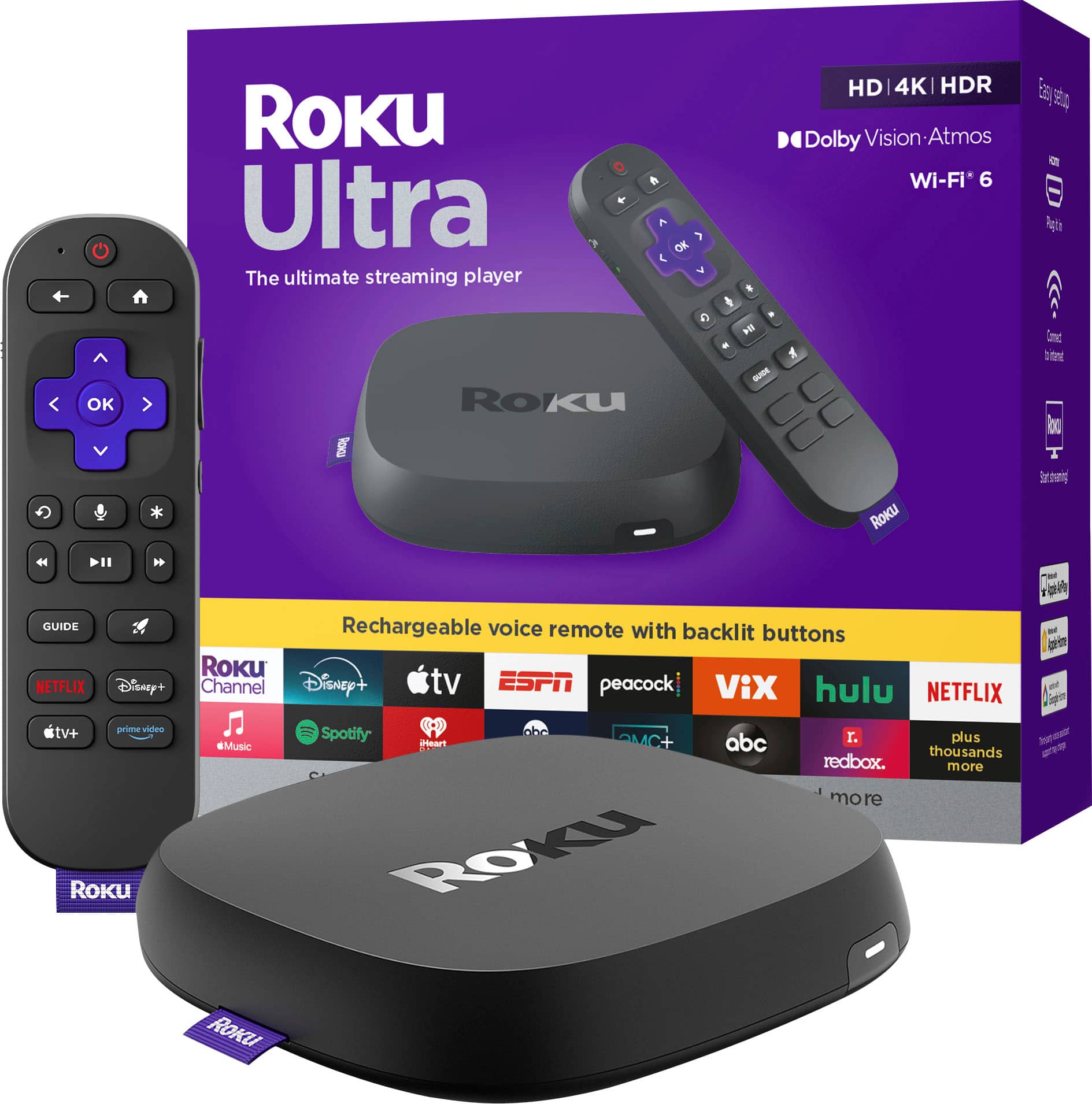



- Model:
- 4850R
- SKU:
- 6595009
Rating by feature
- Value
Rating 4.7 out of 5 stars
- Quality
Rating 4.7 out of 5 stars
- Ease of Use
Rating 4.8 out of 5 stars
Customers are saying
Customers are enthusiastic about the Ultra streaming device, highlighting its overall performance with great picture quality and ease of use. The intuitive remote control and fast speed contribute to a positive user experience. Some customers have reported that the device has solved connectivity issues, and the setup process is easy and fast.
This summary was generated by AI based on customer reviews.
Upgrade
||Posted . Owned for 2 weeks when reviewed.This reviewer received promo considerations or sweepstakes entry for writing a review.I have 4 Rokus, a 2022 ultra but gets hot this 2024 does not even get warm.
I would recommend this to a friendGreat product
||Posted . Owned for 2 months when reviewed.This reviewer received promo considerations or sweepstakes entry for writing a review.Eady setup with wide variety of built in services.
I would recommend this to a friendGreat value
||Posted . Owned for 1 month when reviewed.This reviewer received promo considerations or sweepstakes entry for writing a review.This Roku is very good a great value. Will buy again.
I would recommend this to a friendlove roku
||Posted . Owned for 1 week when reviewed.This reviewer received promo considerations or sweepstakes entry for writing a review.you can't go wrong with Roku and this is their flagship device
I would recommend this to a friendroku
||Posted . Owned for 1 month when reviewed.This reviewer received promo considerations or sweepstakes entry for writing a review.We bought this to replace our fire stick and LOVE it!!
I would recommend this to a friendNice
||Posted . Owned for 1 month when reviewed.This reviewer received promo considerations or sweepstakes entry for writing a review.Love it it was worth getting this for some apps I wouldn’t be able to otherwise.
I would recommend this to a friendGreat upgrade
||Posted . Owned for 2 months when reviewed.This reviewer received promo considerations or sweepstakes entry for writing a review.I wanted to upgrade my previous Roku from 2018, and im gladni did.
I would recommend this to a friendAll the bells & whistles
||Posted . Owned for 1 month when reviewed.This reviewer received promo considerations or sweepstakes entry for writing a review.Roku ultra rocks, of course. Worth every penny. Would buy again.
I would recommend this to a friendROKU Ultra
||Posted . Owned for 1 month when reviewed.This reviewer received promo considerations or sweepstakes entry for writing a review.ROKU Ultra. Their best product of all of their devices. Worth the money.
I would recommend this to a friendGood upgrade from previous model
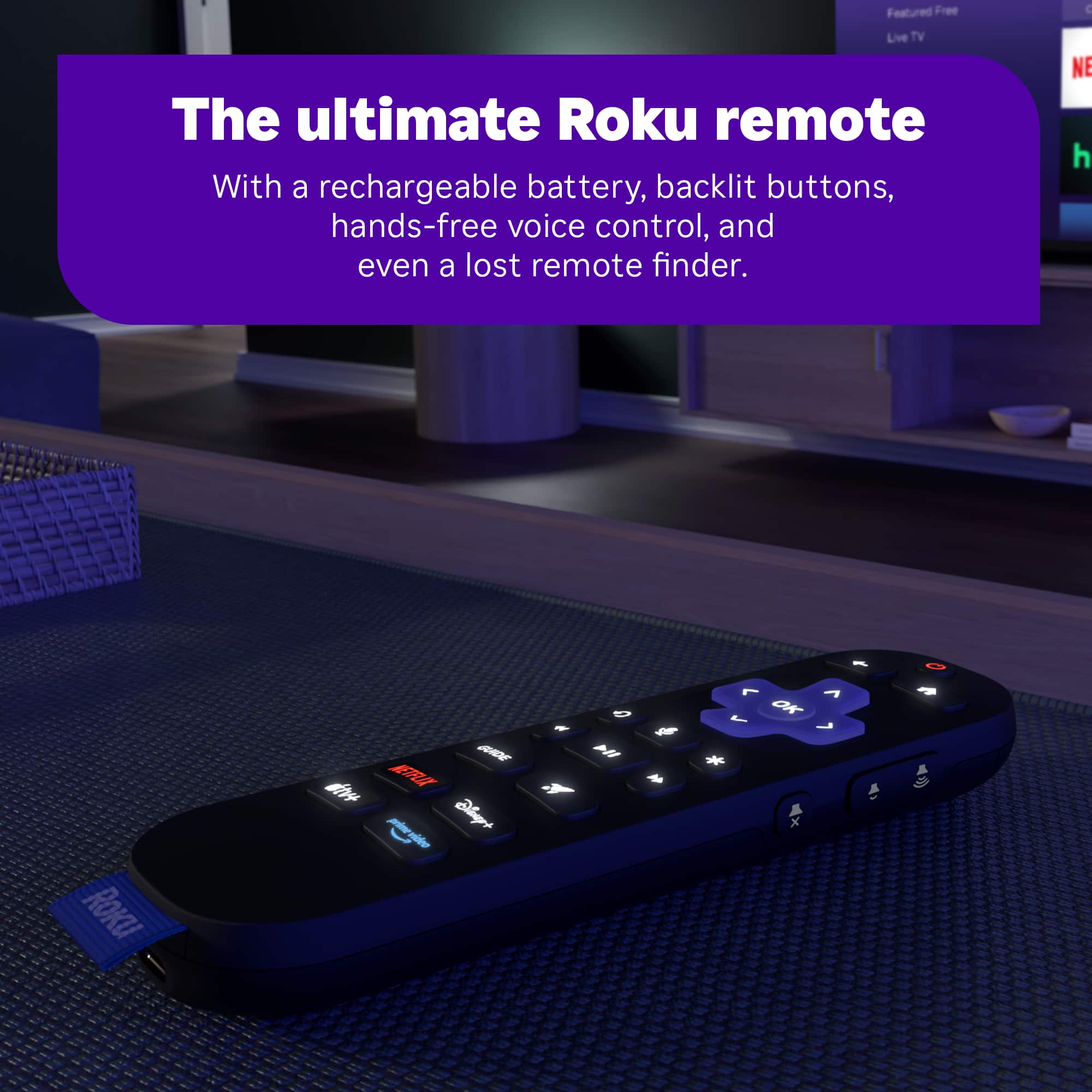
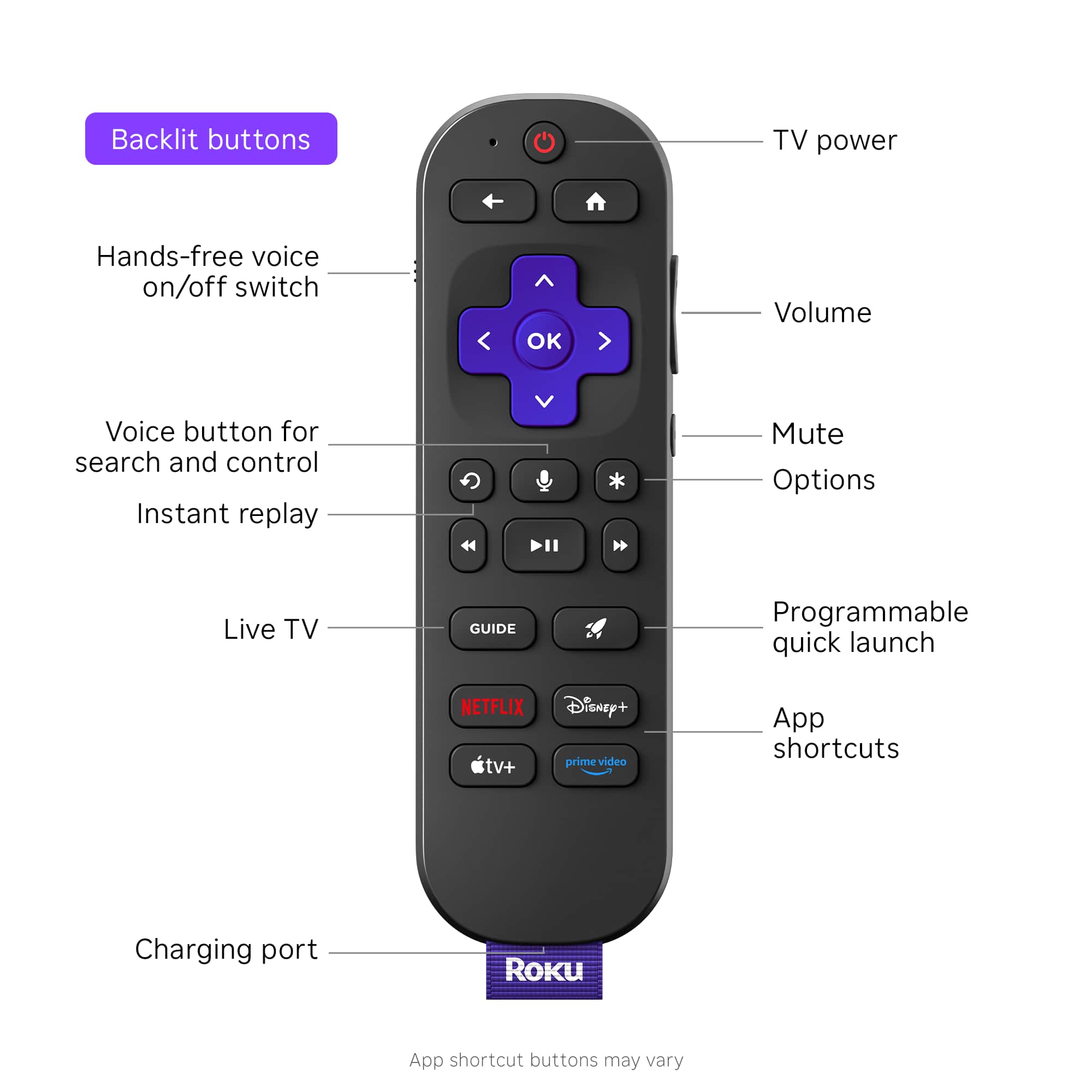
||Posted . Owned for 1 month when reviewed.This reviewer received promo considerations or sweepstakes entry for writing a review.Great product, exactly what we needed. The new remote is great due to the back lighting and universal settings to control our tv.
I would recommend this to a friendNeeds Improvments
||Posted . Owned for 1 month when reviewed.This reviewer received promo considerations or sweepstakes entry for writing a review.After set up and updates, It keeps messing up. after using it different times, It won't come on when I hit the power button. There is a spinning wheel on the TV, and eventually a no signal comes on the TV. I keep having to unplug and plug the power back in. I have checked for updates multiple times. Needs improvements.
No, I would not recommend this to a friendBrand response from Roku Team
Posted .Hi Earl, thanks for letting us know about your experience, and this is not considered normal behavior.
Have you tried using a different HDMI port? Have you set up your device with any other TVs? We asking these questions to help identify the root cause of the issue. Additionally, please ensure that the cable connecting your device to the TV is securely plugged in. If none of these suggestions work, please contact a member of our team at support.roku.com/contactus so that we can assist you directly.
Thank you!
Elmer, Roku Customer Advocate
It’s just OK from my experience.
||Posted .This reviewer received promo considerations or sweepstakes entry for writing a review.I returned this. It was OK but it would sometimes “hitch” and go slow. The Directv app would sometimes not work. I ended up getting an Apple TV and am much happier.
No, I would not recommend this to a friendBrand response from Roku Team
Posted .Hello! thanks for taking a moment to share. We’re sorry to hear that it didn’t work out but we appreciate your feedback nonetheless. If there is anything that we can assist you with down the road, please don't hesitate to reach out at support.roku.com/contactus. Thanks! Elmer, Roku Customer Advocate
Thanks for good in and out service
||Posted . Owned for 1 month when reviewed.This reviewer received promo considerations or sweepstakes entry for writing a review.Great in the store service. My first visit to the store in Raleigh North Carolina
I would recommend this to a friendPoor Remote
||Posted .This reviewer received promo considerations or sweepstakes entry for writing a review.The unit itself works pretty well but the remote does not. The buttons on the remote need to be pressed very hard to work and sometimes there is no response at all to any button presses on the fully charged remote.
No, I would not recommend this to a friendBrand response from Roku Team
Posted .Hi there! Thanks for sharing. If you're experiencing issues with your Roku remote, please try the following steps: First, reset your Roku remote. If your remote has a pairing button, press and hold it on the back for 20 seconds. If your remote does not have a pairing button, press and hold the Back and Home buttons for 20 seconds. Next, restart your Roku device, replace or recharge the batteries, and attempt to re-pair your voice remote with your streaming device. For detailed instructions, you can refer to this FAQ article at https://support.roku.com/article/21306145024535#section-2. Additionally, you can use our Roku remote app for voice control, quick searches, launching apps, and more. If the issue persists, please contact us directly at support.roku.com/contactus. Your feedback is very important to us. We look forward to helping you get back to streaming. Elmer, Roku Customer Advocate
phulap
||Posted . Owned for 1 month when reviewed.This reviewer received promo considerations or sweepstakes entry for writing a review.The device constantly froze, I have to unplug it for a few seconds and plugged it back to reset.
No, I would not recommend this to a friendBrand response from Roku Team
Posted .Hello! Help is here. To start, try unplugging your Wi-Fi router for at least 60 seconds; this can fix the issue. Then, restart your Roku device by going to Home > Settings > System > System Restart. You can find more tips to improve your Wi-Fi connection at https://support.roku.com/article/213122277#section-1. Also, try connecting to a different network, like a Mobile Hotspot, to determine if the problem is with your Wi-Fi router or Roku device. If the issue continues, feel free to contact us at support.roku.com/contactus. Your feedback is very important to us and helps us improve our products and services.
Happy Streaming!
Elmer, Roku Customer Advocate
- Pros mentioned:Overall performance
Won't price match. Next time I buy from Amazon.
||Posted .This reviewer received promo considerations or sweepstakes entry for writing a review.Works great. Best Buy won't match a $20 reduction in price after only 18 days. When I complained agent tried to get me to buy a $50 membership then blamed the technology that wouldn't allow them to manually give me the credit. Next time I'll buy from Amazon. BBY is not easy to do business with. Terrible experience e.
I would recommend this to a friendBrand response from Roku Team
Posted .Hello! We understand how you feel. This kind of feedback is important to our team in partnership with our retailers, and we appreciate you sharing. If you would like to share your experience, you can contact their team here: https://www.bestbuy.com/services/presales/contactus/education?contact.
They will surely value your feedback. Thanks for choosing Roku and Happy Streaming! Elmer, Roku Customer Advocate
Roku
||Posted .This reviewer received promo considerations or sweepstakes entry for writing a review.The device works, but after I got it home to set up, the batteries leaked, making a real mess. I had to clean everything up to get the product to work.
No, I would not recommend this to a friendBrand response from Roku Team
Posted .Hi Richard, we hope you're doing well. We want to ensure you get the help you need. You can visit support.roku.com/contactus to contact an agent who can help you directly. Additionally, if you have observed any leakage from the battery of your Roku remote, please refrain from using that remote until you receive our guidance. Together, we will address this issue effectively.
We're looking forward to working with you soon!
Elmer, Roku Customer Advocate
Don't buy Roku.
||Posted . Owned for 2 weeks when reviewed.This reviewer received promo considerations or sweepstakes entry for writing a review.I had a firestick and was told Roku was much better and I will have better response and fewer buffering issues. That could not be further from the truth. I cannot stand Roku, always a problem.
No, I would not recommend this to a friendBrand response from Roku Team
Posted .Hi Ernie, thanks for sharing. This sounds a bit unusual, and we'd like to learn more and help troubleshoot this with you. Please visit us online at support.roku.com/contactus to get started and connect with an agent. Your feedback is very important to us, and we’re eager to assist. Thanks! Elmer, Roku Customer Advocate
Poor audio performance and connectivity
||Posted . Owned for 2 weeks when reviewed.This reviewer received promo considerations or sweepstakes entry for writing a review.I received a 2024 Roku model 4850X, and I've had nothing but problems with the unit after the first 2 days. At least once a day, the screen will go blank and my TV advises that there isn't any input source connected; this is fixed each time by physically unplugging the Roku and plugging it back in. Audio levels swing greatly between apps, and sometimes within the same app, in a way that wasn't present with previous Rokus (in general, the volume output is 50%-70% compared to previous Rokus). Sometimes the rechargeable USB-C remote just stops working altogether. I tried troubleshooting in good faith, and then after I finally gave up, I learned there is only a 14-day return window for this item. It's probably a good idea to stay away from this 4850X model until Roku puts out an update
No, I would not recommend this to a friendBrand response from Roku Team
Posted .Hi Daniel, thanks for sharing. Have you had a chance to contact our customer support team? We'd be happy to learn more and help troubleshoot this with you! Visit us online at support.roku.com/contactus to get started and connect with an agent. Your feedback is very important to us, and we’re eager to assist. Thanks! Bernie, Roku Customer Advocate
It's Just OK
||Posted . Owned for 1 month when reviewed.This reviewer received promo considerations or sweepstakes entry for writing a review.I have had putting it to use. Not easy for a person who is not used to installing something like this.
No, I would not recommend this to a friendBrand response from Roku Team
Posted .Hello, Carol. We appreciate your feedback and apologize for any inconvenience you've experienced.
Are you having trouble setting up the device? Here's a helpful article that you can follow to set up the device: https://support.roku.com/article/223372368. If you need assistance, please don't hesitate to contact us at support.roku.com/contactus. We will be more than happy to help you out. Happy Streaming! Bernie, Roku Customer Advocate