Customer Ratings & Reviews



- Model:
- 4850R
- SKU:
- 6595009
Rating by feature
- Value
Rating 4.7 out of 5 stars
- Quality
Rating 4.7 out of 5 stars
- Ease of Use
Rating 4.8 out of 5 stars
Customers are saying
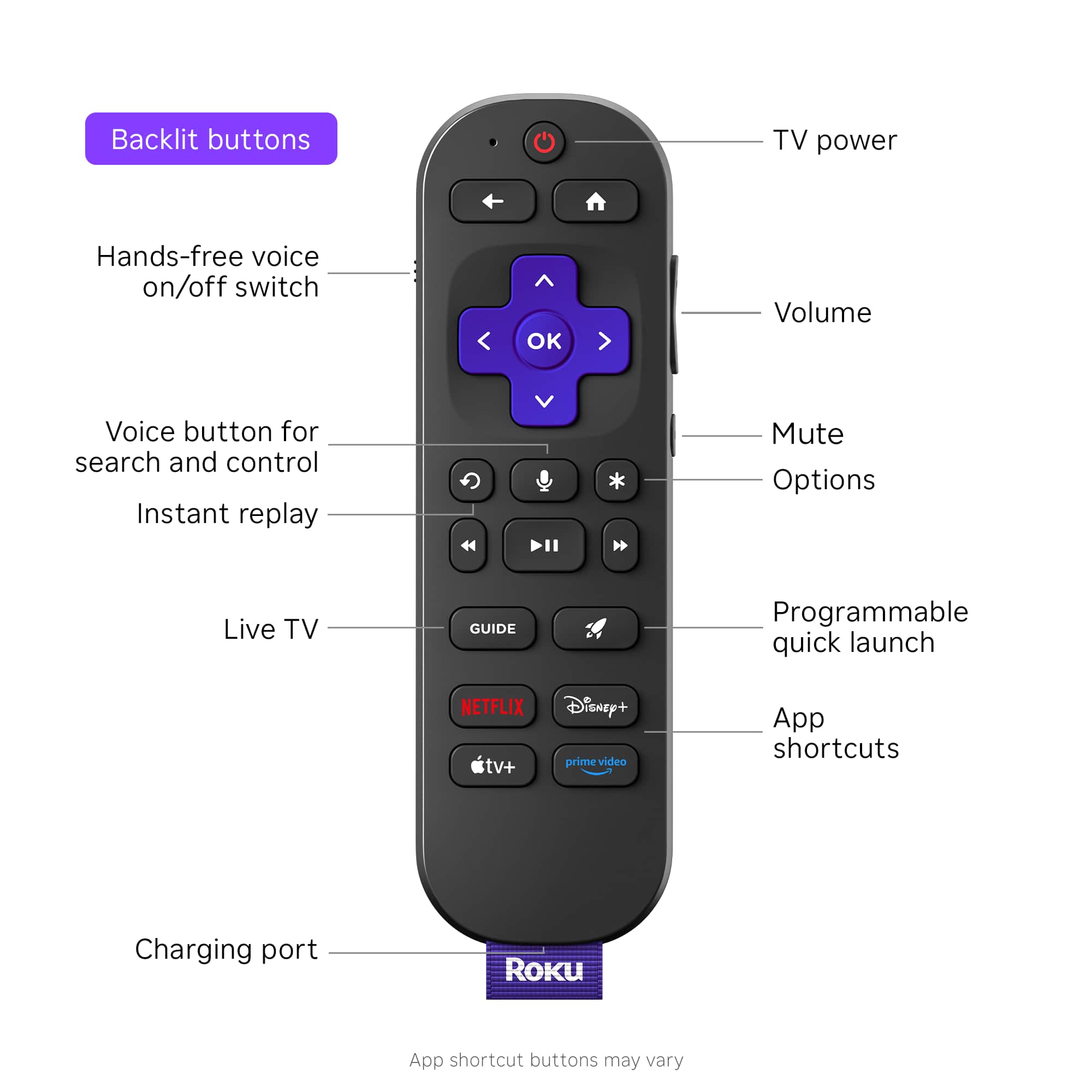
Customers are enthusiastic about the Ultra streaming device, highlighting its overall performance with great picture quality and ease of use. The intuitive remote control and fast speed contribute to a positive user experience. Some customers have reported that the device has solved connectivity issues, and the setup process is easy and fast.
This summary was generated by AI based on customer reviews.
It was great, but now it has video ads
Posted .This reviewer received promo considerations or sweepstakes entry for writing a review.Great, responsive remote. Voice search is a big plus. Unfortunately Roku started adding video ads that automatically run as soon as you turn on your TV. If I knew at the time of purchase that I would have to wait for an ad to play through before I could select a streaming channel, I definitely wouldn’t have bought a Roku. This just started, and without my consent. It is no longer the device I bought.
No, I would not recommend this to a friendTwo year lifespan and 30 day warranty
Posted .This reviewer received promo considerations or sweepstakes entry for writing a review.Average cost of this unit works out to be just over $50 per year. I checked my Roku avvount and i had to replace it in August 2020 and again June 2022. This past week, it started acting ip with picture and audio blunking out. Calling their support is useles because they have a 30 day warranty on units purchased theough Roku.com. Thirty days, then youre out of luck. Im going with Apple TV now.
No, I would not recommend this to a friendBrand response from Roku Team
Posted .Hi there, thanks for taking a moment to share your experience with us. We have a few tips that may help! Your Roku TV system has multiple preset picture modes that adjust the image's appearance to suit your preferences and viewing environment. Please refer to this FAQ to improve the picture quality: https://support.roku.com/article/115007365648. Also, if audio issue happens when you watch content on the channels, try to open and watch the content by pressing Star button on the remote; you can see the option " sound settings." Need help? Please visit us online at support.roku.com/contactus to connect with an agent who can assist. Happy Streaming! Bernie, Roku Customer Advocate
