Customer Ratings & Reviews


- Model:
- 4800R
- SKU:
- 6424781
Rating by feature
- Value
Rating 4.6 out of 5 stars
- Quality
Rating 4.7 out of 5 stars
- Ease of Use
Rating 4.7 out of 5 stars
Customers are saying
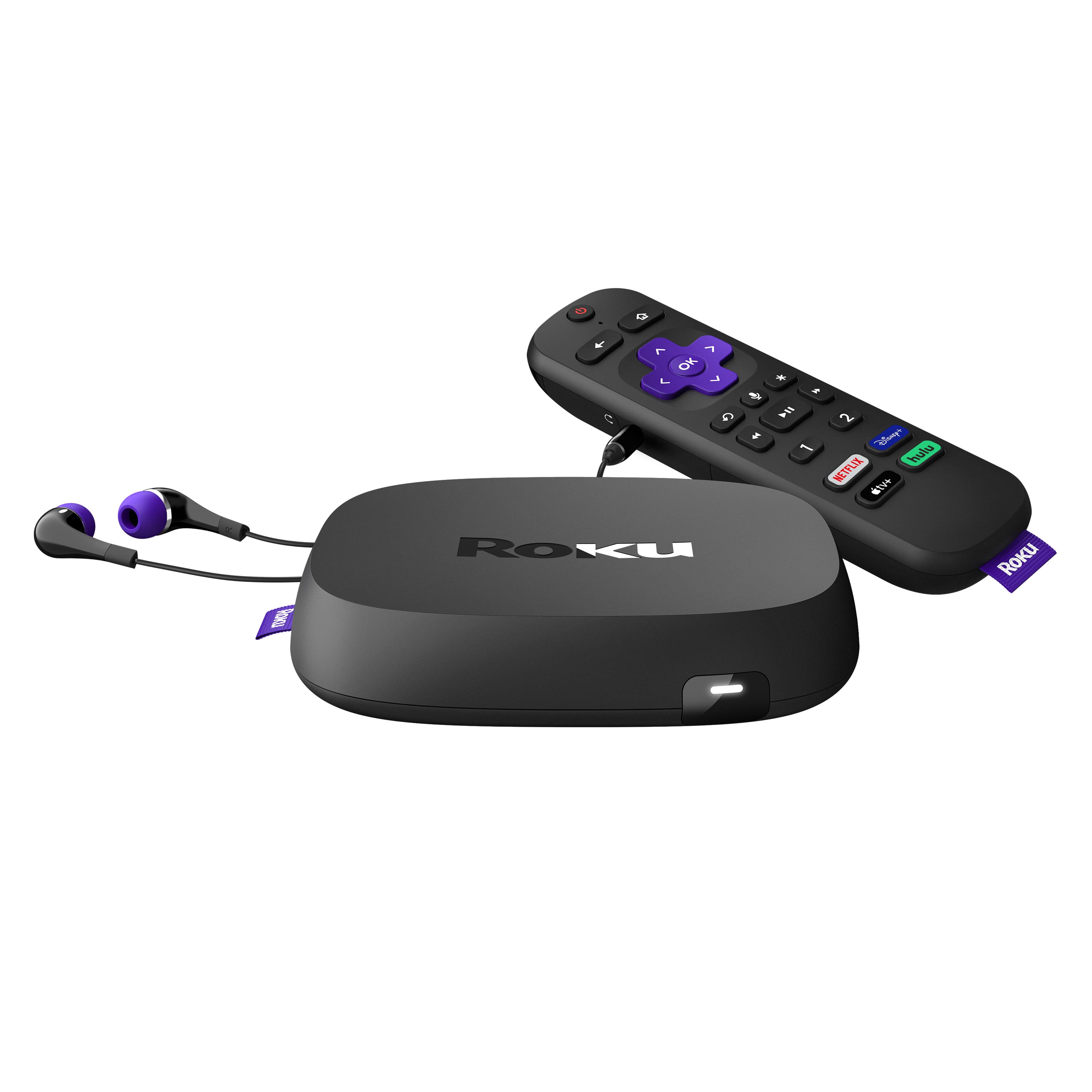
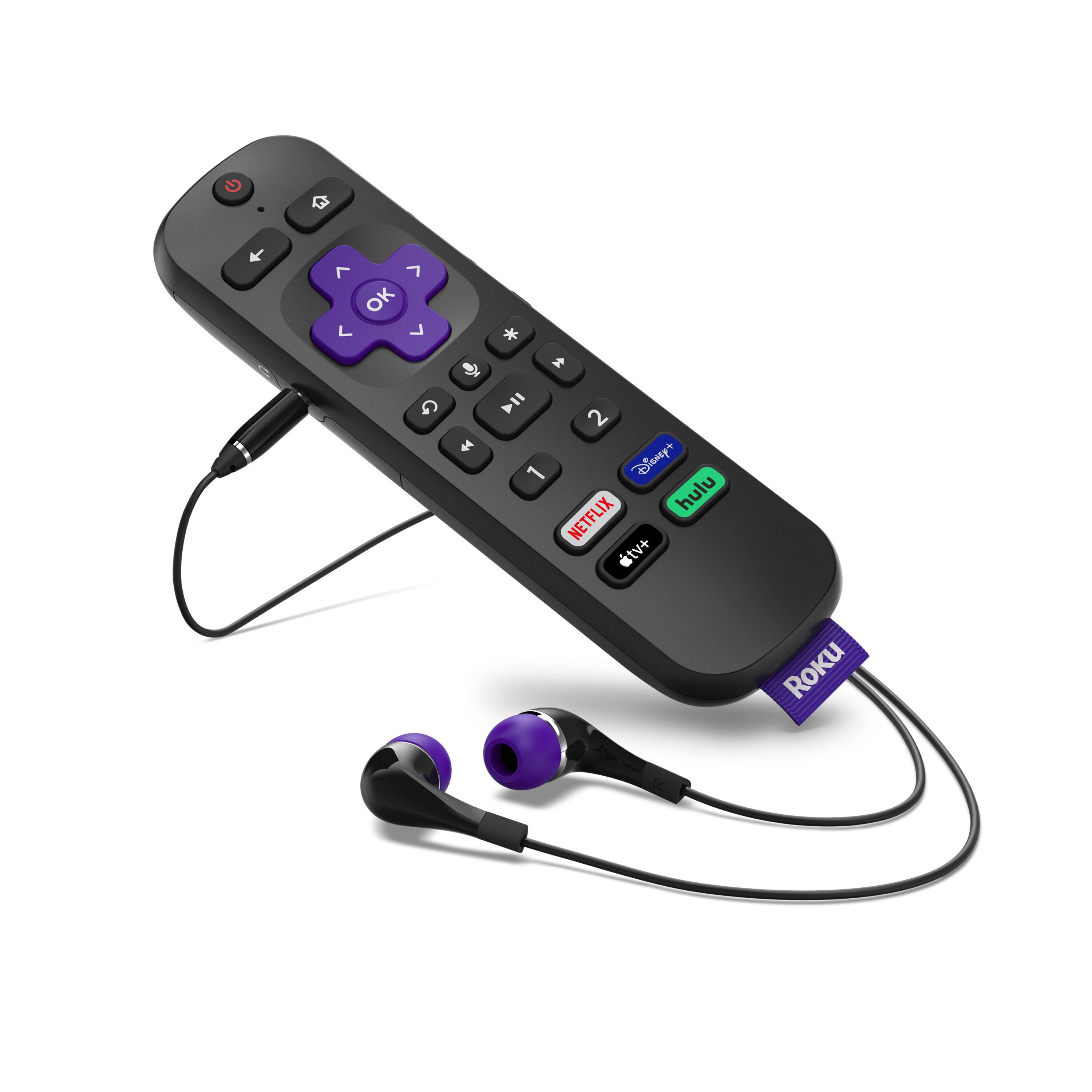
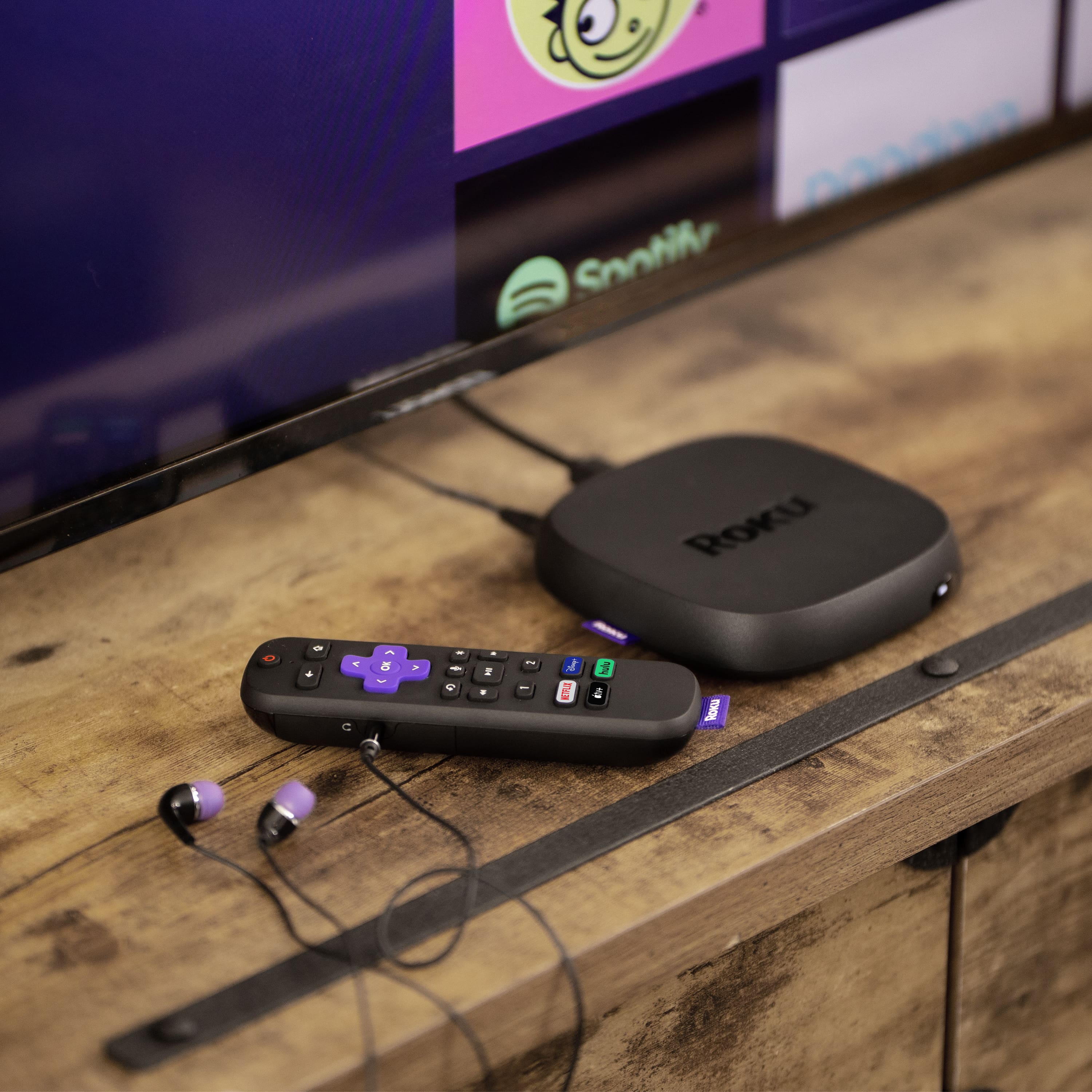
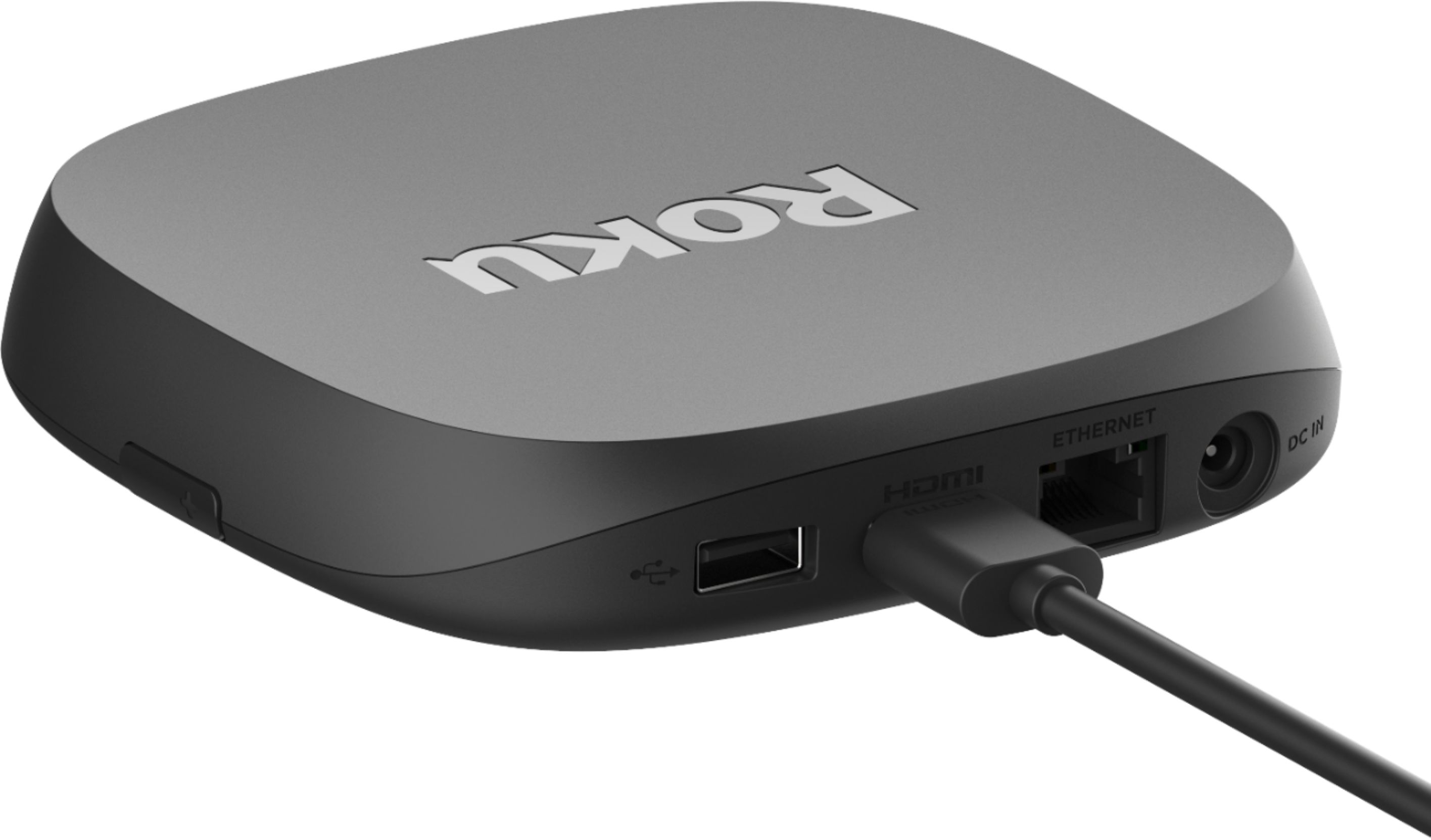
Customers have good things to say about the Ultra Streaming Device's ease of use, picture quality, and remote control. Many appreciate the inclusion of a headphone jack and Dolby Vision, along with the device's 4K capabilities and smooth performance. The user-friendly interface and straightforward setup are also frequently praised. A common concern, however, centers around the remote's battery life.
This summary was generated by AI based on customer reviews.
Good Idea... But
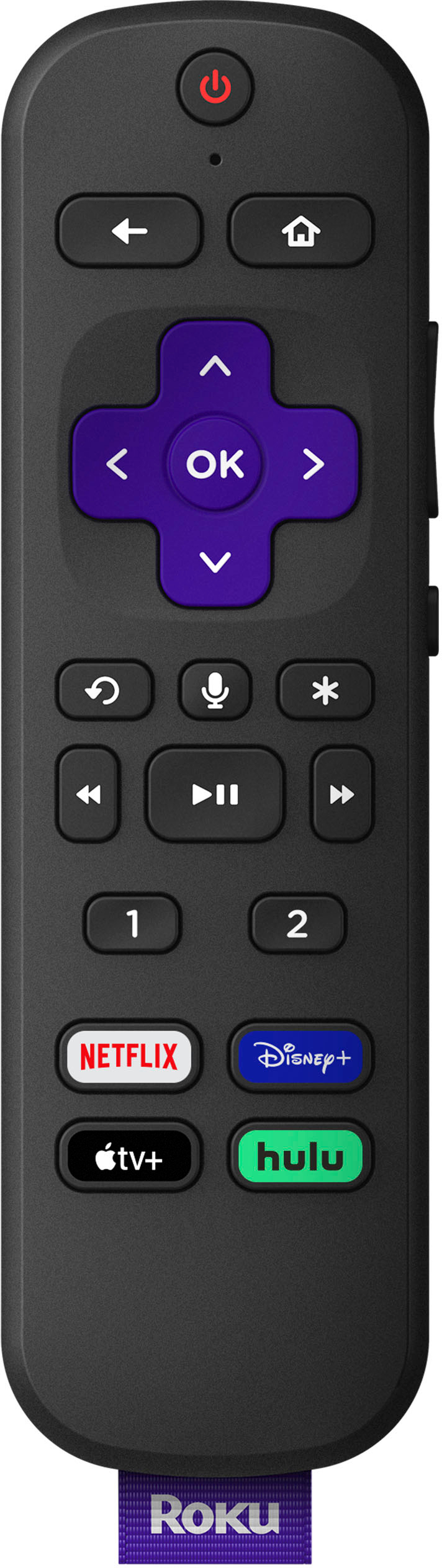
||Posted . Owned for 1 month when reviewed.This reviewer received promo considerations or sweepstakes entry for writing a review.Had to return. The volume control max on the remote peaks at 100 and is only about a quarter of the actual volume of the TV. I bought this for a hearing-impaired person with hopes they could here the TV through the earbuds. I have excellent hearing and it was not easy for me to hear with the volume at its max. I don't know if this is the way they are supposed to work or if we received a defective device. I have Roku on all four TV's and love them, but this did not serve the purpose for which I purchased it.
No, I would not recommend this to a friendBrand response from Roku Team
Posted .Hello, thank you for your review. Your feedback is incredibly important to us! Our team is always on the lookout for new ways to improve our products and we’ll be sure to pass your comments along to our product team.
Roku Customer Advocate
- Pros mentioned:Ease of use
Great but has a fatal flaw
||Posted . Owned for 1 month when reviewed.This reviewer received promo considerations or sweepstakes entry for writing a review.The ease of use and multitude of apps/channels are great. Only issue is that it regularly freezes or the app suddenly closes, mid show. It’s a significant flaw that is maddening
No, I would not recommend this to a friendBrand response from Roku Team
Posted .Hi there, this doesn’t sound like a typical experience and we’d like to learn more. Which channel apps do you typically see this happening on? Does it happen when you watch certain shows/content? If you haven't already, try looking for a system update in your Roku settings, and be sure to restart your device.
We'd like to hear more so that we can assist. Please directly at [email protected] mentioning this review and your Roku device ID number.
We hope to hear from you soon!
Roku Customer Advocate
No Hulu or Disney Plus App
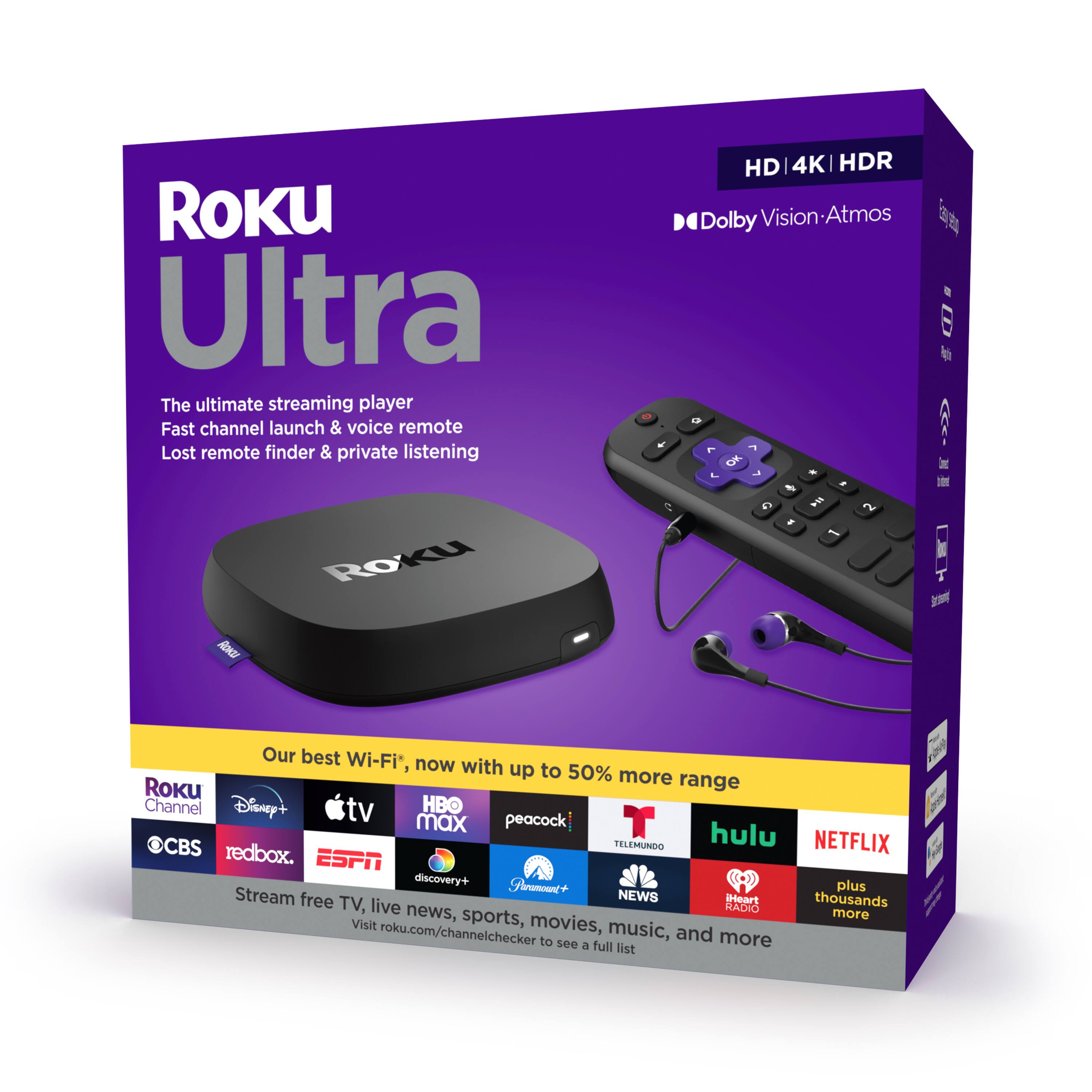
||Posted . Owned for 1 month when reviewed.This reviewer received promo considerations or sweepstakes entry for writing a review.I purchased the Roku Ultra because on the box and online specs show it has a Hulu and Disney Plus app. Unfortunately, after setting it up I couldn't search or add either one of the apps. I tried resetting it to factory default and other online recommendations; including adding the app to my Roku account. To no avail. Of course, you can't get online or phone support. So, we're stuck having to use the mirror function from our smartphone to log into and view Hulu and Disney Plus on our TV. If Hulu and Disney licenses have expired, Roku should update their website and Ultra spec page(s).
No, I would not recommend this to a friendBrand response from Roku Team
Posted .Hello, thanks for reaching out! The Hulu and Disney+ channels should certainly be available, as long as you are located in a supported region, such as the US.
We encourage you to reach out to our customer support team at support.roku.com/contactus. They'll be able to assist you directly!
Roku Customer Advocate
Operation Issues
||Posted . Owned for 3 weeks when reviewed.This reviewer received promo considerations or sweepstakes entry for writing a review.No detailed operating instructions were included. Device does not control volume on two of three televisions. For one television, have to use the microphone to turn off or to change chanels.
No, I would not recommend this to a friendAdequate but not good.
||Posted . Owned for 1 month when reviewed.This reviewer received promo considerations or sweepstakes entry for writing a review.The device is not as sturdy as another ROKU that I have is. I am not able to use the volume control on the device. I have to use my tv controller to turn the volume up or down.
No, I would not recommend this to a friendDecent streamer, but not the best
||Posted . Owned for 3 weeks when reviewed.This reviewer received promo considerations or sweepstakes entry for writing a review.Its a great streamer for most, though the lack of proper frame rate matching like the Apple TV has caused me to return this in exchange for it. Otherwise I would have horrible judder with most programing.
No, I would not recommend this to a friendA Mind Of Its Own
||Posted .This reviewer received promo considerations or sweepstakes entry for writing a review.Does what it needs to do but on occasion, ROKU will change my interface and wallpaper without my permission and "unhide" RUKO features (that I have purposefully hidden for streamline purposes)
I would recommend this to a friendDisappointing upgrade
||Posted . Owned for 7 months when reviewed.This reviewer received promo considerations or sweepstakes entry for writing a review.Purchased this to replace a 4k Roku stick. The 4k Roku stick worked great and I have numerous other Roku TV's and devices that have worked well. This particular model had all kinds of issues with my Denon receiver/LG OLED set up. It always default to 1080p even when I force it to 4k. It runs slow and I have to reboot it frequently. I have not experienced these issues with the 4k Roku Stick or any of their built-in products. Very disappointed with this model. Roku has also started preventing apps for streaming services on their platform, which, is very annoying.
No, I would not recommend this to a friendBrand response from Roku Team
Posted .Hi Geoff, thanks for sharing. The display errors and rebooting you mentioned does not sound like a normal experience and we'd like to help. Have you had a chance to contact our customer support team? We'd be happy to learn more and help troubleshoot this with you! Visit us online at support.roku.com/contactus to get started and connect with an agent. Your feedback is very important to us and we’re eager to assist.
Thank you!
Roku Customer Advocate
Disappointed
||Posted . Owned for 1 month when reviewed.This reviewer received promo considerations or sweepstakes entry for writing a review.Have been a Roku fan for many years but unfortunately did not like this device. It does stream in Dolby vision but compresses the data a bit so when you are watching 4k content it’s not all that it could be. Compare it again other 4k devices and you will clearly see the difference. Returned it for an Amazon cube and I’m quite happy with the cube other than the ads.
No, I would not recommend this to a friendBrand response from Roku Team
Posted .Hi Steven, hanks for being a long-time fan of ours! Our product team is always on the lookout to improve our products based on our customer's feedback. We appreciate the review and we'll be sure to pass it along.
If your 4K TV was manufactured before 2019, there is a good chance it was factory-configured to use HDMI 1.4 mode, which limits 4K HDR playback to 30 frames per second. Generally, playback not as smooth when your HDMI connection is limited to lower frame rates like 30fps. To ensure support for these higher frame rates, the HDMI connection with your TV and any other devices like an audio/video receiver must be configured to use HDMI 2.0 mode. We have a helpful FAQ article that outlines these details further here: https://support.roku.com/article/235400407.
We hope this helps if you decide to give us another shot. Happy Streaming!
Roku Customer Advocate
Buyer beware
||Posted . Owned for 3 weeks when reviewed.This reviewer received promo considerations or sweepstakes entry for writing a review.Beware package says Dolby Vision & Atmos. That,however is a misprint. Only high definition with Dolby surround. But at your own risk. I returned mine. Be careful buying. Avoid!!!!!!!!!!!!!!!!!!!!!!!
No, I would not recommend this to a friendBrand response from Roku Team
Posted .Hi there, we'd like to offer some assistance!
Different AVRs, soundbars, and TVs support different audio formats; some may only decode Dolby Digital (Dolby D) audio; whereas others may decode Dolby Digital Plus (Dolby D+), Dolby ATMOS, and/or DTS. You'll want to check the manufacturer documentation to understand which audio formats are supported.
Additionally, you need to be sure that the content your streaming support Dolby Atmos. Content partners such as Netflix, Amazon, and Hulu may provide surround sound in different formats; for example, Netflix encodes their audio in Dolby Digital Plus (and stereo). VUDU encodes some audio in Dolby Digital, some in Dolby Digital Plus, and some in Dolby ATMOS (and all in stereo). To play the audio in surround sound, your Roku device must be connected to an AVR, soundbar, or another device capable of decoding the format used by the content partner.
To learn more visit our helpful FAQ article here: https://support.roku.com/article/208754498
Happy Streaming!
Roku Customer Advocate
Buy. Just not from Best Buy.
||Posted .This reviewer received promo considerations or sweepstakes entry for writing a review.Product is great. This is more Of a Best Buy review. I have 2 other roku ultras and Are great for streaming. This one had problems a not connecting all the time. I tried resetting a few times but it continued. I took it back to exchange it at Best Buy and they said it was out of their return window. I hadn’t even had it a month. Their return policy is only 15 days. Moral of the story. Buy this product elsewhere with longer return policies. Not from Best Buy.
I would recommend this to a friendBrand response from Roku Team
Posted .Hi there, thanks for sharing with us. We're thrilled to know that you're a fan and appreciate the praise!
Regarding the connection issues, have you had a chance to reach out to our customer support team? Visit us online at https://support.roku.com/contactus to get started. A member of our trained customer support team would be happy to troubleshoot this with you directly. Be sure to and mention this review and your Roku device ID number, too.
Thanks!
Roku Customer Advocate
Not So Good
||Posted . Owned for 1 month when reviewed.This reviewer received promo considerations or sweepstakes entry for writing a review.This new Roku was very glitchy, I returned it and bought a Google Chromecast with TV, and that also sucked. The apps on my Samsung TV work much better than these streaming devices. Waste of money.
No, I would not recommend this to a friendBrand response from Roku Team
Posted .Hi Mark, this certainly isn’t the kind of experience we’d hope for you to have. Even though you've returned the device, we'd be interested to hear more about the glitching you mentioned so that we may benefit from your feedback. Please contact us directly at customer.advocate@roku.com so that we can assist. Be sure to mention this review and your Roku device ID number, if you have it.
Thanks!
Roku Customer Advocate
Pretty dissapointed
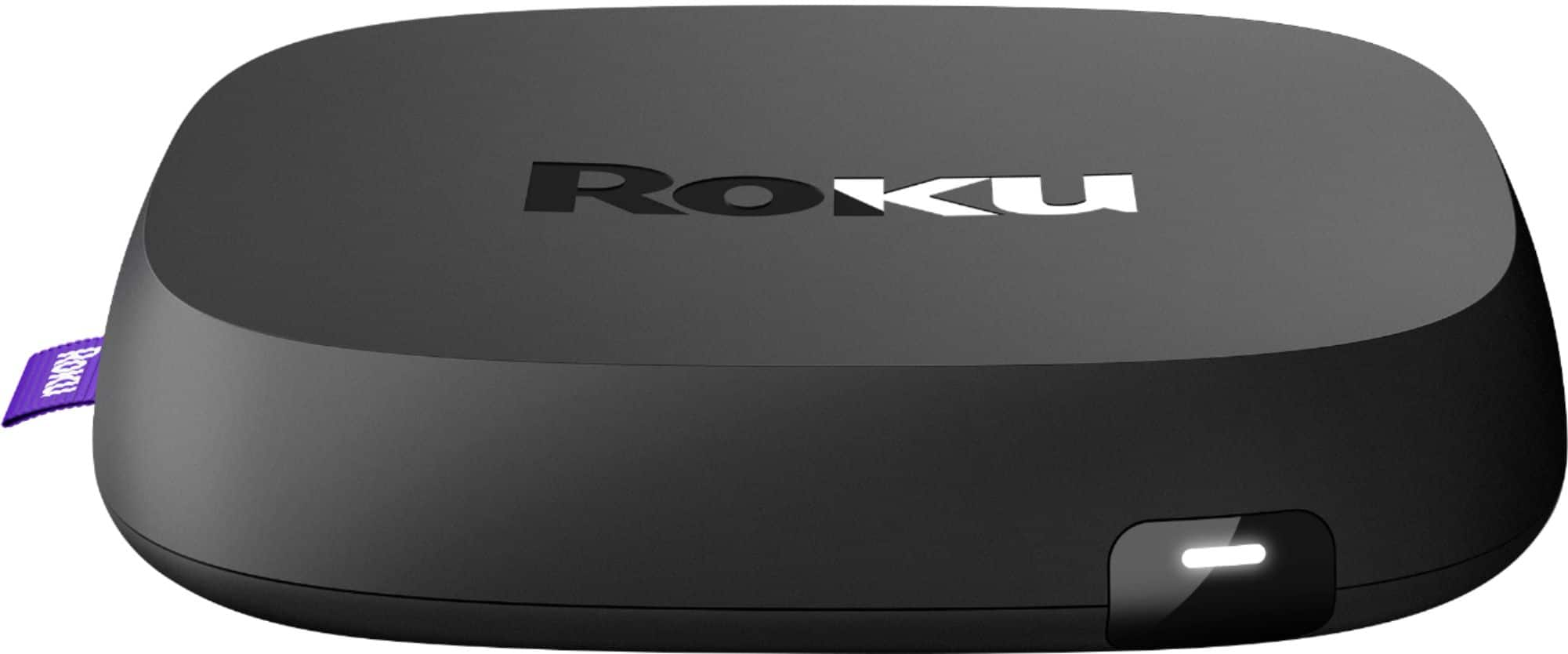
||Posted . Owned for 3 weeks when reviewed.This reviewer received promo considerations or sweepstakes entry for writing a review.Its a tad faster than my 2019 ultra. Wifi seems to be slightly more stable. But it won't play Dolby vision to my 2019 vizio m series, which is the main reason I upgraded from the previous model. I've tried adjusting everything i can think of that might interfere with the signal. All it allows is Dolby vision at 1080p or 4k 60fps with hdr10 Aside from that, the new model feels much cheaper that last years. They've replaced the dense glossy outer plastic with a textured matte thin plastic (im guessing that might be part of the increased internet capabilities?)
No, I would not recommend this to a friendBrand response from Roku Team
Posted .Hello Zach, thanks for your feedback. To successfully stream 4K Ultra HD content, all devices connected to your compatible Roku device must support HDMI 2.0 and HDCP 2.2. If you haven’t already, verify that your TV is compatible by looking for an HMDI port labeled with "HDCP 2.2". Learn more about troubleshooting via the FAQ article on our website: https://support.roku.com/article/230317588
Make sure that you are using a high-speed internet connection and that you’ve selected “Auto-detect display type” on your TV settings.
If you continue to have issues, don’t hesitate to reach out to our Support team directly at [email protected] and mention this review. We're always happy to assist!
Roku Customer Advocate
It's Okay
||Posted . Owned for 1 month when reviewed.This reviewer received promo considerations or sweepstakes entry for writing a review.I thought it was going to be an improvement to my older Roku device, not impressed. The sound is weak, also. I like that this model has earbud capability.
No, I would not recommend this to a friendSomewhat Buggy
||Posted . Owned for 1 month when reviewed.This reviewer received promo considerations or sweepstakes entry for writing a review.Bought it to stream Disney +, since my LG Smart TV is too old to do so and can't be upgraded. Remote will not reliably turn on the Roku device (though it will turn it off), even though it will turn the TV on and off. Device itself has no power button, so when the remote, fails to turn it off, the only way to turn it on is to unplug it and plug it back in again. Works fine when on. Roku tech support is pretty useless - none of their suggestions work.
No, I would not recommend this to a friendBrand response from Roku Team
Posted .Hi DoktorG, this certainly does not sound like typical behavior and we'd like to assist.
Be sure to check your Roku's Settings for a system update as we frequently release updates to address user issues and improve system stability. It's possible that your Roku player is staying in power-saving mode. You may want to try pressing Home on your remote after the TV powers up. Usually, pressing another button on the remote will wake up your Roku player. It might also help to disable the power saving option under Settings, System, Power.
We hope this helps. Happy Streaming!
Roku Customer Advocate
Some Key features missing
||Posted . Owned for 3 weeks when reviewed.This reviewer received promo considerations or sweepstakes entry for writing a review.Somewhat disappointed. The Dish App is unavailable, the remote will not control an AVR, Like the fire stick. I do like You clean and OS is speedy.
I would recommend this to a friendBrand response from Roku Team
Posted .Hello! Thanks for taking a moment to share. We'd like to offer some assistance.
There are some streaming channels in the Roku Channel Store that are only available to customers with a cable or satellite subscription. These are known as authenticated channels or TV Everywhere channels. Learn more here: https://support.roku.com/article/208756408.
What this means for a user like yourself is that you can download your favorite channels such as Showtime, ESPN, Fox, & Disney, and gain access to this premium content by simply entering your Dish Anywhere username and password.
Happy Streaming!
Roku Customer Advocate
Forever having to hit reset button
||Posted . Owned for 3 months when reviewed.This reviewer received promo considerations or sweepstakes entry for writing a review.After owning Roku units and always being happy with their performance, I have to say this unit is extremely disappointing..I have to constantly get up and reset it. It glitches and wont stream after using only a short time. Sometimes requires multiple resets in one viewing session. Nothing worse than getting up from a nice comfortable position to push a reset button. Defeats the purpose completely. I waited to long, none returnable Would be zero stars, but headphones and voice control are nice features.
No, I would not recommend this to a friendBrand response from Roku Team
Posted .Hi there, thanks for taking a moment to share with us. This certainly isn’t the kind of experience we’d hope for you to have and we're here to help. Have you had a chance to connect with a member of our customer support team?
Please send us an email at so that we can work with you directly! Get started here support.roku.com/contactus and be sure to which channels you're watching when this tends to happen on. Your feedback is very important to us and we’re eager to assist.
Thank you!
Roku Customer Advocate
Mediocre with SLING
||Posted . Owned for 3 weeks when reviewed.This reviewer received promo considerations or sweepstakes entry for writing a review.This is my fifth ROKU and my second ULTRA. This one seems more cheaply built. I have already had to reset it twice (although the SLING app could be partially to blame).
No, I would not recommend this to a friendBrand response from Roku Team
Posted .Hello, Thanks so much for being a fan of ours! This does not sound like typical behavior and we're here to help. Is this only happening on one channel?
Sometimes, performing a system restart on the player can resolve this. Other times, you might need to uninstall and reinstall the affected channels, check the status of your wireless connection, or contact the channel's service provider.
Our Support site has a robust FAQ article that may help, too. Learn more: https://support.roku.com/article/208755548. We hope this helps!
If your issue continues, please contact us directly at support.roku.com/contactus so that we can assist.
Happy Streaming!
Roku Customer Advocate
Unwatchable with Dolby Vision and Atmos
||Posted . Owned for less than 1 week when reviewed.This reviewer received promo considerations or sweepstakes entry for writing a review.I bought this to replace an Apple TV 4K that I wanted to move to another room since Roku finally has (or claimed to have) a Dolby Vision/Dolby Atmos device. Ultra continuously interrupts the picture with an HDCP 2.2 incompatability warning. Handshake issues aren't limited to the picture either. The sound also begins to become distorted and pop and even cuts out entirely requiring the device to be restarted. I originally connected it with the exact same cables and inputs as the Apple TV which, along with a Fire Stick 4K and UHD Blu Ray player connected to the same AVR and TV, has never had any issues with Dolby Vision or Atmos. Then I moved it to a different input with the provided HDMI cable with the exact same result. I followed Roku's steps for their supposed fix with no success. I didn't bother trying to bypass my AVR and go directly into the TV since it should be able to work if multiple other devices do. Roku either needs to iron this out or go back to the drawing board. The 4K Roku stick I have on another tv works great (as do all of my other Rokus) and I recommend them for anyone not needing Dolby Vision or Atmos. I just can't do the same for this device.
No, I would not recommend this to a friendBrand response from Roku Team
Posted .Hi there, thanks for your feedback. To successfully stream 4K Ultra HD content, make sure that your TV and AVR are configured to HDMI 2.0 and HDCP 2.2. If you haven’t already, make sure that you're utilizing the HMDI port labeled with "HDCP 2.2". Learn more about troubleshooting via the FAQ article on our website: https://support.roku.com/article/230317588
You'll want to ensure that are using a high-speed internet connection and that you’ve selected “Auto-detect display type” on your TV settings.
If you continue to have issues, don’t hesitate to reach out to our Support team directly at [email protected]. Be sure to mention this review and your device ID. We're always happy to assist in getting you up and streaming!
Roku Customer Advocate
Needs the Verizon FiOS app
||Posted . Owned for 1 month when reviewed.This reviewer received promo considerations or sweepstakes entry for writing a review.Good product but I had to return it I bought this thinking that I could replace my Verizon FiOS box what Roku does not have an app to support it oh well maybe in the future
I would recommend this to a friendBrand response from Roku Team
Posted .Hi there, thanks for your review. We offer a variety of channels that allow users to stream content using their cable credentials: https://channelstore.roku.com/browse/watch-with-cable.
Or, feel free to browse this list to view all of our cable alternative options: https://channelstore.roku.com/browse/cable-alternative.
If you haven’t already, be sure to check out The Roku Channel where we offer hundreds more live-streaming and on-demand free channels.
We are always looking for new channels to add to our lineup and appreciate your feedback.
Happy Streaming!
Roku Customer Advocate