Customer Ratings & Reviews


- Model:
- 4800R
- SKU:
- 6424781
Rating by feature
- Value
Rating 4.6 out of 5 stars
- Quality
Rating 4.7 out of 5 stars
- Ease of Use
Rating 4.7 out of 5 stars
Customers are saying
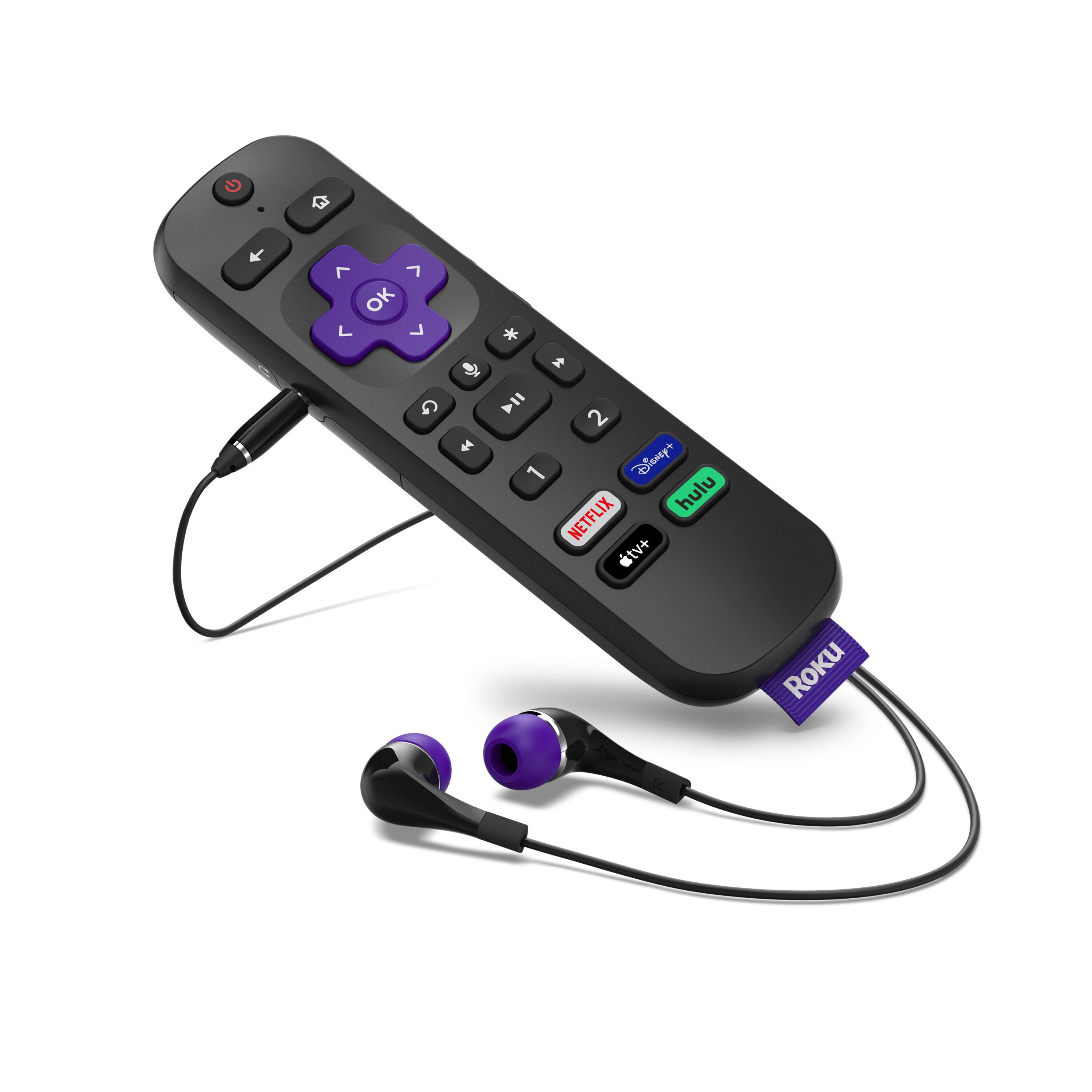
Customers have good things to say about the Ultra Streaming Device's ease of use, picture quality, and remote control. Many appreciate the inclusion of a headphone jack and Dolby Vision, along with the device's 4K capabilities and smooth performance. The user-friendly interface and straightforward setup are also frequently praised. A common concern, however, centers around the remote's battery life.
This summary was generated by AI based on customer reviews.
Not a fan of having to pay to use Roku.
||Posted . Owned for 3 months when reviewed.This reviewer received promo considerations or sweepstakes entry for writing a review.Did not like the Roku. I don't like how I have to pay for a subscription to it! Don't recommend.
No, I would not recommend this to a friendBrand response from Roku Team
Posted .Hi Mustapha, while some channels must be purchased or require a paid subscription, many others allow you to watch movies and TV shows for free. Learn more here: https://support.roku.com/article/115004234727
If you haven't already, be sure to check out The Roku Channel! It features over 10,000 hit movies, TV, and 24/7 news at no cost to you, and is available on current generation Roku streaming devices plus as a mobile app on iOS® and Android™ devices.
You can also visit Featured Free on the home screen of your Roku device. Click here to find ways to locate more free content: https://support.roku.com/article/208756428. Some channels and Premium Subscriptions even offer a free trial (e.g., a 7-day free trial). We hope this helps.
Happy Streaming!
Roku Customer Advocate
Roku Ultra 2020
||Posted . Owned for 1 month when reviewed.This reviewer received promo considerations or sweepstakes entry for writing a review.Very disappointed with this purchase. Roku Ultra consistently freezes up when fast forwarding.
No, I would not recommend this to a friendBrand response from Roku Team
Posted .Oh no! It sounds like you may be having an issue, and we're here to help. Have you had a chance to connect with our customer support team? Please send us an email at so that we can work with you directly. Get started here: support.roku.com/contactus and be sure to mention this review along with your device ID.
Your feedback is very important to us and we’re eager to assist.
Thank you!
Roku Customer Advocate
Drops connection
||Posted . Owned for 2 weeks when reviewed.This reviewer received promo considerations or sweepstakes entry for writing a review.Awful keeps dropping connection have to restart device to get it to connect
No, I would not recommend this to a friendBrand response from Roku Team
Posted .Hello, we're sorry to hear about your troubles. Based on your description, it sounds like there could be an issue with the strength of your wireless connection. You can check the strength of your internet connection by going to Settings > Network > Check connection. This will test the quality of the signal speed of that connection to be sure that your signal is strong enough.
If you're continuing to have troubles, please reference our helpful FAQ article: http://go.roku.com/connectivity. This page will provide you with common concerns, troubleshooting, error codes, and recommended actions. For example, if your router and Roku device both support 5GHz, you could also try connecting to the 5GHz wireless network for improved network strength.
Alternatively, it may also help to manually change the wireless channel. You can find more details about how to executive this linked in the FAQ article above.
We hope this helps!
Roku Customer Advocate
hdmi errors
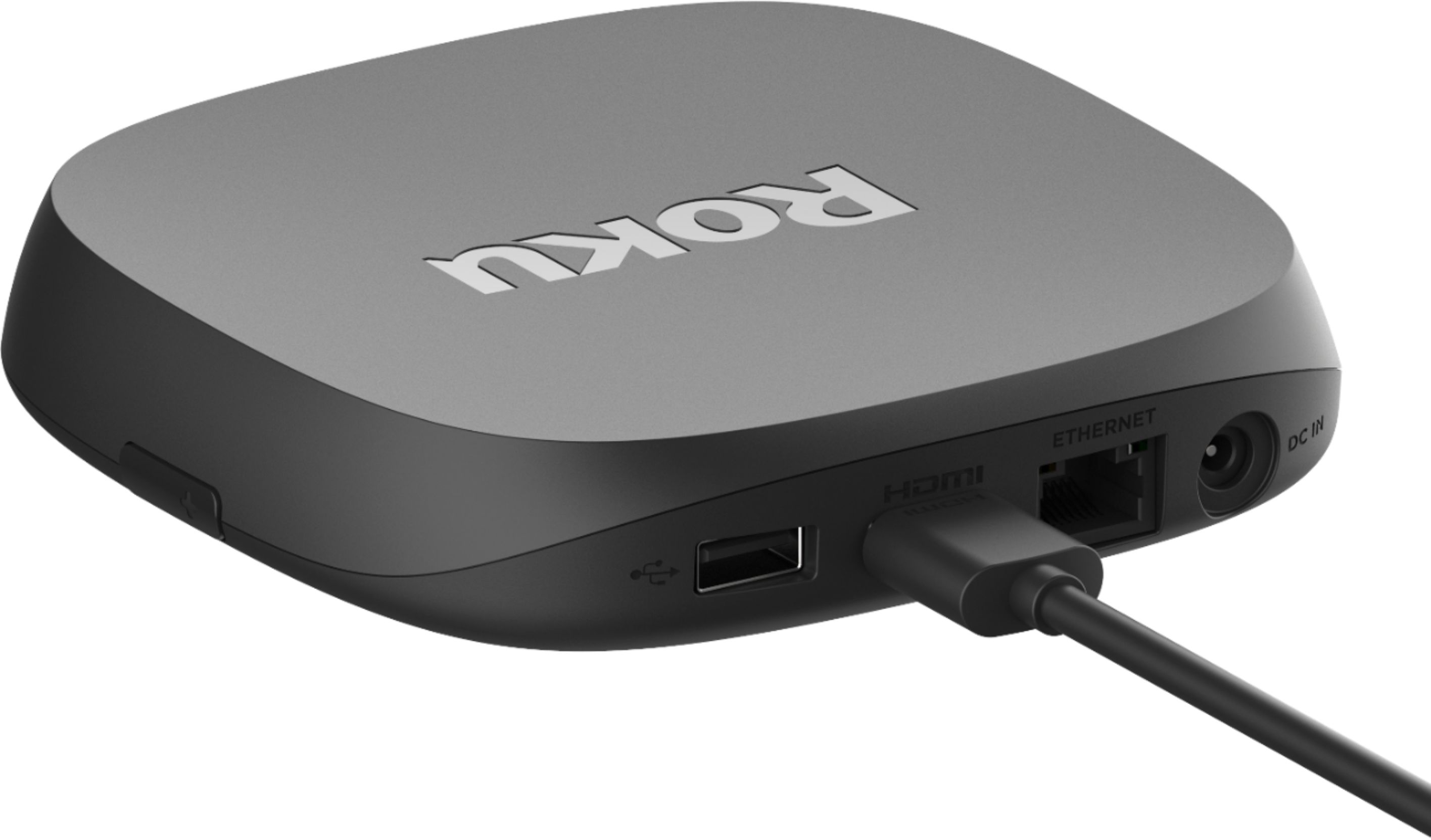
||Posted . Owned for 3 months when reviewed.This reviewer received promo considerations or sweepstakes entry for writing a review.bad bad constant errors due to the HDMI cable my kids cant watch tv.
No, I would not recommend this to a friendBrand response from Roku Team
Posted .Hi there, we're sorry to hear about your experience and we're here to help!
On our Support site, we have a helpful article and video that will walk you through some more detailed troubleshooting options here: https://support.roku.com/article/230317588.
As a quick tip, be sure that you unplug everything, from the HDMI connector to the power cord, before reconnecting and restarting your Roku player. Also, you can try to use a different HDMI port on your TV or a different TV in an attempt to isolate the issue.
If your issue continues, please contact us directly at support.roku.com/contactus so that we can assist you directly. We look forward to getting you up and streaming!
Roku Customer Advocate
- Pros mentioned:Ease of use, Speed
One of the most intuitive interfaces around
Posted .This reviewer received promo considerations or sweepstakes entry for writing a review.I have had Roku devices since they had RGB outputs. I've gone through the Roku 3 and I have a couple of these Ultra units. Over the years, I have tried numerous alternatives like Chromecast, Android TV, Fire TV, Kodi, Samsung's app offerings, etc. I keep coming back to Roku because it's just stupid easy and fast to use. Yes, I am very technically literate and not averse to challenging things - but my family is not. They just want to pick up the remote and watch something, which I can appreciate. This does give me the additional ability to have my own private digital library on a server and just watch through the Roku Media Player utility. It just needs a server utility such as Serviio. The Roku Media Player picks that up from my local network and runs with it. The Roku Ultra allows streaming of mp4 files, where the Roku 3 did not. Again, very easy for my family to just pick that app and browse through my collection of movies. I'd highly recommend this for users of all tech levels.
I would recommend this to a friend Issue
||Posted . Owned for 11 months when reviewed.This reviewer received promo considerations or sweepstakes entry for writing a review.Was working great but now i get flickering sometimes when watching shows.
No, I would not recommend this to a friendBrand response from Roku Team
Posted .Hi there, thanks for taking a moment to share your feedback with us. We'd like to help!
Using your Roku's remote, navigate to Settings>System>Advanced system settings>Advanced display settings, go to 'Auto-adjust display refresh rate' and make sure this is 'Disabled'. This can cause the behavior you described in some circumstances, and should not typically be enabled for most use-cases.
If the issue persists, or the setting is already disabled, I'd also recommend swapping out your HDMI cable and/or HDMI port in use on the TV to see if this helps clear up the issue.
If you're still in need of assistance please visit support.roku.com/contactus to connect with a member of our team directly.
Thanks!
Roku Customer Advocate
Burn Your House Down
||Posted . Owned for 2 weeks when reviewed.This reviewer received promo considerations or sweepstakes entry for writing a review.Roku stays extremely hot. I mean start a fire hot. Problem needs to be fixed.
No, I would not recommend this to a friendNo more spectrum tv
||Posted .This reviewer received promo considerations or sweepstakes entry for writing a review.Can no longer use spectrum tv app on Roku device which is the main reason I purchased.
No, I would not recommend this to a friendBrand response from Roku Team
Posted .Hi Tdawg, we have some great news to share with you! The Spectrum Channel is now available to download for all Roku players as of August 17, 2021. If you're having trouble locating the channel, make sure that your device is on the newest software update.
To stay in the loop with all upcoming announcements, we recommend subscribing to our blog: https://blog.roku.com. Many thanks for your continued support.
Happy Streaming!
Roku Customer Advocate
Junk
||Posted .This reviewer received promo considerations or sweepstakes entry for writing a review.Never buy returned set up very poor. Very slow even with high speed internet
No, I would not recommend this to a friendBrand response from Roku Team
Posted .Hi there, this doesn’t sound like a typical experience and we’d like to learn more. Please contact us directly at support.roku.com/contactus so that we can assist. Be sure to mention this review and your Roku device ID number. We're always here to help!
We hope to hear from you soon,
Roku Customer Advocate
No YouTubeTV
||Posted . Owned for 1 month when reviewed.This reviewer received promo considerations or sweepstakes entry for writing a review.Had to return it because no YouTubeTV so not useful at all
No, I would not recommend this to a friendNonfunctional after <3 weeks
||Posted . Owned for 3 weeks when reviewed.This reviewer received promo considerations or sweepstakes entry for writing a review.This became nonfunctional after 21 days. Return window is closed.
No, I would not recommend this to a friendBrand response from Roku Team
Posted .Hi there, this is certainly not the experience we'd hope for you to have. If you're still having troubles, check out our Support website!
For your Roku Ultra player, we'd recommend starting here: https://support.roku.com/article/360053315174. This article features answers to our most commonly asked questions, step-by-step troubleshooting resolutions, tips to watch your favorite content, video tutorials, and more.
If you need further assistance, don't hesitate to contact us directly. Visit support.roku.com/contactus to connect with an agent.
We hope that gets you up and streaming soon!
Roku Customer Advocate
Roku
||Posted .This reviewer received promo considerations or sweepstakes entry for writing a review.So far so good. We are new to streaming so not sure what to expect.
I would recommend this to a friendBrand response from Roku Team
Posted .Hi there, thank you for your review. If there is anything we can assist you with along the way, feel free to contact us! Use the Support tab at the top of our website and navigate to "Agent Support" at the bottom of the page. Select "check support options" and you'll be able to chat or email a member of our support team.
We are hopeful that you will find your new player to be 5-star worthy. :)
Happy Streaming!
Roku Customer Advocate
Trash
||Posted . Owned for 4 months when reviewed.This reviewer received promo considerations or sweepstakes entry for writing a review.Stopped working properly after fewer than 4 months
No, I would not recommend this to a friendBrand response from Roku Team
Posted .Hi Phillips, thanks for reaching out. This does not sound like expected behavior and we'd like to learn more.
Have you had a chance to contact our customer support team? We'd be happy to learn more and help troubleshoot this with you! Visit us online at support.roku.com/contactus to get started and connect with an agent. Your feedback is very important to us and we’re eager to assist.
Thank you!
Roku Customer Advocate
Broke after 1 day
||Posted . Owned for 2 weeks when reviewed.This reviewer received promo considerations or sweepstakes entry for writing a review.It stopped working on the second day. Otherwise it was okay.
No, I would not recommend this to a friendBrand response from Roku Team
Posted .Oh no! We're always here to help, Jiminy. Our Support site has a suite of helpful FAQs and online video tutorials. Simply search for your issue and we may have steps available to get it resolved. Visit support.roku.com to learn more.
If you need further assistance, don't hesitate to contact us directly. Send us an email at customer.advocate@roku.com. Be sure to and mention this review and your device ID number so that we can best assist!
Roku Customer Advocate
- Pros mentioned:Picture quality
The best steaming device
Posted .This reviewer received promo considerations or sweepstakes entry for writing a review.I have tried nearly every streaming device, including the Fire Cube and Apple 4K, and this is the best of them all. It offers more video and sound selections than any of the others, and the sound output is superior. I don’t like the remote, since it not easy to use in the dark, but that is a minor issue compared to the otherwise excellent performance. The GUI is outstanding, and enables fats and problem-free setup.
I would recommend this to a friend Glad I made the purchase...
Posted .This reviewer received promo considerations or sweepstakes entry for writing a review.So far, everything is seamless...I added a soundbar with woofer to my 55" 4k tv, and with the ROKU STREAMING device, well it has really made my living room a lot like the mini-theatre atmosphere that I wanted to create. I'm well pleased...and with SLING, I don't have a $160 cable bill (that's really nice!).
I would recommend this to a friend- Pros mentioned:Speed
READ THIS!!
Posted .This reviewer received promo considerations or sweepstakes entry for writing a review.Buy Ultra! PRO: Search for a movie or show- Roku looks at all your apps and shows you the price on each app. It’s fast and reliable. Amazon Firestick does not do this bc Amazon wants to sell you their crap and even their search won’t look at HBOMAX, NETFLIX, HULU, SHOWTIME, DISNEY, etc. I am throwing away FIRESTICK! I’m tired of Amazon not using Firestick to do it’s job. CON: fails to control receivers and other non-HDMI ARC devices. Since Roku CAN and SHOULD replace tradition cable remotes, this is big deal. Philips FLIP remote for both firestick and Roku is a half measure fix…. But it does control receivers, etc doe basic functions.
I would recommend this to a friend - Pros mentioned:Ease of use
Roku - Ultra
Posted .This reviewer received promo considerations or sweepstakes entry for writing a review.Only had the Roku for about a week now but everything is working great, super easy to use and we can stream everything we want right through the one device. Setup was a breeze! Also the savings going from DirecTV to a streaming device is fantastic!
I would recommend this to a friend - Pros mentioned:Ease of use, Picture quality
Perfect streaming device!
Posted .This reviewer received promo considerations or sweepstakes entry for writing a review.Easy to setup, fast and reliable. Delivers a great picture! Allows for the addition of many apps, some of which I didn't even know existed.
I would recommend this to a friend - Pros mentioned:Ease of use
Great gadget!
Posted .This reviewer received promo considerations or sweepstakes entry for writing a review.Easy to set up. Works more smoothly and is quicker than the Amazon Fire Stick and the Roku Stick. Runs much cooler than the Roku Stick.
I would recommend this to a friend