Customer Ratings & Reviews
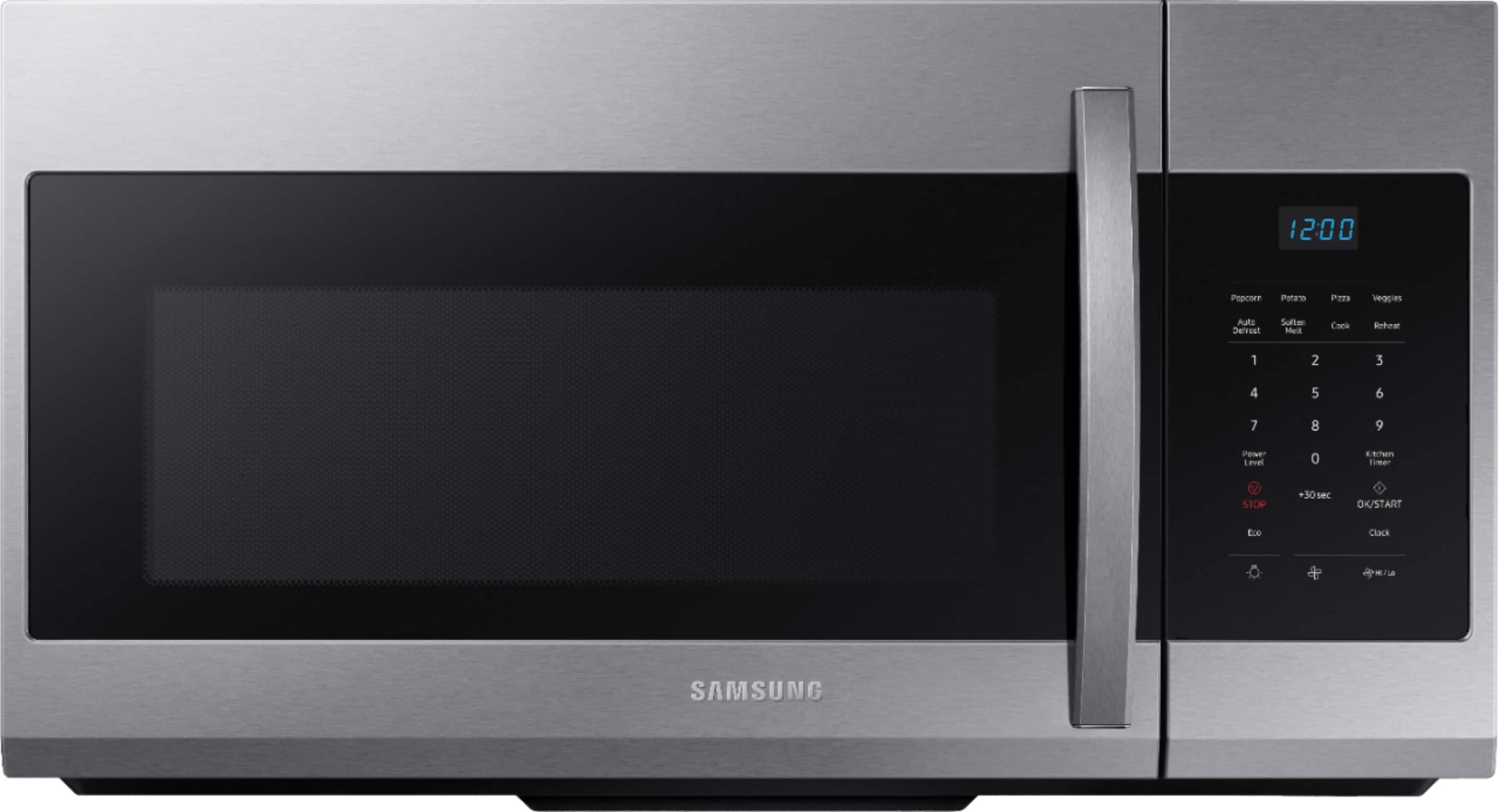
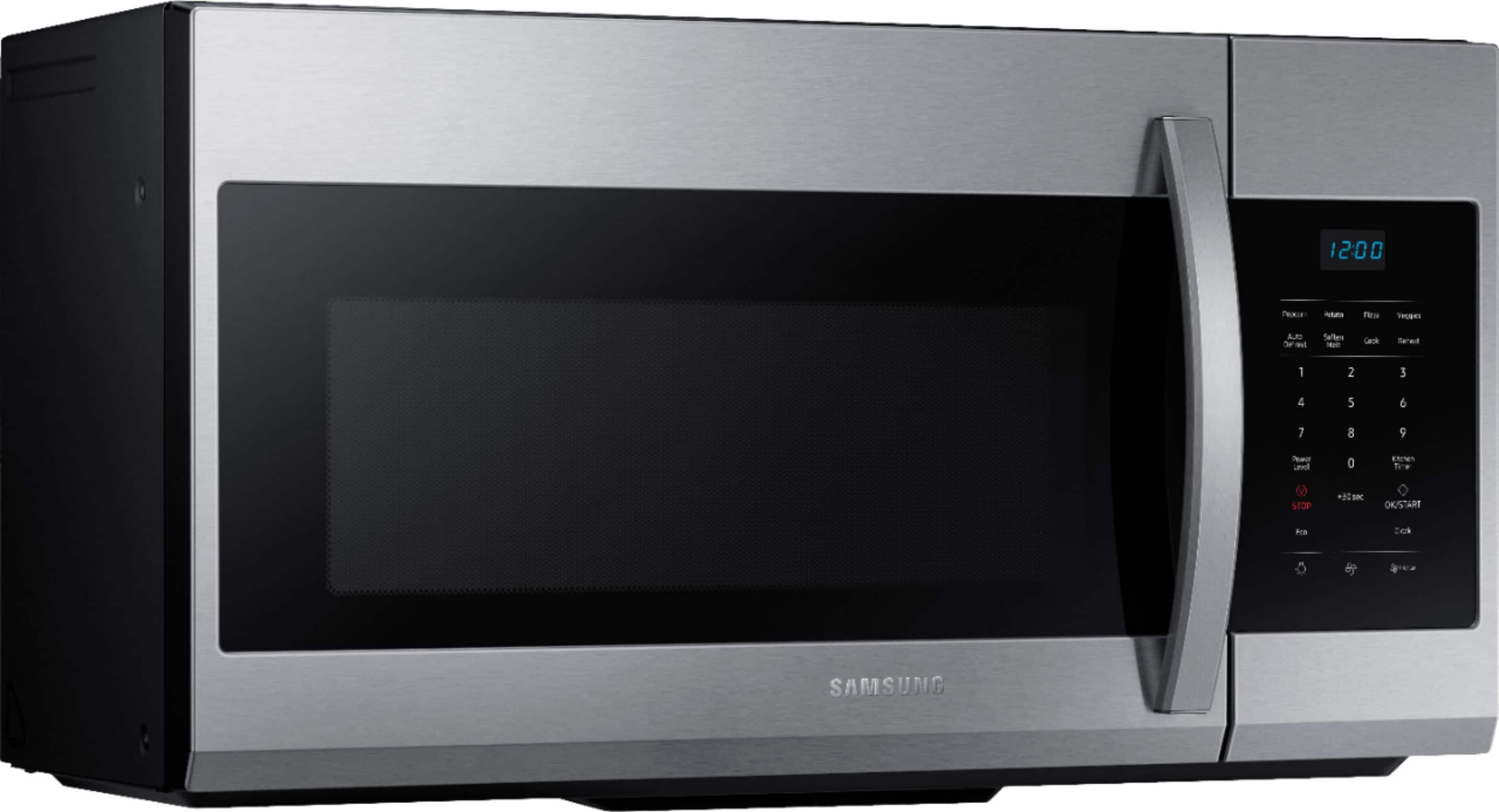

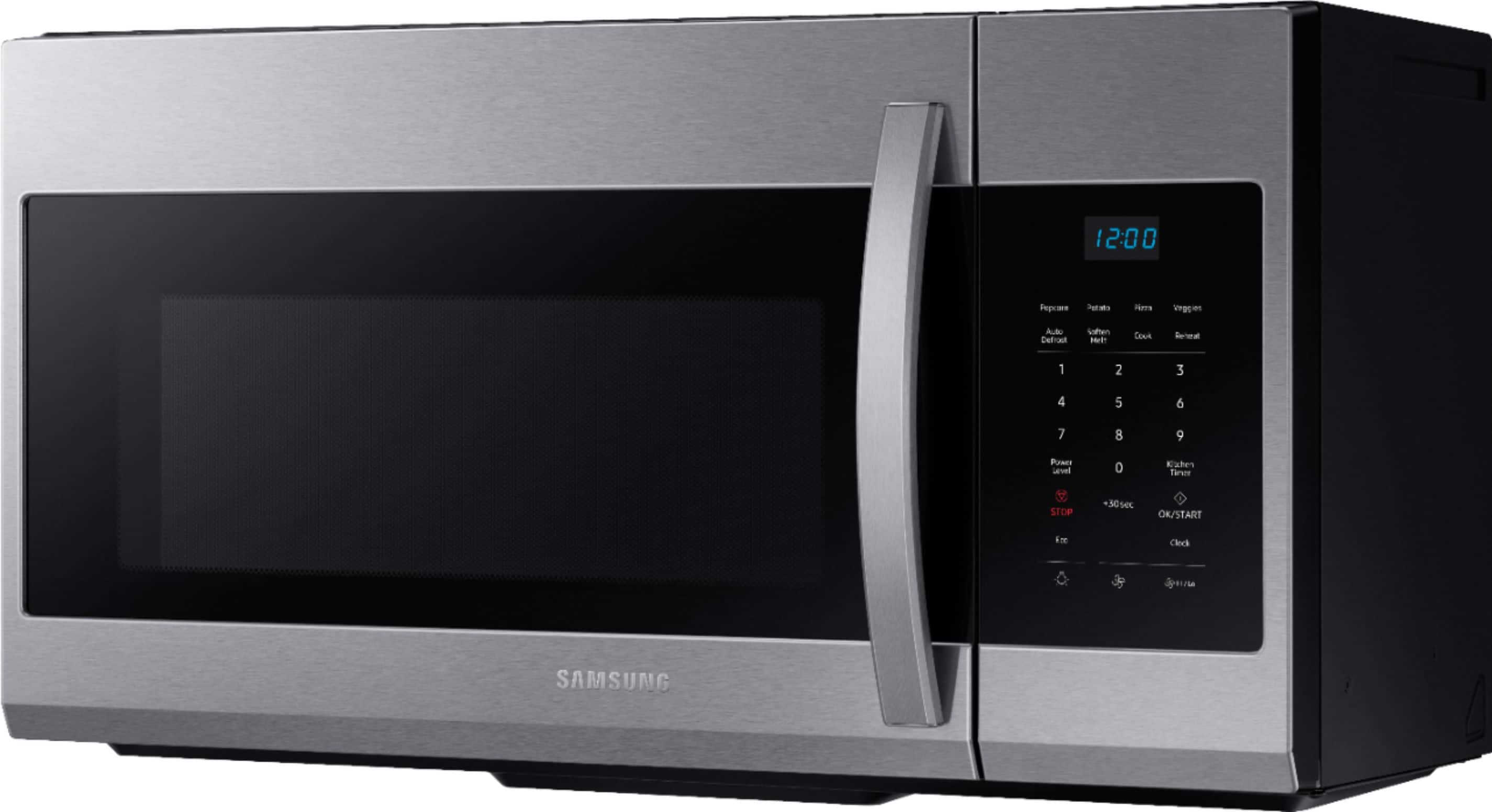
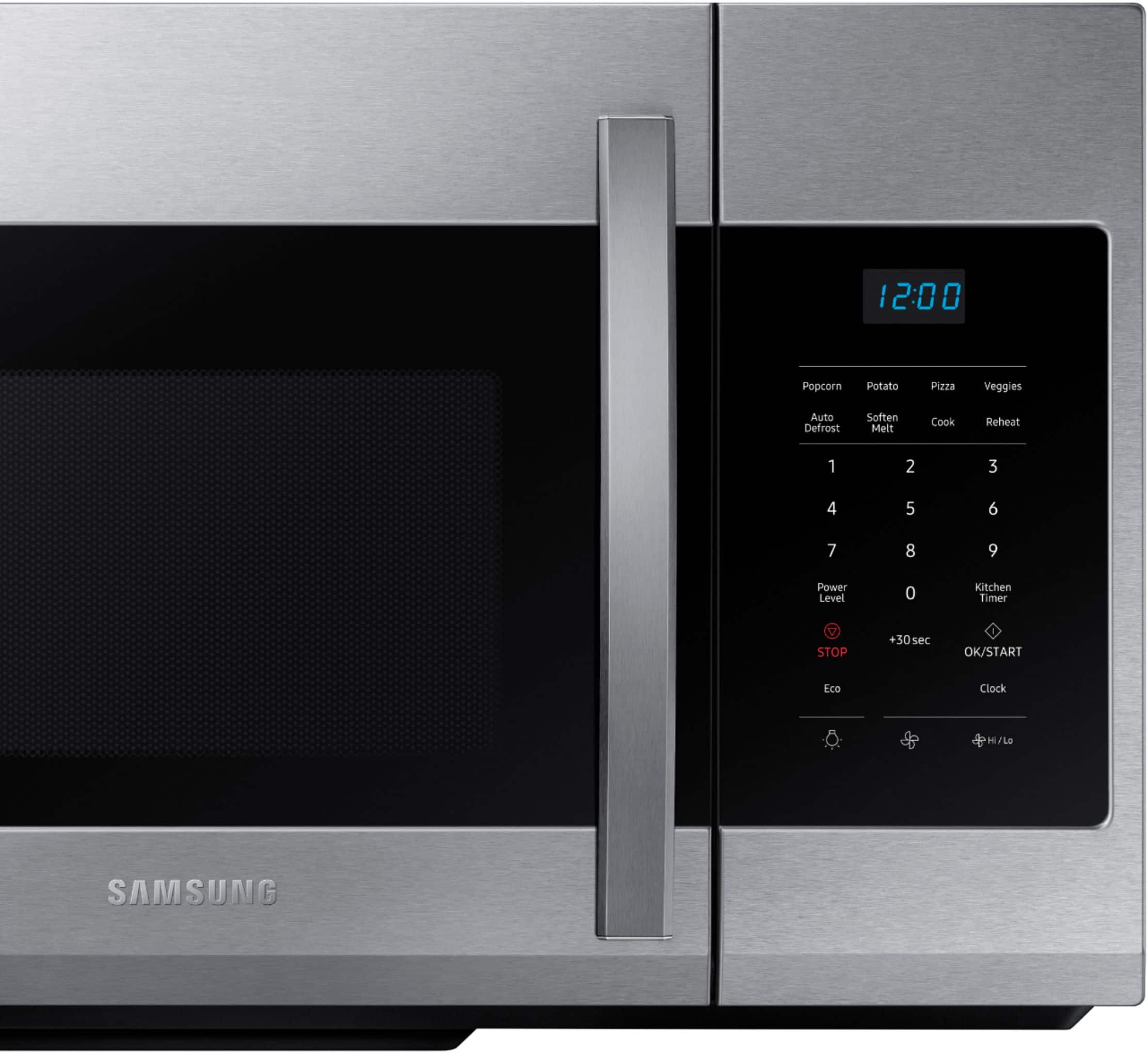
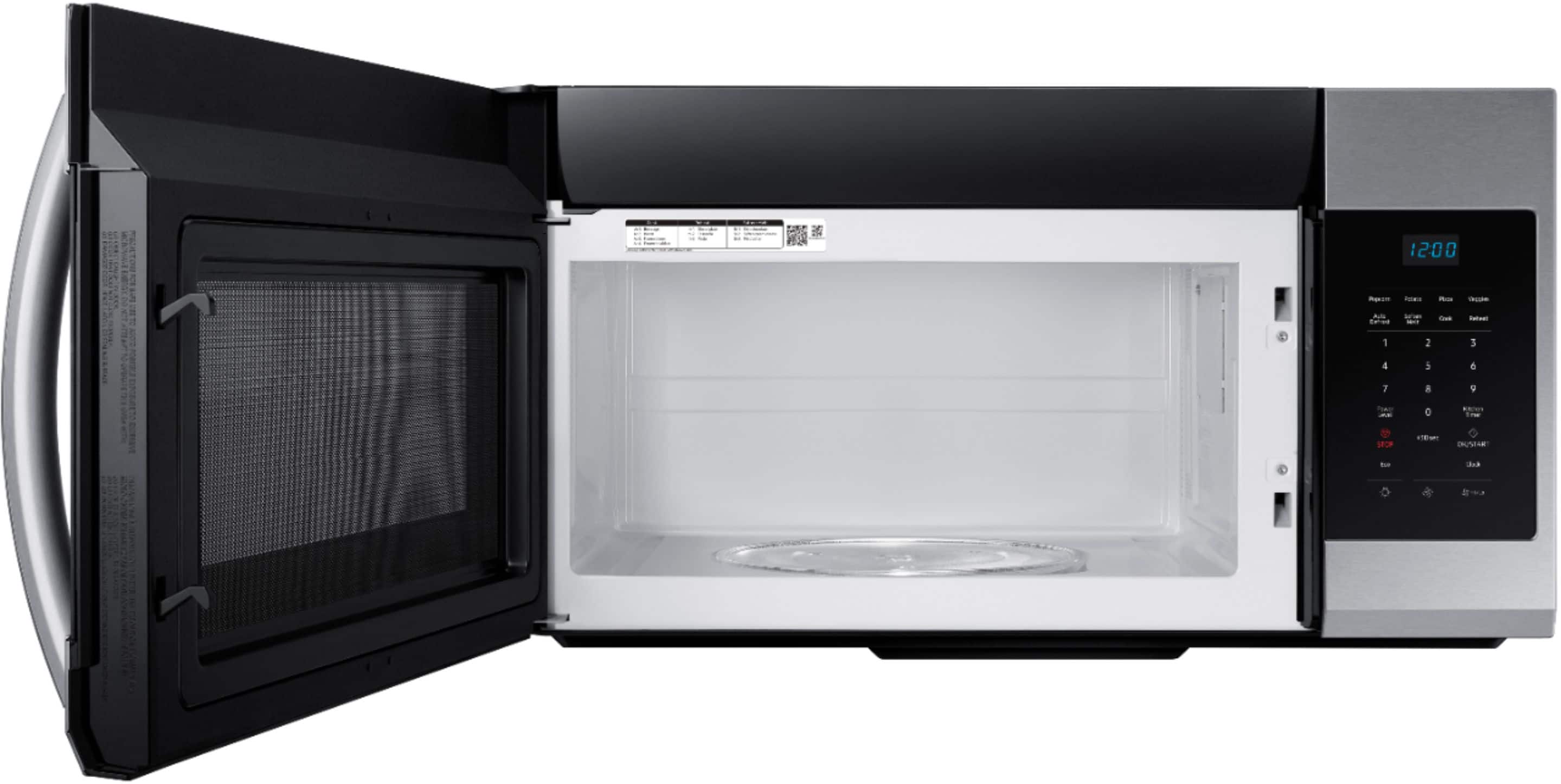
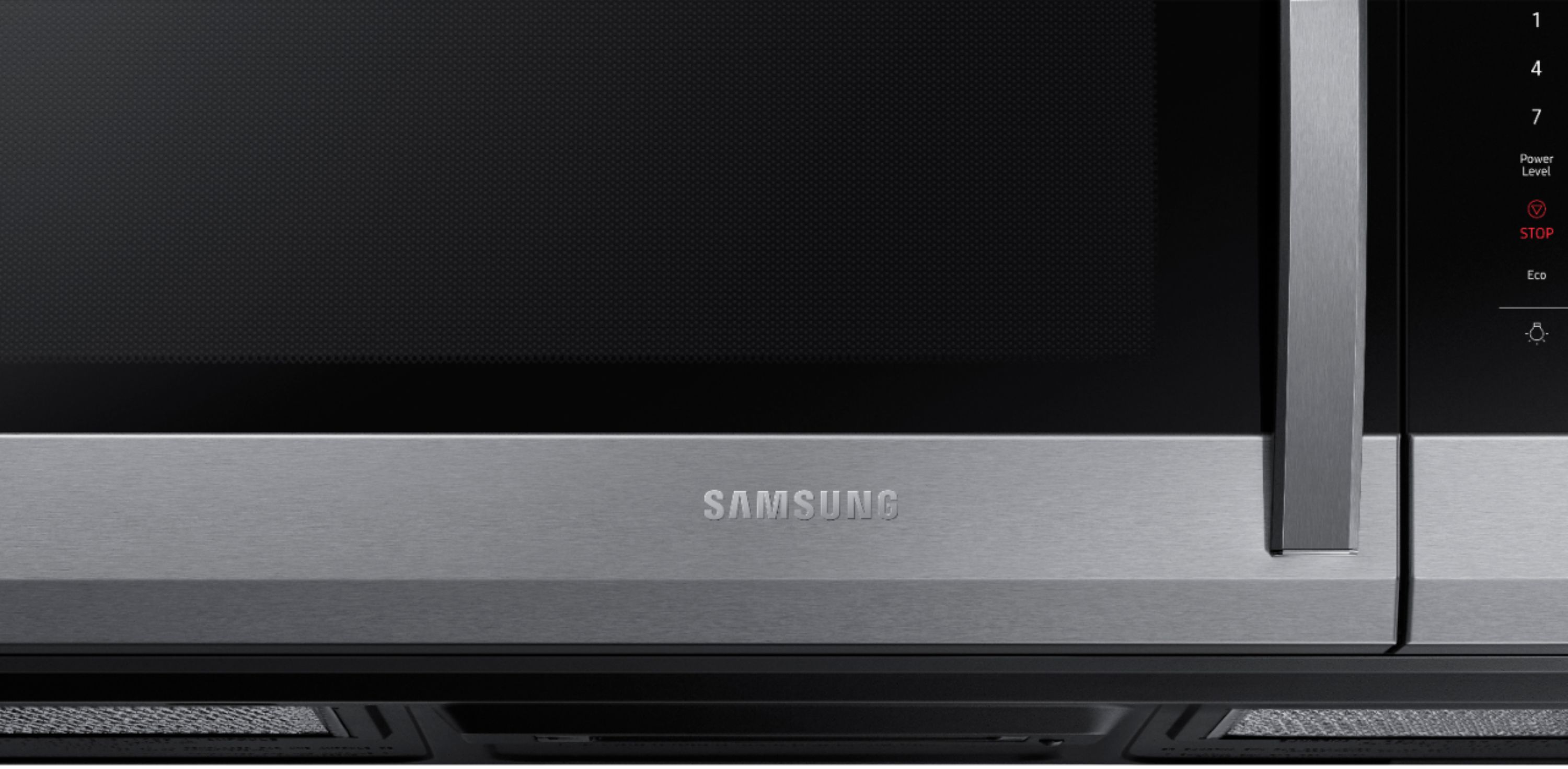
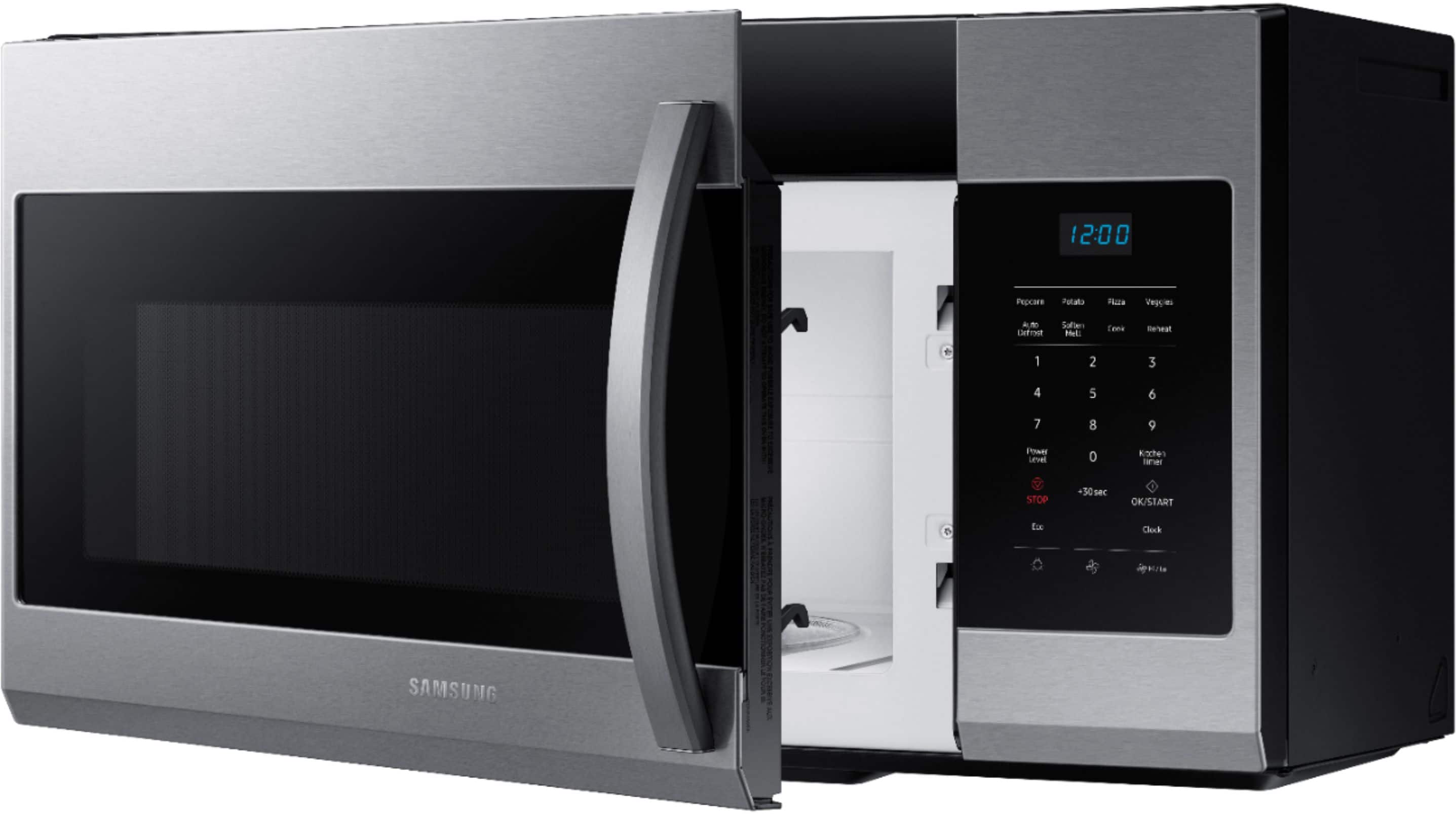
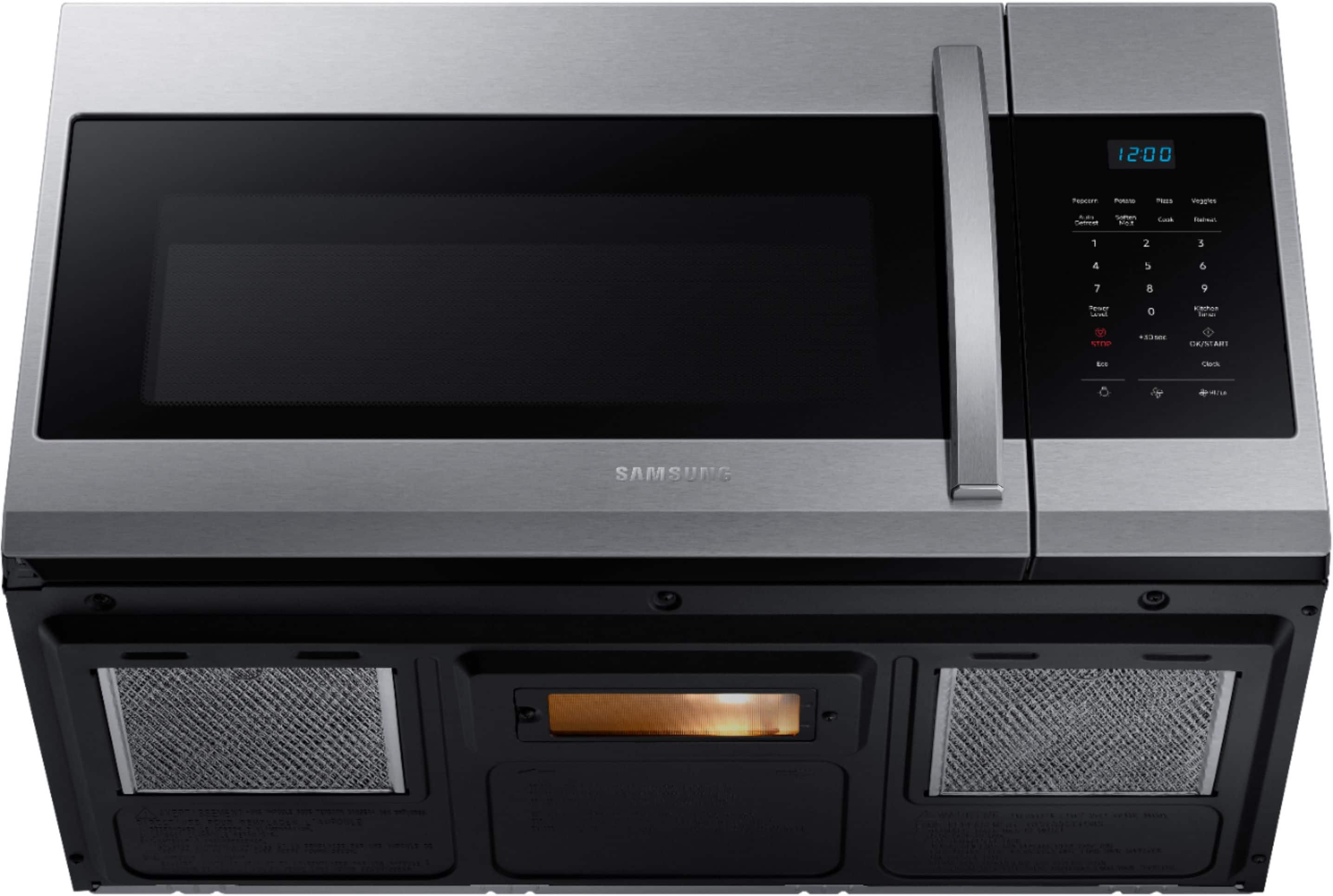
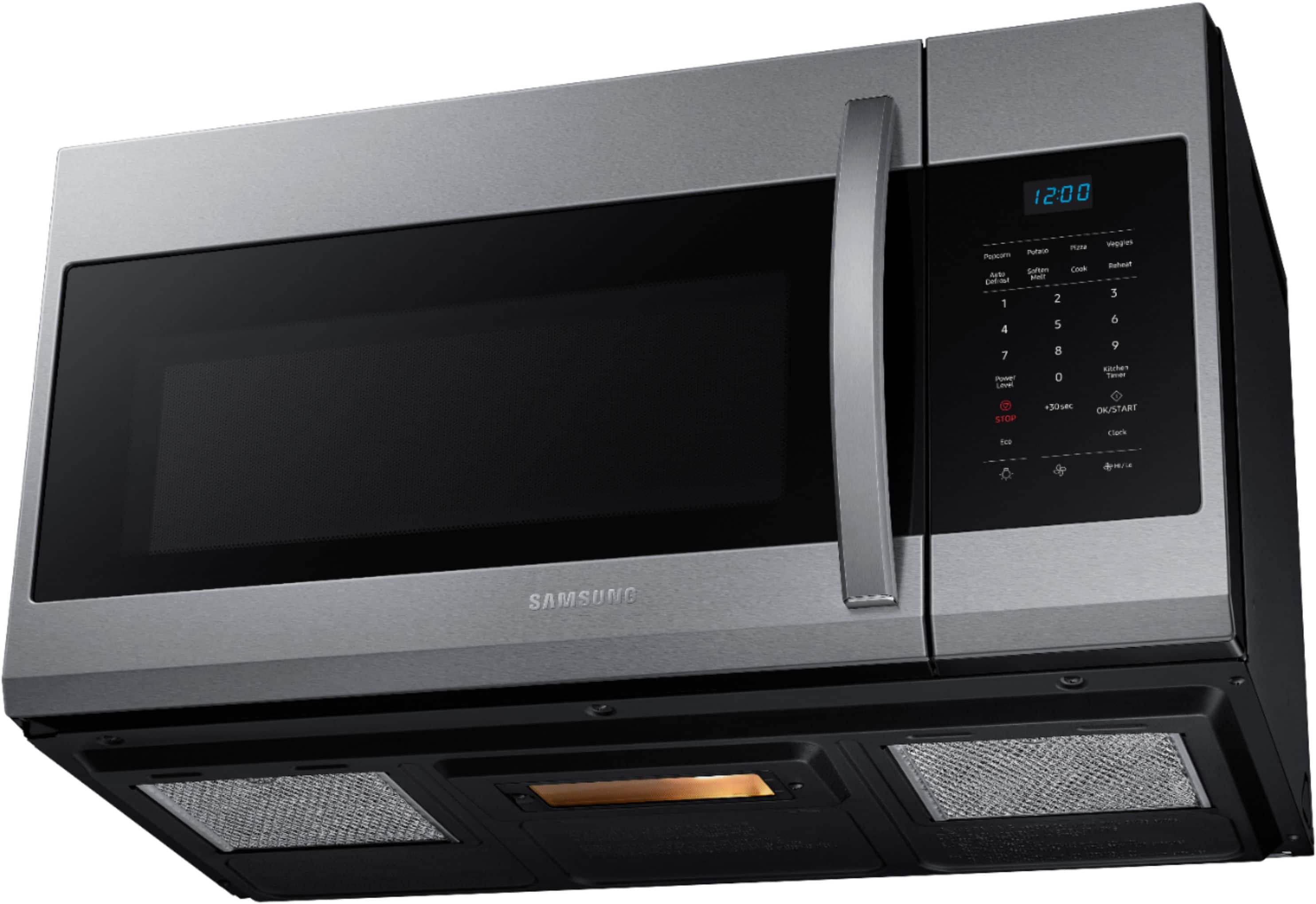

- Model:
- ME17R7021ES
- SKU:
- 10735099
Rating by feature
- Performance
Rating 4.6 out of 5 stars
- Cook Settings
Rating 4.6 out of 5 stars
- Quality
Rating 4.4 out of 5 stars
Customers are saying
Customers recognize the product's overall performance and ease of use as significant advantages. Many appreciate its size, design, and reasonable price, along with the easy installation process. However, some customers have reported issues with the door, timer, button quality, and control panel.
This summary was generated by AI based on customer reviews.
Microwave is great
||Posted . Owned for 1 year when reviewed.This reviewer received promo considerations or sweepstakes entry for writing a review.Over the range microwave works great. Works for my needs
I would recommend this to a friendBrand response from Samsung
Posted .Hello djsmith, thanks for your review! ^Ty

Microwave
||Posted . Owned for 3 weeks when reviewed.This reviewer received promo considerations or sweepstakes entry for writing a review.Excellent microwave amazing product always recommended
I would recommend this to a friendGreat
||Posted .This reviewer received promo considerations or sweepstakes entry for writing a review.Awesome buy, highly recommended to anyone looking!
I would recommend this to a friendGood price. Good microwave. Good installation tea,
||Posted .This reviewer received promo considerations or sweepstakes entry for writing a review.Seems like a good microwave with good simple features.
I would recommend this to a friendBrand response from Samsung
Posted .Hello! Thanks for sharing your review! ^Ty
Samsung
||Posted . Owned for 1 month when reviewed.This reviewer received promo considerations or sweepstakes entry for writing a review.Gets the job done .. not complicated to figure out..
I would recommend this to a friendGreat Microwave
||Posted . Owned for 3 weeks when reviewed.This reviewer received promo considerations or sweepstakes entry for writing a review.I like everything it does and I like that it is up off the countertop.
I would recommend this to a friendSamsung Microwave
||Posted . Owned for 3 weeks when reviewed.This reviewer received promo considerations or sweepstakes entry for writing a review.great microwave. have to get used to the settings.
I would recommend this to a friendit is nice
||Posted . Owned for 1 month when reviewed.This reviewer received promo considerations or sweepstakes entry for writing a review.it nice and basic. I wish it as a bit more slim ... beside love it.
I would recommend this to a friendBrand response from Samsung
Posted .Hello MrsCorona,
We appreciate your positive observation about your microwave. Rest assured that we will continue to improve our products for our customers, especially in terms of slimness.
Should you need support in the future, please don't hesitate to contact us at www.Samsung.com or by calling 1-800-7267864 (1800-SAMSUNG).
Have a great day.
-John
good for me , good for you
||Posted . Owned for 3 months when reviewed.This reviewer received promo considerations or sweepstakes entry for writing a review.One of the best and will continue to beat out the rest!
I would recommend this to a friendGreat value for the price
||Posted . Owned for 2 weeks when reviewed.This reviewer received promo considerations or sweepstakes entry for writing a review.Great value for the price. Use that in one of our renovation projects
I would recommend this to a friendInferior to previous Samsung microwave purchase.
||Posted . Owned for 1 month when reviewed.This reviewer received promo considerations or sweepstakes entry for writing a review.This Samsung microwave as the model as our previous one. Our first lasted only 7 years and had to be replaced because touch panel started to die number by number and the light stopped working. The new one is much inferior as the motor that rotates the base is making a loud noise and the touch panel needs to be forcefully pressed to in put any instructions. Clearly an inferior microwave to the one purchased 7 years ago.
No, I would not recommend this to a friendBrand response from Samsung
Posted .Hi there,
Microwaves are the best appliance to help us heat our stored food. Let us help with your Samsung appliance.
Microwaves make all kinds of sounds and most of these are normal and should not be a cause of concern.
Samsung microwave is making unusual noises:
https://www.samsung.com/us/support/troubleshooting/TSG01001968/
Operating noise is too loud on page 21. Cleaning the control panel can help the buttons be more responsive. See page 19.
https://downloadcenter.samsung.com/content/UM/202103/20210323120615716/ME17R7021E_AA_MD3_EN-MES-CFR.pdf
When the steps have been done and the buttons are still difficult to press after cleaning it properly, please reach out so we can further assist a possible service technician to visit.
1. Facebook Messenger: http://m.me/samsungsupport
2. Twitter: https://twitter.com/messages/compose?recipient_id=18768513
3. Samsung Community: https://us.community.samsung.com/t5/Samsung-Community/ct-p/us
4. Phone Customer Care: 1-800-726-7864 (1-800-SAMSUNG)
You may provide this reference number (1145372541) to help our team pull up your information.
Thank you for choosing Samsung. Have a great day.
-Trisha-
Great microwave for over the range
||Posted . Owned for 1 month when reviewed.This reviewer received promo considerations or sweepstakes entry for writing a review.good choice to pick if you are looking for an over the range microwave
I would recommend this to a friendWorks Perfectly
||Posted . Owned for 2 months when reviewed.This reviewer received promo considerations or sweepstakes entry for writing a review.Really happy with this microwave. The fan and lighting work great.
I would recommend this to a friendGood item
||Posted .This reviewer received promo considerations or sweepstakes entry for writing a review.Good value for the money. Works as expected.
I would recommend this to a friendPerfect
||Posted . Owned for 3 weeks when reviewed.This reviewer received promo considerations or sweepstakes entry for writing a review.E x c e l l e n t. E x c e l l e n t. E x c e l l e n t
I would recommend this to a friendGreat microwave
||Posted . Owned for 2 months when reviewed.This reviewer received promo considerations or sweepstakes entry for writing a review.Works great! Love the stainless steel factor. I recommend it.
I would recommend this to a friendHad to return
||Posted . Owned for 1 week when reviewed.This reviewer received promo considerations or sweepstakes entry for writing a review.Had to return, too big for my needs. Error on my part.
I would recommend this to a friendCannot read the display panel at all
||Posted . Owned for 3 weeks when reviewed.This reviewer received promo considerations or sweepstakes entry for writing a review.This is the same one April purchased nine years ago basically. It’s an over the range expensive nice one, however, I would not purchase it again! The black keypad is so hard to read. We have to literally keep a flashlight next to the stove on the counter, so we can use it when we want to use the microwave. Terrible terrible construction of it and design.
No, I would not recommend this to a friendBeautiful microwave
||Posted . Owned for 3 weeks when reviewed.This reviewer received promo considerations or sweepstakes entry for writing a review.I love it!! Matches perfectly with my Samsung stove!
I would recommend this to a friendEase of ordering
||Posted .This reviewer received promo considerations or sweepstakes entry for writing a review.Love the black stainless, was very easy to order and pickup.
I would recommend this to a friend