Customer Ratings & Reviews

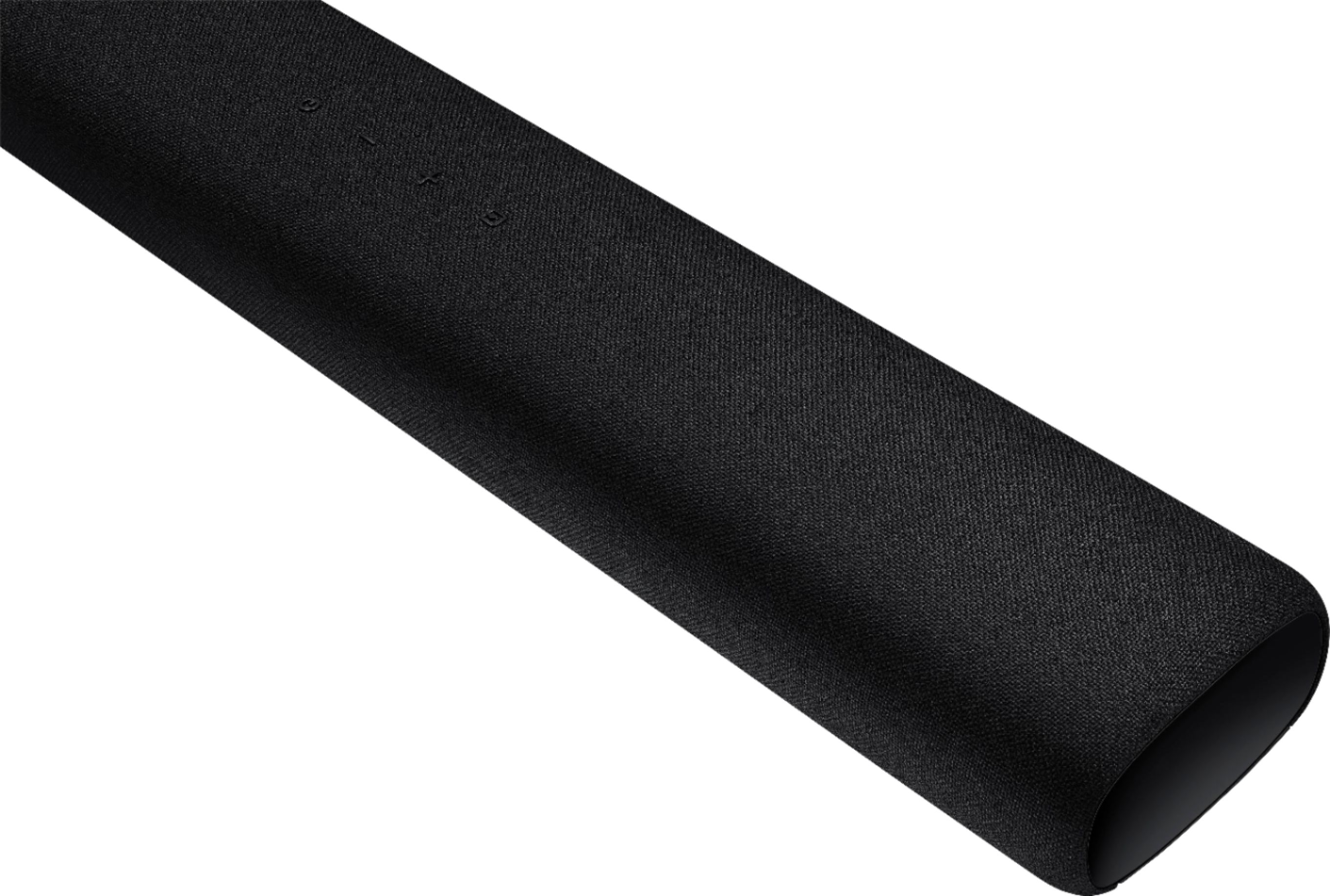
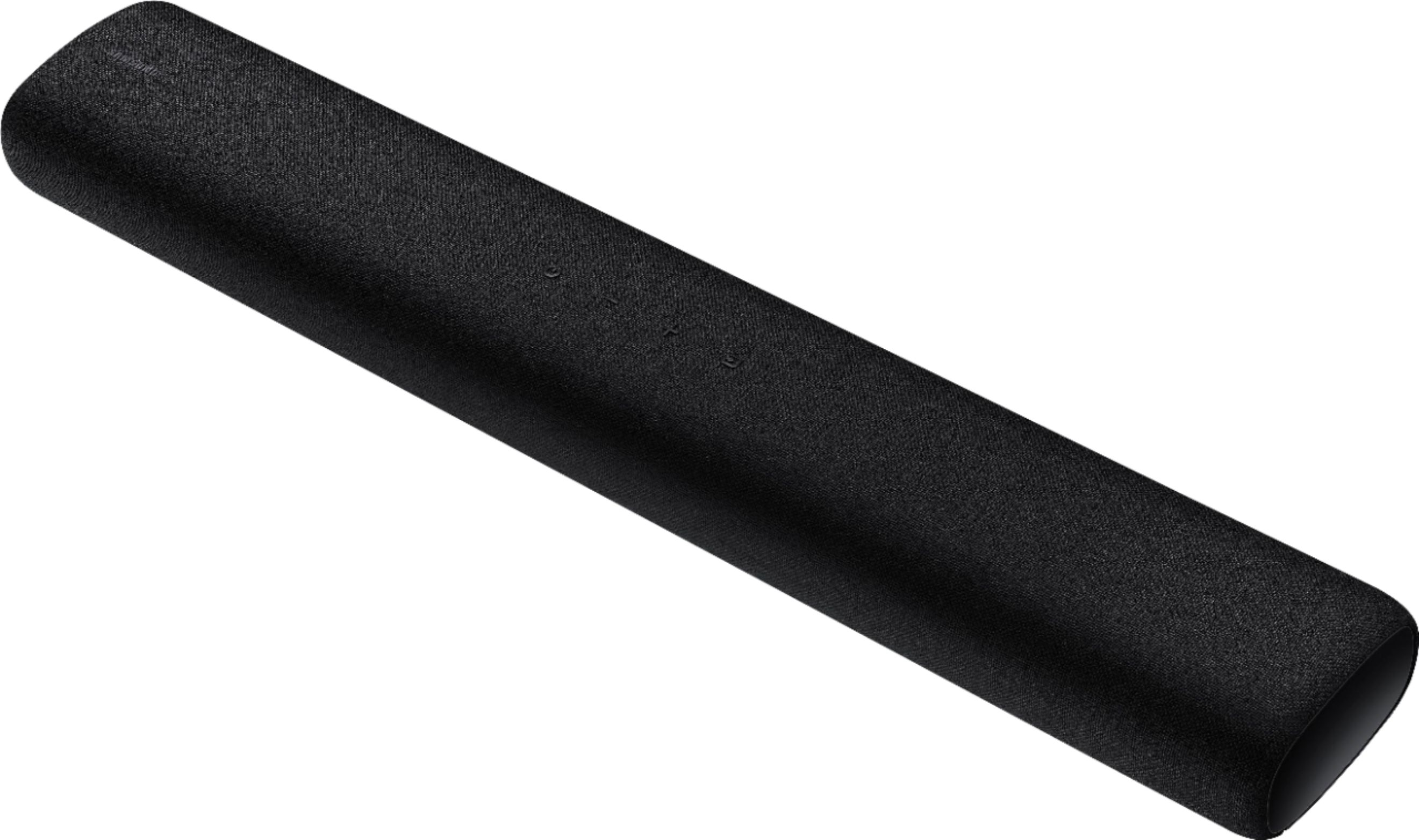

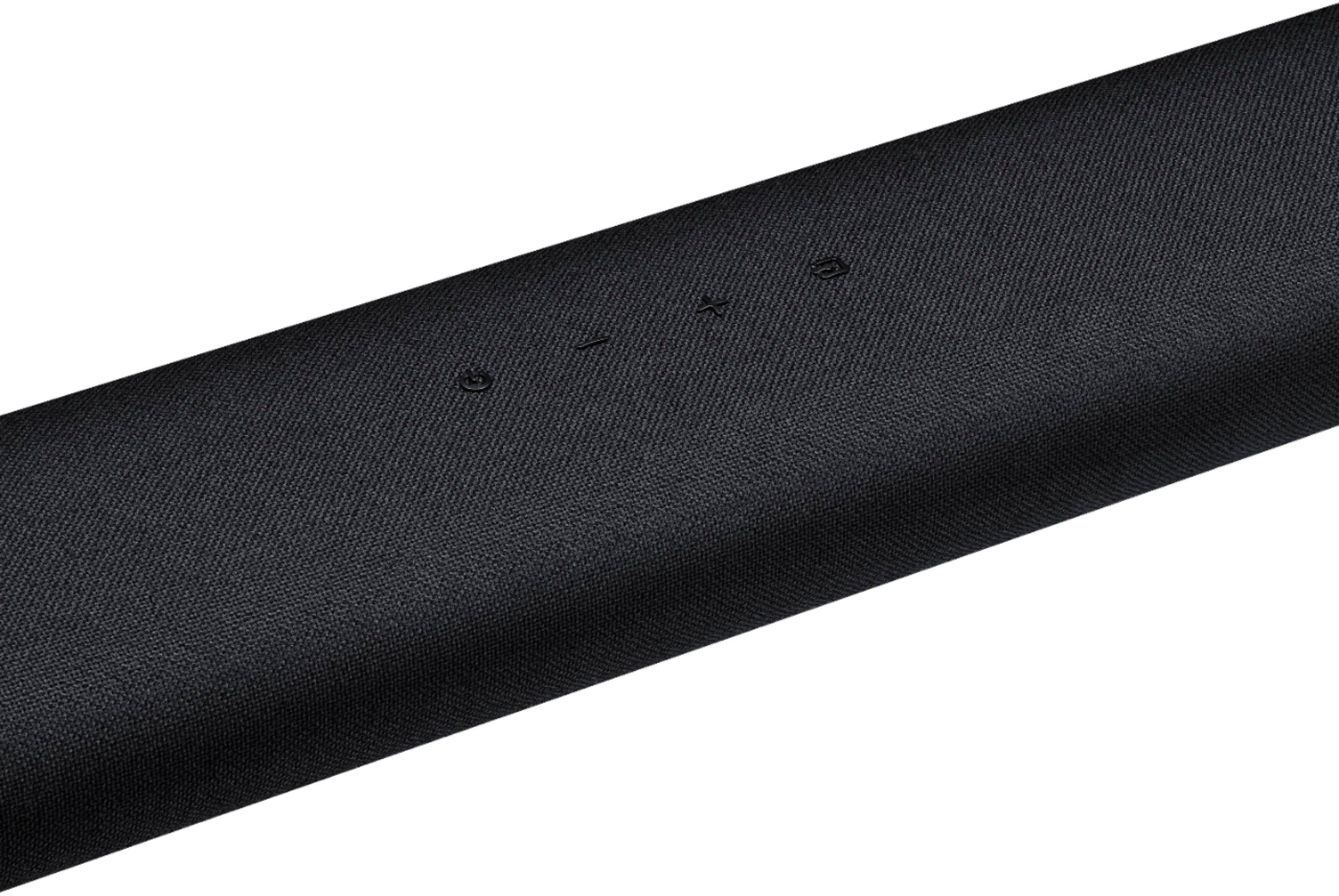


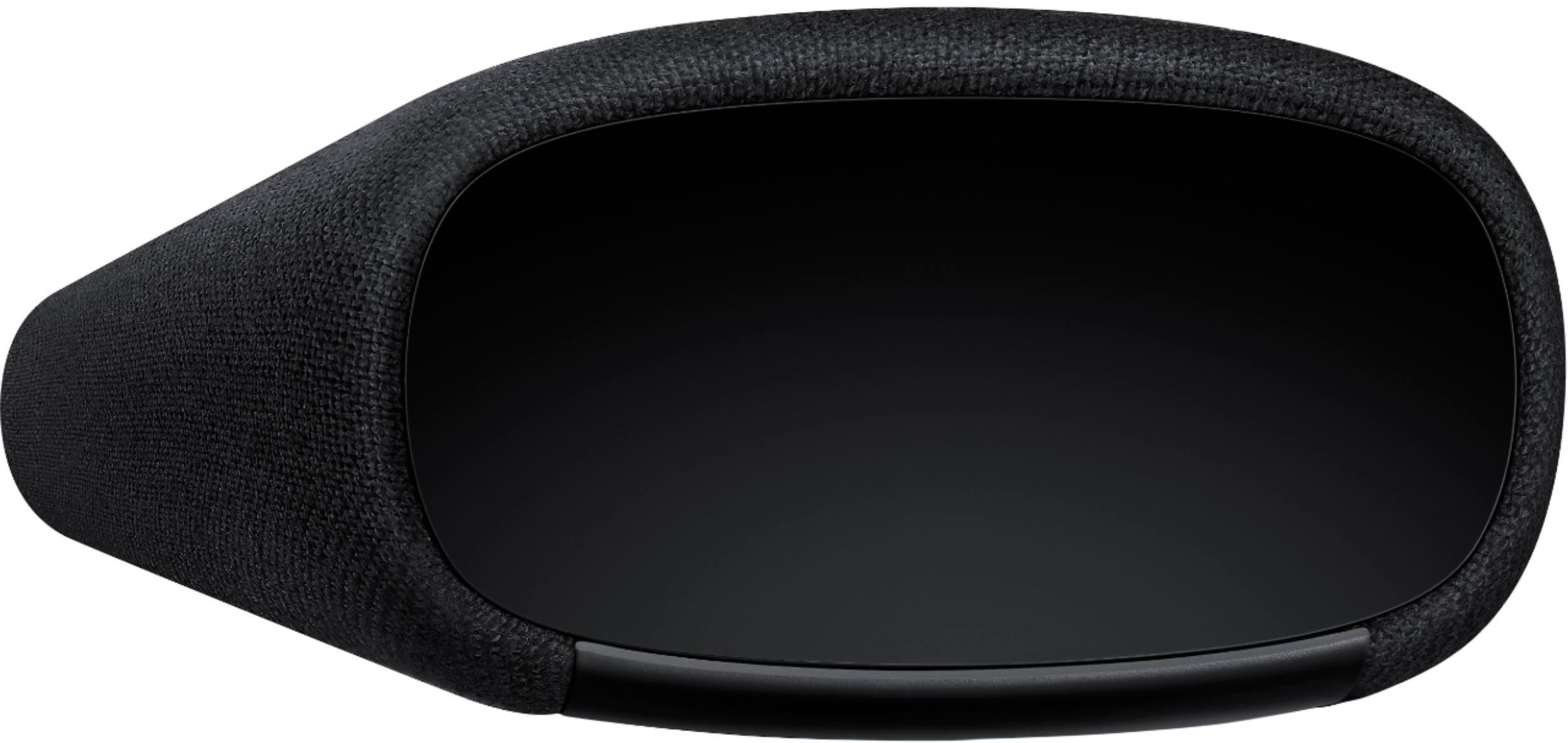
- Model:
- HW-S40T
- SKU:
- 6415461
Rating by feature
- Value
Rating 4.2 out of 5 stars
- Quality
Rating 4.3 out of 5 stars
- Ease of Use
Rating 4.3 out of 5 stars
Customers are saying
Customers are delighted by the 2.0-Channel Soundbar's sound quality, describing it as 'very good' and praising its 'wonderful clarity.' They also appreciate its compact size and affordable price, calling it a 'great item for the price.' However, some customers have experienced issues with the remote control not working, connectivity issues, and the lack of a volume display on the front of the unit.
This summary was generated by AI based on customer reviews.
- Pros mentioned:Easy setup
sound bar
||Posted . Owned for 1 month when reviewed.This reviewer received promo considerations or sweepstakes entry for writing a review.Easy to set up Was simple for a senior to install!
I would recommend this to a friend - Pros mentioned:Sound quality
Awesome
||Posted . Owned for 1 month when reviewed.This reviewer received promo considerations or sweepstakes entry for writing a review.Great sound for the price!Easy to connect to the T.V
I would recommend this to a friend - Pros mentioned:Sound quality
Sound bar
||Posted . Owned for 2 months when reviewed.This reviewer received promo considerations or sweepstakes entry for writing a review.Has great sound that makes the TV more realistic feel
I would recommend this to a friend - Pros mentioned:Easy setup
Great sound
||Posted . Owned for 2 weeks when reviewed.This reviewer received promo considerations or sweepstakes entry for writing a review.Easy setup, done in minutes would recommend to everyone
I would recommend this to a friend - Pros mentioned:Sound quality
Soundbar
||Posted . Owned for 1 month when reviewed.This reviewer received promo considerations or sweepstakes entry for writing a review.Good product must have for homes. We really enjoying
I would recommend this to a friend - Pros mentioned:Sound quality
Great sound bar!
||Posted . Owned for 3 weeks when reviewed.This reviewer received promo considerations or sweepstakes entry for writing a review.Creates the best sound system in the house. Love it!
I would recommend this to a friend Great Soundbar
||Posted . Owned for 1 month when reviewed.This reviewer received promo considerations or sweepstakes entry for writing a review.Good sound while taking minimal space. Blue tooth facilitates installation and appearance is unobtrusive.
I would recommend this to a friendBlind adjustment
||Posted .This reviewer received promo considerations or sweepstakes entry for writing a review.Tried setting up to suit my listening level but digital sound was not consistent. The speakers do not shut off when tv is shut down. It keeps giving error messages of no digital input all night. There is no digital display when adjusting the sound levels. No way to see what changes are being made to the speaker system. Using the second remote without any feed back is a shot in the dark when adjusting sound levels. It is a blind adjustment.
No, I would not recommend this to a friendBrand response from Samsung
Posted .Hi Samsungrating,
Thank you for purchasing the Samsung HW-S40T Soundbar and for your review. We appreciate your feedback regarding the issues you are experiencing with your unit.
A new firmware update has just been released which will allow you to disable the voice guide feature. Ver. 1103 is available on Samsung.com
After your firmware update: With the Soundbar turned off, press and hold the source key on the Soundbar remote control for 5 seconds. The Soundbar will then turn of automatically. To re-enable the voice guide, repeat the above process.
To optimize your audio experience, please try the various sound modes this model offers. Press the SOUND MODE button on your remote, and then select your desired sound effect: STANDARD, MUSIC, or SMART SOUND.
You can further adjust TREBLE and BASS via the SOUND CONTROL button (looks like a gear symbol).
If your soundbar and Samsung TV are connected by an optical cable, Auto Power Link will turn your soundbar on automatically when you turn on the TV. If you have the soundbar connected with an HDMI cable to the Samsung TV, Anynet+ will turn the soundbar on automatically.
For further details, please see this article: https://www.samsung.com/us/support/answer/ANS00062384/
I hope these tips help. Should you need assistance with features, setup, functions, or settings, please contact Samsung Customer Support at 1-800-SAMSUNG (ask for Soundbars), available 8AM -12AM EST, 7 days a week. Or text HELP to 62913.
For additional support resources, visit us on the Samsung website and click on the ‘Support’ link in the upper right corner of the homepage for:
1) More ‘Contact Us’ options – LiveChat, Facebook, Twitter, Samsung Community, Samsung Members app
2) Manuals & Software
3) Warranty Info
4) Product Registration: For access to easy warranty support, convenient opt-in to special promos and offers, faster troubleshooting and service, and quick notification of system updates.
We look forward to hearing from you.
~ Samsung Specialist
- Cons mentioned:Remote control
Sound bar with remote
||Posted .This reviewer received promo considerations or sweepstakes entry for writing a review.Sound bar easy to connect to Samsung TV Remote that came with speaker did not work
No, I would not recommend this to a friend - Cons mentioned:Bass
No bass
||Posted . Owned for 1 month when reviewed.This reviewer received promo considerations or sweepstakes entry for writing a review.Initially great product, but there is no bass. The effort sounds tinny. Returned for model with a subwoofer.
No, I would not recommend this to a friendBrand response from Samsung
Posted .MrsQ:
Thank you for sharing your review of the Samsung HW-S40T soundbar. I am very sorry that your experience with this soundbar was less than perfect, and you have decided to exchange it for a different model. Thank you for being a loyal Samsung customer.
Your feedback regarding this model is important to us and will be shared with our internal teams.
Should you have questions or need assistance with settings, setup, or features, with your new Samsung soundbar, please know we are always here to help.
For further assistance, please contact Samsung Customer Support.
1) Phone: 1-800-SAMSUNG, (available 8AM to 12AM EST - 7 days a week)
2) LiveChat: https://www.samsung.com/us/support/#contact_us_for_support
3) Facebook Messenger: https://www.facebook.com/samsungsupport
4) Twitter: https://twitter.com/SamsungSupport
5) The Samsung Members Community is also a great resource for getting help from Samsung moderators and customers: https://us.community.samsung.com
If you have not already done so, we invite you to register your new Samsung product at:
https://www.samsung.com/us/account/signin/?redirect=https%3A%2F%2Fwww.samsung.com%2Fus%2Fsupport%2Fregister%2F
Registering your product gives you access to easy warranty support, convenient opt-in to special promos and offers, faster troubleshooting and service, and quick notification of system updates.
~ Samsung Ambassador
Decent sound bar but price is questionable.
||Posted . Owned for 3 weeks when reviewed.This reviewer received promo considerations or sweepstakes entry for writing a review.Overall is good. The only thing that I am not pleased with is initial volume of voice telling you the device is on is way too high. No way to control.
No, I would not recommend this to a friend- Cons mentioned:Auto power on
Unit turns itself on and blurts out
||Posted . Owned for 1 month when reviewed.This reviewer received promo considerations or sweepstakes entry for writing a review.Unit turns itself back on and blurts out, “digital audio out” every 30 to 45 minutes when connected to TV. Sent back for repair and returned with a note saying they could not duplicate the problem. As soon as I plugged it at home got the same undesirable result. Only fix is to unplug power.
No, I would not recommend this to a friendBrand response from Samsung
Posted .notpleased:
Thank you for your review of this Samsung HW-S40T Soundbar. I am sorry to hear that you are experiencing issues with the soundbar turning itself on after being turned off.
The Soundbar turns on by itself when another device connected to it tells it to. So the solution depends on which device is causing the Soundbar to turn on.
When you connect a paired Bluetooth device with the Soundbar off, the Soundbar automatically turns on.
Also, please check that you are running the latest firmware version which can be found here: https://www.samsung.com/us/support/owners/product/2020-lifestyle-soundbar-hw-s40t
Should you need further help, please reach out to us at:
1) Phone: 1-800-SAMSUNG, (available 8AM to 12AM EST - 7 days a week)
2) LiveChat: https://www.samsung.com/us/support/#contact_us_for_support
3) Facebook Messenger: https://www.facebook.com/samsungsupport
4) Twitter: https://twitter.com/SamsungSupport
5) The Samsung Members Community is also a great resource for getting help from Samsung moderators and customers: https://us.community.samsung.com
If you have not already done so, we invite you to register your new Samsung product at:
https://www.samsung.com/us/account/signin/?redirect=https%3A%2F%2Fwww.samsung.com%2Fus%2Fsupport%2Fregister%2F&user=dsr-registration
Registering your product gives you access to easy warranty support, convenient opt-in to special promos and offers, faster troubleshooting and service, and quick notification of system updates.
~ Samsung Solutions
Samsung soundbar
||Posted . Owned for 3 weeks when reviewed.This reviewer received promo considerations or sweepstakes entry for writing a review.Not to bad for the price woofer isn't as strong as I would like but it doesn't take up space and is pretty loud. Overall a pretty good buy.
I would recommend this to a friendGreat sound
||Posted . Owned for 1 month when reviewed.This reviewer received promo considerations or sweepstakes entry for writing a review.Sounds great simple install only downfall when it’s powered off it will randomly speak DIGITAL AUDIO IN and I have yet to figure it out!
I would recommend this to a friendBrand response from Samsung
Posted .Deedee:
Thank you for purchasing the HW-S40T and for your review. A new firmware update has just been released which will allow you to disable the voice guide feature. Ver. 1101 is available on Samsung.com
With the Soundbar turned off, press and hold the source key on the Soundbar remote control for 5 seconds. The Soundbar will then turn of automatically. To re-enable the voice guide, repeat the above process.
I hope this helps. For further assistance, please contact Samsung Customer Support.
1) Phone: 1-800-SAMSUNG, (available 8AM to 12AM EST - 7 days a week)
2) LiveChat: https://www.samsung.com/us/support/#contact_us_for_support
3) Facebook Messenger: https://www.facebook.com/samsungsupport
4) Twitter: https://twitter.com/SamsungSupport
5) The Samsung Members Community is also a great resource for getting help from Samsung moderators and customers: https://us.community.samsung.com
If you have not already done so, we invite you to register your new Samsung product at:
https://www.samsung.com/us/account/signin/?redirect=https%3A%2F%2Fwww.samsung.com%2Fus%2Fsupport%2Fregister%2F
Registering your product gives you access to easy warranty support, convenient opt-in to special promos and offers, faster troubleshooting and service, and quick notification of system updates.
~ Samsung Solutions
Soundbar
||Posted . Owned for 1 month when reviewed.This reviewer received promo considerations or sweepstakes entry for writing a review.Works good but the automated voice goes off in the middle of the night very loudly
I would recommend this to a friendBrand response from Samsung
Posted .Hi Noah,
Thank you for purchasing the HW-S40T and for your review. A new firmware update has been released which will allow you to disable the voice guide feature. Ver. 1103 is available on Samsung.com.
This is a very important step - After your firmware update: With the Soundbar turned off, press and hold the source key on the Soundbar remote control for 5 seconds. The Soundbar will then turn of automatically. To re-enable the voice guide, repeat the above process.
I hope this helps. For further assistance, please contact Samsung Customer Support.
For further assistance, please contact Samsung Customer Support.
1) Phone: 1-800-SAMSUNG, (available 8AM to 12AM EST - 7 days a week)
2) LiveChat: https://www.samsung.com/us/support/#contact_us_for_support
3) Facebook Messenger: https://www.facebook.com/samsungsupport
4) Twitter: https://twitter.com/SamsungSupport
5) The Samsung Members Community is also a great resource for getting help from Samsung moderators and customers: https://us.community.samsung.com
If you have not already done so, we invite you to register your new Samsung product at:
https://www.samsung.com/us/account/signin/?redirect=https%3A%2F%2Fwww.samsung.com%2Fus%2Fsupport%2Fregister%2F
Registering your product gives you access to easy warranty support, convenient opt-in to special promos and offers, faster troubleshooting and service, and quick notification of system updates.
~ Samsung Ambassador
Simple yet efficient
||Posted . Owned for 3 weeks when reviewed.This reviewer received promo considerations or sweepstakes entry for writing a review.First night I forgot to turn it off but turned off my tv and 5-10mins later she yelled “VISUAL AUDIO ON” causing me to jump out of my skin.
I would recommend this to a friendExpected more
||Posted .This reviewer received promo considerations or sweepstakes entry for writing a review.Maybe I didn’t read up on it enough as I expected a theatre mode and it doesn’t have it, just two modes, regular and music.
No, I would not recommend this to a friendIt's OK
||Posted . Owned for 1 month when reviewed.This reviewer received promo considerations or sweepstakes entry for writing a review.It's OK. I've heard ones that are better. Sound seems more muffled than I prefer, even after adjusting on the TV.
No, I would not recommend this to a friendPerfect Soundbar for Condos
||Posted .This reviewer received promo considerations or sweepstakes entry for writing a review.This product is perfect for condos and apartments. The dialogues are so much clearer and the bass is just right for condos and apartments. The bluetooth is also a plus.
I would recommend this to a friendBrand response from Samsung
Posted .JLit:
Thank you for purchasing the 2020 Samsung HW-S40T All-In-One Soundbar. I am happy to hear that you are finding the clarity and bass suit your setup scenario perfectly.
You can take advantage of the different sound modes like Smart Sound which optimizes sound based on each scene and lets you hear voices clearly on low volumes and Music Mode which recognizes and optimizes music.
Should you ever have any questions or concerns or need help with settings or features, please contact Samsung Customer Support.
1) Phone: 1-800-SAMSUNG, (available 8AM to 12AM EST - 7 days a week)
2) LiveChat: https://www.samsung.com/us/support/#contact_us_for_support
3) Facebook Messenger: https://www.facebook.com/samsungsupport
4) Twitter: https://twitter.com/SamsungSupport
5) The Samsung Members Community is also a great resource for getting help from Samsung moderators and customers: https://us.community.samsung.com
If you have not already done so, we invite you to register your new Samsung product at:
https://www.samsung.com/us/account/signin/?redirect=https%3A%2F%2Fwww.samsung.com%2Fus%2Fsupport%2Fregister%2F&user=dsr-registration
Registering your product gives you access to easy warranty support, convenient opt-in to special promos and offers, faster troubleshooting and service, and quick notification of system updates.
~ Samsung Solutions
- Cons mentioned:Remote control
Sound Bar
||Posted . Owned for 3 weeks when reviewed.This reviewer received promo considerations or sweepstakes entry for writing a review.Not easy to program the remote of the sound bar. Very non user friendly.
No, I would not recommend this to a friendBrand response from Samsung
Posted .Hi JoAnne,
Thank you for purchasing the S40T Soundbar and for your review. We appreciate your feedback regarding your experience setting up your unit.
To help familiarize yourself with the remote, please refer to pages 11-12 in the User Manual included with your soundbar, or download it here: https://www.samsung.com/us/support/owners/product/2020-lifestyle-soundbar-hw-s40t
If you need additional help with setup, or have any questions or concerns with this soundbar, please reach out to us via any of the below options:
1) Phone: 1-800-SAMSUNG / Available 8 AM - 12 AM EST 7 days a week
2) LiveChat: https://www.samsung.com/us/support/contact/
3) Text HELP to 62913
4) Samsung Members App
5) Facebook Messenger: https://www.facebook.com/samsungsupport
6) Twitter: https://twitter.com/SamsungSupport
7) The Samsung TV Community is also a great resource for getting help from Samsung moderators and customers: https://us.community.samsung.com/
If you have not already done so, we invite you to register your new Samsung product at:
https://www.samsung.com/us/account/signin/?redirect=https%3A%2F%2Fwww.samsung.com%2Fus%2Fsupport%2Fregister%2F
Registering your product gives you access to easy warranty support, convenient opt-in to special promos and offers, faster troubleshooting and service, and quick notification of system updates.
~ Samsung Specialist