Customer Ratings & Reviews

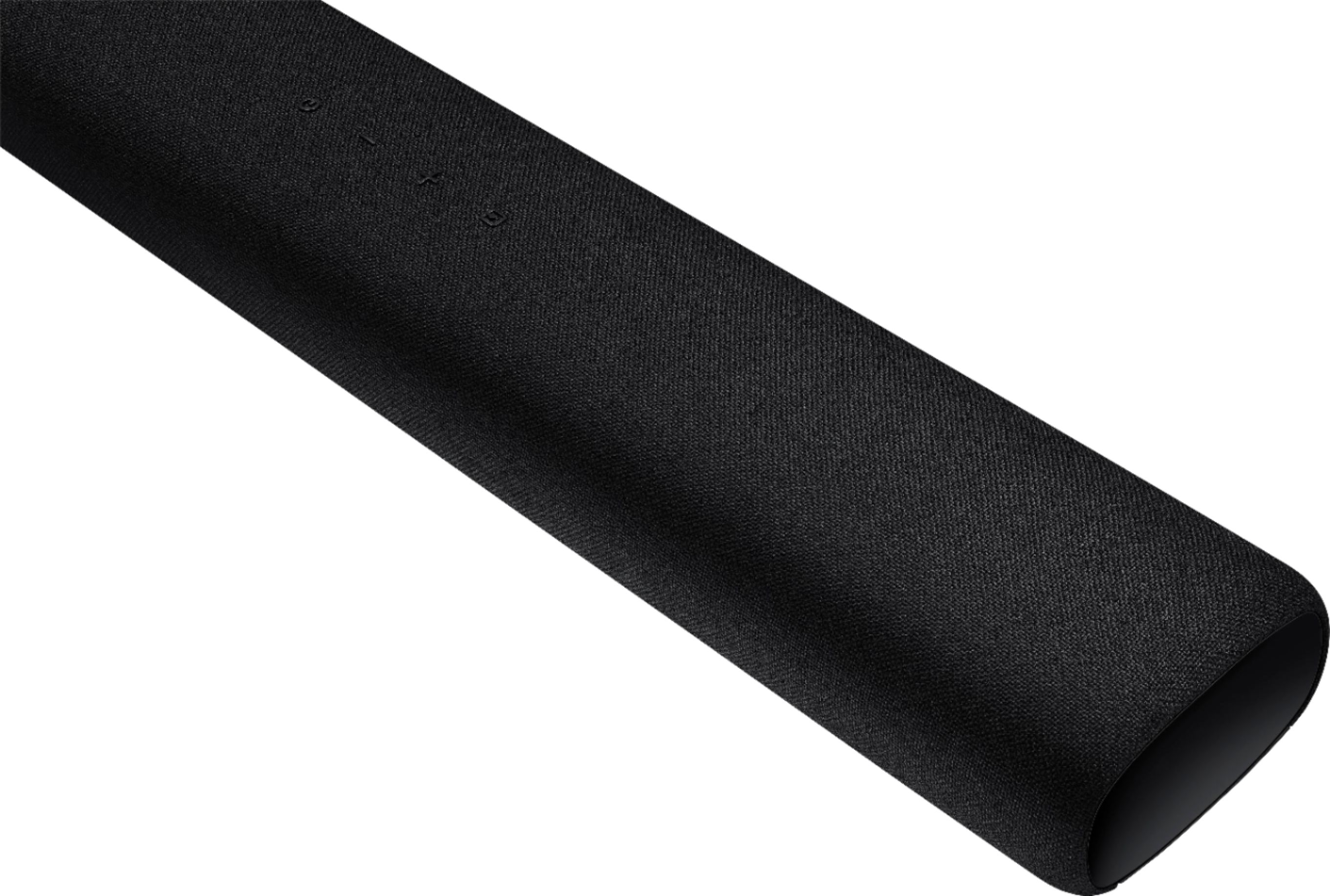
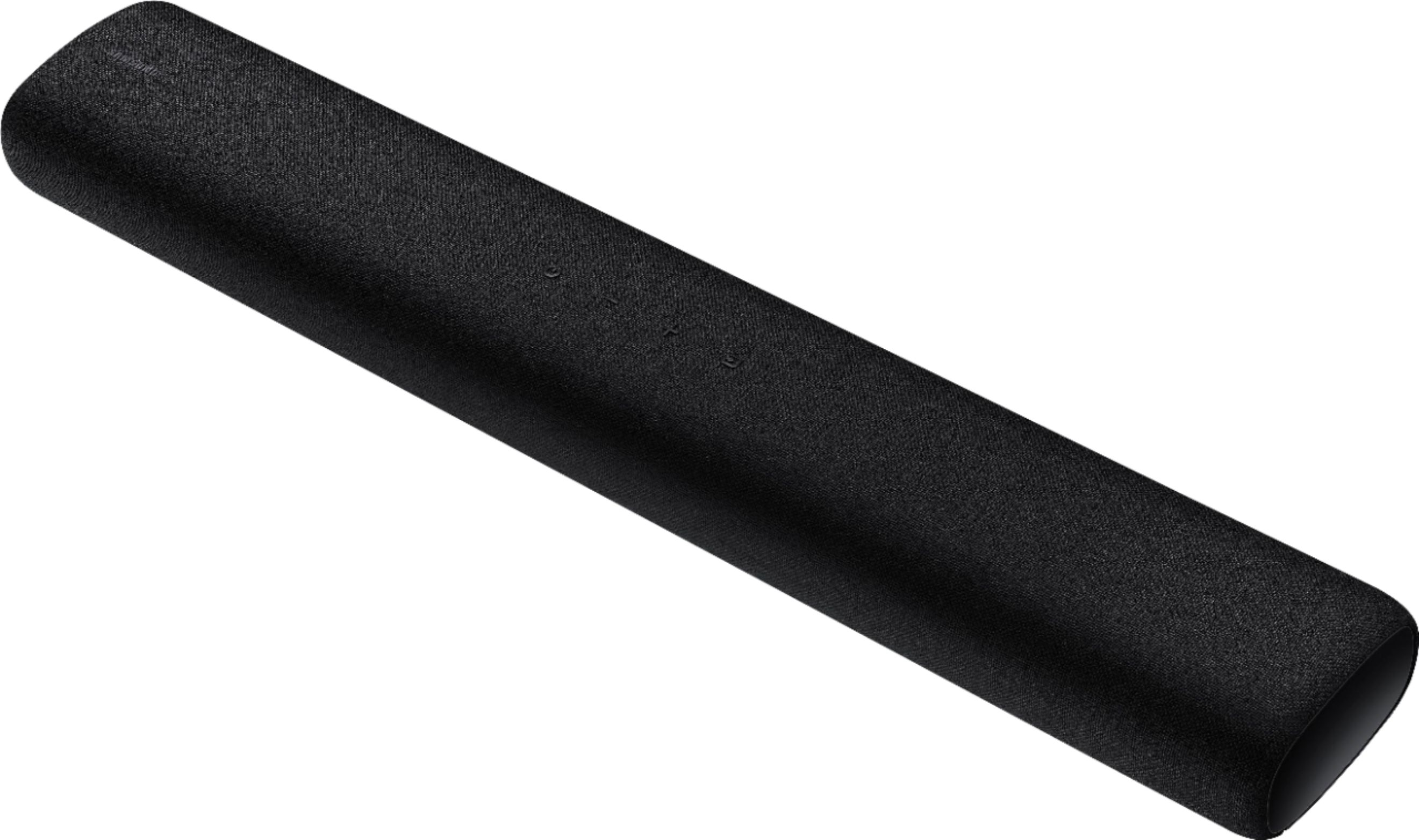

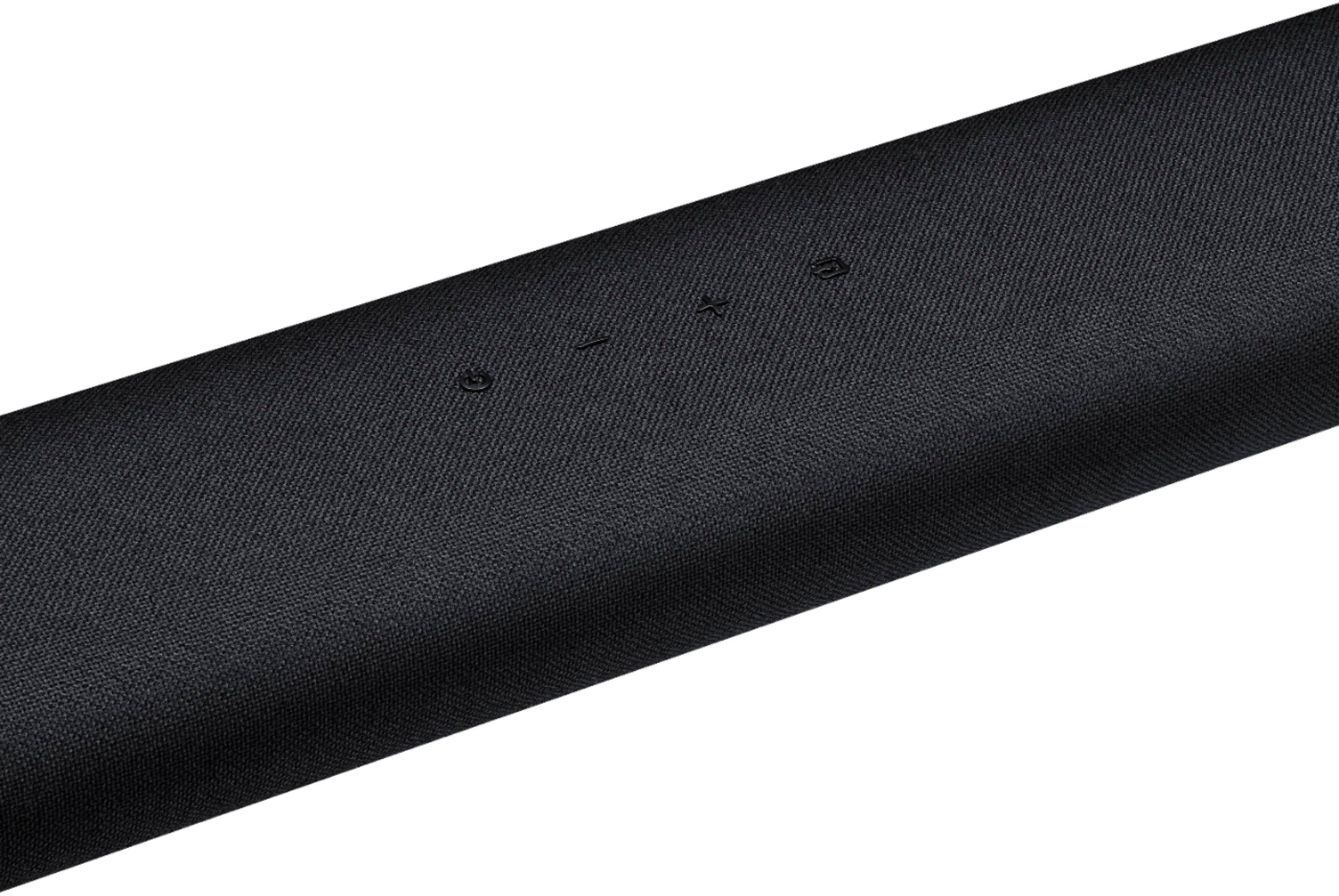


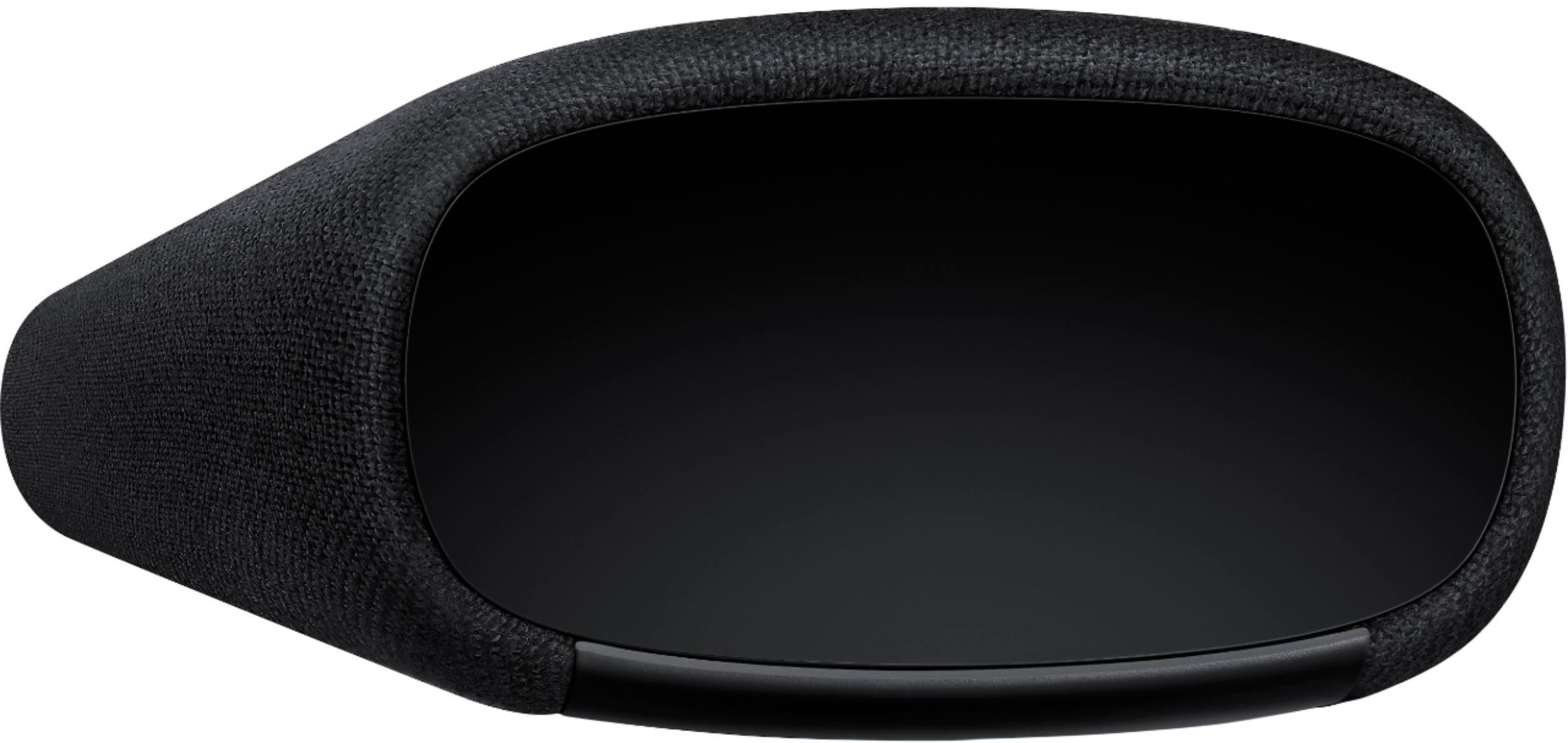
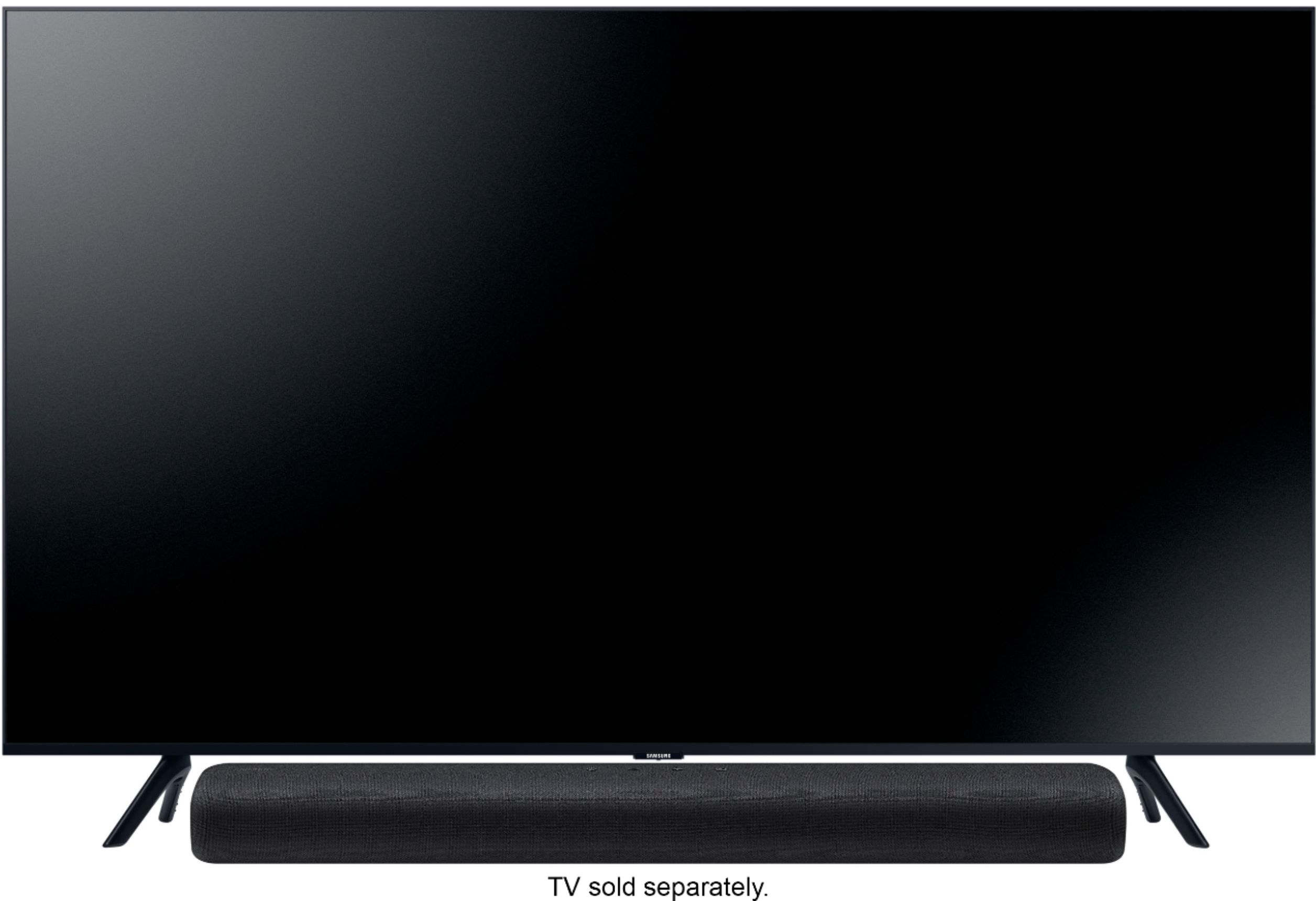
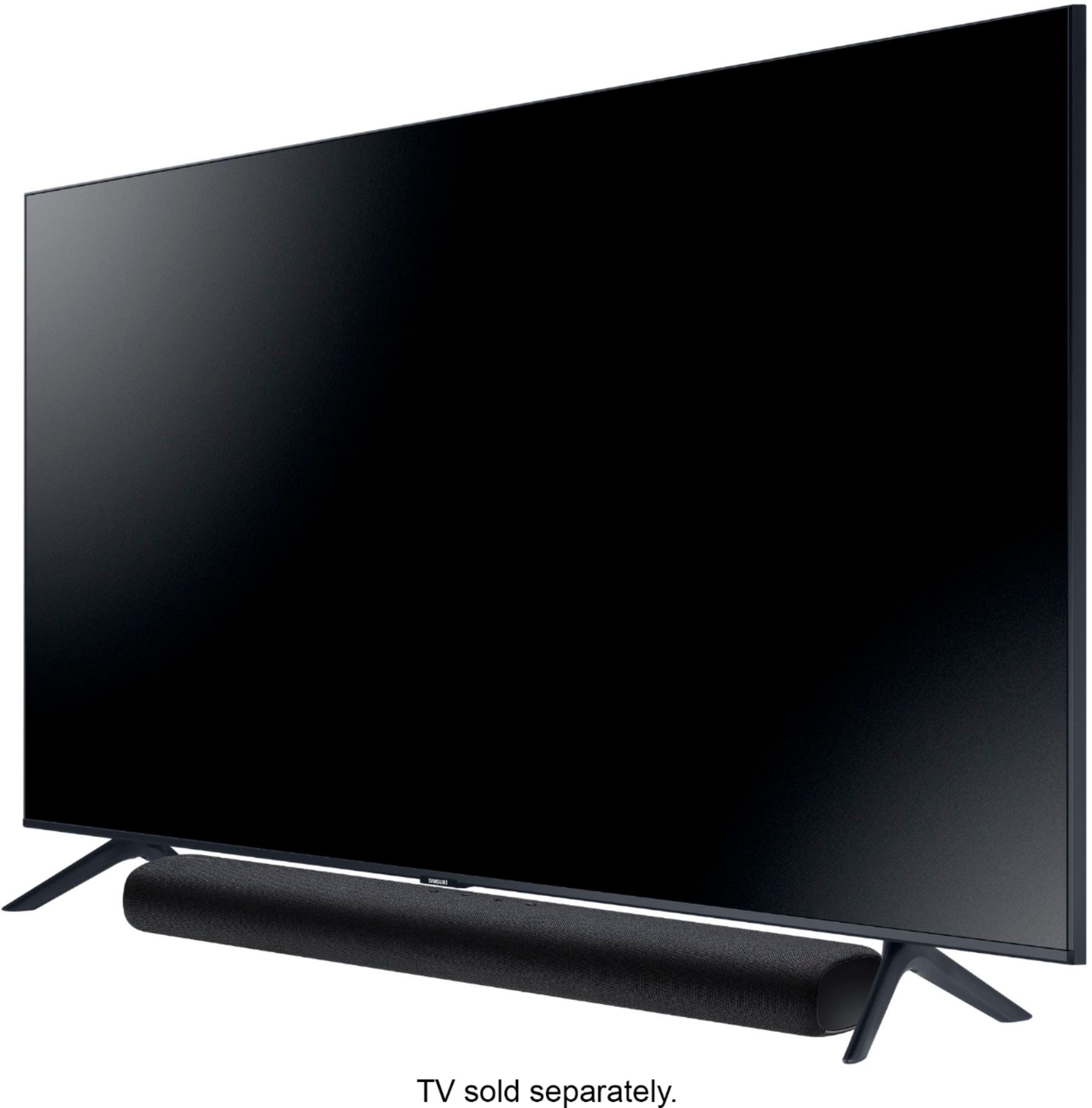
- Model:
- HW-S40T
- SKU:
- 6415461
Rating by feature
- Value
Rating 4.2 out of 5 stars
- Quality
Rating 4.3 out of 5 stars
- Ease of Use
Rating 4.3 out of 5 stars
Customers are saying
Customers are delighted by the 2.0-Channel Soundbar's sound quality, describing it as 'very good' and praising its 'wonderful clarity.' They also appreciate its compact size and affordable price, calling it a 'great item for the price.' However, some customers have experienced issues with the remote control not working, connectivity issues, and the lack of a volume display on the front of the unit.
This summary was generated by AI based on customer reviews.
disappointed
||Posted . Owned for 1 month when reviewed.This reviewer received promo considerations or sweepstakes entry for writing a review.Didn't have an audio connection I could use with my TV. The description didn't specify that the only connection was a digital optical audio.
No, I would not recommend this to a friendBrand response from Samsung
Posted .Hi smitty,
Thank you for purchasing the Samsung HW-S40T and for your review. Your model can be connected via Bluetooth or by digital optical input. Please refer to your HW-S40T user manual for instructions on how to set up a wireless connection to your TV.
Should you need further assistance, please contact Samsung Customer Support and a representative will gladly help you.
For further assistance, please contact Samsung Customer Support.
1) Phone: 1-800-SAMSUNG, (available 8AM to 12AM EST - 7 days a week)
2) LiveChat: https://www.samsung.com/us/support/#contact_us_for_support
3) Facebook Messenger: https://www.facebook.com/samsungsupport
4) Twitter: https://twitter.com/SamsungSupport
5) The Samsung Members Community is also a great resource for getting help from Samsung moderators and customers: https://us.community.samsung.com
~ Samsung Ambassador
Not so happy customer
||Posted .This reviewer received promo considerations or sweepstakes entry for writing a review.My remote starter I bought from my wife sporadically works I’ve come back to have it re-paired and still doesn’t work consistently
No, I would not recommend this to a friendBrand response from Samsung
Posted .Hi Angry,
Thank you for sharing your review of the S40T Soundbar.
So we can better understand the problems you are experiencing and provide you with troubleshooting assistance or warranty service, please contact Samsung Customer Support:
1) Phone: 1-800-SAMSUNG / Available 8 AM - 12 AM EST 7 days a week
2) LiveChat: https://www.samsung.com/us/support/contact/
3) Text HELP to 62913
4) Samsung Members App
5) Facebook Messenger: https://www.facebook.com/samsungsupport
6) Twitter: https://twitter.com/SamsungSupport
7) The Samsung TV Community is also a great resource for getting help from Samsung moderators and customers: https://us.community.samsung.com/
We look forward to hearing from you.
~ Samsung Specialist
unsatisfied
||Posted . Owned for more than 2 years when reviewed.This reviewer received promo considerations or sweepstakes entry for writing a review.speakers' low tones blew out without ever being turned up full blast
No, I would not recommend this to a friendGarbage
||Posted . Owned for 2 weeks when reviewed.This reviewer received promo considerations or sweepstakes entry for writing a review.Didn't connect to the $500 samsung sub I puchased from bestbuy... The start to a horrible purchase.
No, I would not recommend this to a friendBrand response from Samsung
Posted .Flotty:
I am very sorry your Samsung subwoofer did not connect to your HW-S40T soundbar. Your model does not have a compatible subwoofer. If the subwoofer you purchased was the SWA-W500, it is only compatible with the HW-S60T Soundbar model.
Should you need further assistance with this issue or have any questions, please contact Samsung Customer Support.
1) Phone: 1-800-SAMSUNG, (available 8AM to 12AM EST - 7 days a week)
2) LiveChat: https://www.samsung.com/us/support/#contact_us_for_support
3) Facebook Messenger: https://www.facebook.com/samsungsupport
4) Twitter: https://twitter.com/SamsungSupport
5) The Samsung Members Community is also a great resource for getting help from Samsung moderators and customers: https://us.community.samsung.com
If you have not already done so, we invite you to register your new Samsung product at:
https://www.samsung.com/us/account/signin/?redirect=https%3A%2F%2Fwww.samsung.com%2Fus%2Fsupport%2Fregister%2F&user=dsr-registration
Registering your product gives you access to easy warranty support, convenient opt-in to special promos and offers, faster troubleshooting and service, and quick notification of system updates.
~ Samsung Solutions
Sound?
||Posted . Owned for 1 month when reviewed.This reviewer received promo considerations or sweepstakes entry for writing a review.I returned this item after listening to it connected to my television; it lack a deep sound.
No, I would not recommend this to a friendBrand response from Samsung
Posted .Hi Keyboard,
Thank you for your review of the Samsung HW-S40T Soundbar. I am sorry to hear that you were not completely happy with the sound performance and have returned your unit.
Your feedback is very important to us and will be shared with our product team.
Please know that should you ever need assistance with settings or adjustments with a future Samsung purchase to optimize your sound experience, Samsung Customer Support is here to help.
1) Phone: 1-800-SAMSUNG, (available 8AM to 12AM EST - 7 days a week)
2) LiveChat: https://www.samsung.com/us/support/#contact_us_for_support
3) Facebook Messenger: https://www.facebook.com/samsungsupport
4) Twitter: https://twitter.com/SamsungSupport
5) The Samsung Members Community is also a great resource for getting help from Samsung moderators and customers: https://us.community.samsung.com
~ Samsung Ambassador
Poor quality, sound is muffled sometimes.
||Posted . Owned for 1 month when reviewed.This reviewer received promo considerations or sweepstakes entry for writing a review.Would never recommend this product to anyone. Would return it if I hadn’t lost my receipt.
No, I would not recommend this to a friendBrand response from Samsung
Posted .RDW1:
Thank you for purchasing the Samsung HW-S40T featuring Music Mode which delivers optimized sound to match music genre and Smart Sound which optimizes sound settings based on what you are watching. I'm sorry to see that you are not completely happy with performance.
To optimize your audio experience, please try the various sound modes this model offers. Press the SOUND MODE button on your remote, and then select your desired sound effect: STANDARD, MUSIC, or SMART SOUND.
You can further adjust TREBLE and BASS via the SOUND CONTROL button (looks like a gear symbol).
I hope this tip helps improve your sound experience. Should you need further assistance with features, functions, settings, or adjustments, please contact Samsung Customer Support.
1) Phone: 1-800-SAMSUNG, (available 8AM to 12AM EST - 7 days a week)
2) LiveChat: https://www.samsung.com/us/support/#contact_us_for_support
3) Facebook Messenger: https://www.facebook.com/samsungsupport
4) Twitter: https://twitter.com/SamsungSupport
5) The Samsung Members Community is also a great resource for getting help from Samsung moderators and customers: https://us.community.samsung.com
If you have not already done so, we invite you to register your new Samsung product at:
https://www.samsung.com/us/account/signin/?redirect=https%3A%2F%2Fwww.samsung.com%2Fus%2Fsupport%2Fregister%2F&user=dsr-registration
Registering your product gives you access to easy warranty support, convenient opt-in to special promos and offers, faster troubleshooting and service, and quick notification of system updates.
~ Samsung Solutions
It sucked
||Posted . Owned for 2 months when reviewed.This reviewer received promo considerations or sweepstakes entry for writing a review.Not good for watching tv... it doesn’t sound as good as they say it’s supposed to
I would recommend this to a friendBrand response from Samsung
Posted .Hi DEMONWOLF95 -
Thank you for purchasing the Samsung HW-S40T featuring Music Mode which delivers optimized sound to match music genre and Smart Sound which optimizes sound settings based on what you are watching. I'm sorry to see that you are not completely happy with performance.
To optimize your audio experience, please try the various sound modes this model offers. Press the SOUND MODE button on your remote, and then select your desired sound effect: STANDARD, MUSIC, or SMART SOUND.
You can further adjust TREBLE and BASS via the SOUND CONTROL button (looks like a gear symbol).
I hope this tip helps improve your sound experience. Should you need further assistance with features, functions, settings, or adjustments, please contact Samsung Customer Support at:
1) Phone: 1-800-SAMSUNG, (available 8AM to 12AM EST - 7 days a week)
2) LiveChat: https://www.samsung.com/us/support/#contact_us_for_support
3) Facebook Messenger: https://www.facebook.com/samsungsupport
4) Twitter: https://twitter.com/SamsungSupport
5) The Samsung Members Community is also a great resource for getting help from Samsung moderators and customers: https://us.community.samsung.com
If you have not already done so, we invite you to register your new Samsung product at:
https://www.samsung.com/us/account/signin/?redirect=https%3A%2F%2Fwww.samsung.com%2Fus%2Fsupport%2Fregister%2F
Registering your product gives you access to easy warranty support, convenient opt-in to special promos and offers, faster troubleshooting and service, and quick notification of system updates.
~ Samsung Ambassador
poor
||Posted .This reviewer received promo considerations or sweepstakes entry for writing a review.dont buy this. it sounds horrible ant price is too expensive
No, I would not recommend this to a friendBrand response from Samsung
Posted .Hi poor,
Thank you for your review of the Samsung S40T Soundbar. We value your feedback regarding the soundbar performance.
To optimize your audio experience, please try the various sound modes this model offers. Press the SOUND MODE button on your remote, and then select your desired sound effect: STANDARD, MUSIC, or SMART SOUND.
You can further adjust TREBLE and BASS via the SOUND CONTROL button (looks like a gear symbol).
I hope this tip helps improve your sound experience. Should you need further assistance with features, functions, settings, or adjustments, please contact Samsung Customer Support:
1) Phone: 1-800-SAMSUNG / Available 8 AM - 12 AM EST 7 days a week
2) LiveChat: https://www.samsung.com/us/support/contact/
3) Text HELP to 62913
4) Samsung Members App
5) Facebook Messenger: https://www.facebook.com/samsungsupport
6) Twitter: https://twitter.com/SamsungSupport
7) The Samsung TV Community is also a great resource for getting help from Samsung moderators and customers: https://us.community.samsung.com/
We look forward to hearing from you.
~ Samsung Specialist
- Pros mentioned:Easy setup, Sound quality
Samsung Purchase
Posted .This reviewer received promo considerations or sweepstakes entry for writing a review.Best TV, wonderful clarity and sound. Easy to set up.
I would recommend this to a friend - Pros mentioned:Easy setup
samsung sound bar
Posted .This reviewer received promo considerations or sweepstakes entry for writing a review.We live in a condo so did not want over zealous system. this was easy to install and perfect for what we wanted ie. to be able to hear the dialog on the tv clearly. salesman did not push more complex system once i explained my needs and we were thankful for that.
I would recommend this to a friend Remote broken… can’t use the soundbar
Posted .This reviewer received promo considerations or sweepstakes entry for writing a review.Purchased 9/2/20. Expected it to last longer than 3 or so years. The remote died during Monday Night Football tonight. Not sure how to get a replacement remote otherwise the sound bar is useless.
No, I would not recommend this to a friendGarbage
Posted .This reviewer received promo considerations or sweepstakes entry for writing a review.It broke after a year fried doesn’t even turn on very upset I didn’t realize it was fried because I rarely use it
No, I would not recommend this to a friendSamsung Strikes Again
Posted .This reviewer received promo considerations or sweepstakes entry for writing a review.Bought in December 2020. Stopped working January 2023. Worked good enough for two years. I expected it to last longer,
No, I would not recommend this to a friendOk sound
Posted .This reviewer received promo considerations or sweepstakes entry for writing a review.Ok sound. Remote has no range. You have to be in front of the sound bar in order for the remote to work. Not what I expected.
No, I would not recommend this to a friendBrand response from Samsung
Posted .Hi Midlands5,
I am very sorry to hear that you are experiencing issues with your soundbar’s remote. First, you may want to replace your batteries in the remote. Also, be sure that the distance between the remote and soundbar main unit is not too far.
For further assistance, please contact Samsung Customer Support.
For further assistance, please contact Samsung Customer Support.
1) Phone: 1-800-SAMSUNG, (available 8AM to 12AM EST - 7 days a week)
2) LiveChat: https://www.samsung.com/us/support/#contact_us_for_support
3) Facebook Messenger: https://www.facebook.com/samsungsupport
4) Twitter: https://twitter.com/SamsungSupport
5) The Samsung Members Community is also a great resource for getting help from Samsung moderators and customers: https://us.community.samsung.com
If you have not already done so, we invite you to register your new Samsung product at:
https://www.samsung.com/us/account/signin/?redirect=https%3A%2F%2Fwww.samsung.com%2Fus%2Fsupport%2Fregister%2F
Registering your product gives you access to easy warranty support, convenient opt-in to special promos and offers, faster troubleshooting and service, and quick notification of system updates.
~ Samsung Ambassador