Customer Ratings & Reviews
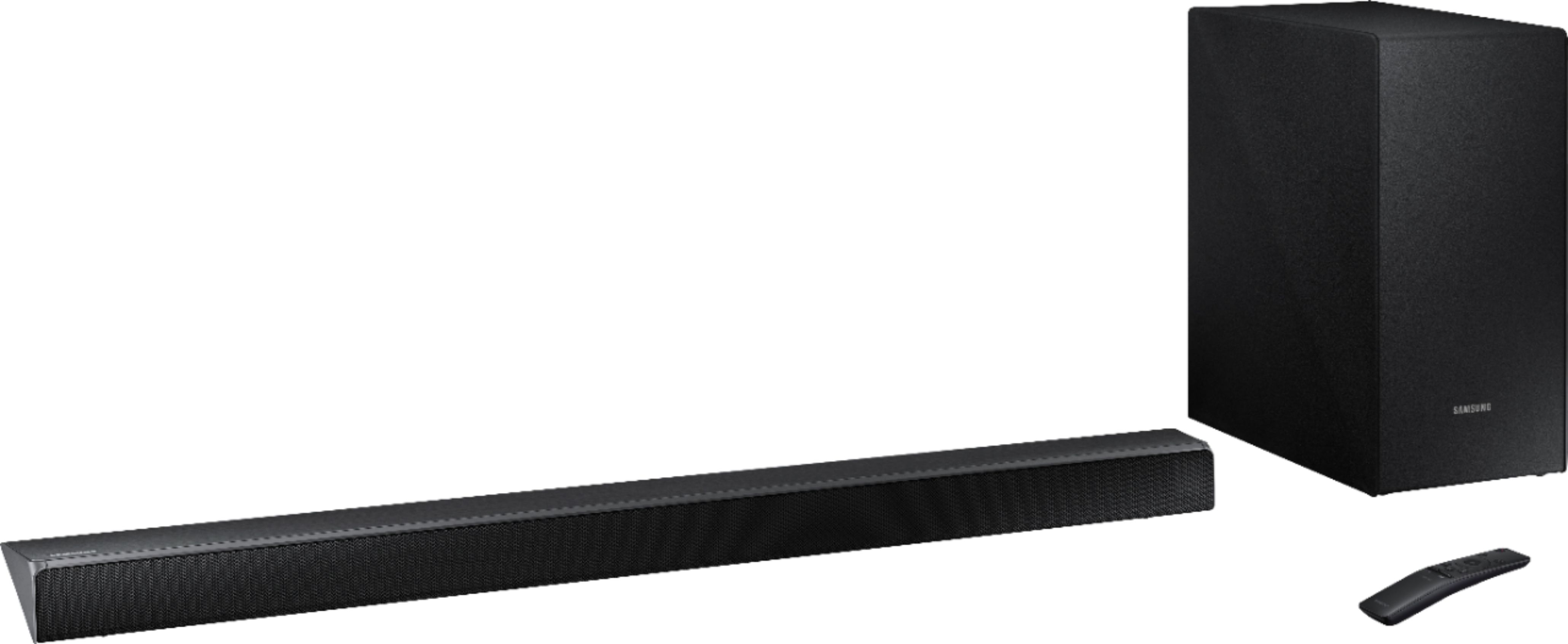
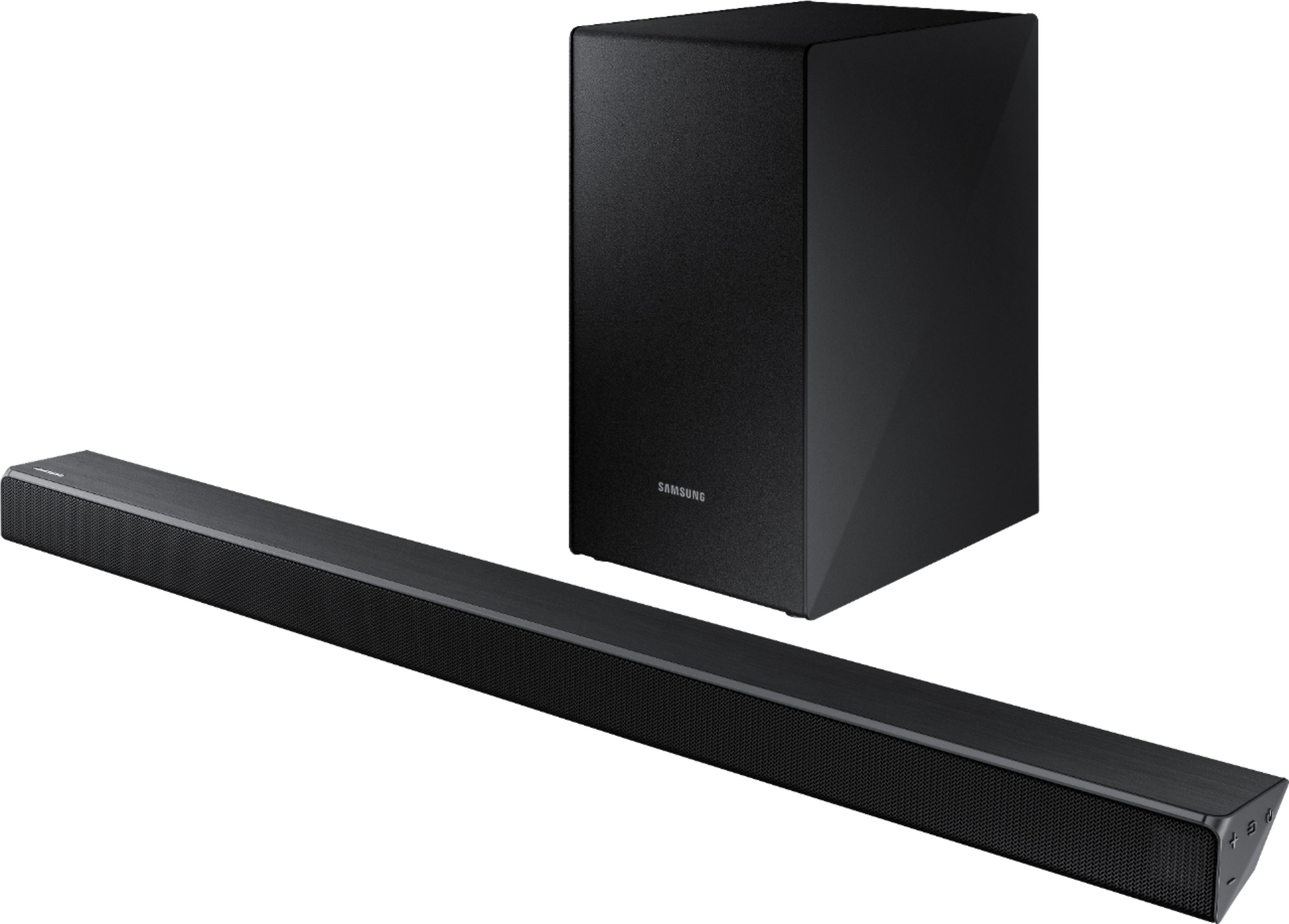



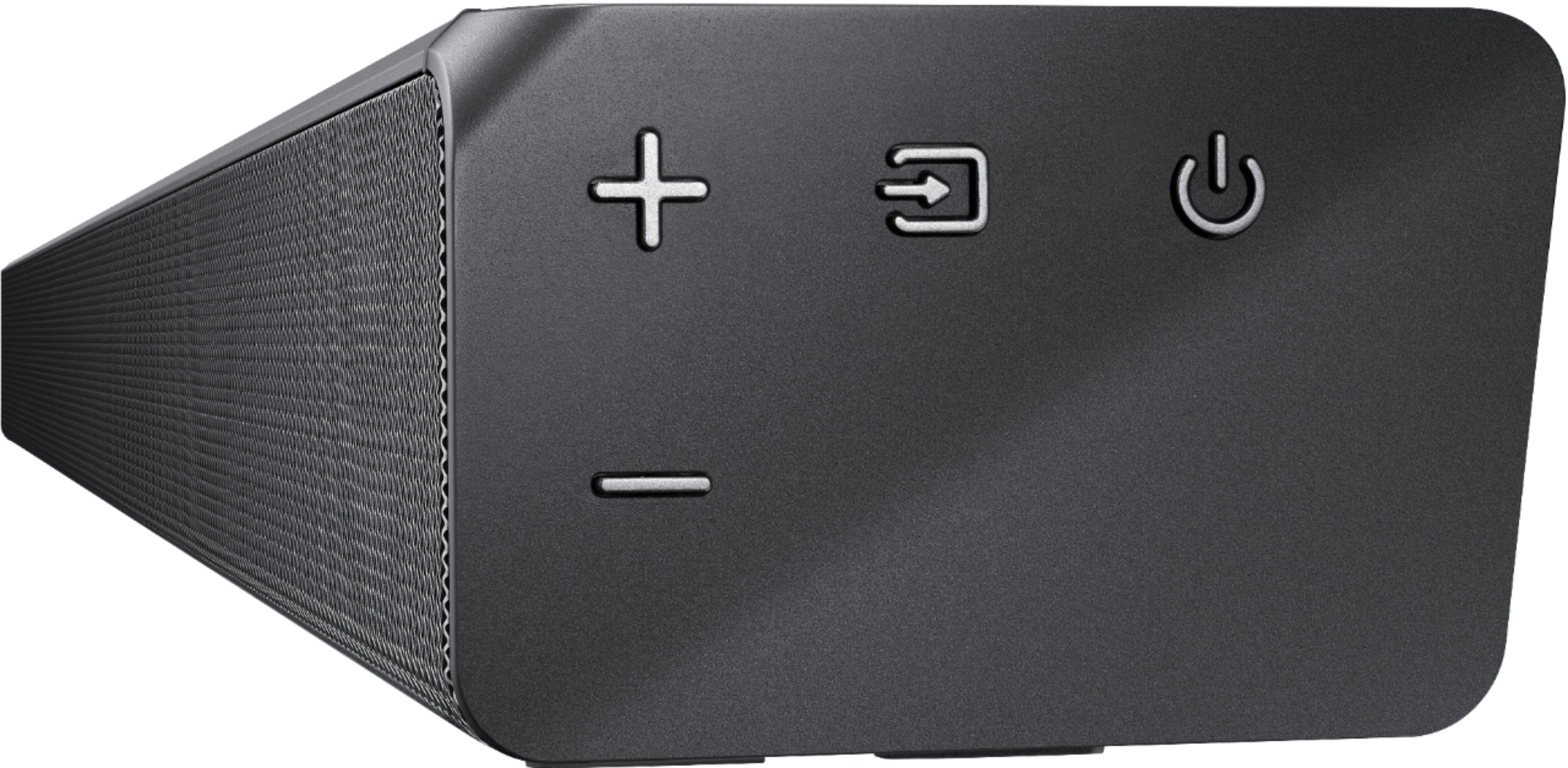
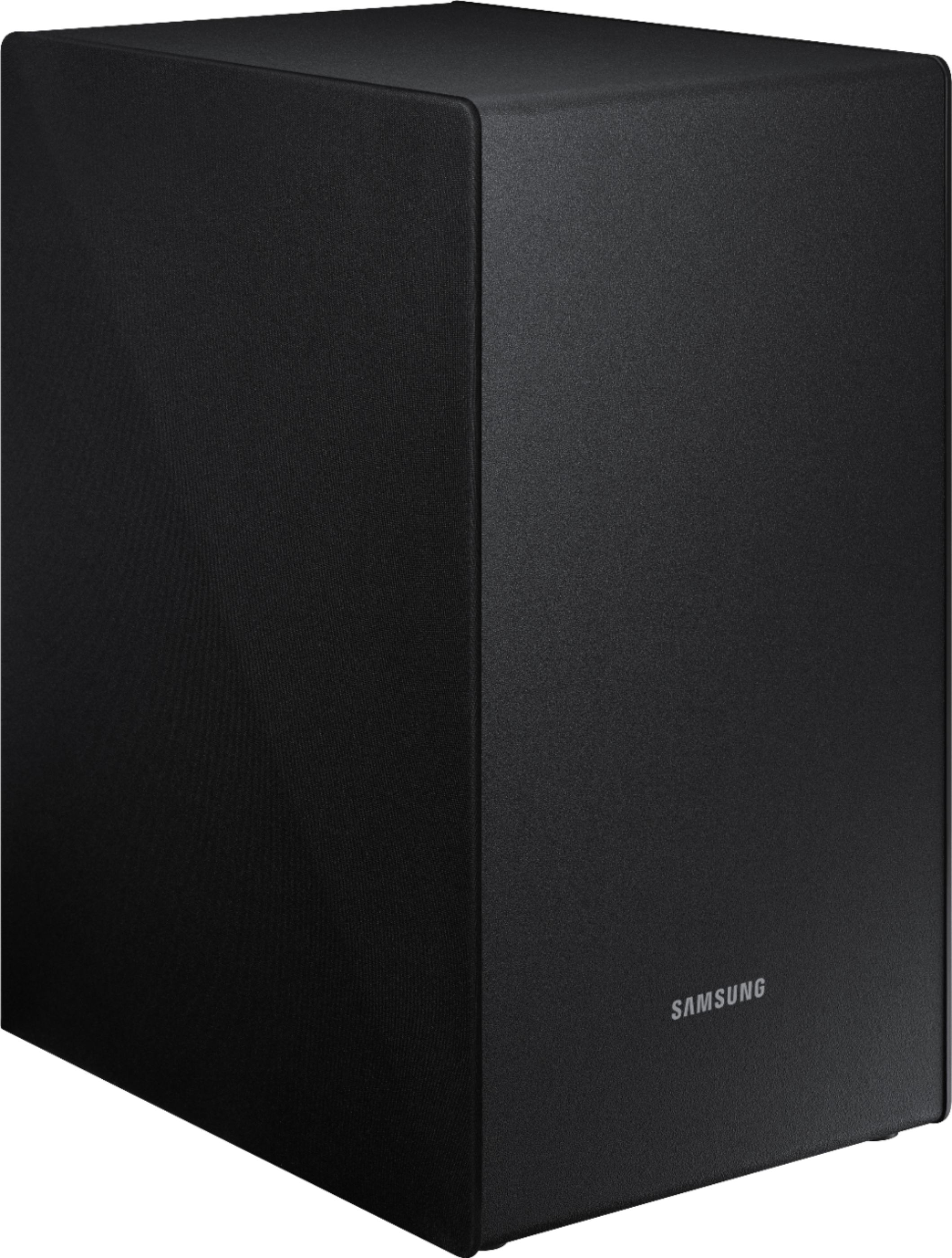
- Model:
- HW-N450/ZA
- SKU:
- 6199820
Rating by feature
- Value
Rating 4.4 out of 5 stars
- Quality
Rating 4.4 out of 5 stars
- Ease of Use
Rating 4.6 out of 5 stars
Customers are saying
Customers are impressed with the sound quality, easy setup, bass, and price of the 2.1-Channel Soundbar System with 6-1/2" Wireless Subwoofer and Digital Amplifier. Many customers rave about the excellent sound quality and the convenience of the easy setup. Others appreciate the amount of bass the soundbar delivers and feel it is a great value for the price.
This summary was generated by AI based on customer reviews.
- Cons mentioned:Volume
I might return it.
Posted .This reviewer received promo considerations or sweepstakes entry for writing a review.The soundbar is not as loud as I would have hoped for. Not much louder than my new TV I purchased. I will have to further check the settings but so far I may end up returning it.
No, I would not recommend this to a friendBrand response from Samsung
Posted .justme91:
Thank you for purchasing this Samsung HW-N450 Soundbar System. I am sorry to hear that you were not completely satisfied with its low volume.
Please check the connection between the Soundbar and other source devices, and try the following tips that may help improve the volume level.
1. Check the source volume. For example, if connected to a mobile phone using Bluetooth, increase the volume on the mobile phone.
2. If the Soundbar is connected to a TV thru HDMI, make sure to use the HDMI-ARC jack on the TV and select “External speakers” as the TV sound output.
3. Then check the TV for the audio output format sent to the Soundbar. Typical options are PCM, Dolby Digital, and Bitstream. Select the option that optimizes the sound from your source.
4. Change the SOUND MODE on the Soundbar by using the Soundbar’s remote. Select the appropriate mode for the individual room acoustics.
5. Turn on Dynamic Range Control. This is done by pressing and holding the SOUND MODE button on the remote control while the Soundbar is in standby mode.
I hope these tips help to enhance your audio enjoyment.
For further assistance on sound adjustment or other feature usages, please contact us via any of the below options:
1) Phone: 1-800-SAMSUNG (ask for Soundbars)
Available 8AM - 12AM EST (Mon-Fri) / 9AM - 11PM EST (Sat-Sun)
2) LiveChat or Email: https://www.samsung.com/us/support/#contact_us_for_support
3) Facebook Messenger: https://www.facebook.com/samsungsupport
4) Twitter: https://twitter.com/SamsungSupport
5) The Samsung Home Theater & Home Audio Community is also a great resource for getting help from Samsung moderators and customers: https://us.community.samsung.com/t5/Home-Theater-Home-Audio/bd-p/hometheaterhomeaudio
- Samsung Solutions
- Cons mentioned:Volume
Not very loud
Posted .This reviewer received promo considerations or sweepstakes entry for writing a review.I'm very disappointed with the quality of sound from this soundbar. I turn the volume up to max my wife said she couldn't hear it in the bedroom 30' away.
No, I would not recommend this to a friend - Cons mentioned:Expensive
Less volume than the actual tv
Posted .This reviewer received promo considerations or sweepstakes entry for writing a review.I purchased the sound bar, subwoofer, and additional speakers with a receiver for a 50" TV. I am so disappointed that the TV speakers actually sound better than the surround sound I purchased. I WAS Samsung loyal...from laptops, to phones, to TV's, but now I'm thinking it's not worth the money. I am so disappointed that I spent all this additional money. Save your money and just stick with the tv; even if you try to supplement the volume with the tv it echos. I've tried every configuration for volume and nothing is better than the actual speakers on the tv.
No, I would not recommend this to a friendBrand response from Samsung
Posted .Saraha:
Thank you for purchasing this Samsung HW-N450 Soundbar System. I am sorry to hear that you were not completely satisfied with its low volume.
Please check the connection between the Soundbar and other source devices, and try the following tips that may help improve the volume level.
1. Check the source volume. For example, if connected to a mobile phone using Bluetooth, increase the volume on the mobile phone.
2. If the Soundbar is connected to a TV thru HDMI, make sure to use the HDMI-ARC jack on the TV and select “External speakers” as the TV sound output.
3. Then check the TV for the audio output format sent to the Soundbar. Typical options are PCM, Dolby Digital, and Bitstream. Select the option that optimizes the sound from your source.
4. Change the SOUND MODE on the Soundbar by using the Soundbar’s remote. Select the appropriate mode for the individual room acoustics.
5. Turn on Dynamic Range Control. This is done by pressing and holding the SOUND MODE button on the remote control while the Soundbar is in standby mode.
I hope these tips help to enhance your audio enjoyment.
For further assistance on sound adjustment or other feature usages, please contact us via any of the below options:
1) Phone: 1-800-SAMSUNG (ask for Soundbars)
Available 8AM - 12AM EST (Mon-Fri) / 9AM - 11PM EST (Sat-Sun)
2) LiveChat or Email: https://www.samsung.com/us/support/#contact_us_for_support
3) Facebook Messenger: https://www.facebook.com/samsungsupport
4) Twitter: https://twitter.com/SamsungSupport
The Samsung Home Theater & Home Audio Community is also a great resource for getting help from Samsung moderators and customers: https://us.community.samsung.com/t5/Home-Theater-Home-Audio/bd-p/hometheaterhomeaudio
- Samsung Solutions
Sound is decent but that’s it
Posted .This reviewer received promo considerations or sweepstakes entry for writing a review.The sound is fine for the price. The issues, first off it does not stay paired via Bluetooth, each time you turn on the tv you have to re-pair. The speakers would turn on in the middle of the night all on their own. Returning this one
No, I would not recommend this to a friendBrand response from Samsung
Posted .Chuck:
I am sorry to see that you were not able to get the soundbar to stay paired via Bluetooth and experienced issues with the speakers and have returned it.
Should you ever decide to give Samsung soundbar systems another try and need assistance with setup or with any concerns, please know we are always here to help. You can contact Samsung Customer Support via:
1) Phone: 1-800-SAMSUNG
2) LiveChat or Email: https://www.samsung.com/us/support/#contact_us_for_support
3) Facebook Messenger: http://m.me/samsungsupport
4) Twitter: https://twitter.com/messages/compose?recipient_id=18768513
We greatly value your review and will share your user experience with our product team.
- Samsung Solutions
Stopped working in 60 days
Posted .This reviewer received promo considerations or sweepstakes entry for writing a review.LOL. It stopped working. Doesn't recognize either HDMI port # 3 (ARC) or the optical connection jack.. Turns on and that's it. Bought it so all my Samsung devices speak and work together. I guess their having a spat
No, I would not recommend this to a friendBrand response from Samsung
Posted .Hazman,
Thank you for your review of this Samsung HW-N450 Soundbar System. I am sorry to hear that you are experiencing issues.
Samsung products are engineered to the highest standards of performance and quality and we back the soundbar system with a 1-year limited manufacturer's warranty, if purchased brand-new directly from an authorized seller.
Please reach out to us so that we can provide troubleshooting or begin warranty service via one of the following options:
1) Toll-free calling: 1-800-SAMSUNG
2) LiveChat or Email: https://www.samsung.com/us/support/#contact_us_for_support
3) Facebook Messenger: http://m.me/samsungsupport
4) Twitter: https://twitter.com/messages/compose?recipient_id=18768513
Again, I am very sorry for the inconveniences you have had, and hope that we will hear from you soon.
-Samsung Solutions