Customer Ratings & Reviews
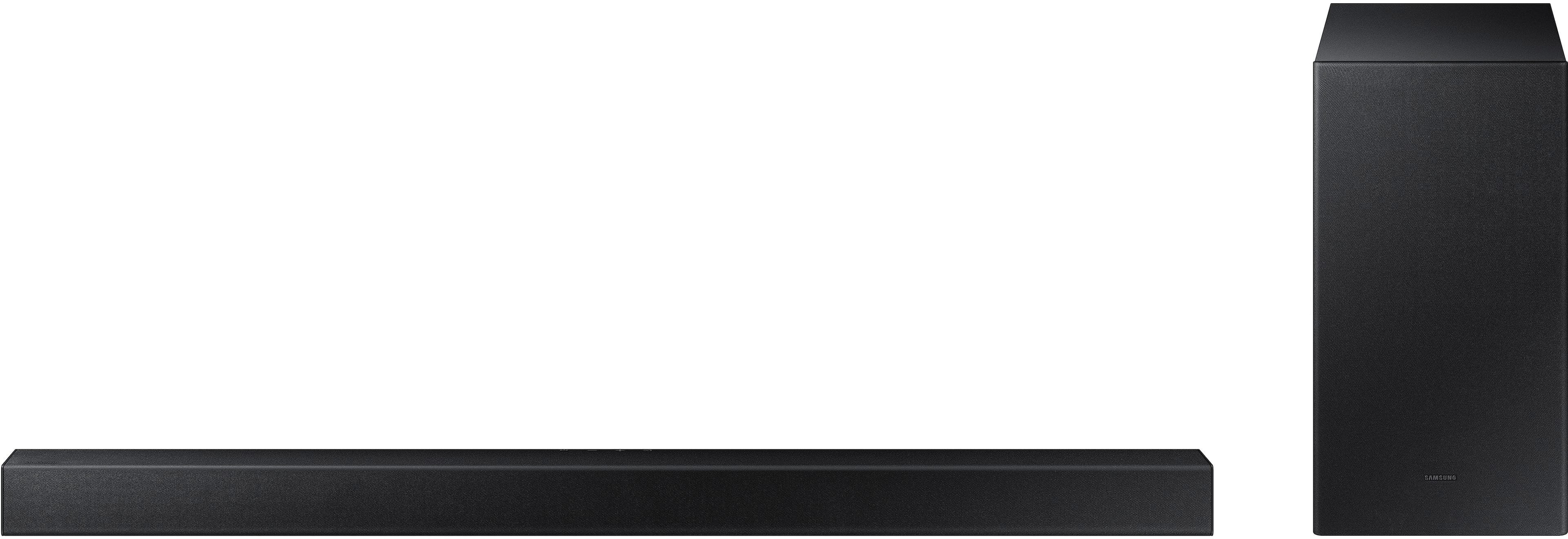
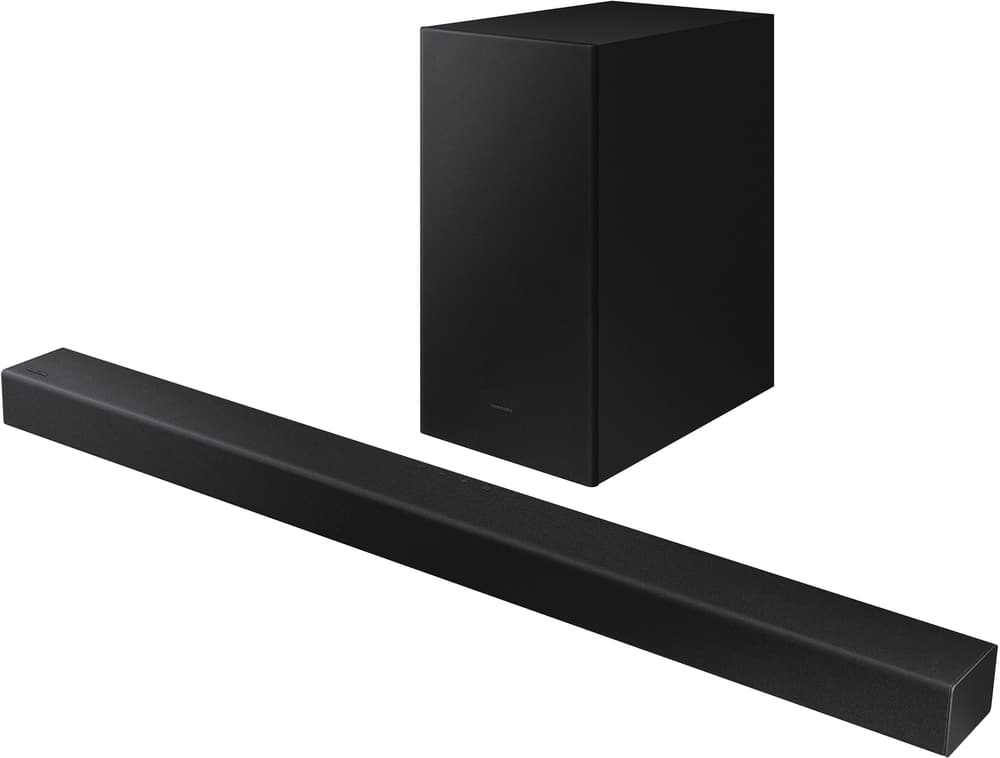

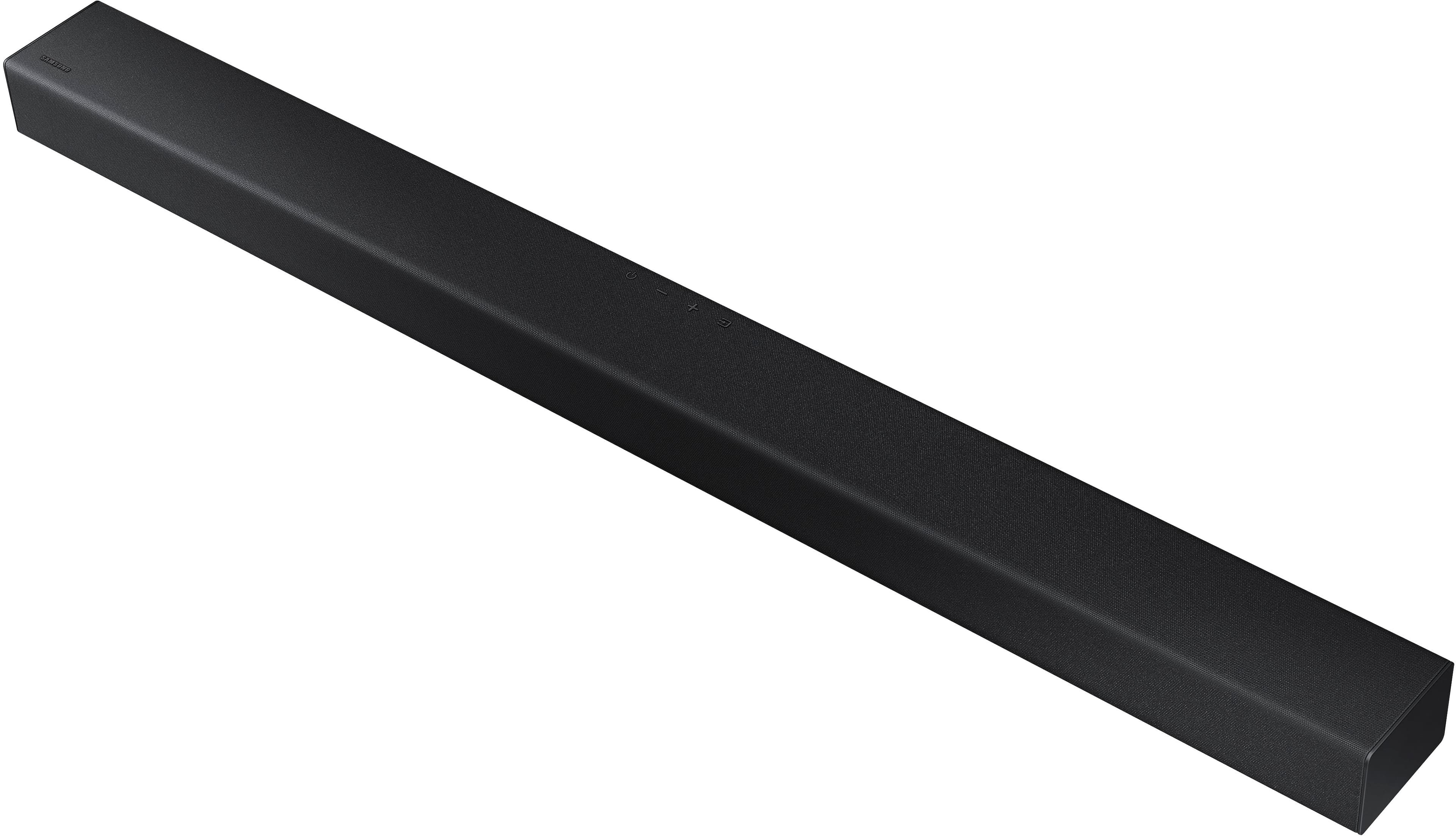
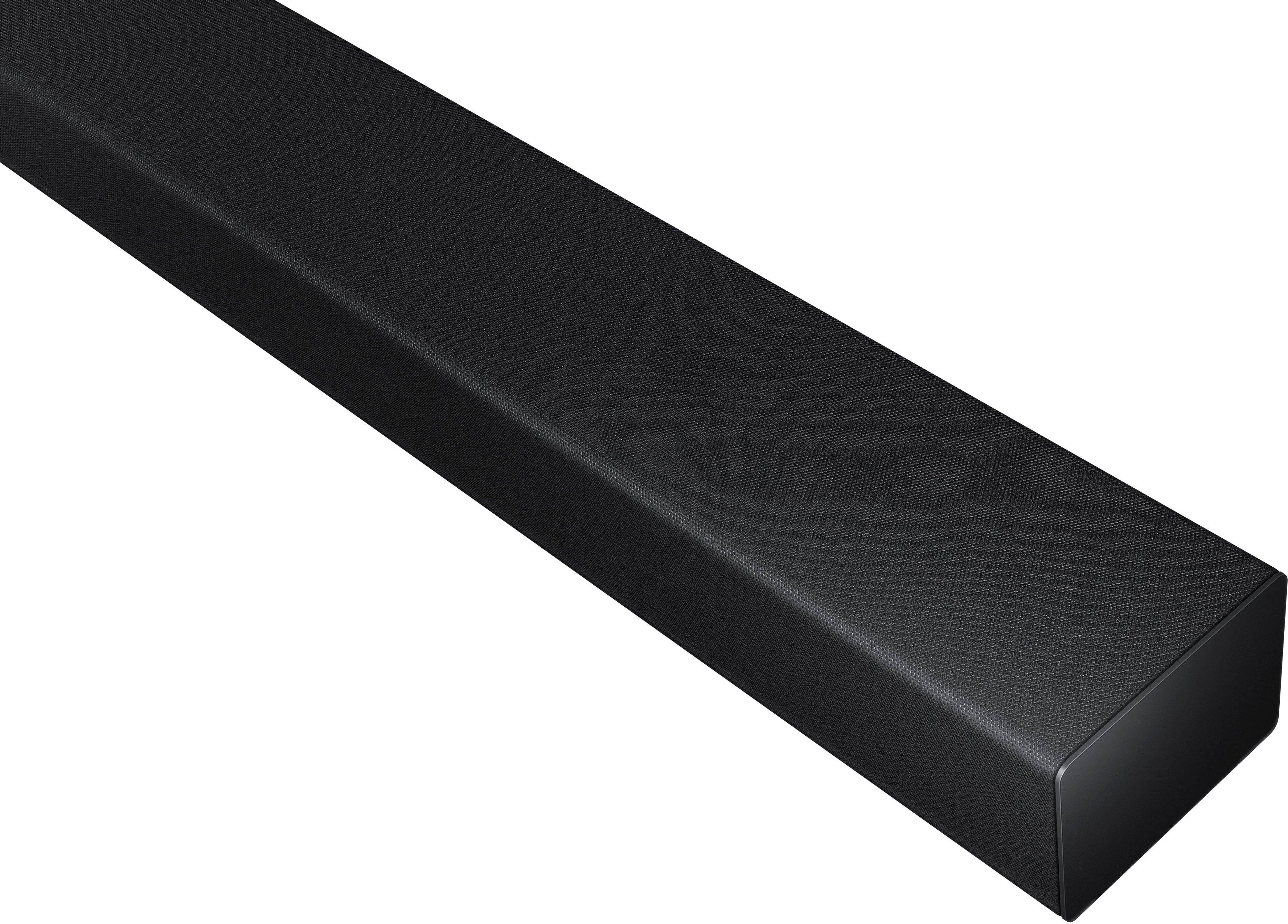
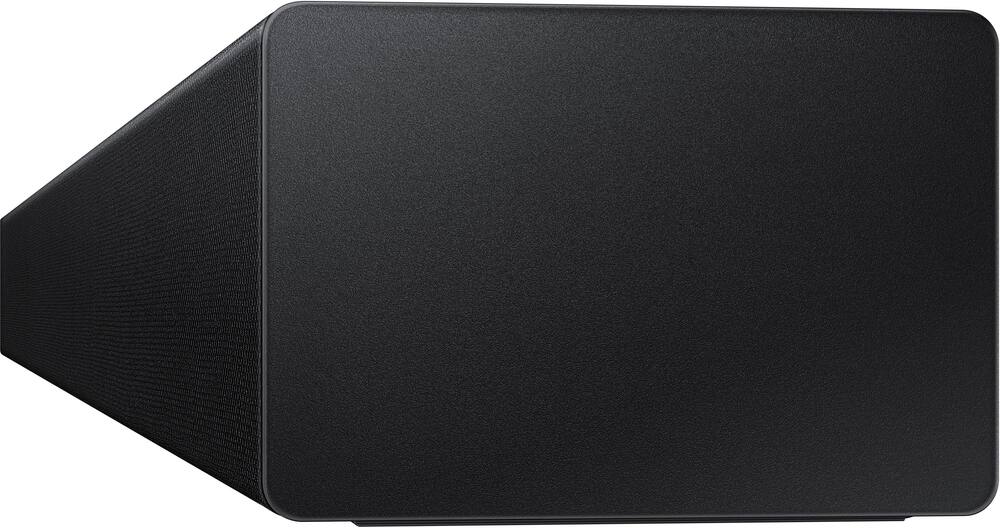
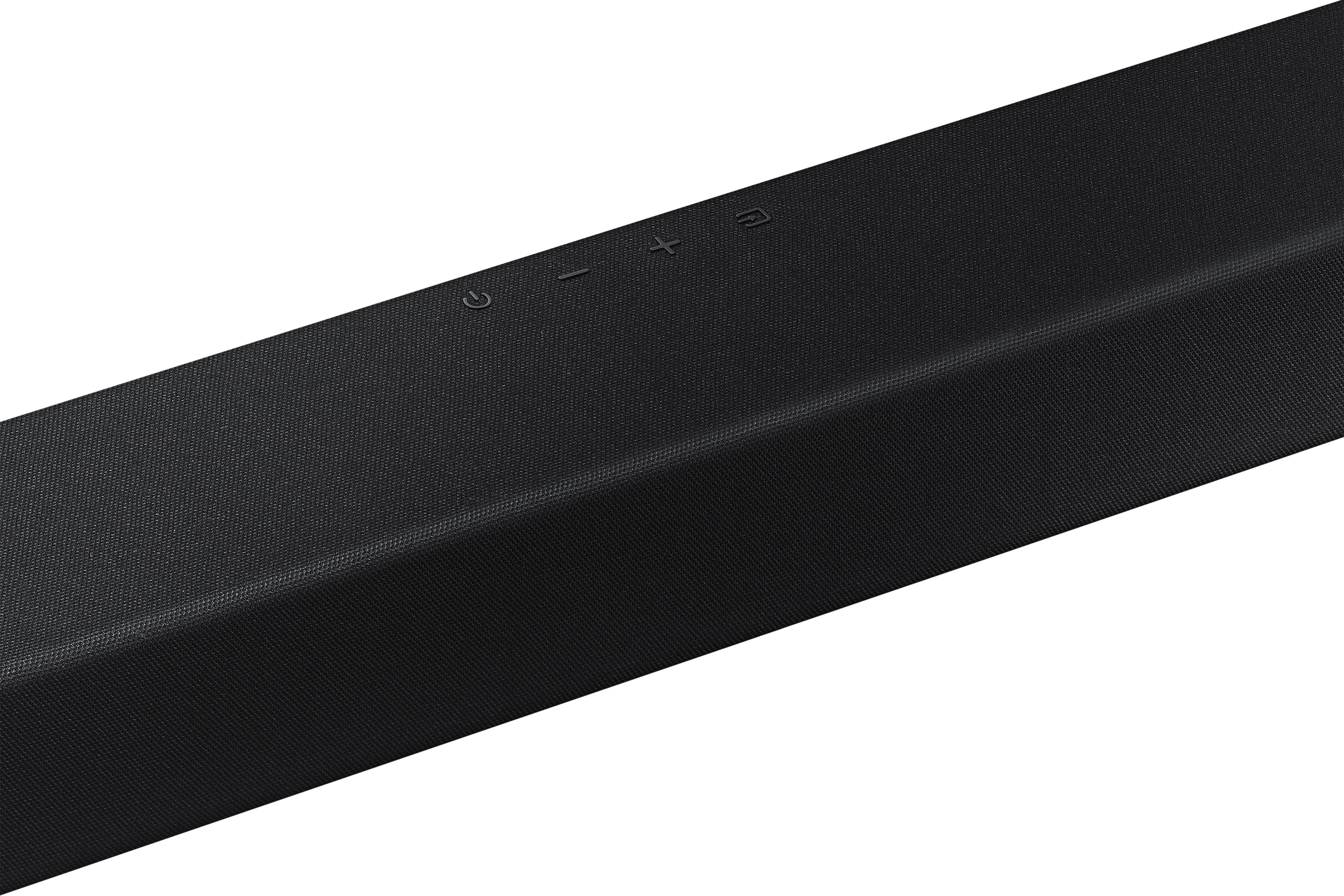
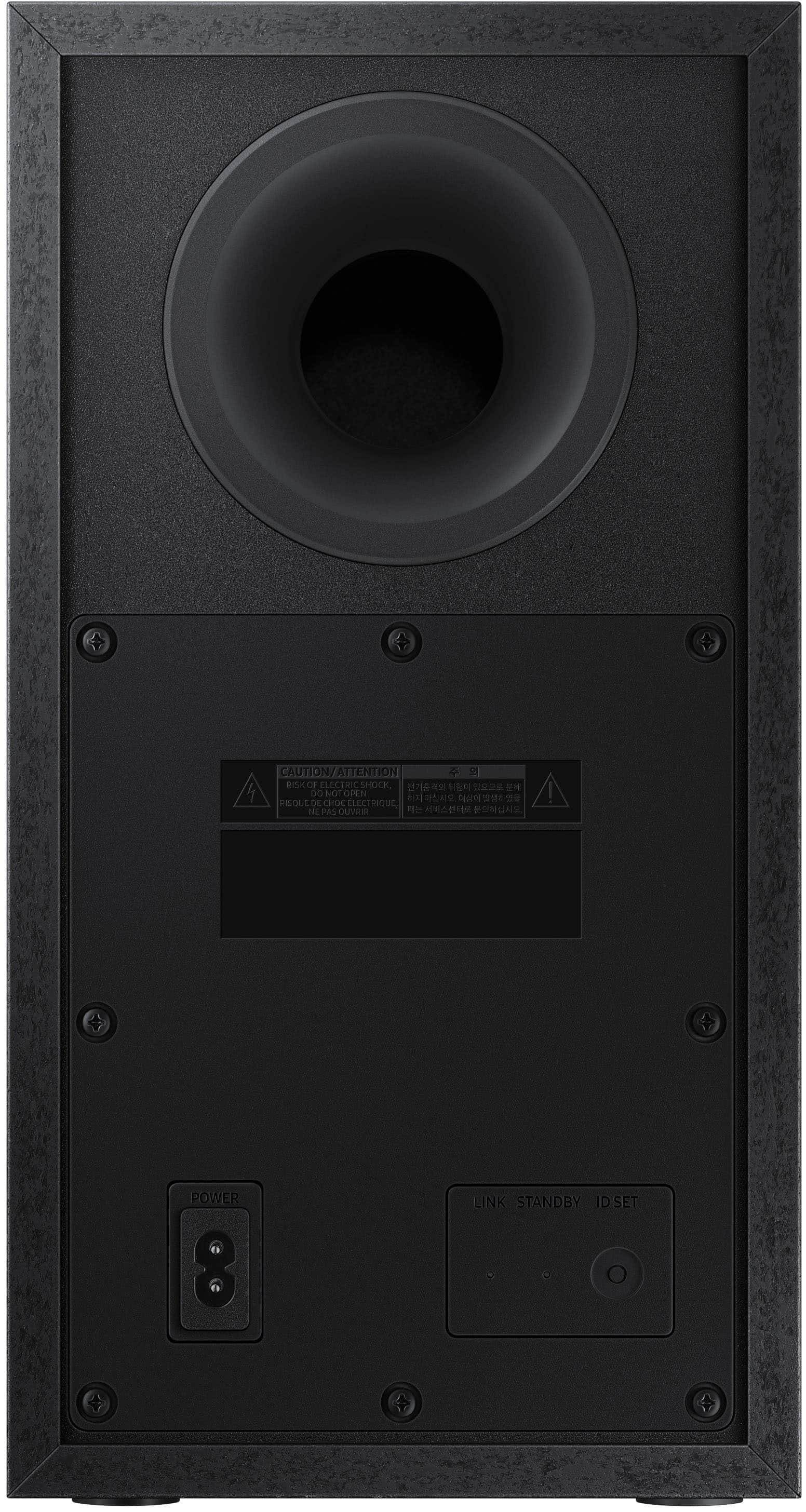
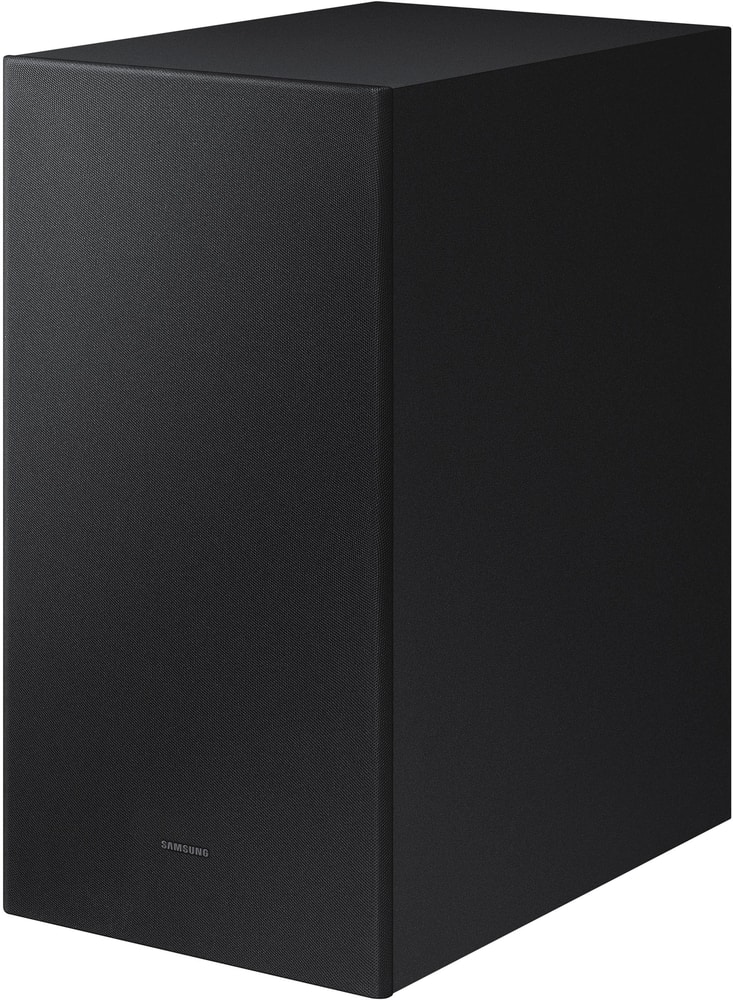
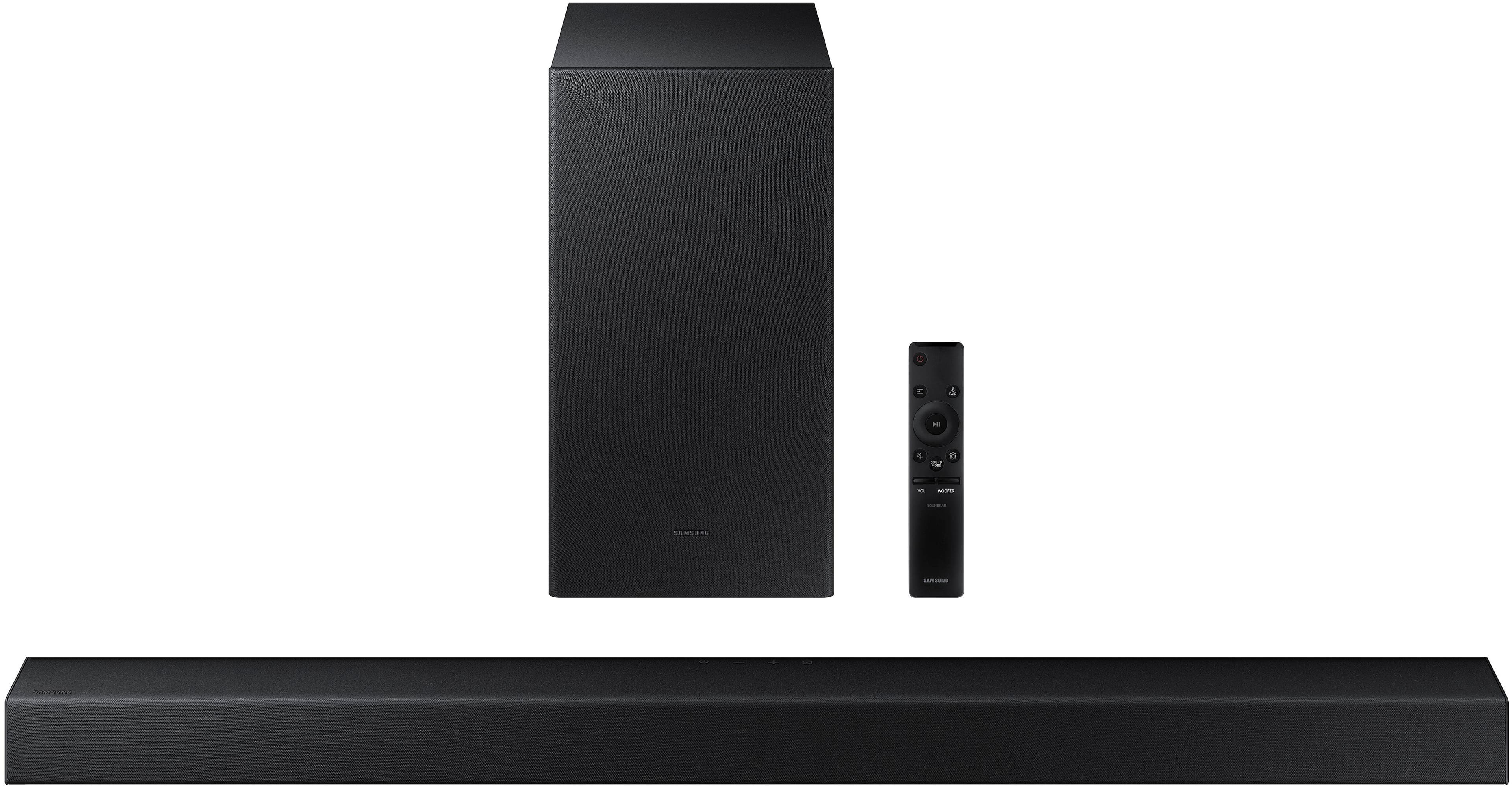
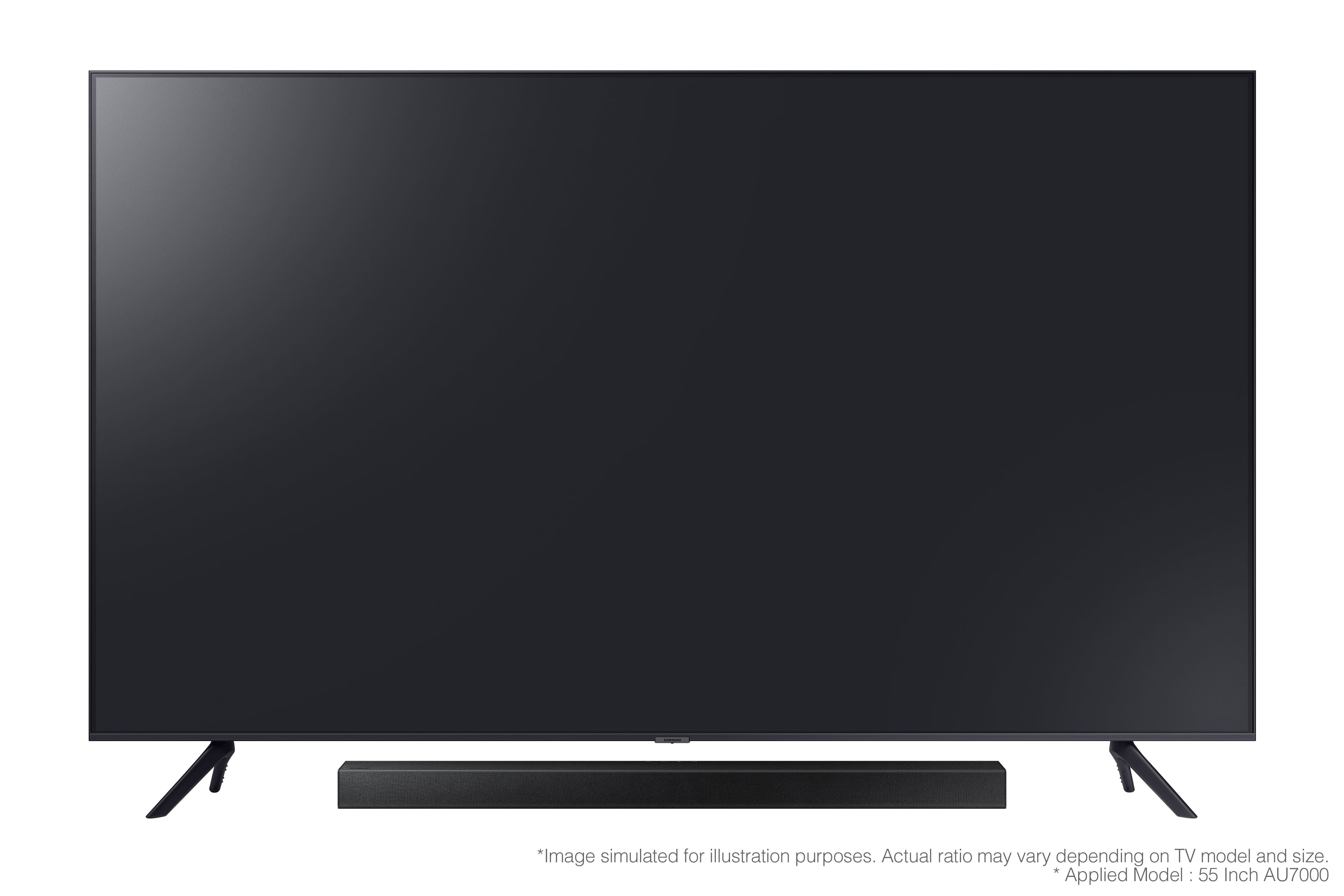

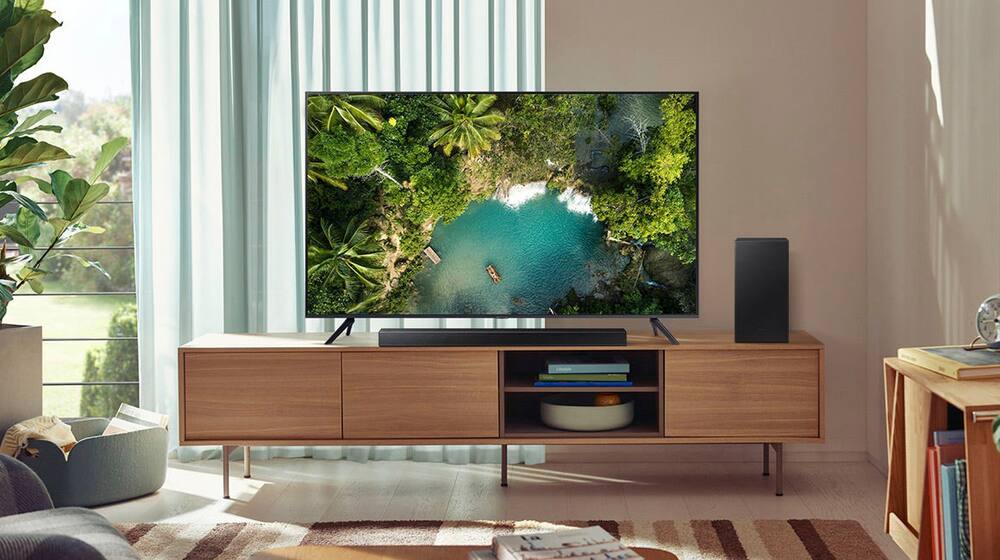


- Model:
- HW-A430/ZA
- SKU:
- 6477363
Rating by feature
- Value
Rating 4.5 out of 5 stars
- Quality
Rating 4.4 out of 5 stars
- Ease of Use
Rating 4.4 out of 5 stars
Customers are saying
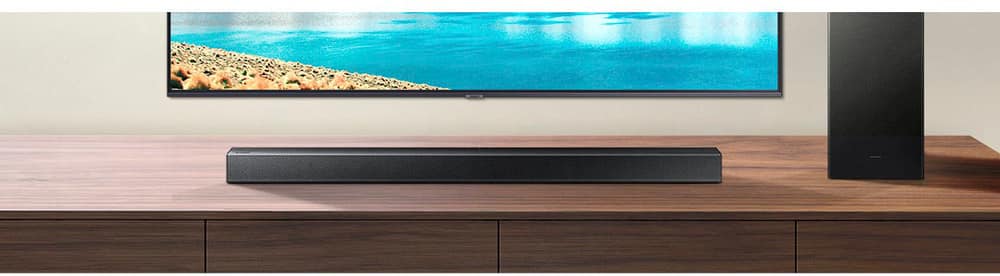
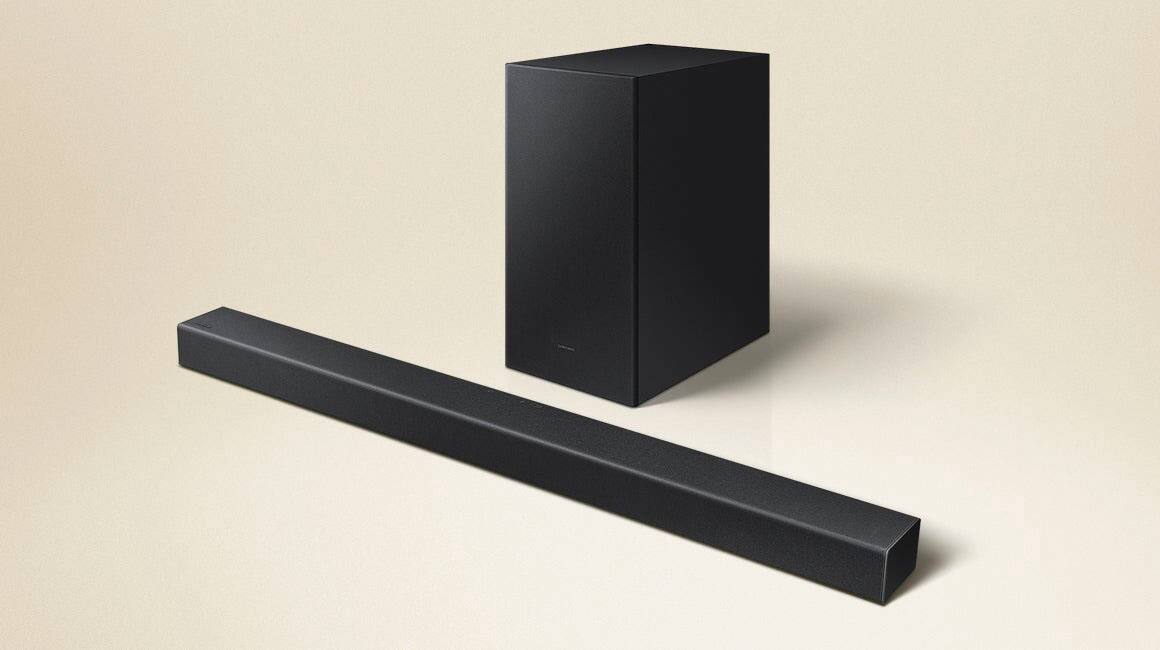
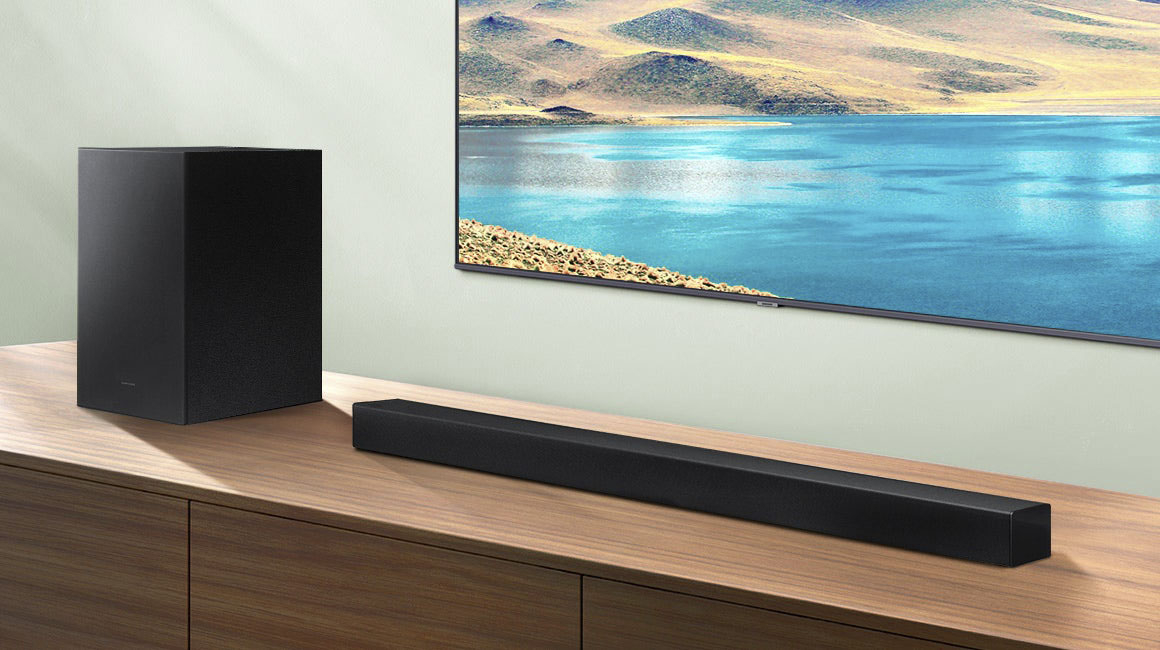
Customers are pleased with the sound quality, bass, and ease of use of this 2.1-channel soundbar. Many also appreciate its reasonable price and the convenience of Bluetooth connectivity. However, some customers reported issues with the maximum volume level and the functionality of the remote control. The soundbar's size and setup were generally well-received.
This summary was generated by AI based on customer reviews.
Not suitable with a projector or older TVs
||Posted . Owned for 3 weeks when reviewed.This reviewer received promo considerations or sweepstakes entry for writing a review.Didn’t have many options for input in / output out for the audio. Didn’t work with my Epson projector.
No, I would not recommend this to a friendBrand response from Samsung
Posted .Hi AnonymousTony,
I am sorry to hear that the HW-A430 Samsung Soundbar was incompatible with your existing equipment. Please know, this soundbar is compatible with devices and displays supporting either digital optical audio or Bluetooth Wireless Audio Technology.
If there is anything we can do to improve your experience with this soundbar, please contact us at 1-800-SAMSUNG (ask for Soundbars), available 8AM - 12AM EST, 7 days a week.
For additional support resources, visit us on the Samsung website and click on the ‘Support’ link in the upper right corner of the homepage for:
1) Chat with Us/Product Help: To begin a chat or find solutions, choose ‘TVs & Home Theater’ and select your model & topic.
2) Manuals & Software
3) Warranty Info
4) Register a Product: For access to easy warranty support, convenient opt-in to special promos and offers, faster troubleshooting and service, and quick notification of system updates
5) Contact Us
~ Samsung Solutions
Terrible
||Posted . Owned for 1 month when reviewed.This reviewer received promo considerations or sweepstakes entry for writing a review.This thing is terrible. It sounds like my normal speakers plus the smallest bass in the world.
No, I would not recommend this to a friendBrand response from Samsung
Posted .Hi Customer,
Thank you for purchasing the Samsung HW-A430 Soundbar and for sharing your review. We value your feedback regarding the performance of your new soundbar and subwoofer.
By design, the purpose of the subwoofer is to reproduces low frequency sounds and not musical tones. It adds rich tones and deepens sound effects, like the rumbles of an explosion or the depth in bass guitars and drums.
There are three adjustments that can be made for bass and subwoofer:
1) Using the WOOFER button on the remote, you can adjust the volume of the subwoofer between -6 to +6 by toggling the button up or down. To set the subwoofer volume level to 0, press the button down
2) Adjust the bass control by pressing the SOUND CONTROL button (gear icon) on the remote control, then select BASS to increase the level. You can adjust the volume between -6 to +6 by using the Up/Down buttons.
3) Press the SOUND MODE button on your remote, and then select BASS BOOST mode. This will provide you with a larger emphasis on bass sound.
For precise audio adjustments, you can use the 7-band frequency equalizer to optimize the sound for your room acoustics.
I hope this helps. For further assistance with features, settings, adjustments, or functions please contact Samsung Customer Support at 1-800-SAMSUNG (ask for Soundbars), available 8AM - 12AM EST, 7 days a week.
For additional support resources, visit us on the Samsung website and click on the ‘Support’ link in the upper right corner of the homepage for:
1) Chat with Us/Product Help: To begin a chat or find solutions, choose ‘TVs & Home Theater’ and select your model & topic.
2) Manuals & Software
3) Warranty Info
4) Register a Product: For access to easy warranty support, convenient opt-in to special promos and offers, faster troubleshooting and service, and quick notification of system updates
5) Contact Us
~ Samsung Solutions
Disappointing
||Posted . Owned for 3 weeks when reviewed.This reviewer received promo considerations or sweepstakes entry for writing a review.I am very disappointed in this product . The sound is not what I thought it would be
No, I would not recommend this to a friendBrand response from Samsung
Posted .Megaman1980,
Thank you for sharing your review of the Samsung HW-A430. We appreciate your feedback regarding the audio performance of your soundbar.
This soundbar features a powerful wireless subwoofer, as well as Bass Boost mode to instantly amplify the bass with a touch of a button. You can try manually optimizing your settings by pressing the SOUND MODE button on your remote, and then selecting the desired sound effect by choosing STANDARD, SURROUND SOUND, or BASS BOOST.
You can further adjust TREBLE via the SOUND CONTROL button (looks like a gear symbol).
There are two additional adjustments that can be made for bass and subwoofer:
1) Using the WOOFER button on the remote, you can adjust the volume of the subwoofer between -6 to +6 by toggling the button up or down. To set the subwoofer volume level to 0, press the button down
2) Adjust the bass control by pressing the SOUND CONTROL button on the remote control, then select BASS to increase the level. You can adjust the volume between -6 to +6 by using the Up/Down buttons.
For precise audio adjustments, you can use the 7-band frequency equalizer to optimize the sound for your room acoustics. With the sound mode set to Standard, press and hold the Sound Control button for about 5 seconds. 150Hz, 300Hz, 600Hz, 1.2kHz, 2.5kHz, 5kHz, and 10kHz are selectable using the Left/Right buttons and each can be adjusted to a setting between -6 to +6 using the Up/Down buttons.
If you need further assistance, please know Samsung Customer Support is here to help. Call us at 1-800-SAMSUNG (ask for Soundbars), available 8AM - 12AM EST, 7 days a week.
For additional support resources, visit us on the Samsung website and click on the ‘Support’ link in the upper right corner of the homepage for:
1) Chat with Us/Product Help: To begin a chat or find solutions, choose ‘TVs & Home Theater’ and select your model & topic.
2) Manuals & Software
3) Warranty Info
4) Register a Product: For access to easy warranty support, convenient opt-in to special promos and offers, faster troubleshooting and service, and quick notification of system updates
5) Contact Us
~ Samsung Specialist
Samsung Soundbar
||Posted . Owned for 1 month when reviewed.This reviewer received promo considerations or sweepstakes entry for writing a review.The sound quality is mediocre at best. I was not satisfied with the sound output
No, I would not recommend this to a friendBrand response from Samsung
Posted .Hi,
Thank you for purchasing Samsung's HW-A430 soundbar and for sharing your review. Your experience is very important to us and will be shared with our product team.
It is possible that your unit needed minor troubleshooting, a firmware update, or adjustments in settings.
Should you ever decide to give Samsung Soundbars another try and have questions or need assistance with settings, setup, or features, please know we are always here to help. Call us at 1-800-SAMSUNG (ask for Soundbars), available 8AM - 12AM EST, 7 days a week.
For additional support resources, visit us on the Samsung website and click on the ‘Support’ link in the upper right corner of the homepage for:
1) Contact Us: For additional Chat & Text options, choose ‘TVs & Home Theater’ and select your model & topic.
2) Manuals, Software, & Warranty Info
We hope to regain you as a customer in the future.
~ Samsung Solutions
- Pros mentioned:Ease of use, Price
Very Impressive
Posted .This reviewer received promo considerations or sweepstakes entry for writing a review.This soundbar and subwoofer has been excellent. Doesn't take up a lot of space, was super easy to set up, and was a great value. Definitely would recommend to others.
I would recommend this to a friend disappointing
||Posted . Owned for 1 month when reviewed.This reviewer received promo considerations or sweepstakes entry for writing a review.seems like it doesnt connect automatically and you have to set it up everytime
No, I would not recommend this to a friendBrand response from Samsung
Posted .Hi kevinmh3,
Thank you for purchasing the Samsung HW-A430. The details you have provided regarding your experience with the auto-connection process are important to us and will be shared with our product teams.
Please know, the HW-A430 features auto power on capabilities, and will automatically turn itself on when a Bluetooth device is attempting to connect to the soundbar. This eliminates the need to go through the pairing process each time. Alternatively, if you use the digital optical audio connection, the auto-power link feature will allow the soundbar to turn itself on when it detects a signal through the optical cable.
Should you ever have questions or need help, please call us at 1-800-SAMSUNG (ask for Soundbars), available 8AM - 12AM EST, 7 days a week.
For additional support resources, visit us on the Samsung website and click on the ‘Support’ link in the upper right corner of the homepage for:
1) Chat with Us/Product Help: To begin a chat or find solutions, choose ‘TVs & Home Theater’ and select your model & topic.
2) Manuals & Software
3) Warranty Info
4) Register a Product: For access to easy warranty support, convenient opt-in to special promos and offers, faster troubleshooting and service, and quick notification of system updates
5) Contact Us
~ Samsung Solutions
- Pros mentioned:Bass, Sound quality
Great sound on a budget
Posted .This reviewer received promo considerations or sweepstakes entry for writing a review.I normally don't write reviews on products that I buy, but this one deserves a review. First of all my neighbors are going to be very mad at me because I am going to listen at high volumes from now on, The bass is incredible, set up was a piece of cake, and this sound package sounds amazing for the price. I'm a musician that has been playing since 1980 and I learned by ear, My ear doesn't lie to me ,If I had the money I would have bought Bose, but I work for a living and I'm on a budget. This is a great alternative Don't miss this deal!
I would recommend this to a friend Disappointing
||Posted .This reviewer received promo considerations or sweepstakes entry for writing a review.Not worth the money. I returned and got a different sound bar.
No, I would not recommend this to a friendBrand response from Samsung
Posted .Hi Brian,
Thank you for your review of the Samsung HW-A430 Soundbar System. We appreciate you sharing your experience with us.
It is our customers’ concerns and opinions that drive our continuous efforts towards delivering world-class service and products. Your feedback is very important to us and will be shared with our product team.
Should you ever decide to give Samsung Soundbars another try and have questions or need assistance with settings, setup, or features, please know we are always here to help. Call us at 1-800-SAMSUNG (ask for Soundbars), available 8AM - 12AM EST, 7 days a week.
For additional support resources, visit us on the Samsung website and click on the ‘Support’ link in the upper right corner of the homepage for:
1) Contact Us: For additional Chat & Text options, choose ‘TVs & Home Theater’ and select your model & topic.
2) Manuals, Software, & Warranty Info
We hope to regain you as a customer in the future.
~ Samsung Solutions
Terrible DON'T BUY
||Posted . Owned for 1 month when reviewed.This reviewer received promo considerations or sweepstakes entry for writing a review.It does NOTHING FOR THE SOUND....SO DISAPPOINTED IN SAMSUNG!!!
No, I would not recommend this to a friendBrand response from Samsung
Posted .Hi Tion,
Thank you for sharing your review of the A430 Soundbar. We value your feedback and will share it with our teams.
If there is anything we can do to improve your enjoyment such as helping to optimize settings for your specific sound scenario, please contact Samsung Customer Support at 1-800-SAMSUNG (ask for Soundbars), available 8AM - 12AM EST, 7 days a week.
For additional support resources, visit us on the Samsung website and click on the ‘Support’ link in the upper right corner of the homepage for:
1) Chat with Us/Product Help: To begin a chat or find solutions, choose ‘TVs & Home Theater’ and select your model & topic.
2) Manuals & Software
3) Warranty Info
4) Register a Product: For access to easy warranty support, convenient opt-in to special promos and offers, faster troubleshooting and service, and quick notification of system updates
5) Contact Us
~ Samsung Solutions
Sound Bar
||Posted . Owned for 1 month when reviewed.This reviewer received promo considerations or sweepstakes entry for writing a review.Didn't work sound bar and whooper did nt work. Sorry
No, I would not recommend this to a friendBrand response from Samsung
Posted .Hi Brittany,
Thank you for sharing the issues you are experiencing with your Samsung HW-A430 Soundbar. So we can better understand the problems you are experiencing and provide you with troubleshooting assistance or warranty service, please contact Samsung Customer Support at 1-800-SAMSUNG (ask for Soundbars), available 8AM - 12AM EST, 7 days a week.
For additional support resources, visit us on the Samsung website and click on the ‘Support’ link in the upper right corner of the homepage for:
1) Chat with Us/Product Help: To begin a chat or find solutions, choose ‘TVs & Home Theater’ and select your model & topic.
2) Manuals & Software
3) Warranty Info
4) Register a Product: For access to easy warranty support, convenient opt-in to special promos and offers, faster troubleshooting and service, and quick notification of system updates
5) Contact Us
~ Samsung Ambassador
It won’t pair
||Posted . Owned for less than 1 week when reviewed.This reviewer received promo considerations or sweepstakes entry for writing a review.Followed the instructions. Went to samsungs site and that was less helpful. When to Roku website which was unhelpful. So now I have a 55” TV on my wall amd a simple soundbar ans subwoofer that won’t connect. Good times.
No, I would not recommend this to a friendBrand response from Samsung
Posted .Hello Jxr04dx,
Thank you for purchasing the HW-A430 Soundbar. I am sorry that you've had issues with your initial setup.
So that we can better assist you, please reach out to Samsung Support via:
1) 1-800-SAMSUNG, 8 AM - 12 AM EST, 7 days a week. Ask for "Soundbars."
2) LiveChat with an agent by clicking the ‘Support’ link on the Samsung website homepage.
~Samsung Solutions
Buy something else.
||Posted .This reviewer received promo considerations or sweepstakes entry for writing a review.We were never able to serup the base unit. Several other people tried without sucess. Finally just gave up and just use the bar. Not worth all the hassle. Just get someone else. Guess you get what you pay for.
No, I would not recommend this to a friendBrand response from Samsung
Posted .Hello MaxineM,
I am sorry to see that you have had a difficult time setting up your wireless subwoofer on the HW-A430 Soundbar.
Please contact Samsung Customer Support so we can better understand your issue and assist you with step-by-step troubleshooting or warranty service.
Call us at 1-800-SAMSUNG (ask for Soundbars), available 8 AM – 12 AM EST, 7 days a week.
LiveChat with an agent by clicking the ‘Support’ link on the Samsung website.
~Samsung Solutions
#Garbage
||Posted . Owned for 2 months when reviewed.This reviewer received promo considerations or sweepstakes entry for writing a review.My husband and I made the mistake of assuming that this would be a decent surround sound system…It’s not and unfortunately, we’ve been so busy that we missed our return window.
No, I would not recommend this to a friendBrand response from Samsung
Posted .Hi Tish,
We appreciate your feedback regarding the audio performance of your soundbar. You can try manually optimizing your settings by pressing the SOUND MODE button on your remote, and then selecting the desired sound effect by choosing STANDARD, SURROUND SOUND, or BASS BOOST.
You can further adjust TREBLE via the SOUND CONTROL button (looks like a gear symbol).
Additionally, there are two adjustments that can be made for bass and subwoofer:
1) Using the WOOFER button on the remote, you can adjust the volume of the subwoofer between -6 to +6 by toggling the button up or down. To set the subwoofer volume level to 0, press the button down
2) Adjust the bass control by pressing the SOUND CONTROL button on the remote control, then select BASS to increase the level. You can adjust the volume between -6 to +6 by using the Up/Down buttons.
I hope these tips help you further enjoy the experience provided by your new Samsung Soundbar. Should you ever have questions or need help, please call us at 1-800-SAMSUNG (ask for Soundbars), available 8AM - 12AM EST, 7 days a week.
For additional support resources, visit us on the Samsung website and click on the ‘Support’ link in the upper right corner of the homepage for:
1) Chat with Us/Product Help: To begin a chat or find solutions, choose ‘TVs & Home Theater’ and select your model & topic.
2) Manuals & Software
3) Warranty Info
4) Register a Product: For access to easy warranty support, convenient opt-in to special promos and offers, faster troubleshooting and service, and quick notification of system updates
5) Contact Us
~ Samsung Solutions
Not surround sound
||Posted . Owned for 1 month when reviewed.This reviewer received promo considerations or sweepstakes entry for writing a review.Not at all surround sound! Poor quality from wolfer. It doesnt sync with tv when you watch people talking it doesnt line up. Gave it 1 star for easy hook up thats only thing good! Dont buy this junk too expensive for junk
No, I would not recommend this to a friendBrand response from Samsung
Posted .Hi TerriJ,
Thank you for sharing your review of the A430 Soundbar and your thoughts regarding the performance of your new soundbar system. We value your feedback and will share it with our teams.
If there is anything we can do to improve your enjoyment such as helping to optimize settings for your specific sound scenario, please contact Samsung Customer Support at 1-800-SAMSUNG (ask for Soundbars), available 8AM - 12AM EST, 7 days a week.
For additional support resources, visit us on the Samsung website and click on the ‘Support’ link in the upper right corner of the homepage for:
1) Chat with Us/Product Help: To begin a chat or find solutions, choose ‘TVs & Home Theater’ and select your model & topic.
2) Manuals & Software
3) Warranty Info
4) Register a Product: For access to easy warranty support, convenient opt-in to special promos and offers, faster troubleshooting and service, and quick notification of system updates
5) Contact Us
~ Samsung Solutions
Junk - does not work
||Posted .This reviewer received promo considerations or sweepstakes entry for writing a review.Remote did not work. We also installed different batteries to troubleshoot. Also the unit does not have a power on indicator which is needed to determine if the unit is on.
No, I would not recommend this to a friendBrand response from Samsung
Posted .Hello Harry,
I am sorry to see that you have had these issues with your initial setup of your HW-A430 Soundbar.
When the soundbar is first turned on you will see what input it is set to scroll across the LED display on the front of the soundbar.
Please contact Samsung Customer Service for step-by-step troubleshooting or warranty replacement of your remote.
Call us at 1-800-SAMSUNG (ask for Soundbars), available 8 AM – 12 AM EST, 7 days a week.
For additional support resources such as downloading a full manual, visit us on the Samsung website and click on the ‘Support’ link in the upper right corner of the homepage.
~Samsung Solutions
- Pros mentioned:Ease of use, Sound quality
Good buy
Posted .This reviewer received promo considerations or sweepstakes entry for writing a review.Slim design, easy to pair with devices, audio very clear and crisp, good bang for buck.
I would recommend this to a friend Don’t recommend
||Posted . Owned for 1 month when reviewed.This reviewer received promo considerations or sweepstakes entry for writing a review.It was okay for the 1 month it worked. Item started making weird noises for no reason. Product wasn’t abused, dropped or anything of the sort.
No, I would not recommend this to a friendBrand response from Samsung
Posted .Hi Evans,
We appreciate you sharing your feedback on the HW-A430 Samsung Soundbar and detailing the issues you are experiencing. So we can better understand the problems you are experiencing and provide you with troubleshooting assistance or warranty service, please contact Samsung Customer Support.
You can reach us at 1-800-SAMSUNG (ask for Soundbars), available 8AM - 12AM EST, 7 days a week.
For additional support resources, visit us on the Samsung website and click on the ‘Support’ link in the upper right corner of the homepage for:
1) Chat with Us/Product Help: To begin a chat or find solutions, choose ‘TVs & Home Theater’ and select your model & topic.
2) Manuals & Software
3) Warranty Info
4) Register a Product: For access to easy warranty support, convenient opt-in to special promos and offers, faster troubleshooting and service, and quick notification of system updates
5) Contact Us
We look forward to hearing from you.
~ Samsung Solutions
Cheap
||Posted . Owned for 1 month when reviewed.This reviewer received promo considerations or sweepstakes entry for writing a review.Not great and disconnects from the tv. I got the cheapest option but spend a lottle more for a better unit.
No, I would not recommend this to a friendBrand response from Samsung
Posted .Hello ADMgg,
Thank you for sharing your review regarding the HW-A430 Soundbar. I am sorry to that you are experiencing disconnect issues with your soundbar to TV.
Make sure that you are using a new Digital Optical cable as this will offer the best audio and user experience available to you using this soundbar. Additionally, updating the firmware of your soundbar will ensure that the HW-A430 is running on the latest software offering any and all improvements available.
You can download the software update directly from Samsung’s website by clicking “Support” in the top right corner. Then go to “Manuals & Software” > “TVs & Home Theater” > “Home Theater” > “Sound Bars”. From there, you can select the HW-A430 Soundbar under A Series.
I hope these tips help you enjoy your new product.
You can always contact us for further help at 1-800-SAMSUNG (Ask for Soundbars), 8 AM – 12 AM EST, 7 days a week. Our LiveChat agents are also available by clicking on the ‘Support’ link on our website.
~ Samsung Solutions
Big design flaw
||Posted . Owned for 3 weeks when reviewed.This reviewer received promo considerations or sweepstakes entry for writing a review.It’s incredible the remote has to be opened with a knife or something with a sharp end. We are in 2022 and Samsung has these kind of issues on their design; crazy.
No, I would not recommend this to a friendBrand response from Samsung
Posted .Hello orlandojpaz,
To get the back panel of the remote off start with the back facing you. Then you will simply slide the cover in the direction of the arrow until it is completely removed.
If you need any extra assistance please refer to page 2 of the manual for a diagram of how to remove the back panel.
https://downloadcenter.samsung.com/content/UM/202112/20211210124219038/HW-A430_ZA_FullManual_BT_IC_Version_01_ENG_210624.0.pdf
Hopefully, this helps, and don't forget to contact Samsung Customer Support at:
1-800-SAMSUNG (ask for Soundbars), available 8 AM - 12 AM EST, 7 days a week.
For additional support resources, visit us on the Samsung website and click on the ‘Support’ link in the upper right corner of the homepage for:
1) Chat with Us/Product Help: To begin a chat or find solutions, choose ‘TVs & Home Theater’ and select your model & topic.
2) Manuals & Software
3) Warranty Info
4) Register a Product: For access to easy warranty support, convenient opt-in to special promos and offers, faster troubleshooting and service, and quick notification of system updates
5) Contact Us
~ Samsung Solutions
- Pros mentioned:Sound qualityCons mentioned:Volume
Samsung sound bar
Posted .This reviewer received promo considerations or sweepstakes entry for writing a review.I first connected the sound-bar wirelessly and the sound was good, then I tried it with the included cable because it was recommended that I would get a better quality sound, however I though the sound was better without the cable. The only negative comment I could add is that the sound bar , although the volume turns up to 100, it’s still not very loud.
I would recommend this to a friend