Customer Ratings & Reviews
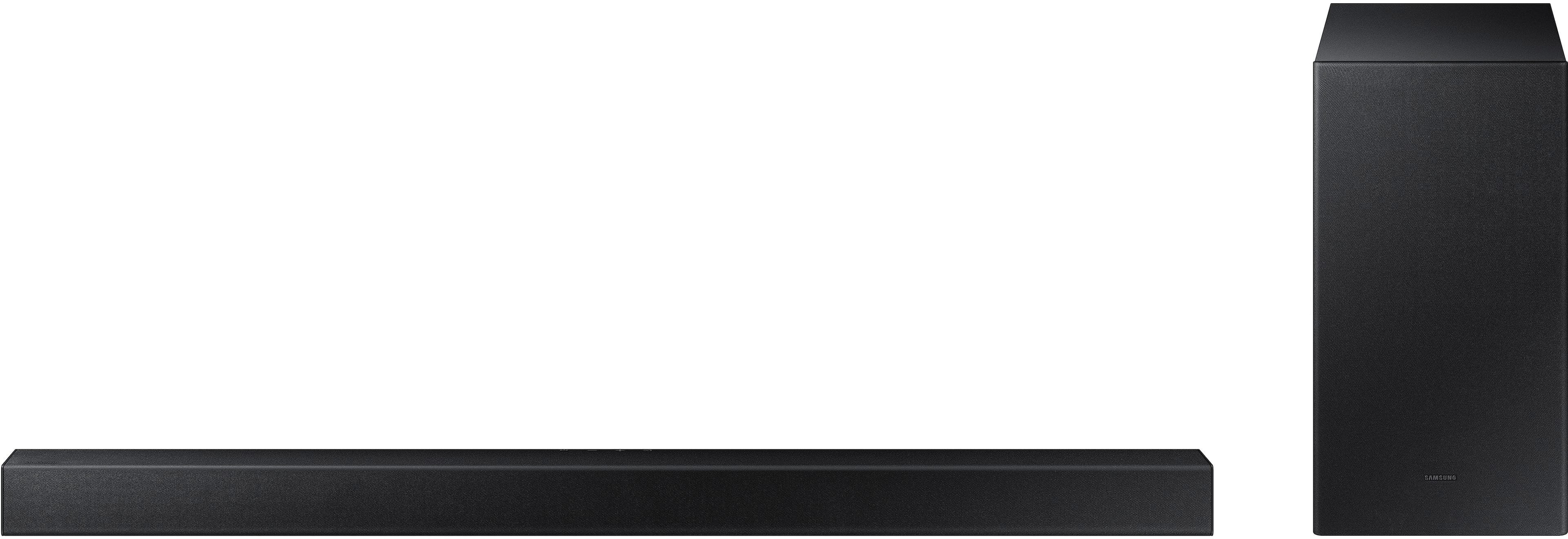
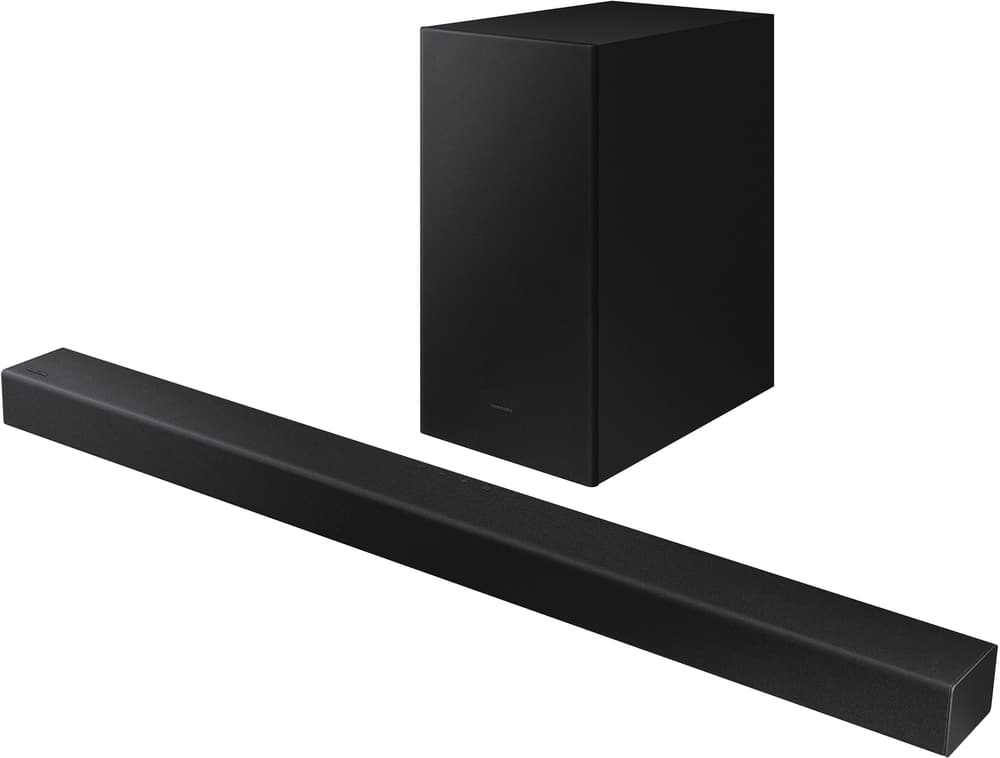

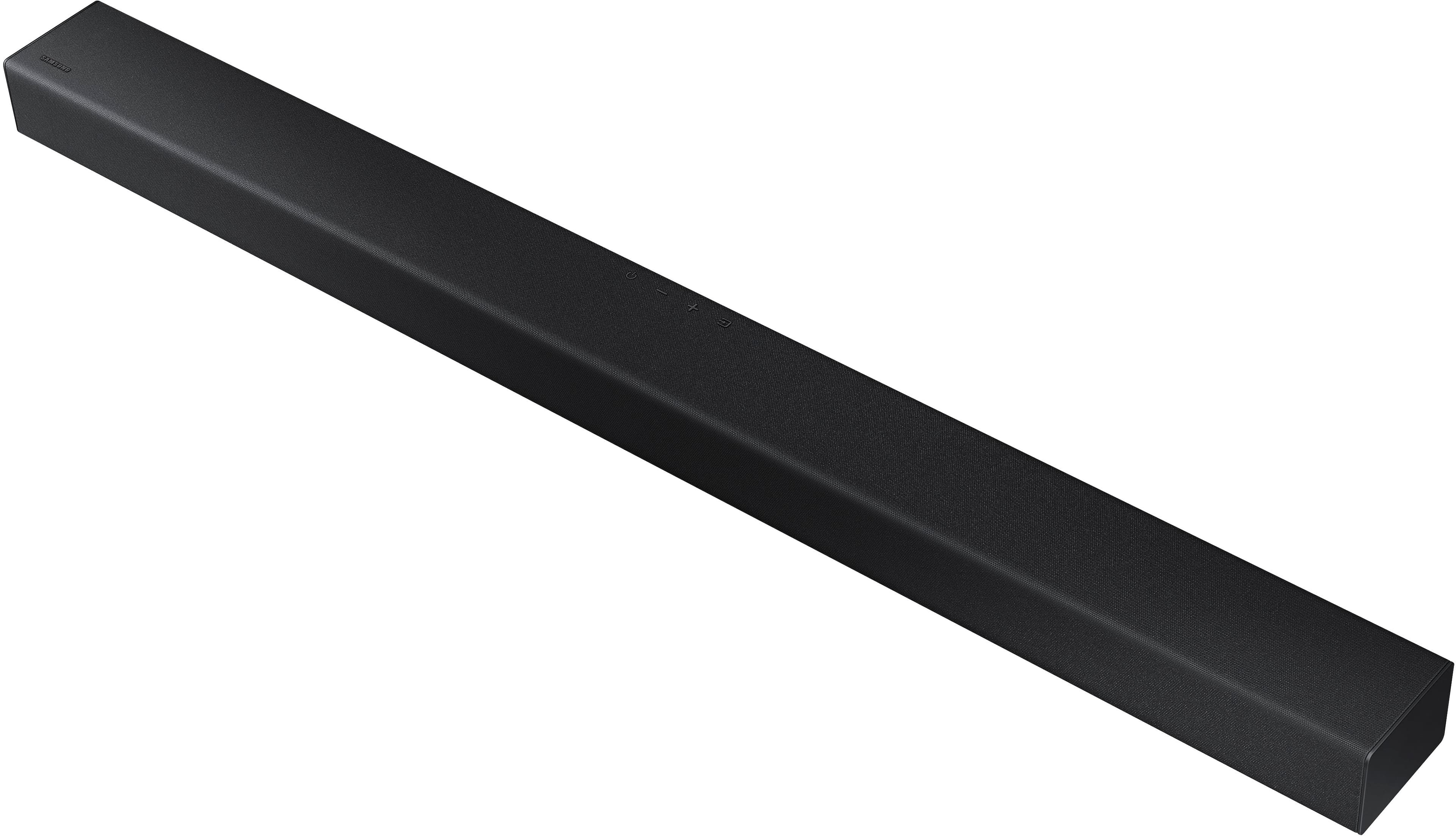
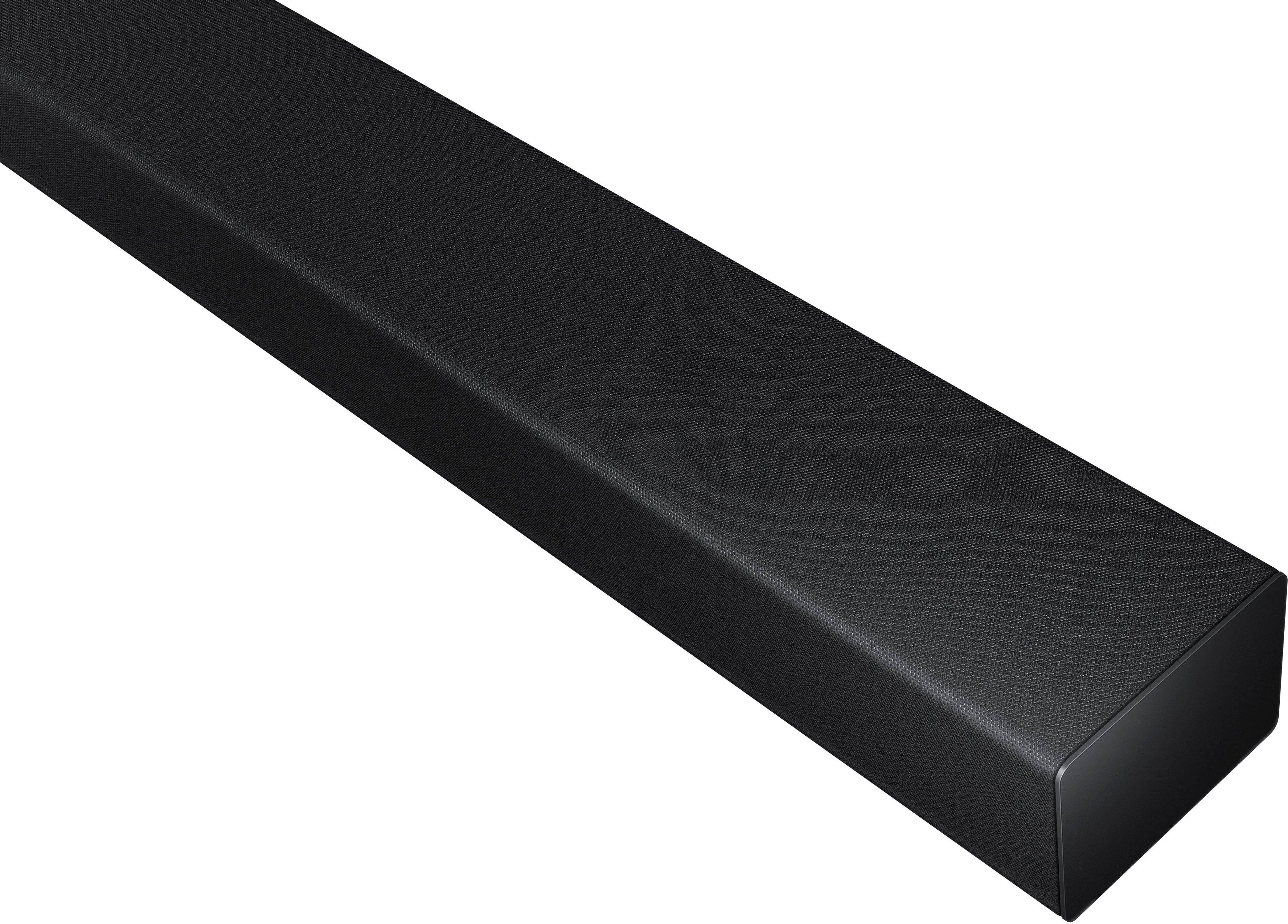
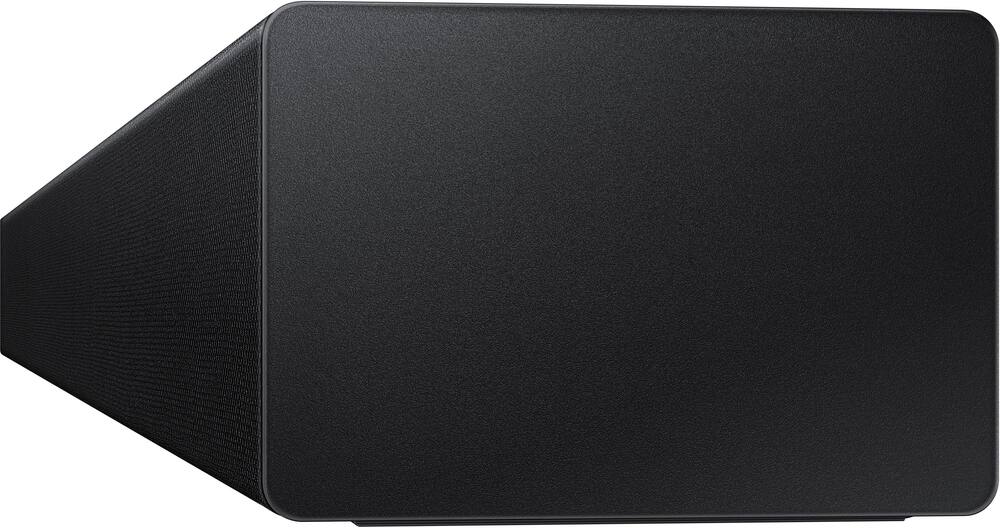
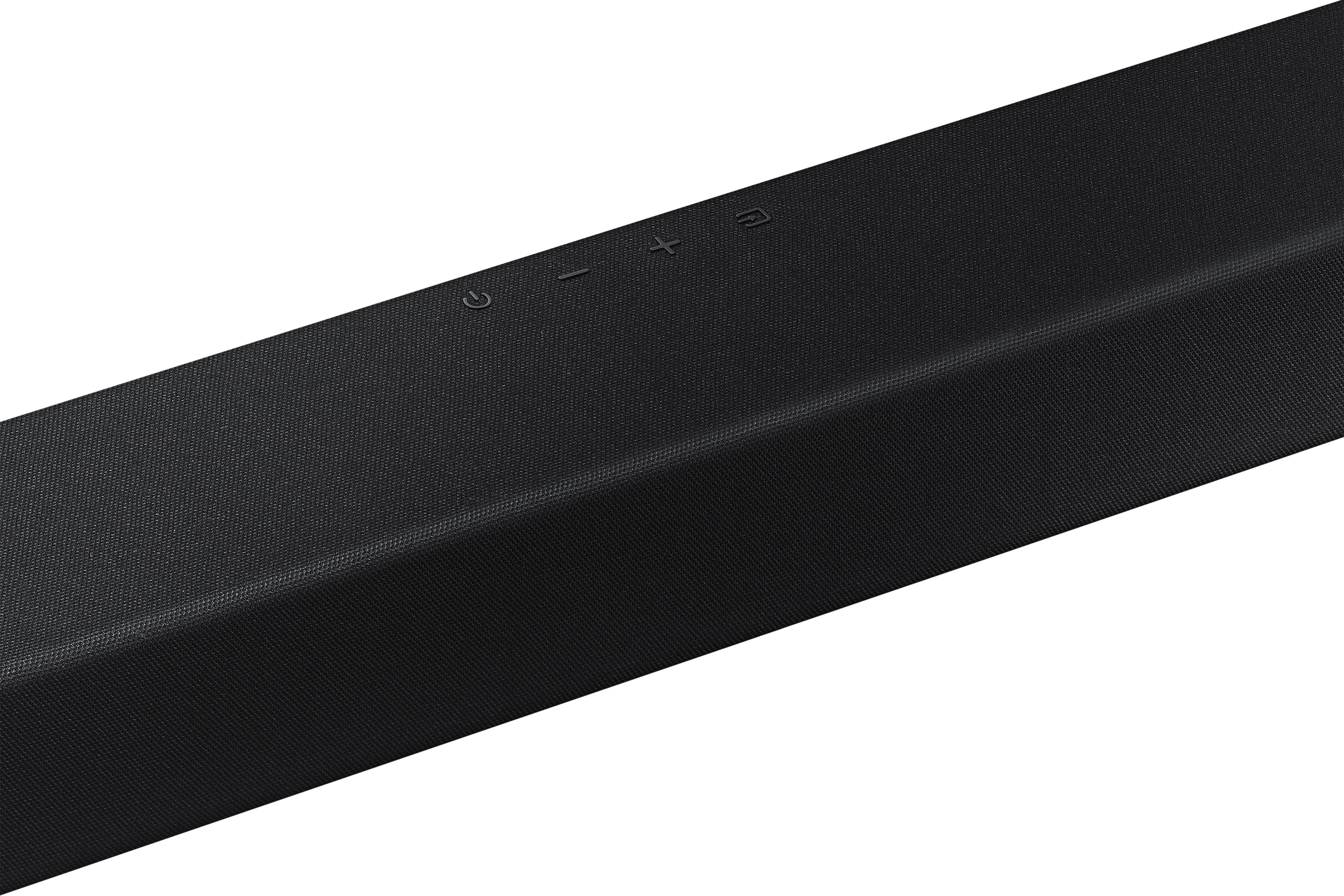
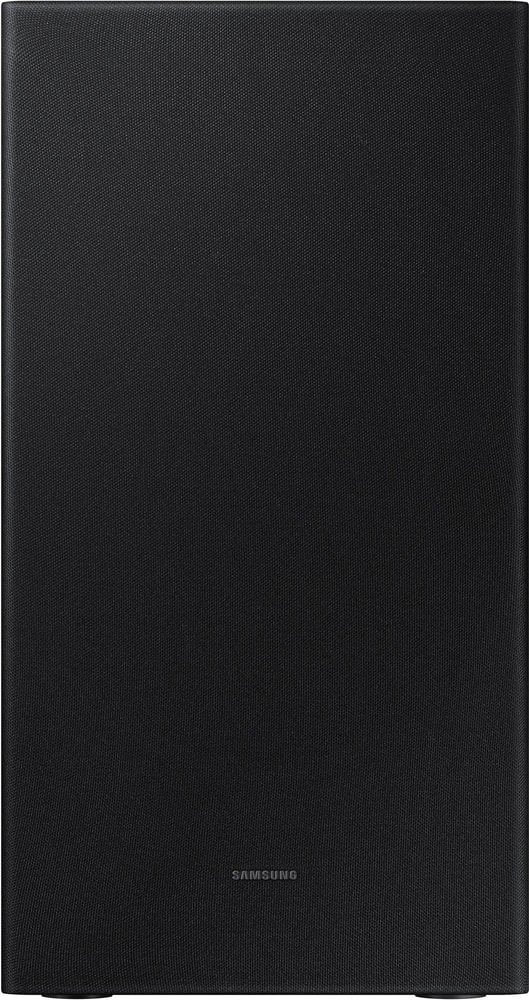
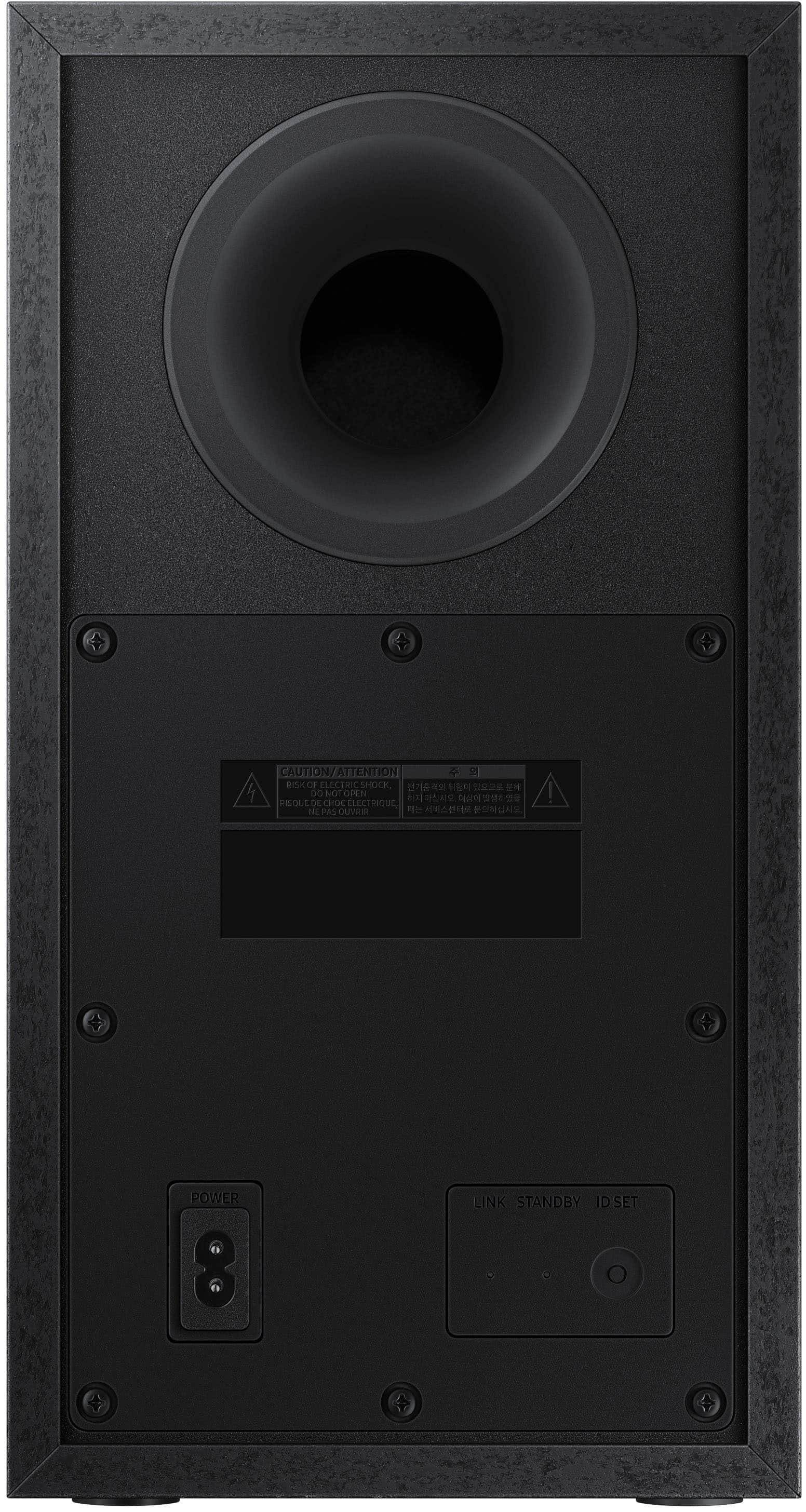
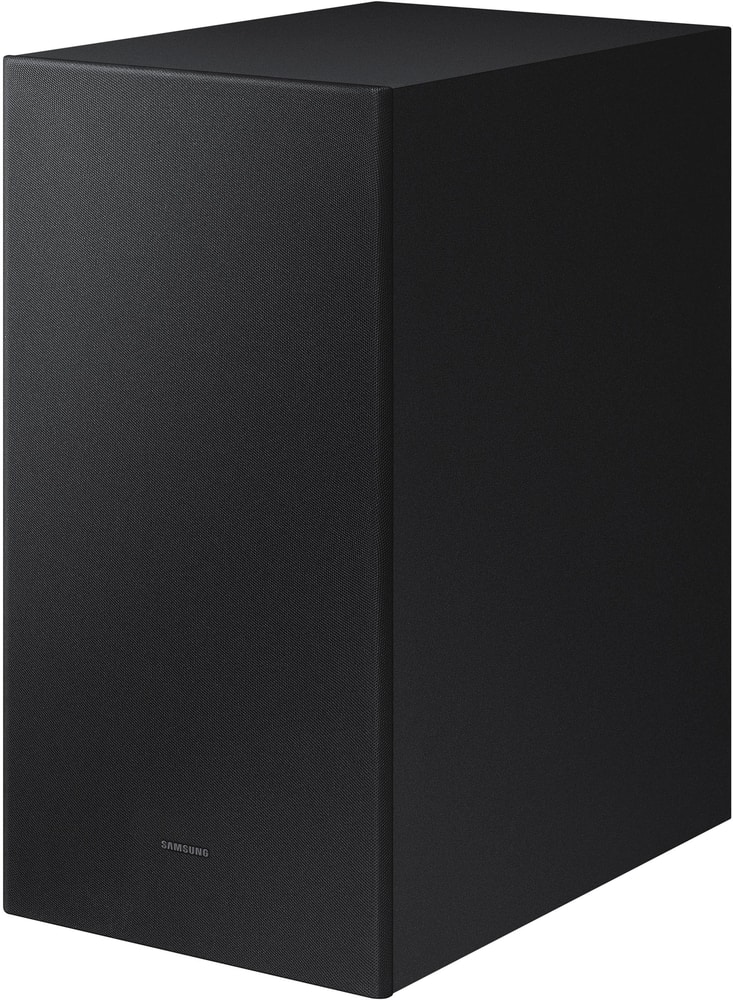
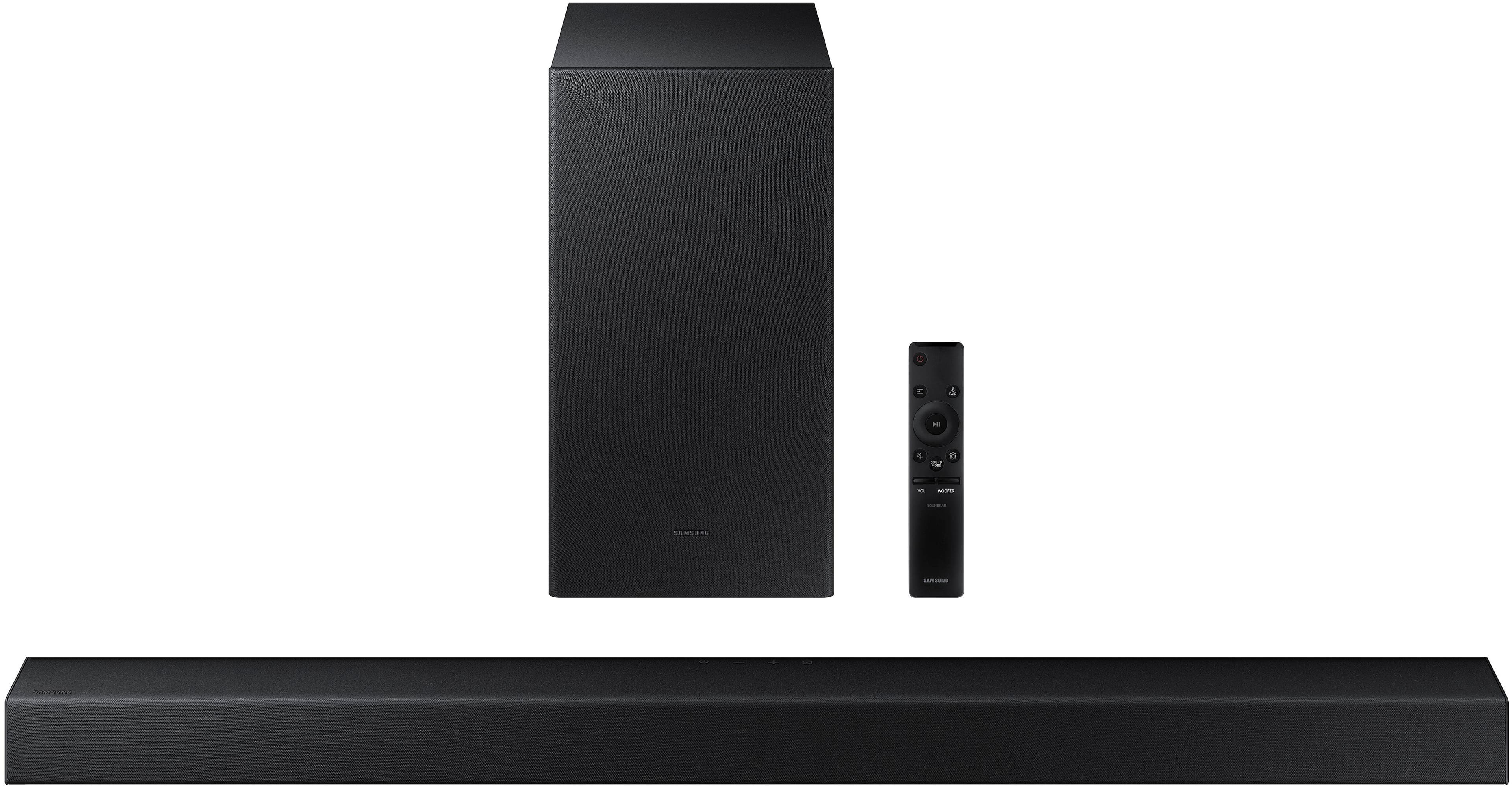
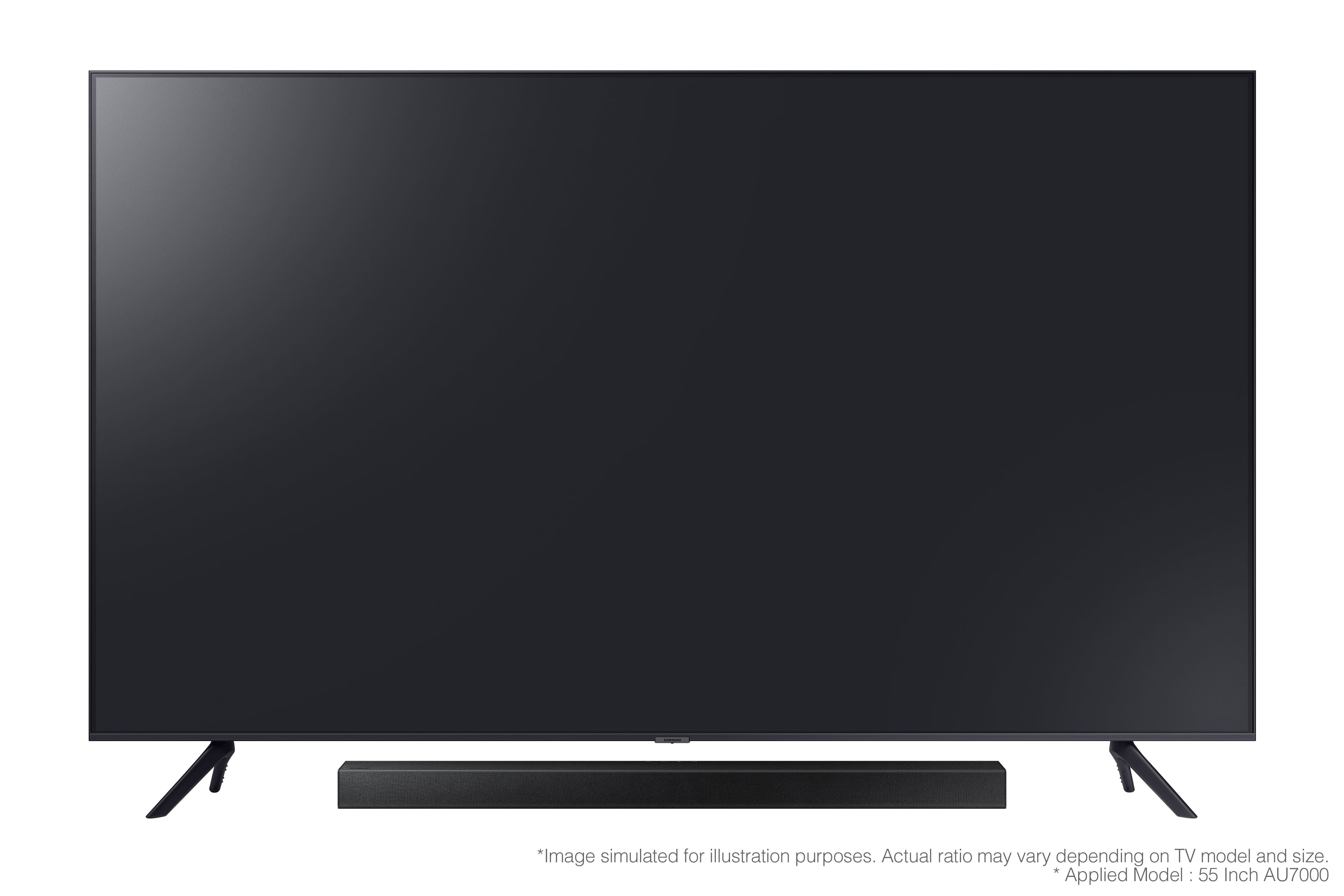

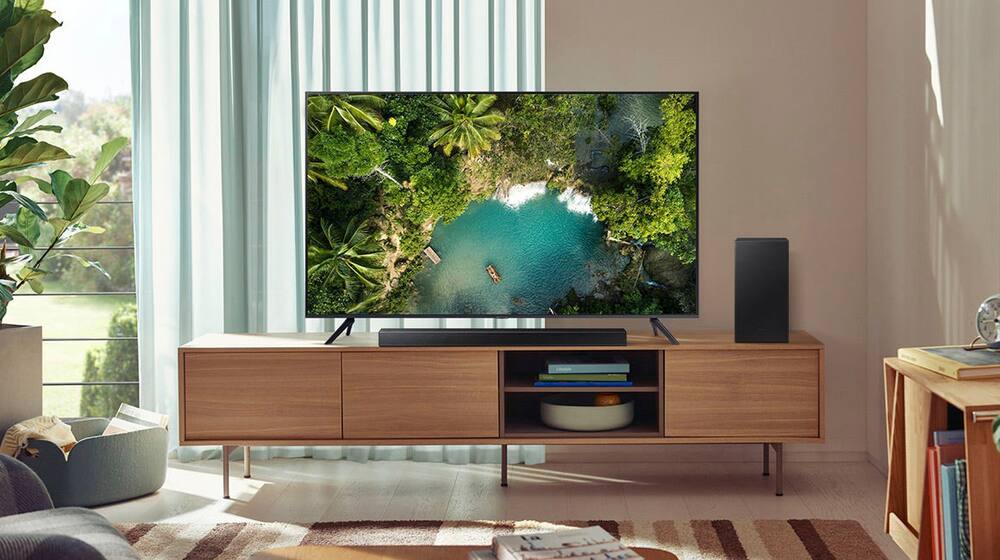


- Model:
- HW-A430/ZA
- SKU:
- 6477363
Rating by feature
- Value
Rating 4.5 out of 5 stars
- Quality
Rating 4.4 out of 5 stars
- Ease of Use
Rating 4.4 out of 5 stars
Customers are saying
Customers are pleased with the sound quality, bass, and ease of use of this 2.1-channel soundbar. Many also appreciate its reasonable price and the convenience of Bluetooth connectivity. However, some customers reported issues with the maximum volume level and the functionality of the remote control. The soundbar's size and setup were generally well-received.
This summary was generated by AI based on customer reviews.
Subwoofer not paring
||Posted .This reviewer received promo considerations or sweepstakes entry for writing a review.Subwoofer not working. I’ve had it a month and opened up. Called Samsung and they couldn’t help.
No, I would not recommend this to a friendBrand response from Samsung
Posted .Hello TraceyT,
Thank you for sharing your experiences regarding the HW-A430 Soundbar. I'm sorry that your setup has been less than ideal.
You can attempt to manually pair your subwoofer to your TV following these instructions.
Make sure that the Soundbar is turned ON.
1. Press and hold ID SET on the rear of the subwoofer for at least 5 seconds.
• The red indicator on the rear of the subwoofer turns off and the blue indicator blinks.
2. Press and hold the Up button on the remote control for at least 5 seconds.
• The ID SET message appears on the display of the Soundbar for a moment, and then it
disappears.
• The Soundbar will automatically power on when ID SET is complete.
3. Check if the LINK LED is solid blue (connection complete).
The LINK LED indicator stops blinking and glows a solid blue when a connection is established between the Soundbar and the Wireless Subwoofer.
If you are still experiencing issues with your connection, please know that we are here to help.
Call us at 1-800-SAMSUNG (ask for Soundbars), available 8 AM – 12 AM EST, 7 days a week.
For additional support resources such as downloading a full manual, visit us on the Samsung website and click on the ‘Support’ link in the upper right corner of the homepage.
~Samsung Solutions
Don’t buy
||Posted . Owned for 3 weeks when reviewed.This reviewer received promo considerations or sweepstakes entry for writing a review.Piece of junk, sub woofer will not work along with the sound quantity of the regular speaker. I’m very disappointed in this and wouldn’t recommend it to anyone.
No, I would not recommend this to a friendBrand response from Samsung
Posted .Hi Todd,
Thank you for sharing your experience with the HW-A430 Samsung Soundbar. We value your feedback. So that we can better troubleshoot your issue with the subwoofer and provide steps towards a solution, please contact Samsung Soundbar Support at 1-800-SAMSUNG (ask for Soundbars), available 8AM - 12AM EST, 7 days a week.
For additional support resources, visit us on the Samsung website and click on the ‘Support’ link in the upper right corner of the homepage for:
1) Chat with Us/Product Help: To begin a chat or find solutions, choose ‘TVs & Home Theater’ and select your model & topic.
2) Manuals & Software
3) Warranty Info
4) Register a Product: For access to easy warranty support, convenient opt-in to special promos and offers, faster troubleshooting and service, and quick notification of system updates
5) Contact Us
~ Samsung Ambassador
Not worth the money.
||Posted . Owned for 2 months when reviewed.This reviewer received promo considerations or sweepstakes entry for writing a review.Dish out the extra hundred or so bucks for A better onem this is to quiet, doesnt sync well with it's own brand of TV and the base on my 7 year old soundbar sounds better.
No, I would not recommend this to a friendBrand response from Samsung
Posted .Hi DisgruntledOne,
Thank you for sharing your review of the Samsung HW-A430. The details you have provided regarding the overall sound performance and delay issues with a Samsung TV are important to us and will be shared with our product teams.
Simply changing the Digital Output Audio Format to PCM can help improve the overall sound performance.
If you don't have a surround system, you will probably want to select PCM. You'll get much louder volume that way, and potentially better sound quality. If your Digital Output Audio Format isn't set to PCM, for instance if you have a Dolby option selected, then you will likely notice decreased maximum volume. Dolby options are designed for surround systems (like 3.1.2 or 7.1), whereas PCM provides great sound quality for stereo speakers.
On a Samsung TV this can be found at Home > Settings > Sound > Expert Settings. (It can also be found in the Quick Settings.)
If the video on the TV and audio from the soundbar are not synchronized, press the SOUND CONTROL button on the soundbar remote, until you see AUDIO SYNC on the display. You can then set the audio delay between 0~300 milliseconds by using the Up/Down buttons.
Additionally, please make sure your soundbar is using the latest firmware version (v.1009). You can update the firmware version of your soundbar by using a USB device. If available, you may also want to update the firmware version of your TV which may feature audio delay improvements.
If you continue to experience audio delay, and are connected wirelessly, please use the included digital optical audio cable to connect the soundbar to the TV. Using a wired connection instead of wireless often eliminates the audio delay entirely and improves the user experience.
I hope this helps. Should you ever have questions or need help, please call us at 1-800-SAMSUNG (ask for Soundbars), available 8AM - 12AM EST, 7 days a week.
For additional support resources, visit us on the Samsung website and click on the ‘Support’ link in the upper right corner of the homepage for:
1) Chat with Us/Product Help: To begin a chat or find solutions, choose ‘TVs & Home Theater’ and select your model & topic.
2) Manuals & Software
3) Warranty Info
4) Register a Product: For access to easy warranty support, convenient opt-in to special promos and offers, faster troubleshooting and service, and quick notification of system updates
5) Contact Us
~ Samsung Solutions
Did Not Work
||Posted . Owned for 2 months when reviewed.This reviewer received promo considerations or sweepstakes entry for writing a review.Bought this as an open box buy. The condition was not as described online. Took it home, plugged it in and it would not power on. Had to return it.
No, I would not recommend this to a friendBrand response from Samsung
Posted .Hi Beach,
Should you ever decide to give Samsung Soundbars another try and have questions or need assistance with settings, setup, or features, please know we are always here to help. Call us at 1-800-SAMSUNG (ask for Soundbars), available 8AM - 12AM EST, 7 days a week.
For additional support resources, visit us on the Samsung website and click on the ‘Support’ link in the upper right corner of the homepage for:
1) Contact Us: For additional Chat & Text options, choose ‘TVs & Home Theater’ and select your model & topic.
2) Manuals, Software, & Warranty Info
We hope to regain you as a customer in the future.
~ Samsung Solutions
Trouble with the blue tooth
||Posted . Owned for 2 months when reviewed.This reviewer received promo considerations or sweepstakes entry for writing a review.After three months my warranty is up a keeps cutting on and off on and off don’t buy this product
No, I would not recommend this to a friend- Pros mentioned:Bass, Ease of use, Sound quality
Great purchase
Posted .This reviewer received promo considerations or sweepstakes entry for writing a review.Excellent sound! Great bass, very easy to install!
I would recommend this to a friend Don’t buy it
||Posted . Owned for 3 months when reviewed.This reviewer received promo considerations or sweepstakes entry for writing a review.Garbage. Doesn’t work 3 months later. Sound was just ok when it worked. Bass too quiet. Controller sucks but now it just doesn’t do anything.
No, I would not recommend this to a friendBrand response from Samsung
Posted .Hi wowswift,
We appreciate your feedback regarding the issues you are experiencing with your HW-A430 Soundbar.
Samsung is committed to providing the best possible product experience, quality, and value. We back this Samsung Soundbar with a 1-year limited manufacturer's warranty, including authorized repair for manufacturer defect, if purchased brand-new directly from an authorized seller. You can view the full details of your warranty here: https://www.samsung.com/us/support/service/warranty/HW-A430/ZA
Please give us the opportunity to assist you by contacting Samsung Customer Support at 1-800-SAMSUNG (ask for Soundbars), available 8AM - 12AM EST, 7 days a week.
For additional support resources, visit us on the Samsung website and click on the ‘Support’ link in the upper right corner of the homepage for:
1) Chat with Us/Product Help: To begin a chat or find solutions, choose ‘TVs & Home Theater’ and select your model & topic.
2) Manuals & Software
3) Warranty Info
4) Register a Product: For access to easy warranty support, convenient opt-in to special promos and offers, faster troubleshooting and service, and quick notification of system updates
5) Contact Us
~ Samsung Solutions
Don’t Bother
||Posted . Owned for 1 month when reviewed.This reviewer received promo considerations or sweepstakes entry for writing a review.No louder than the television. No channel to make speech more clear. Ended up returning this sound bar and purchasing a more expensive one.
No, I would not recommend this to a friendBrand response from Samsung
Posted .Hi RathdrumGal,
Thank you for purchasing the Samsung HW-A430 and for sharing your thought regarding the overall volume of the soundbar. Your experience is very important to us and will be shared with our product team.
It is possible that your unit needed minor troubleshooting, a firmware update, or adjustments in settings.
Should you ever decide to give Samsung Soundbars another try and have questions or need assistance with settings, setup, or features, please know we are always here to help. Call us at 1-800-SAMSUNG (ask for Soundbars), available 8AM - 12AM EST, 7 days a week.
For additional support resources, visit us on the Samsung website and click on the ‘Support’ link in the upper right corner of the homepage for:
1) Contact Us: For additional Chat & Text options, choose ‘TVs & Home Theater’ and select your model & topic.
2) Manuals, Software, & Warranty Info
We hope to regain you as a customer in the future.
~ Samsung Solutions
No more best buy!!!!!!!!!!
||Posted .This reviewer received promo considerations or sweepstakes entry for writing a review.does not work out of box. bought geek squad contract, can not talk to a real person. I am never shopping Best Buy again !!!!!!!!!!!!!!!
No, I would not recommend this to a friendBrand response from Samsung
Posted .Hi,
I am very sorry to hear about your out of box experience with the HW-A430. Please know, Samsung is committed to providing the best possible product experience, quality, and value. We back this Samsung Soundbar with a 1-year limited manufacturer's warranty, including authorized repair for manufacturer defect, if purchased brand-new directly from an authorized seller. You can view the full details of your warranty here: https://www.samsung.com/us/support/service/warranty/HW-A430/ZA
Please give us the opportunity to assist you by contacting us at 1-800-SAMSUNG (ask for Soundbars), available 8AM - 12AM EST, 7 days a week.
For additional support resources, visit us on the Samsung website and click on the ‘Support’ link in the upper right corner of the homepage for:
1) Chat with Us/Product Help: To begin a chat or find solutions, choose ‘TVs & Home Theater’ and select your model & topic.
2) Manuals & Software
3) Warranty Info
4) Register a Product: For access to easy warranty support, convenient opt-in to special promos and offers, faster troubleshooting and service, and quick notification of system updates
5) Contact Us
~ Samsung Solutions
Quality
||Posted . Owned for 1 month when reviewed.This reviewer received promo considerations or sweepstakes entry for writing a review.I bough this and it stopped working in less of three months and there was not possible to return or fix it with the seller.
No, I would not recommend this to a friendBrand response from Samsung
Posted .Hi Freeman13,
Thank you for purchasing the Samsung HW-A430 Soundbar. We appreciate you sharing your experience with us.
Samsung products are engineered to the highest standards of performance and quality and we back this model with a 1-year limited manufacturer's warranty, if purchased brand-new directly from an authorized seller.
Please contact Samsung Customer Support for troubleshooting or warranty assistance.
At 1-800-SAMSUNG (ask for Soundbars), available 8AM - 12AM EST, 7 days a week.
For additional support resources, visit us on the Samsung website and click on the ‘Support’ link in the upper right corner of the homepage for:
1) Chat with Us/Product Help: To begin a chat or find solutions, choose ‘TVs & Home Theater’ and select your model & topic.
2) Manuals & Software
3) Warranty Info
4) Register a Product: For access to easy warranty support, convenient opt-in to special promos and offers, faster troubleshooting and service, and quick notification of system updates
5) Contact Us
~ Samsung Solutions
Defective
||Posted . Owned for 3 weeks when reviewed.This reviewer received promo considerations or sweepstakes entry for writing a review.There was a defective cord which prevented us from using the sound bar. We returned the item and purchased a different sound bar.
No, I would not recommend this to a friendBrand response from Samsung
Posted .Hi,
We appreciate you sharing your experience with the HW-A430 Soundbar from Samsung. Your feedback is important in helping us provide crucial factors regarding customer satisfaction.
We hope that, despite this incident, you would consider Samsung in the future, and stop by your local Best Buy to experience in person the impressive audio performance of our soundbars.
Should you ever decide to give Samsung Soundbars another try and have questions or need assistance with settings, setup, or features, please know we are always here to help. Call us at 1-800-SAMSUNG (ask for Soundbars), available 8AM - 12AM EST, 7 days a week.
For additional support resources, visit us on the Samsung website and click on the ‘Support’ link in the upper right corner of the homepage for:
1) Contact Us: For additional Chat & Text options, choose ‘TVs & Home Theater’ and select your model & topic.
2) Manuals, Software, & Warranty Info
We hope to regain you as a customer in the future.
~ Samsung Solutions
Terrible sound quality
||Posted . Owned for 1 month when reviewed.This reviewer received promo considerations or sweepstakes entry for writing a review.Terrible sound. I wish I would have paid for a better quality. I would not recommend this sound bar ever!!
No, I would not recommend this to a friendTroubleshooting
||Posted .This reviewer received promo considerations or sweepstakes entry for writing a review.After having this item for a week or two, it won't leave pairing mode. Has anyone else had this issue?
No, I would not recommend this to a friendPoor Quality
||Posted . Owned for 4 months when reviewed.This reviewer received promo considerations or sweepstakes entry for writing a review.The sound doesn’t provide sound bar quality. It’s no different than turning the sound up on your tv. I returned it.
No, I would not recommend this to a friendBrand response from Samsung
Posted .Hi asianmanws6,
We appreciate you sharing your experience with us and detailing the reasons that led you to return your HW-A430 Soundbar. It is our customers’ concerns and opinions that drive our continuous efforts towards delivering world-class service and products.
It is possible that your unit needed minor troubleshooting, a firmware update, or adjustments in settings.
Should you ever decide to give Samsung Soundbars another try and have questions or need assistance with settings, setup, or features, please know we are always here to help. Call us at 1-800-SAMSUNG (ask for Soundbars), available 8AM - 12AM EST, 7 days a week.
For additional support resources, visit us on the Samsung website and click on the ‘Support’ link in the upper right corner of the homepage for:
1) Contact Us: For additional Chat & Text options, choose ‘TVs & Home Theater’ and select your model & topic.
2) Manuals, Software, & Warranty Info
We hope to regain you as a customer in the future.
~ Samsung Solutions
Do not purchase
||Posted .This reviewer received promo considerations or sweepstakes entry for writing a review.very bad sound. Base is too high even when I tune it down all the way. Background noise overwhelms the dialogue.
No, I would not recommend this to a friendBrand response from Samsung
Posted .Hi there,
We appreciate your feedback regarding the audio performance of your soundbar and that your initial troubleshooting steps did not improve the experience.
In addition to the quick adjustments you have tried, you can use the 7-band frequency equalizer to optimize the sound for your room acoustics. With the sound mode set to Standard, press, and hold the Sound Control button for about 5 seconds. 150Hz, 300Hz, 600Hz, 1.2kHz, 2.5kHz, 5kHz, and 10kHz are selectable using the Left/Right buttons and each can be adjusted to a setting between -6 to +6 using the Up/Down buttons.
Should you have further questions about optimizing the audio to your personal preference, please call us at 1-800-SAMSUNG (ask for Soundbars), available 8AM - 12AM EST, 7 days a week.
For additional support resources, visit us on the Samsung website and click on the ‘Support’ link in the upper right corner of the homepage for:
1) Chat with Us/Product Help: To begin a chat or find solutions, choose ‘TVs & Home Theater’ and select your model & topic.
2) Manuals & Software
3) Warranty Info
4) Register a Product: For access to easy warranty support, convenient opt-in to special promos and offers, faster troubleshooting and service, and quick notification of system updates
5) Contact Us
~ Samsung Solutions
Not worth it
||Posted . Owned for 2 months when reviewed.This reviewer received promo considerations or sweepstakes entry for writing a review.This was not worth it I returned and got a Vizio one instead with a built-in subwoofer on one soundbar
No, I would not recommend this to a friendBrand response from Samsung
Posted .Hi Jesus,
We always aim to deliver a great experience, and it’s unfortunate to hear the HW-A430 soundbar did not meet your expectations.
Should you ever decide to give Samsung audio products another try and have concerns or questions, please know we are always here to help. You can contact Samsung Customer Support at 1-800-SAMSUNG (ask for Soundbars), available 8AM - 12AM EST, 7 days a week.
For additional support resources, visit us on the Samsung website and click on the ‘Support’ link in the upper right corner of the homepage for:
1) Contact Us: For additional Chat & Text options, choose ‘TVs & Home Theater’ and select your model & topic.
2) Manuals, Software, & Warranty Info
Again, thank you for taking the time to share your experience. We hope to regain you as a customer in the near future.
~ Samsung Solutions
Wastedmoney
||Posted . Owned for 1 month when reviewed.This reviewer received promo considerations or sweepstakes entry for writing a review.Sound delay, tv same brand Samsung, I don’t used it , I lost my money
No, I would not recommend this to a friendBrand response from Samsung
Posted .Hi Wastedmoney,
Thank you for purchasing the HW-A430 soundbar and for your review. We value your feedback regarding the sound synchronization issue you are experiencing.
If the video on the TV and audio from the soundbar are not synchronized, press the SOUND CONTROL button on the soundbar remote, until you see AUDIO SYNC on the display. You can then set the audio delay between 0~300 milliseconds by using the Up/Down buttons.
Additionally, please make sure your soundbar is using the latest firmware version (v.1009). You can update the firmware version of your soundbar by using a USB device. If available, you may also want to update the firmware version of your TV which may feature audio delay improvements.
If you continue to experience audio delay, and are connected wirelessly, please use the included digital optical audio cable to connect the soundbar to the TV. Using a wired connection instead of wireless often eliminates the audio delay entirely.
Should you ever have questions or need help, please call us at 1-800-SAMSUNG (ask for Soundbars), available 8AM - 12AM EST, 7 days a week.
For additional support resources, visit us on the Samsung website and click on the ‘Support’ link in the upper right corner of the homepage for:
1) Chat with Us/Product Help: To begin a chat or find solutions, choose ‘TVs & Home Theater’ and select your model & topic.
2) Manuals & Software
3) Warranty Info
4) Register a Product: For access to easy warranty support, convenient opt-in to special promos and offers, faster troubleshooting and service, and quick notification of system updates
5) Contact Us
~ Samsung Solutions
Terrible Sound Output
||Posted . Owned for 3 weeks when reviewed.This reviewer received promo considerations or sweepstakes entry for writing a review.The sound output is terrible. The sound coming out from the TV is much better without the sound bar.
No, I would not recommend this to a friendBrand response from Samsung
Posted .Hi SmartTV,
Thank you for purchasing the Samsung HW-A430 Soundbar and for your review. We appreciate your feedback regarding the volume of your soundbar. Simply changing the Digital Output Audio Format to PCM can help improve the overall sound performance.
If you don't have a surround system, you will probably want to select PCM. You'll get much louder volume that way, and potentially better sound quality. If your Digital Output Audio Format isn't set to PCM, for instance if you have a Dolby option selected, then you will likely notice decreased maximum volume. Dolby options are designed for surround systems (like 3.1.2 or 7.1), whereas PCM provides great sound quality for stereo speakers.
On a Samsung TV this can be found at Home > Settings > Sound > Expert Settings. (It can also be found in the Quick Settings.)
I hope this helps. For further assistance with settings, features, or functions, please contact Samsung Customer Support at 1-800-SAMSUNG (ask for Soundbars), available 8AM - 12AM EST, 7 days a week.
For additional support resources, visit us on the Samsung website and click on the ‘Support’ link in the upper right corner of the homepage for:
1) Chat with Us/Product Help: To begin a chat or find solutions, choose ‘TVs & Home Theater’ and select your model & topic.
2) Manuals & Software
3) Warranty Info
4) Register a Product: For access to easy warranty support, convenient opt-in to special promos and offers, faster troubleshooting and service, and quick notification of system updates
5) Contact Us
~ Samsung Solutions
TERRIBLE SOUND QUALITY
||Posted . Owned for 1 month when reviewed.This reviewer received promo considerations or sweepstakes entry for writing a review.The quality was horrible. The tv on its own was louder than with this sound bar connected.
No, I would not recommend this to a friendBrand response from Samsung
Posted .Hi Good,
I am sorry to hear that you are not completely satisfied with the overall volume of your new HW-A430 soundbar. If you don't have a surround system, you will probably want to select PCM audio on your TV. You'll get much louder volume that way, and potentially better sound quality.
If your Digital Output Audio Format isn't set to PCM, for instance if you have a Dolby option selected, then you will likely notice decreased maximum volume. Dolby options are designed for surround systems (like 3.1.2 or 7.1), whereas PCM provides great sound quality for stereo speakers.
On a Samsung TV this can be found at Home > Settings > Sound > Expert Settings. (It can also be found in the Quick Settings.)
I hope this helps. For further assistance with settings, features, or functions, please contact Samsung Customer Support at 1-800-SAMSUNG (ask for Soundbars), available 8AM - 12AM EST, 7 days a week.
For additional support resources, visit us on the Samsung website and click on the ‘Support’ link in the upper right corner of the homepage for:
1) Chat with Us/Product Help: To begin a chat or find solutions, choose ‘TVs & Home Theater’ and select your model & topic.
2) Manuals & Software
3) Warranty Info
4) Register a Product: For access to easy warranty support, convenient opt-in to special promos and offers, faster troubleshooting and service, and quick notification of system updates
5) Contact Us
~ Samsung Solutions
waste of money
||Posted . Owned for 1 week when reviewed.This reviewer received promo considerations or sweepstakes entry for writing a review.if you buying this save your money. its the same as your tv volume.
No, I would not recommend this to a friendBrand response from Samsung
Posted .Hello,
Thank you for sharing your review of the Samsung HW-A430. We appreciate your feedback regarding the audio performance of your soundbar.
This soundbar features a powerful wireless subwoofer, as well as Bass Boost mode to instantly amplify the bass with a touch of a button. You can try manually optimizing your settings by pressing the SOUND MODE button on your remote, and then selecting the desired sound effect by choosing STANDARD, SURROUND SOUND, or BASS BOOST.
You can further adjust TREBLE via the SOUND CONTROL button (looks like a gear symbol).
There are two additional adjustments that can be made for bass and subwoofer:
1) Using the WOOFER button on the remote, you can adjust the volume of the subwoofer between -6 to +6 by toggling the button up or down. To set the subwoofer volume level to 0, press the button down
2) Adjust the bass control by pressing the SOUND CONTROL button on the remote control, then select BASS to increase the level. You can adjust the volume between -6 to +6 by using the Up/Down buttons.
For precise audio adjustments, you can use the 7-band frequency equalizer to optimize the sound for your room acoustics. With the sound mode set to Standard, press, and hold the Sound Control button for about 5 seconds. 150Hz, 300Hz, 600Hz, 1.2kHz, 2.5kHz, 5kHz, and 10kHz are selectable using the Left/Right buttons and each can be adjusted to a setting between -6 to +6 using the Up/Down buttons.
Should you ever have questions or need help, please call us at 1-800-SAMSUNG (ask for Soundbars), available 8 AM – 12 AM EST, 7 days a week.
For additional support resources such as downloading a full manual, visit us on the Samsung website and click on the ‘Support’ link in the upper right corner of the homepage.
~Samsung Solutions