Customer Ratings & Reviews

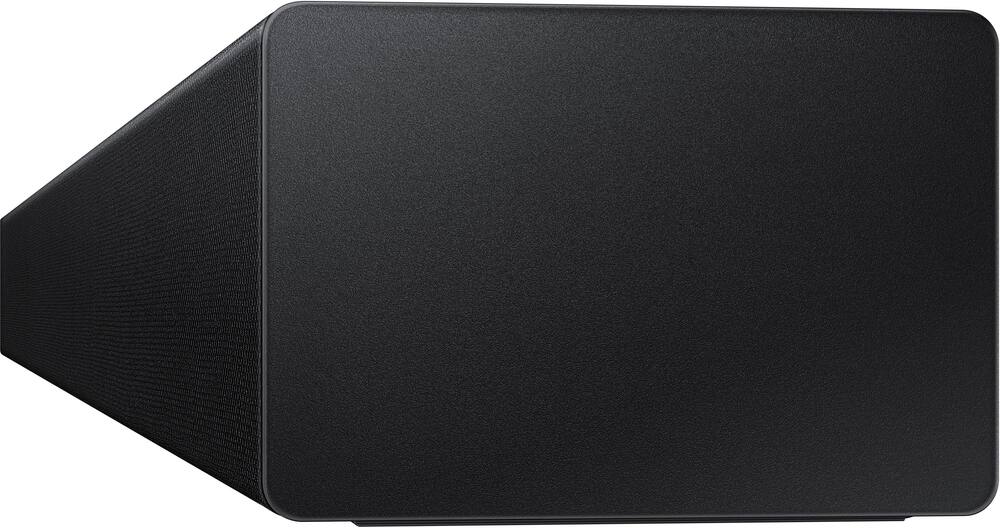
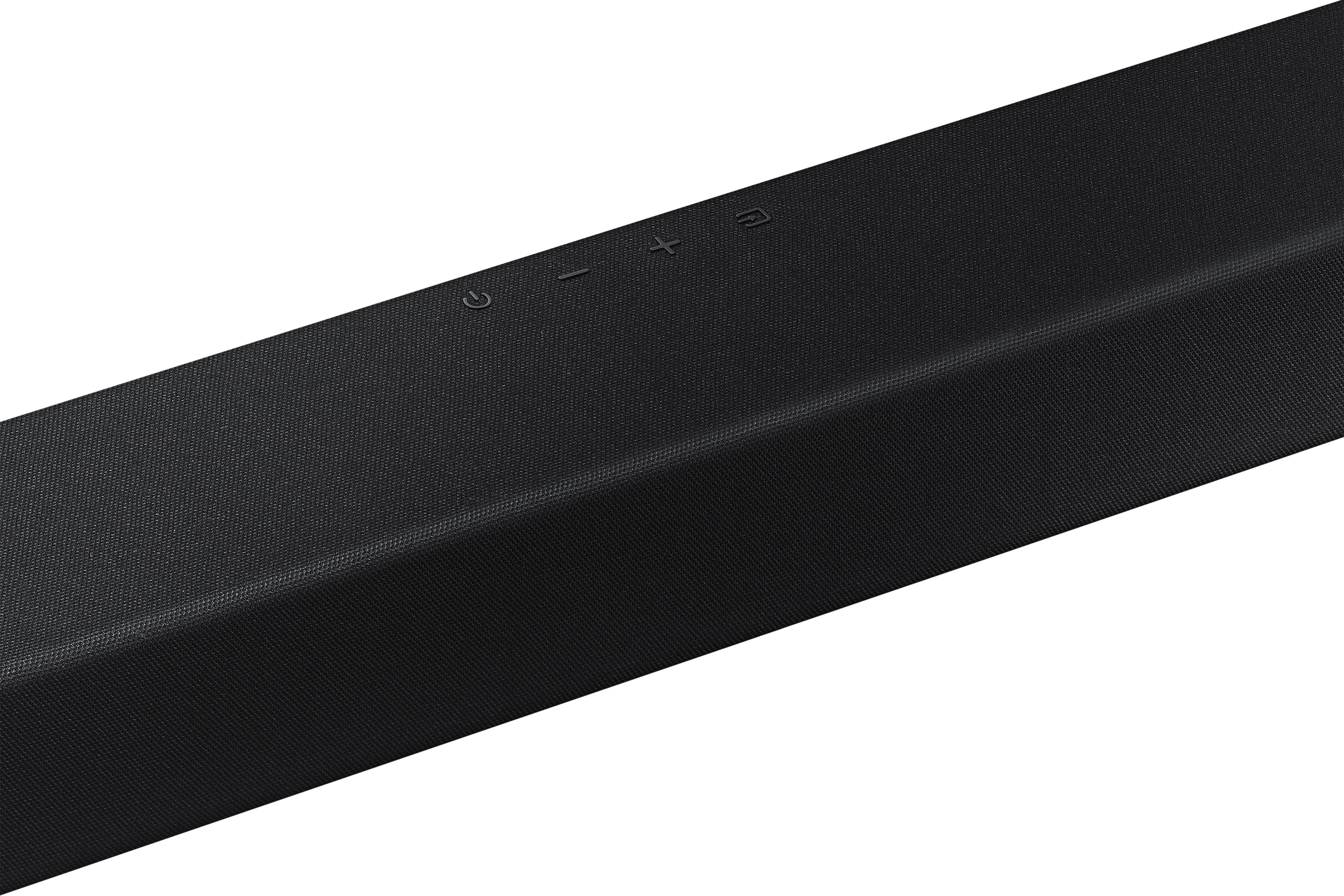
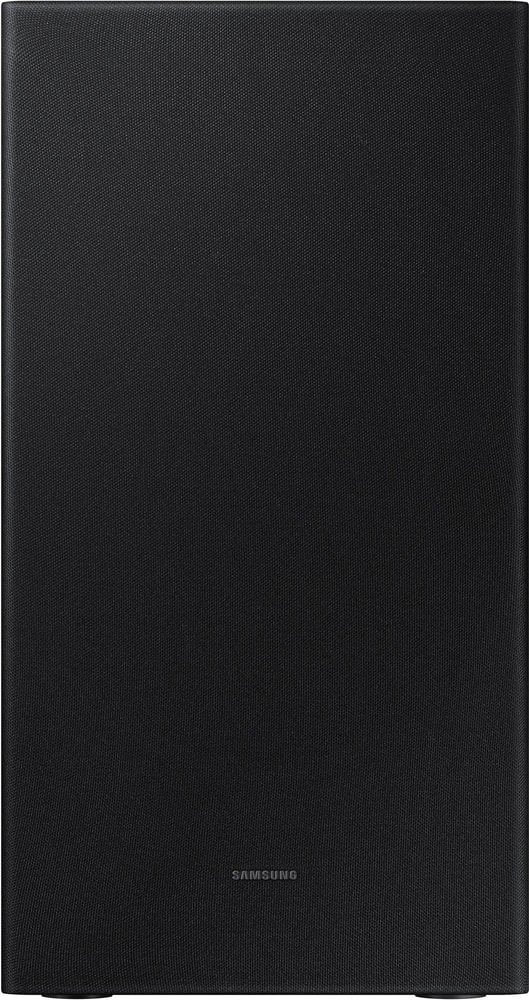
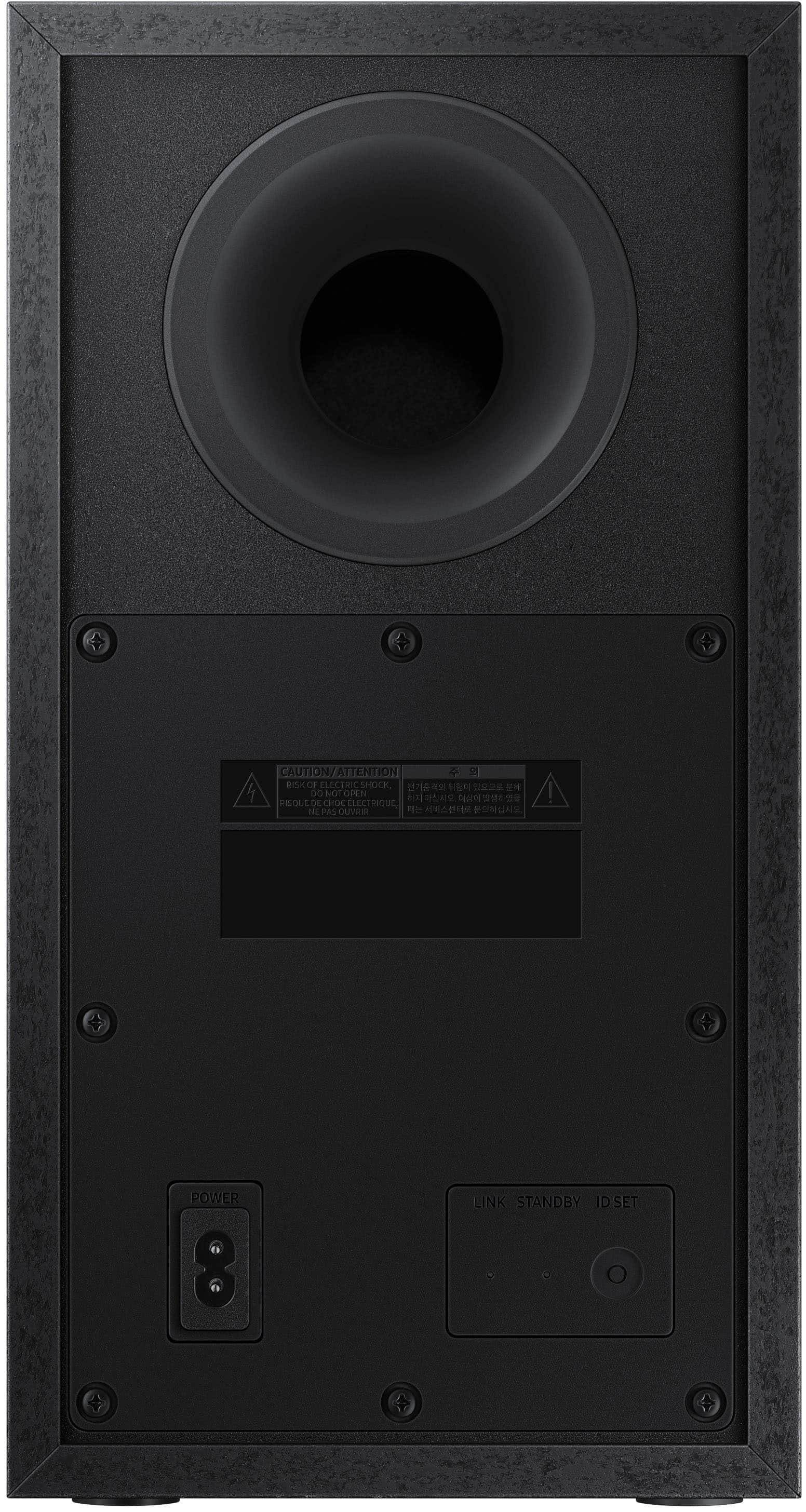



- Model:
- HW-A430/ZA
- SKU:
- 6477363
Rating by feature
- Value
Rating 4.5 out of 5 stars
- Quality
Rating 4.4 out of 5 stars
- Ease of Use
Rating 4.4 out of 5 stars
Customers are saying
Customers are pleased with the sound quality, bass, and ease of use of this 2.1-channel soundbar. Many also appreciate its reasonable price and the convenience of Bluetooth connectivity. However, some customers reported issues with the maximum volume level and the functionality of the remote control. The soundbar's size and setup were generally well-received.
This summary was generated by AI based on customer reviews.
- Pros mentioned:Sound quality
Love It!
Posted .This reviewer received promo considerations or sweepstakes entry for writing a review.Excellent, the quality is great and loud and very clear
I would recommend this to a friend - Pros mentioned:Sound quality
TarshaTerrell
Posted .This reviewer received promo considerations or sweepstakes entry for writing a review.QUALITY PRODUCT....I WOULD HIGHLY RECOMMEND TO BUY!!!
I would recommend this to a friend - Pros mentioned:Sound quality
Great buy
Posted .This reviewer received promo considerations or sweepstakes entry for writing a review.Great product sounds amazing easy to connect and use
I would recommend this to a friend - Pros mentioned:Sound quality
Sound bar saves our sanity
Posted .This reviewer received promo considerations or sweepstakes entry for writing a review.Easy to set up and the quality of the sound is very good
I would recommend this to a friend - Cons mentioned:Volume
Disappointed
Posted .This reviewer received promo considerations or sweepstakes entry for writing a review.Sound bars volume didn’t work called Samsung and after 3 weeks they finally sent me a replacement remote that also didn’t work. Returning item this weekend.
No, I would not recommend this to a friendBrand response from Samsung
Posted .Hi Wontbuyanotherone,
Thank you for your review of the Samsung HW-A430 Soundbar and for sharing the issues you experienced with the remote that have caused you to return your unit. Your experience is very important to us and will be shared with our product team.
Should you ever decide to give Samsung Soundbars another try and have questions or need assistance with settings, setup, or features, please know we are always here to help. You can reach us at 1-800-SAMSUNG (ask for Soundbars), available 8AM - 12AM EST, 7 days a week.
For additional support resources, visit us on the Samsung website and click on the ‘Support’ link in the upper right corner of the homepage for:
1) Chat with Us/Product Help: To begin a chat or find solutions, choose ‘TVs & Home Theater’ and select your model & topic.
2) Manuals & Software
3) Warranty Info
4) Register a Product: For access to easy warranty support, convenient opt-in to special promos and offers, faster troubleshooting and service, and quick notification of system updates
5) Contact Us
~ Samsung Solutions
Not worth the money
Posted .This reviewer received promo considerations or sweepstakes entry for writing a review.I purchased this sound-bar pair with my Samsung tv. It doesn’t get really long and the subwoofer is almost non existent. There is no “Boom” effect.
No, I would not recommend this to a friendBrand response from Samsung
Posted .Hello TaneshaM,
Thank you for sharing your review of the Samsung HW-A430. We appreciate your feedback regarding the audio performance of your soundbar.
You can try manually optimizing your settings by pressing the SOUND MODE button on your remote, and then selecting the desired sound effect by choosing STANDARD, SURROUND SOUND, or BASS BOOST.
You can further adjust TREBLE via the SOUND CONTROL button (looks like a gear symbol).
There are two additional adjustments that can be made for bass and subwoofer:
1) Using the WOOFER button on the remote, you can adjust the volume of the subwoofer between -6 to +6 by toggling the button up or down. To set the subwoofer volume level to 0, press the button down
2) Adjust the bass control by pressing the SOUND CONTROL button on the remote control, then select BASS to increase the level. You can adjust the volume between -6 to +6 by using the Up/Down buttons.
For precise audio adjustments, you can use the 7-band frequency equalizer to optimize the sound for your room acoustics. With the sound mode set to Standard, press, and hold the Sound Control button for about 5 seconds. 150Hz, 300Hz, 600Hz, 1.2kHz, 2.5kHz, 5kHz, and 10kHz are selectable using the Left/Right buttons and each can be adjusted to a setting between -6 to +6 using the Up/Down buttons.
If you need further assistance, please know Samsung Customer Support is here to help. Call us at 1-800-SAMSUNG (ask for Soundbars), available 8 AM – 12 AM EST, 7 days a week.
LiveChat with an agent by clicking the ‘Support’ link on the Samsung website.
~Samsung Solutions
Liked it
Posted .This reviewer received promo considerations or sweepstakes entry for writing a review.Overall great product. The only pitfall is that this product will not connect with bluetooth to a tv if it is not 2017 or newer samsung tv. You can still connect with optical cable.
I would recommend this to a friend- Cons mentioned:Remote control
Remote cover wont open
Posted .This reviewer received promo considerations or sweepstakes entry for writing a review.Remote cover is impossible to open… returning tomorrow and just bought today. Gave 1 start because I cant use the product to actually review.
No, I would not recommend this to a friendBrand response from Samsung
Posted .Hi Mich,
I am very sorry for the issue you experienced in opening the battery cover on your remote. We appreciate you sharing your user experience with us and will share it with our internal teams.
If you should ever have questions regarding setup, function, features, or settings of a future Samsung audio device, please know that Samsung Customer Support is here to help. Call us at 1-800-SAMSUNG (ask for Soundbars), available 8AM - 12AM EST, 7 days a week.
For additional support resources, visit us on the Samsung website and click on the ‘Support’ link in the upper right corner of the homepage for:
1) Contact Us: For additional Chat & Text options, choose ‘TVs & Home Theater’ and select your model & topic.
2) Manuals, Software, & Warranty Info
We hope to regain you as a customer in the future.
~ Samsung Solutions
- Cons mentioned:Volume
Soundbar not very good
Posted .This reviewer received promo considerations or sweepstakes entry for writing a review.Lacks volume! Think i could turn TV speakers higher. Hard to see volume setting, lighting too dim.
No, I would not recommend this to a friendBrand response from Samsung
Posted .Hello,
Thank you for sharing your review of the Samsung HW-A430. We appreciate your feedback regarding the audio performance of your soundbar.
This soundbar features a powerful wireless subwoofer, as well as Bass Boost mode to instantly amplify the bass with a touch of a button. You can try manually optimizing your settings by pressing the SOUND MODE button on your remote, and then selecting the desired sound effect by choosing STANDARD, SURROUND SOUND, or BASS BOOST.
You can further adjust TREBLE via the SOUND CONTROL button (looks like a gear symbol).
There are two additional adjustments that can be made for bass and subwoofer:
1) Using the WOOFER button on the remote, you can adjust the volume of the subwoofer between -6 to +6 by toggling the button up or down. To set the subwoofer volume level to 0, press the button down
2) Adjust the bass control by pressing the SOUND CONTROL button on the remote control, then select BASS to increase the level. You can adjust the volume between -6 to +6 by using the Up/Down buttons.
For precise audio adjustments, you can use the 7-band frequency equalizer to optimize the sound for your room acoustics. With the sound mode set to Standard, press, and hold the Sound Control button for about 5 seconds. 150Hz, 300Hz, 600Hz, 1.2kHz, 2.5kHz, 5kHz, and 10kHz are selectable using the Left/Right buttons and each can be adjusted to a setting between -6 to +6 using the Up/Down buttons.
If we can help with anything else, please call us at 1-800-SAMSUNG (Ask for Soundbars), 8 AM – 12 AM EST, 7 days a week. LiveChat with an agent as well as manuals, software, and warranty info can be found at the ‘Support’ link on our Samsung website.
~ Samsung Solutions
No woof to my woofer
Posted .This reviewer received promo considerations or sweepstakes entry for writing a review.In general, I like Best Buy, but not this time. I bought this to go with a Samsung smart tv bought this summer. No problem connecting it, but the woofer would not connect. Reread the instructions, went to the website, reviewed every utube video recorded on the subject. Gave up, boxed it up and returned it. The process was quick and simple. Upon receiving my credit card, I found I didn’t receive a credit, I was charged again. The problem was quickly resolved after returning to the store. I would still return.
No, I would not recommend this to a friendBrand response from Samsung
Posted .Hi Dennyhsummervlle,
Thank you for purchasing the Samsung HW-A430 and for sharing your review. Your feedback regarding the overall bass performance is very important to us and will be shared with our product team.
It is possible that your unit needed minor troubleshooting, a firmware update, or adjustments in settings.
Should you ever decide to give Samsung Soundbars another try and have questions or need assistance with settings, setup, or features, please know we are always here to help. Call us at 1-800-SAMSUNG (ask for Soundbars), available 8AM - 12AM EST, 7 days a week.
For additional support resources, visit us on the Samsung website and click on the ‘Support’ link in the upper right corner of the homepage for:
1) Contact Us: For additional Chat & Text options, choose ‘TVs & Home Theater’ and select your model & topic.
2) Manuals, Software, & Warranty Info
We hope to regain you as a customer in the future.
~ Samsung Solutions
- Pros mentioned:Sound quality
Soundbar and subwoofer
Posted .This reviewer received promo considerations or sweepstakes entry for writing a review.Great sound, but using optic cable causes delay in sound, HDMI cable would be better for sound
No, I would not recommend this to a friendBrand response from Samsung
Posted .Hi there,
We value your feedback regarding the sound synchronization issue you are experiencing with your new HW-A430 soundbar when connected via Optical. Please know, Samsung features a wide range of soundbars with their own unique features. HDMI support begins with our HW-A550 soundbar.
If the video on the TV and audio from the soundbar are not synchronized, press the SOUND CONTROL button on the soundbar remote, until you see AUDIO SYNC on the display. You can then set the audio delay between 0~300 milliseconds by using the Up/Down buttons.
Additionally, please make sure your soundbar is using the latest firmware version (v.1009). You can update the firmware version of your soundbar by using a USB device. If available, you may also want to update the firmware version of your TV which may feature audio delay improvements.
If you continue to experience audio delay, and are connected wirelessly, please use the included digital optical audio cable to connect the soundbar to the TV. Using a wired connection instead of wireless often eliminates the audio delay entirely and improves the user experience.
I hope this helps you further enjoy your new Samsung Sound System! Should you have additional questions, please call us at 1-800-SAMSUNG (ask for Soundbars), available 8AM - 12AM EST, 7 days a week.
For additional support resources, visit us on the Samsung website and click on the ‘Support’ link in the upper right corner of the homepage for:
1) Chat with Us/Product Help: To begin a chat or find solutions, choose ‘TVs & Home Theater’ and select your model & topic.
2) Manuals & Software
3) Warranty Info
4) Register a Product: For access to easy warranty support, convenient opt-in to special promos and offers, faster troubleshooting and service, and quick notification of system updates
5) Contact Us
~ Samsung Solutions
retired
Posted .This reviewer received promo considerations or sweepstakes entry for writing a review.Great product for the value. Sometimes the sound doesn't sync with the TV and you get double voices.
I would recommend this to a friend- Cons mentioned:Remote control
spoustus
Posted .This reviewer received promo considerations or sweepstakes entry for writing a review.Very hard to hook-up,plus remote control does not work.
No, I would not recommend this to a friendBrand response from Samsung
Posted .Hello user360233,
Thank you for sharing your experiences with the HW-A430 Soundbar. Your feedback is very important to us and will be shared among our product teams!
So that we can better assist you with step-by-step troubleshooting or warranty assistance, please contact Samsung Customer Service. Know that we are here and happy to help. Call us at 1-800-SAMSUNG (ask for Soundbars), available 8 AM – 12 AM EST, 7 days a week.
LiveChat with an agent by clicking the ‘Support’ link on the Samsung website.
~Samsung Solutions
Below average
Posted .This reviewer received promo considerations or sweepstakes entry for writing a review.Sound really is not much better than the tv speakers. I will probably buy another product.
No, I would not recommend this to a friendBrand response from Samsung
Posted .Hello user911910,
Thank you for sharing your review of the Samsung HW-A430. We appreciate your feedback regarding the audio performance of your soundbar.
This soundbar features a powerful wireless subwoofer, as well as Bass Boost mode to instantly amplify the bass with a touch of a button. You can try manually optimizing your settings by pressing the SOUND MODE button on your remote, and then selecting the desired sound effect by choosing STANDARD, SURROUND SOUND, or BASS BOOST.
You can further adjust TREBLE via the SOUND CONTROL button (looks like a gear symbol).
There are two additional adjustments that can be made for bass and subwoofer:
1) Using the WOOFER button on the remote, you can adjust the volume of the subwoofer between -6 to +6 by toggling the button up or down. To set the subwoofer volume level to 0, press the button down
2) Adjust the bass control by pressing the SOUND CONTROL button on the remote control, then select BASS to increase the level. You can adjust the volume between -6 to +6 by using the Up/Down buttons.
For precise audio adjustments, you can use the 7-band frequency equalizer to optimize the sound for your room acoustics. With the sound mode set to Standard, press, and hold the Sound Control button for about 5 seconds. 150Hz, 300Hz, 600Hz, 1.2kHz, 2.5kHz, 5kHz, and 10kHz are selectable using the Left/Right buttons and each can be adjusted to a setting between -6 to +6 using the Up/Down buttons.
If you’d like more help with settings, please know we’re here to help! Call us at 1-800-SAMSUNG (Ask for Soundbars), 8AM - 12AM EST, 7 days a week. Or visit us on the Samsung website and click on the ‘Support’ link for:
• LiveChat
• Manuals, Software, & Warranty Info
~ Samsung Solutions
WEAK as a Kitten in the rain with no food.
Posted .This reviewer received promo considerations or sweepstakes entry for writing a review.TERRIBLE!!! My $89.00 Insignia soundbar with the sub I bought five years ago BLOWS this Samsung item away. I KID YOU NOT!!! I bought this Samsung item for my Aunt as a Xmas gift and it sounds like it's worth $20.00. I paired the soundbar and got the sub on as well and raised the SW level to max on plus 6 and its WEAK!!! Runaway from this item.
No, I would not recommend this to a friendBrand response from Samsung
Posted .Hi Pennella714,
Thank you for purchasing the Samsung HW-A430 Soundbar and for your review. We appreciate your feedback regarding the volume of your soundbar. Simply changing the Digital Output Audio Format to PCM can help improve the overall sound performance.
If you don't have a surround system, you will probably want to select PCM. You'll get much louder volume that way, and potentially better sound quality. If your Digital Output Audio Format isn't set to PCM, for instance if you have a Dolby option selected, then you will likely notice decreased maximum volume. Dolby options are designed for surround systems (like 3.1.2 or 7.1), whereas PCM provides great sound quality for stereo speakers.
On a Samsung TV this can be found at Home > Settings > Sound > Expert Settings. (It can also be found in the Quick Settings.)
I hope this helps. For further assistance with settings, features, or functions, please contact Samsung Customer Support at 1-800-SAMSUNG (ask for Soundbars), available 8AM - 12AM EST, 7 days a week.
For additional support resources, visit us on the Samsung website and click on the ‘Support’ link in the upper right corner of the homepage for:
1) Chat with Us/Product Help: To begin a chat or find solutions, choose ‘TVs & Home Theater’ and select your model & topic.
2) Manuals & Software
3) Warranty Info
4) Register a Product: For access to easy warranty support, convenient opt-in to special promos and offers, faster troubleshooting and service, and quick notification of system updates
5) Contact Us
~ Samsung Solutions
Fell sad
Posted .This reviewer received promo considerations or sweepstakes entry for writing a review.the subwoofer is pretty weak. Very low sound. For Samsung, I expected much more. I have one from VIZIO at home, which I paid a lot less and I confess that the sound is a thousand times better. Sad, because I thought I would never be disappointed with Samsung.
No, I would not recommend this to a friendBrand response from Samsung
Posted .Hi user268672,
Thank you for sharing your review of the Samsung HW-A430. We appreciate your feedback regarding the audio performance of your soundbar.
This soundbar features a powerful wireless subwoofer, as well as Bass Boost mode to instantly amplify the bass with a touch of a button. You can try manually optimizing your settings by pressing the SOUND MODE button on your remote, and then selecting the desired sound effect by choosing STANDARD, SURROUND SOUND, or BASS BOOST.
You can further adjust TREBLE via the SOUND CONTROL button (looks like a gear symbol).
There are two additional adjustments that can be made for bass and subwoofer:
1) Using the WOOFER button on the remote, you can adjust the volume of the subwoofer between -6 to +6 by toggling the button up or down. To set the subwoofer volume level to 0, press the button down
2) Adjust the bass control by pressing the SOUND CONTROL button on the remote control, then select BASS to increase the level. You can adjust the volume between -6 to +6 by using the Up/Down buttons.
For precise audio adjustments, you can use the 7-band frequency equalizer to optimize the sound for your room acoustics. With the sound mode set to Standard, press, and hold the Sound Control button for about 5 seconds. 150Hz, 300Hz, 600Hz, 1.2kHz, 2.5kHz, 5kHz, and 10kHz are selectable using the Left/Right buttons and each can be adjusted to a setting between -6 to +6 using the Up/Down buttons.
I hope these tips help you enjoy your new product.
You can always contact us for further help at 1-800-SAMSUNG (Ask for Soundbars), 8 AM – 12 AM EST, 7 days a week. Our LiveChat agents are also available by clicking on the ‘Support’ link on our website.
~ Samsung Solutions
Happy customer
Posted .This reviewer received promo considerations or sweepstakes entry for writing a review.Christmas gift for my husband with Samsung tv. Thumbs up from him! Great for parties, game day/night, and watching movies.
I would recommend this to a friendCrystal clear
Posted .This reviewer received promo considerations or sweepstakes entry for writing a review.Incredible clarity, even at max volume! Great listening pleasure at a very affordable price. Loving this soundbar!
I would recommend this to a friendWill know next time
Posted .This reviewer received promo considerations or sweepstakes entry for writing a review.The LG sound bar I have is better than this samsung one I purchased
No, I would not recommend this to a friendBrand response from Samsung
Posted .Hi,
Thank you for sharing your review of the Samsung HW-A430. We appreciate your feedback regarding the performance of your soundbar.
You can try optimizing audio performance for your specific content by pressing the SOUND MODE button on your soundbar remote, and then selecting the desired sound effect by choosing STANDARD, SURROUND SOUND, BASS BOOST, GAME, or ADAPTIVE.
You can also press the Sound Control button on the remote (looks like a gear) to adjust TREBLE and BASS.
Press and hold the Sound Control button for about 5 seconds to adjust the sound for each of seven frequency bands.
Using the WOOFER button on the remote, you can adjust the volume of the subwoofer to -12 or between -6 to +6 by toggling the button up or down. To set the subwoofer volume level to 0, press the button down.
I hope this tip helps improve your sound experience. Should you need further assistance with features, functions, settings, or adjustments, please contact Samsung Customer Support at 1-800-SAMSUNG (ask for Soundbars), available 8AM - 12AM EST, 7 days a week.
For additional support resources, visit us on the Samsung website and click on the ‘Support’ link in the upper right corner of the homepage for:
1) Chat with Us/Product Help: To begin a chat or find solutions, choose ‘TVs & Home Theater’ and select your model & topic.
2) Manuals & Software
3) Warranty Info
4) Register a Product: For access to easy warranty support, convenient opt-in to special promos and offers, faster troubleshooting and service, and quick notification of system updates
5) Contact Us
~ Samsung Solutions
like?
Posted .This reviewer received promo considerations or sweepstakes entry for writing a review.horrible i got the bar samsung and sub sony no remote too this is the worst purchase i’ve made and i hope i get a new sub box soon because i spent money for this and i can’t keep doing that
No, I would not recommend this to a friendBrand response from Samsung
Posted .Hello,
Thank you for purchasing the Samsung HW-A445 Soundbar. We appreciate you sharing your feedback regarding parts missing from your recent purchase.
If purchased brand-new and unopened, please contact Samsung Customer Support and a representative will gladly help you.
If purchased in open-box condition, we recommend contacting Best Buy directly for assistance. We hope your issue is resolved in a timely manner.
If we can help with anything else, please call us at 1-800-SAMSUNG (Ask for Soundbars), 8 AM – 12 AM EST, 7 days a week. LiveChat with an agent as well as manuals, software, and warranty info can be found at the ‘Support’ link on our Samsung website.
~ Samsung Solutions