Customer Ratings & Reviews
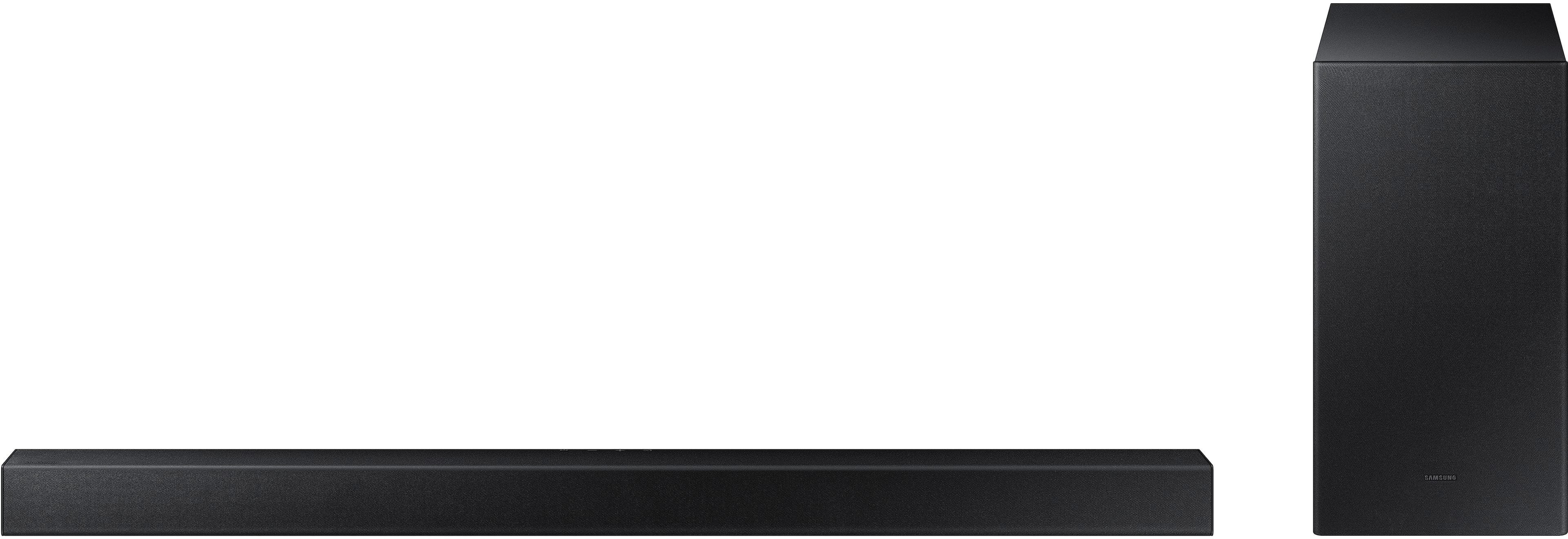
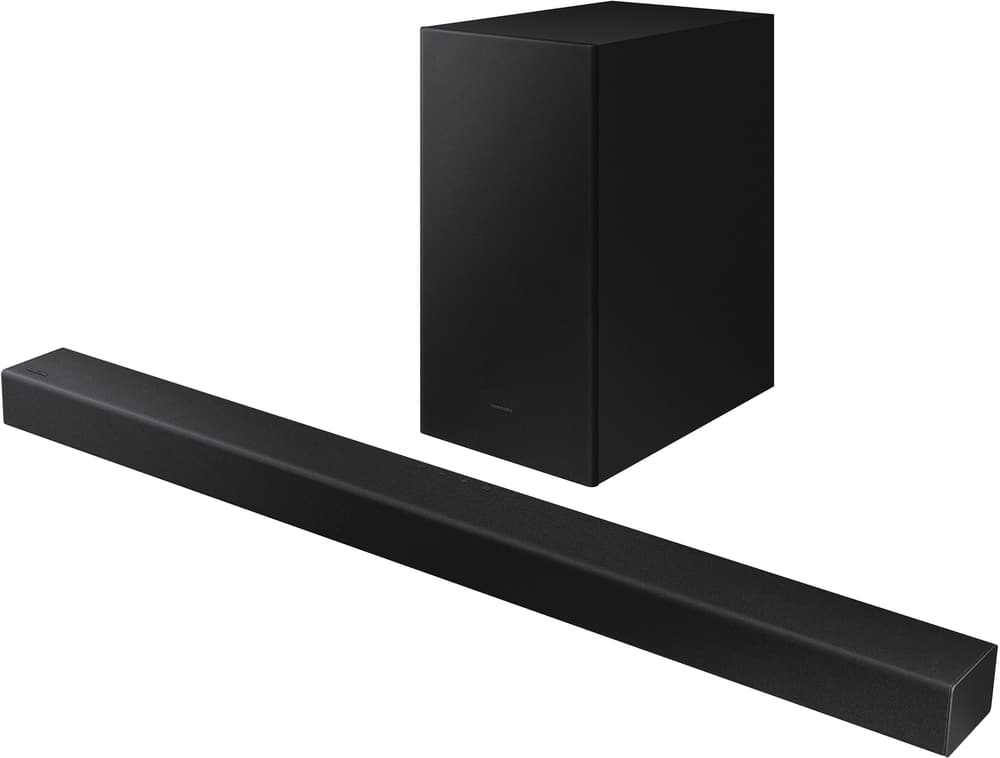

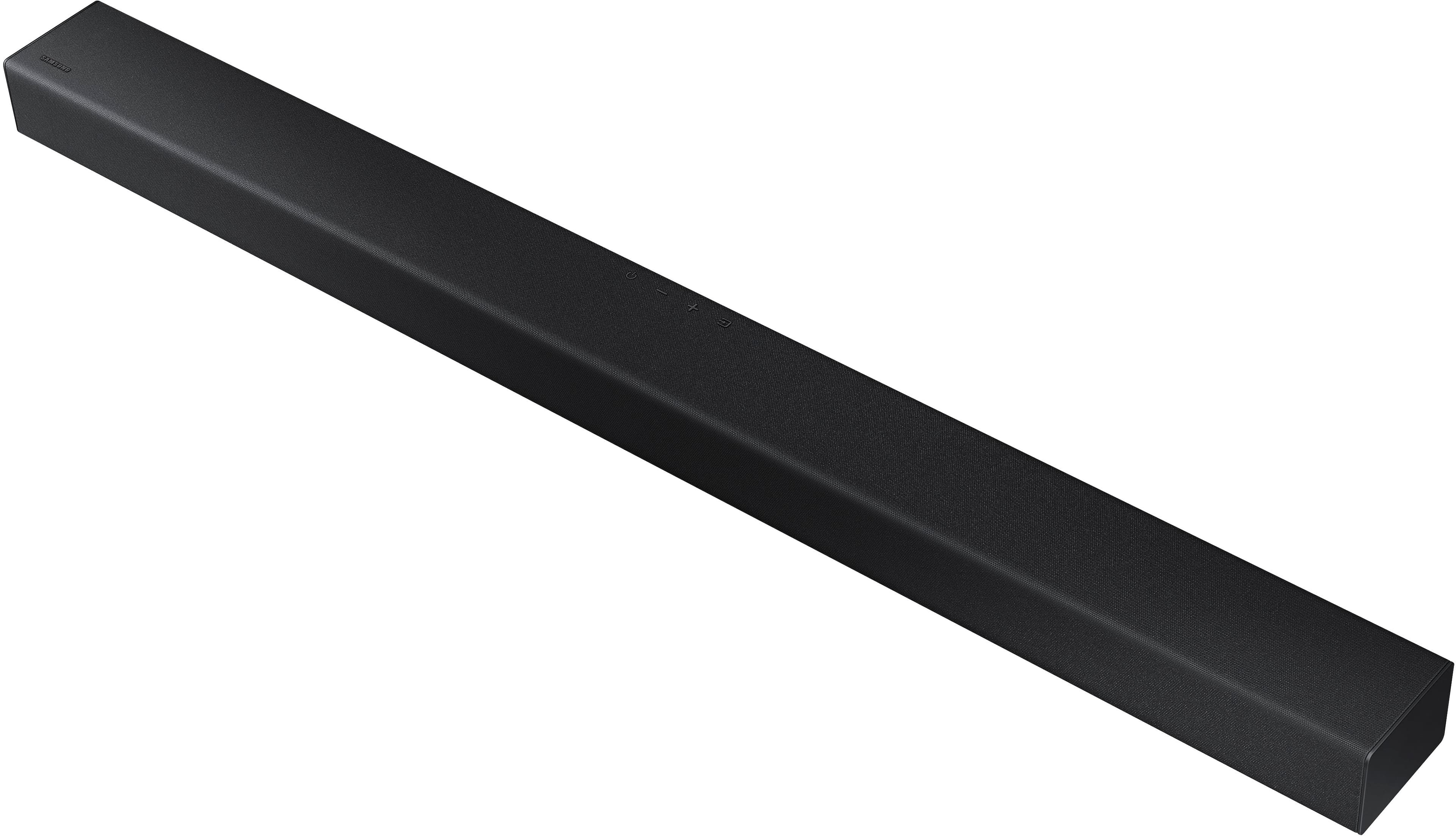
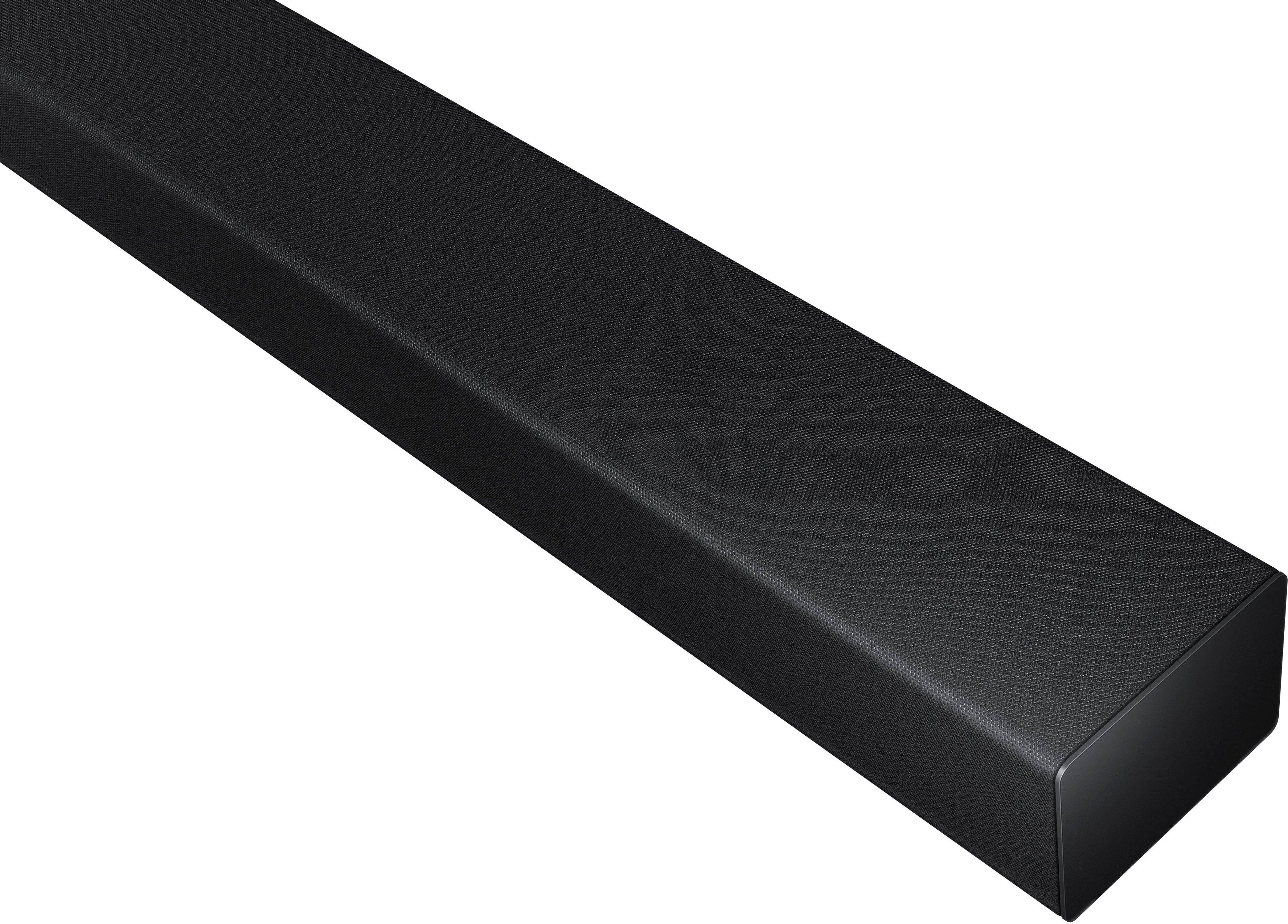

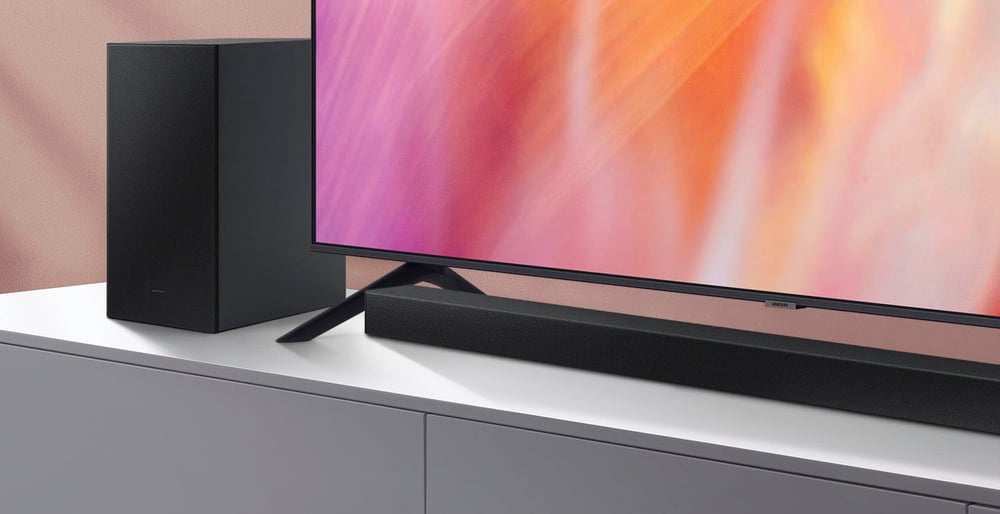
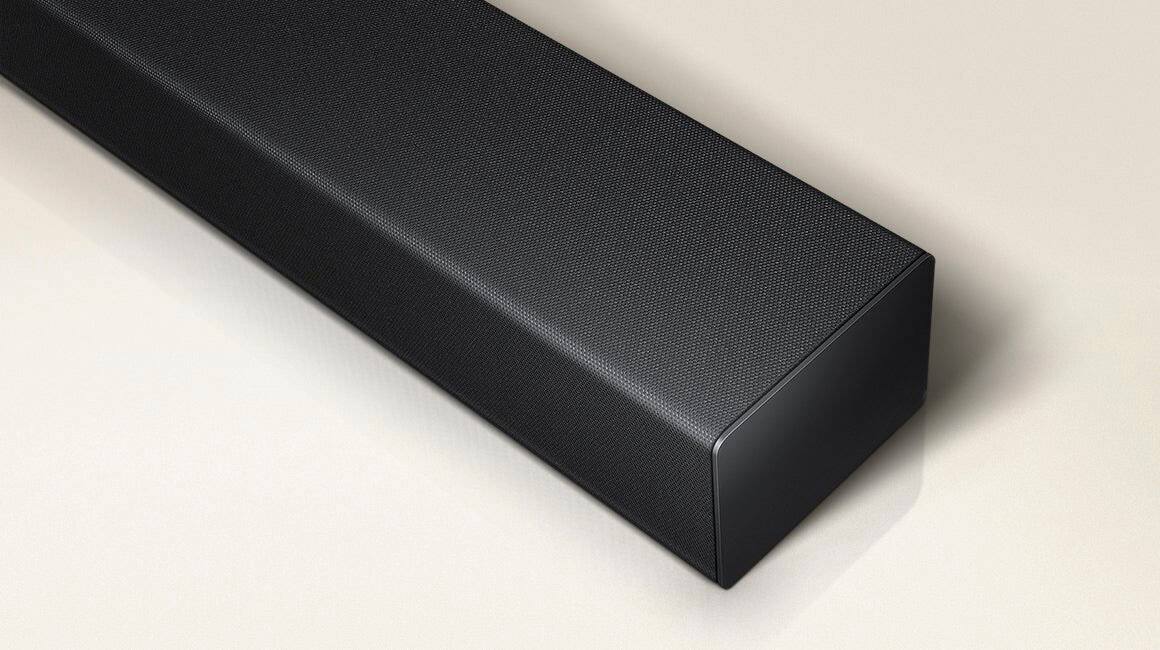
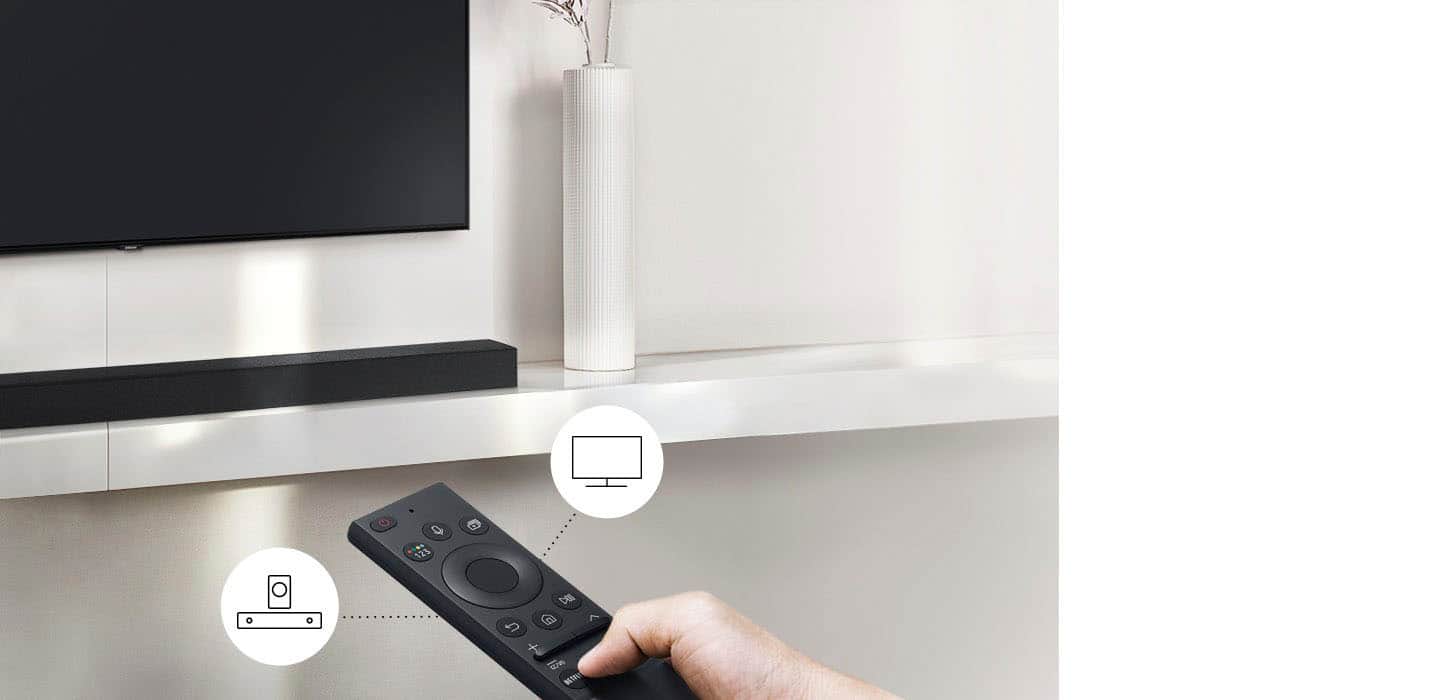


- Model:
- HW-A430/ZA
- SKU:
- 6477363
Rating by feature
- Value
Rating 4.5 out of 5 stars
- Quality
Rating 4.4 out of 5 stars
- Ease of Use
Rating 4.4 out of 5 stars
Customers are saying
Customers are pleased with the sound quality, bass, and ease of use of this 2.1-channel soundbar. Many also appreciate its reasonable price and the convenience of Bluetooth connectivity. However, some customers reported issues with the maximum volume level and the functionality of the remote control. The soundbar's size and setup were generally well-received.
This summary was generated by AI based on customer reviews.
- Pros mentioned:Sound quality
Great for the Price
||Posted . Owned for 1 month when reviewed.This reviewer received promo considerations or sweepstakes entry for writing a review.Wish i picked up one of these sooner. We use this now as the main Sound source on our tv. Plus the Sub has a-lot of Power and Boom on it.
I would recommend this to a friend - Pros mentioned:Sound quality
Samsung sound bar
||Posted . Owned for 1 month when reviewed.This reviewer received promo considerations or sweepstakes entry for writing a review.Easy install. Wish it would display sound in the tv screen too but great sound quality and enhancement.
I would recommend this to a friend Merely Adequate
||Posted . Owned for 3 weeks when reviewed.This reviewer received promo considerations or sweepstakes entry for writing a review.Adequate but underpowered with a remote that prefers to keep everything on mute. Perhaps this is so you don’t have to endure the sound quality?
No, I would not recommend this to a friendBrand response from Samsung
Posted .Hi Mingus,
Thank you for purchasing the Samsung HW-A430 and for sharing your review. Your feedback regarding the remote is important to us and will be shared with our product teams.
Please know, many of the buttons on your remote have multiple functions. For example, the Volume button is moved UP/DOWN to adjust volume, and to MUTE the sound, you need to PRESS it in. You can find more information regarding the remote and its multiple functions on pages 20-22 of the full user manual.
Should you ever have questions or need help, please call us at 1-800-SAMSUNG (ask for Soundbars), available 8AM - 12AM EST, 7 days a week.
For additional support resources, visit us on the Samsung website and click on the ‘Support’ link in the upper right corner of the homepage for:
1) Chat with Us/Product Help: To begin a chat or find solutions, choose ‘TVs & Home Theater’ and select your model & topic.
2) Manuals & Software
3) Warranty Info
4) Register a Product: For access to easy warranty support, convenient opt-in to special promos and offers, faster troubleshooting and service, and quick notification of system updates
5) Contact Us
~ Samsung Solutions
- Cons mentioned:Volume
Poor Volume and Poor Bass
||Posted . Owned for 2 months when reviewed.This reviewer received promo considerations or sweepstakes entry for writing a review.This speaker was a disappointment for its sound quality and volume
No, I would not recommend this to a friendBrand response from Samsung
Posted .Hello STAN,
Thank you for sharing your review of the Samsung HW-A430. We appreciate your feedback regarding the audio performance.
You can further adjust TREBLE via the SOUND CONTROL button (looks like a gear symbol).
There are two adjustments that can be made for bass and subwoofer:
1) Using the WOOFER button on the remote, you can adjust the volume of the subwoofer between -6 to +6 by toggling the button up or down. To set the subwoofer volume level to 0, press the button down
2) Adjust the bass control by pressing the SOUND CONTROL button on the remote control, then select BASS to increase the level. You can adjust the volume between -6 to +6 by using the Up/Down buttons.
For precise audio adjustments, you can use the 7-band frequency equalizer to optimize the sound for your room acoustics. With the sound mode set to Standard, press, and hold the Sound Control button for about 5 seconds. 150Hz, 300Hz, 600Hz, 1.2kHz, 2.5kHz, 5kHz, and 10kHz are selectable using the Left/Right buttons and each can be adjusted to a setting between -6 to +6 using the Up/Down buttons.
If we can help with anything else, please call us at 1-800-SAMSUNG (Ask for Soundbars), 8 AM – 12 AM EST, 7 days a week. LiveChat with an agent as well as manuals, software, and warranty info can be found at the ‘Support’ link on our Samsung website.
~ Samsung Solutions
- Pros mentioned:Sound quality
Amazing Sound Bar
||Posted . Owned for 3 weeks when reviewed.This reviewer received promo considerations or sweepstakes entry for writing a review.I have a Samsung TV and this pairs nicely with it. it allows me to feel as if I’m in a movie theater with great bass and quality sound.
I would recommend this to a friend - Pros mentioned:Sound quality
Perfect for my living room
||Posted . Owned for 7 months when reviewed.This reviewer received promo considerations or sweepstakes entry for writing a review.This definitely makes a difference. Really enjoy watching movies and shows on my tv now. I would definitely recommend it to everyone.
I would recommend this to a friend - Pros mentioned:Sound quality
Super product!
||Posted . Owned for 3 weeks when reviewed.This reviewer received promo considerations or sweepstakes entry for writing a review.Great buy! I got this on sale and I am very happy with the product! I feel like I'm in a movie theater as the sounds are wonderfully clear!
I would recommend this to a friend Good sound but remote needs improvement
||Posted . Owned for 1 month when reviewed.This reviewer received promo considerations or sweepstakes entry for writing a review.Sound bar is good but I like to control audio w my cable remote and I have to use the sound bar remote.
No, I would not recommend this to a friendBrand response from Samsung
Posted .Hello SheilaT,
Thank you for sharing your feedback regarding the HW-A430 Soundbar. Your experiences with the remote are very important to us and will be shared with our internal teams.
If your soundbar is connected to your TV with an optical cable, you can control the volume and mute the soundbar using your Samsung TV's remote.
1) Use the TV remote to navigate to Settings, select Sound, and then select Sound Output on your Samsung TV.
2) Select your Samsung soundbar, and then select Close. Now you can use your TV remote to adjust volume and mute the soundbar. The soundbar should also turn on and off with the TV.
Other manufacturer’s remotes may have to be enabled on your soundbar. First, turn Off the Soundbar. Once powered off, push up and hold the WOOFER button for 5 seconds. Each time you push the WOOFER button up and hold it for 5 seconds, the mode switches in the following order: “OFF-TV REMOTE” (Default mode), “SAMSUNG-TV REMOTE”, “ALL-TV REMOTE”. Please also make sure your speaker settings on the TV are set to External Speaker.
I hope this tip helps improve your enjoyment. For more help, please call us at 1-800-SAMSUNG (Ask for Soundbars), 8 AM – 12 AM EST, 7 days a week. LiveChat with an agent as well as manuals, software, and warranty info can be found at the ‘Support’ link on our Samsung website.
~ Samsung Solutions
- Cons mentioned:Remote control
Remote
||Posted . Owned for 3 weeks when reviewed.This reviewer received promo considerations or sweepstakes entry for writing a review.No instructions on remote volume. Friend discovered operation by accident.
I would recommend this to a friend - Pros mentioned:Sound quality
Samsung sound bar
||Posted . Owned for 2 weeks when reviewed.This reviewer received promo considerations or sweepstakes entry for writing a review.Good sound bar. Still like bose better but this one is good for the price
I would recommend this to a friend - Pros mentioned:Sound quality
Works great with Samsung TV
||Posted . Owned for 1 month when reviewed.This reviewer received promo considerations or sweepstakes entry for writing a review.We bought this to go with a Samsung TV. It works great. Produced great quality sound without the need for more speakers.
I would recommend this to a friend - Pros mentioned:Ease of use
Great simple to setup sound system!
||Posted . Owned for 1 month when reviewed.This reviewer received promo considerations or sweepstakes entry for writing a review.Super easy to setup and use! Right out of the box setup and was ready to go. Used the optical cable to hook up and the sub connected wirelessly.
I would recommend this to a friend - Cons mentioned:Volume
Good
||Posted . Owned for 1 week when reviewed.This reviewer received promo considerations or sweepstakes entry for writing a review.Could be a little more louder … but either than that it was a good buy.
I would recommend this to a friend - Pros mentioned:Sound quality
Good Value
||Posted . Owned for 1 month when reviewed.This reviewer received promo considerations or sweepstakes entry for writing a review.Bought for my garage tv. Still have to watch ESPN while working. Does a great job for the price even with my added background noise.
I would recommend this to a friend - Pros mentioned:Sound quality
Samsung 2-1 Soundbar with subwoofer
||Posted . Owned for 2 weeks when reviewed.This reviewer received promo considerations or sweepstakes entry for writing a review.Very good quality Samsung 2-1 Soundbar, has great surround sound to the TV room, play games and watch movies.
I would recommend this to a friend Soundbar
||Posted . Owned for 1.5 years when reviewed.This reviewer received promo considerations or sweepstakes entry for writing a review.Think my tv audio port is shorted out never able to use it once
I would recommend this to a friendBrand response from Samsung
Posted .Hello Tmoney,
Thank you for purchasing the HW-A430 Soundbar. I am sorry to see that you have not been able to listen to your Soundbar just yet.
If your TV has the ability to connect using Bluetooth, go through the steps to connect your Soundbar and see if the Soundbar will play audio. If it does then you will need to either have your TV looked at or replace the Digital Optical cable that you are using to connect the TV to Soundbar.
Should you ever have questions or need help, please call us at 1-800-SAMSUNG (ask for Soundbars), available 8 AM – 12 AM EST, 7 days a week.
For additional support resources such as downloading a full manual, visit us on the Samsung website and click on the ‘Support’ link in the upper right corner of the homepage.
~Samsung Solutions
- Pros mentioned:Sound quality
Great sound
||Posted . Owned for 1 week when reviewed.This reviewer received promo considerations or sweepstakes entry for writing a review.For just a decent amp up in sound it worked well. Very happy with it and the price was perfect! Got it on sale!
I would recommend this to a friend - Pros mentioned:Sound quality
Excellent Samsung Soundbar
||Posted . Owned for 2 weeks when reviewed.This reviewer received promo considerations or sweepstakes entry for writing a review.This was the perfect soundbar for the meeting room in which we placed it. It was simple to connect, and the sound is excellent.
I would recommend this to a friend - Cons mentioned:Remote control
Remote connection
||Posted . Owned for 1 month when reviewed.This reviewer received promo considerations or sweepstakes entry for writing a review.Lost remote functions having a hard time trying to restore
No, I would not recommend this to a friendBrand response from Samsung
Posted .Hello GonzaloP,
Thank you for purchasing the HW-A430 Soundbar.
So we are able to best assist you, please contact Samsung Customer Support. Call us at 1-800-SAMSUNG (ask for Soundbars), available 8 AM – 12 AM EST, 7 days a week.
LiveChat with an agent by clicking the ‘Support’ link on the Samsung website.
~Samsung Solutions
Average sound bar
||Posted . Owned for 3 weeks when reviewed.This reviewer received promo considerations or sweepstakes entry for writing a review.Just an average sound bar. I think if you expend some more bucks, you can get something much better
No, I would not recommend this to a friendBrand response from Samsung
Posted .Hello CesarG,
Thank you for sharing your review of the Samsung HW-A430. We appreciate your feedback regarding the audio performance of your soundbar.
This soundbar features a powerful wireless subwoofer, as well as Bass Boost mode to instantly amplify the bass with a touch of a button. You can try manually optimizing your settings by pressing the SOUND MODE button on your remote, and then selecting the desired sound effect by choosing STANDARD, SURROUND SOUND, or BASS BOOST.
You can further adjust TREBLE via the SOUND CONTROL button (looks like a gear symbol).
There are two additional adjustments that can be made for bass and subwoofer:
1) Using the WOOFER button on the remote, you can adjust the volume of the subwoofer between -6 to +6 by toggling the button up or down. To set the subwoofer volume level to 0, press the button down
2) Adjust the bass control by pressing the SOUND CONTROL button on the remote control, then select BASS to increase the level. You can adjust the volume between -6 to +6 by using the Up/Down buttons.
For precise audio adjustments, you can use the 7-band frequency equalizer to optimize the sound for your room acoustics. With the sound mode set to Standard, press, and hold the Sound Control button for about 5 seconds. 150Hz, 300Hz, 600Hz, 1.2kHz, 2.5kHz, 5kHz, and 10kHz are selectable using the Left/Right buttons and each can be adjusted to a setting between -6 to +6 using the Up/Down buttons.
I hope these tips help you enjoy your new product.
You can always contact us for further help at 1-800-SAMSUNG (Ask for Soundbars), 8 AM – 12 AM EST, 7 days a week. Our LiveChat agents are also available by clicking on the ‘Support’ link on our website.
~ Samsung Solutions