Customer Ratings & Reviews
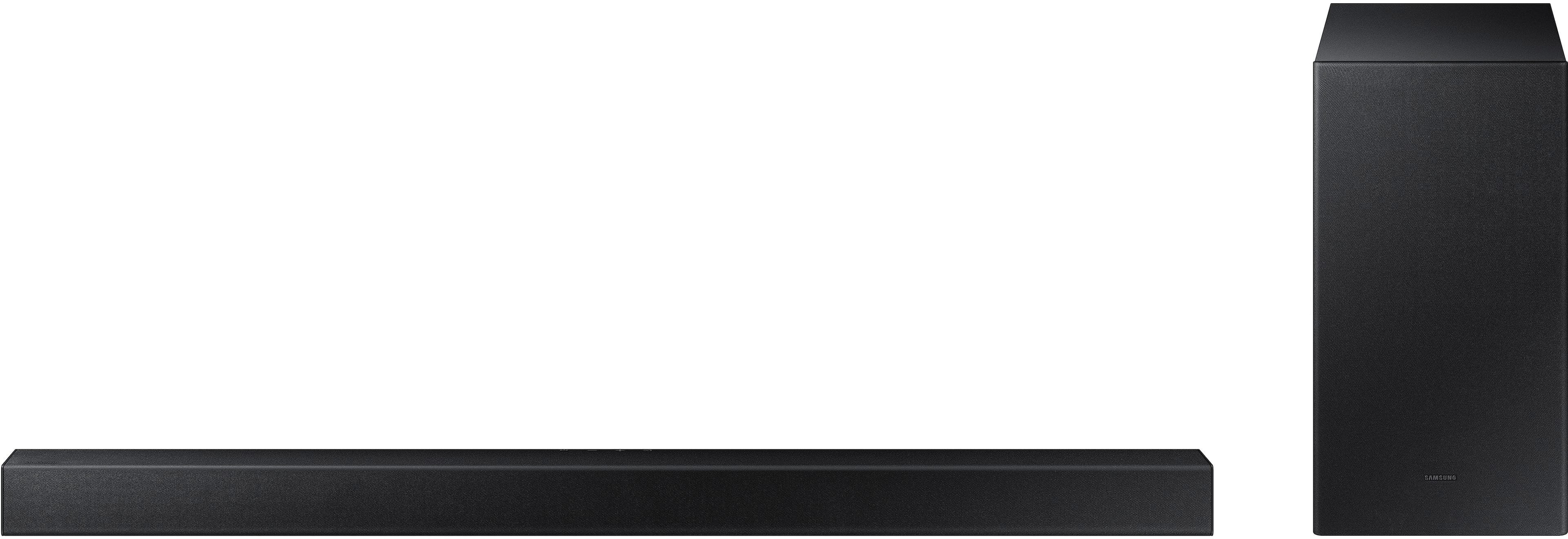
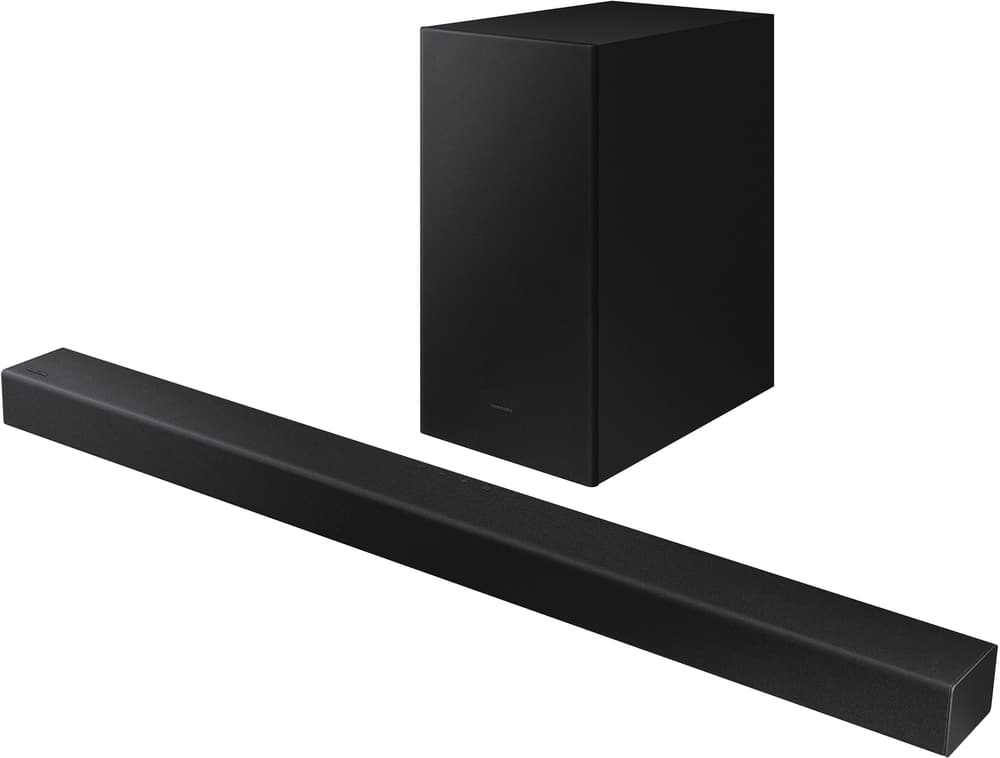

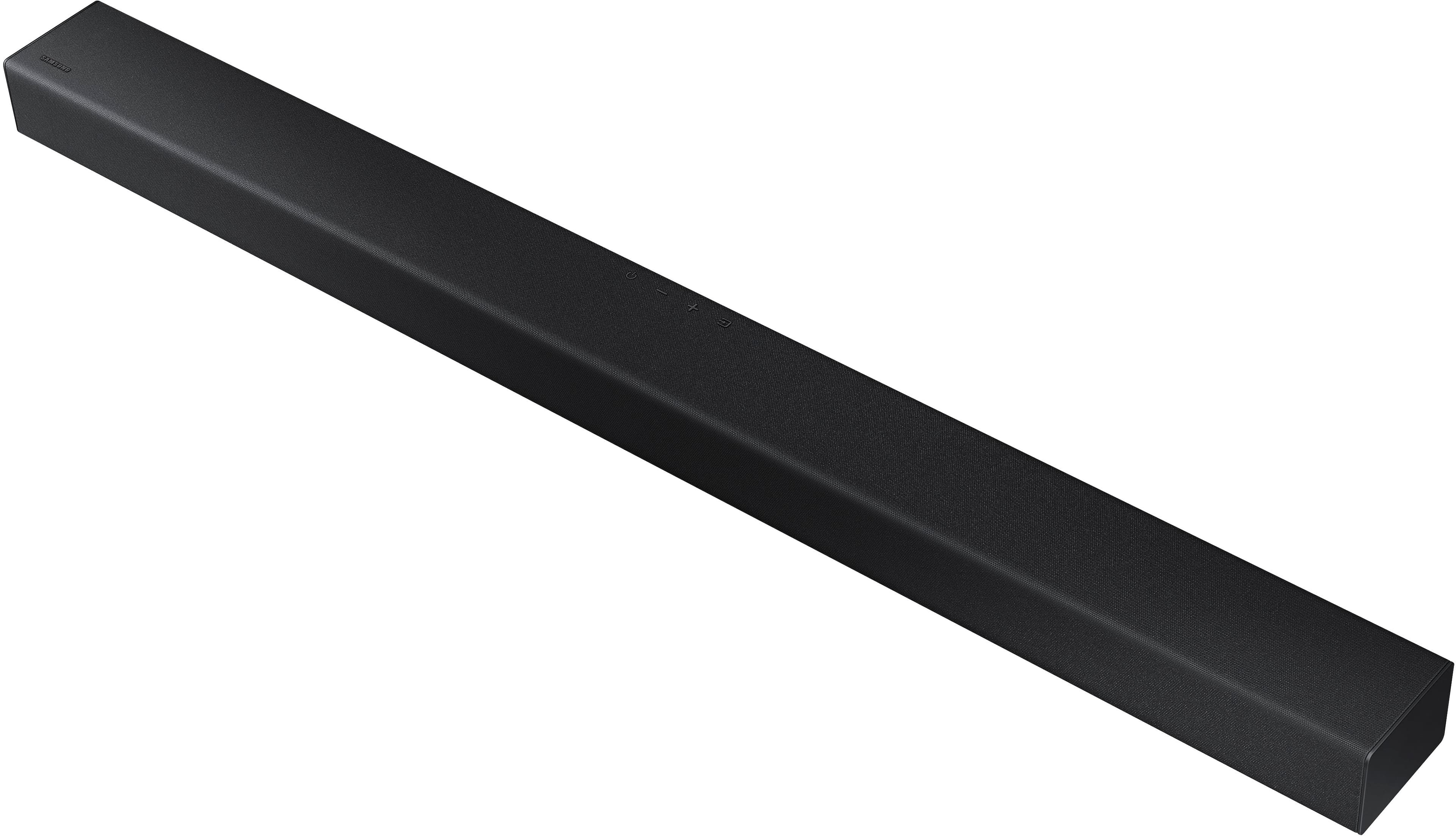



- Model:
- HW-A430/ZA
- SKU:
- 6477363
Rating by feature
- Value
Rating 4.5 out of 5 stars
- Quality
Rating 4.4 out of 5 stars
- Ease of Use
Rating 4.4 out of 5 stars
Customers are saying
Customers are pleased with the sound quality, bass, and ease of use of this 2.1-channel soundbar. Many also appreciate its reasonable price and the convenience of Bluetooth connectivity. However, some customers reported issues with the maximum volume level and the functionality of the remote control. The soundbar's size and setup were generally well-received.
This summary was generated by AI based on customer reviews.
- Pros mentioned:Sound quality
Very good sound quality for the price
||Posted . Owned for 2 months when reviewed.This reviewer received promo considerations or sweepstakes entry for writing a review.Very good sound quality for the price. Would definitely recommend it to a friend
I would recommend this to a friend - Pros mentioned:Sound quality
Nice Sounds!!!
||Posted . Owned for 1 month when reviewed.This reviewer received promo considerations or sweepstakes entry for writing a review.I finally can enjoy my tv with the Samsung Sound bar it's great. So glad I have improved the sound system in my family room!!!
I would recommend this to a friend Returned
||Posted . Owned for 1 month when reviewed.This reviewer received promo considerations or sweepstakes entry for writing a review.I returned this as it was too large. Bought another size that is more appropriate
I would recommend this to a friendBrand response from Samsung
Posted .Hello StephenB,
Thank you for your review of the Samsung HW-A430 Soundbar and for sharing the experience that has caused you to return your unit. Your feedback is very important to us and will be shared with our product team.
Should you ever decide to give Samsung Soundbars another try and have questions or need assistance with settings, setup, or features, please know we are always here to help.
Call us at 1-800-SAMSUNG (ask for Soundbars), available 8 AM – 12 AM EST, 7 days a week.
~ Samsung Solutions
- Pros mentioned:Sound quality
Met my expectations
||Posted . Owned for 1 month when reviewed.This reviewer received promo considerations or sweepstakes entry for writing a review.I purchased this sound bar to go in my bonus room over my garage, it exceeded my expectation.
I would recommend this to a friend - Pros mentioned:Sound quality
Music To My Ears
||Posted . Owned for 1 month when reviewed.This reviewer received promo considerations or sweepstakes entry for writing a review.I am a music lover and needed something that delivers quality sound. For the price, its exceeded my expectations. Go for it!
I would recommend this to a friend Disappointed.
||Posted . Owned for 1 month when reviewed.This reviewer received promo considerations or sweepstakes entry for writing a review.Does not sinc with Samsung TV even though the employee said it would. The Geek squad should come and fix it for free.
No, I would not recommend this to a friendBrand response from Samsung
Posted .Hi Disappointed,
We appreciate your feedback regarding the issues you are experiencing when connecting your soundbar to your TV. Please contact Samsung Customer Support so we can better understand your issue and provide further assistance specific to your usage scenario.
Please call us at 1-800-SAMSUNG (ask for Soundbars), available 8AM - 12AM EST, 7 days a week.
For additional support resources, visit us on the Samsung website and click on the ‘Support’ link in the upper right corner of the homepage for:
1) Chat with Us/Product Help: To begin a chat or find solutions, choose ‘TVs & Home Theater’ and select your model & topic.
2) Manuals & Software
3) Warranty Info
4) Register a Product: For access to easy warranty support, convenient opt-in to special promos and offers, faster troubleshooting and service, and quick notification of system updates
5) Contact Us
~ Samsung Ambassador
- Pros mentioned:Sound quality
Best Price Best sound and Best quality
||Posted . Owned for 1 month when reviewed.This reviewer received promo considerations or sweepstakes entry for writing a review.The Best and amazing sound couldnt be happier My wifes loves it the quality of sound is amazing sound like a movie theater.
I would recommend this to a friend - Pros mentioned:Ease of use
Samsung sound system
||Posted . Owned for 2 months when reviewed.This reviewer received promo considerations or sweepstakes entry for writing a review.Works good for the price. It connected to my samsung tv really easily.
I would recommend this to a friend - Pros mentioned:Sound quality
Cheap and good
||Posted . Owned for 1 month when reviewed.This reviewer received promo considerations or sweepstakes entry for writing a review.Very good for the money. Sounds clear and exactly what I needed for the living room to make it feel more like a theatre
I would recommend this to a friend - Pros mentioned:Sound quality
Decent
||Posted . Owned for 3 weeks when reviewed.This reviewer received promo considerations or sweepstakes entry for writing a review.Decent sound bar, definitely worth it if it’s on sale.
I would recommend this to a friend - Pros mentioned:Sound quality
big sound, minimum setup
||Posted . Owned for 3 weeks when reviewed.This reviewer received promo considerations or sweepstakes entry for writing a review.great sound for a not so big setup. makes sports, movies, and video games a better experience
I would recommend this to a friend Good but not as described
||Posted . Owned for 10 months when reviewed.This reviewer received promo considerations or sweepstakes entry for writing a review.Good price but the quality it’s not good ad describe
No, I would not recommend this to a friendBrand response from Samsung
Posted .Hello GeorgeP,
Thank you for sharing your review of the Samsung HW-A430. We appreciate your feedback regarding the audio performance of your soundbar.
This soundbar features a powerful wireless subwoofer, as well as Bass Boost mode to instantly amplify the bass with a touch of a button. You can try manually optimizing your settings by pressing the SOUND MODE button on your remote, and then selecting the desired sound effect by choosing STANDARD, SURROUND SOUND, or BASS BOOST.
You can further adjust TREBLE via the SOUND CONTROL button (looks like a gear symbol).
There are two additional adjustments that can be made for bass and subwoofer:
1) Using the WOOFER button on the remote, you can adjust the volume of the subwoofer between -6 to +6 by toggling the button up or down. To set the subwoofer volume level to 0, press the button down
2) Adjust the bass control by pressing the SOUND CONTROL button on the remote control, then select BASS to increase the level. You can adjust the volume between -6 to +6 by using the Up/Down buttons.
For precise audio adjustments, you can use the 7-band frequency equalizer to optimize the sound for your room acoustics. With the sound mode set to Standard, press, and hold the Sound Control button for about 5 seconds. 150Hz, 300Hz, 600Hz, 1.2kHz, 2.5kHz, 5kHz, and 10kHz are selectable using the Left/Right buttons and each can be adjusted to a setting between -6 to +6 using the Up/Down buttons.
If you need further assistance, please know Samsung Customer Support is here to help, Call us at 1-800-SAMSUNG (ask for Soundbars), available 8 AM – 12 AM EST, 7 days a week.
LiveChat with an agent by clicking the ‘Support’ link on the Samsung website.
~Samsung Solutions
Can't control with a Sony TV remote
||Posted . Owned for less than 1 week when reviewed.This reviewer received promo considerations or sweepstakes entry for writing a review.pretty easy to set up and sounds fine - do keep in mind - if you don't have a Samsung TV you may have to deal with multiple remotes. The All TV setting on the soundbar does not work with my Sony TV remote. Sony said you have to connect with eARC, which means HDMI and this soundbar does not support that........wish I'd known
No, I would not recommend this to a friendBrand response from Samsung
Posted .Hello BrianH,
Thank you for sharing your thoughts about the HW-A430 Soundbar. I am sorry to see that there has been some confusion based on if you can control the soundbar using a TV remote.
You are definitely able to control the Soundbar with other TV brands, including Sony, and it does not require HDMI.
Once you have set up the ALL-TV REMOTE function on the soundbar, you will need to make sure you go in your TV settings and within the audio settings you will change your speaker settings to EXTERNAL SPEAKER. Once this is done, you will be able to control your soundbar with your TV remote.
If we can help with anything else, please call us at 1-800-SAMSUNG (Ask for Soundbars), 8 AM – 12 AM EST, 7 days a week. LiveChat with an agent as well as manuals, software, and warranty info can be found at the ‘Support’ link on our Samsung website.
~ Samsung Solutions
- Pros mentioned:Sound quality
Great soundbar
||Posted . Owned for 1 week when reviewed.This reviewer received promo considerations or sweepstakes entry for writing a review.This soundbar does the job whenever i play music from my PC
I would recommend this to a friend - Pros mentioned:Sound quality
Good for value
||Posted . Owned for 1 week when reviewed.This reviewer received promo considerations or sweepstakes entry for writing a review.Pretty good sound, nothing exceptional, but good overall
I would recommend this to a friend Samsung
||Posted . Owned for 11 months when reviewed.This reviewer received promo considerations or sweepstakes entry for writing a review.Nice but not what I expected, volume is okay but the sub isn't loud enough.
I would recommend this to a friendBrand response from Samsung
Posted .Hello MauriceStewart,
Thank you for sharing your review of the Samsung HW-A430. We appreciate your feedback regarding the audio performance of your soundbar.
This soundbar features a powerful wireless subwoofer, as well as Bass Boost mode to instantly amplify the bass with a touch of a button. You can try manually optimizing your settings by pressing the SOUND MODE button on your remote, and then selecting the desired sound effect by choosing STANDARD, SURROUND SOUND, or BASS BOOST.
You can further adjust TREBLE via the SOUND CONTROL button (looks like a gear symbol).
There are two additional adjustments that can be made for bass and subwoofer:
1) Using the WOOFER button on the remote, you can adjust the volume of the subwoofer between -6 to +6 by toggling the button up or down. To set the subwoofer volume level to 0, press the button down
2) Adjust the bass control by pressing the SOUND CONTROL button on the remote control, then select BASS to increase the level. You can adjust the volume between -6 to +6 by using the Up/Down buttons.
For precise audio adjustments, you can use the 7-band frequency equalizer to optimize the sound for your room acoustics. With the sound mode set to Standard, press, and hold the Sound Control button for about 5 seconds. 150Hz, 300Hz, 600Hz, 1.2kHz, 2.5kHz, 5kHz, and 10kHz are selectable using the Left/Right buttons and each can be adjusted to a setting between -6 to +6 using the Up/Down buttons.
Should you ever have questions or need help, please call us at 1-800-SAMSUNG (ask for Soundbars), available 8 AM – 12 AM EST, 7 days a week.
For additional support resources such as downloading a full manual, visit us on the Samsung website and click on the ‘Support’ link in the upper right corner of the homepage.
~Samsung Solutions
- Pros mentioned:Sound quality
quality sound
||Posted . Owned for 2 weeks when reviewed.This reviewer received promo considerations or sweepstakes entry for writing a review.amazing sound quality . very clear dialogs while watching movie. worth of the money spent
I would recommend this to a friend Just ok
||Posted . Owned for less than 1 week when reviewed.This reviewer received promo considerations or sweepstakes entry for writing a review.Sound quality was okay. Could use a little better improvement I think but not bad
I would recommend this to a friendBrand response from Samsung
Posted .Hello Tpg1,
Thank you for sharing your review of the Samsung HW-A430. We appreciate your feedback regarding the audio performance of your soundbar.
This soundbar features a powerful wireless subwoofer, as well as Bass Boost mode to instantly amplify the bass with a touch of a button. You can try manually optimizing your settings by pressing the SOUND MODE button on your remote, and then selecting the desired sound effect by choosing STANDARD, SURROUND SOUND, or BASS BOOST.
You can further adjust TREBLE via the SOUND CONTROL button (looks like a gear symbol).
There are two additional adjustments that can be made for bass and subwoofer:
1) Using the WOOFER button on the remote, you can adjust the volume of the subwoofer between -6 to +6 by toggling the button up or down. To set the subwoofer volume level to 0, press the button down
2) Adjust the bass control by pressing the SOUND CONTROL button on the remote control, then select BASS to increase the level. You can adjust the volume between -6 to +6 by using the Up/Down buttons.
For precise audio adjustments, you can use the 7-band frequency equalizer to optimize the sound for your room acoustics. With the sound mode set to Standard, press, and hold the Sound Control button for about 5 seconds. 150Hz, 300Hz, 600Hz, 1.2kHz, 2.5kHz, 5kHz, and 10kHz are selectable using the Left/Right buttons and each can be adjusted to a setting between -6 to +6 using the Up/Down buttons.
I hope these tips help you enjoy your new product.
You can always contact us for further help at 1-800-SAMSUNG (Ask for Soundbars), 8 AM – 12 AM EST, 7 days a week. Our LiveChat agents are also available by clicking on the ‘Support’ link on our website.
~ Samsung Solutions
- Pros mentioned:Sound quality
Sound bar and sub woofer
||Posted . Owned for 3 weeks when reviewed.This reviewer received promo considerations or sweepstakes entry for writing a review.Sound quality is good. I don’t use my tv speakers base in also good
I would recommend this to a friend - Pros mentioned:Ease of use
You Get What You Pay For
||Posted . Owned for less than 1 week when reviewed.This reviewer received promo considerations or sweepstakes entry for writing a review.I got this because my portable speakers had issues staying on when plugged into my computer. Very cheap, sound is mediocre, not as good as the JBL Charge 3 that I was using before, but doesn't randomly change volume or disconnect. Have to give credit to it for how easy set up was though. Just plug and play.
No, I would not recommend this to a friendBrand response from Samsung
Posted .Hi Jrkr,
Thank you for sharing your review of the Samsung HW-A430. We appreciate your feedback regarding the audio performance of your soundbar.
This soundbar features a powerful wireless subwoofer, as well as Bass Boost mode to instantly amplify the bass with a touch of a button. You can try manually optimizing your settings by pressing the SOUND MODE button on your remote, and then selecting the desired sound effect by choosing STANDARD, SURROUND SOUND, or BASS BOOST.
You can further adjust TREBLE via the SOUND CONTROL button (looks like a gear symbol).
There are two additional adjustments that can be made for bass and subwoofer:
1) Using the WOOFER button on the remote, you can adjust the volume of the subwoofer between -6 to +6 by toggling the button up or down. To set the subwoofer volume level to 0, press the button down
2) Adjust the bass control by pressing the SOUND CONTROL button on the remote control, then select BASS to increase the level. You can adjust the volume between -6 to +6 by using the Up/Down buttons.
For precise audio adjustments, you can use the 7-band frequency equalizer to optimize the sound for your room acoustics. With the sound mode set to Standard, press and hold the Sound Control button for about 5 seconds. 150Hz, 300Hz, 600Hz, 1.2kHz, 2.5kHz, 5kHz, and 10kHz are selectable using the Left/Right buttons and each can be adjusted to a setting between -6 to +6 using the Up/Down buttons.
If you need further assistance, please know Samsung Customer Support is here to help. You can reach us at 1-800-SAMSUNG (ask for Soundbars), available 8AM - 12AM EST, 7 days a week.
For additional support resources, visit us on the Samsung website and click on the ‘Support’ link in the upper right corner of the homepage for:
1) Chat with Us/Product Help: To begin a chat or find solutions, choose ‘TVs & Home Theater’ and select your model & topic.
2) Manuals & Software
3) Warranty Info
4) Register a Product: For access to easy warranty support, convenient opt-in to special promos and offers, faster troubleshooting and service, and quick notification of system updates
5) Contact Us
~ Samsung Solutions