Customer Ratings & Reviews
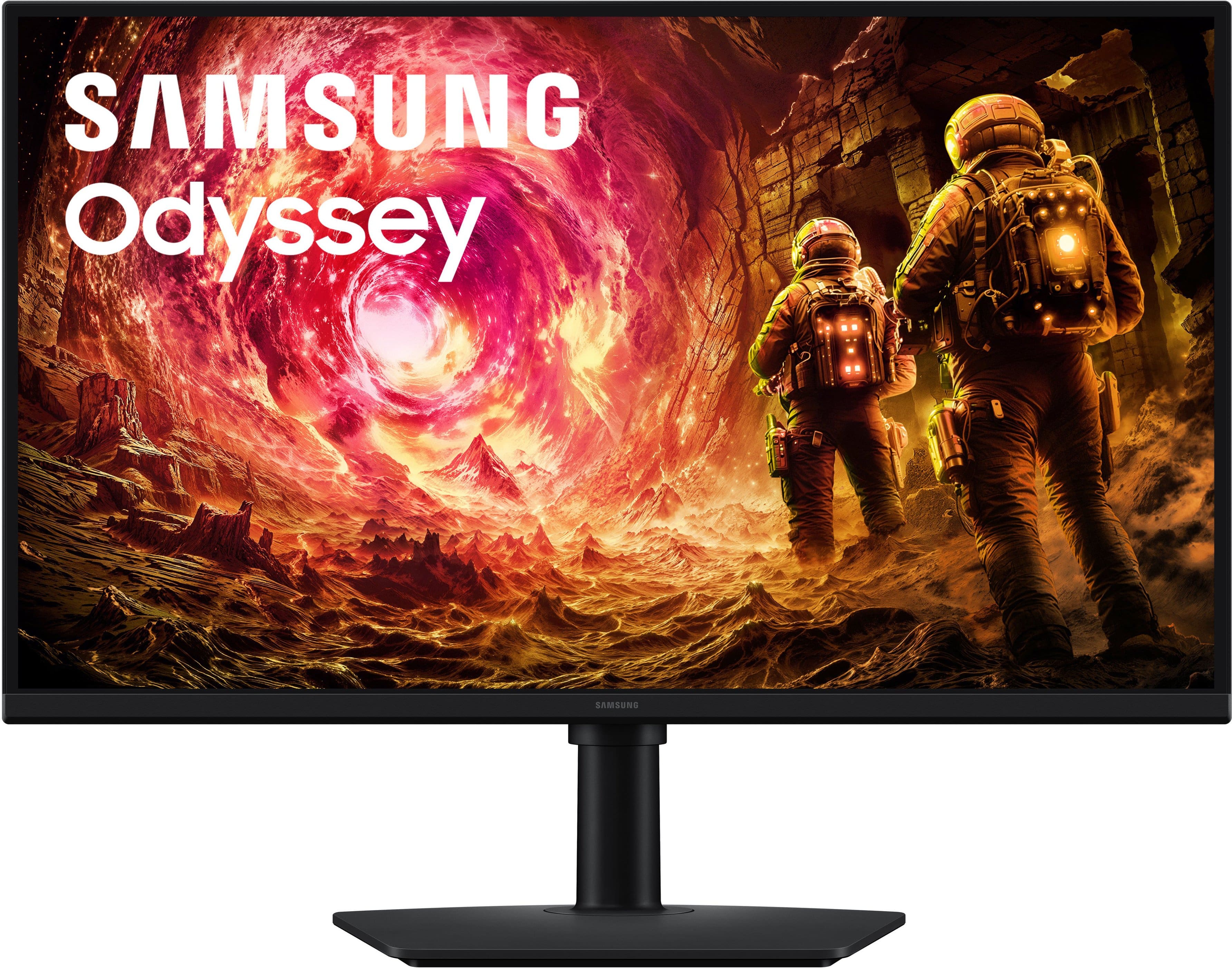
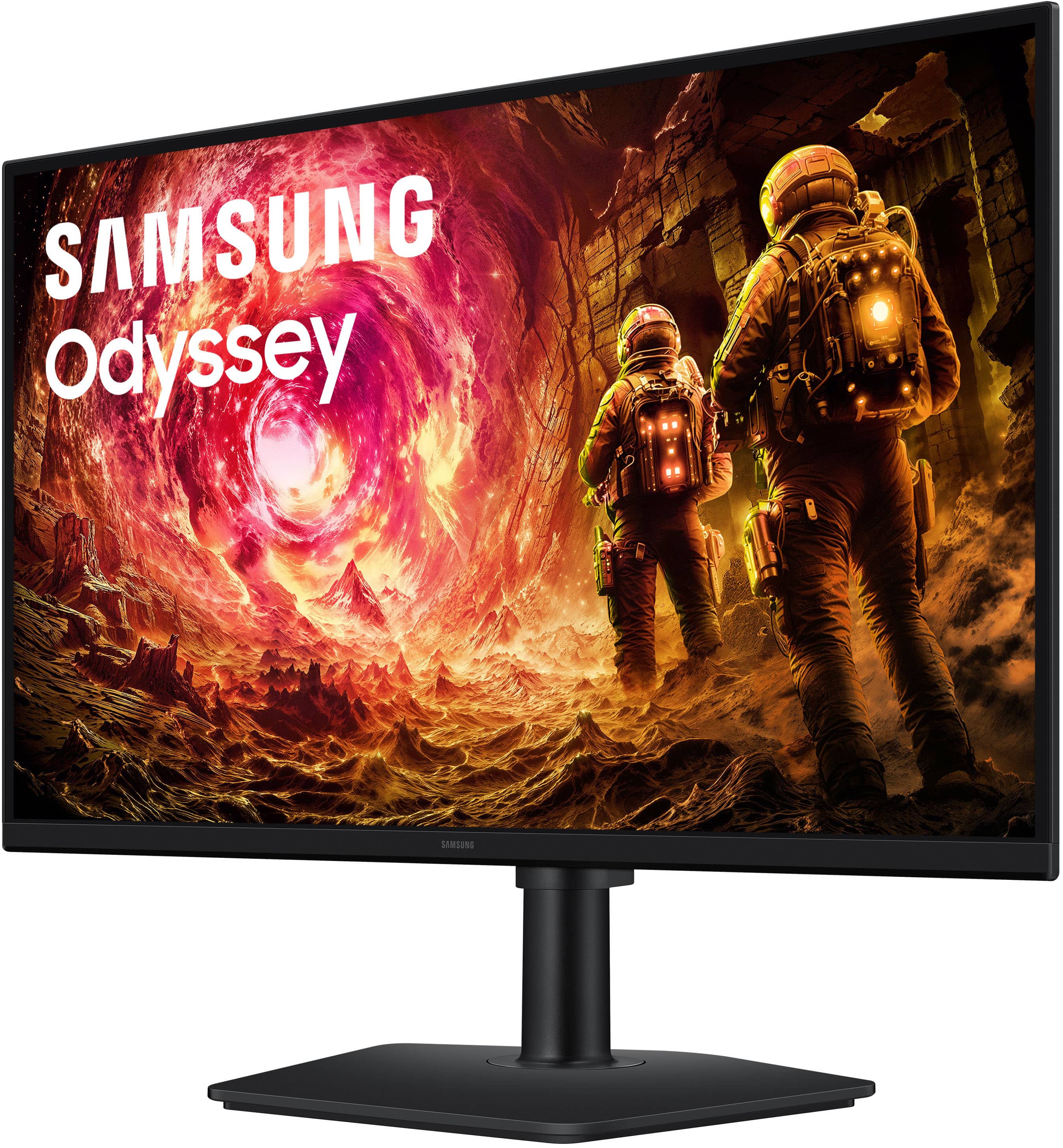
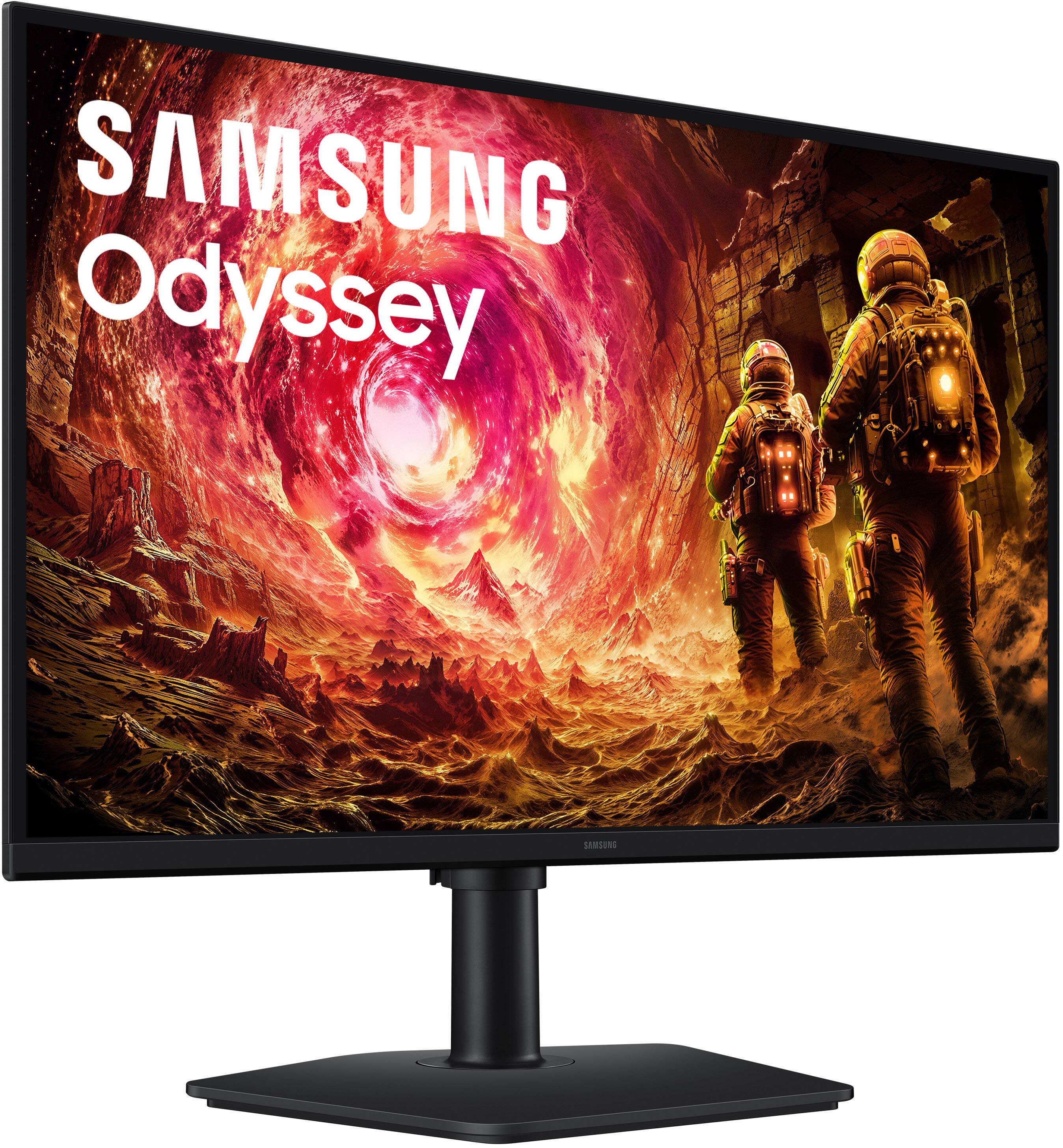
- Model:
- LS27FG502ENXZA
- SKU:
- 6667842
to a friend
Customers are saying
Customers praise the product's strong overall performance, highlighting its impressive refresh rate and accurate color reproduction from the IPS panel. They also appreciate the QHD resolution with HDR10, noting its good colors, adjustability, and various modes, as well as the convenient connectivity options. However, some customers found the HDR feature to be somewhat underwhelming.
This summary was generated by AI based on customer reviews.
- Pros mentioned:Color accuracy, Overall performance, Refresh rate

Good Value gaming monitor
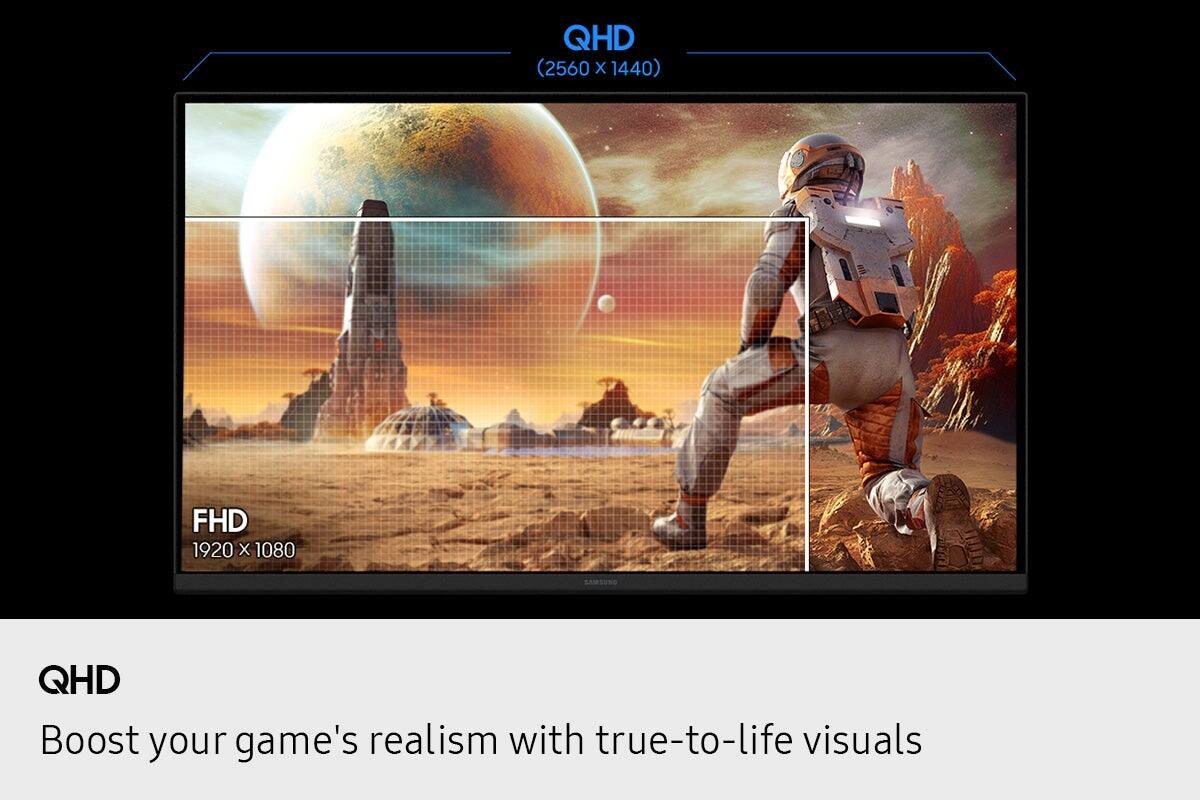
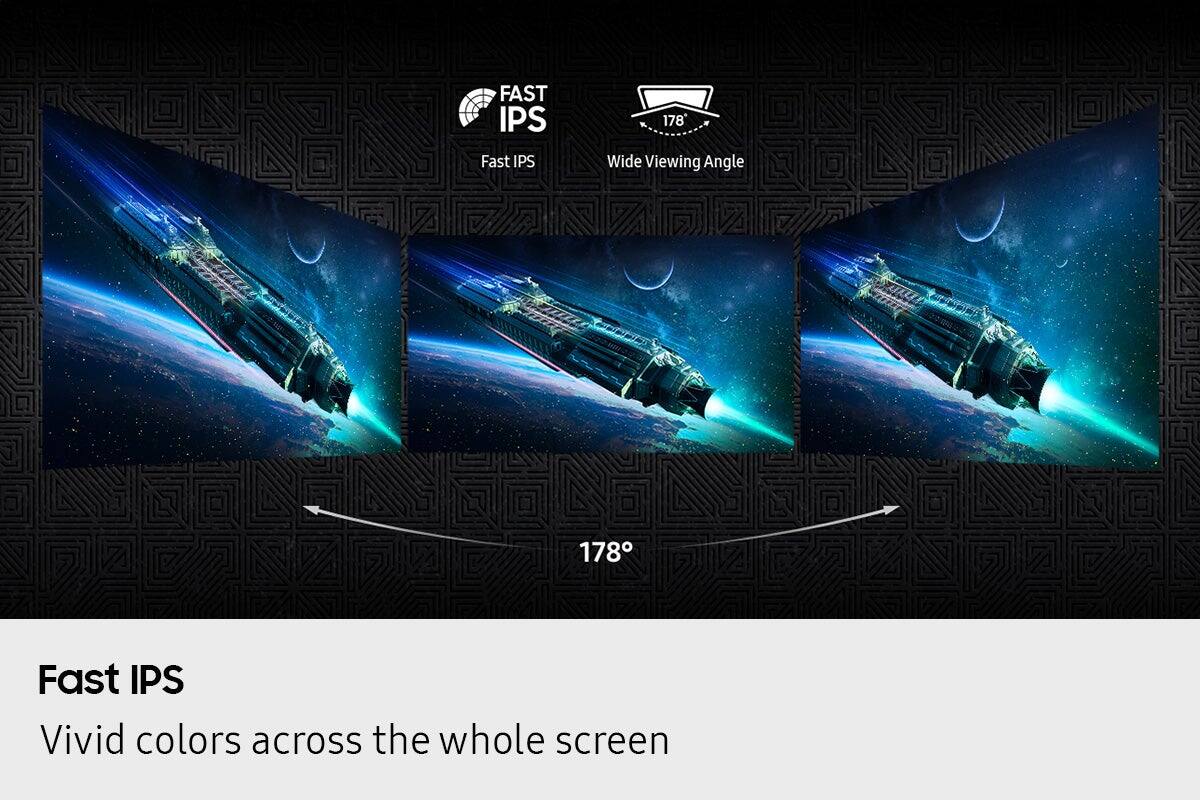
|Posted .This reviewer received promo considerations or sweepstakes entry for writing a review.I think this monitor offers good value for people wanting a sharp, fast display for gaming and home office use without spending the money on premium monitors. The Quad HD resolution is sharp but still legible since not all gaming computers can perform 180fps with 4k so this gives a good compromise on higher resolution gaming but not so much that it requires only a top gaming machine. When playing with the smoothness from the 180hz makes it a strong choice for everyday gaming and general usage. Since it is an fast IPS display the viewing angles are not the best and the blacks are not as deep as say an OLED but it does have vivid colors for gaming. If needed for photo/video editing this may not be the monitor for you since the colors are limited. The contrast was not the best but still good. For the money it is definitely a good buy. I noticed an immediate difference once I switched out my other monitor for this one. I would just say that the bezel is glossy so when tilting or adjusting the screen it shows fingerprints easily. The size is good for being a 27” and having this resolution. When using for non-gaming things are easy to read and you can easily use split screen in Windows and everything lays out well.
I would recommend this to a friend - Pros mentioned:Overall performance, Refresh rateCons mentioned:Hdr
Solid Mid-range option
|Posted .This reviewer received promo considerations or sweepstakes entry for writing a review.This Samsung monitor, like most other items from Samsung, is a solid pick if you want to a super sharp QHD display without breaking the bank. I am an editor and wirter so I use a lot of different monitor and this one --- SHARP is the word. Its also very smooth thanks to the 180Hz refresh rate, this is perfect for both gaming, but less preferred for editing as it is only 8-bit color and when color correcting videos, I need a bit more. The panel is also vibrant, which makes gaming more effective because the colors all pop. Soooo much better than the 1080p monitor I have been working off. Other than all of this, it is a pretty basic monitor but as I said, a SOLID pick without spending a ton of money. Just know --- it is NOT a premium, fancy option with all the bells and whistles. If you're looking for deep blacks, adjustables, or other premium features on your monitor, I'd probably save up for a higher end model. Also know, the HDR is a tad underwhelming in my opinion. I mean, its good and acceptable for sure, but nothing fancy or extra like from maybe a OLED. Still -- all in all, a dependable, solid, but mid-range monitor I'd say.
I would recommend this to a friend - Pros mentioned:Overall performance, Refresh rate
Excellent Inexpensive QHD Gaming Monitor
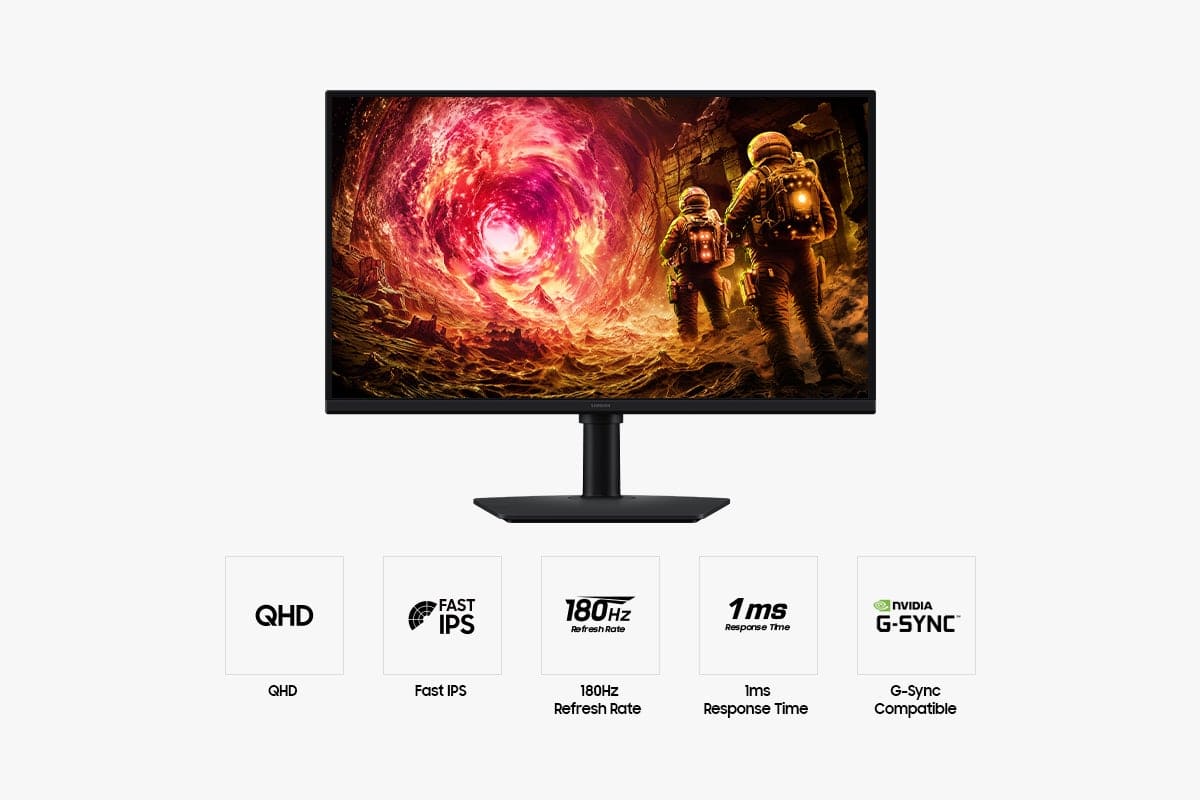
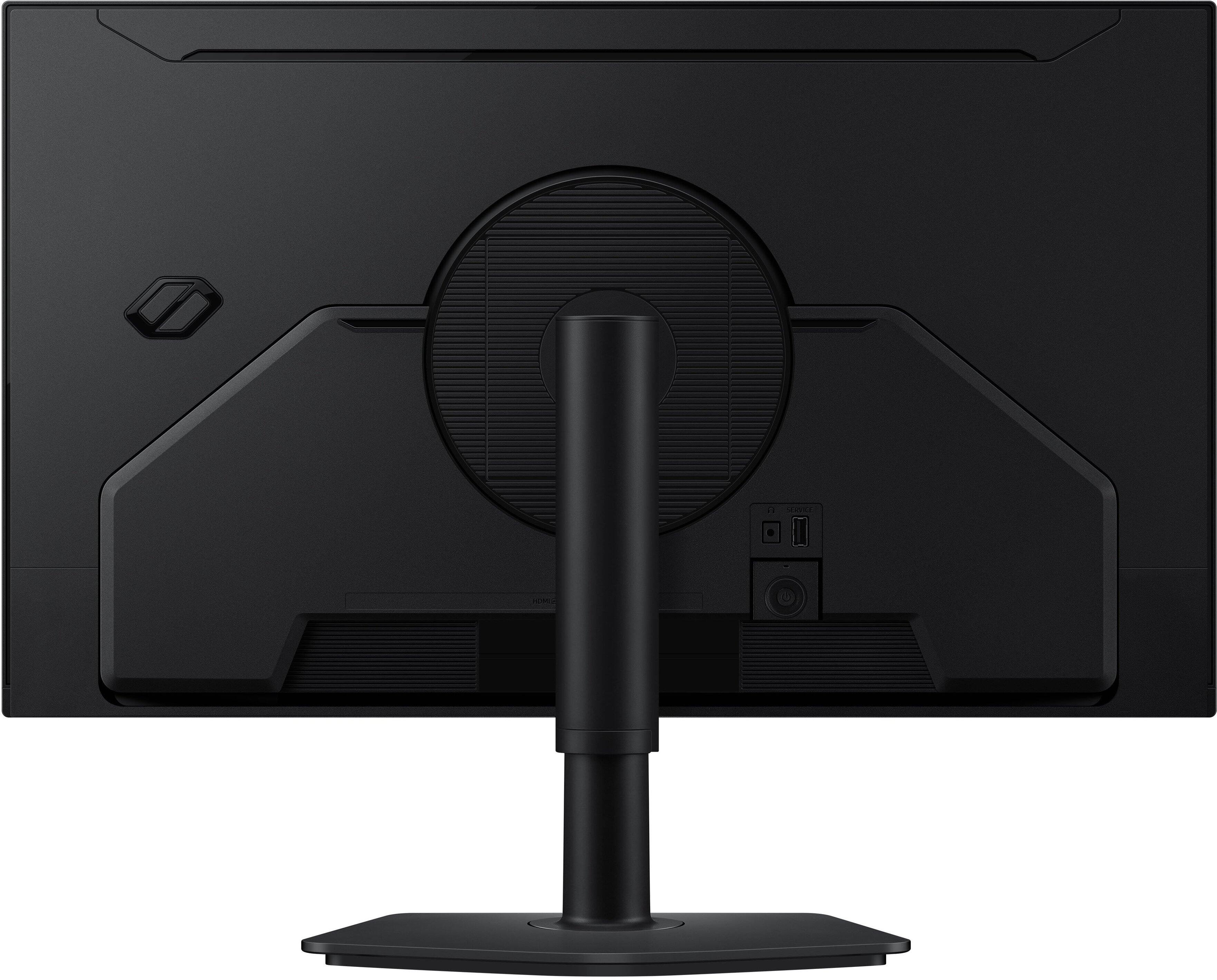
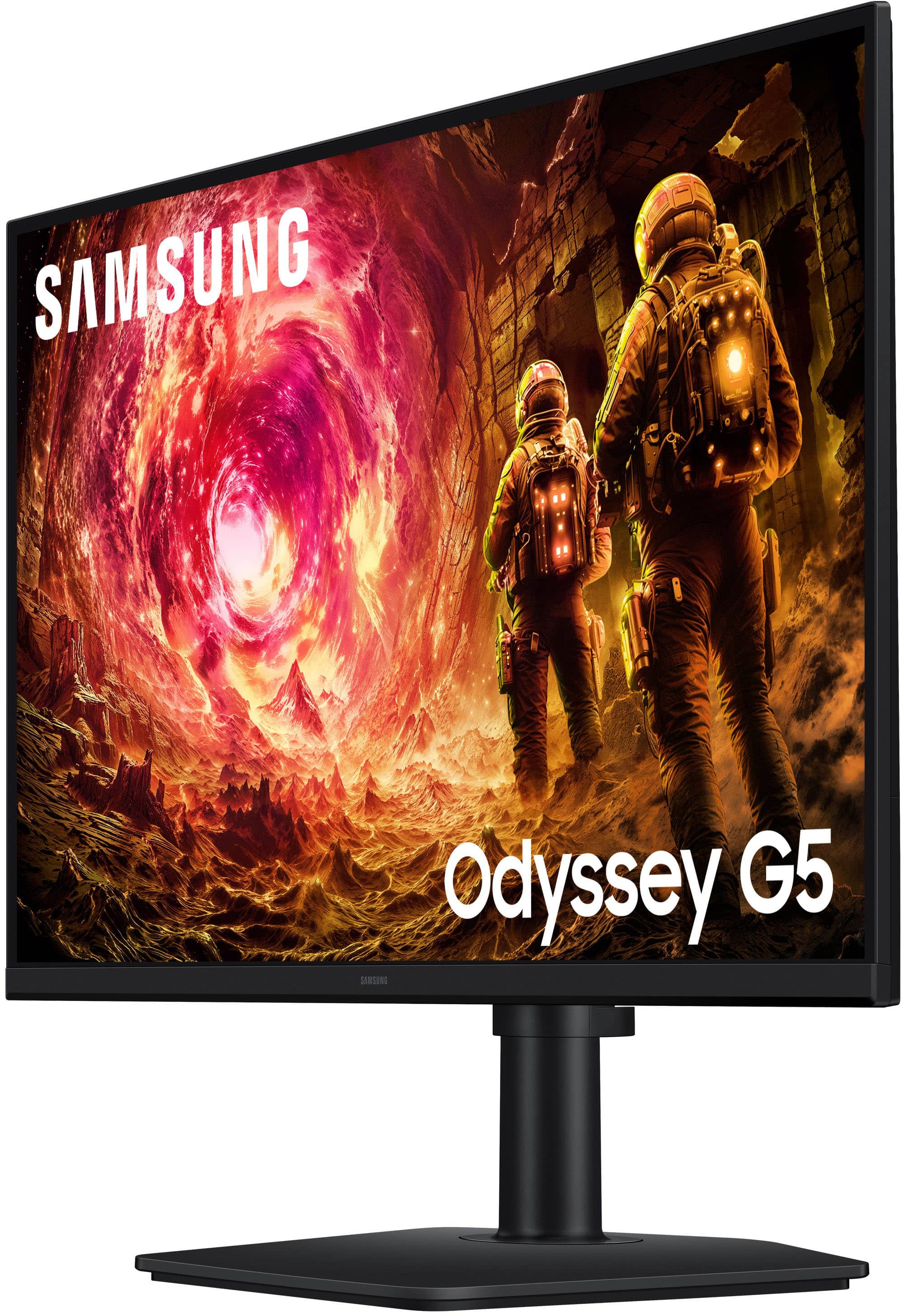
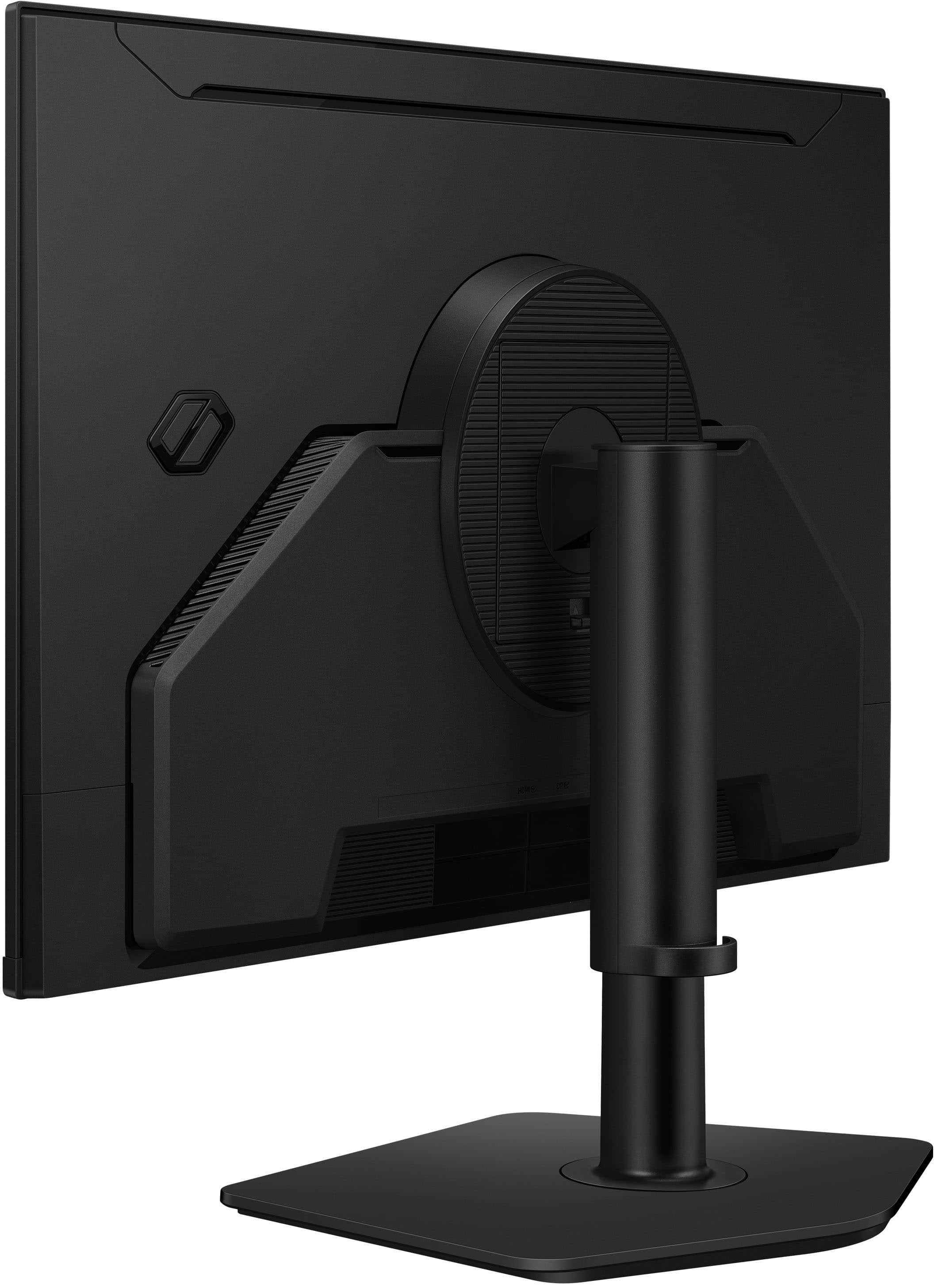
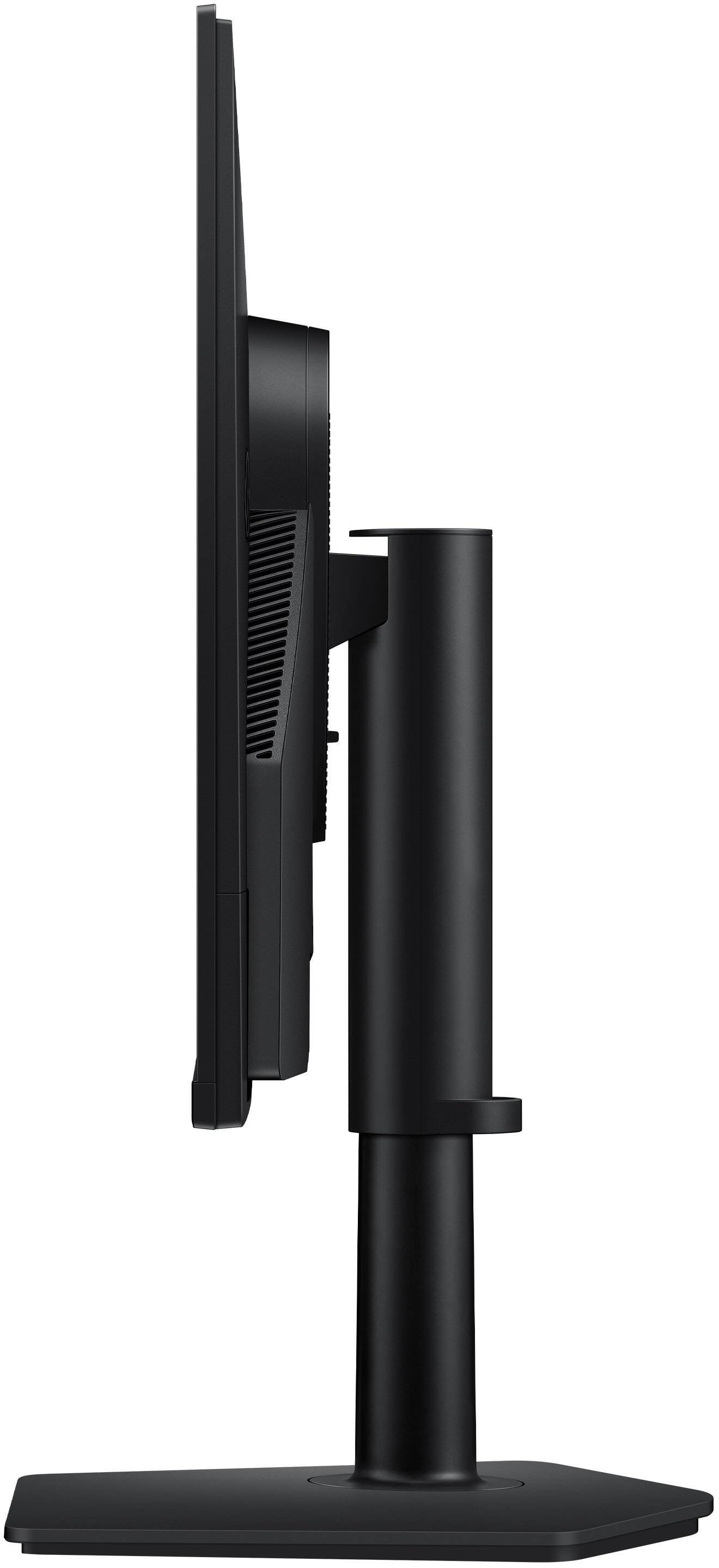
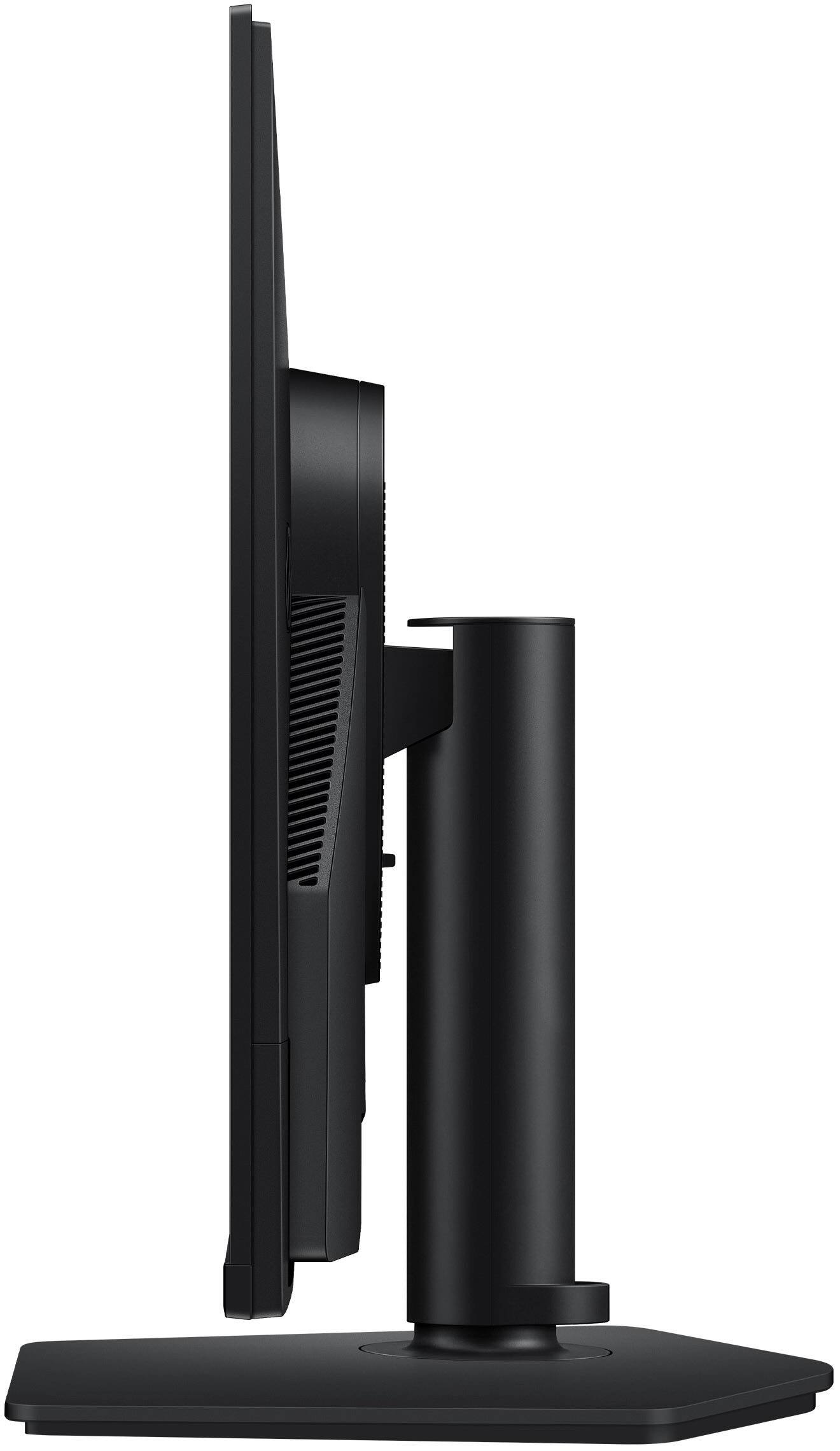
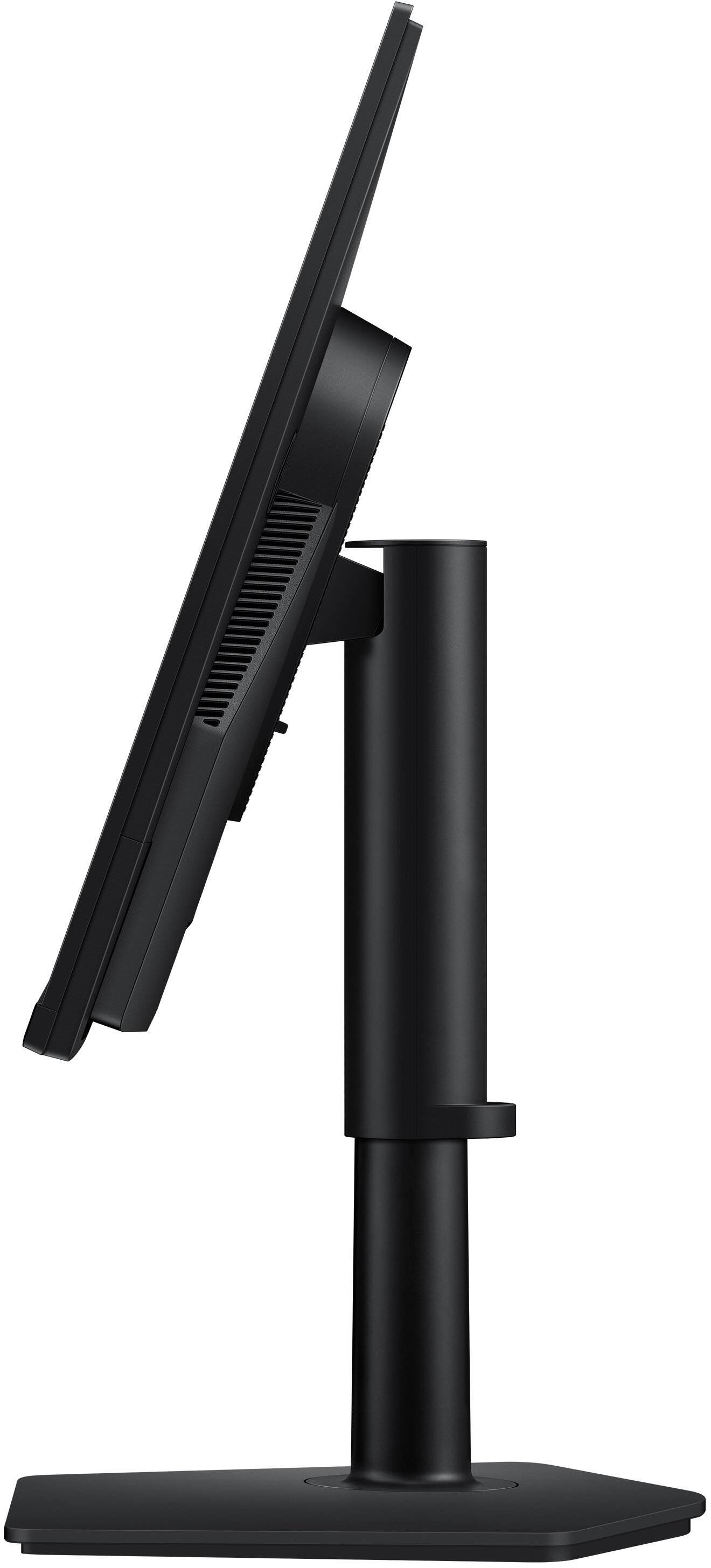
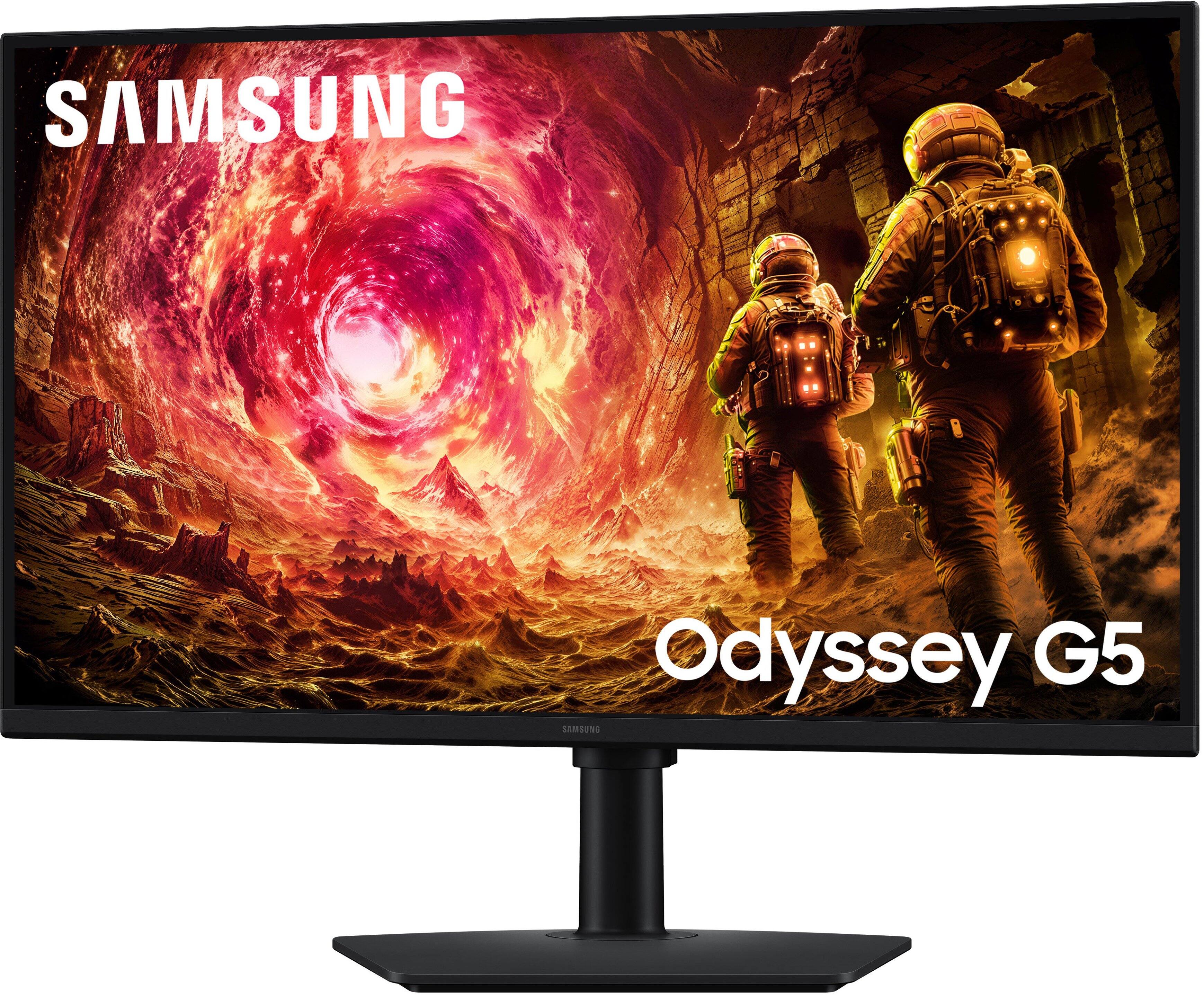
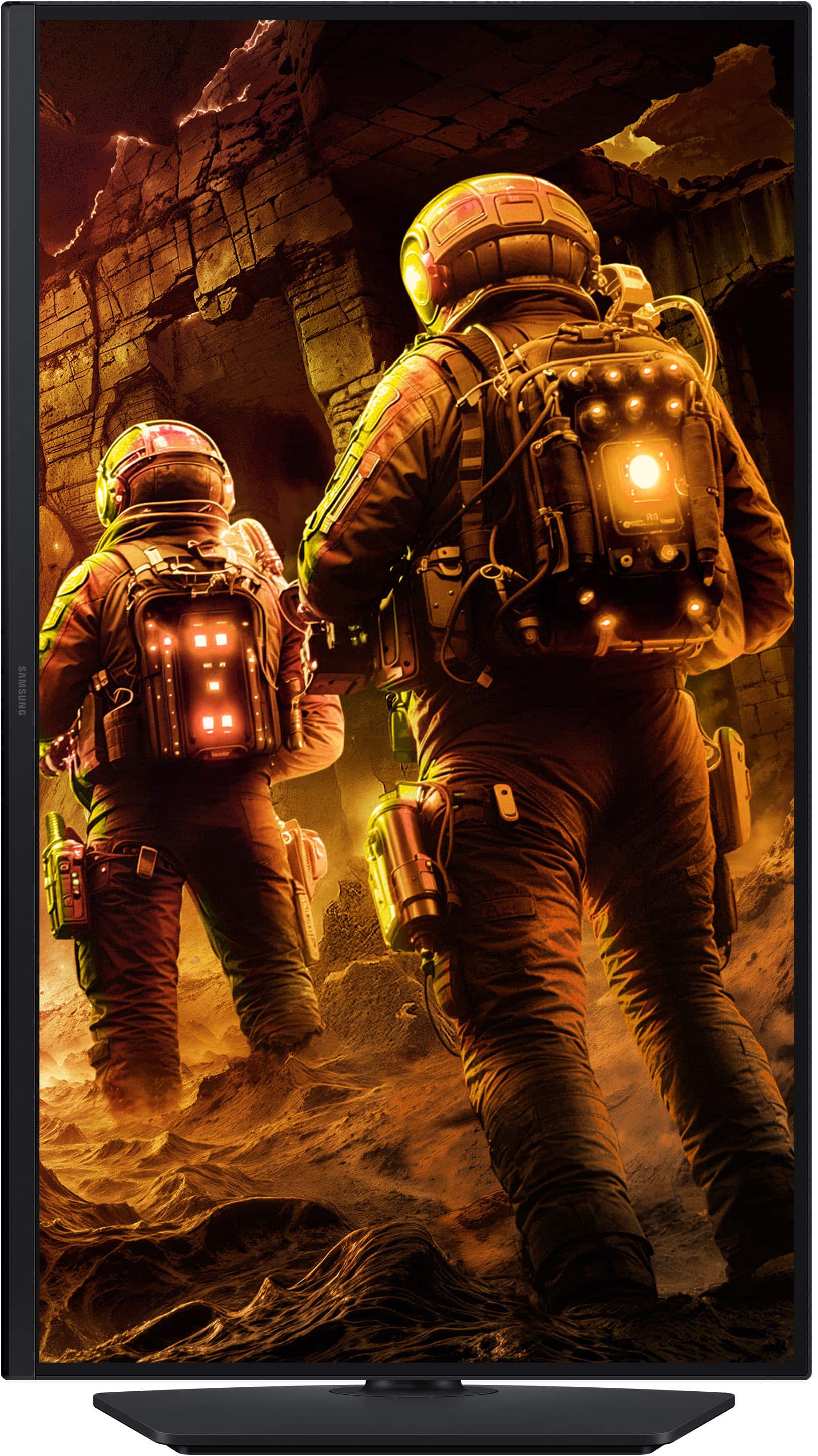
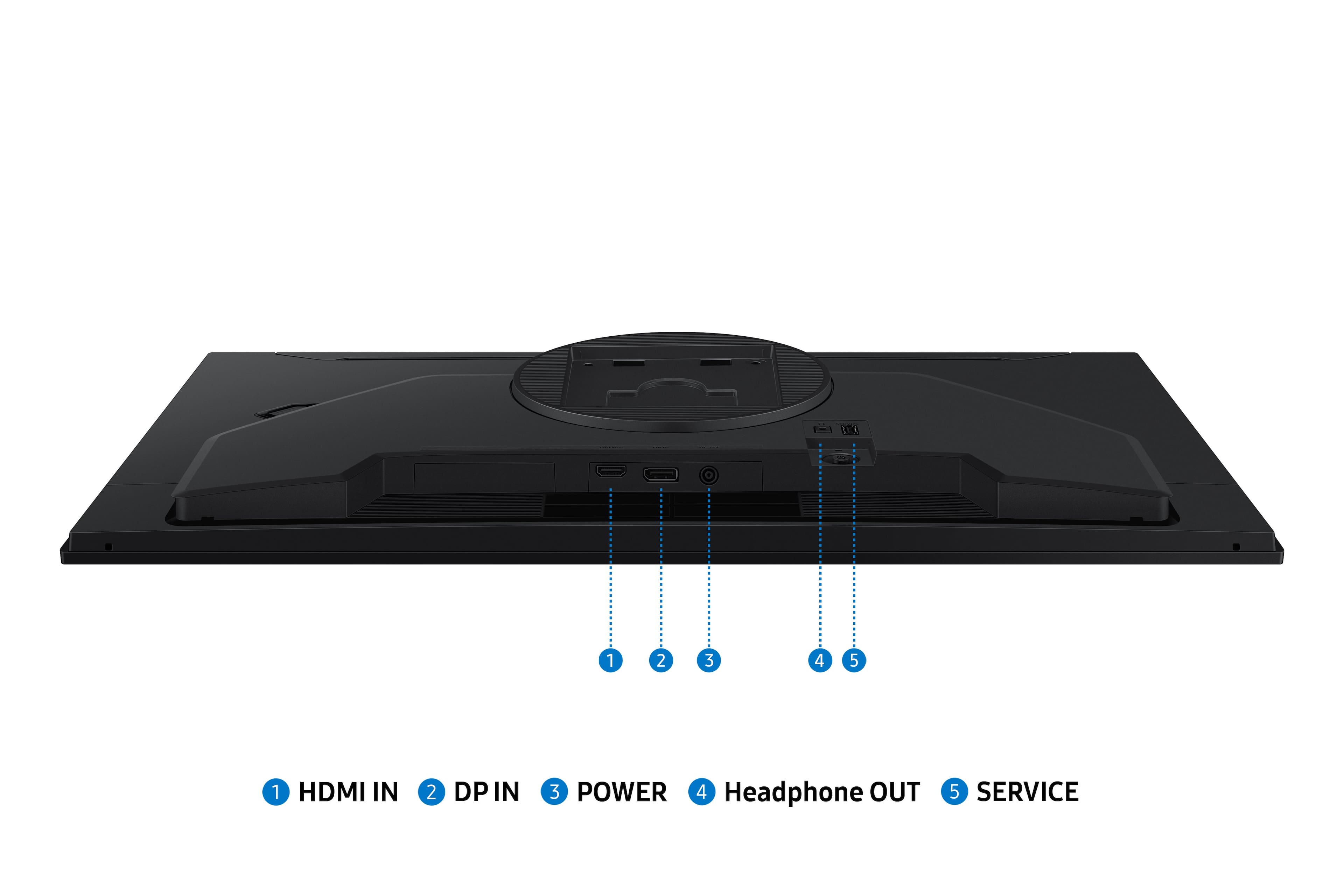
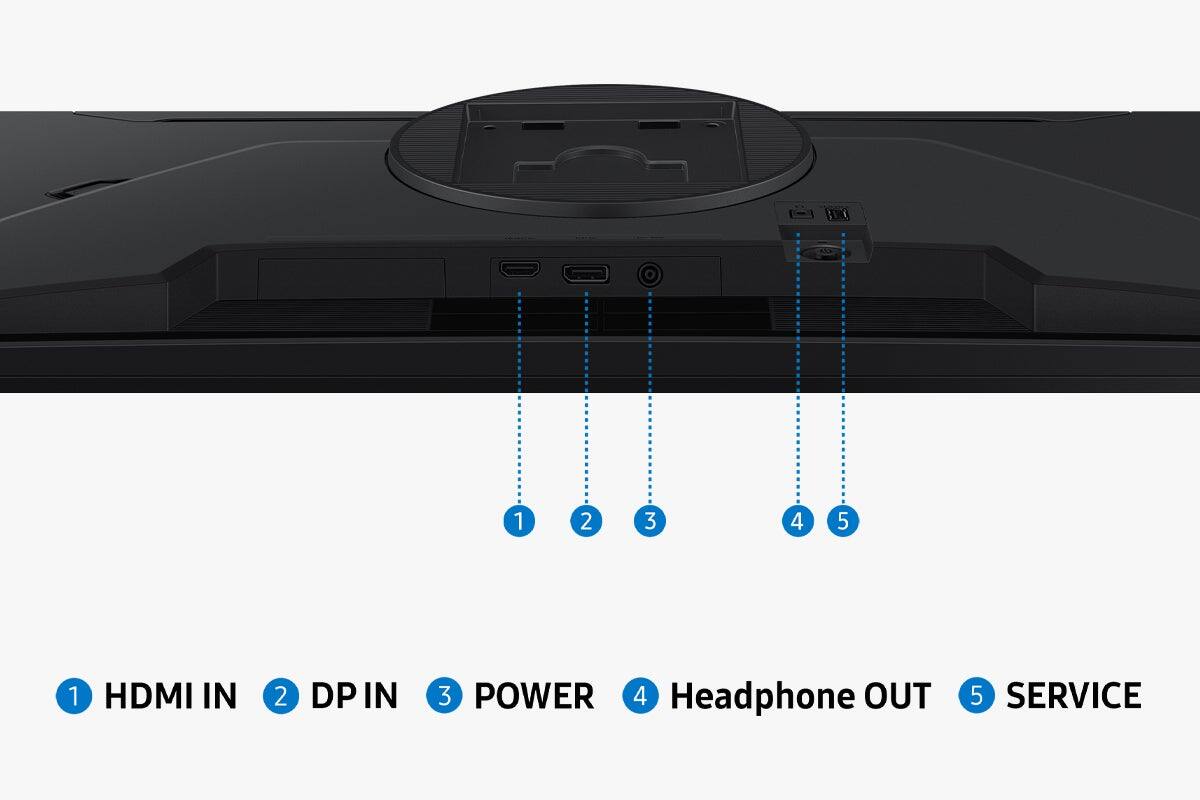
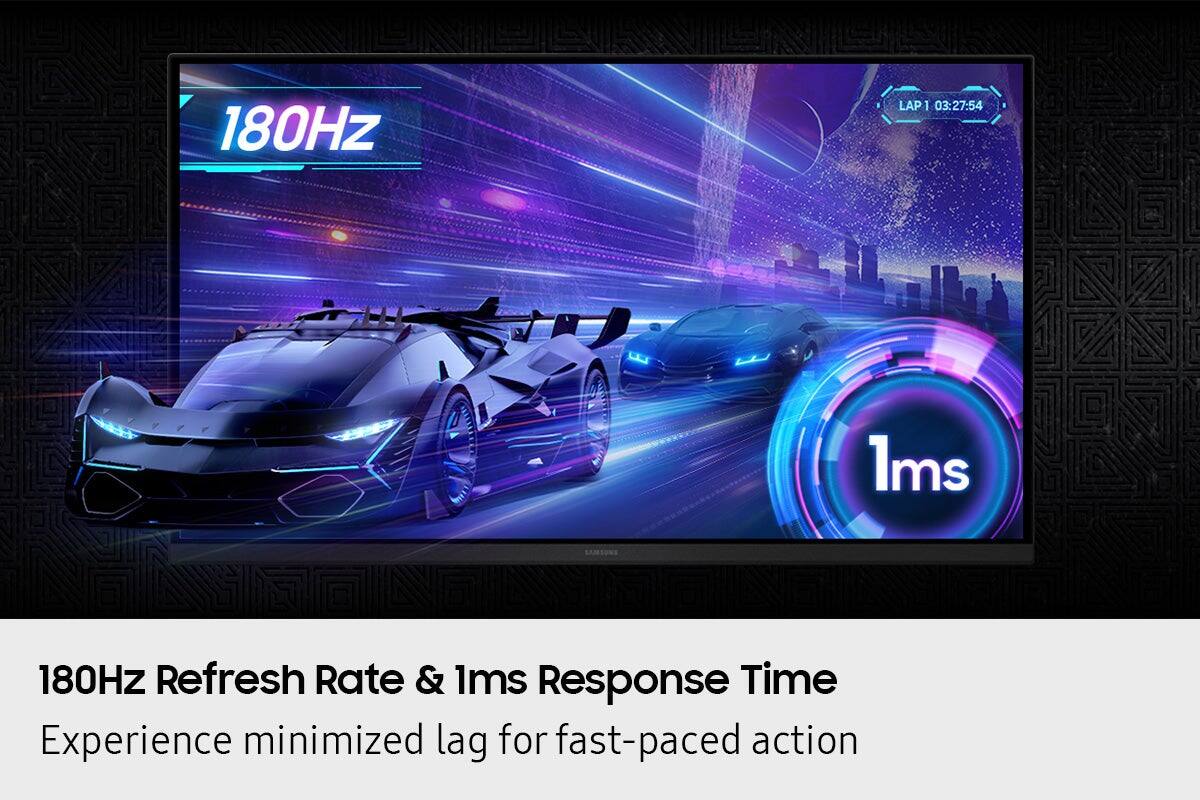
|Posted .This reviewer received promo considerations or sweepstakes entry for writing a review.QHD monitors seem to the be the best bang for the buck in gaming monitors these days and the Samsung Odyssey G5(G50F) 27" monitor is a prime example. At $280, it's got all the right credentials: QHD IPS screen, 180hz refresh, 1ms pixel response and both FreeSync and G-Sync compatibility. I needed to replace an older monitor that was dying. I wanted both FreeSync and G-Sync compatiblity because I have a gaming desktop with AMD video and a gaming laptop with Nvidia video. The dual compatiblity was a real plus. I wanted a 27" monitor due to desk space issues. I also wanted a monitor that could be used in both landscape and portrait configuration. After unpacking and assembling the monitor, which took all of about five minutes, got it hooked up to the desktop. The Odyssey G5 has a separate power brick which make the monitor very light. The stand and frame seem quite sturdy. The bezel surrounding the screen is very thin and unobtrusive. Rotating between a landscape or portrait display is easy and the stand doesn't get in the way. The tilt, pan, and rotation make the monitor usable in almost any location or angle. Color depth and uniformity is really excellent, with even lighting all the way to the edges. Firing up a couple of test games, touring a dungeon was a lovely experience with deep blacks. I could easily distinguish the baddies coming out of the shadows. While the Samsung Odyssey G5 may not have the HDR contrast of some high end monitors, it's really quite respectable. There was also no tearing, blooming, or smearing in high action scenes. A mini joystick on the back is the on off switch and controls access to all the settings with an on screen menu navigator. The menu system was intuitive and easy to navigate and initial setup went very quickly. There were a couple of minor issues with it. Because the joystick is on the back, it's kind of awkward to access. Another issue with setup is that some of the configuration options are not accessible unless a video source is connected. One other minor nit is that there is only one HDMI input and one DisplayPort input. A second DisplayPort input especially would have been really nice. The Samsung Odyssey G5(G50F) gaming monitor is a very impressive QHD monitor, even more so at the price point. Image quality and in game performance are really excellent. If you are looking for a 27" monitor, it should definitely be on your short list. Highly recommended!
I would recommend this to a friend - Pros mentioned:Overall performance, Refresh rate
A Top Contender with a Few Issues
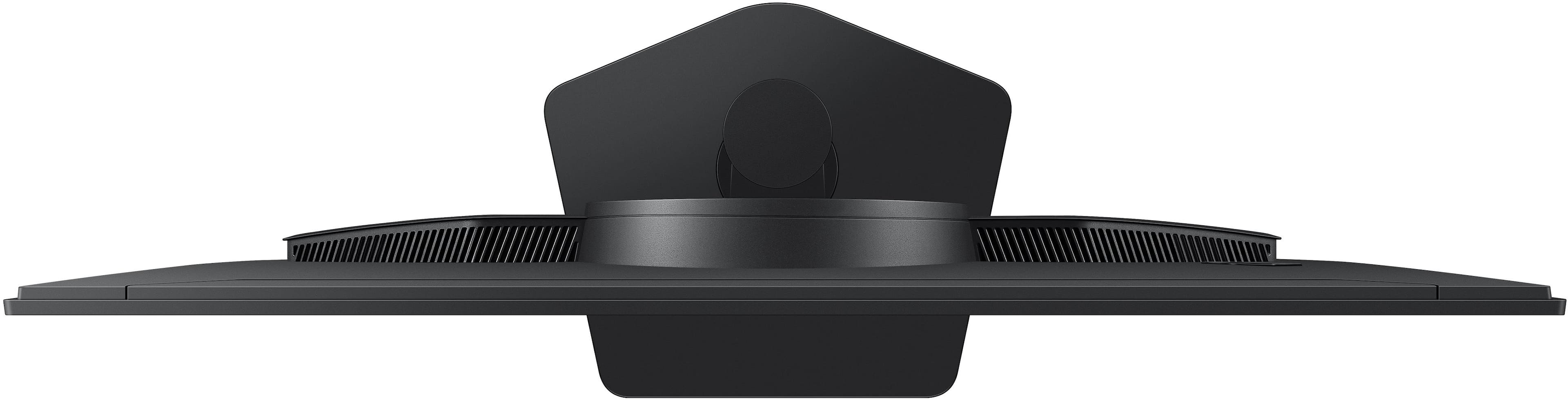
|Posted .This reviewer received promo considerations or sweepstakes entry for writing a review.Bottom line up front: The Samsung G5 27 inch monitor is a very good monitor for it's price; however, it has a few issues that take away from what could have been a hands down winner. Even with these issues, most people will be perfectly fine with this monitor. Samsung pretty much owns this space and this G5 is a middle of the pack producer. It doesn't have speakers so keep this in mind if you had planned to use the monitor for sound. The picture, color and resolution are the absolute strong points for the G5, with the refresh rate and 1ms speed put it above others in this range. It is strong in colors with QHD and the ability for it to saturate darker colors "Black Equalizer" to better enhance visuals in ultra dark scenes. It also performs well in an office environment with no noticeable flicker due to the refresh rate. But office work will not take advantage of its strengths in G-Sync and gaming capabilities. My biggest issue with this monitor is with the control button location. On nearly all gaming monitors the on/off/control button to change options is on the left upper rear of the monitor in the most terrible place! This makes the ability to change options and turn and off an absolute exercise and takes away from what could have been top of the price range display. The base is almost shaped as a base ball plate making it easy for corners or odd placements but is strange as opposed to the regular square or rectangular bases. If you can live with these shortfalls, you will not be disappointed with this as your gaming monitor. Just make sure to leave it in sleep mode!
I would recommend this to a friend - Pros mentioned:Connectivity
Ready for gaming and general use
|Posted .This reviewer received promo considerations or sweepstakes entry for writing a review.TLDR: Samsung G5 G50F model of 27” 2560X1440, 180Hz, 1 ms gaming monitor; HDMI & DP inputs, pivots, tilts, swivels and adjust height on stand, HDR10, NVIDIA GSync, AMD FreeSync, IPS panel 178 degree view angle, Black Equalizer circuit, automatic input sensing, external AC power supply, both HDMI & DP cables supplied, VESA wall mount, 3.5mm audio output jack. This monitor is stunning! It produces images, pictures, videos and even black and white scenes of superb high quality. QHD 2560 x 1440 QHD resolution at 180 Hz with a 1 ms response time, the panel is Anti Glare in use. That panel surface is very nice if used in a bright window room or a room with bright lights. Adjust the height, tilt, and swivel to optimize your viewing comfort. You can also rotate the screen for portrait mode. The included desk stand allows any position you like. Use it vertically if you wish or use it horizontally. When not used for gaming pivoting to vertical allows seeing really long documents, spreadsheets, or web pages with ease. Auto Source Switch+ helps you get to your games faster by automatically detecting when connected devices are turned on and switching to them. It has both HDMI 2.0 and DisplayPort 1.2 input connectors. HDR10 support which ensures bright highlights and nuanced shadows. AMD FreeSync technology with NVIDIA G-Sync compatibility to help eliminate screen tearing or stuttering from fast-paced scenes when using compatible graphics cards. As stated it has both HDMI 2.0 and DisplayPort 1.4 inputs. Black Equalizer boosts the brightness of dark scenes or the shadow sections of scenes when gaming to allow catching enemies easier. Use it to see the improvements. If using headphones or speaker systems plugged into the analog 3.5mm female jack it will provide listening privacy or booming sound. The sound produced by the internal digital to analog circuit is very high quality. I used it with an ancient but still kicking Cambridge Soundworks 3 way computer speaker, a Logitech 3 way computer speaker, and Sony, Philips, and JVC headphones with wired connections and they all sound great. I also geeked out by plugging in a streaming FireStick to the HDMI port with external speakers and the TV and movie streaming result is very nice. Thai monitor becomes a superb streaming TV with computer speakers plugged into the 3.5mm analog audio female output port on the back. That audio port is also referred to as the ⅜ inch audio output jack. With any and all games on my Gigabyte gaming laptop it produces very fast visual response. There is no stutter or lag on my computer’s NVIDIA GeForce RTX 4060 GPU circuit via the DisplayLink port to this G50F monitor; all gaming is nirvana. No one needs to be anxious when using this monitor. While gaming, I can act decisively, impulsively, or hunker down for sneak attacks and there will be no hardware produced problems with this monitor if your computer is up to the task. Yes, recommended.
I would recommend this to a friendBrand response from Samsung
Posted .AtrixNY:
Thank you for your review of this Samsung G50F Monitor. We appreciate you taking a moment to share your experience with us.
Should you ever need assistance, Samsung is here for you. Reach out by calling 1-800-SAMSUNG, available from 8AM - 9PM EST Monday - Friday, and 8AM - 6PM Saturday and Sunday. You can also chat with us online by visiting the ‘Support’ section of our website.
~ Samsung Monitors
- Pros mentioned:Color accuracy
Samsung Monitors are still king
|Posted .This reviewer received promo considerations or sweepstakes entry for writing a review.The Samsung 27" Odyssey G5 (G50F) QHD Fast IPS 180Hz 1ms G-Sync & FreeSync Compatible Gaming Monitor (DisplayPort, HDMI) - Black has been a great addition to my home PC setup. It’s very easy to assemble and set up, and I was up and running within a few minutes. This is a nice, lightweight monitor, but don’t let that fool you—this thing is a powerhouse. As a big gamer and sci-fi fan, I had to fire up a few games to see how special this monitor is. Colors are vibrant and easy to adjust with the buttons on the back. Side note: I wish some higher-end monitors came with remote controls. While playing a few first-person shooter games, some adventure platforming, and Mario Kart on the Switch 2, there wasn’t any screen tearing you might find on older monitors. Smash Bros. on the Switch looks phenomenal on this monitor. I do a lot of CAD drafting work in addition to gaming, and I’m happy to say that long sessions with this monitor are easy on the eyes. Once again, Samsung is proving why they’re one of the best monitor manufacturers out there.
I would recommend this to a friend Upgrade that won't break the bank
|Posted .This reviewer received promo considerations or sweepstakes entry for writing a review.I’ve tried a decent number of gaming monitors over the years, and I gotta say this right up front — when you manage to hit that sweet spot on performance and price, you’ll know it. And yep, that happened with the Samsung Odyssey G5 (G50F). First thing that jumps out? QHD (2560x1440). If you’re coming from 1080p, it’s not subtle — everything looks sharper, cleaner, and just more “alive.” It has the higher pixel density of full HD, and it absolutely shows (in gaming but also in just about anything else… think awesome streaming). Now lets throw in a Fast IPS panel, and you’re getting consistent color and wide viewing angles that don’t wash out the moment you move to a different angle. Next, performance because we all know that why you’re really here. 180Hz refresh rate and a true 1ms response time isn’t just marketing fluff. This thing is smooth. Fast-paced shooters, racing games, anything competitive, it keeps up. No ghosting, no weird blur trails. Clean. And despite this having a decently lower price tag, I don’t feel like corners were cut. HDR10 support adds just enough pop to highlights and shadows to make games feel more immersive. Features like Black Equalizer and aiming tools are there for competitive players who want every edge they can get. It’s clearly built with gamers in mind — not just slapped together with a high refresh rate and we’ll call it a day. Bottom line, this is an upgrade that actually feels like an upgrade.
I would recommend this to a friendA Great Gaming Experience
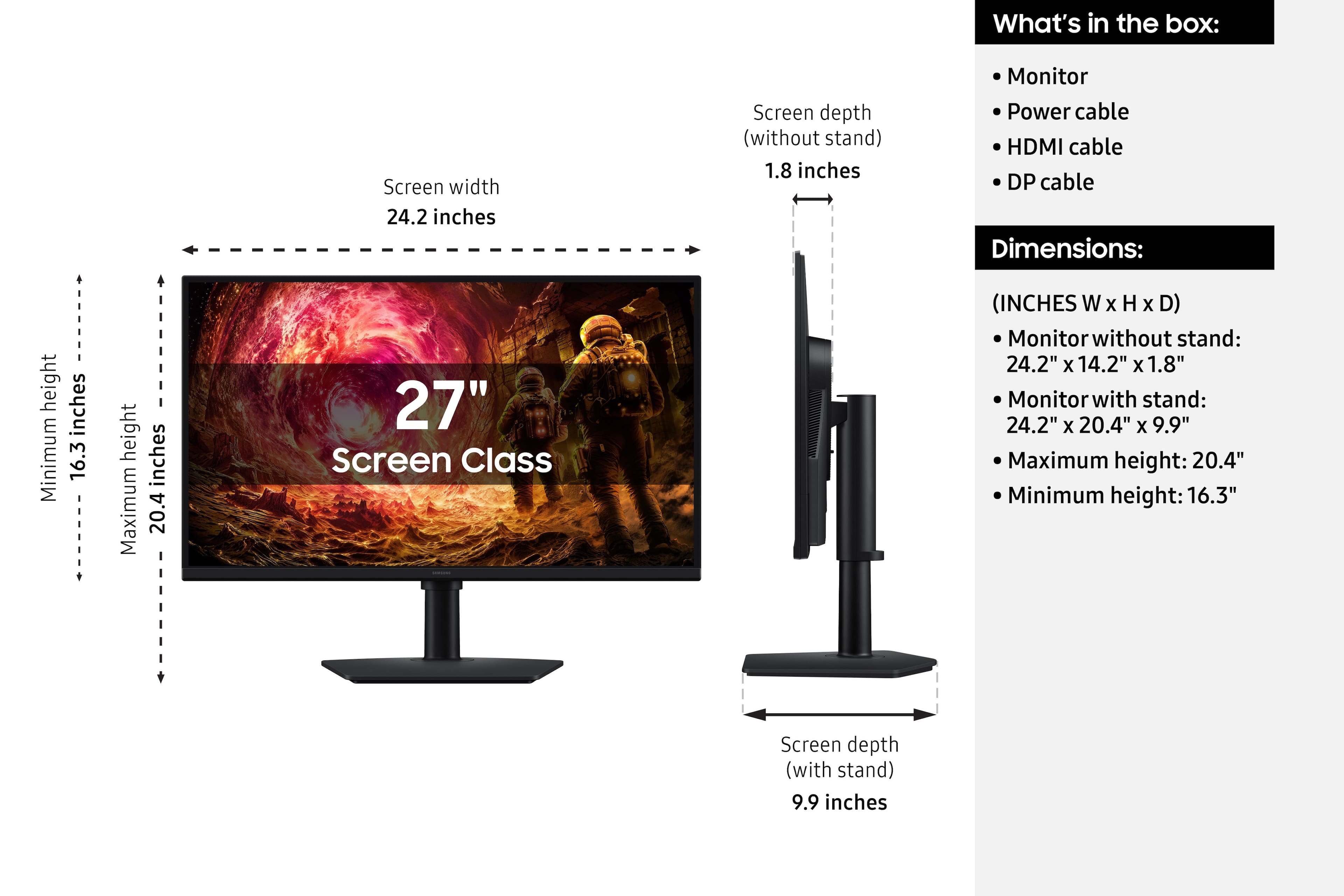
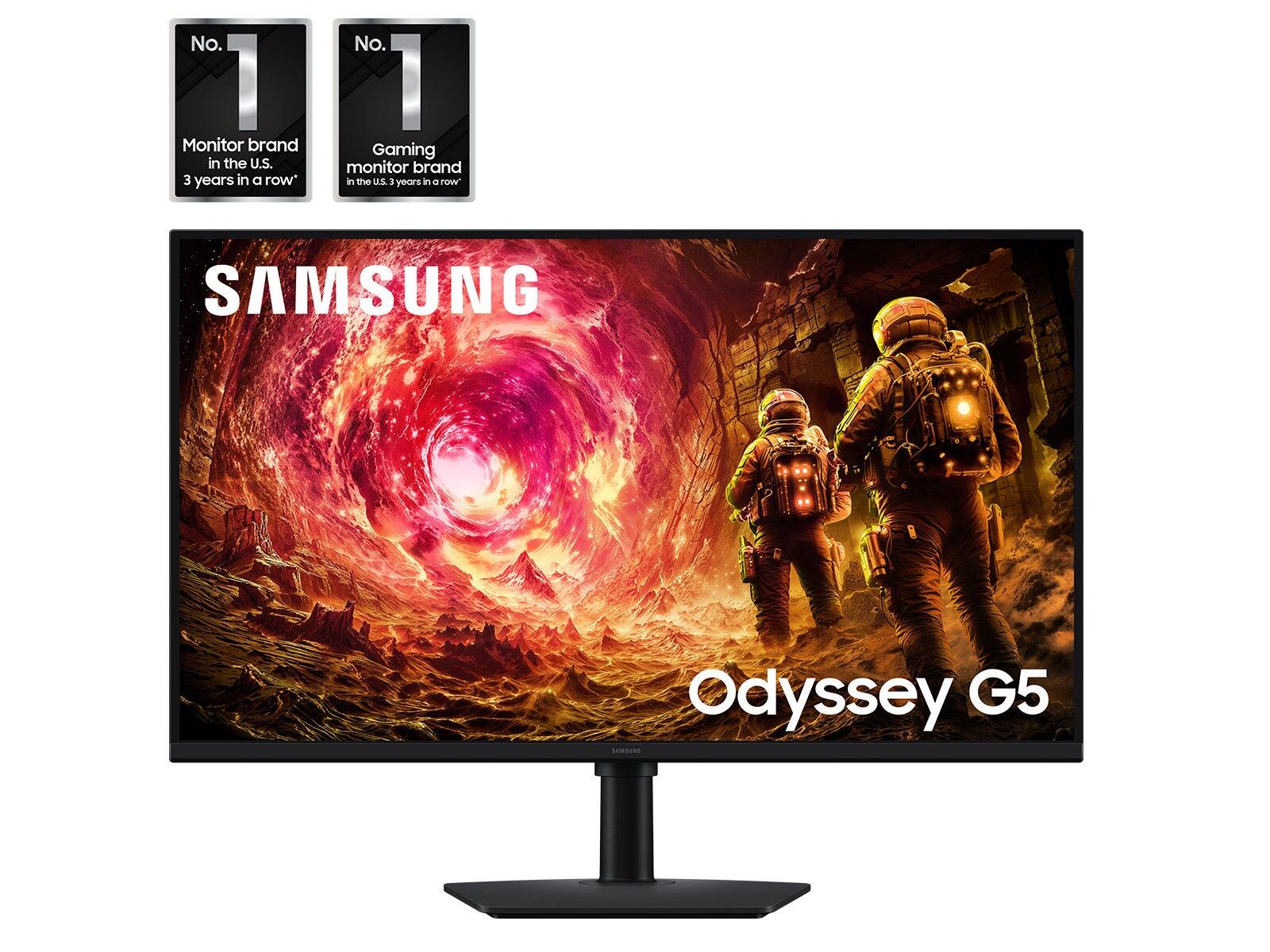
|Posted .This reviewer received promo considerations or sweepstakes entry for writing a review.The Samsung G5 27 Is an excellent choice for an affordable gaming monitor from Samsung, who states they are the number one gaming monitor company 3 years running. I will say this monitor certainly supports that. First the basics. It has a very small desk footprint with a well-designed stand. I am a big fan of this. I used to always Mount my monitors, but that always ended up discouraging me from reworking my workspace. I now always look for monitors with easily adjustable stands, and this stand is excellent, allowing 4 in of vertical adjustment. It also includes any cables you might need for a basic setup, which I really appreciate. Nothing is more frustrating than buying a new piece of hardware and finding that you don't have the cables you need. The 180 HZ refresh time and 1 millisecond response time are critical for anyone playing fast paced video games, especially online games. Every amount of lag that can be reduced matters. This is a smooth playing experience. Pairing this with a wired controller or wired keyboard and mouse, you've got the ultimate, lag free experience.
I would recommend this to a friendGood for the price
|Posted .This reviewer received promo considerations or sweepstakes entry for writing a review.When it comes to gaming monitor options, it seems like there is an infinite amount of options to choose from. Prices can range from a few hundred dollars, all the way to the thousand dollar mark. It's insane...we just wanna game. Well, as much as I enjoy gaming, I also enjoy affordability. The Samsung - 27" Odyssey G5 (G50F) is definitely a great option. This is especially true if you are barely getting into PC gaming. It is a great budget friendly option that offers great value for your money. The Samsung - 27" Odyssey G5 (G50F) includes everything you need to get the monitor connected to your PC. This includes both HDMI and Display port cables!! That is an added bonus for me because I have one monitor connected to the display port, and another to the HDMI port on my computer. That is great value for your money. If you want something you can use with your wall mount system, the Samsung - 27" Odyssey G5 (G50F) can be used with a standard VESA mount system. As for display/picture quality. The Samsung - 27" Odyssey G5 (G50F) offers great picture quality for the price. Just make sure to make the appropriate settings directly on your PC before actually getting into gaming. There is lots of useful adjustability to the monitor. Like most monitors there is lots of articulation adjustment to the monitor. The stand is not so bulky like others, which is great in tight spaces. As for looks of the monitor itself, I feel like Samsung could've put more time into actually making the monitor more appealing to the eye. The adjustment button on the monitor could be better. Overall, it's a good monitor for someone new to the PC gaming world.
I would recommend this to a friendBrand response from Samsung
Posted .Jordan:
Thanks for choosing the Samsung G50F Monitor. I hope that your Monitor is meeting your expectations, however, we are always here to help should you have any questions or concerns about this product.
Reach out by calling 1-800-SAMSUNG, available from 8AM - 9PM EST Monday - Friday, and 8AM - 6PM Saturday and Sunday. You can also chat with us online by visiting the ‘Support’ section of our website.
~ Samsung Monitors