Customer Ratings & Reviews
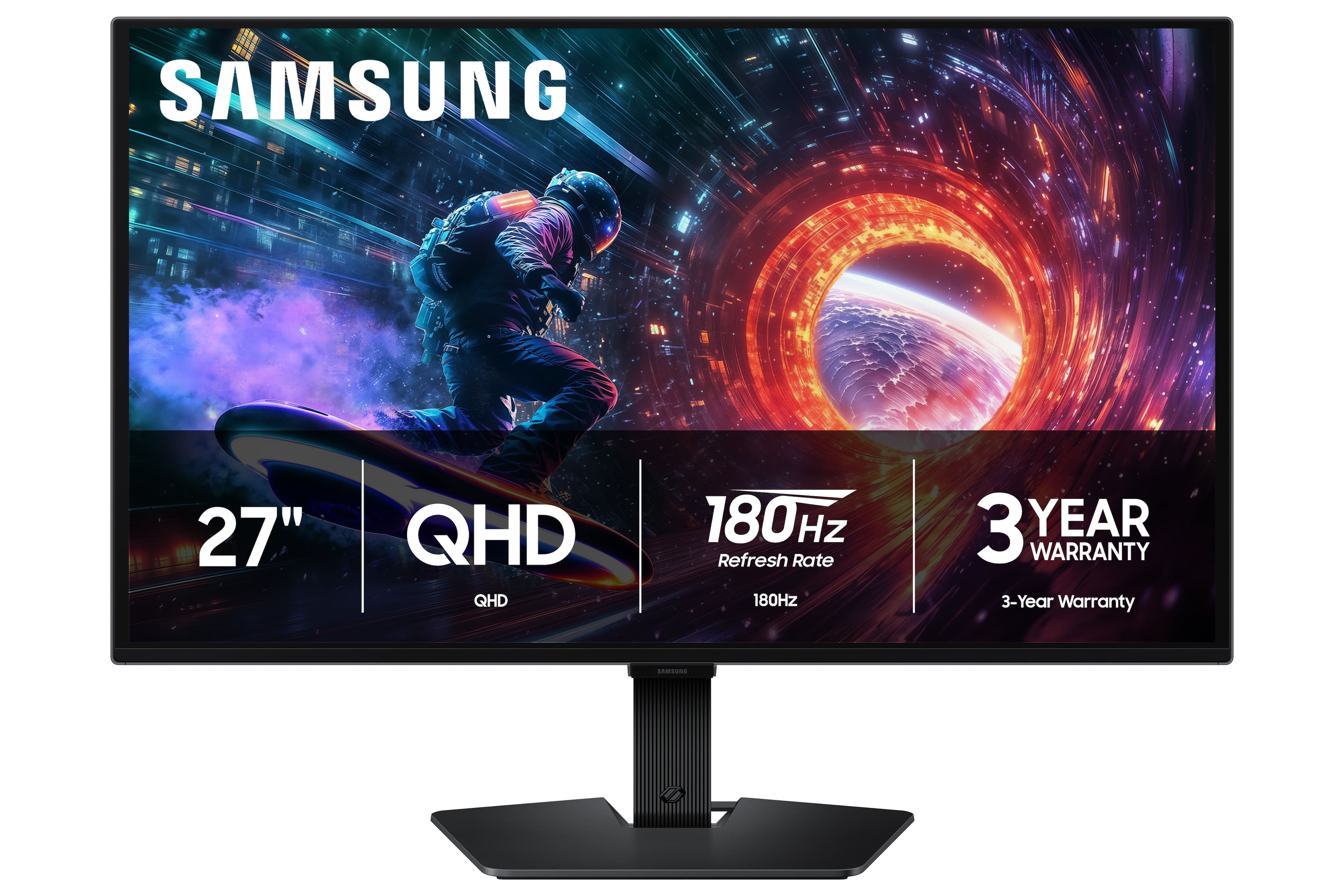
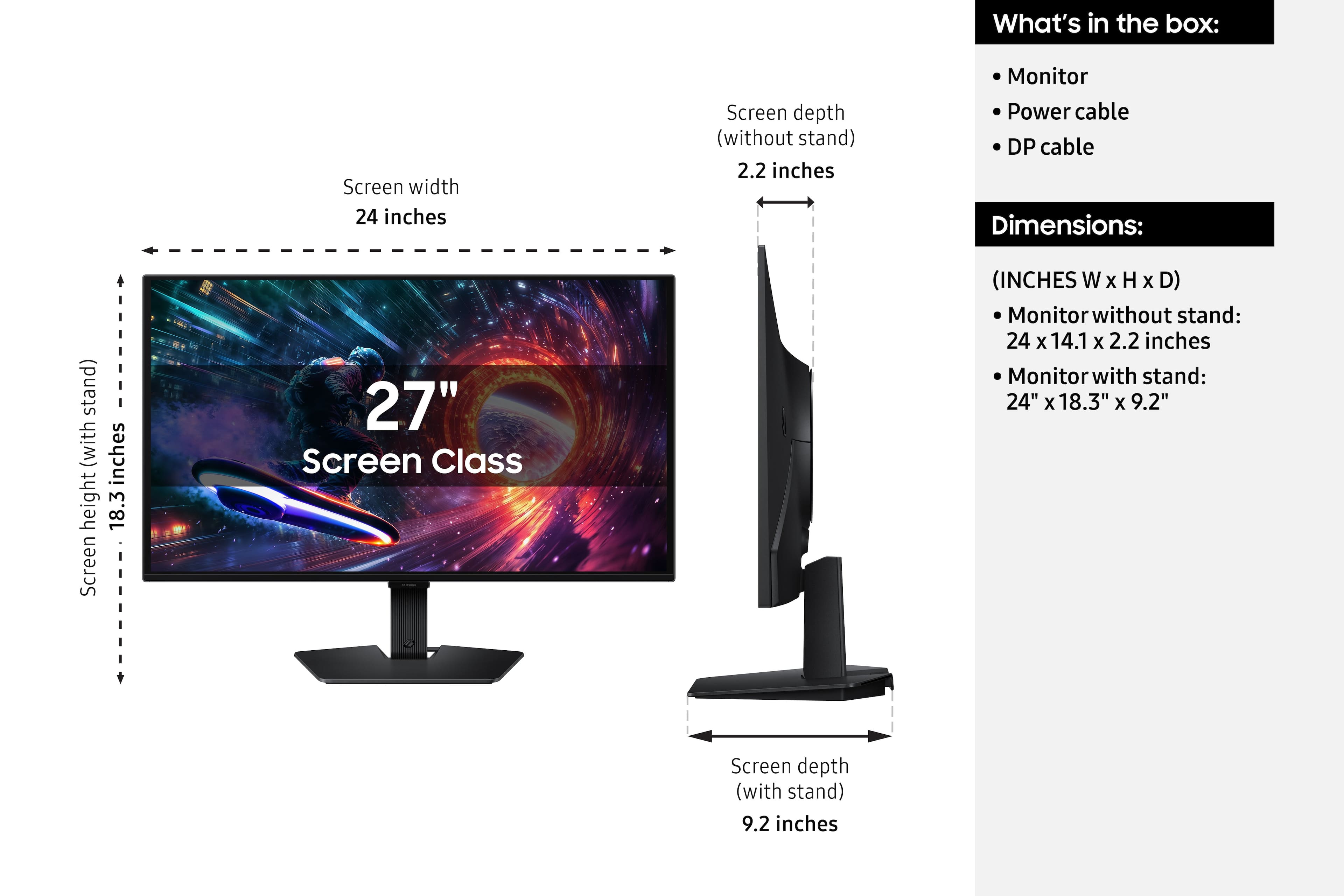
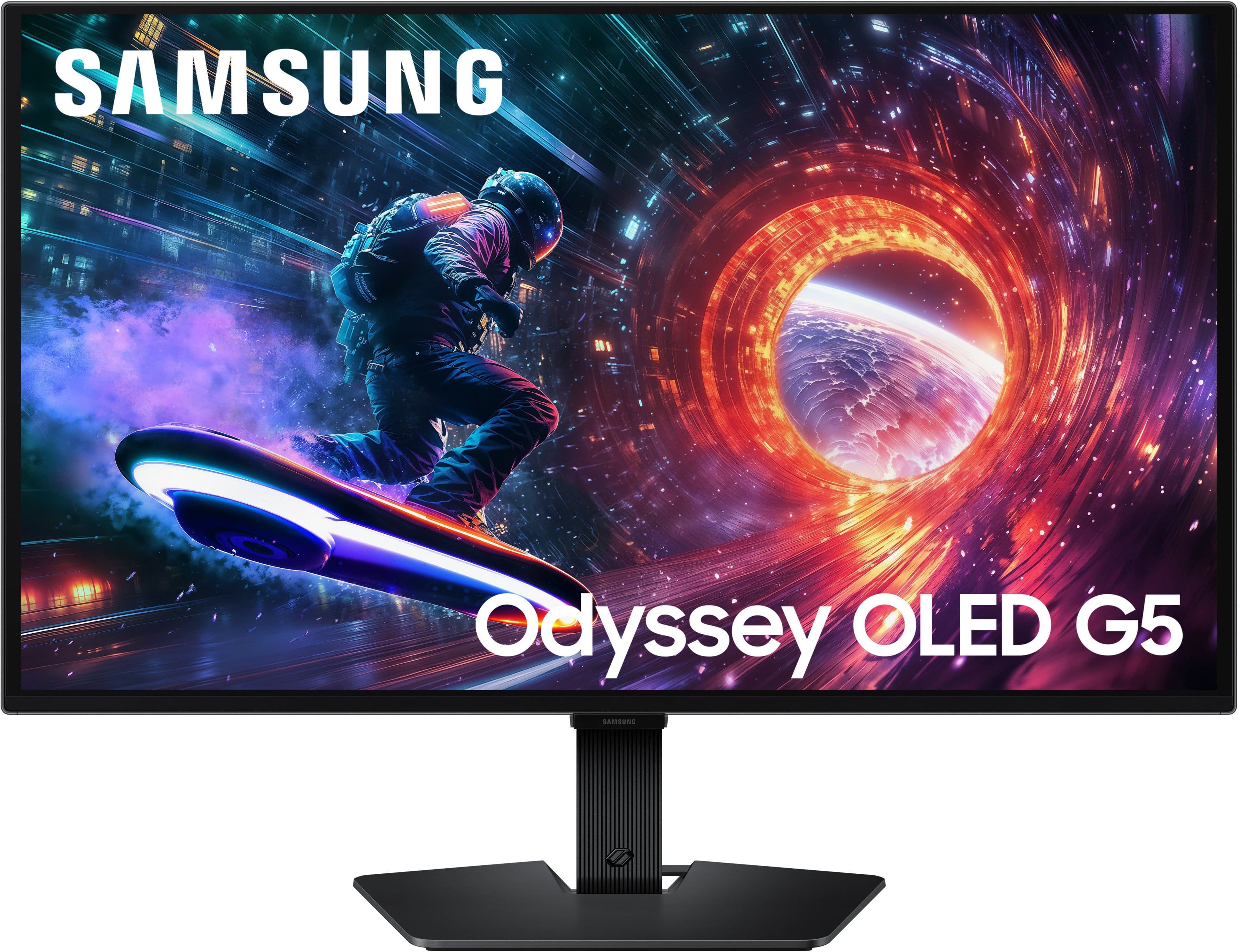
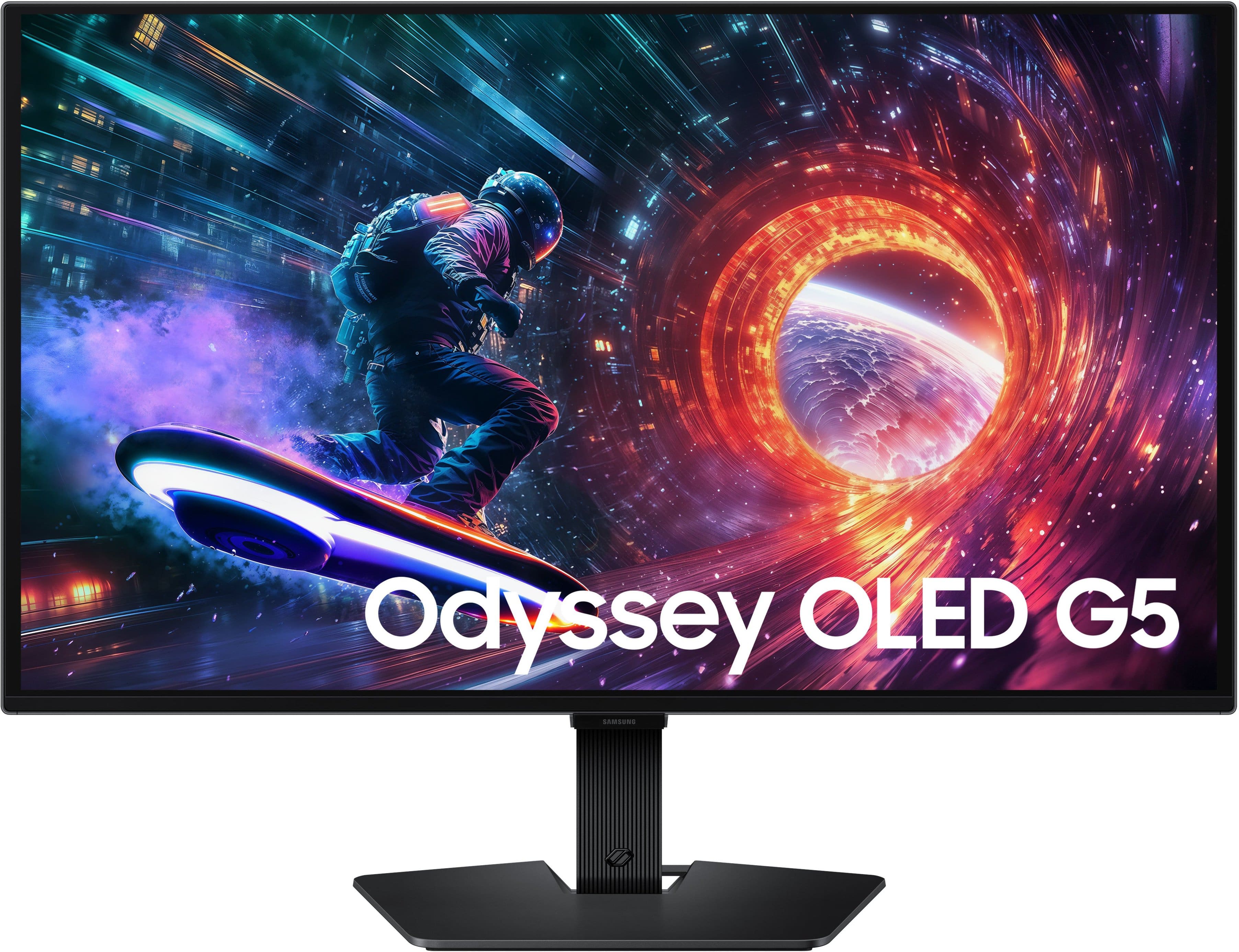

- Model:
- LS27FG500SNXZA
- SKU:
- 12031730
to a friend
Customers are saying
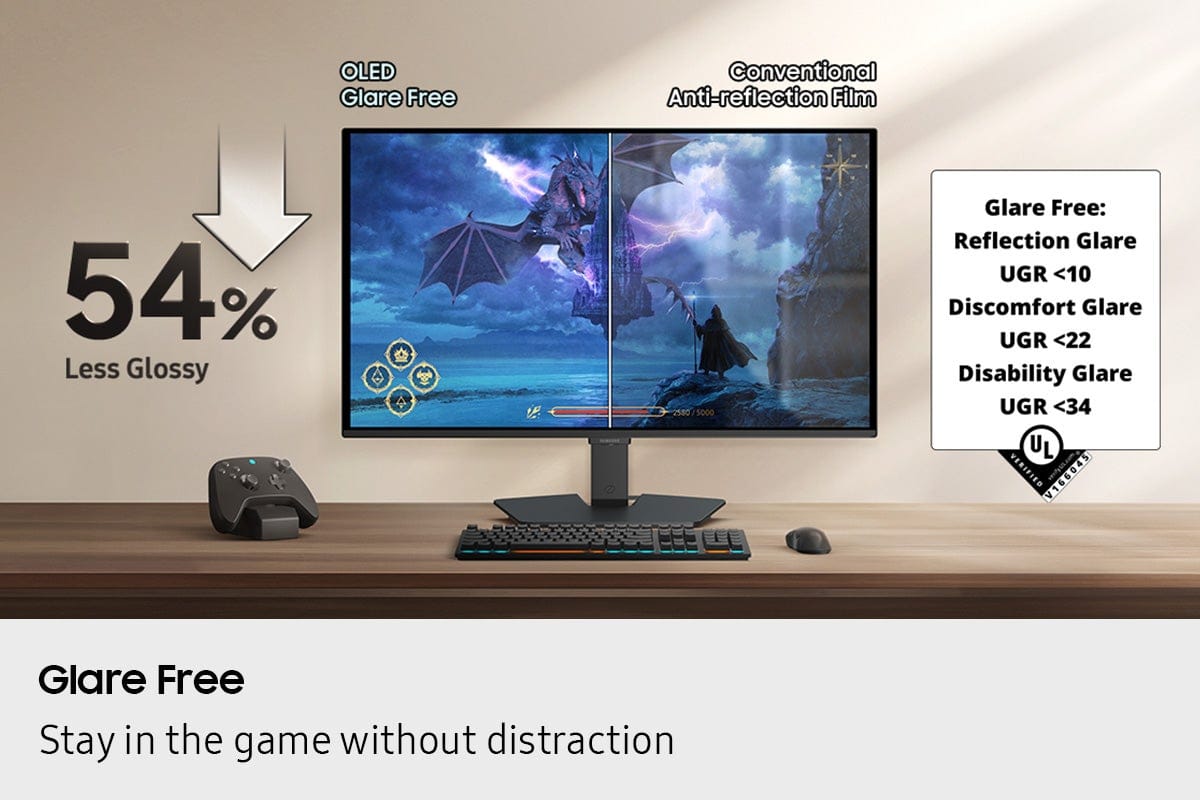
Customers often highlight the excellent visual experience, praising the rich and vibrant color quality, high refresh rate, and glare-free display, which makes it great for gaming. However, some customers express concerns regarding the lack of adjustability, particularly for height, and find the button layout and limited port selection to be inconvenient.
This summary was generated by AI based on customer reviews.
- Pros mentioned:Color quality, Glare reduction, Refresh rateCons mentioned:Adjustability, Port selection

A premium panel sans frivolous luxury features.
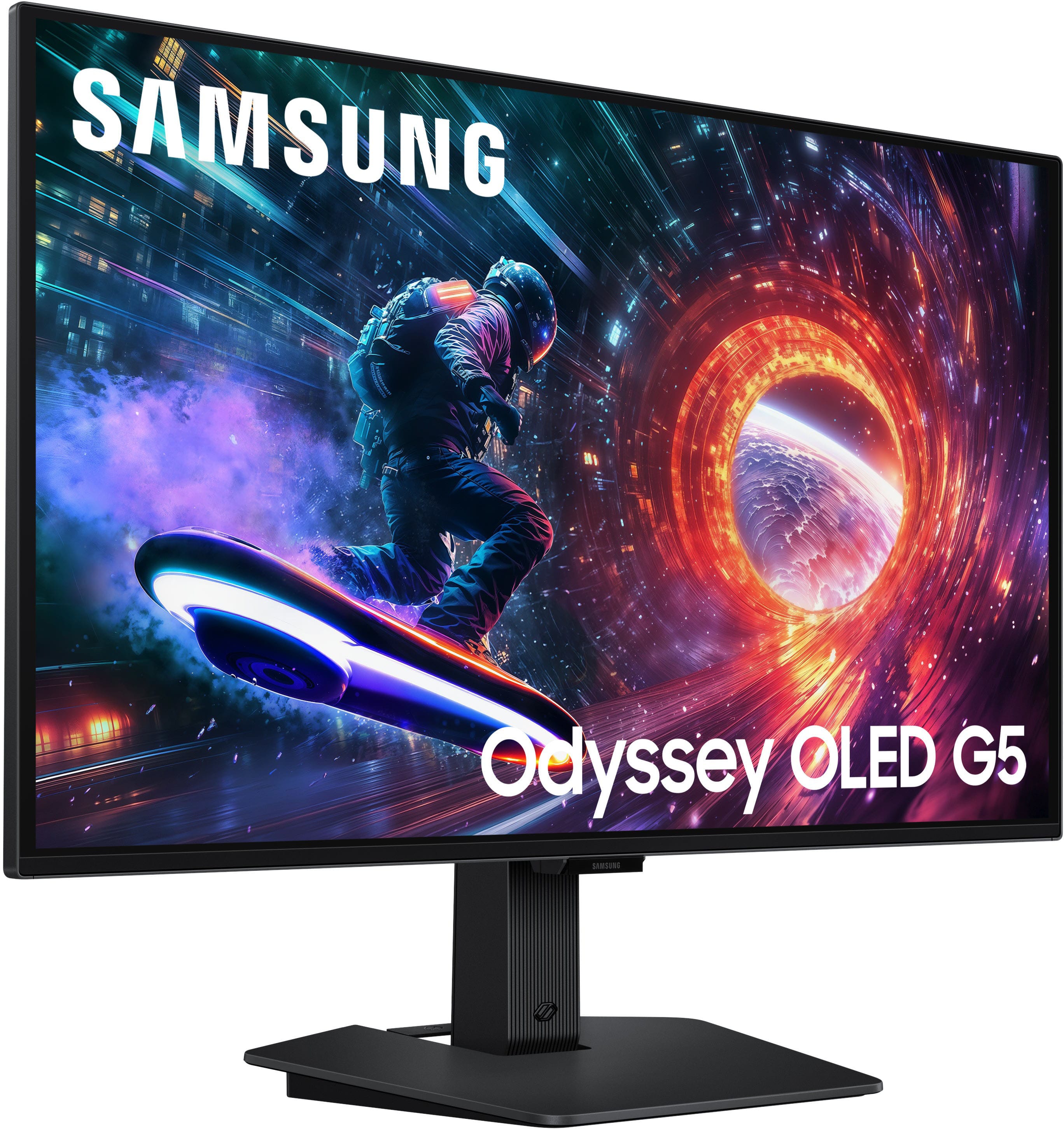
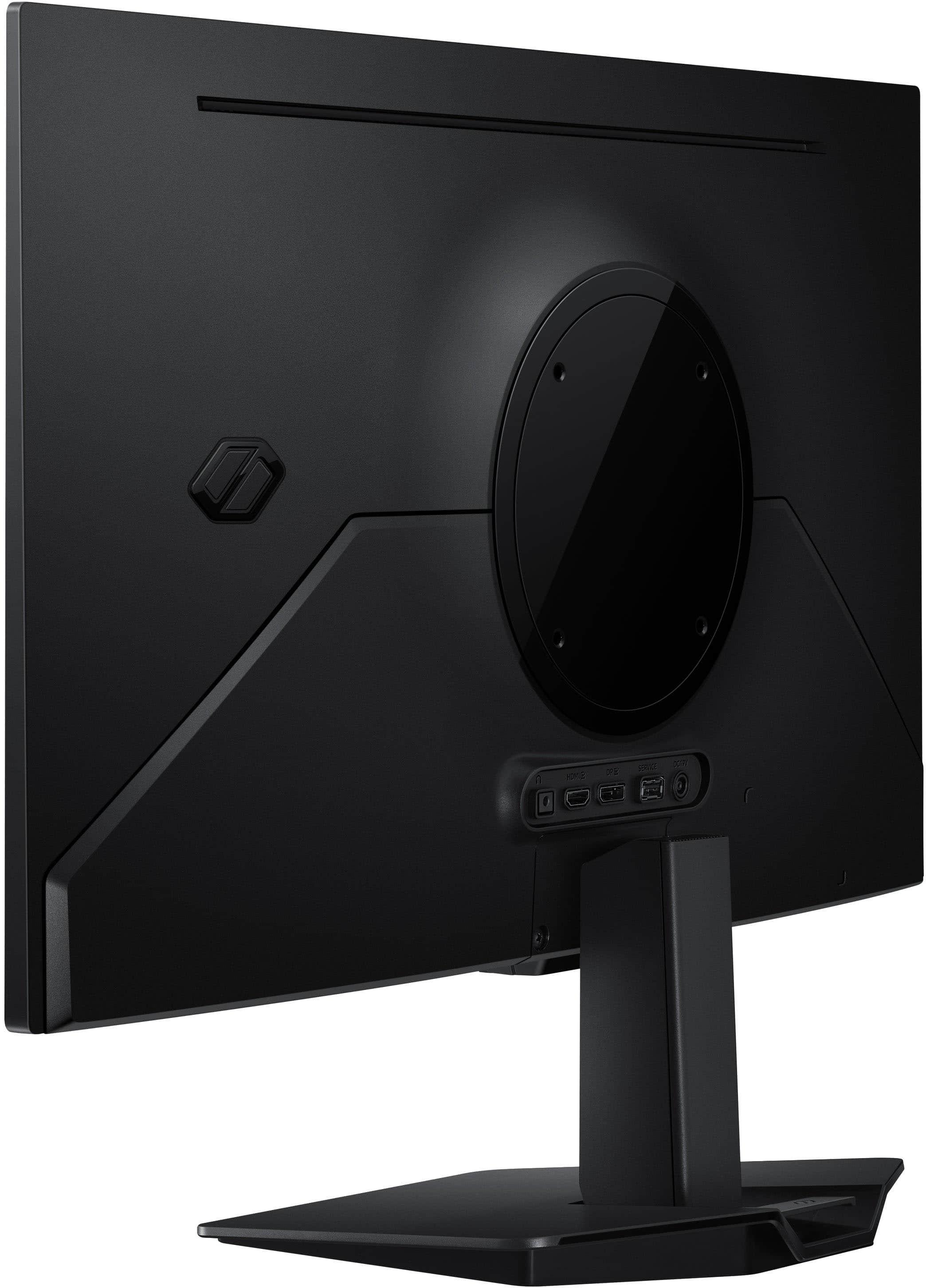
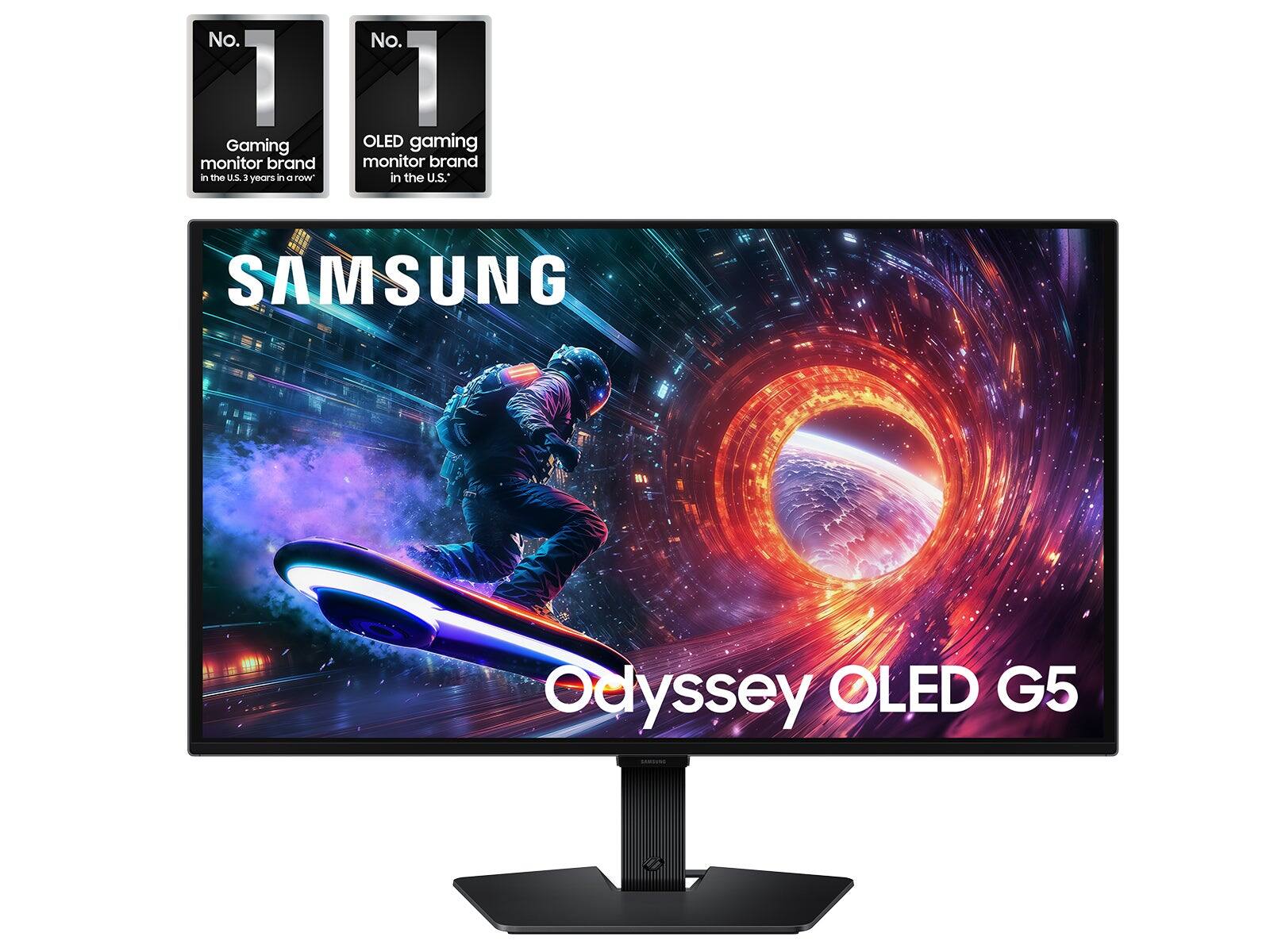
|Posted .This reviewer received promo considerations or sweepstakes entry for writing a review.Samsung's Odyssey QD-OLED G50SF is a panel-first monitor that prioritizes providing exceptionally accurate and stunning picture quality, refresh rate and response times; however, the trade-offs sacrificed are substantial and include build quality, speakers, ports and ergonomics. Based on the picture quality, color accuracy and motion/graphics performance, this monitor would easily be great for photographers, creatives, camera and binge watchers-alike. +++ What Was Great +++ • Stealth Aesthetics: the matte finish and minimal black bezels allow the display to "disappear" into the background when watching movies, providing a distraction-free viewing experience compared monitors in white finishes or with chrome/silver accenting around the bezel. • Pro-Grade Accuracy: out of the box the color is exceptional. If you want more realistic colors, enable HDR. Creatives and photographers will appreciate how well the colors on the screen translate to print. • OLED performance: the incredibly low response time and perfect blacks make HDR content pop in a way IPS panels simply can't match. I highly recommend enabling HDR for the best experience. --- What Could Have Been Better --- • Build quality: this monitor is unapologetically plastic. • I/O Ports: this monitor lacks speakers and USB-C ports (USB-C PD). That being said, I wasn't crazy about the I/O connections being openly exposed either. • Ergonomics: the lack of at least height adjustability was a considerable miss and means you'll need to purchase a stand/riser or VESA mount to get ideal ergonomics. *** Nice to Know *** • Burn-In Peace of Mind: Samsung includes a 3-year warranty specifically for burn-in from normal usage. There's also some tech Samsung has built into the display to help minimize this. • Resolution: this display is QHD (1440p) and not UHD (2160p); while text is plenty clear, don't expect "retina" density you might be used to from a certain fruit company's displays. • Glare: this screen is glare-free/matte finished.
I would recommend this to a friendBrand response from Samsung
Posted .Gadgeteer:
Thank you for sharing your review of Samsung G50SF Monitor. We value your feedback and will share it with our teams.
Should you ever have questions or need assistance using this product, please know we’re always here to help.
Call 1-800-SAMSUNG from 8AM - 9PM EST Monday - Friday, and 8AM - 6PM Saturday and Sunday, or connect with a LiveChat agent anytime by selecting ‘Support’ on our website.
~ Samsung Monitors
Good monitor
||Posted . Owned for 3 weeks when reviewed.This reviewer received promo considerations or sweepstakes entry for writing a review.Great monitor looking to purchase another one when it goes on sale
I would recommend this to a friendHigh quality
||Posted . Owned for 1 week when reviewed.This reviewer received promo considerations or sweepstakes entry for writing a review.The detail on the monitor is crispy and sharp. Recommend using on low lighted room.
I would recommend this to a friendThin and light. Perfect for your transporting.
||Posted . Owned for 1 week when reviewed.This reviewer received promo considerations or sweepstakes entry for writing a review.This monitor is very efficient light and perfect for transporting around.
I would recommend this to a friendgood monitor
||Posted . Owned for 1 week when reviewed.This reviewer received promo considerations or sweepstakes entry for writing a review.good monitor. This is a bunch of text to ensure i meet the character limit.
I would recommend this to a friendBest monitor
||Posted . Owned for 2 weeks when reviewed.This reviewer received promo considerations or sweepstakes entry for writing a review.I would totally buy another one for a dual's setup!
I would recommend this to a friendDecent
||Posted . Owned for 1 week when reviewed.This reviewer received promo considerations or sweepstakes entry for writing a review.Decent for the price but not the best. It couod be cheaper since it is the g5.
I would recommend this to a friend- Pros mentioned:Color quality, Contrast, Refresh rateCons mentioned:Port selection
Stunning Display for Gaming and Content
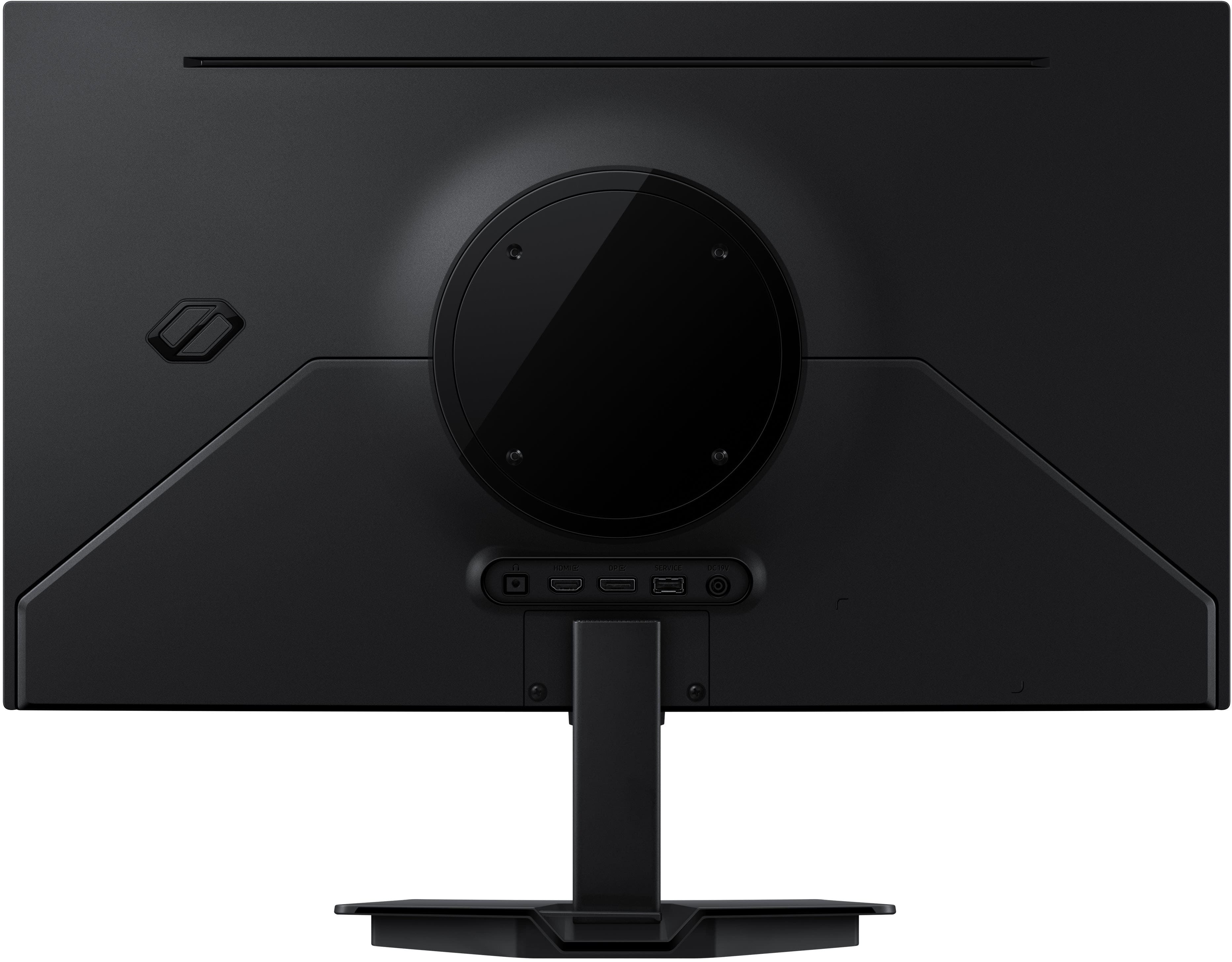
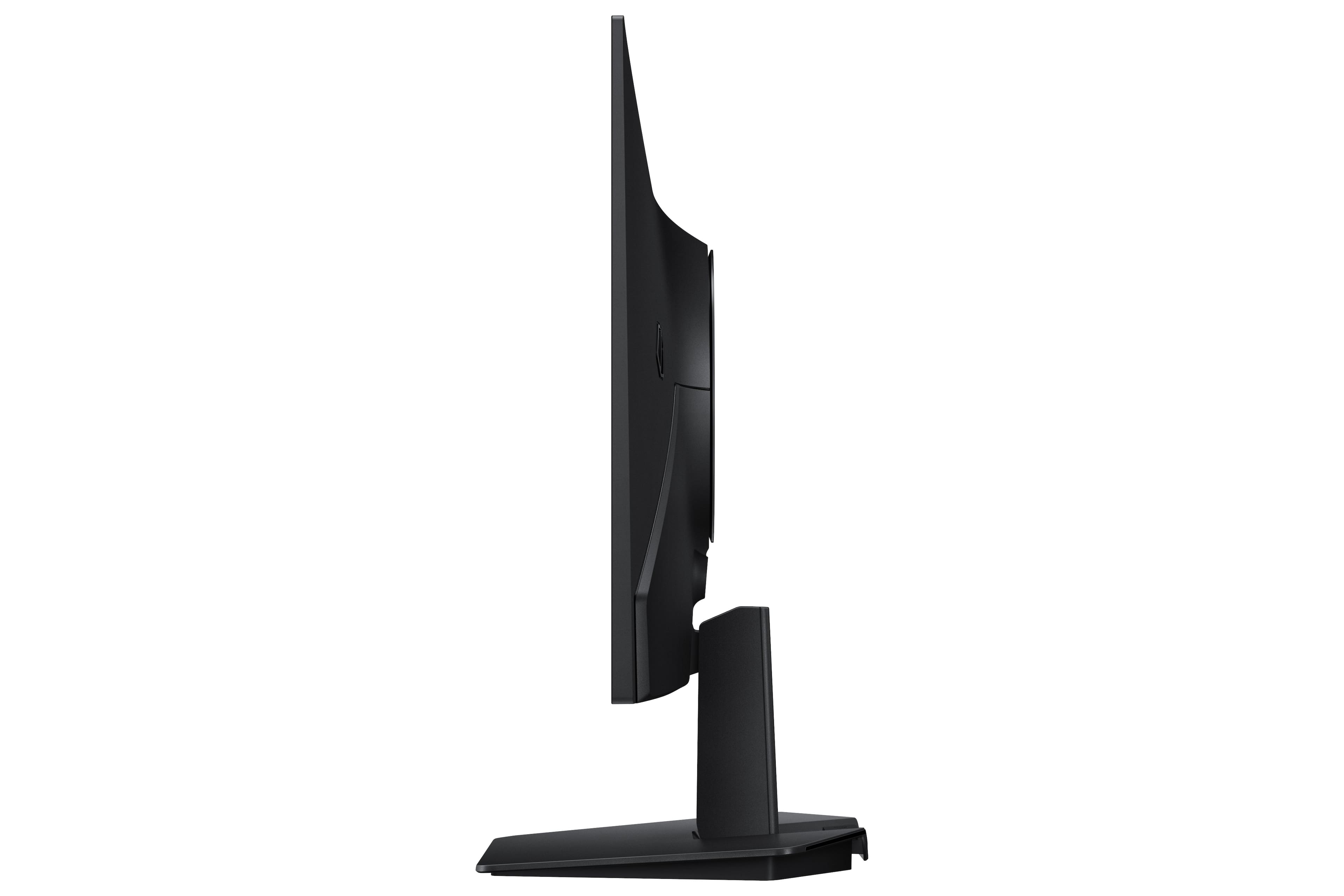
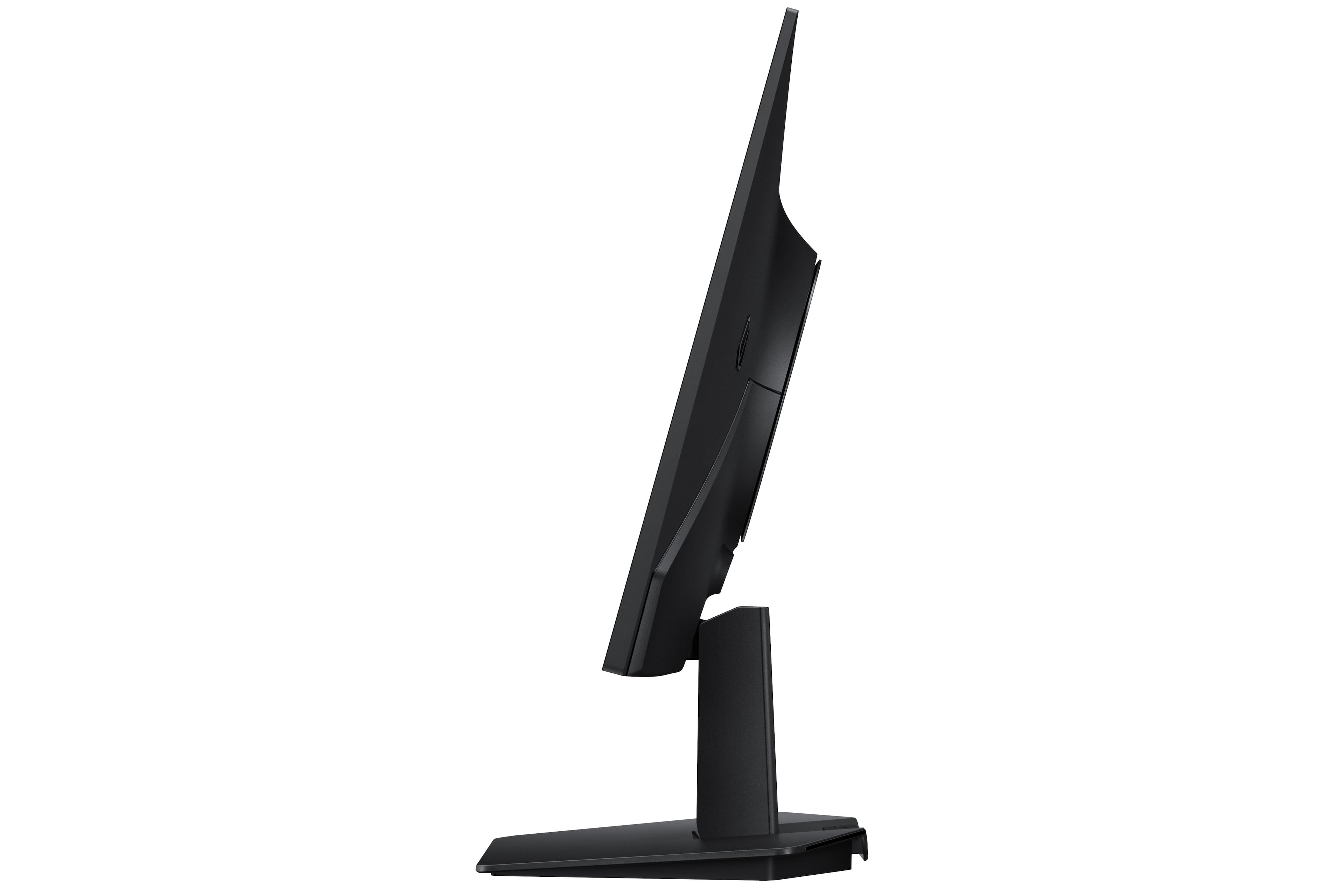
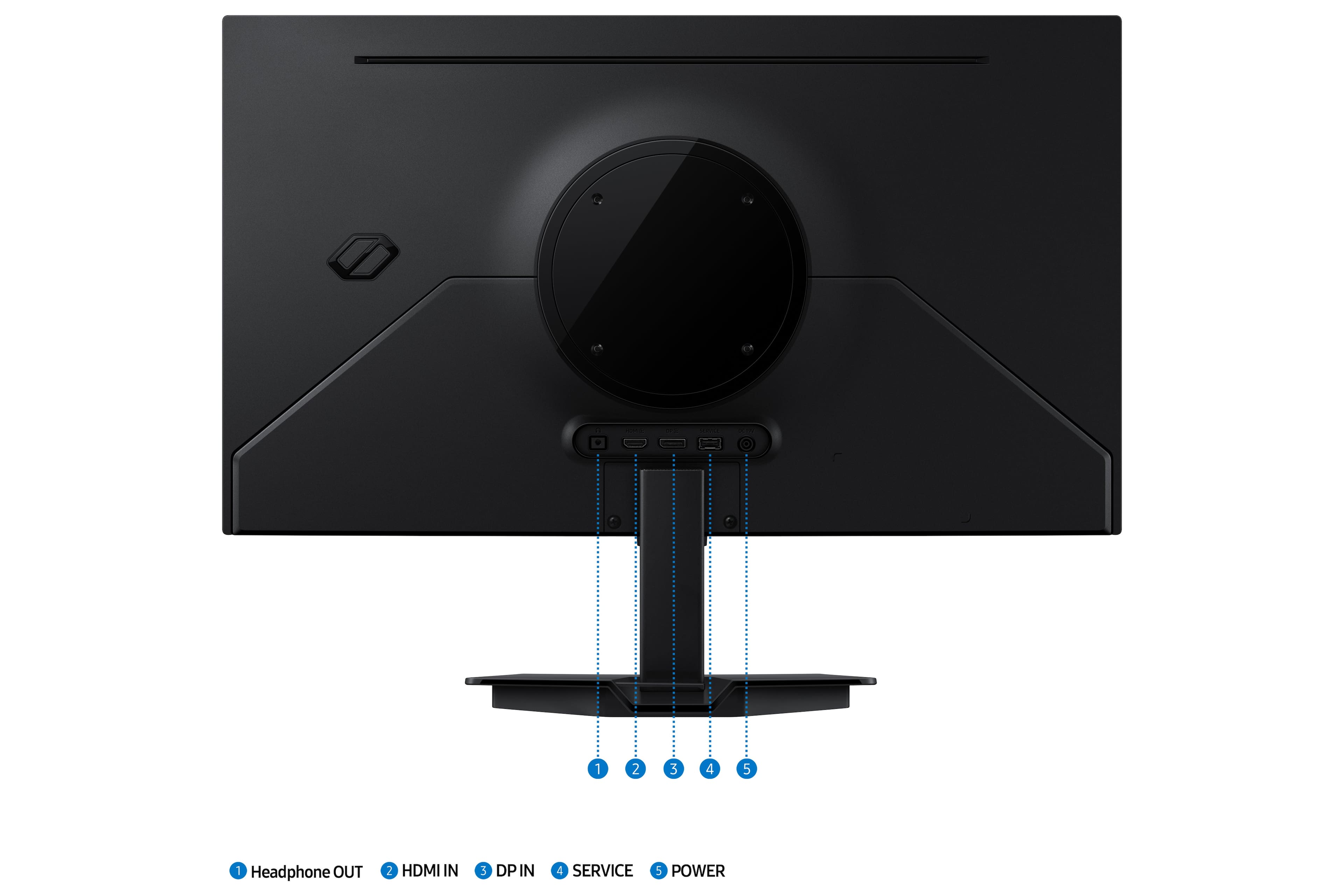
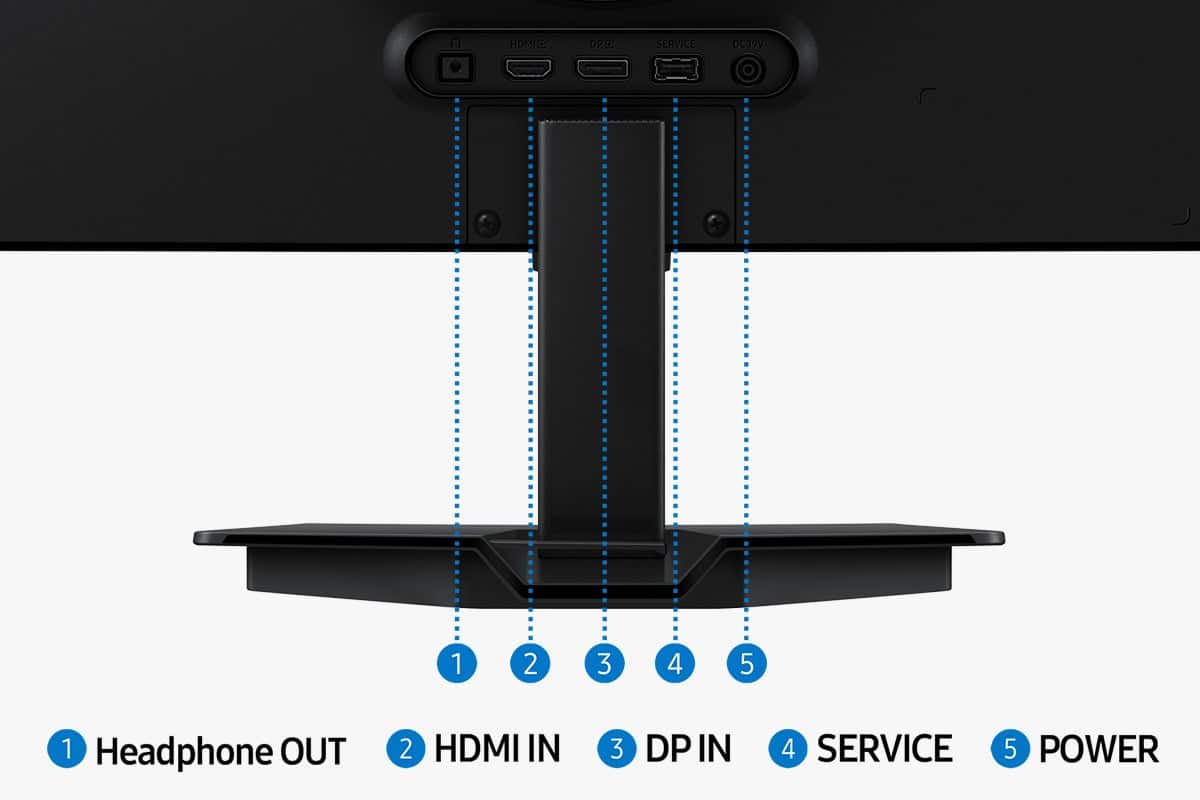
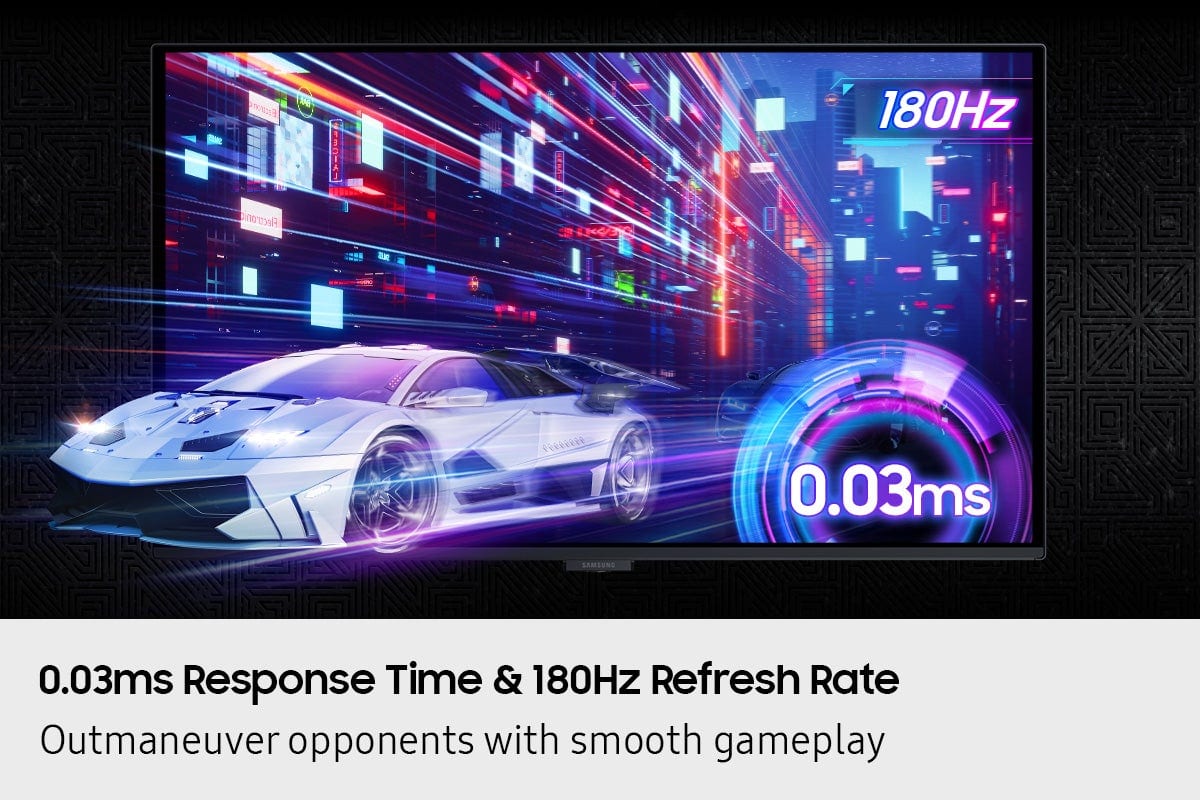
|Posted .This reviewer received promo considerations or sweepstakes entry for writing a review.This is a stunning display that isn’t just QD-OLED but comes with features that takes a step up from your gaming monitor. First thing out of the box, I just plugged it in and fired up Battlefield 6. The 180Hz refresh rate made gameplay butter smooth and the QHD graphics rounded out the perfect balance for performance and quality. I do recommend turning on HDR which feel pulled the most out of this monitor. Colors are vibrant and rich, typical of your OLED displays, especially when contrasted against true black backgrounds. OLED monitors are both engaging and immersive because you really do get lost in the colors and contrast of the screen. However, I would caution that this may not be best if your setup is also your work desk. I prefer brighter screens for daytime work and this is a bit on the dim side for me. One thing I noticed is the excellent anti-glare on the screen. This can create a bit of a matte look but overhead light glare or sunlight through the window has very little affect on this screen. I don’t think this feature gets enough attention on gaming monitors because there’s nothing more annoying than a glare you can’t quite get rid of. The I/O is straightforward, offering the basics. You get one display port 1.2 and one HDMI 2.0. It’s not the latest and greatest standard, but given the QHD and 180hz, it’s enough. There’s a USB A for upgrading firmware, and somewhat unique, a headphone jack. This means this does not come with speakers, which bums me out a bit, but geared towards gamers, it’s likely you’re using headphones anyways. Build quality seems okay enough. I like the pancake stands much more than the V shaped ones that seem like they take up more space than they need to. It does have some adjustment to it, but it’s very limited to tilt. No height adjustment included. Bezels are a bit on the thick side. I don’t think it takes anything away from the monitor, but when they’re thinner, it’s nicer to run a dual monitor setup. VESA mounting holes on the back very easily accessible. What is incredibly refreshing is the power and navigation buttons. They’re front and center with a center action button surrounded by directional buttons. It’s so much more intuitive than a row of buttons I’m constantly guessing at. Some of the other notable features is a large amount of customization to the color and tone of the screen. You can cycle through the different preset modes and it will display the value of settings below so you can tweak from there. It does keep your changes saved so when you switch back to the preset, it’ll be to your preference. You can also do color filters if you’re doing creative work to help color match. One thing to keep in mind is you won’t get the full 180Hz refresh rate unless you’re using display port. If you use a gaming laptop like I do, you may want to use your thunderbolt port to DP instead of the built in HDMI. This caught me off guard some but Samsung does note this on their website. The other thing to note is there isn’t a USB hub or KVM switch, no RGB to note. This is basically entry level into OLED gaming and entertainment. Not that it takes away from the display, but if you’re looking for those features, you may have to go with a higher-class monitor. Some final thoughts, I appreciate Samsung giving us a very long power cable. Often you end up making compromises to your setup because certain cables just won’t reach, not a problem with this one. I also like they include a 3-year manufacturer’s warranty which also includes burn in. There are some smart features such as logo detection and pixel refresh that helps keep things working smoothly if burn in is a concern. I think if all you’re looking for in a monitor is just an excellent panel with gaming features such as Nvidia G-Sync, 180Hz refresh rate, and vibrant HDR colors, at 2k resolution, this is it. If you are looking for something with more design or need more robust connectivity, you may want to take a look at other monitors by Samsung, specifically the G8 which is a significant step up but still OLED and built for gamers.
I would recommend this to a friend - Pros mentioned:Color quality, Contrast, Glare reduction
How Is This Not 5 Stars Across The Board?
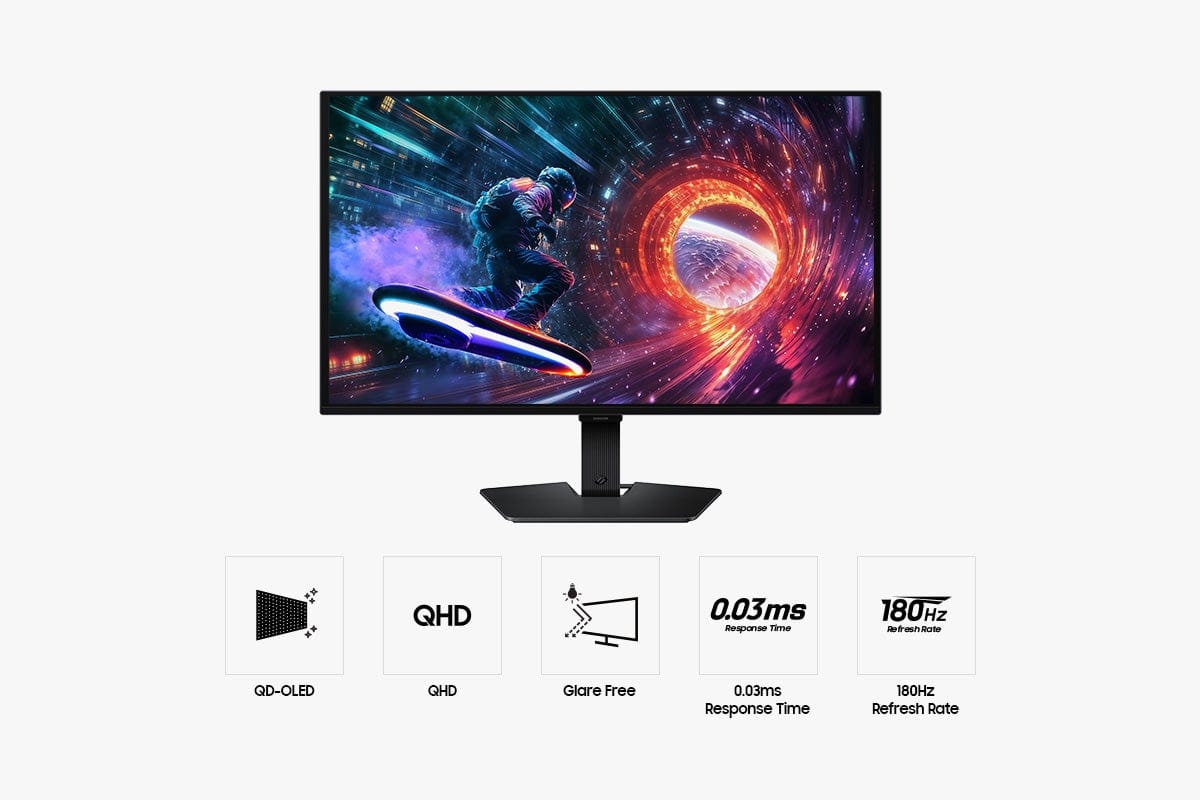
|Posted .This reviewer received promo considerations or sweepstakes entry for writing a review.⭐⭐⭐⭐⭐ Absolutely Blown Away! I've been using the Samsung 27" Odyssey OLED G5 (G50SF) for almost 2 weeks now, and honestly, I’m still blown away every time I turn it on. I genuinely don’t understand how anyone could give this monitor less than five stars. First off — the OLED panel is stunning. Colors are incredibly vibrant, blacks are truly black, and the contrast makes everything look alive. Whether I'm gaming, watching videos, or even just browsing, everything looks significantly better than any monitor I've owned before. The 180Hz refresh rate and 0.03ms response time are absolutely noticeable, especially in fast-paced games. Movement is buttery smooth, and there’s basically zero motion blur. Competitive games feel more responsive, and even casual gaming feels more immersive. Once you experience this, it's hard to go back. Another thing I didn’t expect to love this much is the glare-free screen. My room gets a decent amount of light during the day, and this monitor still looks incredible without reflections getting in the way. I also want to mention that I'm a **huge Samsung fan**. Pretty much everything in my house is Samsung — from my appliances, washer and dryer, TVs, and even my cell phone. I’ve always trusted their quality, and this monitor just reinforces why I keep coming back to Samsung products. They consistently deliver, and this monitor is no exception. A few things that really stood out after a week: * 🎮 Perfect size at 27" QHD — sharp without being too demanding on your GPU * ⚡ G-Sync & FreeSync work flawlessly — no tearing at all * 🎨 OLED colors make games and movies look unreal * 🖥️ Clean, modern design that looks premium on the desk * 🔥 Fast response makes everything feel snappy, even outside gaming After almost 2 weeks I honestly have **zero complaints**. The performance, picture quality, and overall experience have exceeded my expectations. **Final Thoughts:** Amazing image quality, ultra-smooth performance, and premium build quality. As someone who already trusts Samsung across all my devices, this monitor absolutely delivers. I truly don’t understand how anyone could rate this anything less than five stars. ⭐⭐⭐⭐⭐
I would recommend this to a friendBrand response from Samsung
Posted .Boogie2525:
Thank you for sharing your experience with your Samsung G50SF Monitor. Your feedback is very important to us and will be shared with our product team.
If you ever have any questions or need help, we’re always here. Call 1-800-SAMSUNG from 8AM - 9PM EST Monday - Friday, and 8AM - 6PM Saturday and Sunday, or connect with a LiveChat agent anytime by selecting ‘Support’ on our website.
~ Samsung Monitors

Good entry level OLED
|Posted . Owned for 1 month when reviewed.This reviewer received promo considerations or sweepstakes entry for writing a review.Picture quality looks great, glare is minimal, the refresh rate could be higher especially for the price.
No, I would not recommend this to a friendBrand response from Samsung
Posted .PARKERD:
We appreciate your input on the picture quality of Samsung’s G50SF Monitor. If the refresh rate isn’t meeting your expectations, there are several adjustments you can make to improve your viewing experience.
First, please ensure your Monitor is running the latest firmware, as updates may include important picture quality enhancements. Go to: Home > Left directional button > Settings > Support > Software Update > Update Now
1. Check you cable and ports: To reach the maximum 180Hz on your G50SF, you must use a DisplayPort cable connected directly to your dedicated graphics card
2. Enable Refresh Rate in Monitor Settings: Press the Menu/Jog button on the bottom of the monitor to open the OSD. Navigate to Game > Refresh Rate. Change it from 60Hz to 180Hz
3. Adjust Windows Display Settings: Right-click on your desktop and select Display settings. Scroll down and click on Advanced display. Under Choose a refresh rate, change it from 60Hz to 180Hz
If these adjustments don’t improve your picture quality, feel free to contact Samsung Customer Support at 1-800-SAMSUNG, available 8AM - 9PM EST Monday - Friday, and 8AM - 6PM Saturday and Sunday. You can also LiveChat with an agent or find helpful guides by visiting the ‘Support’ section of our website.
~ Samsung Monitors
- Pros mentioned:Color quality, Gaming performance, Glare reductionCons mentioned:Button layout
Beyond entry-level OLED
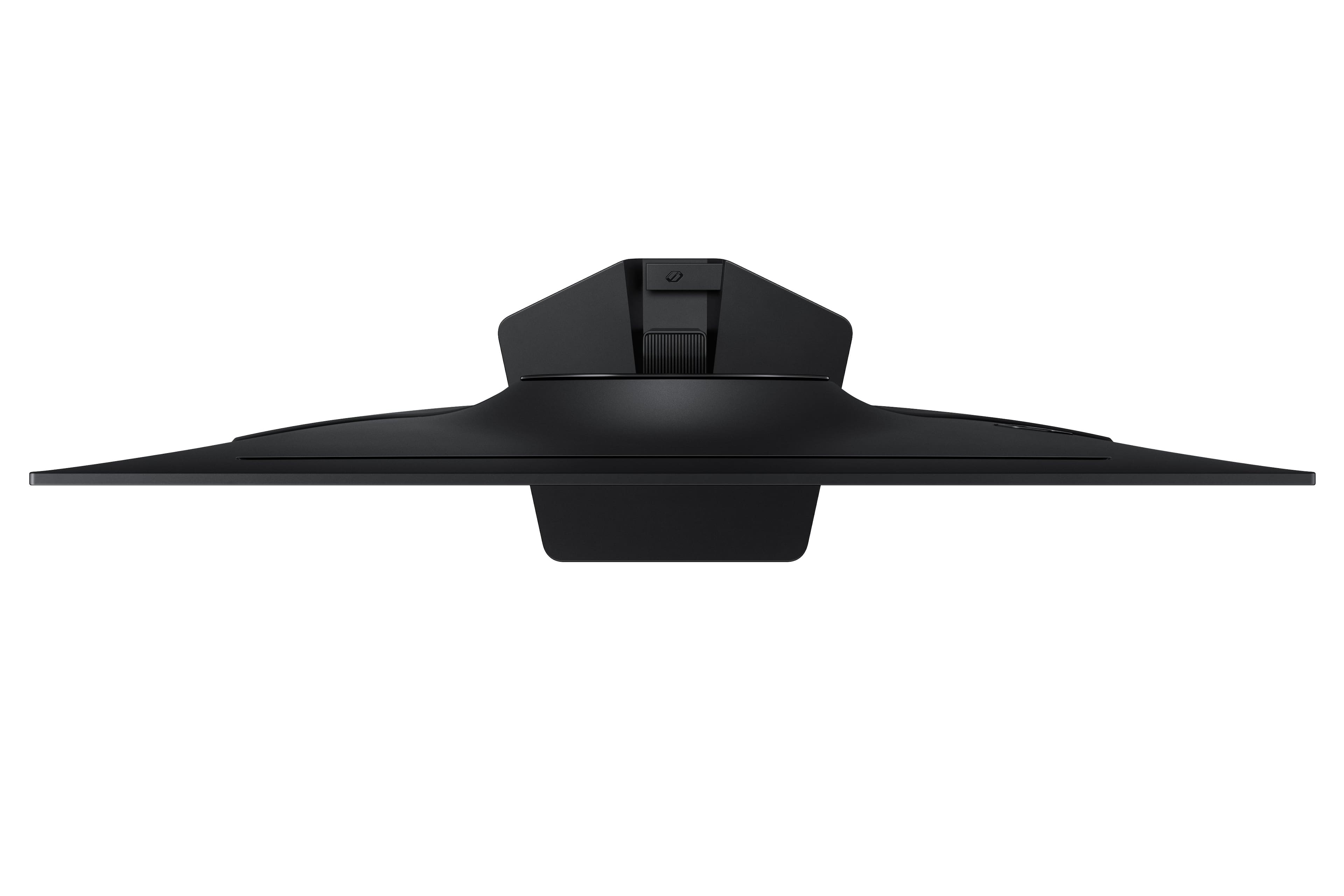
|Posted .This reviewer received promo considerations or sweepstakes entry for writing a review.I had been using a 4k monitor for the last few years that I really wasn’t thrilled with. Resolution was sharp, but that was about the only redeeming feature. Upgrading to this Samsung G5 OLED monitor was eye-opening! Here are some pluses that I’ve found after a week with the new monitor: 1) Colors are amazing. Most OLED’s excel here due to their increased contrast, but it really is a night-and-day difference between. 2) Screen saving tech. OLED’s are prone to burn-in, just like plasma and OLED TVs. To remedy this, Samsung has included tech that prevents burn-in AND their warranty stands behind the tech. The 3-year warranty covers burn-in! 3) The glare solution that Samsung used is outstanding, especially for small, fine details such as text. I’ve seen lots of OLED monitors previously that make text difficult to see. But the G5 has been great for text (helpful, since I’m a student). 4) Gaming performance: I’m not a serious gamer by any means, but I LOVE playing the Capcom and Marvel fighting games. Marvel vs Capcom: Infinite is already a very colorful game, but seeing the game scaled to QHD at 120Hz is just a whole other experience. My last monitor was capped at 60Hz, so the ability to go up to 180Hz is crazy to me! Unfortunately, my current GPU maxes at 120Hz for this resolution. Time for an upgraded GPU!! There are a few nitpicks about the monitor I don’t like: 1) Annoying “power off” button set up. Samsung offers a nice tactile directional pad to control the monitor setting. Pressing the center/select button will turn on the monitor. However, when turning off the monitor you need to hit the center button, then scroll down to the “power off” and then select. Annoying. 2) The stand, while better than the “V-shaped” stands of Samsung’s past, is really too big. It sticks out several inches beyond the front of the screen, which then eats into your desk space. Keep this in mind if you have a smaller desk area. 3) No speakers. This isn’t a deal breaker for most of us, but at $500, would it be too much to ask for a couple of speakers?! Overall, I feel like this monitor has a lot to love. The colors, refresh rate, HDR10 capability, and burn-in protection make this a great “entry” level OLED monitor. Though, at $500, is it really “entry”? Hard to say. But nonetheless, I would have no issues recommending G5 OLED to my friends.
I would recommend this to a friendBrand response from Samsung
Posted .TomB:
Thank you for your review of the Samsung G50SF Monitor. Your thoughts on this model are much appreciated and will be shared with our internal teams towards future improvements.
Should you ever need assistance, Samsung is here for you. Reach out by calling 11-800-SAMSUNG, available from 8AM - 9PM EST Monday - Friday, and 8AM - 6PM Saturday and Sunday. You can also chat with us online by visiting the ‘Support’ section of our website.
~ Samsung Monitors
Resident Evil Promotion Issue
||Posted . Owned for 3 weeks when reviewed.This reviewer received promo considerations or sweepstakes entry for writing a review.The issue with the resident evil promotion is the fact that by the time you would receive a code, if you receive one, you can no longer return the product as a regular customer. They ran out of codes and the value of the monitor is now worse than other competing products. This leaves a negative impression when it comes to the brand and the give away. Unfortunately, I’ll be staying away from both for awhile now.
No, I would not recommend this to a friendBrand response from Samsung
Posted .KyleH:
We appreciate you taking the time to share your experience with Samsung. Feedback like yours plays a vital role in helping us improve, and it will be shared with our internal teams as we continue working to enhance the customer experience.
If you ever have questions or need help with your G50SF Monitor, please don't hesitate to contact us at 1-800-SAMSUNG, available 8AM - 9PM EST Monday - Friday, and 8AM - 6PM Saturday and Sunday. You can also connect with us via LiveChat through the ‘Support’ link on our website.
~ Samsung Monitors
- Pros mentioned:Color quality, Glare reduction
Great monitor, clarity and display! Two thumbs up!
|Posted .This reviewer received promo considerations or sweepstakes entry for writing a review.After spending a few days with the Samsung Odyssey G5 monitor, I've been very impressed for the most part. To start, the packaging that the monitor arrive in was very secure. Which when shipping something like this, you always hope to see. The instructions on how to put together the stand were very clear and easy to follow. The only tricky part for me were the screws on the back plate that actually secure the stand into the monitor didn't seem to line up 100%, but I eventually got them in. I appreciated the display port cable that came with the monitor, so helpful! Overall, it was very easy to get everything up and running. When I played my first game, I could tell the difference right away compare to my old Samsung monitor. Both were 27" but the clarity and smooth transitions were so clear and better with the G5. I felt like I had been playing games with the worst eye sight you could imagine, but with the new monitors clarity, I felt like I was wearing brand new glasses when playing. The colors were awesome and so vibrant, I noticed lines were nice and crisp, and being in a sunny area of my home, the OLED was very good at keeping the sun off the screen. This monitor most definitely has improved not only my gaming experience, but watching movies was so nice. The only cons with the monitor so far have been that some days when I turn it on using the HDMI option, the monitor for some reason isn't recognizing it. I switch the setting to the display port and it works completely fine. Could be something I'm missing but wanted to share incase it wasn't. This is also the case vice versa. Sometimes it has a mind of its own and if I click in the game, the monitor jumps over to my desktop and I'll have to click back into whatever game I'm playing. I only notice this happens once every couple of hours if at all, but can for sure take away from any immersion and is slightly annoying. One other con that I truly just missed in the specs, there are no integrated speakers. Luckily, I had some externals that I hooked up but definitely something worth paying attention to. Overall, I highly rate this monitor and encourage anyone looking for a clean OLED monitor to check out the G5. Samsung products never fail in my book and I'll continue to be a huge fan of their stuff. Looking forward to expanding my Samsung gaming collection in the future!
I would recommend this to a friend - Pros mentioned:Color qualityCons mentioned:Adjustability
Big picture, little footprint!
|Posted .This reviewer received promo considerations or sweepstakes entry for writing a review.I love this monitor. Right out of the box it was quick to assemble and set up. The desk footprint is small but for some strange reason the clarity of the screen makes the picture seem that much larger. Playing games on it I noticed zero input lag. The color reproduction was immaculate and no matter how hard I pushed it I didn’t notice any hotspots or image distortion. The whites were bright and the blacks were pitch black. A couple of times I even forgot to turn it off because it was so dark when there was no signal that it looked like it was off! Coming from a larger monitor I’m very impressed by this one. The clarity and precision of the images it produces are really amazing. Ray tracing in video games was made to be viewed on monitors like this! The only gripe I had is that it doesn’t have any way to raise or lower the monitor itself on the stand. The only thing it can do is tilt back and slightly downward. That’s a bit annoying when trying to adjust for height. But other than that I highly recommend this product! Samsung has outdone themselves with this monitor for those looking to refresh their gaming rigs. Totally worth the purchase!
I would recommend this to a friend Fantastic option for gamers who want performance
|Posted .This reviewer received promo considerations or sweepstakes entry for writing a review.This monitor is a fantastic option for gamers who want performance with spectacular image quality. Every movement feels instantaneous, offering responsiveness far better than any LCD/LED gaming monitors I've used previously. You are getting an absolutely fantastic panel here, but it is clear some costs were cut to keep the price down - thankfully nowhere that sacrifices image quality. I do want to highlight that the display panel in this and the picture quality that comes with it is absolutely amazing. Playing some games that excel with HDR support (Forza Horizon and Control were my choice) feels great; a panel like this with bright flashes of light or seeing the sun reflect off of a car is a totally different experience from even a high end LCD display. Thanks to the QD-OLED, colors also look great on this panel - super vibrant without being inaccurate (depending on the image profile you select). The physical build is where the budget nature shows most. The included stand only offers tilt adjustment and feels significantly cheaper than more premium options from brands like Samsung. Connectivity is also sparse, featuring only one HDMI and one DisplayPort input. If you plan on using a VESA mount, be prepared for the glossy plastic in that area to scratch immediately upon the first installation. Additionally, the monitor is incredibly lightweight. While it does not feel flimsy or cheap, its weight means some gas-spring monitor arms might not actually work very well. I will call this out to avoid others confusion - remember to check your display input on first use. For some strange reason my monitor arrived set to the HDMI input with the auto switch feature disabled, but the monitor only includes a DisplayPort cable. I had to manually change the input after a brief moment of panic that the monitor might’ve been damaged. I would not recommend this display for anyone primarily working with text or code. Text fringing is noticeable, though it is admittedly better than some other OLED panels I have tested. You will also occasionally see the text shift slightly, which is likely part of the OLED care suite designed to prevent burn-in. To be clear, these quirks are not noticeable during gaming or video consumption, but for productivity, they can be distracting. On the plus side, the software experience is excellent. Being able to change monitor settings directly within Windows instead of fiddling with a clunky OSD is a huge win. The software even allows you to program display presets for specific applications, such as auto-enabling a graphics profile when you open a photo editor. I would love to see more advanced picture settings added to this interface in the future, but it is already very convenient. If you want high-end gaming visuals on a budget and can live with a basic stand, this is an excellent choice.
I would recommend this to a friend- Cons mentioned:Adjustability
Disappointing Monitor
|Posted .This reviewer received promo considerations or sweepstakes entry for writing a review.I had high expectations for this monitor. Sure, it's quite cheap for its specs, but Samsung is known for great displays, especially OLED ones. Unfortunately, I feel that this one just isn't up to par. Firstly, when I first got the monitor, it just didn't feel very color-accurate for an OLED. I am not a display geek, so this definitely sounds subjective, but I have another (admittedly more expensive) OLED monitor from another brand sitting right next to it, and the other one looks much better than the Samsung. I have since gotten used to it, but it's still not very good. Secondly, the actual build quality on this monitor is pretty bad. It's just straight plastic. The screen is also fixed in place. There is no way to tilt or move it up or down. it also cannot be used vertically out of the box (without a third-party stand). I have older and cheaper monitors that have this ability. Overall, I would not recommend this monitor to anyone looking for a good OLED monitor. In my opinion, it's better to spend a little bit more and get a better one than to get a budget monitor like this.
No, I would not recommend this to a friendBrand response from Samsung
Posted .irock792:
Thank you for sharing your thoughts on the picture quality of Samsung’s G50SF Monitor. If the image doesn’t look quite right to you, there are several adjustments that can help optimize performance for your space and preferences.
First, make sure your Monitor is up to date. Firmware updates often include picture quality enhancements. To check for the latest version, go to: Home > Left directional button > Settings > Support > Software Update > Update Now
You can also customize the image further under: Settings > All Settings > Picture > Expert Settings, where you’ll find detailed controls for Brightness & Contrast, Color & Tint, Sharpness, and more.
If you’d like help fine-tuning your display or exploring these settings, please call Samsung Customer Support at 1-800-SAMSUNG, available 8AM - 9PM EST Monday - Friday, and 8AM - 6PM Saturday and Sunday, or visit the ‘Support’ section on our website to LiveChat with an agent.
~ Samsung Monitors
Crisp OLED on a Matte Screen
|Posted .This reviewer received promo considerations or sweepstakes entry for writing a review.First thing I noticed about this monitor is just how light it is. Before even attaching the base, the whole screen is light as a feather. The screen panel also pretty thin at the top, with the hardware occupying the bottom half of the monitor. Of course, this lightweight feature is made possible by the overall plastic housing - and you feel that immediately as well. One thing I really like about this monitor is its easy conversion from based mounted to VESA mounted, with the VESA mount holes readily available and the base completely easy to remove. All things being equal, this would be a normal, basic monitor; but the OLED screen is simply beautiful and clear. Note, though, that the screen is matte (not glossy), so the vivid contrast you would normally see is a bit muted. But make no mistake: The black levels are on point, the colors are bright and clear, and the image is crisp. Gameplay at native 2560x1440 resolution and 180Hz refresh is perfectly fine on this screen and is well-suited to my basic gamer needs. The onboard software is easy to understand and not too complicated, although there are plenty of options to configure and control. With the quality of the OLED its main selling point, the price of the monitor seems a little high considering no other features really stick out. But overall, it performs well and is easy to move around if needed.
I would recommend this to a friendBrand response from Samsung
Posted .Keirmeister:
We appreciate you taking the time to review your G50SF Monitor. Your feedback is noted and will be shared with our internal teams for consideration.
Should you need ever need assistance or have questions, please contact Samsung Customer Support at 1-800-SAMSUNG, available daily from 8AM - 9PM EST Monday - Friday, and 8AM - 6PM Saturday and Sunday. You can also visit the Samsung website and click on ‘Support’ for:
• Live Chat
• Manuals, Software, & Warranty Info
~ Samsung Monitors