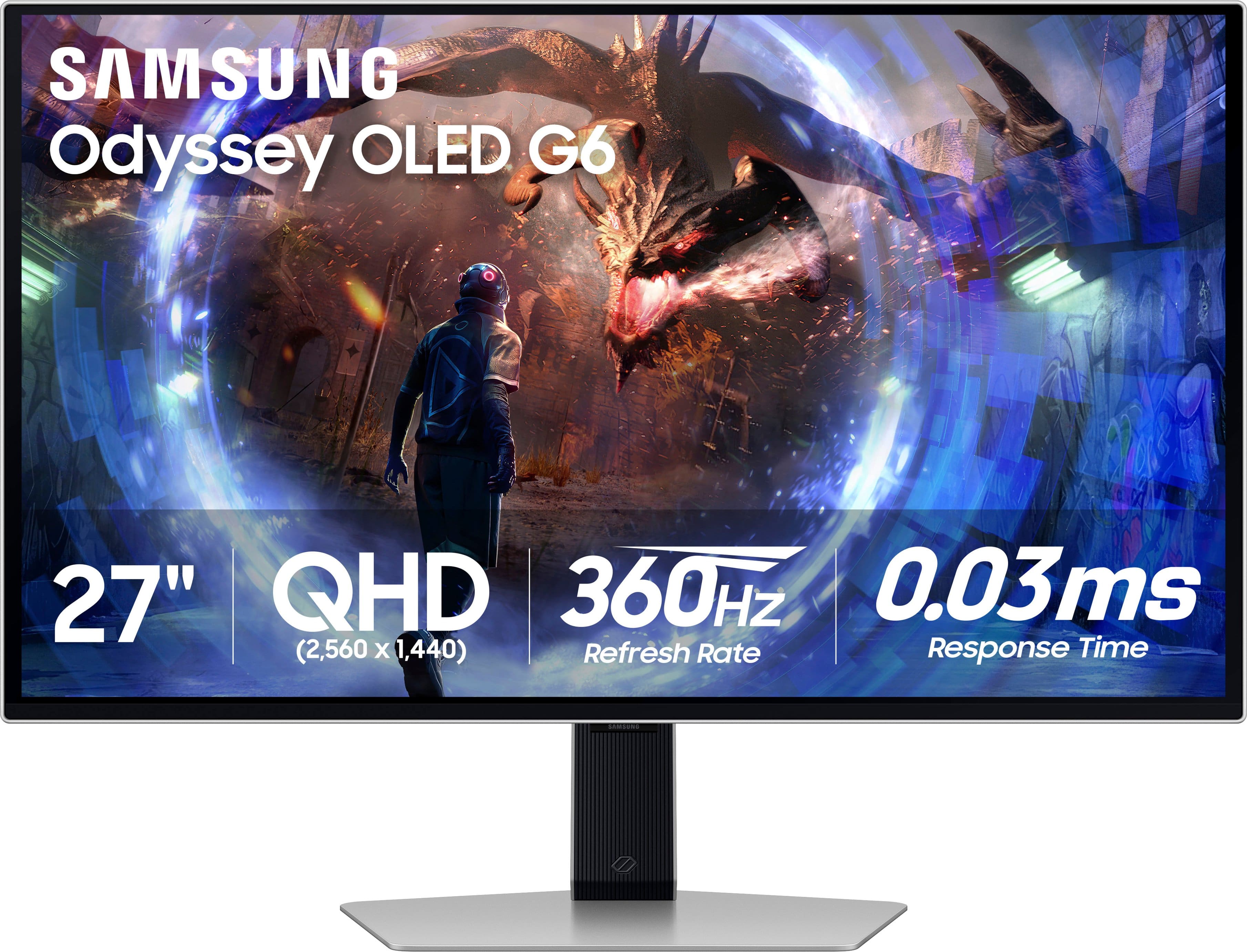
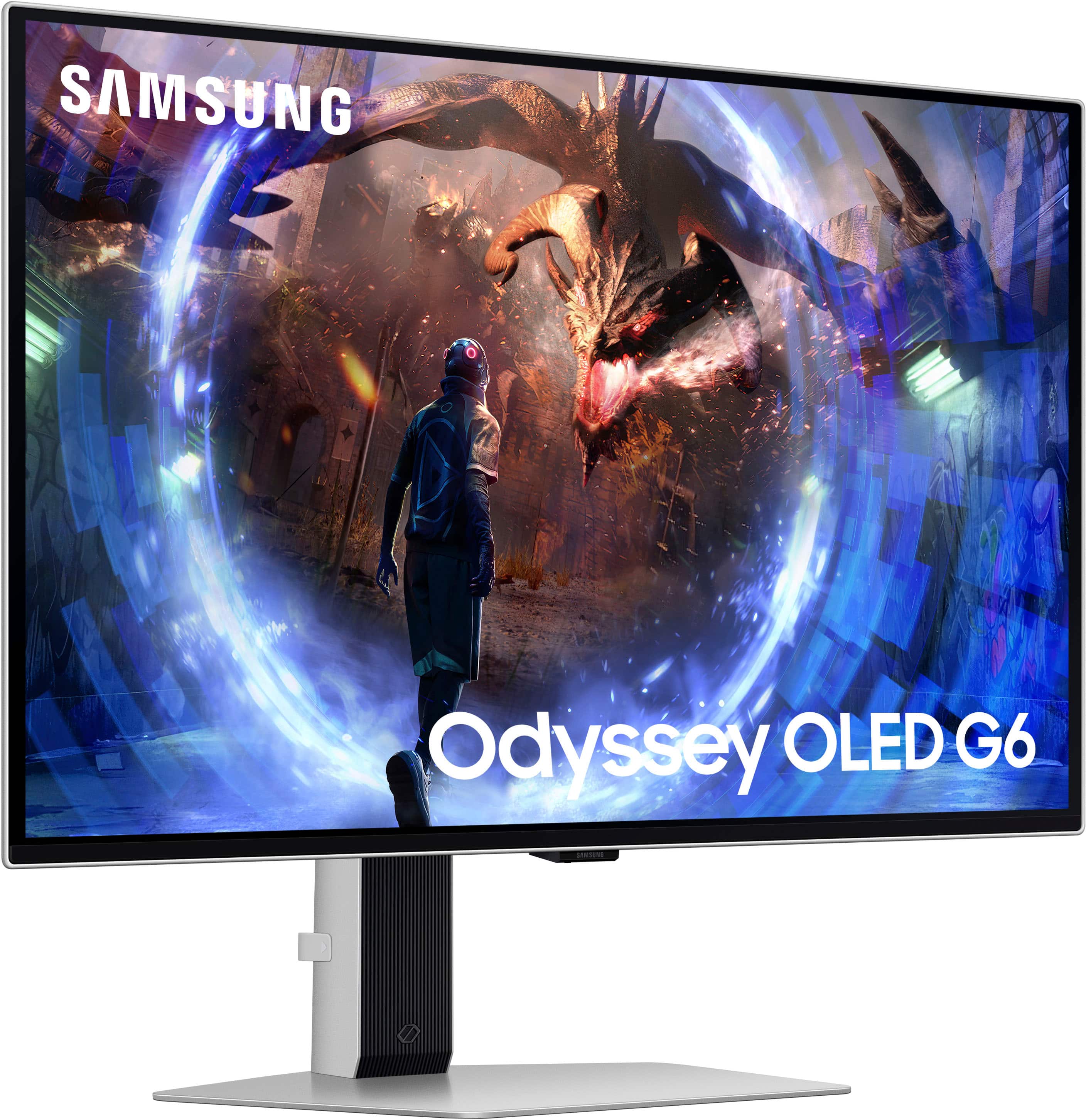
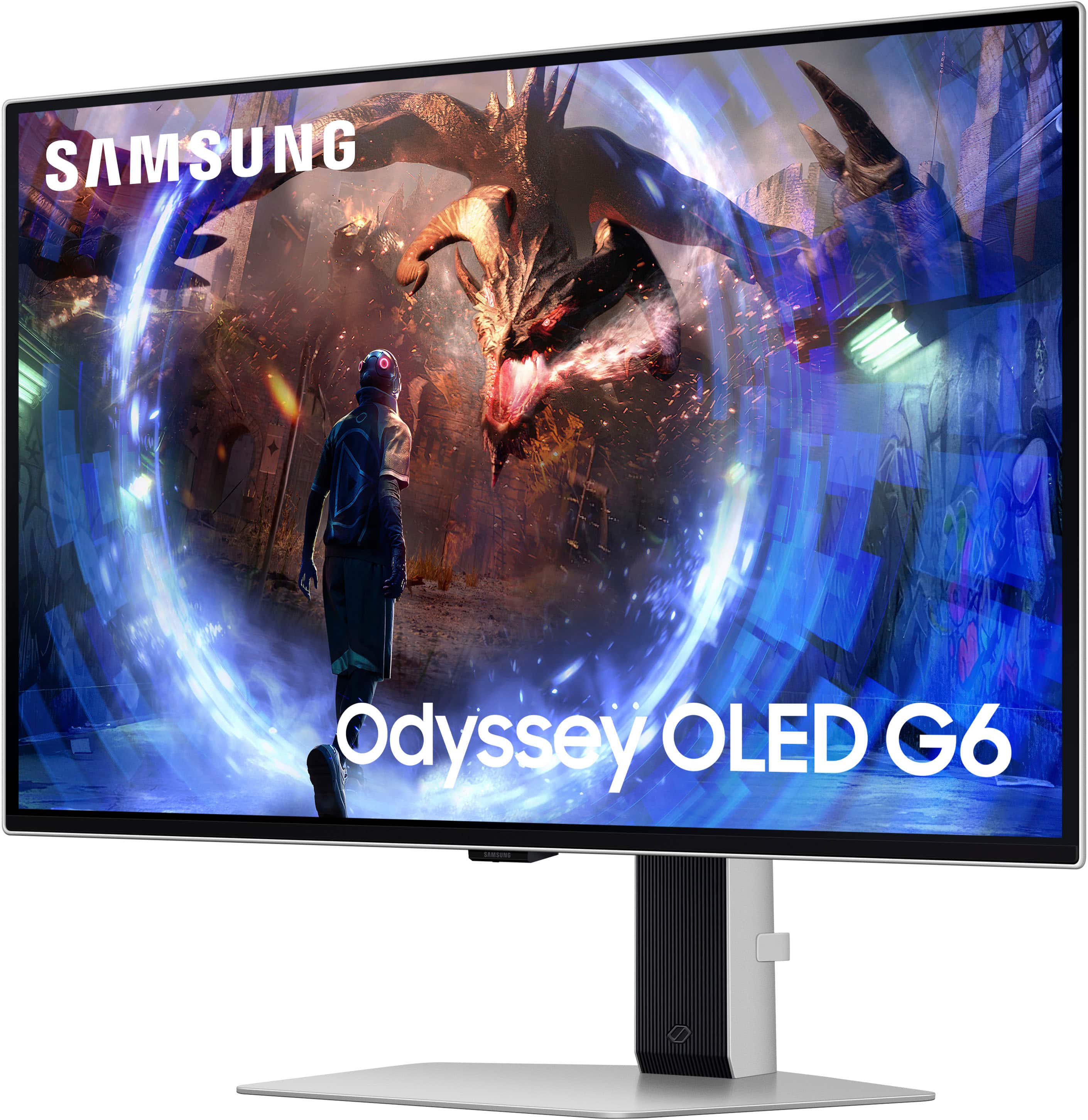
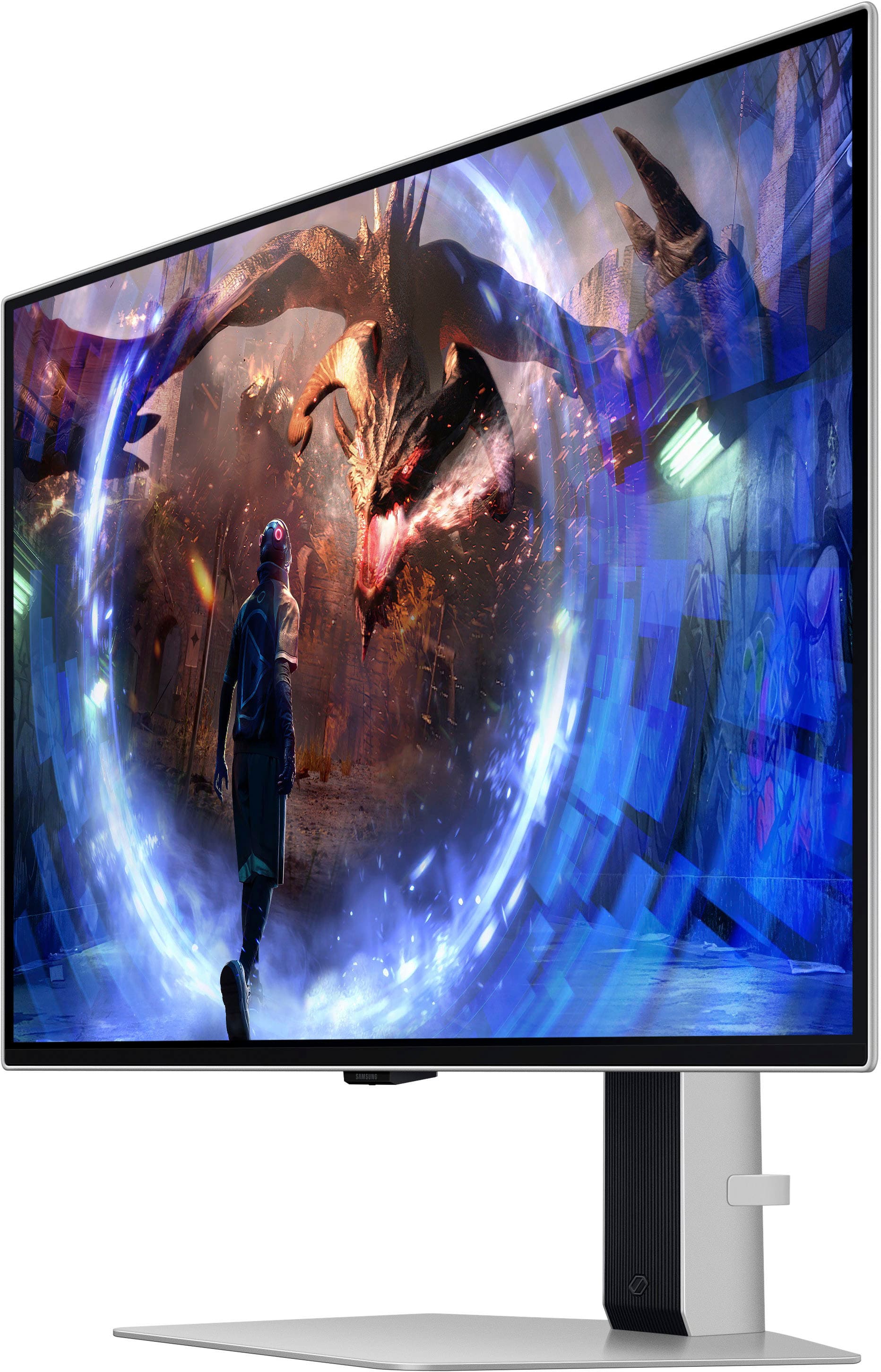
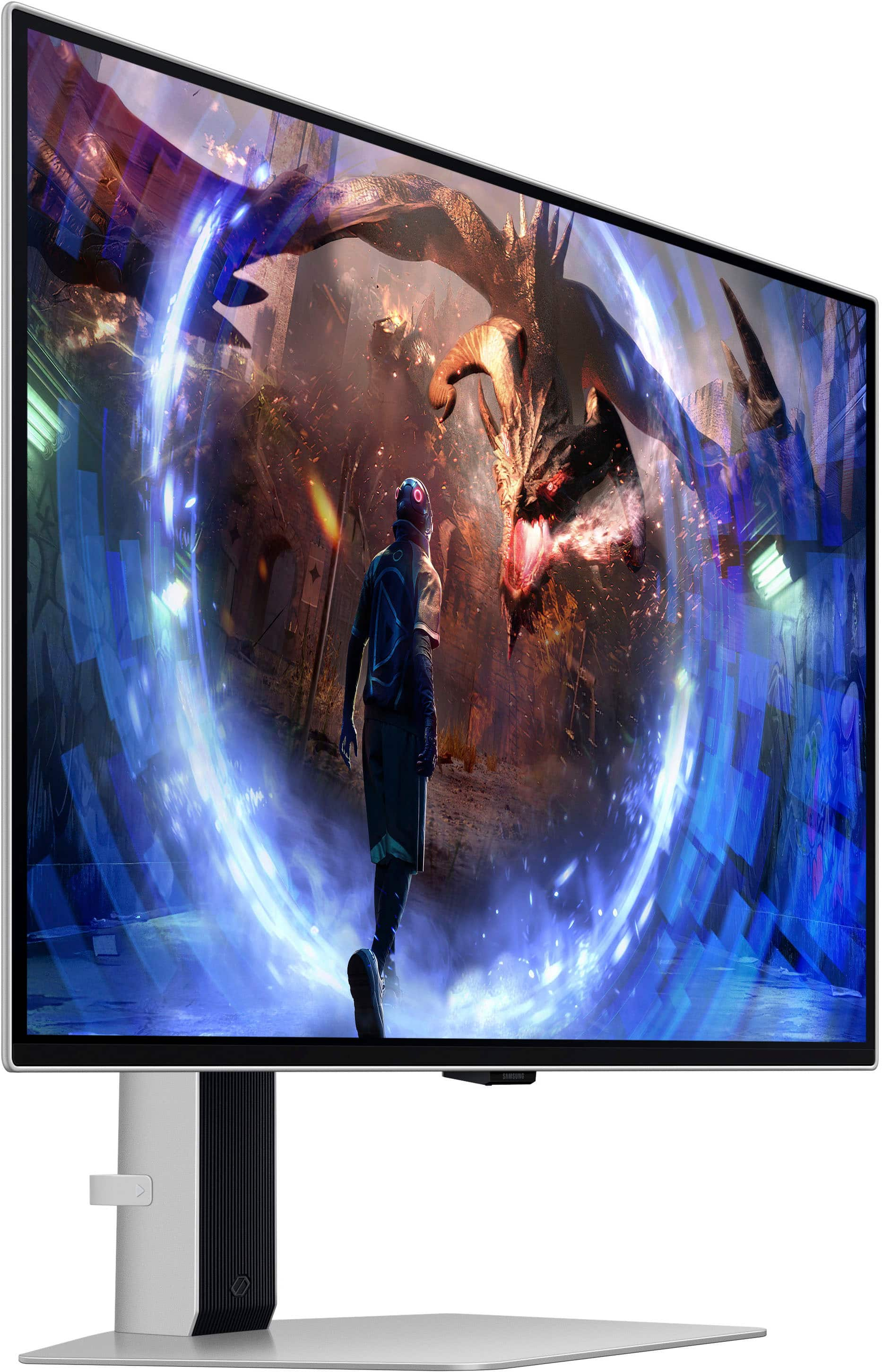
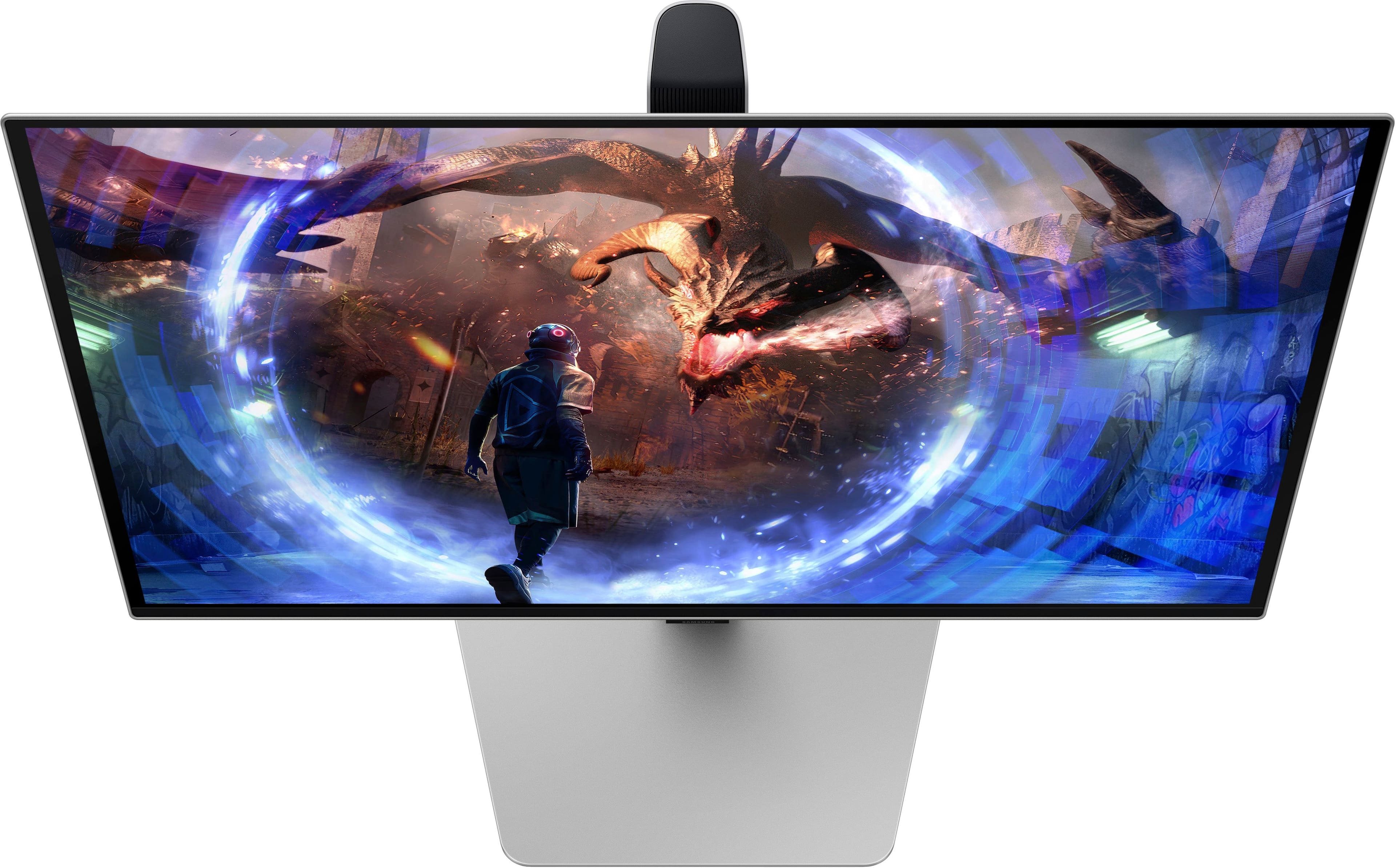
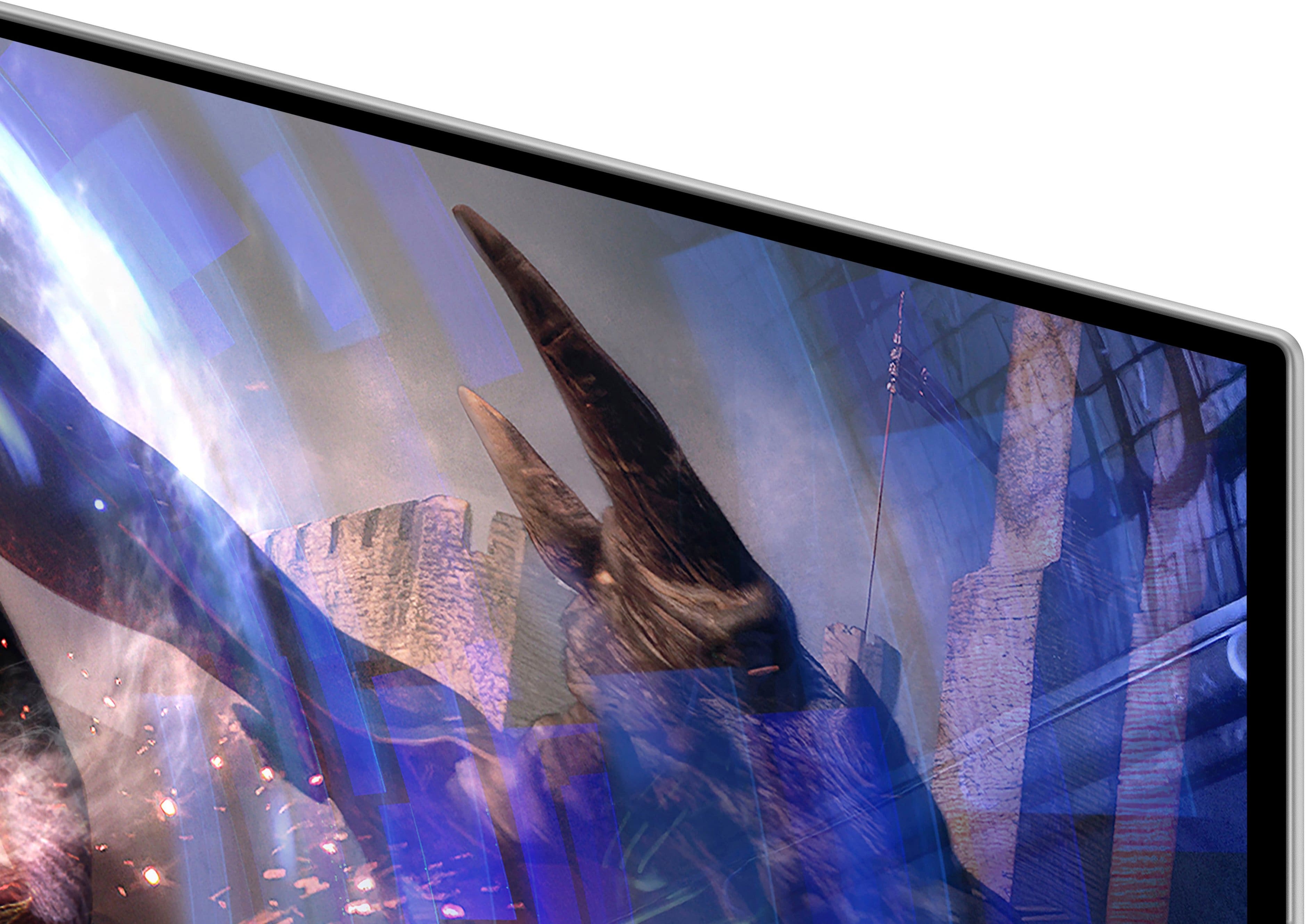
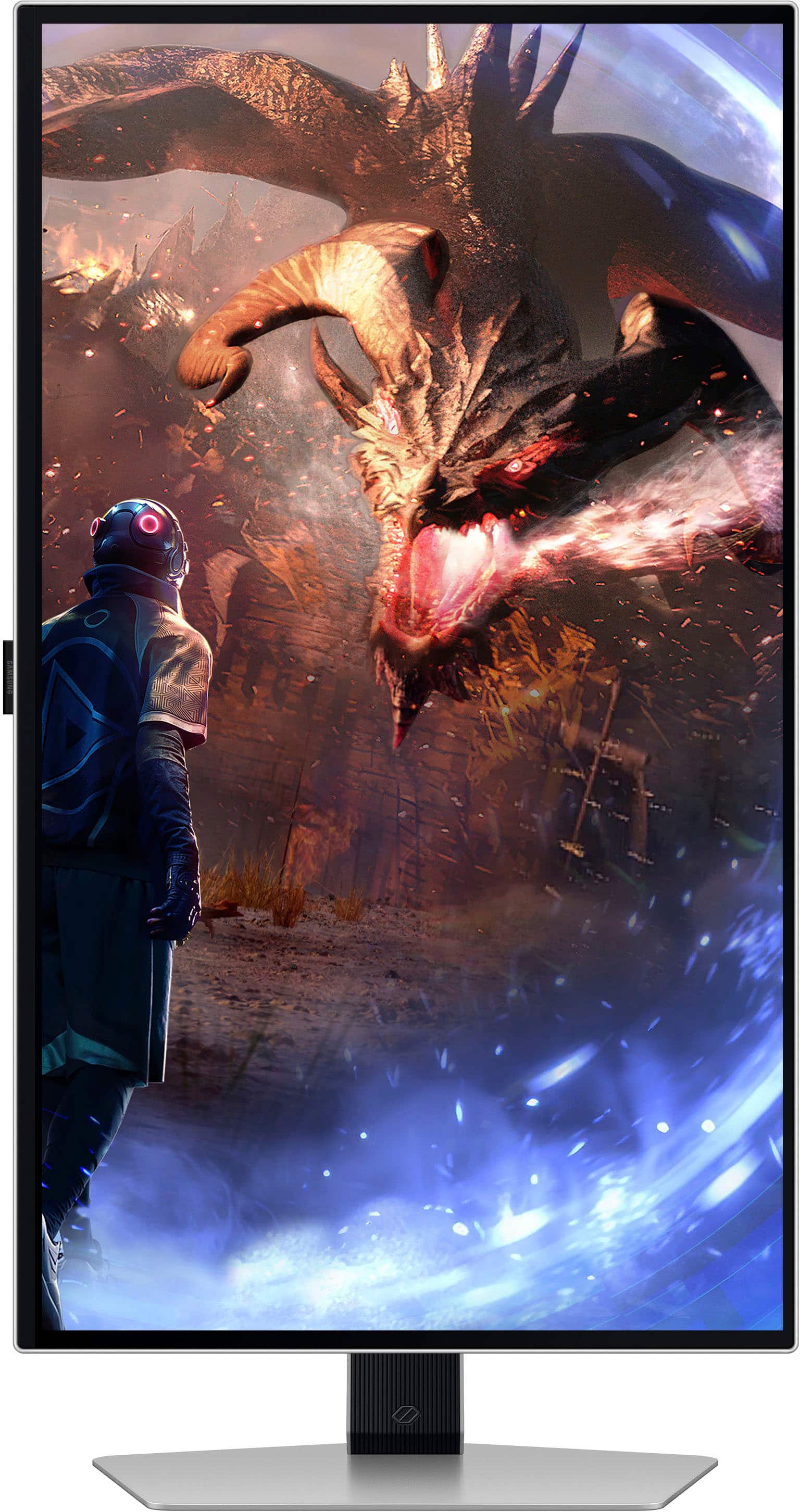
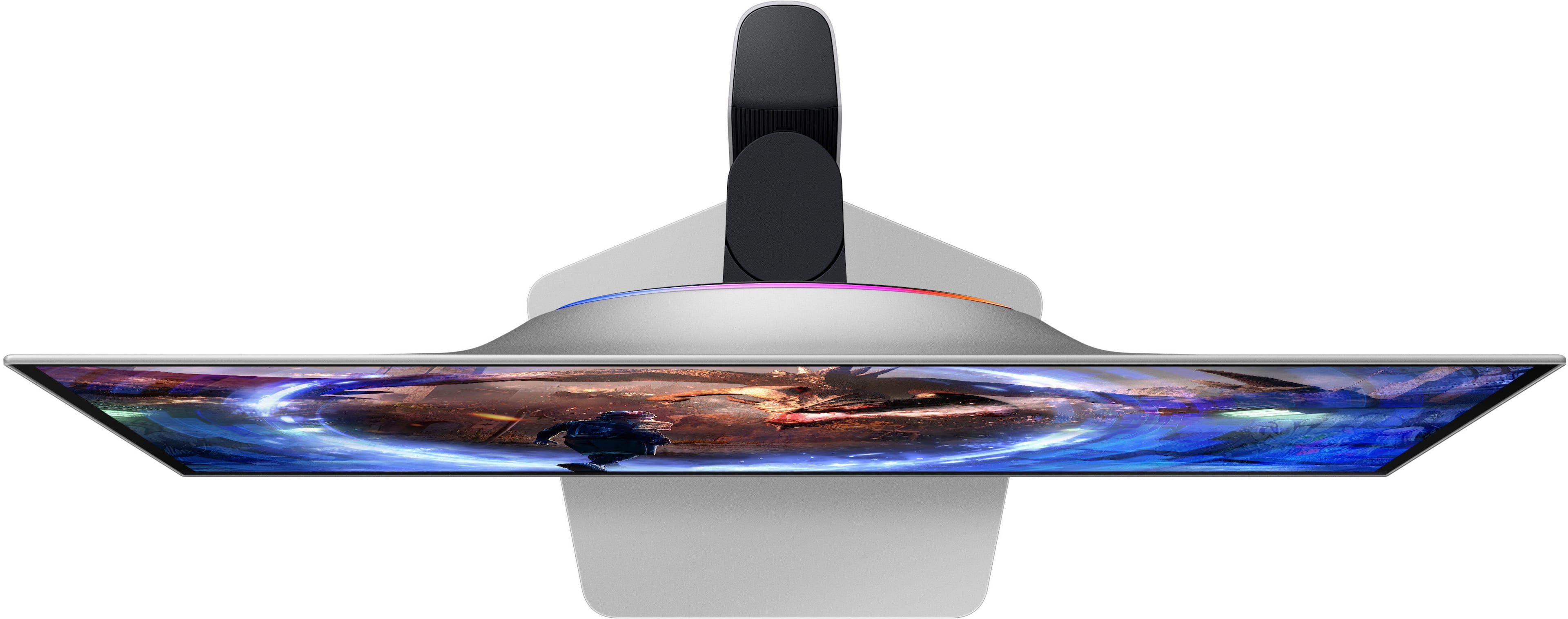
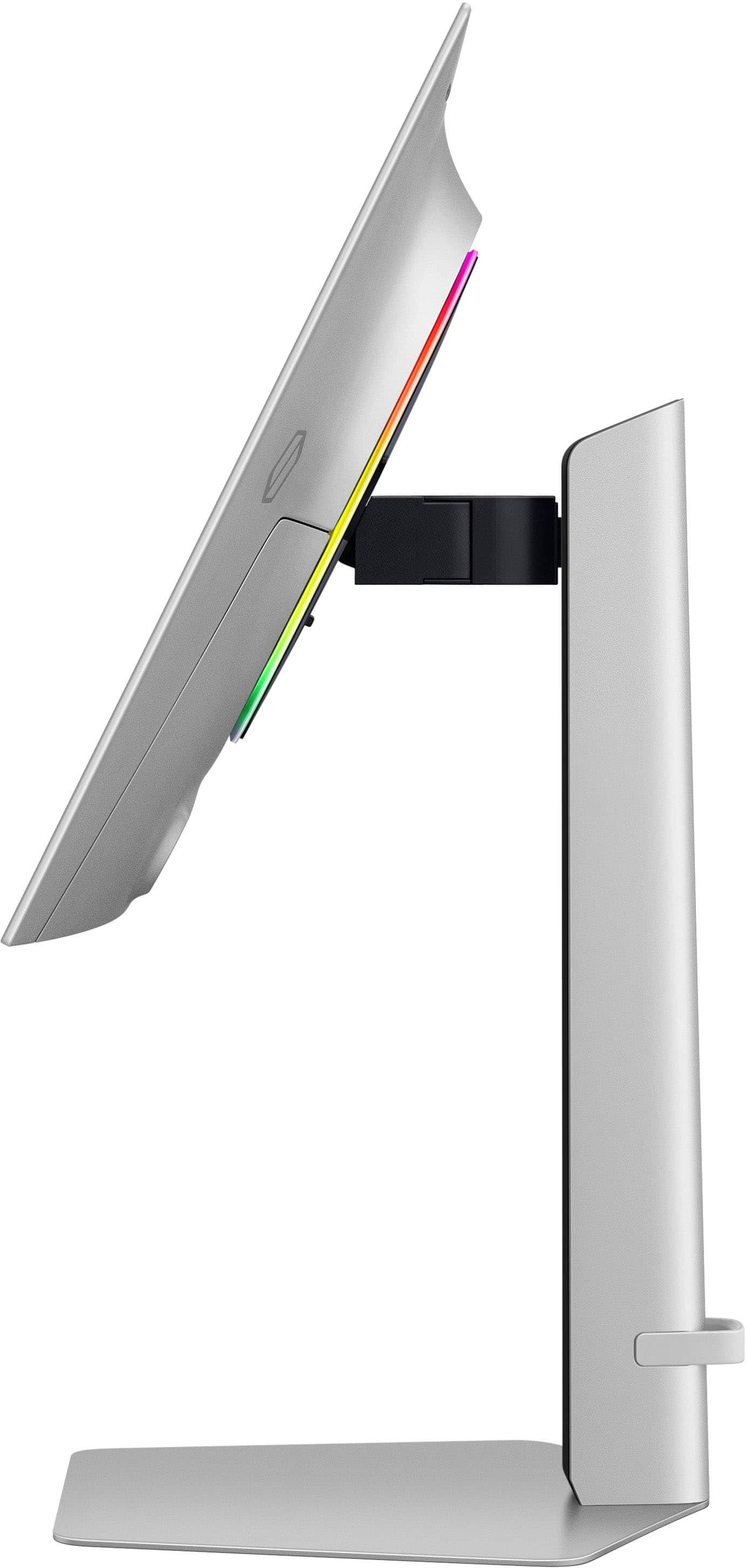
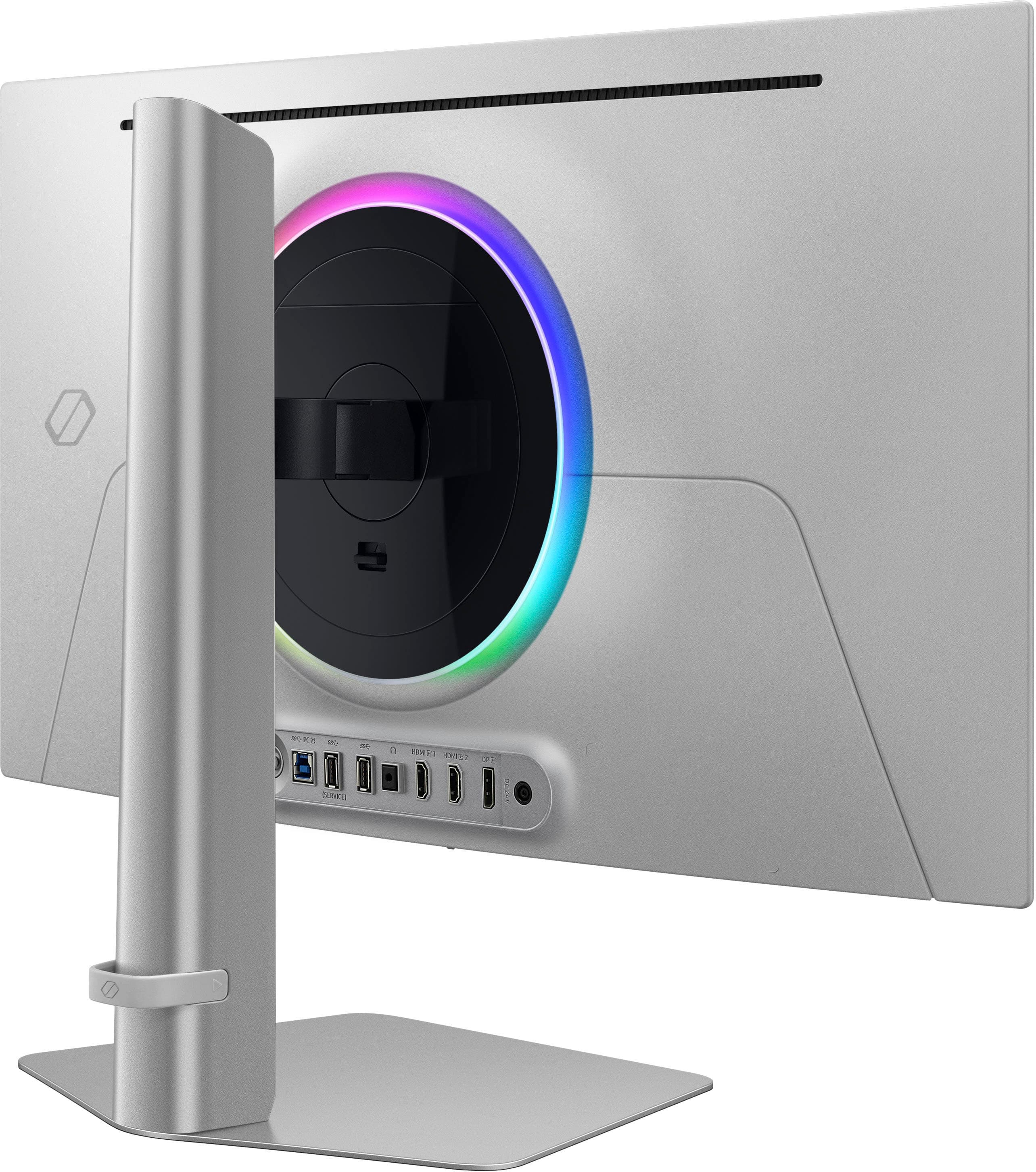
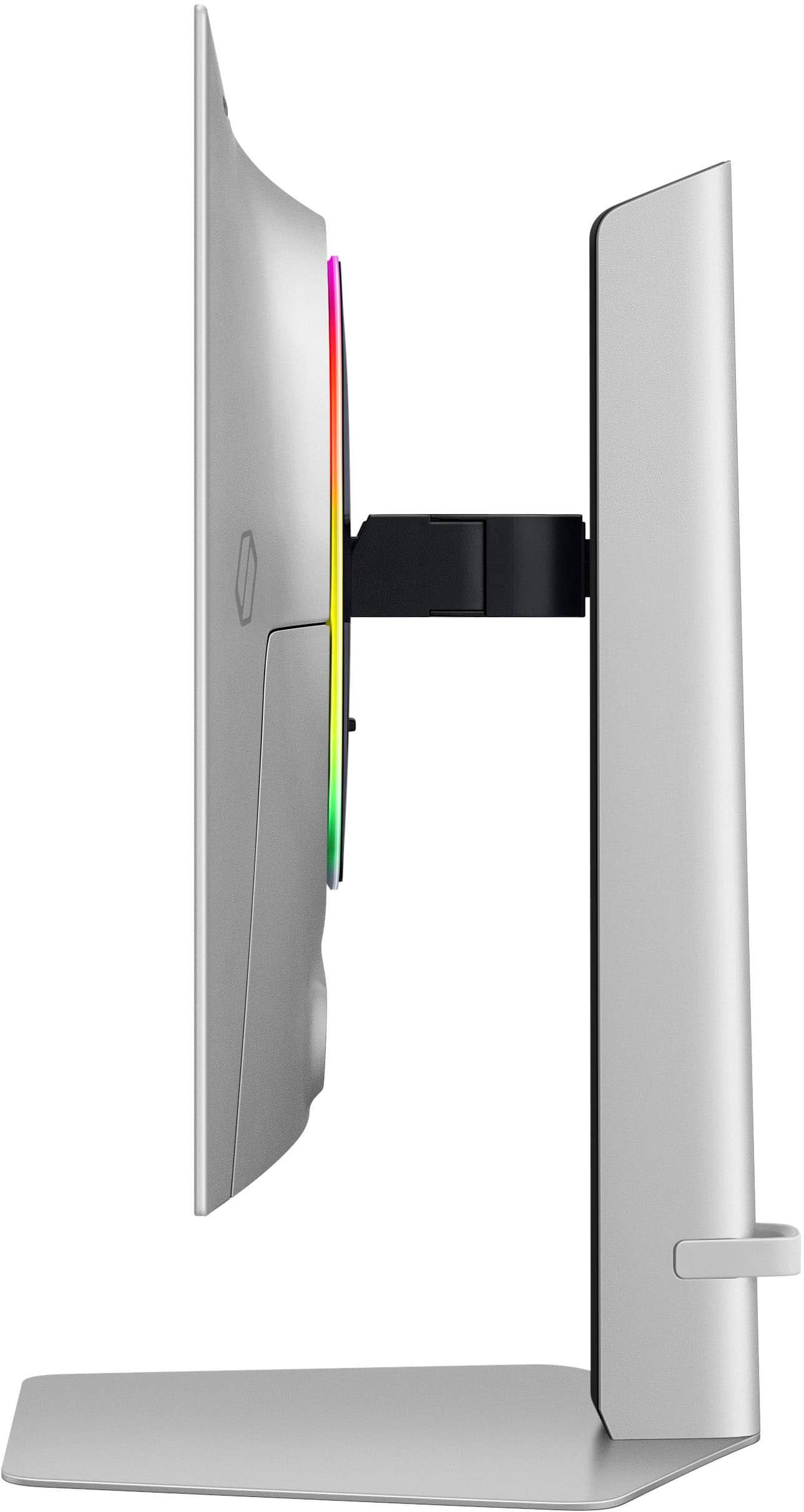
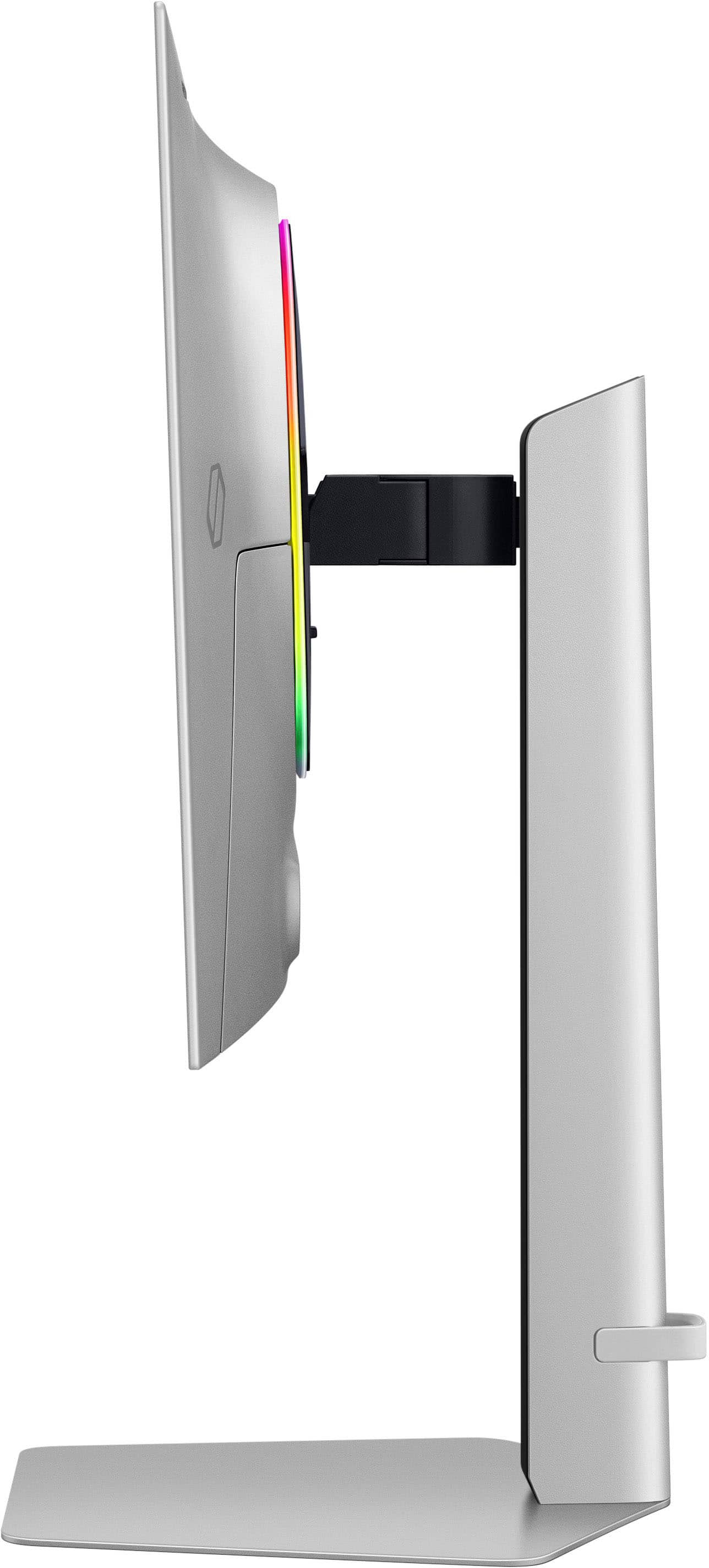
Customers commend the 27" Odyssey OLED G6 gaming monitor for its exceptional picture quality, high refresh rate, and deep black levels, enhancing the gaming experience. The OLED quality and HDR contribute to visually stunning graphics, while the sleek design and ergonomic stand are also appreciated. Glare is minimal, but some find the cable management to be basic. Overall, the monitor's visual performance and design receive high praise.
This summary was generated by AI based on customer reviews.
The vast majority of our reviews come from verified purchases. Reviews from customers may include My Best Buy members, employees, and Tech Insider Network members (as tagged). Select reviewers may receive discounted products, promotional considerations or entries into drawings for honest, helpful reviews.
Page 3 Showing 41-60 of 390 reviews
Rated 5 out of 5 stars
5/5
|
|
Posted . Owned for 2 months when reviewed.
This reviewer received promo considerations or sweepstakes entry for writing a review.
I love it best monitor I’ve ever owned would recommend
I would recommend this to a friend
Rated 5 out of 5 stars
Best monitor out there!
|
|
Posted . Owned for 2 months when reviewed.
This reviewer received promo considerations or sweepstakes entry for writing a review.
Best monitor I have ever had hands down. It’s truly like seeing colors for the first time! This is my 4th Samsung monitor and they have all been top notch quality but this one is really great. Buy it you won’t regret it!
I would recommend this to a friend
Pros mentioned:
Black levels
Rated 5 out of 5 stars
Better quality than a LD
|
|
Posted . Owned for 1 month when reviewed.
This reviewer received promo considerations or sweepstakes entry for writing a review.
It’s cool, vibrant. Definitely way better than my 1080p led monitor. Huge upgrade.
I would recommend this to a friend
Rated 5 out of 5 stars
Very happy
|
|
Posted .
This reviewer received promo considerations or sweepstakes entry for writing a review.
Quite a few months in and it’s been a great monitor and graphics for competitive games
I would recommend this to a friend
Pros mentioned:
Picture quality
Rated 5 out of 5 stars
Don’t hesitate.. buy it
|
|
Posted . Owned for 3 weeks when reviewed.
This reviewer received promo considerations or sweepstakes entry for writing a review.
Love this monitor so good for ps5 and black ops 6!
I would recommend this to a friend
Rated 5 out of 5 stars
This is an amazing gaming monitor
|
|
Posted . Owned for 1 month when reviewed.
This reviewer received promo considerations or sweepstakes entry for writing a review.
This has turned my pc gaming up a level. I love this monitor is deep color and contrast super smooth.
I would recommend this to a friend
Rated 5 out of 5 stars
Great deal
|
|
Posted .
This reviewer received promo considerations or sweepstakes entry for writing a review.
Got an open box deal. Works perfect and doesn’t have pixel burn in.
I would recommend this to a friend
Rated 5 out of 5 stars
Great Monitor!!
|
|
Posted . Owned for 6 months when reviewed.
This reviewer received promo considerations or sweepstakes entry for writing a review.
Loved this monitor so much that I just bought a second one after testing the first one for a few months.
I would recommend this to a friend
Rated 5 out of 5 stars
Pc
|
|
Posted .
This reviewer received promo considerations or sweepstakes entry for writing a review.
Might’ve d day difference i definitely recommend fir gaming !
I would recommend this to a friend
Pros mentioned:
Black levels, Picture quality, Refresh rate
Cons mentioned:
Glare
Rated 5 out of 5 stars
Competitive Speed and a Stunning Display
|
Posted .
This reviewer received promo considerations or sweepstakes entry for writing a review.
The Samsung Odyssey OLED G6 has so many features to brag about and a few downsides worth mentioning.
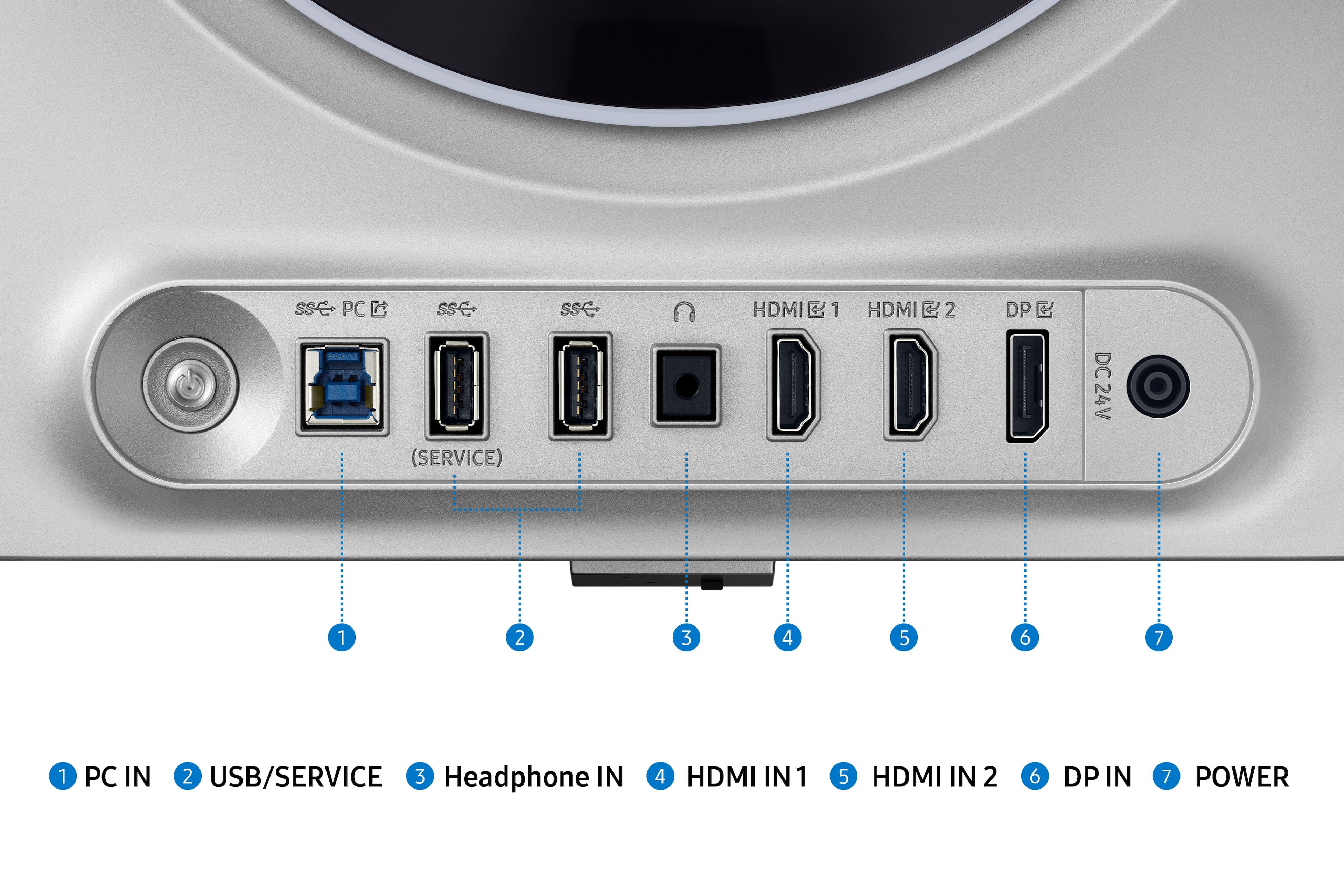
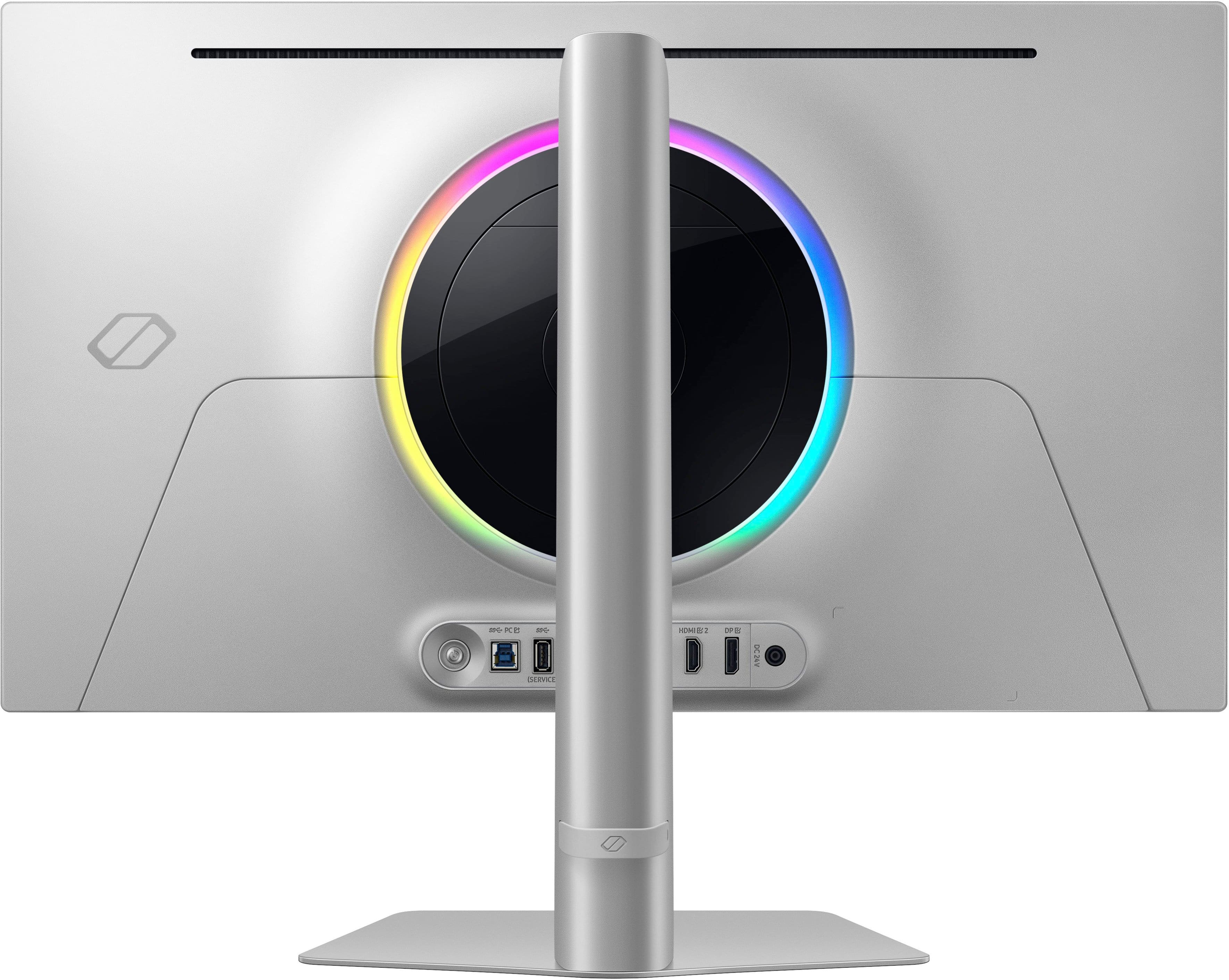
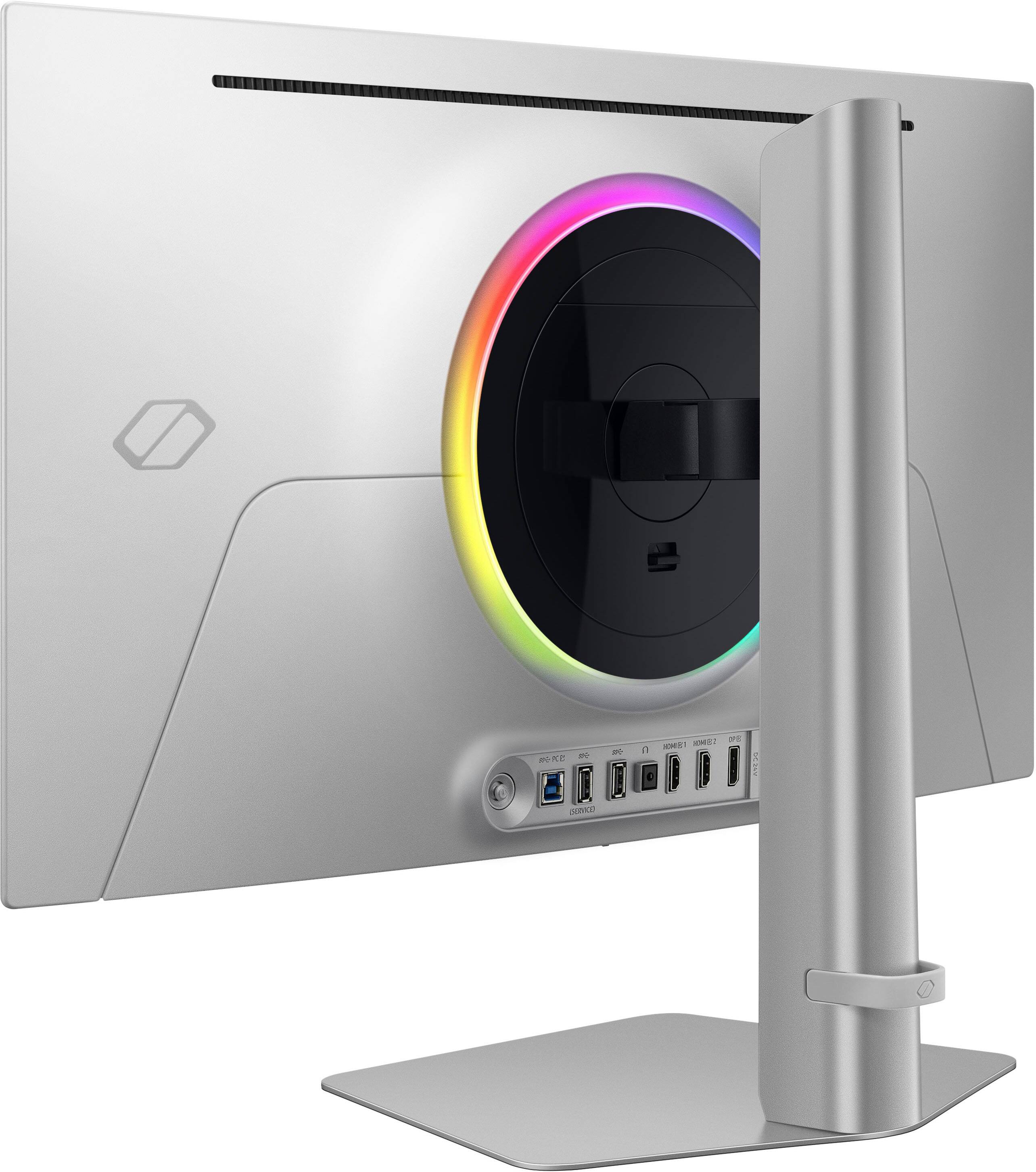
Included are display ports for a DisplayPort 1.4 and two for HDMI 2.1, as well as two USB-A ports, an audio jack, and a USB-B port. It includes cables: DisplayPort, HDMI 2.1, and USB-B to USB-A. I chose to connect the monitor to the HDMI 2.1 because of the higher bandwidth and it is absolutely a step up from my previous setup.
The 360Hz refresh rate and 0.03ms response time take gaming to a whole other level. The picture is fluid, and I can act and react quickly and accordingly because of it. It also comes equipped with AMD FreeSync Premium Pro, which is compatible with my NVIDIA GeForce RXT graphics card to provide a powerful combo for a smooth picture. I tested the refresh rate and FPS and indeed got the advertised 360Hz refresh rate and 360FPS.
The colors are stunning - vibrant, saturated, true, and rich. The blacks are amazing! Literally the blackest I have seen on a screen. The colors coupled with the QHD resolution work in tandem to provide a stunning picture quality. Games like Fortnite are extremely vibrant because of this, while Battlefield looks so much more realistic than in my other monitor and my big screen tv. The details that were put into the game look almost lifelike using this display.
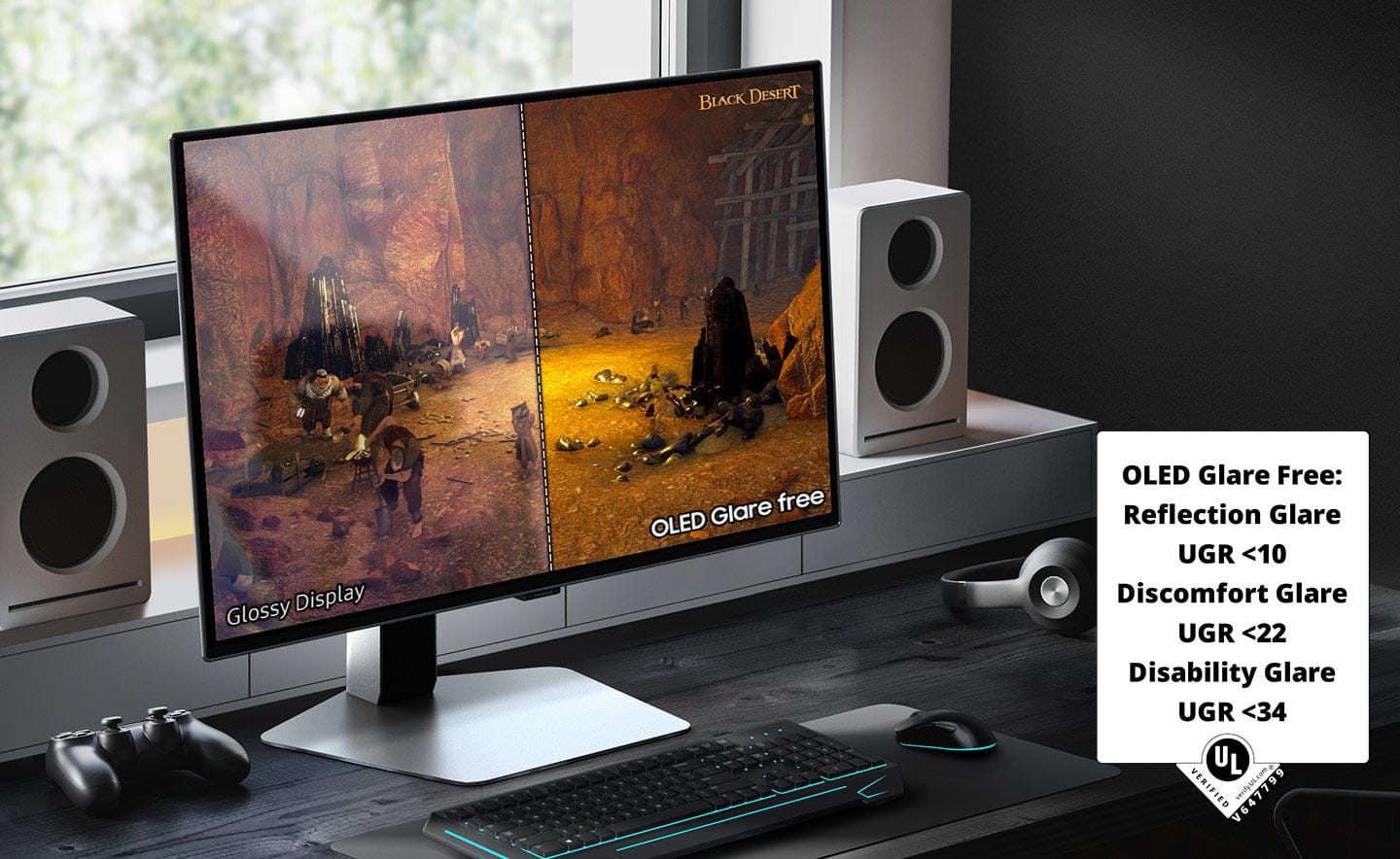
The screen is not reflective whatsoever and thus, there is very little glare. The only time I experienced any was when the sun was shining through the window, and it was quite subdued. It just washed down the color in that area slightly instead of glaring.
The monitor itself is extremely thin around the edges with just some bulk concentrated in the middle portion. It makes my setup look incredibly sleek and even mesmerized my visitors; it was the first thing they noticed when they saw it. It comes with CoreLighting+ which provides ambient lighting from the back of the monitor in an array of color options. I actually really enjoy this feature since I have a wall behind it, and it gives of a nice ambience that goes with the rest of my setup while also reducing eyestrain when I play in the dark.
The stand gives a high degree of adjustability to get the height and angle just right. Additionally, it moves easily and stays put exactly where it is placed. It is a big plus for me because I stand once in a while to get some circulation flowing in my legs and I like that I can just lift the monitor and tilt it up when I do this.
Behind the monitor is a control button that moves in four directions to change the settings. With it, the input can be changed, the volume, brightness, etc. In addition to those, it has a settings menu which allows customization of CoreLighting+ among many other things.
There are a few downsides that should be noted. One is that this monitor tends to run hot. Once it is in use for a while, I can feel the heat coming from it. This is okay for now, but it will be an issue when the heat waves roll in. Another is text clarity, words and letters are not as crisp as I am used to. If this is mostly for gaming, it is hardly an issue as I did not notice it much in-game. I noticed it only when browsing the internet and when using a Word document.
All things considered; I believe the pros far outweigh the cons when it comes to gaming. It has the speed, fluidity, and power to elevate my gaming and give me a competitive advantage while just looking sleek on my desktop.
I would recommend this to a friend
Pros mentioned:
Picture quality
Rated 2 out of 5 stars
Excellent build quality, utterly horrible qc
|
|
Posted . Owned for less than 1 week when reviewed.
This reviewer received promo considerations or sweepstakes entry for writing a review.
Bought the monitor and used it for about 5 hours. Went to take a break and thrned off the display and i was warned beforehand that a pixel refresh will run. I came back an hour later and after a turned it on, there was a line of stuck pixels that was very noticeable. The panel also had very bad and almost unbearable image retention from the first hour that used it. Text look as if it was from a 720p monitor. The motion quality was amazing but that was the only good thing i could find about it other than the build quality. Returned it the very next day. Would not buy it again
No, I would not recommend this to a friend
Brand response from Samsung
Posted .
Thank you for your review. Samsung is committed to providing the best possible product experience, quality, and value. Samsung greatly values our customers’ feedback and we utilize your concerns and opinions in our relentless efforts towards delivering world-class products. We are very sorry to hear this product didn't meet your expectations and hope to have you back as a customer again. If there is anything we can do to assist you and improve your product experience, please don't hesitate to contact Samsung Customer Support via: 1-800-SAMSUNG, available 8AM - 12AM EST (Mon-Fri) / 9AM - 11PM EST (Sat-Sun)
Rated 1 out of 5 stars
Don’t walk, run if you don’t want to get robbed.
|
|
Posted .
This reviewer received promo considerations or sweepstakes entry for writing a review.
I was super stoked about getting this monitor until what I received came broken out of the box. The box itself even had a big hole on the outside from where an object of some sorts pierced through and cracked the screen. The design of the protective packaging (which I assume Samsung is responsible for) was ridiculous to begin with because the monitor faces outwards and the styrofoam design has open slots that expose the monitor, making certain parts just cardboard between the monitors screen and the cardboard.
Yeah, well long story short I tried to exchange it for the exact same monitor (just one that wasn’t damaged…) and they refused to let me do that. I spent the better part of two weeks speaking to best buy reps and driving all over to different Best Buy locations to just be stuck with this broken screen. Oh and on top of that when i went into one of the stores the cashier thought it wouldn’t be an issue to exchange and she started to unpack the box for then to tell me that they couldn’t exchange it because the purchase wasn’t in their system. Mind you I purchased it from that store the NIGHT BEFORE. And to top it all off the monitor stand was never put back in the box when she took everything out, so I contacted the store many times asking if I could come get my stand at the very least….. to which I heard absolutely nothing.
By far the worst customer service and purchasing experience I’ve had in my entire life. Do yourself a favor and stay far far away from Best Buy. It’s a complete joke of an establishment now, nothing even close to the store I used to love.
No, I would not recommend this to a friend
Brand response from Samsung
Posted .
Please know you are leaving a review for the [series/model], not the service provided by a third party seller. Please follow up directly with the seller for further assistance. We hope your issue is resolved in a timely manner. Should you have questions regarding Samsung TVs, please contact Samsung Support at 1-800-SAMSUNG, 8AM - 12AM EST, 7 days a week. Our LiveChat agents are also available by clicking on the ‘Support’ link on our website.
Rated 5 out of 5 stars
Samsung monitor
|
|
Posted . Owned for 1 month when reviewed.
This reviewer received promo considerations or sweepstakes entry for writing a review.
Awesome monitor, very thin bezel and actually a very thin monitor all together. Works great
I would recommend this to a friend
Rated 5 out of 5 stars
In little room two tvs!
|
|
Posted . Owned for 1 week when reviewed.
This reviewer received promo considerations or sweepstakes entry for writing a review.
My g6 monitor and this arm match perfectly no extra needed! It slides smoothly when i put it in position or away.
I would recommend this to a friend
Rated 5 out of 5 stars
BEST MONITOR
|
|
Posted . Owned for 1 month when reviewed.
This reviewer received promo considerations or sweepstakes entry for writing a review.
best monitor today. quality, construction and everything that is best today
I would recommend this to a friend
Rated 4 out of 5 stars
Worth it
|
|
Posted . Owned for 3 weeks when reviewed.
This reviewer received promo considerations or sweepstakes entry for writing a review.
Amazing monitor detail is fabulous. Works with Gsync also
I would recommend this to a friend
Pros mentioned:
Black levels, Hdr
Cons mentioned:
Cable management
Rated 5 out of 5 stars
Stunning Display for PC Gamers
|
Posted .
This reviewer received promo considerations or sweepstakes entry for writing a review.
The Samsung Odyssey OLED G6 has an amazing display. But you already know that. HDR videos and games just look amazing. The monitor is worth the price tag. Samsung makes great OLED displays. I am recommending this display as this is a great PC gaming display. Games look amazing. I had some concerns about the AMD Freesync certification as I game with NVIDIA, but while this monitor is not officially certified for GSYNC, GSYNG does appear to be enabled. Either way, I have not noticed any screen tearing or refresh rate issues. Whether you are gaming with an AMD or NVIDIA graphics card, this is an excellent monitor for any gamer.
Setup: Inside my box (in case contents differ), I had the pieces to the stand, a Super High Speed HDMI cable, a Display Port cable rated for 8K (my connection method), a huge power brick, a power cord, a USB 3.0 B to A cable, and the monitor itself. The stand is great and allows the user to display the monitor vertically. Cables and USB devices stick out a couple of inches from the back of the monitor.
There are quick start guides and installation instructions. But I wish there had been more information about the screen’s optimization features. As it was, I kept receiving “screen has not been optimized” notices every time I turned the monitor on for the entire first day. Some explanation about the notices and what I needed to do to help optimize the screen would have been appreciated. As it is, I felt a bit clueless. Eventually the notifications went away. Some online sleuthing led me to believe optimization occurs while the monitor is not receiving a signal for a period of fifteen minutes to an hour, but I cannot say that for certain.
Cable management with the monitor is a bit rudimentary, but it works. It does not conceal cables, but it does keep them tidy on the back of the stand.
I have the monitor hooked up via the Display Port cable. Samsung advertises that this monitor is using AMD Freesync. AMD paid for the sponsorship, but most gamers use NVIDIA based on the recent numbers from Steam. As such, while I was able to enable G-Sync, NVIDIA Control Panel will tell you that the monitor has not been “validated as G-Sync Compatible.” Perhaps validation will come with a later patch? Still, it works.
Experience: Colors look amazing. HDR videos and games are amazing on this monitor. I had primarily been gaming on a 1080p display, but I surprisingly have not noticed much of a performance hit going to the higher DPI on this monitor. Text appearance is a bit of a mixed bag. The text looks fine. I have had better and worse displays for text. Text is fine.
I plugged a Nintendo Switch into the HDMI port. I am seeing colors on the Nintendo Switch that I have never seen before with the console. Even gaming on the Switch looks great with this monitor. My only complaint is that this higher res display shows off the DPI limits of the Switch hardware more than I am used to.
There is an occasional shift in the screen. This is a feature designed to help prevent burn-in.
The LED light on the back of the monitor does a good job syncing up to the screen colors. I just wish it were a bit brighter. As is, the light is barely noticeable unless you are gaming in a dark room.
My biggest complaint is that the power button and controls are on the back of the display. I would prefer an application, a remote, or front facing controls.
I initially encountered some glitches and problems related to the monitor’s USB ports. Devices would clearly get power but would not communicate with my PC. However, after the monitor ceased giving me optimization messages, the errors and disconnects with USB devices plugged into the monitor went away. I cannot say if this was a problem with my PC or with the monitor. I have not been able to duplicate the error the last few days. I debated on not mentioning that glitch, but I thought maybe if someone else encountered the same problem it could be useful for me to talk about it here. But again, that problem went away. It could have been related to drivers on my PC for all I know.
The only other drawback is the giant power brick for this monitor. It is inline with a separate power cable that plugs into the outlet, but still that brick is bigger than the bricks for many gaming laptops. It is huge and it does get a bit warm.
Conclusion: Great display. I love this monitor. Now that I have had my first OLED gaming monitor, I am not sure I can ever go back to an IPS display. The visuals are amazing. I wish there had been a bit more documentation to explain the monitor’s optimization process. A brighter rear light and a better placement for the power switch are my only remaining nitpicks.
4.5/5 Recommended
I would recommend this to a friend
Pros mentioned:
Hdr, Refresh rate
Rated 5 out of 5 stars
Premium price gets you premium results
|
Posted .
This reviewer received promo considerations or sweepstakes entry for writing a review.
As with many consumer products these days this one follows the trend with very minimal basic printed instructions in the package. If you follow the pictographs in the quick start it is easy enough to attach the monitor to the stand and the stand to the base though. There’s lots of other unrelated pieces of paper included (which could be online) but I had to spend some time finding the full user guide on their website.
I was impressed with the design and function overall. One touch push button release on both ends of the stand is very well done. The rich silvery metallic color and near zero bezel along with a super slim and curvy monitor backside makes it look quite stunning and high end. The monitor’s ergonomic design ensures that you can find the perfect viewing angle, reducing eye strain during long gaming sessions. I found the adjustment for height, tilt, and side to side to be super easy and smooth and there was the perfect amount of resistance so that it could not be easily bumped out of your favorite position. The on-screen menu system is user-friendly, allowing for quick adjustments to settings such as brightness, contrast, and color profiles. There’s also a handy registration reminder with a built-in QR code.
The Odyssey offers a range of input options, including HDMI, DisplayPort, multiple USB ports, and a headphone jack ensuring compatibility with a variety of devices. This versatility makes it easy to connect gaming consoles, PCs, and other peripherals.
The S27DG60 features a 27-inch OLED panel with a 2560 x 1440 (QHD) resolution. The OLED technology provides vibrant colors, deep blacks, and an impressive contrast ratio, enhancing the overall visual experience. The QHD resolution ensures that images are sharp and detailed, perfect for gaming and content creation. HDR support further improves color accuracy and brightness, making games and media look incredibly lifelike.
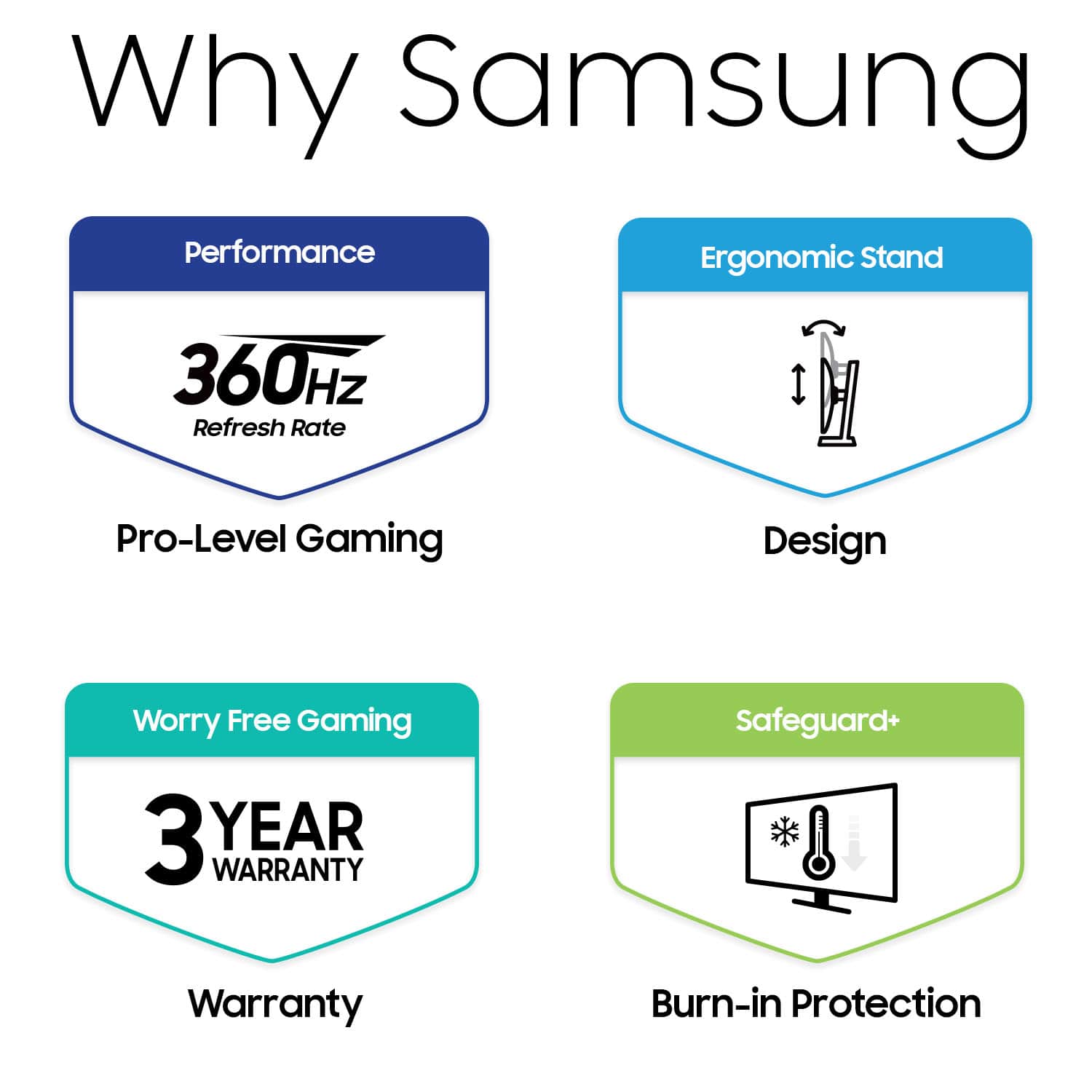
Performance is out of this world. With a 360Hz refresh rate and a lightning-fast 0.03ms response time, this monitor ensures smooth and fluid gameplay. It supports both NVIDIA G-SYNC and AMD FreeSync Premium, providing seamless synchronization with your GPU to eliminate screen tearing and reduce input lag. There are various settings for gaming, including picture modes for RPG, RTS, and FPS games. Honestly, I couldn’t tell that much difference using different modes while gaming. I did really like the Black Equalizer which was nice for really dark games such as Diablo which is one I play frequently. This allows specific brightness adjustment for the dark areas to help see things better.
Not sure how I might use it but did play around with the PIP (Picture in Picture) feature a bit and found it to be rather interesting. You can have different inputs drive the main and PIP screens and size and move the PIP window around all through relatively straightforward control via the on screen menu.
Samsung also provides a 3 year warranty with the monitor which means they are confident of the product quality.
I would recommend this to a friend
Pros mentioned:
Refresh rate
Rated 1 out of 5 stars
The pixel arrangement causes purple fringe :(
|
|
Posted .
This reviewer received promo considerations or sweepstakes entry for writing a review.
The 360hz is impressively smooth, and the monitor works well for certain action games. Sadly quality is very poor quality for text and other high contrast blocks/elements due to the purple/reddish fringe that appears at the bottom of elements on the screen. I had to return this monitor the same day because it is unusable for coding due to bad text rendering in Windows 11. The matte coating on the display is pretty good, especially compared with my ASUS M16 laptop's LCD panel.
No, I would not recommend this to a friend
Brand response from Samsung
Posted .
Thank you for bringing this issue to our attention as Samsung is committed to providing the best possible product experience, quality, and value. Samsung greatly values our customers’ feedback and we utilize your concerns and opinions in our relentless efforts towards delivering world-class products. We are very sorry to hear that you returned this product and hope to have you back as a customer again.
If you ever need assistance in the future, please contact Samsung Customer Support and a rep will be happy to assist you: 1-800-SAMSUNG, available 8AM - 12AM EST (Mon-Fri) / 9AM - 11PM EST (Sat-Sun)
Pros mentioned:
Black levels, Picture quality, Refresh rate
Rated 5 out of 5 stars
Once you go QD-OLED, you'll never go back!
|
Posted .
This reviewer received promo considerations or sweepstakes entry for writing a review.
Amazing monitor. Once you experience an Oled panel, there is no going back anymore, and this is even an further improvement, being it a QD-Oled.
Monitor came very well packed in a brown box. It was very well protected with Styrofoam and the screen itself had a peel plastic protector (this is important, some other manufacturer in the past skimped on this and there were damaged panels) and a nice cushy one. Included in the box was an sturdy and easy to assembly stand (which I did not use, since I arm mounted mine), however it could tell it was heavy and made of aluminum. I like that the sand is one solid piece and not one of those "V" shaped feet other monitors give. This way is a solid one piece and doesn't occupy much space on your desk. They also included a variety of accessories, like a power brick and cable, a 8k Display port cable, a HDMI cable and a upstream USB cable (to connect the monitor to your PC and use its two USB ports as a USB hub). The back of the monitor also supports arm/wall mounting and uses a standard VESA monitor mount spacing. It was easy and simple to mount to my desk mount (and super light being so thin, another Oled benefit).
The power button is in the back around the middle of the monitor (feels a little awkward to reach underneath, I would have preferred it to be on the back but around the side, or even better, for the price for them to enable and include a remote control). Once connected I pressed the button and started my PC. Upon start the resolution is 2560x1440p but at 60Hz, I had to go to Windows display settings to finally select 360Hz!! I'm still wrapping my head around such fast refresh rates are possible today.
The resolution is perfect for me and I feel is the perfect middle ground between 1080p and 4k. Its not as taxing as 4k while still giving me great picture quality and at this 27" pixel density is great. Now onto the elephant in the room. The MATTE coating. Well, I was a glossy snub before and I was a little apprehensive about this one. However, I must report that Samsung has done this antiglare coating RIGHT. Its not as aggressive as others, and does help with reflections without distorting image or reducing contrast or brightness. BELIEVE ME. You notice it of course when the screen is off, but when on, good lord the picture quality, contrast and saturation of this QD-OLED panel is amazing. You would not be disappointed.
The 360hz refresh rate and more importantly the near instant response times of Oled panels is amazing. There is no lag or trails around images nor blur (unlike LCD panels). You must have a good video card with display port to be able to drive such high refresh rates, however if you can't achieve such high frame rates, the display also supports adaptive sync/Freesync premium (variable refresh rate.
The image on HDR mode is amazing. I would recommend on Windows, you first download the Windows HDR calibration tool from the Windows app store to correctly calibrate and create a HDR profile for Windows. I also recommend you keep your desktop on SDR mode and only enable HDR (you can use key combo of Winkey+alt+B) before launching a game you know supports HDR. If you set the peak brightness to high and picture mode to eco, the display reaches around 1000nits with the calibration tool. Games that support HDR loo AMAZING on this screen.
This screen also has Samsung's new Safecare+ system, that has colling heat pipes on the back to better cool the screen, and this (together with other techs like pixel shift and pixel refresh) helps to avoid burn in. If you take care of your screen you will not have burn in. I recommend one watches/plays a variety of content, never keeping static images for a long time. I recommend on a PC, to first, set a plain all black background, then remove any icons (no icons) from your desktop and set the windows taskbar to autohide. This are the best settings for any Oled panel being used with a
PC.
Highly recommend this screen for any serious gamer!!!!
**************************************************************************************************************************************************************************************************************************************
Some quick PROS AND CONS:
+++PROS+++
+New gen QD-OLED panel.
+Amazing contrast and colors.
+Perfect blacks.
+360Hz refresh rate
+Variable refresh rate (Freesync premium).
+Antiglare coating done right IMHO. Helps with reflections.
+Protective new technologies to avoid early burn in.
+Nice stand and cables included.
+Wall/arm mount compatible, standard VESA.
---CONS---
-I did not like where the power/control button/nipple is situated.
-No remote control for the price.