Customer Ratings & Reviews



- Model:
- LS27DG602SNXZA
- SKU:
- 6573684
Rating by feature
- Display Quality
Rating 4.8 out of 5 stars
- Ease of Use
Rating 4.7 out of 5 stars
- Features
Rating 4.7 out of 5 stars
Customers are saying
Customers find value in the monitor's flawless overall performance and its impressive refresh rate, which are the most frequently praised features. While users also appreciate the sleek design and high-quality 2K resolution, some have noted concerns regarding the matte screen finish and the lack of built-in speakers. Additionally, a few users expressed dissatisfaction with the text clarity and felt the OLED quality did not justify the price point. Overall, the product is highly regarded for its core functionality despite these specific limitations.
This summary was generated by AI based on customer reviews.
Samsung monitor
||Posted . Owned for 1 month when reviewed.This reviewer received promo considerations or sweepstakes entry for writing a review.Awesome monitor, very thin bezel and actually a very thin monitor all together. Works great
I would recommend this to a friendBetter quality than a LD
||Posted . Owned for 1 month when reviewed.This reviewer received promo considerations or sweepstakes entry for writing a review.It’s cool, vibrant. Definitely way better than my 1080p led monitor. Huge upgrade.
I would recommend this to a friendBEST MONITOR
||Posted . Owned for 1 month when reviewed.This reviewer received promo considerations or sweepstakes entry for writing a review.best monitor today. quality, construction and everything that is best today
I would recommend this to a friendDon’t walk, run if you don’t want to get robbed.
||Posted .This reviewer received promo considerations or sweepstakes entry for writing a review.I was super stoked about getting this monitor until what I received came broken out of the box. The box itself even had a big hole on the outside from where an object of some sorts pierced through and cracked the screen. The design of the protective packaging (which I assume Samsung is responsible for) was ridiculous to begin with because the monitor faces outwards and the styrofoam design has open slots that expose the monitor, making certain parts just cardboard between the monitors screen and the cardboard. Yeah, well long story short I tried to exchange it for the exact same monitor (just one that wasn’t damaged…) and they refused to let me do that. I spent the better part of two weeks speaking to best buy reps and driving all over to different Best Buy locations to just be stuck with this broken screen. Oh and on top of that when i went into one of the stores the cashier thought it wouldn’t be an issue to exchange and she started to unpack the box for then to tell me that they couldn’t exchange it because the purchase wasn’t in their system. Mind you I purchased it from that store the NIGHT BEFORE. And to top it all off the monitor stand was never put back in the box when she took everything out, so I contacted the store many times asking if I could come get my stand at the very least….. to which I heard absolutely nothing. By far the worst customer service and purchasing experience I’ve had in my entire life. Do yourself a favor and stay far far away from Best Buy. It’s a complete joke of an establishment now, nothing even close to the store I used to love.
No, I would not recommend this to a friendBrand response from Samsung
Posted .Please know you are leaving a review for the [series/model], not the service provided by a third party seller. Please follow up directly with the seller for further assistance. We hope your issue is resolved in a timely manner. Should you have questions regarding Samsung TVs, please contact Samsung Support at 1-800-SAMSUNG, 8AM - 12AM EST, 7 days a week. Our LiveChat agents are also available by clicking on the ‘Support’ link on our website.

Power Button Breaks - KNOWN ISSUE!
||Posted . Owned for 5 months when reviewed.This reviewer received promo considerations or sweepstakes entry for writing a review.DO NOT purchase this monitor! I failed to do any in-depth research prior to buying this monitor, and I am sorry that I didn't because I am out 800 bucks now. This monitor was purchased less than six months ago and has sat on my desk the entire time. It has never been dropped, hit, or damaged in any sort of way. Other than the now broken power button that I have, this monitor is in mint condition. If you do a little bit of research, you will see that many buyers have experienced the power button cracking. There are reviews here on Best Buy website as well as other places on the internet. Do your research! Best Buy sent me to Samsung and said that it has a three-year warranty, but Samsung refuses to fix it. I spoke with three different supervisors and they all told me the same thing – it's physical damage and it's not covered. Consider yourself warned.
No, I would not recommend this to a friendBrand response from Samsung
Posted .Please know you are leaving a review for the SAMSUNG 27" Odyssey OLED G6 (G60SD) Pro Gaming Monitor, not the service provided by a third party seller. Please follow up directly with the seller for further assistance. We hope your issue is resolved in a timely manner. Should you have questions regarding Samsung TVs, please contact Samsung Support at 1-800-SAMSUNG, 8AM - 12AM EST, 7 days a week. Our LiveChat agents are also available by clicking on the ‘Support’ link on our website.
Worth it
||Posted . Owned for 3 weeks when reviewed.This reviewer received promo considerations or sweepstakes entry for writing a review.Amazing monitor detail is fabulous. Works with Gsync also
I would recommend this to a friend- Pros mentioned:Refresh rate, ResolutionCons mentioned:Brightness, Text clarity

Competitive Speed and a Stunning Display
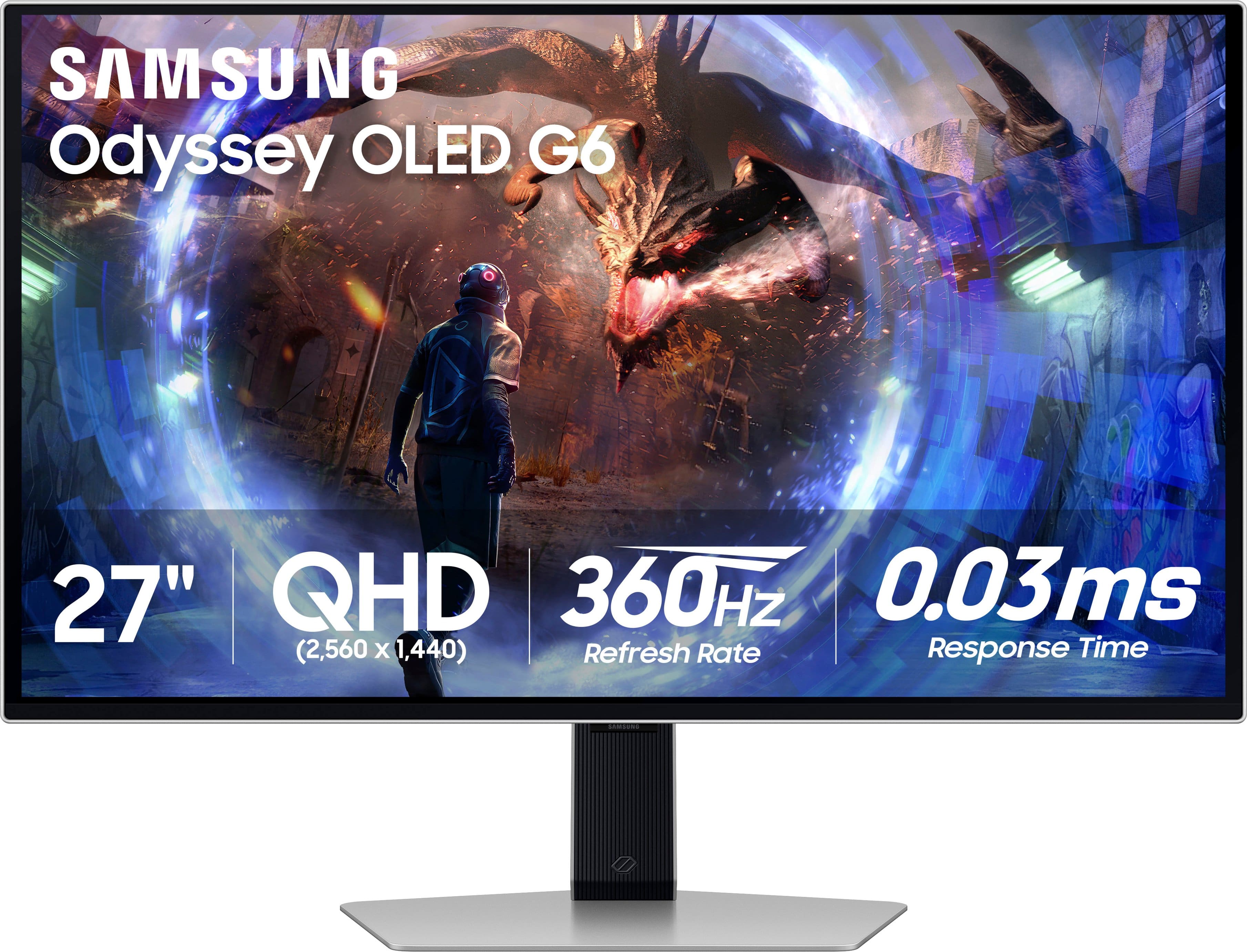
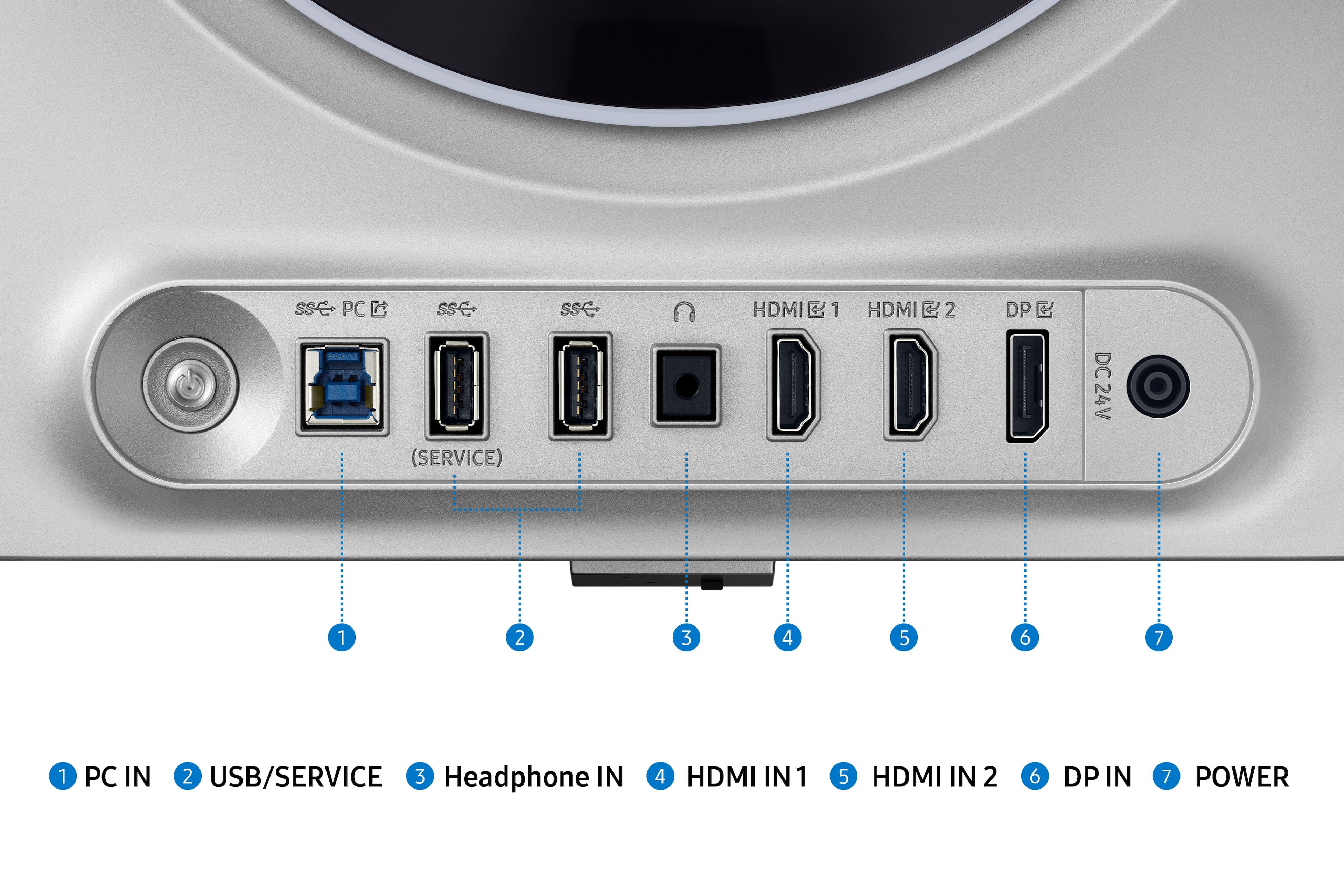
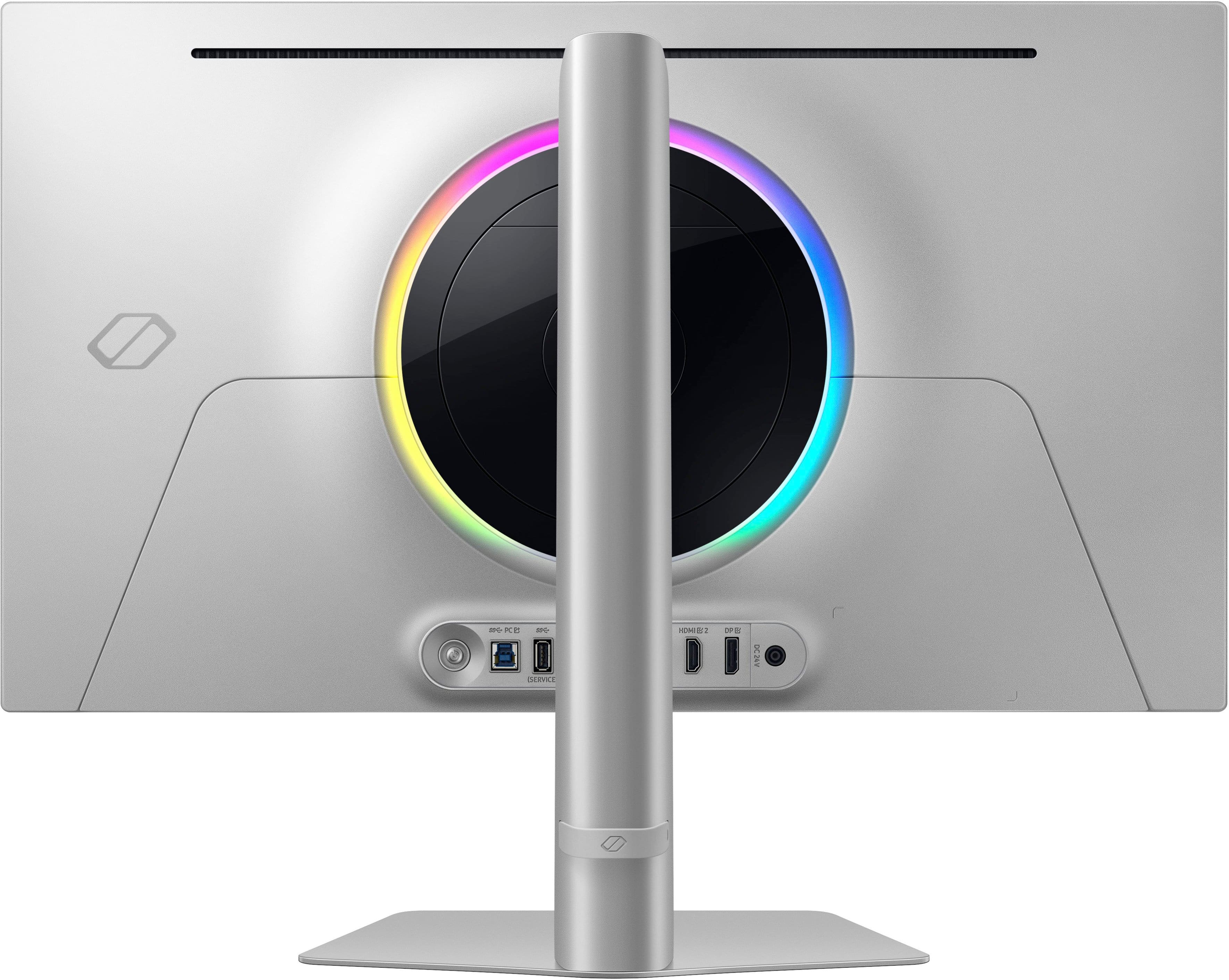
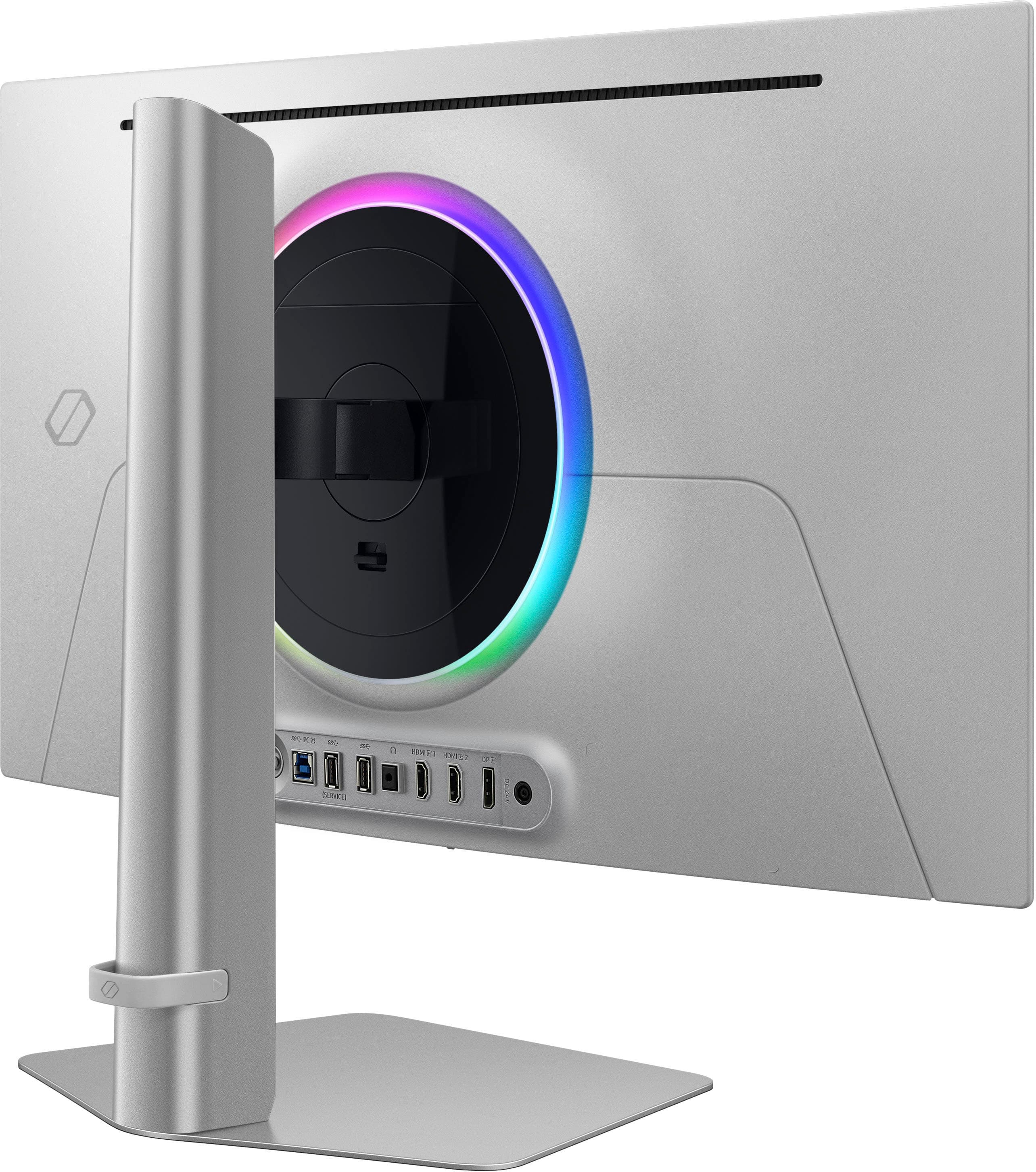
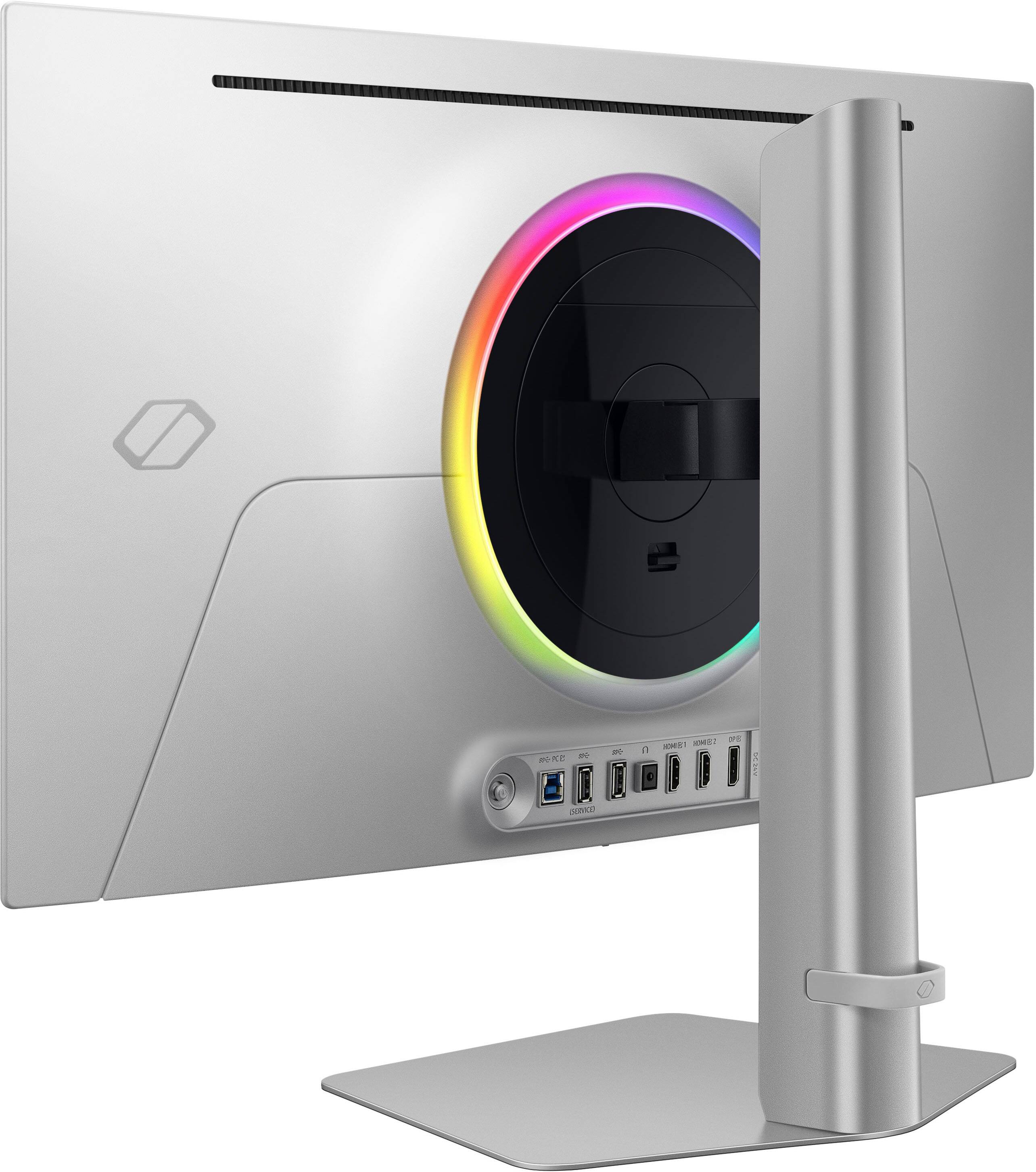
|Posted .This reviewer received promo considerations or sweepstakes entry for writing a review.The Samsung Odyssey OLED G6 has so many features to brag about and a few downsides worth mentioning. Included are display ports for a DisplayPort 1.4 and two for HDMI 2.1, as well as two USB-A ports, an audio jack, and a USB-B port. It includes cables: DisplayPort, HDMI 2.1, and USB-B to USB-A. I chose to connect the monitor to the HDMI 2.1 because of the higher bandwidth and it is absolutely a step up from my previous setup. The 360Hz refresh rate and 0.03ms response time take gaming to a whole other level. The picture is fluid, and I can act and react quickly and accordingly because of it. It also comes equipped with AMD FreeSync Premium Pro, which is compatible with my NVIDIA GeForce RXT graphics card to provide a powerful combo for a smooth picture. I tested the refresh rate and FPS and indeed got the advertised 360Hz refresh rate and 360FPS. The colors are stunning - vibrant, saturated, true, and rich. The blacks are amazing! Literally the blackest I have seen on a screen. The colors coupled with the QHD resolution work in tandem to provide a stunning picture quality. Games like Fortnite are extremely vibrant because of this, while Battlefield looks so much more realistic than in my other monitor and my big screen tv. The details that were put into the game look almost lifelike using this display. The screen is not reflective whatsoever and thus, there is very little glare. The only time I experienced any was when the sun was shining through the window, and it was quite subdued. It just washed down the color in that area slightly instead of glaring. The monitor itself is extremely thin around the edges with just some bulk concentrated in the middle portion. It makes my setup look incredibly sleek and even mesmerized my visitors; it was the first thing they noticed when they saw it. It comes with CoreLighting+ which provides ambient lighting from the back of the monitor in an array of color options. I actually really enjoy this feature since I have a wall behind it, and it gives of a nice ambience that goes with the rest of my setup while also reducing eyestrain when I play in the dark. The stand gives a high degree of adjustability to get the height and angle just right. Additionally, it moves easily and stays put exactly where it is placed. It is a big plus for me because I stand once in a while to get some circulation flowing in my legs and I like that I can just lift the monitor and tilt it up when I do this. Behind the monitor is a control button that moves in four directions to change the settings. With it, the input can be changed, the volume, brightness, etc. In addition to those, it has a settings menu which allows customization of CoreLighting+ among many other things. There are a few downsides that should be noted. One is that this monitor tends to run hot. Once it is in use for a while, I can feel the heat coming from it. This is okay for now, but it will be an issue when the heat waves roll in. Another is text clarity, words and letters are not as crisp as I am used to. If this is mostly for gaming, it is hardly an issue as I did not notice it much in-game. I noticed it only when browsing the internet and when using a Word document. All things considered; I believe the pros far outweigh the cons when it comes to gaming. It has the speed, fluidity, and power to elevate my gaming and give me a competitive advantage while just looking sleek on my desktop.
I would recommend this to a friend Made Cheaply
||Posted . Owned for 1 month when reviewed.This reviewer received promo considerations or sweepstakes entry for writing a review.Ive had this for almost 2 months. The power button in the back already broke. I dont even turn my monitor off. I decided to this morning and its broken cheap piece of plastic. I called samsung and its not covered by the warranty. Now if i need to adjust picture setting or turn monitor on and off easily i cant very disappointed coming from samsung.
No, I would not recommend this to a friend- Pros mentioned:Refresh rate
The pixel arrangement causes purple fringe :(
||Posted .This reviewer received promo considerations or sweepstakes entry for writing a review.The 360hz is impressively smooth, and the monitor works well for certain action games. Sadly quality is very poor quality for text and other high contrast blocks/elements due to the purple/reddish fringe that appears at the bottom of elements on the screen. I had to return this monitor the same day because it is unusable for coding due to bad text rendering in Windows 11. The matte coating on the display is pretty good, especially compared with my ASUS M16 laptop's LCD panel.
No, I would not recommend this to a friendBrand response from Samsung
Posted .Thank you for bringing this issue to our attention as Samsung is committed to providing the best possible product experience, quality, and value. Samsung greatly values our customers’ feedback and we utilize your concerns and opinions in our relentless efforts towards delivering world-class products. We are very sorry to hear that you returned this product and hope to have you back as a customer again.
If you ever need assistance in the future, please contact Samsung Customer Support and a rep will be happy to assist you:
1-800-SAMSUNG, available 8AM - 12AM EST (Mon-Fri) / 9AM - 11PM EST (Sat-Sun)
- Pros mentioned:Overall performance, Refresh rateCons mentioned:Cable management
Samsung's Best Monitor to Date
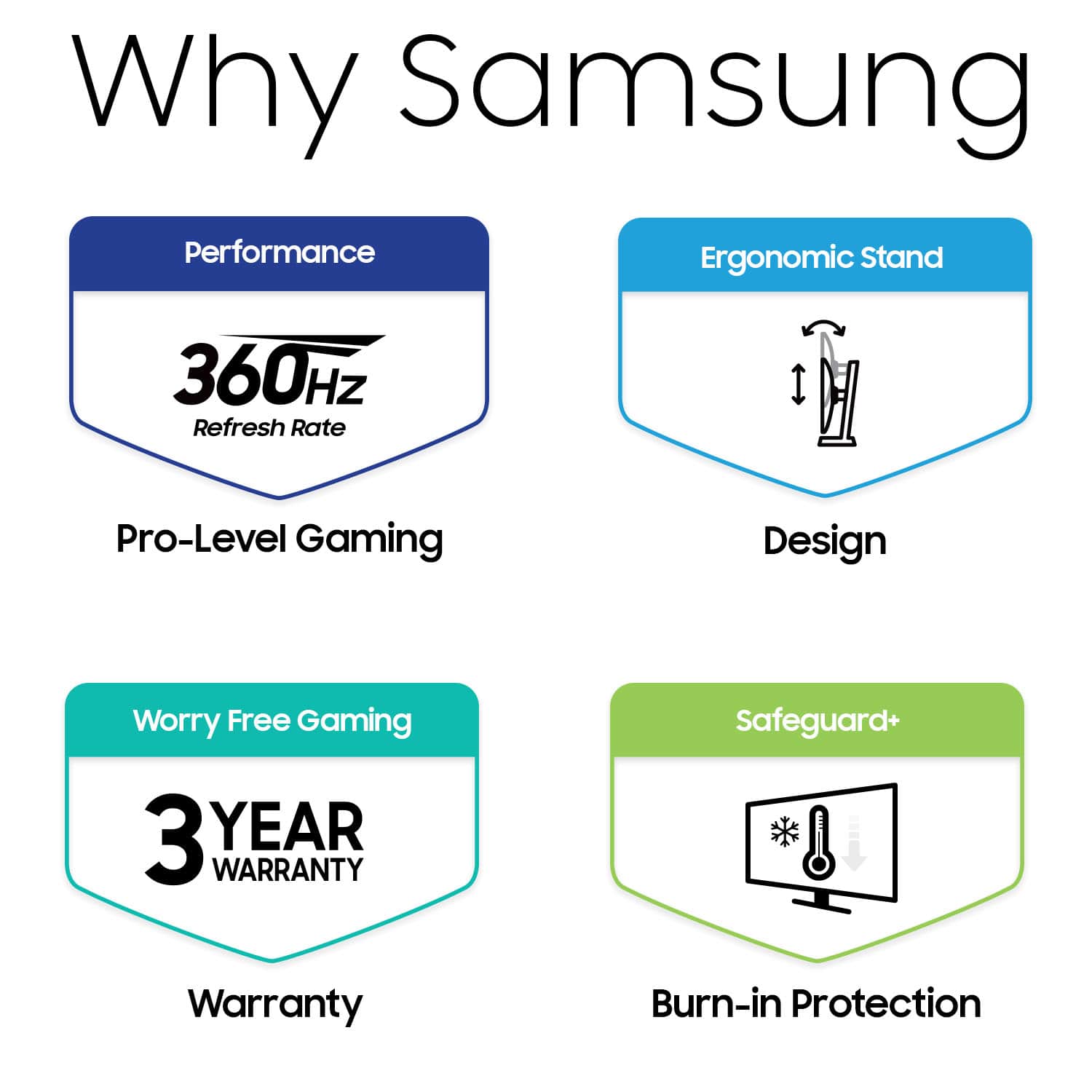
|Posted .This reviewer received promo considerations or sweepstakes entry for writing a review.Samsung has released their new 27" Odyssey G6 OLED QHD Freesync gaming monitor, and it doesn't disappoint. The box includes the monitor, base, stand (connects base to monitor), HDMI cable, DP cable, USB/PC cable, power cable with transformer (split), and quick user guide/paperwork. The monitor comes with a manufacturer's 3-year warranty. PROS: ----------- * The base/stand/monitor connect easily with no tools. Also easy to break down if needed. * The monitor is VESA and has HAS/TILT/SWIVEL/PIVOT ability. Extremely versatile. * Plenty of connections and ports with easy access on the rear - USB 3.0 PC, (2) USB3.0, (2) HDMI 2.1, headphones jack, DP1.4, and DC in. What I love here are the ports facing outwards instead of downwards. * 360Hz is likely overkill for most games; however when playing games, it's extremely smooth. PS5's only have the ability to output to 120Hz, so you're likely going to see the biggest gains and serious smoothness on PC games. Additionally, 0.03ms response time is as good as it gets anywhere. * The OLED glare-free screen is huge. The screen is quite visible from wider angles as well. * The OLED Safeguard+ technology is a huge addition to this monitor. This is a feature that helps control the temperature of the screen itself to help prevent burn-in. * The monitor itself if made of thin, sleek, and very strong metal. The built-quality is very good and sturdy. * The user menu is easy to use with the reverse joystick on the rear of the unit. There is enough room underneath the screen itself to place your hand easily to make changes. Upon turning on the first time, it offers the user a QR code to register the monitor right off the bat. After scanning the QR code, the fields are auto-populated in your browser with the model and serial number... this was a super easy process and a great feature I haven't seen on any other monitor. * The circle LED light on the rear can be changed in a handful of ways. Nice touch. * HDR blacks are very black - as good as I have seen in any monitor. These blacks can obviously be adjusted further if needed. CONS: ----------- * Cable management is basic at best. There's a rubber ring on the rear that does the job but it's not very fancy. I would have liked to see a better design for cable management but it is acceptable. OTHER OBSERVATIONS: ----------- * If the monitor needs to travel, it can be placed in the Styrofoam easily in the original box after the base/stand/monitor is broken down easily. CONCLUSION: ===================== The 2 main features of this monitor are the 360Hz refresh rate and the abundant ways the monitor self-regulates the screen temperature and ability to combat screen burn-in and making the monitor last for years. This is likely the best picture I have ever seen on any monitor. It's vivid, bright, colorful, and has every ergonomic ability available. The price point is high, but in this case, you're getting what you pay for. I highly recommend this monitor from Samsung. The G6 is extremely top-notch. The only thing that would make this monitor better is if it was a 21:9 aspect ratio, but that's nitpicking. Great job, Samsung!
I would recommend this to a friend Nice monitor poor quality screen
||Posted .This reviewer received promo considerations or sweepstakes entry for writing a review.First few days I was amazed at how smooth it was…but then on the 3rd day it started to show dead pixels. I tried all the different methods to see if it would fix but it wouldn’t.
No, I would not recommend this to a friendBrand response from Samsung
Posted .We are very sorry to see that you have encountered issues with the 27" Odyssey OLED G6 Gaming Monitor. Samsung products are engineered to the highest standards of performance and quality. We understand your disappointment and hope that you will give us a chance to assist with investigating the issues you have encountered with the pixels further. For further assistance, please contact Samsung Customer Support via: 1-800-SAMSUNG, available 8AM - 12AM EST (Mon-Fri) / 9AM - 11PM EST (Sat-Sun).
- Pros mentioned:Design, Refresh rate, Resolution
Premium price gets you premium results
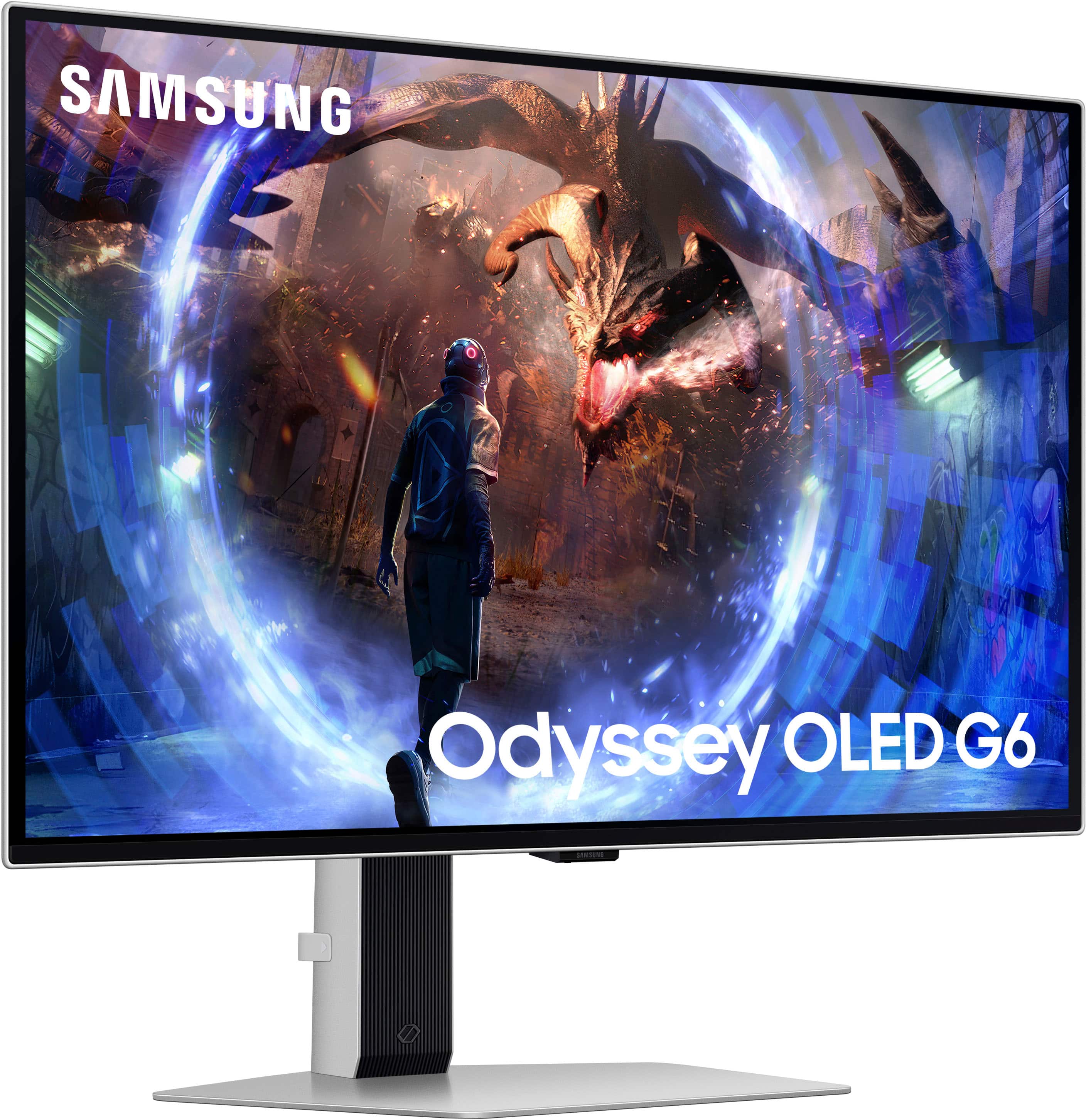
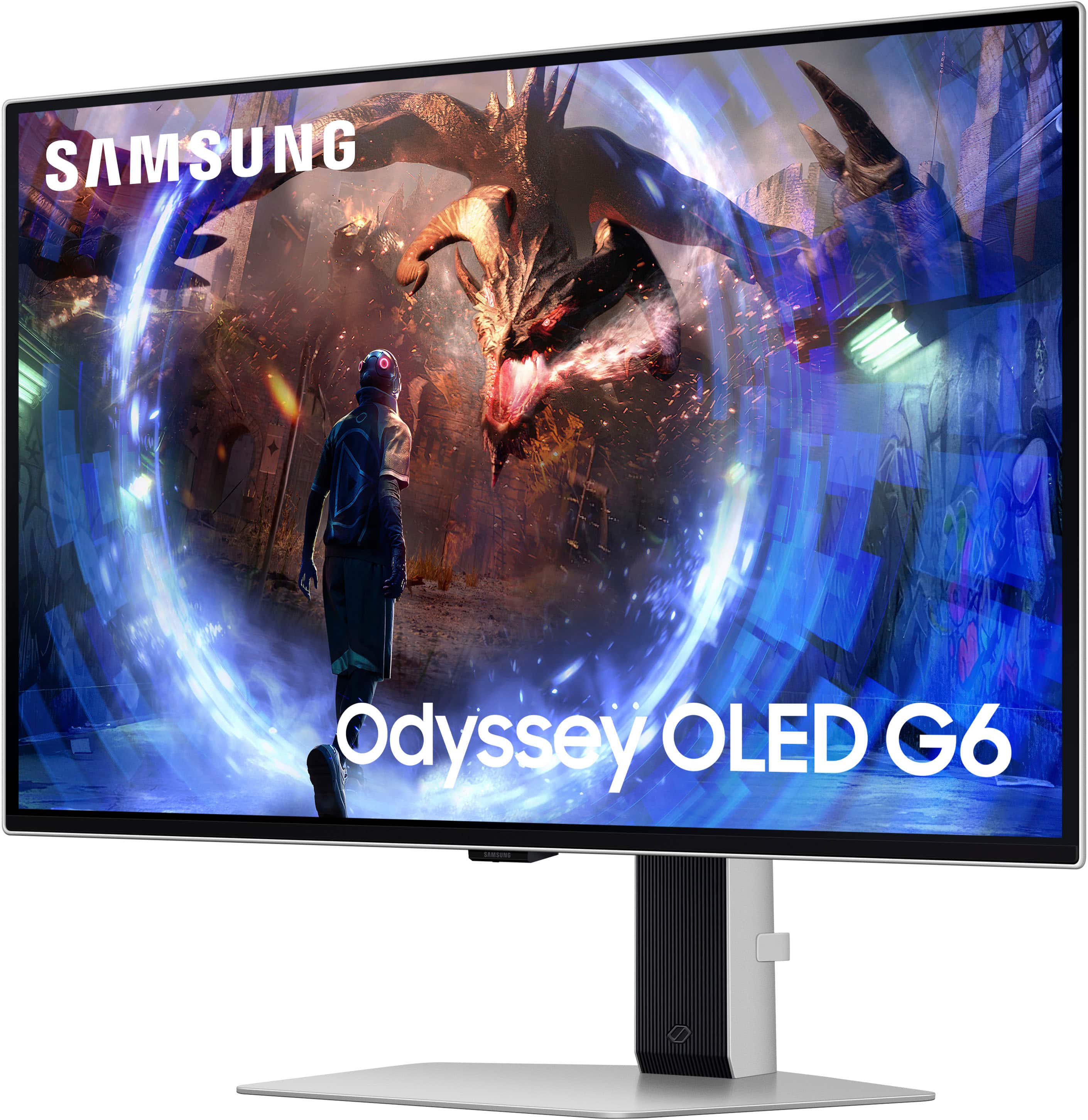
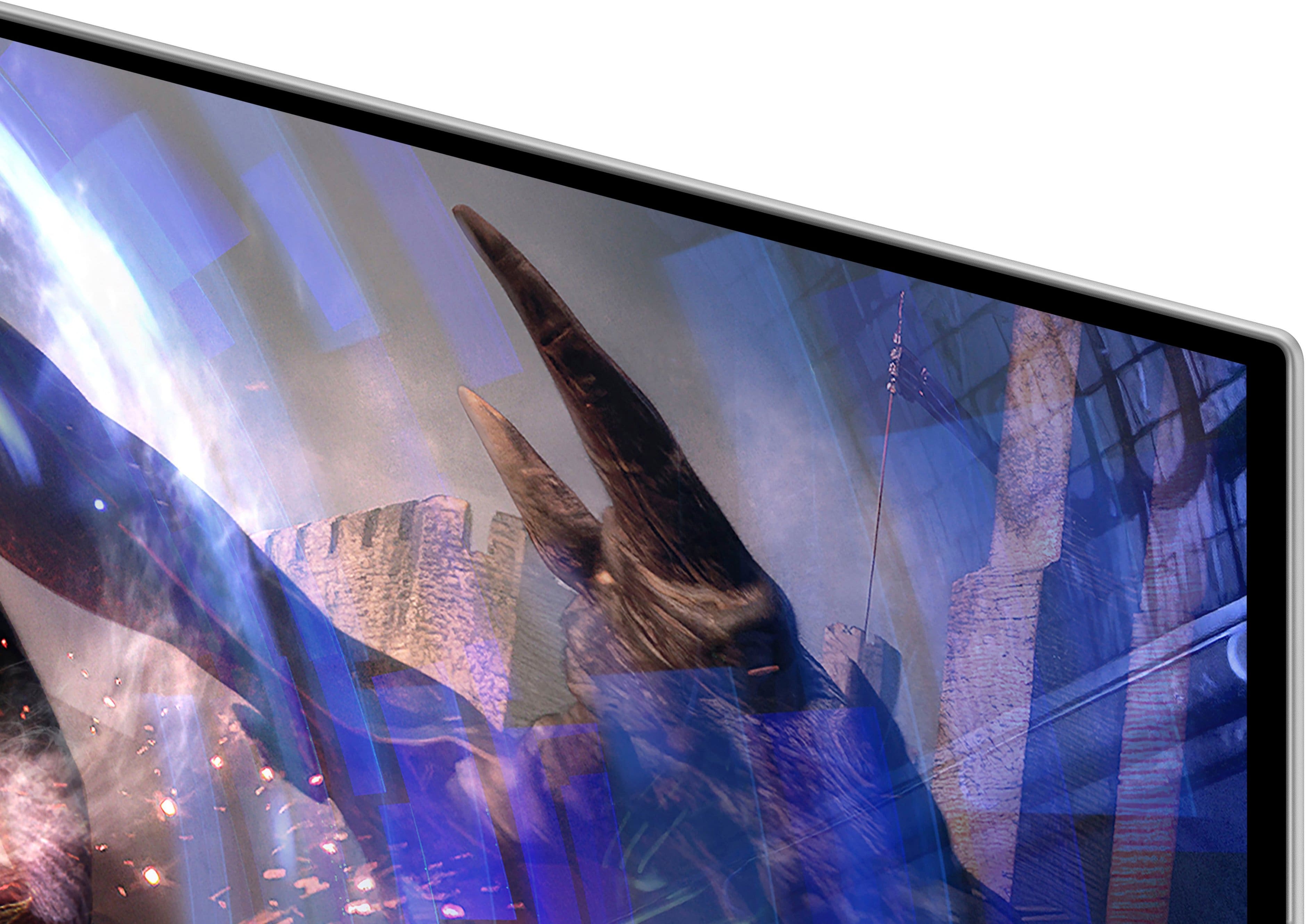
|Posted .This reviewer received promo considerations or sweepstakes entry for writing a review.As with many consumer products these days this one follows the trend with very minimal basic printed instructions in the package. If you follow the pictographs in the quick start it is easy enough to attach the monitor to the stand and the stand to the base though. There’s lots of other unrelated pieces of paper included (which could be online) but I had to spend some time finding the full user guide on their website. I was impressed with the design and function overall. One touch push button release on both ends of the stand is very well done. The rich silvery metallic color and near zero bezel along with a super slim and curvy monitor backside makes it look quite stunning and high end. The monitor’s ergonomic design ensures that you can find the perfect viewing angle, reducing eye strain during long gaming sessions. I found the adjustment for height, tilt, and side to side to be super easy and smooth and there was the perfect amount of resistance so that it could not be easily bumped out of your favorite position. The on-screen menu system is user-friendly, allowing for quick adjustments to settings such as brightness, contrast, and color profiles. There’s also a handy registration reminder with a built-in QR code. The Odyssey offers a range of input options, including HDMI, DisplayPort, multiple USB ports, and a headphone jack ensuring compatibility with a variety of devices. This versatility makes it easy to connect gaming consoles, PCs, and other peripherals. The S27DG60 features a 27-inch OLED panel with a 2560 x 1440 (QHD) resolution. The OLED technology provides vibrant colors, deep blacks, and an impressive contrast ratio, enhancing the overall visual experience. The QHD resolution ensures that images are sharp and detailed, perfect for gaming and content creation. HDR support further improves color accuracy and brightness, making games and media look incredibly lifelike. Performance is out of this world. With a 360Hz refresh rate and a lightning-fast 0.03ms response time, this monitor ensures smooth and fluid gameplay. It supports both NVIDIA G-SYNC and AMD FreeSync Premium, providing seamless synchronization with your GPU to eliminate screen tearing and reduce input lag. There are various settings for gaming, including picture modes for RPG, RTS, and FPS games. Honestly, I couldn’t tell that much difference using different modes while gaming. I did really like the Black Equalizer which was nice for really dark games such as Diablo which is one I play frequently. This allows specific brightness adjustment for the dark areas to help see things better. Not sure how I might use it but did play around with the PIP (Picture in Picture) feature a bit and found it to be rather interesting. You can have different inputs drive the main and PIP screens and size and move the PIP window around all through relatively straightforward control via the on screen menu. Samsung also provides a 3 year warranty with the monitor which means they are confident of the product quality.
I would recommend this to a friend Good quality but...
||Posted .This reviewer received promo considerations or sweepstakes entry for writing a review.Good monitor but back jog button broke after a month of purchase, I wish would have done research before buying because its a known common issue with this monitor.
No, I would not recommend this to a friendBrand response from Samsung
Posted .Please know you are leaving a review for the [series/model], not the service provided by a third party seller. Please follow up directly with the seller for further assistance. We hope your issue is resolved in a timely manner. Should you have questions regarding Samsung TVs, please contact Samsung Support at 1-800-SAMSUNG, 8AM - 12AM EST, 7 days a week. Our LiveChat agents are also available by clicking on the ‘Support’ link on our website.
JUNK!!!!!!!! BUYER BEWARE
||Posted .This reviewer received promo considerations or sweepstakes entry for writing a review.Barely a year old and the power button joystick literally fell off. Clearly defective and what does Best Buy and Samsung tell me to do? Go kick rocks.. I'll never EVER buy another Samsung product as long as I live.
No, I would not recommend this to a friendBrand response from Samsung
Posted .Please know you are leaving a review for the Samsung 27"Odyssey OLED G6(G60SD), not the service provided by a third party seller. Please follow up directly with the seller for further assistance. We hope your issue is resolved in a timely manner. Should you have questions regarding Samsung TVs, please contact Samsung Support at 1-800-SAMSUNG, 8AM - 12AM EST, 7 days a week. Our LiveChat agents are also available by clicking on the ‘Support’ link on our website.
- Cons mentioned:Cable management, Text clarity
Stunning Display for PC Gamers
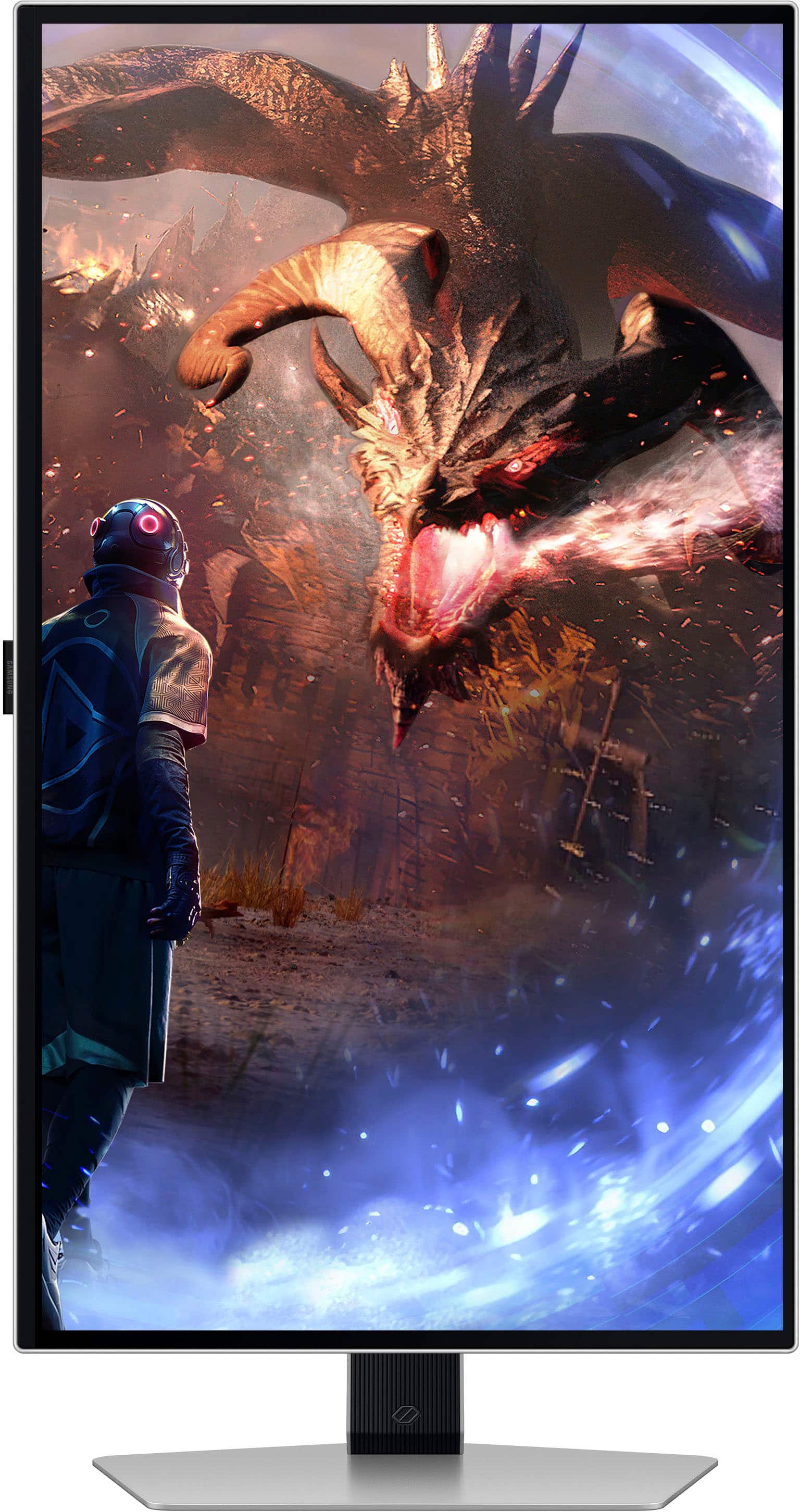
|Posted .This reviewer received promo considerations or sweepstakes entry for writing a review.The Samsung Odyssey OLED G6 has an amazing display. But you already know that. HDR videos and games just look amazing. The monitor is worth the price tag. Samsung makes great OLED displays. I am recommending this display as this is a great PC gaming display. Games look amazing. I had some concerns about the AMD Freesync certification as I game with NVIDIA, but while this monitor is not officially certified for GSYNC, GSYNG does appear to be enabled. Either way, I have not noticed any screen tearing or refresh rate issues. Whether you are gaming with an AMD or NVIDIA graphics card, this is an excellent monitor for any gamer. Setup: Inside my box (in case contents differ), I had the pieces to the stand, a Super High Speed HDMI cable, a Display Port cable rated for 8K (my connection method), a huge power brick, a power cord, a USB 3.0 B to A cable, and the monitor itself. The stand is great and allows the user to display the monitor vertically. Cables and USB devices stick out a couple of inches from the back of the monitor. There are quick start guides and installation instructions. But I wish there had been more information about the screen’s optimization features. As it was, I kept receiving “screen has not been optimized” notices every time I turned the monitor on for the entire first day. Some explanation about the notices and what I needed to do to help optimize the screen would have been appreciated. As it is, I felt a bit clueless. Eventually the notifications went away. Some online sleuthing led me to believe optimization occurs while the monitor is not receiving a signal for a period of fifteen minutes to an hour, but I cannot say that for certain. Cable management with the monitor is a bit rudimentary, but it works. It does not conceal cables, but it does keep them tidy on the back of the stand. I have the monitor hooked up via the Display Port cable. Samsung advertises that this monitor is using AMD Freesync. AMD paid for the sponsorship, but most gamers use NVIDIA based on the recent numbers from Steam. As such, while I was able to enable G-Sync, NVIDIA Control Panel will tell you that the monitor has not been “validated as G-Sync Compatible.” Perhaps validation will come with a later patch? Still, it works. Experience: Colors look amazing. HDR videos and games are amazing on this monitor. I had primarily been gaming on a 1080p display, but I surprisingly have not noticed much of a performance hit going to the higher DPI on this monitor. Text appearance is a bit of a mixed bag. The text looks fine. I have had better and worse displays for text. Text is fine. I plugged a Nintendo Switch into the HDMI port. I am seeing colors on the Nintendo Switch that I have never seen before with the console. Even gaming on the Switch looks great with this monitor. My only complaint is that this higher res display shows off the DPI limits of the Switch hardware more than I am used to. There is an occasional shift in the screen. This is a feature designed to help prevent burn-in. The LED light on the back of the monitor does a good job syncing up to the screen colors. I just wish it were a bit brighter. As is, the light is barely noticeable unless you are gaming in a dark room. My biggest complaint is that the power button and controls are on the back of the display. I would prefer an application, a remote, or front facing controls. I initially encountered some glitches and problems related to the monitor’s USB ports. Devices would clearly get power but would not communicate with my PC. However, after the monitor ceased giving me optimization messages, the errors and disconnects with USB devices plugged into the monitor went away. I cannot say if this was a problem with my PC or with the monitor. I have not been able to duplicate the error the last few days. I debated on not mentioning that glitch, but I thought maybe if someone else encountered the same problem it could be useful for me to talk about it here. But again, that problem went away. It could have been related to drivers on my PC for all I know. The only other drawback is the giant power brick for this monitor. It is inline with a separate power cable that plugs into the outlet, but still that brick is bigger than the bricks for many gaming laptops. It is huge and it does get a bit warm. Conclusion: Great display. I love this monitor. Now that I have had my first OLED gaming monitor, I am not sure I can ever go back to an IPS display. The visuals are amazing. I wish there had been a bit more documentation to explain the monitor’s optimization process. A brighter rear light and a better placement for the power switch are my only remaining nitpicks. 4.5/5 Recommended
I would recommend this to a friend - Pros mentioned:Refresh rate, Resolution
I’m really impressed!
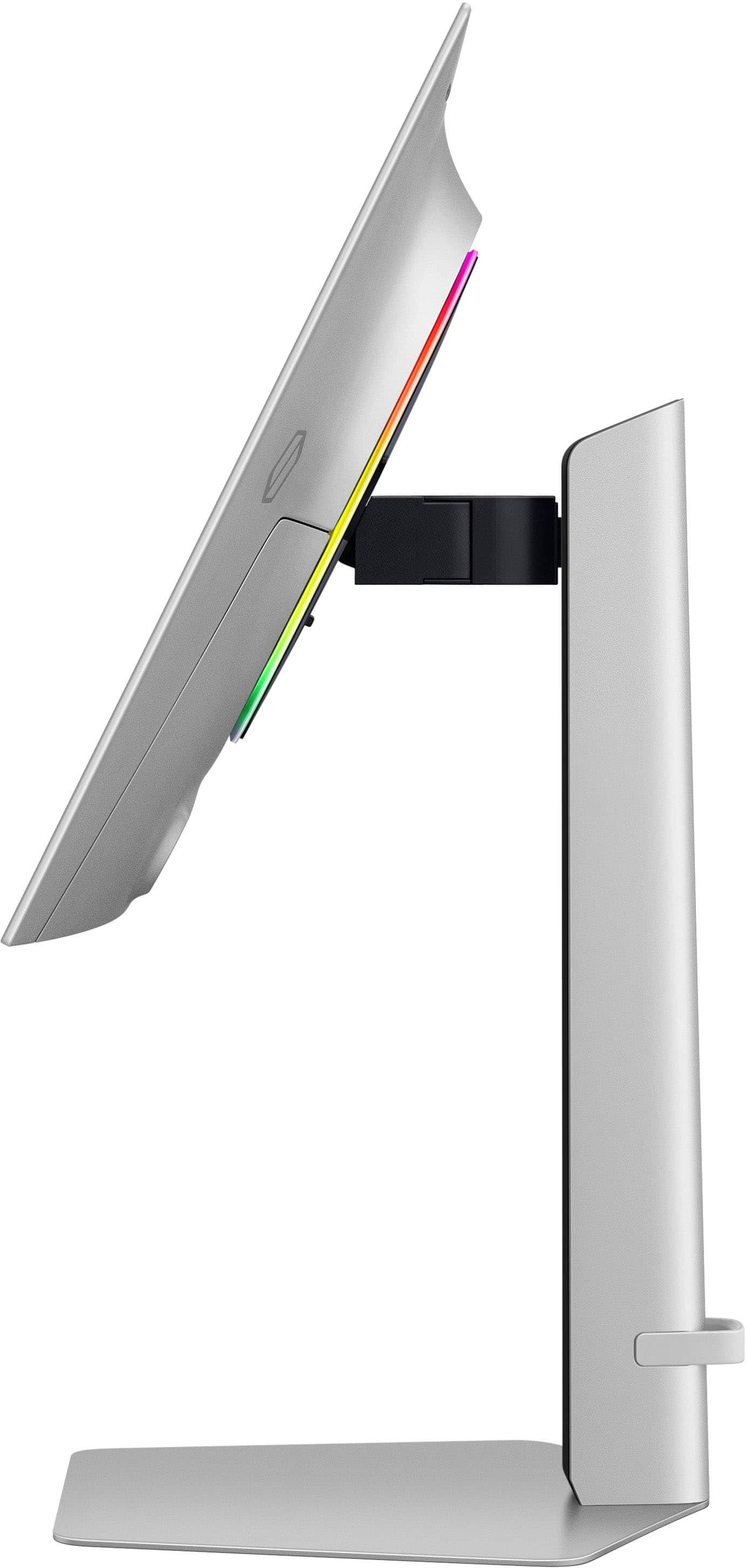
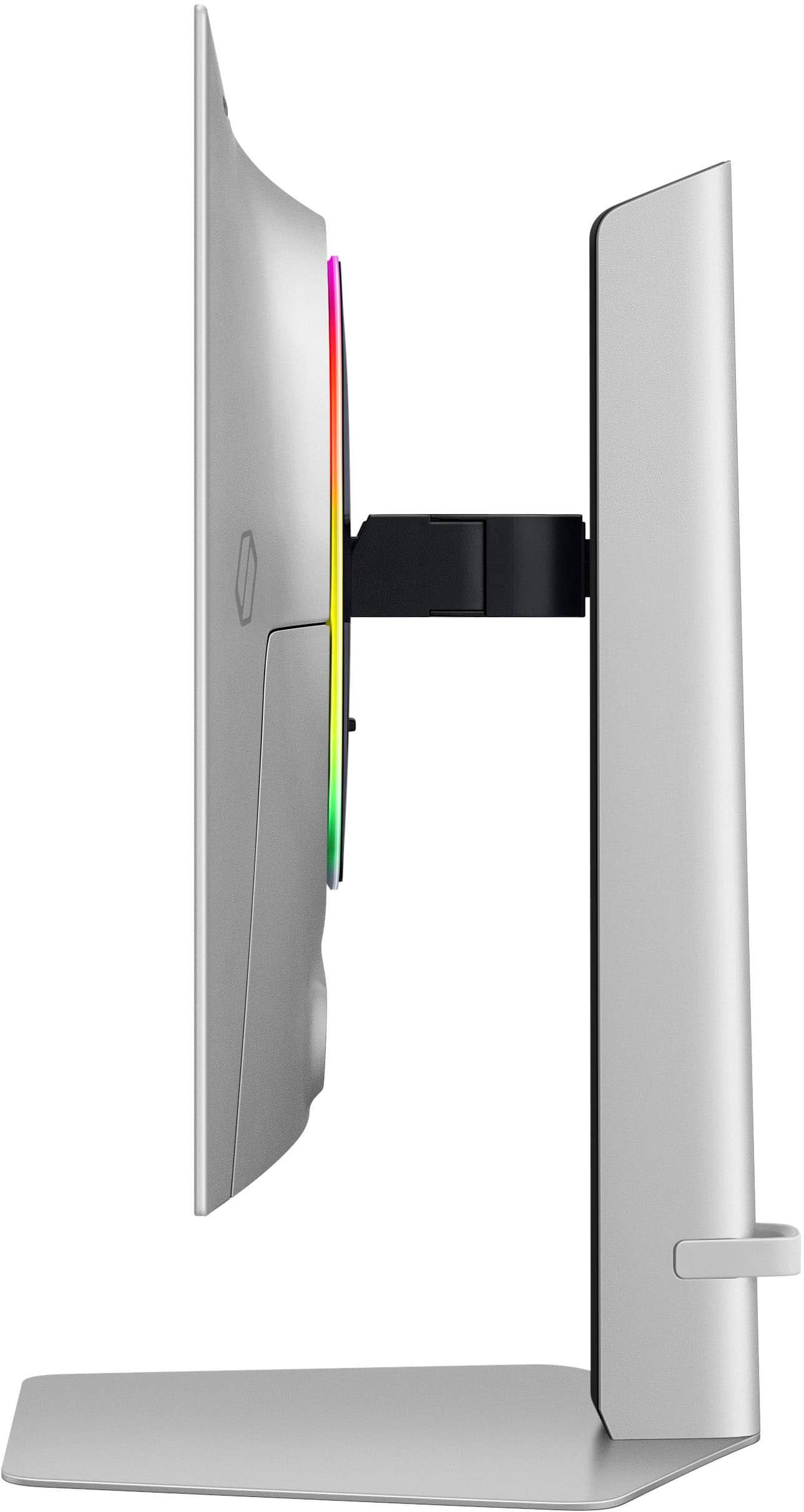
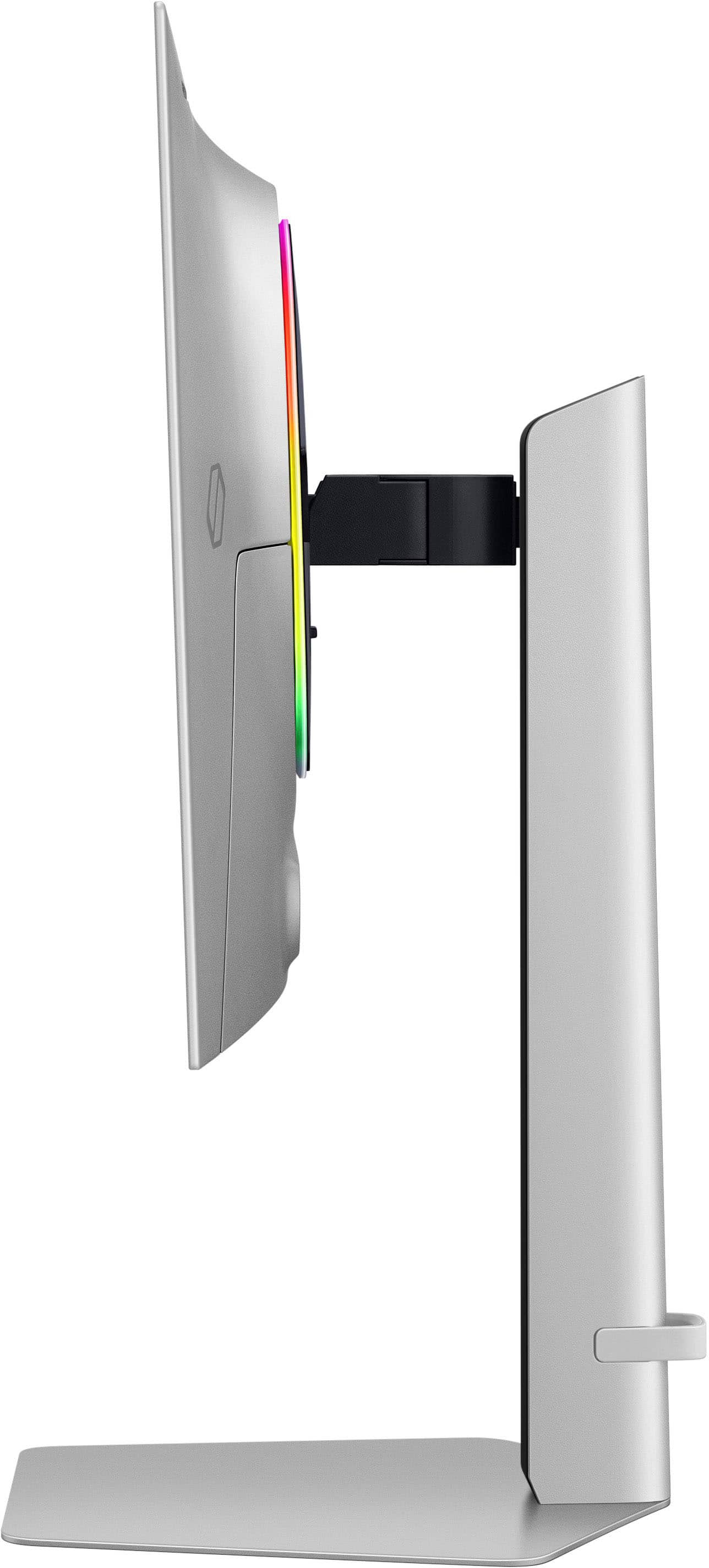
|Posted .This reviewer received promo considerations or sweepstakes entry for writing a review.This is my first time using an OLED monitor and I must say that it is a very pleasant experience. Comparing this monitor to the LCD monitors I use, it is practically day and night. Despite having a few things that could be better, it is without a doubt a great product. This Samsung G6 OLED monitor comes packaged in a regular box like other monitors from the brand, pretty simple considering the range of the product and that it is a relatively new model. Inside the box comes the monitor with a removable adhesive plastic that protects the screen, a metal plate that functions as the base of the monitor, a stand that holds the monitor (ready to assemble), a usb cable, a HDMI and a DisplayPort cable, a power supply, a quick guide and the user manual. The quick guide, which is handy once you open the box, outlines the steps required to unbox the monitor. Unboxing is a fairly simple and intuitive process, practically by following the instructions you end up removing the monitor already assembled and ready to connect. The metal base is large and heavy enough to hold the monitor. The stand is made of plastic and lets you raise and lower the monitor, and the piece that connects the monitor to the stand allows the monitor to tilt and swivel as well. At the bottom of the stand there is a kind of silicone strap that is used for cable management. The monitor has different types of inputs, USB, HDMI, DP and Headphone Jack on the back and to one side is the power button which in turn is the menu button and works to navigate it as well, which I consider is not the best position for such an important button. Also on the back is a led light ring that can be configured from the monitor menu. Despite being on the back and not necessarily important, this led light ring is a plus, more RGB is always appreciated ;) The monitor is 2560 x 1440p resolution, with a refresh rate of 360Hz, 0.03 ms response time, OLED Glare Free technology, also features FreeSync Premium Pro synchronization technology, and OLED Safeguard+ which prevents the LEDs from burn-in due to excess heat. Regarding the performance, coming from 1080p 144Hz monitors, I must say that it is impressive. The first thing you can notice is that the color reproduction is outstanding, the colors are more vivid and the blacks are really black, compared with my previous monitors it looks like gray vs black. In gaming the refresh rate of 360Hz plus the 2560 x 1440p resolution is a fascinating combination, playing becomes a whole experience, for me it is a huge leap. The monitor responds very quickly and the image looks spectacular. It has an outstanding brightness, in my case in a dark room I use the monitor almost at minimum brightness and with the light on about 35% - 40%, plus the anti glare does a great job. Playing content is likewise a pleasant and immersive experience, vibrant colors, dark blacks in a very good resolution. I could go on and on about how good this monitor looks at virtually any task, but having it in front of me there are no more words to say, it's simply stunning. Something that caught my attention is a function that is basically picture in picture, that is, you can connect another device (such as another pc or tablet for example) and have a small rectangle on the screen playing what the other device emits, the size and position can be changed in settings . An interesting feature that could be useful for some people. The only thing I noticed is that some functions are disabled when using this feature. In short, this Samsung G6 OLED monitor has what it needs and more for those looking for a monitor with high refresh rate (especially if you are a gamer), that responds quickly, has a good resolution and color reproduction. Useful for daily tasks, playing video games, playing content, etc. It is an easy to assemble product since no tools are needed. It has a futuristic design and color. This monitor can be positioned in different ways. And the OLED screen is certainly a delight to the eye, highly recommended.
I would recommend this to a friend - Pros mentioned:Refresh rateCons mentioned:Brightness, Text clarity
The Sweet Spot: Why the Samsung G60SD is the OLED
||Posted . Owned for 1 month when reviewed.This reviewer received promo considerations or sweepstakes entry for writing a review.I’ve been searching for a monitor that doesn’t force me to choose between buttery-smooth performance and jaw-dropping visuals, and the Samsung G60SD is the first that genuinely feels like it refuses to make that compromise. Jumping from 144Hz to 360Hz with that 0.03ms response time is like taking weights off my ankles—motion blur basically doesn’t exist, and tracking targets in Valorant or Apex feels almost like cheating. But the real magic is that it doesn’t sacrifice picture quality to get there. The QD-OLED panel delivers deep, inky blacks and colors that make single-player games look absolutely spectacular, and the “Glare Free” matte coating actually works, letting me play during the day without staring at my own reflection. The brightness isn’t going to sear your eyeballs like a high-end Mini-LED, so if you’re in a sun-drenched room, it looks good but not mind-blowing, and text can show slight color fringing if you use it for work. If you’re a competitive gamer who also loves cinematic single-player titles, this is arguably the best monitor on the market right now. It gives you esports-level speed without forcing you to look at a washed-out screen when you switch to Cyberpunk or God of War. Physically, the monitor looks sleek with its thin silver finish, and the flat stand actually gives me a place to rest my controller. The price has finally started dropping to a reasonable range, and while it’s not cheap, it feels worth every penny for the versatility. Just know what you’re getting into with the brightness and text clarity, and you’ll be more than happy.
I would recommend this to a friend - Pros mentioned:Design, Refresh rate
Samsung - 27" Odyssey OLED G6 G60SD
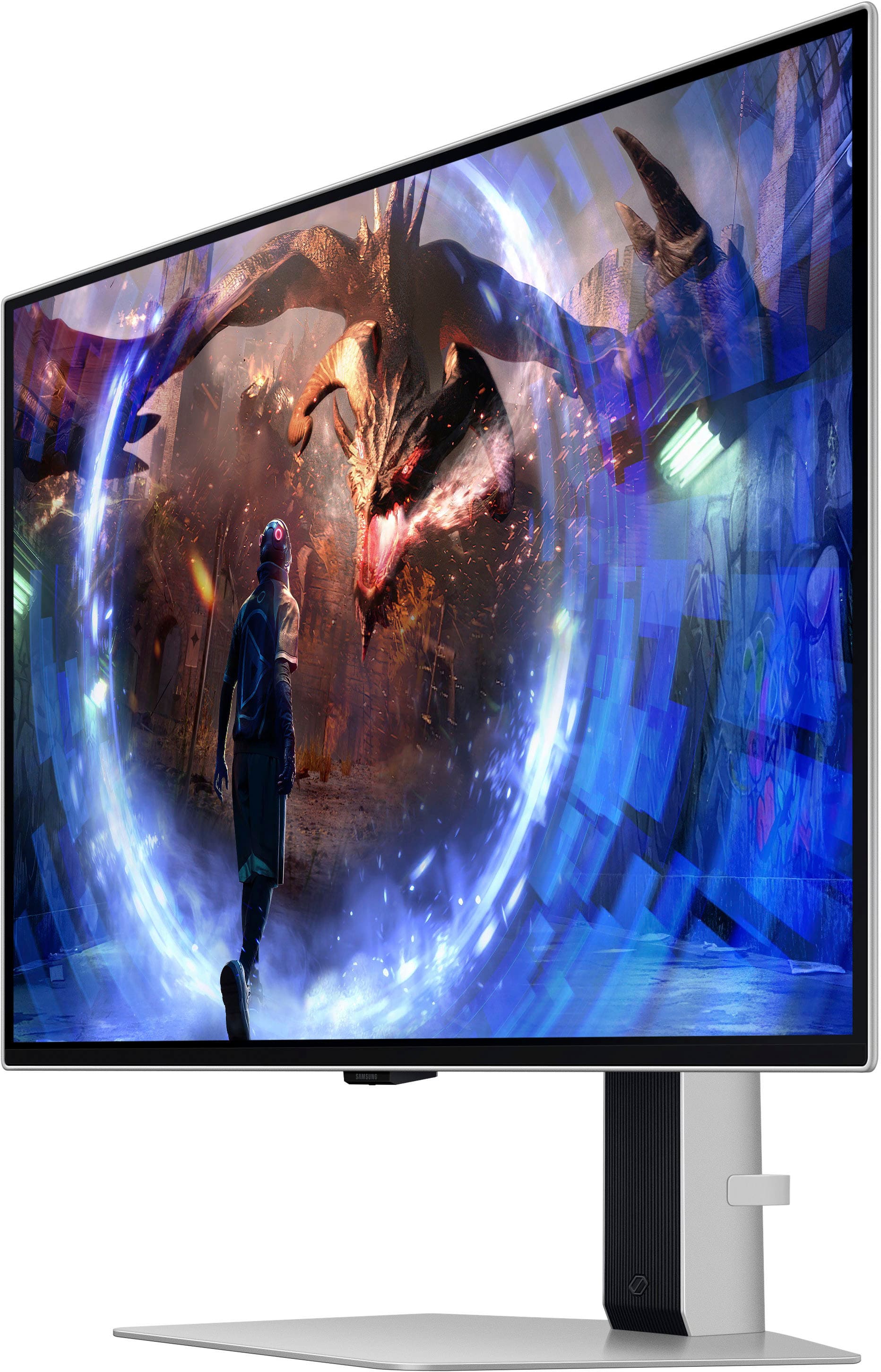
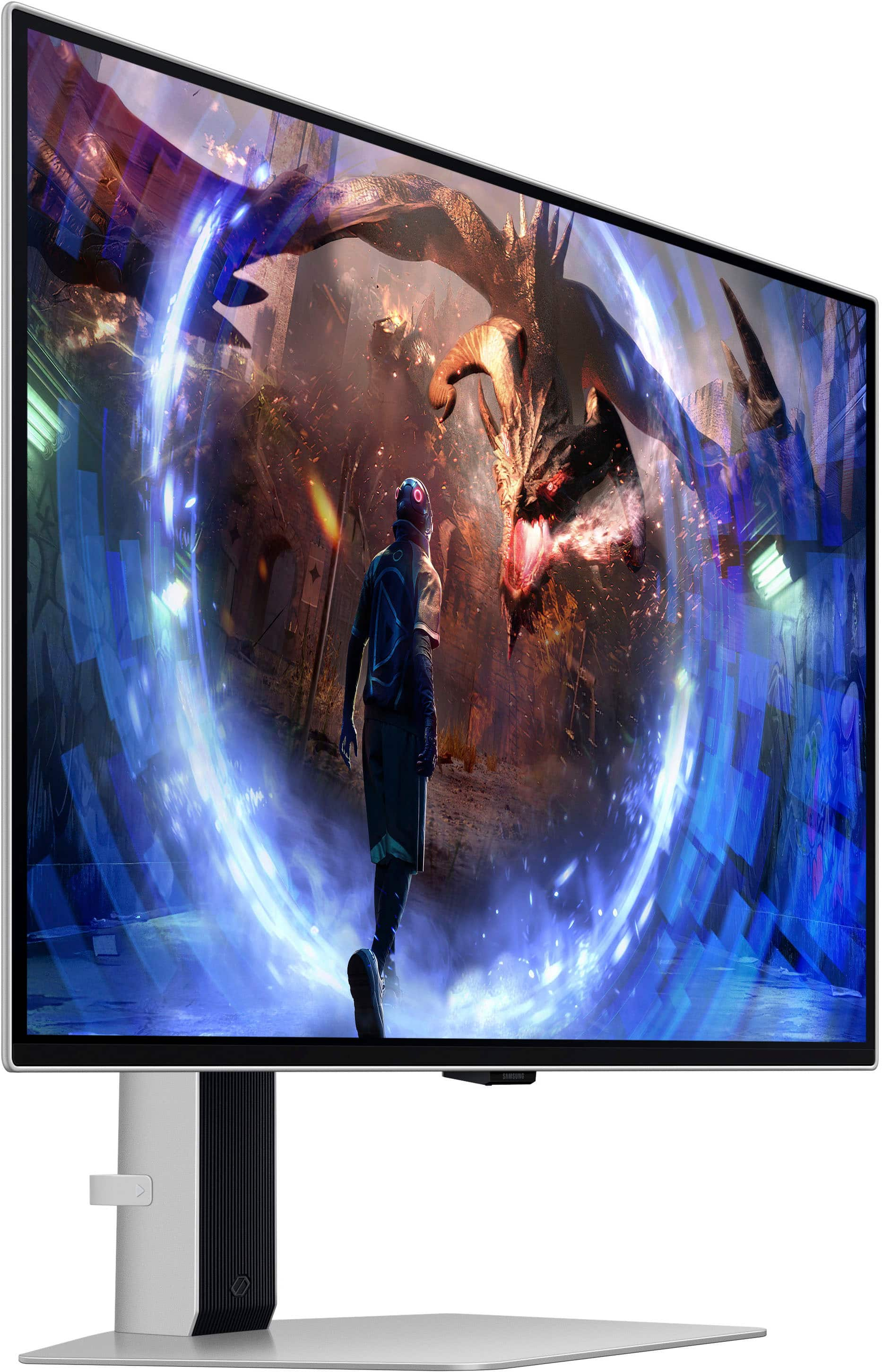
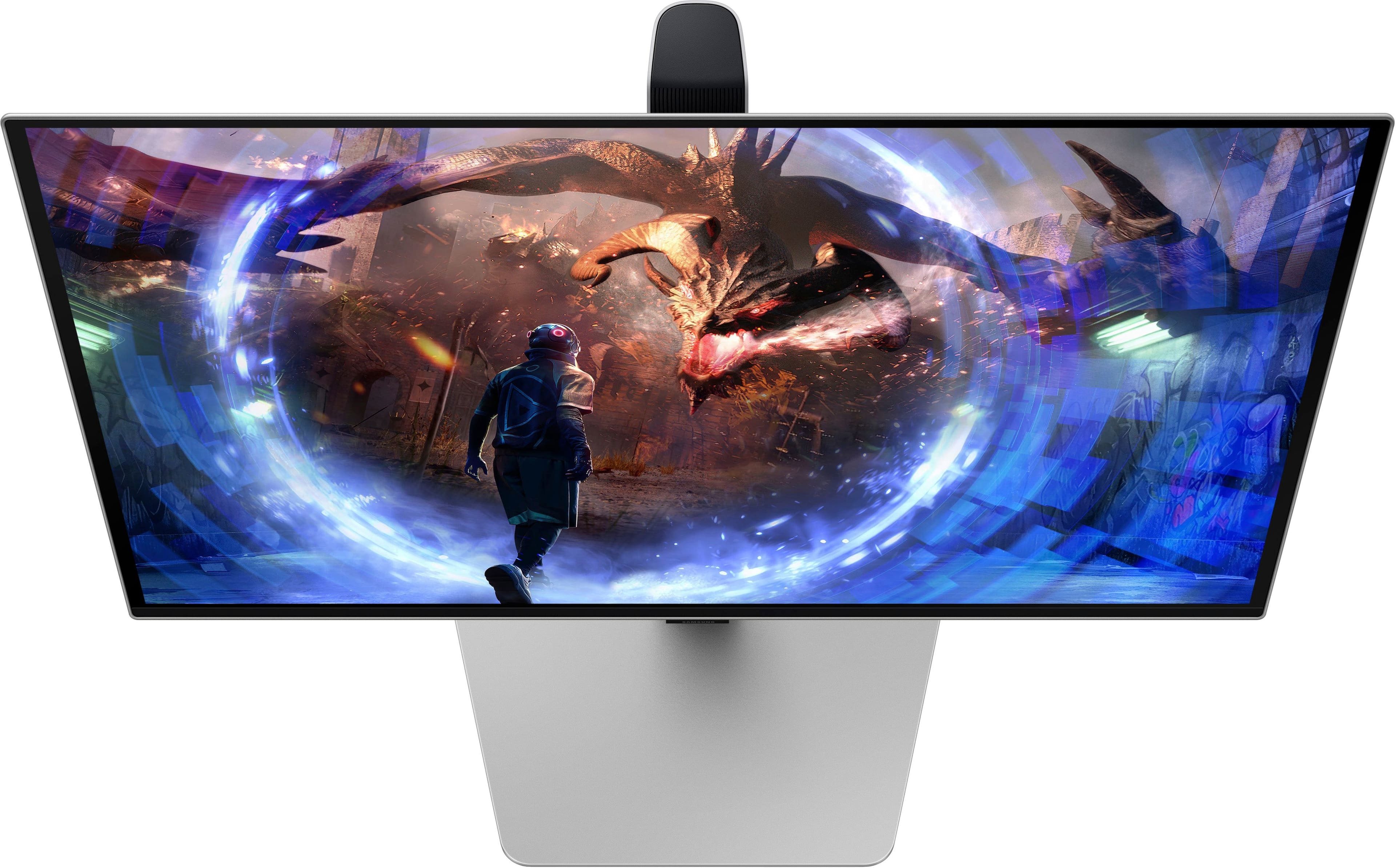
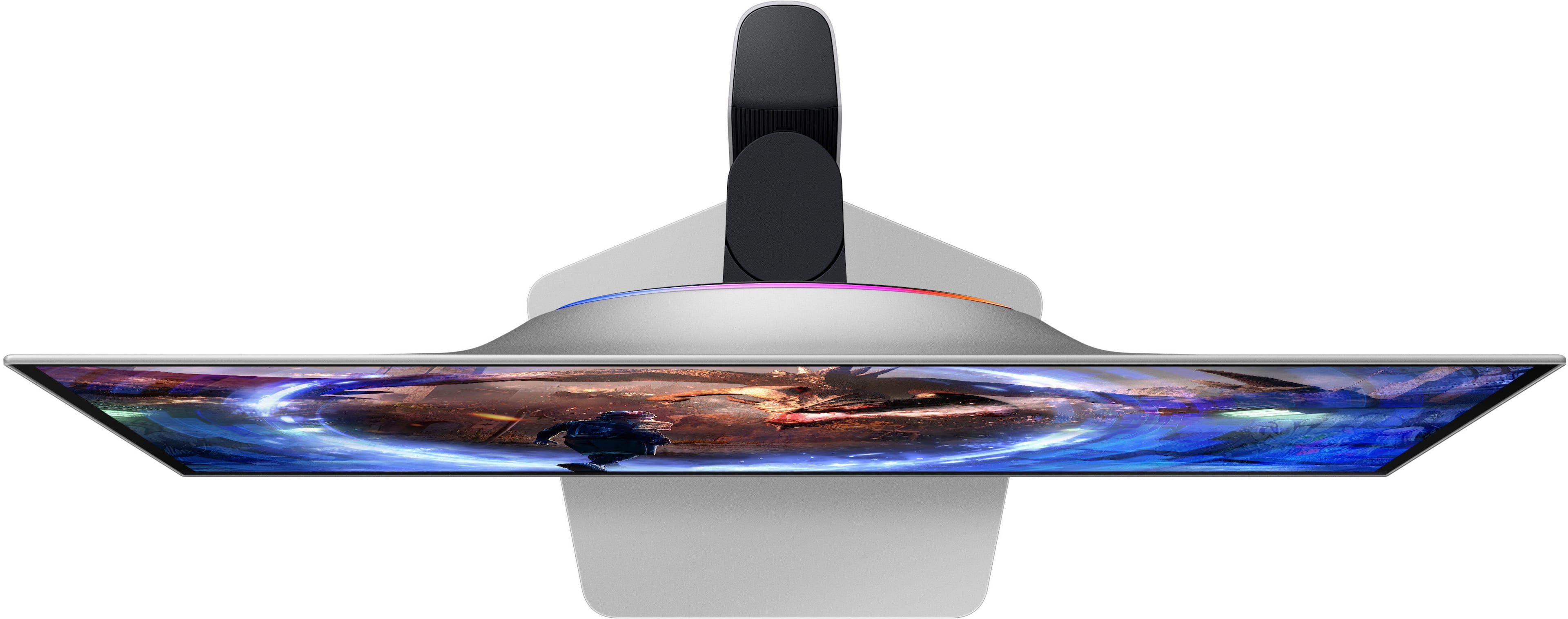
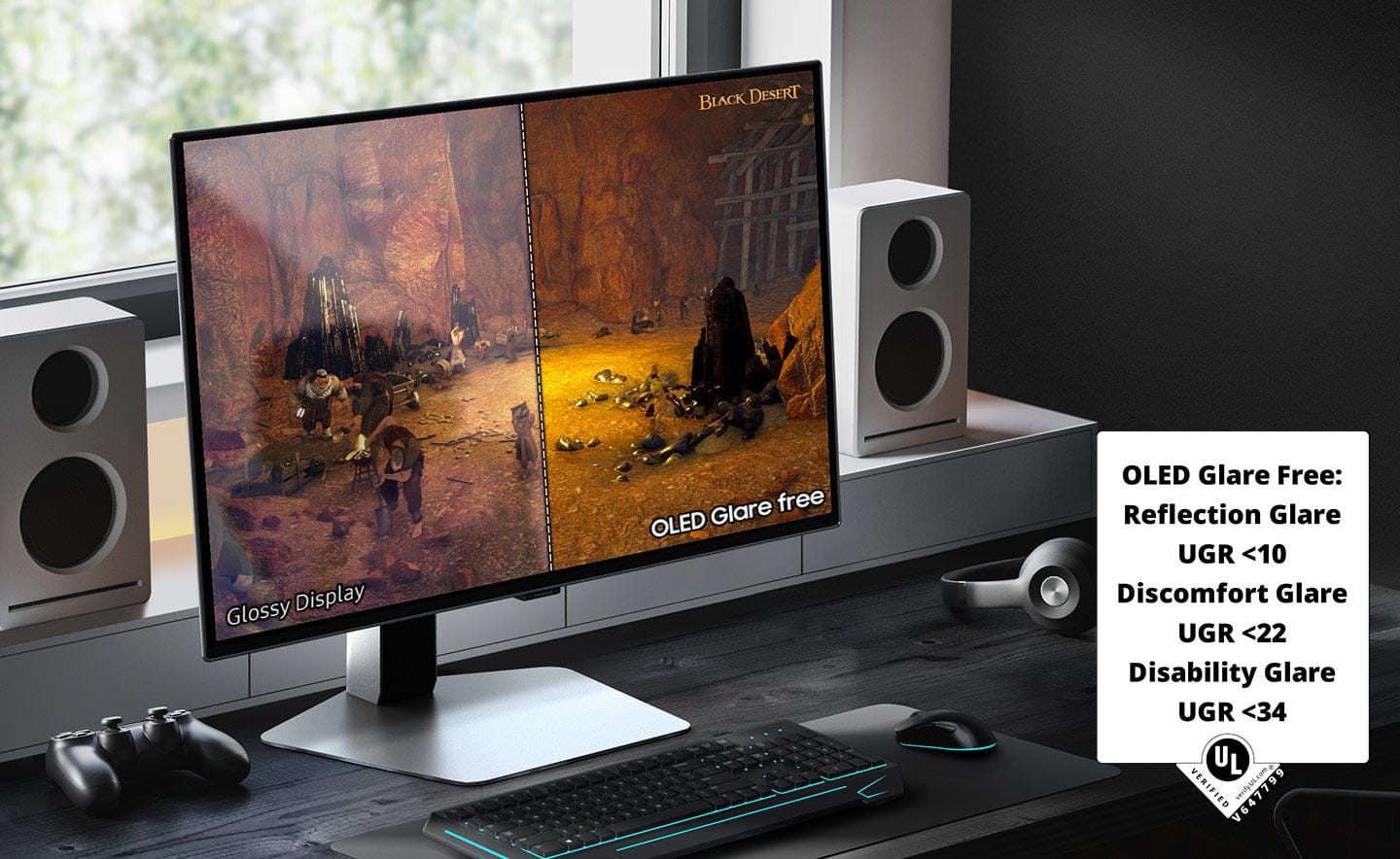
|Posted .This reviewer received promo considerations or sweepstakes entry for writing a review.Out of the box, this is a beautifully designed monitor, super thin with a sturdy base. It adjusts high enough that the monitor can be rotated to the vertical position easily. It can also swivel and tilt to get the perfect angle for your needs.There is a flexible strap at the rear of the vertical post for cable management. The base and back of the monitor are finished in silver which extends to a thin frame around the monitor. I wish they would have done that edge in black, I find it takes away from the floating appearance of the beautiful screen. The screen is done up with glare free technology to kill reflections. That’s a hot button issue for some users, some people are Team Glossy and hate on anything else. My PC is in a room near a large window and glare is an issue. I can confirm that the OLED Glare Free works and I didn’t notice any haze from it not being a glossy screen. I would encourage you to see this screen in person before you judge. The colors are vibrant and the blacks are outstanding as you’d expect from a Samsung OLED. Everyone that has come over to see it has been amazed. The monitor has AMD FreeSync Premium Pro on by default so it’s compatible with my Radeon GPU. I did have to go in to display settings on Windows and change to frequency to 360hz, it defaulted to 120. Higher frequency makes more heat in the display but I understand this monitor has heat tubes in the vapor chamber to help with that. Samsung says : "Both new Odyssey OLED models feature Samsung OLED Safeguard+, a new proprietary burn-in protection technology. This technology is the first in the world to prevent burn-in by applying a pulsating heat pipe to the monitor. Additionally, the Dynamic Cooling System evaporates and condenses a coolant to diffuse heat five times more effectively than the older graphite sheet method, which prevents burn-in by reducing temperature at the core. The monitor also detects static images like logos and taskbars, automatically reducing their brightness to provide another means of burn-in prevention.” There’s a video online of a person cutting open the tubes to show the coolant running out. Not the way to treat a monitor! I read the instruction manual but it wasn’t clear to me at first how to turn CoreLighting+ on. After fiddling with it, I found you just have to tap the power button to bring up a larger menu than you get from just toggling the multifunction stick. Besides CoreLighting+ and many other settings, you can also select to turn on one of about a half dozen built in crosshairs to give you a virtual aim point if you play a game to doesn’t have a built in aim point. The crosshairs are even adjustable to line up POA/POI in game. Pretty cool feature I didn’t see mentioned before.
I would recommend this to a friend - Pros mentioned:Design, Refresh rate
Fantastic Piece of Gaming Hardware.
|Posted .This reviewer received promo considerations or sweepstakes entry for writing a review.The Samsung Odyssey G6 might just be a game-changer in the world of gaming monitors. This 27-inch OLED monitor, with its QHD (2560 x 1440) resolution OLED display offers an immersive gaming experience that is second to none. The first thing you notice about the Odyssey G6 is its design. It’s as thin as paper and has a top-tier design. The sleek metal design and ergonomic stand provide optimal comfort for extended gaming sessions. It's height adjustable and is at home whether in portrait or landscape mode. The performance of the Odyssey G6 is where it truly shines. With a 360Hz refresh rate and a 0.03ms response time (GtG), it delivers ultra-fast and smooth gaming action. This, combined with AMD FreeSync Premium Pro, allows for seamless and stutter-free gaming experiences. The OLED Safeguard+ technology includes a unique Dynamic Cooling System with a Pulsating Heat Pipe in the monitor to prevent burn-in as well as thermal modulation that auto-controls brightness. The OLED Glare Free technology significantly reduces glare from external light sources, ensuring that your gaming experience is not compromised. The OLED display is nothing short of remarkable. The Odyssey G6 delivers superior brightness with an expansive spectrum of colors and nearly limitless shades. The deep black levels with dynamic contrast enable supreme depth in scenes. The visuals are simply stunning, with dazzling color and definition. The Samsung Odyssey G6 is a top-tier gaming monitor that offers an unparalleled gaming experience. It's certainly a significant investment, however with its combination of cutting-edge technology, sleek design, and superior performance it may just be a must-have for any serious gamer.
I would recommend this to a friend - Pros mentioned:Refresh rate
Once you go QD-OLED, you'll never go back!
|Posted .This reviewer received promo considerations or sweepstakes entry for writing a review.Amazing monitor. Once you experience an Oled panel, there is no going back anymore, and this is even an further improvement, being it a QD-Oled. Monitor came very well packed in a brown box. It was very well protected with Styrofoam and the screen itself had a peel plastic protector (this is important, some other manufacturer in the past skimped on this and there were damaged panels) and a nice cushy one. Included in the box was an sturdy and easy to assembly stand (which I did not use, since I arm mounted mine), however it could tell it was heavy and made of aluminum. I like that the sand is one solid piece and not one of those "V" shaped feet other monitors give. This way is a solid one piece and doesn't occupy much space on your desk. They also included a variety of accessories, like a power brick and cable, a 8k Display port cable, a HDMI cable and a upstream USB cable (to connect the monitor to your PC and use its two USB ports as a USB hub). The back of the monitor also supports arm/wall mounting and uses a standard VESA monitor mount spacing. It was easy and simple to mount to my desk mount (and super light being so thin, another Oled benefit). The power button is in the back around the middle of the monitor (feels a little awkward to reach underneath, I would have preferred it to be on the back but around the side, or even better, for the price for them to enable and include a remote control). Once connected I pressed the button and started my PC. Upon start the resolution is 2560x1440p but at 60Hz, I had to go to Windows display settings to finally select 360Hz!! I'm still wrapping my head around such fast refresh rates are possible today. The resolution is perfect for me and I feel is the perfect middle ground between 1080p and 4k. Its not as taxing as 4k while still giving me great picture quality and at this 27" pixel density is great. Now onto the elephant in the room. The MATTE coating. Well, I was a glossy snub before and I was a little apprehensive about this one. However, I must report that Samsung has done this antiglare coating RIGHT. Its not as aggressive as others, and does help with reflections without distorting image or reducing contrast or brightness. BELIEVE ME. You notice it of course when the screen is off, but when on, good lord the picture quality, contrast and saturation of this QD-OLED panel is amazing. You would not be disappointed. The 360hz refresh rate and more importantly the near instant response times of Oled panels is amazing. There is no lag or trails around images nor blur (unlike LCD panels). You must have a good video card with display port to be able to drive such high refresh rates, however if you can't achieve such high frame rates, the display also supports adaptive sync/Freesync premium (variable refresh rate. The image on HDR mode is amazing. I would recommend on Windows, you first download the Windows HDR calibration tool from the Windows app store to correctly calibrate and create a HDR profile for Windows. I also recommend you keep your desktop on SDR mode and only enable HDR (you can use key combo of Winkey+alt+B) before launching a game you know supports HDR. If you set the peak brightness to high and picture mode to eco, the display reaches around 1000nits with the calibration tool. Games that support HDR loo AMAZING on this screen. This screen also has Samsung's new Safecare+ system, that has colling heat pipes on the back to better cool the screen, and this (together with other techs like pixel shift and pixel refresh) helps to avoid burn in. If you take care of your screen you will not have burn in. I recommend one watches/plays a variety of content, never keeping static images for a long time. I recommend on a PC, to first, set a plain all black background, then remove any icons (no icons) from your desktop and set the windows taskbar to autohide. This are the best settings for any Oled panel being used with a PC. Highly recommend this screen for any serious gamer!!!! ************************************************************************************************************************************************************************************************************************************** Some quick PROS AND CONS: +++PROS+++ +New gen QD-OLED panel. +Amazing contrast and colors. +Perfect blacks. +360Hz refresh rate +Variable refresh rate (Freesync premium). +Antiglare coating done right IMHO. Helps with reflections. +Protective new technologies to avoid early burn in. +Nice stand and cables included. +Wall/arm mount compatible, standard VESA. ---CONS--- -I did not like where the power/control button/nipple is situated. -No remote control for the price.
I would recommend this to a friend