Customer Ratings & Reviews
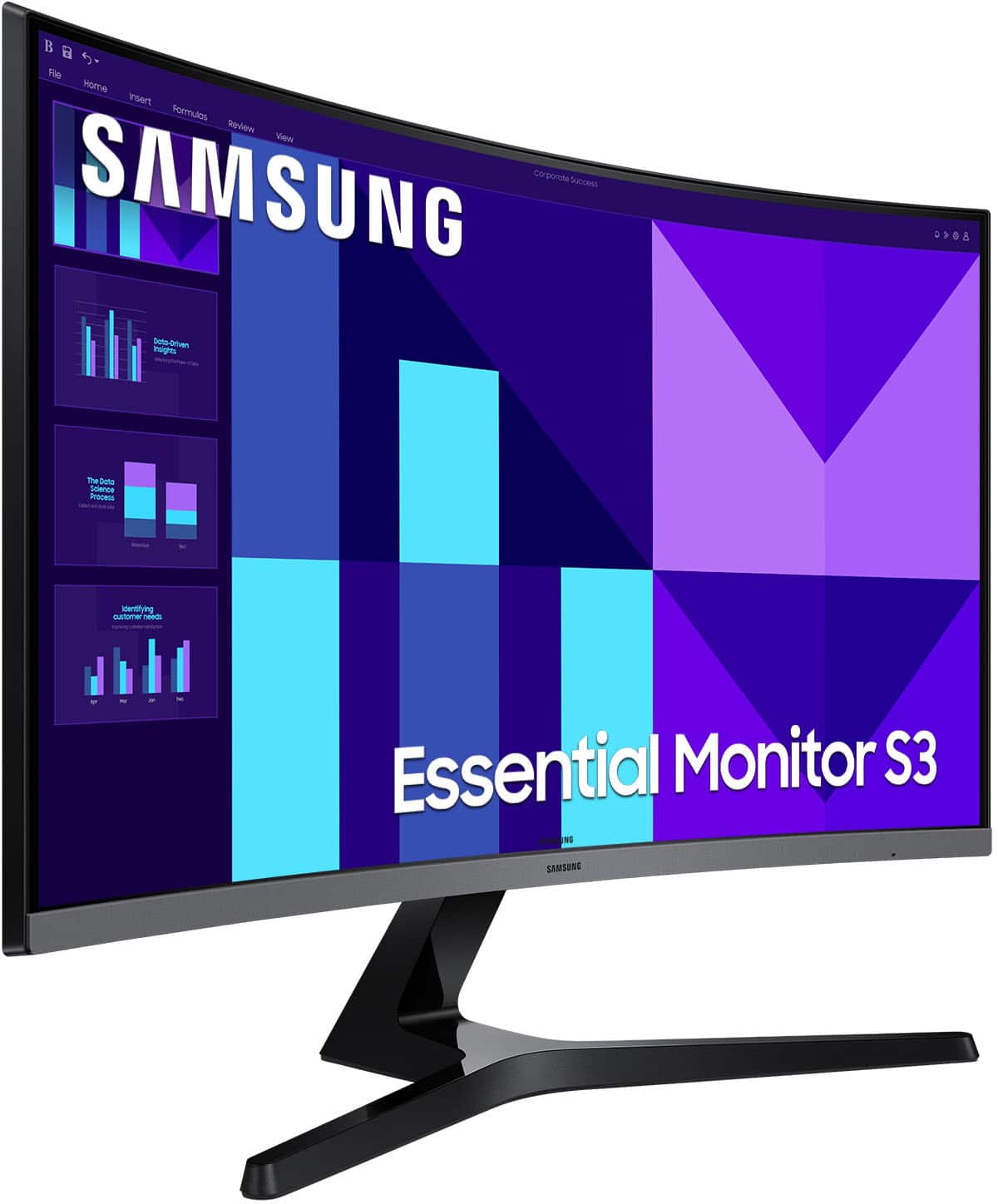
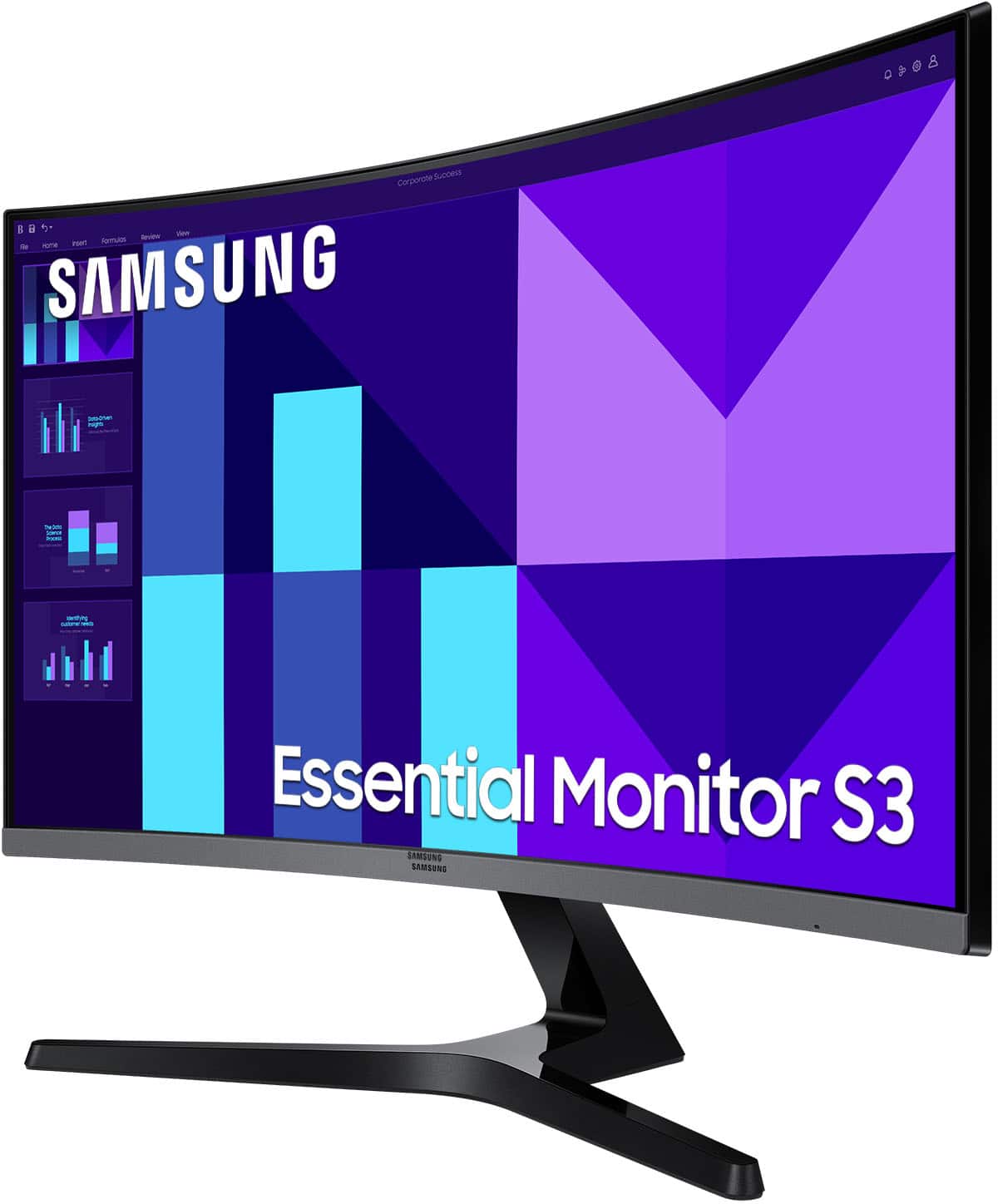
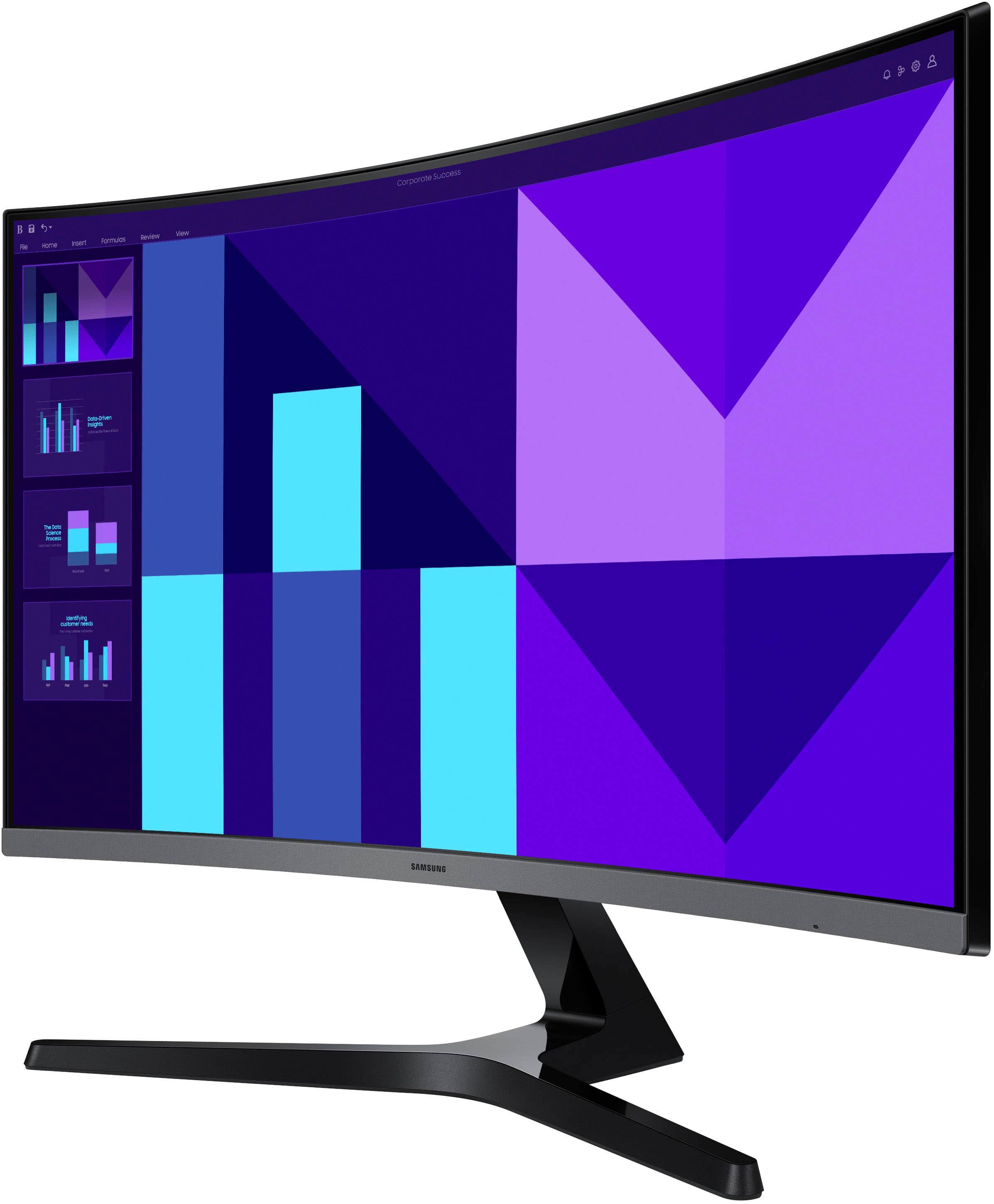
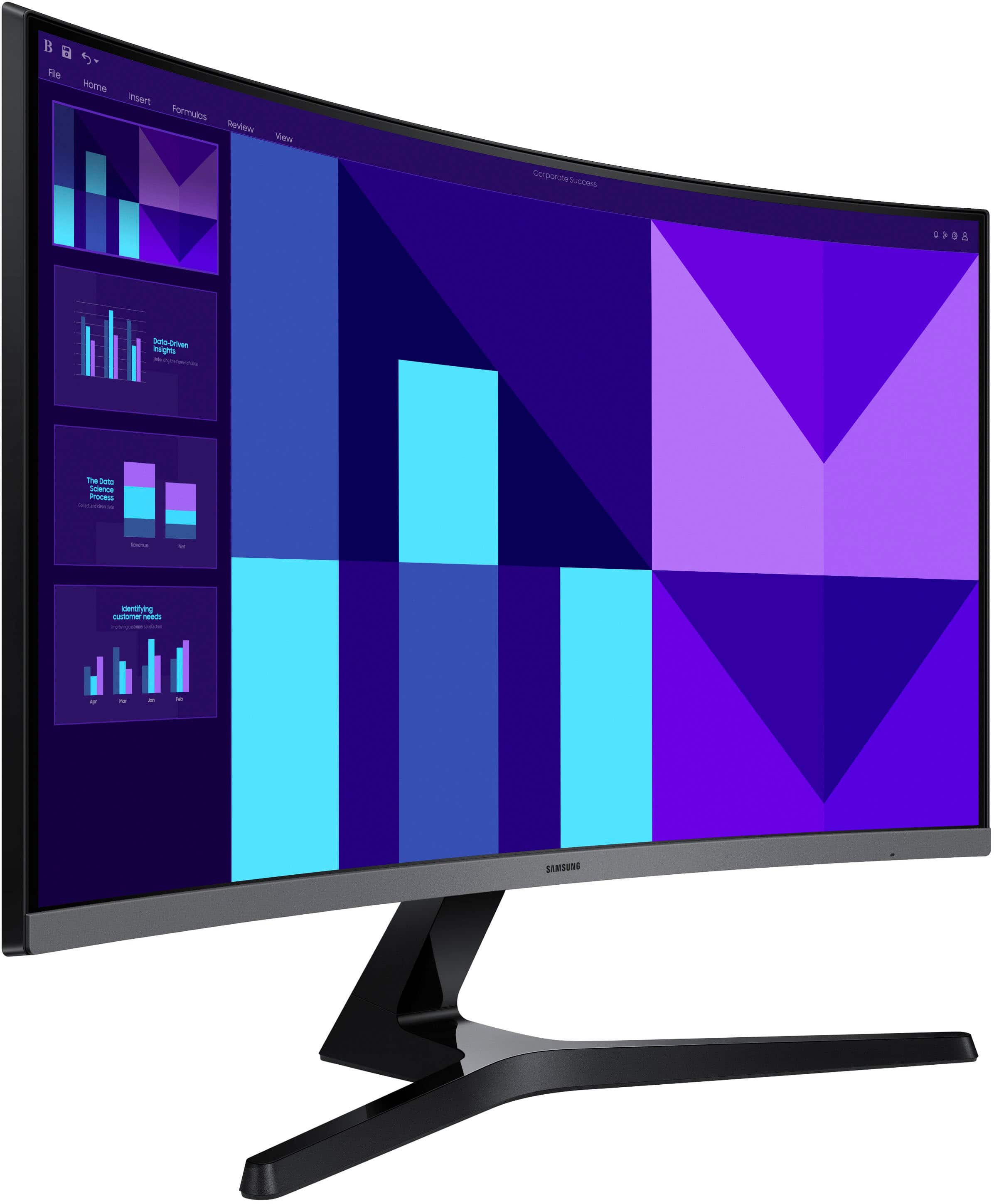
- Model:
- LS27D396GANXZA
- SKU:
- 11174461
Rating by feature
- Display Quality
Rating 4.8 out of 5 stars
- Ease of Use
Rating 4.9 out of 5 stars
- Features
Rating 4.7 out of 5 stars
Customers are saying
Customers admire the overall performance and the expansive screen size of this monitor, which are the most frequently praised features. Users also appreciate the high-resolution display and the smooth refresh rate provided by the device. However, some customers have expressed concerns regarding the limited connectivity options and the lack of height adjustability. Others noted that the monitor could benefit from a greater variety of ports to better suit their setup needs.
This summary was generated by AI based on customer reviews.
Perfect size
||Posted . Owned for 1 month when reviewed.This reviewer received promo considerations or sweepstakes entry for writing a review.I love it. What caught me off guard was the speakers. Been able to hear through zoom classes and playing games, without my anything in my ears is amazing.
I would recommend this to a friend- Pros mentioned:Screen size
Large monitor to alleviate eye strain
||Posted .This reviewer received promo considerations or sweepstakes entry for writing a review.Well packaged, easy to set up. Really enjoy the ability to not focus on a small screen all day.
I would recommend this to a friend So...So...
||Posted . Owned for 3 weeks when reviewed.This reviewer received promo considerations or sweepstakes entry for writing a review.I bought this monitor with high expectations because it’s curved. However, the visual clarity is a bit lacking, likely due to the resolution being around 100. That said, it’s still fine for general tasks and watching videos. But for gaming or high-end graphic work, it may not be sufficient. I’d recommend this only for those looking for a budget-friendly curved monitor for light use.
No, I would not recommend this to a friendSamsung 27" monitor
||Posted . Owned for less than 1 week when reviewed.This reviewer received promo considerations or sweepstakes entry for writing a review.Have always loved Samsung products, perfect size for office use. Great picture and the curved screen is amazing.
I would recommend this to a friend….AND it’s curved Nana!!!!
||Posted . Owned for 1 month when reviewed.This reviewer received promo considerations or sweepstakes entry for writing a review.Bought for my Grandson, he was ecstatic!!!! …..and that curve!
I would recommend this to a friendBest screens ever!!
||Posted . Owned for 1 month when reviewed.This reviewer received promo considerations or sweepstakes entry for writing a review.I bought them for my job site office and the setup came out great
I would recommend this to a friendMonitor
||Posted . Owned for less than 1 week when reviewed.This reviewer received promo considerations or sweepstakes entry for writing a review.I really love this so much I naught a matching one for dual use
I would recommend this to a friendNice monitor!
||Posted . Owned for 3 weeks when reviewed.This reviewer received promo considerations or sweepstakes entry for writing a review.Nice monitor! Great clarity, and seamless integration into my computer setup. For office use only.
I would recommend this to a friendMonitor
||Posted . Owned for 3 weeks when reviewed.This reviewer received promo considerations or sweepstakes entry for writing a review.very good visual quality. excellent price worth every penny
I would recommend this to a friend- Pros mentioned:Refresh rate, Resolution, Screen sizeCons mentioned:Connectivity

Great Samsung 27in Curved Monitor
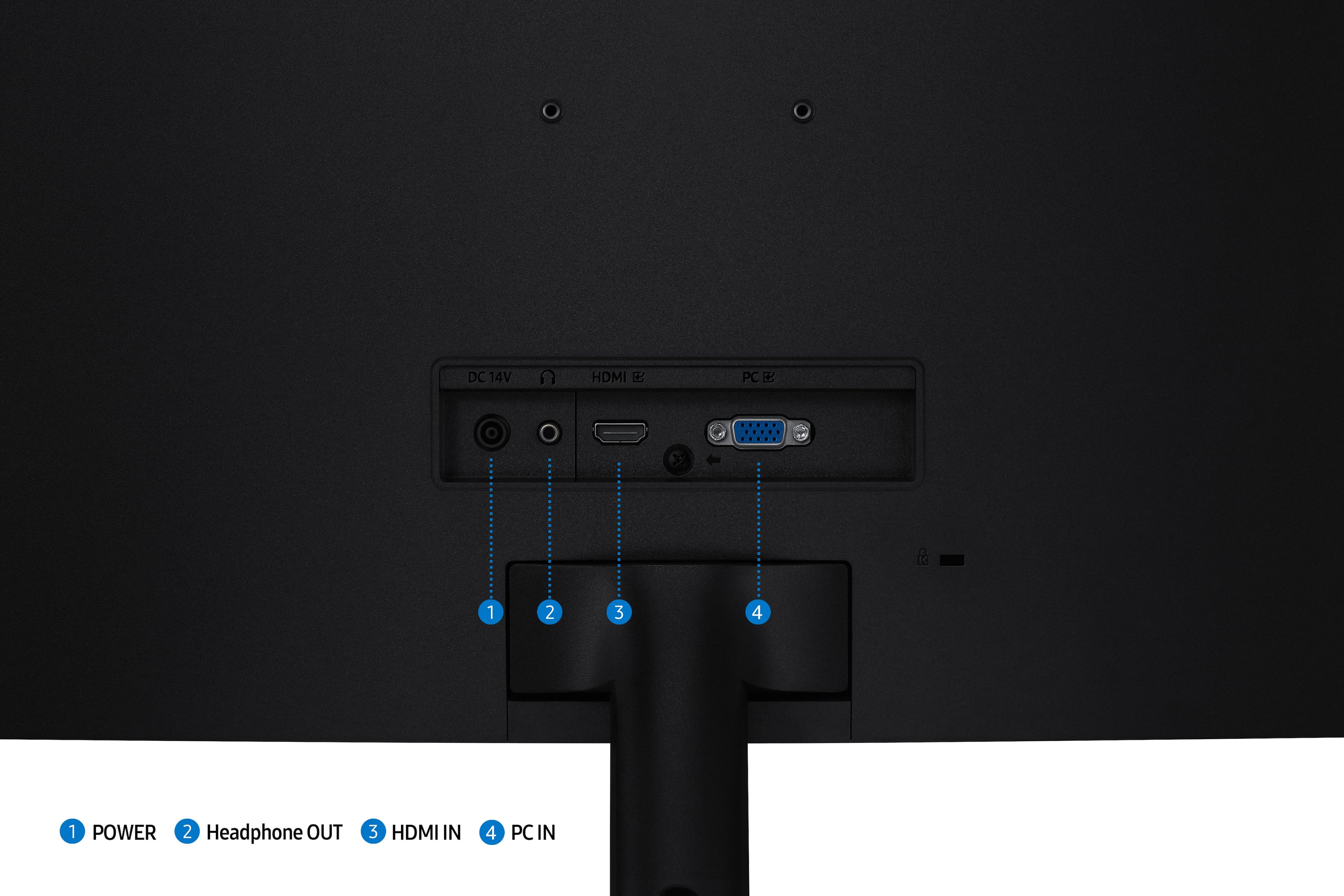
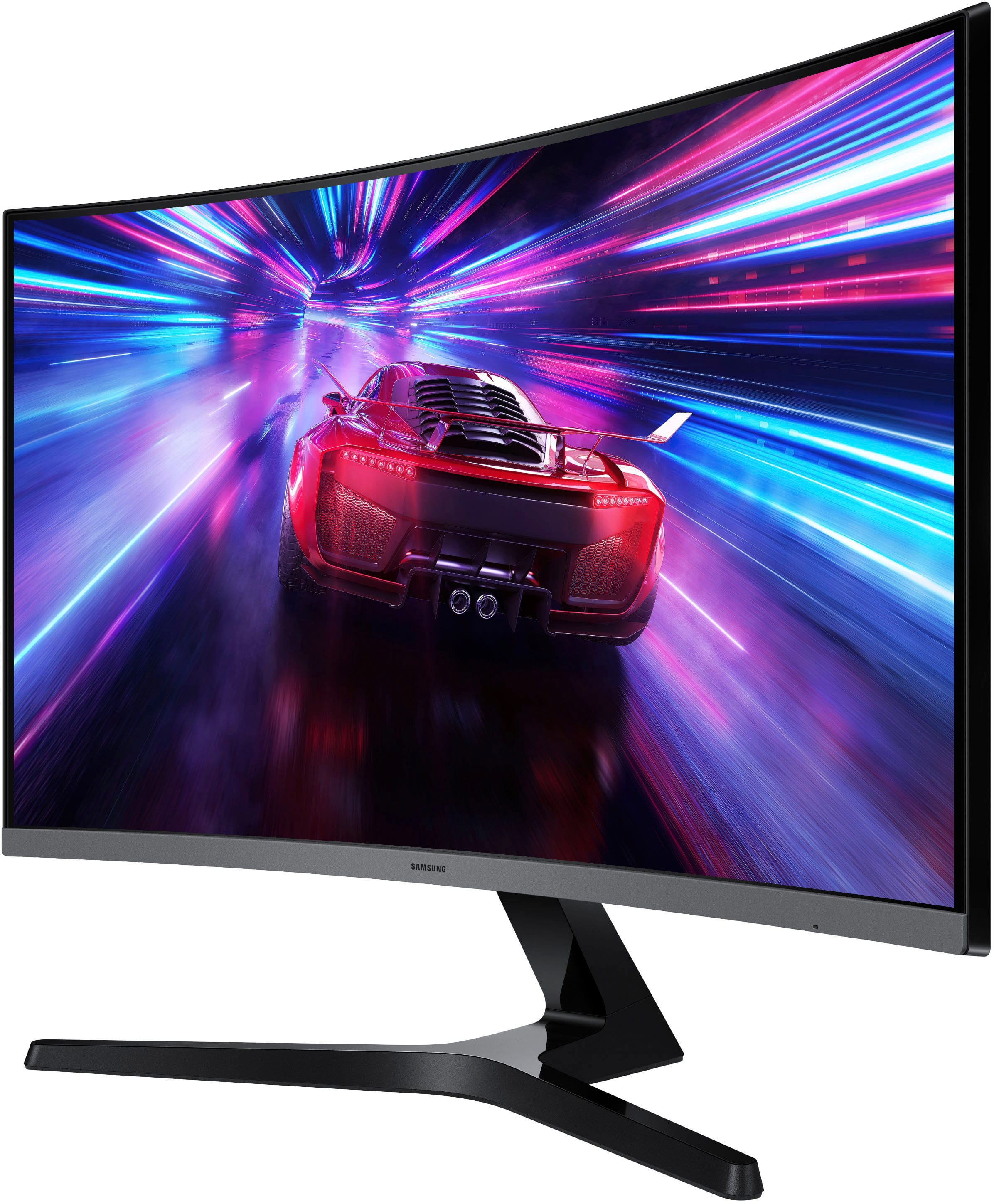
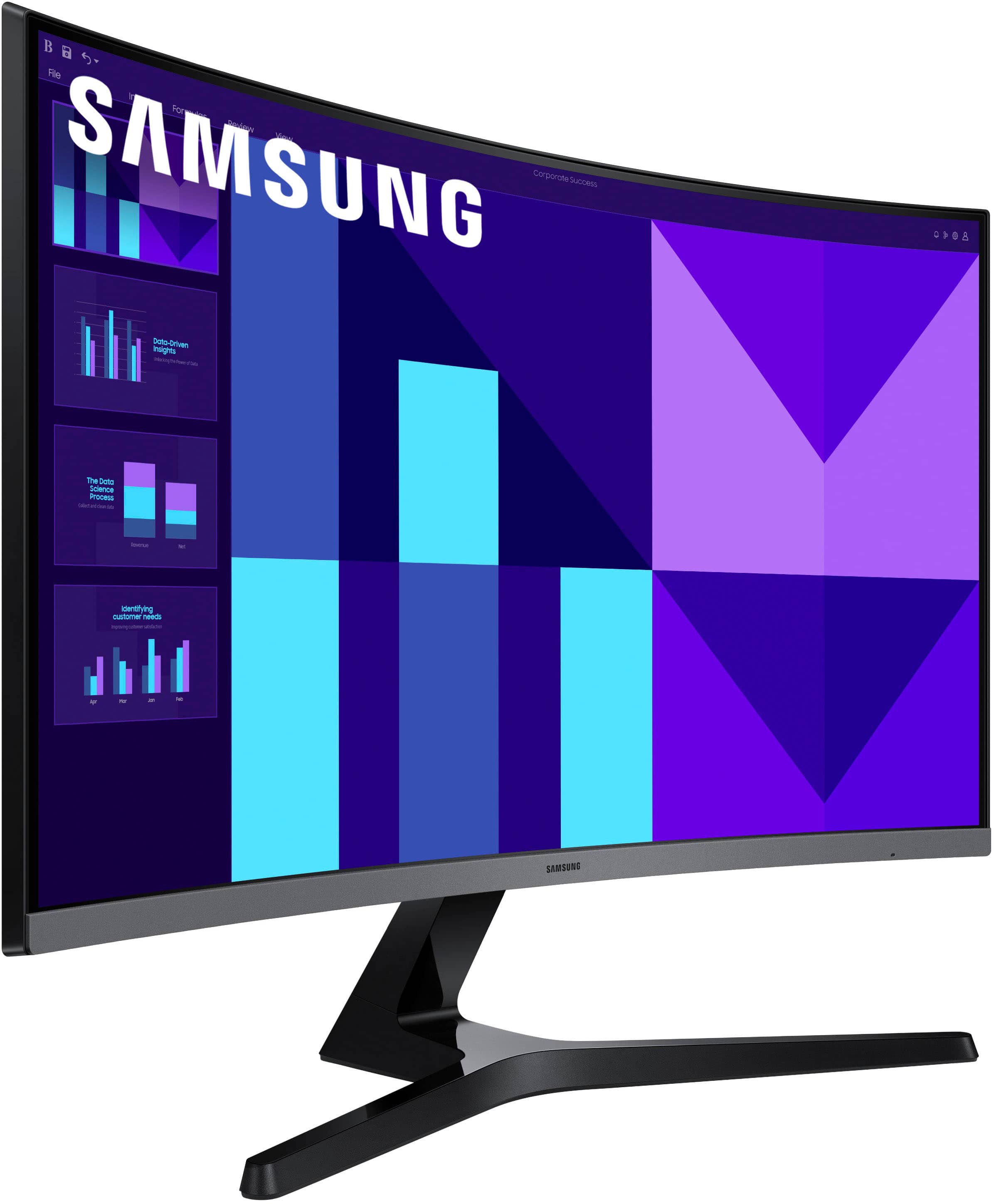
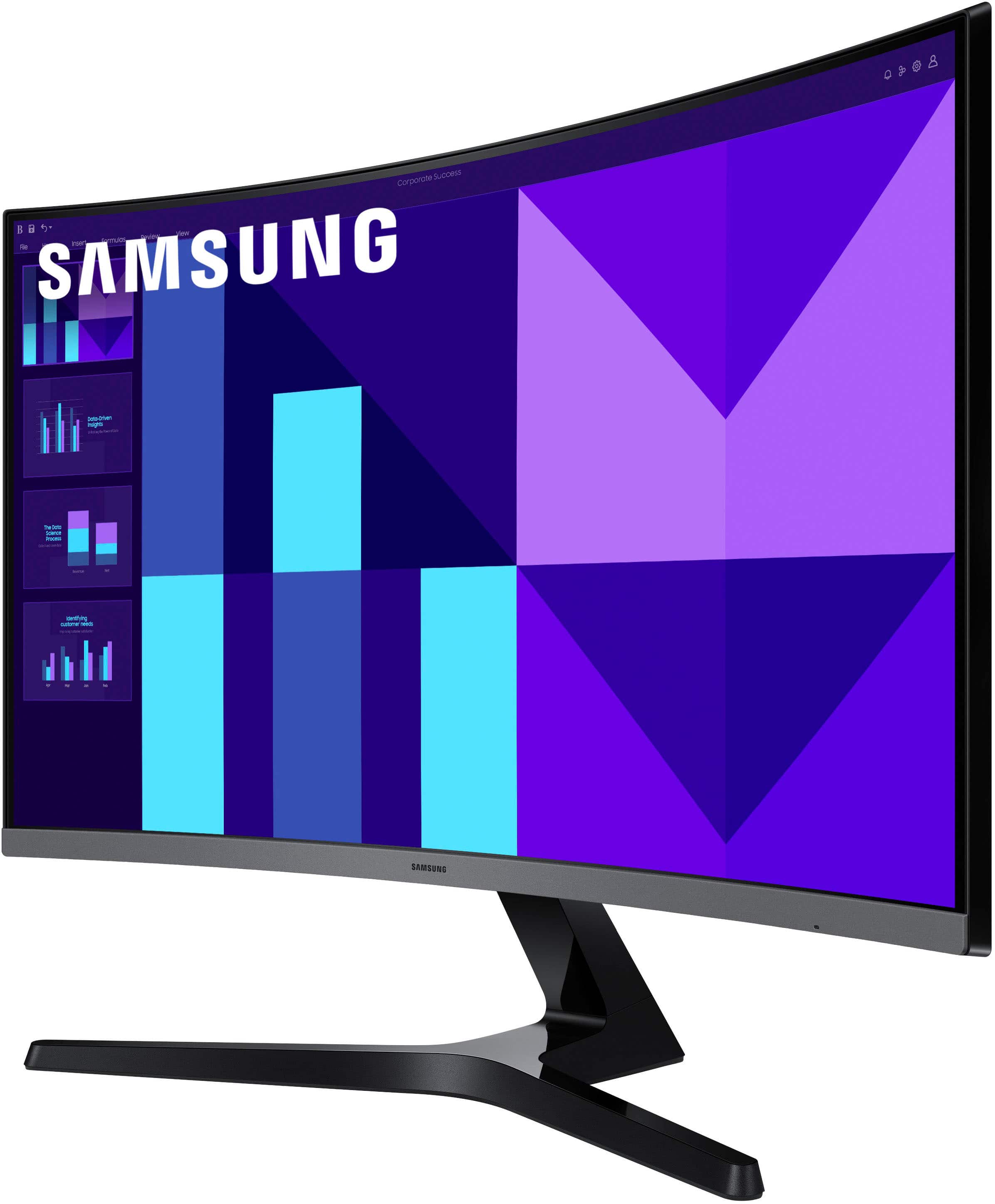
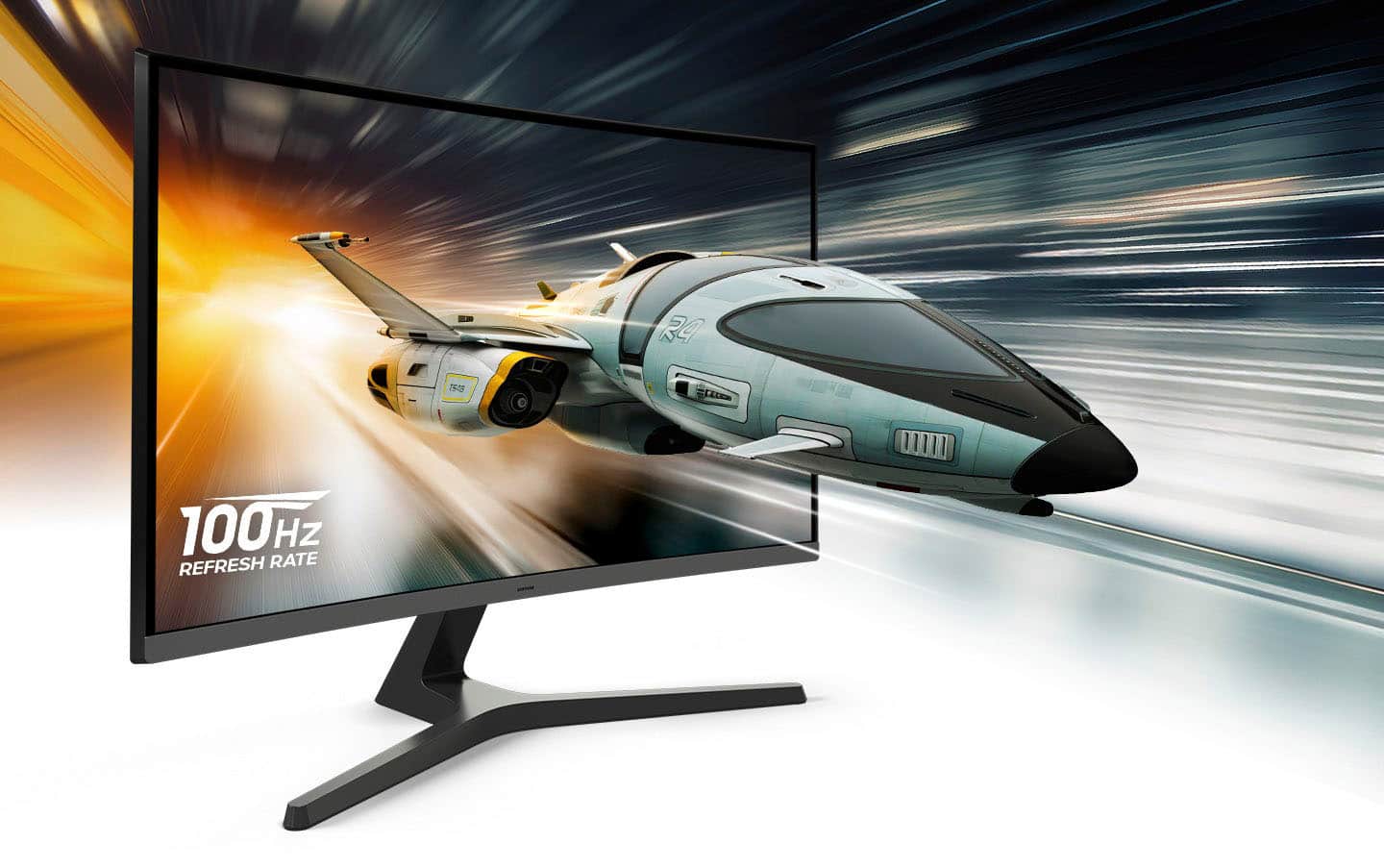
|Posted .This reviewer received promo considerations or sweepstakes entry for writing a review.I have been wanting a curved monitor for some time now. I never really pulled the trigger on it because I had some decent monitors and in working from home, I bounce around the house instead of sitting at a desk like setting most of the time. After noticing how old my desk monitor was, I knew it was time. This Samsung 27in FHD monitor is exactly what I have been needing to replace my old monitor. I really am impressed at the screen real estate. There is truly something different about the curved monitor on your visual perspective. This Samsung is crystal clear, especially at the 100mhz setting if your system supports that. The smoothness of the visual is highlighted by the slightly wrapping nature of the curvature. On screen settings are easy enough to mange through, just make sure to adjust your laptop for that 2nd screen accordingly. Sound is reasonable for the monitor but if you have a higher end laptop with better audio, you may have already opted for external speakers. As for ports, I had hoped for a few USB C ports but unfortunately there is only one HDMI, a DVI pin adapter, a power port for the power adapter and a headphone jack. That’s the only real drawback. For example, when I use my Mackbook Air, I have to use a little port adapter to bridge the HDMI to a USB-C. Other than that, one drawback, the price point was right for this monitor. It really fits my needs and gives me quality visual experience. I would recommend it to others.
I would recommend this to a friend - Pros mentioned:Refresh rate, Screen size
Great all-around monitor
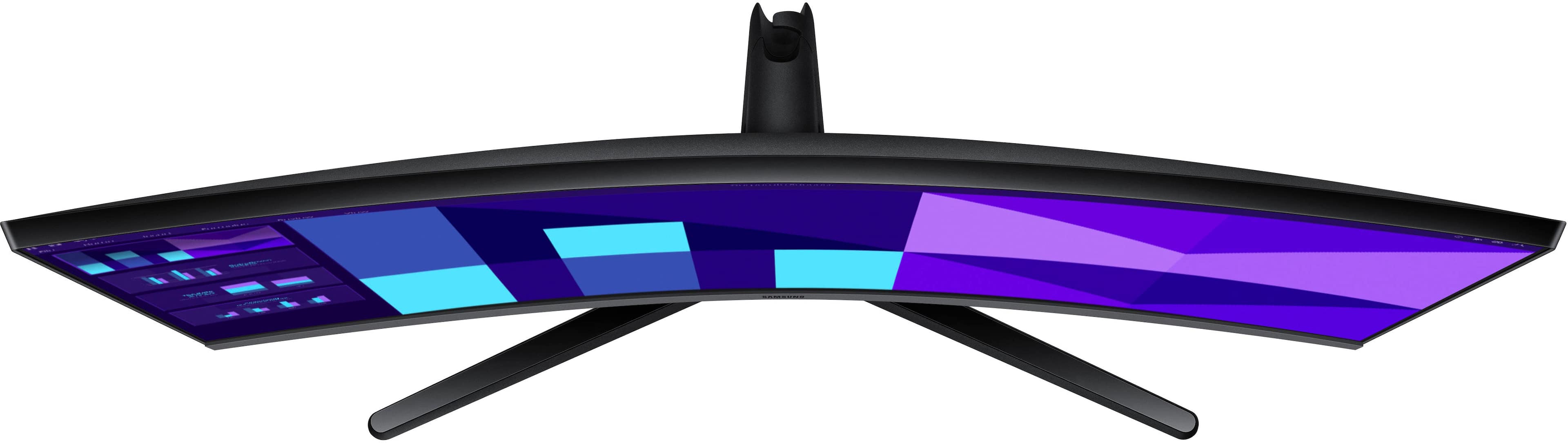
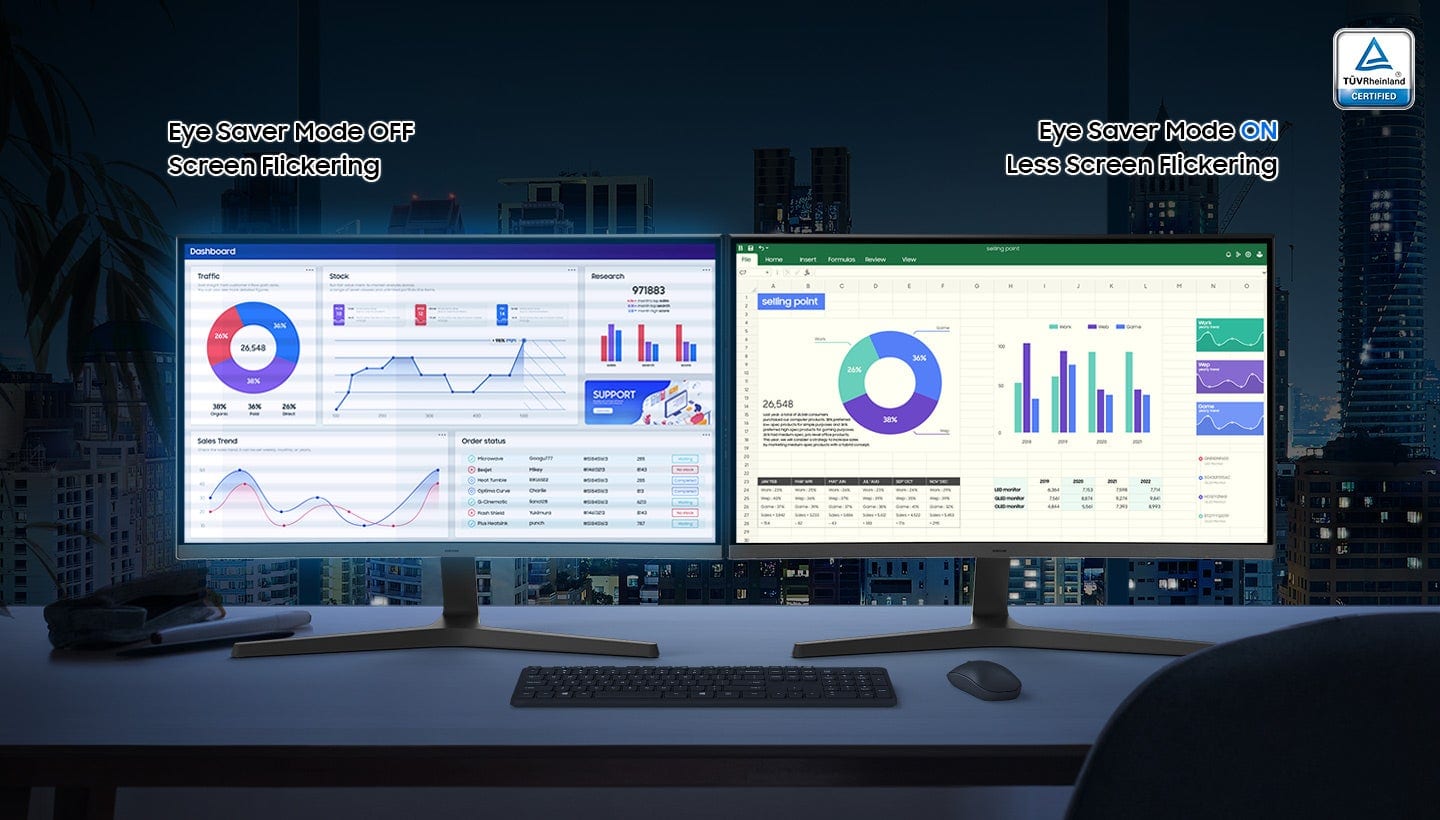
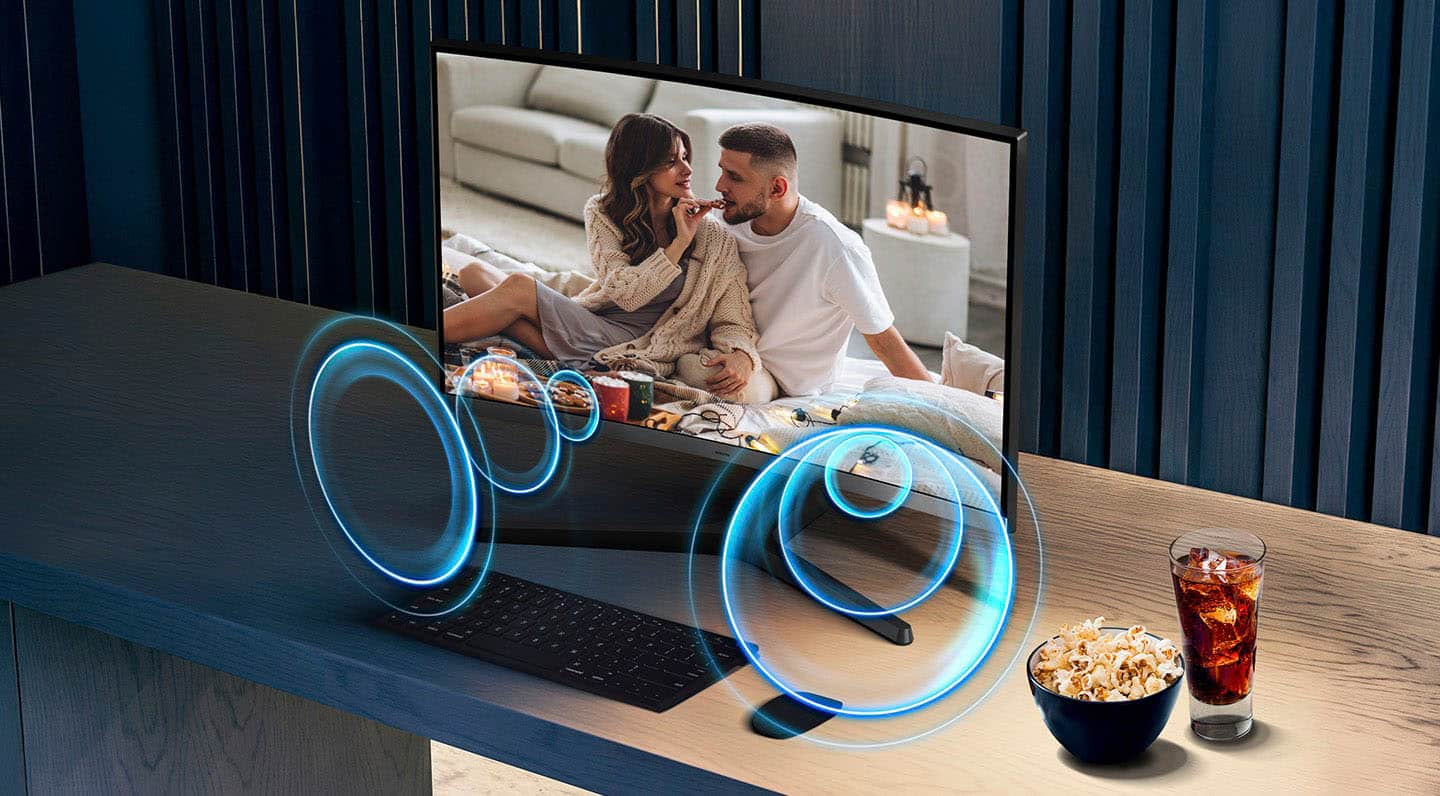
|Posted .This reviewer received promo considerations or sweepstakes entry for writing a review.The Samsung S39GD is a good monitor that has a little something for everyone. Work: This is a great monitor for work because it has a good anti-reflective coating, glare from lights is greatly reduced. There is also 2 eye saver modes that will reduce eye fatigue for those that are on the screen for a prolonged time. One of the best things about the monitor is that is has a 100 mhz refresh rate, once you go over 60 htz there is no going back. Everything just looks smooth when scrolling and switching applications. There is little to no screen flickering which was great for my eyes. The text look good however if you get super close you can see some distortion but this isn’t a 4k display so that’s a given. The included stand has a tilt function, but you cannot adjust the height. Personal: Even though the panel does not have HDR it handles colors exceptionally well. The blacks look dark and the colors pop. Even though its stated to have a max brightness of 250 the contrast is so good that you’re not struggling to turn up the brightness, I have noticed this with many Samsung monitors the 250 nits is better than most companies 300 nit screens. The colors do look a lot better when viewing it directly centered, because of the anti-reflective coating you get a white glaze if you look at it from the side. The curve on the monitor is very slight, personally it does not add or take away from the monitor. The monitor has built in speakers but they are not very loud so you will need external speakers if you want to good sound. Gaming: The monitor is decent for gaming, being able to have 100 mhz refresh rate is great. The lack of HDR is rough as you don’t get the full experience when it comes to gaming or movies however as mentioned above the contrast is really good so the colors still pop enough. Samsung has made a great all around monitor. I used it with my Mac and Windows machines and it worked as needed. The monitor is light and easy to setup, one of the best things about the S39GD is how responsive the control button is. Every click registers quickly, this is a huge issue with so many monitors that are 3 times the price. Pros: Cons -Refresh rate -No USB C or USB connectors -Works great with windows and Mac -Speakers are low quality -Anti-glare screen -Of center viewing isn’t the best -Responsive controls -All the ports are in the back which reduces clutter. -Tilting screen
I would recommend this to a friend Get yourself something better for the same price..
||Posted . Owned for 3 weeks when reviewed.This reviewer received promo considerations or sweepstakes entry for writing a review.Bad quality. The price is comparable to many other MSI monitors with much higher quality.
No, I would not recommend this to a friendBrand response from Samsung
Posted .JimS:
Thank you for your feedback on the Samsung S39GD Monitor. If something isn’t meeting your expectations, we’d be happy to review it further and offer support with adjustments or troubleshooting.
Please call us at 1-800-SAMSUNG between 8AM - 9PM EST Monday - Friday, and 8AM - 6PM Saturday and Sunday. LiveChat with an agent as well as manuals, software, and warranty info can be found at the ‘Support’ link on our Samsung website.
~ Samsung Monitors
- Pros mentioned:Refresh rateCons mentioned:Connectivity
Nice 27" Curved Monitor
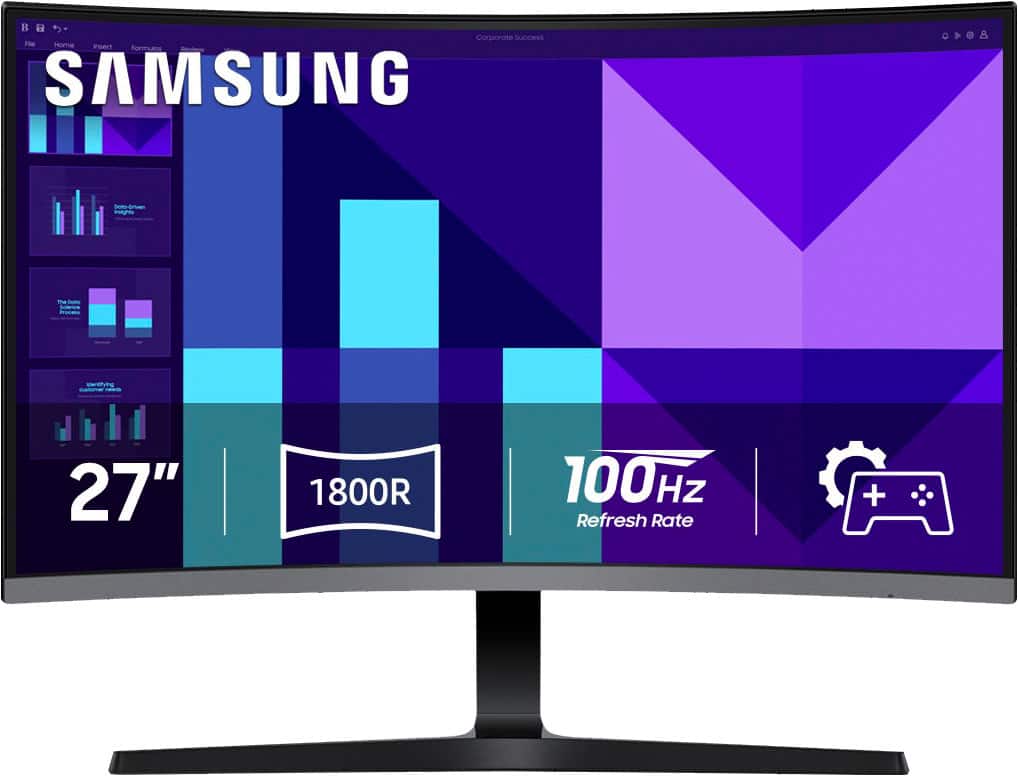
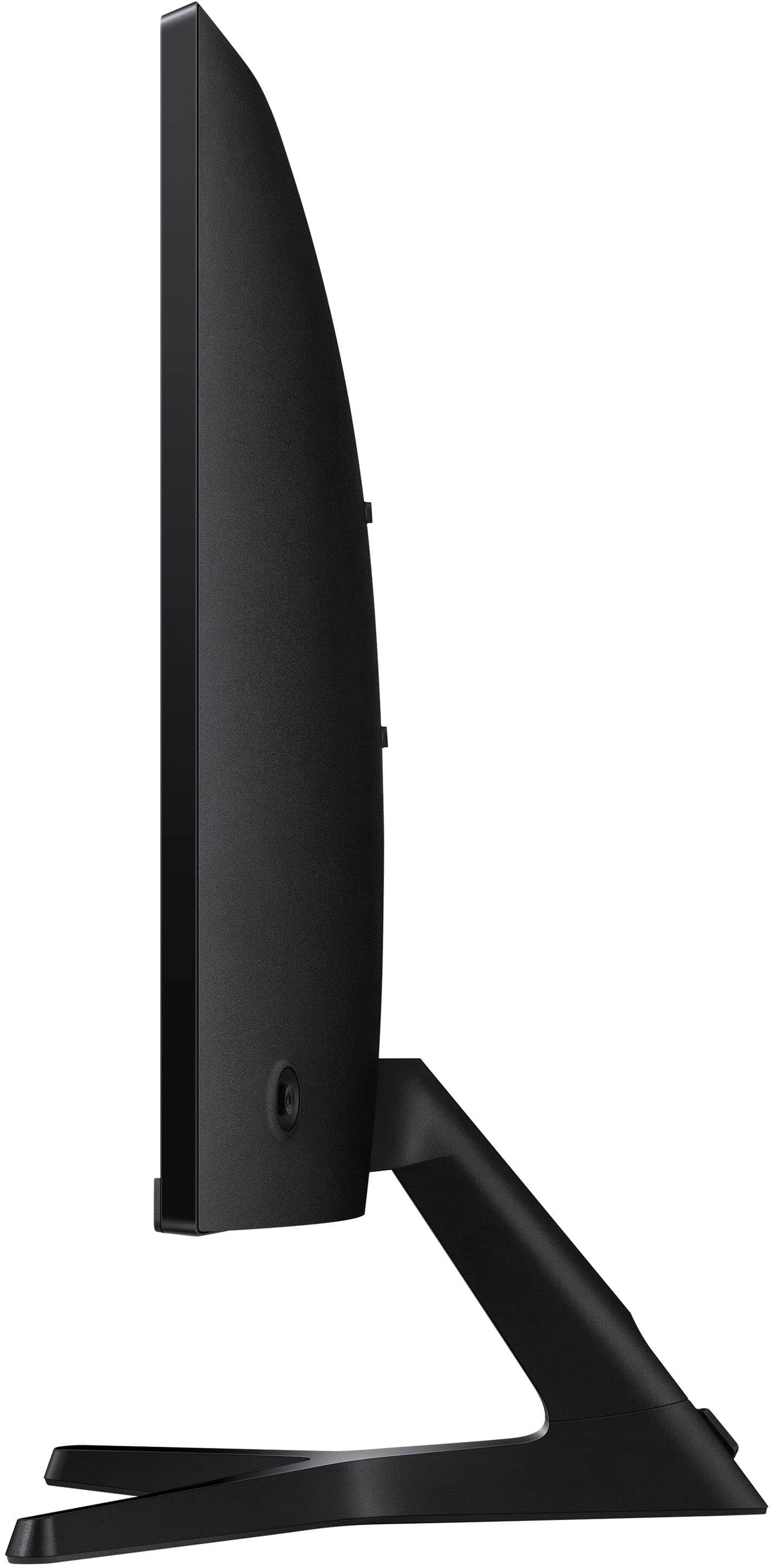
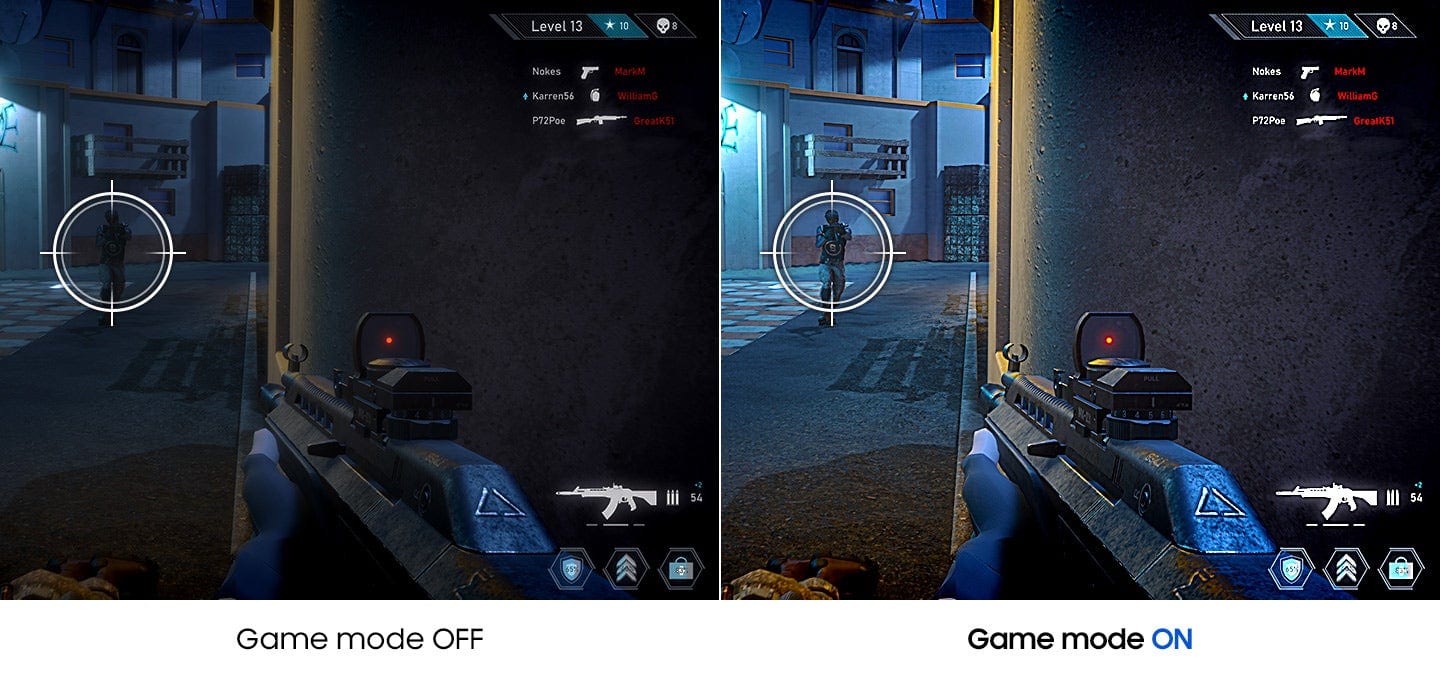
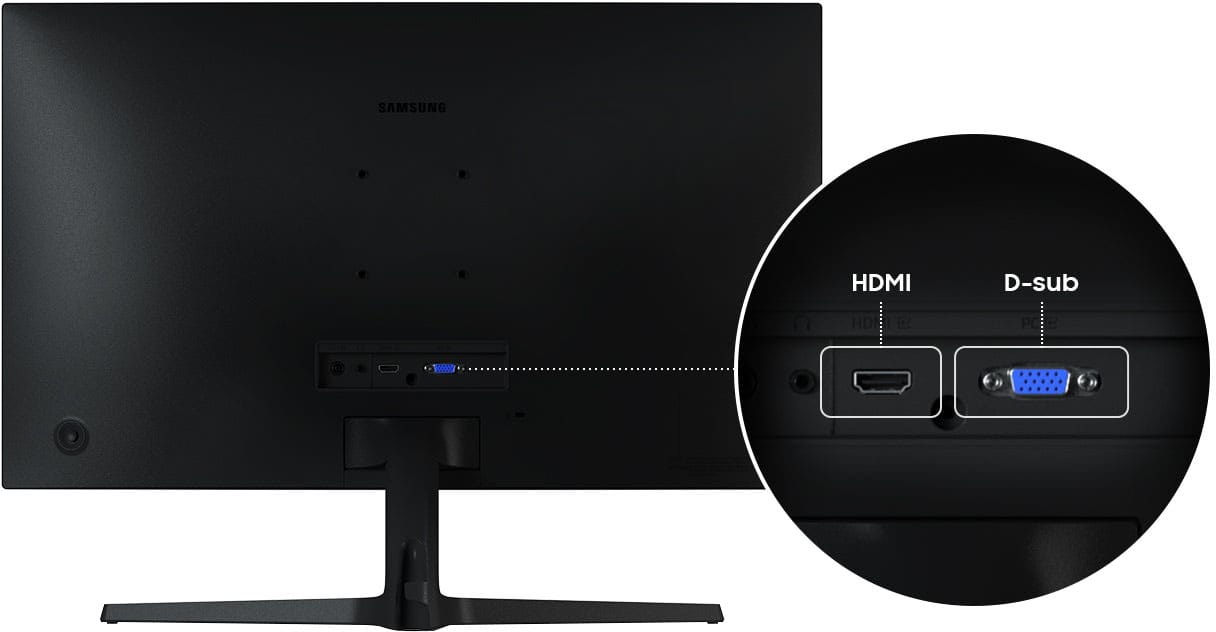
|Posted .This reviewer received promo considerations or sweepstakes entry for writing a review.This monitor from Samsung is a really good dual use screen for either office or non-competitive gaming. I have been using it for my WFH and connected it though a docking station. Nice 27" size and the subtle curve is great for my office needs. In the box is the monitor, stand in 2 pieces, power brick and cord, HDMI cable and instructions. Setup is rather easy and smooth and will require a Phillips head screwdriver as it is not a tool-less design. It is also VESA compatible at 75 x 75. Things to note on the Samsung: It is FHD meaning 1080p resolution. There is some degree of tilt for you, but there is NO swivel or height adjustment features at all. The only input is 1x HDMI unless you are for still some reason have a device with the ancient VGA port. The blue light is quite annoying and the only settings are Light On when screen off or On when screen On. I say this because it is rather bright in my office when not in use. Performance wise the screen delivers. Just make sure when you are in Windows that you change the refresh rate from the default 60 to 100 to take full advantage of the monitor. Colors are fairly accurate and using it with MS Office programs I have 0 complaints with sharpness of text. I also used it a little bit for gaming and using the user-friendly OSD you can turn on Game Mode for lower latency and can also up the response time to minimize ghosting. Non fps games looked good but since the screen has a 4ms response time, there was slight blurring in fast moving action. The built in speakers are adequate if you have nothing else and will pass but would recommend at least headphones or external speakers.
I would recommend this to a friend - Pros mentioned:Overall performance, Refresh rate, Screen size
Great Monitor for Hearthstone and Casual Gaming
||Posted . Owned for 3 months when reviewed.This reviewer received promo considerations or sweepstakes entry for writing a review.This monitor has been perfect for my needs. The 27-inch curved screen makes playing Hearthstone feel more immersive, and the 100Hz refresh rate keeps everything smooth and responsive. The built-in speakers are convenient, so I don’t need extra desk clutter, and the picture quality is sharp and vibrant for a Full HD display. Setup was quick, and I appreciate that it has both HDMI and D-Sub options for flexibility. For the price, it hits the sweet spot—big enough to enjoy games and media, but not overwhelming. Overall, I’m pleased with this purchase. It’s reliable, looks sleek in black, and does exactly what I need for my gaming sessions. If you’re looking for a budget-friendly curved monitor for casual gaming like Hearthstone, this is an excellent choice!
I would recommend this to a friend - Pros mentioned:Screen sizeCons mentioned:Adjustability
great size
||Posted . Owned for 3 weeks when reviewed.This reviewer received promo considerations or sweepstakes entry for writing a review.great for use at my home. larger monitor makes it easy to see and do various task. you can tilt the monitor up and down. Will not raise and lower but i was not an issue for me.
I would recommend this to a friend Great for day to day use
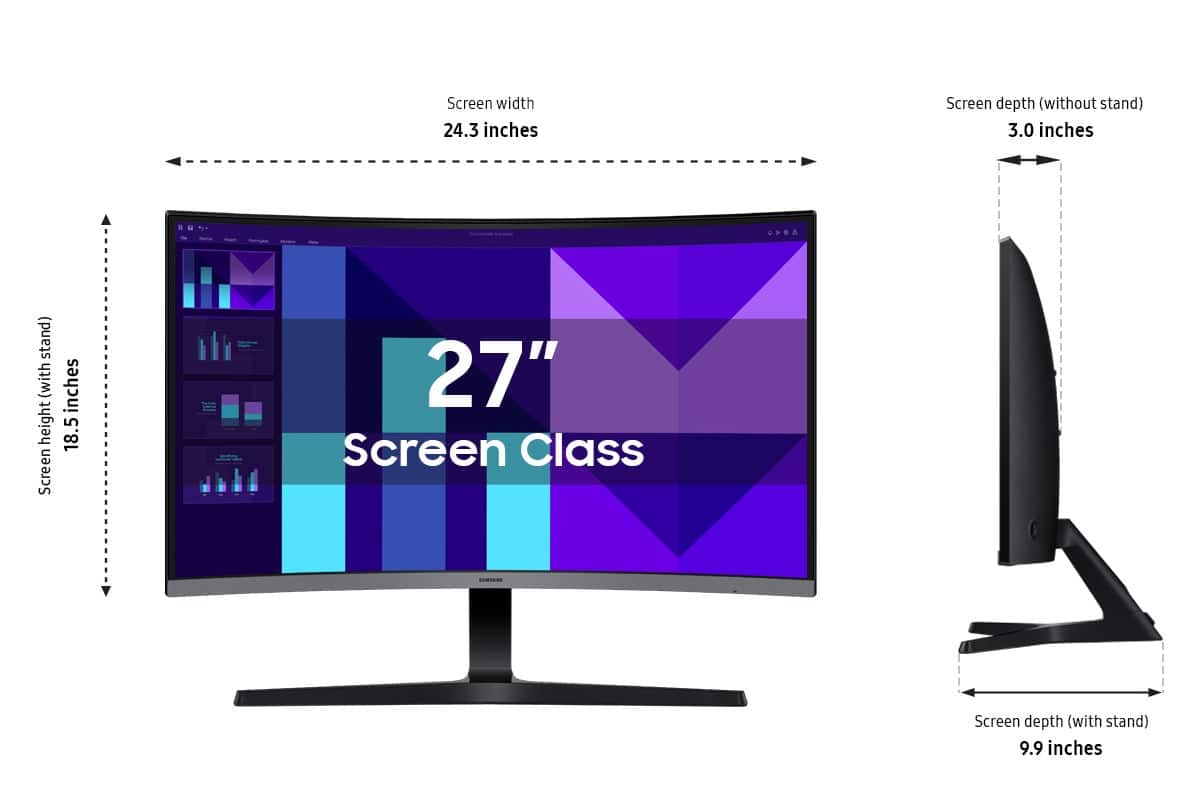
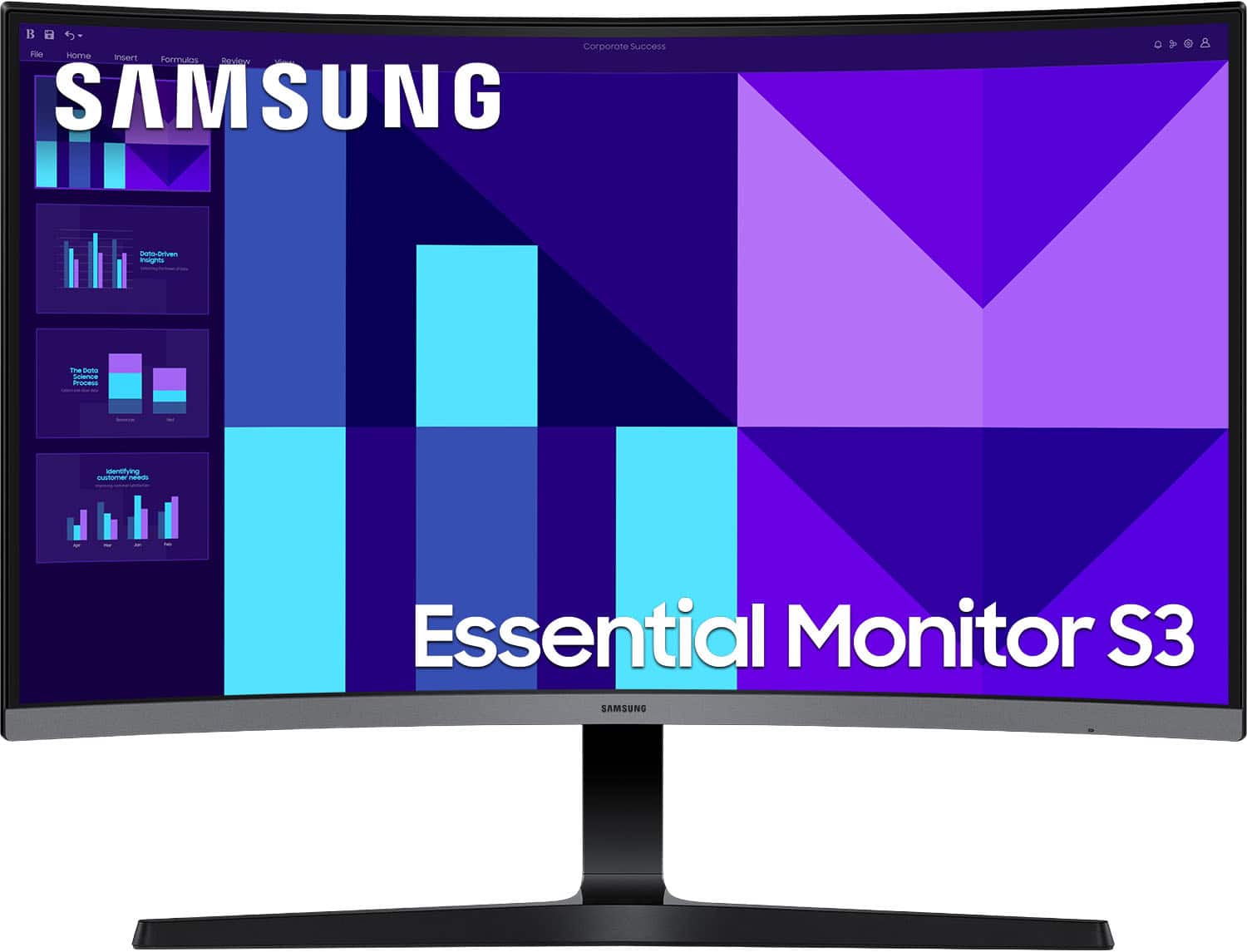
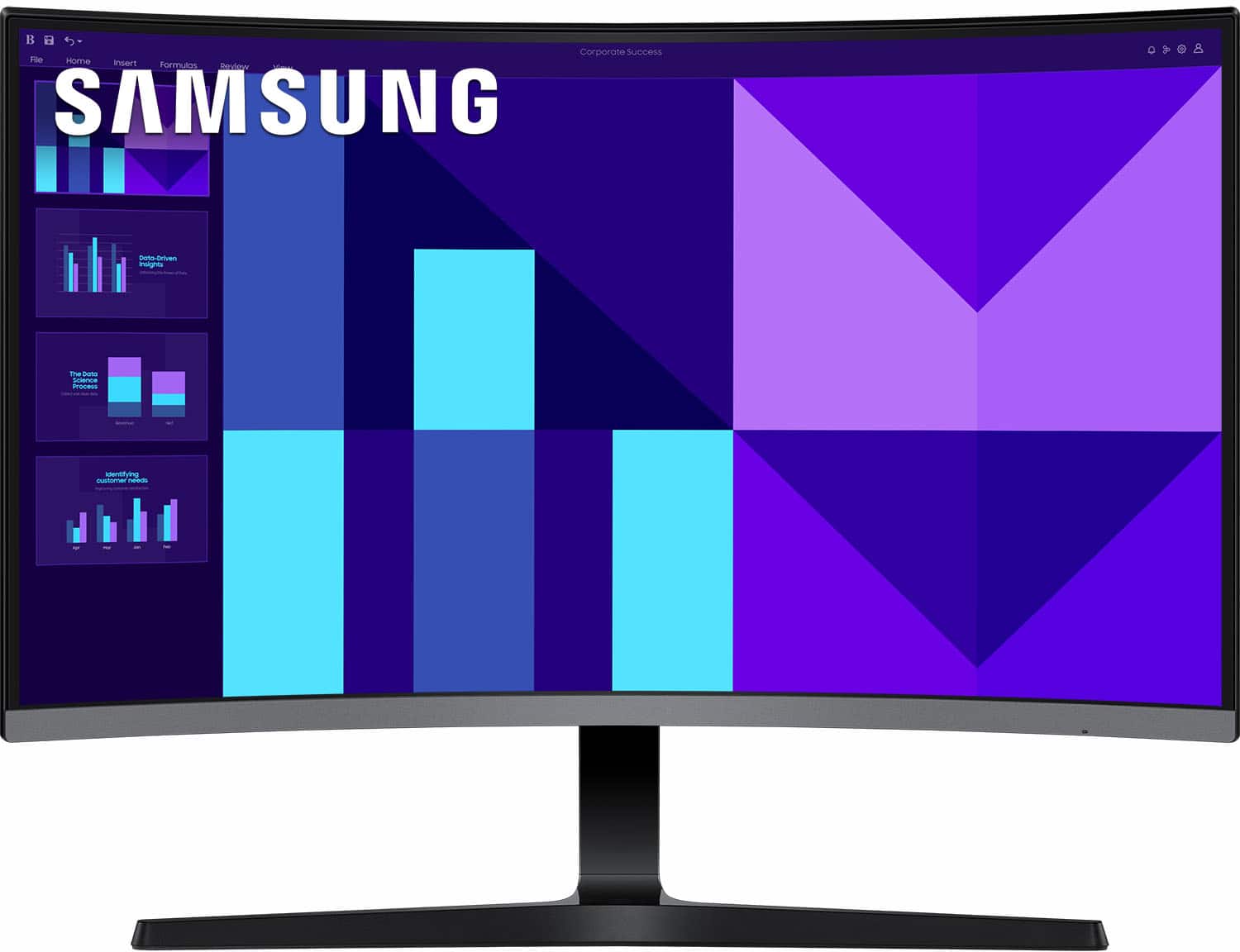
|Posted .This reviewer received promo considerations or sweepstakes entry for writing a review.Monitor quality keeps improving, unfortunately my wife's eyesight is going the other way. I've always thought that curved screen monitors fill a special niche. Besides size, I'd not considered them helping people with eyesight problems. I recently saw that the new Samsung monitors had a new and improved Matte finish. I've had matte finishes on other notebook's/monitors, but they had a negative effect on viewing. My wife's vision problem is exacerbated by screen reflections. My hope was that a curved screen with an improved matte finish will be easier for her to view, and a 27" will be a big step up from her notebook. Unpacking and setup of the monitor was very easy, don't forget to use the two small screws to attach the monitor to the monitor stand base or you won't be able to tilt the screen. The S3 monitor has a HDMI and a VGA connector, as well as power in and audio out (headphones or for powered speakers). It has a 100mm VESA mount on the back. To test it I hooked up to one of my notebooks. Once plugged in I connected the HDMI Cable to the notebook and monitor, it promptly displayed the notebook's screen on the S3 monitor. By default the S3 was a little dim and colors were not quite true. I used the on/off setup button on the back of the monitor to go into the set up menu. I increased the brightness to 90% and contrast and sharpness both to 80; this matched my notebook's output much better. The monitor on stand is 18.5" tall, and is 24.5" wide. With a stand it's 9.25" deep and weighs 8.4 lbs. The stand does not allow height adjustment or allow you to use the monitor in portrait mode. It has a nice small bezel so two could be used together without much disataction. It supports full HD (1920x1080). It does not support both Nvidia G-Sync or AMD FreeSync, and claims to have 4ms response time with up to a 100 Mhz refresh rate. It includes a HDMI cable. Once I made the color adjustments I found the color was very pleasing. And the matte finish is remarkable. NO reflections, you get close to the screen and look in any direction you get true colors without any reflections, it's very immersive when you lean in. To me it is great example of how much monitors have improved and continue to improve. This is strictly a 1920x1080 HD monitor, not a 2K or 4K display. It does not support HDR (extended blackness, mostly having to do with video), yet its blacks are acceptable and its colors quite consistent. And running with the 100 Mhz refresh rate there is absolutely no flicker. It supports 2 levels of Eye Saver mode which reduces potentially harmful blue light emissions. I thoroughly enjoyed watching videos on this display, albeit closer to the screen than I normally would. It has a game mode which turns up the brightness to 100% and it sharpens the contrast settings automatically. It also has a Response Time Setting (Standard, Faster and Fastest) set to both Faster and Fastest it seems to prevent tearing when gaming fast moving images (seemed pretty effective in Gran Turismo 7). In normal PC mode the game mode setting improves screen readability from longer distances, it just looked clearer (maybe because it was brighter). But for movie viewing it hurt dark images significantly. I don't recommend game mode for video viewing or video editing, all dark areas are blown out. This is not the highest performing monitor you can purchase (but you know that), but for its price you get a very high quality product. It makes a great extension monitor. And my wife absolutely loves it. The lack of reflections and the wrap around of the curved screen is great for her vision issues. The audio quality was MUCH better than I expected. I was totally surprised by its quality. I played the intro to Hell's Bells and my wife said "what was that", she too was surprised by the volume/quality. The colors are not perfect, when I compared my notebook (w/OLED Display) to this monitor. The monitor does ok with gaming, but is not really designed as a high end gaming monitor. I found Minecraft, Grand Theft Auto and the Myst 30th anniversary edition performed just fine. But in Fortnight had a few minor issues even in Game Mode I could get darker areas quite right and I had some dropped frame issues. I don't know that I'd buy it for Image Editing or graphics work (lack of HDR/HDR10). But I do like this monitor a lot, for day to day computer use (browsing etc) it's excellent. I think it will be perfect for my wife.
I would recommend this to a friend- Cons mentioned:Adjustability
Curved Monitor with Sound Lacking Sharpness
|Posted .This reviewer received promo considerations or sweepstakes entry for writing a review.I’m a big Samsung TV fan, so I’m trying really hard to like the Samsung S39GD series monitor. There is no height adjustment, but it does have a 2 degree tilt. It also has built in sound - which most monitors lack. It is curved, which should be an asset when multitasking. Assembly was easy, except for having to find a short Phillips head screwdriver. It has connections for D-Sub and HDMI. There is no DisplayPort or USB connectivity. The monitor is the same size as the one I’ve been using so it fits on my workspace. However the base is too big and overhangs the desk. The base design requires more than 18 inches of space. A smaller flat stand would’ve been preferable. Both the text and the video are slightly blurry. The sound is tinny. There is one multipurpose menu/adjustment/power button on the back that is difficult to maneuver. When the monitor wakes up, the source (HDMI) and a mini menu appear momentarily - maybe to compensate for the difficulty of accessing those options with the single button. I find them to be annoying, but haven’t found a way to turn them off or hide them. When typing, hitting the target with the mouse cursor is imprecise and frustrating because text is blurry and the letters are not separated well. I tried to decrease the blurriness by increasing the sharpness, but the text breaks up. Since my main monitor is a very crisp 4K I wanted to make sure I wasn’t expecting too much out of a Full HD monitor. When I compared the Samsung monitor to a 27 inch Full HD flat screen by another vendor, the text was noticeably less sharp on the Samsung. The curved monitor is supposed to allow for a wider field of view so that the user can see more without moving their head. This should result in less eye strain, enhanced depth perception and be beneficial when multitasking like I do. At first I found the curved screen to be distracting, like I was seeing something out of the corner of my eye. But when I switched back to a flat screen, I noticed that the curve does make the screen appear larger and closer to me. Now that I’ve used the curved screen, I do prefer it to a flat screen. But I wonder if the curve is what's distorting the image and causing the slight blurriness. I believe that there are better Full HD monitors on the market than this Samsung. The sound is tinny, text and video are not as sharp as they could be, the menu/power button is less than ideal and the stand looks cheap. There are limited connectivity options. That said, I have a soundbar, so I don’t need to use the monitor sound and once the settings are adjusted, I don’t need to access the menu on a regular basis. The curved screen is nice. The two areas that need work in my opinion are the sharpness of the text and the size of the base.
I would recommend this to a friendBrand response from Samsung
Posted .Thank you for your review of the 27" S39GD monitor. Samsung is committed to providing the best possible product experience, quality, and value. We greatly value our customers’ feedback and we utilize your concerns and opinions in our relentless efforts towards delivering world-class products. If there is anything we can do to assist you and improve your product experience, please don't hesitate to contact Samsung Customer Support via: 1-800-SAMSUNG, available 8AM - 12AM EST (Mon-Fri) / 9AM - 11PM EST (Sat-Sun).
- Pros mentioned:Refresh rate, Screen size
Stunning curve and smooth performance !
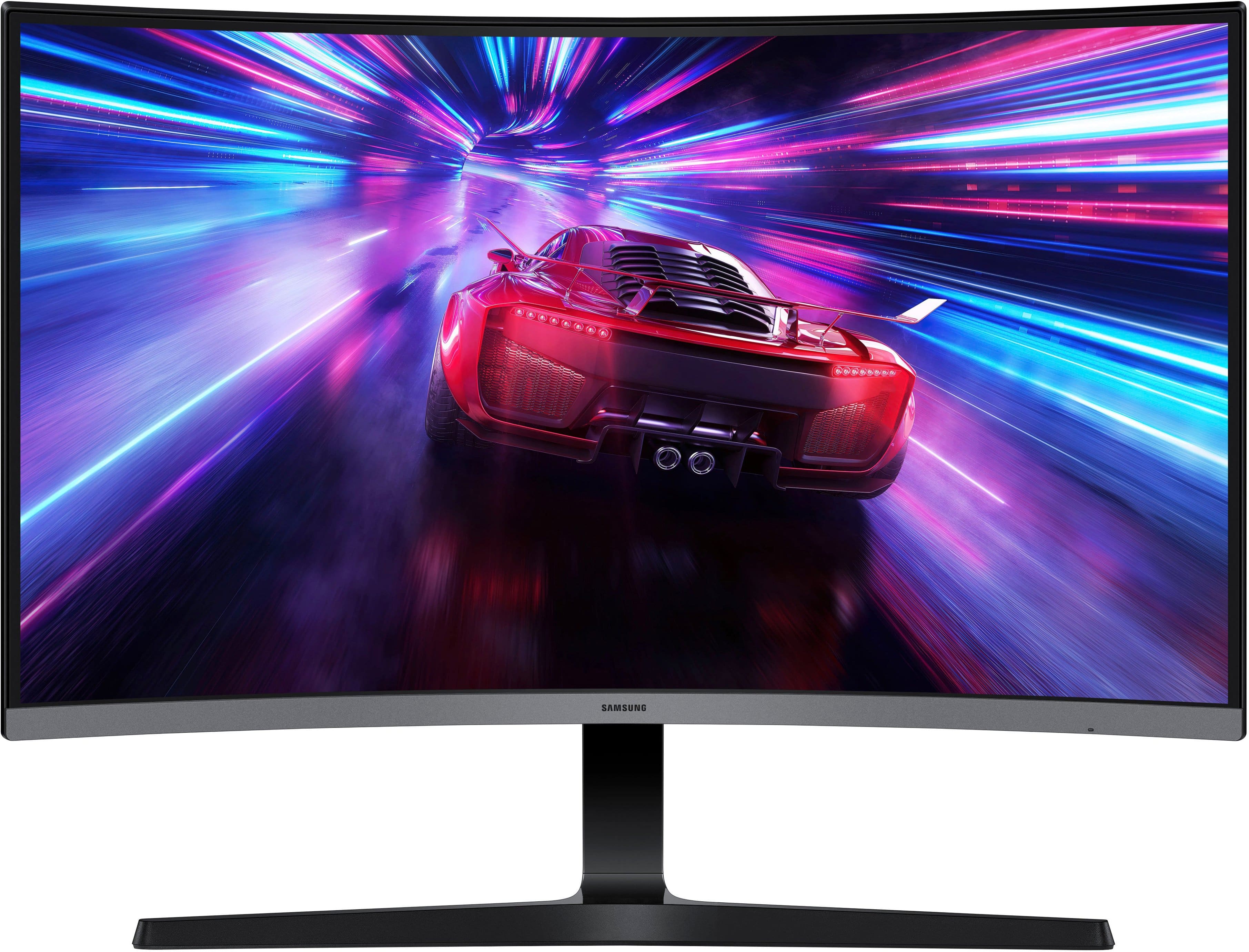
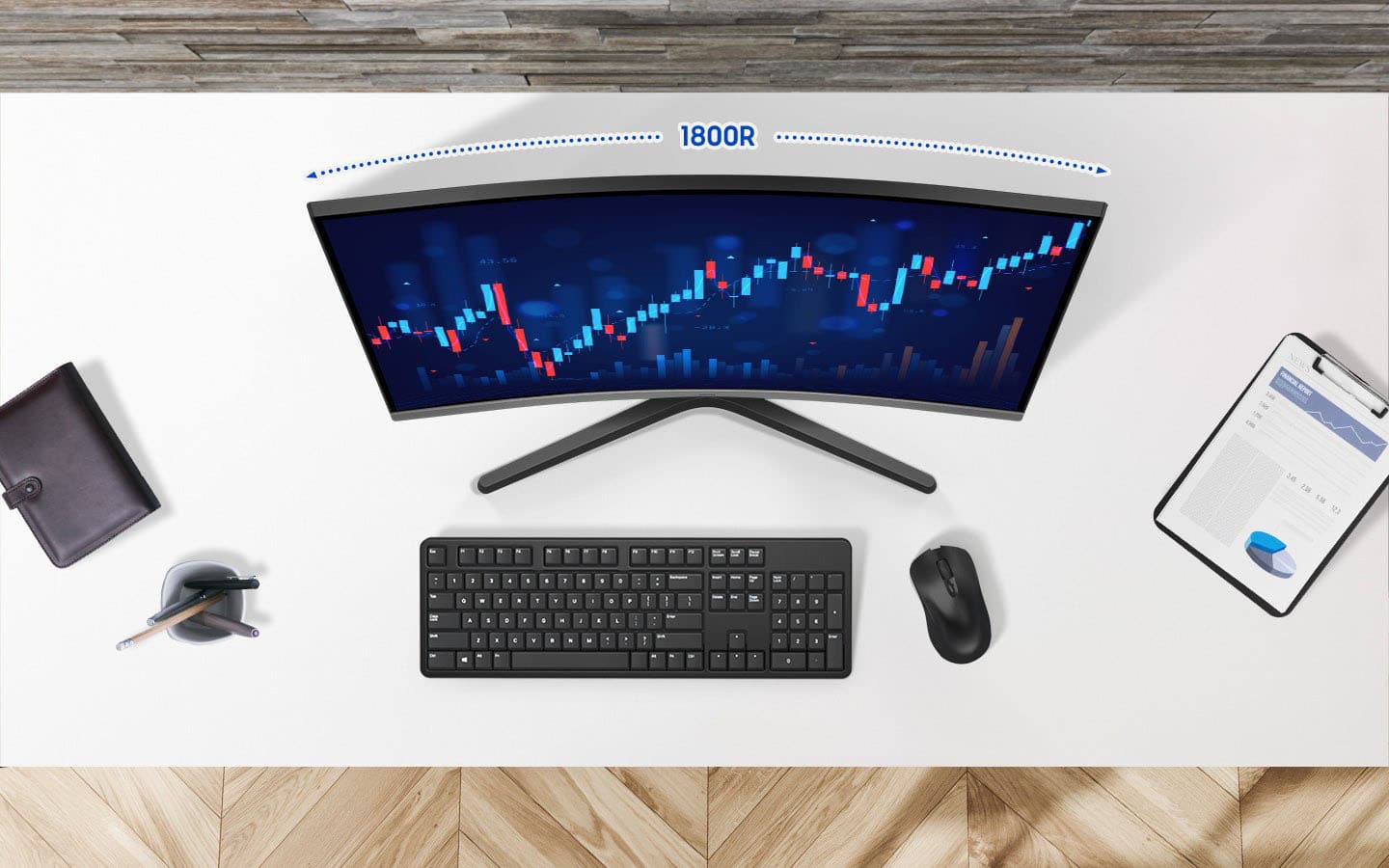
||Posted . Owned for 3 months when reviewed.This reviewer received promo considerations or sweepstakes entry for writing a review.I am really impressed with this Samsung 27'' monitor. The 1800R curve makes a huge difference in immersion, whether I am working or gaming. The 100Hz refersh rate is a nice set up from standard monitors, making everything feel smoother. Plus, having built in speakers is a great space saver for my desk. Definitely a high quality display for the price!
I would recommend this to a friend - Pros mentioned:Overall performance, Refresh rate
Great monitor
||Posted .This reviewer received promo considerations or sweepstakes entry for writing a review.I recently purchased this monitor from. I couldn't be happier with my choice. The display quality is fantastic vibrant colors, sharp resolution, and great clarity make it perfect for both work and entertainment. The setup was straightforward, and the design is sleek and modern, fitting nicely on my desk. Performance wise, it handles everything I throw at it with ease, whether it's gaming, graphic design, or everyday browsing. The refresh rate and response time are impressive, providing a smooth viewing experience. I also appreciate the adjustable stand and multiple connectivity options, making it versatile for various devices. Overall, this monitor offers excellent value for its price and has significantly improved my workspace. I highly recommend it to anyone looking for a reliable, high-quality display!
I would recommend this to a friend - Pros mentioned:Overall performance, Screen size
Great monitor for my office!
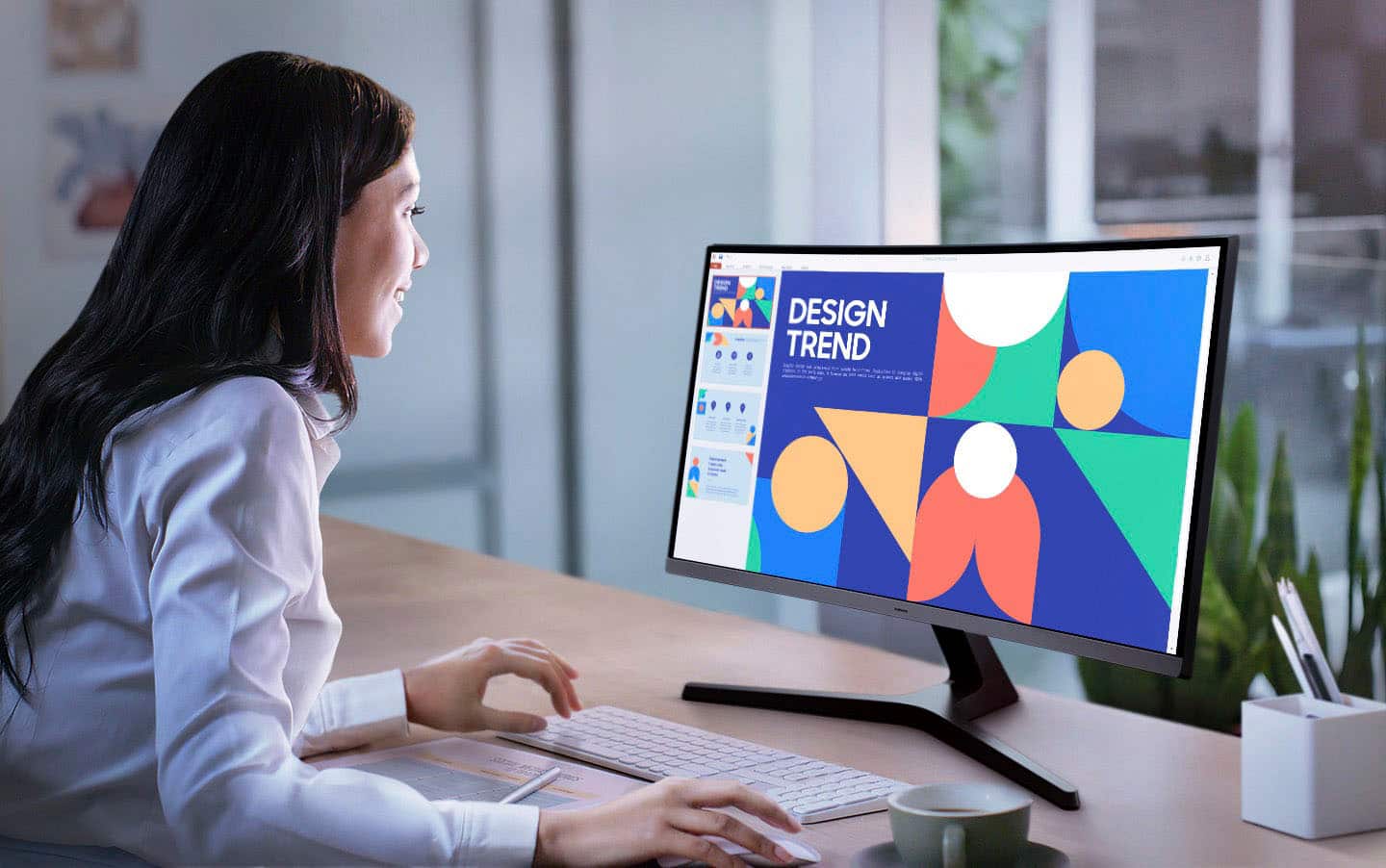
||Posted . Owned for 2 weeks when reviewed.This reviewer received promo considerations or sweepstakes entry for writing a review.I’m really happy with this monitor. The display is crisp and clear, making it easy to work on spreadsheets, documents, and presentations all day. The size is perfect for my desk setup—not too big, not too small—and it has a sleek, professional look that fits nicely in my office. Setup was simple, and the colors and brightness are excellent for long hours of use. Overall, it’s been a reliable and high-quality addition to my workspace.
I would recommend this to a friend