Customer Ratings & Reviews
- Model:
- LS27D396GANXZA
- SKU:
- 6613011
Rating by feature
- Display Quality
Rating 4.8 out of 5 stars
- Ease of Use
Rating 4.8 out of 5 stars
- Features
Rating 4.8 out of 5 stars
Customers are saying
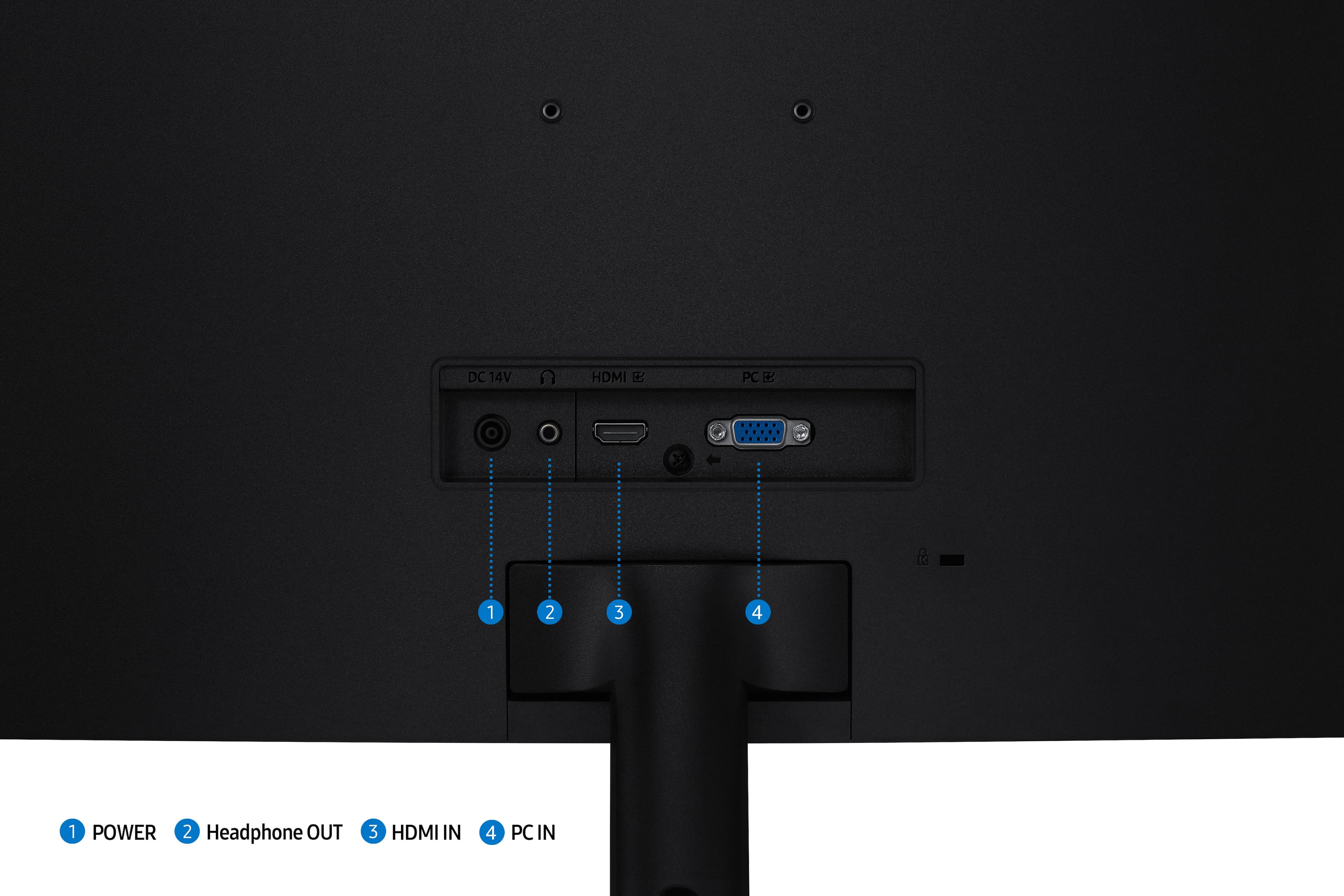
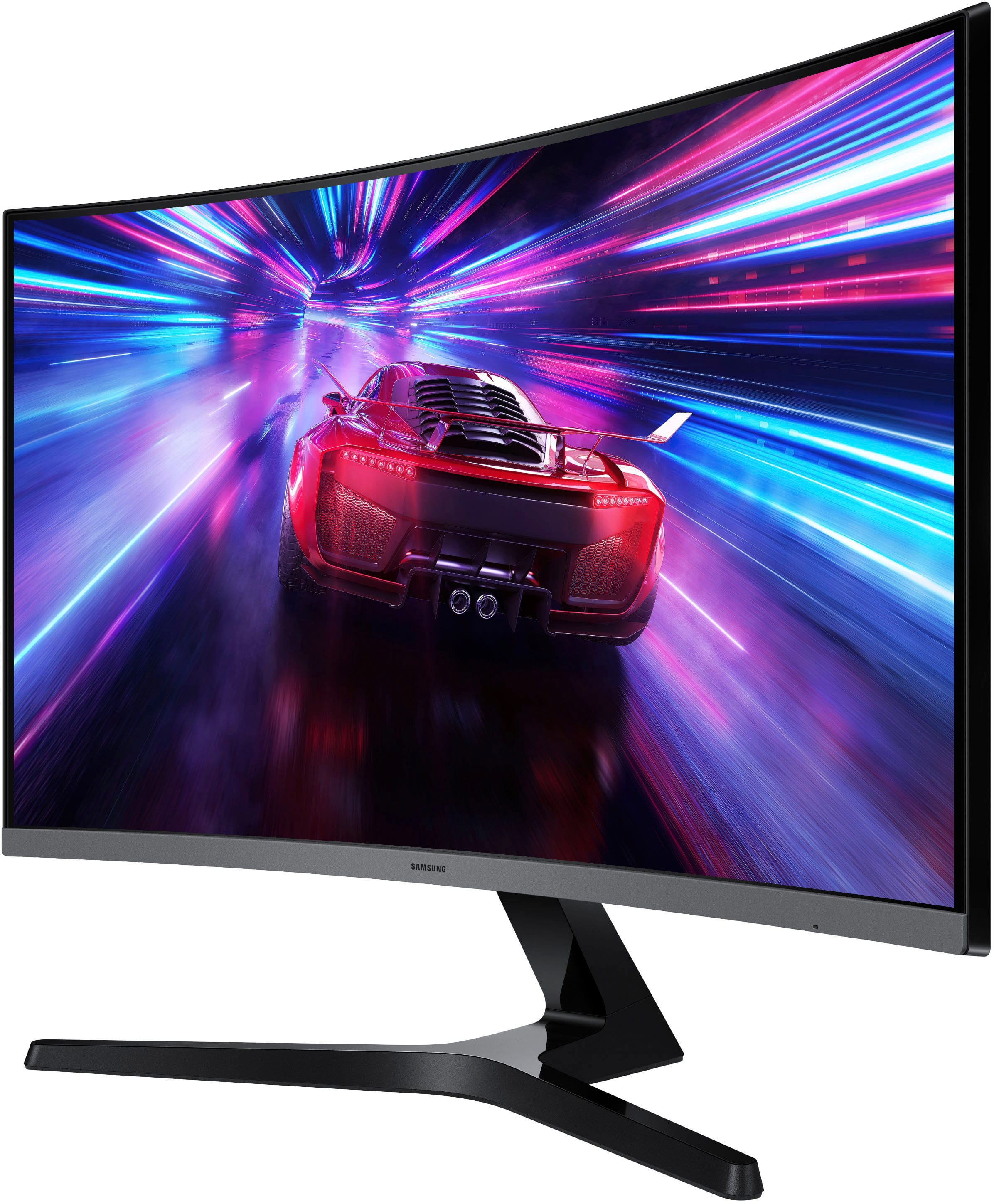
Customers commend the 27" S39GD Series Curved FHD 100Hz Monitor for its very clear and crisp image quality and smooth visuals, thanks to its 100Hz refresh rate. Users also appreciate the easy setup and suitable size for their workspaces. However, some customers express a desire for more connectivity options, specifically mentioning the absence of USB and display ports.
This summary was generated by AI based on customer reviews.
- Pros mentioned:Image quality, Refresh rate

A Great Choice
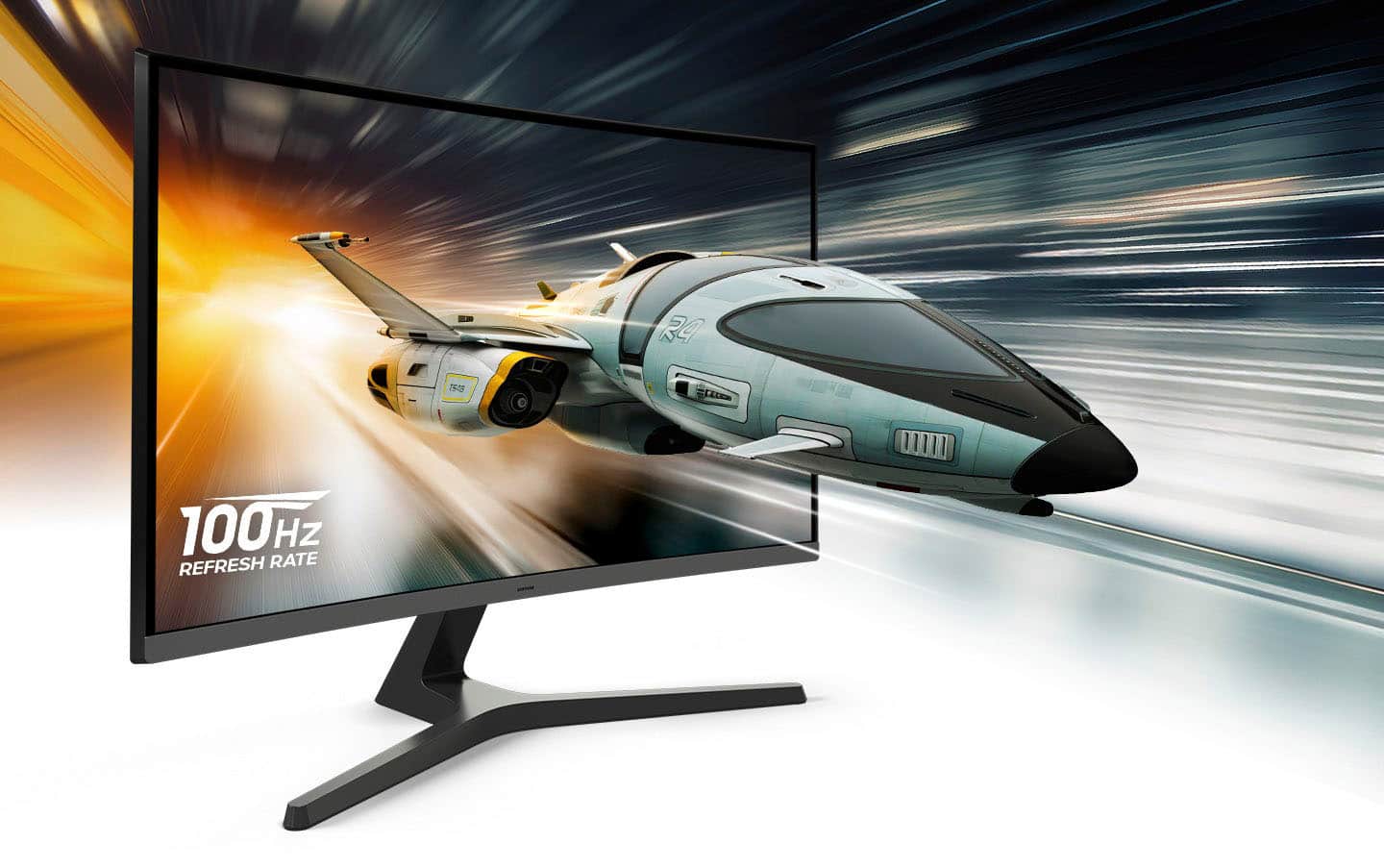
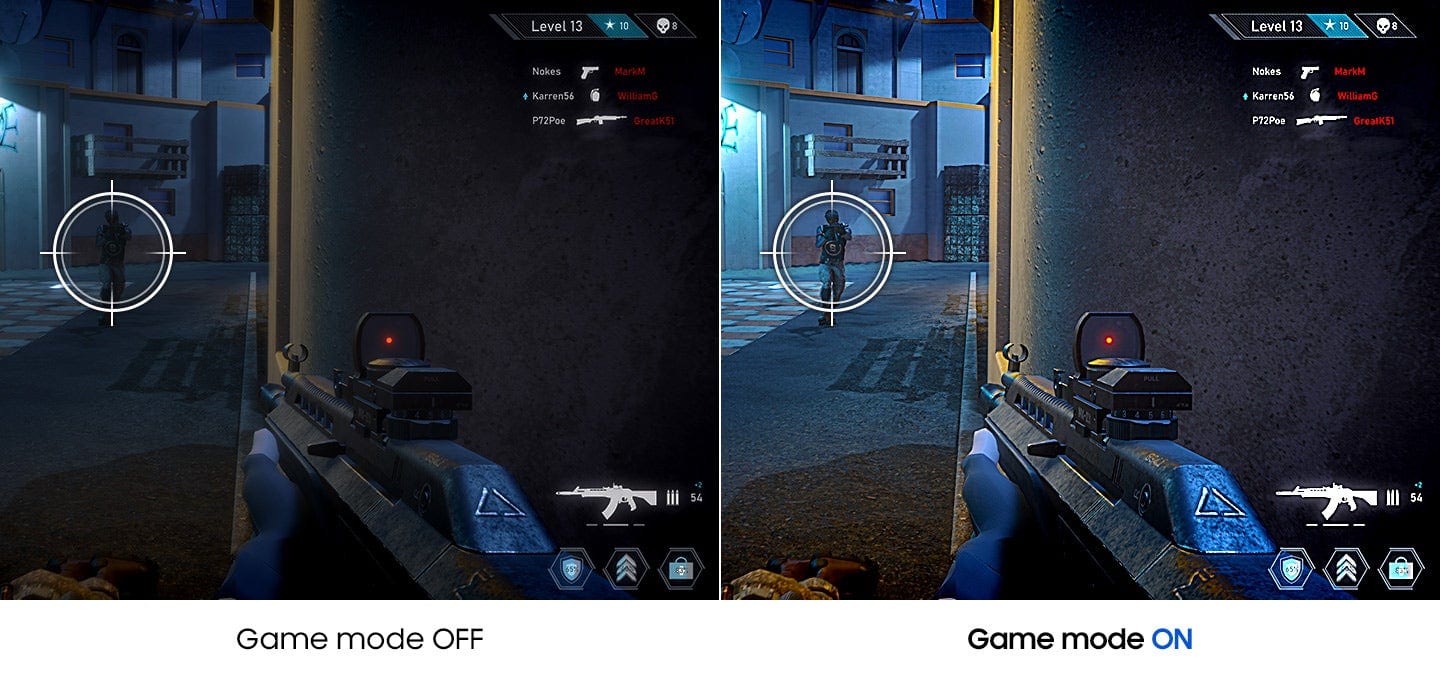
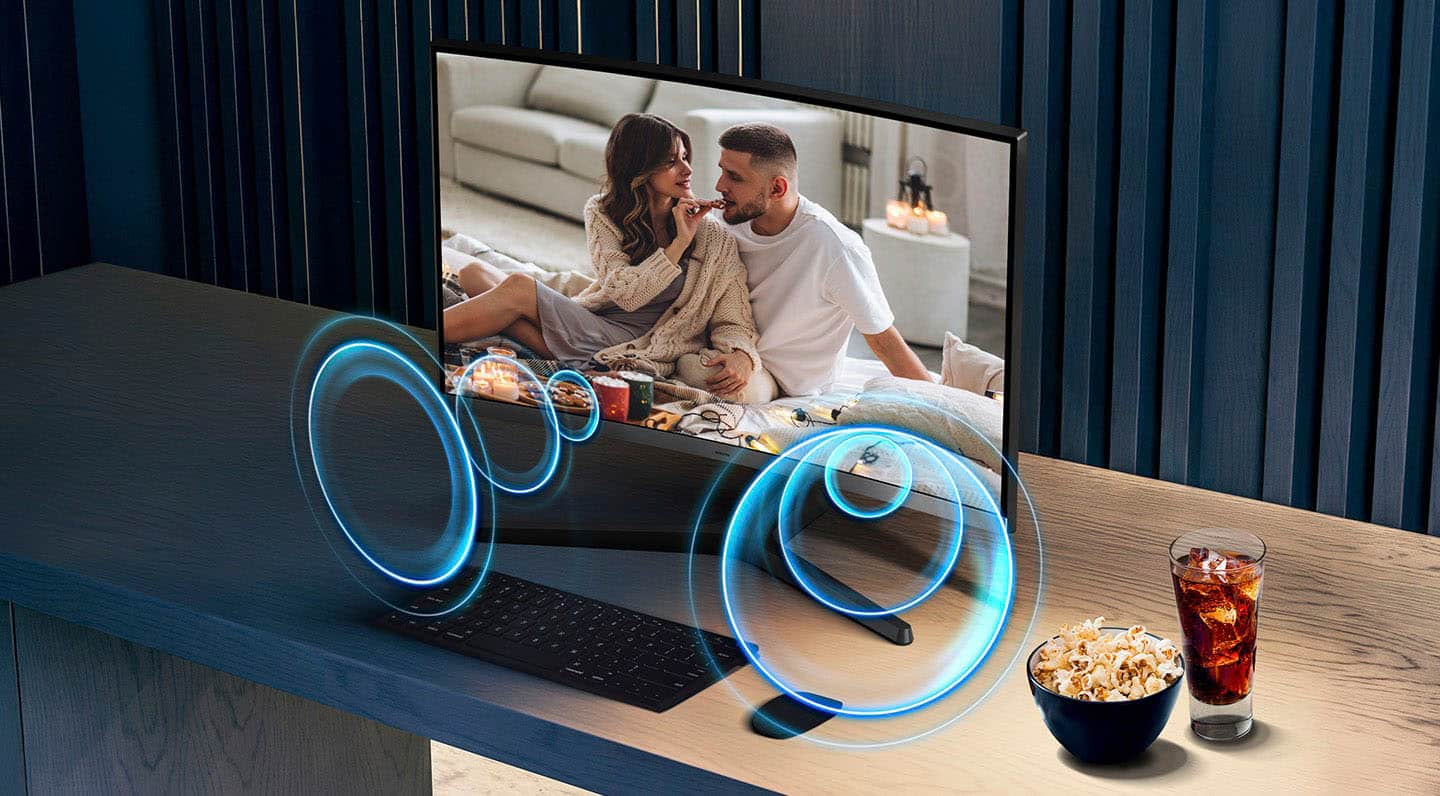
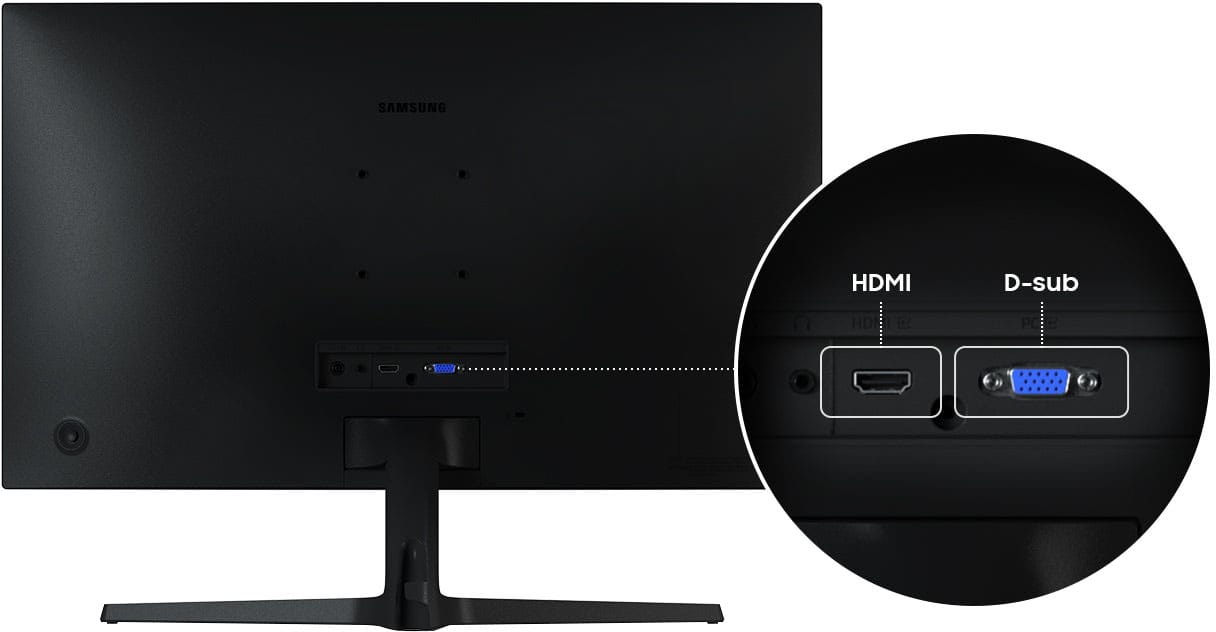
|Posted .This reviewer received promo considerations or sweepstakes entry for writing a review.I am writing this review for the Samsung - 27" S39GD Series Curved FHD 100Hz Monitor with Built-in Speakers. Like so many other people, I am quite the fan of Samsung. I can’t remember what my first Samsung product was, but I do remember the first phone I ever got was a Samsung flip phone, and I absolutely loved it. I even own a Samsung side-by-side refrigerator that has worked flawlessly for years. So I had some pretty high expectations for the Samsung 27” curved monitor, especially seeing that it has built-in speakers. I might add I have never owned a curved monitor before, even though I have used one a few times. So I was anxious to try this out. After unpacking the monitor from its shipping box, I found the connecting and setting up process to be absolutely painless…almost. After connecting the monitor to my computer, the display would not come on. I tried everything, but I just could not get the display to come on. Until, that is, I pushed the Power Button on the back of the monitor (which doubles as a Settings “joystick.” I just assumed it would already be in the On position. No one to blame but me on that one. So then it was time to test it out. I chose to connect to my computer using the included HDMI cable. Very easy, very simple. I might add there is a VGA port for connecting that way as well. I say “VGA port,” for some reason they refer to it as a D-Sub port. Regardless, it offers a way to connect to computers and some gaming systems. After powering on, I was immediately impressed by how crisp and clear the display is. There was no bleeding of the dark colors like you sometimes see on other monitors, and the pictures were clean and vibrant. I also noticed there is no glare with this monitor. I mean none. Even on a blank black screen, you won’t see yourself reflected like a mirror. I was using a dual-monitor setup to see how they compare side-by-side, and I was able to see myself quite clearly on the other monitor. What this means is that there is no distracting reflections to deal with if you have overhead or background lighting on, and it doesn’t interfere with the viewing experience. This might be a good time to mention the built-in speakers. I don’t know what I was really expecting, but I have to admit that Samsung went the extra mile and decided to use some really decent speakers for a monitor. I listened to a few songs and watched a few videos, and even at the highest volume I noticed zero distortion. No, I’m not saying they are audiophile-quality, but for monitor speakers, they are really good. You hear everything you’re supposed to hear. This particular monitor boasts a 100Hz refresh rate. It used to be I didn’t really pay attention to refresh rates, and all I really understood was that apparently the faster the refresh rate was, the better the monitor was supposed to be. But now, especially since gaming has become a norm, it really hits home. And seriously, the only way you can see for yourself is to test it out, like I have. For the most part, for everyday use like coding, or home office apps, emails, and so forth, lower refresh rates are more than adequate. But when you watch videos, play a game, and use apps such as video editing, you begin to notice things like blurring, lagging, etc. when using a low refresh rate monitor. The Samsung monitor does amazingly well when switching between programs, watching videos, and even gaming. Now, I will say this, the Samsung S39GD has a gaming mode which makes better use of the 100Hz refresh rate. I don’t understand all the technical aspects of this, but I do understand that it makes a very noticeable difference in game play. Visuals are smoother, with no blurring. Things are easier to see, and movement is smooth. In short, this was a great move on the part of Samsung. Generally speaking, for every day uses and for gaming, I feel like the Samsung S39GD curved monitor is a great choice. It’s hard to go wrong with a Samsung product, and that is especially true with the 100Hz Samsung monitor. I am looking forward to many hours of productivity and gaming with this bad boy.
I would recommend this to a friend - Pros mentioned:Image qualityCons mentioned:Connectivity, Port count
Great Monitor; Needs More Ports
|Posted .This reviewer received promo considerations or sweepstakes entry for writing a review.The only thing holding this monitor back from a 5-star review is the relatively skimpy selection of ports in the back. One HDMi, a headphone jack, and a PC connection. That's it. Otherwise, this is an excellent monitor. Color reproduction is great and viewing angles are perfect. The curve adds a bit of depth to the image when you're using it Colors are rich and vibrant without being oversaturated. You won't need to make too many adjustments out of the box to get an excellent image. The built-in speakers are also robust and plenty loud for most users. No, the maximum volume won't compare to a high-end speaker system, but if you just need great audio at normal room levels then you won't be disappointed. As said previously, there's only one HDMI or PC port available, so connectivity options are somewhat limited. That being said, if you can commit to be not one device being hooked up, you won't be disappointed. An excellent value from a monitor that produces a picture far better than the price tag would suggest. Get this if you on the hunt for a quality monitor.
I would recommend this to a friend - Pros mentioned:Refresh rateCons mentioned:Port count
Flashy Monitor for the Budget Conscious
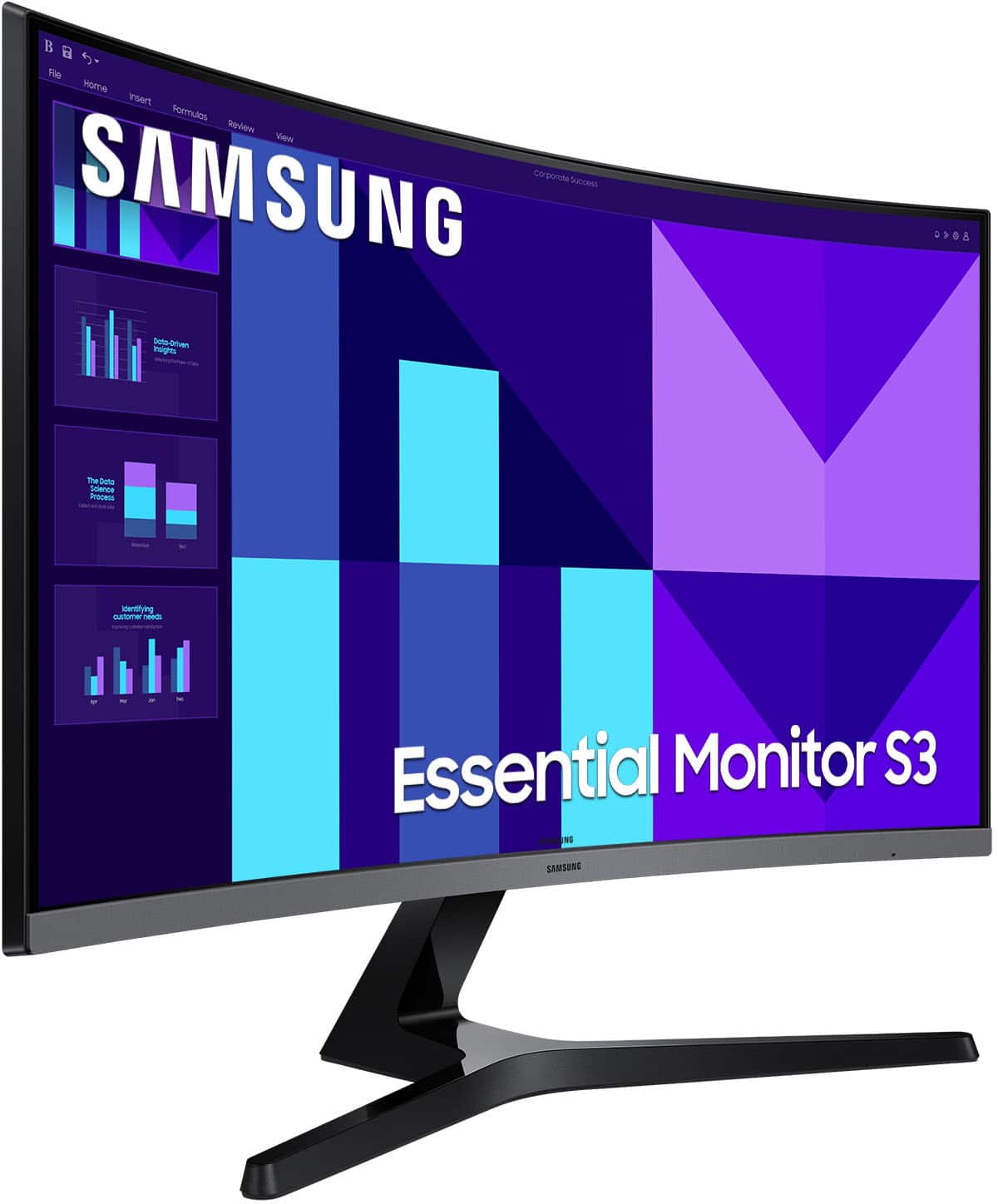
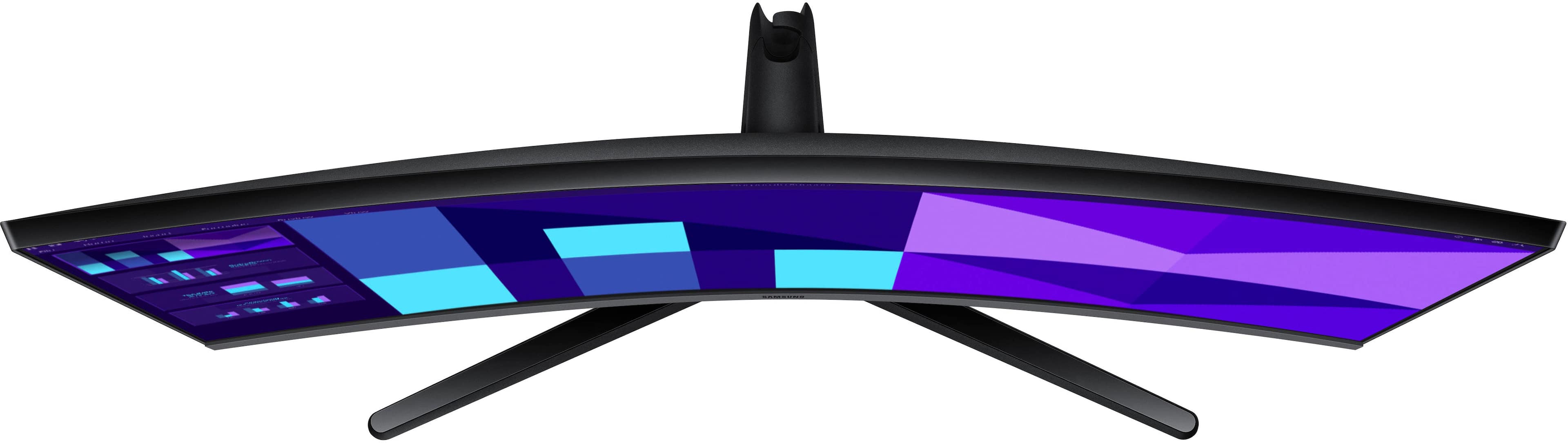
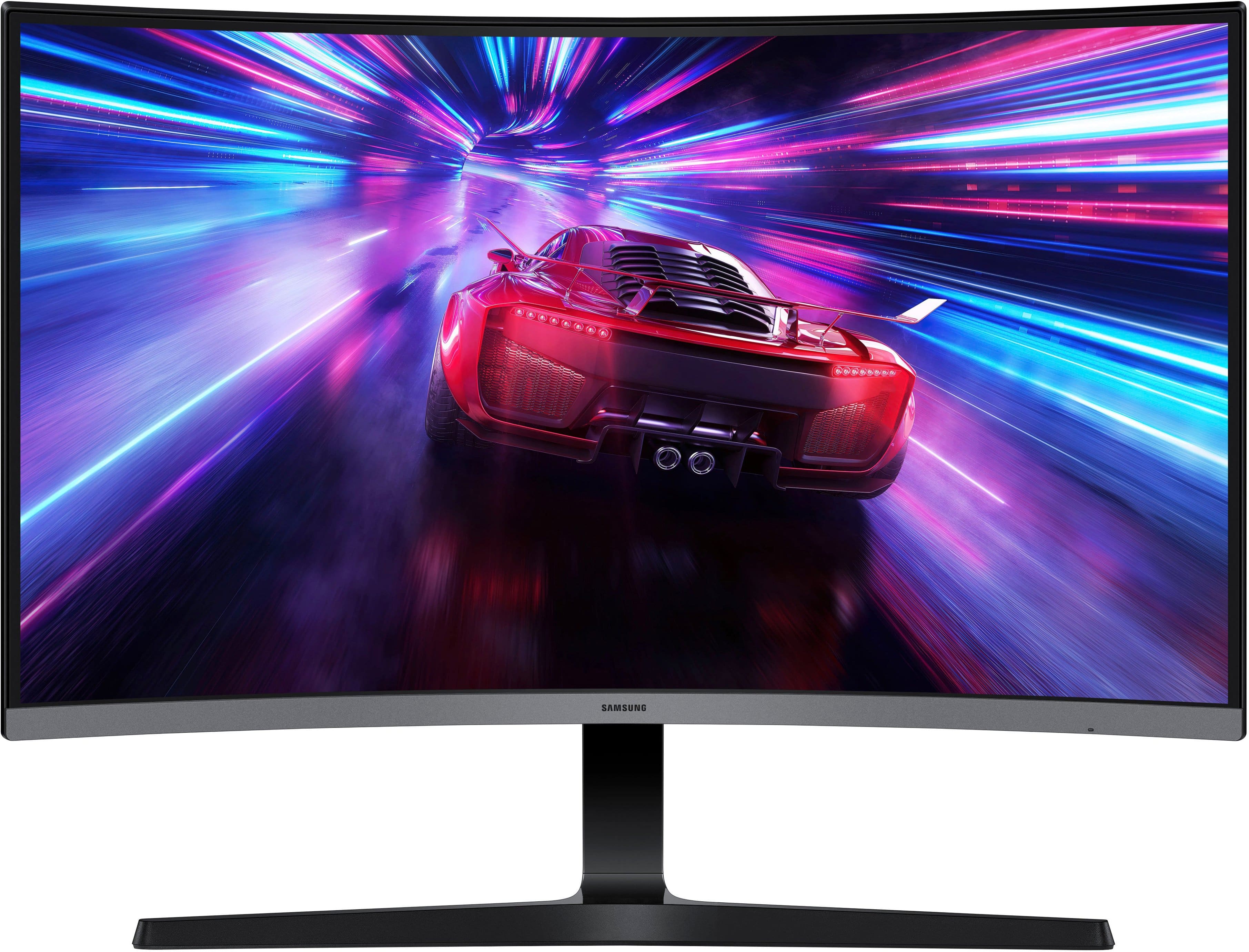
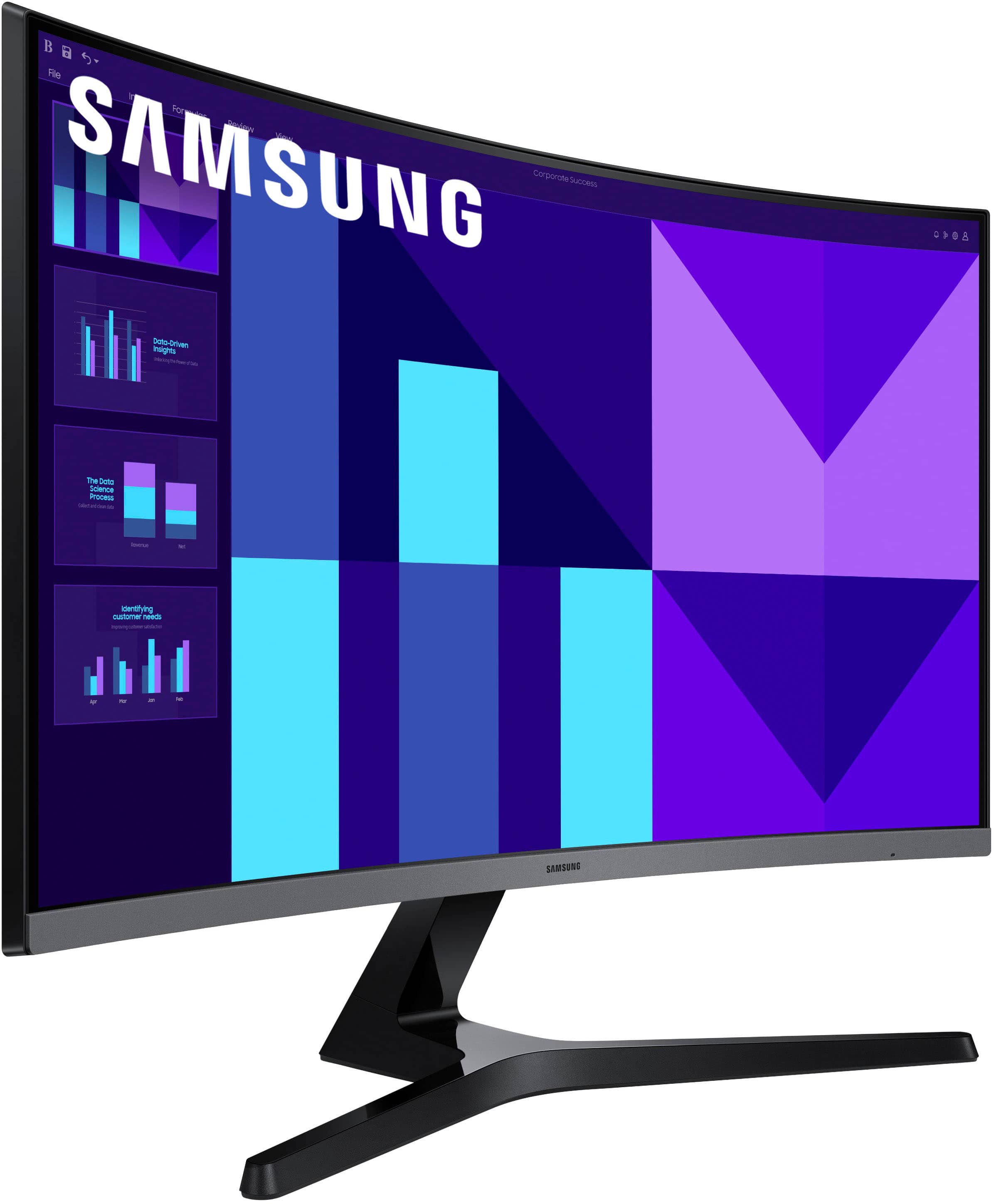
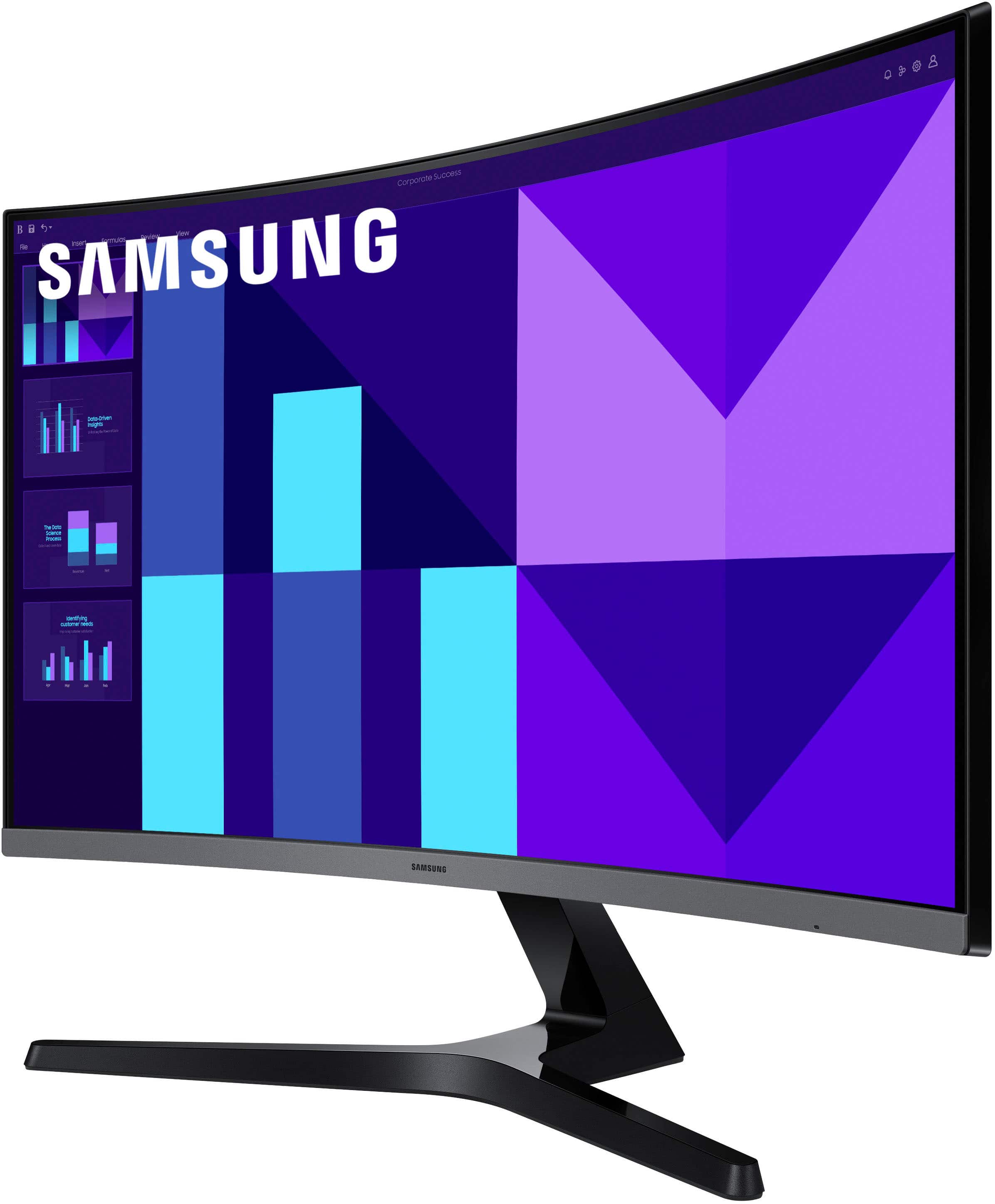
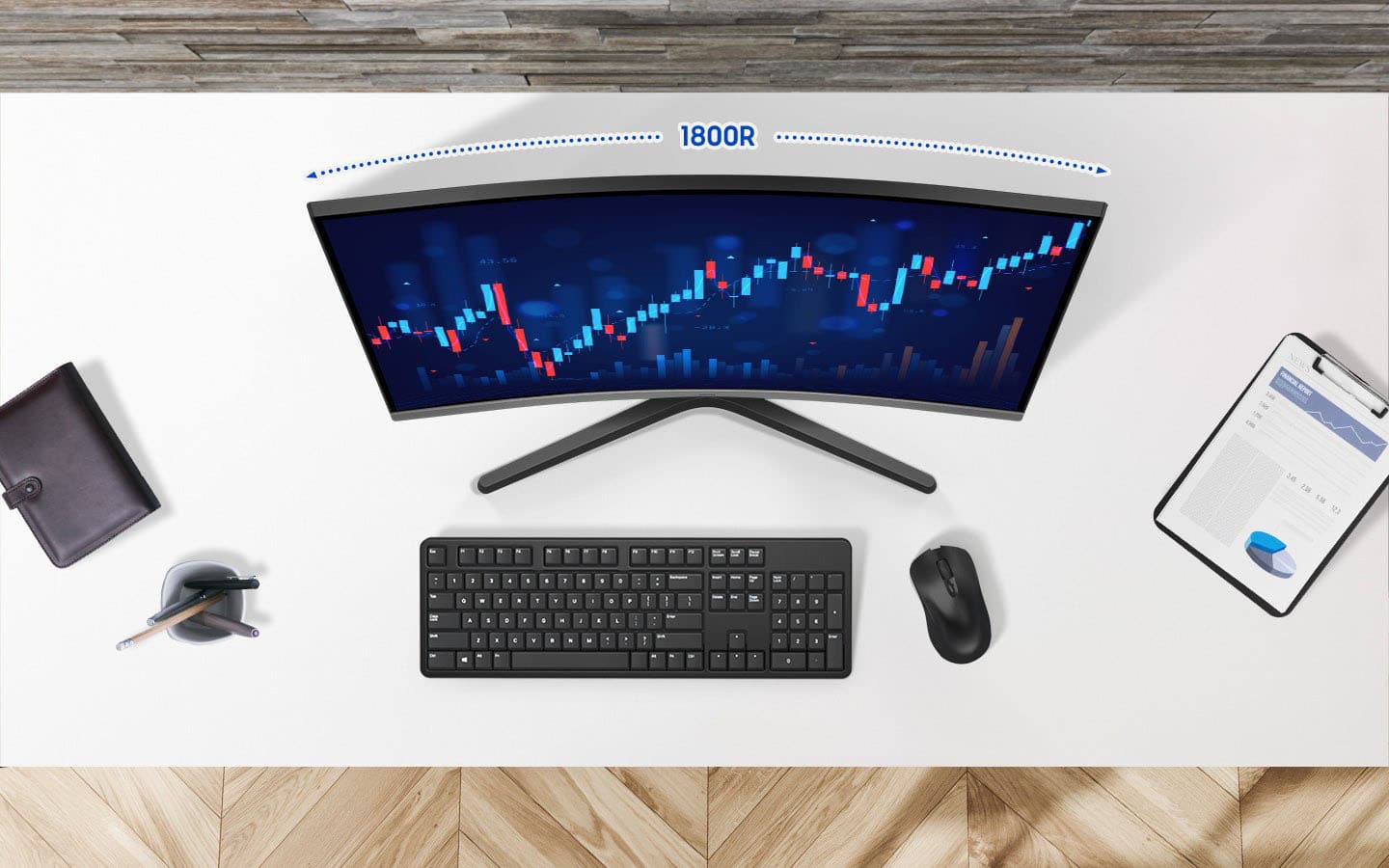
|Posted .This reviewer received promo considerations or sweepstakes entry for writing a review.Most of the curved monitors I've seen, particularly from the larger brands like Samsung, tend to target enthusiasts or professionals. More budget minded options do exist, but they tend to be fairly obvious about what they are. Samsung's latest attempts to address that by wrapping their latest lower spec'd curved display in a sleek, stylish package that should please anyone looking for a good deal. The monitor's design goes out of its way to evoke the same design language of a lot of Samsung's last generation performance displays. The semi-rimless black and silver design is understated enough to blend in in an office setting while still boasting just enough aggressive angles to feel at home in a gaming setup. The 1800r curvature is ideal for close viewing, and while it's not quite large enough to fully immerse you in what you're doing it does significantly alleviate eye strain over long periods of use. Port selection is somewhat limited though - with just an HDMI and VGA at the back. It's a practical mix that should accommodate the vast majority of use cases, but I can't say it doesn't feel a little dated given far we are into the adoption of DisplayPort. When it comes to actual performance, there's very little to complain about. It may not be Samsung's most impressive panel but colors are good, it doesn't pick up much glare, and the 100hz refresh rate is plenty responsive for daily use and the occasional gaming. The biggest issue is a pretty common one: it's a 27" FHD display. That's definitely pushing up against the limits of how big you can make a panel like that and still have it look good, so if you're the kind of person who likes to lean in to examine fine detail you may be disappointed when you start seeing pixels. It still looks fine when you're sitting at the proper distance, though, and can provide some excellent HD gaming experiences.
I would recommend this to a friend - Pros mentioned:Refresh rateCons mentioned:Connectivity
Affordable and good for everyday usage
|Posted .This reviewer received promo considerations or sweepstakes entry for writing a review.In 2025, this is a 1920x1080 only resolution. It is a 27" curved but FHD. The refresh rate is 100Hz, better than 60Hz... Good enough for average daily usage and some modest games that are not requiring HD... I'd say home and office works are just fine to do on it. The curved shape is giving it a wider impression feel. It provides a sense of immersion and ease to navigate with your eyes. Thanks to Win11, you can use this large screen very efficiently. It looks nice on the desktop and has built-in speakers. Good option if you don't want to add some external ones on the table. Basically as Pros: - The curved display shape is a very good point. It gives the 27" a feeling of a bigger screen. It also coverup on the resolution and refresh rate lacking. It does look better in real life than on paper. - Refresh rate above 60 Hz is a good upgrade from any average boring monitor that I've been using daily. The colors look more vivid. It does make my primitive games look better a bit. - Built-in Speakers are below average. Good for some computer's notifications and some occasional audio listening. Not the high definition sound bar quality but ok. It is almost a free addition to this monitor. I found it helpful when I am plugging my streaming dongle in the monitor. - Priced well: Usually curved screens are running more expensive than this one. Samsung has it at a good deal price. As cons: - I am missing my USB ports. I've got used to them on my other screen. - Sound quality is not the best. - FHD is not 4K. Even though it is still ok... - Connecting it to Mac shows some issues with the color truthfulness. Didn't see that with PC. - Default stand is not giving a lot of options. I am getting it replaced with table mount stand. In general, this is a very affordable curved screen. It gives you more than average visual experience and a step in the curved screens realm. Very good for daily computer usages and light games. Also good for some other applications. You may skip this one to QHD or 4K if you are trying to have a gaming experience. The price would be different as well. I'd recommend it if you are looking for a complete package that includes speakers. Also a nice looking curved screen that you can show off! Very good for home screen (or office) to be used for homework, internet browsing and entertainment.
I would recommend this to a friend - Pros mentioned:Refresh rate
Great Productivity Monitor
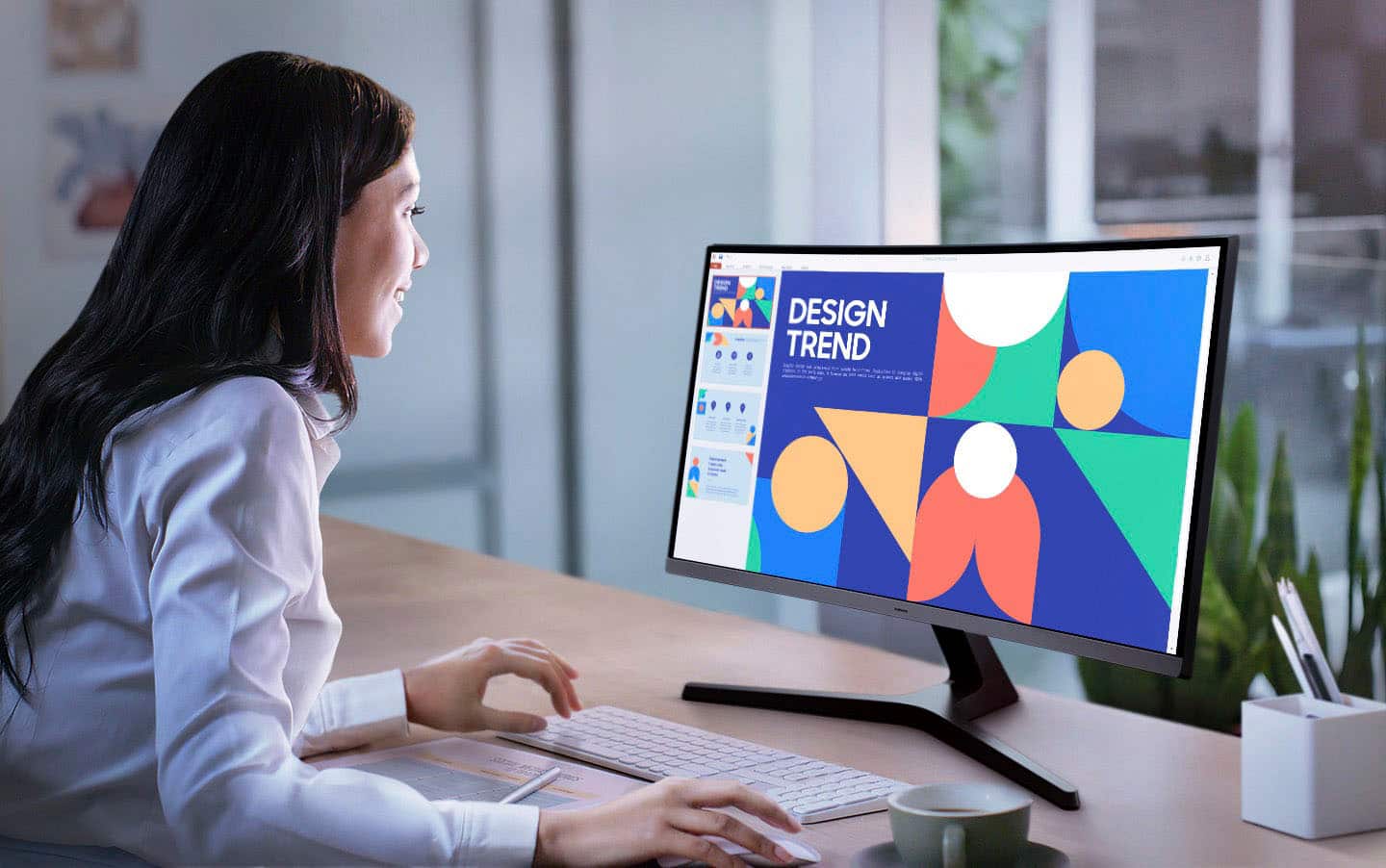
|Posted .This reviewer received promo considerations or sweepstakes entry for writing a review.The Samsung S39GD Curved FHD Monitor has been great for my home office setup. The curved display makes staring at this screen all day a breeze, and it fits great on my desk without taking up too much space. The 100hz refresh rate has made this monitor extremely easy on my eyes as well, scrolling through spreadsheets all day is buttery smooth. The built in speakers are not bad, and work ok in a pinch but they are definitely not the ideal situation for watching movies or listening to music. I typically use headphones so this is a non-issue for me. The picture quality is amazing when using productivity apps like Excel and Word, I also really enjoy watching YouTube videos and even movies and TV shows on this screen. The higher refresh rate definitely helps with those scenarios, but the color saturation on the screen is great as well. This monitor really checked all the boxes that I needed for my home office, and even works great for entertainment uses outside of my typical day to day work. Overall this monitor is a great value and I will definitely consider adding a second one soon.
I would recommend this to a friend - Pros mentioned:Image quality, Refresh rate
Samsung - 27" S39GD Curved FHD 100Hz Monitor
|Posted .This reviewer received promo considerations or sweepstakes entry for writing a review.The Samsung - 27" S39GD Series Curved FHD 100Hz Monitor with Built-in Speakers (HDMI, D-Sub) speakers are good. Although I decided to add additional speakers to the monitor to bring out a more powerful sound. I loved that the screen is curved. I do a lot of regular work in addition to my volunteer work and spend a lot of time on the computer. I like the curve feature angled feature because it allows me to view at an angle. Feels more relaxing to me on the eyes. In addition the display is pretty good. The quality of the images are great. In addition to work, I enjoy watching videos and playing games. The refresh rate of the monitor is pretty good. No complaints there. I like that I have two different types of ports with this monitor, the HDMI one and the D Sub VGA. As I use all kinds of different types of technology.Overall is a good product and I love Samsung. Pros: Refresh Rate Angled View Display is Clean and Clear Built In Speakers Ability to Use For Work and/or Gaming {I do both} Cons: None at This Time. Thank you for the opportunity to test the Monitor.
I would recommend this to a friend Terrible monitor
||Posted . Owned for 1 week when reviewed.This reviewer received promo considerations or sweepstakes entry for writing a review.I had it for a week a d lightly touched the screen and it cracked.
No, I would not recommend this to a friendBrand response from Samsung
Posted .Thank you for your review of the 27" S39GD monitor. We are sorry to hear about your experience. Please know that Samsung is committed to providing the best possible product experience, quality, and value, and your feedback will be shared with our product and customer care teams. If there’s anything we can do to further improve your experience, please let us know by calling Samsung Support at 1-800-SAMSUNG, available 8AM - 12AM EST (Mon-Fri) / 9AM - 11PM EST (Sat-Sun).

- Pros mentioned:Refresh rateCons mentioned:Port count
Not flashy but good
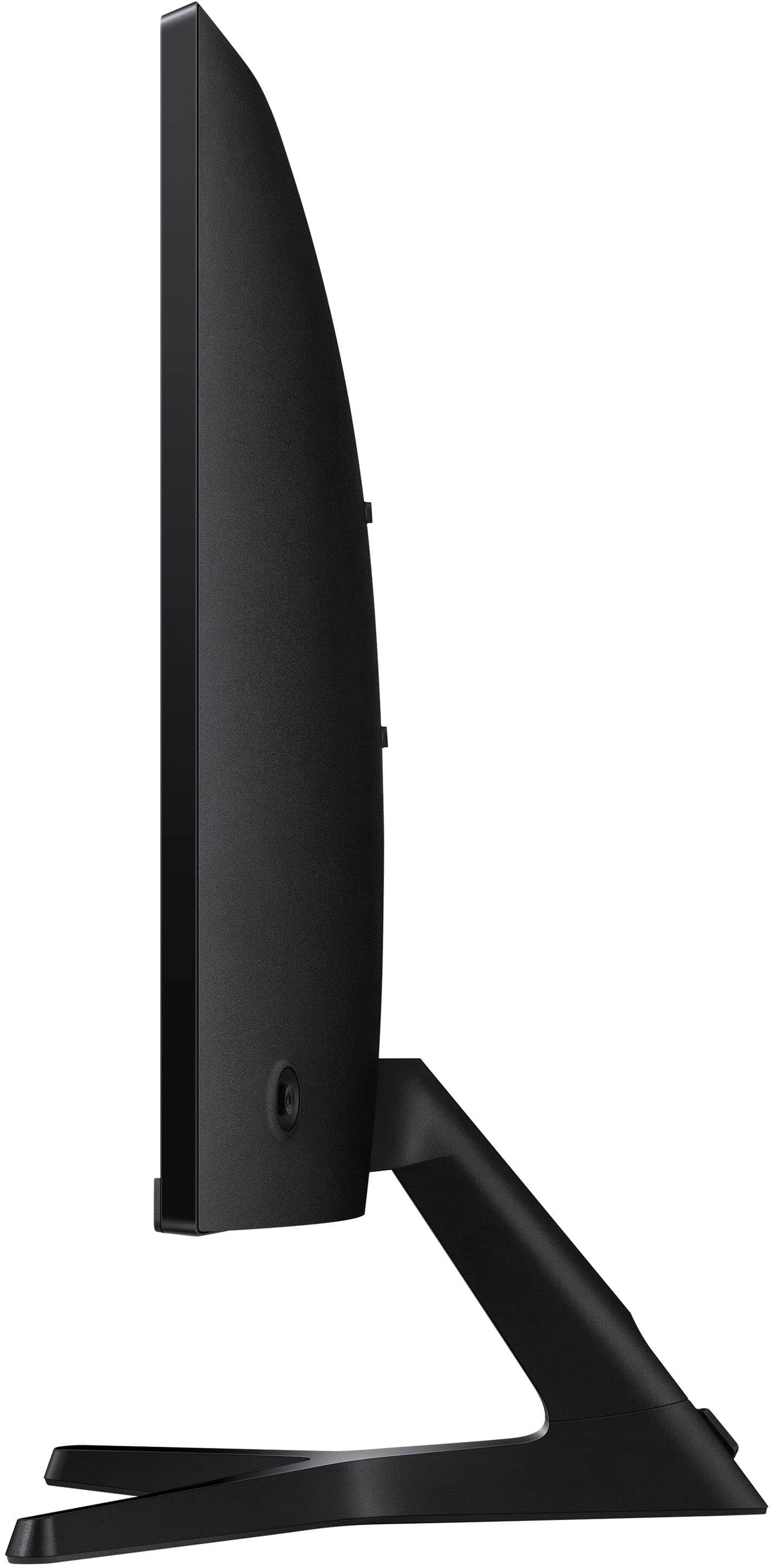
|Posted .This reviewer received promo considerations or sweepstakes entry for writing a review.This is a solid general use monitor, anything productivity related or just consuming media on your laptop or desktop will perform great on this. It features a curved screen which helps with the field of view when you have it centered in front of you and reduces eye strain. Its not a extreme curve, very subtle but it is a nice feature for this type of monitor in my opinion. Refresh rate goes up to 100hz, nothing ground breaking here but it will feel smoother and more responsive than a 60hz monitor. Just make sure you configure it to run at 100hz, Windows will default to 60hz when you first plug it in which is normal and nothing to do with the monitor itself. I would recommend spending a bit more to get a higher refresh rate panel if you are looking for a gaming monitor. Brightness is pretty typical nothing that is going to feel like you got hit with a flashbang when your looking at it in a dim or dark room. This is a VA panel so color accuracy and contrast are pretty good especially at this price point. Connectivity is a bit disappointing, it offers one HDMI 1.4 port and one D-Sub(VGA) port for use with a server or older hardware. The HDMI 1.4 port isn't really a detriment to performance as it is able to push 1920x1080 at 100hz without issue, but would have been nice to have one more HDMI or Display port connection to make it easier to use with multiple devices, for example occasionally hooking your laptop up for work. The stand isnt anything to write home about only offering tilt adjustment, nothing for height and it cannot be rotated into portrait orientation, but it is compatible with 75x75 VESA mounts for those that use a monitor arm or those that want to upgrade from the included stand. Lastly, Samsung includes all the cables you would need, even a D-sub cable just incase your hooking this up to grandmas Gateway from 2000. Overall if you are looking for a monitor with a focus on productivity apps and light media consumption this is a great option.
I would recommend this to a friend - Pros mentioned:Refresh rateCons mentioned:Connectivity
Great picture, sound not so much
|Posted .This reviewer received promo considerations or sweepstakes entry for writing a review.I’ve been using this Samsung S3 27 inch curved screen monitor for several days now. On the “Pro’s” side the screen display of this monitor is wonderful and I really like the curved aspect. The description of the product says it provides a more “immersive viewing experience” and I would agree with that. I prefer it to the flat screens I’ve always had. It does provide a beautiful picture with several picture mode options (Cinema is my favorite). Additionally, the 100Hz refresh rate showed no lag on the videos I’ve watched. I’m not a gamer so can’t speak to its effectiveness for gaming. On the “Con’s” side, the monitor has only 1 HDMI input port and no webcam. It does have built-in speakers but they are average at best in my opinion. There is no bass to them and they are rather tinny sounding particularly at higher volume levels. I suppose they’re better than not having any speakers at all, but my laptop speakers sound MUCH better than the monitor speakers. Overall, for the price it’s a very nice monitor and I love the curve and the display. But plan on having an external speaker system to improve the sound, an external webcam if you need one, and an HDMI splitter to add more ports if you want to use more than one device.
I would recommend this to a friend - Pros mentioned:Image quality
Curved screen for an immersive 100Hz experience
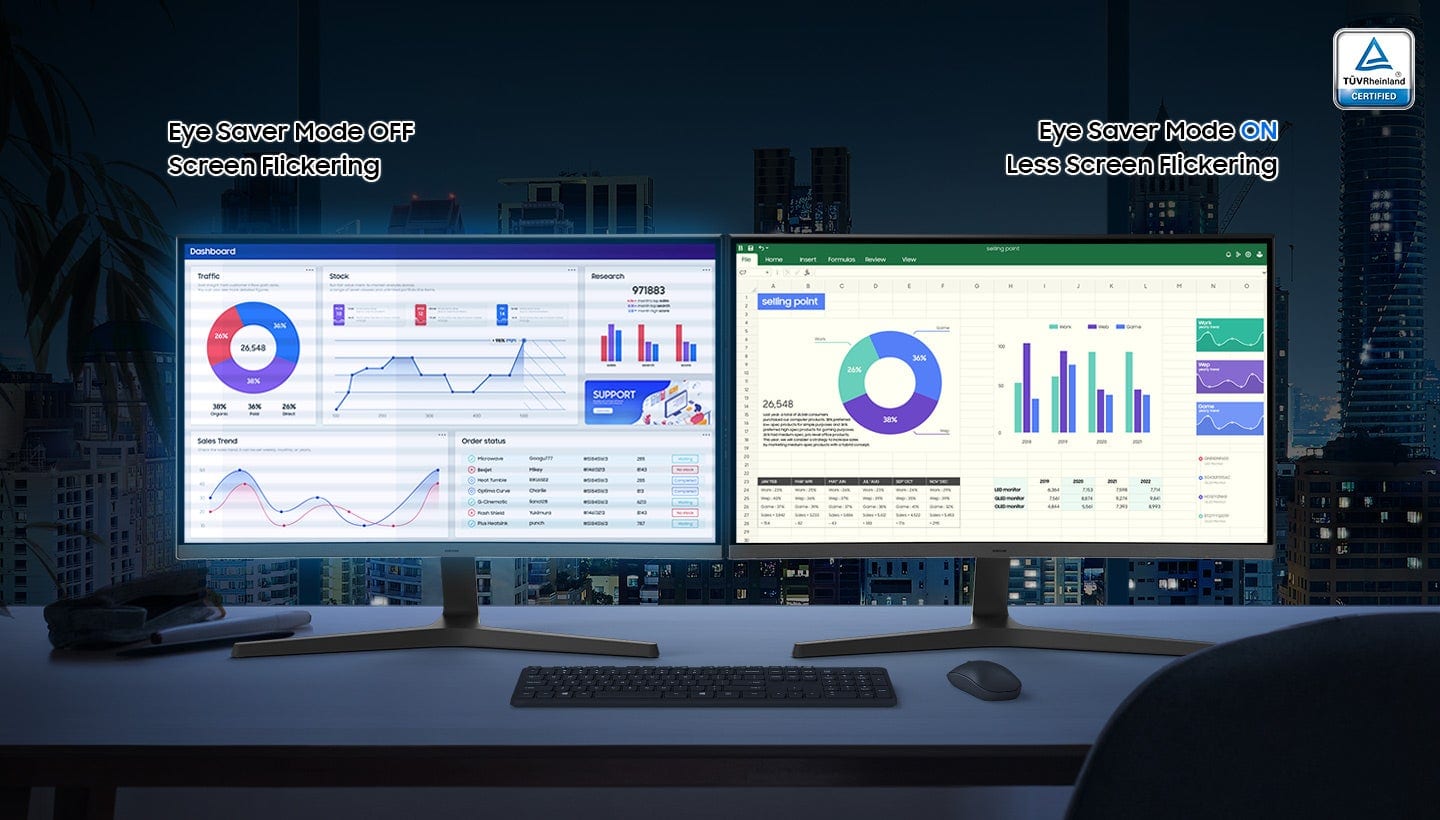
|Posted .This reviewer received promo considerations or sweepstakes entry for writing a review.I have been using an older 27” Samsung 1080p curved monitor working from home for a couple of years now but I do a lot of multitasking work, documents, large spreadsheets, reporting and monitoring dashboards and with the addition of this Samsung 27” curved FHD 100Hz monitor I can fit everything more comfortably without having to resize windows. Installation was super easy, only took a few minutes to attach the stand and connect the external DC power supply and the included HDMI cable. Image adjustments are pretty basic but good enough for the average consumer in this price range. It is a bit less crisp and the colors are less vivid than my 4K monitor, but that’s something also dependent on the signal source and whether or not you're using the eye saver mode which dulls the image a bit to protect your eyes. I’ll have to play around with more video card settings on my work laptop, since it certainly looks crisper when connected to my personal desktop PC. I wish it was a bit brighter since my desk is by a window that gets a lot of sun in the afternoon, but at least the screen has an anti glare coating that helps in bright rooms like mine. The built-in stereo speakers are decent for convenient content consumption, but if you’re an avid gamer, you’re probably already using a gaming headset for more immersive sound. All in all this is a budget friendly mid-range monitor with narrow bezels great for setting it up side by side with other like-monitors offering a good amount of screen real estate for work multitasking, watching videos and gaming, especially with the updated 100 Hz refresh rate. Gotta love the curve.
I would recommend this to a friend - Pros mentioned:Image quality
Outstanding
|Posted .This reviewer received promo considerations or sweepstakes entry for writing a review.Most of my work from home has ended, but I still want a good monitor for my work computer for those days when going into the office is not happening For monitors there are tons of brands and generally speaking, they are mostly the same. Some have slightly richer colors and others a faster refresh rate (I don’t game so it does not matter). Also, many brands have names that I have never heard of and can’t even pronounce But Samsung is a trusted brand that has been around a while. Seeing that they offer a curved screen, I thought that I would give it a try with the price being reasonable to ones without that option Unboxing was simple and they did an excellent job packaging to prevent damage Instructions were simple, but there really is not much to be done Lay it on its side and install the stand. You will only need a phillips screw driver plug in the power and HDMI and you are in business. My laptop instantly recognized it and some quick driver updates and I was running The monitor is very clear with rich colors represented, but the curved screen is the hit. Very immersive as the slight wrap around pulls you in Very pleased with this Best Buy purchase
I would recommend this to a friend Great monitor.
|Posted .This reviewer received promo considerations or sweepstakes entry for writing a review.The Samsung S39GD 100 hz Full HD monitor is a great monitor with a good picture. I have been using this monitor as a second screen for when I tab out of my main monitor during gaming sessions. This monitor is really perfect for that. It is a fairly simple monitor with a cool curved feature. There is no display port but you get an HDMI port and a PC in port. While you aren’t getting screaming FPS rates, it is still a good side monitor or even a main monitor for work tasks. I would not get this monitor as a main gaming monitor, however. Although, if 100 hz is all you need for games I think you will be happy with it. The built in speakers work well enough if you don’t have a dedicated speaker set up and should have everything you need to get some work done. Overall, a good monitor for work or a second monitor. The curved feature is nice and provides a bit more depth while using this monitor. If you’re looking for a new monitor for work or a second monitor, I would definitely consider this panel. Samsung makes excellent screens and I think anyone would be pleased with this monitor!
I would recommend this to a friend- Pros mentioned:Refresh rate
Nice Display but Nothing Special
|Posted .This reviewer received promo considerations or sweepstakes entry for writing a review.INITIAL IMPRESSION: I selected this 27” S3 curved model to replace my existing 27” flat screen display for my primary home office desktop PC. While I was immediately impressed with the vivid display, I soon realized that the curved design wasn’t the best fit for my particular home office setup. Even after using it for a full week, I haven’t acclimated to the curved design when using my standard MS Office suite of apps, including when writing, reading, & editing Word docs, building & editing Excel spreadsheets, & reading & writing emails in Outlook. So, I decided to pair this new monitor with another PC that we use primarily for entertainment, media, video editing, & gaming. STAND: Some of the things that I’m not crazy about include the stand. The light plastic stand has an awkward 3-legged base with a rear center leg that extends away from the user, in the 12 o’clock position, towards the back of my desk & touching the wall behind my desk. The stand’s poor design effectively shoves the monitor forward towards the center of my desk so that, rather than allowing the monitor to be pushed back as far as possible & almost flush w/the wall behind it, the monitor instead protrudes about 7” away from the rear wall towards the user. This reduces the minimum required distance between my eyes & the front of the display screen, bringing the monitor 3” closer to my face than my previous 27” flat panel monitor. Unfortunately, the stand’s limited tilt adjustment doesn’t allow me to resolve the reduced separation, resulting in immediate & sustained eye strain. Thus, I made the decision to move this monitor to a deeper desk where I can realize more distance between the curved display & my eyes. This is something to keep in mind if you have a shallow desk like mine, w/a depth of only 24”. Admittedly, if my home office desk dimensions included a minimum 30” depth, then this complaint would be a non-issue. ON/OFF: I don’t like that I can’t just press the power button to turn off the monitor & leave my desk. Instead, I’m required to press the universal control button on the backside of the monitor at bottom right, toggle to the power icon, & then press the button again to power off the display. On the upside, I do like the toggle for accessing the menu of display adjustments. SPEAKERS: If I didn’t already have external speakers, I suppose the super-tinny speakers might be better than nothing. But the resident speakers are so inadequate that perhaps Samsung should’ve invested in a more substantial, higher quality, flush-mount stand & just nixed the speakers altogether. Either the speakers should be enhanced or users should be made aware that they’ll need external PC speakers or headphones to experience quality audio output. DISPLAY: Now for the good stuff. Once I moved this monitor to my other PC, I was able to better enjoy the more immersive feel of the curved design. The 100Hz refresh rate vs. my previous 60Hz is a welcome upgrade. It’s most noticeable when gaming, but also slightly smoother when just moving the mouse around. I noticed less distortion around the edges, fewer artifacts, & less eye strain without jittery/jerky frames. The Game Mode feature is nice. It’s easily switched on/off with the universal toggle on the back. It also has an Eye Saver Mode. I didn’t care for the high or low options as they seemed to distort the color. Instead, I preferred to just manually fine-tune the color, brightness, & contrast. The FHD (1,920 x 1,080) resolution is adequate, but not impressive. I do like the black & gray bezel which blends nicely with my keyboard, mouse, & surrounding office furniture & accessories. Overall, this is a decent monitor for this price point. The curved design is conducive for greater immersion in gaming & media content. But the specs & overall performance don’t rise to the level of a dedicated or true gaming or multimedia monitor. On the other hand, I wouldn’t cite this monitor as ideal for standard office or business use either. It’s a monitor that sort of falls in that drab, mushy middle of what some might call “no-man’s land.” It’s functional, but not special. It’s workman-like, but it doesn’t stand out or offer much to highlight. It’s practical but doesn’t really shine in any area. But if you’re budget-minded & looking for a value-based, competitive, price-pt. monitor, this might fit that niche.
I would recommend this to a friendBrand response from Samsung
Posted .Thank you for your review of the 27" S39GD monitor. Samsung is committed to providing the best possible product experience, quality, and value. We greatly value our customers’ feedback and we utilize your concerns and opinions in our relentless efforts towards delivering world-class products. If there is anything we can do to assist you and improve your product experience, please don't hesitate to contact Samsung Customer Support via: 1-800-SAMSUNG, available 8AM - 12AM EST (Mon-Fri) / 9AM - 11PM EST (Sat-Sun).
BEST BUY'S HORRIBLE CUSTOMER SERVICE
Posted .This reviewer received promo considerations or sweepstakes entry for writing a review.This rating is because Best Buy does not care about their customers. I waited all day for my delivery and even contacted best buy and asked if the monitor would be on time. I was told yes. Well, nobody showed, and they told me that I would get soon. Did not care about wasting my time . I canceled the order but now t he order says they have 10 days to deliver. If they don't then a refund will be issued. Well time for some reckoning. If I do not grant them access, they will never make it to my door. I will let them waste their time trying. Owe I am disputing the charge with the bank so I will have my money back within 48 hours. STAY AWAY FROM THIS GOING TO BE NEXT BLOCKBUSTER VIDEO( NO MORE)COMPANY.
No, I would not recommend this to a friendBrand response from Samsung
Posted .Thank you for your review. We are sorry to hear about your experience with customer service. Please know you are leaving a review for the 27" S39GD monitor, not the service provided by Best Buy. Please follow up directly with Best Buy for further assistance. Should you have questions regarding Samsung monitors, please contact Samsung Customer Support via: 1-800-SAMSUNG, available 8AM - 12AM EST (Mon-Fri) / 9AM - 11PM EST (Sat-Sun).