Customer Ratings & Reviews
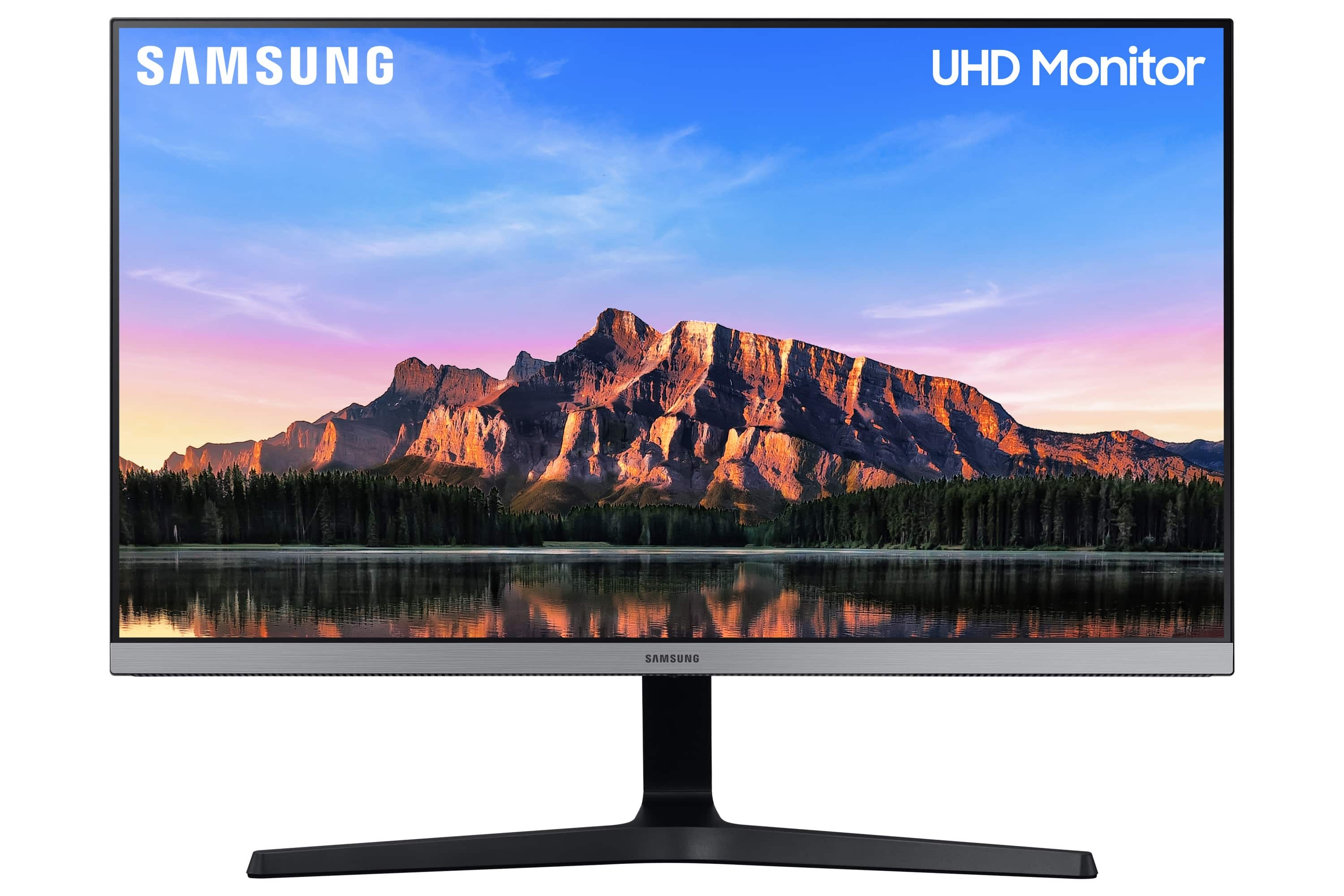
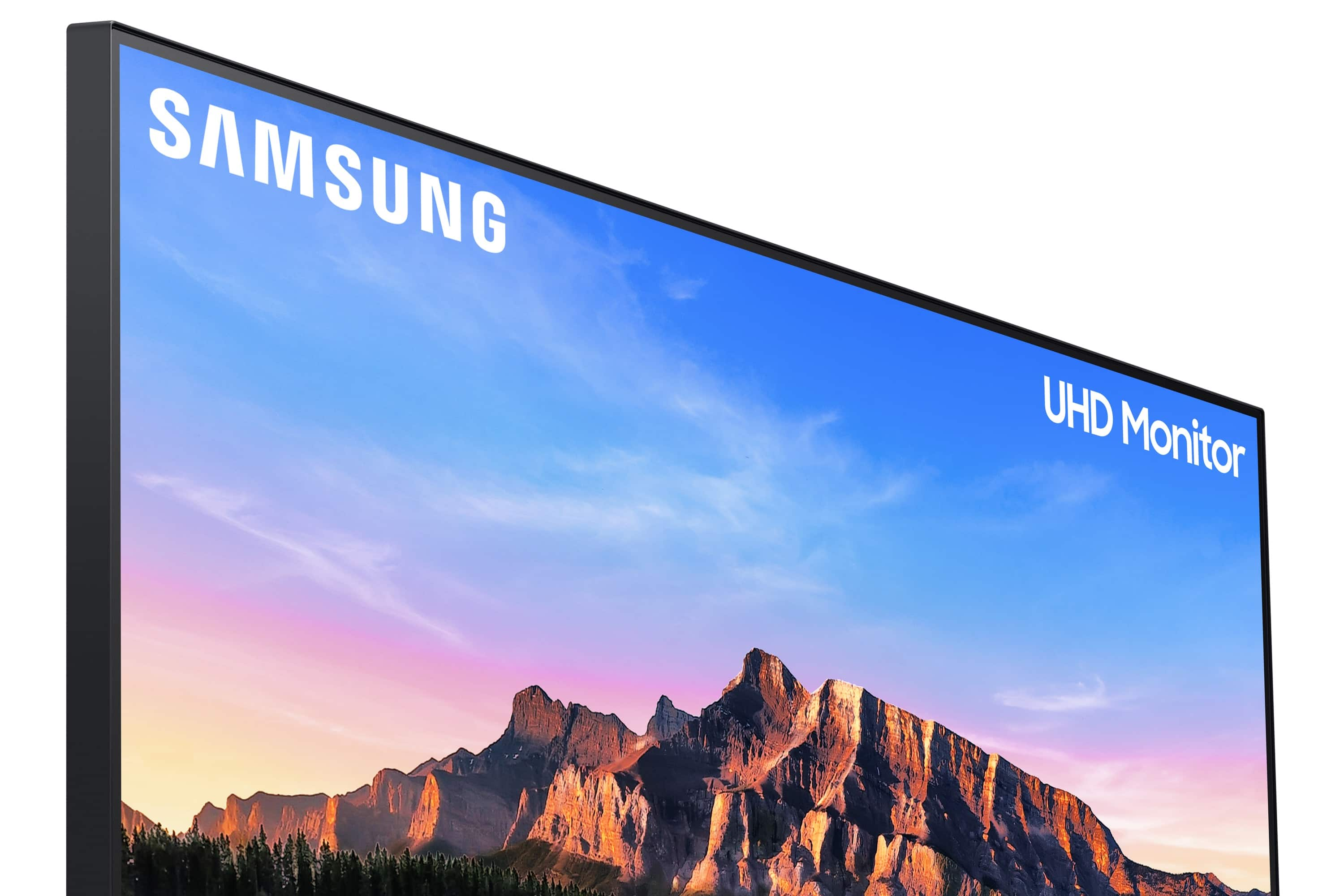
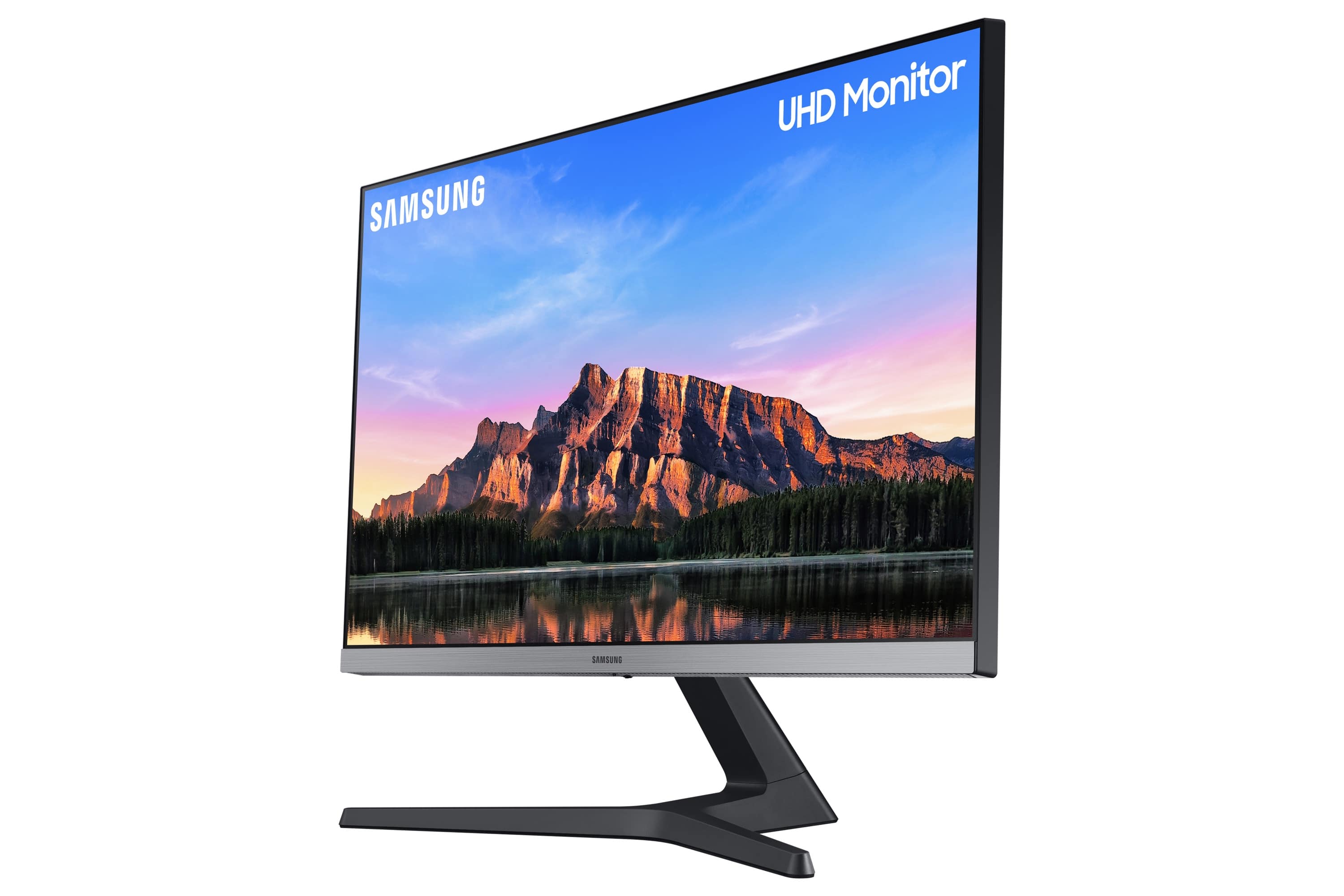
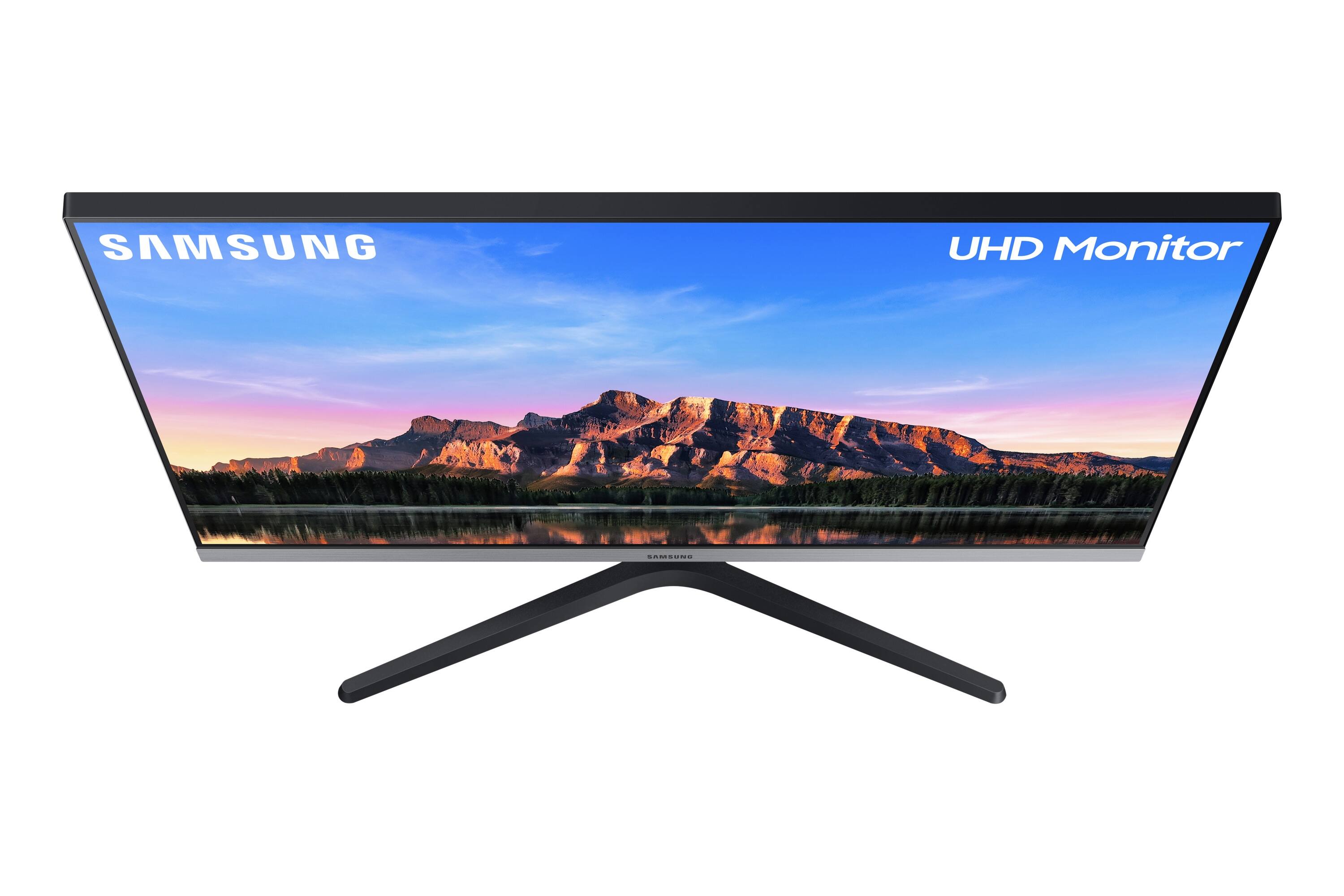
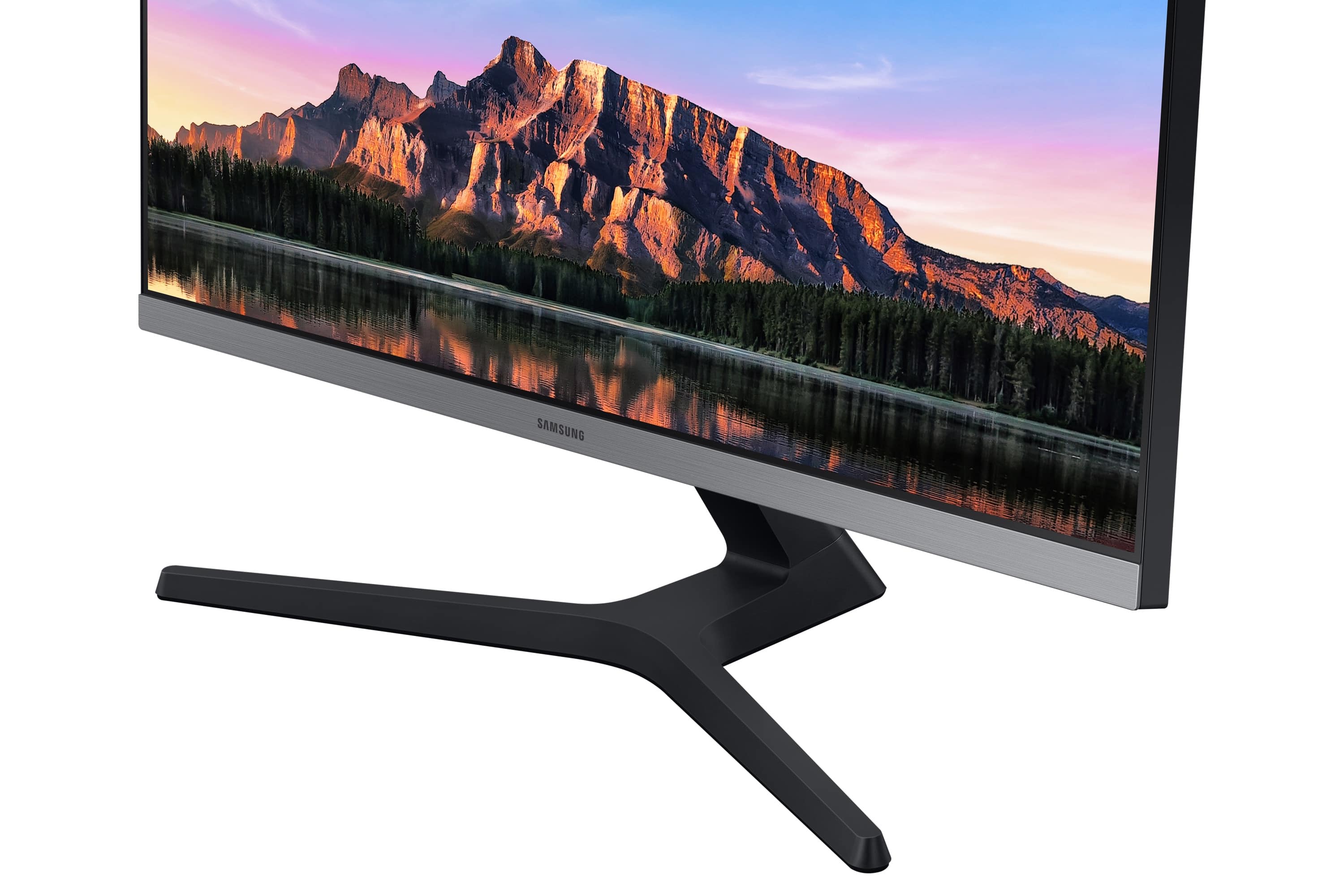
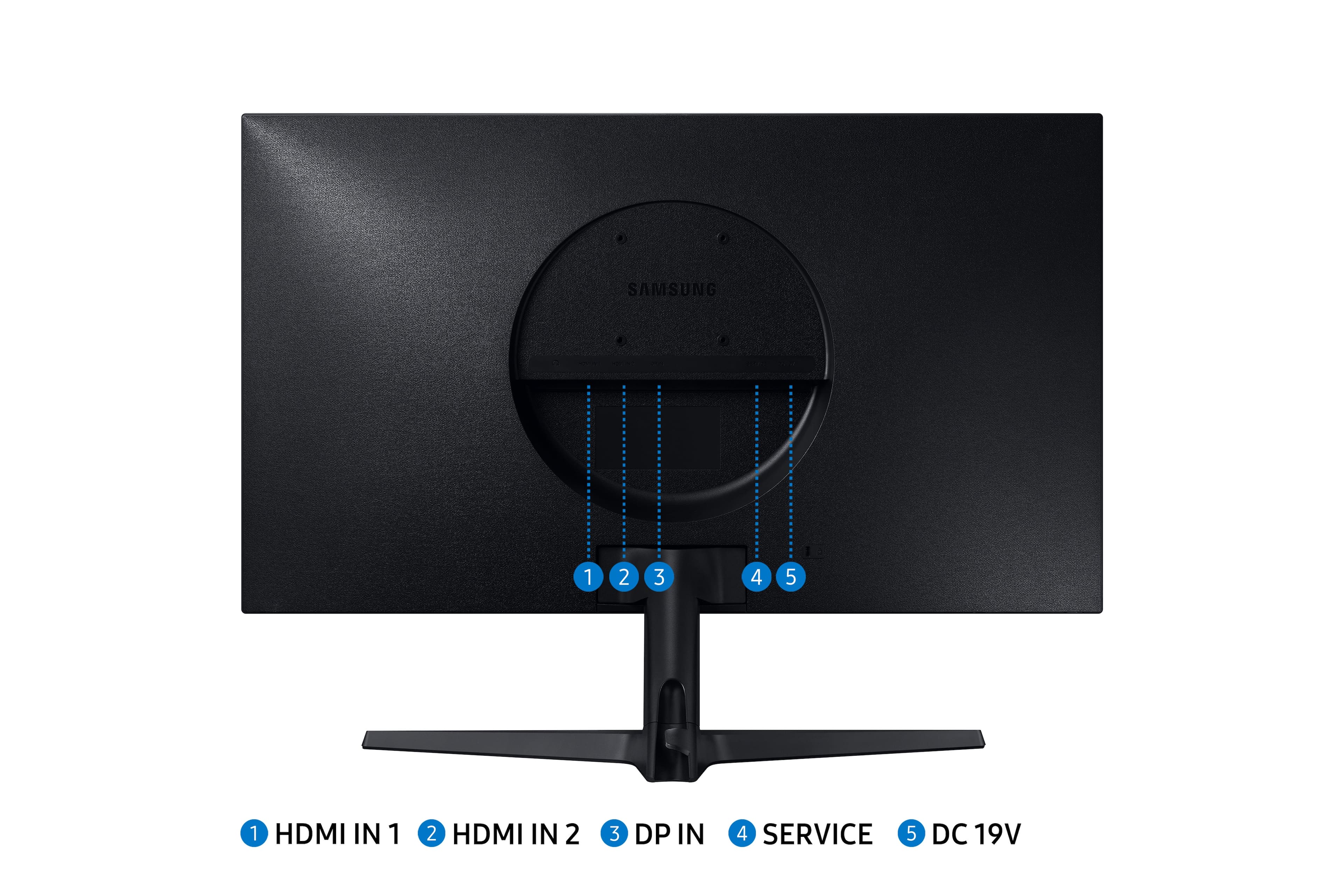
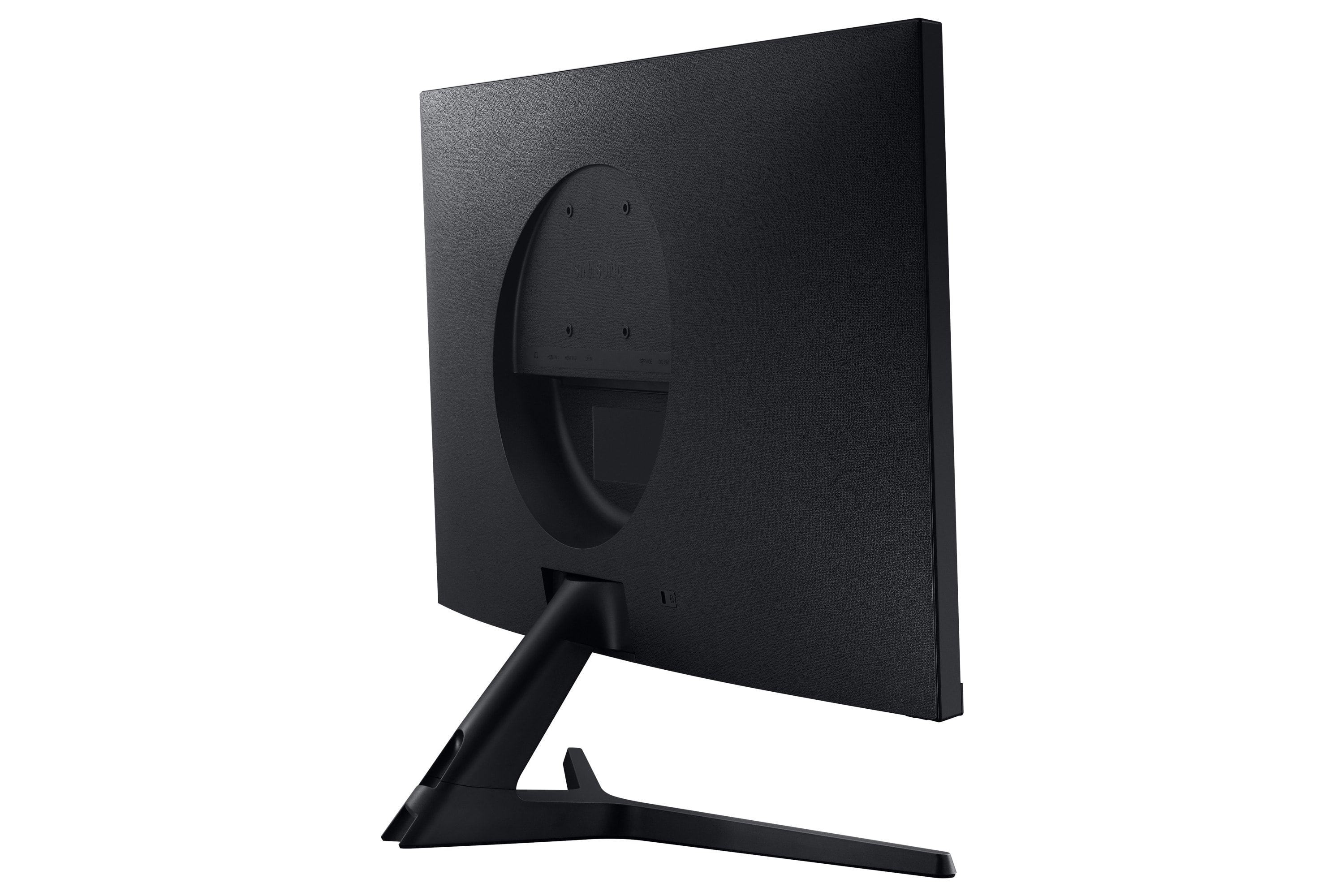
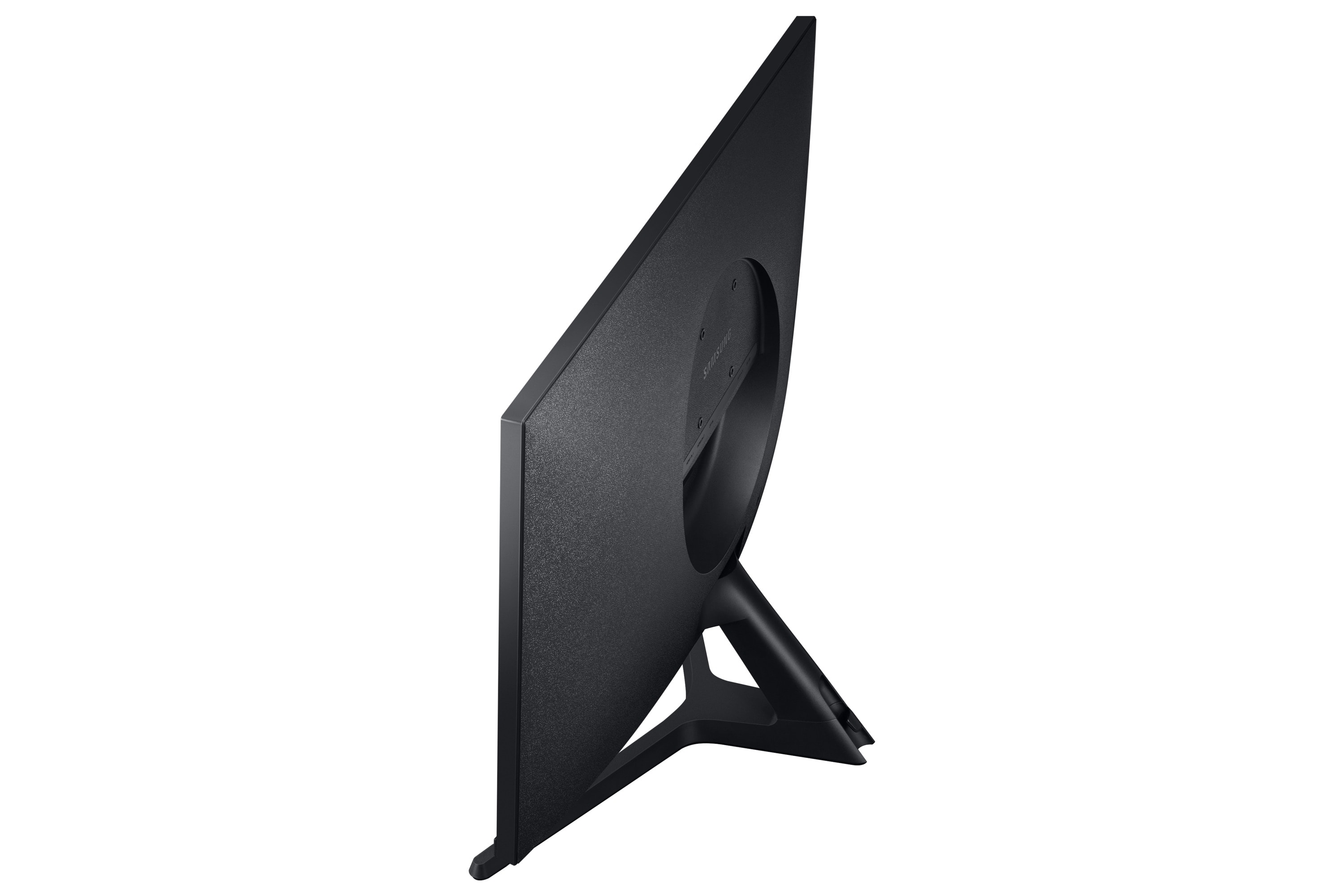
- Model:
- LU28R550UQNXZA
- SKU:
- 6386391
Rating by feature
- Display Quality
Rating 4.8 out of 5 stars
- Ease of Use
Rating 4.6 out of 5 stars
- Features
Rating 4.5 out of 5 stars
Customers are saying
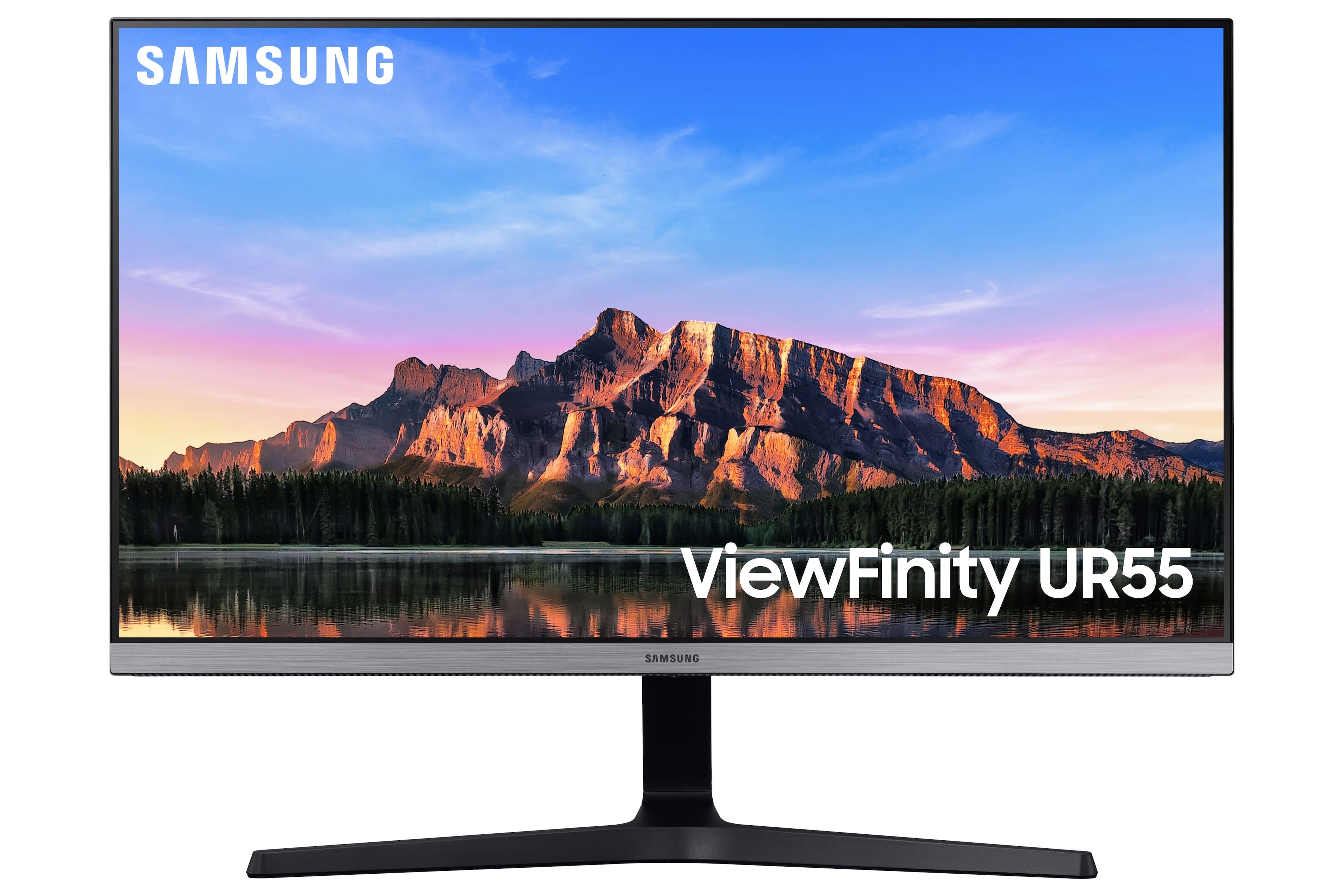
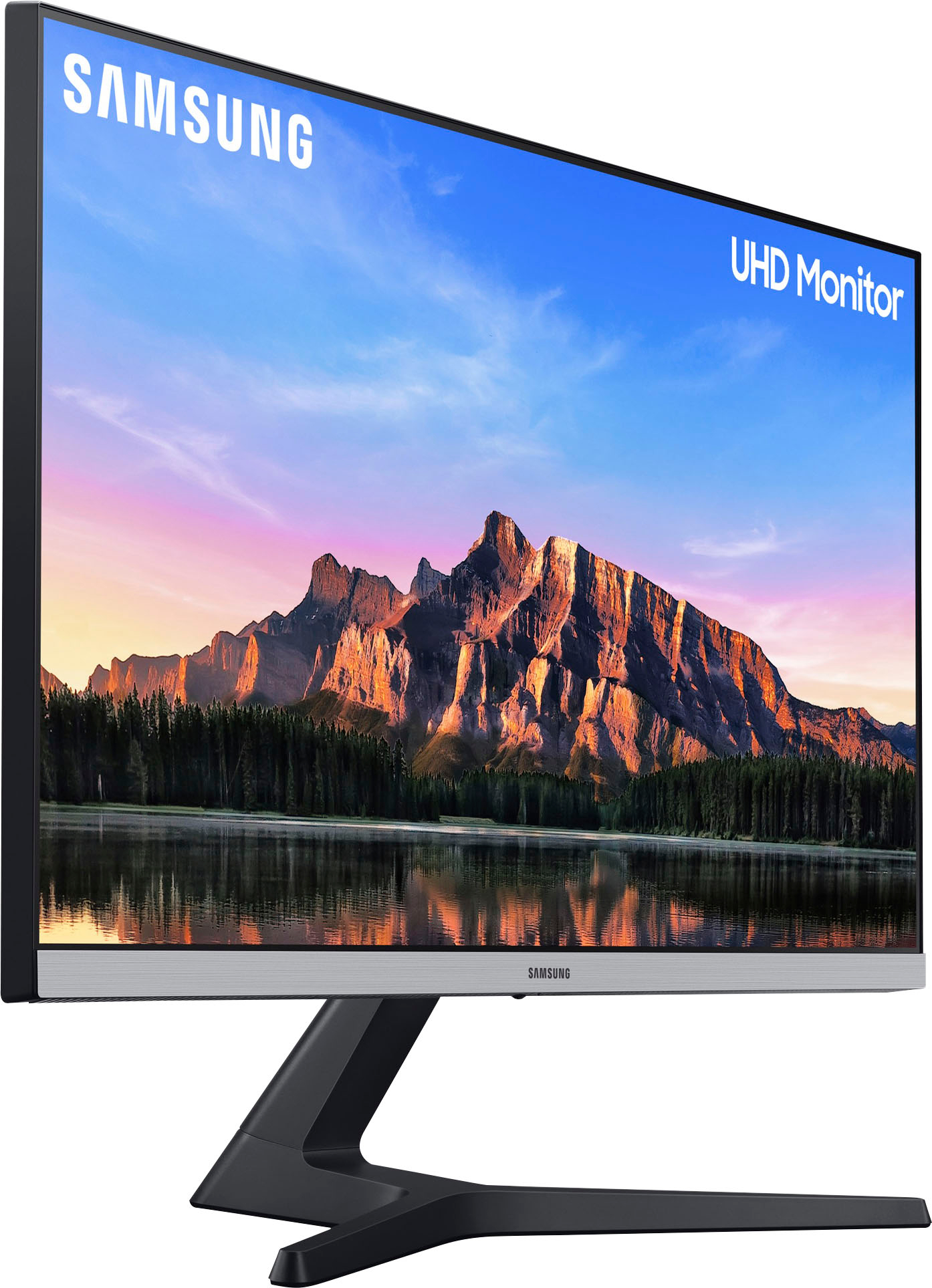
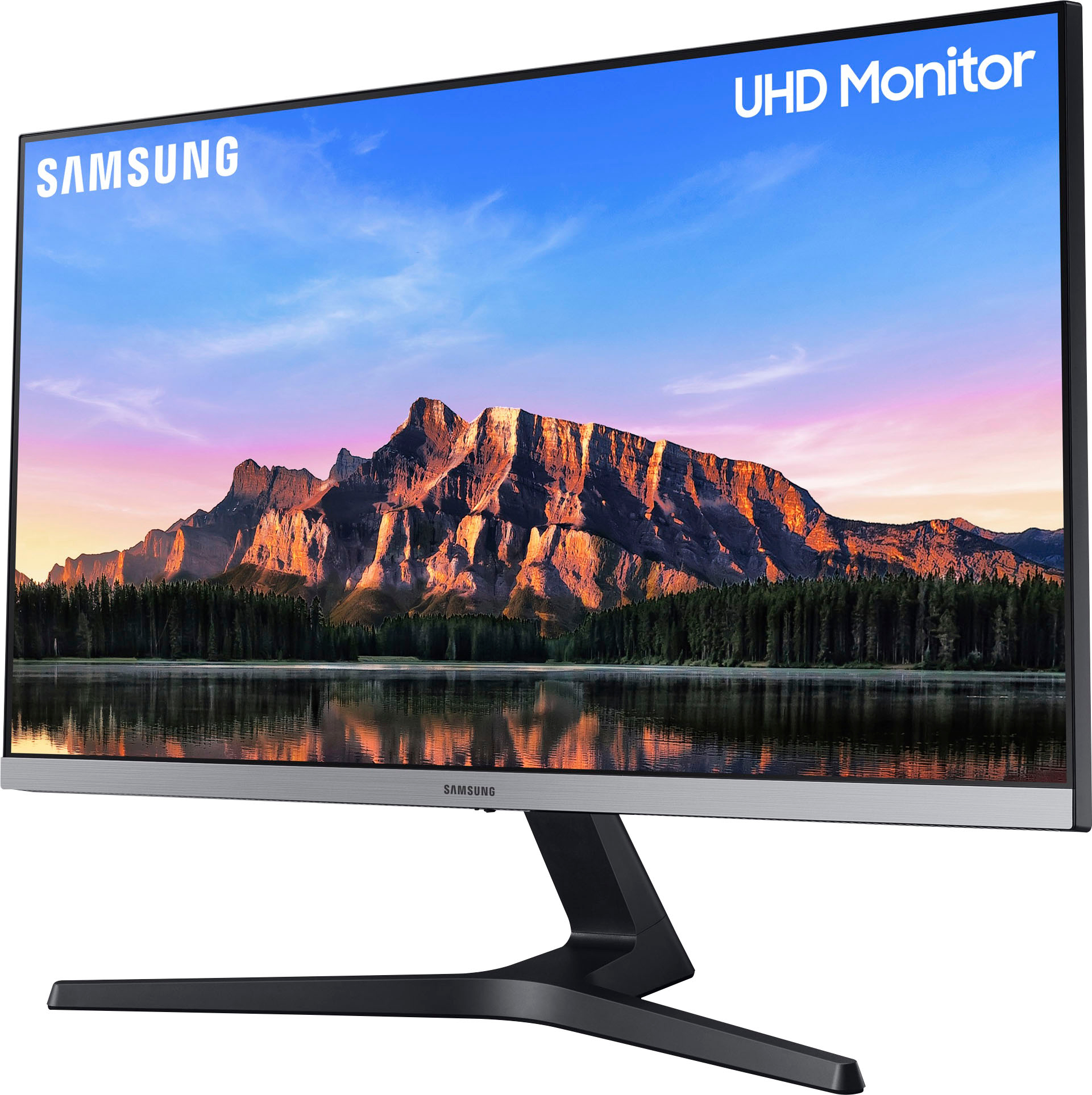
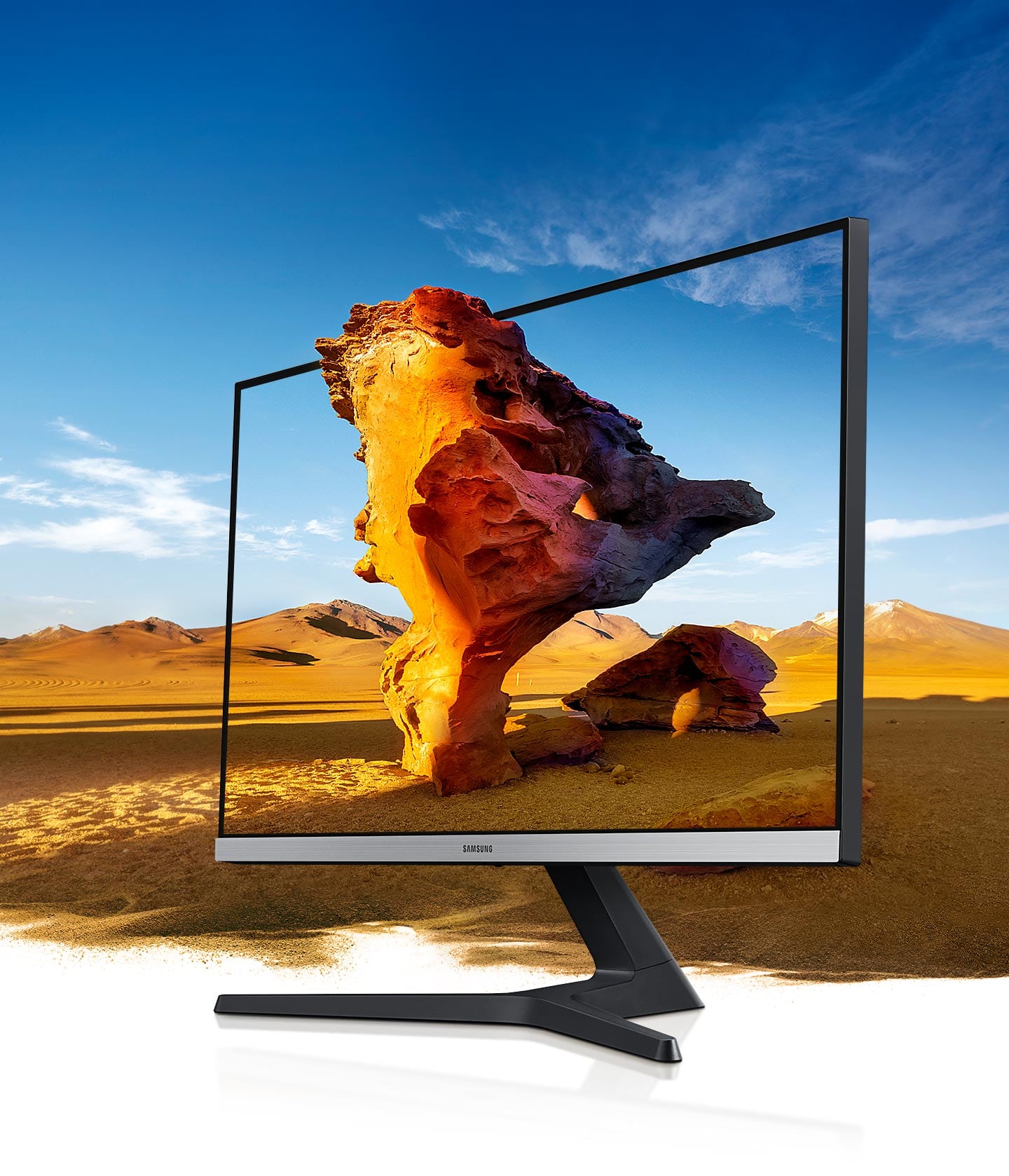
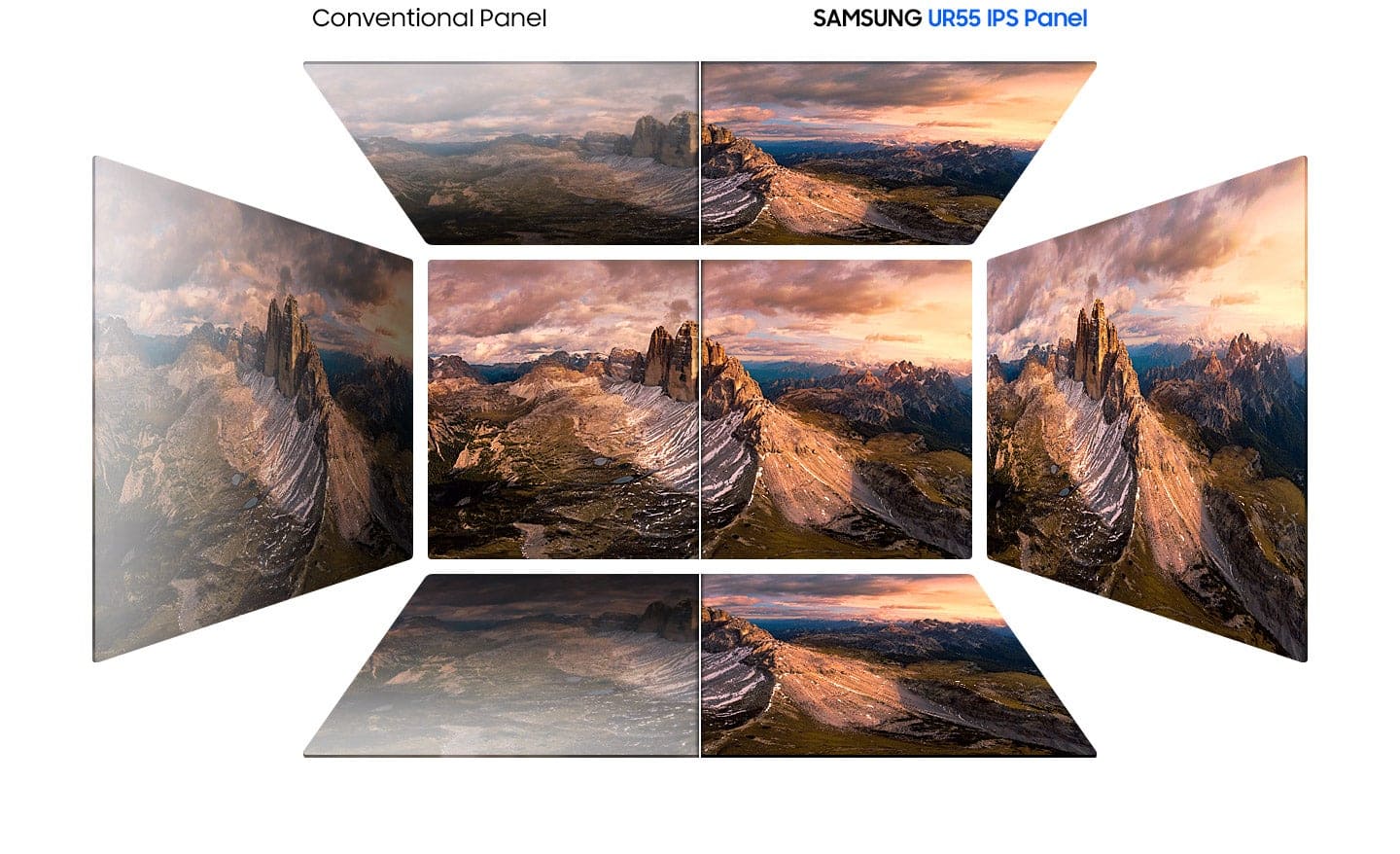
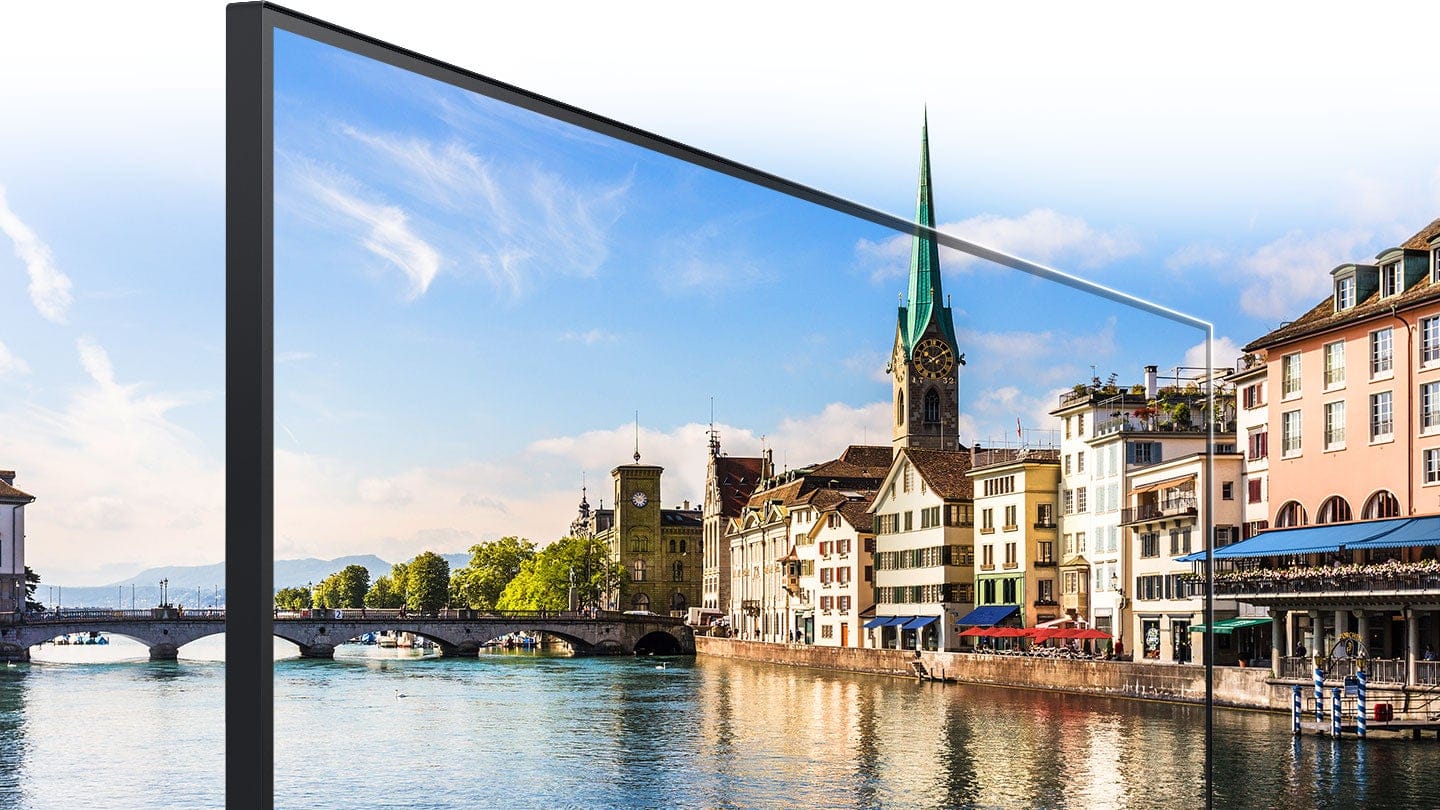
Customers admire the 28” ViewFinity UHD IPS AMD FreeSync with HDR Monitor's picture quality, color vibrancy, and value for its price, frequently praising the HDR capabilities and ease of use. However, some users express concerns regarding the refresh rate and the monitor stand's sturdiness. Additionally, the lack of built-in speakers and the placement of the VESA mount have drawn criticism, as has the input switching mechanism.
This summary was generated by AI based on customer reviews.
- Pros mentioned:Picture qualityCons mentioned:Refresh rate
Worth the money
||Posted . Owned for 2 weeks when reviewed.This reviewer received promo considerations or sweepstakes entry for writing a review.Does NOT Support 120 fps, but a very nice monitor still for the price and it is nice 4K and UHD using my Xbox series s. Most people will have no issue with this display, it is excellent.
I would recommend this to a friend - Pros mentioned:Picture qualityCons mentioned:Refresh rate
Great Monitor!
||Posted . Owned for 3 weeks when reviewed.This reviewer received promo considerations or sweepstakes entry for writing a review.Great Monitor! It is my second one! I love this monitor. It has great 4K video and picture and even though it’s only 60HZ, it still can get great smooth frames.
I would recommend this to a friend - Pros mentioned:Ease of use, Picture quality
Outstanding monitor
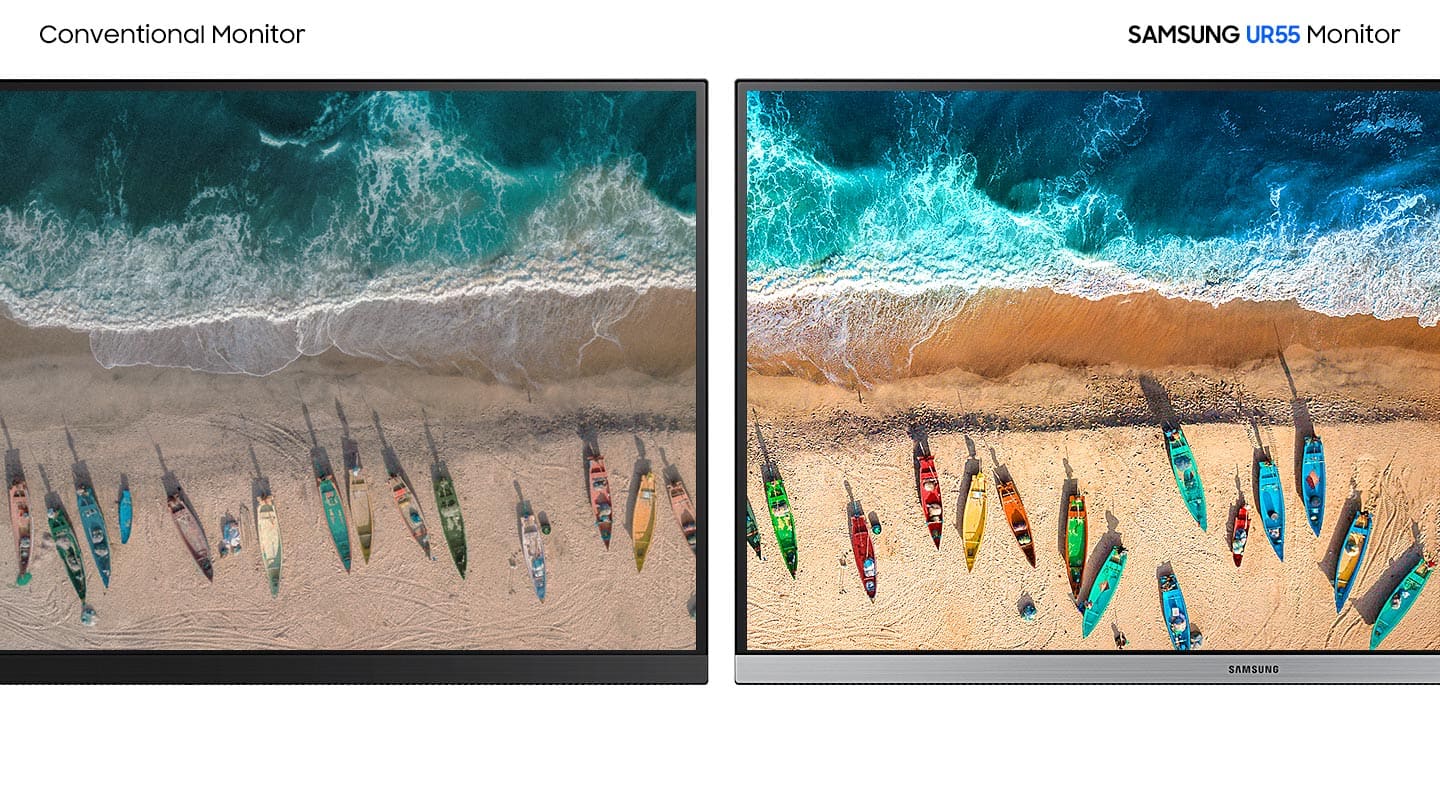
||Posted . Owned for 3 weeks when reviewed.This reviewer received promo considerations or sweepstakes entry for writing a review.The monitor was very easy to install and it works well with both my MacBook Pro and my Lenovo. The images are uniformly sharp and the colors are clear and bright. It is one of the best monitors I have used.
I would recommend this to a friend - Pros mentioned:Color, Picture quality
Great Monitor.
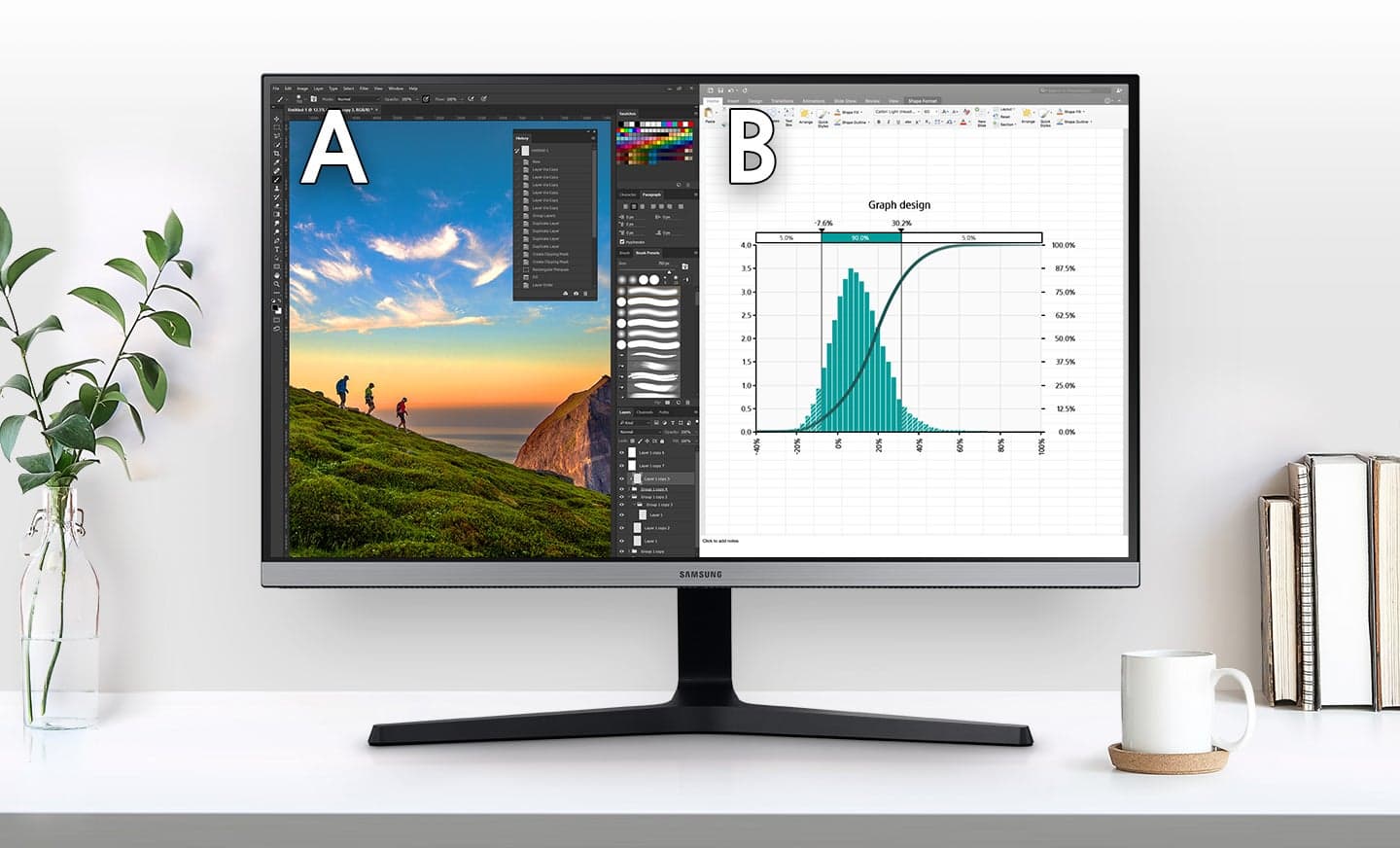
||Posted . Owned for 1 month when reviewed.This reviewer received promo considerations or sweepstakes entry for writing a review.Love this monitor. Colors are fantastic. Easily fits several windows at the same time. 4k videos are crisp. Most of my monitor/tv's are Samsung for a reason.
I would recommend this to a friend - Pros mentioned:Picture qualityCons mentioned:Speakers
Samsung 4K Monitor
||Posted . Owned for 2 months when reviewed.This reviewer received promo considerations or sweepstakes entry for writing a review.Samsung make awesome monitors and TV’s Picture quality is stunning Can be wall-mounted Easy to add speakers via Bluetooth Works with Mac and PC Note: Doesn’t have built in speakers but easy to add.
I would recommend this to a friend - Pros mentioned:Picture quality
Perfect home monitor
||Posted . Owned for 7 months when reviewed.This reviewer received promo considerations or sweepstakes entry for writing a review.As I had to use my two monitors for the new laptop for work at home, I needed new monitor for home computer. I've been a fan of LG IPS monitors for 10+ years, but I could not find a LG with 27+ inch 4K IPS monitor within the budget at that time. This Samsung was an alternative. However, I love it so far. It is large enough for split screen. It provides high quality view for watching Netflix.
I would recommend this to a friend - Pros mentioned:Hdr, Picture quality
A great value at a reasonable price
||Posted . Owned for 3 weeks when reviewed.This reviewer received promo considerations or sweepstakes entry for writing a review.Great monitor for work. Not recommended for gaming but I use 2 of these in my setup and they are great for typical office work and somewhat good for creative work like photo editing.
I would recommend this to a friend - Pros mentioned:Picture qualityCons mentioned:Refresh rate
Good monitor for 4k
||Posted . Owned for 1 month when reviewed.This reviewer received promo considerations or sweepstakes entry for writing a review.I love this monitor.nice picture quality and looks great on my desk. Only thing with this model is only 60hz but i play RPGs so 60hz is more than enough.
I would recommend this to a friend - Cons mentioned:Vesa mount
Beautiful picture, but with design flaws
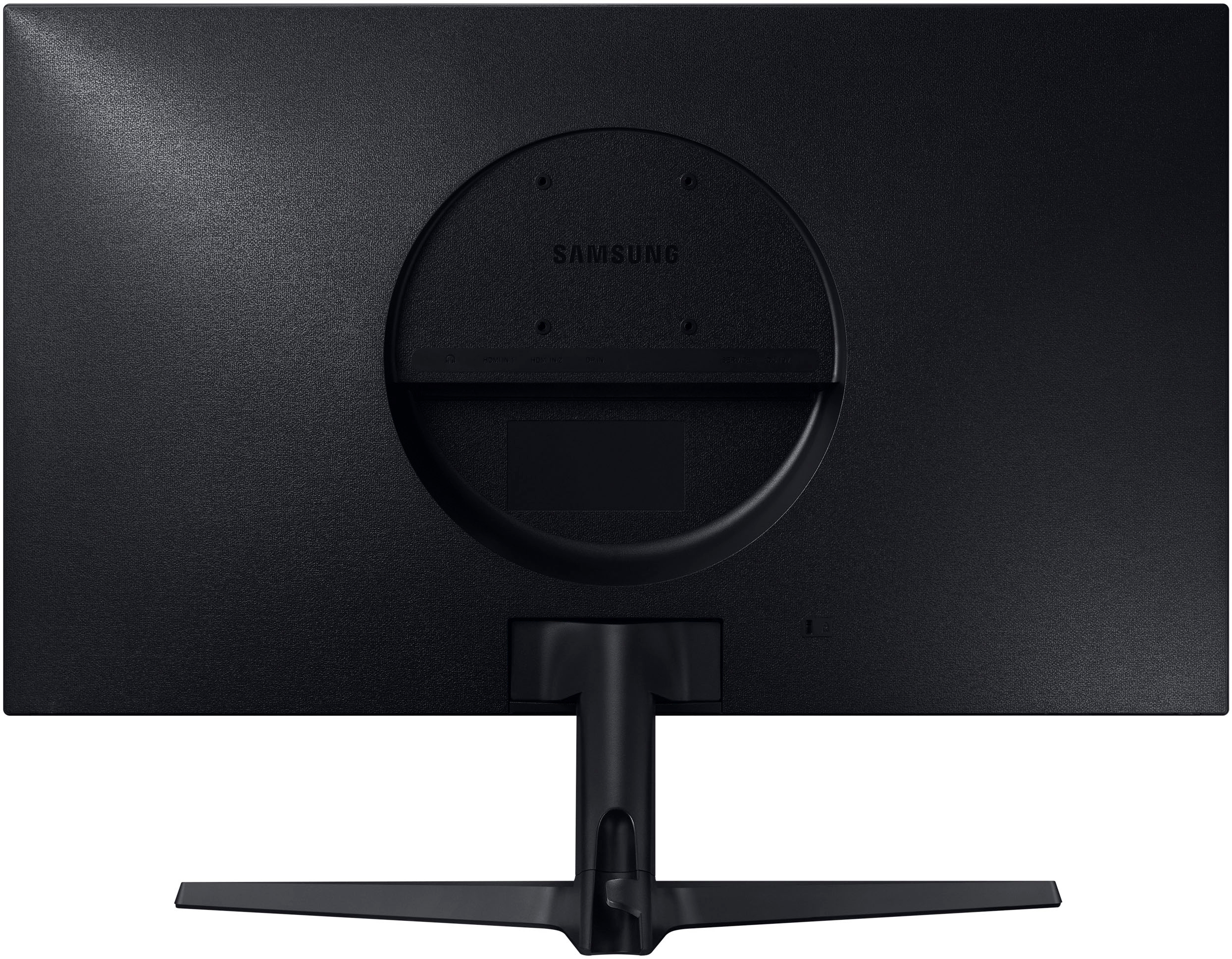
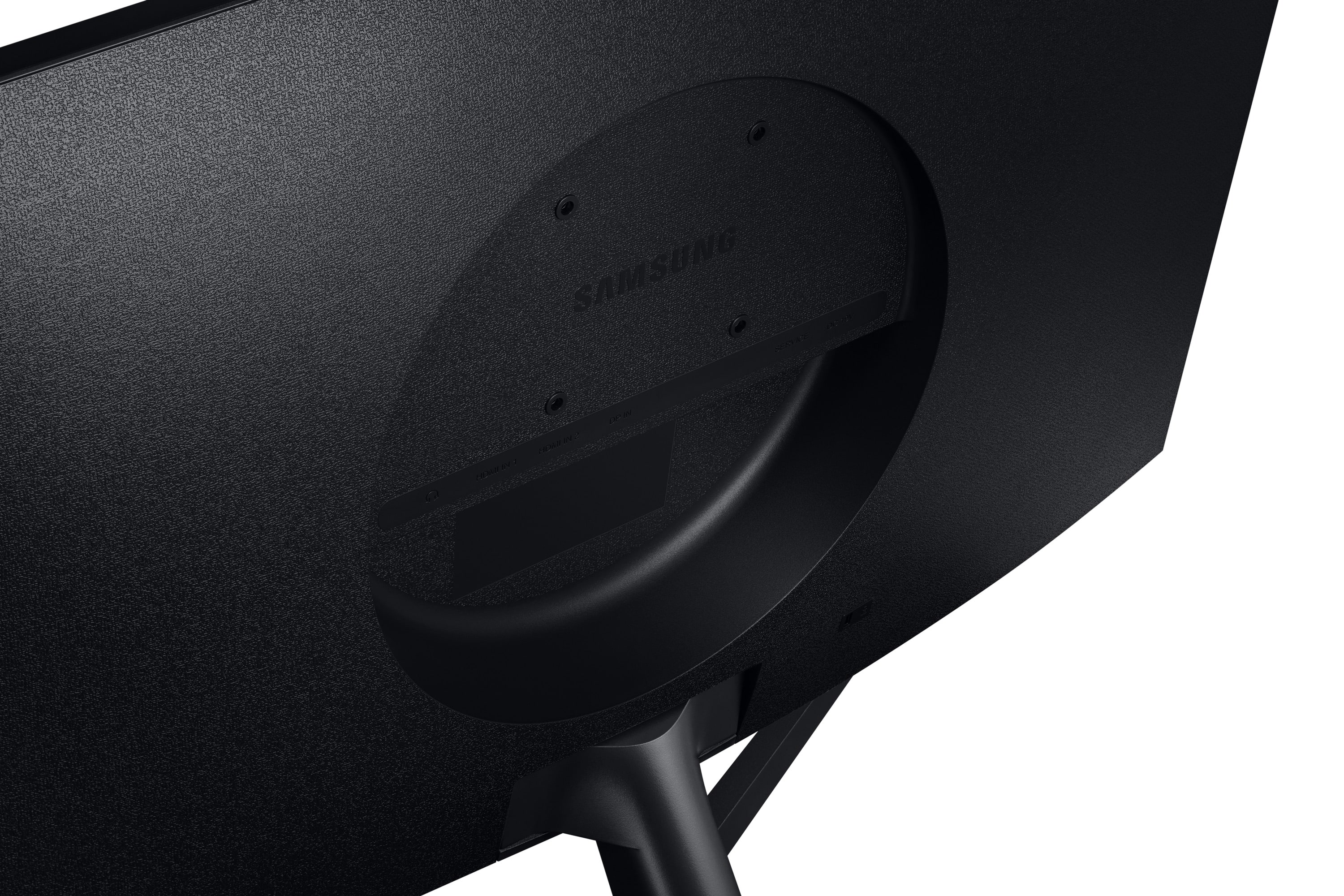
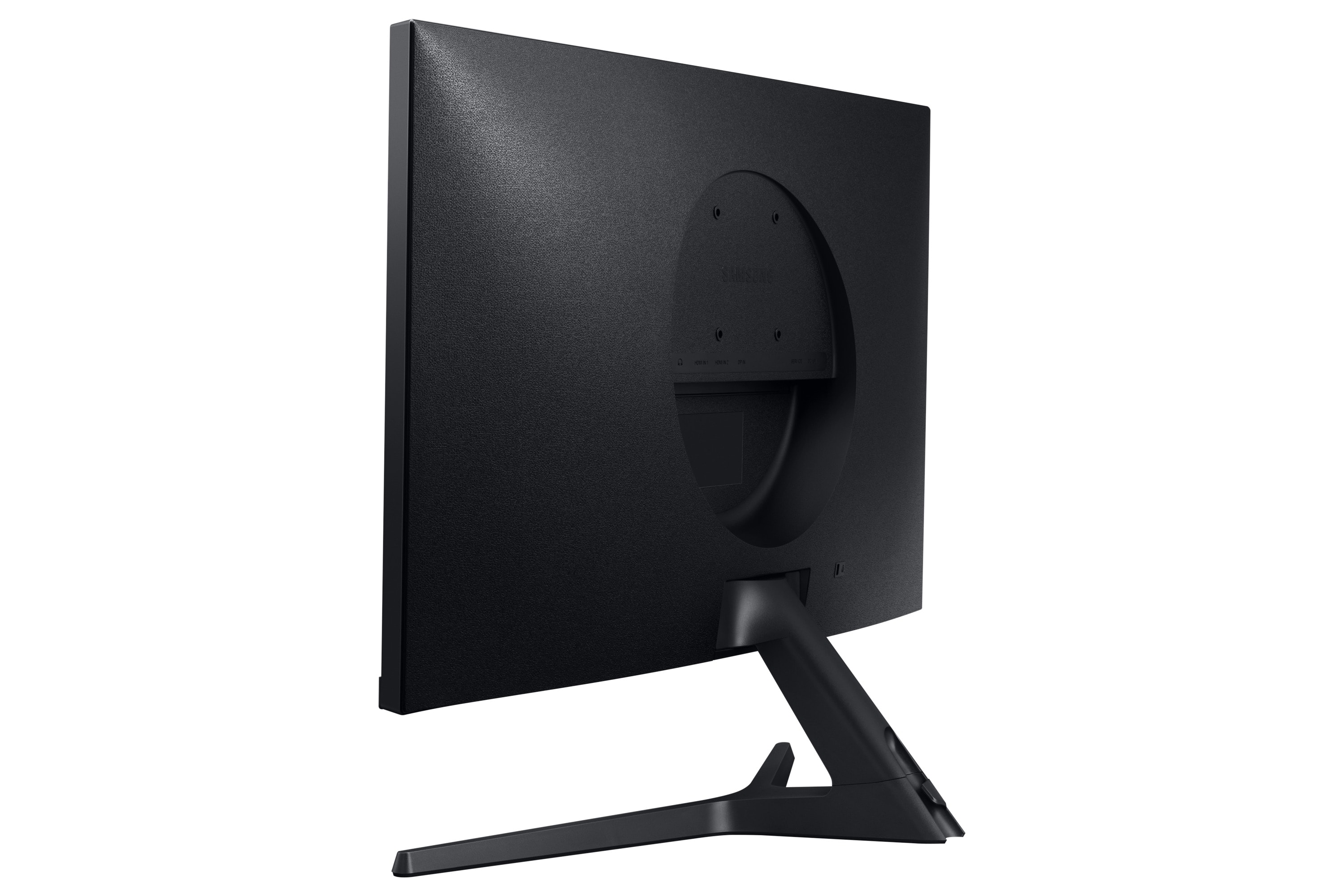
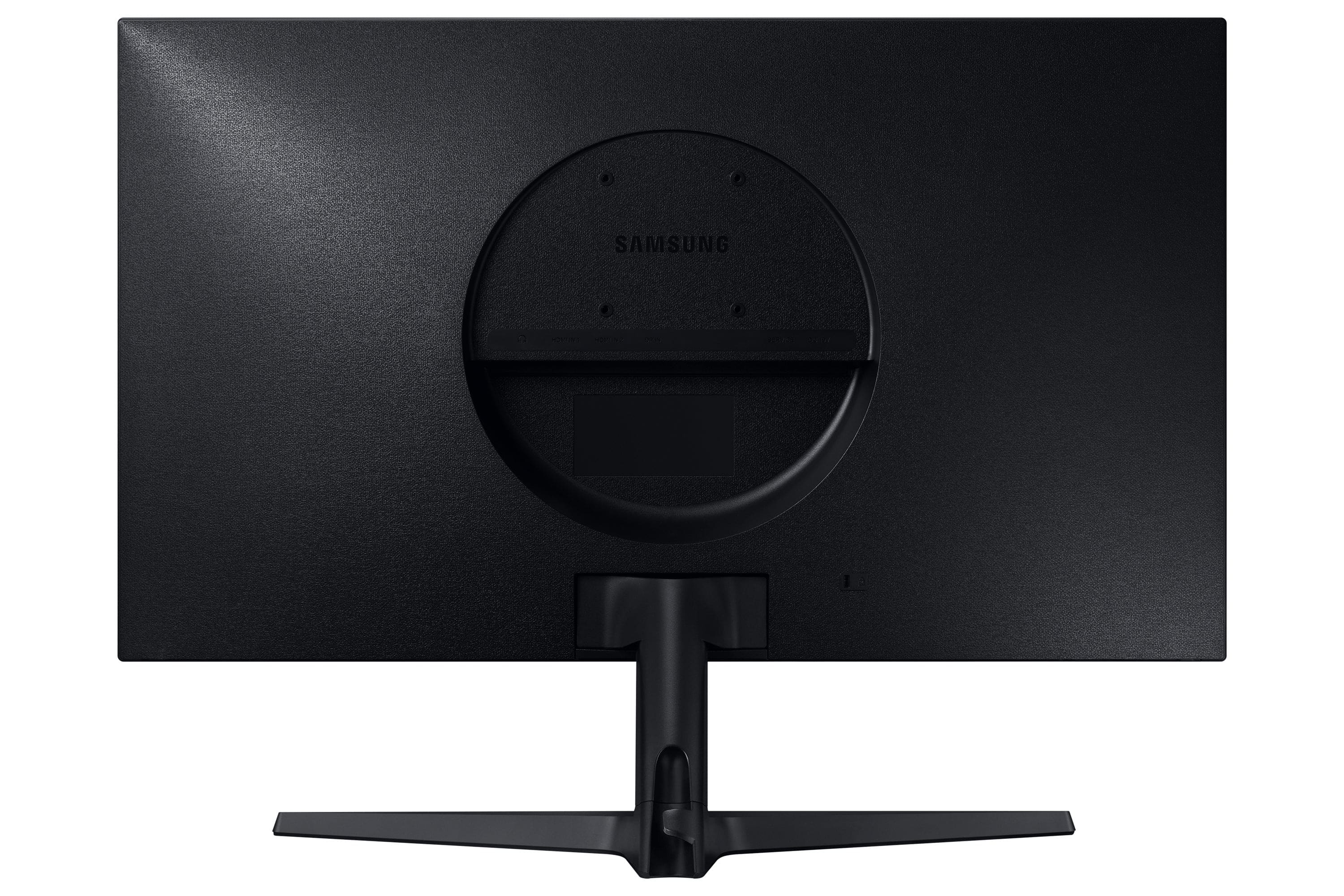
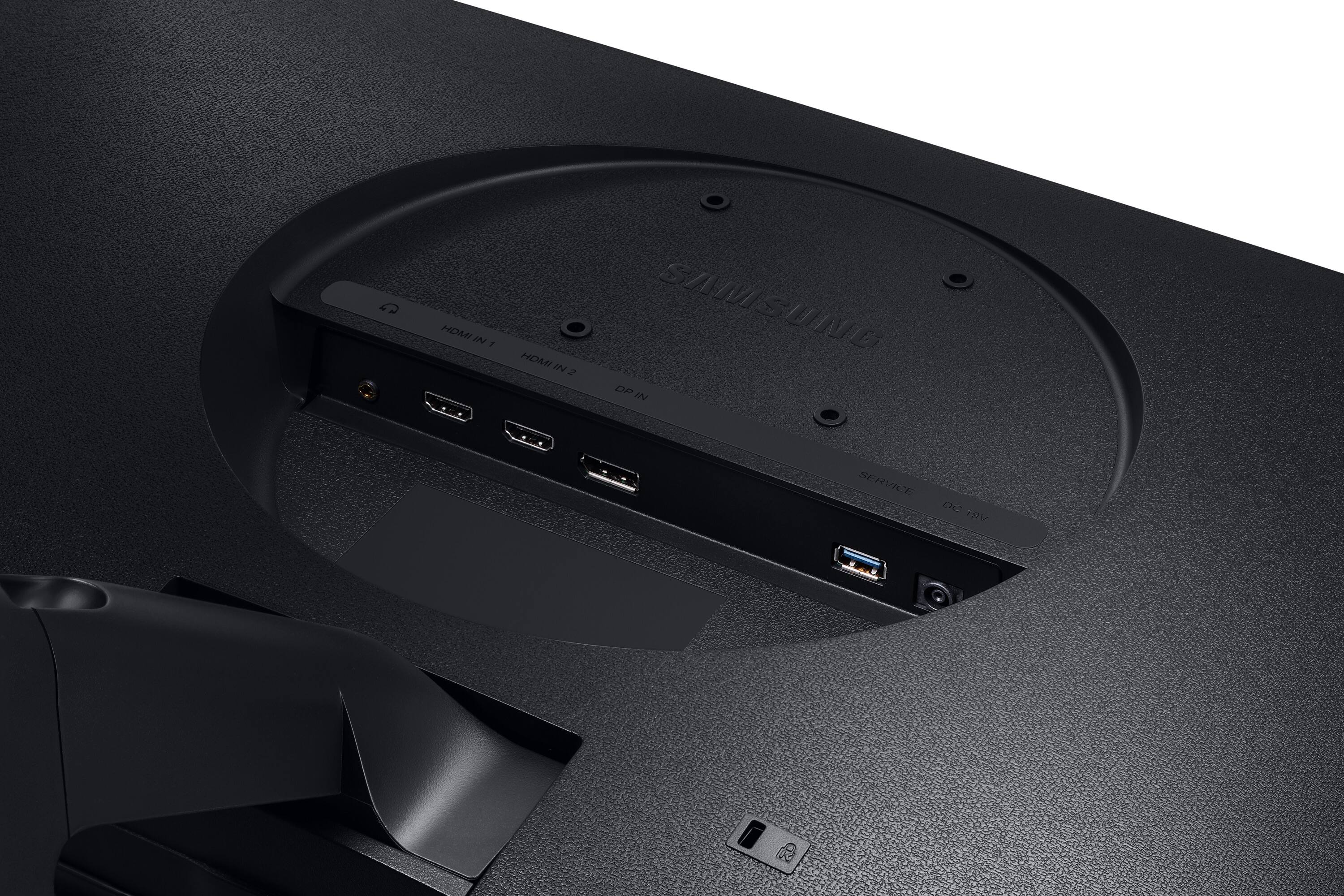
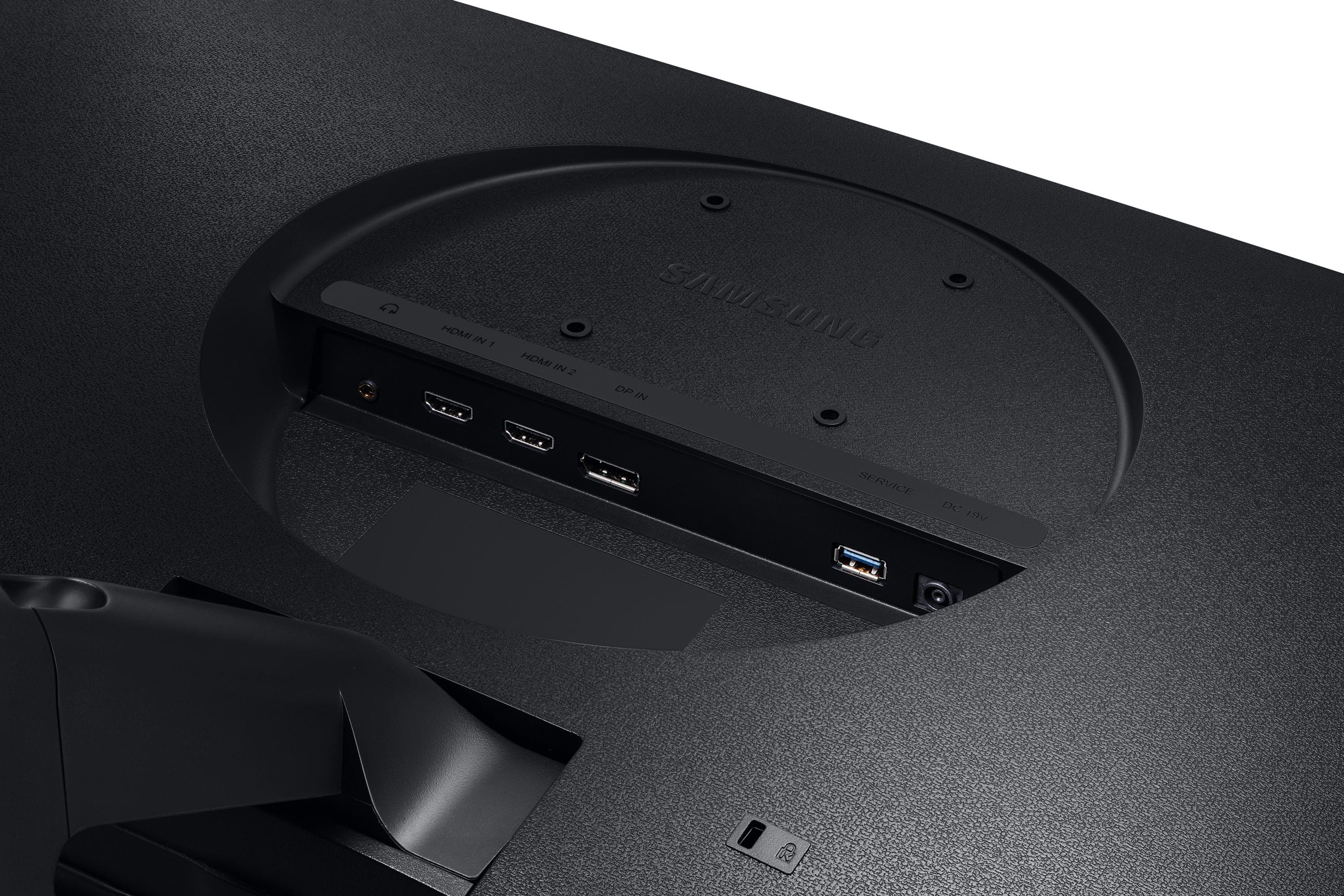
||Posted . Owned for 2 weeks when reviewed.This reviewer received promo considerations or sweepstakes entry for writing a review.Bought this on sale to use as a second monitor for my MacBook. 4K is crisp and pretty and for the sale price, I felt it was a great buy. The *only* things I dislike about the monitor is the circle back and the large stand. I don't understand why they chose this design. Because the large stand took up so much room on my desk, I wanted to mount it. However, due to the circle back, it's a 75x75 vesa only and mounting it is difficult- not impossible, but difficult. I bought a 75x75/100x100 desk mount and it's not a perfect fit but it did work. For these two reasons, I took a star off- otherwise, it would've easily been 5 stars. Nonetheless, the picture is beautiful and I'm pleased with my purchase overall.
I would recommend this to a friend - Pros mentioned:Picture quality
Super, Bright and Eye Pleasing Monitor
||Posted . Owned for 3 months when reviewed.This reviewer received promo considerations or sweepstakes entry for writing a review.I LOVE THID DISPLAY!! Easy connection with a modern machine. All items for use are included. This is a large, clear display dripping in accurate color. So pleased with this 28 inch monitor. I solidly recommend this monitor to photo editing, and to any other use. Text is SHARP and near surprising to what I had been using. Only con, and this is with all mentors, the tiny adjustment toggles make it a bit hard to adjust (if needed, it's very good out of the box). I recommend this
I would recommend this to a friend - Cons mentioned:Vesa mount
Laughable VESA mount.
||Posted . Owned for 1 week when reviewed.This reviewer received promo considerations or sweepstakes entry for writing a review.I own a LOT of Samsung consumer electronics including a Refrigerator, Dishwasher, numerous cell phones and no less than 4 Samsung 4K monitors including this Viewfinity 28" 4K. I purchased this monitor to use for my work computer that previously had a 19" HD monitor on a monitor arm. Well the hope was to get some more screen resolution and mount this Samsung on the VESA monitor arm. Unfortunately Samsung was asleep at the wheel on this particular monitor, especially (as others have stated) the VESA mount. It requires special screws (M4 L14mm?) with spacers (or skill with a grinder!) since all commercial VESA mounts accommodate both 75 and 100mm mounting holes. The 100mm mounting holes interfere with the casing on the monitor, which is extremely annoying. Even if you solve that conundrum with longer M4 screws and spacers or the aforementioned grinder, the VESA mounting holes are offset from the center of the bank of the monitor itself which makes the monitor hang lower than most others. This is also pretty annoying when the whole purpose of a monitor arm is to get the monitor up off your desk and at a higher level. Samsung really dropped the ball on this one. This is not an insignificant design flaw and the biggest reason for the 3 out of 5 rating.
No, I would not recommend this to a friend - Pros mentioned:Picture qualityCons mentioned:Refresh rate
Nice 4K monitor
||Posted . Owned for 8 months when reviewed.This reviewer received promo considerations or sweepstakes entry for writing a review.Got a good price on this 4K monitor and using it in my video editing setup. Nice images and no complaints. Wish it were 120Hz.
I would recommend this to a friend - Pros mentioned:Picture quality
Glad I bought this monitor
||Posted . Owned for less than 1 week when reviewed.This reviewer received promo considerations or sweepstakes entry for writing a review.I wanted a higher resolution monitor for my MacMini M1 but didn't want to spend the crazy $$ for an Apple display. Researched quite a few 4k monitors for a couple weeks and landed on this one. Hemmed and hawwed a bit until the discount popped up and then bit the lure. Anyway, I was a bit concerned about how well the Mac would scale the text and such, but this turned out to be baseless. The scaling is near perfect and I can't see any issues with font blurring, etc. Having this much real-estate for a computer monitor is AMAZING. I can have so many different apps and windows open now.
I would recommend this to a friend - Pros mentioned:Color, Picture quality
4k high quality monitor for work and play
||Posted . Owned for 3 months when reviewed.This reviewer received promo considerations or sweepstakes entry for writing a review.Fantastic high quality monitor for at home work and entertainment! Great size and resolution for text, spreadsheets, streaming tv or movies. Love this. Solid stable base and good color and brightness.
I would recommend this to a friend - Pros mentioned:Picture quality
28 Inch 4K monitor review
||Posted . Owned for 1 month when reviewed.This reviewer received promo considerations or sweepstakes entry for writing a review.28 inch 4K screen provides crisper images than my old 27 inch 1080p monitors. It is running next to a Samsung UJ59 32 inch 4K monitor which together make my productivity much higher. The only reason I want the 4k capability is to periodically edit some 4k video for my wife an see wants to see what it looks like in 4k. I do notice a little difference between the 32 and 28 4K screens. The 28 is a little sharper image and a little deeper color. I attribute that to one of two reasons. The image is spread over a larger area or I am running it through a j5Create triple display docking station with 2 HDMI ports and the Microsoft display operating systems assigns them two different device drivers.
I would recommend this to a friend - Pros mentioned:Picture quality
Excellent 4k monitor for under 200.
||Posted . Owned for 2 weeks when reviewed.This reviewer received promo considerations or sweepstakes entry for writing a review.Pocked up one of these 28 inch monitors on sale. Great display for the money! My tip is make sure you use a cable that can handle 4k bandwidth. I found out the fun way. If you have a display port to display port cable, you're good. I had a dp to hdmi converter that limited the bandwith to 1080p. It does come with a hdmi 2.1 cable that works great as long as you dont use an adapter.
I would recommend this to a friend - Pros mentioned:Picture qualityCons mentioned:Stand
Great matte finish & 4K resolution- horrid stand
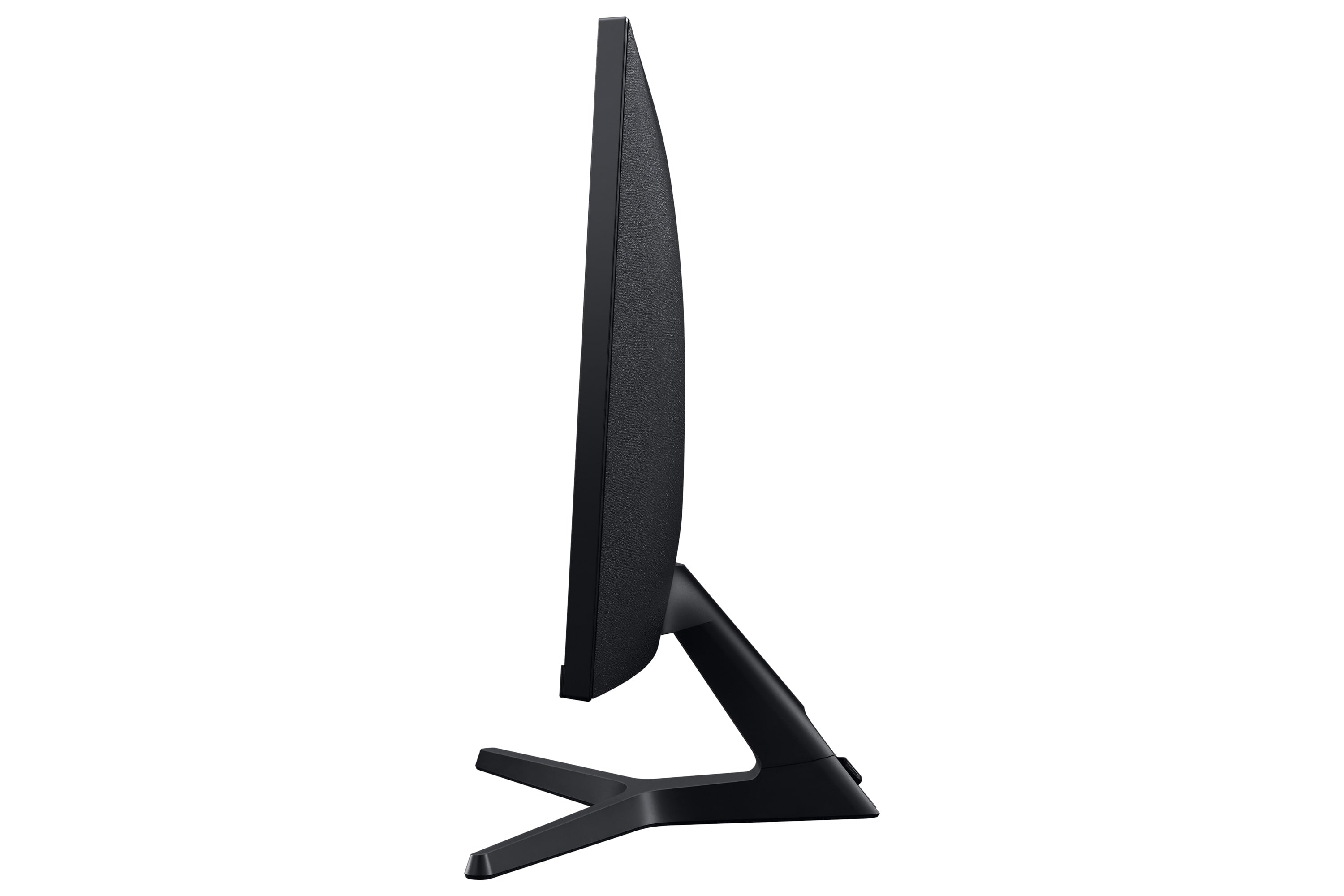
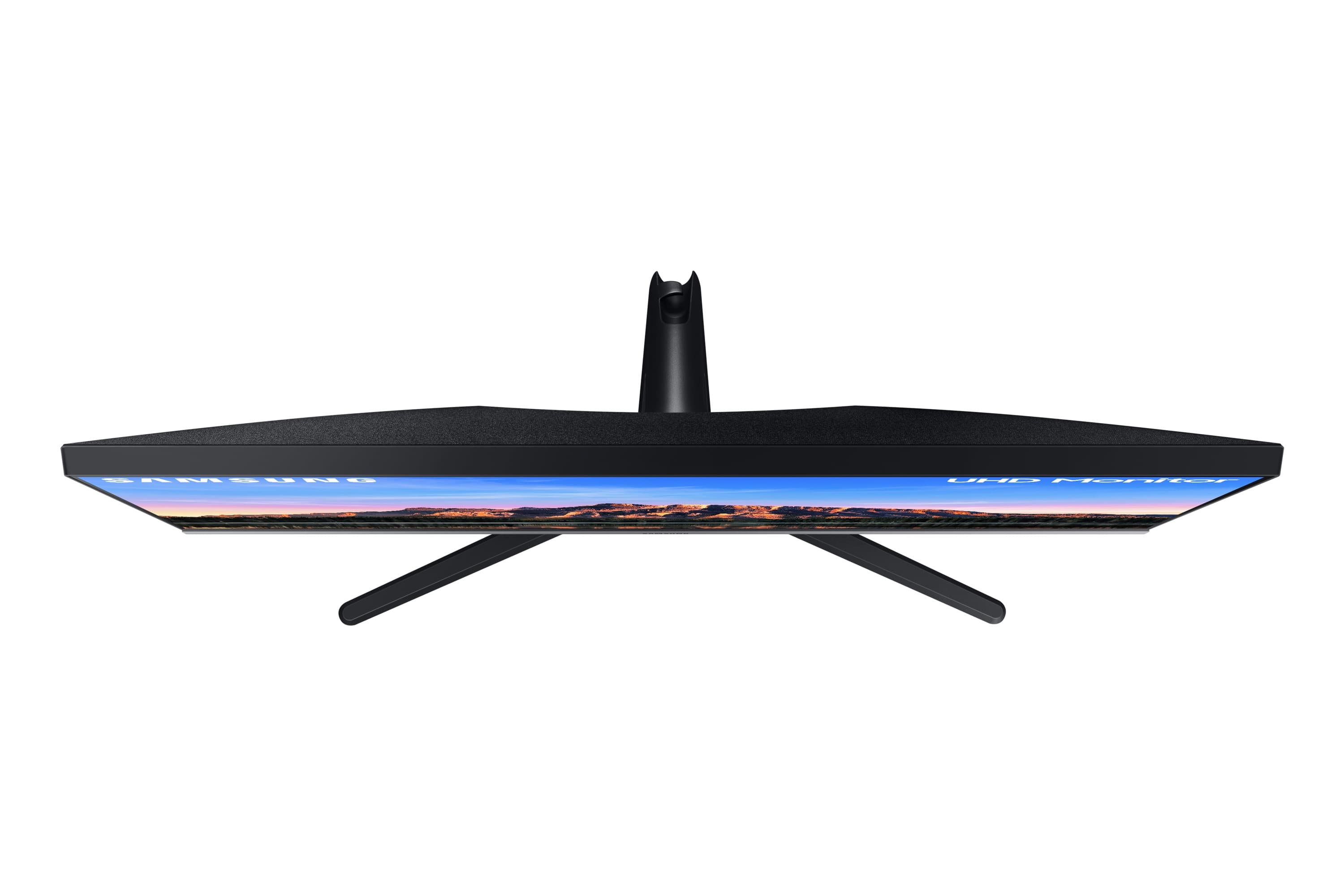
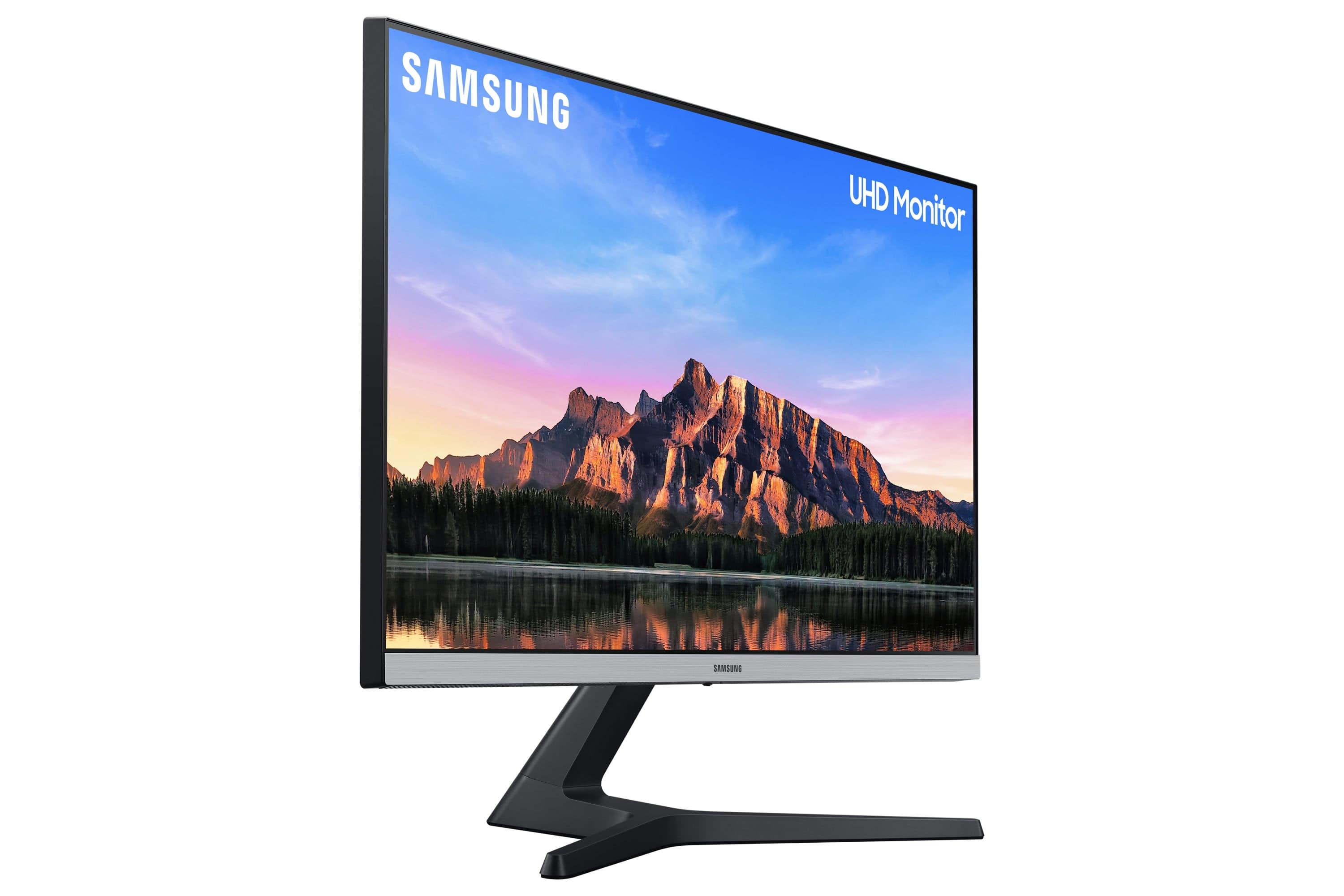
||Posted . Owned for 1 week when reviewed.This reviewer received promo considerations or sweepstakes entry for writing a review.The specs on this monitor are great. 4K, matte finish, good colors, thin bezels, etc. But the stand is horrible. I've got a monitor stand for placing the monitor at a comfortable height and the stand extends off the sides of every stand I've found. My standing desk doesn't lend itself to a VESA stand, so I'm stuck using a stand that doesn't fully support the massive legs on this thing. It's like somebody decided that a Cylon Basestar makes a good monitor stand. The monitor base stand is roughly 18.5" across, while the monitor is about 25" across. That's about 3/4 as wide for a stand... bonkers.
No, I would not recommend this to a friendBrand response from Samsung
Posted .Thank you for purchasing the Samsung - UR55 Series 28" IPS 4K UHD Monitor. I am sorry to hear that the monitor could not fit on the stand on your desk.
For complete product specs, please visit samsung.com: https://www.samsung.com/us/computing/monitors/uhd-and-wqhd/28-ur50-uhd-monitor-lu28r550uqnxza/?redir=LU28R550UQNXZA#specs
For further assistance, please contact Samsung Customer Support and a representative will gladly help you:
1-800-SAMSUNG, available 8AM - 12AM EST (Mon-Fri) / 9AM - 11PM EST (Sat-Sun).
Samsung is committed to providing the best possible product experience, quality, and value, and we are always here to help with any of your questions or concerns.
-Samsung Monitors
- Pros mentioned:Color, Picture quality
Affordable 4K Samsung monitor
||Posted . Owned for 3 months when reviewed.This reviewer received promo considerations or sweepstakes entry for writing a review.Bought this as a Christmas gift for my fiancé. He loves it. The colors are vibrant and the images are sharp. Cyberpunk 2077 looks great on this monitor. Images aren't stretched or distorted.
I would recommend this to a friend - Pros mentioned:Picture quality, Price
Slick
||Posted . Owned for 1 month when reviewed.This reviewer received promo considerations or sweepstakes entry for writing a review.Vibrant and responsive monitor. Didn’t think 4K meant much until I plugged my computer into this monitor when I got it home. Decent price. Reliable. Happy with my purchase after a month of owning this.
I would recommend this to a friend - Pros mentioned:Color, Picture quality
Super Deal
||Posted .This reviewer received promo considerations or sweepstakes entry for writing a review.Best 28” 4K monitor for the money. Very nice color right out of the box, very programmable with hdmi and displayport inputs. Works well with my M1 mac mini, no issues.
I would recommend this to a friend