Customer Ratings & Reviews
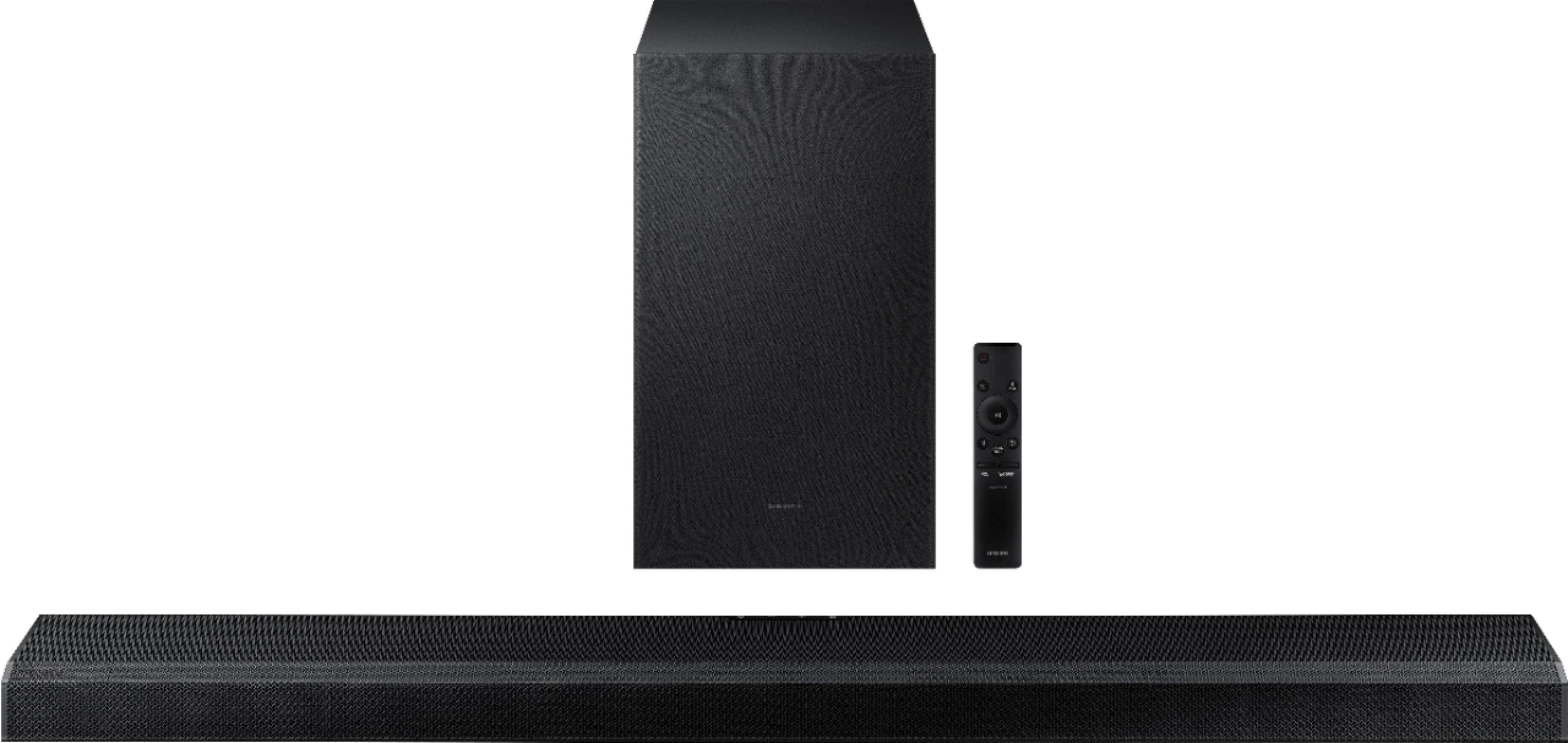

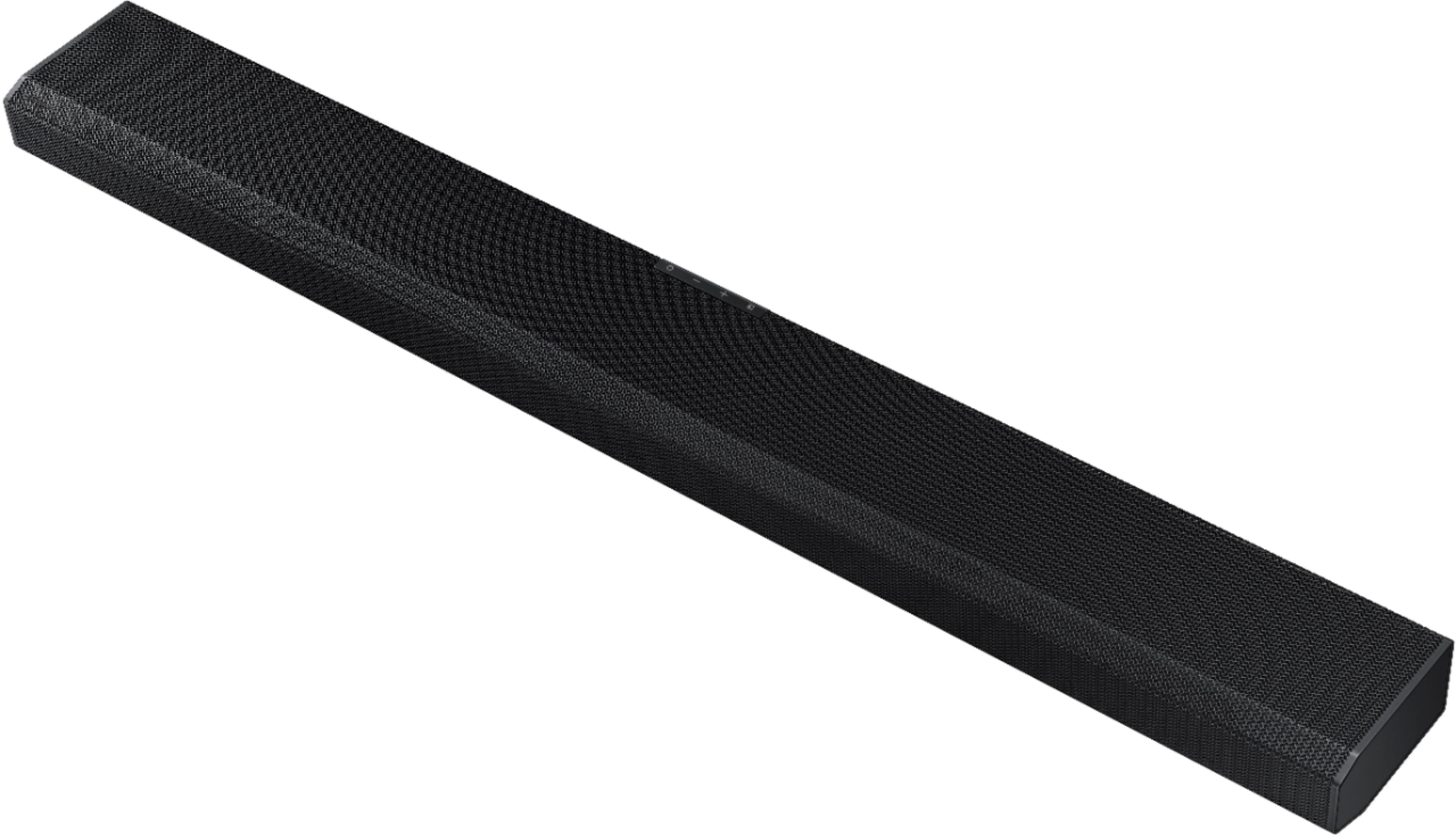
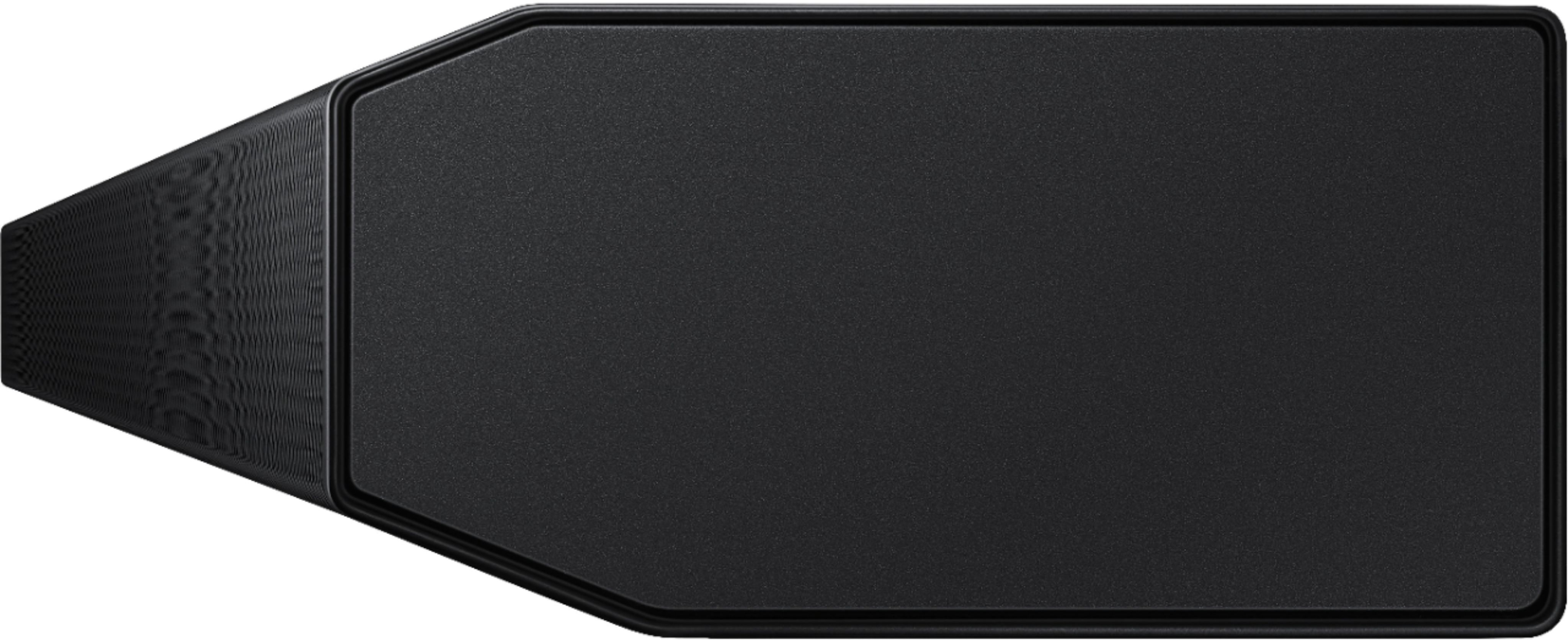

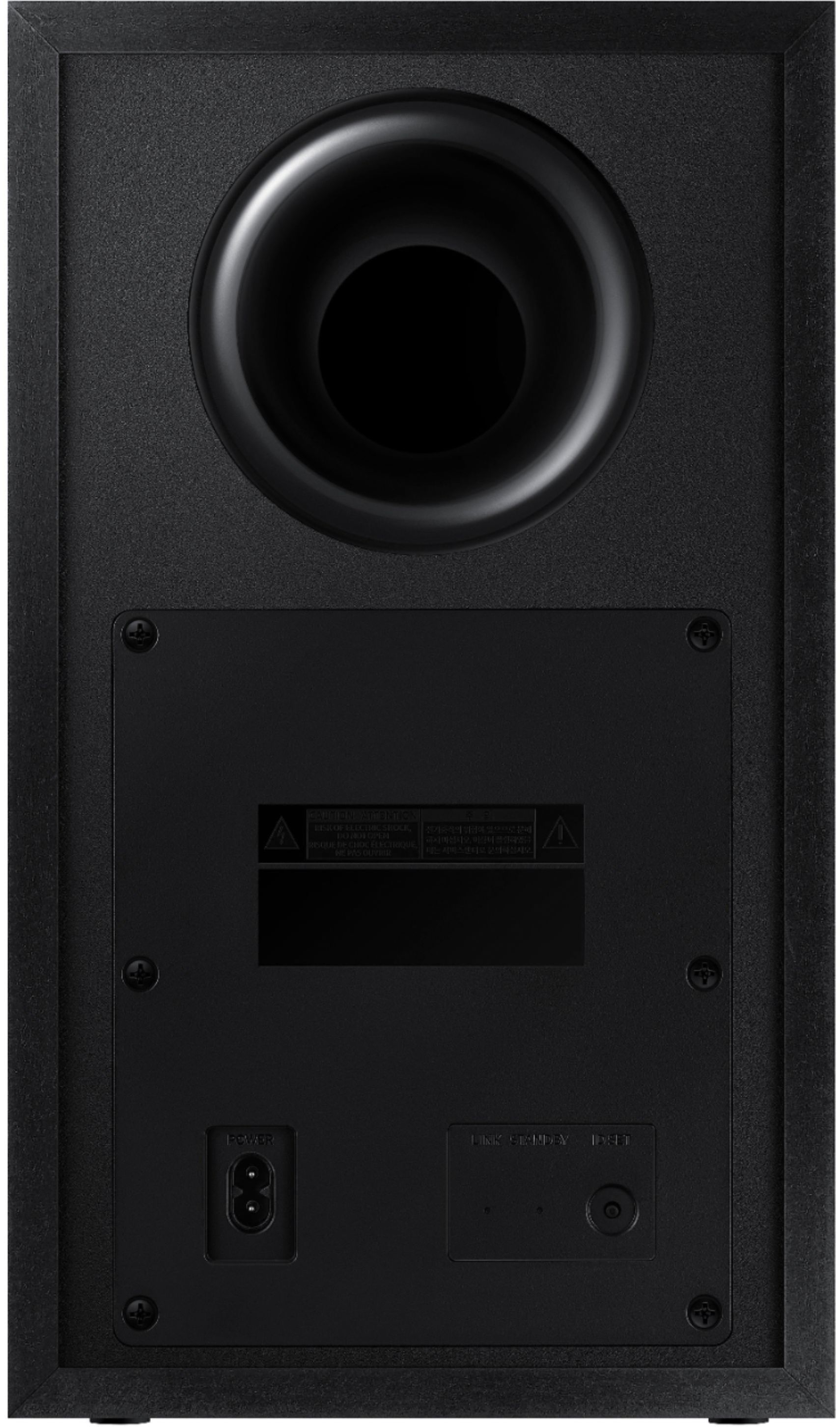





- Model:
- HW-Q700A/ZA
- SKU:
- 6454216
Rating by feature
- Value
Rating 4.4 out of 5 stars
- Quality
Rating 4.6 out of 5 stars
- Ease of Use
Rating 4.5 out of 5 stars
Customers are saying
Customers are impressed with the soundbar's sound quality, describing it as amazing and praising its bass. They also appreciate the easy setup process and the inclusion of Dolby Atmos. While some users have experienced connectivity issues, the overall sentiment is positive, with many customers praising the soundbar's price-to-performance ratio.
This summary was generated by AI based on customer reviews.
Samsung
||Posted .This reviewer received promo considerations or sweepstakes entry for writing a review.Great with our new samsung tv. Soundbar works great.
I would recommend this to a friendSamsung
||Posted . Owned for 3 weeks when reviewed.This reviewer received promo considerations or sweepstakes entry for writing a review.Perfect sounds and perfect performance for household
I would recommend this to a friendSamsung sound bar
||Posted . Owned for 1 month when reviewed.This reviewer received promo considerations or sweepstakes entry for writing a review.Great sound! Would most definitely recommend. Great bass
I would recommend this to a friend- Cons mentioned:Customer service
Frustrated
||Posted . Owned for 7 months when reviewed.This reviewer received promo considerations or sweepstakes entry for writing a review.I purchased the Q700A soundbar in May 2022. It worked for one month, then would not power on. Samsung directed me to send it back to them for repair. I spent hours packing it to prevent damage, sent it back. Upon return, it has worked okay for 6 months until now. Now it won't stay powered on, and will not connect to my Samsung TV. Samsung is now asking me to take it to an authorized service center nearest to me. I will try another repair, but now am doubting that this product will ever work properly.
No, I would not recommend this to a friend - Cons mentioned:Volume
Its like buying a subwoofer for your TV speakers
||Posted . Owned for 3 weeks when reviewed.This reviewer received promo considerations or sweepstakes entry for writing a review.Did not like the way this soundbar sounds. The soundbar itself sounds very "tiny" Like worse than my tv speakers it was like having a subwoofer connected to the tvs speakers. I tried adjusting the bass and treble on the app and it did not make a difference. If I turned the volume up the sound was shrilling highs that pierced my ears. Like the little speakers were straining themselves. I had to disable the tvs internal speakers in settings to make sure they were not on because i honestly couldn't tell them apart. I cannot recommend this soundbar to anyone especially at the price of 399.99.
No, I would not recommend this to a friendBrand response from Samsung
Posted .Hi Charcoalz28,
Thank you for sharing your review of the Samsung HW-Q700A Soundbar. Your feedback regarding the audio performance of your soundbar is important to us and will be shared with our product teams.
Please know, you can try manually optimizing your audio experience by pressing the SOUND CONTROL button (looks like a gear) to access the setting items such as TREBLE, BASS, SYNC, CENTER LEVEL, TOP LEVEL, and VIRTUAL ON/OFF. The selected item can be adjusted using the Up/Down buttons.
– To control the volume of the treble or bass sound, select TREBLE or BASS in Sound Settings, and then adjust the volume between -6 to +6 by using the Up/Down buttons.
– Press and hold the SOUND CONTROL button for about 5 seconds to adjust the sound for each frequency band. 150Hz, 300Hz, 600Hz, 1.2kHz, 2.5kHz, 5kHz, and 10kHz are selectable using the Left/Right buttons and each can be adjusted to a setting between -6 to +6 using the Up/Down buttons. (Make sure the Sound mode is set to “STANDARD”.)
– To control the volume of each speaker, select CENTER LEVEL or TOP LEVEL in Sound Settings, and then adjust the volume between -6 to +6 by using the Up/Down buttons.
– The VIRTUAL Speaker function can be turned ON/OFF by using the Up/Down buttons.
If you need further assistance, please know we are here to help. You can reach Samsung Customer Support at: 1-800-SAMSUNG (ask for Soundbars), available 8AM - 12AM EST, 7 days a week.
For additional support resources, visit us on the Samsung website and click on the ‘Support’ link in the upper right corner of the homepage for:
1) Chat with Us/Product Help: To begin a chat or find solutions, choose ‘TVs & Home Theater’ and select your model & topic.
2) Manuals & Software
3) Warranty Info
4) Register a Product: For access to easy warranty support, convenient opt-in to special promos and offers, faster troubleshooting and service, and quick notification of system updates
5) Contact Us
~ Samsung Solutions
Samsung
||Posted .This reviewer received promo considerations or sweepstakes entry for writing a review.Was very happy with the product very easy to setup
I would recommend this to a friendOver all good
||Posted . Owned for 2 weeks when reviewed.This reviewer received promo considerations or sweepstakes entry for writing a review.It’s pretty good bar only fault it’s alittle pricey
I would recommend this to a friendSound bar
||Posted . Owned for 1 month when reviewed.This reviewer received promo considerations or sweepstakes entry for writing a review.I love my new sound bar works great thank you Best Buy
I would recommend this to a friendAmazing Sound
||Posted . Owned for 1 week when reviewed.This reviewer received promo considerations or sweepstakes entry for writing a review.Absolutely amazing. Big bass. Clear highs. Love it!
I would recommend this to a friendBrand response from Samsung
Posted .Hi Danan,
Thank you for purchasing the 2021 Samsung HW-Q700A Soundbar. I am happy to hear that you are enjoying the full experience of Dolby Atmos and DTS:X.
Your soundbar’s Adaptive Sound feature optimizes sound based on each scene and lets you hear voices clearly at low volumes.
Should you ever have any questions or concerns or need help with settings or features, please contact Samsung Customer Support at:
1-800-SAMSUNG (ask for Soundbars), available 8AM -12AM EST, 7 days a week. Or text HELP to 62913.
For additional support resources, visit us on the Samsung website and click on the ‘Support’ link in the upper right corner of the homepage for:
1) More ‘Contact Us’ options – LiveChat, Facebook, Twitter, Samsung Community, Samsung Members app
2) Manuals & Software
3) Warranty Info
4) Product Registration: For access to easy warranty support, convenient opt-in to special promos and offers, faster troubleshooting and service, and quick notification of system updates.
~ Samsung Ambassador
- Cons mentioned:Connectivity
Could not reliably connect with my Samsung TV
||Posted . Owned for 2 weeks when reviewed.This reviewer received promo considerations or sweepstakes entry for writing a review.A complete disaster. I bought the Samsung thinking it would work best with my Samsung QLED TV - It did not. Tried to set up with the optical cable and spent about 2 hours trying to get the subwoofer connected. Finally connected with the subwoofer when I used the included HDMI cable. Now the TV switches back and forth between TV speakers, AV receiver, and HDMI every 5 seconds or so and the sound goes on and off. After an hour on the phone with Samsung support, we couldn't resolve the problem and I'm frustrated and returning it for a refund.
No, I would not recommend this to a friendBrand response from Samsung
Posted .Hi,
Thank you for your review of the Samsung HW-Q700A Soundbar and for sharing the issues that have caused you to return your unit. Your experience is very important to us and will be shared with our product team.
It is possible that your unit needed minor troubleshooting, a firmware update, or adjustments in settings.
Should you ever decide to give Samsung Soundbars another try and have questions or need assistance with settings, setup, or features, please know we are always here to help. Call us at 1-800-SAMSUNG (ask for Soundbars), available 8AM - 12AM EST, 7 days a week.
For additional support resources, visit us on the Samsung website and click on the ‘Support’ link in the upper right corner of the homepage for:
1) Contact Us: For additional Chat & Text options, choose ‘TVs & Home Theater’ and select your model & topic.
2) Manuals, Software, & Warranty Info
We hope to regain you as a customer in the future.
~ Samsung Solutions
Synching Issue with QN85 TV.
||Posted .This reviewer received promo considerations or sweepstakes entry for writing a review.The same issue I have with the qn85 Samsung tv. I really don’t know if the off-sync issue is between the TV or this Sound Bar. If only there’s not such sync issue I could have given this a solid 4.5 rating.
No, I would not recommend this to a friendBrand response from Samsung
Posted .Hi Kyptonian101,
Thank you for purchasing the HW-Q700A Soundbar and for sharing your review. Your experience regarding sync / delay issues are important to us and will be shared with our product teams.
If the video on the TV and audio from the Soundbar are not synchronized, select SYNC in SOUND CONTROL (looks like a gear), and then set the audio delay between 0~300 milliseconds by using the Up/Down buttons.
Also, please know 2020/2021 Samsung TVs have a feature called Audio Pass-Through. You can utilize this feature on your Samsung TV to correct your audio-sync issue.
On your TV go to: Settings > Audio > Expert Settings > Digital Audio Output Format > Pass-Through
I hope this helps.
Should you ever have questions or need help, please call us at 1-800-SAMSUNG (ask for Soundbars), available 8AM - 12AM EST, 7 days a week.
For additional support resources, visit us on the Samsung website and click on the ‘Support’ link in the upper right corner of the homepage for:
1) Chat with Us/Product Help: To begin a chat or find solutions, choose ‘TVs & Home Theater’ and select your model & topic.
2) Manuals & Software
3) Warranty Info
4) Register a Product: For access to easy warranty support, convenient opt-in to special promos and offers, faster troubleshooting and service, and quick notification of system updates
5) Contact Us
~ Samsung Solutions
Highly Disappointed Soundbar
||Posted . Owned for 3 weeks when reviewed.This reviewer received promo considerations or sweepstakes entry for writing a review.DO NOT BUY!! I'm highly disappointed with this Samsung soundbar. I had high expectations for this $700 product, although I purchased on sale for $550. If you want a soundbar to sound better than your TV speakers, any soundbar will do that. Dolby Atmos is almost unnoticeable and the remote simply sucks. I was able to set up my sound to my liking through my Samsung TV, but the problem is that each time I changed source or turned the device off, it would delete my settings and sound flat once again. Very frustrating. I reset my TV and soundbar and no luck!!
No, I would not recommend this to a friendBrand response from Samsung
Posted .Hi SenninhaPSX,
Thank you for sharing your experience with the Samsung HW-Q700A Soundbar. The feedback you have provided regarding the sound quality and adjustment settings are important to us and will be shared with our internal teams. Please make sure your soundbar is updated to the latest firmware version.
Updating the firmware on your soundbar gives you all the benefits of the latest improvements. When the Soundbar is connected to the Internet, Auto Update allows software to update automatically even when the Soundbar is turned off. You can also update by using the SmartThings app.
If not connected to the internet, you can download it onto a USB device, and then upload it to your soundbar - no wireless connection required. When an update is available, you can update the Soundbar by connecting the USB drive that contains the update firmware to the SERVICE port of the Soundbar. You will need a Micro USB to USB adapter cable (not supplied)
1.Go to the Samsung Electronics website (www.samsung.com) → click on the “Support” option in the upper left corner.
2.Click on “Manuals & Software” from the pop-up list > TVs & Home Theater > Home Theater > Select your model
2. Download the firmware file (USB type).
3. Unzip the file to create a folder with the file name.
4. Store the created folder in a USB and then connect it to the Soundbar.
5. A sequence of “UPDATE” > “BYE” > “ON” will appear on the display 3 times. This will take around 6 minutes.
- During update, do not turn it off or remove the USB.
- If “UPDATE” does not appear on the display window, remove the power cord from the Soundbar and then reconnect it.
- When the latest version is installed, no update is performed.
- Depending on the USB type, update may not be supported.
6. After the 3 cycles are complete, the Soundbar will restart and last source used will appear on the display for about 20 seconds and then it will go off (“UPDATE” > “BYE” > “ON”) 3 times “D.IN” > off
If you continue to experience issues after the firmware update, please reach out to Samsung Customer Support so we can gather additional information and offer further troubleshooting assistance. You can reach us at 1-800-SAMSUNG (ask for Soundbars), available 8AM - 12AM EST, 7 days a week.
For additional support resources, visit us on the Samsung website and click on the ‘Support’ link in the upper right corner of the homepage for:
1) Chat with Us/Product Help: To begin a chat or find solutions, choose ‘TVs & Home Theater’ and select your model & topic.
2) Manuals & Software
3) Warranty Info
4) Register a Product: For access to easy warranty support, convenient opt-in to special promos and offers, faster troubleshooting and service, and quick notification of system updates
5) Contact Us
~ Samsung Solutions
Pretty Good Speakers
||Posted . Owned for less than 1 week when reviewed.This reviewer received promo considerations or sweepstakes entry for writing a review.Sound was good but not much better than those on the TV. Would have been better if Atmos worked on the Xbox Series X without a delay. If you want good speakers for console gaming these aren't it.
No, I would not recommend this to a friendBrand response from Samsung
Posted .Hi TVuser,
Thank you for purchasing the Samsung HW-Q700A and for sharing your review. Your experience is very important to us and will be shared with our product team.
It is possible that your unit needed minor troubleshooting, a firmware update, or adjustments in settings.
Should you ever decide to give Samsung Soundbars another try and have questions or need assistance with settings, setup, or features, please know we are always here to help. Call us at 1-800-SAMSUNG (ask for Soundbars), available 8AM - 12AM EST, 7 days a week.
For additional support resources, visit us on the Samsung website and click on the ‘Support’ link in the upper right corner of the homepage for:
1) Contact Us: For additional Chat & Text options, choose ‘TVs & Home Theater’ and select your model & topic.
2) Manuals, Software, & Warranty Info
We hope to regain you as a customer in the future.
~ Samsung Solutions
- Pros mentioned:Easy setup, Sound quality

Slow start but a strong finish
|Posted .This reviewer received promo considerations or sweepstakes entry for writing a review.This sound bar has been fantastic. It’s loud, has good clarity, zero distortion and good dynamic range. Sounds are distinct and voices are clearly understood even during scenes with lots of background noise or music. The bar has decent bass further enhanced by the wireless subwoofer. At first, the subwoofer seemed weak. It was so weak in fact, that I couldn’t even tell it was there. I tried everything to get some sort of deep resonating bass but it wasn’t happening. I had already written the bar off as mediocre at best when the bargain brand TV I was using stopped working completely. I replaced the TV with a Samsung Q7 series TV and sound improved dramatically. The bar was louder and clearer sounding and I finally heard the glorious bass that was previously missing. The Samsung TV sounded good but I ultimately replaced it with a Sony XBR set and odd as it sounds, this Samsung sound bar for some reason sounds even better on the Sony set than it did on the Samsung set. The bass is deeper and can now even be felt in other rooms during loud, booming action scenes and the dynamic range seems even broader. It’s a head scratcher for sure, but my best guess is maybe the Sony has better sound processing and amplification. All sets used an ARC enabled HDMI port on he TV connected to the same cable which was supplied by Samsung with the bar. No set had any unfair advantage although I expected the Samsung Tv to perform best with the Samsung bar. There appears to be no advantage to matching the bar with a Samsung set. The sound capabilities of the TV will definitely affect the overall sound quality of this bar. Setup is easy. The bar and sub are already paired right out of the box. The included remote is sleek and simplified. It has all the controls I need and none I don’t. The sound bar can be wall mounted or sit flat. The height is low enough to sit in front of a leg mounted set without obstructing any part of the screen. ARC works perfectly with no issues for all devices on their individual inputs. The sound bar controls integrate easily and reliably with smart TV remotes. It turned out to be a pretty good sound bar. I was a little skeptical at first but realize now that the initial low quality TV was to blame, not the sound bar.
I would recommend this to a friend Not impressed
||Posted . Owned for less than 1 week when reviewed.This reviewer received promo considerations or sweepstakes entry for writing a review.I really wanted to marry this sound bar to my QN85A but it lacked sound! I do love the styling and material it’s made from - metal, but when it comes to filling the space with sound it falls flat especially with the price tag. I mean you can get a lot more for less, that’s why I will be returning this product. If you decide to buy it, make sure to save all the packaging. Just in case it has to go back.
No, I would not recommend this to a friendBrand response from Samsung
Posted .Hi Angel,
Thank you for purchasing the Q700A soundbar from Samsung and for sharing your review. Your experience is very important to us and will be shared with our product team.
It is possible that your unit needed minor troubleshooting, a firmware update, or adjustments in settings.
Should you ever decide to give Samsung Soundbars another try and have questions or need assistance with settings, setup, or features, please know we are always here to help. Call us at 1-800-SAMSUNG (ask for Soundbars), available 8AM - 12AM EST, 7 days a week.
For additional support resources, visit us on the Samsung website and click on the ‘Support’ link in the upper right corner of the homepage for:
1) Chat with Us/Product Help: To begin a chat or find solutions, choose ‘TVs & Home Theater’ and select your model & topic.
2) Manuals & Software
3) Warranty Info
4) Register a Product: For access to easy warranty support, convenient opt-in to special promos and offers, faster troubleshooting and service, and quick notification of system updates
5) Contact Us
~ Samsung Solutions
Works best with 2019 tvs and later
||Posted . Owned for 3 weeks when reviewed.This reviewer received promo considerations or sweepstakes entry for writing a review.We have an old samsung tv and dont have atmos in settings. I after 2019 tv's you will get the full quality of these speakers.
I would recommend this to a friendBrand response from Samsung
Posted .Hi Speakers,
Thank you for sharing your feedback regarding Atmos compatibility with previous generation Samsung TVs. If there is anything we can do to improve your product experience such as optimize settings for your specific usage scenario, please reach out to Samsung Customer Support at 1-800-SAMSUNG (ask for Soundbars), available 8AM - 12AM EST, 7 days a week.
For additional support resources, visit us on the Samsung website and click on the ‘Support’ link in the upper right corner of the homepage for:
1) Chat with Us/Product Help: To begin a chat or find solutions, choose ‘TVs & Home Theater’ and select your model & topic.
2) Manuals & Software
3) Warranty Info
4) Register a Product: For access to easy warranty support, convenient opt-in to special promos and offers, faster troubleshooting and service, and quick notification of system updates
5) Contact Us
~ Samsung Solutions
Hard to set up
||Posted . Owned for 1 week when reviewed.This reviewer received promo considerations or sweepstakes entry for writing a review.This sound bar was really hard to set up. I still don’t think it is set up correctly. I can not get the HDMI port to work.
I would recommend this to a friendBrand response from Samsung
Posted .Hi JamesWM,
Thank you for purchasing the Samsung HW-Q700A and for sharing your review. I’m very sorry for the difficulties you’ve experienced with your Soundbar’s setup. We completely understand your frustrations, and we are here to help.
There are several ways you can connect the soundbar to your TV, so you can customize your movie watching experience. Although they all have their benefits, certain setups provide better sound quality than others.
Connecting your soundbar to a TV through HDMI will give you the best audio because HDMI cables transmit sound digitally. There are 2 ways to connect your soundbar with HDMI: you can connect a device to your soundbar (like a Blu-ray player) and then connect the soundbar to the TV, or you can use HDMI ARC. The first method will give you the best possible sound from external devices you regularly use. ARC is the way to go if you want great sound from streaming apps on your TV and a soundbar.
1. Turn off the TV, soundbar, and external device. Then, connect one end of an HDMI cable to an HDMI port on your TV (make a note of which one).
2. Connect the other end to the HDMI OUT port on your soundbar.
3. Connect a second HDMI cable to the HDMI OUT port on your external device. Connect the other end the HDMI IN port on your soundbar.
4. Turn on the external device and the soundbar. Press the Source button on the soundbar until "HDMI" appears on the display.
5. Turn the TV on and change its source to the HDMI port where the soundbar is connected.
6. Your TV will display images from the external device, and audio will play from the soundbar.
Connect your soundbar with HDMI ARC
HDMI ARC (Audio Return Channel) lets certain TVs and soundbars transfer audio back and forth using one HDMI cable. In other words, you can use the HDMI port as both an input and audio output. The only downside is that your soundbar is going to take up a port on your TV that would normally connect an external device.
To set up HDMI ARC, power on your TV and soundbar.
1. Next, connect one end of an HDMI cable into the HDMI IN (ARC) port on your TV.
2. Connect the other end into the HDMI OUT (TV-ARC) port on your soundbar.
3. Next, change the source on your soundbar to the D.IN. setting.
4. After a few seconds, "TV ARC" will appear on the soundbar's display, and the TV will transfer audio through the soundbar.
If you need additional help with setup, or have any questions or concerns with this soundbar, please reach out to us at 1-800-SAMSUNG (ask for Soundbars), available 8AM - 12AM EST, 7 days a week.
For additional support resources, visit us on the Samsung website and click on the ‘Support’ link in the upper right corner of the homepage for:
1) Chat with Us/Product Help: To begin a chat or find solutions, choose ‘TVs & Home Theater’ and select your model & topic.
2) Manuals & Software
3) Warranty Info
4) Register a Product: For access to easy warranty support, convenient opt-in to special promos and offers, faster troubleshooting and service, and quick notification of system updates
5) Contact Us
~ Samsung Solutions
Bad lip synch issues
||Posted . Owned for 1 month when reviewed.This reviewer received promo considerations or sweepstakes entry for writing a review.Good audio however bad lip synch issues. Needs constant adjusting
No, I would not recommend this to a friendBrand response from Samsung
Posted .Hi DannyBoy,
Thank you for purchasing the HW-Q700A Soundbar. If the video on the TV and audio from the Soundbar are not synchronized, select SYNC in SOUND CONTROL (looks like a gear), and then set the audio delay between 0~300 milliseconds by using the Up/Down buttons.
Additionally, 2020/2021 Samsung TVs have a feature called Audio Pass-Through. You can utilize this feature on your Samsung TV to correct your audio-sync issue. On your TV go to: Settings > Audio > Expert Settings > Digital Audio Output Format > Pass-Through
If you continue to experience audio delay, and are connected wirelessly, please use the included HDMI cable to connect the soundbar to the TV. Using a wired connection instead of wireless often eliminates the audio delay entirely and improves the user experience.
I hope these tips help! Should you ever have questions or need help, please call us at 1-800-SAMSUNG (ask for Soundbars), available 8AM - 12AM EST, 7 days a week.
For additional support resources, visit us on the Samsung website and click on the ‘Support’ link in the upper right corner of the homepage for:
1) Chat with Us/Product Help: To begin a chat or find solutions, choose ‘TVs & Home Theater’ and select your model & topic.
2) Manuals & Software
3) Warranty Info
4) Register a Product: For access to easy warranty support, convenient opt-in to special promos and offers, faster troubleshooting and service, and quick notification of system updates
5) Contact Us
~ Samsung Solutions
Stopped working after 1mo.HORRIBLE Samsung Support
||Posted . Owned for 2 months when reviewed.This reviewer received promo considerations or sweepstakes entry for writing a review.Summary: This product has low quality control - it may work initially and then stop working - and good luck getting assistance from Samsung to resolve your issue. I cannot recommend enough to not purchase this product. And, based on my experience with Samsung Support trying to fix the issue with this product, I recommend not buying any Samsung products. I purchased an out of box, excellent condition sound bar which worked fine for about 4wks and I was happy with the product. It then stopped outputting any sound from any input, even though it connects fine to my TV and bluetooth devices. After troubleshooting and opening multiple tickets with Samsung directly (Best Buy only has 3wk return for out of box, but this is still under warranty), which included sending the unit back to their service center, the issue is not resolved and Samsung Case Support is not able to be reached and keeps closing tickets that their Tech Support opens without talking to me.
No, I would not recommend this to a friendBrand response from Samsung
Posted .Hi TJTJ,
Thank you for sharing your experience with your Samsung HW-Q700A. Your feedback regarding a shorter than expected life is important to us and will be shared with our product teams. Samsung is committed to providing the best possible product experience, quality, and value. We back this model with a 1-year limited manufacturer's warranty if purchased brand-new directly from an authorized seller.
Please contact us again so that we can gather additional information regarding the service of your soundbar. You can reach us at 1-800-SAMSUNG (ask for Soundbars), available 8AM - 12AM EST, 7 days a week.
For additional support resources, visit us on the Samsung website and click on the ‘Support’ link in the upper right corner of the homepage for:
1) Chat with Us/Product Help: To begin a chat or find solutions, choose ‘TVs & Home Theater’ and select your model & topic.
2) Manuals & Software
3) Warranty Info
4) Register a Product: For access to easy warranty support, convenient opt-in to special promos and offers, faster troubleshooting and service, and quick notification of system updates
5) Contact Us
~ Samsung Solutions
Frustrating Q Symphony setup
||Posted . Owned for less than 1 week when reviewed.This reviewer received promo considerations or sweepstakes entry for writing a review.Frustrating set up. Unit working ok, but after figuring how to get TV + Soundbar selection to appear, all soundbar sound stopped. Tried various setting changes but no change. Returning because this is too frustrating to set up with Q symphony. No good troubleshooting instructions in manual or online.
No, I would not recommend this to a friendBrand response from Samsung
Posted .BadgerWow,
Thank you for sharing the issues you are experiencing with your Samsung HW-Q700A Soundbar. So we can better understand the problems you are experiencing and provide you with troubleshooting assistance or warranty service, please contact Samsung Customer Support at 1-800-SAMSUNG, 8AM - 12AM EST, 7 days a week.
LiveChat with an agent as well as manuals, software, and warranty info can be found at the ‘Support’ link on our Samsung website.
~ Samsung Specialist