Customer Ratings & Reviews
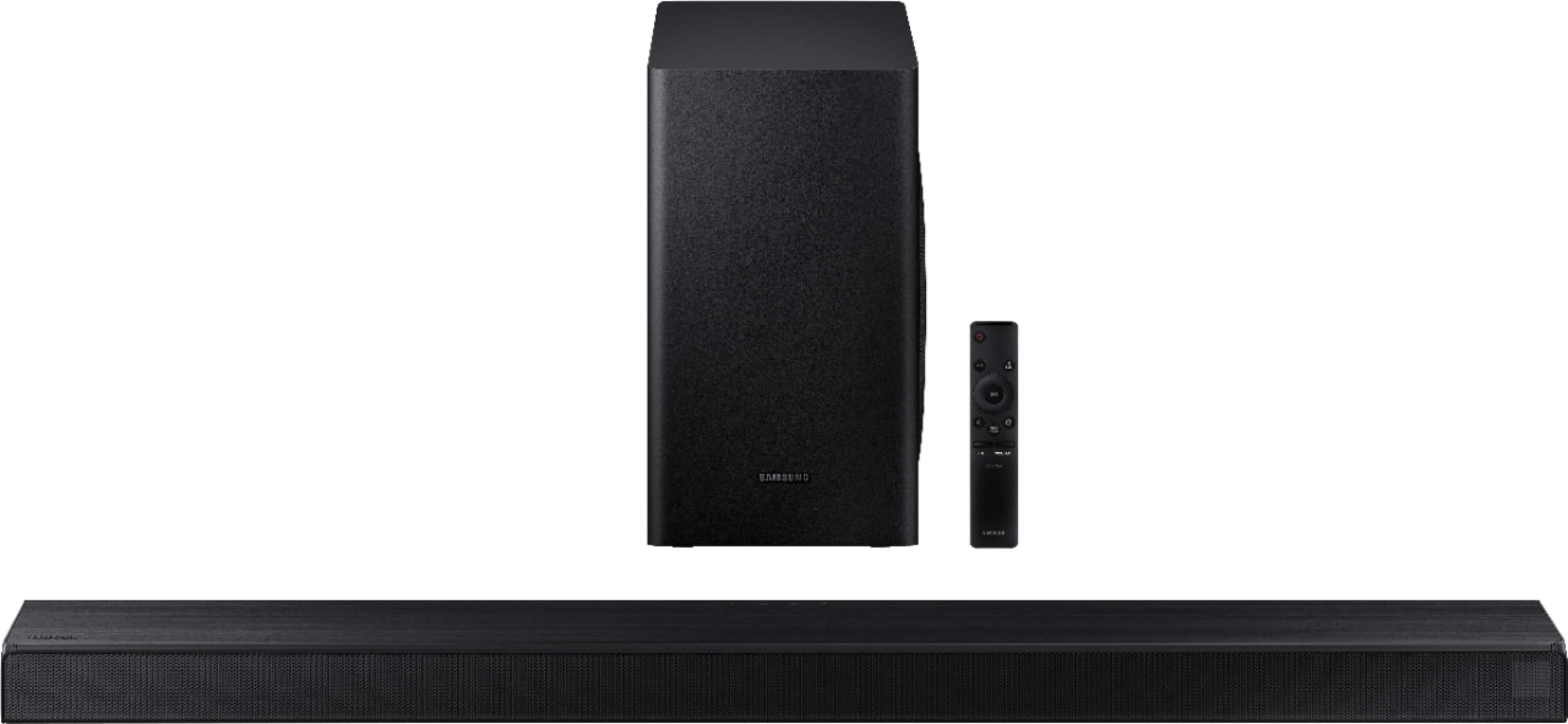
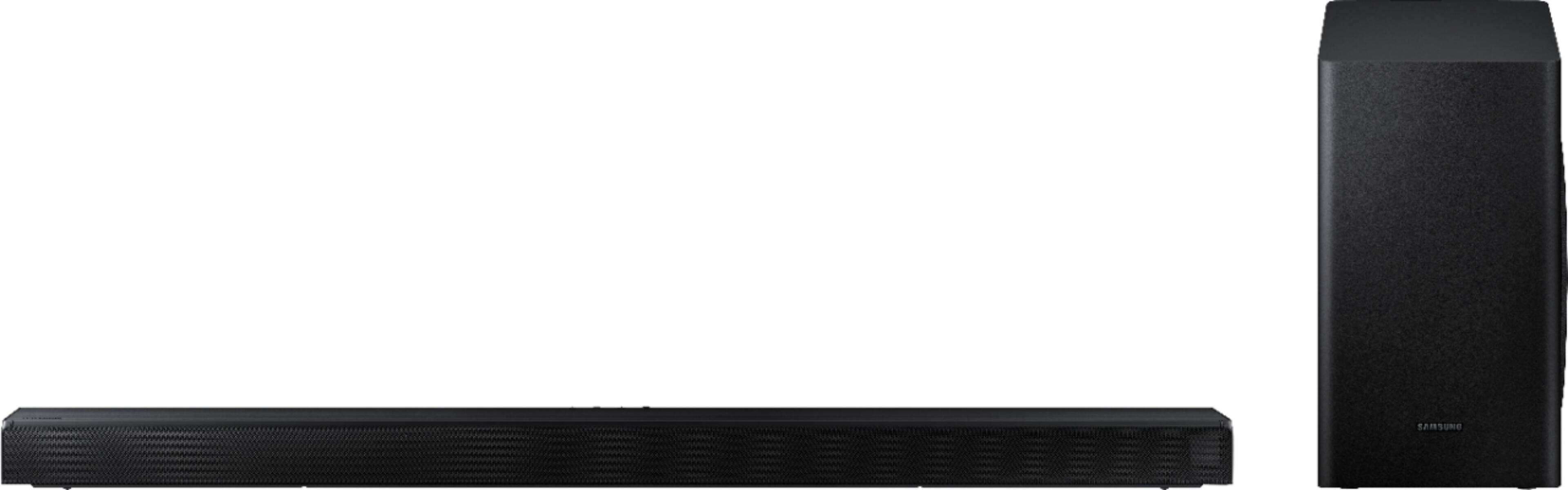
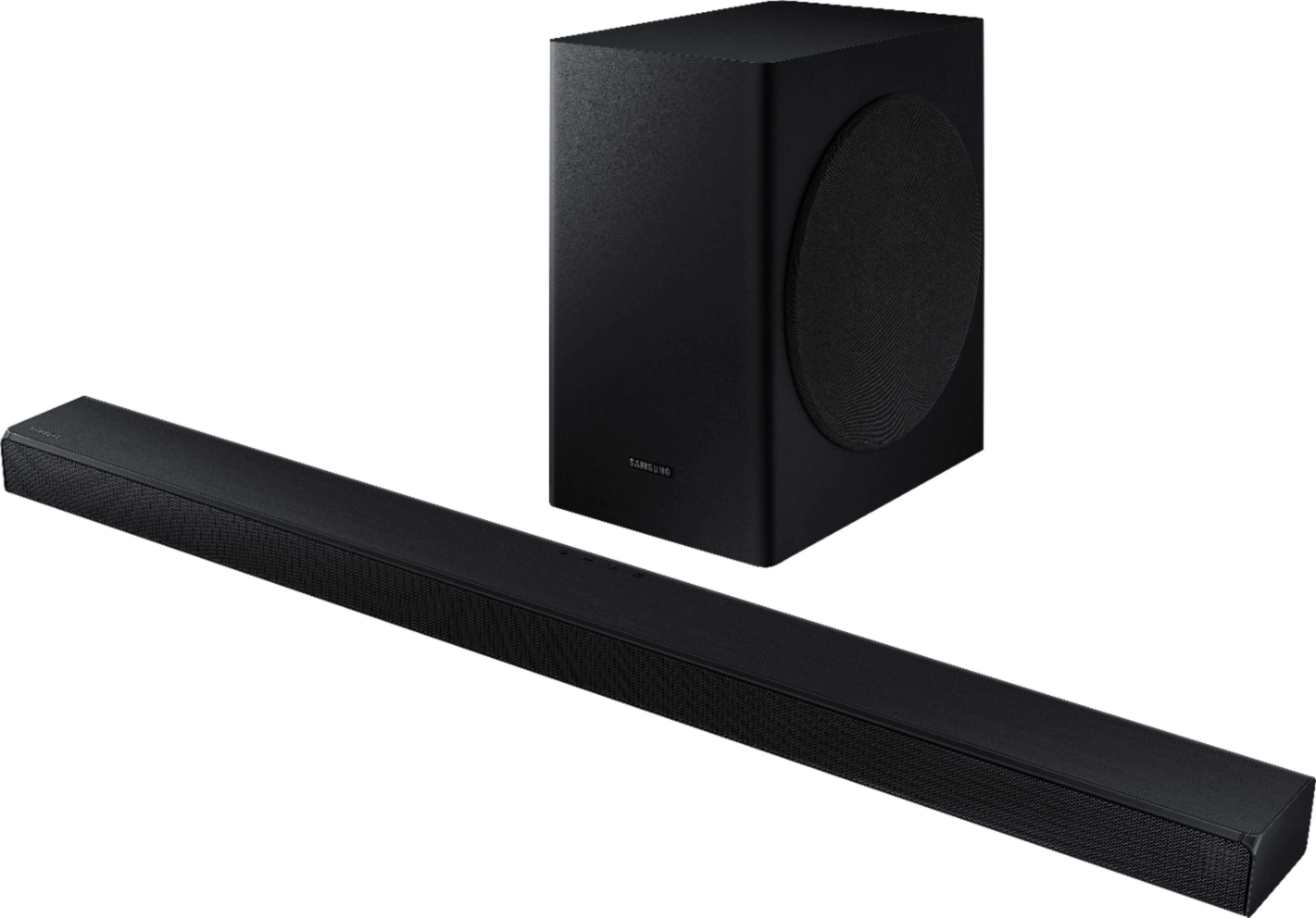
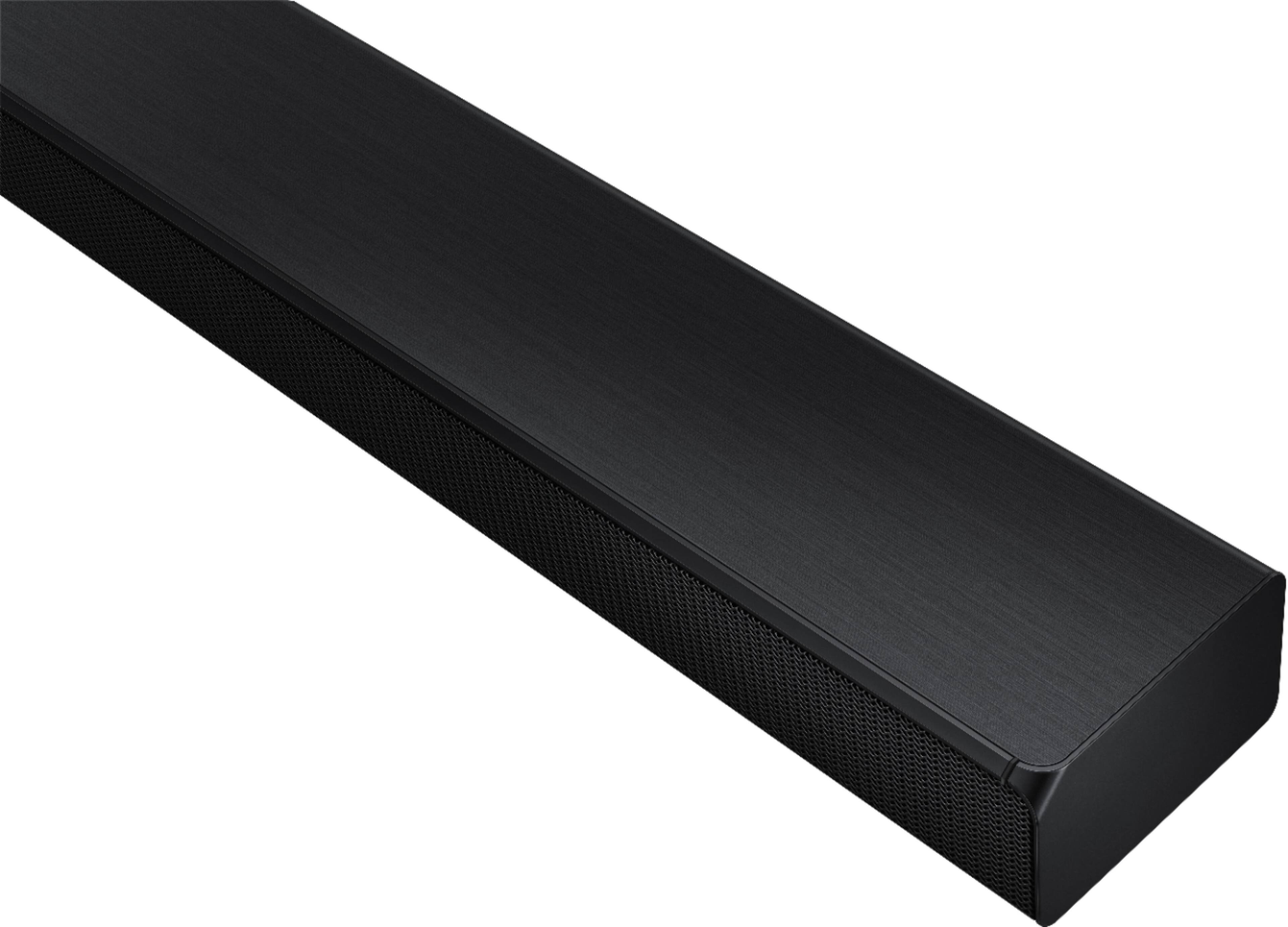


- Model:
- HW-T650/ZA
- SKU:
- 6400685
Rating by feature
- Value
Rating 4.4 out of 5 stars
- Quality
Rating 4.5 out of 5 stars
- Ease of Use
Rating 4.5 out of 5 stars
Customers are saying
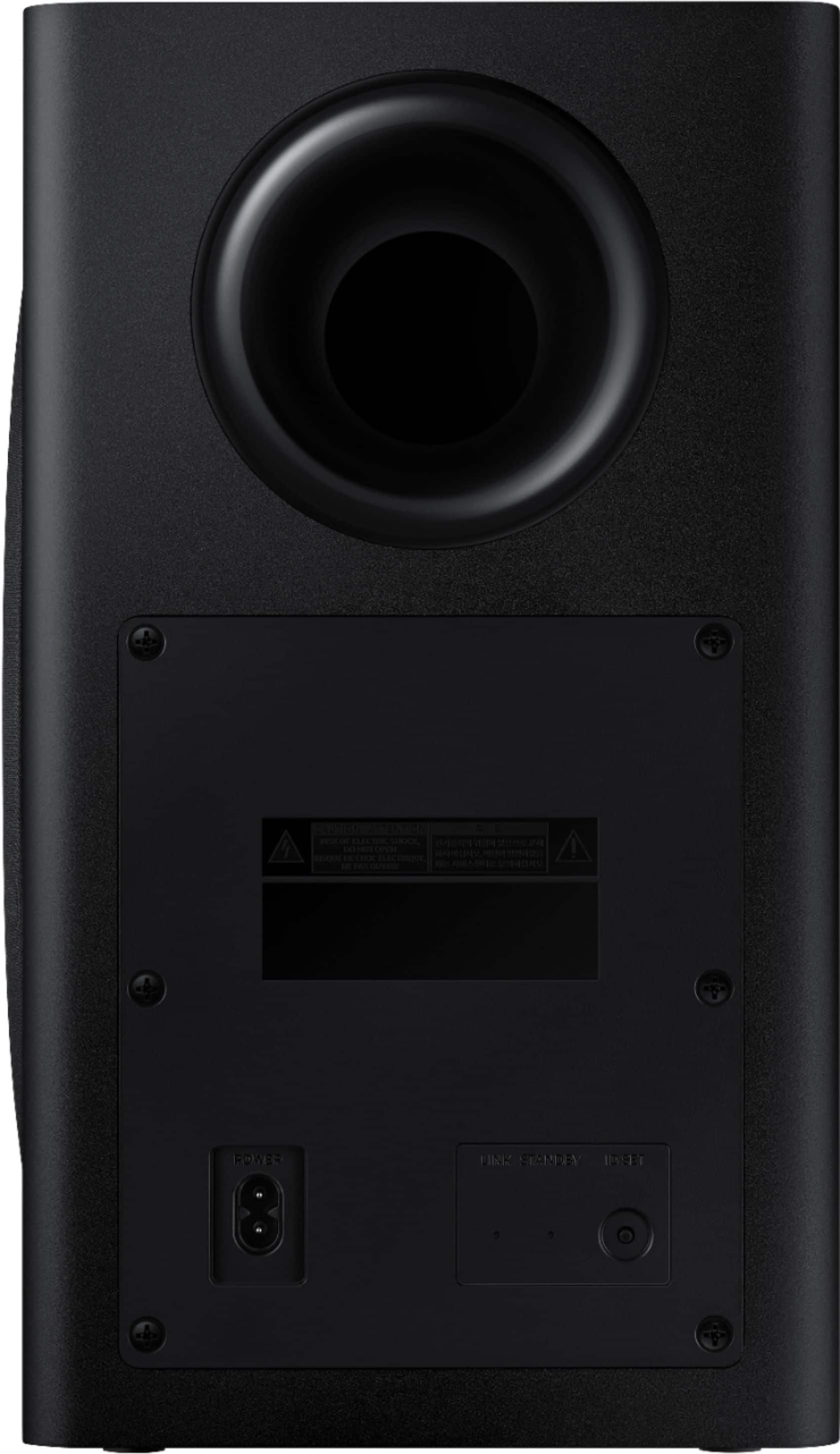
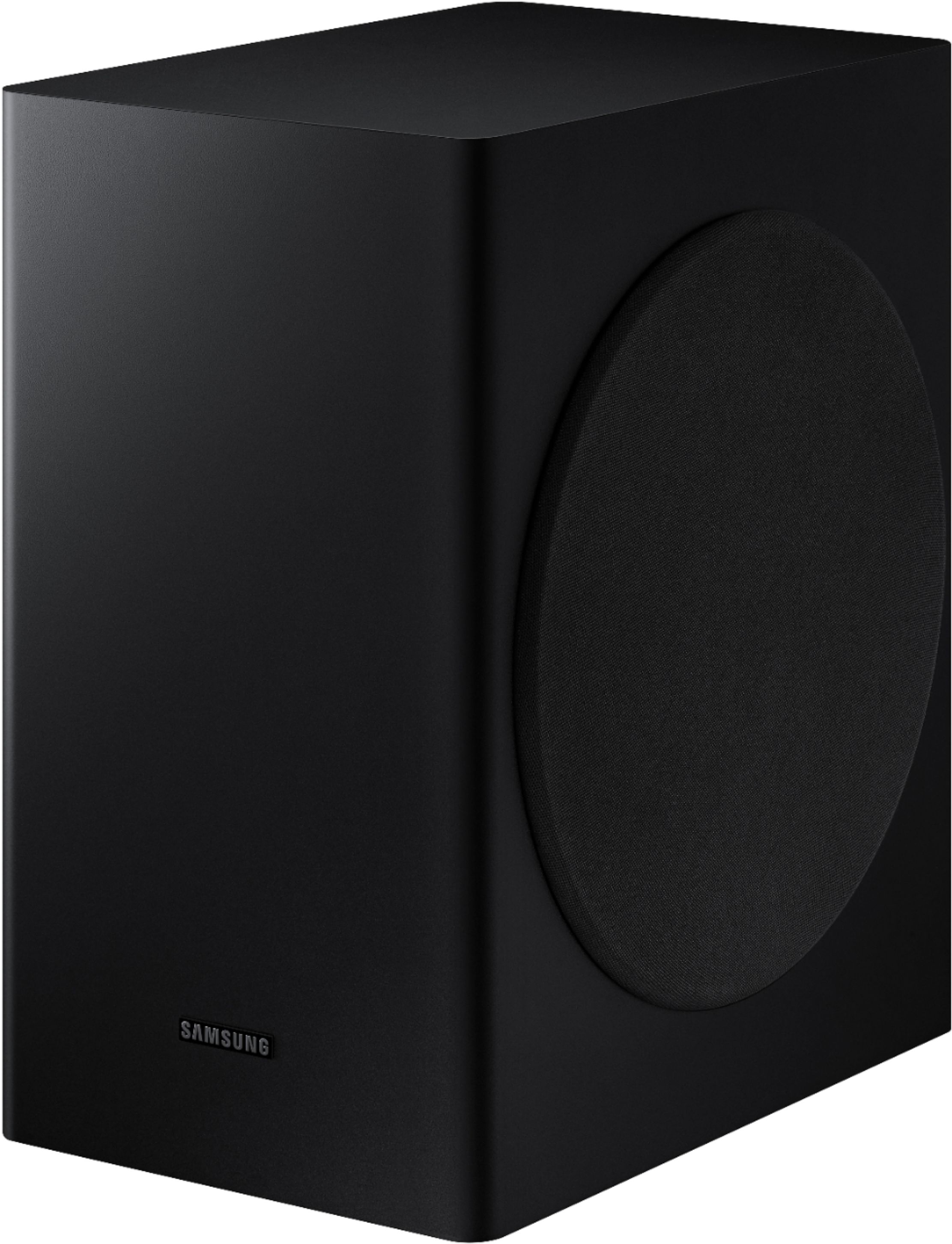
Customers admire the 3.1-Channel Soundbar for its exceptional sound quality, describing it as excellent and a significant improvement over TV speakers. The easy setup process is also widely appreciated, making it a user-friendly choice. While some users have concerns about volume control and connectivity issues, the overall sentiment is positive, with customers praising the soundbar's price-to-quality ratio and powerful bass.
This summary was generated by AI based on customer reviews.
Perfect sound bar for my bedroom
||Posted . Owned for 1 week when reviewed.This reviewer received promo considerations or sweepstakes entry for writing a review.It met my expectations! Love been in my bedroom now
I would recommend this to a friendMeh, average
||Posted . Owned for 11 months when reviewed.This reviewer received promo considerations or sweepstakes entry for writing a review.Not good enough for the tv I bought. its basically the same equivalence as my tv speakers but with a subwoofer. disconnects randomly some times and can be difficult to reconnect with my tv
No, I would not recommend this to a friendquality sound
||Posted . Owned for 1 month when reviewed.This reviewer received promo considerations or sweepstakes entry for writing a review.everything works great and sounds great only disappoint is that it can not pair with alexa devices. had i known that i would have not purchased this unit and went with one that could pair with alexa devices.
I would recommend this to a friendBrand response from Samsung
Posted .Hi commonguy,
Thank you for purchasing the Samsung HW-T650 and for your review. I am glad to hear that you are happy with the performance of your new soundbar.
Your feedback is very important to us and will be shared with our product team.
If there is anything we can do to improve your sound such as helping to optimize settings, please let us know. You can reach Samsung Customer Support at:
1) Phone: 1-800-SAMSUNG, (available 8AM to 12AM EST - 7 days a week)
2) LiveChat: https://www.samsung.com/us/support/#contact_us_for_support
3) Facebook Messenger: https://www.facebook.com/samsungsupport
4) Twitter: https://twitter.com/SamsungSupport
5) The Samsung Members Community is also a great resource for getting help from Samsung moderators and customers: https://us.community.samsung.com
If you have not already done so, we invite you to register your new Samsung product at:
https://www.samsung.com/us/account/signin/?redirect=https%3A%2F%2Fwww.samsung.com%2Fus%2Fsupport%2Fregister%2F
Registering your product gives you access to easy warranty support, convenient opt-in to special promos and offers, faster troubleshooting and service, and quick notification of system updates.
~ Samsung Ambassador
- Cons mentioned:Volume
My Tv is louder.
||Posted . Owned for 2 months when reviewed.This reviewer received promo considerations or sweepstakes entry for writing a review.Not impressed, upgraded my front room tv to a 75inch Samsung order a sound bar to match, and let’s just say my previous LG sound bar is a lot louder and crisp.
No, I would not recommend this to a friend I've had it one day and BB wants a review.
||Posted . Owned for 1 month when reviewed.This reviewer received promo considerations or sweepstakes entry for writing a review.It's hard to give an accurate review after only having the product one day. Sometimes it randomly stops during playback but otherwise, so far so good.
I would recommend this to a friendBrand response from Samsung
Posted .Hi MorganMorning,
Thank you for sharing your user experience with the HW-T650 Samsung Soundbar. I am sorry to hear that you are experiencing issues with random stops during playback.
Please contact Samsung Customer Support directly so we can better understand this issue and provide troubleshooting steps. Also, please let us know if we can help you to optimize your settings for your specific usage scenario. You can reach Samsung Customer Support at:
1) Phone: 1-800-SAMSUNG, (available 8AM to 12AM EST - 7 days a week)
2) LiveChat: https://www.samsung.com/us/support/#contact_us_for_support
3) Facebook Messenger: https://www.facebook.com/samsungsupport
4) Twitter: https://twitter.com/SamsungSupport
5) The Samsung Members Community is also a great resource for getting help from Samsung moderators and customers: https://us.community.samsung.com
If you have not already done so, we invite you to register your new Samsung product at:
https://www.samsung.com/us/account/signin/?redirect=https%3A%2F%2Fwww.samsung.com%2Fus%2Fsupport%2Fregister%2F
Registering your product gives you access to easy warranty support, convenient opt-in to special promos and offers, faster troubleshooting and service, and quick notification of system updates.
~ Samsung Ambassador
Good sound, low bass
||Posted . Owned for 1 month when reviewed.This reviewer received promo considerations or sweepstakes entry for writing a review.Its a decent sound option, but really doesn't deliver much low end bass. better than TV speakers but I wish I had shopped around for other options now. It does synch perfectly with Samsung TVs.
I would recommend this to a friendBrand response from Samsung
Posted .Hi SanMarcos,
Thank you for purchasing the Samsung HW-T650 soundbar with a dedicated center channel for crystal clear dialogue, along with Smart Sound Mode which detects what you are watching and optimizes your sound.
By design, the purpose of the subwoofer is to reproduces low frequency sounds and not musical tones. It adds rich tones and deepens sound effects, like the rumbles of an explosion or the depth in bass guitars and drums.
There are two adjustments that can be made for bass and subwoofer:
1) Using the WOOFER button on the remote, you can adjust the volume of the subwoofer between -6 to +6 by toggling the button up or down. To set the subwoofer volume level to 0, press the button down
2) Adjust the bass control by pressing the SOUND CONTROL button (gear icon) on the remote control, then select BASS to increase the level. You can adjust the volume between -6 to +6 by using the Up/Down buttons.
For precise audio adjustments, you can use the 7-band frequency equalizer to optimize the sound for your room acoustics.
You may also want to consider adding the Samsung SWA-8500S Wireless Rear Speakers Kit to your HW-T650 to expand audio impact. These rear loudspeakers easily connect wirelessly via WiFi.
I hope this helps. For further assistance with features, settings, adjustments, or functions please contact Samsung Customer Support:
1) Phone: 1-800-SAMSUNG / Available 8 AM - 12 AM EST 7 days a week
2) LiveChat: https://www.samsung.com/us/support/contact/
3) Text HELP to 62913
4) Samsung Members App
5) Facebook Messenger: https://www.facebook.com/samsungsupport
6) Twitter: https://twitter.com/SamsungSupport
7) The Samsung TV Community is also a great resource for getting help from Samsung moderators and customers: https://us.community.samsung.com/
If you have not already done so, we invite you to register your new Samsung product at:
https://www.samsung.com/us/account/signin/?redirect=https%3A%2F%2Fwww.samsung.com%2Fus%2Fsupport%2Fregister%2F
Registering your product gives you access to easy warranty support, convenient opt-in to special promos and offers, faster troubleshooting and service, and quick notification of system updates.
~ Samsung Specialist
- Cons mentioned:Connectivity
Returned, I didn't learn how to use it
||Posted . Owned for 5 months when reviewed.This reviewer received promo considerations or sweepstakes entry for writing a review.We didn't like it, we returned it. I have a hard time keeping it connected to the tv. perhaps I should have read the full manual
No, I would not recommend this to a friend Meh okay
||Posted . Owned for 3 weeks when reviewed.This reviewer received promo considerations or sweepstakes entry for writing a review.Its okay. Voices aren't as clear as i like,, but better than the tv speakers. Must get the rear speakers for umph...
No, I would not recommend this to a friendMediocre for the price
||Posted . Owned for 3 weeks when reviewed.This reviewer received promo considerations or sweepstakes entry for writing a review.With the price that i paid for this sound at you would think it would be much louder but really it’s pretty average I guess I should’ve sprang for the other brand sound bar and speaker
No, I would not recommend this to a friendBrand response from Samsung
Posted .Hi Cristos,
Thank you for purchasing the Samsung T650 and for your review. We appreciate your feedback regarding the performance of your soundbar. Simply changing the Digital Output Audio Format to PCM can help. You may want to try changing the Digital Output Audio Format to PCM.
This can be found at Home > Settings > Sound > Expert Settings. (It can also be found in the Quick Settings.)
If your Digital Output Audio Format isn't set to PCM, like for instance if you have a Dolby option selected, then you will likely notice decreased maximum volume. Dolby options are designed for surround systems (like 5.1 or 7.1), whereas PCM provides great sound quality for stereo speakers.
If you don't have a surround system, you will probably want to select PCM. You'll get much louder volume that way, and potentially better sound quality.
I hope this helps. For further assistance with settings, features, or functions, please contact Samsung Customer Support at 1-800-SAMSUNG (ask for Soundbars), available 8AM -12AM EST, 7 days a week. Or text HELP to 62913.
For additional support resources, visit us on the Samsung website and click on the ‘Support’ link in the upper right corner of the homepage for:
1) More ‘Contact Us’ options – LiveChat, Facebook, Twitter, Samsung Community, Samsung Members app
2) Manuals & Software
3) Warranty Info
4) Product Registration: For access to easy warranty support, convenient opt-in to special promos and offers, faster troubleshooting and service, and quick notification of system updates.
We look forward to hearing from you.
~ Samsung Specialist
Ok sound
||Posted . Owned for 2 weeks when reviewed.This reviewer received promo considerations or sweepstakes entry for writing a review.Ok sound for the price. Better for smaller room. I would have liked it better for my little office (14’x12’). Currently have it in my front room and should have bought the next level up.
I would recommend this to a friendBrand response from Samsung
Posted .Hi TimB,
Thank you for purchasing this Samsung HW-T650 Soundbar featuring a dedicated center channel for clear dialogue and a wireless subwoofer for deep bass. I am sorry to hear that you are not completely happy with performance.
Your soundbar features Smart Sound Mode to automatically analyze your content and optimize sound settings for the best audio delivery. You can also select from STANDARD, SURROUND SOUND, GAME, SMART, or DTS VIRTUAL:X effects by pressing the SOUND MODE button on the soundbar remote.
You can further adjust TREBLE and BASS via the SOUND CONTROL button (looks like a gear symbol).
You may also want to try this tip to simply changing the Digital Output Audio Format to PCM which can help increase the volume of your soundbar.
This can be found at Home > Settings > Sound > Expert Settings. (It can also be found in the Quick Settings.)
If your Digital Output Audio Format isn't set to PCM, like for instance if you have a Dolby option selected, then you will likely notice decreased maximum volume. Dolby options are designed for surround systems (like 5.1 or 7.1), whereas PCM provides great sound quality for stereo speakers.
If you don't have a surround system, you will probably want to select PCM. You'll get much louder volume that way, and potentially better sound quality.
I hope this helps. For further assistance with settings, features, or functions, please contact Samsung Customer Support at:
1) Phone: 1-800-SAMSUNG, (available 8AM to 12AM EST - 7 days a week)
2) LiveChat: https://www.samsung.com/us/support/#contact_us_for_support
3) Facebook Messenger: https://www.facebook.com/samsungsupport
4) Twitter: https://twitter.com/SamsungSupport
5) The Samsung Members Community is also a great resource for getting help from Samsung moderators and customers: https://us.community.samsung.com
If you have not already done so, we invite you to register your new Samsung product at:
https://www.samsung.com/us/account/signin/?redirect=https%3A%2F%2Fwww.samsung.com%2Fus%2Fsupport%2Fregister%2F
Registering your product gives you access to easy warranty support, convenient opt-in to special promos and offers, faster troubleshooting and service, and quick notification of system updates.
~ Samsung Ambassador
- Cons mentioned:Connectivity
Display stopped working
||Posted . Owned for 2 months when reviewed.This reviewer received promo considerations or sweepstakes entry for writing a review.At times it disconnects from our tv. The bigger issue is now I can’t read the display to see what sound setting I am using or any volume settings
No, I would not recommend this to a friend Better if you have a Samsung TV
||Posted . Owned for 3 weeks when reviewed.This reviewer received promo considerations or sweepstakes entry for writing a review.I bought a second one of these to use in my living room on an LG TV. The sound does not match the mouth movements. My other TV is a Samsung and the sound bar works perfectly with that one.
I would recommend this to a friendBrand response from Samsung
Posted .Kat90:
Thank you for purchasing the HW-T650 soundbar and for your review. I am very sorry for the sound synchronization issue.
If the video on the TV and audio from the soundbar are not synchronized, press the SOUND CONTROL button on the soundbar remote, until you see SYNC on the display. You can then set the audio delay between 0~300 milliseconds by using the Up/Down buttons.
You can also try the below to minimize the delay:
1) Connect the source directly to the Soundbar’s HDMI input, then connect the Soundbar to the HDMI ARC input on the TV.
2) On the TV, set the Sound Delay level to 0. Home > Settings > Sound>Expert Settings > Digital Output Audio Delay: “0”
3) Change the audio format to PCM on both the source device and the TV.
I hope the above helps to solve your issue. If you need further help, please reach out to Samsung Customer Support.
1) Phone: 1-800-SAMSUNG, (available 8AM to 12AM EST - 7 days a week)
2) LiveChat: https://www.samsung.com/us/support/#contact_us_for_support
3) Facebook Messenger: https://www.facebook.com/samsungsupport
4) Twitter: https://twitter.com/SamsungSupport
5) The Samsung Members Community is also a great resource for getting help from Samsung moderators and customers: https://us.community.samsung.com
If you have not already done so, we invite you to register your new Samsung product at:
https://www.samsung.com/us/account/signin/?redirect=https%3A%2F%2Fwww.samsung.com%2Fus%2Fsupport%2Fregister%2F&user=dsr-registration
Registering your product gives you access to easy warranty support, convenient opt-in to special promos and offers, faster troubleshooting and service, and quick notification of system updates.
~ Samsung Solutions
- Cons mentioned:Volume
Not worth it!
||Posted . Owned for 1 month when reviewed.This reviewer received promo considerations or sweepstakes entry for writing a review.Not nearly loud enough. Watched a movie with the volume between 80-90/100 the entire time in an apartment. Couldnt feel sub at all.
No, I would not recommend this to a friendBrand response from Samsung
Posted .Hi VS8694,
Thank you for purchasing the Samsung HW-T650 Soundbar and for your review. I am very sorry that you are not happy with the volume of your soundbar. Simply changing the Digital Output Audio Format to PCM can help. You may want to try changing the Digital Output Audio Format to PCM.
This can be found at Home > Settings > Sound > Expert Settings. (It can also be found in the Quick Settings.)
If your Digital Output Audio Format isn't set to PCM, like for instance if you have a Dolby option selected, then you will likely notice decreased maximum volume. Dolby options are designed for surround systems (like 5.1 or 7.1), whereas PCM provides great sound quality for stereo speakers.
If you don't have a surround system, you will probably want to select PCM. You'll get much louder volume that way, and potentially better sound quality.
There are two adjustments that can be made to maximize bass from the soundbar and subwoofer:
1) Using the WOOFER button on the remote, you can adjust the volume of the subwoofer between -6 to +6 by toggling the button up or down. To set the subwoofer volume level to 0, press the button in.
2) Adjust the bass control by pressing the SOUND CONTROL button (gear icon) on the remote control, then select BASS to increase the level. You can adjust the volume between -6 to +6 by using the Up/Down buttons.
For precise audio adjustments, you can use the 7-band frequency equalizer to optimize the sound for your room acoustics.
I hope this helps. For further assistance with settings, features, or functions, please contact Samsung Customer Support at:
For further assistance, please contact Samsung Customer Support.
1) Phone: 1-800-SAMSUNG, (available 8AM to 12AM EST - 7 days a week)
2) LiveChat: https://www.samsung.com/us/support/#contact_us_for_support
3) Facebook Messenger: https://www.facebook.com/samsungsupport
4) Twitter: https://twitter.com/SamsungSupport
5) The Samsung Members Community is also a great resource for getting help from Samsung moderators and customers: https://us.community.samsung.com
If you have not already done so, we invite you to register your new Samsung product at:
https://www.samsung.com/us/account/signin/?redirect=https%3A%2F%2Fwww.samsung.com%2Fus%2Fsupport%2Fregister%2F
Registering your product gives you access to easy warranty support, convenient opt-in to special promos and offers, faster troubleshooting and service, and quick notification of system updates.
~ Samsung Ambassador
- Cons mentioned:Connectivity
Horrible sound and now I know why it was on sale.
||Posted . Owned for 3 weeks when reviewed.This reviewer received promo considerations or sweepstakes entry for writing a review.Not good. My LG tv blew so I picked up a new Samsung and this sound bar. Right off the bat I had an issue with tinny sound, optical connection was causing a half second delay in audio, which was very annoying. Switched to HDMI ARC, which solved the issue but now I'm short one HDMI port and need a switch. Sound is horrible no matter the setting. Overall my least satisfying Samsung purchase. I am planning on returning.
No, I would not recommend this to a friendBrand response from Samsung
Posted .Hi BillG,
Thank you for your review of this Samsung HW-T650 Soundbar. I am sorry to hear that you are not completely happy with your audio experience and are considering returning your unit. Your feedback is very important to us and will be shared with our product team.
Your soundbar features Smart Sound Mode to automatically analyze your content and optimize sound settings for the best audio delivery. You can also select from STANDARD, SURROUND SOUND, GAME, SMART, or DTS VIRTUAL:X effects by pressing the SOUND MODE button on the soundbar remote.
You can further adjust TREBLE and BASS via the SOUND CONTROL button (looks like a gear symbol).
If there is anything we can do to improve your sound such as helping to optimize settings, please let us know. You can reach Samsung Customer Support at:
1) Phone: 1-800-SAMSUNG, (available 8AM to 12AM EST - 7 days a week)
2) LiveChat: https://www.samsung.com/us/support/#contact_us_for_support
3) Facebook Messenger: https://www.facebook.com/samsungsupport
4) Twitter: https://twitter.com/SamsungSupport
5) The Samsung Members Community is also a great resource for getting help from Samsung moderators and customers: https://us.community.samsung.com
~ Samsung Ambassador
Died on me
||Posted . Owned for 3 months when reviewed.This reviewer received promo considerations or sweepstakes entry for writing a review.This died on me within a few months of use. Maybe I just got a bad unit. However, this did not deliver what I was expecting. would definitley not buy again. Very much run of the meal
No, I would not recommend this to a friendBrand response from Samsung
Posted .Polly987:
I am very sorry to hear that you are experiencing issues with your soundbar not working after a few months of use.
Please know that your soundbar is backed by a 1-year limited manufacturer's warranty if purchased new from an authorized dealer like Best Buy. Please contact Samsung Customer Support for assistance with troubleshooting or warranty service.
1) Phone: 1-800-SAMSUNG, (available 8AM to 12AM EST - 7 days a week)
2) LiveChat: https://www.samsung.com/us/support/#contact_us_for_support
3) Facebook Messenger: https://www.facebook.com/samsungsupport
4) Twitter: https://twitter.com/SamsungSupport
5) The Samsung Members Community is also a great resource for getting help from Samsung moderators and customers: https://us.community.samsung.com
~ Samsung Solutions
A big disappointment
||Posted . Owned for 1 month when reviewed.This reviewer received promo considerations or sweepstakes entry for writing a review.Although I did initially set it up with the optical cable to a new Samsung 60T QLED TV, something happened during a power outage and have since been been unable to get the sound bar to operate preferentially over the TV speaker. The controls for both the TV & Soundbar are too simplified and the scrolling LED is a pain to decipher. I also have to use 3 separate remotes. The sound, when it did work, was not as crisp as my two Sony systems. I would not recommend the Samsung QLED or HW-T650 sound system.
No, I would not recommend this to a friendBrand response from Samsung
Posted .Hi CRUIZ,
Thank you for your review of the Samsung HW-T650 Soundbar.
When the Soundbar is connected to selected Samsung TVs, the Soundbar can be controlled using
the TV’s remote control.
– This feature is supported by 2017 and later Samsung Smart TVs that support Bluetooth when
you connect the Soundbar to the TV using an optical cable.
– This function also allows you to use the TV menu to adjust the sound field and various settings
as well as the volume and mute.
Please know that when the audio in a broadcast is encoded in Dolby Digital and the “Digital Output Audio Format” on your TV is set to PCM, we recommend that you change the setting to Dolby Digital. When the setting on the TV is changed, you will experience better sound quality. (The TV menu may use different words for Dolby Digital and PCM depending on the TV manufacturer.)
Your soundbar features Smart Sound Mode to automatically analyze your content and optimize sound settings for the best audio delivery. You can also select from STANDARD, SURROUND SOUND, GAME, SMART, or DTS VIRTUAL:X effects by pressing the SOUND MODE button on the soundbar remote.
You can further adjust TREBLE and BASS via the SOUND CONTROL button (looks like a gear symbol).
I am sorry to hear that you are unable to get the sound bar to operate preferentially over the TV speaker since the power outage. Please reach out to Samsung Customer Support so we can better understand your issue and provide you with troubleshooting assistance or warranty service.
1) Phone: 1-800-SAMSUNG, (available 8AM to 12AM EST - 7 days a week)
2) LiveChat: https://www.samsung.com/us/support/#contact_us_for_support
3) Facebook Messenger: https://www.facebook.com/samsungsupport
4) Twitter: https://twitter.com/SamsungSupport
5) The Samsung Members Community is also a great resource for getting help from Samsung moderators and customers: https://us.community.samsung.com
~ Samsung Ambassador
Blah
||Posted . Owned for 3 weeks when reviewed.This reviewer received promo considerations or sweepstakes entry for writing a review.With the name Samsung, I thought this Soundbar would be a gem. It's very disappointing that for the price it sounds like a low budget Soundbar. Samsung you missed on this one.
No, I would not recommend this to a friendBrand response from Samsung
Posted .CouldbeKing:
Thank you for purchasing this Samsung HW-T650 Soundbar featuring a dedicated center channel for clear dialogue and a wireless subwoofer for deep bass. I am sorry to hear that you are not completely happy with performance.
Your soundbar features Smart Sound Mode to automatically analyze your content and optimize sound settings for the best audio delivery. You can also select from STANDARD, SURROUND SOUND, and GAME effects by pressing the SOUND MODE button on the soundbar remote.
You can further adjust TREBLE and BASS via the SOUND CONTROL button (looks like a gear symbol).
I hope this tip helps improve your sound experience. Should you need further assistance with features, functions, settings, or adjustments, please contact Samsung Customer Support.
1) Phone: 1-800-SAMSUNG, (available 8AM to 12AM EST - 7 days a week)
2) LiveChat: https://www.samsung.com/us/support/#contact_us_for_support
3) Facebook Messenger: https://www.facebook.com/samsungsupport
4) Twitter: https://twitter.com/SamsungSupport
5) The Samsung Members Community is also a great resource for getting help from Samsung moderators and customers: https://us.community.samsung.com
If you have not already done so, we invite you to register your new Samsung product at:
https://www.samsung.com/us/account/signin/?redirect=https%3A%2F%2Fwww.samsung.com%2Fus%2Fsupport%2Fregister%2F&user=dsr-registration
Registering your product gives you access to easy warranty support, convenient opt-in to special promos and offers, faster troubleshooting and service, and quick notification of system updates.
~ Samsung Solutions
$300 soundbar?
||Posted . Owned for 1 month when reviewed.This reviewer received promo considerations or sweepstakes entry for writing a review.I am not very happy with this soundbar. I've never spent this much $$ on a soundbar before, but I haven't purchased one in probably 5+ years. I don't know if it's the software that's causing the issues or what, but half the time it won't turn on with the TV remote. It's supposed to, both the TV and soundbar are Samsung. Sometimes, I have to turn it up to 40 just to get the 'normal' volume. Other times it's OK at 20. Very inconsistent. Samsung needs to fix the software or firmware or whatever.
No, I would not recommend this to a friendBrand response from Samsung
Posted .SandhillsGirl:
Thank you for purchasing the Samsung HW-T650 Soundbar. I am very sorry you are experiencing issues with inconsistent usage. Please make sure you are running the latest firmware update which includes improved connectivity. You can update your firmware ver. 1016.0 by Auto Update, using the SmartThings app, or by using a USB device.
Should you need further assistance with this issue, or have any questions about features or operation, please know that Samsung is here to help. You can contact us via any of the below options:
1) Phone: 1-800-SAMSUNG, (available 8AM to 12AM EST - 7 days a week)
2) LiveChat: https://www.samsung.com/us/support/#contact_us_for_support
3) Facebook Messenger: https://www.facebook.com/samsungsupport
4) Twitter: https://twitter.com/SamsungSupport
5) The Samsung Members Community is also a great resource for getting help from Samsung moderators and customers: https://us.community.samsung.com
If you have not already done so, we invite you to register your new Samsung product at:
https://www.samsung.com/us/account/signin/?redirect=https%3A%2F%2Fwww.samsung.com%2Fus%2Fsupport%2Fregister%2F&user=dsr-registration
Registering your product gives you access to easy warranty support, convenient opt-in to special promos and offers, faster troubleshooting and service, and quick notification of system updates.
~ Samsung Solutions
Frustrated and alone.
||Posted . Owned for 1 month when reviewed.This reviewer received promo considerations or sweepstakes entry for writing a review.I am going to have to get the geek squad to install this for me because I could not get it to function properly.
No, I would not recommend this to a friendSubwoofer phases in and out after 1 year of use
||Posted . Owned for 1.5 years when reviewed.This reviewer received promo considerations or sweepstakes entry for writing a review.After about a year of usage, the subwoofer has an intermitted issue where the the sub phases in and out during movies. Very noticeable on during Action movies etc.. I've tried updating firmware and even moving the subwoofer around the room and nothing has helped. It definitely did not last as long as I expected. My cheaper soundbar/subwoofer lasted longer.
No, I would not recommend this to a friend