Customer Ratings & Reviews
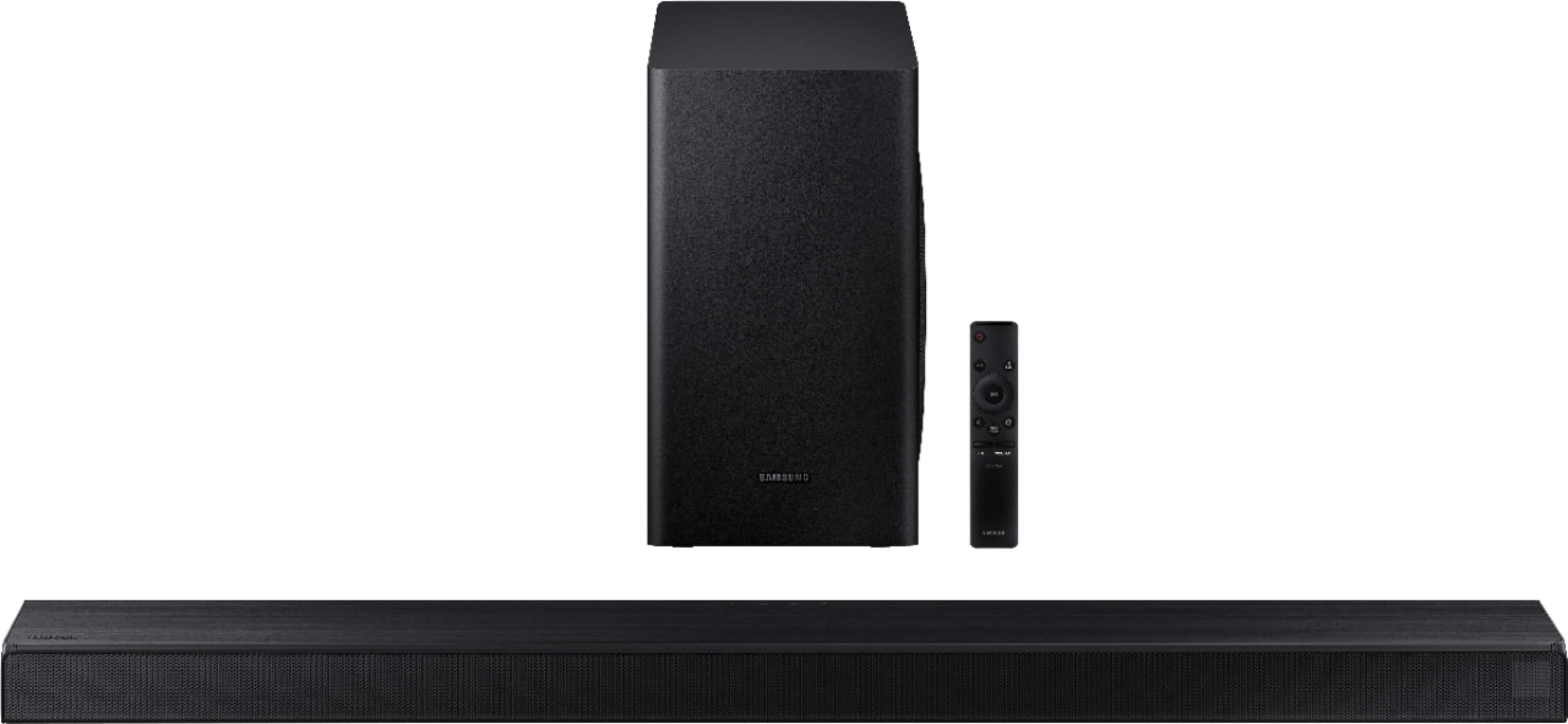
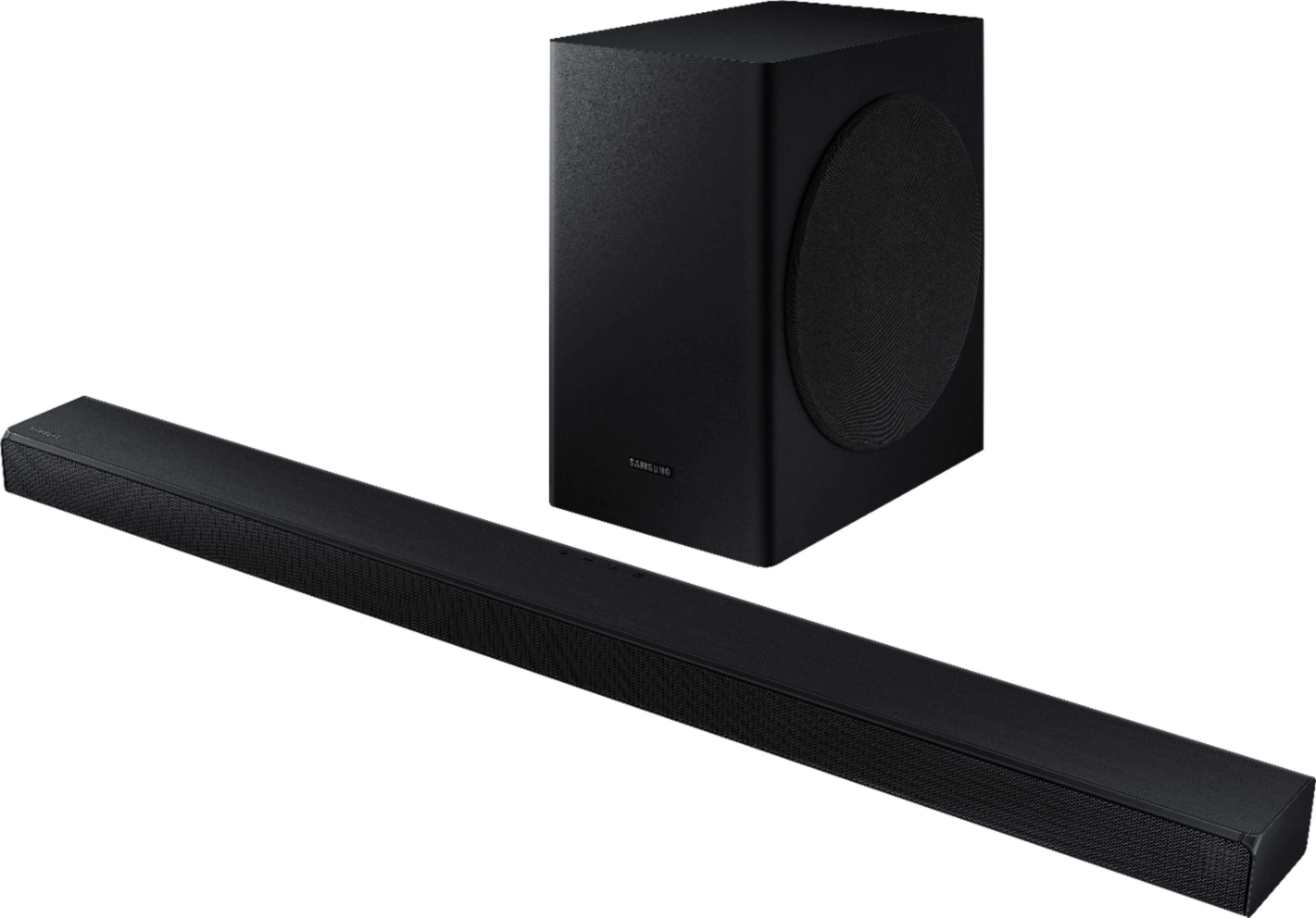


- Model:
- HW-T650/ZA
- SKU:
- 6400685
Rating by feature
- Value
Rating 4.4 out of 5 stars
- Quality
Rating 4.5 out of 5 stars
- Ease of Use
Rating 4.5 out of 5 stars
Customers are saying
Customers admire the 3.1-Channel Soundbar for its exceptional sound quality, describing it as excellent and a significant improvement over TV speakers. The easy setup process is also widely appreciated, making it a user-friendly choice. While some users have concerns about volume control and connectivity issues, the overall sentiment is positive, with customers praising the soundbar's price-to-quality ratio and powerful bass.
This summary was generated by AI based on customer reviews.
Speakers
||Posted .This reviewer received promo considerations or sweepstakes entry for writing a review.Don’t need to have the brake to install on the wall
No, I would not recommend this to a friendBedroom entertainment
||Posted . Owned for 1 month when reviewed.This reviewer received promo considerations or sweepstakes entry for writing a review.Sound much better then the tv speakers, the bass is great
I would recommend this to a friendBrand response from Samsung
Posted .Hi Master,
Thank you for purchasing the Samsung HW-T650 soundbar with a dedicated center channel for crystal clear dialogue and wireless subwoofer for rich bass. Smart Sound Mode will detect what you are watching and optimize your sound.
If there is anything we can do to improve your enjoyment to 5 stars -- such as helping to optimize settings for your specific usage scenario -- please let us know. You can reach Samsung Customer Support at:
For further assistance, please contact Samsung Customer Support.
1) Phone: 1-800-SAMSUNG, (available 8AM to 12AM EST - 7 days a week)
2) LiveChat: https://www.samsung.com/us/support/#contact_us_for_support
3) Facebook Messenger: https://www.facebook.com/samsungsupport
4) Twitter: https://twitter.com/SamsungSupport
5) The Samsung Members Community is also a great resource for getting help from Samsung moderators and customers: https://us.community.samsung.com
If you have not already done so, we invite you to register your new Samsung product at:
https://www.samsung.com/us/account/signin/?redirect=https%3A%2F%2Fwww.samsung.com%2Fus%2Fsupport%2Fregister%2F
Registering your product gives you access to easy warranty support, convenient opt-in to special promos and offers, faster troubleshooting and service, and quick notification of system updates.
~ Samsung Ambassador
Didn't work for me
||Posted . Owned for 1 month when reviewed.This reviewer received promo considerations or sweepstakes entry for writing a review.soundbar was a bit confusing to use, decided to return
No, I would not recommend this to a friendBrand response from Samsung
Posted .Hello notatechperson,
Thank you for your review of this Samsung Soundbar System. I am sorry to hear that it did not work out for you and have returned your unit. I understand your disappointment.
Your feedback is very important to us and will be shared with our product team.
Please know that should you ever need assistance with settings or adjustments with a future Samsung purchase to optimize your sound experience, Samsung Customer Support is here to help at:
1) Phone: 1-800-SAMSUNG, (available 8AM to 12AM EST - 7 days a week)
2) LiveChat: https://www.samsung.com/us/support/#contact_us_for_support
3) Facebook Messenger: https://www.facebook.com/samsungsupport
4) Twitter: https://twitter.com/SamsungSupport
5) The Samsung Members Community is also a great resource for getting help from Samsung moderators and customers: https://us.community.samsung.com
If you have not already done so, we invite you to register your new Samsung product at:
https://www.samsung.com/us/account/signin/?redirect=https%3A%2F%2Fwww.samsung.com%2Fus%2Fsupport%2Fregister%2F
Registering your product gives you access to easy warranty support, convenient opt-in to special promos and offers, faster troubleshooting and service, and quick notification of system updates.
~ Samsung Ambassador
Open box Excellent product was incomplete.
||Posted . Owned for 2 weeks when reviewed.This reviewer received promo considerations or sweepstakes entry for writing a review.Wall mount bracket as specified under Manufacturers specifications is missing. Tech support said it isn't included despite what my product purchased page says. Tech support agent Chinn was rude. I don't know if my optical cable is working or not due to no product documentation. Soundbar screen display keeps defaulting to BT(Bluetooth). Called tech support 3 times, was hung up on twice after "Hello" with no returned call. Third call started out good, told wall-mount was included, transferred to Chinn who refuted everything prior agent had said despite product page stating it is included. Filled out customer satisfaction survey without a Best Buy follow-up despite serious dissatisfaction.
No, I would not recommend this to a friendSoundbar and not a home theatre
||Posted . Owned for less than 1 week when reviewed.This reviewer received promo considerations or sweepstakes entry for writing a review.Soundbar is not a replacement for home theatre for sure
I would recommend this to a friendNot Impressed
||Posted . Owned for 1 month when reviewed.This reviewer received promo considerations or sweepstakes entry for writing a review.can't tell of any improvement in the sound of my TV.
No, I would not recommend this to a friendBrand response from Samsung
Posted .Hi fishy,
Thank you for purchasing this Samsung HW-T650 Soundbar featuring a dedicated center channel for clear dialogue and a wireless subwoofer for deep bass. I am sorry to hear that you are not completely happy with performance.
Your soundbar features Smart Sound Mode to automatically analyze your content and optimize sound settings for the best audio delivery. You can also select from STANDARD, SURROUND SOUND, GAME, SMART, or DTS VIRTUAL:X effects by pressing the SOUND MODE button on the soundbar remote.
You can further adjust TREBLE and BASS via the SOUND CONTROL button (looks like a gear symbol).
There are two adjustments that can be made to maximize bass from the soundbar and subwoofer:
1) Using the WOOFER button on the remote, you can adjust the volume of the subwoofer between -6 to +6 by toggling the button up or down. To set the subwoofer volume level to 0, press the button in.
2) Adjust the bass control by pressing the SOUND CONTROL button (gear icon) on the remote control, then select BASS to increase the level. You can adjust the volume between -6 to +6 by using the Up/Down buttons.
For precise audio adjustments, you can use the 7-band frequency equalizer to optimize the sound for your room acoustics.
I hope this tip helps improve your sound experience. Should you need further assistance with features, functions, settings, or adjustments, please contact Samsung Customer Support at:
1) Phone: 1-800-SAMSUNG, (available 8AM to 12AM EST - 7 days a week)
2) LiveChat: https://www.samsung.com/us/support/#contact_us_for_support
3) Facebook Messenger: https://www.facebook.com/samsungsupport
4) Twitter: https://twitter.com/SamsungSupport
5) The Samsung Members Community is also a great resource for getting help from Samsung moderators and customers: https://us.community.samsung.com
If you have not already done so, we invite you to register your new Samsung product at:
https://www.samsung.com/us/account/signin/?redirect=https%3A%2F%2Fwww.samsung.com%2Fus%2Fsupport%2Fregister%2F
Registering your product gives you access to easy warranty support, convenient opt-in to special promos and offers, faster troubleshooting and service, and quick notification of system updates.
~ Samsung Ambassador
Not completely satisfied
||Posted . Owned for 3 weeks when reviewed.This reviewer received promo considerations or sweepstakes entry for writing a review.My item did not come with the right manual or cords
No, I would not recommend this to a friendBrand response from Samsung
Posted .Hi Nairad,
Thank you for purchasing the Samsung HW-T650 Soundbar. I am very sorry that your manual and cables were missing from your box. If purchased brand-new and unopened, please contact Samsung Customer Support and a representative will gladly help you.
For further assistance, please contact Samsung Customer Support.
1) Phone: 1-800-SAMSUNG, (available 8AM to 12AM EST - 7 days a week)
2) LiveChat: https://www.samsung.com/us/support/#contact_us_for_support
3) Facebook Messenger: https://www.facebook.com/samsungsupport
4) Twitter: https://twitter.com/SamsungSupport
5) The Samsung Members Community is also a great resource for getting help from Samsung moderators and customers: https://us.community.samsung.com
If you have not already done so, we invite you to register your new Samsung product at:
https://www.samsung.com/us/account/signin/?redirect=https%3A%2F%2Fwww.samsung.com%2Fus%2Fsupport%2Fregister%2F
Registering your product gives you access to easy warranty support, convenient opt-in to special promos and offers, faster troubleshooting and service, and quick notification of system updates.
~ Samsung Ambassador
Soundbar
||Posted . Owned for 1 week when reviewed.This reviewer received promo considerations or sweepstakes entry for writing a review.Pretty good sound And good price at balck Friday!!
I would recommend this to a friendBrand response from Samsung
Posted .Hi Unknown,
Thank you for purchasing the Samsung HW-T650 soundbar with a dedicated center channel for crystal clear dialogue and wireless subwoofer for rich bass. With Dolby Audio and DTS Virtual:X, sounds are rich and robust, creating a 3D surround sound experience. Feel like you’re part of the scene with sharp, realistic sound.
If there is anything we can do to improve your enjoyment to 5 stars -- such as helping to optimize settings for your specific usage scenario -- please let us know. You can reach Samsung Customer Support at:
1) Phone: 1-800-SAMSUNG, (available 8AM to 12AM EST - 7 days a week)
2) LiveChat: https://www.samsung.com/us/support/#contact_us_for_support
3) Facebook Messenger: https://www.facebook.com/samsungsupport
4) Twitter: https://twitter.com/SamsungSupport
5) The Samsung Members Community is also a great resource for getting help from Samsung moderators and customers: https://us.community.samsung.com
If you have not already done so, we invite you to register your new Samsung product at:
https://www.samsung.com/us/account/signin/?redirect=https%3A%2F%2Fwww.samsung.com%2Fus%2Fsupport%2Fregister%2F
Registering your product gives you access to easy warranty support, convenient opt-in to special promos and offers, faster troubleshooting and service, and quick notification of system updates.
~ Samsung Ambassador
Moderate quality
||Posted . Owned for 1 month when reviewed.This reviewer received promo considerations or sweepstakes entry for writing a review.Sound is moderate, higher frequencies are somewhat muted
No, I would not recommend this to a friendBrand response from Samsung
Posted .Bill:
Thank you for sharing your review of the Samsung HW-T650. I am sorry to see that you are not completely happy with the sound performance. This soundbar features a powerful wireless subwoofer, as well as Game Mode, Dolby Digital Plus, and DTS Digital Surround for deep bass, rich sound, and clear tones.
You can try optimizing audio performance for your specific content by pressing the SOUND MODE button on your remote, and then selecting the desired sound effect by choosing STANDARD, SURROUND SOUND, GAME, or SMART.
You can further adjust TREBLE and BASS via the SOUND CONTROL button (looks like a gear symbol).
Refer to pages 22-24 of the User Manual for detailed instructions: https://downloadcenter.samsung.com/content/UM/202004/20200417163727097/HW-Q60T_ZA_FullManual_02_ENG_200219.pdf
If you need further assistance, please know we are here to help. You can reach Samsung Customer Support via:
1) Phone: 1-800-SAMSUNG, Available 8AM -12AM EST (7 Days a Week)
2) LiveChat: https://www.samsung.com/us/support/#contact_us_for_support
3) Facebook Messenger: https://www.facebook.com/samsungsupport
4) Twitter: https://twitter.com/SamsungSupport
5) The Samsung Members Community is also a great resource for getting help from Samsung moderators and customers: https://us.community.samsung.com
If you have not already done so, we invite you to register your new Samsung product at: https://www.samsung.com/us/account/signin/?redirect=https%3A%2F%2Fwww.samsung.com%2Fus%2Fsupport%2Fregister%2F
Registering your product gives you access to easy warranty support, convenient opt-in to special promos and offers, faster troubleshooting and service, and quick notification of system updates.
~ Samsung Solutions
Meh
||Posted . Owned for 7 months when reviewed.This reviewer received promo considerations or sweepstakes entry for writing a review.Bought this system for my wife's tv, and it's been really disappointing since day 1. There's an issue where the sound cuts out for 2 seconds and then goes back to normal and I can't figure out why. She doesn't mind so I guess I shouldn't either lol.
I would recommend this to a friendBrand response from Samsung
Posted .Hi pcmasterconsoles,
I am so sorry that you are experiencing connection issues with your soundbar. Updating the firmware on your soundbar gives you all the benefits of the latest improvements. Please make sure you are running the latest firmware update which includes improved connectivity. You can update your firmware ver. 1003.6 by using a USB device. You can find the firmware update on the product page of your HW-T650 soundbar on the Samsung website.
1) Phone: 1-800-SAMSUNG, (available 8AM to 12AM EST - 7 days a week)
2) LiveChat: https://www.samsung.com/us/support/#contact_us_for_support
3) Facebook Messenger: https://www.facebook.com/samsungsupport
4) Twitter: https://twitter.com/SamsungSupport
5) The Samsung Members Community is also a great resource for getting help from Samsung moderators and customers: https://us.community.samsung.com
If you have not already done so, we invite you to register your new Samsung product at:
https://www.samsung.com/us/account/signin/?redirect=https%3A%2F%2Fwww.samsung.com%2Fus%2Fsupport%2Fregister%2F
Registering your product gives you access to easy warranty support, convenient opt-in to special promos and offers, faster troubleshooting and service, and quick notification of system updates.
~ Samsung Ambassador
Not worth the money
||Posted . Owned for 2 months when reviewed.This reviewer received promo considerations or sweepstakes entry for writing a review.This product works, mostly. That's about it. 4 months after purchasing it the ARC connection no longer works. The sound is muted and not rich at all. I have to crank it up to 50-70 to start getting marginally decent sound. Not a great product.
No, I would not recommend this to a friendBrand response from Samsung
Posted .Hi Watcher,
Thank you for purchasing the Samsung HW-T650 Soundbar and for your review. We appreciate your feedback regarding the volume of your soundbar.
Simply changing the Digital Output Audio Format to PCM can help. You may want to try changing the Digital Output Audio Format to PCM.
This can be found at Home > Settings > Sound > Expert Settings. (It can also be found in the Quick Settings.)
If your Digital Output Audio Format isn't set to PCM, like for instance if you have a Dolby option selected, then you will likely notice decreased maximum volume. Dolby options are designed for surround systems (like 5.1 or 7.1), whereas PCM provides great sound quality for stereo speakers.
If you don't have a surround system, you will probably want to select PCM. You'll get much louder volume that way, and potentially better sound quality.
To test why your HDMI ARC connection may not be working, please try the following:
1) Check whether the HDMI cable is correctly connected to the ARC terminal.
2) Connection may not be possible due to the connected external device (set-top box, game machine, etc.). Directly connect the Soundbar.
3) HDMI-CEC may not be activated on the TV. Turn on the CEC on the TV menu. (Samsung TV: Home > Settings > General > External Device Manager > Anynet+ (HDMI-CEC) ON)
If the issue persists, please know that Samsung is committed to providing the best possible product experience, quality, and value. We back this model with a 1-year limited manufacturer's warranty if purchased brand-new directly from an authorized seller.
Should you need further assistance with settings, features, or functions, please contact Samsung Customer Support via any of the following options:
1) Phone: 1-800-SAMSUNG / Available 8 AM - 12 AM EST 7 days a week
2) LiveChat: https://www.samsung.com/us/support/contact/
3) Text HELP to 62913
4) Samsung Members App
5) Facebook Messenger: https://www.facebook.com/samsungsupport
6) Twitter: https://twitter.com/SamsungSupport
7) The Samsung TV Community is also a great resource for getting help from Samsung moderators and customers: https://us.community.samsung.com/
If you have not already done so, we invite you to register your new Samsung product at:
https://www.samsung.com/us/account/signin/?redirect=https%3A%2F%2Fwww.samsung.com%2Fus%2Fsupport%2Fregister%2F
Registering your product gives you access to easy warranty support, convenient opt-in to special promos and offers, faster troubleshooting and service, and quick notification of system updates.
We look forward to hearing from you.
~ Samsung Specialist
Technician returned and problem seems cleared.
||Posted . Owned for 3 weeks when reviewed.This reviewer received promo considerations or sweepstakes entry for writing a review.Sound ok. Could use less base. Easy to use control.
I would recommend this to a friendBrand response from Samsung
Posted .Janey:
Thank you for sharing your review of the Samsung HW-T650. I am sorry to see that you are not completely happy with performance.
You can try optimizing audio performance for your specific content by pressing the SOUND MODE button on your soundbar remote, and then selecting the desired sound effect by choosing STANDARD, SURROUND SOUND, GAME, or SMART.
You can also press the Sound Control button on the remote (looks like a gear) to adjust TREBLE and BASS.
Press and hold the Sound Control button for about 5 seconds to adjust the sound for each of seven frequency bands.
Using the WOOFER button on the remote, you can adjust the volume of the subwoofer between -6 to +6 by toggling the button up or down. To set the subwoofer volume level to 0, press the button down.
Should you need further assistance, please contact Samsung Customer Support and a representative will gladly help you.
1) Phone: 1-800-SAMSUNG, Available 8AM -12AM EST (7 Days a Week)
2) LiveChat: https://www.samsung.com/us/support/#contact_us_for_support
3) Facebook Messenger: https://www.facebook.com/samsungsupport
4) Twitter: https://twitter.com/SamsungSupport
5) The Samsung Members Community is also a great resource for getting help from Samsung moderators and customers: https://us.community.samsung.com
If you have not already done so, we invite you to register your new Samsung product at: https://www.samsung.com/us/account/signin/?redirect=https%3A%2F%2Fwww.samsung.com%2Fus%2Fsupport%2Fregister%2F
Registering your product gives you access to easy warranty support, convenient opt-in to special promos and offers, faster troubleshooting and service, and quick notification of system updates.
~ Samsung Solutions
Its ok. I have heard better.
||Posted . Owned for 3 weeks when reviewed.This reviewer received promo considerations or sweepstakes entry for writing a review.For the price of this, they could sound much better. I have another Samsung sound bar that is 11 years old and it seems to be of better quality than this one. Either save some money and buy something cheaper or spend a little more to get something better.
No, I would not recommend this to a friendBrand response from Samsung
Posted .Jdk5504:
Thank you for purchasing the Samsung HW-T650 featuring Smart Sound technology that auto-detects what you are watching and adjusts settings for the best experience. I'm sorry to see that you are not completely happy with performance.
To optimize your audio experience, please try the various sound modes this model offers. Press the SOUND MODE button on your remote, and then select your desired sound effect: STANDARD, SURROUND SOUND, GAME, or SMART.
You can further adjust TREBLE and BASS via the SOUND CONTROL button (looks like a gear symbol).
I hope this helps. For further assistance with settings, features, or functions, please contact Samsung Customer Support.
1) Phone: 1-800-SAMSUNG, (available 8AM to 12AM EST - 7 days a week)
2) LiveChat: https://www.samsung.com/us/support/#contact_us_for_support
3) Facebook Messenger: https://www.facebook.com/samsungsupport
4) Twitter: https://twitter.com/SamsungSupport
5) The Samsung Members Community is also a great resource for getting help from Samsung moderators and customers: https://us.community.samsung.com
If you have not already done so, we invite you to register your new Samsung product at:
https://www.samsung.com/us/account/signin/?redirect=https%3A%2F%2Fwww.samsung.com%2Fus%2Fsupport%2Fregister%2F&user=dsr-registration
Registering your product gives you access to easy warranty support, convenient opt-in to special promos and offers, faster troubleshooting and service, and quick notification of system updates.
~ Samsung Solutions
Good for a kids Room.
||Posted . Owned for 2 weeks when reviewed.This reviewer received promo considerations or sweepstakes entry for writing a review.The sound quality for a living room is not to good. Nice design and all , but doesn’t give the amount of sound that it suppose to give for a big living room.
I would recommend this to a friendBrand response from Samsung
Posted .Batatan:
I am very sorry that the audio output of your soundbar is not meeting your expectations. You may want to try changing the Digial Output Audio Format to PCM.
This can be found at Home > Settings > Sound > Expert Settings. (It can also be found in the Quick Settings.)
If your Digital Output Audio Format isn't set to PCM, like for instance if you have a Dolby option selected, then you will likely notice decreased maximum volume. Dolby options are designed for surround systems (like 5.1 or 7.1), whereas PCM provides great sound quality for stereo speakers.
If you don't have a surround system, you will probably want to select PCM. You'll get much louder volume that way, and potentially better sound quality.
If you have any other questions or concerns, please know Samsung Customer Support is here to help:
1) Phone: 1-800-SAMSUNG, available 8AM - 9PM EST, Mon - Fri
2) LiveChat: https://www.samsung.com/us/support/#contact_us_for_support
3) Facebook Messenger: https://www.facebook.com/samsungsupport
4) Twitter: https://twitter.com/SamsungSupport
5) The Samsung Members Community is also a great resource for getting help from Samsung moderators and customers: https://us.community.samsung.com
If you have not already done so, we invite you to register your new Samsung product at: https://www.samsung.com/us/account/signin/?redirect=https%3A%2F%2Fwww.samsung.com%2Fus%2Fsupport%2Fregister%2F
Registering your product gives you access to easy warranty support, convenient opt-in to special promos and offers, faster troubleshooting and service, and quick notification of system updates.
~ Samsung Solutions
Reviews are correct does not give you vocal sound
||Posted . Owned for 2 weeks when reviewed.This reviewer received promo considerations or sweepstakes entry for writing a review.I took it back after 3 days testing it out. You can’t hear the sound of normal talking from characters on movies or tv. I adjusted all settings multiple times to get it to at least be above the tremendous bass that comes out! Nada...zip! The sound setting options also do not sound any different then regular tv noise. There was nothing to compare it to! I looked around and saw the reviews on this, I was hoping maybe operator error, nope! It’s also my first Samsung. I have heard people say good things about it. I’m normally an LG fan. Guess what went back to LG and its AMAZING! If you want bass then by it if you want equal sound and clear voice DO NOT BUY THIS!
No, I would not recommend this to a friendBrand response from Samsung
Posted .Hi AKMarine,
Thank you for your review of the Samsung HW-T650 Soundbar. I am sorry to hear that it did not work out for you and have returned your unit. Your feedback is very important to us and will be shared with our product team.
Should you ever decide to give Samsung audio products another try and have concerns or questions, please know we are always here to help. You can contact Samsung Customer Support by any of the below options:
1) Phone: 1-800-SAMSUNG, (available 8AM to 12AM EST - 7 days a week)
2) LiveChat: https://www.samsung.com/us/support/#contact_us_for_support
3) Facebook Messenger: https://www.facebook.com/samsungsupport
4) Twitter: https://twitter.com/SamsungSupport
5) The Samsung Members Community is also a great resource for getting help from Samsung moderators and customers: https://us.community.samsung.com
Again, thank you for taking the time to share your experience. We hope to regain you as a customer in the near future.
~ Samsung Ambassador
It’s alright.
||Posted . Owned for 8 months when reviewed.This reviewer received promo considerations or sweepstakes entry for writing a review.I bought this and ended up returning it. The sound was so so and definitely not what I was hoping for. Doesn’t work with the wireless rear speakers. I wanted more full sound than what this offered.
I would recommend this to a friendPoor quality for the price
||Posted . Owned for 3 weeks when reviewed.This reviewer received promo considerations or sweepstakes entry for writing a review.Quality is severely lacking. For a 3.1 channel sound bar I would expect more. Not enough deep base even after the settings have been adjusted. The sound isn’t as crisp as I feel it could be. I purchased a 2.1 channel Sony sound bar 4 or 5 years ago from Best Buy in a cheaper price range with a smaller sub and this Samsung doesn’t even come close to touching that. I returned the item and decided to stick with what I have. This is the second Samsung sound bar I have purchased and with the same lack of quality sound. When I decide to purchase another I intend to stick with Sony this time.
No, I would not recommend this to a friendBrand response from Samsung
Posted .Hi Hovy636,
Thank you for your review of the Samsung HW-T650 Soundbar. I am sorry to hear that it did not work out for you and have returned your unit. I understand your disappointment.
Your feedback is very important to us and will be shared with our product team.
Please know that should you ever need assistance with settings or adjustments with a future Samsung purchase to optimize your sound experience, Samsung Customer Support is here to help.
1) Phone: 1-800-SAMSUNG, (available 8AM to 12AM EST - 7 days a week)
2) LiveChat: https://www.samsung.com/us/support/#contact_us_for_support
3) Facebook Messenger: https://www.facebook.com/samsungsupport
4) Twitter: https://twitter.com/SamsungSupport
5) The Samsung Members Community is also a great resource for getting help from Samsung moderators and customers: https://us.community.samsung.com
~ Samsung Ambassador
Weak bass
||Posted . Owned for 1 month when reviewed.This reviewer received promo considerations or sweepstakes entry for writing a review.It was plug and play with my new Samsung TU8000 TV. The center channel really did wonders for clarity of dialog,but unfortunately I found the subwoofer was lacking bass, so I ended up returning it.
No, I would not recommend this to a friendBrand response from Samsung
Posted .BillEGoat,
Thank you for your review of this Samsung HW-T650 Soundbar. I am very sorry that you are not completely happy with the bass performance.
There are two adjustments that can be made to maximize bass from the soundbar and subwoofer:
1) Using the WOOFER button on the remote, you can adjust the volume of the subwoofer between -6 to +6 by toggling the button up or down. To set the subwoofer volume level to 0, press the button in.
2) Adjust the bass control by pressing the SOUND CONTROL button (gear icon) on the remote control, then select BASS to increase the level. You can adjust the volume between -6 to +6 by using the Up/Down buttons.
For precise audio adjustments, you can use the 7-band frequency equalizer to optimize the sound for your room acoustics.
I hope this helps. For further assistance with features, settings, adjustments, or functions please contact Samsung Customer Support at:
1) Phone: 1-800-SAMSUNG, (available 8AM to 12AM EST - 7 days a week)
2) LiveChat: https://www.samsung.com/us/support/#contact_us_for_support
3) Facebook Messenger: https://www.facebook.com/samsungsupport
4) Twitter: https://twitter.com/SamsungSupport
5) The Samsung Members Community is also a great resource for getting help from Samsung moderators and customers: https://us.community.samsung.com
If you have not already done so, we invite you to register your new Samsung product at:
https://www.samsung.com/us/account/signin/?redirect=https%3A%2F%2Fwww.samsung.com%2Fus%2Fsupport%2Fregister%2F
Registering your product gives you access to easy warranty support, convenient opt-in to special promos and offers, faster troubleshooting and service, and quick notification of system updates.
~ Samsung Ambassador
Bulletin speaker
||Posted . Owned for 1 month when reviewed.This reviewer received promo considerations or sweepstakes entry for writing a review.No don't buy it just don't do it. They as she to put all this information because it wanna hear what you've got to say you can't just say that it's a bad speaker I mean Bullbaloney speaker actually.
No, I would not recommend this to a friendBrand response from Samsung
Posted .Noimnotdoingthis:
Thank you for purchasing the Samsung HW-T650 Soundbar. I am very sorry you are not completely happy with your unit.
Please contact Samsung Customer Support so we can better understand your issue and assist you with step-by-step troubleshooting or warranty service.
1) Phone: 1-800-SAMSUNG, (available 8AM to 12AM EST - 7 days a week)
2) LiveChat: https://www.samsung.com/us/support/#contact_us_for_support
3) Facebook Messenger: https://www.facebook.com/samsungsupport
4) Twitter: https://twitter.com/SamsungSupport
5) The Samsung Members Community is also a great resource for getting help from Samsung moderators and customers: https://us.community.samsung.com
If you have not already done so, we invite you to register your new Samsung product at:
https://www.samsung.com/us/account/signin/?redirect=https%3A%2F%2Fwww.samsung.com%2Fus%2Fsupport%2Fregister%2F&user=dsr-registration
Registering your product gives you access to easy warranty support, convenient opt-in to special promos and offers, faster troubleshooting and service, and quick notification of system updates.
~ Samsung Solutions
Optical connections
||Posted . Owned for 1 year when reviewed.This reviewer received promo considerations or sweepstakes entry for writing a review.Samsung need to do better. After a couple weeks the optical connection stopped working. I had to switch to blue tooth connections and sound quality not as clear.
No, I would not recommend this to a friend