Customer Ratings & Reviews
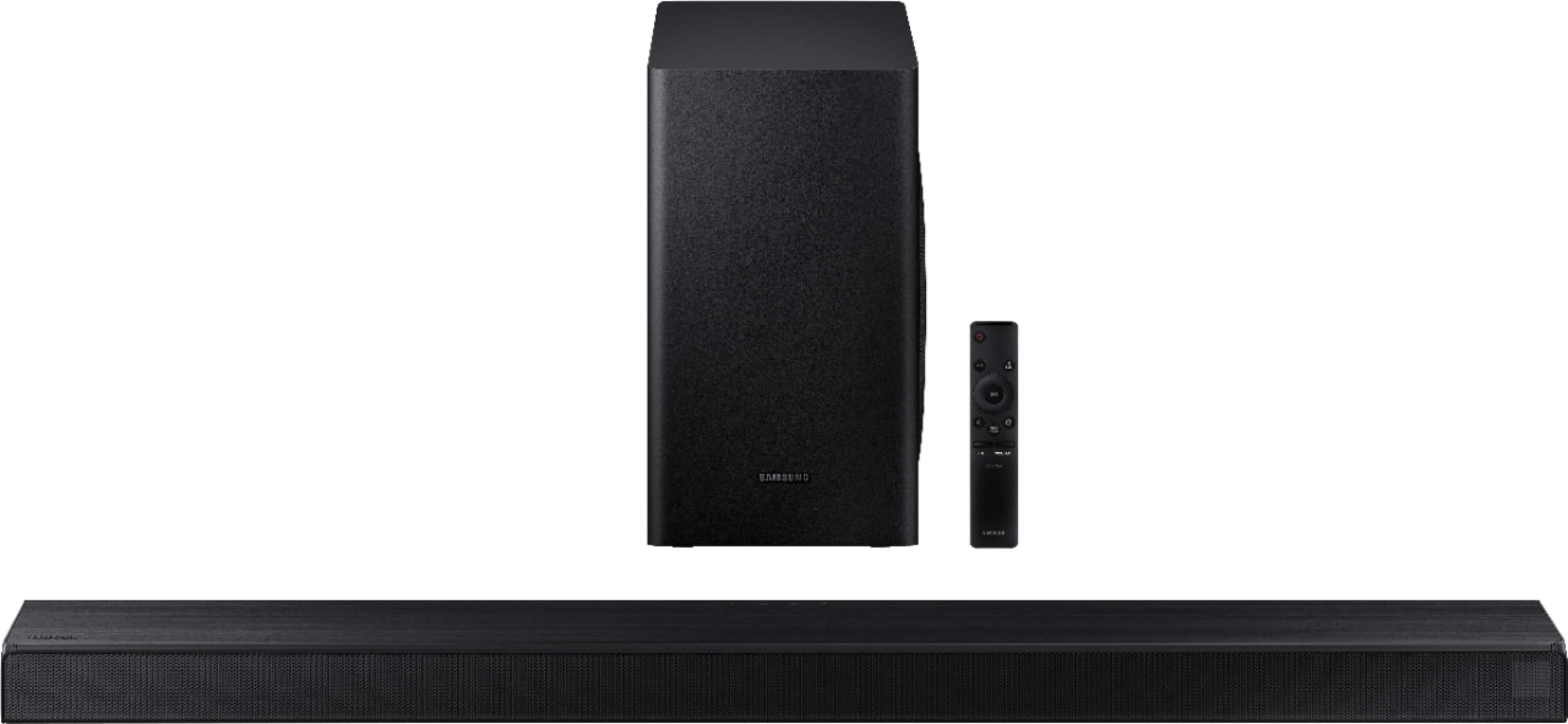
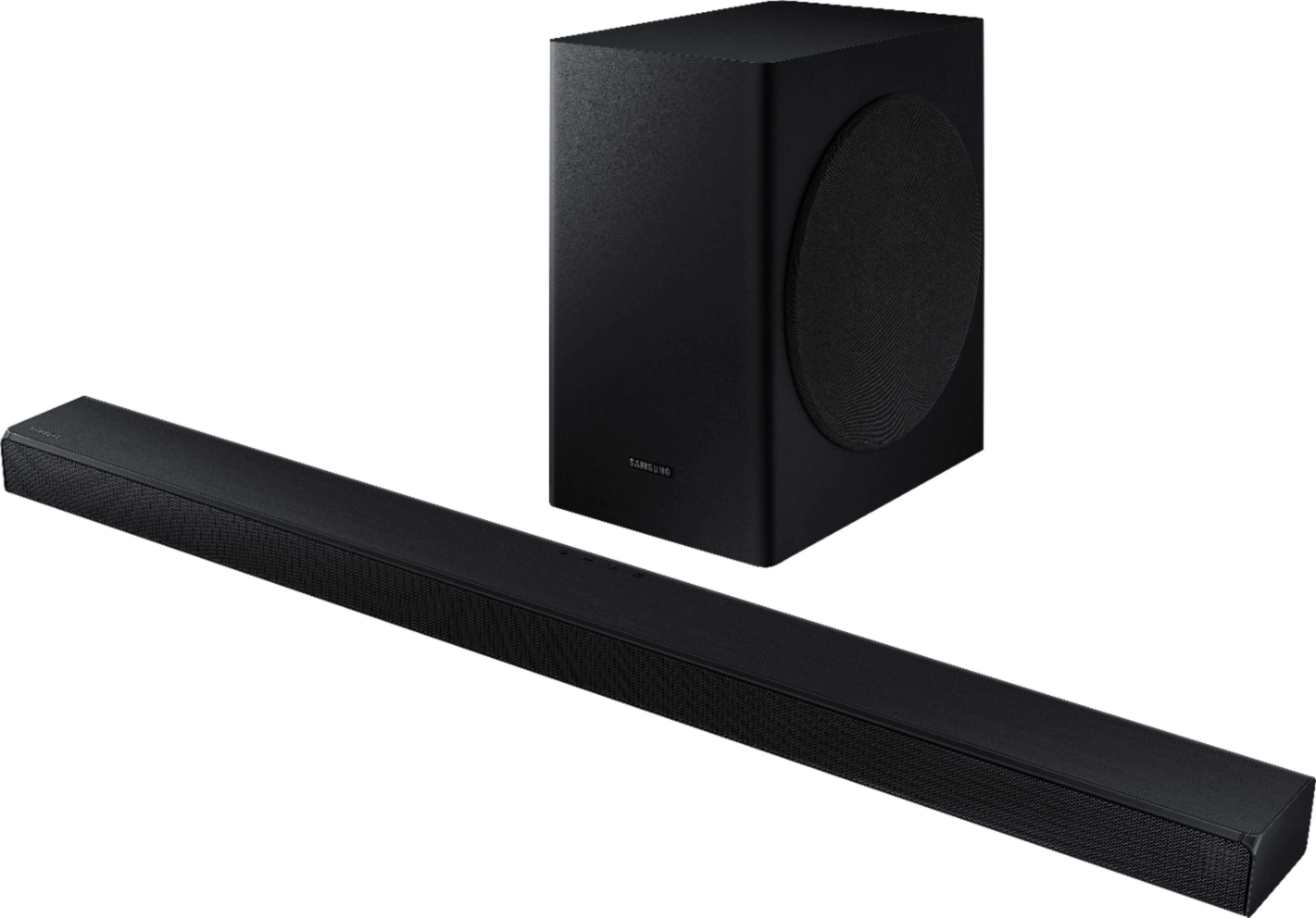


- Model:
- HW-T650/ZA
- SKU:
- 6400685
Rating by feature
- Value
Rating 4.4 out of 5 stars
- Quality
Rating 4.5 out of 5 stars
- Ease of Use
Rating 4.5 out of 5 stars
Customers are saying
Customers admire the 3.1-Channel Soundbar for its exceptional sound quality, describing it as excellent and a significant improvement over TV speakers. The easy setup process is also widely appreciated, making it a user-friendly choice. While some users have concerns about volume control and connectivity issues, the overall sentiment is positive, with customers praising the soundbar's price-to-quality ratio and powerful bass.
This summary was generated by AI based on customer reviews.
Very disappointed
||Posted . Owned for 3 weeks when reviewed.This reviewer received promo considerations or sweepstakes entry for writing a review.Very disappointed. I experienced significant audio lag on my sound bar when watching my new Samsung TV using my Fios TV One. As I learned from my research, this issue is common and not completely correctible by adjusting settings on the Fios box, sound bar or TV. The only way to correct was to connect my Fios box to the sound bar and the sound bar to the TV. However, because this sound bar did not support 4K pass thru, the video quality degraded in this setup. I ended up returning the sound bar and upgrading to a Q60T which works well.
No, I would not recommend this to a friendBrand response from Samsung
Posted .Hi abcd,
Thank you for sharing your review of the Samsung HW-T650 soundbar. I am very sorry that your experience with this soundbar was less than perfect, and you have decided to exchange it for a different model. Thank you for being a loyal Samsung customer.
Your feedback regarding this model is important to us and will be shared with our internal teams.
Should you have questions or need assistance with settings, setup, or features, with your new Samsung soundbar, please know we are always here to help at:
1) Phone: 1-800-SAMSUNG, (available 8AM to 12AM EST - 7 days a week)
2) LiveChat: https://www.samsung.com/us/support/#contact_us_for_support
3) Facebook Messenger: https://www.facebook.com/samsungsupport
4) Twitter: https://twitter.com/SamsungSupport
5) The Samsung Members Community is also a great resource for getting help from Samsung moderators and customers: https://us.community.samsung.com
If you have not already done so, we invite you to register your new Samsung product at:
https://www.samsung.com/us/account/signin/?redirect=https%3A%2F%2Fwww.samsung.com%2Fus%2Fsupport%2Fregister%2F
Registering your product gives you access to easy warranty support, convenient opt-in to special promos and offers, faster troubleshooting and service, and quick notification of system updates.
~ Samsung Ambassador
- Cons mentioned:Connectivity
Not a reliable brand.
||Posted . Owned for 1 year when reviewed.This reviewer received promo considerations or sweepstakes entry for writing a review.It was never reliable but didn’t last a year. It flickered in and out and it was hard for the TV to find. Now it’s dead.
No, I would not recommend this to a friend Too complicated
||Posted . Owned for 1 month when reviewed.This reviewer received promo considerations or sweepstakes entry for writing a review.Bought this soundbar at the Best Buy rep's recommendation. I bought a 65" Samsung UHD TV, so figured a Samsung sound bar makes sense. The sound and video have never synced with these products. I couldn't be more disappointed about these products. They are not user friendly at all. How odd that users would need to sync sound and video - this should never be needed as part of product installation or settings. I may never buy a Samsung product again.
No, I would not recommend this to a friendBrand response from Samsung
Posted .Customer:
Thank you for sharing your user experience with this Samsung soundbar. I am sorry to hear that you are finding the setup process to be frustrating. Please reach out to Samsung Customer Support, and a representative will gladly assist you with features, setup, functions, and optimizing settings for your specific usage scenario.
We can be reached via any of the following:
1) Phone: 1-800-SAMSUNG, (available 8AM to 12AM EST - 7 days a week)
2) LiveChat: https://www.samsung.com/us/support/#contact_us_for_support
3) Facebook Messenger: https://www.facebook.com/samsungsupport
4) Twitter: https://twitter.com/SamsungSupport
5) The Samsung Members Community is also a great resource for getting help from Samsung moderators and customers: https://us.community.samsung.com
If you have not already done so, we invite you to register your new Samsung product at:
https://www.samsung.com/us/account/signin/?redirect=https%3A%2F%2Fwww.samsung.com%2Fus%2Fsupport%2Fregister%2F&user=dsr-registration
Registering your product gives you access to easy warranty support, convenient opt-in to special promos and offers, faster troubleshooting and service, and quick notification of system updates.
~ Samsung Solutions
Poor Sound Quality
||Posted . Owned for 2 weeks when reviewed.This reviewer received promo considerations or sweepstakes entry for writing a review.I purchased this for my husband for Christmas. When we hooked it up, the Samsung 70" TV sound was better than the Soundbar and the subwoofer was non-existence. We used both the Optic cable and the HDMI ARC connection with no luck. My husband called Samsung customer service for assistance and went through the whole trouble shooting process for him to tell us that we have a faulty unit. This was very discouraging because this is what he wanted for Christmas. Even though I do like the Samsung line, I suggest not buying this product.
No, I would not recommend this to a friendBrand response from Samsung
Posted .Hi T650,
Thank you for your feedback on the Samsung HW-T650 Soundbar. I am very sorry for the issues you have encountered and understand your disappointment. Your user experience is very important to us and will be shared with our teams.
Should you wish to check the status of your repair or need any further assistance, please contact us:
1) Phone: 1-800-SAMSUNG, (available 8AM to 12AM EST - 7 days a week)
2) LiveChat: https://www.samsung.com/us/support/#contact_us_for_support
3) Facebook Messenger: https://www.facebook.com/samsungsupport
4) Twitter: https://twitter.com/SamsungSupport
5) The Samsung Members Community is also a great resource for getting help from Samsung moderators and customers: https://us.community.samsung.com
~ Samsung Ambassador
- Cons mentioned:Volume
Bad sound
||Posted . Owned for 3 weeks when reviewed.This reviewer received promo considerations or sweepstakes entry for writing a review.The volume on this unit didn’t match the price.after doing research and coming up with nothing just going to end up buying new one.
No, I would not recommend this to a friendBrand response from Samsung
Posted .Hello Sams,
Thank you for your review of the Samsung T650 Soundbar.
Changing the Digital Output Audio Format to PCM can help with the low volume levels you may be experiencing. You may want to try changing the Digital Output Audio Format to PCM.
This can be found at Home > Settings > Sound > Expert Settings. (It can also be found in the Quick Settings.)
If your Digital Output Audio Format isn't set to PCM, like for instance if you have a Dolby option selected, then you will likely notice decreased maximum volume. Dolby options are designed for surround systems (like 5.1 or 7.1), whereas PCM provides great sound quality for stereo speakers.
If you don't have a surround system, you will probably want to select PCM. You'll get much louder volume that way, and potentially better sound quality.
Should you ever have questions or need help, please call us at 1-800-SAMSUNG (ask for Soundbars), available 8AM -12AM EST, 7 days a week. Or text HELP to 62913.
For additional support resources, visit us on the Samsung website and click on the ‘Support’ link in the upper right corner of the homepage for:
1) More ‘Contact Us’ options – LiveChat, Facebook, Twitter, Samsung Community, Samsung Members app
2) Manuals & Software
3) Warranty Info
4) Product Registration: For access to easy warranty support, convenient opt-in to special promos and offers, faster troubleshooting and service, and quick notification of system updates.
We look forward to hearing from you.
~ Samsung Specialist
- Pros mentioned:Easy setup
No low tones
||Posted . Owned for 2 months when reviewed.This reviewer received promo considerations or sweepstakes entry for writing a review.Easy set up Limited use of fiber connection far as volume increase and no bass what's so ever!
No, I would not recommend this to a friendBrand response from Samsung
Posted .JayP:
Thank you for your review of this Samsung HW-T650 Soundbar. I am very sorry that you are not completely happy with the bass performance.
There are two adjustments that can be made to maximize bass from the soundbar and subwoofer:
1) Using the WOOFER button on the remote, you can adjust the volume of the subwoofer between -6 to +6 by toggling the button up or down. To set the subwoofer volume level to 0, press the button in.
2) Adjust the bass control by pressing the SOUND CONTROL button (gear icon) on the remote control, then select BASS to increase the level. You can adjust the volume between -6 to +6 by using the Up/Down buttons.
For precise audio adjustments, you can use the 7-band frequency equalizer to optimize the sound for your room acoustics.
I hope this helps. For further assistance with features, settings, adjustments, or functions please contact Samsung Customer Support.
1) Phone: 1-800-SAMSUNG, (available 8AM to 12AM EST - 7 days a week)
2) LiveChat: https://www.samsung.com/us/support/#contact_us_for_support
3) Facebook Messenger: https://www.facebook.com/samsungsupport
4) Twitter: https://twitter.com/SamsungSupport
5) The Samsung Members Community is also a great resource for getting help from Samsung moderators and customers: https://us.community.samsung.com
If you have not already done so, we invite you to register your new Samsung product at:
https://www.samsung.com/us/account/signin/?redirect=https%3A%2F%2Fwww.samsung.com%2Fus%2Fsupport%2Fregister%2F&user=dsr-registration
Registering your product gives you access to easy warranty support, convenient opt-in to special promos and offers, faster troubleshooting and service, and quick notification of system updates.
~ Samsung Solutions
I would not spend the money on this again.
||Posted . Owned for 3 weeks when reviewed.This reviewer received promo considerations or sweepstakes entry for writing a review.This sound bar does not do what I was told it would do and it is very difficult to control. I have called Clay about this problem and have not received an answer.
No, I would not recommend this to a friendBrand response from Samsung
Posted .Lynnz:
I am very sorry you are experiencing difficulties using your soundbar. Please give us the opportunity to assist you by contacting Samsung Customer Support via any of the following options.
1) Phone: 1-800-SAMSUNG, (available 8AM to 12AM EST - 7 days a week)
2) LiveChat: https://www.samsung.com/us/support/#contact_us_for_support
3) Facebook Messenger: https://www.facebook.com/samsungsupport
4) Twitter: https://twitter.com/SamsungSupport
5) The Samsung Members Community is also a great resource for getting help from Samsung moderators and customers: https://us.community.samsung.com
If you have not already done so, we invite you to register your new Samsung product at:
https://www.samsung.com/us/account/signin/?redirect=https%3A%2F%2Fwww.samsung.com%2Fus%2Fsupport%2Fregister%2F&user=dsr-registration
Registering your product gives you access to easy warranty support, convenient opt-in to special promos and offers, faster troubleshooting and service, and quick notification of system updates.
~ Samsung Solutions
Samsung Soundbar T-650
||Posted . Owned for 1 month when reviewed.This reviewer received promo considerations or sweepstakes entry for writing a review.Bought a Samsung Soundbar T-650 on Feb 22,2021. Trouble setting up but got help from a Samsung tech over phone. It is connected to a 65 inch Samsung TV, 2018 era. From beginning it has been terrible. The TV speakers are better and louder. Spent 2 hours on phone with 2 different techs but they couldn't improve it. Have 2 other Samsung soundbars that work fine. This product no use to me. Will either give away or trash. Can't return cause it's too late.
No, I would not recommend this to a friendBrand response from Samsung
Posted .Hi Nick,
Thank you for your review of the HW-T650 Soundbar System. We value your feedback regarding the performance of your soundbar.
Your soundbar features Smart Sound Mode to automatically analyze your content and optimize sound settings for the best audio delivery. You can also select from STANDARD, SURROUND SOUND, GAME, SMART, or DTS VIRTUAL:X effects by pressing the SOUND MODE button on the soundbar remote.
You can further adjust TREBLE and BASS via the SOUND CONTROL button (looks like a gear symbol).
Please also know Samsung is committed to providing the best possible product experience, quality, and value. We back this model with a 1-year limited manufacturer's warranty if purchased brand-new directly from an authorized seller.
Please reach out to Samsung Customer Support so we can better understand your issue and provide you with additional troubleshooting assistance or warranty service:
1) Phone: 1-800-SAMSUNG / Available 8 AM - 12 AM EST 7 days a week
2) LiveChat: https://www.samsung.com/us/support/contact/
3) Text HELP to 62913
4) Samsung Members App
5) Facebook Messenger: https://www.facebook.com/samsungsupport
6) Twitter: https://twitter.com/SamsungSupport
7) The Samsung TV Community is also a great resource for getting help from Samsung moderators and customers: https://us.community.samsung.com/
If you have not already done so, we invite you to register your new Samsung product at:
https://www.samsung.com/us/account/signin/?redirect=https%3A%2F%2Fwww.samsung.com%2Fus%2Fsupport%2Fregister%2F
Registering your product gives you access to easy warranty support, convenient opt-in to special promos and offers, faster troubleshooting and service, and quick notification of system updates.
We look forward to hearing from you.
~ Samsung Specialist
big ed
||Posted . Owned for 2 weeks when reviewed.This reviewer received promo considerations or sweepstakes entry for writing a review.sound bar started shutting off from time to time i would have to unplug yo reset it. i am taking it back to exchange for another one and maybe upgrade.
No, I would not recommend this to a friendBrand response from Samsung
Posted .Hi Biged,
Thank you for purchasing the Samsung HW-T650 Soundbar. I am sorry to hear that it did not work out for you and have returned your unit. I understand your disappointment.
Your feedback is very important to us and will be shared with our product team.
Please know that should you ever need assistance with settings or adjustments with a future Samsung purchase to optimize your sound experience, Samsung Customer Support is here to help.
1) Phone: 1-800-SAMSUNG, (available 8AM to 12AM EST - 7 days a week)
2) LiveChat: https://www.samsung.com/us/support/#contact_us_for_support
3) Facebook Messenger: https://www.facebook.com/samsungsupport
4) Twitter: https://twitter.com/SamsungSupport
5) The Samsung Members Community is also a great resource for getting help from Samsung moderators and customers: https://us.community.samsung.com
~ Samsung Ambassador
- Cons mentioned:Volume
Product.
||Posted . Owned for 1 month when reviewed.This reviewer received promo considerations or sweepstakes entry for writing a review.Not what I expected, volume had to be at 85 just to understand the dialog, ended up returning the item.
No, I would not recommend this to a friendBrand response from Samsung
Posted .Hi Fool,
Thank you for your review of the Samsung T650 Soundbar. Your feedback is appreciated and will be shared with our internal teams.
Please know that should you ever need assistance with settings or adjustments with a future Samsung purchase to optimize your sound experience, Samsung Customer Support is here to help. You can reach us at 1-800-SAMSUNG (ask for Soundbars), available 8AM -12AM EST, 7 days a week. Or text HELP to 62913.
For additional support resources, visit us on the Samsung website and click on the ‘Support’ link in the upper right corner of the homepage for:
1) More ‘Contact Us’ options – LiveChat, Facebook, Twitter, Samsung Community, Samsung Members app
2) Manuals & Software
3) Warranty Info
4) Product Registration: For access to easy warranty support, convenient opt-in to special promos and offers, faster troubleshooting and service, and quick notification of system updates.
~ Samsung Specialist
Go with polk for sound.Samsung great tv
||Posted . Owned for 1 week when reviewed.This reviewer received promo considerations or sweepstakes entry for writing a review.Hi got it home it did not sound like it did in store returned it . That was the 2nd return. 1st one just did not link up. Bought Polk sound bar it is awesome
No, I would not recommend this to a friendBrand response from Samsung
Posted .Mike:
Thank you for your review of this Samsung Soundbar System. I am sorry to hear that it did not work out for you and have returned your unit.
Your feedback is very important to us and will be shared with our product team.
Should you ever decide to give Samsung audio products another try and have concerns or questions, please know we are always here to help. You can contact Samsung Customer Support by any of the below options:
1) Phone: 1-800-SAMSUNG, (available 8AM to 12AM EST - 7 days a week)
2) LiveChat: https://www.samsung.com/us/support/#contact_us_for_support
3) Facebook Messenger: https://www.facebook.com/samsungsupport
4) Twitter: https://twitter.com/SamsungSupport
5) The Samsung Members Community is also a great resource for getting help from Samsung moderators and customers: https://us.community.samsung.com
~ Samsung Solutions
sound bar
||Posted . Owned for 1 month when reviewed.This reviewer received promo considerations or sweepstakes entry for writing a review.Did not work out well. Since it was an open box purchase, I suspect there was already something wrong with it. I will be returning it to the store.
No, I would not recommend this to a friend- Cons mentioned:Volume
Open box
||Posted . Owned for less than 1 week when reviewed.This reviewer received promo considerations or sweepstakes entry for writing a review.Came with many scratches and would not connect to my Tv I connected with my phone but no impress was not very loud
No, I would not recommend this to a friend Do not Recommend
||Posted . Owned for 3 weeks when reviewed.This reviewer received promo considerations or sweepstakes entry for writing a review.Not impress with the sound and we had to disconnect the subwoofer because it was terrible background noise it made when people were talking and music is playing in the background. I would not recommend it. Adjustment for treble and bass makes no difference. Only thing good is that the sound is coming to us instead to behind the TV.
No, I would not recommend this to a friendBrand response from Samsung
Posted .Hi NotHappy,
I am very sorry to hear that dialogue is being drowned out in some scenes and too low to hear in other scenes.
To improve your experience, try using Dynamic Range Control (DRC). DRC lets you apply dynamic range control to Dolby Digital tracks. With DRC turned on, loud sounds will be reduced.
1) Turn off your Soundbar.
2) While the Soundbar is off, press and hold the Sound Mode button on the remote control for 6 seconds until you see “DRC ON” shown on the display.
3) To turn off DRC, repeat steps 1 and 2 above.
You can also try optimizing audio performance for your specific content by pressing the SOUND MODE button on your soundbar remote, and then selecting the desired sound effect by choosing STANDARD, SURROUND SOUND, GAME, or SMART.
If you need additional help with this issue, or have any questions or concerns with this soundbar, please reach out to us via any of the below options:
1) Phone: 1-800-SAMSUNG, (available 8AM to 12AM EST - 7 days a week)
2) LiveChat: https://www.samsung.com/us/support/#contact_us_for_support
3) Facebook Messenger: https://www.facebook.com/samsungsupport
4) Twitter: https://twitter.com/SamsungSupport
5) The Samsung Members Community is also a great resource for getting help from Samsung moderators and customers: https://us.community.samsung.com
~ Samsung Ambassador
no wire
||Posted . Owned for 1 week when reviewed.This reviewer received promo considerations or sweepstakes entry for writing a review.giving only 2 star. they never gave me the wire and gave me only speaker. how was i suppose to use it without the wires. anyway reture,
No, I would not recommend this to a friendBrand response from Samsung
Posted .Hi karma,
Thank you for your review of the Samsung HW-T650 Soundbar. I am sorry to hear that your soundbar was missing a part and you have returned your unit. I understand your disappointment.
Your feedback is very important to us and will be shared with our product team.
Please know that should you ever need assistance with settings or adjustments with a future Samsung purchase to optimize your sound experience, Samsung Customer Support is here to help.
1) Phone: 1-800-SAMSUNG, (available 8AM to 12AM EST - 7 days a week)
2) LiveChat: https://www.samsung.com/us/support/#contact_us_for_support
3) Facebook Messenger: https://www.facebook.com/samsungsupport
4) Twitter: https://twitter.com/SamsungSupport
5) The Samsung Members Community is also a great resource for getting help from Samsung moderators and customers: https://us.community.samsung.com
~ Samsung Ambassador
Nice if it always worked
||Posted . Owned for 1 year when reviewed.This reviewer received promo considerations or sweepstakes entry for writing a review.Deceny sound when it works. Sub disconnects randomly even when sitting 2 feet away from sound bar.
No, I would not recommend this to a friendBad sound quality, not a great quality product
||Posted . Owned for less than 1 week when reviewed.This reviewer received promo considerations or sweepstakes entry for writing a review.The sound systems is not good, I recommend Visio 5.1 surround over this. That was better sound quality and you will save 200$.
No, I would not recommend this to a friend- Cons mentioned:Volume
does not sound loud
||Posted . Owned for 1 month when reviewed.This reviewer received promo considerations or sweepstakes entry for writing a review.does not sound any louder than the TV. This was properly install by a pro too
No, I would not recommend this to a friend Lip Sync Not Finite Enough
||Posted .This reviewer received promo considerations or sweepstakes entry for writing a review.Horrible Lip Sync issues with Samsung Q70 hooked up using Optical. Delay adjustment of 25 is too large to get exact.
No, I would not recommend this to a friendBrand response from Samsung
Posted .Hi Speakerguy1783,
Thank you for purchasing the HW-Q60T soundbar and for your review. I am very sorry for the sound synchronization issue you are experiencing.
If the video on the TV and audio from the soundbar are not synchronized, press the SOUND CONTROL button on the soundbar remote, until you see AUDIO SYNC on the display. You can then set the audio delay between 0~300 milliseconds by using the Up/Down buttons.
Please note that Dolby Digital content may be the cause for your audio delay as this is a known issue affecting all brands. Samsung has recently released a firmware update to improve lip-sync delays. Please check that your Samsung TV firmware and well as your soundbar firmware has been updated.
I hope the above helps to solve your issue. If you need further help, please reach out to Samsung Customer Support at:
1) Phone: 1-800-SAMSUNG, (available 8AM to 12AM EST - 7 days a week)
2) LiveChat: https://www.samsung.com/us/support/#contact_us_for_support
3) Facebook Messenger: https://www.facebook.com/samsungsupport
4) Twitter: https://twitter.com/SamsungSupport
5) The Samsung Members Community is also a great resource for getting help from Samsung moderators and customers: https://us.community.samsung.com
If you have not already done so, we invite you to register your new Samsung product at:
https://www.samsung.com/us/account/signin/?redirect=https%3A%2F%2Fwww.samsung.com%2Fus%2Fsupport%2Fregister%2F
Registering your product gives you access to easy warranty support, convenient opt-in to special promos and offers, faster troubleshooting and service, and quick notification of system updates.
~ Samsung Ambassador
Horrible Connection Issues
||Posted .This reviewer received promo considerations or sweepstakes entry for writing a review.I bought this Samsung T650 along with my new 65" Samsung TV and after having it connected to the TV for a few days it all of a sudden will not connect and when I try to turn off the soundbar all it says is ON and will not turn off until I unplug it. Once it is unplugged and I plug it in again it will finally connect to the TV again. That last for a couple of days and then the same issue.
No, I would not recommend this to a friend